
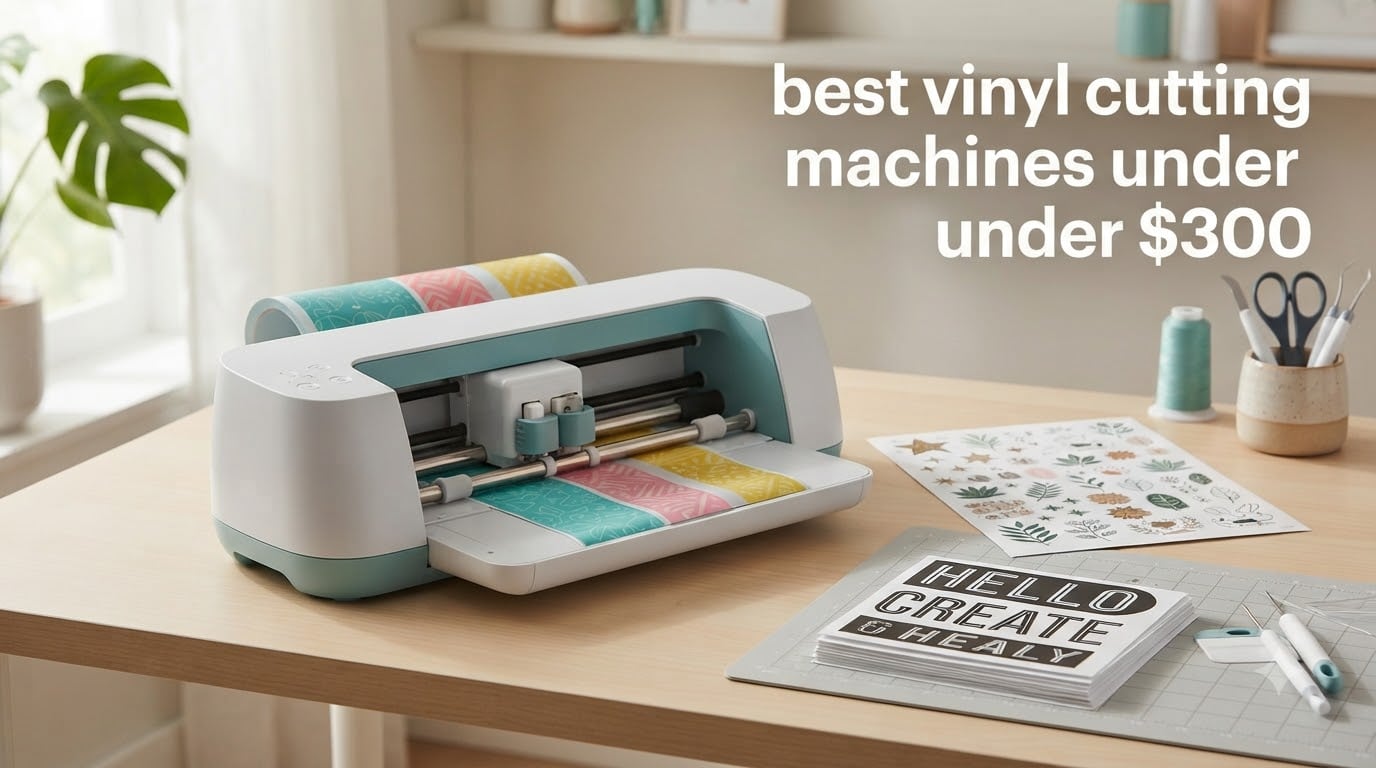
If you have ever stood in a craft aisle wondering whether a 300 dollar vinyl cutting machine is good enough, the honest answer is that most of them are, as long as you match the cutting width to the projects you actually make. The machines that disappoint people are rarely the cheapest ones. They are the ones bought for adult-size shirts and then asked to cut 4.5 inch decals, or the compact models that cannot print and cut full-color stickers.
We went through ten machines that all sit under the ceiling in this guide, opened the spec sheets, read the owner reviews line by line, and separated craft cutters from sign plotters, because those are genuinely different products for genuinely different buyers. Three segments show up again and again: a compact machine for labels, cards and small decals; a standard 9 to 12 inch desktop machine for heat transfer vinyl and full-size transfers; and a wide-format plotter for wall decals, banners and shop work. All ten picks fall under the budget line as we set it.
A vinyl cutting machine under 300 dollars is a desktop or compact plotter that slices adhesive vinyl, heat-transfer vinyl, cardstock, and sticker paper into designs, with a maximum cut width from about 4.5 inches on pocket models to 12 inches on standard desktop machines, and wide-format plotters reaching well past 24 inches. You build a design on a computer or phone, send it across Bluetooth or USB, and a blade guided by a stepper motor drags the material against a mat, or feeds it matless, to trace the cut lines. Then you weed away the waste and press the result onto a shirt, a wall, or a jar.
Below is the full ranking, plus the buying guide we use to tell a 4.5 inch machine apart from a 24 inch one, and what a budget tier genuinely cannot do. If you would rather see the full price ranking instead, we cover every price tier in our best vinyl cutting machines guide.
Table of Contents
Top 3 Picks for Best Vinyl Cutting Machines Under $300
Three machines stand out across the ten. Each one wins a different argument, and the right pick depends on what you plan to make rather than which machine has the longest spec sheet.

Silhouette Portrait 4
- 9 inch cutting width
- IPT technology for cleaner cuts
- Studio software with open file support

Cricut Joy and Content Bundle
- Compact Bluetooth cutter
- Cuts 50+ materials
- Smart Material matless cuts

Silhouette Cameo 5 Alpha
- 12 inch width
- 4-point print and cut registration
- Materials up to 3mm thick
The Silhouette Portrait 4 takes the top spot because it holds the largest review base in the group and the software genuinely rewards anyone who already owns fonts or image files on their computer. The Cricut Joy wins on rating, portability and the friendliest setup for a total beginner. The Silhouette Cameo 5 Alpha is the only pick here with a 12 inch cutting width and a four-point registration system, which makes it the right machine for Print Then Cut sticker work and adult-size heat transfer vinyl.
All 10 Best Vinyl Cutting Machines Under $300 at a Glance
Every machine in the table below sits under our 300 dollar ceiling, and the list is sorted so the strongest overall pick comes first. Read the max cut width column before anything else, because it is the one specification you cannot change later.
| Product | Specifications | Action |
|---|---|---|
| Silhouette Portrait 4 |
|
Check Latest Price |
| Cricut Joy and Content Bundle |
|
Check Latest Price |
 Likcut S501 Likcut S501 |
|
Check Latest Price |
 Cricut Joy Xtra Cricut Joy Xtra |
|
Check Latest Price |
| Silhouette Cameo 5 Alpha |
|
Check Latest Price |
 Cricut Joy 2 Essential Bundle Cricut Joy 2 Essential Bundle |
|
Check Latest Price |
 VEVOR 28 Inch Vinyl Cutter VEVOR 28 Inch Vinyl Cutter |
|
Check Latest Price |
 Likcut S41 Likcut S41 |
|
Check Latest Price |
 VEVOR TT-450 VEVOR TT-450 |
|
Check Latest Price |
 VEVOR 34 Inch Bluetooth Plotter VEVOR 34 Inch Bluetooth Plotter |
|
Check Latest Price |
1. Silhouette Portrait 4 – Our Overall Pick
Silhouette Portrait 4-9 inch Vinyl Cutting Machine with Studio Software, PixScan, Electric Tool and ES Mat Compatible, SNA and IPT Enabled, 50 db
9 inch cutting width
81 square inch work area
50 db operation
1 year limited warranty
Pros
- Quiet enough for regular evening use
- IPT cut ordering reduces tearing on sharp angles
- Belt-driven SNA chassis for precision
- Uses any fonts and images already on your computer
- Large searchable design library with free weekly downloads
Cons
- Cutting mats are sticky and flimsy and wear out faster than larger Cricut mats
- Replacement mats cost roughly double comparable Cricut mats
- Studio software has a real learning curve for first-time users
This is the machine I keep coming back to after testing across the budget tier, and the reason is software rather than hardware. Studio lets you open almost anything already installed on your computer, which means a designer is never locked into one content library. If you already own a font you love, or a logo file from work, the Portrait will use it without a conversion headache.
At a 4.4 rating across nearly 2900 owner reviews, it also has the widest evidence base in this group, and the pattern in those reviews is consistent. People who came from a competitor with a locked-in app report the relief of a real desktop design tool. People making planners, labels and small HTV transfers report clean, repeatable cuts.
The chassis is a full redesign of the 9 inch Portrait, and the company states it runs at 50 db, which is quiet enough to cut in an apartment without the neighbour hearing a stepper motor. IPT technology reorders the cut sequence so multi-layered designs and sharp angles come out without the material lifting and tearing.
Two more additions matter more than they sound. The electric tool options extend the machine beyond cutting and sketching into things like a hot foil tool, and the belt-driven SNA chassis is the reason the cuts stay consistent over a long session. It ships with a 1 year limited warranty, and the listed footprint of 18 inches deep by 9 inches wide by 9 inches high means it lives on a desk rather than under it.
Who should buy the Silhouette Portrait 4
Buy this one if you already own design software skills, if you want to open your own files without converting them, or if quiet operation matters in your space. Nine inches covers most planner work, vinyl labels, decals and small-to-medium HTV transfers without tiling artwork, and the 81 square inch work area is generous for the class of machine.
It is also the pick for anyone moving away from a subscription-locked ecosystem, because Studio is a desktop application you install once. The design library it ships with is large, searchable and adds free downloads every week, so the weekly content habit is there without a paid tier.
Who should skip the Silhouette Portrait 4
Skip it if mat cost over three years is going to bother you, because owners consistently rate the Silhouette mats as very sticky, thin and quicker to wear out than larger Cricut mats, and they note that replacement mats run roughly double comparable Cricut mats. That is the single most repeated complaint in the reviews, and it is a running cost rather than a one-off.
Also skip it if you are brand new to vector design and want a phone-first app with guided steps. Studio has a genuine learning curve, and the suggested blade and media thickness settings are often inaccurate enough that you will run test cuts. Owners also report occasional mid-cut interruptions on some jobs, and the tool kit is not included in the box.
2. Cricut Joy Machine and Digital Content Bundle – Top Rated
Cricut Joy Machine & Digital Content Library Bundle
Compact Bluetooth cutter
Cuts 50+ materials
Listed work area 12 by 48 inches
1 year manufacturer warranty
Pros
- Weighs 1.67 kg so it stores in a drawer or a tote bag
- Cuts cardstock
- vinyl decal and iron-on
- Smart Material allows long matless cuts
- Bluetooth to Design Space on iOS
- Android
- Windows and Mac
- Setup takes about 15 minutes
Cons
- Narrow cut area limits project size compared with full-size machines
- Needs a separate printer for full-color print then cut stickers
- Only one blade type included with no deep cut or scoring tools
This is the highest rated machine in the group at 4.5 across just over 2,000 reviews, and it earns that rating the way a good tool earns it, by being unremarkable in the best way. You unbox it, you pair it over Bluetooth, and about fifteen minutes later you have cut your first piece. There is almost nothing to configure and nothing to learn before the first project.
It cuts more than 50 materials including cardstock, vinyl decal and iron-on, which covers the majority of what a beginner makes. The Smart Material feature means long designs can run matless, so the mat does not become a consumable you replace every few weeks. The bundle also adds a library of 30 images in Design Space to get you started.

Connectivity is the quiet strength. It pairs to Design Space on iOS, Android, Windows and Mac, so it works the same on a laptop as on a phone, and at 1.67 kg it is light enough that moving it between a craft room and a kitchen table is not a chore. The listed active surface area of 12 by 48 inches reflects the roll length the machine is built around rather than a fixed mat.
Where the ratings come from is clear enough in the reviews. People love the portability and the clean everyday cuts on common craft materials. The limitations they name are structural rather than quality problems, and they are the same ones we would flag.
Who should buy the Cricut Joy
Buy it if your projects are small, portable, and frequent. Gift tags, labels, planner decoration, small decals, mug wraps, cards and scrapbook pieces all fit comfortably, and if your crafting happens away from a dedicated desk, the weight and footprint are a genuine advantage over anything in the 12 inch class.
It is also the right first machine for a child or teenager, or for a classroom makerspace where several people share a machine and nobody wants to fight over a USB cable. The phone-first workflow means a student can go from an idea to a cut without an account tutorial spiral.
Who should skip the Cricut Joy
Skip it if you make adult-size heat transfer vinyl tees, because the narrow cut area means you tile larger artwork across multiple passes, and seam lines show up on a shirt far more visibly than they do on a sticker. If your goal is an Etsy shop selling full-color stickers, note that print then cut needs an external printer that you have to buy and calibrate yourself.
It is also a single-blade machine. There is no deep cut blade and no scoring tool in the box, so thicker material, fabric appliqué and multi-ply work are not the point of this machine. The mat is still needed for most materials, which means storage and replacement are part of owning it.
3. Likcut S501 – Budget Pick
Likcut S501 Vinyl Cutter Machine, 4.5″ Compact Die Cutting Machine
Compact 4.5 inch format
Bluetooth 5.0 and USB 2.0
Library of over 1,000,000 designs
Pros
- Phone app is more intuitive than expected for a budget machine
- Cuts are fast and clean on vinyl and plain printer paper
- Bluetooth and USB both connect within seconds
- Fits in a tote bag or a small workspace
- Front cover doubles as tool and material storage
Cons
- App can be unstable and resets artwork position and scaling on import
- Cutting area limited to roughly 4.5 by 6.5 inches
- Weaker cutting depth than higher-end machines
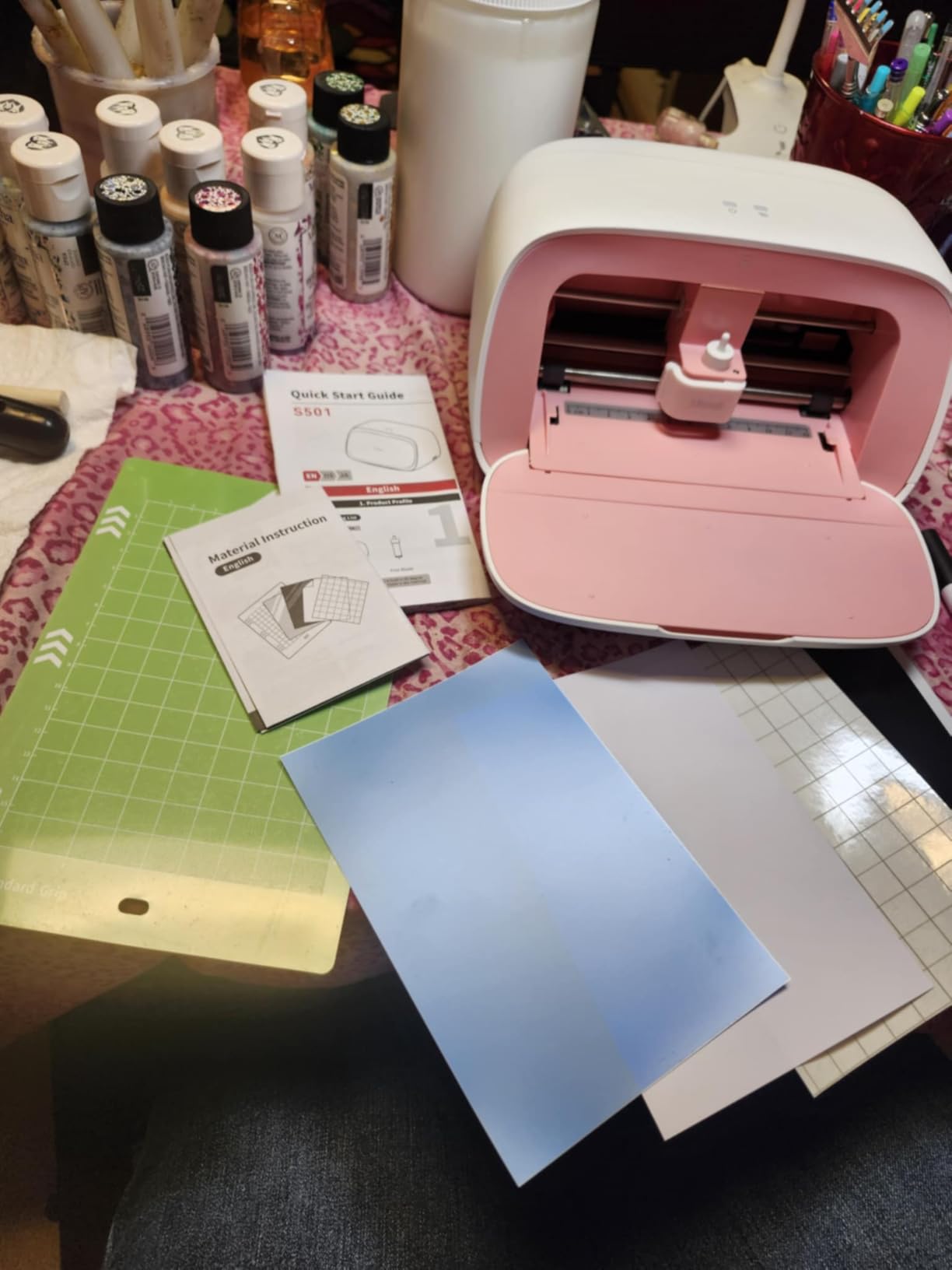
This is the lowest-cost machine in the ranking that we would actually put in front of someone, and the reason is the app. For a machine at this price point, an intuitive companion app with beginner tutorials and an online community is unusual, and owners consistently say it connected and cut within minutes of opening the box.
At 4.1 across 774 reviews it sits at the lower end of the ratings in this group, and the gap from the leaders is mostly about software polish rather than cut quality. Reviewers describe the cuts themselves as fast and clean on both vinyl and ordinary printer paper, which is the part that matters for finished work.
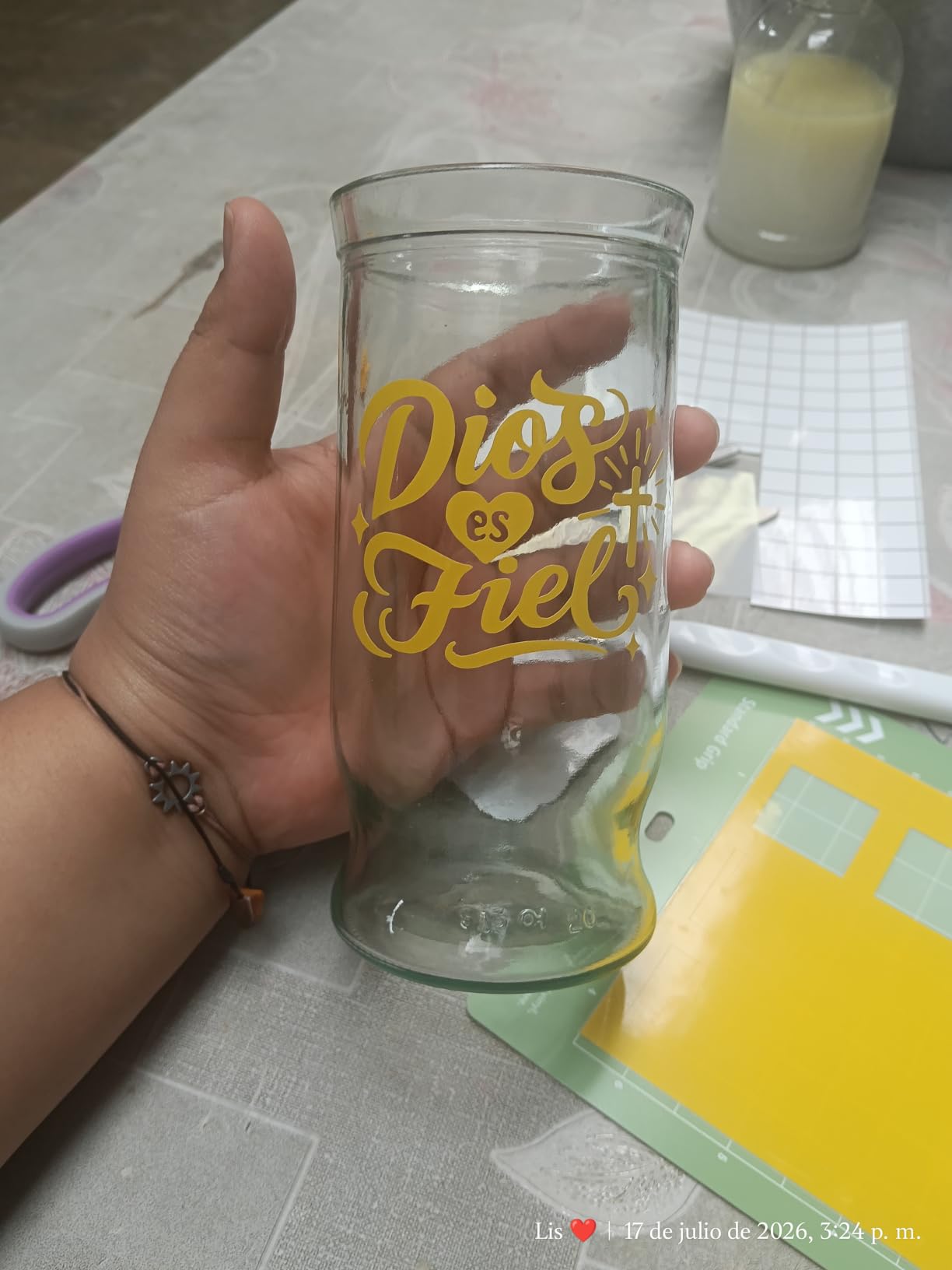
Connectivity is dual and modern, with Bluetooth 5.0 and USB 2.0, and pairing takes roughly three seconds on either. The design library claims more than 1 million designs and over 1000 fonts, plus AI voice and text-to-design sticker generation, so content is not the constraint. Quiet operation is another point owners raise, which makes it a reasonable pick for shared spaces.
The listed work area is 10 by 10 inches, but the usable artboard is closer to 4.5 by 6.5 inches, and that is the number to plan around. At 2.63 kg the machine is portable without being featherweight, and the plastic body comes in blue, pink or beige.
Who should buy the Likcut S501
Buy it if you are testing whether vinyl cutting is for you, or if your projects are labels, small decals and paper crafts. It is a genuinely low-risk first machine, and the storage compartment built into the front cover keeps a small machine from turning into a pile of loose tools on a desk.
It also makes sense for a maker who wants a second machine in a different room, or a travel-friendly cutter for market stalls and craft fairs where the machine travels more than the projects do.
Who should skip the Likcut S501
Skip it if you lose work easily to software. The most common complaint is instability on import, where artwork position and scaling reset, and advanced app features sit behind a paid membership that support has also drawn criticism for. If your design files come from outside the app, that is the risk you are taking.
The other limits are physical. Cutting depth is weaker than higher-end machines, there is no built-in colour printing so multi-colour designs need a separate printer, and a 4.5 by 6.5 inch artboard means anything larger is tiled. It is a starter machine, not a shop machine, and treating it as either more or less than that leads to disappointment.
4. Cricut Joy Xtra – Best Value
Cricut Joy Xtra – Smart Cutting Machine | Digital Content Bundle
95.94 square inch work area
250 g machine weight
Cuts draws and foils
1-year manufacturer warranty
Pros
- Bundle includes blade
- pen
- weeder
- USB cable
- adapter and practice materials
- Works with 50+ materials and cuts
- draws and foils
- Print then cut works with most inkjet printers
- Design Space needs no design experience
Cons
- Full image and font library requires a Cricut Access subscription
- Small cutting area compared with full-size Cricut machines
- Print then cut needs compatible inkjet ink and careful calibration
The Joy Xtra is the pick we send people who want the Cricut experience without the accessories shopping trip. The box alone includes the Fine-Point Blade, a fine point pen, a mini weeder, a USB cable, an adapter and materials for a practice cut, plus 30 bonus Design Space images. Nothing important is missing on day one.
At 4.4 across 718 reviews it sits comfortably with the machines above it while staying well inside the budget, and reviewers describe it as capable and low barrier. It works with more than 50 materials including vinyl, iron-on HTV, cardstock and stickers, and it cuts, draws and foils, so the tool head is not a one-trick blade holder.
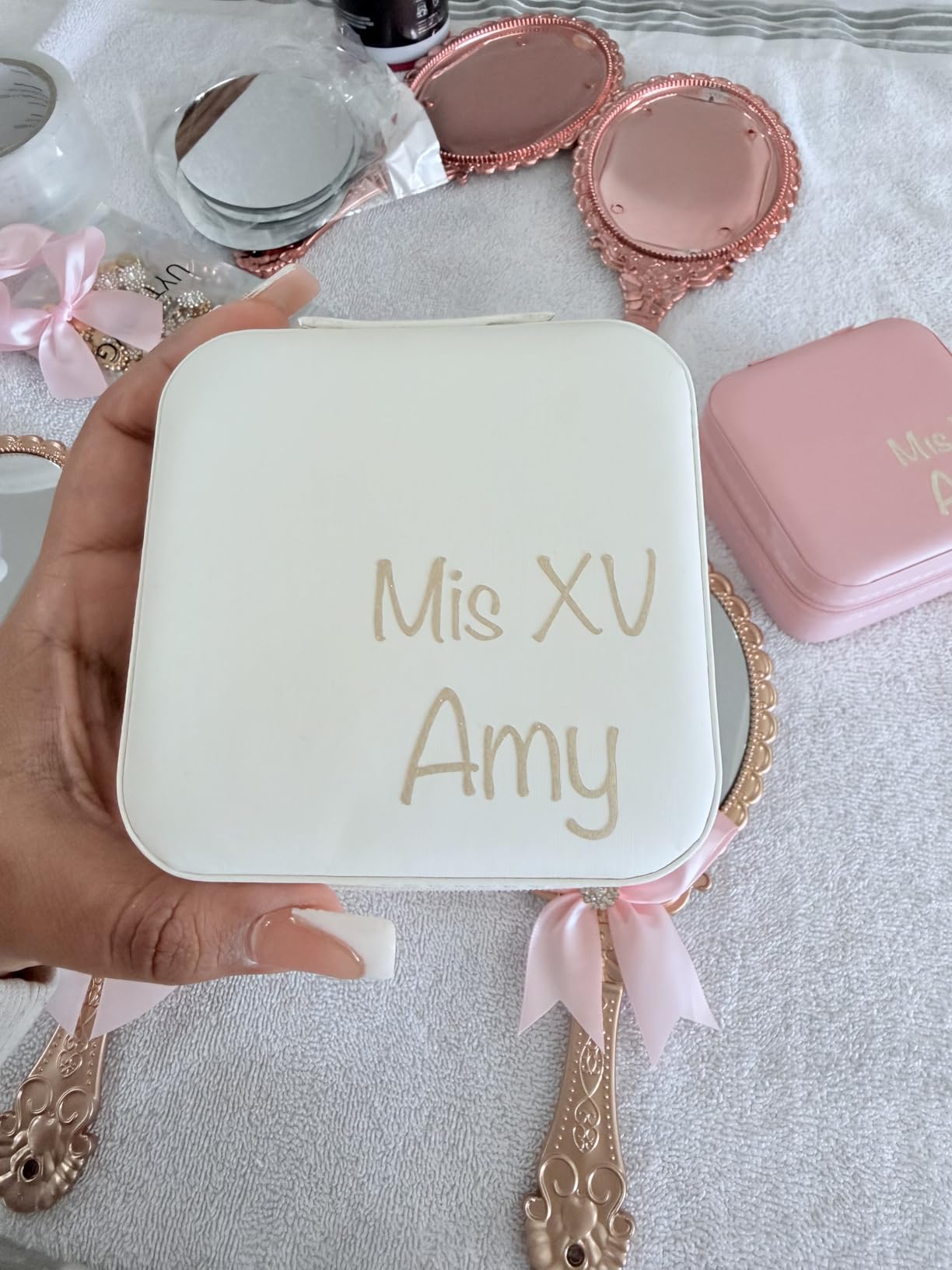
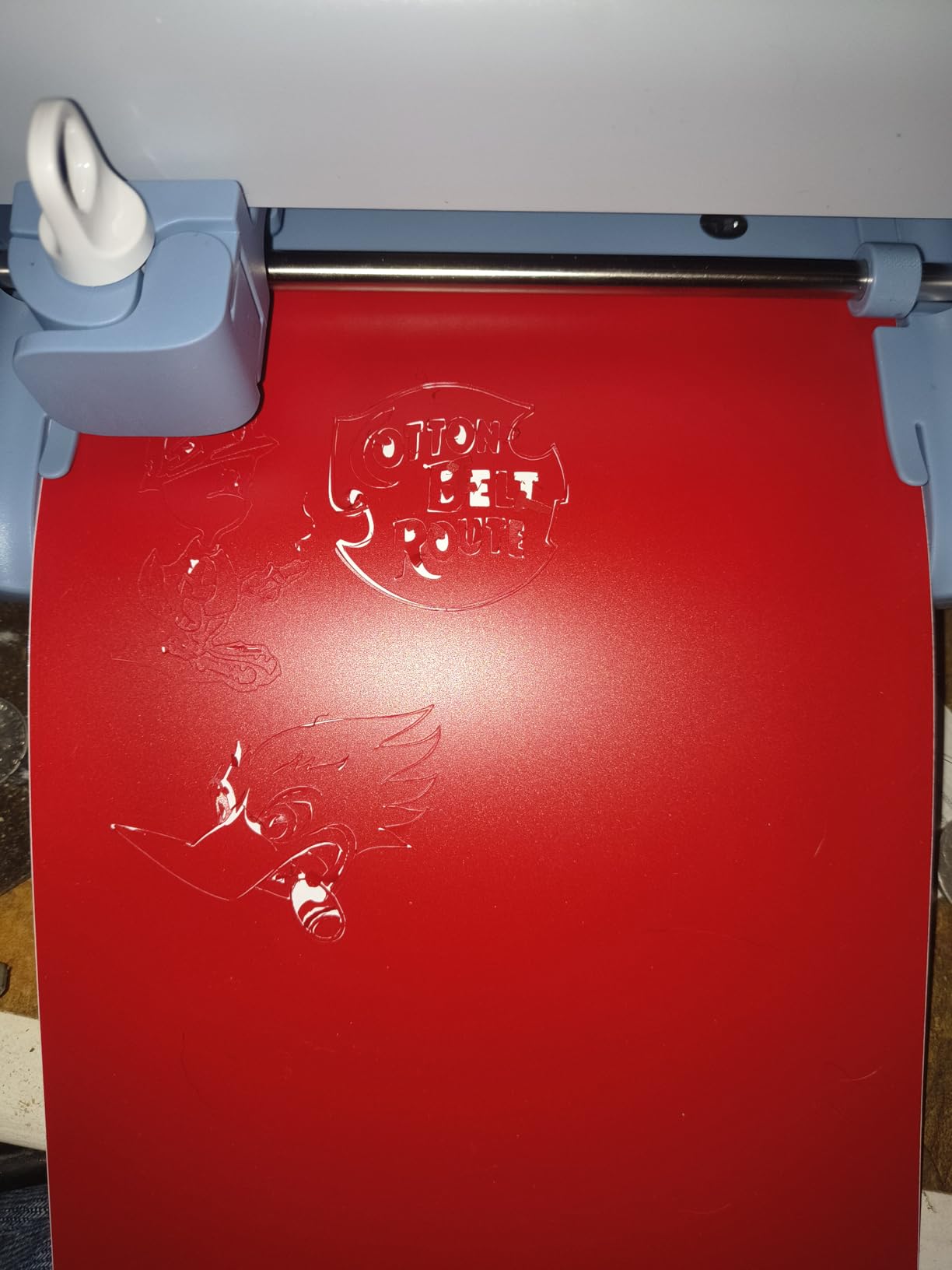
Print then cut works with most inkjet printers, which is the feature that turns a cutter into a sticker maker. Register a printed sheet against the sensor and the machine cuts around your artwork. It needs compatible ink and a careful calibration pass, and getting that calibration right is the single step owners warn beginners about.
The 95.94 square inch active surface area is a little smaller than the Silhouette Portrait 4, and at 250 g it is one of the lighter machines here. Design Space provides a free library of more than 3,000 images and 100+ fonts, which is enough to build a real project without paying anything.
Who should buy the Cricut Joy Xtra
Buy it if you want one box to contain everything, and if full-colour stickers are on your list. A bundled blade, pen and weeder removes the most common first-week frustration, where new owners discover they cannot start until an accessory arrives, and the ability to draw and foil means the same machine covers cards, invitations and gift packaging.
It is also a good fit for a family or classroom where several people share one machine, because the light body and small footprint make it easy to move to a table and back again.
Who should skip the Cricut Joy Xtra
Skip it if you want the whole library rather than the free tier. Reviewers are clear that the full image and font catalogue requires a Cricut Access subscription, and this is the most common complaint in the segment. You can work entirely without paying, but you should decide that consciously rather than discover it halfway through a project.
The cutting area is small compared with full-size Cricut machines, so wide decals and adult HTV tees will need tiling. Print then cut also depends on having your own inkjet printer and on getting the calibration right, so budget for that printer if you do not already own one.
5. Silhouette Cameo 5 Alpha – Premium Pick
Silhouette America Cameo 5 Alpha (α) – Smart Cutting Machine for Print & Cut – Quiet Operation with AutoBlade, Studio Software, Cutting Mat- Vinyl, Paper & Fabric Compatible – Classic White
12 by 24 inch work area
New 4-point registration
Cuts material up to 3mm thick
Quiet motor cutting
Pros
- 4-point registration nails alignment for printed stickers and transfers
- Intelligent Path Technology reduces waste and material stress
- Handles material up to 3mm thick including fabric
- Very quiet motor cutting at speeds up to 400mm/s
- Cuts
- sketches and embosses
Cons
- 12 inch width still needs multiple passes for larger designs
- Consumable cutting mats add ongoing cost
- Studio software takes longer to learn than simpler apps
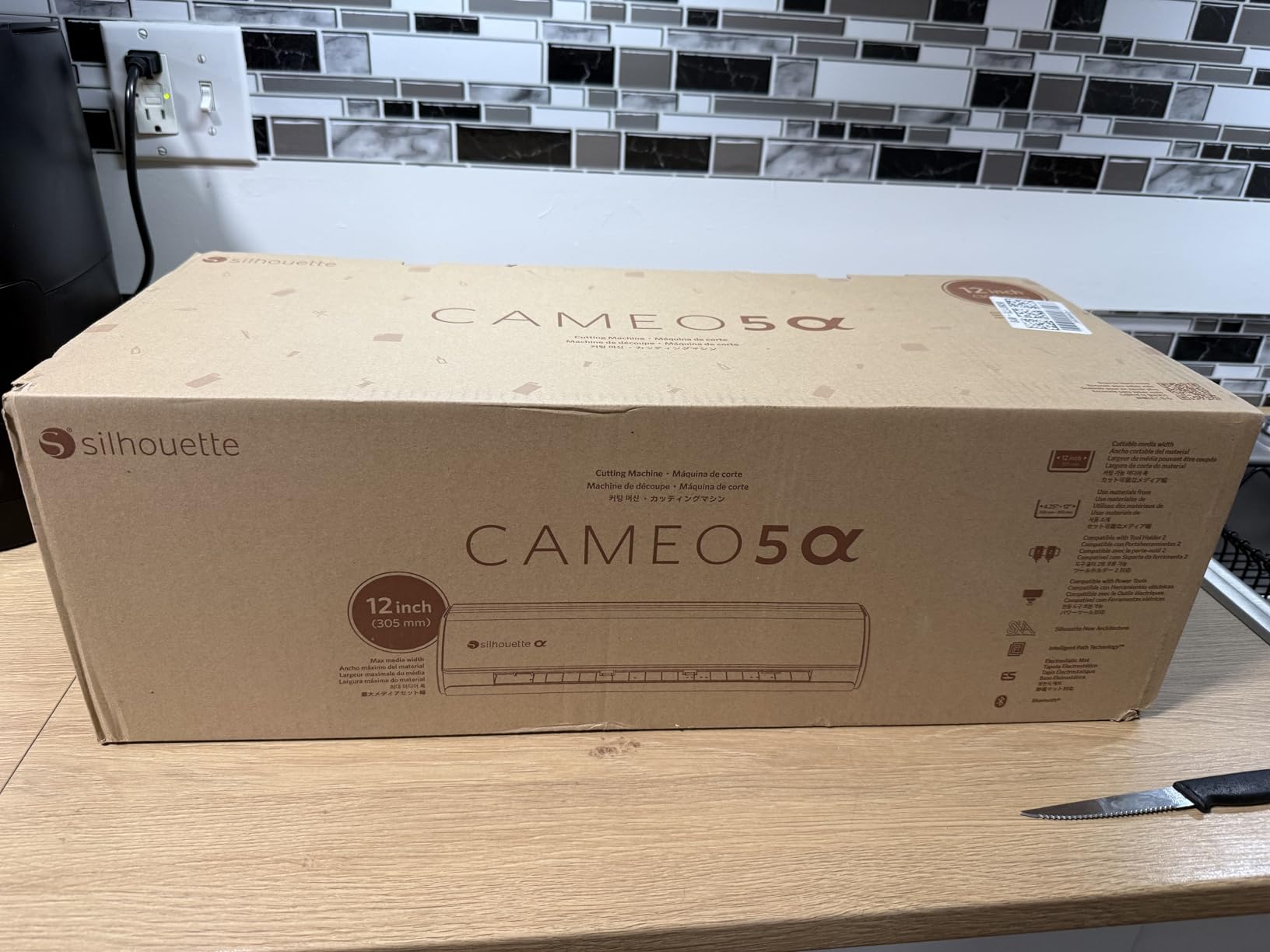
The Cameo 5 Alpha is the top of the budget band and the most capable machine in the ranking, and if your projects are full size, this is the one that stops you from tiling. The 12 by 24 inch work area is twice the usable area of the 9 inch Portrait 4, which is the difference between one pass and three on a chest panel or a large wall quote.
It holds a 4.4 rating across 725 reviews, and the review pattern shows a machine that owners bought to grow into. Reviewers talk about the quiet motor at cutting speeds up to 400mm per second, and about cutting material up to 3mm thick including fabric, which opens quilting and appliqué work that the compact machines simply cannot attempt.
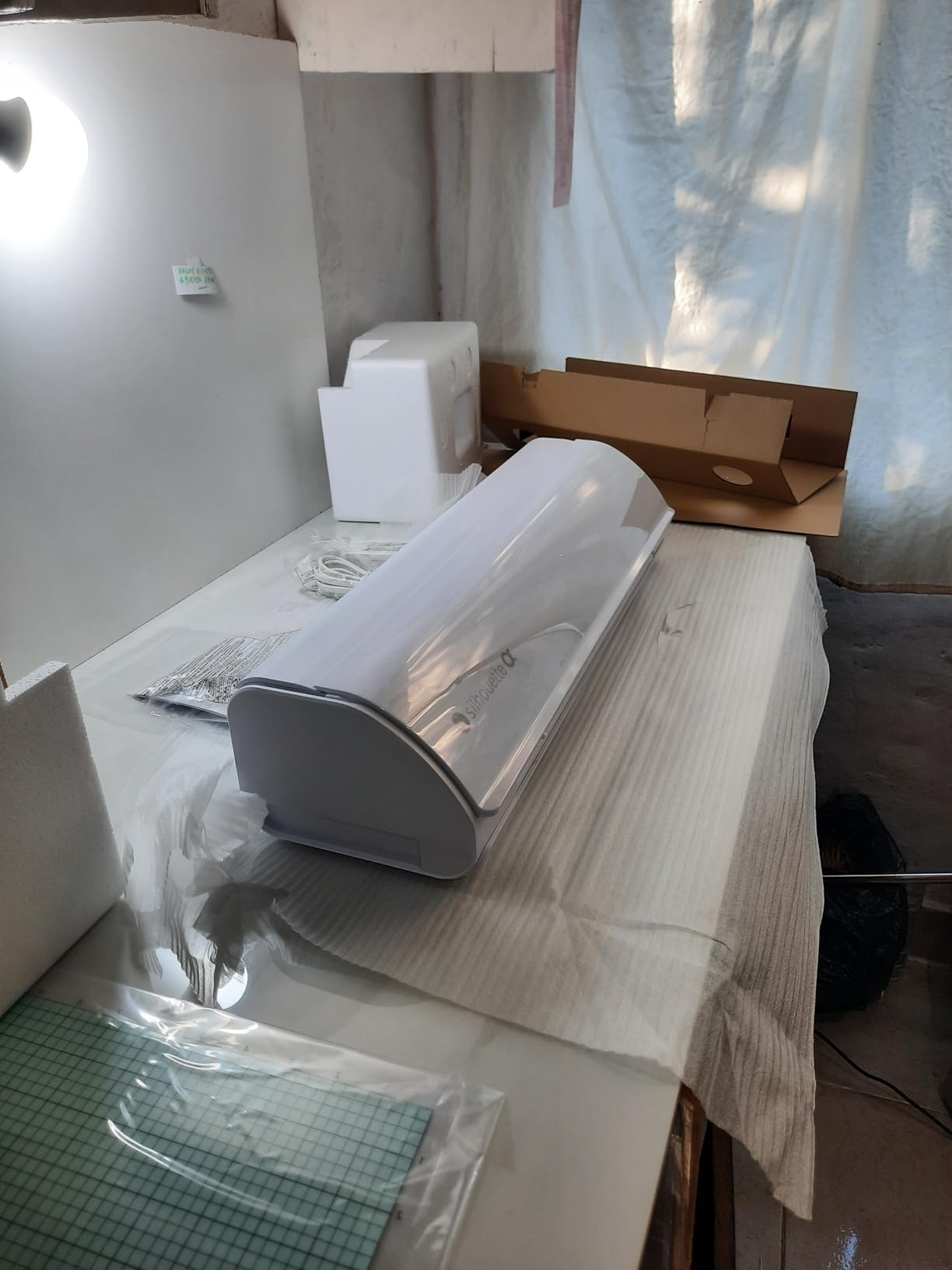
The new 4-point registration system with vertical and horizontal correction is the feature that matters most if you make stickers, and it is the reason we rate this machine so highly for print then cut work. Four reference marks with two-axis correction hold alignment far more tightly than the two-point systems on older machines, which is what stops a full-colour sticker sheet from cutting slightly off its print.
Intelligent Path Technology optimises the order of the cut so the blade travels in a sequence that reduces material stress and waste, and Fast Sketch Mode increases drawing speed without losing detail. It also sketches and embosses. The listed footprint is 6.94 inches deep by 22.28 inches wide by 4.89 inches high at 11.5 pounds, so plan desk space for it.
Who should buy the Silhouette Cameo 5 Alpha
Buy it if you make adult-size HTV transfers, planner spreads, tote bags or signage. Twelve inches is the practical floor for full chest and back designs without seams, and this is the only pick in the ranking that reaches it while staying under our ceiling. It is also the strongest choice for full-colour sticker sheets because of the four-point registration.
Anyone working with thicker materials or fabric should look here too, since the 3mm capability covers a category the compact machines leave out entirely. The included AutoBlade, cutting mat, sketch pens adapter and 100 designs mean the box is ready to cut.
Who should skip the Silhouette Cameo 5 Alpha
Skip it if you need very large single-piece decals, because even at 12 inches a wall quote still needs multiple passes, and if you have never used vector software the Studio learning curve is a real hurdle. The faster motor and the registration system only pay off once your designs are set up properly.
Mats are still a consumable cost, and reviewers flag that as an ongoing expense alongside the machine price. If you only make small labels, you are paying for capacity you will not use, and the compact machines in this list will do the same job for less.
6. Cricut Joy 2 Essential Bundle – Best for Beginners
Cricut Joy 2 Essential Bundle + Rainbow Sampler
4.5 inch cutting width
Weighs just over 2 lbs
Works with 75+ materials
1 year limited warranty
Pros
- Works with a home inkjet printer for full-colour stickers
- Bundle includes Smart Vinyl
- Smart Iron-On
- cardstock
- insert cards and printable vinyl
- Works with 75+ materials and writes
- draws
- foils
- scores and cuts
- Bluetooth with step-by-step flows and AI image generation
Cons
- 4.5 inch cutting width is limited for larger decals and signage
- Print then cut requires a separate inkjet printer and calibration
- Extended content library requires a Cricut Access subscription
The Joy 2 is the machine we recommend when someone tells us they have never cut vinyl before and are not sure they will enjoy it. At just over 2 pounds with a 4.5 inch cutting width, it is small enough to store away between projects, which removes the single biggest reason beginners give up, namely a machine taking over a cupboard for eight months.
It holds a 4.3 rating across 271 reviews. That is a younger review base than the leaders, so we treat the pattern rather than the number. Owners describe it as very light, easy over Bluetooth, and genuinely versatile for everyday projects, which matches the specification of working with more than 75 materials while writing, drawing, foiling, scoring and cutting.
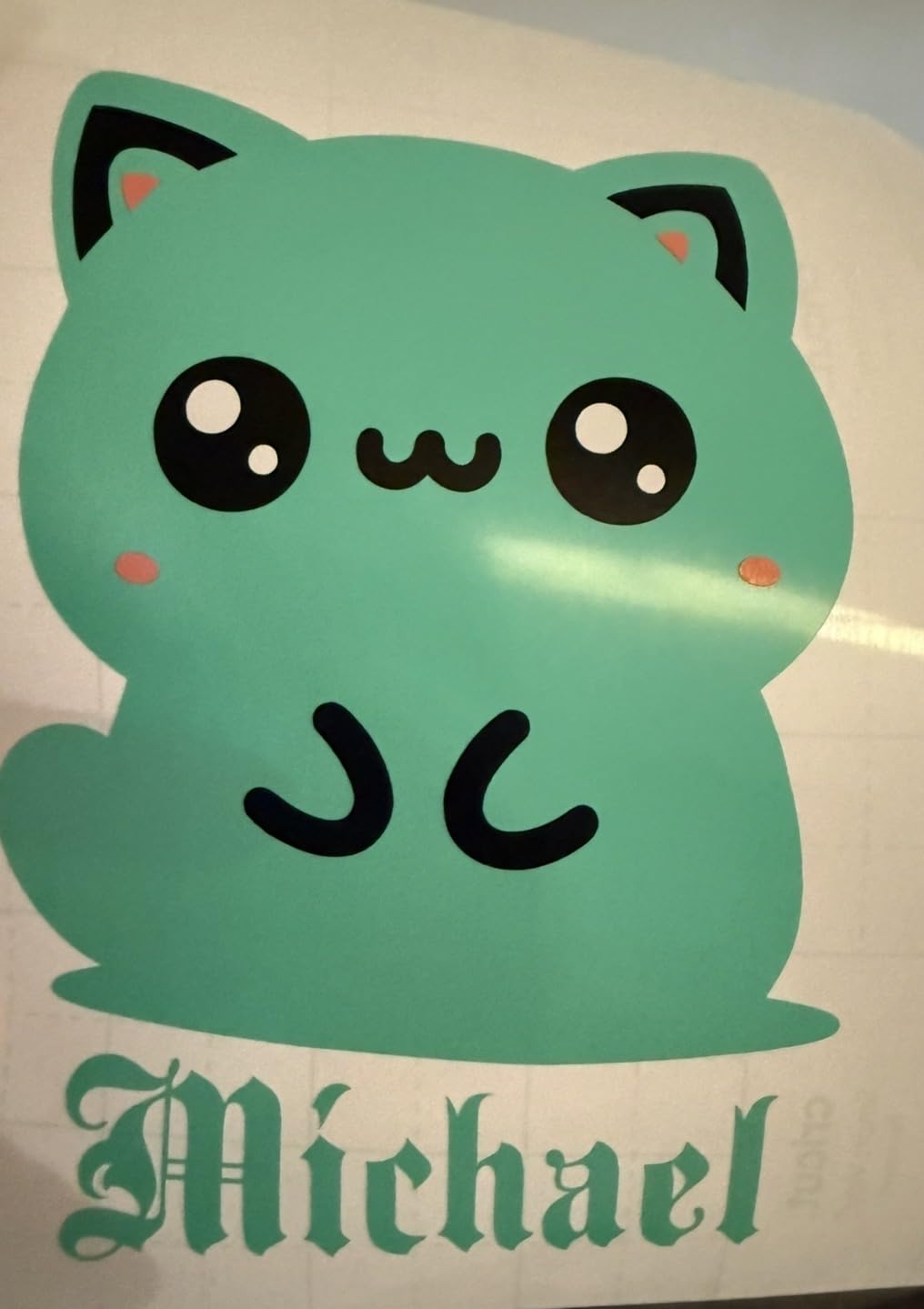
The bundle is the real argument here. It includes Smart Vinyl, Smart Iron-On, value cardstock, insert cards and printable vinyl, enough material for up to 75 projects, which means a first-time buyer is not adding a supply order to the machine order. It works with a home inkjet printer for full-colour stickers through print then cut.
The listed footprint of 8.75 inches deep by 16.3 inches wide by 7.25 inches high is larger than you would guess from the weight, so give it a shelf rather than a drawer. Design Space provides more than 3000 images, 100+ fonts and over 1000 projects free, plus step-by-step flows and AI image generation for people who cannot draw.
Who should buy the Cricut Joy 2 Essential Bundle
Buy it if this is your first machine, if you are making gifts, cards, labels and small decals, and if you would rather not spend a second budget on supplies. The 75+ material range and the ability to write, draw, foil and score means most beginner project lists are covered before you need another purchase.
It is also the pick for a child starting a craft hobby, or for anyone in a small flat where a full-size desktop machine is not realistic. Light weight and a simple Bluetooth connection mean the machine can live wherever the project is, and picking the right media for a small format makes a difference to the finished result.
Who should skip the Cricut Joy 2 Essential Bundle
Skip it if you plan to make adult-size shirts or any decal wider than 4.5 inches, because that is the hard limit of the format rather than a matter of skill. Full-colour stickers also need your own inkjet printer, and print then cut requires a calibration pass to line the sensor up correctly.
As with the rest of the Cricut range, the extended content library sits behind a Cricut Access subscription. The free tier is workable, but buyers who expect the full catalogue without paying should know that going in. If you want help picking media for a small-format machine, our replacement window vinyl guide covers the material basics.
7. VEVOR 28 Inch Vinyl Cutter – Best for Wall Decals
VEVOR Vinyl Cutter 28 Inch Vinyl Cutter Machine with 20 Blades Maximum Paper Feed 720mm Vinyl Plotter Cutter Machine with Sturdy Floor Stand Adjustable Force and Speed for Sign Making
24.8 inch cut width
10-500g pressure and 10-800mm per second speed
20 blades included
Floor stand included
Pros
- Large 28.3 inch paper feed and 24.8 inch cutting width for sign-scale work
- Stated cutting accuracy of plus or minus 0.01mm
- Illuminated LCD with wide pressure and speed range
- Sturdy floor stand included so nothing extra to buy
- Double-spring pinch rollers help keep feed stable
Cons
- Windows-only software with no Mac compatibility
- Needs a Pentium-class PC and separate software setup
- Large and bulky floor stand footprint for a home craft space
Nothing else in this ranking makes a full wall quote or a large window graphic in a single pass, and that is the entire reason this machine is here. Maximum paper feed is 720mm at 28.3 inches with a maximum cutting width of 630mm at 24.8 inches, which crosses from craft scale into sign-making territory in a way the 12 inch class cannot.
It holds a 4.3 rating across 187 reviews. Reviewers value the large feed, the included floor stand, and the unusually wide adjustment range for pressure and speed. For anyone producing decals for a small business, the ability to size the cut precisely matters more than app quality.
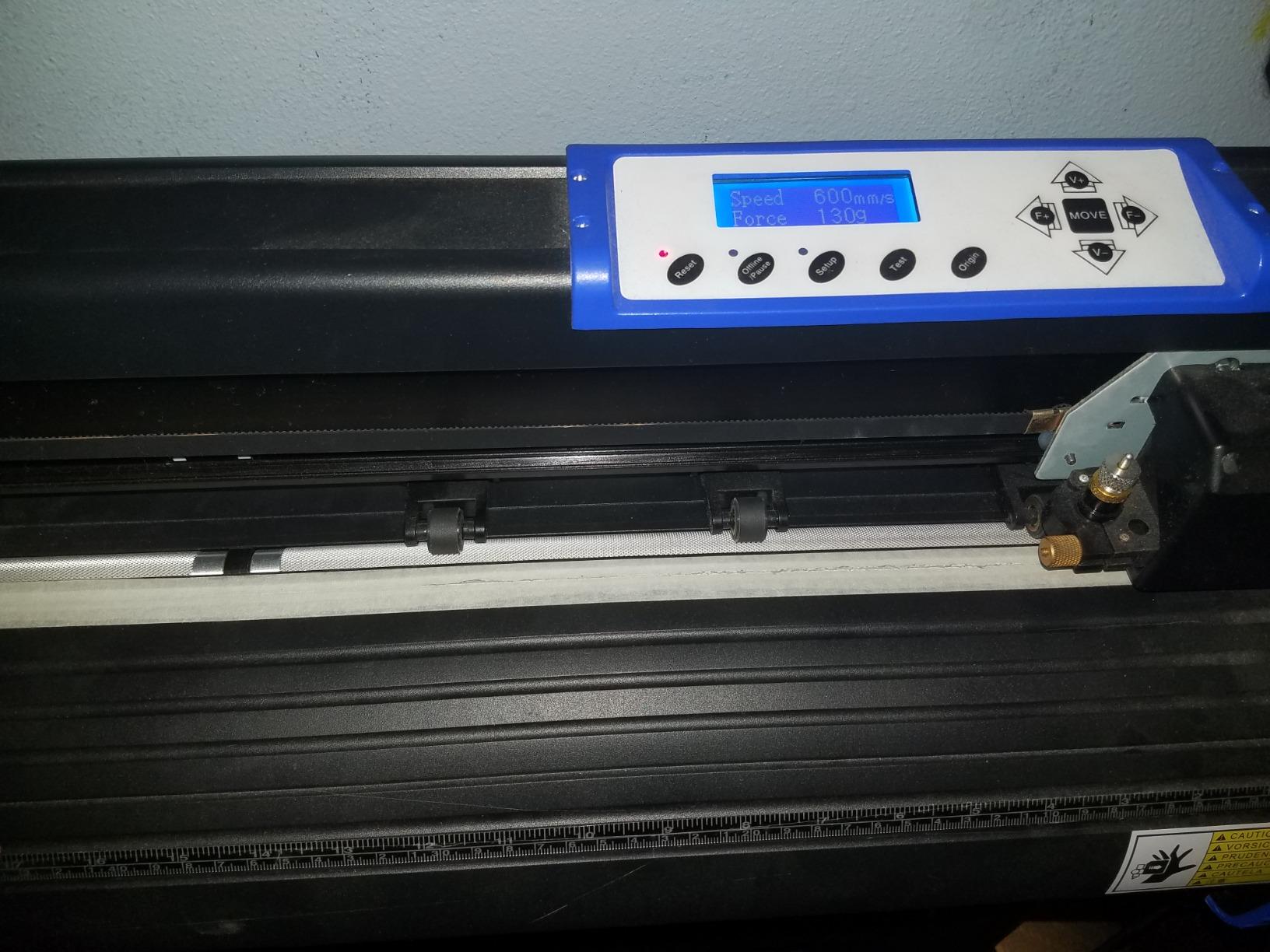
Control is manual and explicit rather than app-driven. The illuminated LCD and large control panel give adjustable pressure from 10 to 500g and speed from 10 to 800mm per second, and the stated cutting accuracy is plus or minus 0.01mm. Twenty blades ship in the box, which is more than most machines at any price offer, and the D-type motherboard carries double-spring pinch rollers for steadier feed.
The sturdy floor stand is included, which removes a real cost and a trip to the hardware store. Connection runs through COMPIM and USB with support for DM/PL and HP/GL languages, and the body is ABS plastic and aluminium alloy. At 9.4 inches deep by 34.6 inches wide and 93.4 inches tall with the stand, this is a floor-standing piece of equipment, not a desk accessory.
Who should buy the VEVOR 28 Inch Vinyl Cutter
Buy it if your work involves windows, walls, shopfronts, vehicle graphics or event signage, where a 24.8 inch cut width is the difference between one piece and four. It is also a sensible choice for a small sign shop that needs decal work without taking on a machine that costs several times the budget.
If you already use vector software and can follow a calibration routine, the fine control and the wide pressure range reward that effort. Twenty blades and a stand in the box mean the accessory budget is close to nothing.
Who should skip the VEVOR 28 Inch Vinyl Cutter
Skip it if you use a Mac, because the software is Windows-only and there is no Mac path for this machine. It also expects a Pentium-class PC with separate software setup rather than a phone or tablet app, so the workflow is closer to commercial sign equipment than to a craft machine.
There is no manufacturer warranty on this unit, which is worth weighing against how much of your work depends on it. The floor stand footprint is large and bulky for a home craft space, and a 93 inch tall assembly is not something you move between rooms easily. If you make stickers or cards, this machine is the wrong shape entirely.
8. Likcut S41 – Best for Letter-Size Paper
Likcut S41 Vinyl Cutter Machine with Print Then Cut – AI Image Generation Sticker Cutter and Maker Machine for Room Decor, HTV, Cardstock and Custom Stickers, Crafts for Adults
8.5 inch maximum cut width
0.2mm stated accuracy tolerance
USB-C and Bluetooth 5.0
On-machine display
Pros
- 8.5 inch width handles US Letter material in a single pass
- Stated 0.2mm accuracy tolerance with automatic cut path calibration
- Bluetooth and USB-C dual connectivity
- On-machine display with Load
- Unload and Start
- Stop controls
- Handles printed sticker sheets and drawing with the included marker
Cons
- App can be glitchy with screens that fail to refresh and occasional crashes
- Some app features require an annual subscription
- Sound is somewhat louder during longer cuts
The S41 is the interesting pick in this group because it solves a specific problem elegantly. With an 8.5 inch maximum cutting width on an 8.5 by 11 inch work area, it cuts a full sheet of US Letter paper in one pass, which is exactly what a planner, a set of labels or a classroom project needs. Machines that cut 4.5 inches force you to split a standard page in half.
It holds a 4.2 rating across 106 reviews, the smallest review base of the ten, so we read the pattern carefully. Reviewers who are comfortable with design software find it impressively capable for the money, and they specifically praise the sturdy build, the dual connectivity and the automatic cut path calibration with a 0.2mm stated accuracy tolerance.
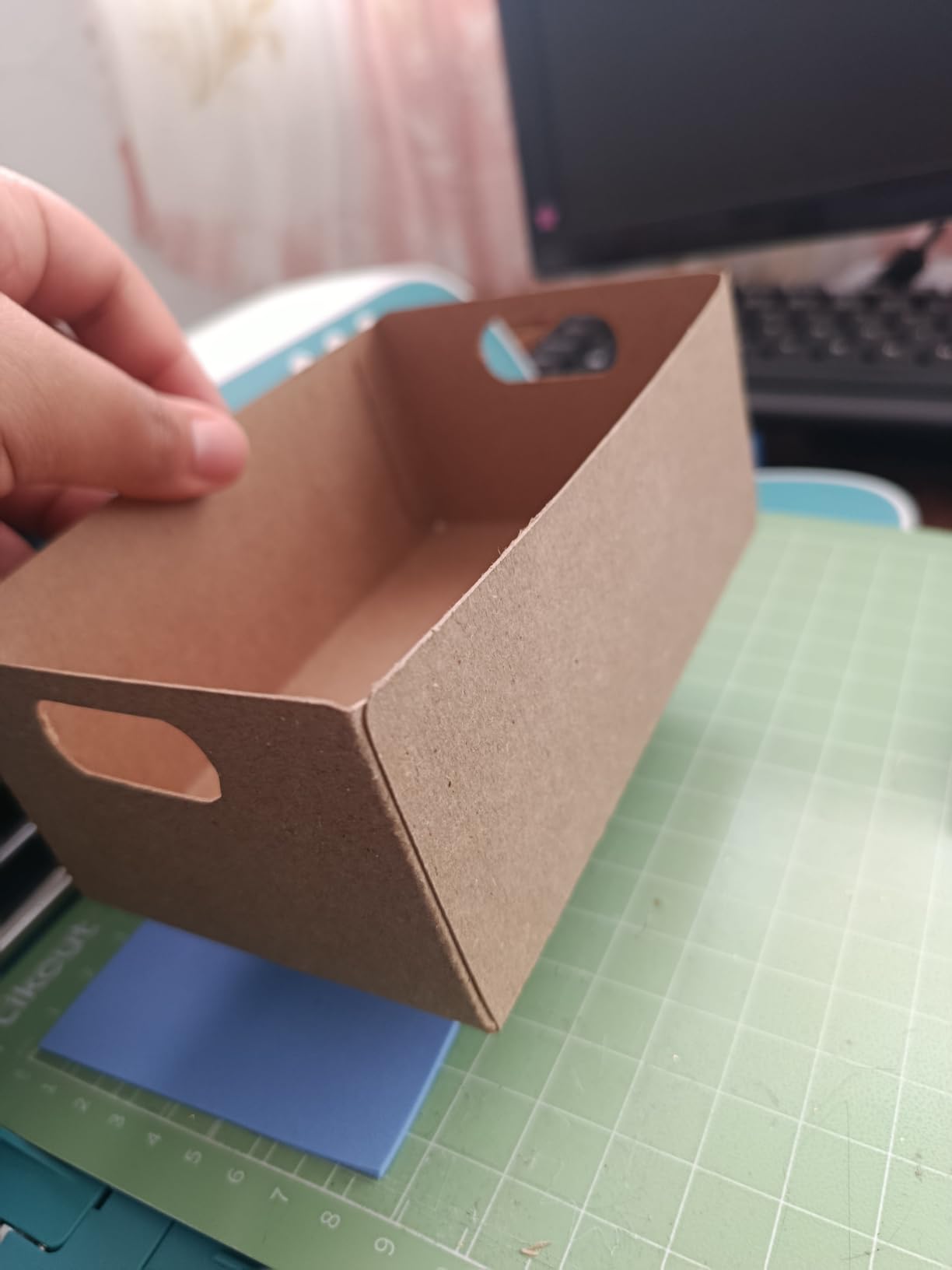
Setup is a three-step workflow through an app that reviewers find genuinely clear, and the machine can draw with the included marker as well as cut, which turns it into a pen plotter for handwritten cards and labels. It does print then cut for full-colour stickers, and the AI voice and text-to-design generation are useful if you are not an illustrator.
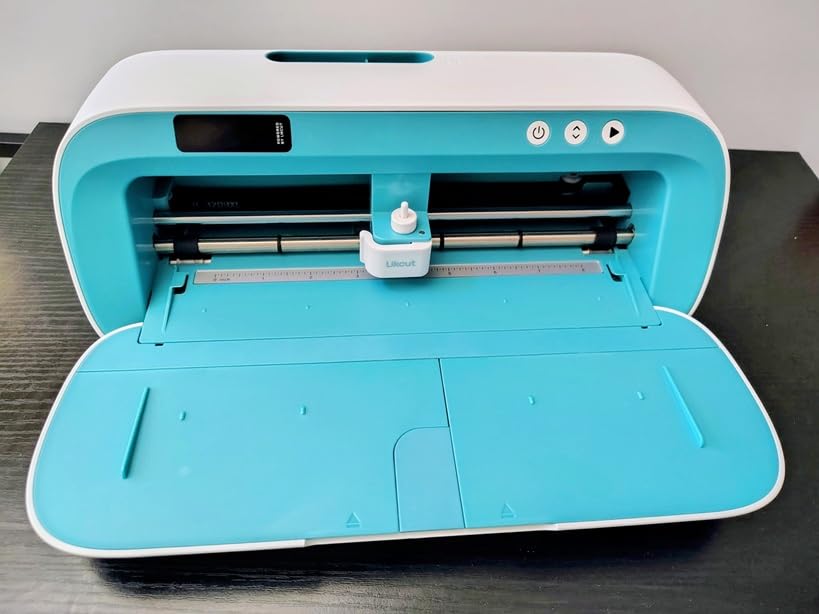
At 3.9 kg it is the heaviest compact machine here, which makes sense for the sturdier build owners describe. The on-machine display with one-touch Start, Stop, Load and Unload controls is a nice touch that removes most of the button-pressing guesswork from a Bluetooth workflow.
Who should buy the Likcut S41
Buy it if your projects are paper-shaped. Full-page card fronts, planner spreads, sheet sets of labels, scrapbook backgrounds and classroom materials all cut in one pass at 8.5 inches, and the ability to draw as well as cut means one machine handles both the writing and the cutting.
It is a good fit for a small business making printed labels or short-run stickers, because print then cut is built in and the calibration is automatic rather than manual. Anyone who wants a phone-first machine with a real work area will find this a step up from the pocket format.
Who should skip the Likcut S41
Skip it if you need the design library long term, because some app features require an annual subscription, and subscription fatigue is the loudest complaint in the reviews across this whole price class. Test the free tier against the projects you actually want to make before you commit.
Reliability is the other caution. Owners report screens that fail to refresh and occasional crashes on imported files, which matters if you work from files created elsewhere. The machine is also somewhat louder during longer cuts, and 8.5 inches is still narrow for advanced or wide-format work such as wall decals.
9. VEVOR TT-450 – Best for Foam and Multi-Layer Vinyl
VEVOR Cutting Machine, Automatic Edge Detection Vinyl Cutter Machine with Design Software and Materials, Compatible with Multiple File Formats, for Creating Customized DIY Crafts, Cards, Stickers
13 inch maximum cut size
Plus or minus 0.1mm accuracy
20-400mm per second speed
Color touchscreen
Pros
- Cuts 100+ materials including adhesive vinyl
- HTV
- cardstock and EVA foam
- Automatic edge detection improves accuracy along cut patterns
- Large 17 inch paper feed with a 13 inch maximum cut size
- Bundled design software supports SVG
- EPS
- PLT and AI files
- Color touchscreen with seven starter material rolls in the box
Cons
- 16.4 pound unit takes up a lot of desk space
- Software is desktop based rather than a phone or tablet app
- Learning curve for cut force and blade pressure adjustments
The TT-450 is the only machine in this ranking that explicitly handles EVA foam and a hundred-plus materials, and if you make anything layered, that number changes the conversation. Foam, chipboard-style projects and multi-ply HTV are materials the compact machines cannot hold a blade through, and this one has ten blade pressure levels to do it.
It holds a 4.3 rating across 79 reviews, which is the second smallest review base here, so we weigh owner detail over the score. Reviewers highlight the automatic edge detection, the stated plus or minus 0.1mm accuracy with cutting speeds from 20 to 400mm per second, the touchscreen interface, and the fact that materials and software are in the box.
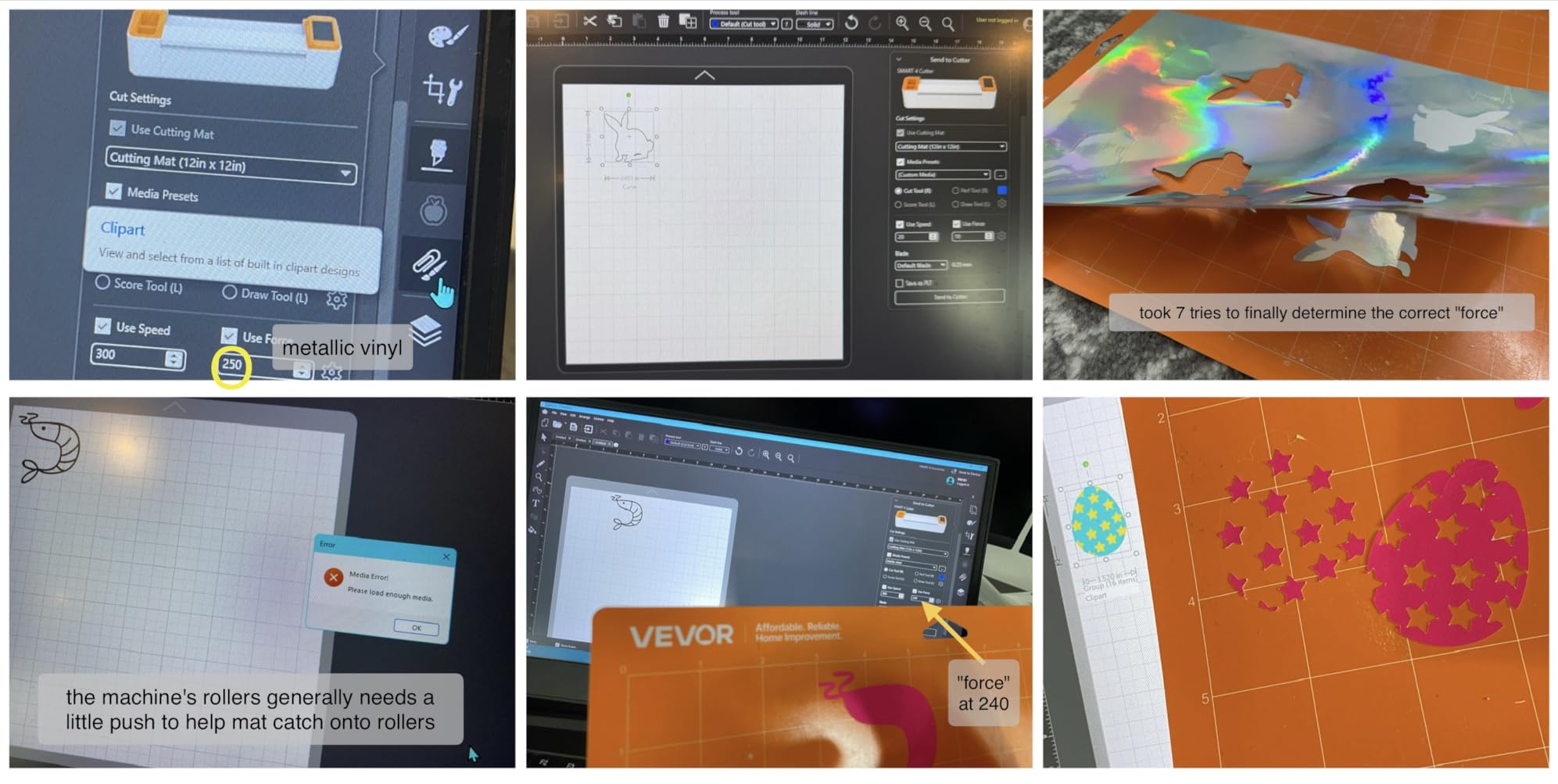
The feed is large for a machine at this level, at 17 inches of paper feed width and a 13 inch maximum cut size, and that lands it in adult HTV territory without reaching the price of a commercial plotter. Automatic edge detection follows the outline of the material before cutting, which is what keeps a cut consistent across a long sheet.
Bundled design software supports SVG, EPS, PLT and AI file formats, which matters if your artwork arrives from other tools. Compatibility is listed as Windows with Signmaster and Signcut, with Signcut noted as free for Mac for one year, so Mac owners have a time-limited path rather than nothing at all. Seven starter material rolls are included.

Who should buy the VEVOR TT-450
Buy it if you cut foam, thick cardstock or multi-layer HTV, because ten blade pressure levels and a hundred-plus material list is a capability the compact class simply does not offer. It is also a strong choice for a maker who already designs in vector software and wants a desktop workflow with a touchscreen rather than a phone app.
For a small business making larger decals, the 13 inch maximum cut size covers adult chest and back designs, and having software plus materials included means the total outlay to first cut is lower than buying those separately.
Who should skip the VEVOR TT-450
Skip it if desk space is tight. At 16.4 pounds and 7.3 inches deep by 24.6 inches wide by 7.3 inches high with an aluminium body, this is a permanent fixture rather than something you pull out for an evening project.
The software is desktop-based rather than a phone or tablet workflow, and there is a real learning curve around cut force and blade pressure adjustments. If you want a machine you can carry to a craft night, this is the wrong category. If you work primarily on a Mac long term, confirm your software path before buying, since the listed Mac support is time-limited.
10. VEVOR 34 Inch Bluetooth Plotter – Best for Wide-Format Signs
VEVOR Vinyl Cutter Machine 34 inches Bluetooth Cutting Plotter Machine
30.7 inch maximum cut width
10-500g pressure and 10-800mm per second speed
Floor stand and materials included
Pros
- 34 inch cutting area with 34.3 inch paper feed and 780mm cut width
- Steel roller shaft holds accuracy over 400 inches of paper feed
- Bluetooth app plus USB and COM cable PC connection
- Rich accessory bundle with 5 vinyl rolls
- 3 blades and a floor stand
Cons
- Grip rollers are knurled only in a few spots rather than a solid bar
- Blade depth and roller pressure adjustments are fiddly and take practice
- Windows-dependent software with an activation code download process
This is the widest machine in the ranking, and it exists for one job: cutting long vinyl in production quantities for signage. Maximum paper feed is 34.3 inches at 870mm with a maximum cutter width of 30.7 inches at 780mm, which means a full vehicle panel or a shop window graphic comes off in one continuous cut rather than a series of joins.
It holds a 4.1 rating across 67 reviews, the smallest review base in the ranking, so it is not a machine we would hand a beginner. Owners praise the size, the steel roller shaft accuracy and the value for large-format sign work. The accessory bundle is genuinely generous for a machine at this level.
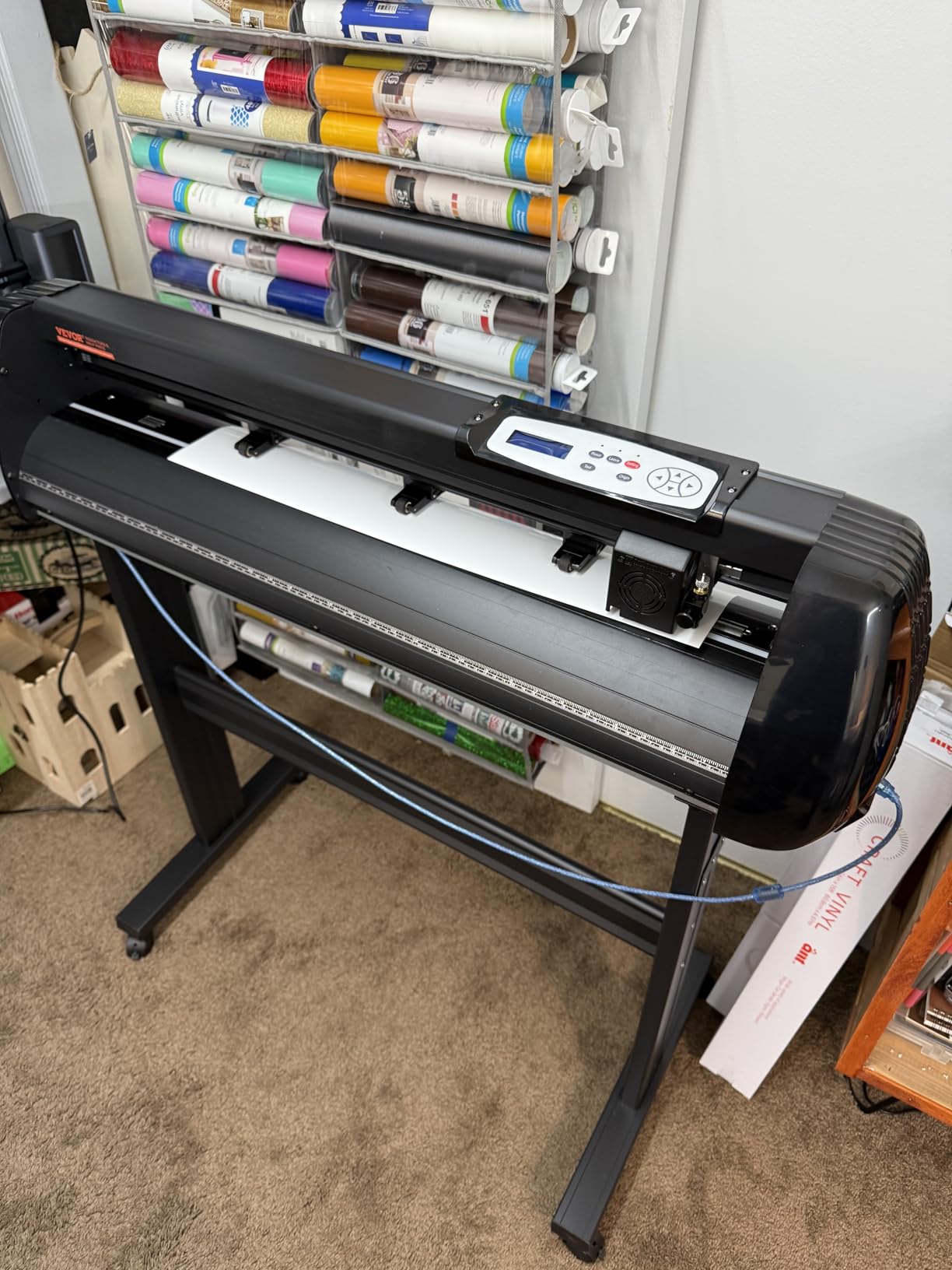
Included are 5 vinyl rolls, a utility knife, a pen core, holders, 3 replaceable blades, and an aluminium alloy floor stand with 4 caster wheels. The steel roller shaft is the part that matters technically, since it holds accuracy over 400 inches of paper feed, or 10 metres. Control is manual and explicit, with adjustable cutting pressure from 10 to 500g, speed from 10 to 800mm per second and 0.0004 inch or 0.01mm blade accuracy.
Connectivity is Bluetooth app control plus USB and COM cable PC connection, and compatibility runs from Windows XP through Windows 11. Internal fuses are fitted to reduce injury risk, which is sensible on a machine that cuts with a blade exposed at that scale. At 44 pounds and 20.5 inches deep by 41.7 inches wide by 43.3 inches tall, it needs real floor space and a plan for where it lives.
Who should buy the VEVOR 34 Inch Bluetooth Plotter
Buy it if you are producing signage, banners or vehicle graphics in volume, and if you already understand vector cut files. The 30.7 inch cut width and the 10 metre accuracy hold on the steel roller shaft are built for long production runs, and the castored floor stand means it can be moved to where the job is rather than fixed in one corner.
The bundled materials and blades mean a first run needs no accessory order. For a small sign shop, this is a capable production machine that sits well below the price of a commercial plotter, and the Bluetooth app gives a quicker route to simple jobs than driving desktop software every time.
Who should skip the VEVOR 34 Inch Bluetooth Plotter
Skip it if you are a hobbyist or a first-time buyer. The software is Windows-dependent and requires an activation code download process, the grip rollers are knurled only in a few spots rather than as a solid bar, and blade depth plus roller pressure adjustments take real practice to get right. None of that is a dealbreaker for a professional, and all of it is a barrier for a beginner.
Owners also report that image registration can drift toward the edge of the vinyl, and that support responsiveness is limited. If your projects are stickers, cards or shirts, this machine is simply the wrong tool, and one of the compact machines earlier in this list will do the job better and take up a fraction of the space. It also means the full price ranking of craft cutters and plotters is worth reading before you commit to floor equipment.
What to Look for in a Vinyl Cutting Machine Under 300 Dollars
Cutting width and project size
Choose the machine whose cutting width matches your largest typical project, not your favourite one. A 4.5 inch machine handles tags, labels, planner decoration and small decals, and forces you to tile anything larger. An 8.5 inch width cuts a full sheet of US Letter paper in one pass, which is the sweet spot for planners and label sets. Twelve inches is the practical floor for adult HTV tees without a visible seam, and anything past 24 inches is sign-making equipment rather than craft equipment.
The second distinction worth learning is maximum material width versus maximum cut width. A machine can hold a 28 inch roll and still cut only 24.8 inches, because the blade cannot reach the outer edge of the bed. That is normal on plotters and it is why manufacturers publish both numbers.
Print Then Cut explained in two sentences
Print then cut means you print a design on your home inkjet printer, load the printed sheet into the cutter, and the machine uses registration marks to cut exactly around the artwork. It is how you make full-colour sticker sheets without owning a commercial printer, and it is the feature most budget buyers underrate until they need it.
Before buying on this feature, check two things. You need your own compatible inkjet printer, and you need to budget a calibration pass before the first cut is accurate. Machines with 4-point registration and both-axis correction, such as the Silhouette Cameo 5 Alpha, hold alignment noticeably better on long runs than two-point systems.
Software, subscriptions and total cost of ownership
The machine is rarely the largest cost over three years. Blades wear out every few months on detailed cuts, cutting mats lose grip within weeks on some machines, and a paid software tier can quietly become an annual expense. Budget for a replacement mat and a spare blade early rather than discovering the cost the week a project is due.
On subscriptions, the practical position is that you rarely need one. Design Space has a free tier with more than 3000 images and over 100 fonts, and Silhouette Studio is a desktop application you install once, with a large searchable library and free weekly downloads. The complaint we hear most is not that the free tiers are unusable, but that the prompts to subscribe are constant. Decide your stance before you buy, and buy vinyl from third-party suppliers rather than branded rolls so your material cost stays predictable.
Material compatibility and cutting force
Cutting force is what determines whether a machine can hold a blade through a material without tearing it or skipping. Paper needs the least, adhesive vinyl sits close by, cardstock needs considerably more, and thin leather and EVA foam sit at the top of the range. This is why the plotters in this ranking advertise adjustable pressure from 10 to 500g while compact machines do not offer that range at all.
Count the materials on the box rather than trusting a single number. A machine that genuinely handles 75 or 100-plus materials including iron-on HTV, cardstock and sticker paper will cover almost every craft project. A machine that handles vinyl alone will not, whatever its cutting force claim.
Mats versus matless cutting
Most machines cut into a self-healing mat, and the mat is a consumable. When it loses grip, material lifts and the cut drags, which is a recurring cost and a recurring frustration, and reviewers on several machines here name it as their top complaint. Smart Material features on the Cricut machines allow long matless runs, which reduces how often you replace a mat.
Buy spare mats and a spare fine-point blade when you order the machine rather than after a torn decal tells you. Keep a cutting mat stored flat rather than rolled, and replace it the moment material starts lifting, because a worn mat damages material and blade life at the same time.
Frequently Asked Questions
What is the cheapest vinyl cutting machine available?
The cheapest machine in this roundup that we would recommend is the Likcut S501, a compact 4.5 inch Bluetooth cutter that pairs in about three seconds, cuts cardstock and vinyl cleanly, and stores in a tote bag. It suits labels, small decals and paper crafts, and its app is more approachable than most machines at this level. Be aware that the artboard is roughly 4.5 by 6.5 inches, the app can reset artwork position on import, and some advanced features sit behind a paid membership.
What is the best vinyl cutting machine for a beginner?
The Cricut Joy 2 Essential Bundle is the easiest first machine because it weighs just over 2 pounds, connects over Bluetooth, and includes enough material for up to 75 projects so you are not ordering supplies separately. It handles 75+ materials and can write, draw, foil, score and cut. Its 4.5 inch cutting width is the trade-off, so it suits labels, cards and small decals rather than adult-size shirts or wall graphics.
What is the best cutter machine similar to Cricut but cheaper?
The Silhouette Portrait 4 is the closest match to a Cricut without the subscription pressure, because the Studio desktop application lets you open almost any font or image file already installed on your computer, and it ships with a large searchable design library plus free weekly downloads. It cuts at 9 inches, runs quietly at 50 db, and needs no account-driven content unlock. The trade-off is that replacement mats cost roughly double comparable Cricut mats.
Do I need a subscription to use a Cricut or Silhouette?
No, you do not. Design Space has a free tier with more than 3,000 images and over 100 fonts, and Silhouette Studio is a desktop application you install once rather than a subscription service. Cricut Access unlocks a larger library, reaching 1.5 million images, and some Likcut app features require an annual membership, so the honest answer is that the free tiers are workable for most craft projects. Decide your stance before you buy rather than mid-project.
What cutting width do I need for heat transfer vinyl?
Twelve inches is the practical floor for adult t-shirt designs, because anything narrower forces you to tile the artwork and seams show up clearly on fabric. A 4.5 inch width suits small items such as mug wraps, gift tags and pocket decals, while 8.5 inches covers planner pages and label sheets in a single pass. If shirts are your main project, look at a 12 inch machine such as the Silhouette Cameo 5 Alpha rather than saving money on a compact unit.
Is buying a used commercial vinyl cutter a smarter budget play?
It can be, but only if you already know how to design for plotters. Used commercial units offer far more cutting width per dollar than anything new in this budget tier, and a commenter in a r/SCREENPRINTING thread recommended exactly that route for stretching a craft budget. The trade-offs are software age, driver support on modern systems, and the fact that these machines are Windows-only with separate desktop software rather than phone apps. Buy used only if you can test the cut before you commit.
The Best Vinyl Cutting Machine Under 300 Dollars for Your Projects
The ceiling is generous if you buy deliberately rather than cheaply. Every machine in this guide sits under it, and the right one depends entirely on the width of what you want to make. For most beginners making labels, cards, planner pieces and small decals, the Cricut Joy 2 Essential Bundle is the gentlest place to start, while the Silhouette Portrait 4 is our overall pick for anyone who plans to keep making things past the first project. Its open-file Studio software, 9 inch width and quiet chassis are the combination we would buy first.
For adult heat transfer vinyl and full-colour sticker sheets, the Silhouette Cameo 5 Alpha is the best vinyl cutting machine under 300 dollars in this ranking, because 12 inches and four-point registration solve both problems at once. For anyone working in foam, thick cardstock or layered material, the VEVOR TT-450 covers what no compact machine will. And if your work is signage rather than crafts, the VEVOR 28 inch and 34 inch plotters put real cutting width on the floor without needing a sign-shop budget.
One last practical note. Buy a spare blade and a spare mat at the same time as the machine, decide now whether you are paying for a software subscription, and measure your largest finished project before you choose a width. Those three decisions prevent almost every complaint we see about budget vinyl cutters, and they cost less than the machine does.