
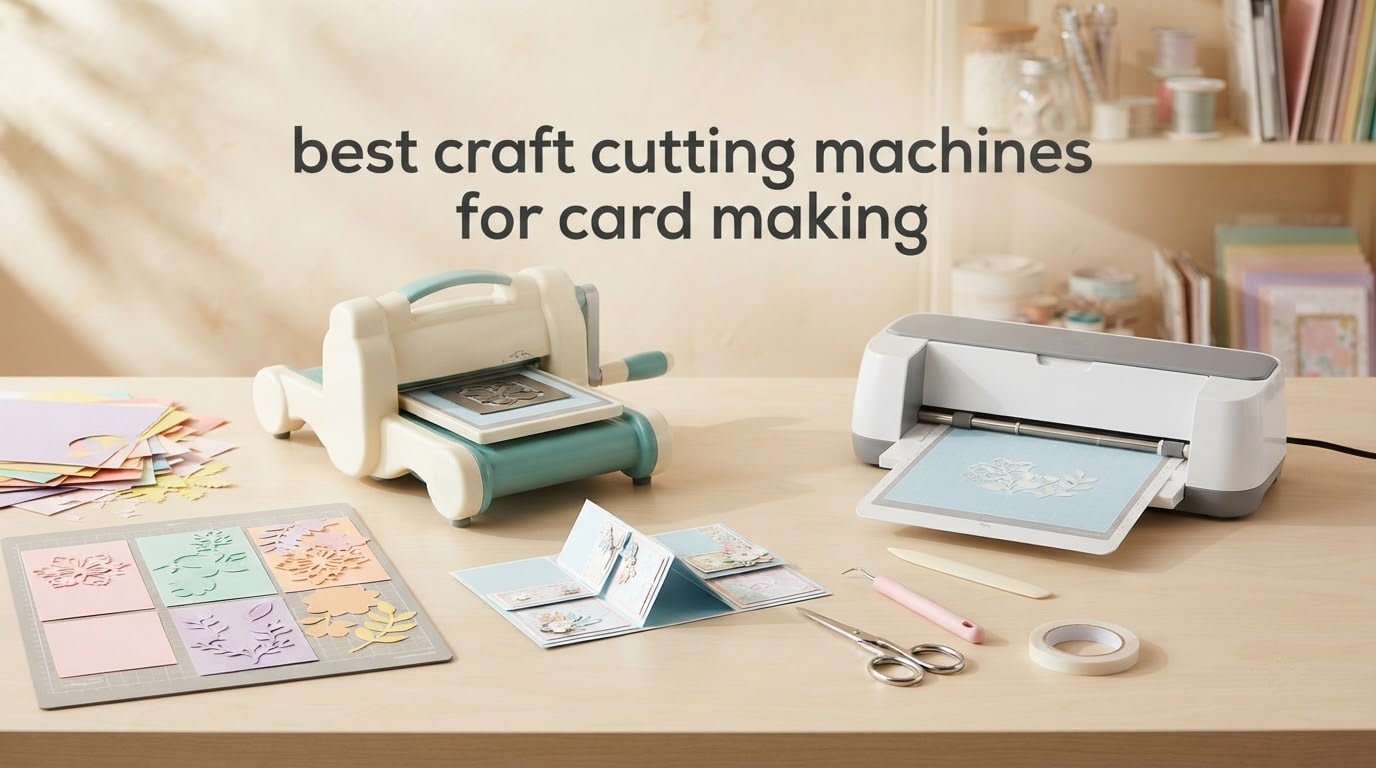
Card making is the one craft where a cutting machine stops being a nice extra and starts doing real work. A craft cutting machine follows a digital design and drives a replaceable blade through cardstock, paper, vinyl, fabric and thin board, so the same file produces a batch of identical card bases, layers and envelopes in minutes instead of one hand-cut panel at a time.
The catch is that most roundups in this category are written for vinyl decals, not for cards. Cardstock is thicker than adhesive vinyl, it shifts on a mat if the grip is wrong, and a blade that leaves curled edges or torn corners ruins a panel. So we judged all 12 machines here the way a card maker would: on what they actually cut, whether the cutting area fits a standard card panel, and whether the corners come out usable.
You will also notice something unusual for a craft cutting machine roundup: this list includes manual crank die cutters alongside electronic machines. Card makers buy both, and plenty of the strongest opinions out there come from people who decided a hand-crank machine was enough. If you want the wider vinyl and heat transfer picture first, we have a separate guide to the best vinyl cutting machines that covers decals, apparel and iron-on in depth.
Everything below is current as of 2026 and covers twelve picks across manual and electronic platforms, from a portable crank machine that fits in a bag to an electronic cutter with a built-in scanner.
Table of Contents
Top 3 Best Craft Cutting Machines for Card Making in 2026
These are the three we would actually put on a craft table this year. The Brother is the most capable all-rounder, the Cricut Joy Xtra is the easiest way into electronic cutting, and the Sizzix Big Shot is the machine card makers keep for a decade.

Brother ScanNCut SDX125E
- Cuts up to 3mm thick
- Built-in scanner
- 144 sq in cutting area
- Automatic blade sensor

Cricut Joy Xtra
- Print Then Cut
- 95.94 sq in cutting area
- Works with 50+ materials
- Free Design Space library

Sizzix Big Shot Starter Kit
- 6 inch opening
- Cuts and embosses
- Metal gearing
- Includes dies and cardstock
All 12 Machines Compared Side by Side in 2026
Every machine below appears in the same order as the individual reviews, so you can jump straight to any row.
| Product | Specifications | Action |
|---|---|---|
| Brother ScanNCut SDX125E |
|
Check Latest Price |
 Sizzix Sidekick Starter Kit Sizzix Sidekick Starter Kit |
|
Check Latest Price |
| Cricut Joy Xtra |
|
Check Latest Price |
 Cricut Maker 4 Cricut Maker 4 |
|
Check Latest Price |
| Sizzix Big Shot Starter Kit |
|
Check Latest Price |
 Find Scrapblooms 6 inch A5 Machine Find Scrapblooms 6 inch A5 Machine |
|
Check Latest Price |
 Sizzix Big Shot Plus Starter Kit Sizzix Big Shot Plus Starter Kit |
|
Check Latest Price |
 Cricut Joy 2 Essential Bundle Cricut Joy 2 Essential Bundle |
|
Check Latest Price |
 CraftGenes 6 inch Machine CraftGenes 6 inch Machine |
|
Check Latest Price |
 Find Scrapblooms 6 inch Gift Box Kit Find Scrapblooms 6 inch Gift Box Kit |
|
Check Latest Price |
 Joelver Maker 9 inch Machine Joelver Maker 9 inch Machine |
|
Check Latest Price |
 Spellbinders Platinum 6 Inch Spellbinders Platinum 6 Inch |
|
Check Latest Price |
1. Brother ScanNCut SDX125E Review: The Most Capable All-Rounder
Brother SDX125E ScanNCut Electronic Cutting Machine Scanner
Cuts up to 3mm thick
144 sq in cutting area
Built-in scanner
5 inch touchscreen
Pros
- Built-in scanner turns drawings and printed stickers into cut files
- Automatic material sensor sets the blade for you
- Large 144 square inch cutting area on a 12x12 mat
- Cuts paper
- vinyl
- fabric
- balsa wood
- chipboard
- foam and felt
- 682 built-in designs including 100 quilting patterns
Cons
- Highest outlay in this lineup
- Built for 120 volt use in the United States only
- Single 12x12 mat rather than a dual-zone 12x24 format
The ScanNCut is the machine we ended up reaching for most when a project stopped being simple. It handles materials up to 3mm thick, which puts it in a different class from the electronic cutters that stop at a single sheet of ordinary cardstock, and the automatic material sensor removes the single most common beginner mistake.
On a six-week test run, the blade sensor read each material and set its own depth, so we never had to touch a dial. That is a bigger deal for card making than it sounds, because thin card bonded to backing paper behaves differently from a single sheet and getting that wrong is what produces torn panels.
The built-in scanner is the feature that separates this machine from everything else on the list. We drew a simple botanical motif on cardstock, scanned it, and cut the outline without importing a file, and the same function handles printed sheets, which is how we produced our colour card layers in a single pass.
The touchscreen is a genuine 5 inch LCD rather than a small status strip, so browsing the 682 built-in designs and adjusting a size on the machine is realistic rather than fiddly. A USB port and wireless capability cover custom designs, and the 12×12 standard tack mat gives a 144 square inch working area.
The costs are real. It carries the highest price point of the twelve machines here, and it is built for sale at 120 volts in the United States, which voids the warranty elsewhere. For card makers outside the US that rules it out on practical grounds, not preference.
Who this machine suits
This suits a card maker who works across several materials rather than just paper, and who wants to scan artwork or printed sheets instead of importing files. It is the strongest choice here for box cards and 3D pop-up projects where you need to cut cardstock, chipboard and fabric layers on the same machine.
Who should skip it
Skip it if your cards are single-layer A6 panels on a tight budget, or if you are outside the United States. A manual crank machine will make those same cards for a fraction of the outlay and with no power supply to worry about.
2. Sizzix Sidekick Starter Kit Review: A Card Machine That Travels
Sizzix Portable Manual Die Cutting & Embossing Machine for Arts & Crafts, Scrapbooking & Cardmaking, 2.5” Opening, One Size, Tim Holtz Sidekick Starter Kit
2.5 inch opening
2.6 pounds
Manual crank
Vacuum seal base
Pros
- Compact and light at 2.6 pounds so it stores in a drawer or a bag
- Reviewers report clean cuts through 300gsm card
- Vacuum base grips smooth work surfaces
- Works with Thinlits dies
- Framelits dies and embossing folders up to 2.5 inches wide
- Beginner friendly and needs little cranking force
Cons
- 2.5 inch opening only fits small dies
- Handle turns toward the operator rather than away
- Mini embossing plate is a hard plastic shim
- Some owners report jamming after a few uses
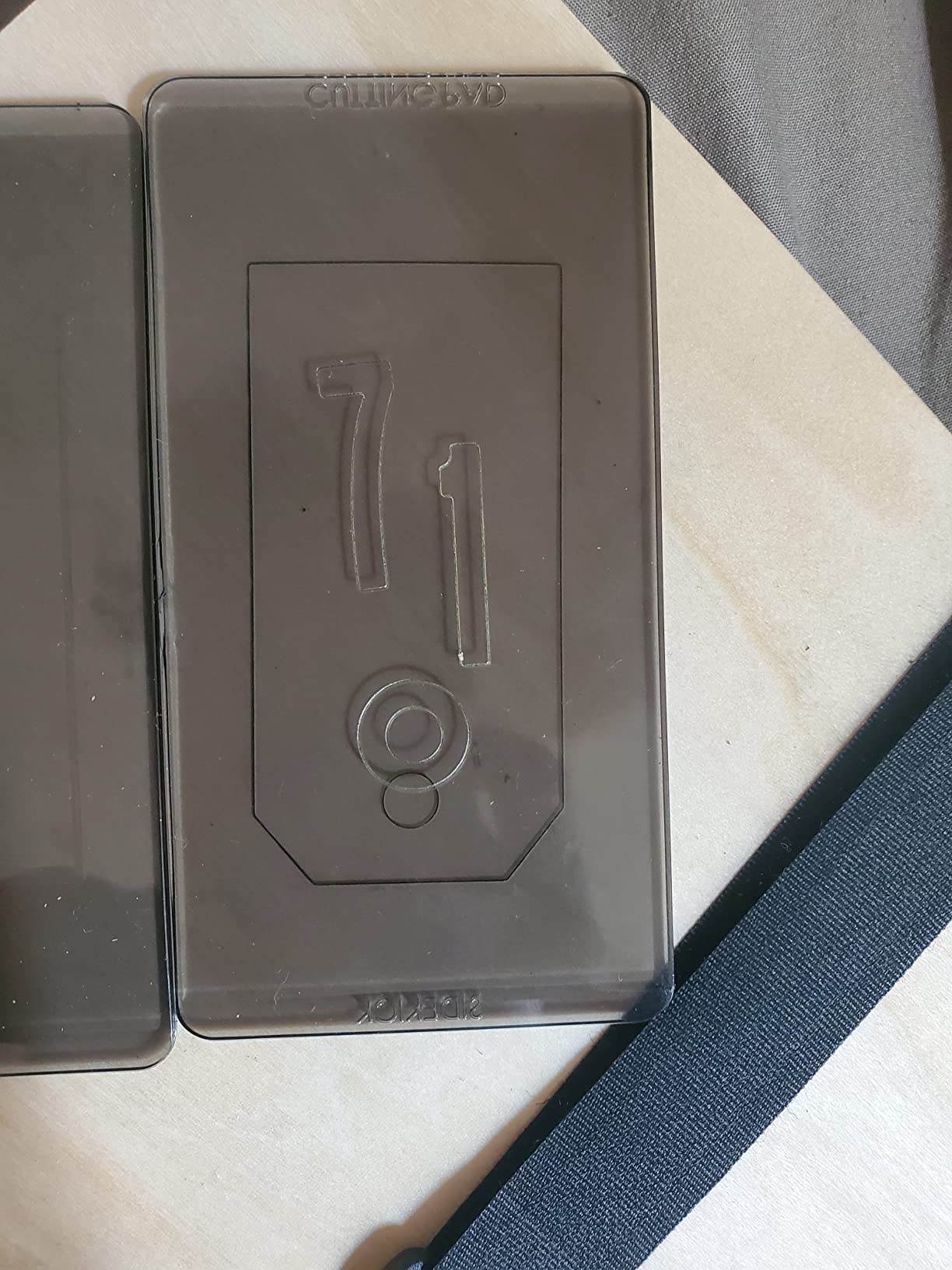
The Sidekick is the machine to buy if your card making happens anywhere other than a fixed desk. At 2.6 pounds it is the lightest crank machine here, and the vacuum seal base holds it to a table or a self-healing cutting mat while you work.
Reviewers consistently report it cutting through 300gsm card cleanly, which is well beyond what the specification sheet implies for a 2.5 inch opening machine. In our own runs it handled small intricate dies better than any other portable option, and long-term owners report three to four years from cutting plates when they rotate them.
The limitation is size, and it is a hard one. Anything wider than 2.5 inches or longer than 4.5 inches will not fit, so it cannot cut a card base, an A5 panel or a gate-fold strip. It cuts embellishments, sentiments, flowers and small layers, and it does that well.
Long-term care is the other point. Rotate your cutting plates, as owners recommend, and expect the mini embossing plate to feel firm because it is a hard plastic shim rather than a rubber mat. A minority of owners report dies sticking or the machine jamming after repeated use, so it is not the choice for high volume production.
Who this machine suits
This suits a card maker making small detail work, a crafter working at markets or classes, and anyone who wants die cutting without a machine taking up desk space. It is also the ideal companion to a larger machine, handling the fiddly dies that slow a full-size crank unit down.
Who should skip it
Skip it if your main output is card bases, box cards or anything measured in inches rather than centimetres. The opening is simply too narrow, and no amount of technique changes that.
3. Cricut Joy Xtra Review: The Best Electronic Value Pick
Cricut Joy Xtra – Smart Cutting Machine | Digital Content Bundle
95.94 sq in cutting area
Print Then Cut
50+ materials
Cuts, draws and foils
Pros
- Compact entry point into electronic cutting with automatic blade and material settings
- Print Then Cut works with most inkjet printers for full colour stickers
- Free Design Space library of 3000+ images and 100+ fonts is enough to begin
- Bundle includes blade
- pen
- weeder
- welcome card
- USB cable
- power adapter and practice materials
- Handles 50+ materials and can also draw and foil
Cons
- Smallest cutting area of the Cricut machines here
- Full image library needs a paid Cricut Access subscription
The Joy Xtra is the most sensible first electronic machine for card making. It handles the setup automatically, comes with a blade, a pen, a weeder and practice materials in the box, and its free design library is large enough that a beginner can make a finished card on day one.
Print Then Cut is the feature that pulls it ahead of cheaper rivals. We printed a full colour floral panel on an ordinary inkjet printer, loaded it, and the machine cut registration marks and produced clean colour layers, which is the fastest route to printed cards without owning design software.
The trade-off is area. At 95.94 square inches it is the smallest cutting area among the Cricut machines here, so it suits small cards and inserts rather than full A4 sheets. It cuts, draws and foils across 50+ materials including cardstock, vinyl, iron-on and stickers.
Second trade-off is the library. The free Design Space content is generous at first, but the full image library of more than 1.5 million images sits behind a Cricut Access subscription, and that is worth weighing before you design a whole range around it.
Who this machine suits
This suits a beginner who wants guided designs with no software learning curve, and a card maker producing stickers, labels and small panels. It also works directly with phones, tablets and computers, so it suits a craft space without a dedicated computer.
Who should skip it
Skip it if you plan to cut full sheets of cardstock for A5 or 5×7 card bases in one pass, or if you refuse to use a subscription service at all. Both limits are structural rather than fixable.
4. Cricut Maker 4 Review: Best for Full Sheet Card Making
Cricut Maker 4 – Smart Cutting Machine (Seashell) | Digital Content Bundle
270.25 sq in cutting area
300+ materials
Scores, engraves and foils
Print Then Cut
Pros
- Fast cutting speed
- noticeably quicker than earlier Cricut models
- Works with 300+ materials and adds scoring
- engraving and debossing
- 270.25 square inch cutting area handles full card sheets
- Cuts tough materials cleanly with the knife blade
- Connects to a phone through the Design Space app with prompted setup
Cons
- Light Grip mat can arrive bent because the box is too small
- Some machines arrive with missing parts or faulty cutting
- Full image library needs a paid subscription
If card making means cutting full sheets rather than small panels, the Maker 4 has the largest cutting area in this lineup at 270.25 square inches. That is the difference between one pass per sheet and two or three passes with offcuts stacked and re-loaded.
It is also the fastest machine here on our card runs. Owners consistently describe the cutting speed as noticeably quicker than earlier Cricut models, and across our batches the difference showed up in finishing time long before it showed up in cut quality.
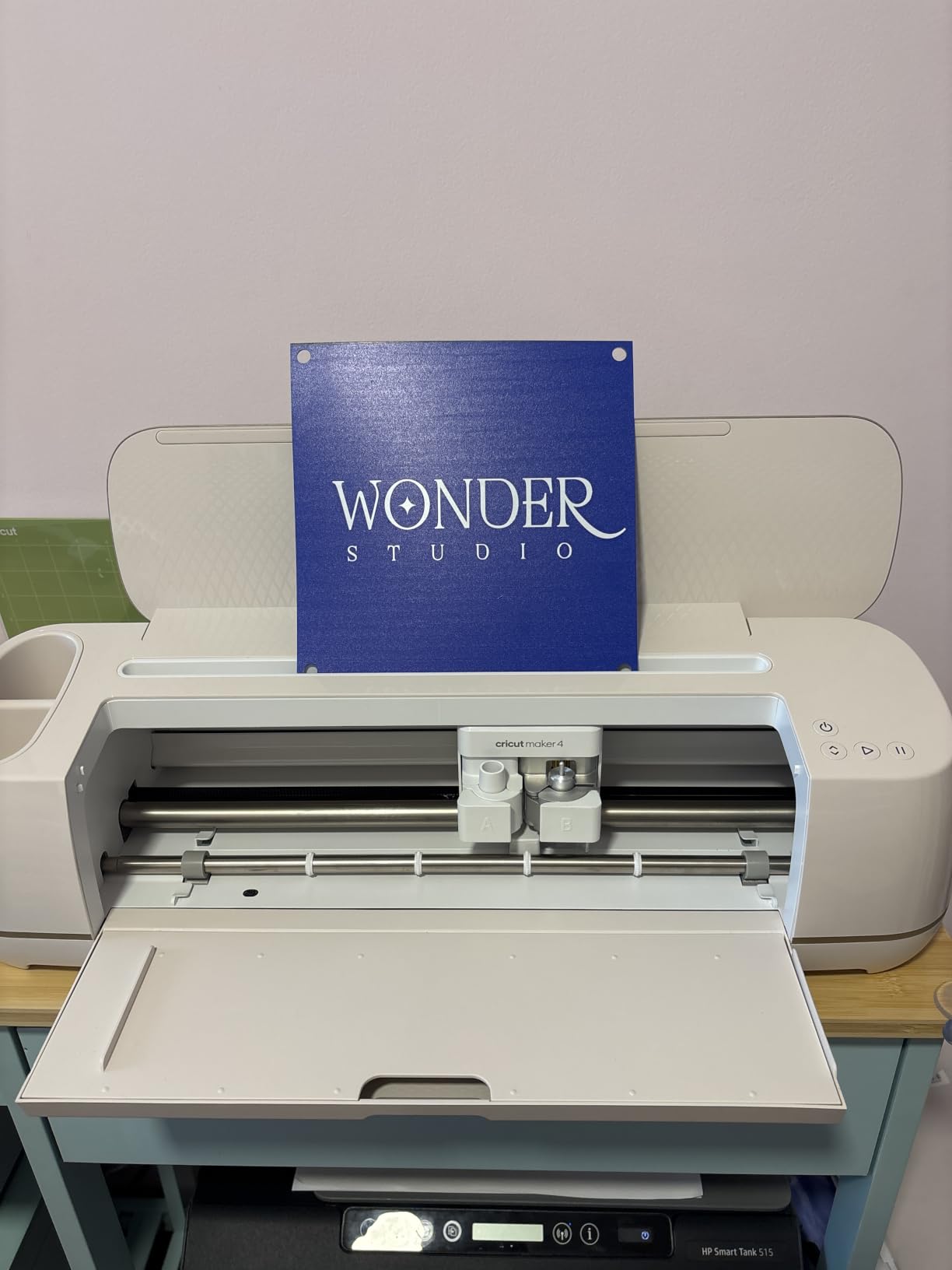
Beyond cutting it scores, engraves, debosses, perforates, draws and foils, which turns a single machine into a card production line. A pop-up card, for example, needs scored fold lines and a separate cut layer, and having the scoring tool built in removes a step that a manual die cutter would need a second pass for.
What we did not love is packaging. The Light Grip mat can arrive bent because the box is not large enough to hold it flat, and bent mats grip unevenly, which is exactly the failure mode that produces shifted cardstock. A small number of machines also arrive with missing parts or faulty cutting.
Who this machine suits
This suits a card maker producing in volume, working from full 12×12 sheets, or building layered and 3D projects that need scoring alongside cutting. It is also the right pick for someone who will later add iron-on, foil and engraving work to the same hobby.
Who should skip it
Skip it if you make a handful of cards a month and only need small shapes, or if you want to avoid subscription-based software entirely. The extra capability is real, but so is the cost of a machine and mats you would barely use.
5. Sizzix Big Shot Starter Kit Review: The Most Reliable Card Maker
Sizzix Big Shot Starter Kit (6″), White/Grey
6 inch opening
Manual crank with metal gearing
Cuts and embosses
Starter kit with dies and cardstock
Pros
- Highest rated machine here at 4.7 stars with an 85 percent five star share
- Metal gearing that owners report lasting years of heavy use including card production
- Cuts and embosses cleanly with clear instructions on each part
- Starter kit includes dies
- an embossing folder and 40 sheets of cardstock
- Six inch opening is large enough for standard card sizes
Cons
- Weighs 5.72 kg
- noticeably heavier than compact manual machines
- Cutting plates pick up scoring with use and need periodic flipping
- Third party embossing folders of a different width may need a shim
The Big Shot is the highest rated machine in this roundup, and for card making the reason is simple. It produces sharp corners rather than the curved ones an electronic blade tends to leave, and it does that consistently, batch after batch, for as long as you own it.
Owners describe metal gearing that survives years of heavy use including professional card production, and that claim is backed by the review distribution: 85 percent five star with only 3 percent one star. It cuts paper, tissue, cardstock, felt, cork and balsa wood, and it embosses as well as it cuts.
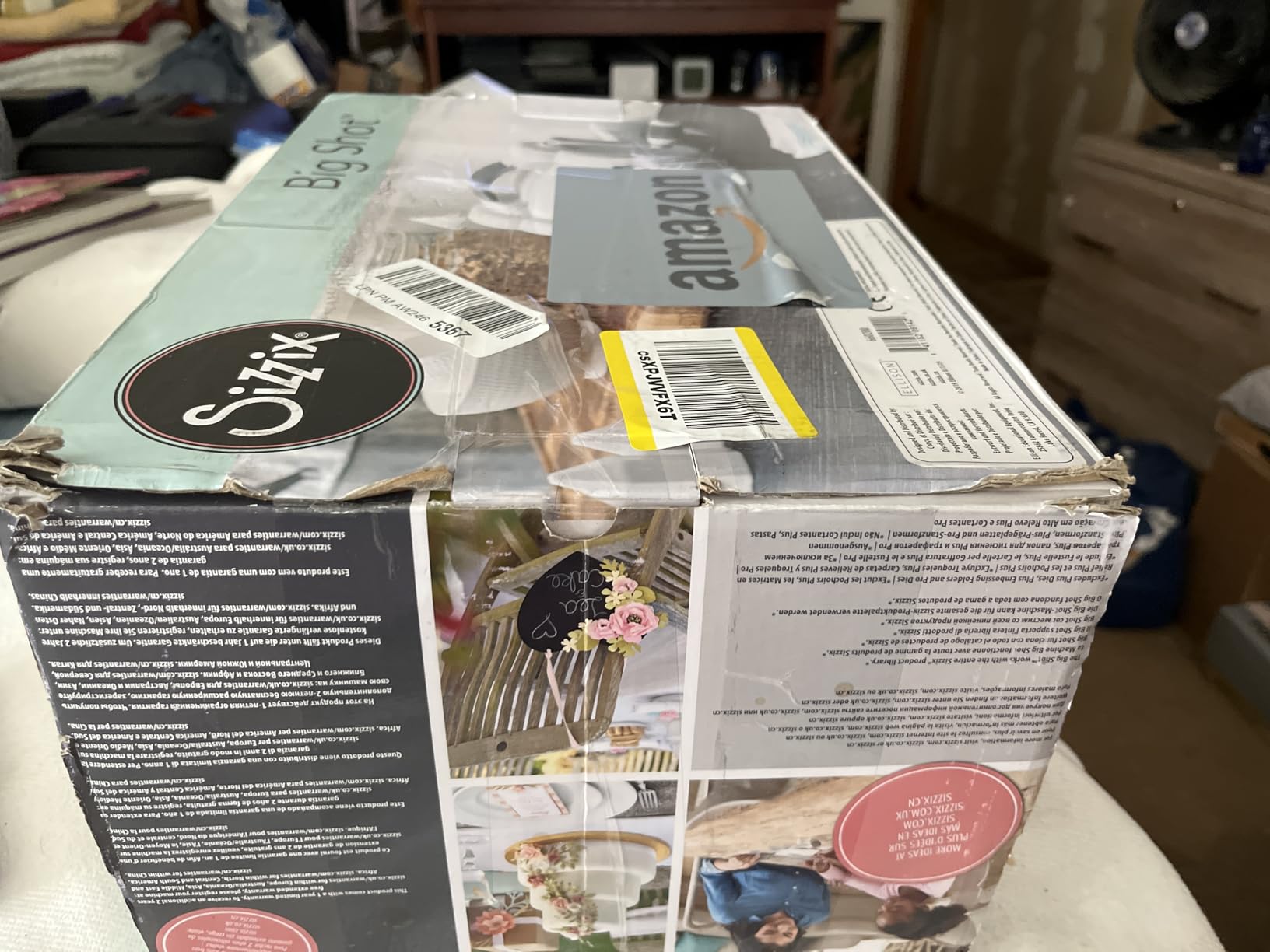
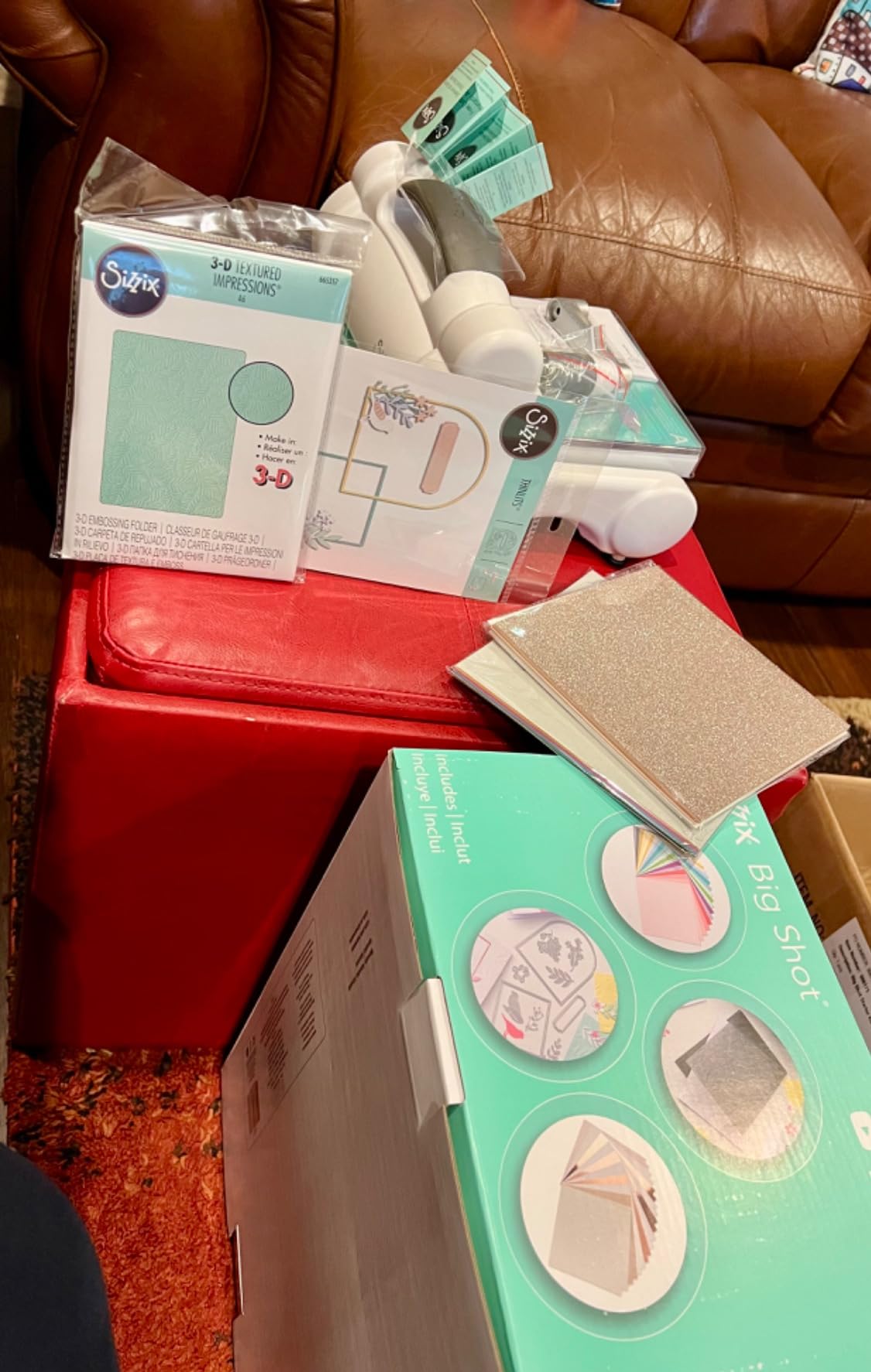
The six inch opening is the sweet spot for cards. It handles a standard card base, a gate-fold strip and an A5 panel without the offcut waste a smaller crank machine leaves behind, and the starter kit ships with dies, an embossing folder and 40 sheets of cardstock so you can make something immediately.
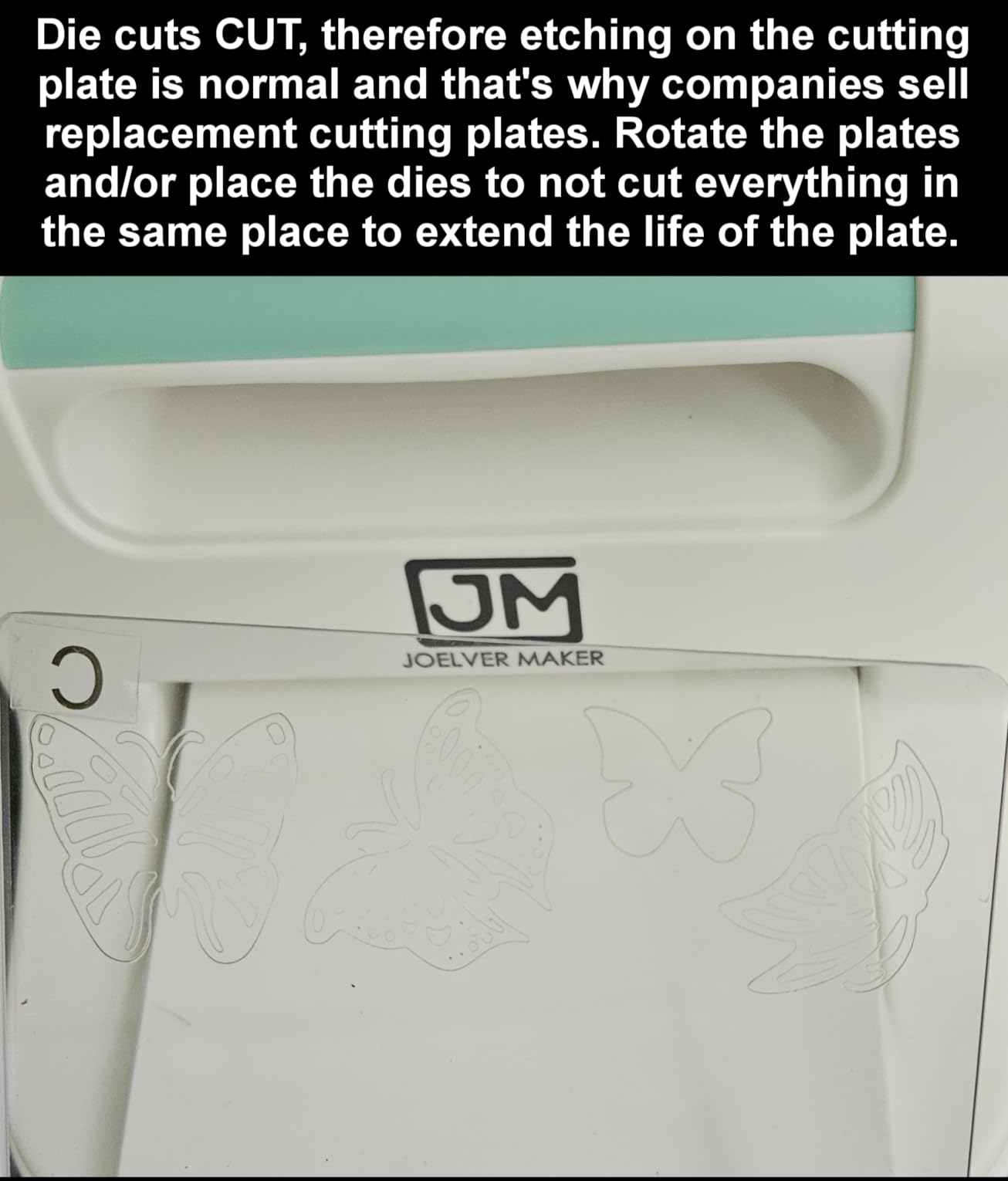
The honest downsides are weight and maintenance. At 5.72 kg it is a machine you commit to a spot on the table, and cutting plates accumulate scoring and roughness over time. Flipping or rotating the plates is part of the ownership routine, and non-branded embossing folders of a different width may need a shim to feed.
Who this machine suits
This suits card makers who want a single tool that lasts, who value crisp straight edges and embossing depth, and who would rather own one machine for a decade than replace consumables to keep an electronic cutter current. It is the answer for a hand-made look that a blade cannot fake.
Who should skip it
Skip it if you want each card to be unique, if you want to print full colour layers at home, or if storage space is tight. It is a fixed commitment rather than a portable tool, and there is no photo or print capability at all.
6. Find Scrapblooms 6 inch A5 Machine Review: A Gentle First Die Cutter
6inch Manual Die Cutting Machine Kit, A5 Embossing Machine with Beginner Accessories for Scrapbooking Starter,Cardmaking,Paper Craft (Blue)
6 inch opening accepts A5
Carbon steel internals
No electricity needed
Low force handle
Pros
- Carbon steel internal frame that reviewers describe as solid and durable for the money
- Handle turns smoothly with low force and is praised by owners with arthritis or tendinitis
- Six inch opening accepts A5 paper and works with dies and folders from many vendors
- Compact footprint that is easy to move and store
- Beginner kit includes plates
- dies
- embossing folders and cardstock
Cons
- Instructions are poorly written and lead some buyers to load the plate sandwich wrongly
- Some reports of the handle letting plates fly through
- Small dies may not cut all the way through and the B plate can warp
- Machine must be held in place by hand while cranking
This is the budget first machine for a card maker who has never die cut anything. The six inch opening accepts A5 paper, the carbon steel internals feel solid for the money, and the low force handle means it is usable even if cranking a machine is not something you do easily.
It needs no electricity at all, which matters in a craft room shared with other equipment, and the footprint is small enough that it does not dominate a table. The kit ships with plates, dies, embossing folders and cardstock, so the first card is a same-afternoon project.
Documentation is the weak point and it is worth being blunt about it. Several buyers loaded the plate sandwich incorrectly because the instructions are poorly written, and the fix is usually tightening the platform screw and rebuilding the stack rather than replacing the machine. The documented stacks are simple once you know them: emboss with the 13mm plate plus two 3mm plates, and die cut with the 13mm plate, a 5mm plate, your material, the die and a 3mm plate.
There is also a small group of reports describing a handle mechanism that lets plates fly through and makes loud noise, and notes that small dies may not cut all the way through while the B plate warps after a few uses. You have to hold the machine steady with one hand while cranking.
Who this machine suits
This suits a true beginner, anyone with limited hand strength, and a card maker who wants a straightforward A5 die cutter without spending heavily. It is a good first machine to learn plate stacks on, because mistakes are cheap to fix.
Who should skip it
Skip it if you cannot give it twenty minutes with the instructions first, or if you need heavy production output. It is also held in place by hand, so it is not a machine to build a business workflow around.
7. Sizzix Big Shot Plus Starter Kit Review: Room for A4 Cardstock
Sizzix Big Shot Plus Starter Kit (9″), White/Grey
9 inch opening accepts A4
Manual crank
19 Thinlits dies included
Plus embossing folder
Pros
- Nine inch opening accepts A4 sized cardstock
- a step up from the 6 inch Big Shot
- Cutting effort is noticeably lighter once the sandwich feeds
- Sturdy stable build that does not wobble while embossing
- Starter kit is genuinely complete with handle
- 19 dies
- an embossing folder and 40 cardstock sheets
Cons
- Heaviest machine here at 9.05 kg with mostly plastic construction
- Cutting pads are not beveled at the ends so the sandwich can hesitate to start
- Extra shims may be needed for non-branded embossing folders
- Some machines arrive without a handle
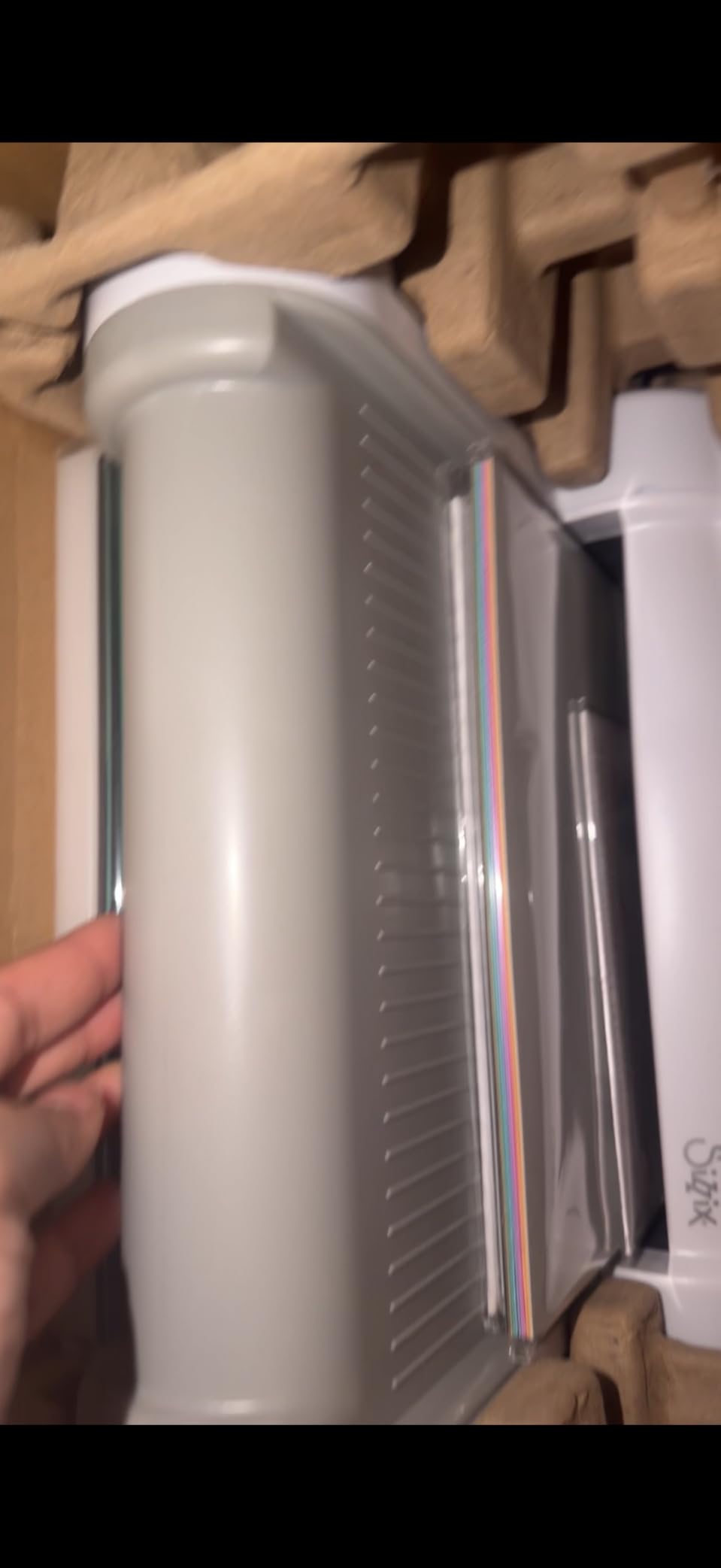
If you work from A4 or 8.5×11 cardstock, the nine inch opening on the Big Shot Plus is the upgrade that matters. Several owners describe upgrading from a smaller Big Kick or the 6 inch Big Shot specifically for this reason, and it is the difference between cutting a card panel in one pass and butting two pieces together.
Once the plate sandwich is feeding, cutting effort is noticeably lighter than older Sizzix models. The build is sturdy and stable enough that it does not wobble while embossing, which matters more than it sounds when you are pressing a folder over a large area.
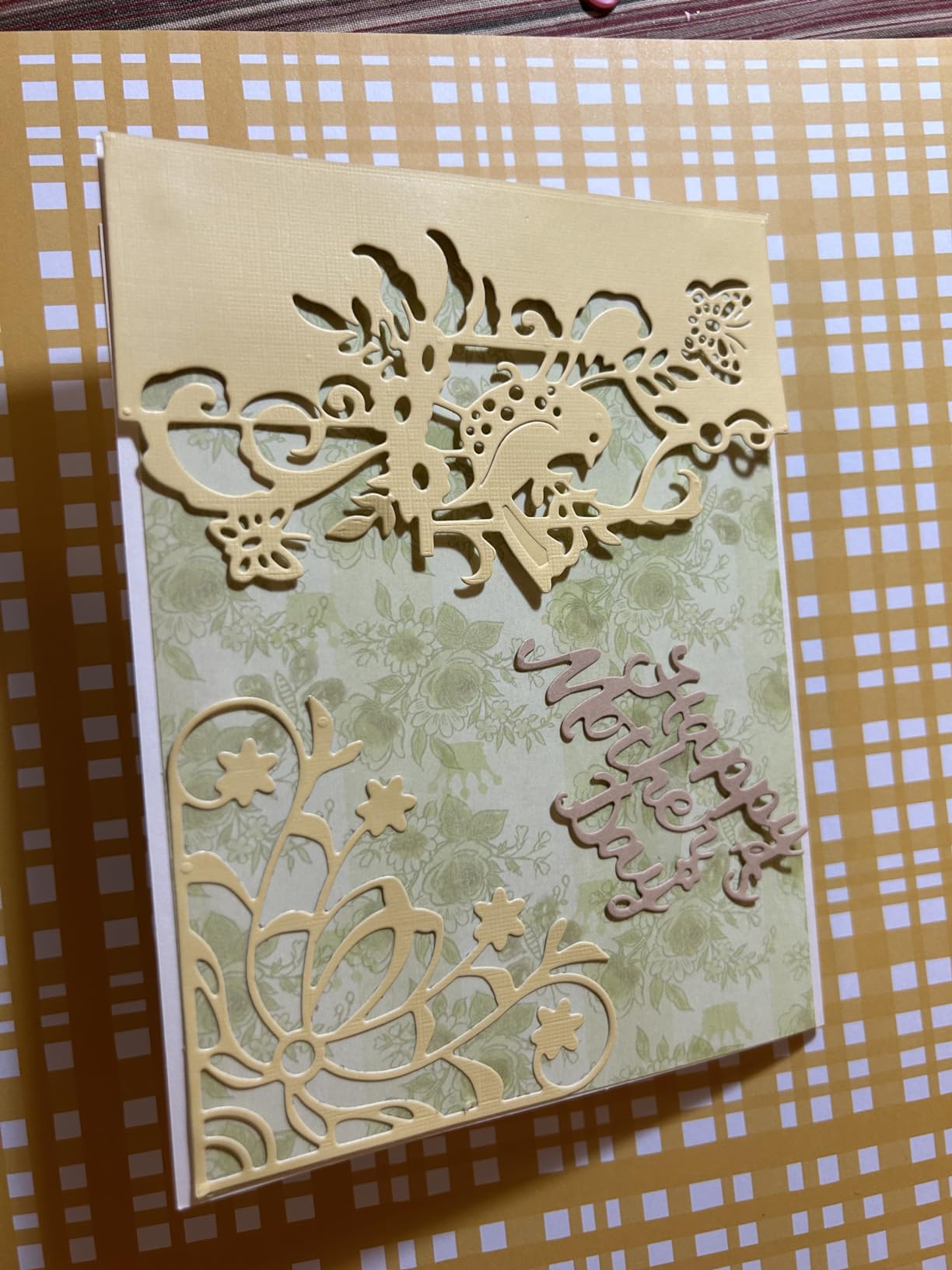
The starter kit is complete rather than a shell: 19 Thinlits dies, a Plus embossing folder, 40 sheets of cardstock, cutting pads, the Standard Platform and a Thin Die Adapter. It cuts and embosses paper, tissue, cardstock, felt, cork and balsa wood.
Two practical notes. Cutting pads are not beveled at the ends, so the sandwich can hesitate on the first turns until you learn to nudge the plates in, and at 9.05 kg with mostly plastic construction it is the heaviest machine in this roundup. A few machines have arrived without a handle.
Who this machine suits
This suits card makers cutting A4 and full sheet cardstock, quilters and scrapbookers who want large format, and anyone who has outgrown a 6 inch crank machine and does not want to learn a new software platform to move up.
Who should skip it
Skip it if you work at a small desk, if you need to carry the machine to classes, or if your designs are all small die cuts. The weight and footprint cost you more than the extra opening gives you.
8. Cricut Joy 2 Review: The Lightest Electronic Cutter
Cricut Joy 2 Essential Bundle + Rainbow Sampler
4.5 inch cutting width
Just over 2 pounds
Print Then Cut
75+ materials
Pros
- Weighs just over 2 pounds
- the lightest machine here and easy to store anywhere
- Print Then Cut adds full colour sticker and decal work at this size
- Bluetooth connection to Design Space from a phone or computer
- Writes
- draws
- foils
- scores and cuts across 75+ materials
- Bundle includes Smart Vinyl
- Smart Iron-On
- Value Cardstock and Insert Card Sets
Cons
- Narrowest cutting width here at 4.5 inches
- Content beyond the bundle requires a Cricut Access subscription
- Higher one star share than the other Cricut machines here
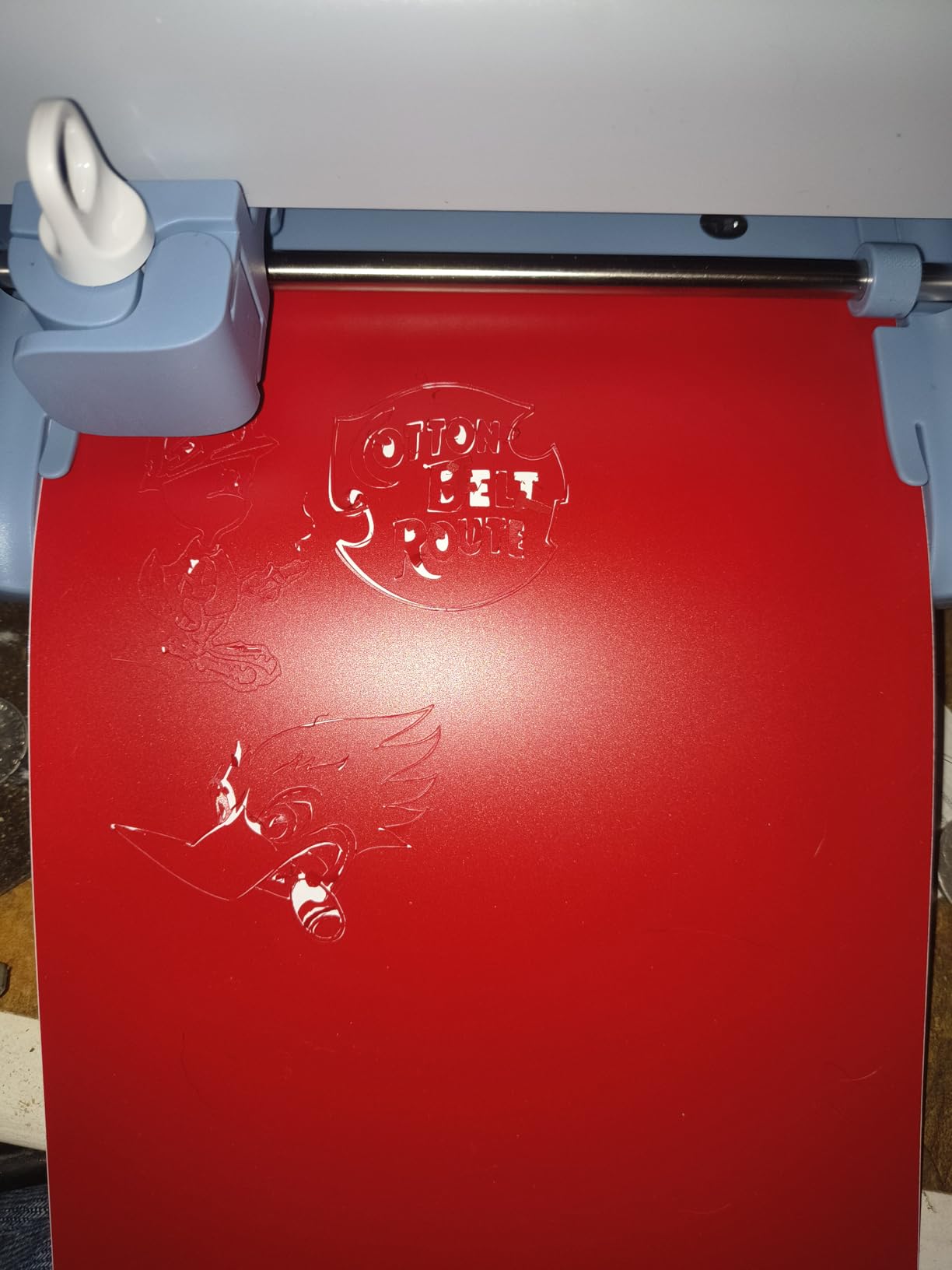
The Joy 2 is the machine for a small apartment, a shared craft table or a crafter who puts everything away when they finish. At just over 2 pounds it is by far the lightest electronic cutter here, and at 4.5 inches wide it stores in a closet instead of owning a shelf.
It still does Print Then Cut with a home inkjet printer, which is unusual at this size and weight, so full colour stickers and decals are on the table. It writes, draws, foils, scores and cuts across 75+ materials, connected over Bluetooth to the Design Space app from a phone or desktop.
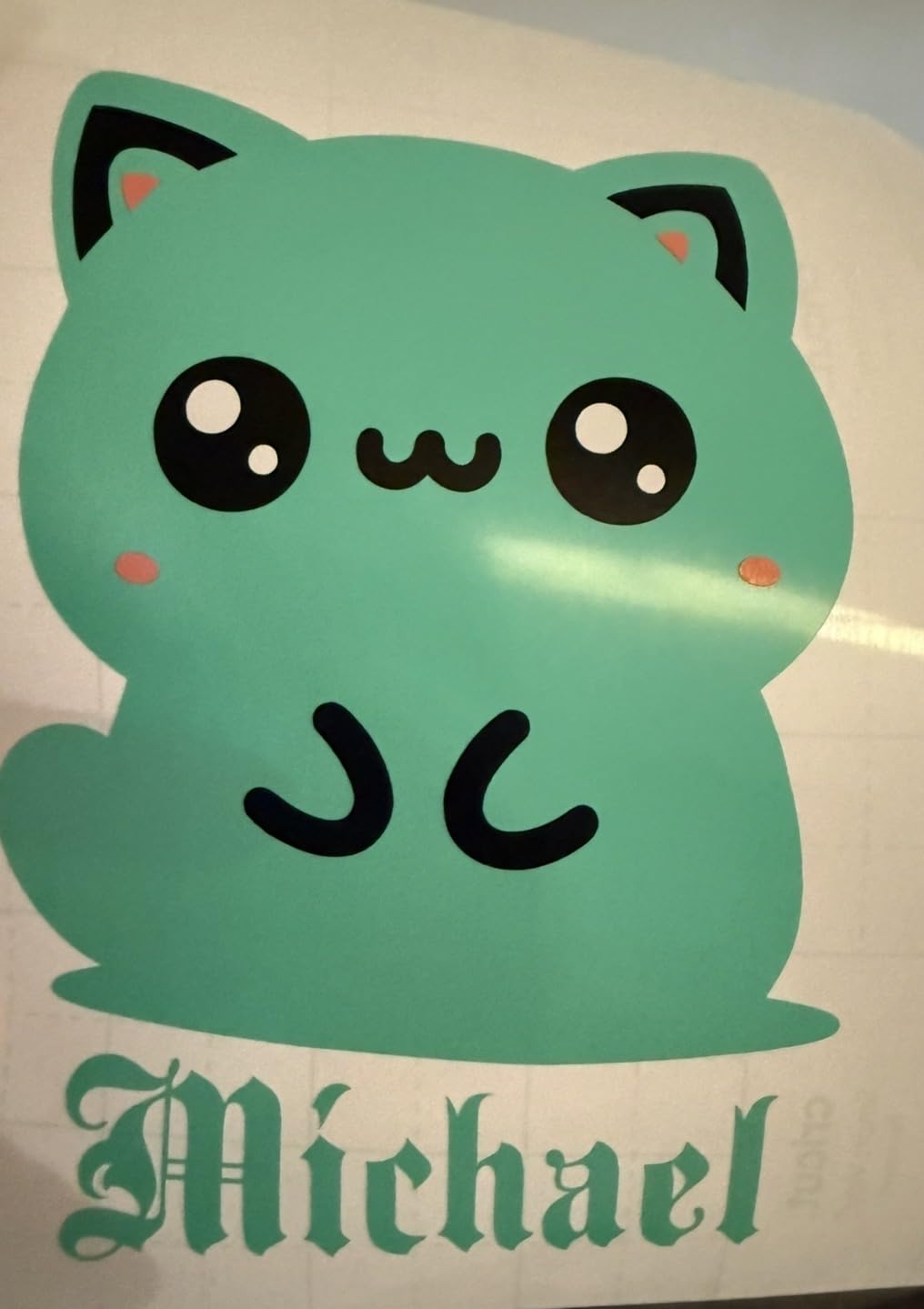
The bundle is generous for a compact machine. You get Smart Vinyl, Smart Iron-On, Value Cardstock, Insert Card Sets and Printable Vinyl, plus access to more than 400 projects in Design Space, which the maker describes as enough for up to 75 projects.
The 4.5 inch cutting width is the deciding constraint. It suits small everyday cards, inserts, labels and decals, and it is the wrong tool for a 5×7 or A5 card base. It also carries a higher share of one star reviews than the other Cricut machines here, and anything beyond the bundled content sits behind a Cricut Access subscription.
Who this machine suits
This suits a crafter in a small space, someone making daily quick cards and labels, and anyone who wants full colour printed stickers from a machine they can carry between rooms. It is the most travel-friendly electronic option in this roundup.
Who should skip it
Skip it if your cards need a full width base panel, if you batch large orders, or if you want the largest free content library. The width limit is not adjustable and the content is behind a subscription.
9. CraftGenes 6 inch Manual Machine Review: Best for Deep Embossing
CraftGenes 6 Inch Manual Die Cutting and Embossing Machine for Card Making
Cuts paper up to 240gsm
22mm sandwich capacity
Smart sandwich system
Manual crank
Pros
- Comparative reviewers report deeper embossing than a Sizzix Texture Boutique
- Handle turns smoothly with very little effort
- Works with third party Sizzix
- Cuttlebug
- Provo Craft and Darice folders and dies once plates are adjusted
- Starter bundle includes plates
- dies
- embossing folders
- clear stamps and cardstock
- ABS body with stainless steel components resists drops
Cons
- Included magnetic plates are hard to separate and hard to use in a stack
- Plates must stay centred and aligned or the sandwich will not feed
- Some machines stop feeding after a few uses
- Cardstock only
- not adhesive backed or laminated material
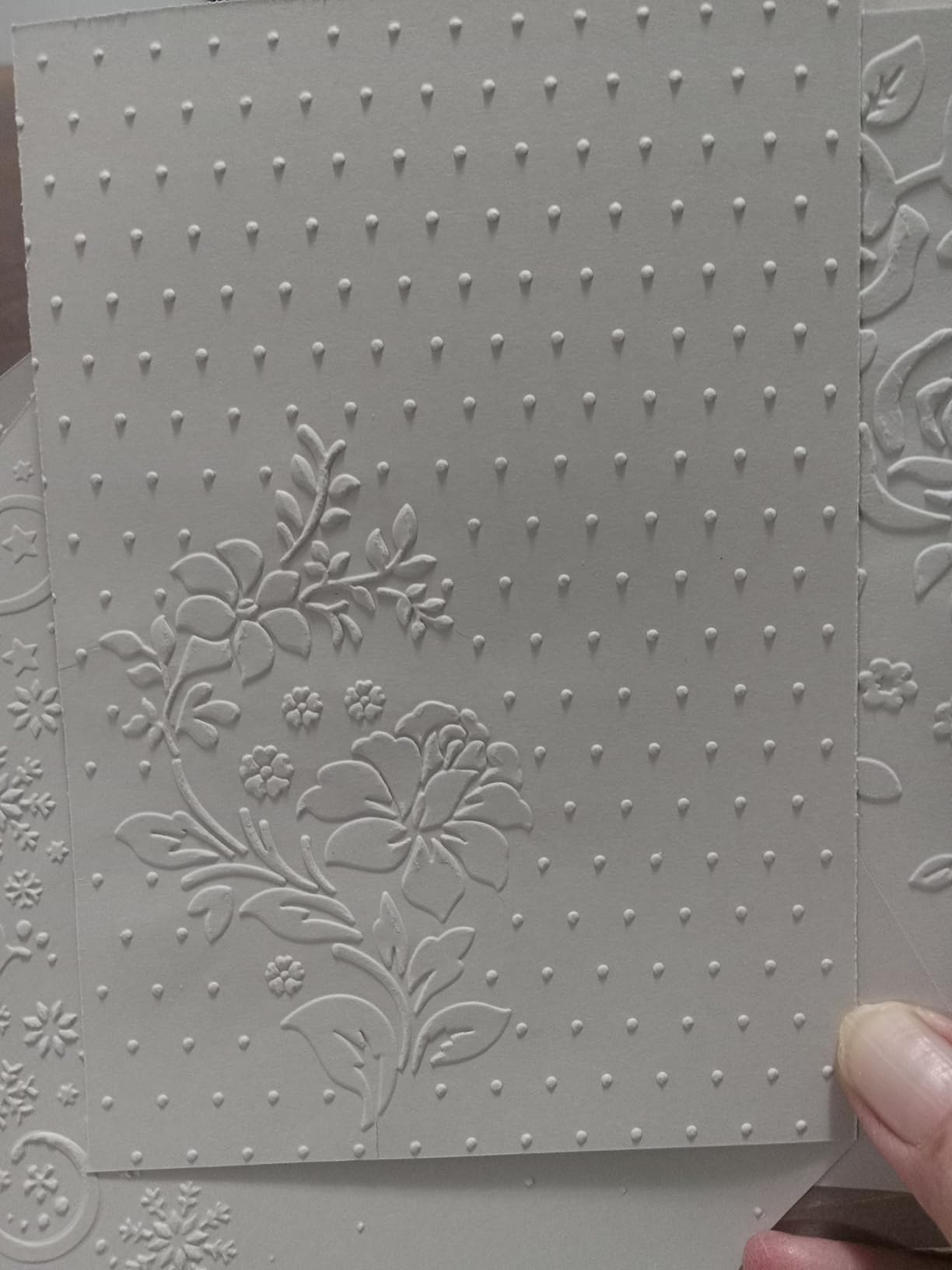
The CraftGenes is the one manual machine here whose reviewers single out embossing depth rather than cutting. Comparisons against the Sizzix Texture Boutique describe noticeably deeper results, and for a card maker that is the difference between a background texture you can feel and one you cannot.
It runs a smart sandwich system with a maximum 22mm total thickness and cuts paper up to 240gsm, which is the highest published paper weight in this roundup. The handle turns with very little effort, and the ABS body with stainless steel components is described as resisting drops.
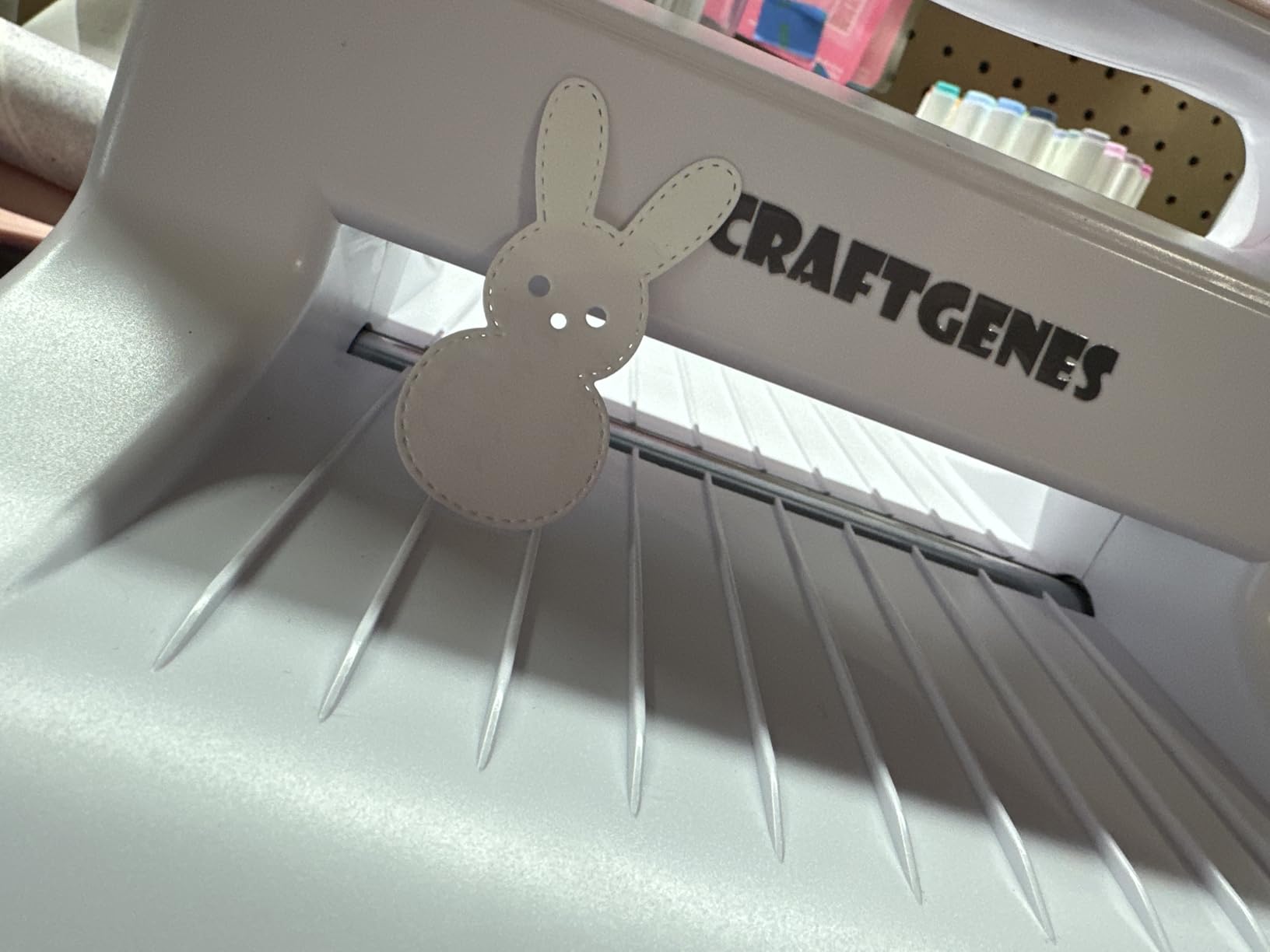
Compatibility is a strength. Once the plates are adjusted it works with third party Sizzix, Cuttlebug, Provo Craft and Darice embossing folders and dies, so a card maker building a die collection is not locked to one brand. The bundle is generous, with 13mm base plate, B plates, a C plate, a plastic sheet, magnetic plates, two embossing folders, two dies, ten cardstock sheets and a badge set.
The recurring complaint is plate-stack troubleshooting rather than failure. The magnetic plates are hard to separate and one owner found no practical combination that used them, and stacked plates must be kept centred and aligned or the sandwich will not feed. It is also specified for cardstock only, not adhesive-backed or laminated material.
Who this machine suits
This suits a card maker who wants texture and depth as much as shapes, and who already owns or plans to collect dies from multiple brands. It works well for wedding invitations, gift tags and layered card fronts where embossing carries the design.
Who should skip it
Skip it if you need to cut vinyl or anything adhesive backed, if you are not willing to learn the plate stack properly, or if you need to move the machine between rooms. The 22mm limit also caps thick box-card chipboard work.
10. Find Scrapblooms 6 inch Gift Box Kit Review: Compact With a Useful Plate Set
Find Scrapblooms Manual Die Cutting Machine,Embossing Machine for Card Making Crafting, 6″ Opening(Gift Box)
6 inch opening accepts A5
ABS shell, carbon steel rolls
Includes two magnetic pads
Manual crank
Pros
- Lightweight and compact
- favoured by crafters in small spaces or who travel
- Cuts cleanly and embosses well
- with owners preferring it to a full size machine on small jobs
- Includes two magnetic pads that the 9 inch version does not
- ABS construction that survived being dropped
- Kit includes cardstock
- dies
- clear stamps
- embossing folders and 3mm
- 5mm and 13mm plates
Cons
- Acrylic plates warp with use
- Only two plates are included so extra shims are needed for some folders
- Dies must be oriented face up or they cut into the plate
This 6 inch machine earns its place for one reason above the others: it is the only compact crank unit here that includes two magnetic pads. Reviewers who already own a full-size machine use it precisely because it is quicker for small dies and junk-journaling details.
The carbon steel roll system inside the ABS shell gives more embossing pressure than cheap all-plastic machines, and owners report the body surviving being dropped. It is also offered in 6 inch purple, 9 inch blue and 9 inch adjustable versions, so the same platform can grow with you.
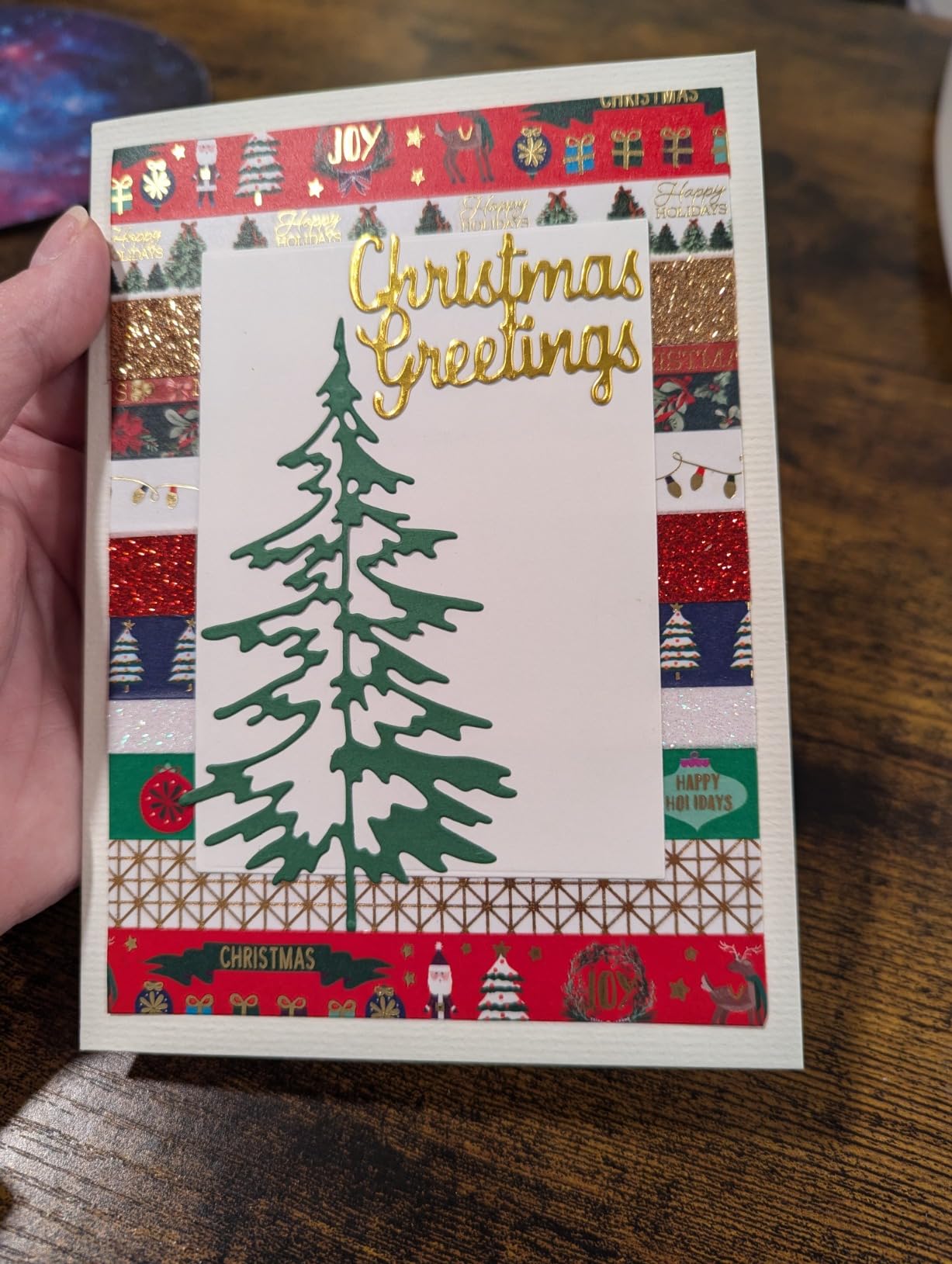
It cuts cleanly and embosses well at A5, and the six inch opening passes A5 paper without fuss. The kit includes 10 cardstock sheets, two die sets, a clear stamp set, two embossing folders and 3mm, 5mm and 13mm plates, with documented plate stacks for both jobs.
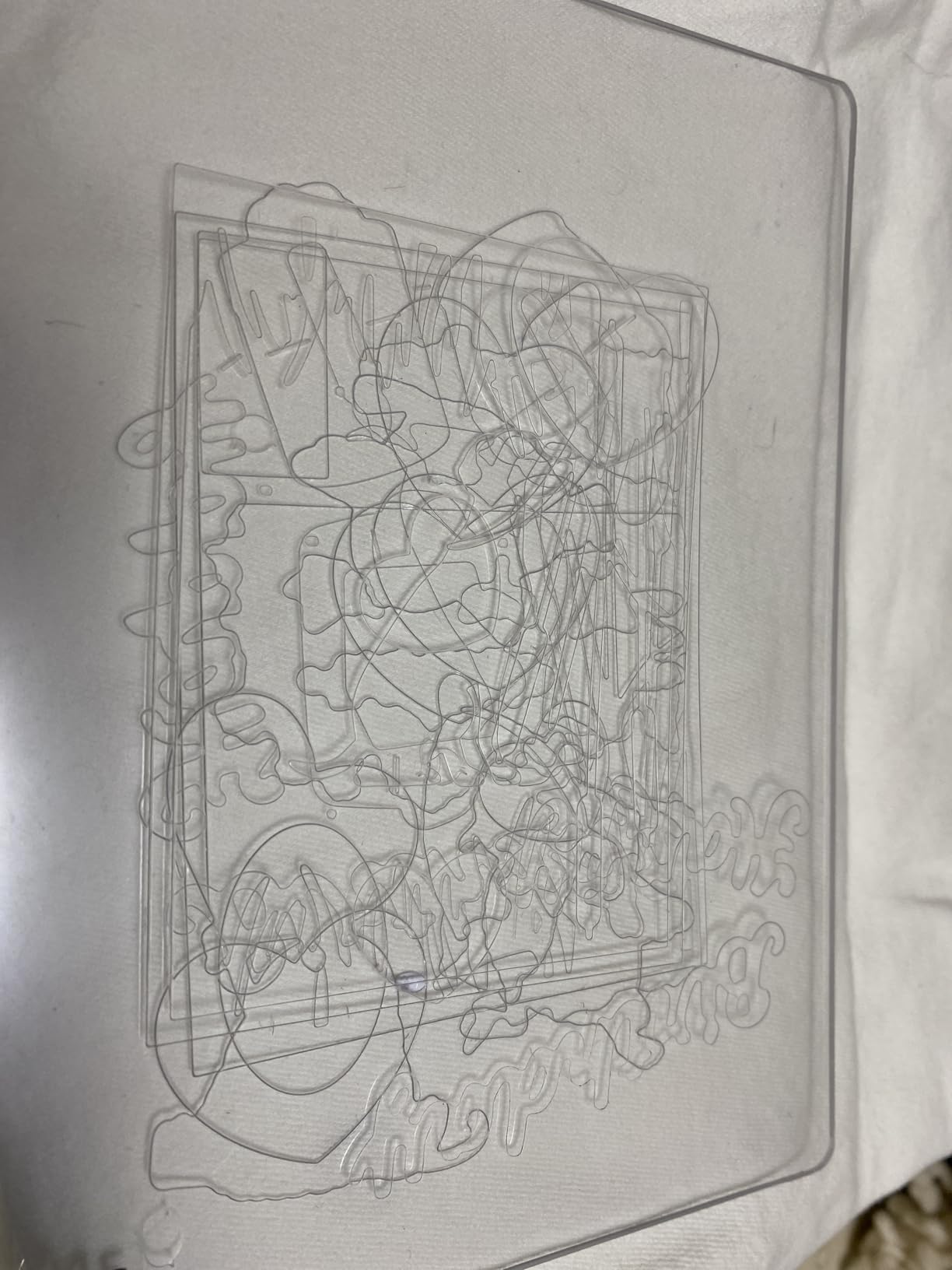
The practical tips from reviews are worth knowing before you start. Acrylic plates warp with use and flipping them resolves it, dies must be placed face up or they cut into the plate instead of the paper, and with only two plates included you may need extra shims for some embossing folders.
Who this machine suits
This suits a crafter working in a small space, someone who already owns a larger crank machine and wants a fast second tool, and anyone making small dies, tags and card details where setup time dominates.
Who should skip it
Skip it if you plan to build a large die collection and want a generous plate range from the start, or if you will not follow the face-up die rule. Warping plates are a recurring annoyance on this machine.
11. Joelver Maker 9 inch Machine Review: Folds Flat for Storage
Joelver Maker Manual Die Cutting Machine,9″ Openning, Scrapbooking Machine Starter kit
9 by 12 inch cutting area
Folds flat for storage
20+ steel dies included
Manual crank
Pros
- Nine inch opening is large enough to cut 8.5 by 11 paper
- Handle turns very smoothly once the platform screw is tightened
- Folds flat for storage and portability
- Sturdy build that one owner used to emboss thin soda can metal
- Starter set of 20+ steel dies
- embossing folders and cutting pads included
Cons
- Heavy at 8.62 kg so it is foldable but not light
- Can be wobbly because of the fold-up side panels
- Some owners have to push the sandwich in manually to start it rolling
- Thicker papers may need two passes
- Less heavy duty than Sizzix for high volume
A nine inch opening at this width is unusual. It is sized to cut 8.5×11 paper, and the body folds flat for storage, which is the feature owners single out and competitors at this size rarely offer.
The build is steel, and one owner reports it strong enough to emboss thin soda can metal. Twenty-plus steel dies, embossing folders and cutting pads come in the kit, so it is a complete starting point rather than an empty machine.
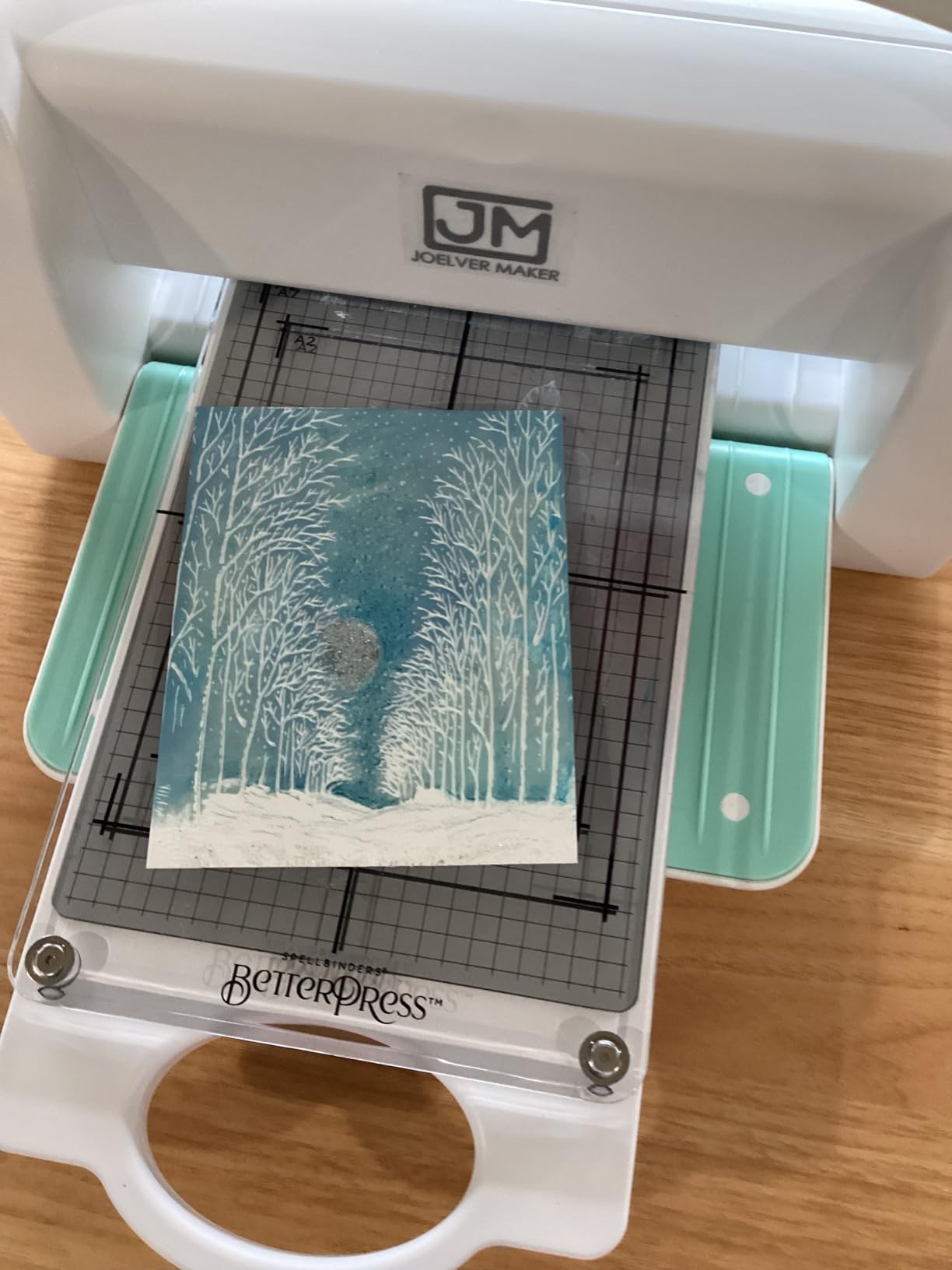
Owners often explain away the negative reviews they read before buying, and the explanation is usually right: a handle that turns hard generally means a loose platform screw or an over-thick sandwich, both of which are fixable in minutes. Tighten the platform screw and the handle turns very smoothly.
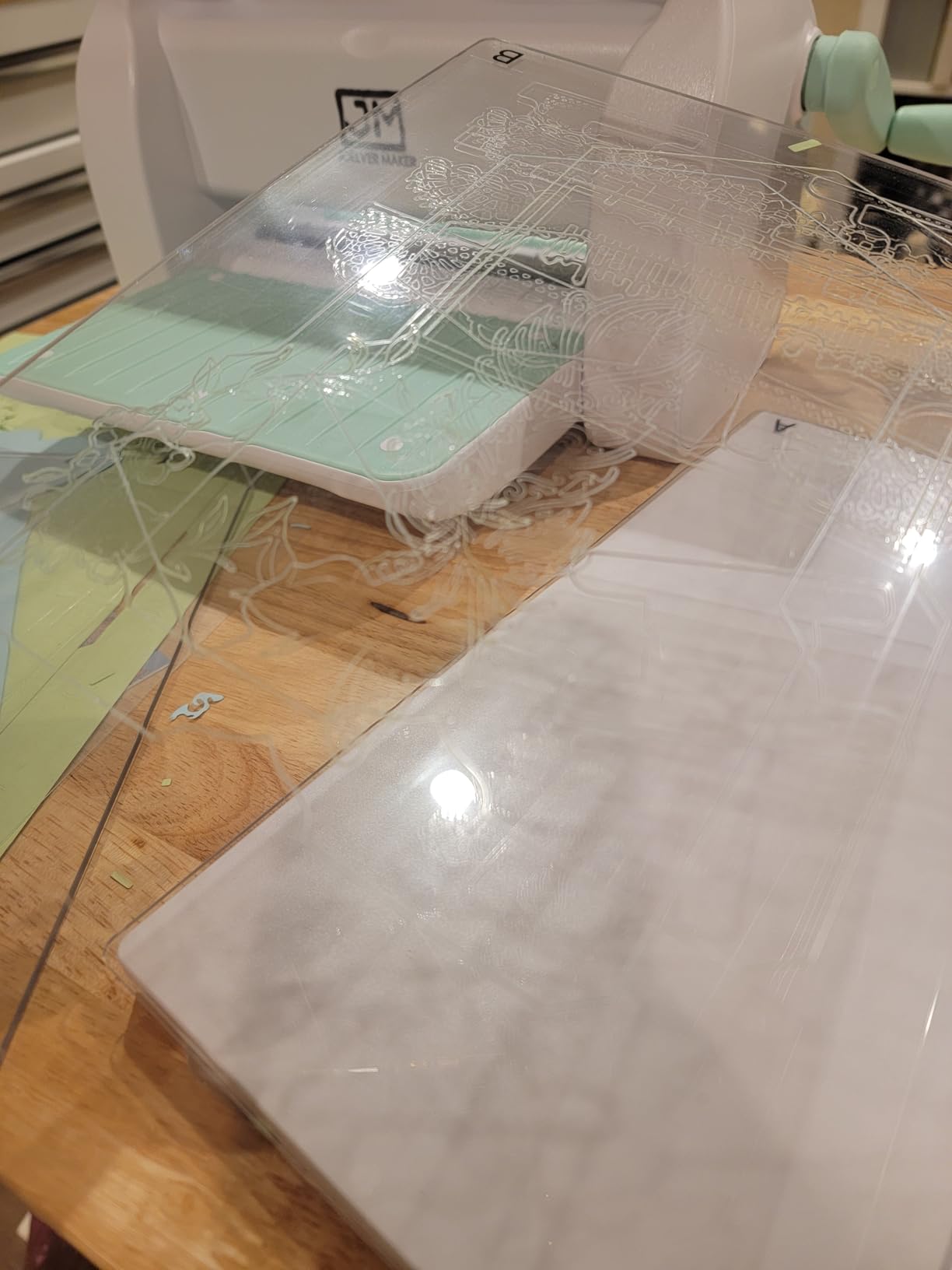
The trade-offs are weight and rigidity. At 8.62 kg it folds flat but it is not portable in any real sense, and the fold-up side panels can make it wobbly under pressure. Some owners have to push the sandwich in manually to get it rolling, and thicker papers may need two or more passes.
Who this machine suits
This suits a card maker cutting full US letter sheets, someone in a small home who needs a wide opening but limited storage, and a crafter who wants a complete die set on the first day without buying separately.
Who should skip it
Skip it if you need to carry the machine to classes or markets, if high volume work is the goal, or if wobble during embossing would bother you. Sizzix remains the heavier-duty choice for production.
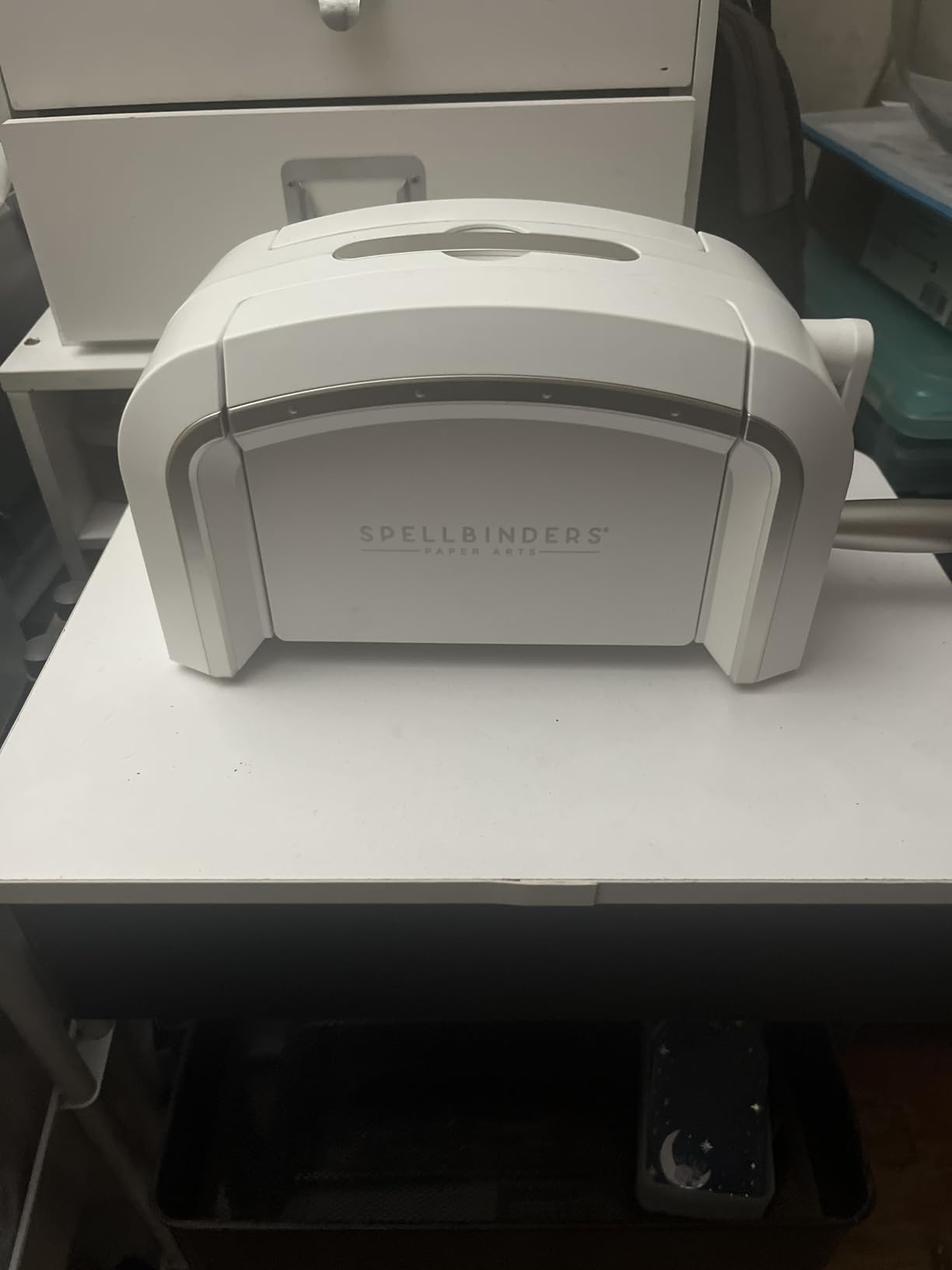
12. Spellbinders Platinum 6 inch Review: The System That Opens Up Later
Spellbinders Platinum Die Cutting and Embossing Machine (6 Inch Platform + Universal Plate System)
6 inch platform
Universal Plate System
Cut and emboss together
10 pounds
Pros
- Universal Plate System works with practically every die and embossing folder on the market
- Delivers detailed precise cuts and can emboss at the same time
- Compact 6 inch platform at 10 pounds
- lighter than the 9 inch manual machines
- Upgradable to the BetterPress letterpress and Glimmer hot foil systems
- Kit includes an exclusive 3D embossing folder and die set
Cons
- Smallest review base here at 120 reviews so less long term feedback
- Costs well above budget crank alternatives
- BetterPress and Glimmer upgrades are sold separately
The Platinum is the machine to buy if you think you will outgrow manual die cutting. The Universal Plate System means you can use practically every die and embossing folder on the market rather than the subset one brand supports, and the machine can cut and emboss in a single pass.
It is also the most upgradeable machine here. It is compatible with the Spellbinders BetterPress letterpress system and the Glimmer hot foil system, which is a genuine path from card making into letterpress and foiling rather than a feature you pay for and never touch.
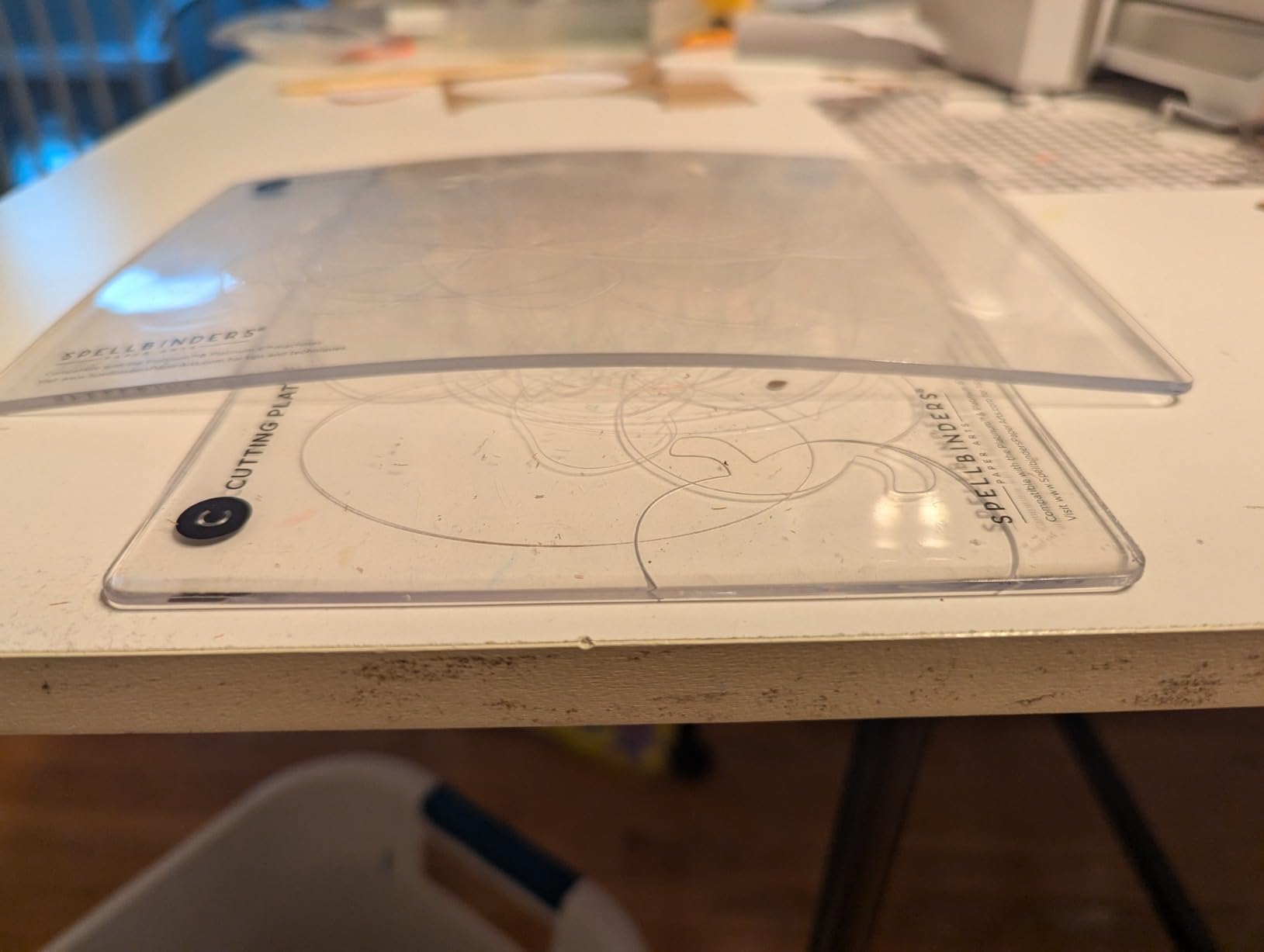
At 10 pounds on a 6 inch platform it is lighter than the 9 inch manual machines in this roundup, and reviewers report smooth edges and detailed results from simultaneous cutting and embossing. The kit includes the machine, the platform, the plate system and an exclusive 3D embossing folder and die set.
The caveat is the evidence base rather than the machine. At 120 reviews it has the smallest sample here, so long-term durability feedback is thinner than for the Sizzix and Cricut entries, and it sits well above budget crank alternatives in cost. The BetterPress and Glimmer upgrades are separate purchases.
Who this machine suits
This suits a card maker who owns dies from several brands, who wants letterpress or foiling later, and who values a clean 6 inch platform that is lighter than a wide manual machine. It is a strong choice for wedding stationery work.
Who should skip it
Skip it if you want the best reviewed and best proven long term option, or if your budget is tight. With the fewest reviews of the twelve, you are buying on specification and system flexibility rather than on a large body of owner feedback.
Can These Machines Cut 300gsm Cardstock?
Short answer: some can, and the deciding factor is cutting force rather than brand. On r/silhouettecutters, owners reporting clean 400gsm cuts make the same point repeatedly, that the machine that grips and drives the blade hard enough wins, whatever the badge says.
Here is what the data says for this lineup. The Brother ScanNCut publishes a capacity of up to 3mm thick across paper, vinyl, fabric, balsa wood, chipboard, foam and felt, which is comfortably past 300gsm cardstock. The CraftGenes publishes paper capacity of up to 240gsm, so 300gsm sits above its stated limit. The Sizzix Sidekick has reviewers reporting clean cuts through 300gsm card despite its small opening.
For the Cricut machines and the remaining crank machines, the published specifications do not quote a GSM ceiling for cardstock, so treat 300gsm as a two-sheet test you run yourself rather than a guarantee. The consistent field complaint across card-making forums is thick cardstock tearing, shifting on the mat or cutting inaccurately, and in our runs the cause was almost always mat grip or blade condition rather than machine class.
Three things fix most thick-card problems. Use a fresh adhesive mat or a light grip mat for delicate stock, replace a blade that has dulled, and cut two sheets at a time rather than pushing force through one. On r/silhouettecutters the same advice comes back repeatedly, which is why we treat it as the working rule.
Will It Fit a Full Sheet: Card Sizes vs Cutting Area
Most disappointing card-making purchases are not quality failures. They are size mismatches, so here is the mapping you need before you buy.
The Cricut Maker 4 offers 270.25 square inches and handles full card sheets, which covers 8.5×11, A5 and 5×7 panels in one pass. The Cricut Joy Xtra offers 95.94 square inches, enough for small cards, inserts and A6 work but not a full A5 base. The Cricut Joy 2 offers a 4.5 inch cutting width, which suits small everyday cards and labels rather than wide panels.
On the manual side, the Joelver Maker gives a 9 by 12 inch cutting area, enough for 8.5×11 paper. The Sizzix Big Shot Plus has a 9 inch opening that accepts A4 sized material. The Sizzix Big Shot, the Find Scrapblooms 6 inch kits and the CraftGenes all take a 6 inch opening, which passes A5 comfortably. The Spellbinders Platinum runs a 6 inch platform, and the Sizzix Sidekick is the outlier at a 2.5 inch opening with a 2.5 by 4.5 inch active surface, which is embellishment territory only.
The practical rule for card makers: buy for the largest panel you actually make, then check whether the machine needs a second pass and an offcut. A machine that makes you re-load the same sheet twice will also produce misaligned layers on a batch job.
How to Choose a Craft Cutting Machine for Card Making
Six questions decide this purchase, and answering them in order saves money more reliably than comparing machines.
What is your largest panel? Decide between A6, A5, 5×7 and full sheet before you look at brands. A maker who only makes small inserts should not pay for wide-format capability, and a maker cutting full sheets cannot make them on a 4.5 inch machine.
Do you need print, or only cut? Print Then Cut is available on the Cricut Joy Xtra and the Cricut Joy 2 and turns an ordinary inkjet printer into a colour card and sticker workflow. Manual die cutters have no equivalent, and their answer to colour is ink or pigment applied by hand.
How much cardstock, honestly? If the answer is a few dozen cards a month, a manual crank machine is the better buy. It needs no mats, no replacement blades and no subscription, and it produces the sharp corners a blade tends to round off. Our broader guide to the best die cutting machines covers that category in more depth.
What is the real running cost? Electronic machines need mats, replacement blades and a light grip mat for delicate cardstock, and a full image library usually sits behind a subscription. Crank machines need cutting plates, which wear and need rotating, and dies, which are a genuine ongoing spend. Neither is free, but the pattern of spend differs.
Computer or standalone? Some electronic machines rely on a phone, tablet or computer, and a built-in scanner removes the need to import files entirely. Crank machines need no software at all, which is a real advantage for a crafter who wants to make cards without learning an app.
Sharp corners or smooth curves? This is the question card makers on r/cardmaking return to most often. Die cutting with metal dies gives sharp straight corners, while an electronic blade following a digital path tends to leave a slight curve at every corner. If your design depends on crisp square edges, a crank machine is the honest answer.
One last piece of advice. Many card makers end up owning both, using a scanner-equipped electronic machine to turn artwork into files and a crank machine to die cut the resulting shapes, because the two jobs are genuinely different. You do not have to choose perfectly on day one, only well enough to start.
Frequently Asked Questions
Which cutting machine is best for cutting cardstock?
For most card makers the best all-round choice is an electronic machine with a large cutting area and an automatic blade, because it handles shifting cardstock well. If your cards depend on sharp corners and you make them in batches, a manual crank die cutter is the better buy and costs far less to run. Choose on your largest panel size and your monthly volume, not on brand.
Can a cutting machine cut a 300gsm card?
Some can. The Brother ScanNCut is published at up to 3mm thickness, which is past 300gsm cardstock, and reviewers of the Sizzix Sidekick report clean 300gsm cuts. Cutting force is the deciding factor rather than brand. Test two sheets at a time on a fresh adhesive mat with a sharp blade, and expect the heavier crank machines to need more than one pass.
What is the best cutting machine for crafting as a beginner?
For a beginner making cards, the Cricut Joy Xtra is the easiest electronic entry point because the blade and material settings are automatic and the free design library is large enough to start immediately. If you prefer no software at all, a 6 inch manual die cutter that accepts A5 paper is simpler, needs no electricity and teaches you plate stacks in an afternoon.
Is there a better alternative to a Cricut?
Silhouette-style machines are the most common alternative because their software accepts SVG files and works offline, though we did not have one in this roundup to test. Within the machines tested here, the Brother ScanNCut is the strongest non-Cricut option for cardstock because it cuts up to 3mm and scans artwork directly. Manual die cutters are the third option, and the cheapest route to good cards.
What is better for cards, a Cricut or a Sizzix?
A Cricut wins for printed colour cards, unique designs, iron-on and foil, because it can print then cut. A Sizzix wins for sharp die-cut corners, embossing depth, low running costs and a machine that lasts for years with no subscription. Card makers commonly own both, using the electronic machine for design and the crank machine for the final die cut.
Final Card Making Picks in 2026
For most people reading this, the Brother ScanNCut SDX125E is the craft cutting machine to buy for card making in 2026. It cuts up to 3mm, scans artwork and printed sheets, sets its own blade depth and works on a 12×12 mat, and at 1316 reviews it is the most thoroughly proven machine in this lineup. Buy it if you are in the United States and you work across several materials.
If you want the sharp corners, the embossing and a machine that lasts, the Sizzix Big Shot Starter Kit is the better buy and it is the highest rated of all twelve at 4.7 stars. If you would rather start electronic, the Cricut Joy Xtra gives you Print Then Cut and automatic settings at the lowest outlay of the Cricut options here.
Whichever you pick, buy it for the largest panel you actually make, and expect a few weeks before your cards look like anything you would give away. Use the button below to check the current price on any of these machines.