
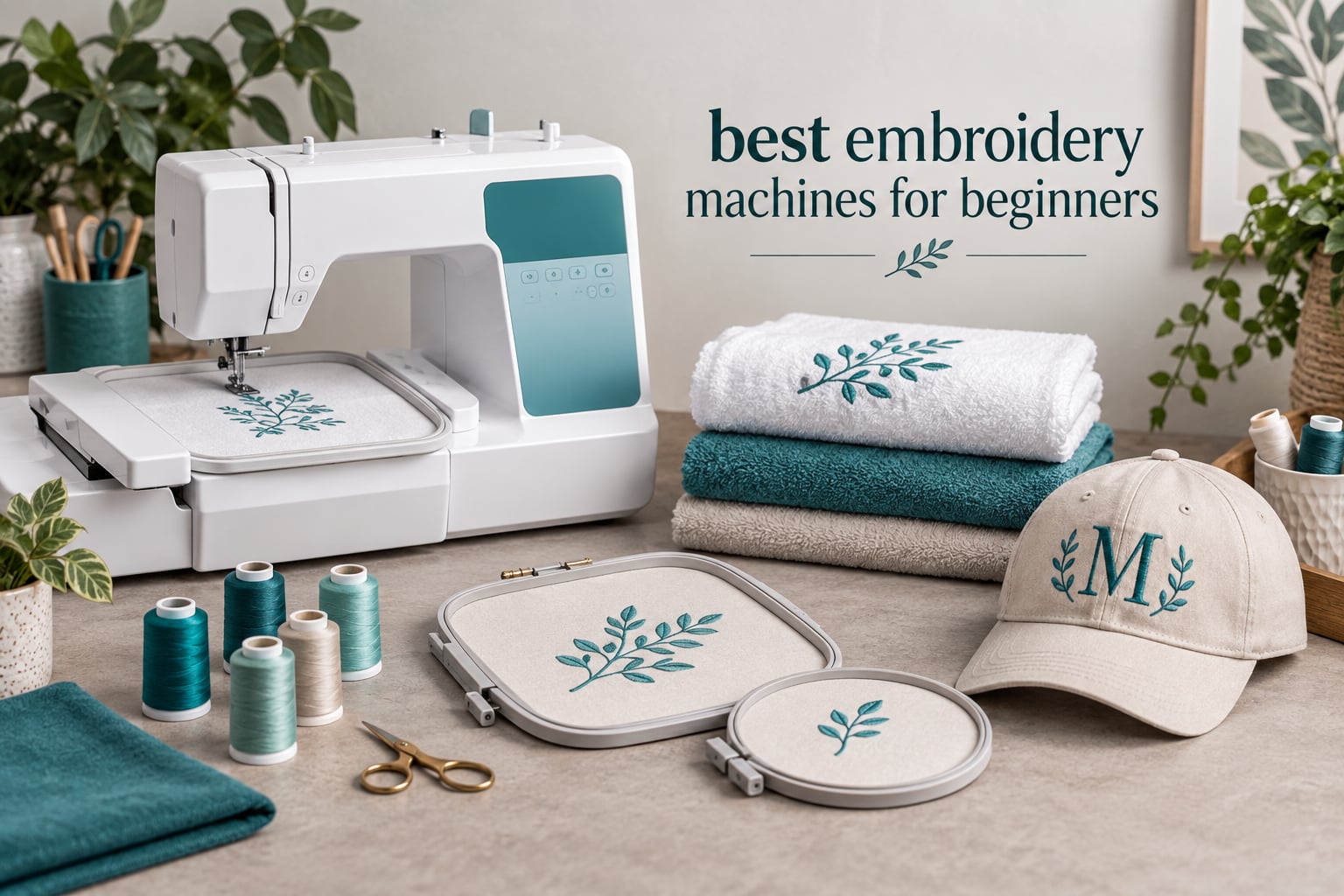
The best embroidery machines for beginners are the Brother SE600 for most people, the Brother PE535 if you already own a sewing machine and want to spend the least, and the Brother SE700 if you want a wireless workflow on day one. That is the short answer, and the rest of this guide explains why.
Our team worked through ten home embroidery machines, weighing every listing against the things that actually decide whether a first machine gets used or abandoned: the embroidery field, whether it can also sew, how designs get onto it, and what thousands of owners say after living with it. Ratings and review counts come straight from the current listing data, so you can see how much real-world history sits behind each recommendation.
Two decisions do most of the work before any feature list matters. The first is hoop size. A 4-inch by 4-inch field suits monograms, small logos and towels, and it is where nearly every beginner starts. The consensus on r/Machine_Embroidery is close to unanimous that a 5-inch by 7-inch field is the smarter first buy, because owners of 4-inch machines report regretting the limit quickly. The second decision is machine type: if you already sew, an embroidery-only body saves money, and if you are starting from scratch, a combo machine covers both crafts in one footprint.
If you want a broader look at machines across every price tier and use case, our general embroidery machine roundup covers the field beyond the beginner focus here. And if you would rather we narrowed the list for you, tell us your budget range, whether you already own a sewing machine, and the project types you care about, because those three answers remove about half the lineup.
Table of Contents
Top 3 Picks for Beginner Embroidery Machines in 2026

Brother SE600 Sewing and Embroidery Machine
- 4x4 inch embroidery field
- 103 sewing stitches
- 80 designs
- 3.2 inch color touchscreen

Brother PE535 Embroidery Machine
- Embroidery only
- 80 designs
- 9 fonts
- USB design transfer
- 25 year warranty

Brother SE700 Sewing and Embroidery Machine
- Wireless LAN and Artspira app
- 135 designs
- 3.7 inch touchscreen
- 4x4 inch field
Those three cover the realistic entry ladder. The SE600 has the deepest owner history in the group, the PE535 is the cheapest way into embroidery proper, and the SE700 is the current-generation pick if transferring designs from a phone matters to you.
Best Embroidery Machines for Beginners in 2026
| Product | Specifications | Action |
|---|---|---|
| Brother SE600 Sewing and Embroidery Machine |
|
Check Latest Price |
| Brother PE535 Embroidery Machine |
|
Check Latest Price |
| Brother SE700 Sewing and Embroidery Machine |
|
Check Latest Price |
 Poolin EOC05 Embroidery Machine Poolin EOC05 Embroidery Machine |
|
Check Latest Price |
 Brother PE545 Wireless Embroidery Machine Brother PE545 Wireless Embroidery Machine |
|
Check Latest Price |
 Singer Legacy SE300 Sewing and Embroidery Machine Singer Legacy SE300 Sewing and Embroidery Machine |
|
Check Latest Price |
 Brother NQ1700E Embroidery Machine Brother NQ1700E Embroidery Machine |
|
Check Latest Price |
 Brother SE2000 5×7 inch Combo Machine Brother SE2000 5×7 inch Combo Machine |
|
Check Latest Price |
 Brother PE900 Embroidery Machine Brother PE900 Embroidery Machine |
|
Check Latest Price |
 Poolin EOC03 Embroidery Machine Poolin EOC03 Embroidery Machine |
|
Check Latest Price |
Note that hoop size, not screen size, drives most of the price spread in this table. Four machines here share the same 4-inch by 4-inch field, and they differ mainly in sewing capability, transfer method and support.
1. Brother SE600 Sewing and Embroidery Machine: Best Overall for Beginners
Brother SE600 Sewing and Embroidery Machine, 80 Designs, 103 Built-In Stitches, Computerized, 4″ x 4″ Hoop Area, 3.2″ LCD Touchscreen Display, 7 Included Feet
4x4 inch embroidery field
103 sewing stitches
80 designs and 6 fonts
3.2 inch color touchscreen
26.2 pounds
Pros
- Largest review base in the group at 4677 reviews
- Combines sewing and embroidery in one machine
- Automatic needle threader and jam-resistant drop-in bobbin
- Color touchscreen previews designs before stitching
- Seven presser feet and a full accessory kit included
Cons
- 4x4 inch field forces re-hooping for larger work
- No wireless transfer or companion app
- Heaviest machine here at 26.2 pounds
The SE600 is the machine we keep coming back to because the evidence behind it is the deepest in the category. At 4677 reviews and 4.6 stars, it carries a rating distribution most new releases cannot touch, with 81 percent of owners giving five stars. Owners consistently describe easy threading, clear instructions and dependable stitch quality, which is exactly the profile you want when every session is a learning session.
It sews as well as it embroiders. You get 103 built-in sewing stitches including 10 auto-size buttonhole styles alongside 80 embroidery designs and 6 lettering fonts, and it runs up to 400 stitches per minute in embroidery and 710 stitches per minute in sewing. The 3.2-inch color touchscreen handles preview and layout without a computer in the loop.
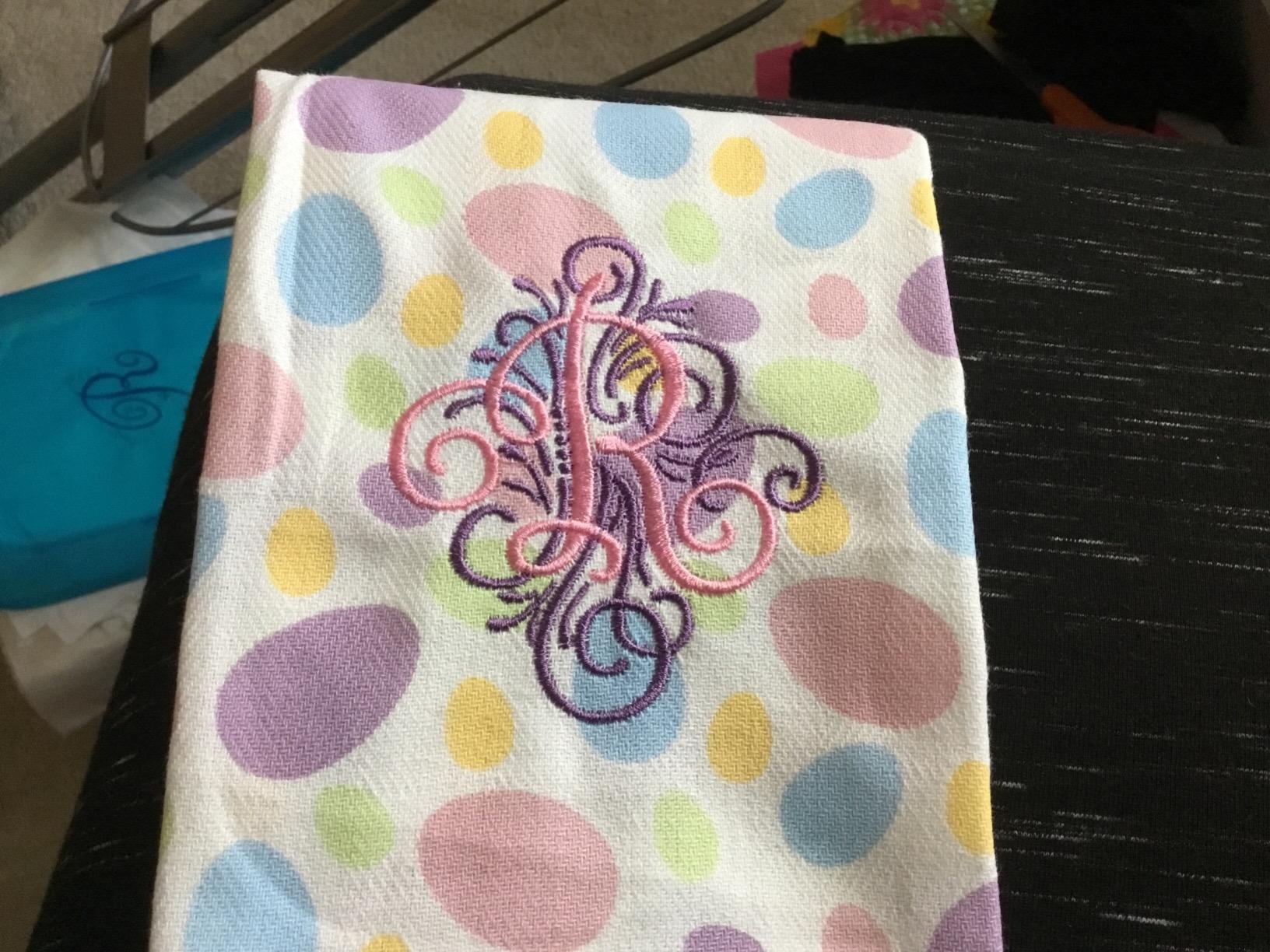
Two things tempered our recommendation rather than disqualifying it. The 4-inch by 4-inch field is the single most common regret in its reviews, and there is no wireless transfer path, so custom designs arrive on a USB stick. The 26.2-pound weight is real too: this is the heaviest machine in the lineup, which matters if your craft space is a corner of a kitchen table.
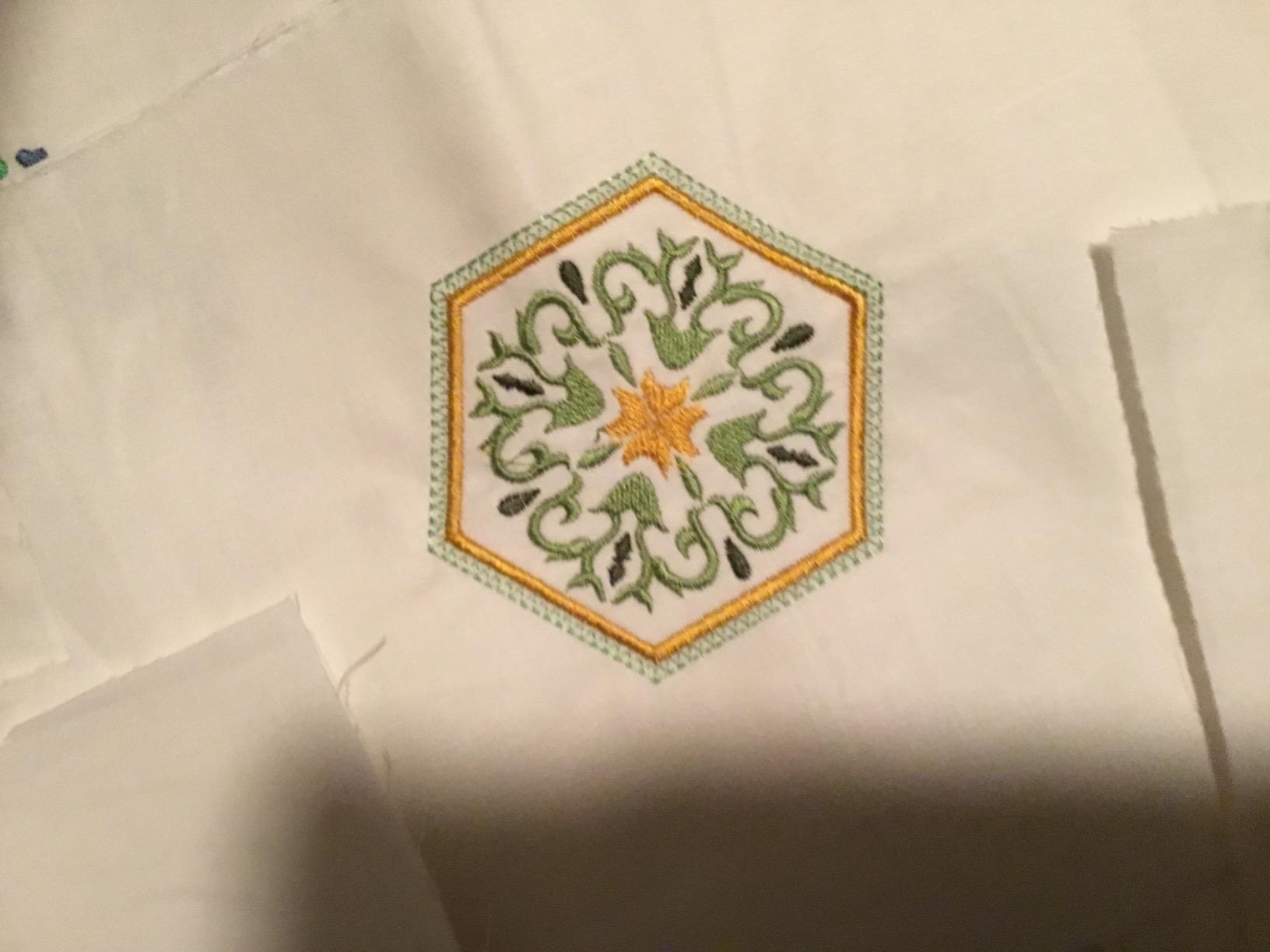
Who the SE600 suits best
A beginner who wants one machine to do both crafts and plans to make gifts, towels, tote bags and simple garments. If you are starting from zero, the 103 sewing stitches and included presser feet remove the need to buy a separate sewing machine later. Owners who have had theirs for years report the stitch quality holds up, which is why the resale market for this model is active.
Who the SE600 is wrong for
Anyone whose first project is a quilt block, a jacket back or a large panel. The 4-inch by 4-inch field simply cannot hold those, and multi-hooping is a workaround rather than an answer. If your workspace is shared or temporary, the weight and the lack of wireless transfer will annoy you within weeks.
2. Brother PE535 Embroidery Machine: Best Value for First-Time Embroiderers
Brother PE535 Embroidery Machine, 80 Built-in Designs, 4″ x 4″ Hoop Area, Large 3.2″ LCD Touchscreen, USB Port, 9 Font Styles
Embroidery only
4x4 inch field
80 designs and 9 fonts
USB port
3.2 inch touchscreen
15 pounds
Pros
- Most recommended first embroidery machine among owners
- Smooth and consistent stitching that holds up over years
- Compact 15 pound body suits small workspaces
- USB port accepts custom designs
- 25 year limited warranty with lifetime phone support
Cons
- Embroidery only
- it does not sew
- 4x4 inch hoop restricts larger artwork
- Brother digitizing software is a paid extra
The PE535 is the value pick for a simple reason: it does one job and does it cheaply, which is the correct shape for your first embroidery machine if a sewing machine is already in your closet. At 4.5 stars across 1730 reviews, it has the second-largest owner base here, and 78 percent of those owners give it five stars.
Owners repeatedly single out the stitching as smooth and precise, and they repeatedly say the same thing about the learning curve: read the manual and watch setup videos before your first run. The 80 built-in designs cover kids, holiday and floral motifs, and 9 lettering fonts (6 English, 3 Japanese) handle monogramming. The USB port lets you load your own designs into machine memory.
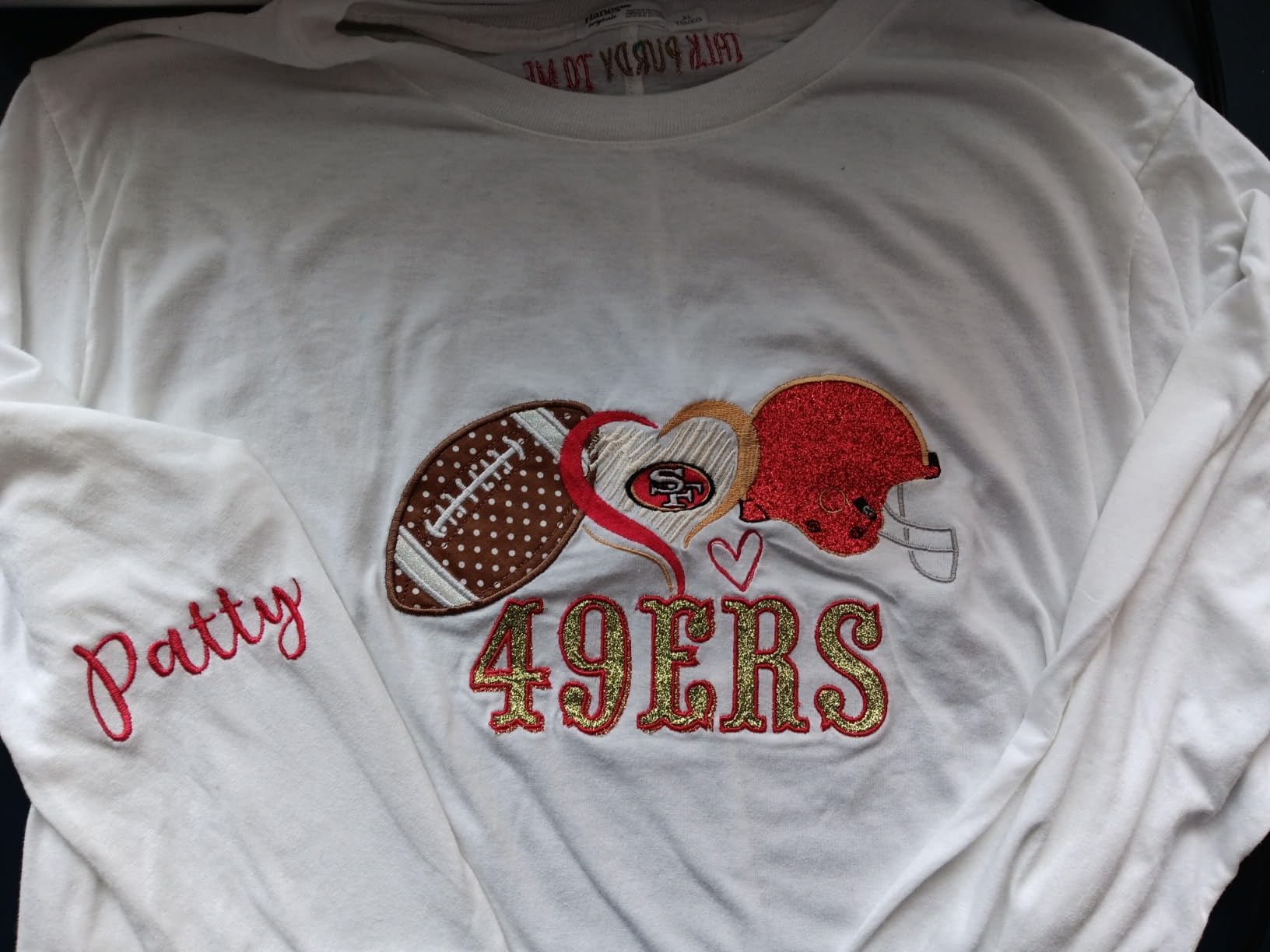
The complaints are consistent too. The touchscreen does not always register a tap on the first try, the automatic threader takes practice, and the digitizing software for custom designs is a separate purchase rather than an included feature. Multiple owners also note that the included dust cover is flimsy and that you will need to buy thread, stabilizers, needles and a USB drive before your first real project.
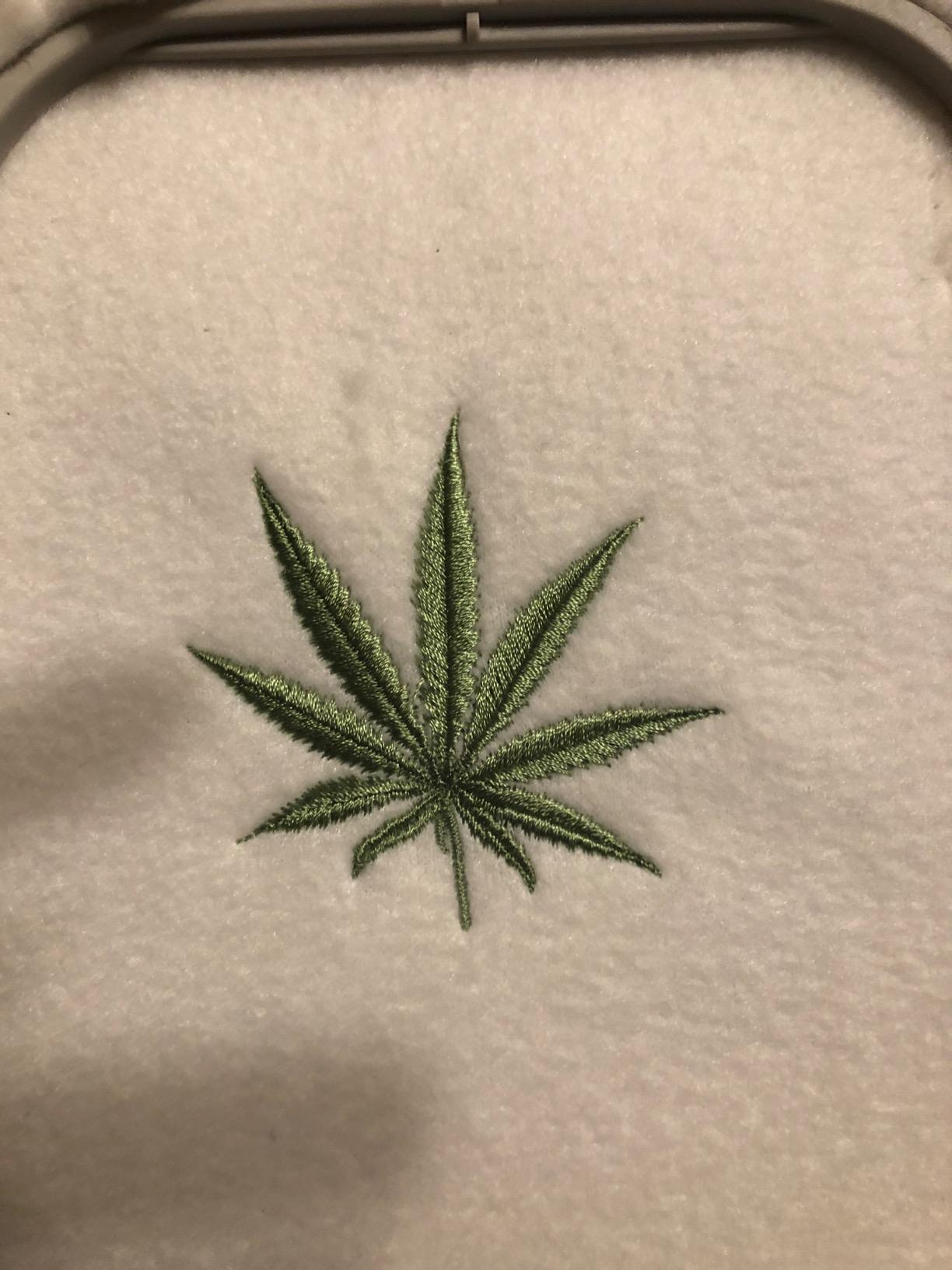
Who the PE535 suits best
A stitcher who already owns a functional sewing machine and wants the cheapest credible path into embroidery. It is also the easiest machine here to store at 15 pounds, which matters in a small flat. The 25-year limited warranty with lifetime phone support is the strongest warranty language in this lineup.
Who the PE535 is wrong for
Anyone starting from scratch. This machine cannot sew, so a beginner without a sewing machine ends up needing two purchases to cover the same craft. It is also the wrong choice for anyone planning quilt blocks or larger panels, because of that 4-inch by 4-inch ceiling.
3. Brother SE700 Sewing and Embroidery Machine: Best for Wireless Design Transfer
Brother SE700 Sewing and Embroidery Machine, Wireless LAN, 8 included Ft
Sewing and embroidery in one body
135 designs and 10 fonts
3.7 inch touchscreen
Wireless LAN and USB
15.6 pounds
Pros
- Ranks first in the Embroidery Machines category
- Wireless LAN and the Artspira app replace the USB-only workflow
- Largest 3.7 inch touchscreen in the entry tier
- Sewing and embroidery in one body
- Automatic needle threader and drop-in bobbin
Cons
- Still limited to a 4x4 inch embroidery field
- Wireless transfer depends on Brother's app ecosystem
- Short parts and labor coverage at 1 year
The SE700 is the current-generation pick in the entry tier, and the numbers back that up. It ranks first in Embroidery Machines on the platform and sits at roughly 4,042 overall in Arts, Crafts and Sewing, well ahead of its category peers, and 80 percent of its owners give five stars across 1022 reviews.
What separates it from the SE600 is workflow. Wireless LAN plus the Artspira mobile app means you can draw a pattern on your phone and send it to the machine without touching a USB stick, and the built-in USB port plus free Design Database Transfer software cover the wired path when you need it. The 3.7-inch color touchscreen with on-screen editing and 135 built-in designs with 10 lettering fonts make on-machine layout noticeably more comfortable.
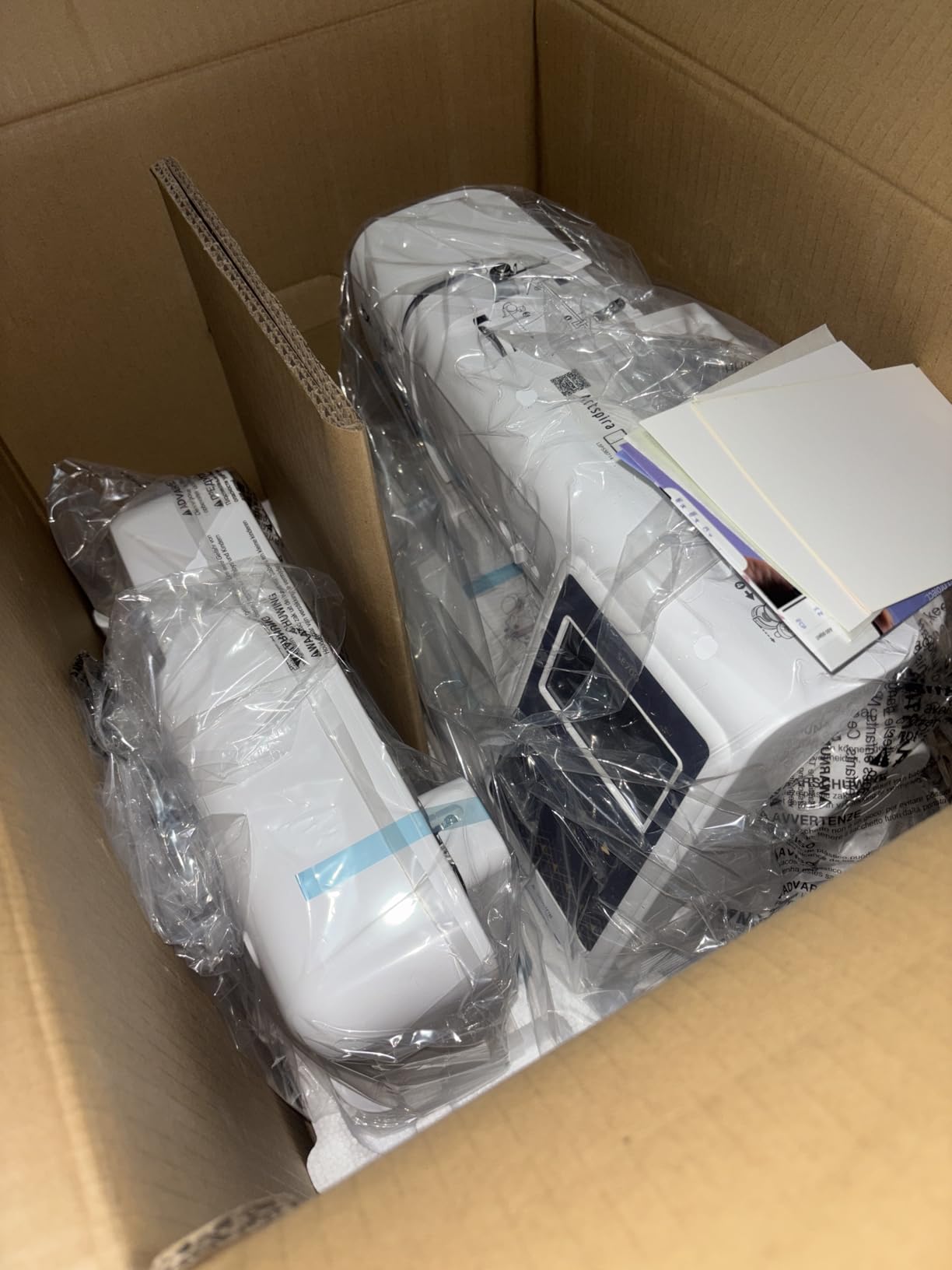
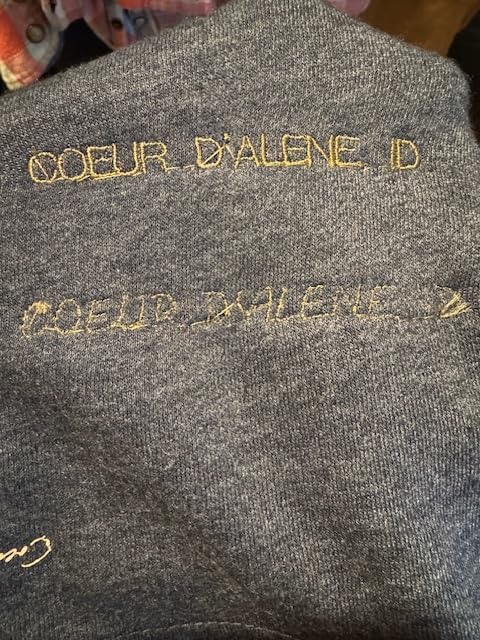
It still lives inside the 4-inch by 4-inch hoop limit, which is the compromise you accept for the wireless experience. Buyers should also know the warranty is 2 years on electronics, 25 years on the chassis casting, and only 1 year on parts, labor and accessories. Forum users budget 30 to 60 minutes for the initial Artspira pairing, so it is not quite plug and play.
Who the SE700 suits best
A beginner who wants both crafts and plans to work from a phone or tablet rather than a laptop. It is also the machine to buy if you dislike cables and memory cards, since the app handles the whole transfer loop. At 15.6 pounds it moves around a room more easily than most combo bodies.
Who the SE700 is wrong for
Anyone whose projects exceed 4 inches, and anyone who needs serious warranty coverage on parts and labor, because one year is short for a machine at this level. If your home network is unreliable, keep a USB drive close, because the wireless path is the one most likely to frustrate you.
4. Poolin EOC05 Embroidery Machine: Best Large-Hoop Starter
Poolin EOC05 Embroidery Machine for Beginners, 4″ x 9.25″ Embroidery Area
4x9.25 inch embroidery area
7 inch color touchscreen
WiFi and USB transfer
Free design software
22 pounds
Pros
- 4x9.25 inch field is the largest in this group
- Largest 7 inch touchscreen here
- Free design software with no paid digitizing add-on
- Starter kit with thread
- stabilizers
- bobbins and needles
- One-on-one engineer training and a user community
Cons
- Embroidery only with no sewing capability
- Cannot resume after a thread break
- Firmware update process is not intuitive
The Poolin EOC05 breaks the Brother pattern on the most important spec. Its 4-inch by 9.25-inch embroidery area is the second-largest field in this lineup, and several owners report switching from a Brother PE900 to this machine specifically for that reason. It holds 4.0 stars from 361 reviews, with 82 percent five-star feedback.
The 7-inch color touchscreen is also the largest display here, running the Institch OS2 interface that reviewers describe as clear and simple to navigate. Design software is included at no charge, transfer works over WiFi or USB through the Institch website, and the box contains thread, stabilizer, bobbins, needles, a USB drive and a thread stand. That is a genuinely complete first-day kit.
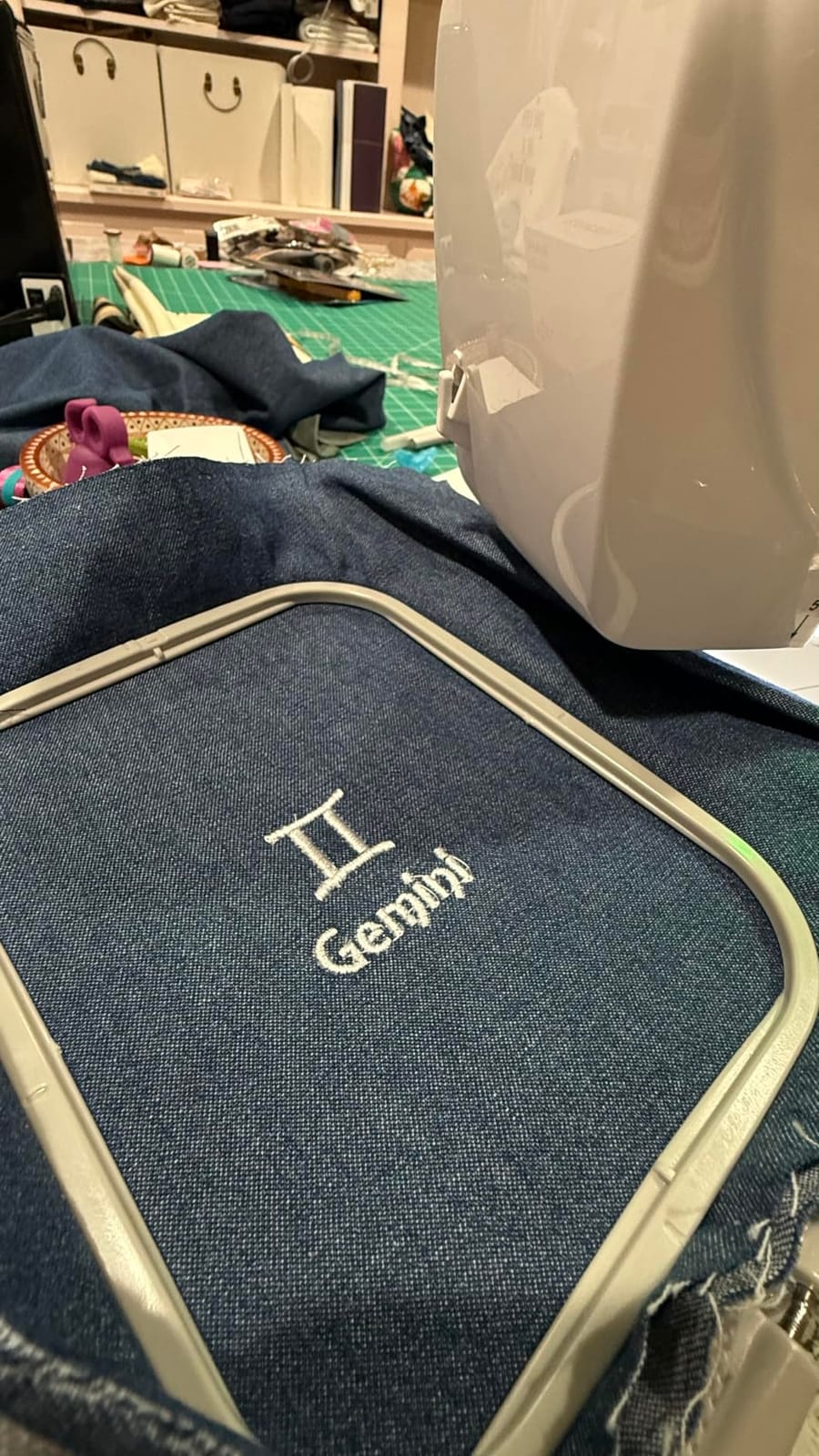
Support is the quiet standout. Owners cite WhatsApp contact, a Facebook group, video tutorials and one-on-one help from engineers as the reason they recommend it, and several mention proactive outreach or a replacement unit. The limitations are real though: no sewing function, a limited built-in library so you will import your own designs, and no small hoop included for tiny items like bag tags.
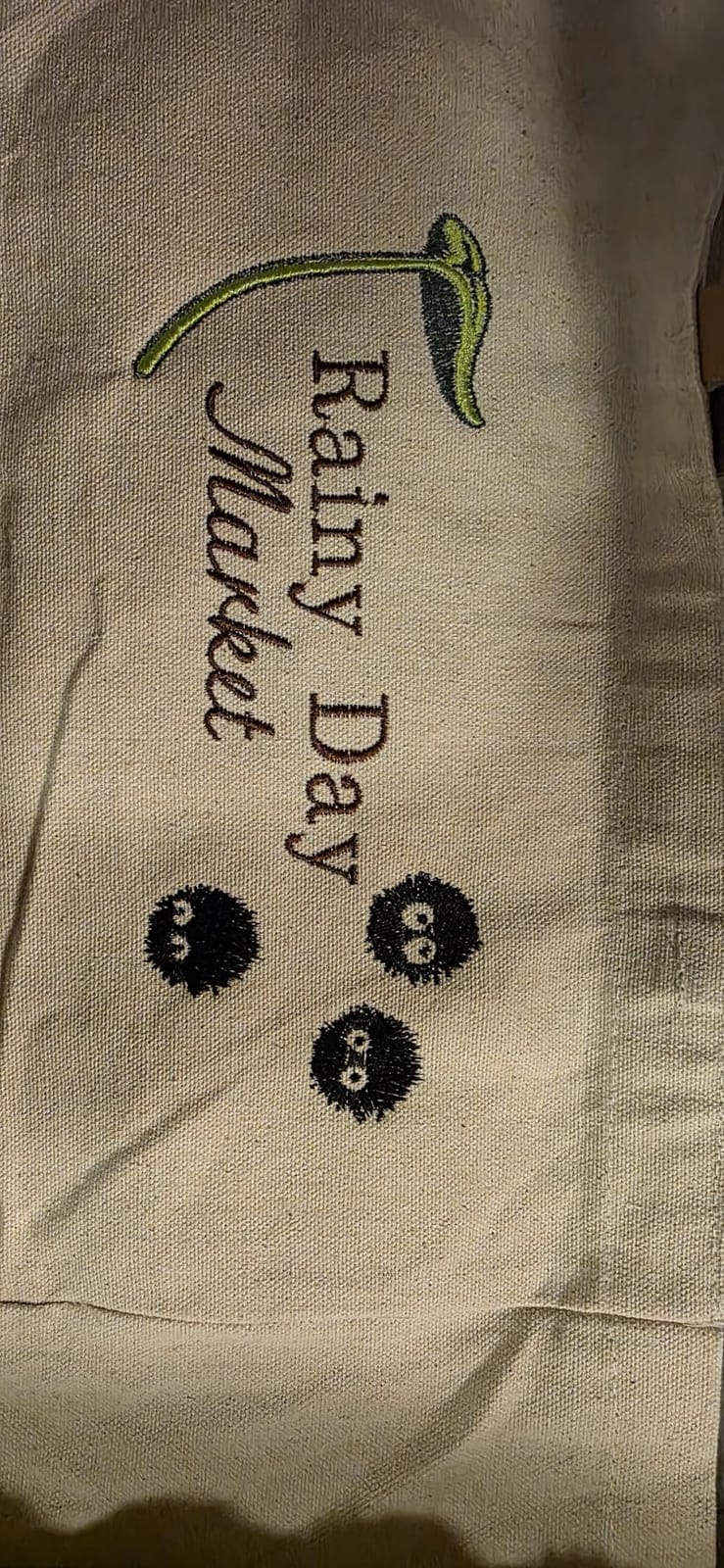
Two workflow limits deserve emphasis. Some designs do not lock off cleanly at color changes, which leaves unraveling tails to pick out by hand, and if a thread breaks you cannot resume, so the section has to be unpicked. Owners also report that the firmware update process is not intuitive if you are not comfortable moving files around.
Who the EOC05 suits best
A beginner who wants a bigger field than any 4-inch entry machine offers and who likes being taught. The long field handles tote bags, hoodies and larger shirt panels, and the bundled supplies mean you can stitch on day one. It suits buyers who want a support contact rather than a manual.
Who the EOC05 is wrong for
Anyone who sews as well as embroiders, because there is no sewing function at all. It is also a poor match for long multi-color designs that rely on clean color stops, or for anyone who cannot give a firmware update the attention it needs.
5. Brother PE545 Wireless Embroidery Machine: Best for Small Workspaces
Brother PE545 Wireless Embroidery Machine 4×4 Hoop LCD
Embroidery only
4x4 inch field
135 designs and 10 fonts
3.7 inch touchscreen with tutorials
14.1 pounds
Pros
- Lightest Brother in this group at 14.1 pounds
- 3.7 inch touchscreen with built-in tutorial videos
- Wireless LAN and Artspira app support
- Accessory pouch with pre-wound bobbins
- needles and multilingual manuals
- Best star distribution in the roundup at 80 percent five star
Cons
- Embroidery only with no sewing functions
- 4x4 inch hoop caps design size
- Only 257 reviews of long-term owner feedback
- One year parts and labor warranty
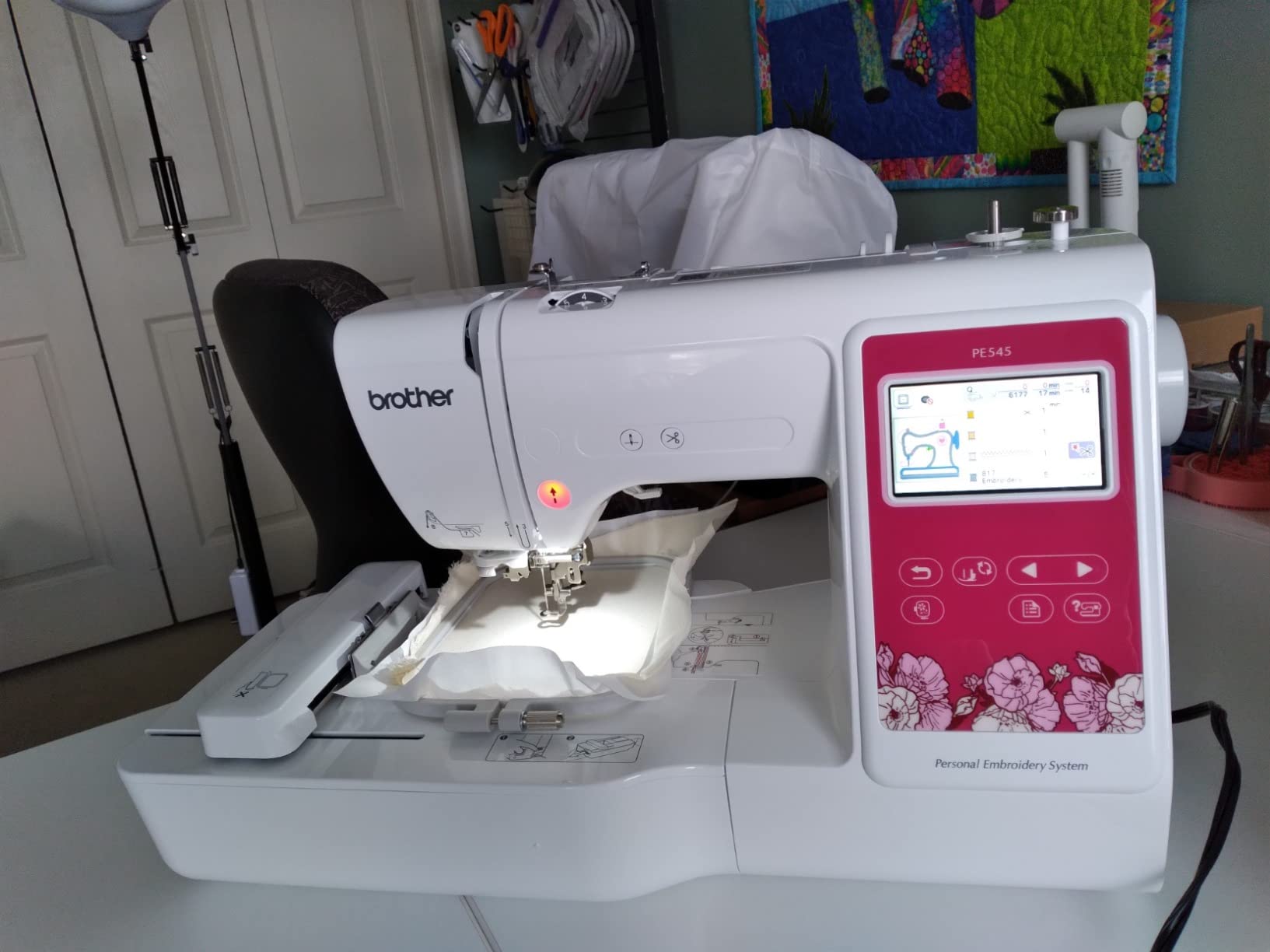
The PE545 is the machine to look at if your craft space is a corner of a room. At 14.1 pounds it is the lightest Brother here, and it still carries the full current-generation feature set: 135 built-in embroidery patterns, 10 lettering fonts, a 3.7-inch color touchscreen with drag-and-drop positioning, and wireless LAN with Artspira app support alongside a USB port.
Its rating profile is the cleanest in this lineup. It holds 4.5 stars from 257 reviews with 80 percent five-star feedback and only 4 percent one-star, the best distribution of the ten machines, and it ranks fourth in the Embroidery Machines category despite that much smaller review base. Owners specifically call the built-in tutorial videos a genuine learning aid rather than decoration.
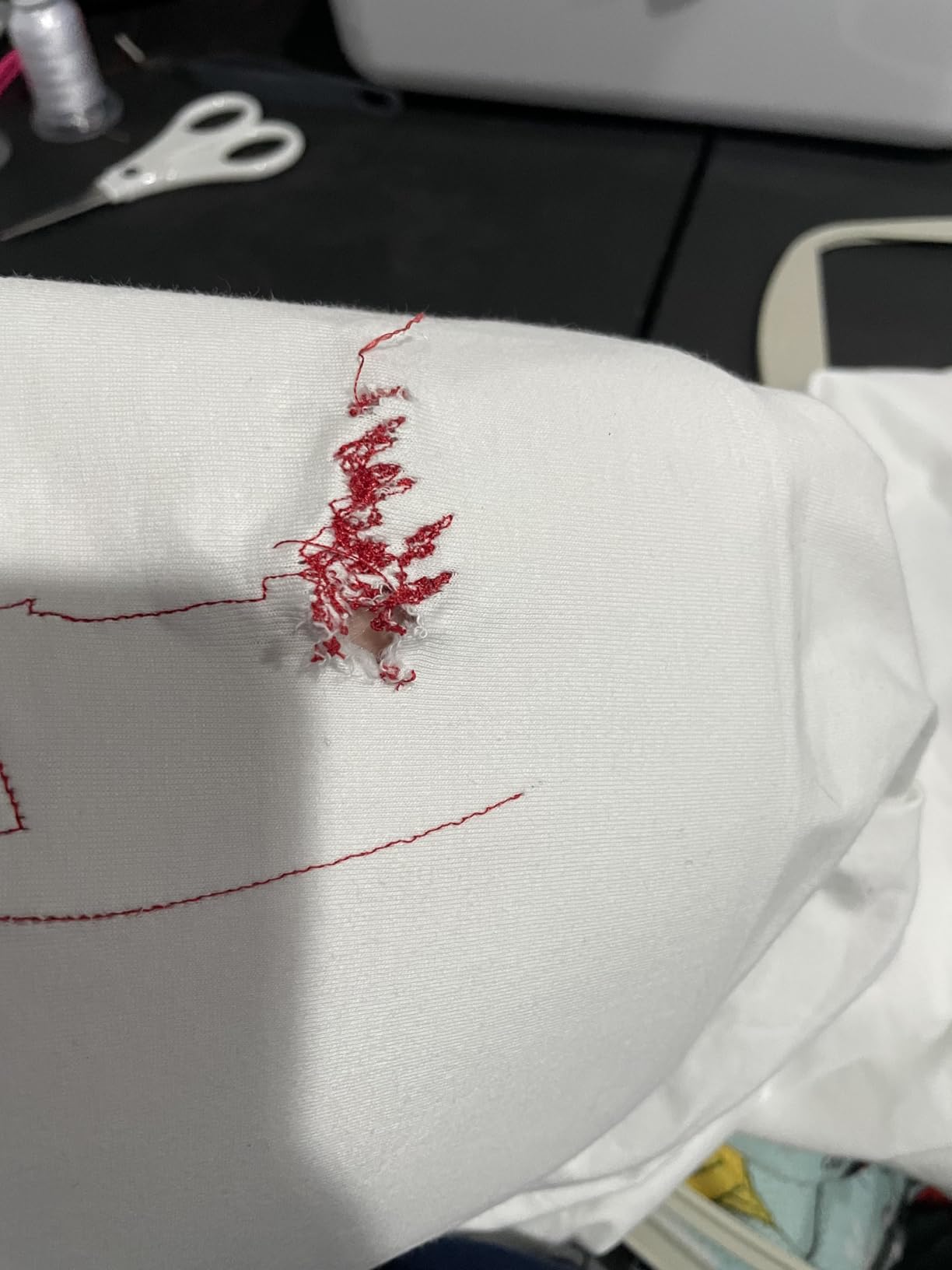
The honest caveat is the sample size. 257 ratings is a fraction of the SE600’s 4677, so there is far less long-term owner history behind it, and the 4-inch by 4-inch hoop puts it in the same size class as the other entry machines. Parts and labor are covered for 1 year, with 2 years on electronics and 25 years on the chassis casting.
Who the PE545 suits best
A beginner who sews already, works in a small space, and wants wireless transfer without a large machine. The accessory pouch arrives with pre-wound bobbins, a needle set, spool caps and manuals in English, Spanish and French, which makes setup unusually painless. The on-screen tutorials genuinely shorten the first week.
Who the PE545 is wrong for
Anyone who wants a sewing function, and anyone who needs large panels. It is also not the machine to buy if long-term reliability data matters more to you than weight, simply because the owner record is still short.
6. Singer Legacy SE300 Sewing and Embroidery Machine: Best for Free-Arm Sewing
SINGER® Legacy SE300 Computerized Sewing & Embroidery Machine
10-1/4 x 6 inch and 4x4 inch hoops
200 designs and 6 fonts
250 sewing stitches
Self-adjusting tension
20.5 pounds
Pros
- Two hoops included including a 10-1/4 x 6 inch hoop
- 250 sewing stitches and 200 embroidery designs
- Automatic stitch optimization and self-adjusting tension
- Free arm for tubular work
- Ten presser feet
- USB stick and software included
Cons
- Lowest rating in this roundup at 3.6 stars
- 20 percent of reviews are one star
- Weakest sales demand signal in the group
- No wireless transfer or companion app
We include the Singer because the feature list looks like a bargain, and you need the review data to see the trade. On paper it is generous: 250 built-in sewing stitches, 200 embroidery designs with 6 font options, 10 presser feet, a USB stick, complimentary software, and two hoops including a 10-1/4 by 6-inch embroidery hoop that comfortably handles panels and caps.
The specification sheet also does real work. Automatic stitch optimization sets length, width, balance, pressure and tension for you, a self-adjusting tension system targets consistent stitch alignment, and the built-in needle threader, transparent top-drop bobbin and independent bobbin winding motor cover the basics beginners find hardest. The free arm is useful for cuffs and tubular work.
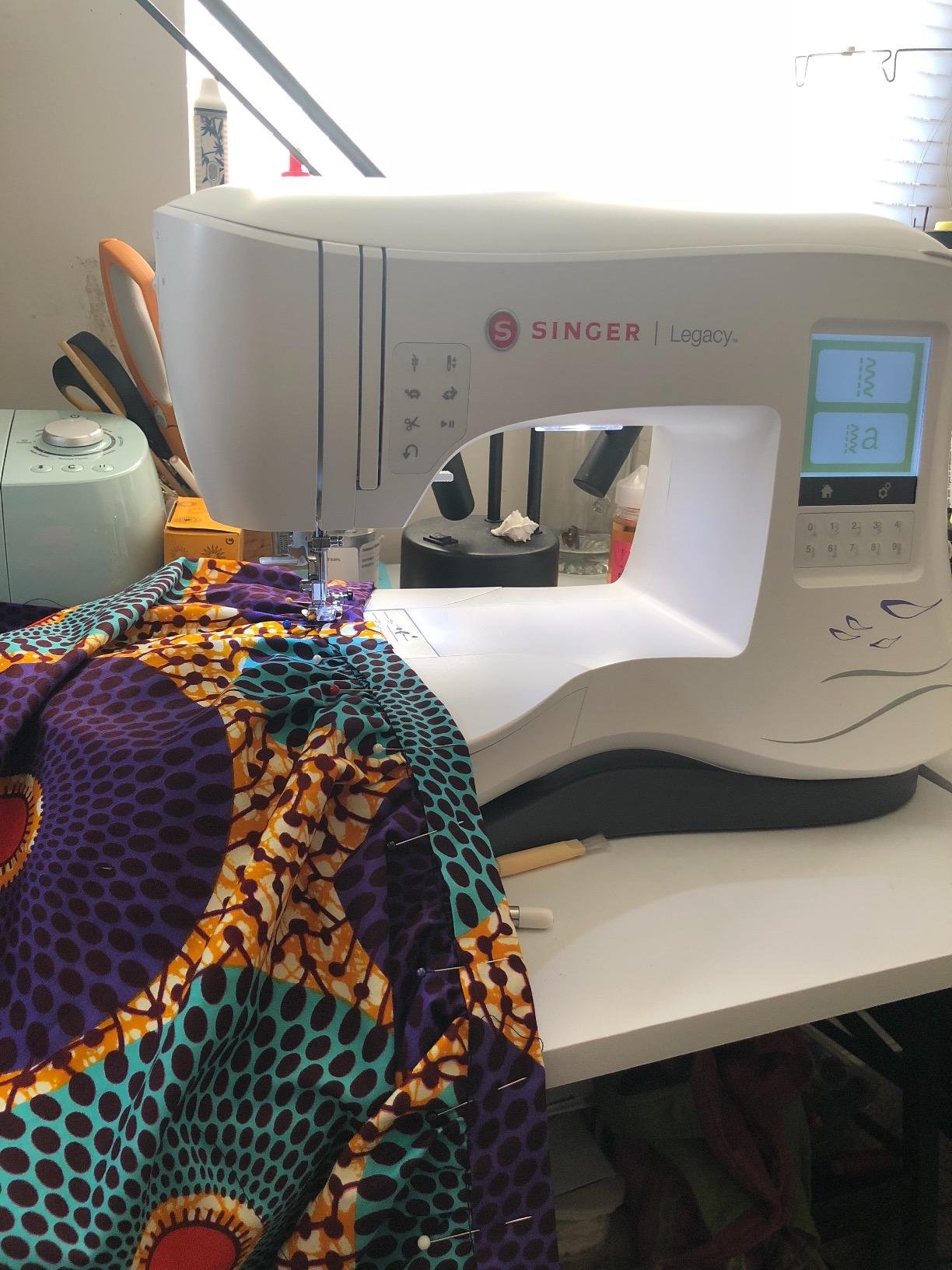
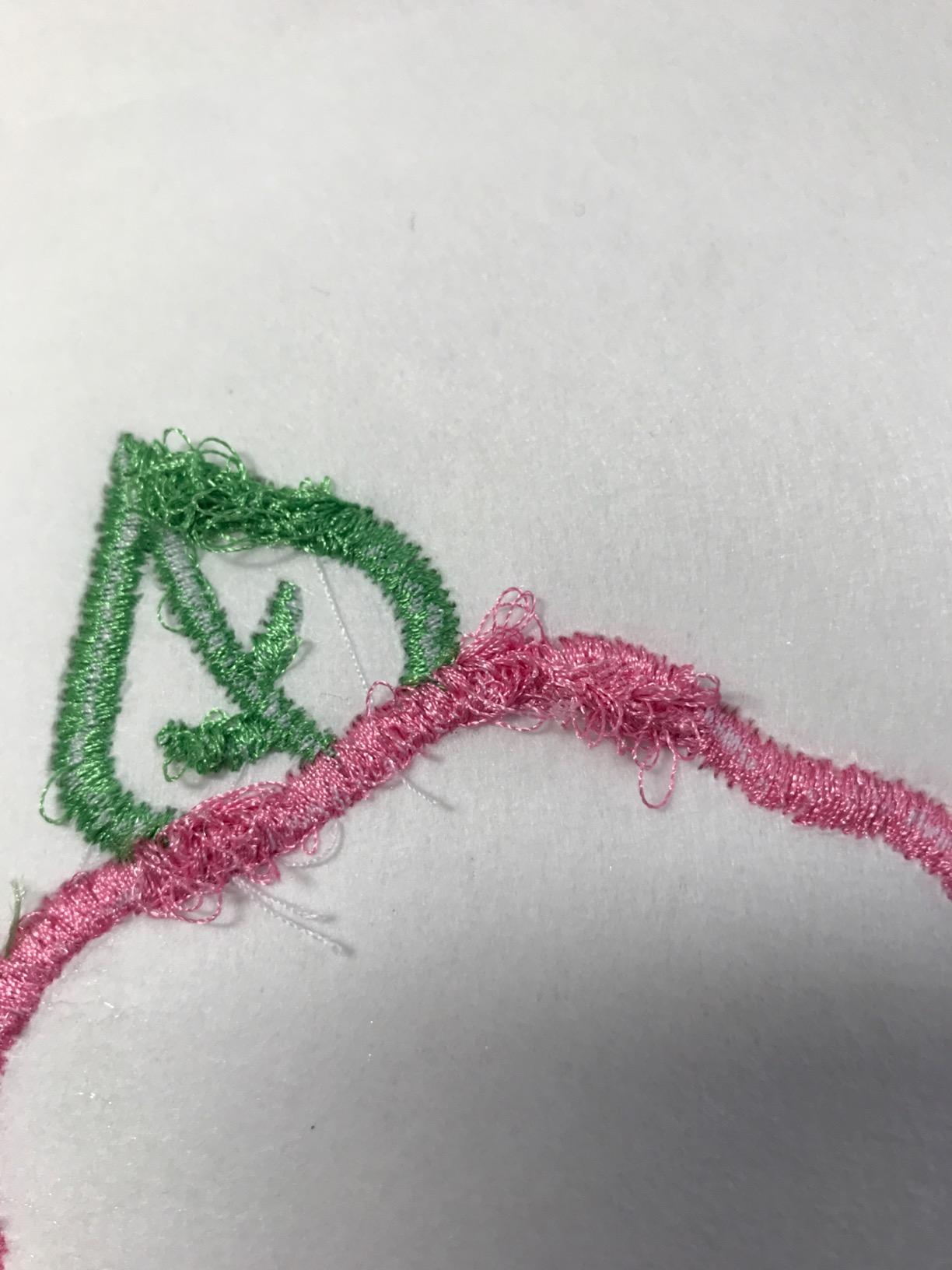
Now the owner experience. It holds 3.6 stars from 132 reviews, the lowest rating in this roundup, and only 48 percent of ratings are five stars while 20 percent are a single star. Its sales rank of roughly 330,498 in Arts, Crafts and Sewing is the weakest demand signal of the ten. Feature counts on paper have not translated into a consistent experience, and it is the design without wireless transfer or an app.
Who the Singer SE300 suits best
A buyer who sews seriously and wants a generous embroidery hoop alongside 250 sewing stitches, at a tier above the Brother combos. If your priority is the free arm, the included 10-1/4 by 6-inch hoop, and hands-off tension handling, the specification set genuinely delivers.
Who the Singer SE300 is wrong for
Anyone for whom a first impression of reliability matters most. With 20 percent one-star feedback and the smallest sales demand signal in the group, this is not the machine we would put in front of a nervous beginner, and the lack of wireless transfer makes the workflow feel dated.
7. Brother NQ1700E Embroidery Machine: Best for Large-Field Projects
Brother NQ1700E Embroidery Machine, 6 x 10″ Field, Magnetic Hoop + BES Blue
6x10 inch embroidery field
258 built-in designs
4.85 inch color touchscreen
Automatic thread trimming
BES Blue software included
Pros
- 6x10 inch field handles jacket backs and large panels
- Automatic jump-stitch and thread trimming
- BES Blue software with 800+ designs and 199 fonts included
- Magnetic sash hoop and beginner video course included
- 4.85 inch full-color touchscreen with on-screen editing
Cons
- Most expensive machine in the group
- Only 87 ratings to judge reliability
- 9 percent one-star feedback
- 29.3 inch wide footprint needs dedicated space
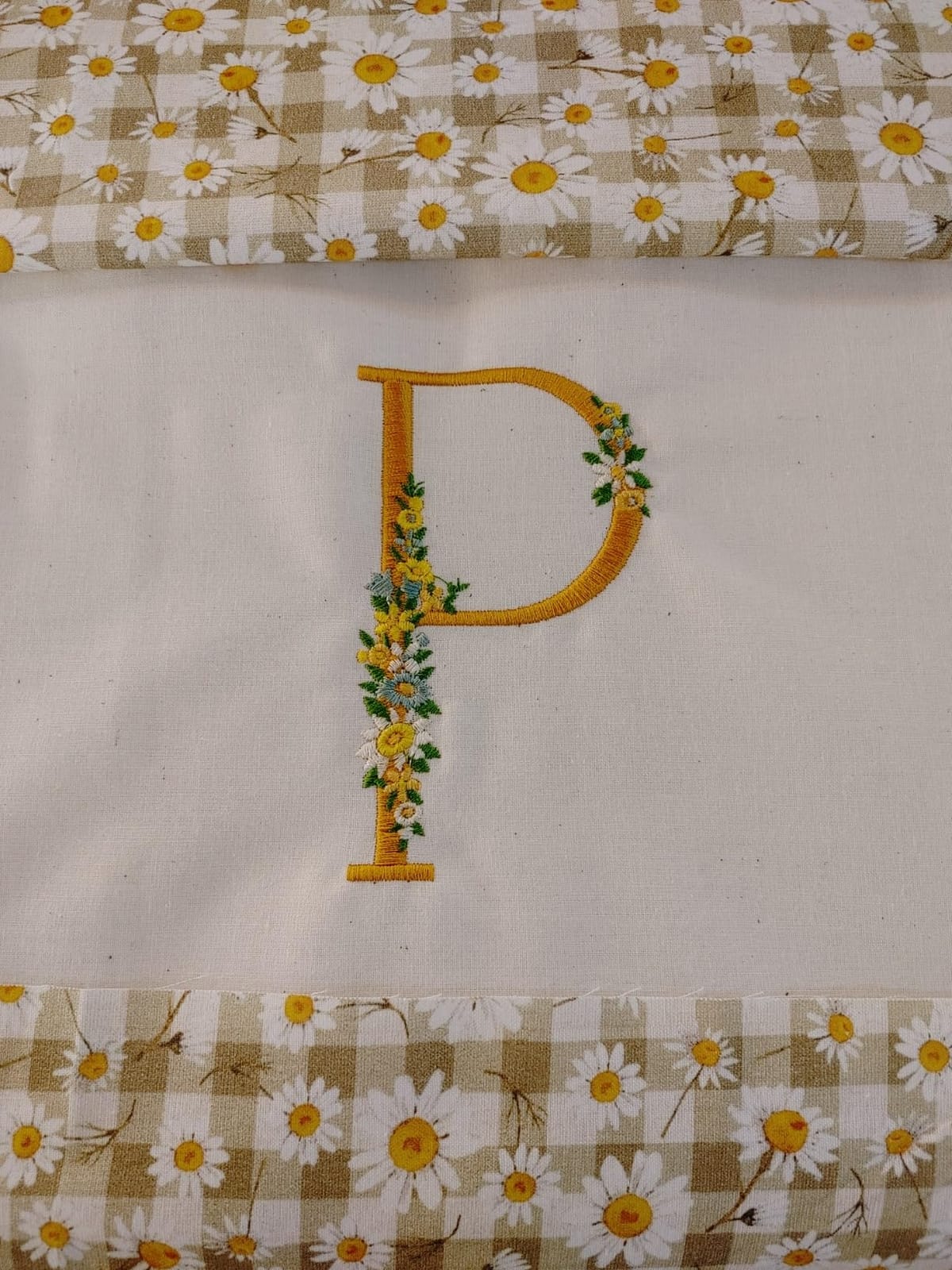
The NQ1700E solves the exact problem beginners regret: size. Its 6-inch by 10-inch embroidery field is the largest in this roundup, which means jacket backs, large garment panels and quilt sections all fit in one hooping. It also carries 258 built-in designs and a 4.85-inch full-color touchscreen with rotation, reflection and tracing.
The workflow features are the most advanced here. Programmed automatic thread trimming cuts jump stitches plus both upper and lower threads at each color change, wireless transfer and iBroidery library access are built in, and the box includes Brother BES Blue software with 800+ designs and 199 digitized fonts, a magnetic sash frame hoop that handles material up to 2mm thick, and an Embroidery Magic quick-start video course.
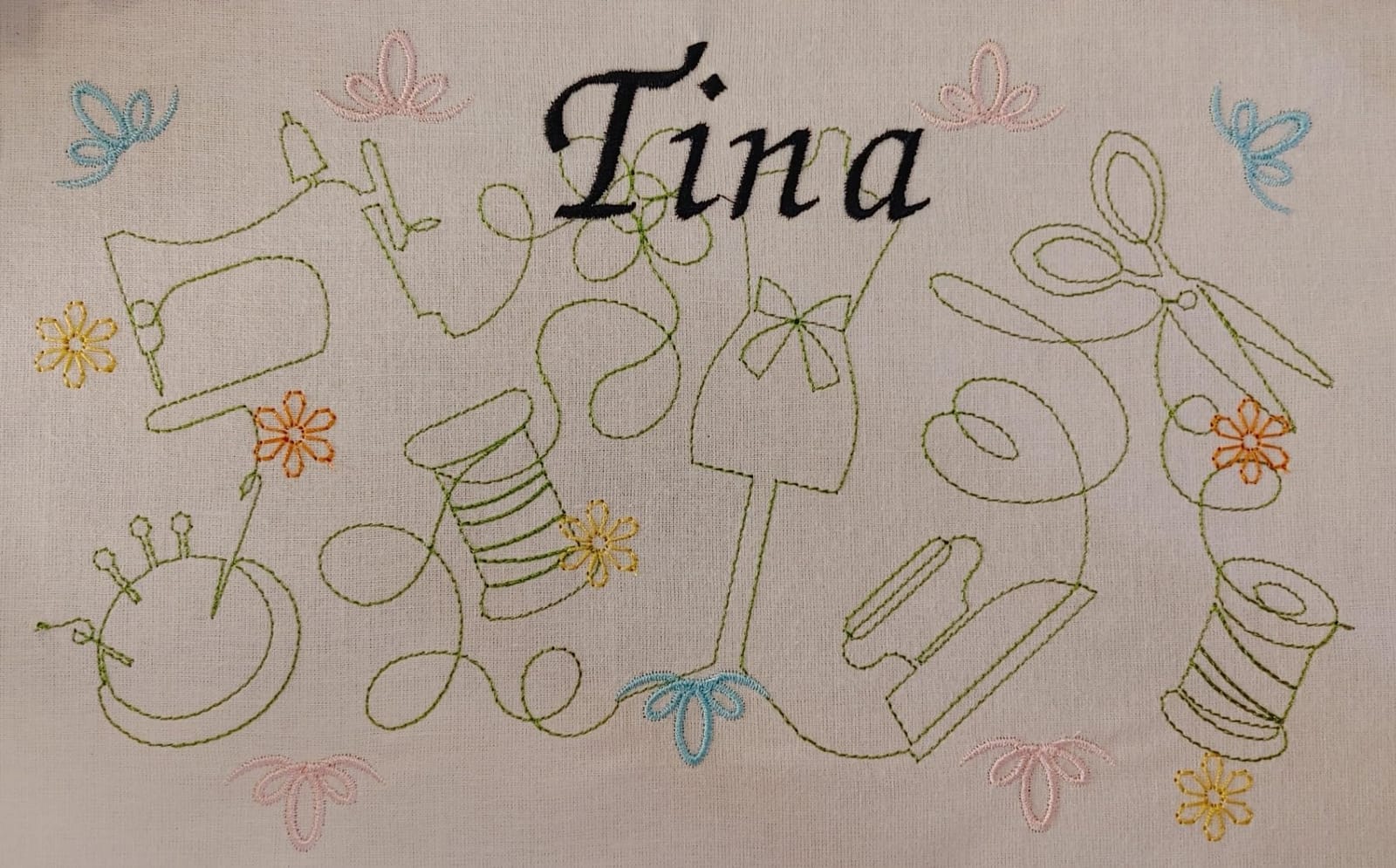
It is the most expensive machine in the group, and the evidence base is thin at 87 ratings, though sentiment among those who reviewed is strongly positive at 79 percent five stars. Watch the footprint: at 29.3 inches wide and 27 pounds, it needs a dedicated table, not a craft desk. Expect a steeper learning curve than the entry models promise.
Who the NQ1700E suits best
A beginner whose projects are large from the start: jacket backs, quilt panels, thick bag material. The magnetic sash hoop handles 2mm material, automatic trimming saves real time on multi-color designs, and the included software and tutorial course remove two costs and one learning curve. Experienced owners single out the automatic trimming most often.
Who the NQ1700E is wrong for
Anyone still deciding whether embroidery is for them, and anyone short on table space. At this tier the jump from a 4-inch field to a 6 by 10 field is enormous, and buying that much capability before you know your project types is how beginners end up with an expensive machine they do not open.
8. Brother SE2000 5×7 Inch Combo Machine: Best All-in-One Bundle
Brother SE2000 5″ x 7″ Combo Embroidery & Sewing Machine with Deluxe 130 Thread Spools & Accessories
5x7 inch embroidery area
135 designs and 103 sewing stitches
Wireless LAN and Artspira app
20 pounds
130 thread spools included
Pros
- 5x7 inch field is a real step up from 4x4
- Bundle supplies 130 thread spools
- 50 matching bobbins and 500 design cards
- Sewing and embroidery in one compact body
- Owners report quiet operation
Cons
- Smallest review base in the roundup at 43 ratings
- Some reports of repeated hardware problems and costly service
- Bundled sewing thread and bobbins shed lint
- Small 3.2 x 1.8 inch screen among the premium machines
The SE2000 is the machine in this roundup that most directly answers the hoop-size complaint. Its 5-inch by 7-inch embroidery field sits in a combo body with 103 built-in sewing stitches and 135 embroidery designs, and wireless LAN, Artspira app support and iBroidery compatibility handle design transfer. At 20 pounds and 18 inches wide, it is compact for a machine with a 5 by 7 field.
The bundle is the differentiator. It ships with 80 polyester embroidery threads and 50 polyester sewing thread spools with 50 color-matching pre-wound bobbins, 500 Sofontsy design cards cleared for commercial use, 10 presser feet, a knee lifter, a foot controller, an alternate bobbin case and a large 7 by 5 frame set. Owners report that it runs noticeably quieter than older Brother models.
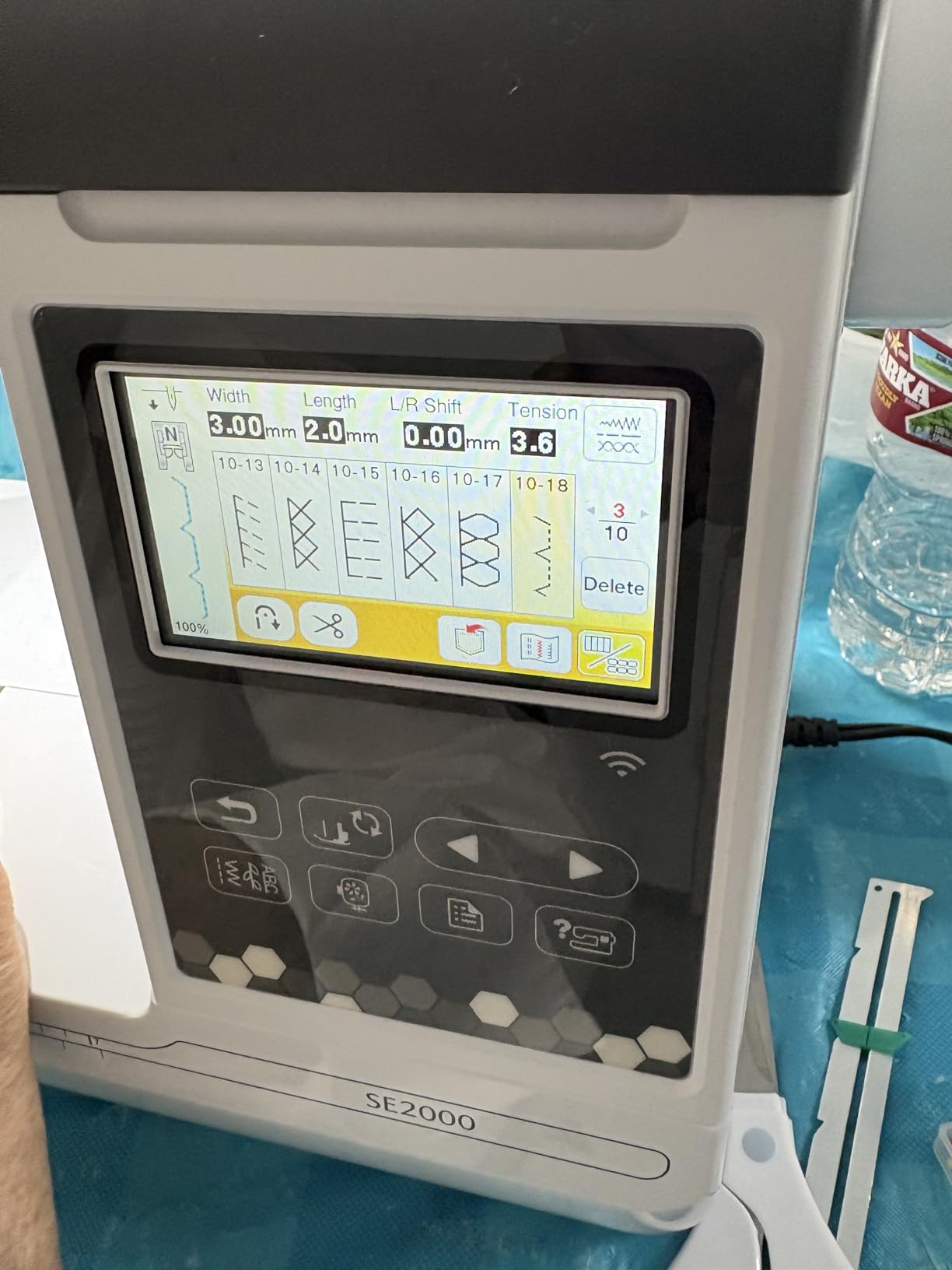
Reviews are sharply divided. It holds 4.5 stars from just 43 ratings, with 77 percent five-star feedback, but one detailed account describes months of recurring faults, replaced parts and an expensive out-of-warranty diagnostic. Others note that the bundled sewing thread and bobbins are low quality and shed lint, and that the advertised design cards were buried in the packing slip. The 3.2 by 1.8-inch screen is also the smallest among the premium machines here.
Who the SE2000 suits best
A beginner who wants a 5 by 7 field, a full sewing function and a supply drawer already stocked. The thread and bobbin bundle removes the accessory shock almost entirely, and the design cards with commercial rights are a genuine help if you plan to sell. It suits makers working on caps, towels and jacket panels in one body.
Who the SE2000 is wrong for
Anyone who weights long-term reliability evidence heavily, because 43 ratings cannot tell you much about service life. It is also a poor fit if you want a large editing screen, and be prepared to replace the bundled sewing thread and bobbins early, since owners consistently flag their quality.
9. Brother PE900 Embroidery Machine: Best for Caps and Pockets
Brother PE900 Embroidery Machine, 5 x 7″, Ultimate Embroidery Package Plus
5x7 inch embroidery field
193 designs and 13 fonts
Four hoops included
Automatic jump-stitch trimming
18 pounds
Pros
- Four hoops including a 5x12 inch multi-position hoop and a 1x2.5 inch pocket hoop
- Automatic jump-stitch trimming at every color change
- Package bundles thread
- stabilizers
- needles
- clippers
- bobbins and 50000+ USB designs
- 3.7 inch color touchscreen with arc and multi-line text editing
Cons
- Upload density cannot be adjusted on imported designs
- WiFi connection drops between designs and needs reboots
- Only 38 ratings
- Editing workflow is steeper than a beginner expects
The PE900 is the hoop specialist of the Brother line. Alongside the 5-inch by 7-inch field it includes four hoops: a 5 by 12-inch multi-position hoop, a 5 by 7, a 4 by 4, and a 1 by 2.5-inch pocket hoop. That pocket hoop is unusual at this level, and the 193 built-in designs with 13 lettering fonts are the second-largest library among the 5 by 7 machines here.
Automatic jump-stitch trimming cuts both threads at each color change, which saves several minutes per design and is the feature owners praise most. The 3.7-inch Sew Smart color touchscreen handles resizing, arcing, incline and multi-line text editing. The package includes a 20-count premium polyester thread set, cut-away, tear-away and water-soluble stabilizers, Organ needles, thread clippers, 10 bobbins and more than 50,000 ready-to-stitch designs on USB.
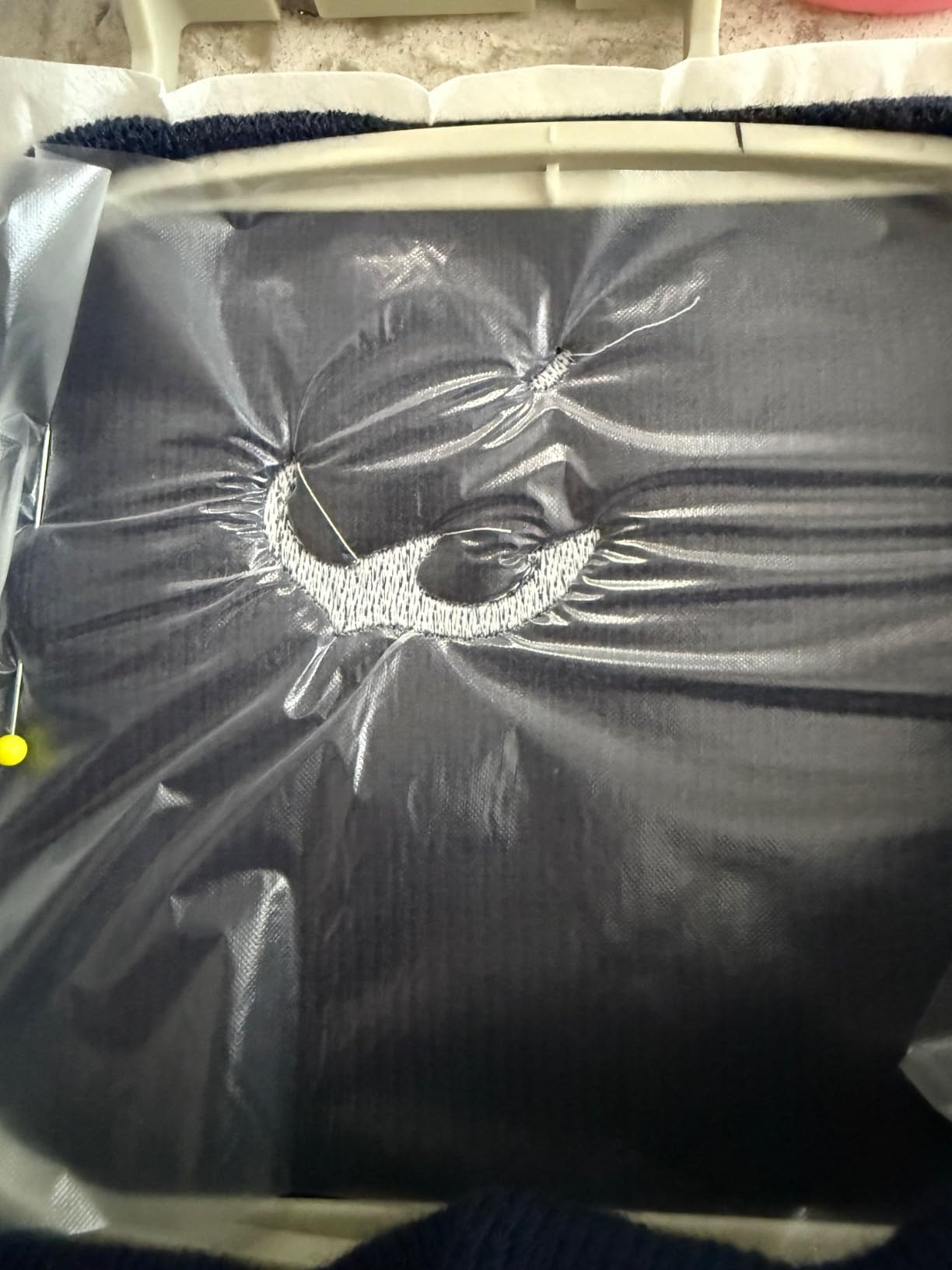
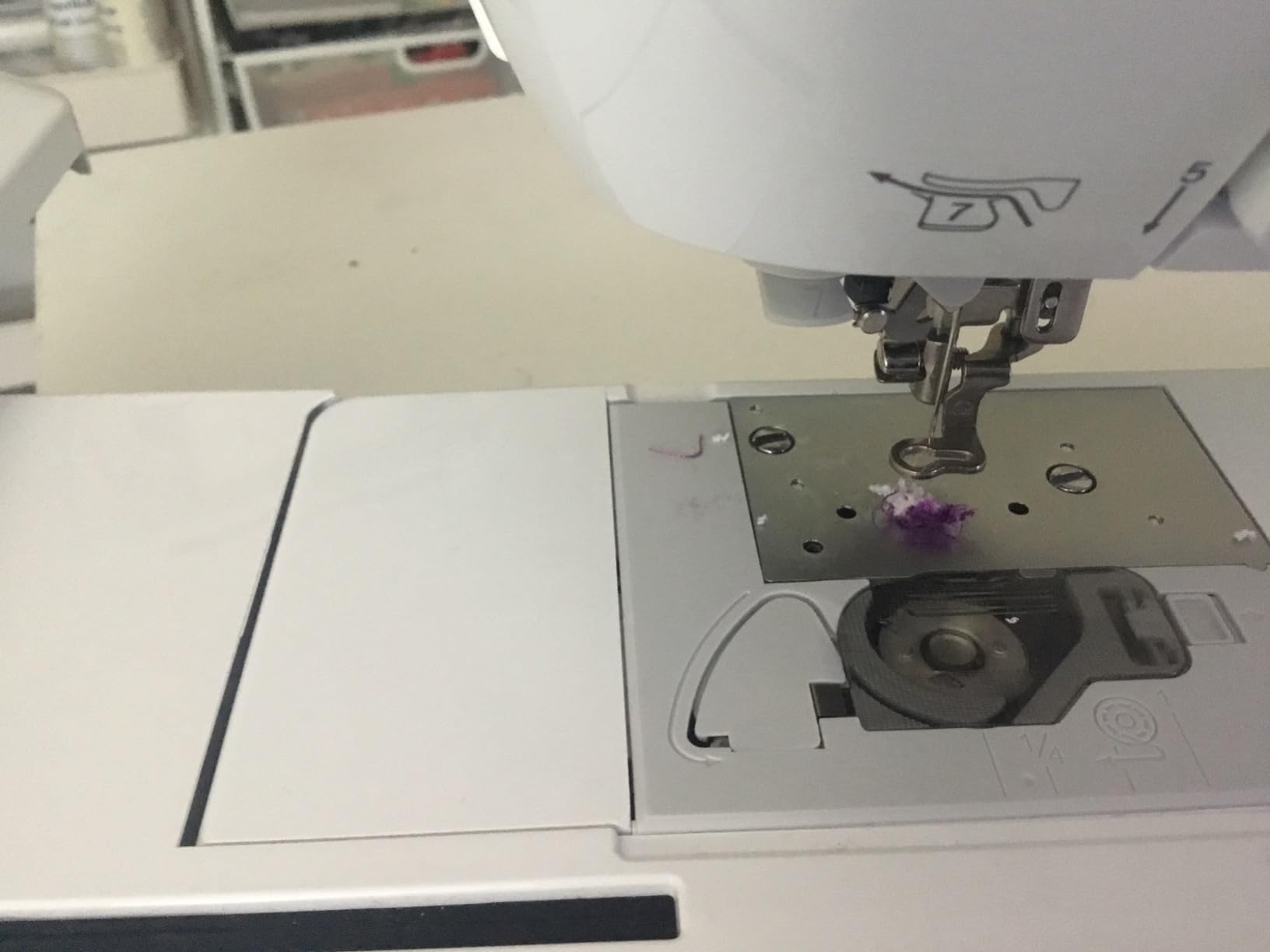
The criticism is aimed at software rather than hardware. Owners report the WiFi connection dropping repeatedly when running several designs back to back, forcing reboots and resends, and USB transfer that is slow or fails to load until a power cycle. Because upload density cannot be adjusted on imported files, light stitching on dark fabric can show background through. At 38 ratings, this listing also has a thin evidence base.
Who the PE900 suits best
A maker whose work is caps, small garments and pocket-scale items, who wants four hoop options and automatic trimming, and who is comfortable with a file-based workflow. The bundled stabilizer set covers tear-away, cut-away and water-soluble, which is exactly the range a beginner needs for different fabrics.
Who the PE900 is wrong for
Anyone who wants a plug-and-play wireless experience, because the connection complaints are consistent across reviews. It is also a poor fit for importing dark-on-light or light-on-dark designs, since you cannot change density on an uploaded file, and it handles only one thread color at a time.
10. Poolin EOC03 Embroidery Machine: Best Bundled Starter Workstation
PooLin EOC03 Embroidery Machine 4×4 & 4×9.25 Embroidery Area for Beginners, Easy Operation System, 130 Built-in Designs, 8 Fonts, WiFi Design Transfer, Home DIY Embroidery Machine with Starter Kit
4x4 and 4x9.25 inch areas
130 designs and 8 fonts
WiFi design transfer
Table and thread stand included
15 pounds
Pros
- 4x9.25 inch field with a 4x4 inch hoop included
- Table and thread stand turn it into a full workstation
- Free design software and WiFi transfer with no paid add-on
- One-on-one engineer support and YouTube tutorials
- Light body at 15 pounds for a large-hoop machine
Cons
- Lowest average rating here at 4.0 stars
- Only 33 ratings and a 2026 model year
- 8 fonts is fewer than comparable machines
- 11 percent one-star and 11 percent two-star feedback
The EOC03 is the most interesting value proposition in the lineup and the one we trust least. It comes with both a 4-inch by 4-inch hoop and a 4-inch by 9.25-inch hoop, matches the field of the far more expensive Poolin EOC05, and includes a table and thread stand so it works as a dedicated workstation out of the box. It weighs 15 pounds, which is light for a machine with a long field.
The Institch operating system is described as clear and simple, with 130 built-in designs, 8 fonts, free design software and direct WiFi transfer to the machine. The box holds six threads, 20 stabilizers, 25 pre-wound bobbins, a tool kit and a thread stand, and support includes video tutorials, one-on-one online help from engineers and a user community of more than 12,000 embroiderers.
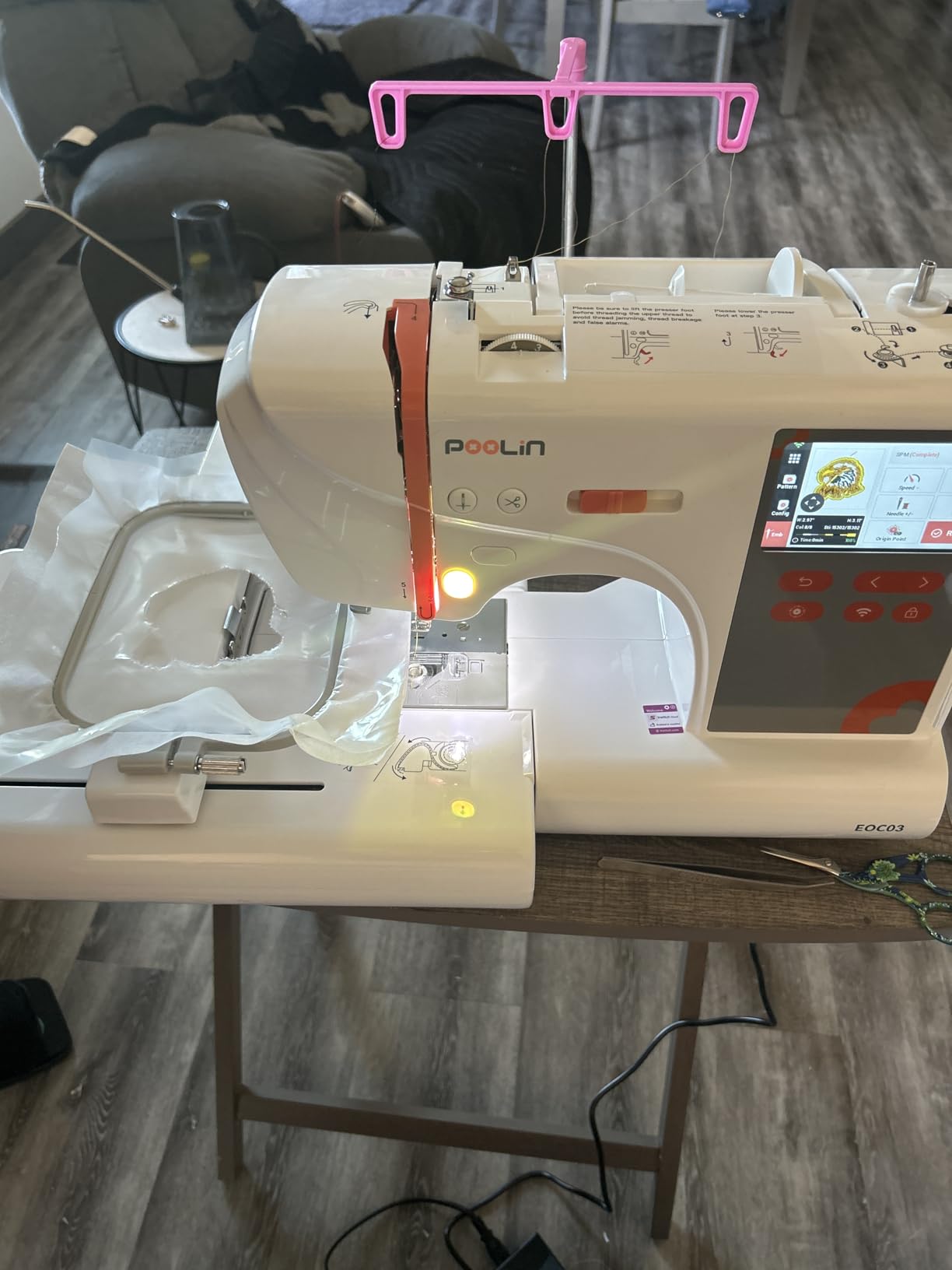
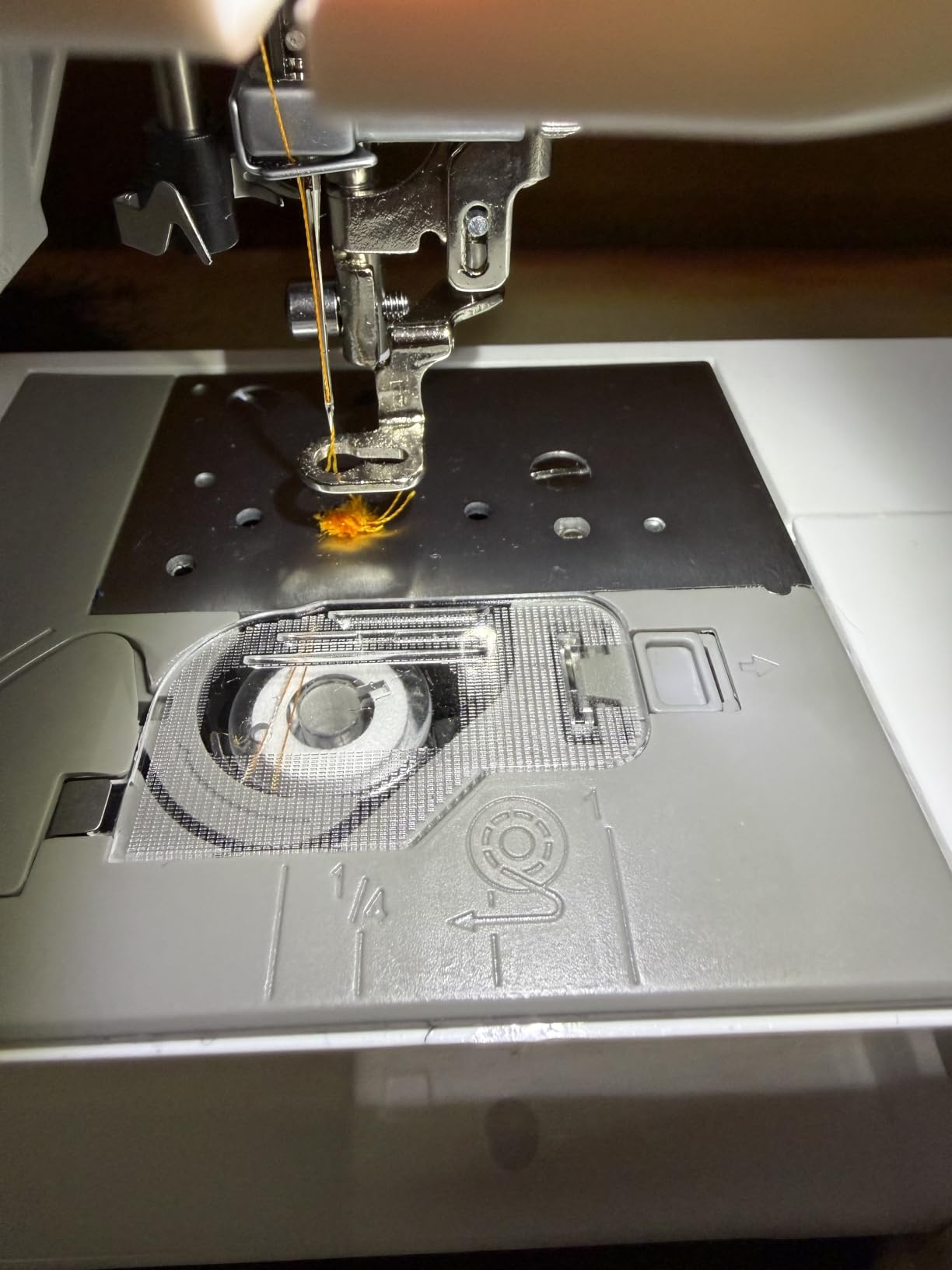
It is also the most polarized machine here. It averages 4.0 stars from 33 ratings, with only 59 percent five-star feedback alongside 11 percent two-star and 11 percent one-star ratings. The 2026 model year means there is no long-term reliability record at all, and the rating gap against the older EOC05, which shares the same format, suggests the track record has not been built yet.
Who the EOC03 suits best
A first-time buyer on a strict budget who wants a long field, a table, a thread stand and supplies in one purchase, and who values having an engineer on the other end of a message. Free design software with no paid digitizing add-on is a genuine saving compared with brands that sell it separately.
Who the EOC03 is wrong for
Anyone who wants proven long-term reliability, because the model is new and the ratings are inconsistent. It is also thin on lettering options with 8 fonts, and if you need a sewing function there is none. Treat it as a value experiment with good support rather than a safe long-term purchase.
How to Choose a Beginner Embroidery Machine
Embroidery field size is the first decision you make
A 4-inch by 4-inch field handles monograms, small logos, towel corners and patches. A 5-inch by 7-inch field opens up caps, tote bags, garment fronts, quilt blocks and towel centres. A 4-inch by 9.25-inch field covers long panels and hoodies, and a 6-inch by 10-inch field is the only one in this roundup that takes a jacket back in a single hooping.
One technical note that surprises people: the usable embroidery field is slightly smaller than the printed hoop size, so a 4 by 4 hoop typically yields roughly 3.8 by 3.8 inches of stitching. If a design is described as filling the hoop exactly, plan for a re-hooping. r/Machine_Embroidery consensus is that a 5 by 7 field is the minimum sensible first buy, and we agree with that for anyone who is not certain they will only ever monogram.
Embroidery-only or a sewing and embroidery combo
Already own a working sewing machine? Buy embroidery-only. You avoid paying twice for stitches you already have, and the smaller body is easier to learn. Starting from scratch? A combo machine like the SE600 or SE700 covers both crafts in one footprint, and in our experience that is what keeps a first machine in daily use rather than in a cupboard.
Single needle versus multi-needle matters only if you plan to run a business. Multi-needle machines load several colors at once and stitch faster, but the price jump is large and the learning curve is steeper. Experienced forum advice is consistent: start with a single-needle domestic machine, learn stability, threading and hooping, and scale up once you know your order volume.
Design transfer: USB, wireless LAN or the Artspira app
USB is universal and reliable, and it is the only path on the SE600. Wireless LAN with the Artspira app is more convenient, letting you draw a pattern on a phone and send it across, and the SE700 and PE545 do it well. Set expectations though: forum users budget 30 to 60 minutes for the initial app pairing, and the PE900 reviews document repeated WiFi drops between designs.
Whichever route you choose, you will also need digitizing software to convert a picture into a stitch file. Brother’s own software is a paid extra on the entry machines, while the Poolin machines include it free. Free design tools such as Hatch and Embird are popular, and Artspira drawing is described as stylized rather than photographic, which suits monograms, doodles and simple line art.
Built-in designs and fonts, and what a touch screen really buys you
Built-in design counts range from 80 on the entry Brother machines to 258 on the NQ1700E, and font counts from 8 to 13. For most beginners these libraries are a convenience rather than a deciding factor, because you will import your own designs within a few months. The screen matters more: 3.2 inches is workable, 3.7 inches is comfortable, and the PE545’s built-in tutorial videos are a real learning aid.
Automatic features are worth paying attention to for a specific reason. An automatic needle threader and a jam-resistant drop-in bobbin remove the two tasks that strand beginners most often. Automatic jump-stitch trimming, found on the PE900 and NQ1700E, cuts both threads at every color change and saves real time on multi-color work.
What your first accessory kit needs to contain
Budget for consumables alongside the machine, because every beginner underestimates this. You need stabilizers in at least two weights, extra bobbins, embroidery needles in the right size for your thread, a spool of 60-weight all-purpose polyester thread in white and black, an embroidery hoop or two in the size you will actually use, and scissors and a seam ripper for cleanup.
For your first project, tear-away stabilizer works on woven fabric, cut-away stabilizer suits knits and garments, and wash-away stabilizer is for lace and openwork pieces. Hoop the stabilizer underneath the fabric with the shiny or wrong side against the hoop, and always test stitch on scrap fabric first. Several of the machines in this roundup bundle most of this kit, which is why the SE2000, EOC05 and PE900 packages score well on value.
The first-month mistakes almost every beginner makes
Number one is over-tensioning lightweight fabric in the hoop. Fabric stretches while you tighten it and snaps back mid-stitch, which is what causes the puckering and the contour complaints that get blamed on the machine. Number two is hooping the wrong side or using the wrong stabilizer weight. Number three is skipping the test stitch and going straight to the good fabric.
Number four is never changing the needle, and a dull needle is a top cause of thread breaks. Number five is ignoring bobbin winding and thread tension, which is genuinely the learning curve, not the menu system. Number six is not reading the manual, which owners of the entry Brother models mention again and again. If the machine will not stitch a contour, check hooping tension and stabilizer before you assume a fault.
What to check before buying a used embroidery machine
Ask for the total stitch count and treat a very high number as useful information rather than a disqualifier, since it tells you how much life the machine has already had. Stitch a test design on the machine in front of you, check the hoop sensor behaves correctly, and confirm the bobbin winds smoothly. Users buy and sell on Facebook Marketplace, and the standard advice is to confirm the asking price is a genuine discount against retail.
Buy from an authorized dealer where you can, and register the machine for warranty coverage. Gray-market and unauthorized-seller purchases can void warranty and service, and every machine in this roundup is listed at 110 or 120 volts, so check your region before ordering from outside the United States. Baby Lock, Elna and Melco models are worth comparing on stitch quality and dealer support, though we did not include them here because the ten picks above already span the beginner range.
Frequently Asked Questions
What is the best embroidery machine for beginners at home?
The Brother SE600 is the best embroidery machine for most beginners because it sews and embroiders in one body, holds a 4.6 star rating across 4677 reviews, and includes an automatic needle threader and color touchscreen. If you already own a sewing machine, the Brother PE535 is the cheaper embroidery-only route, and if you want wireless design transfer, the Brother SE700 adds WiFi and the Artspira app.
How much does a decent embroidery machine cost?
Entry machines cover monogramming and small designs, mid-range machines add a 5 by 7 inch field and wireless transfer, and large-field machines reach 6 by 10 inches. Budget for consumables on top of the machine: stabilizers, extra bobbins, embroidery needles, basic thread and spare hoops are all sold separately on most entry models.
Do I need a sewing and embroidery combo or just an embroidery machine?
If you already own a working sewing machine, an embroidery-only model is the sensible buy because you avoid paying twice for stitches you already have. If you are starting from scratch, a combo machine covers both crafts in one footprint and is what keeps a first machine in regular use. Combo bodies are heavier, so plan the workspace before buying.
What hoop size do I need as a beginner?
A 4 by 4 inch field handles monograms, small logos and towel corners, and it is where most beginners start. Forum consensus on r/Machine_Embroidery leans toward 5 by 7 inches as the minimum sensible first buy, because it adds caps, tote bags, garment fronts and quilt blocks. Remember the usable field stitches slightly smaller than the printed hoop size.
Is it hard to use an embroidery machine for beginners?
The machine itself is the easy part. The learning curve is bobbin winding, thread tension, hooping technique and stabilizer choice, which is why owners of entry models say to read the manual and watch setup videos first. Most beginners complete a first successful project in an evening once those four variables are under control.
Should an embroidery stabilizer go in the hoop?
Yes, the stabilizer goes under the fabric and inside the hoop, with the shiny or wrong side of the fabric against the hoop. Use tear-away stabilizer on woven fabric, cut-away on knits and garments, and wash-away for lace and openwork. Under-hooping the fabric with no stabilizer is the most common cause of puckering and distorted contours.
Conclusion: Which Beginner Embroidery Machine Should You Buy?
The Brother SE600 is the pick for most beginners buying one machine to cover sewing and embroidery, thanks to the deepest owner record in the category and a rating distribution that speaks for itself. Choose the Brother PE535 if you already own a sewing machine and want the shortest path into embroidery. Choose the Brother SE700 if transferring designs from your phone is part of the appeal, and choose the SE2000 or PE900 if a 5 by 7 inch field and a stocked accessory bundle matter more than entry cost.
For larger work, the Poolin EOC05 offers a 4 by 9.25 inch field with strong hands-on support, and the Brother NQ1700E covers jacket backs in a single hooping. Whatever you pick, remember that hoop size is the decision you will live with longest, and that stabilizers, bobbins, needles and thread are part of the real cost from day one. If you want the wider picture across every tier and use case, our full embroidery machine roundup is the next place to look.