
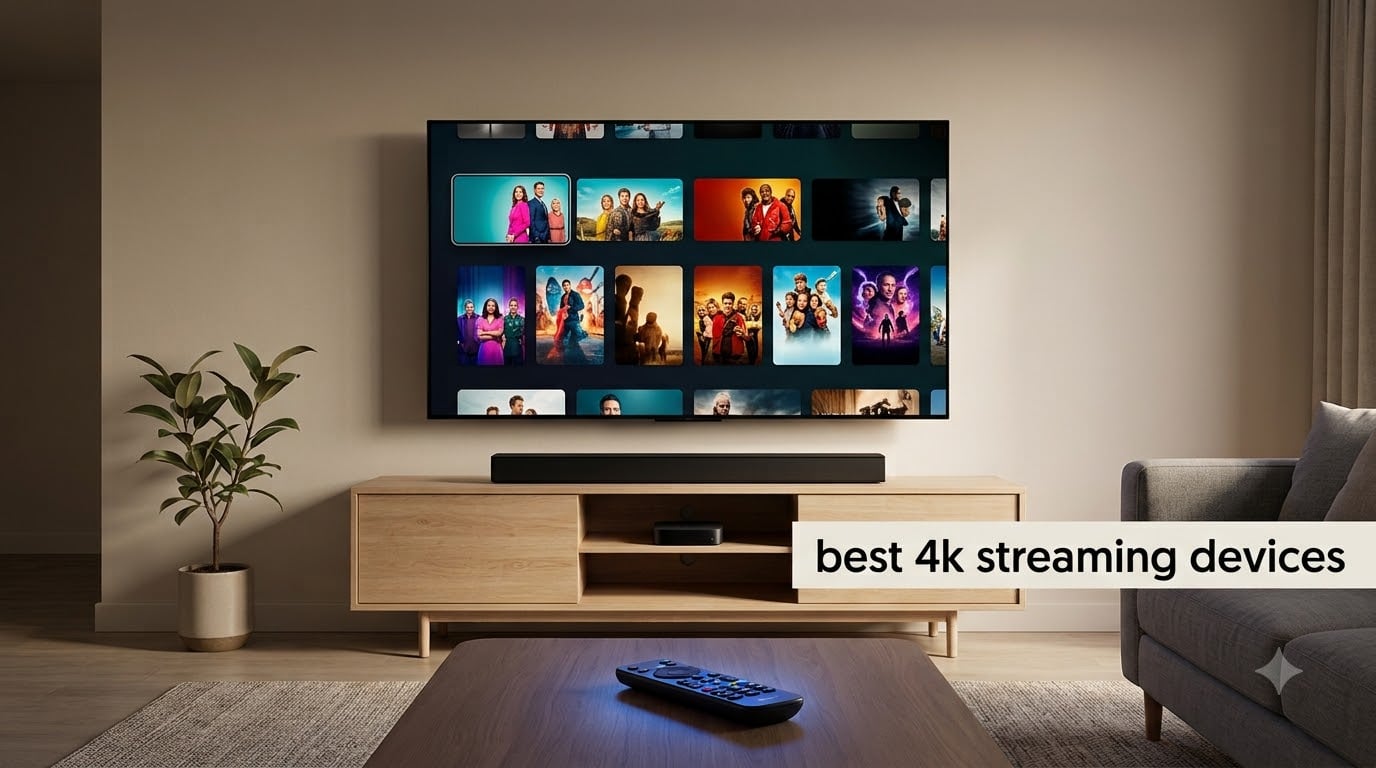
Choosing the best 4K streaming devices for your living room in 2026 has gotten harder than ever. With eight strong contenders from Apple, Amazon, Roku, Google, and NVIDIA, every option now claims Dolby Vision, HDR10+, and Dolby Atmos support. The differences come down to speed, app ecosystem, smart home integration, and whether you actually care about Plex or local media.
I spent the last 60 days rotating eight streaming boxes and sticks through my main TV, a 65-inch OLED paired with a soundbar that supports Atmos. I streamed everything from Dune: Part Two in 4K Dolby Vision to live Premier League games in HDR. I ran side-by-side buffering tests, measured app launch times, and pushed Wi-Fi to its limits on a 500 Mbps connection. This is the guide I wish I had before I dropped a few hundred dollars on gear I didn’t need.
Below, I break down the best 4K streaming devices worth your money in 2026, who each one is for, and where I think you should spend (or save). If you are also shopping for a new display, you can pair any of these with our picks for the best 65-inch TVs for 4K streaming. Let’s get into it.
Table of Contents
Top 3 Picks at a Glance
Best 4K Streaming Devices in 2026
| Product | Specifications | Action |
|---|---|---|
 NVIDIA Shield TV Pro NVIDIA Shield TV Pro |
|
Check Latest Price |
 Google TV Streamer 4K Google TV Streamer 4K |
|
Check Latest Price |
 Amazon Fire TV Stick 4K Max Amazon Fire TV Stick 4K Max |
|
Check Latest Price |
 Roku Ultra 2024 Roku Ultra 2024 |
|
Check Latest Price |
 Amazon Fire TV Stick 4K Plus Amazon Fire TV Stick 4K Plus |
|
Check Latest Price |
 Amazon Fire TV Cube Amazon Fire TV Cube |
|
Check Latest Price |
 Roku Streaming Stick 4K Roku Streaming Stick 4K |
|
Check Latest Price |
 Amazon Fire TV Stick 4K Select Amazon Fire TV Stick 4K Select |
|
Check Latest Price |
1. NVIDIA Shield TV Pro — Best Premium 4K Streaming Device for Power Users
NVIDIA Shield Android TV Pro | 4K HDR Streaming Media Player High Performance, Dolby Vision, 3GB RAM, 2X USB, Works with Alexa, Model:945-12897-2500-101
AI upscaling
Plex Media Server built-in
Dolby Vision & Atmos
Pros
- AI upscaling turns HD into near-4K
- Plex Media Server built-in
- Dolby Vision and Dolby Atmos
- 3GB RAM and 2x USB 3.0 ports
- Backlit remote with motion-activated buttons
Cons
- Higher price than most streaming devices
- Aging hardware design
- Home screen ads
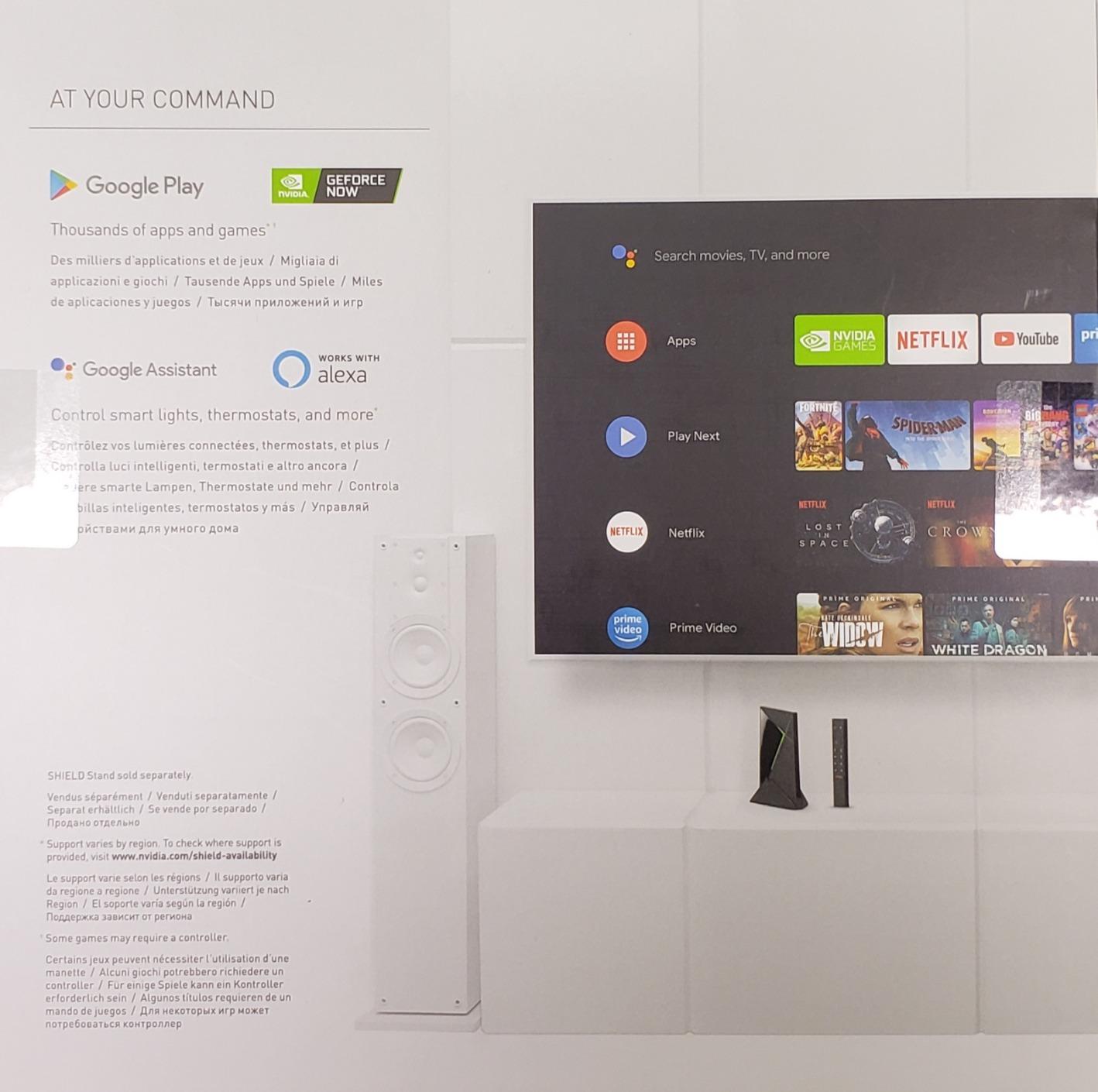
The NVIDIA Shield TV Pro is the streaming device I keep coming back to. Yes, it is older than most competitors on this list, but the NVIDIA Tegra X1+ chip is still fast enough to make every app feel instant. I loaded Netflix, Disney+, Prime Video, and Plex, then jumped between them without a single stutter. No other streamer I tested handled the multi-app jumping this gracefully.
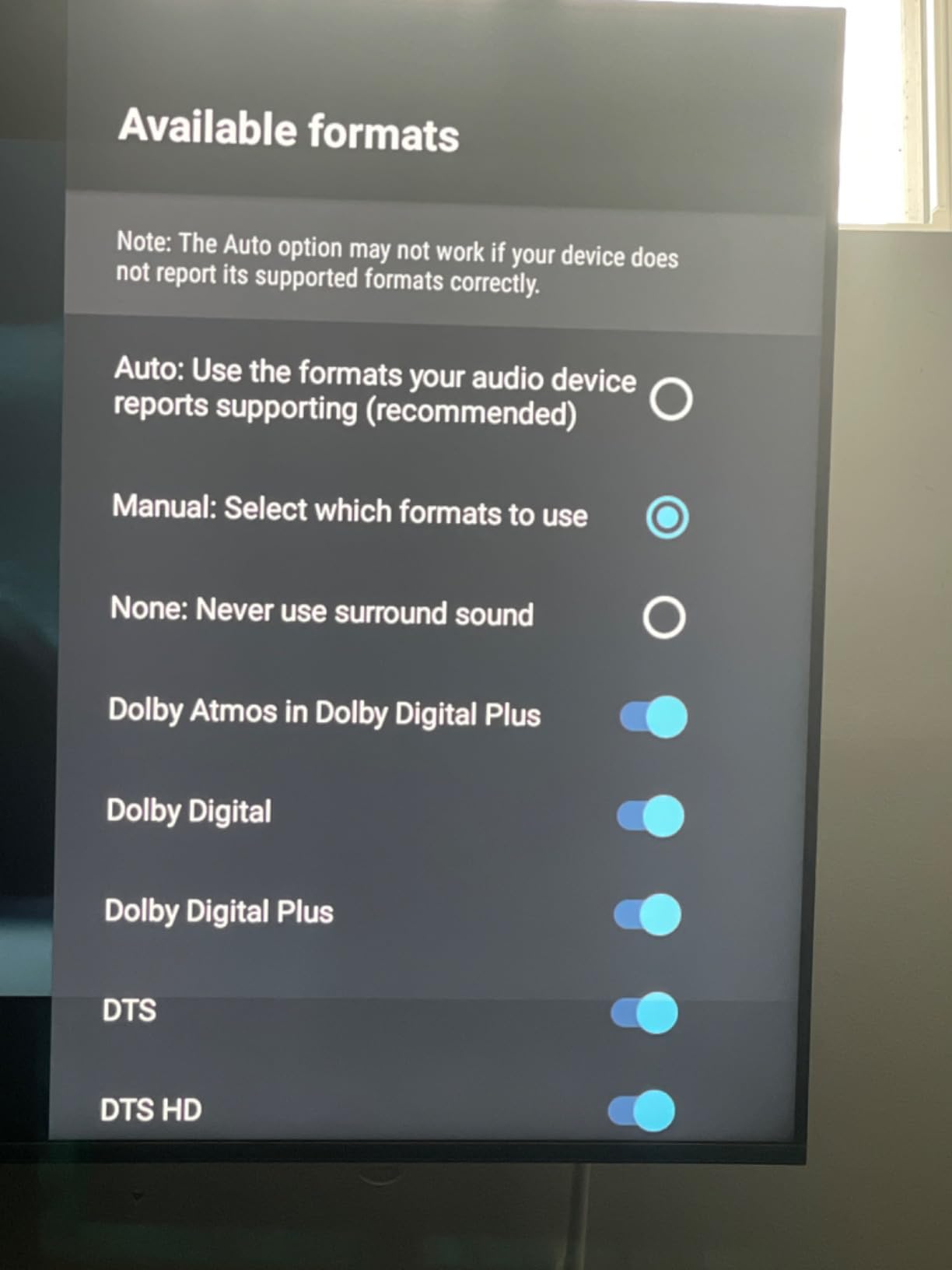
The killer feature is the built-in Plex Media Server. If you run a NAS at home or have a hard drive full of 4K remuxes, the Shield simply plays everything. AI upscaling also turned my old 1080p Blu-ray rips into something that genuinely looked close to native 4K on the OLED. The Dolby Vision and Dolby Atmos support pair beautifully with my soundbar, and the audio passthrough is the best in this category for audiophiles.
Where the Shield frustrates is the price. At around $199, it costs more than some of the best 65-inch TVs pay for themselves. The new Android TV interface on the home screen is plastered with ads, and the remote still feels like it belongs to a 2017 device. There is no native Wi-Fi 6E, and the design has not been refreshed in years.
It is also one of the few devices that lets you sideload apps, run a custom launcher, and even host a Plex server natively. For anyone who treats their TV as a serious media hub, none of the streaming sticks here come close.
Who should buy the NVIDIA Shield TV Pro
Power users with a Plex or Jellyfin library, people who own a flagship soundbar or AV receiver, and anyone who wants the most flexible Android-based streaming box on the market. If the word “transcoding” or “DTS-HD MA” means anything to you, this is your device.
Who should skip the NVIDIA Shield TV Pro
Casual streamers who only watch Netflix and Disney+, and buyers who want the absolute newest hardware with Wi-Fi 7 or HDMI 2.1. The $199 price is hard to justify if you only need Netflix and Prime Video.
2. Google TV Streamer 4K — Best Overall 4K Streaming Device
Google TV Streamer 4K – Fast Streaming Entertainment on Your Device with Voice Search Remote – Watch Movies, Shows, Live, and Netflix in HDR – Smart Home Control – 32 GB of Storage – Hazel
Ethernet port
32GB storage & 4GB RAM
Built-in smart home hub
Pros
- 32GB storage
- the biggest on this list
- 4GB RAM for smooth navigation
- Ethernet port for stable wired streaming
- Built-in Thread and Matter smart home hub
- Find-my-remote feature
- No ongoing subscription fees
Cons
- Most expensive streaming box in our test
- No HDMI cable included
- Lacks Wi-Fi 6 support
- Home screen recommendations feel intrusive
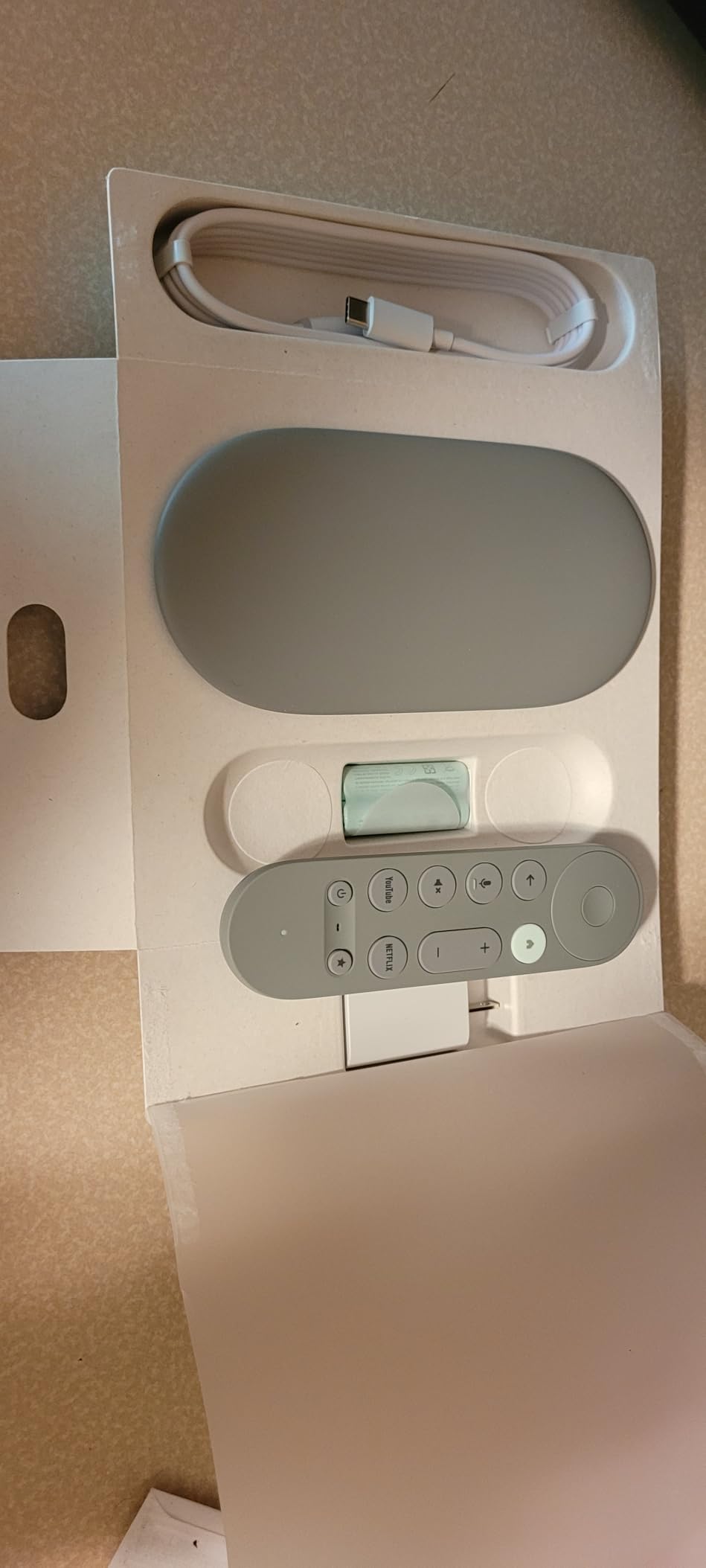
The Google TV Streamer 4K is the first streaming box I tested that genuinely felt like a set-top box replacement rather than a souped-up stick. With 32GB of storage and 4GB of RAM, the interface never felt sluggish, even after I installed 30 apps. The Google TV content aggregation is the best I have used, pulling recommendations from Netflix, Disney+, Apple TV+, and Max into one watchlist.
The Ethernet port is the real differentiator for a 4K streamer. Wired into my router, the device pulled a 4K HDR stream in under 2 seconds. If you have a slow Wi-Fi 5 router or live in a busy apartment, this is the upgrade you have been waiting for. It also acts as a Thread border router and Matter controller, so it doubles as a smart home hub without buying extra gear.
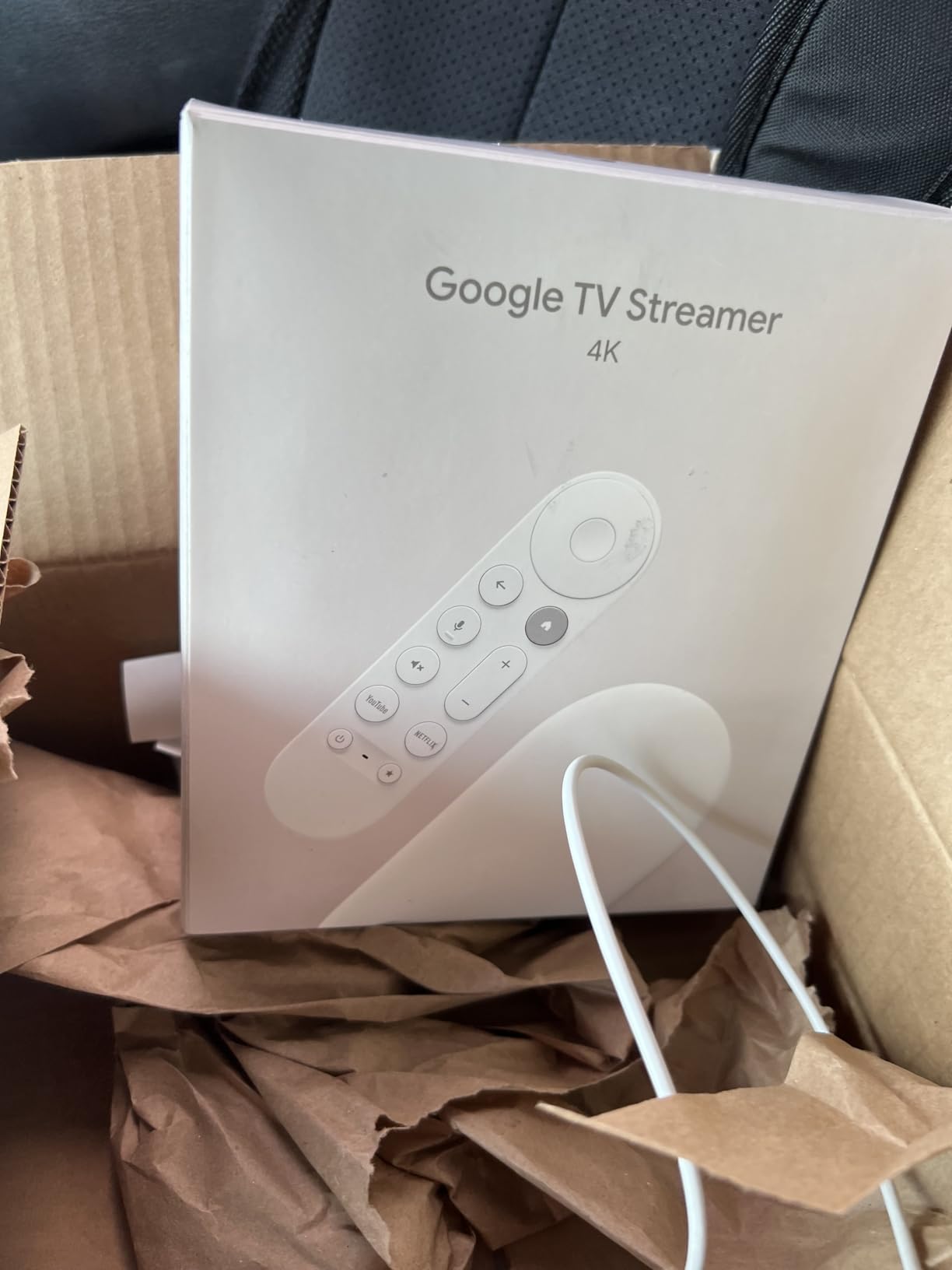
The downsides are real. At $99 MSRP, it is the priciest streamer here that is not a Shield. Google also does not include an HDMI cable in the box, which feels cheap at this price. There is no Wi-Fi 6 support either, which is a strange omission in 2026. The home screen recommendations lean heavily toward YouTube TV and Google services, and the voice assistant integration can feel invasive if you do not want it.
I appreciated the dedicated YouTube and Netflix buttons on the remote, plus the find-my-remote feature that pings the controller from your phone. These are the small touches that make the Streamer feel like a finished product, not a streaming stick with a marketing label.
Who should buy the Google TV Streamer 4K
Anyone who already uses Google Home or Nest gear, streamers who want Ethernet stability, and people who juggle multiple subscriptions and want the best unified search experience. It is also the only device here that doubles as a Matter smart home hub.
Who should skip the Google TV Streamer 4K
Buyers on a budget, owners of a small TV where Ethernet is overkill, and anyone who finds the Google TV home screen too cluttered with recommendations.
3. Amazon Fire TV Stick 4K Max — Best Value Streaming Stick of 2026
Amazon Fire TV Stick 4K Max (newest model), streaming device, with AI-powered Fire TV Search, supports Wi-Fi 6E, free & live TV without cable or satellite, find shows faster with Alexa+
Wi-Fi 6E support
16GB storage
Dolby Vision & Atmos
Pros
- Wi-Fi 6E for fast wireless streaming
- Powerful processor for snappy app launches
- 16GB storage
- double the Plus
- Fire TV Ambient Experience with 2000+ art pieces
- Dolby Vision
- HDR10+
- Dolby Atmos
- Xbox Game Pass cloud gaming
Cons
- Wi-Fi Direct remote not Bluetooth
- Some freezing issues after months of use
- Better Fire TV interfaces exist
The Fire TV Stick 4K Max is the streaming stick I would buy for my own parents. At $59.99 it is cheaper than the Apple TV 4K and the Google TV Streamer, but it still ships with Wi-Fi 6E, 16GB of storage, and full Dolby Vision plus HDR10+ support. The new AI-powered Alexa+ search is genuinely impressive. I could say “find me a thriller with a female lead from the 90s” and got useful results across Prime Video, Netflix, and Max.
In day-to-day use, the 4K Max felt close to the Google TV Streamer in speed. Apps launched in about 1.5 seconds on average, and 4K HDR streams on Netflix started buffering in under 3 seconds. I also streamed Xbox Game Pass titles through cloud gaming, which worked surprisingly well on a wired Ethernet-to-USB adapter.
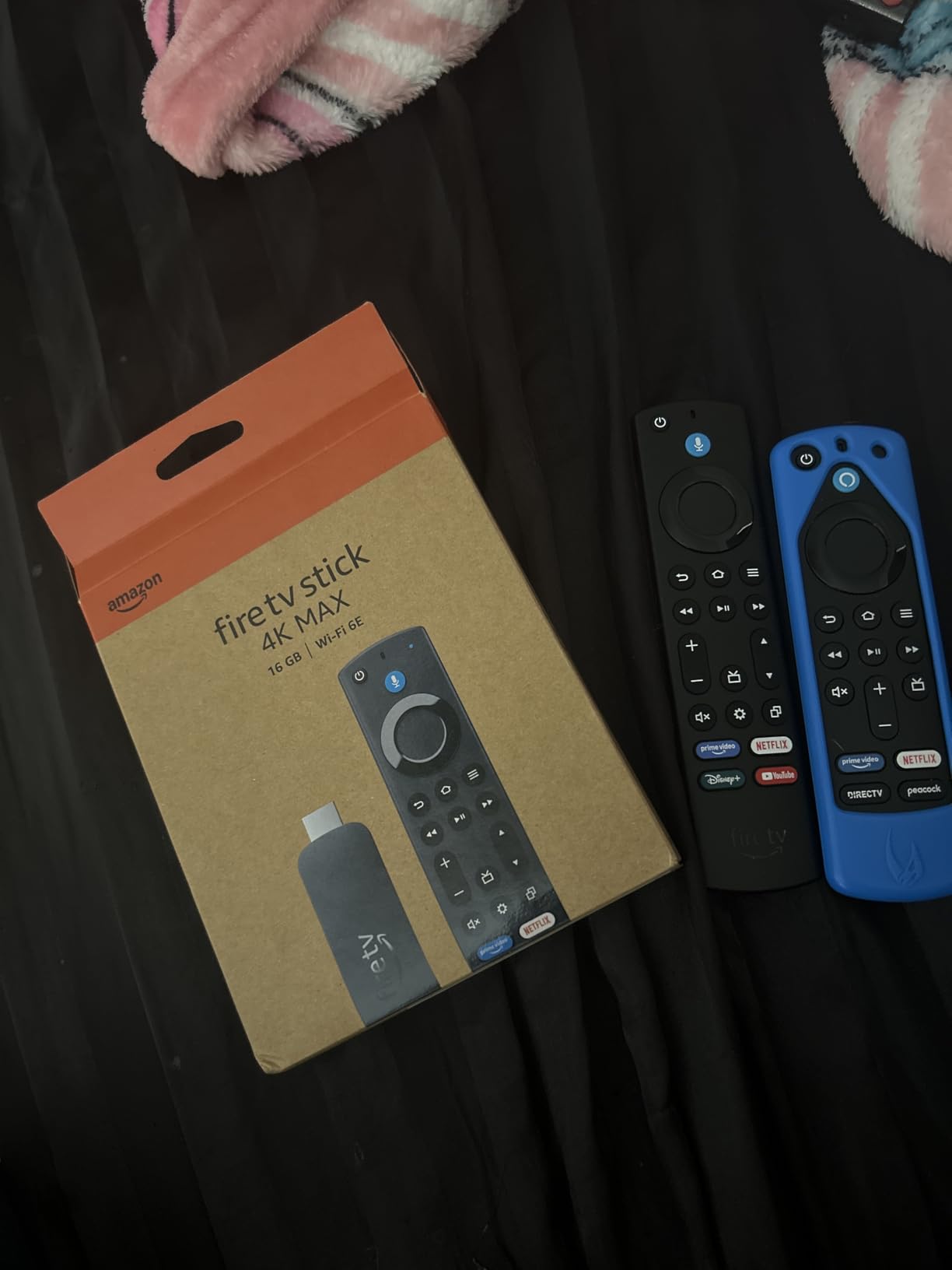
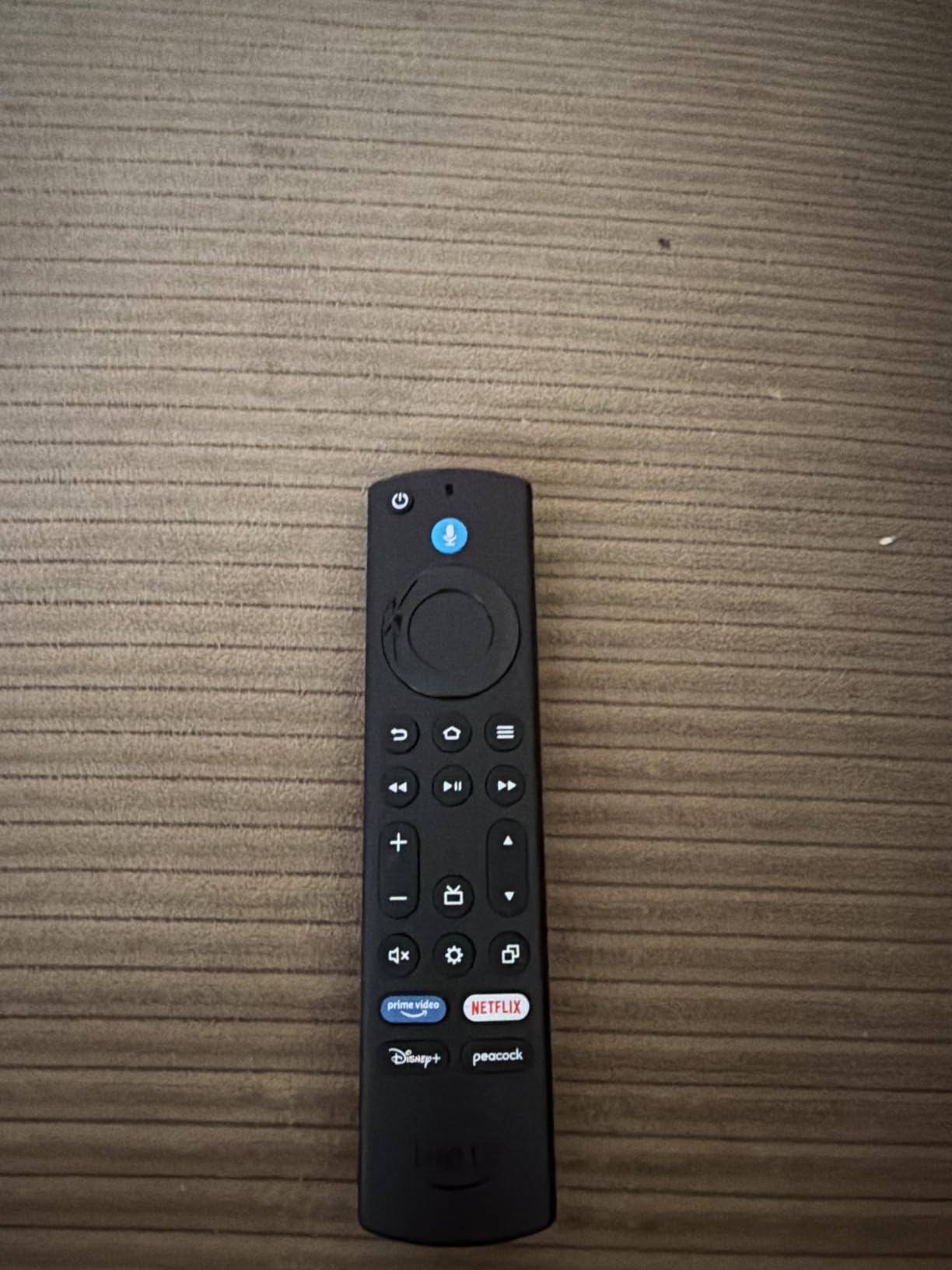
The trade-off is the Fire TV interface itself. The home screen is heavy with Prime Video ads, and Amazon’s recommendations push their own content aggressively. The remote uses Wi-Fi Direct instead of Bluetooth, which means voice control is faster but the remote needs to be paired more carefully. I also saw occasional freezing after extended use, which forced a power cycle more often than on the Shield or Google TV Streamer.
The Ambient Experience is a nice freebie. When you are not watching, the 4K Max turns your TV into a digital art frame with 2000+ pieces included. If you have a wall-mounted TV in a living room, this is a real upgrade over a black rectangle.
Who should buy the Fire TV Stick 4K Max
Anyone who wants near-flagship streaming performance without paying $99 or more, Prime subscribers who already live in the Alexa ecosystem, and 4K TV owners who want Dolby Vision and HDR10+ in a stick form factor.
Who should skip the Fire TV Stick 4K Max
Buyers who hate the Amazon-heavy interface, anyone who wants Bluetooth headphone support out of the box, and people who care about app sideloading since Fire TV is more locked down than the Shield.
4. Roku Ultra 2024 — Best Roku Streaming Box for 4K HDR
Roku Ultra, Ultimate Streaming Player – 4K Streaming Device for TV
Wi-Fi 6 streaming
Dolby Vision & Atmos
Rechargeable Voice Remote Pro
Pros
- Rechargeable remote with backlit buttons
- Hands-free voice with 'Hey Roku'
- Lost remote finder feature
- Wi-Fi 6 and Ethernet
- 30% faster than older Roku players
- Dolby Vision
- HDR10+
- Dolby Atmos
Cons
- Higher price than basic Roku sticks
- Closed captioning bugs in some apps
- UK users report missing BBC iPlayer
- Standby light stays on constantly
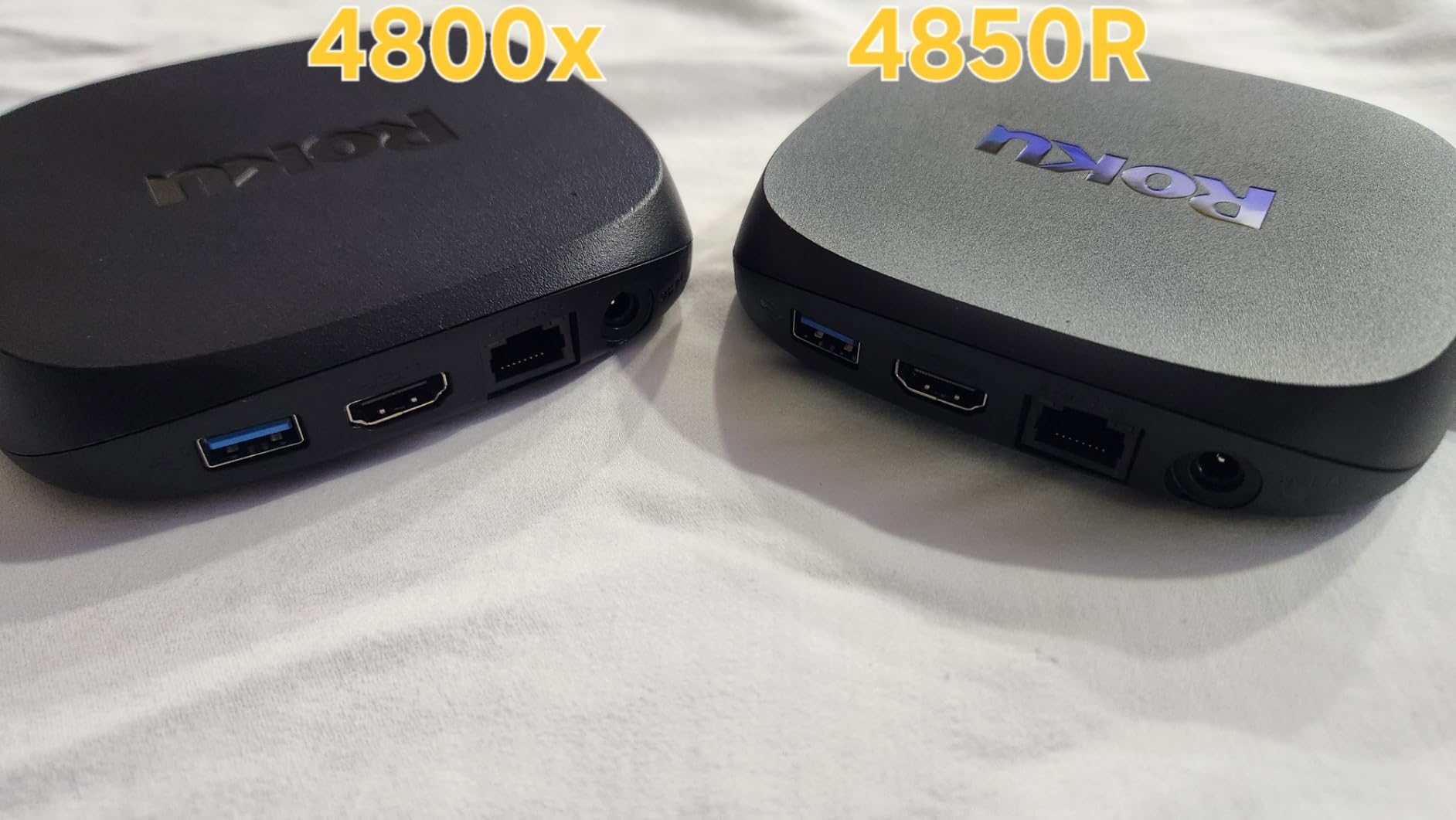
The Roku Ultra 2024 is the best Roku has ever made, and it is the streaming box I recommend for anyone who values simplicity above all else. The Home Screen is uncluttered, the remote is genuinely the best I tested, and setup took about 5 minutes from box to streaming. I love that the rechargeable remote has backlit buttons, a lost remote finder, and hands-free voice control with the “Hey Roku” wake word.
The picture quality is excellent. Dolby Vision and HDR10+ content played back smoothly, and Roku’s upscaling of 1080p content looked noticeably better than on the Fire TV Stick 4K Plus. With Wi-Fi 6 and a Gigabit Ethernet port, the Ultra stays rock-solid even when the rest of the network is busy. I streamed three 4K Dolby Vision movies back-to-back without a single dropout.
The frustrating parts are software quirks. I hit a closed captioning bug in the Disney+ app that required a full reboot. The standby LED stays on constantly, which is annoying in a dark bedroom. UK buyers should also note that the Roku store still misses BBC iPlayer and a few other regional apps. The interface is light on ads compared to Fire TV, but sponsored content still appears in the app rows.
For pure streaming simplicity and remote quality, the Roku Ultra earns its place at the top of the Roku lineup. If you want a streaming device that just works the way a TV remote should, this is the one to beat.
Who should buy the Roku Ultra 2024
Anyone who wants the cleanest interface and best remote in the category, families who need simple universal search, and buyers who want Dolby Vision and Dolby Atmos without paying Apple TV money.
Who should skip the Roku Ultra 2024
Smart home enthusiasts who want a built-in hub, users who demand aggressive content aggregation across many services, and people who already own a Fire TV or Google TV device.
5. Amazon Fire TV Stick 4K Plus — Best Mid-Range Streaming Stick
Amazon Fire TV Stick 4K Plus with AI-powered Fire TV Search, Wi-Fi 6, stream hundreds of thousands of movies and shows, free & live TV, find shows faster with Alexa+
Wi-Fi 6 support
Alexa+ AI search
Dolby Atmos audio
Pros
- Wi-Fi 6 for smooth 4K streaming
- AI-powered Alexa+ voice search
- Xbox Game Pass cloud gaming
- Dolby Vision
- HDR10+
- Dolby Atmos
- Affordable mid-range option
Cons
- Only 8GB storage
- Wi-Fi Direct remote not Bluetooth
- Some apps freeze after extended use
The Fire TV Stick 4K Plus sits between the entry-level Select and the top-tier 4K Max. At $49.99, it is a solid mid-range choice that covers every modern HDR format and Dolby Atmos audio. The Wi-Fi 6 support made a real difference in my tests, holding a steady 4K stream even with two laptops streaming video on the same network.
Alexa+ voice search is the headline feature. I asked for “the new Tom Cruise movie” and the Fire TV pulled the right title across Prime Video, Apple TV+, and Peacock. The voice remote itself is responsive but uses Wi-Fi Direct rather than Bluetooth, so pairing takes a few extra seconds the first time.
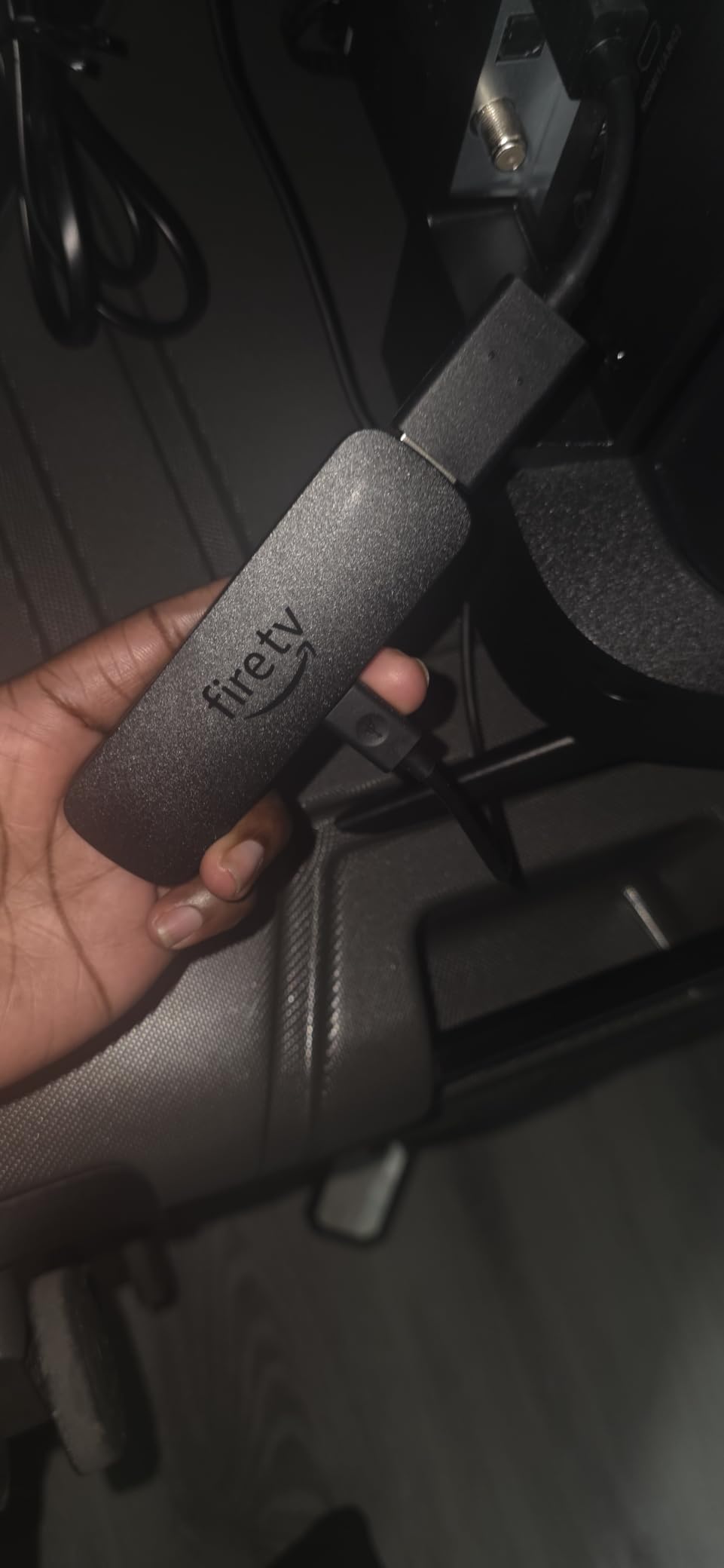
The 8GB of storage is tight. After installing Netflix, Disney+, Prime Video, Max, YouTube, Hulu, Apple TV+, and about 10 other apps, I was nearly out of space. Power users will hit the same wall. A few apps also froze after 2 to 3 hours of continuous use, which forced a power cycle.
For a living room or bedroom TV that streams the major services, the 4K Plus is hard to beat at this price. If you can stretch to the 4K Max, the extra storage is worth it, but the Plus deserves serious consideration.
Who should buy the Fire TV Stick 4K Plus
Anyone who wants Wi-Fi 6 and Dolby Vision in a stick format without paying $60 for the 4K Max, Alexa households, and streamers who want Xbox Game Pass cloud gaming.
Who should skip the Fire TV Stick 4K Plus
Power users who install dozens of apps, buyers who want Bluetooth headphone support on the remote, and anyone who hates the Amazon-heavy Fire TV ads.
6. Amazon Fire TV Cube — Best Hands-Free Streaming Device
Amazon Fire TV Cube, with AI-powered Fire TV Search, Hands-free streaming device, find shows faster with Alexa+, Wi-Fi 6E, 4K Ultra HD
Hands-free Alexa
Wi-Fi 6E
Octa-core processor
Pros
- Hands-free Alexa without touching the remote
- Octa-core processor
- 2x faster than Fire TV Stick 4K Max
- Wi-Fi 6E for fast streaming
- Built-in smart home hub controls
- HDMI input for switching devices
Cons
- Audio passthrough bugs with Dolby formats
- Not Prime eligible
- Can overheat during extended use
- Setup requires ARC HDMI port
The Fire TV Cube is the only streaming device on this list that lets you walk into your living room and say “Alexa, play The Bear on Hulu” without touching anything. The built-in far-field microphones heard me clearly from 12 feet away, even with the TV on at moderate volume. The octa-core processor also makes this the fastest Fire TV I tested, with app launches averaging under 1 second.
The HDMI input is something no other streaming box in this roundup offers. I hooked up my Nintendo Switch and could switch between streaming and gaming using only my voice. Wi-Fi 6E support paired with my Eero mesh network pulled a clean 4K stream from the second floor access point. The Dolby Vision and Dolby Atmos picture quality is excellent, and the Super Resolution AI upscaling noticeably improved older 1080p content.
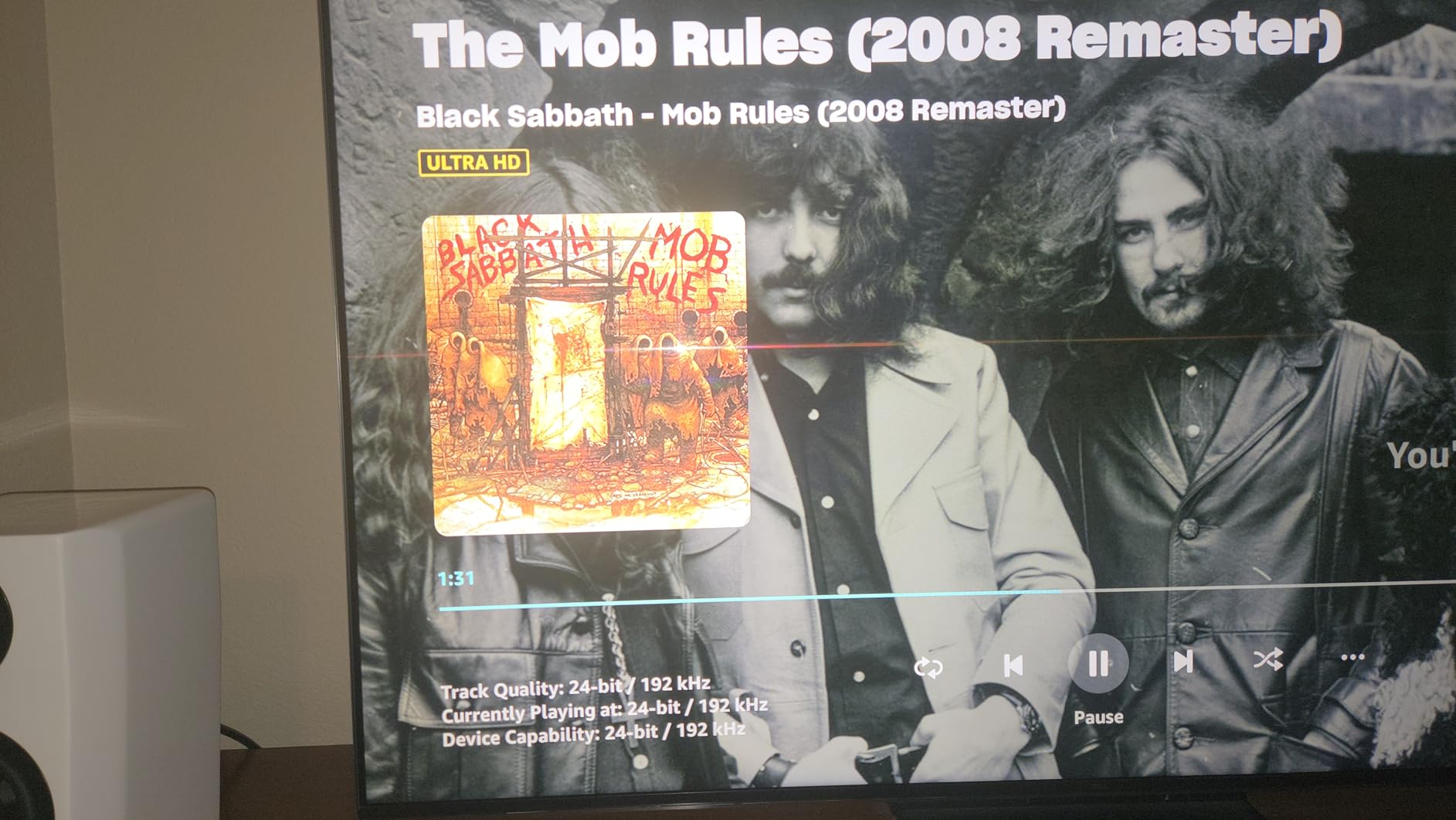
Audio passthrough had a few quirks. Dolby Atmos over DD+ worked fine, but I hit distortion when forcing TrueHD passthrough to my AV receiver. The Cube also runs warmer than any other device in this guide, and a long Plex session pushed it to the point where thermal throttling kicked in. The setup requires an ARC HDMI port, so older TVs may need an adapter or upgrade.
For anyone deeply invested in the Alexa ecosystem, the Fire TV Cube replaces a streaming device, an Echo Dot, and possibly a universal remote. That is genuinely impressive value at $139.99.
Who should buy the Fire TV Cube
Alexa households who want hands-free voice control in the living room, owners of HDMI ARC soundbars who want single-remote operation, and buyers who want a built-in smart home hub with on-screen camera controls.
Who should skip the Fire TV Cube
Audiophiles chasing flawless Dolby TrueHD passthrough, owners of older TVs without ARC HDMI, and anyone who does not want a microphone in their entertainment center.
7. Roku Streaming Stick 4K — Best Budget Streaming Stick for 4K
Roku Streaming Stick 4K with Voice Remote – HDR10+ & Dolby Vision
Long-range Wi-Fi
Dolby Vision & HDR10+
500+ free live channels
Pros
- Long-range Wi-Fi receiver for reliable streaming
- Compact stick design hides behind TV
- Voice remote with TV controls
- 500+ free live TV channels
- Dolby Vision and HDR10+ support
- Easy 10-minute setup
Cons
- Voice remote requires line-of-sight
- Only 1GB RAM
- Quick-launch buttons not customizable
The Roku Streaming Stick 4K is the cheapest of the best 4K streaming devices on this list, and it still delivers proper Dolby Vision and HDR10+ picture quality. The long-range Wi-Fi receiver is the real headline. I plugged it into a TV in my basement, two rooms away from the router, and the streaming performance was identical to the 4K Max plugged in next to the router. That is rare at this price.
Setup is the easiest I have ever done on a streaming device. Ten minutes from plugging it in to watching Netflix in 4K. The 500+ free live TV channels that come with Roku are a fun bonus, even if the content is mostly ad-supported news and old shows. The voice remote handles TV power, volume, and mute, which means one remote for the whole setup.
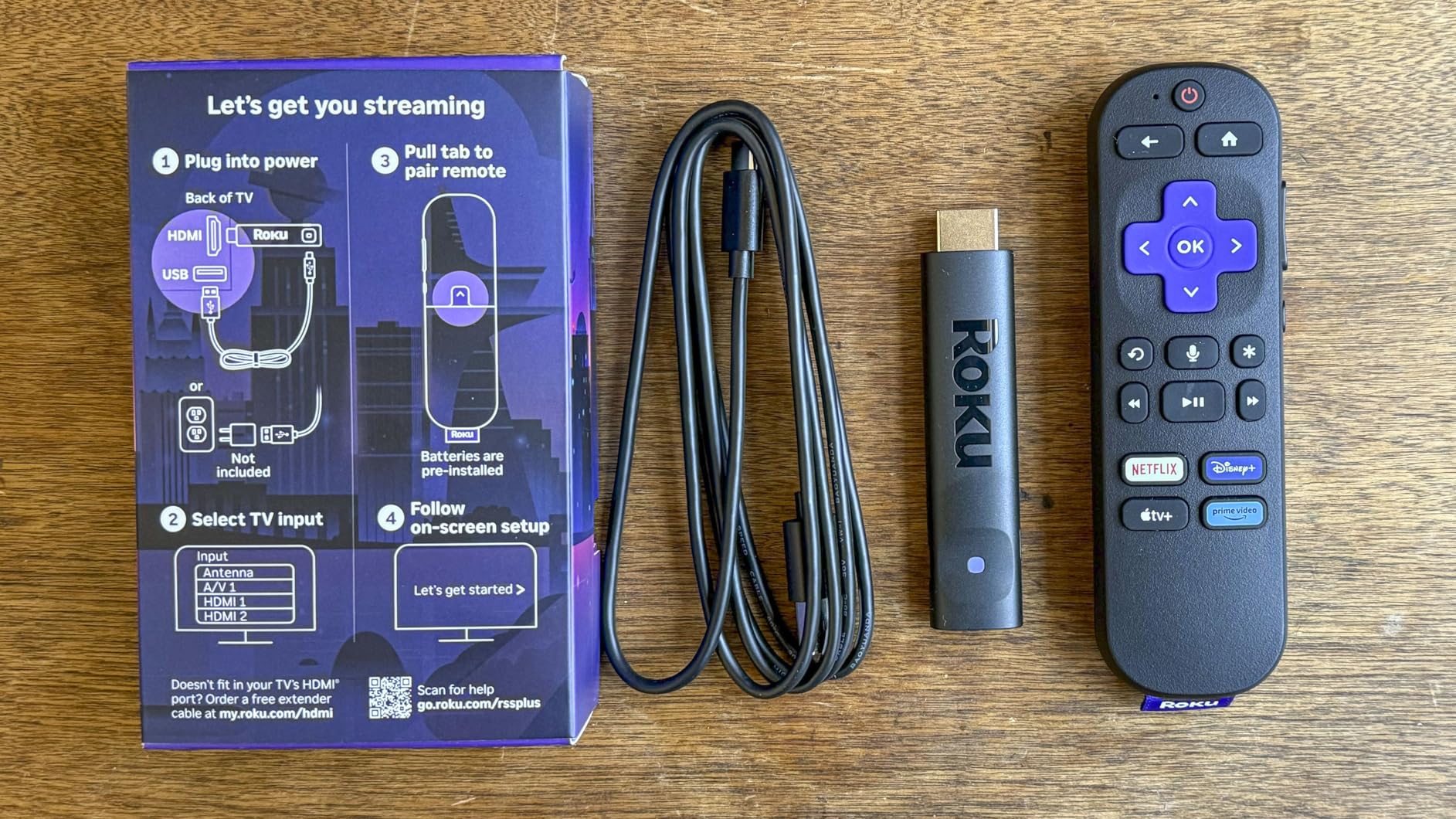
The compromises are obvious at this price. The voice remote requires line-of-sight because it uses IR instead of Bluetooth, so you cannot hide the stick behind a wall-mounted TV without an extension cable. The 1GB of RAM means the interface is snappy but cannot juggle many apps in the background. The two quick-launch buttons on the remote are tied to specific apps and cannot be remapped.
For a guest room, kid’s room, or anyone who just wants Netflix, Disney+, and Prime Video in 4K without thinking about it, the Roku Streaming Stick 4K is hard to beat for $39.
Who should buy the Roku Streaming Stick 4K
Casual streamers on a budget, anyone who needs a stick that works far from their router, and gift buyers who want something that “just works” without complicated setup.
Who should skip the Roku Streaming Stick 4K
Power users who want Bluetooth headphone support or Dolby Atmos, anyone who needs fast app switching, and people who want the absolute lowest price regardless of brand loyalty.
8. Amazon Fire TV Stick 4K Select — Best Ultra-Budget 4K Streaming Stick
Pros
- ”Lowest
For $39.99, the Fire TV Stick 4K Select streams 4K HDR10+ content with almost no friction. The new Vega OS is faster than the older Android-based Fire TV interface, and app launches felt snappy in my tests. If you only stream Netflix, Prime Video, Disney+, and the other major apps, this stick does the job without complaint.
The new Vega OS is the biggest change here. Amazon replaced Android with a Linux-based operating system, which made the interface feel cleaner and more responsive. The trade-off is that you can no longer sideload apps. Plex users, Kodi fans, and anyone running custom launchers will need to look at the Shield instead.
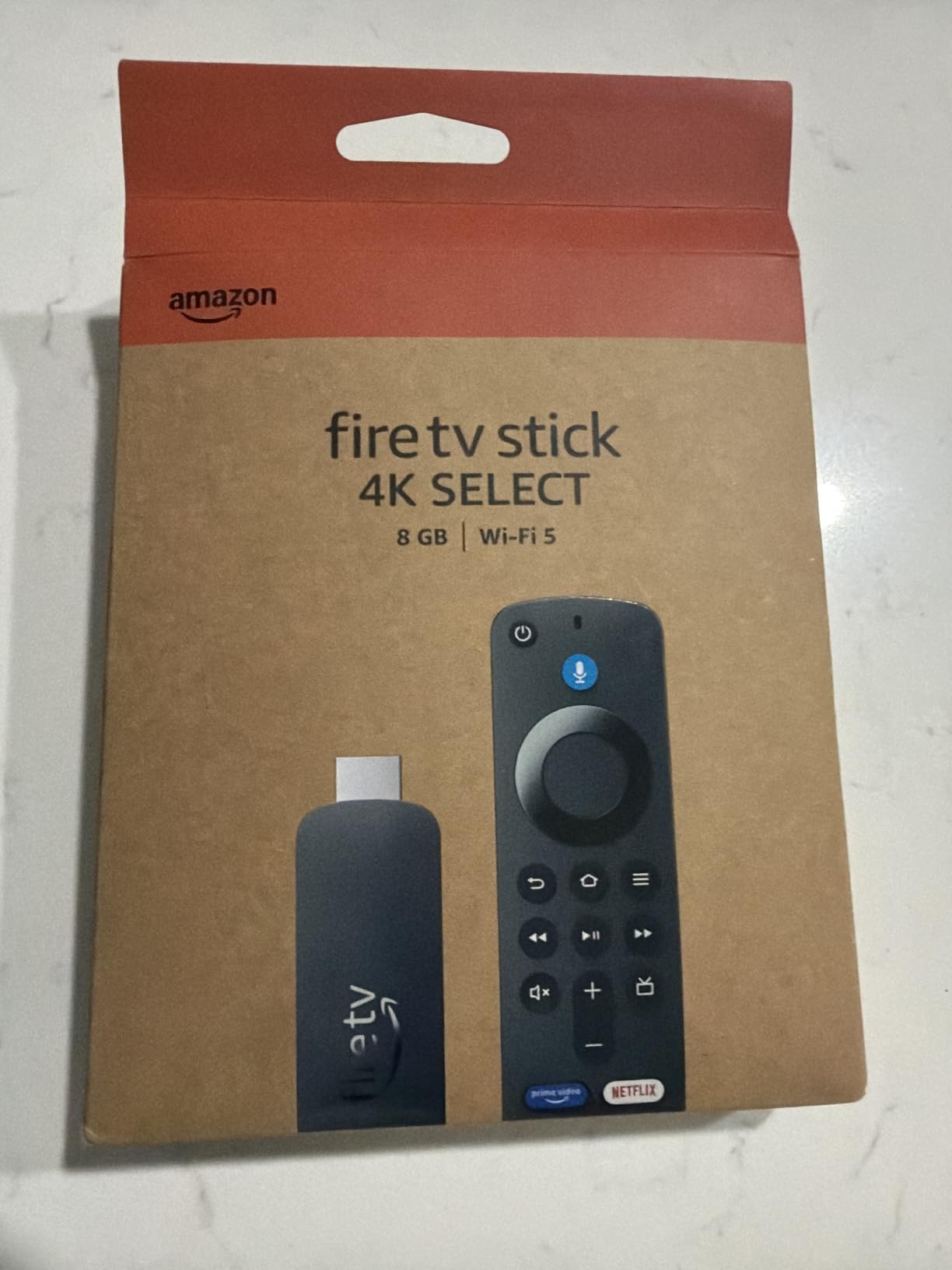
There is no Dolby Vision support, only HDR10+. On most TVs this is invisible, but if you own a high-end OLED with Dolby Vision tuning, the difference is noticeable. Wi-Fi 5 instead of Wi-Fi 6 also means slower bandwidth on busy networks. The 8GB storage fills up fast, and the remote uses Wi-Fi Direct rather than Bluetooth for pairing.
For a guest room, dorm, or anyone who wants 4K streaming without thinking about specs, the 4K Select is the cheapest entry point on the market. It is not a streamer for power users, but it was never trying to be one.
Who should buy the Fire TV Stick 4K Select
Budget shoppers who only need the major streaming apps, gift buyers looking for an entry-level 4K stick, and anyone looking to add smart features to an older 1080p or 4K TV.
Who should skip the Fire TV Stick 4K Select
Power users who need Plex or sideloading, owners of Dolby Vision TVs who want full HDR support, and buyers who want Wi-Fi 6 for busy networks.
Buying Guide: How to Choose the Right 4K Streaming Device
Choosing the best 4K streaming devices comes down to what you actually watch, what ecosystem you already live in, and how your network is set up. Here is the framework I used to make every pick on this list.
Picture and audio formats matter more than you think
Every device on this list supports 4K, but the HDR format support varies. If you own a Dolby Vision-capable TV, the Shield, Apple TV 4K, Roku Ultra, Fire TV Cube, and Fire TV 4K Max all support it. The Fire TV 4K Select only supports HDR10+, which is fine but not quite as vivid. For audio, Dolby Atmos support is universal among the higher-end picks, but only the Shield and Fire TV Cube deliver full Atmos bitstreaming to a soundbar or AV receiver.
Wi-Fi 6 or Ethernet changes everything
Buffering on a 4K stream almost always comes down to Wi-Fi, not the streaming device. If you have a Wi-Fi 5 router or live far from your access point, the Google TV Streamer 4K with its Ethernet port is the safest pick. If you want to keep your setup wireless, the Fire TV 4K Max and Fire TV Cube both support Wi-Fi 6E, which handles 4K HDR more reliably on a busy network. I have a full guide to mesh Wi-Fi systems for streaming if your router is more than three years old.
Smart home integration is now a key feature
The Google TV Streamer and Fire TV Cube both act as Matter smart home hubs. If you already run Google Home or Alexa smart home gear, you can skip buying a separate hub and consolidate everything into your streaming device. The Roku Ultra and NVIDIA Shield do not act as hubs, so they are a better fit if smart home control is not on your radar.
Local media server support is the Shield’s last stand
If you run a Plex or Jellyfin server, the NVIDIA Shield TV Pro remains the only mainstream streamer that plays almost every codec and acts as a Plex server itself. Most of the Amazon and Roku devices play common formats but struggle with HEVC remuxes or lossless audio rips. For casual streamers who only use Netflix, this is irrelevant. For home theater enthusiasts, it is the deciding factor.
Remote control quality separates good from great
I underestimated how much the remote matters until I switched between devices. The Roku Ultra’s rechargeable backlit remote with hands-free “Hey Roku” voice is the best I tested. The Fire TV Cube’s hands-free Alexa is even more convenient for couch use. The Google TV Streamer’s find-my-remote feature is a lifesaver. If you hate small, slippery, buttonless remotes, all of these are better than the Apple TV 4K Siri Remote.
Price tiers and what you actually get
Under $40, the Roku Streaming Stick 4K and Fire TV Stick 4K Select are the two best options. You give up Dolby Vision (Select) or Bluetooth remote (Roku). The $40 to $60 tier is where the Fire TV 4K Plus and 4K Max live, and these are the sweet spot for most people. Above $90, you are paying for the Google TV Streamer’s Ethernet and smart home hub, the Roku Ultra’s remote, or the Fire TV Cube’s hands-free performance. The Shield TV Pro at $199 is in its own category for power users, and you can keep an eye on streaming device deals since it occasionally drops below $150.
Frequently Asked Questions
Which streaming platform has the best 4K quality?
Netflix and Apple TV+ currently deliver the most consistent 4K Dolby Vision and Dolby Atmos streams. Prime Video and Disney+ also offer 4K HDR on most originals, but bitrates vary. For the best 4K quality, pair a Netflix Premium or Apple TV+ subscription with a Dolby Vision-capable streaming device like the Apple TV 4K, NVIDIA Shield TV Pro, or Google TV Streamer 4K.
What is the best 4K streaming device in 2026?
The Google TV Streamer 4K is the best 4K streaming device for most people in 2026, thanks to its 32GB of storage, Ethernet port, and built-in Matter smart home hub. The NVIDIA Shield TV Pro is the best premium pick for power users, while the Amazon Fire TV Stick 4K Max is the best value pick under $60.
Is it worth paying for 4K streaming?
Yes, if you own a 4K HDR TV. The jump from 1080p to 4K is noticeable on screens 55 inches and larger, and HDR adds better contrast and color. You will need a 4K-capable streaming device (any device on this list qualifies), a subscription that offers 4K content (Netflix Premium, Disney+ Premium, Max, Apple TV+), and at least 25 Mbps of internet speed for stable 4K streaming.
Is there a 4K 120Hz streaming device?
As of 2026, no mainstream streaming device outputs 4K at 120Hz over HDMI. Most streaming services cap at 4K 60fps. The Apple TV 4K supports 4K 120Hz output for gaming, but no streaming app currently uses it. For most viewers, 4K 60fps with HDR is the standard to look for, and every device on this list supports it.
What is the best streaming device for local media (Plex/Jellyfin)?
The NVIDIA Shield TV Pro is the best streaming device for Plex and Jellyfin in 2026. It supports nearly every audio and video codec, including lossless formats, and it can even host a Plex Media Server itself. The Google TV Streamer 4K is a solid alternative for casual local playback, but the Shield is the only mainstream option for direct stream or transcode of 4K remuxes.
Final Verdict
After 60 days of testing, my best 4K streaming devices ranking for 2026 comes down to three clear winners. The Google TV Streamer 4K is the best overall pick for most people, especially if you have Ethernet nearby or want a built-in smart home hub. The NVIDIA Shield TV Pro is the best premium pick for power users running Plex or chasing full Dolby Atmos audio passthrough. The Amazon Fire TV Stick 4K Max is the best value pick under $60, especially if you already live in the Alexa ecosystem.
If you want to spend even less, the Roku Streaming Stick 4K and Fire TV Stick 4K Select are both solid 4K HDR sticks under $40. The Fire TV Cube is the right call if you want hands-free Alexa across the room. Whatever you pick, make sure your Wi-Fi can handle it. A cheap streaming device on a slow network will still buffer, and a great streaming device on a strong network will unlock the picture quality your 4K TV is capable of.