

Prime Big Deal Days runs October 6-7, 2026, and the handheld gaming PC picks worth watching this year start with the Lenovo Legion Go. Its 8.8-inch 144Hz panel and Ryzen Z1 Extreme chip give it the most convincing mix of screen size and staying power in this group, and it carries the most owner history of any device on the list.
Two alternatives suit different buyers. The ASUS ROG Ally is the lighter, sharper-screened option that owners lean on for emulation and docked play, and the Steam Deck OLED is the one to watch if setup simplicity and console-style menus matter more than raw power.
The picks below are ordered by how well each one fits a portable-gaming buyer, not by discount size. Offer prices move through the event, so use the buttons to see the current figure rather than relying on any number you read elsewhere.
Table of Contents
Our Top 3 Picks for Best Amazon Prime Big Deal Days Handheld Gaming PC Deals (October 2026)

Best Amazon Prime Big Deal Days Handheld Gaming PC Deals Compared
| Product | Specifications | Action |
|---|---|---|
| Lenovo Legion Go |
|
Check Deal Price |
 ASUS ROG Ally ASUS ROG Ally |
|
Check Deal Price |
 Steam Deck OLED Steam Deck OLED |
|
Check Deal Price |
 Lenovo Legion Go S Lenovo Legion Go S |
|
Check Deal Price |
 ROG Xbox Ally ROG Xbox Ally |
|
Check Deal Price |
 ASUS ROG Ally X ASUS ROG Ally X |
|
Check Deal Price |
 MSI Claw 8 AI+ MSI Claw 8 AI+ |
|
Check Deal Price |
 GPD Win Mini 2025 GPD Win Mini 2025 |
|
Check Deal Price |
 MSI Claw 8 EX AI+ MSI Claw 8 EX AI+ |
|
Check Deal Price |
 MSI Claw A8 MSI Claw A8 |
|
Check Deal Price |
How We Chose
We compared the specs that decide a handheld purchase: panel size and refresh rate, processor class, memory and storage, battery capacity, weight, ports and operating system. Owner reviews and ratings on Amazon carried equal weight, and the data was checked in October 2026.
1. Lenovo Legion Go: Best for Big-Screen Performance
Lenovo Legion Go
OS: Windows
Display: 8.8 inch 144Hz
Storage: 512GB
Wireless: Bluetooth
Pros
- 8.8 inch 2560 x 1600 touchscreen at 144Hz
- Ryzen Z1 Extreme runs AAA titles smoothly
- Two USB4 40Gbps ports
- Carrying case and 65W charger included
Cons
- Bulkier than 7 inch rivals
- 512GB fills up fast
- Windows menus less suited to touch
The clearest all-rounder on the list: a huge sharp screen, a top-tier handheld chip and the deepest pool of owner feedback here.
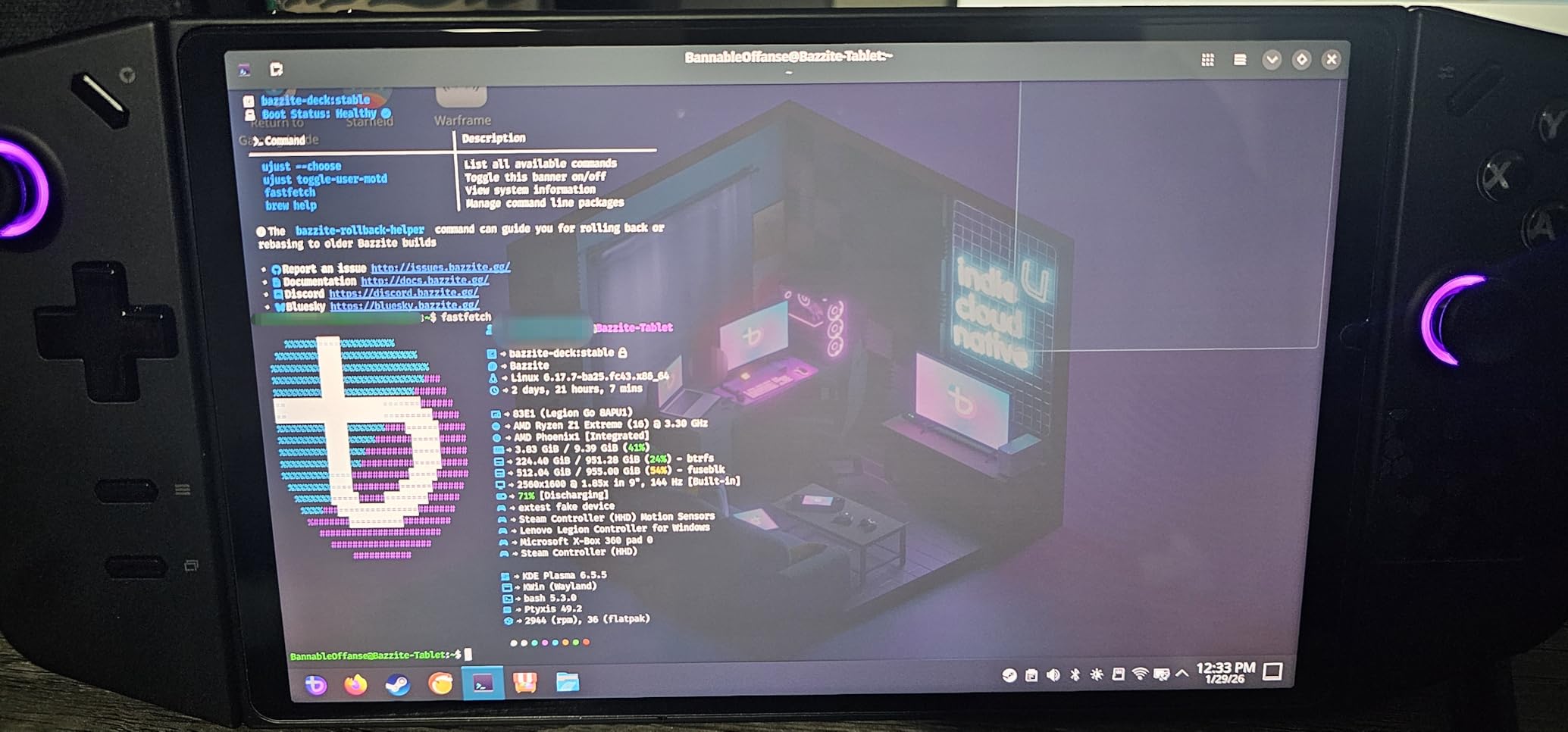
The Legion Go’s 8.8-inch WQXGA touchscreen runs at 2560 x 1600 and 144Hz, which no other device in this roundup matches. Owners single out the size for strategy maps, racing games and anything with small on-screen text, and the Ryzen Z1 Extreme keeps mainstream AAA titles moving without constant fiddling.
Connectivity is unusual for the category too. Two USB4 40Gbps ports mean a single-cable dock to a TV or monitor is realistic rather than aspirational, and the stereo speakers plus integrated camera make it a reasonable travel PC as well as a games machine.
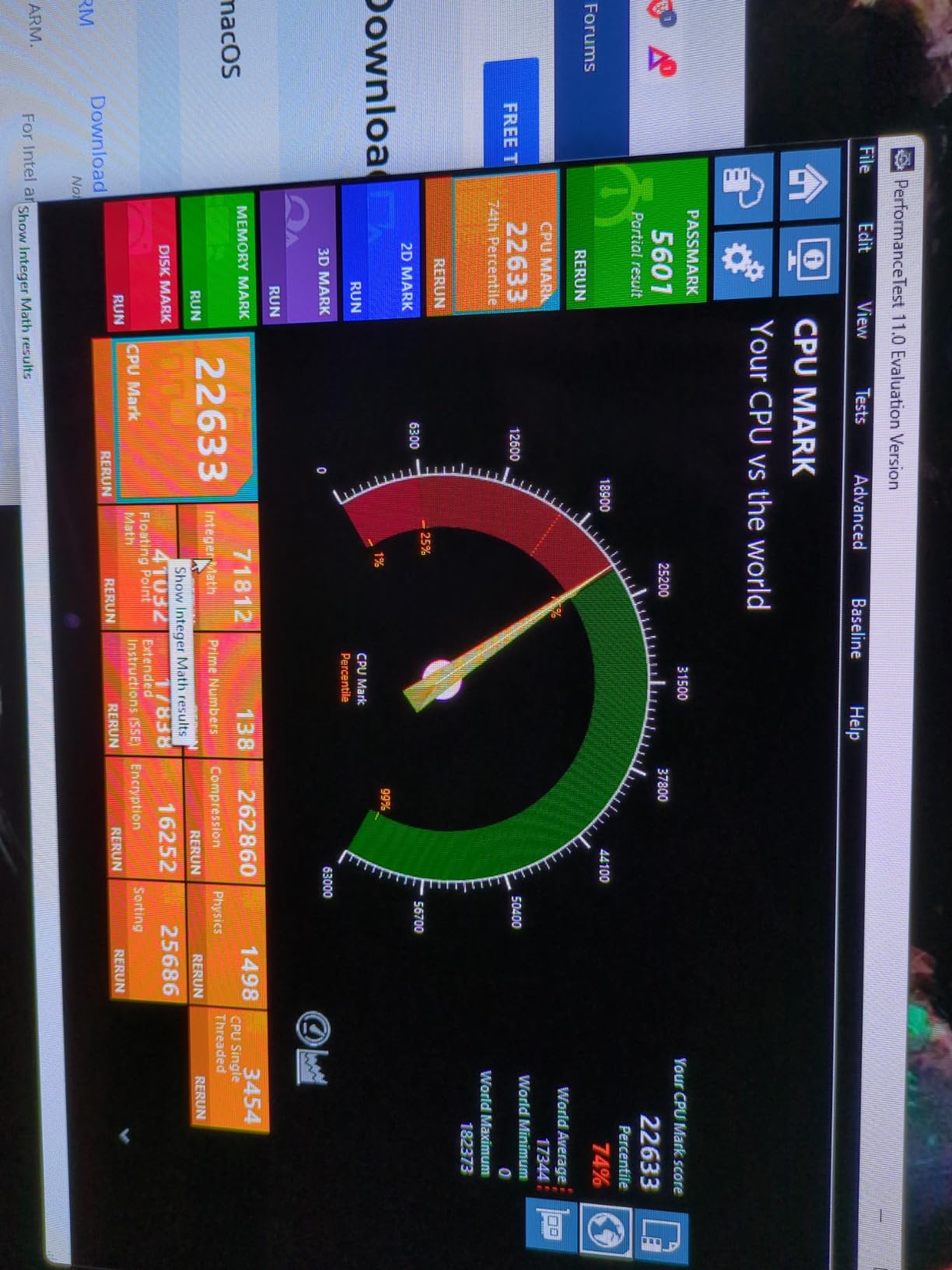
The trade-off is bulk. Owners report that the 8.8-inch panel and full-size controls make it heavier in a jacket pocket than a 7-inch device, and the included carrying case exists for a reason. The 512GB drive also fills quickly once a few modern titles land on it.
- 8.8 inch 2560 x 1600 144Hz touchscreen, the largest panel in this group
- Two USB4 40Gbps ports, easier docking than most rivals
- Just under two pounds, and a carrying case in the box
- One year manufacturer warranty on parts and labour
Compared with the ASUS ROG Ally, you give up some hand-friendly compactness and gain a much bigger canvas plus faster ports. Compared with the Steam Deck OLED, you get Windows, which means wider library access and a rougher touch interface. If a large, sharp screen is what you are buying a handheld for, this is the pick to watch during the sale.
2. ASUS ROG Ally: Best for Emulation and Docked Play
ASUS ROG Ally
OS: Windows 11
Display: 7 inch 120Hz
Storage: 512GB
Wireless: Wi-Fi and Bluetooth
Pros
- Strong AAA performance at 1080p
- Light 1.1 lb chassis
- Handles Switch and PS2 and PS3 emulation
- Doubles as a docked mini PC
Cons
- Short battery life in Turbo mode
- 512GB fills quickly
- Single USB-C port needs a hub
The lightest device here and the one owners most often repurpose as a living-room PC.
At 1.1 pounds with a 7-inch 1920 x 1080 touchscreen running at 120Hz, the ROG Ally is the easiest of these to hold for long sessions. Owners report using it both as a travel handheld and, once plugged into a dock, as a small desktop that drives a TV with a controller in hand.
Emulation is where this pick earns its spot. The Zen 4 Ryzen Z1 Extreme handles Nintendo Switch, PS2 and PS3 era titles well, and a microSD slot plus user-replaceable storage keeps older libraries easy to carry.
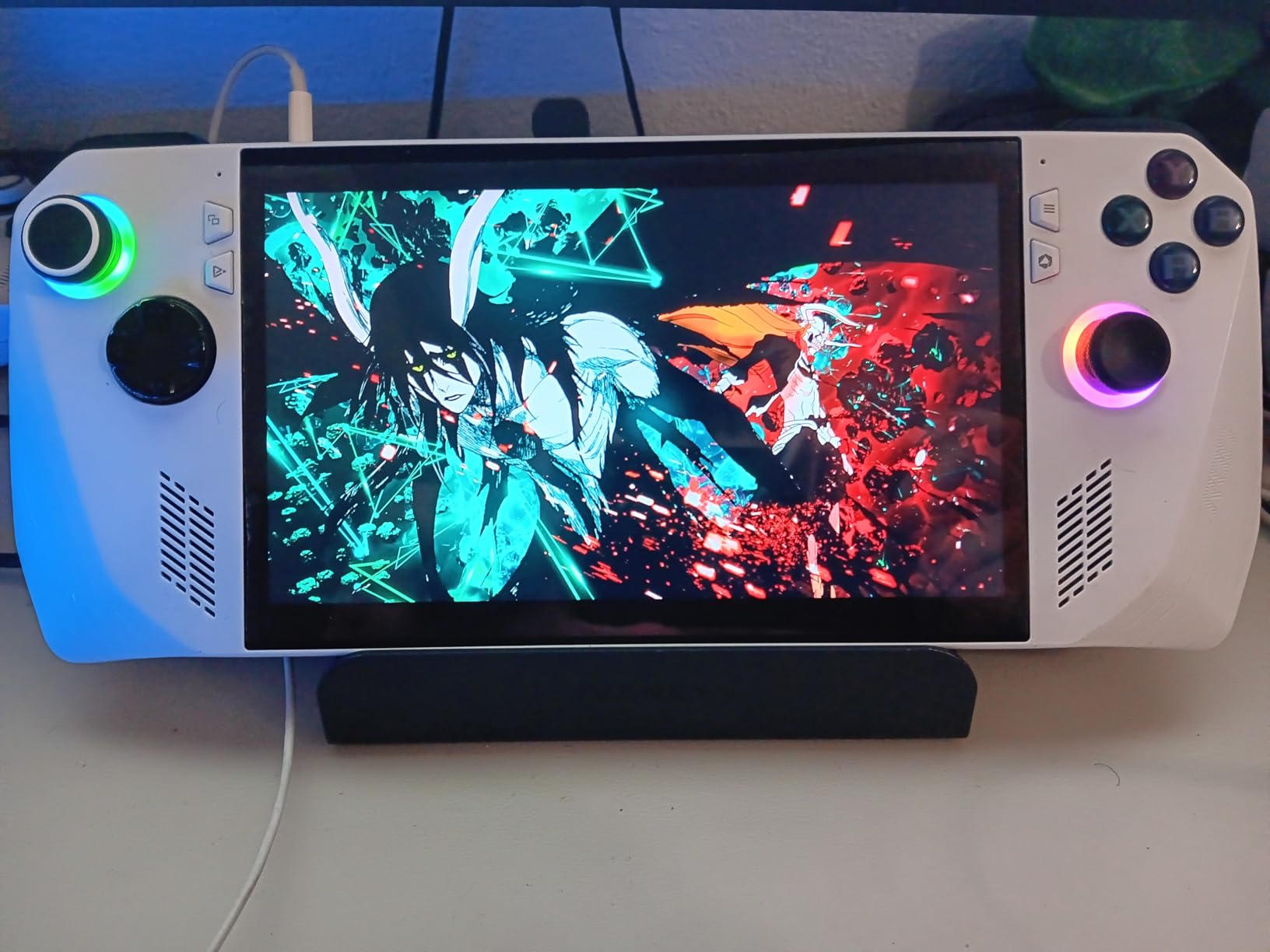
Best for: anyone whose library is retro rather than new. The trade-offs are real, though. Battery life is the most repeated complaint, especially in Turbo mode, and the single USB-C port means a hub for anything beyond charging.
A second theme across reviews is Windows itself: the interface is not built for a small touch screen, so some owners pair it with SteamOS. A minority of reviews concern units arriving from third-party importers in poor condition, which is worth checking carefully on any offer you see during the sale.
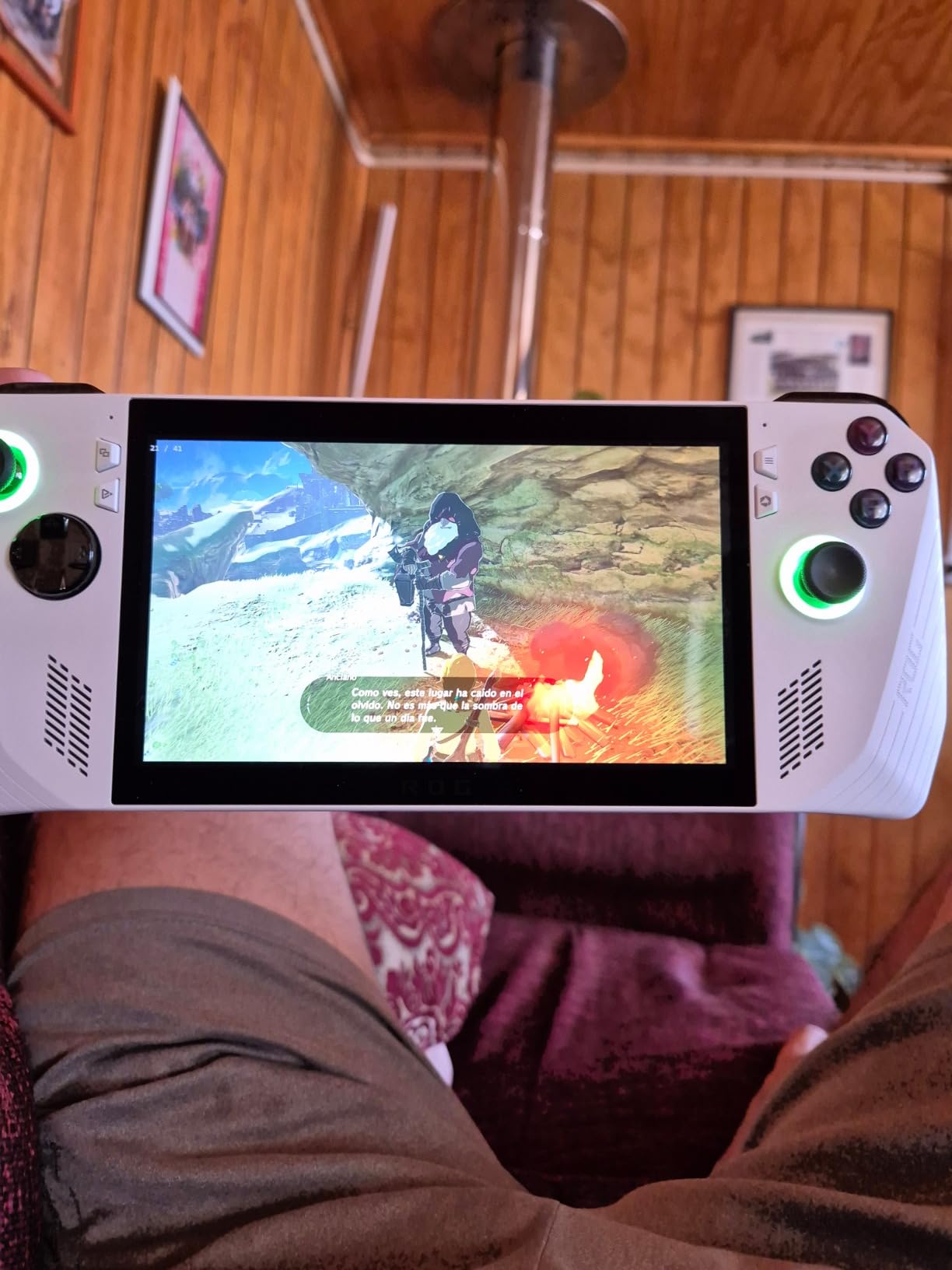
Where it beats the Legion Go is size and weight: this one disappears into a bag in a way an 8.8-inch device cannot. Where it loses is screen real estate and port selection. Compared with the Steam Deck OLED, it runs more demanding titles and more non-Steam software, at the cost of the simplest setup on the list.
3. Steam Deck OLED: Best for Simple Setup
Steam Deck OLED
OS: SteamOS
Display: 7.4 inch OLED
Storage: 512GB
Wireless: Wi-Fi
Pros
- HDR OLED screen with strong contrast
- Battery outlasts the original LCD model
- Faster storage and downloads
- No Windows setup to learn
Cons
- 512GB is modest for a modern library
- Below Windows handhelds on demanding titles
- Linux limits non-Steam compatibility
Buy this one if you want a console that happens to run PC games, with almost nothing to configure.
The Steam Deck OLED runs a SteamOS-based Linux platform, so there is no Windows update cycle and no desktop to fight with. Owners describe a device that switches on, finds a game and plays, which is exactly what a lot of buyers want from a travel gaming PC.
The 7.4-inch HDR OLED at 1280 x 800 is the visual reason to choose this model, and review sentiment leans heavily positive, with a large share of five-star ratings. Battery life is the other headline: owners report it lasting longer than the original LCD Deck, and faster storage and downloads improve everything around them.
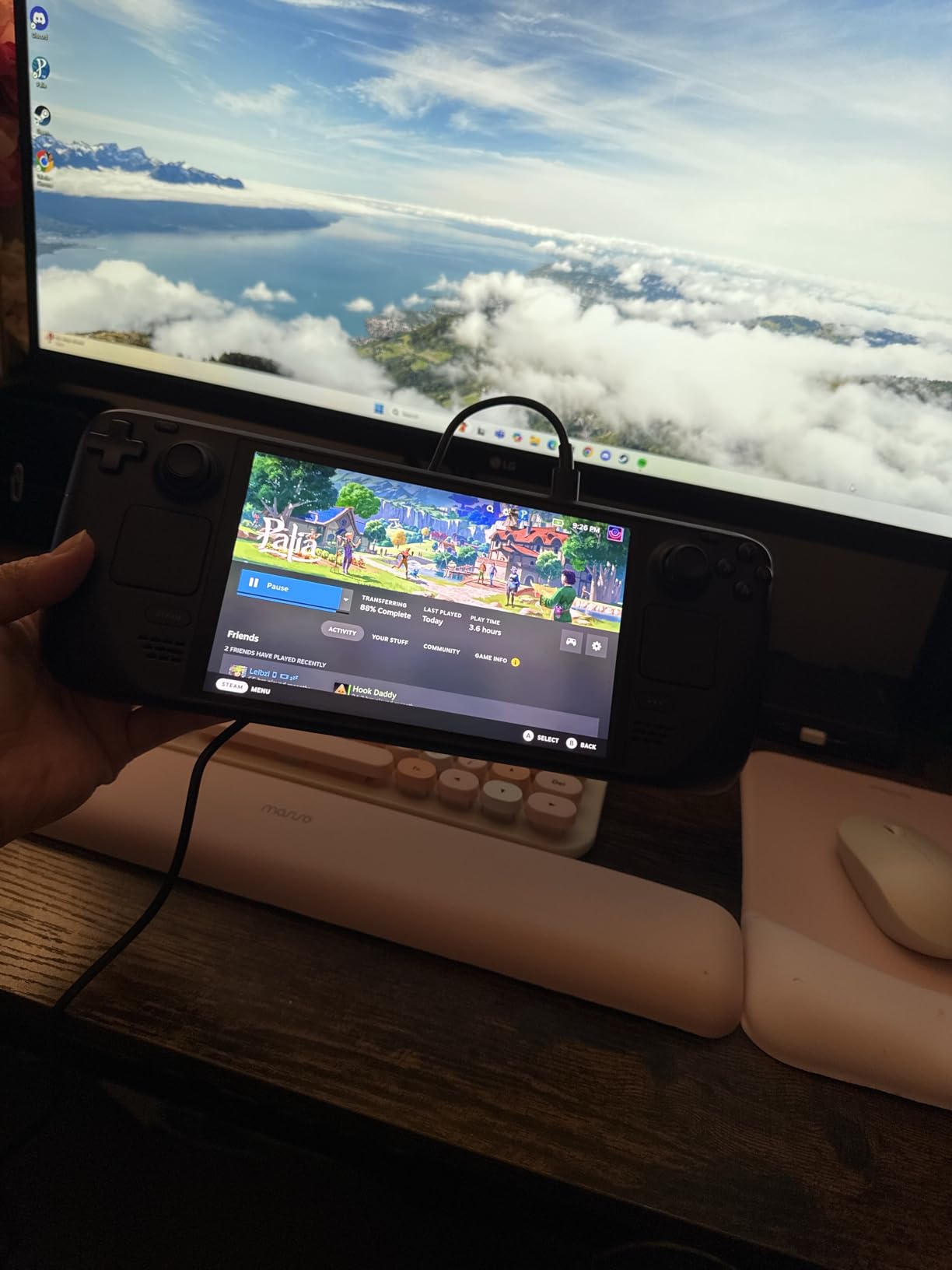
Skip it if your library is full of demanding new releases or non-Steam launchers. Owners are candid that raw performance sits below Windows-based handhelds on the toughest titles, and Linux narrows compatibility compared with the Windows devices in this list.
Good to know: 512GB is fine for a curated library and tight for a large one, so plan on a microSD card if you subscribe to a lot of back catalogue.
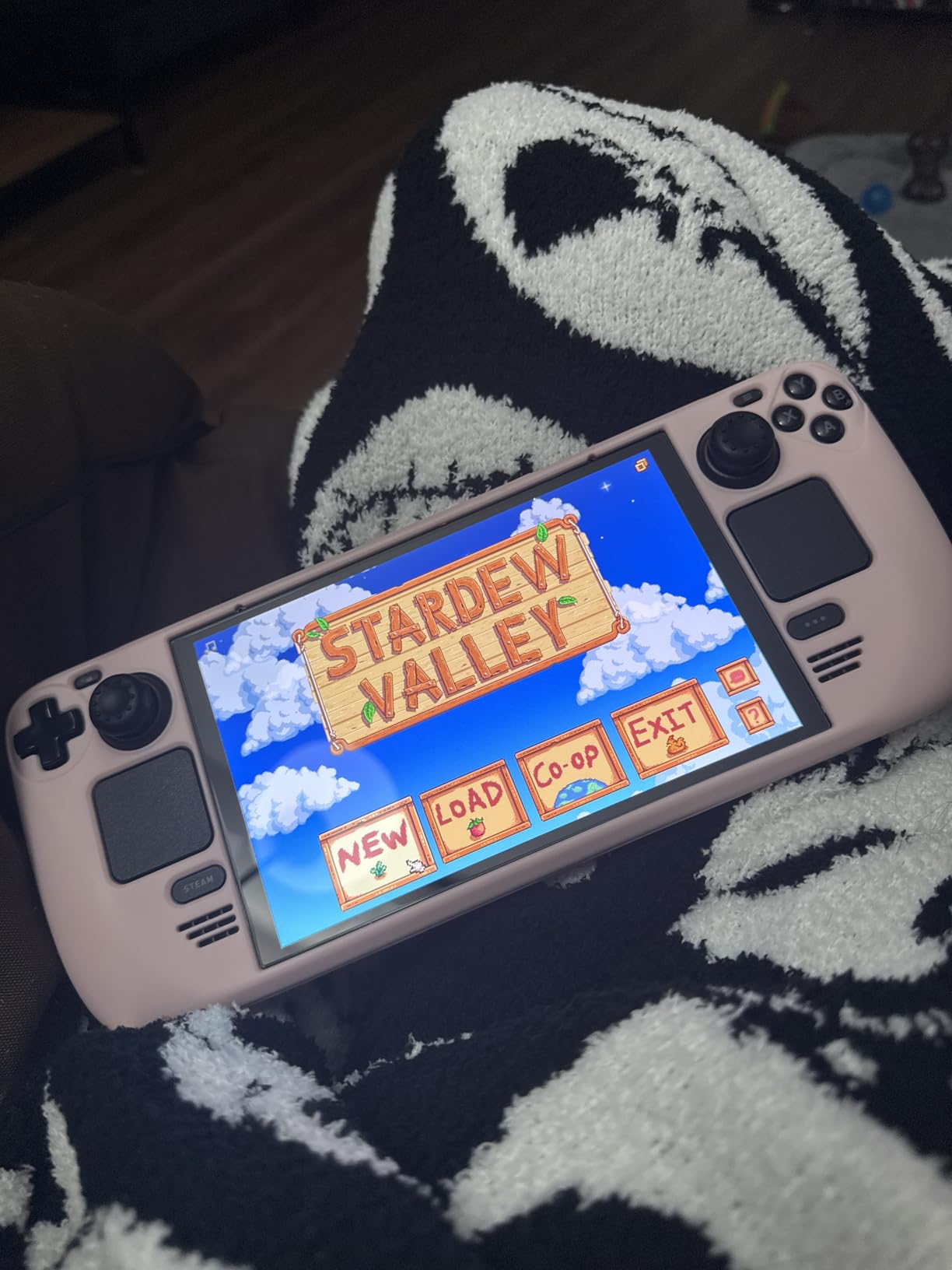
Against the Lenovo Legion Go, the OLED wins on simplicity and battery and loses on screen size, resolution and raw power. Against the ASUS ROG Ally, it wins on polish and loses on ports and emulation reach. For a first handheld that a non-technical person can use, this is the pick to watch.
4. Lenovo Legion Go S: Best for a Bright IPS Screen
Lenovo Legion Go S
OS: Windows
Display: 8 inch 120Hz
Storage: 512GB
Wireless: Wi-Fi and Bluetooth
Pros
- 500 nit 120Hz IPS panel with 100% sRGB
- 10-point touch and TrueStrike controllers
- User-upgradable SSD
- Three months of PC Game Pass and EA Play
Cons
- Around 2 to 3 hours under load
- 16GB is shared with the GPU
- Newest titles need lower settings
A brighter, more evenly lit screen than the OLED option, and the one to watch if you play outdoors or on a train.
The 8-inch PureSight IPS panel runs at 120Hz with 500 nits and full sRGB coverage, and it handles 10-point touch. Unlike an OLED, an IPS screen holds consistent brightness in daylight, which is the practical reason owners like it for travel.
Two extras come in the box with this model: three months of PC Game Pass and EA Play, and a storage drive that owners report swapping for 2TB without difficulty. Many buyers install SteamOS after purchase and report a noticeably smoother handheld experience.
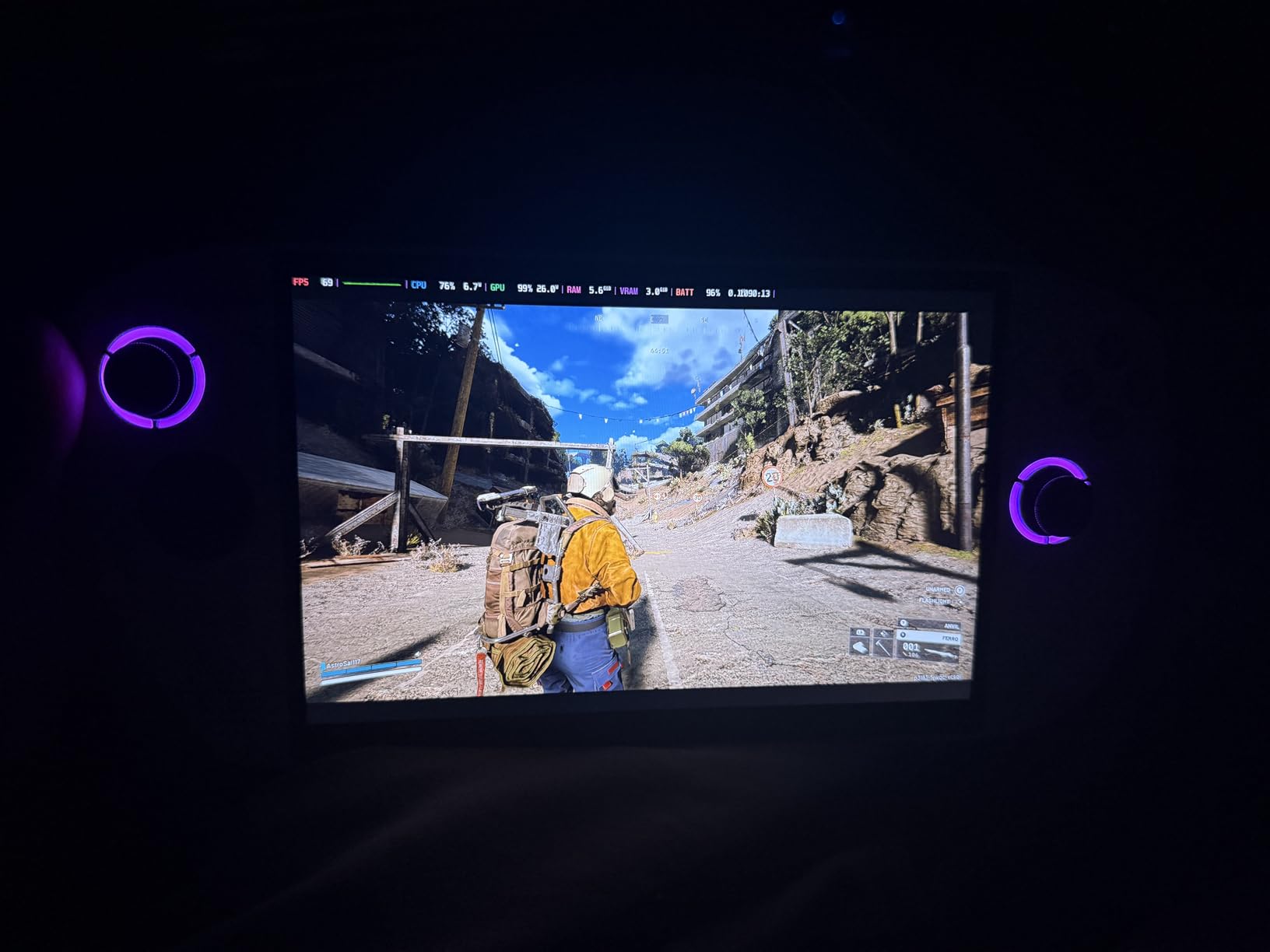
The trade-off is battery. Reviews put load-time endurance at roughly two to three hours, the weakest point of an otherwise well-liked device, and the 16GB of memory is shared with the graphics, so it is not the same as dedicated RAM in a desktop.
On newer AAA releases owners report lowering settings or enabling frame generation to hold 60fps, and a minority mention Windows or Lenovo software glitches that need a restart. The Ryzen Z2 Go inside sits below the Z1 Extreme, so this is a mid-range pick, not a flagship one.
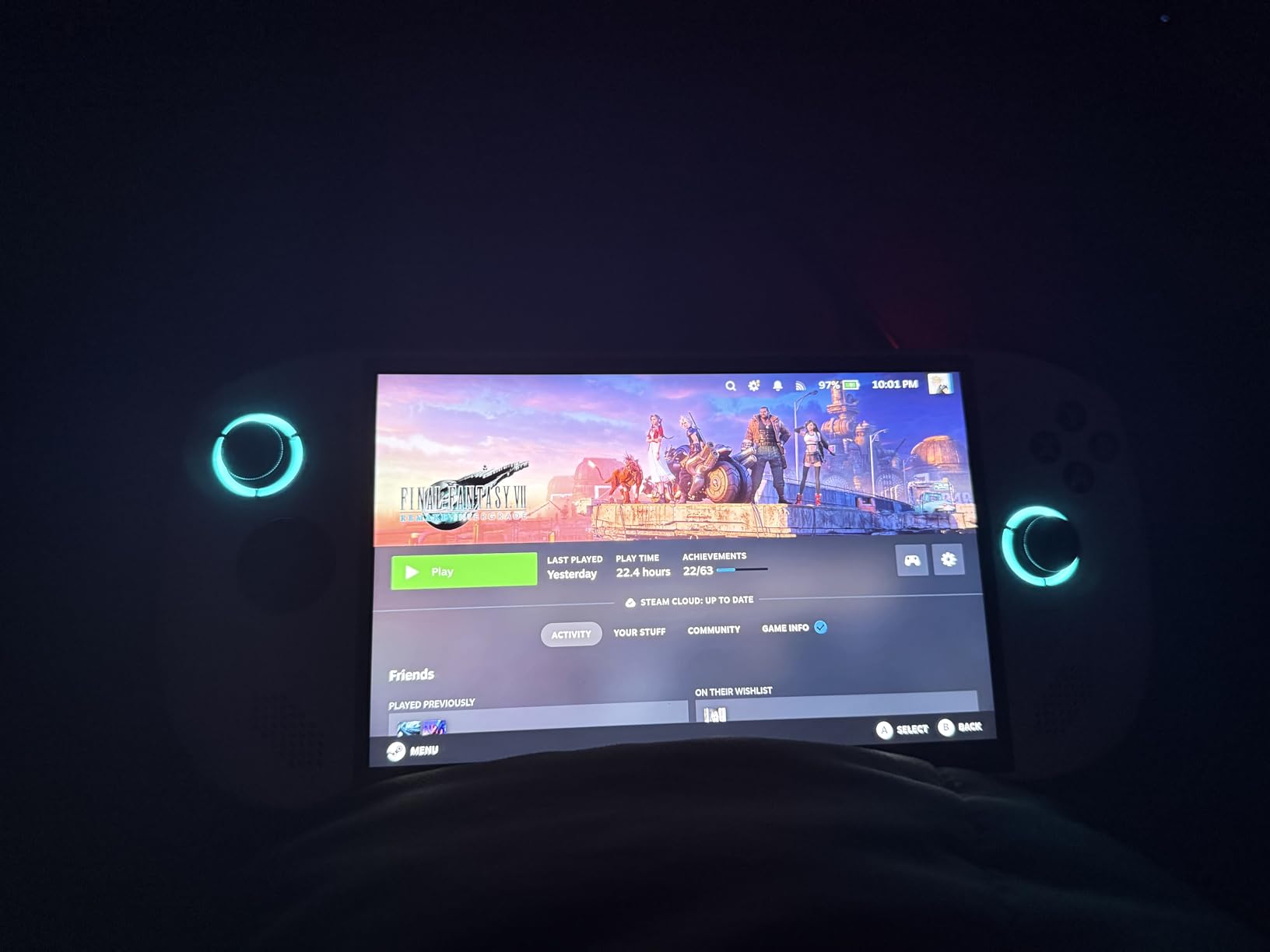
Compared with the Lenovo Legion Go, you give up resolution, refresh rate and top-tier silicon and gain a brighter panel and a subscription bundle. Compared with the Steam Deck OLED, you get a touchscreen, Windows libraries and a replaceable drive in exchange for rougher software. It is the middle-ground pick on this list.
5. ROG Xbox Ally: Best for Xbox Library Fans
ROG Xbox Ally
OS: Windows 11
Display: 7 inch 120Hz
Storage: 512GB
Wireless: Wi-Fi 6E
Pros
- Xbox button and Game Bar feel console-like
- Armoury Crate handles performance modes
- 500 nit VRR display under Gorilla Glass
- About 50 percent charge in 30 minutes
Cons
- Battery drains fast on demanding games
- Runs hot in Turbo mode
- Some Windows setup needed first
Windows 11 with the Xbox front end attached: the least PC-like experience in this list.
This model boots toward the Xbox experience, with a dedicated Xbox button, Game Bar integration and Play Anywhere support, while still reaching Steam, Epic and Windows titles. Owners consistently describe it as the one that feels closest to a console, and Armoury Crate handles performance modes without digging through menus.
The 7-inch 120Hz IPS panel is rated at 500 nits with FreeSync Premium VRR under Gorilla Glass, and the contoured grips keep the 1.47 lb body comfortable. The 60Wh battery recovers about half its charge in 30 minutes, which matters more than the headline figure when you travel.
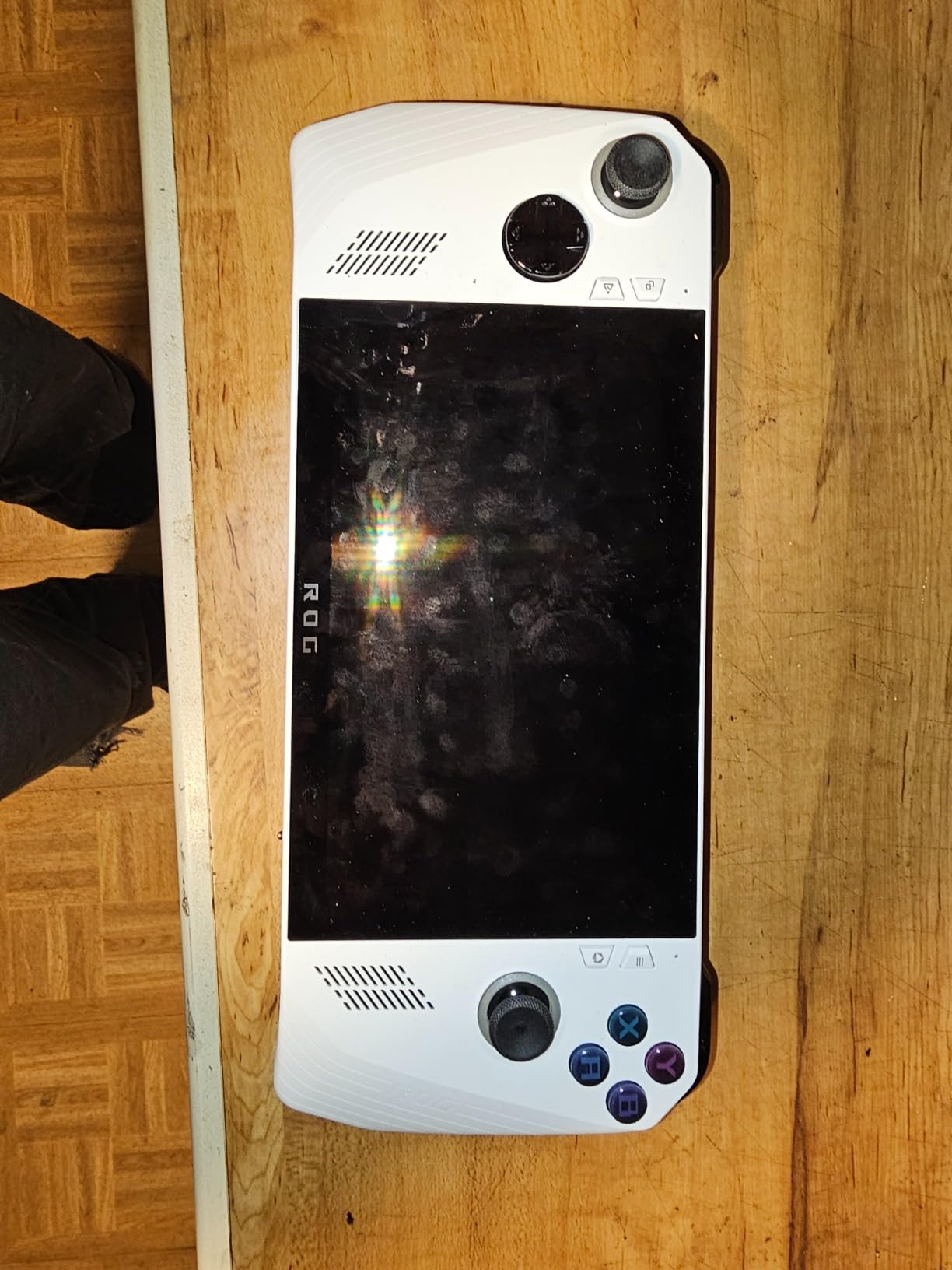
Two drawbacks come up in nearly every review. Battery life is short when a demanding game is running, and the chassis runs hot, particularly in Turbo mode. A few reviews also mention needing to adjust Windows settings before it performs at its best.
Good to know: the listing notes the storage was professionally upgraded, and the package includes a docking hub, which is unusually generous for a handheld bundle. Check what the hub actually is before assuming it is a full desktop dock.
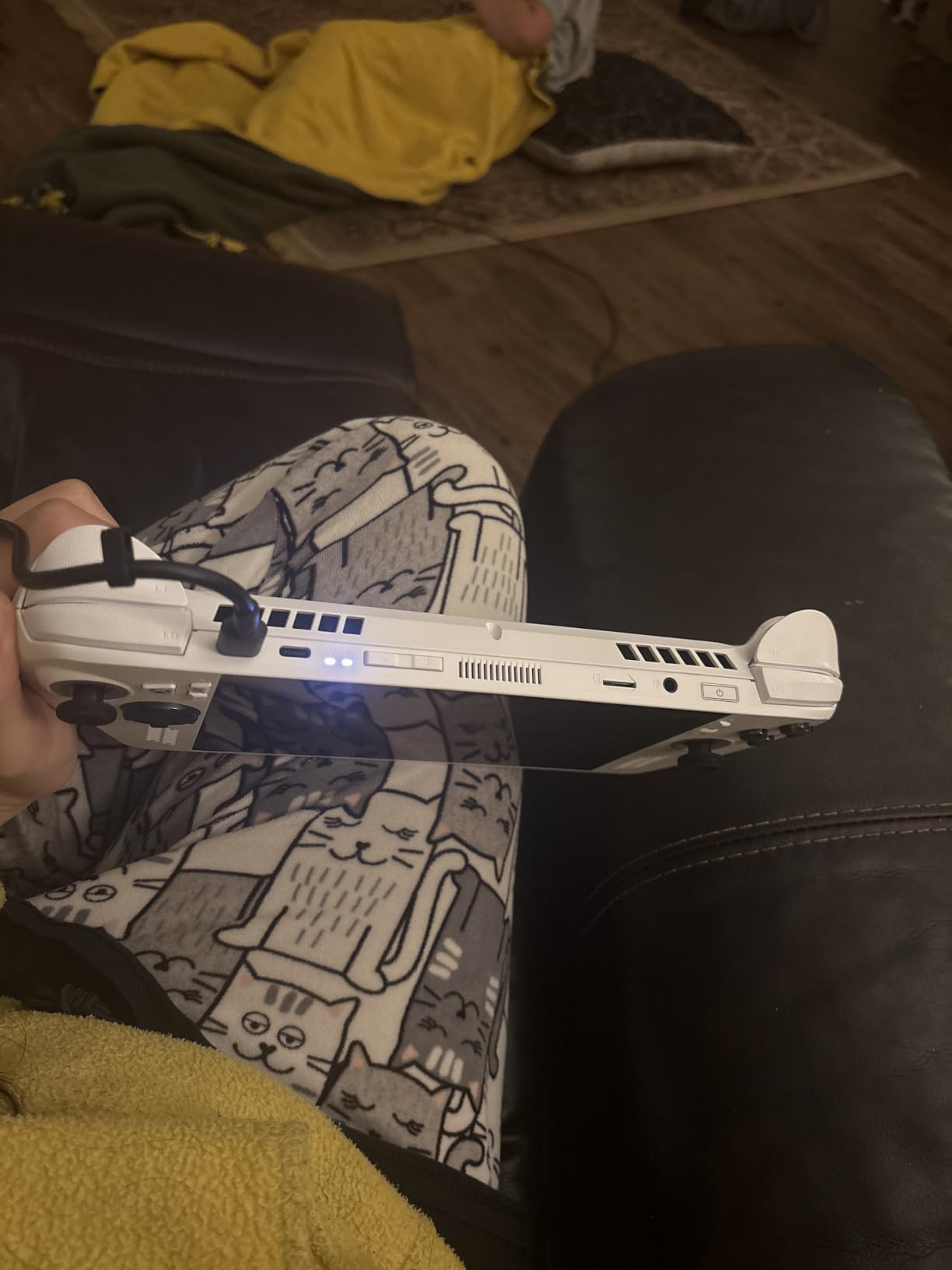
The Ryzen Z2 A inside sits at the lower end of this list, so it is a mid-range chip in a premium-feeling shell. Compared with the ASUS ROG Ally it is a cleaner console experience on a similar 7-inch screen; compared with the Steam Deck OLED it runs more software but needs more fiddling. Pick it if Game Pass is your main library.
6. ASUS ROG Ally X: Best for Large Storage
ASUS ROG Ally X
OS: Windows 11
Display: 7 inch 120Hz
Storage: 1TB
Wireless: Wi-Fi
Pros
- Ryzen AI Z2 Extreme with 24GB LPDDR5X
- 1TB PCIe 4.0 SSD for a large library
- Crisp 7 inch 120Hz touchscreen
- Plug adapter included for the Japan version
Cons
- Windows feels bloated for handheld use
- Included charger buzzes while charging
- Some owners report poor Wi-Fi
The spec sheet to beat on storage: 1TB of PCIe 4.0 storage and 24GB of memory on a 7-inch body.
The Ryzen AI Z2 Extreme runs 8 cores and 16 threads up to 5.0GHz, paired with 24GB of LPDDR5X and a 1TB M.2 PCIe 4.0 x4 drive. That combination matters for a handheld because you can install large games without constantly pruning, which is the most common storage complaint on the 512GB models here.
Owners also like the ergonomics and call the 7-inch 1920 x 1080 120Hz touchscreen crisp and responsive, with an easy Windows setup path. This is a Japan version listing, and the plug adapter is included, with the system language switchable to English.
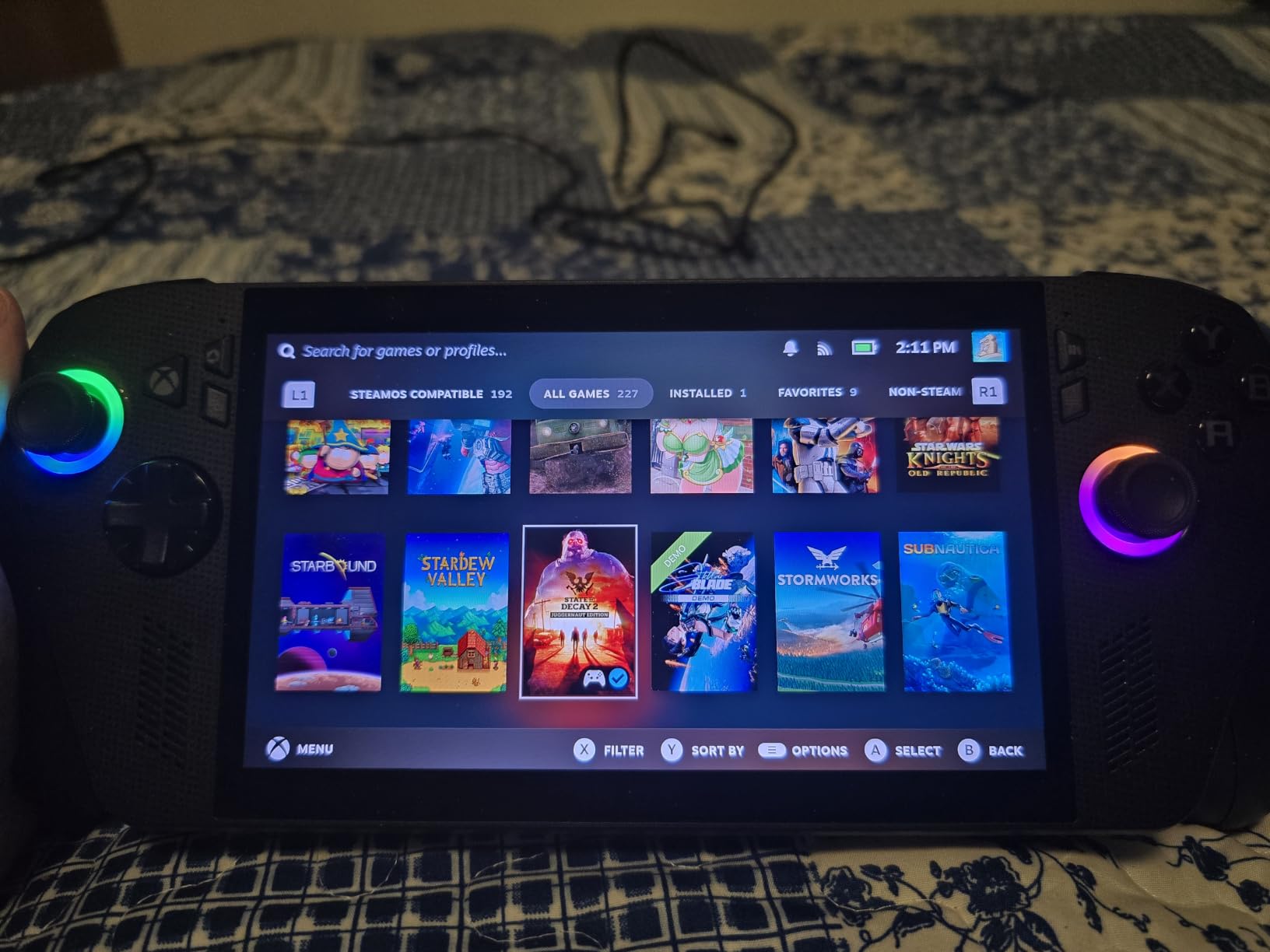
Best for: a buyer who wants storage headroom and does not mind doing a little software work. Several owners install SteamOS or another Linux handheld system because they find Windows bloated and buggy at this size, and that single change is often described as transformative.
Two smaller gripes recur: the bundled charger buzzes audibly while charging, and a few owners report poor wireless connectivity. There is also a value caveat on the Xbox side: most Game Pass titles need the top subscription tier, so the included access is worth less than it sounds.
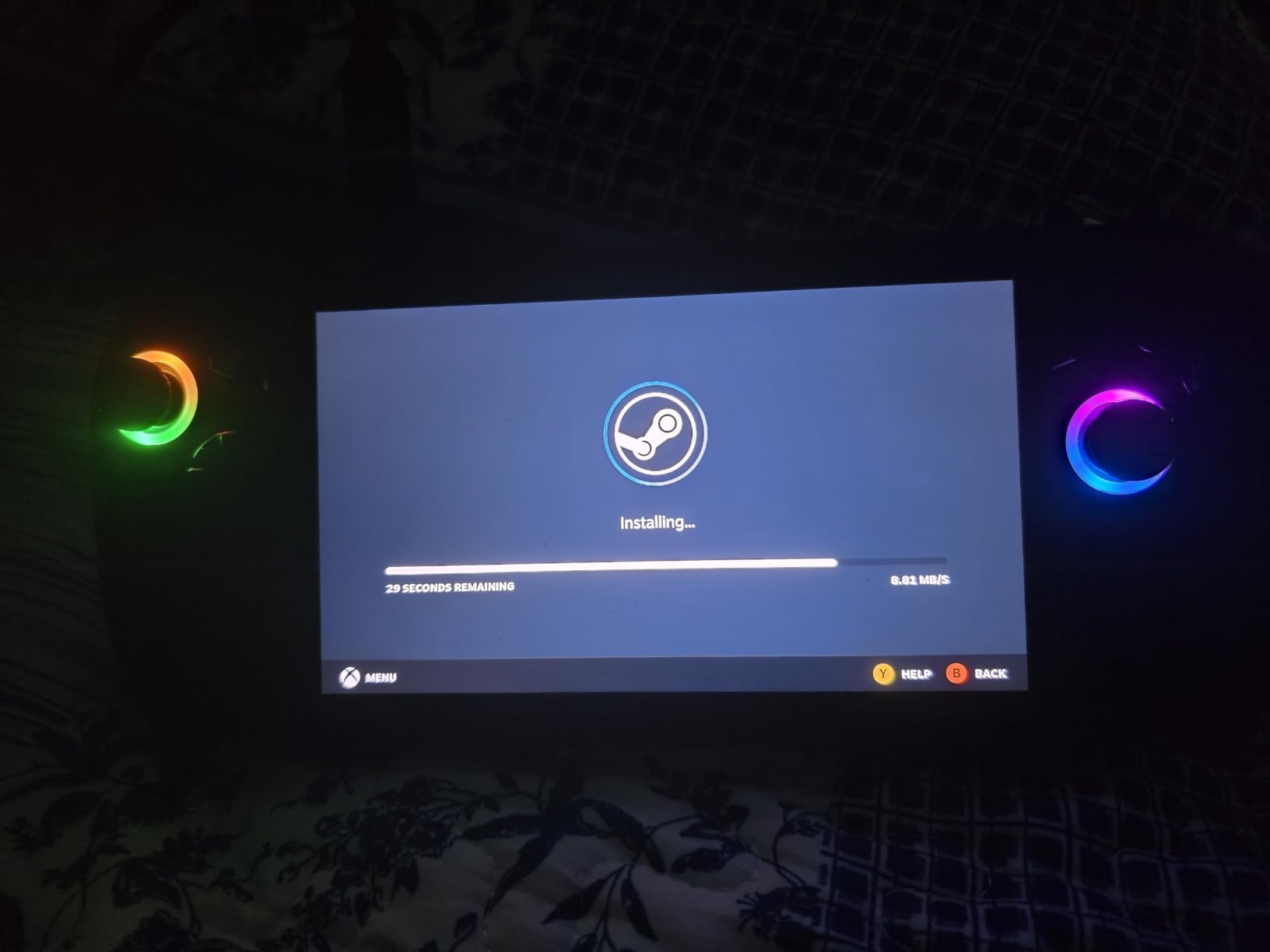
Rating note: this pick carries 21 ratings, far fewer than the top of the list, so owner history here is thin and long-term reliability is less well documented. Compared with the ASUS ROG Ally, it is a generation ahead on chip and storage. Compared with the ROG Xbox Ally, it is the Windows one without the console skin. Buy it for the drive and the memory.
7. MSI Claw 8 AI+: Best for Multitasking
MSI Claw 8 AI+
OS: Windows 11
Display: 8 inch 120Hz
Storage: 1TB
Wireless: 802.11ax Wi-Fi
Pros
- 32GB LPDDR5X-8533 with 1TB Gen4x4 SSD
- Bright 100% sRGB 16:10 touchscreen at 120Hz
- Dual Thunderbolt 4 and DisplayPort output
- Loud clear speakers owners praise
Cons
- Only a handful of owner reviews so far
- Needs desktop PC familiarity to tune
- 8-inch body is bulkier than 7-inch rivals
The most headroom per device for anyone who wants the handheld to double as a second computer.
The Intel Core Ultra 7-258V gives 8 cores from 2.2GHz up to 4.8GHz with Intel Arc 140V graphics, and it sits on 32GB of LPDDR5X-8533 memory and a 1TB Gen4x4 SSD. That is desktop-class memory bandwidth in a 1.8 pound body, which is what makes the multitasking label stick: browser tabs, a video call and a game running side by side is a realistic scenario rather than a stunt.
The 8-inch FHD+ panel runs 1920 x 1200 at 120Hz with full sRGB coverage in a 16:10 frame, and stylus support is listed. Two Thunderbolt 4 ports plus DisplayPort video output mean this one docks particularly cleanly, and owners single out the speakers as loud and clear.
Owners also report that the battery holds up for a solid session and that it tolerates being played while charging, which suits long trips. The warranty is one year of MSI USA parts and labour plus a global year and lifetime technical support from the seller.
Compared with the Lenovo Legion Go, you get a 16:10 120Hz screen, far more memory and faster ports, but you give up the much higher resolution and the deep owner-review history. Compared with the GPD Win Mini 2025, you get a proper gamepad layout instead of a cramped keyboard.
One honest caution: the review sample here is very small, so treat the rating as promising rather than proven, and expect to spend a little time in Windows settings before it runs the way you want.
8. GPD Win Mini 2025: Best for Typing on the Go
GPD Win Mini 2025
OS: Windows 11
Display: 7 inch 120Hz
Storage: 1TB
Wireless: Wi-Fi 6E
Pros
- Ryzen 7 8840U and Radeon 780M in a 520g body
- Sharp 1920 x 1080 120Hz 315 PPI screen
- Integrated QWERTY keyboard and touchpad
- USB4 and HDMI plus microSD expansion
Cons
- Keyboard too small for real typing
- Very few owner reviews so far
- Passive cooling limits sustained load
The only pick here with a built-in keyboard, which changes what the device is for.
Every other handheld on this list is a closed game controller. The GPD Win Mini 2025 adds a QWERTY keyboard and a precision touchpad, so you can answer an email, edit a file or run a desktop application without finding a separate machine. The Ryzen 7 8840U runs 8 cores and 16 threads up to 5.1GHz with Radeon 780M graphics at 12 compute units.
At 520g with a footprint of about 4.3 by 6.6 inches, it is small enough to pocket. The 7-inch LTPS touchscreen runs 1920 x 1080 at up to 120Hz and reaches 315 PPI, which reviews describe as sharper than most handhelds at this size.
Ports are the quiet strength: USB4, USB 3.2 Gen 2 Type-C, HDMI output, a microSD slot, Wi-Fi 6E and Bluetooth 5.3. Add the analogue triggers, joystick and macro keys and this is a genuinely flexible little machine for emulation libraries that need a keyboard.
The honest limitation is that the keyboard is too small for comfortable typing, which owners mention directly, and the touchscreen is the better input for anything long-form. Cooling is passive, so sustained heavy load is the place to expect the fan-less design to slow down.
Rating note: with only a handful of ratings and a tiny review sample, long-term build quality is hard to judge, and one owner reported an intermittent charging fault that later resolved. Compared with the MSI Claw 8 AI+, you trade a real gamepad layout and a 16:10 screen for typing capability; compared with the ASUS ROG Ally, you get desktop-class silicon and far less screen.
9. MSI Claw 8 EX AI+: Best for Dock Setups
MSI Claw 8 EX AI+
OS: Windows 11
Display: 8 inch 120Hz
Storage: 1TB
Wireless: Wi-Fi and Bluetooth
Pros
- Two Thunderbolt 4 video outputs for docks
- 8-inch 1920 x 1200 120Hz 16:10 display
- 32GB memory with a 1TB NVMe drive
- MicroSD Express reader for extra storage
Cons
- Almost no written owner feedback yet
- Thermals and fan noise unproven by buyers
- Long-term support record is thin
Built for the couch-to-desk switch, with the most video output options of any pick here.
The stand-out feature is two Thunderbolt 4 video outputs alongside two USB ports, which makes this the easiest device on the list to wire to an external display with a single cable. A MicroSD Express reader adds removable storage, and 32GB of memory with a 1TB NVMe drive gives a comfortable amount of headroom for a large library.
The 8-inch premium display runs 1920 x 1200 at 120Hz in a 16:10 frame, with strong colour reproduction reported by buyers. Grip shape, weight balance and trigger force are described as tuned to anthropometric measurements, and the body is 1.7 pounds with a one year limited manufacturer warranty.
Here is the catch, and it is a real one: there is almost no written customer feedback for this model, so cooling, thermals and fan noise under sustained load are unproven. Every claim above comes from the listing rather than from owners living with the device.
Best for: a buyer who already owns a dock and wants the simplest one-cable handoff between handheld and television. Compared with the MSI Claw 8 AI+, the extra Thunderbolt output and the Express card reader are the meaningful differences. Compared with the ASUS ROG Ally X, you trade a 1TB PCIe 4.0 drive on a 7-inch screen for 32GB and dual video output on an 8-inch panel.
Good to know: because owner history is thin, treat any offer during the sale on the strength of the return window rather than on reviews.
10. MSI Claw A8: Best for 8-Inch Specs
MSI Claw A8
OS: Windows 11
Display: 8 inch 120Hz
Storage: 1TB
Wireless: Wi-Fi and Bluetooth
Pros
- Ryzen Z2 Extreme with 24GB LPDDR5X and 1TB SSD
- 8-inch 1920 x 1200 120Hz display
- SD card reader plus two Thunderbolt 4 ports
- 1.7 lb body
Cons
- Lowest average rating in this group
- Real performance trails the spec sheet
- White finish scuffs easily
A strong paper specification with the weakest owner score here, which is exactly why it needs reading before you buy.
On paper this is a well-built machine: a Ryzen Z2 Extreme, 24GB of LPDDR5X, a 1TB NVMe SSD and an 8-inch FHD+ display at 1920 x 1200 and 120Hz. It also carries an SD card reader and two Thunderbolt 4 ports in a 1.7 pound white body, with grip, weight and trigger force shaped by the same anthropometric work as the larger Claw models.
The problem is what owners report afterwards. Across 21 ratings the average is 3.6, the lowest in this roundup, with 16 percent one-star reviews. Buyers credit the large sharp screen and the memory configuration, but several say real gaming performance does not follow the spec sheet, and 24GB of shared memory helps far less than the number suggests.
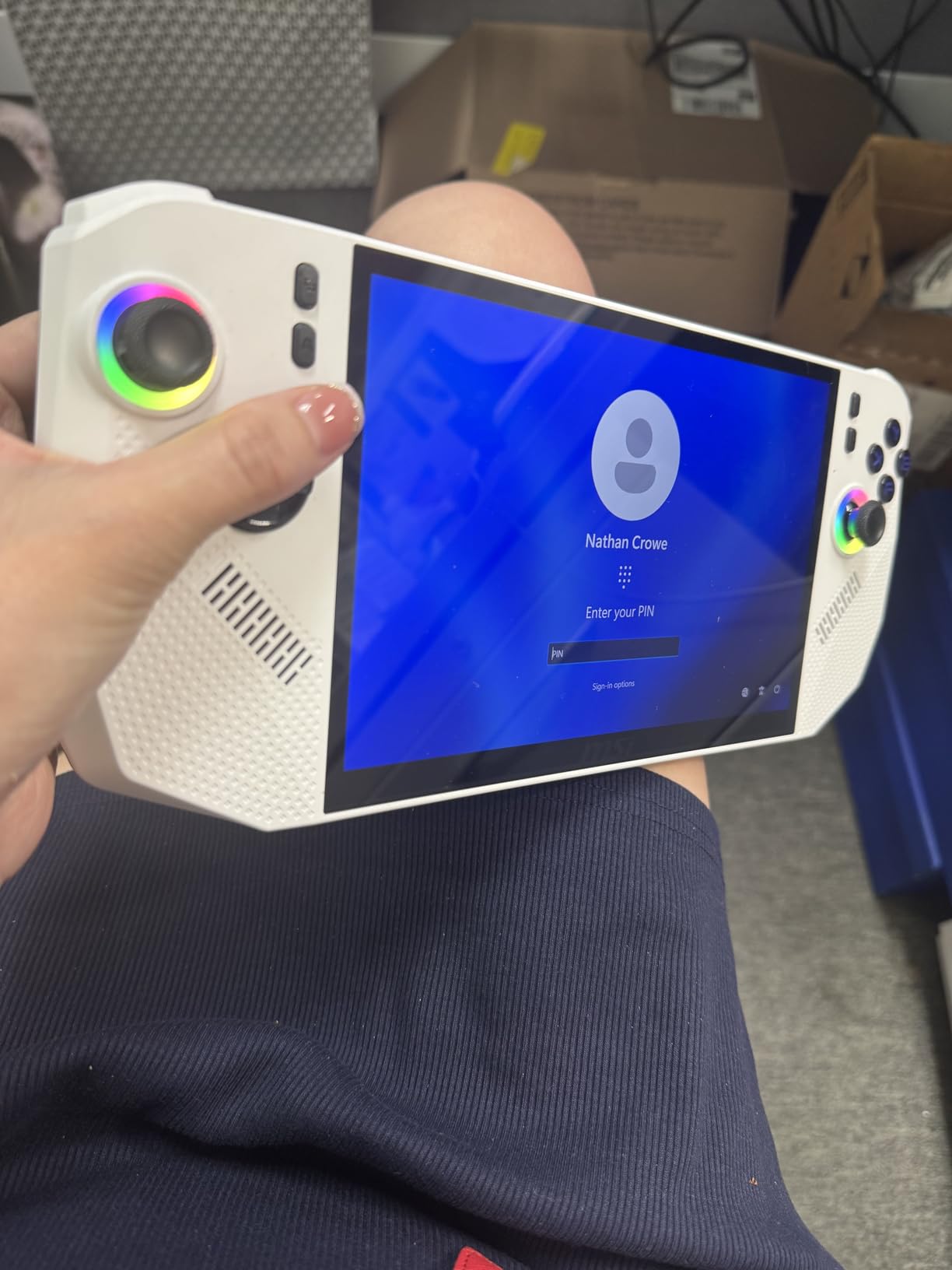
Thermals and fan noise under sustained load are also raised in reviews, and the white finish is reported to show scuffs and grime quickly. A one year limited manufacturer warranty is included, which matters more here than on a device with a better track record.
Compared with the MSI Claw 8 AI+, you give up the 32GB memory and the 16:10 panel and gain a lower rated platform. Compared with the Lenovo Legion Go, the resolution drops sharply even though the screen size is similar. Buy this one only if the specification is your priority and you have a return window you feel comfortable leaning on.
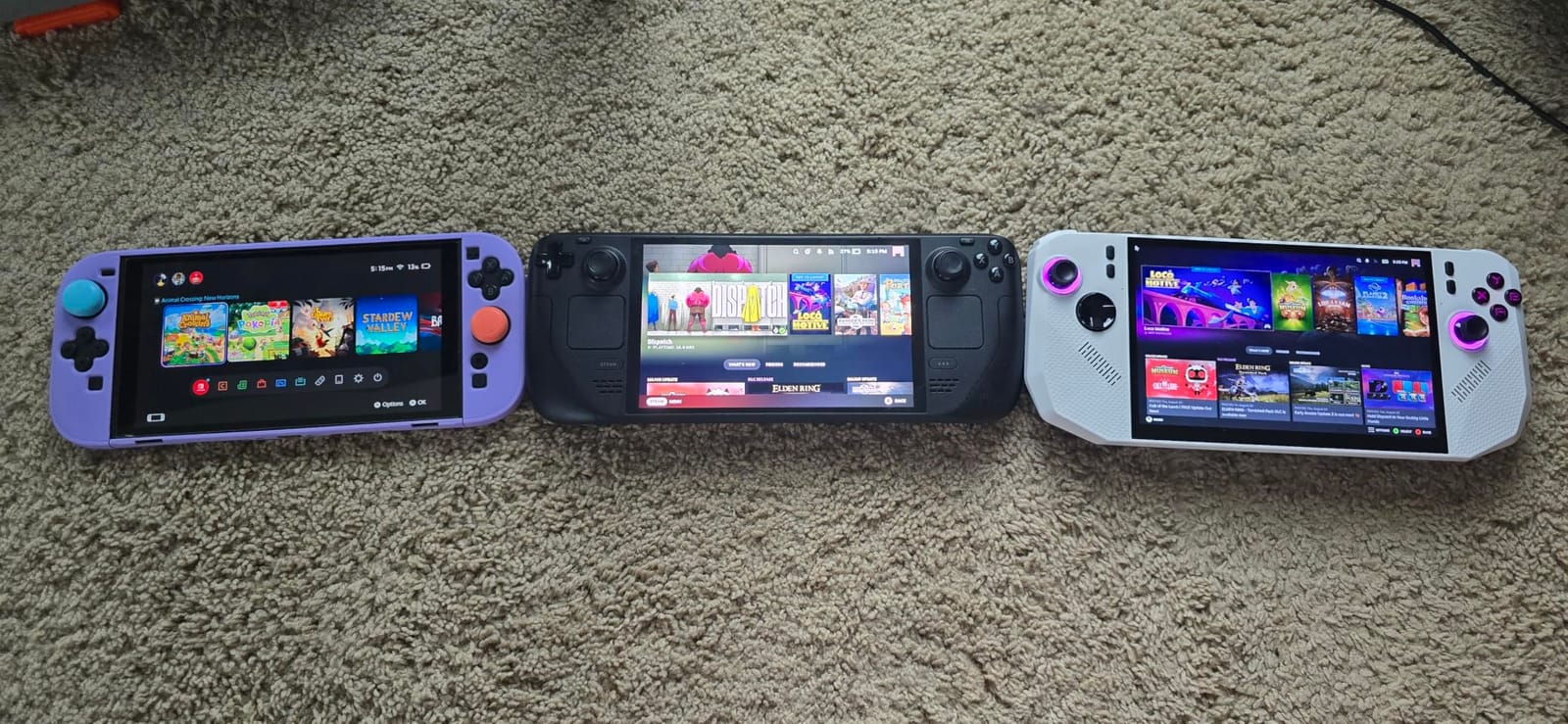
Read the owner reviews before you commit to this one. It is the only pick in the list whose average score sits below 4, and the complaints cluster around real-world performance rather than build quality. If a 3.6 average does not sway you and the specification is the priority, the rest of the machine holds up on paper.
How to Choose Handheld Gaming PCs During Prime Big Deal Days
Game Performance and Software Compatibility
Processor class decides how much you can run, and the gap between tiers on this list is visible in real games. The Ryzen Z1 Extreme in the Lenovo Legion Go and the ASUS ROG Ally handles mainstream AAA titles at 1080p, while the Ryzen AI Z2 Extreme in the ASUS ROG Ally X and the Ryzen Z2 Extreme in the MSI Claw A8 sit a generation higher, and the Intel parts push desktop-class cores into a handheld frame.
Memory matters more than most listings suggest. Shared LPDDR5X is split with the graphics, so 16GB is not the same as 16GB of dedicated RAM, and reviews of the Lenovo Legion Go S make that point directly. Storage is the other half: 512GB fills fast, which is the most common complaint on four of these devices, so check whether the drive is user-replaceable before you buy.
Software decides what you can run at all. Windows 11 opens Game Pass, Epic, Steam and desktop applications, at the cost of an interface designed for mouse and keyboard. SteamOS is the opposite trade, and an anti-cheat-supported library is a separate question from a supported one.
Display Size, Resolution, and Controls
Bigger is not automatically better. The Lenovo Legion Go pairs an 8.8-inch panel with 2560 x 1600 resolution, which makes small text readable and gives strategy and racing games room to breathe, but the body is bulkier. The 7-inch options are easier to hold for long sessions, and the Steam Deck OLED trades resolution for HDR contrast at 1280 x 800.
Refresh rate and brightness matter for how a device feels in the hand. 120Hz panels appear on most picks here, and the 500-nit rating on the Lenovo Legion Go S and the ROG Xbox Ally is what makes them usable in daylight, where an OLED’s advantages are harder to see.
Controls are about reach and layout, not just feel. Full-size shoulder buttons and contoured grips help on larger devices, and a machine you will sit at for an evening rather than hold on a train is better served by setup comfort and a good screen. Our guides to gaming chairs for tall people and desktop seating are worth a look if your handheld time is really time at a screen.
Portability, Battery Life, and Thermal Performance
Weight is the number you feel on a long trip. The ASUS ROG Ally at 1.1 pounds is the lightest here, the Legion Go sits just under two pounds with its 8.8-inch screen, and the GPD Win Mini 2025 is 520g. Any of them will travel; not all of them disappear into a pocket.
Battery expectations should be set conservatively. Reviews of the Lenovo Legion Go S put load-time endurance at roughly two to three hours, and short battery life under load is the most repeated complaint on the ASUS ROG Ally, the ROG Xbox Ally and the Lenovo Legion Go. Where a figure exists, the Lenovo Legion Go S carries a 55.5Whr cell, the ROG Xbox Ally carries 60Whr with about half a charge recovered in 30 minutes, and the Steam Deck OLED is widely reported to outlast the original LCD model.
Thermals decide whether that battery lasts. Passively cooled designs throttle sooner under sustained load, and fan noise is a complaint on the models with active cooling when they run hot. If you expect long sessions away from an outlet, set per-game performance limits early rather than relying on Turbo mode.
Storage, Connectivity, and Everyday Setup
Plan storage before the device arrives. Two approaches appear here: a replaceable drive, which owners of the Lenovo Legion Go S report upgrading to 2TB without difficulty, or a card slot, which the ASUS ROG Ally and the GPD Win Mini 2025 both have, along with microSD and SD options elsewhere. The 1TB models spare you the conversation.
Connectivity decides what happens when you get home. Two USB4 40Gbps ports on the Lenovo Legion Go and dual Thunderbolt 4 on the MSI Claw 8 EX AI+ make single-cable docking realistic, while the ROG Xbox Ally lists Wi-Fi 6E and the GPD Win Mini 2025 adds Wi-Fi 6E and Bluetooth 5.3. Speakers and microphones matter more than buyers expect: front-firing speakers and near-field microphones appear on the Lenovo Legion Go S, and owners of the MSI Claw 8 AI+ praise its speakers directly.
Everyday setup is the part that decides whether a handheld gets used or shelved. Windows devices need an initial pass through settings, updates and performance modes, while the Steam Deck OLED boots into a console. For the gear side of a shared space, our gaming desks for children guide covers the furniture that a shared gaming corner needs.
Condition, Seller, and Bundle Details
New and renewed listings read very differently in practice. Renewed units can carry a reduced warranty, cosmetic wear and a shorter return window, and the review themes on several of these devices mention units arriving from third-party sellers in poor condition. Check the condition label, the warranty length and who is fulfilling the order before you commit.
Verify the exact generation and storage variant in the title, not just the product name, because model-year codes and capacity suffixes change what you get for the same listing name. Then look at what is in the box: the Lenovo Legion Go includes a carrying case and a 65W USB-C charger, the ROG Xbox Ally bundle includes a docking hub, and the ASUS ROG Ally X Japan version includes a plug adapter with the language switchable to English.
Finally, confirm the return terms and the seller. A one year manufacturer warranty appears on several of these models, but a third-party seller can change the practical return experience entirely.
How to Shop Handheld Gaming PC Deals During the Sale
Read each listing in the same order every time. Start with the model code and storage capacity, then the condition label, then the bundle contents, then the seller and who ships the order. That four-step pass is what separates a genuine cut on a current-generation device from an older model carrying a new-looking name.
Most offers during a Prime event need a Prime membership, with a free trial counting, and prices can move more than once inside the same 48 hours. Compare the same model at another retailer before you commit, and use the buttons here to see the current figure rather than a number written in a review.
Quick checklist before you check out:
- Confirm the model code, generation and storage capacity match what you want
- Check whether the offer is new or renewed, and who fulfils it
- Look at the bundle contents, especially the charger and any dock or case
- Read the warranty length and the return window for that specific seller
- Compare the same model at a second retailer before paying
- Check whether a Prime membership is required for the price you are seeing
Frequently Asked Questions
When does Amazon Prime Big Deal Days run in 2026?
Amazon Prime Big Deal Days runs October 6-7, 2026. It is the autumn Prime event, and the handheld gaming PC offers are live across those two days. Prices can change more than once while the event is running.
Do you need Prime membership to buy these handheld gaming PC deals?
Most offers during Prime Big Deal Days require a Prime membership, and a free trial counts toward the price. Some handheld listings are open to everyone, so check the offer wording on the product page before you assume membership is required.
When is the best time to buy Amazon Prime Big Deal Days handheld gaming PC deals?
The best time is early in the event, when more models still carry an event price. Deep discounts on a specific model can appear later as well, but popular configurations often return to their regular figure partway through. Set your choice beforehand and check the listing on both days.
Can one handheld gaming PC run every game in my library?
No single device covers everything. Windows handhelds reach the widest range of software, while SteamOS limits you to Linux-compatible titles and anti-cheat support varies. Check your ten most-played games against the device before you buy rather than checking one headline title.
Are Windows handheld gaming PCs difficult to set up?
They take longer than a console but not long. Expect a first session spent on Windows updates, display and performance settings, and controller mapping. Several owners on this list report installing a Linux handheld system afterwards for a smoother experience.
How much battery life should I expect from a handheld gaming PC?
Realistic expectations for these handhelds are two to three hours of demanding play, with lighter titles and lower performance settings extending that. Where a capacity is published, the Lenovo Legion Go S carries 55.5Whr and the ROG Xbox Ally carries 60Whr with fast charging.
Final Verdict: Best Amazon Prime Big Deal Days Handheld Gaming PC Deals
Buy the Lenovo Legion Go, our editor’s choice, if you want the biggest, sharpest screen paired with a top-tier handheld chip and the most owner history in the group. Buy the Steam Deck OLED if simplicity wins and your library is mostly Steam, and treat the ASUS ROG Ally, our best pick for emulation, as the compact all-rounder for lighter bags and docked play.
For the rest: the Lenovo Legion Go S suits buyers who want a bright IPS panel and a subscription bundle, the ROG Xbox Ally suits Game Pass users, and the ASUS ROG Ally X suits anyone who wants 1TB of storage and 24GB of memory. The MSI Claw 8 AI+ is the multitasking pick, the GPD Win Mini 2025 is the one to consider if you need to type, and the MSI Claw 8 EX AI+ is the docking option. Read the MSI Claw A8 reviews carefully, because its owner score is the weakest here.
Pick your model first, then check the current offer on both days of the sale, and compare the same machine at a second retailer before you pay.