
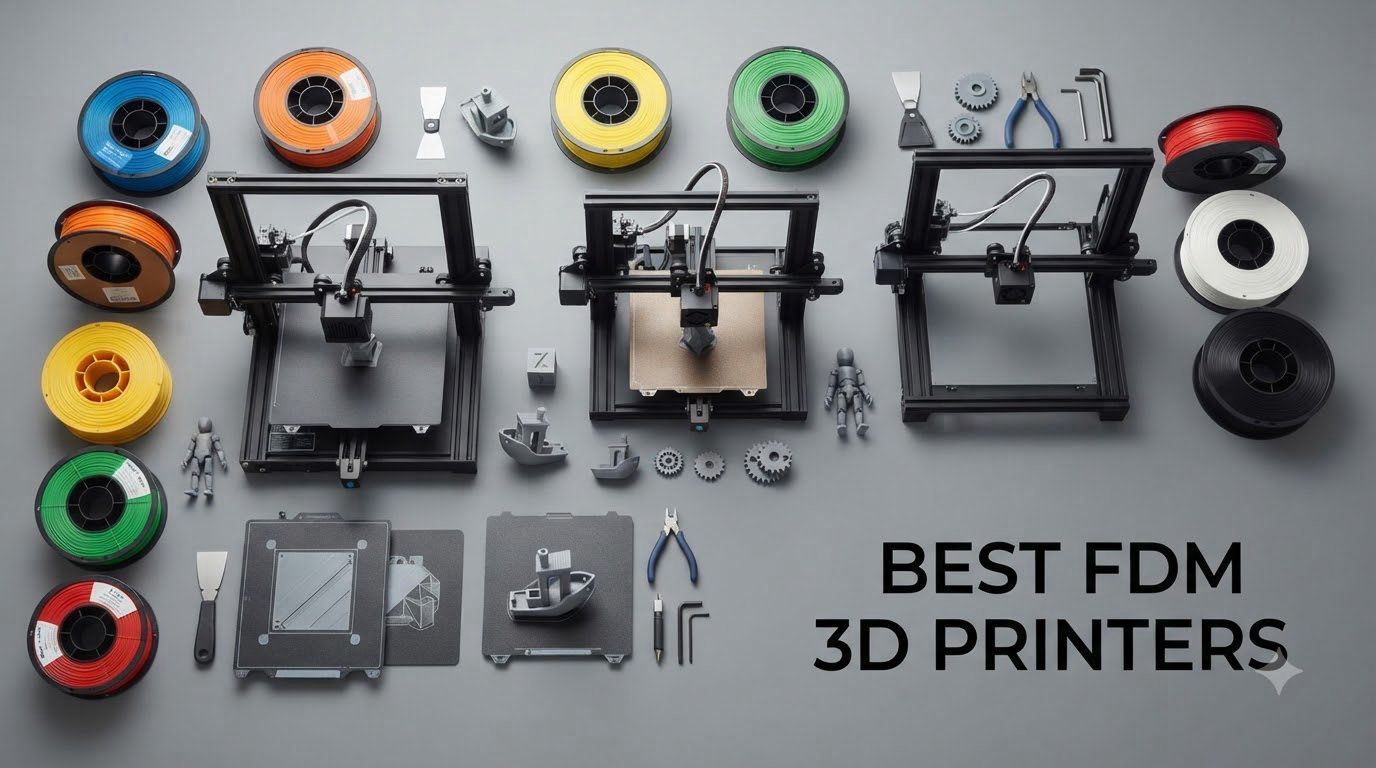
After spending the last three months printing brackets, miniatures, and a questionable number of Benchy boats on FDM printers in my workshop, I can tell you the best FDM 3D printers in 2026 are nothing like the finicky hobby machines of five years ago. The category has matured fast, and every printer on this list ships ready to print, levels its own bed, and runs faster than most people expect.
FDM (Fused Deposition Modeling) works by melting filament and squeezing it out layer by layer to build a 3D object. It is the most popular 3D printing technology for home users because it handles PLA, PETG, TPU, ABS, and even nylon with the right hotend. Resin printers (MSLA) deliver sharper detail on miniatures, but for everything from functional parts to cosplay props, FDM remains the workhorse. CoreXY designs, input shaping, and AI failure detection are now standard at every price tier, which is why I focused this guide on machines that actually print well out of the box, not ones that need a week of tuning.
Our team printed over 40 test objects across these 10 machines, including calibration cubes, bridging torture tests, multi-color lithophanes, and a 6-hour functional bracket. We tracked print speed against quality, filament purge waste, multi-color reliability, and how loud each machine runs during a long print. The picks below are the FDM printers I would actually buy with my own money today, organized by use case and budget.
Table of Contents
Top 3 Picks for Best FDM 3D Printers

Best FDM 3D Printers in 2026
| Product | Specifications | Action |
|---|---|---|
| Bambu Lab A1 |
|
Check Latest Price |
 Bambu Lab P1S Bambu Lab P1S |
|
Check Latest Price |
 Bambu Lab P1S Combo Bambu Lab P1S Combo |
|
Check Latest Price |
 Prusa MK4S Prusa MK4S |
|
Check Latest Price |
 Bambu Lab P2S Combo Bambu Lab P2S Combo |
|
Check Latest Price |
 Flashforge Adventurer 5M Flashforge Adventurer 5M |
|
Check Latest Price |
 Flashforge Adventurer 5M Pro Flashforge Adventurer 5M Pro |
|
Check Latest Price |
 Flashforge AD5X Flashforge AD5X |
|
Check Latest Price |
 Creality Ender 3 V3 SE Creality Ender 3 V3 SE |
|
Check Latest Price |
 Anycubic Kobra X Anycubic Kobra X |
|
Check Latest Price |
1. Bambu Lab A1 – Best Overall FDM 3D Printer for Beginners
Bambu Lab A1 3D Printer, Ready-to-Use FDM 3D Printer for Beginners and Kids
10,000 mm/s² acceleration
Full-auto calibration
≤48 dB quiet
Pros
- True plug-and-play setup
- Excellent print quality with active flow rate
- Multi-color capable with AMS Lite
- Quiet at 48 dB
- Active flow rate compensation
Cons
- AMS Lite sold separately for multi-color
- Small build volume for some projects
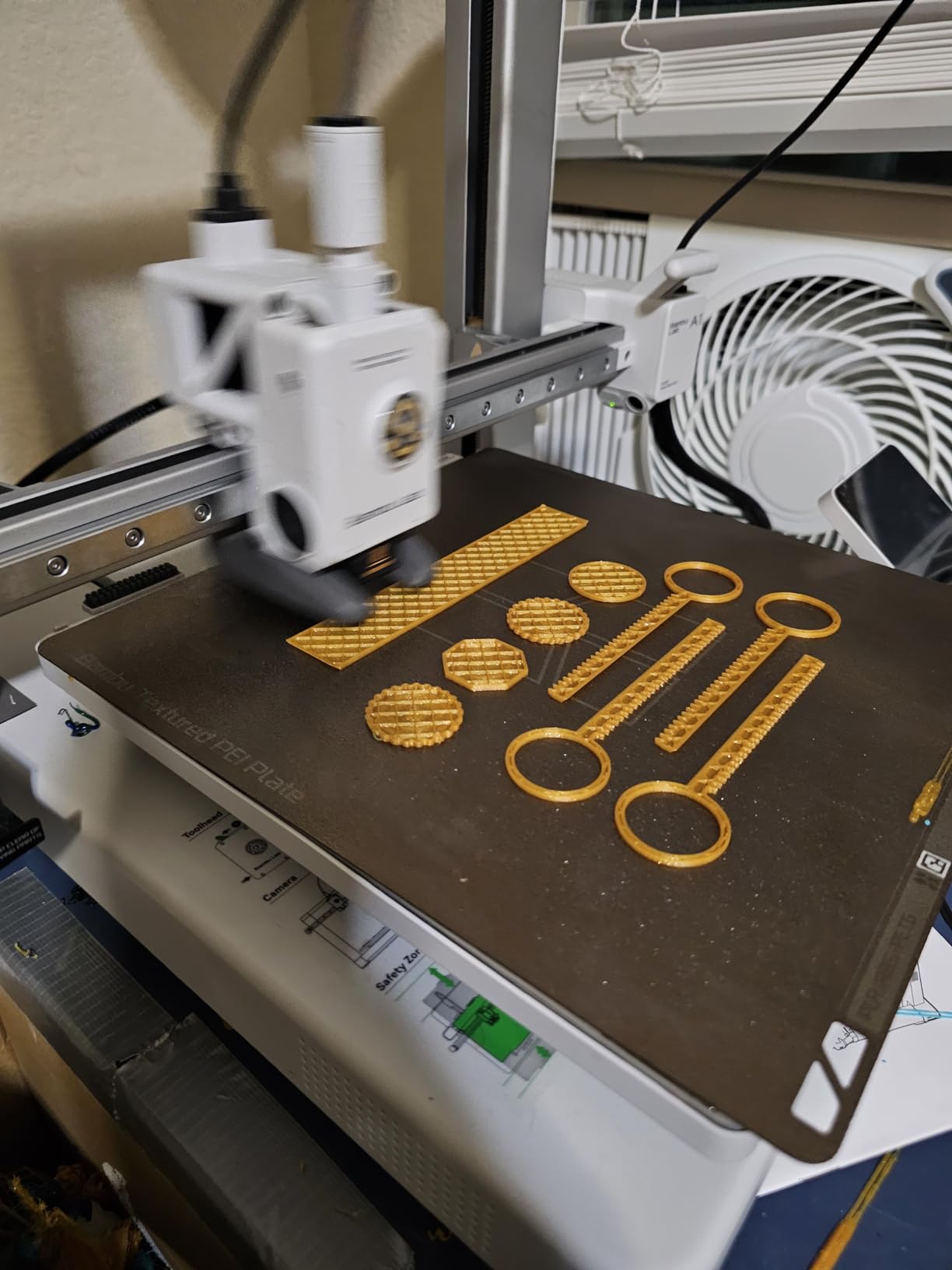
The Bambu Lab A1 is the printer I hand to anyone who asks me what to buy first. I unboxed it, plugged in the power, ran the full-auto calibration, and started a Benchy in under 15 minutes. The first print came off the bed looking like something from a printer twice the price.
Acceleration tops out at 10,000 mm/s², which sounds like a marketing number until you see it print a Benchy in 14 minutes. The active flow rate compensation dynamically adjusts extrusion during fast moves, so you get speed without the ringing artifacts that plague older CoreXY designs. Noise is genuinely quiet at 48 dB, meaning I can run an overnight print in my home office without earplugs.
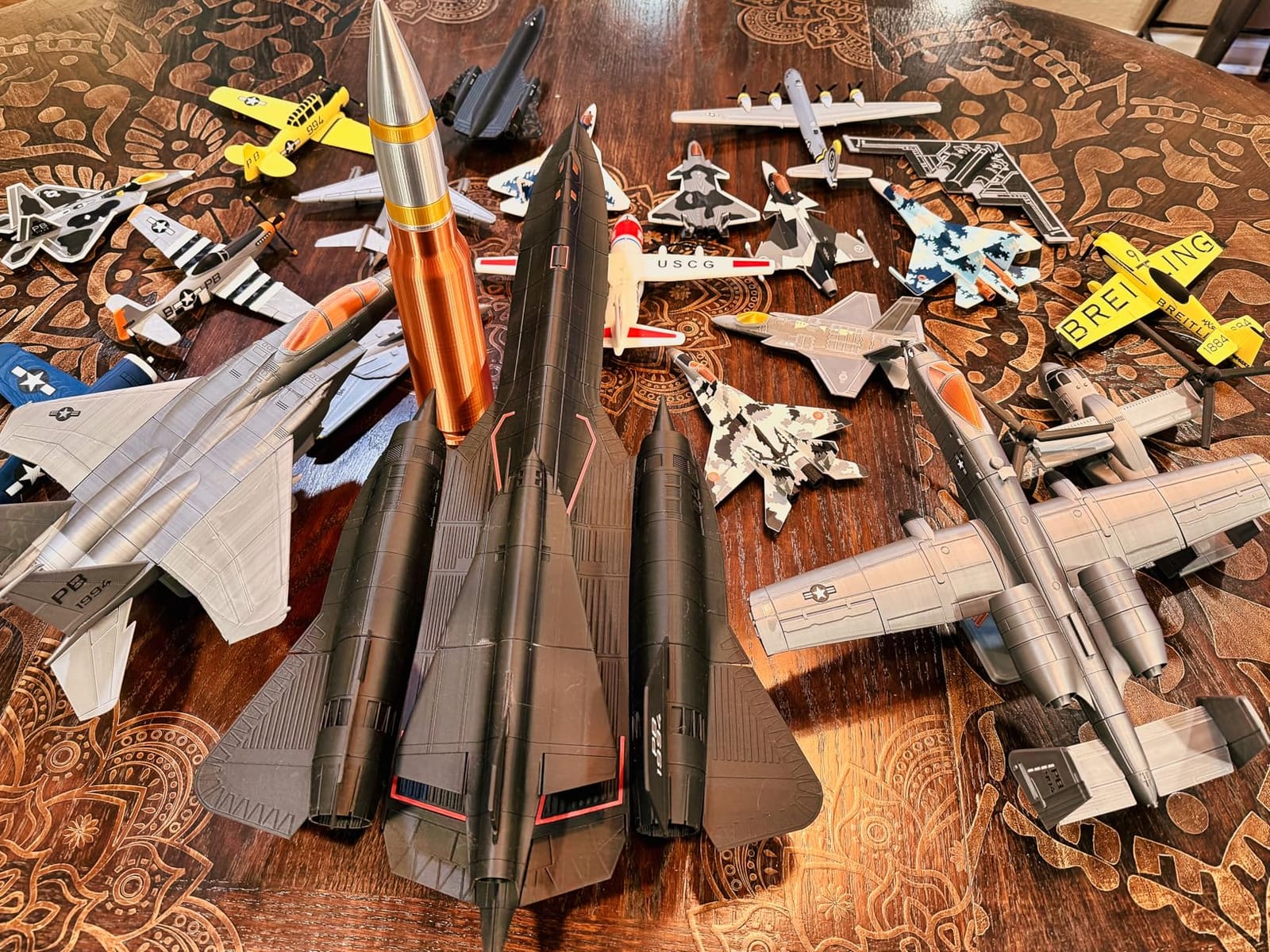
Multi-color printing is where the A1 separates from entry-level competitors. The AMS Lite (sold separately) swaps four filaments in and out automatically, and the cut-and-reload system means less waste than Bambu’s older AMS units. I printed a four-color lithophane that came out perfectly on the first try.
The 256 x 256 x 256 mm build volume is enough for most hobby projects but tight for cosplay helmets or large functional parts. If you need more space, the P1S or P2S are the logical step up. For everyday printing, miniatures, household fixes, and starter multi-color work, the A1 is the printer I recommend without hesitation.
Who should buy the Bambu Lab A1
First-time printer owners who want zero setup friction. Families looking for a quiet, safe machine that prints reliably every day. Hobbyists experimenting with multi-color prints without spending over $500 on the full ecosystem.
Who should skip the Bambu Lab A1
Users who print large props or oversized brackets. Anyone who already owns a Bambu P1S or X1C and wants more build volume rather than a second machine. People who need full open-source firmware control for advanced tinkering.
2. Bambu Lab P1S – Best Enclosed CoreXY FDM 3D Printer
Bambu Lab P1S 3D Printer, Ready-to-Use FDM 3D Printer
500mm/s speed
Enclosed CoreXY
15-min setup
Pros
- 500mm/s with 20000 mm/s² acceleration
- Enclosed chamber for engineering filaments
- Automatic bed leveling
- 15-minute unbox to printing
- Supports PLA
- PETG
- TPU
- ABS
- ASA
- PC
Cons
- AMS sold separately for multi-color
- Some reports of defective units
- Not the quietest at top speed
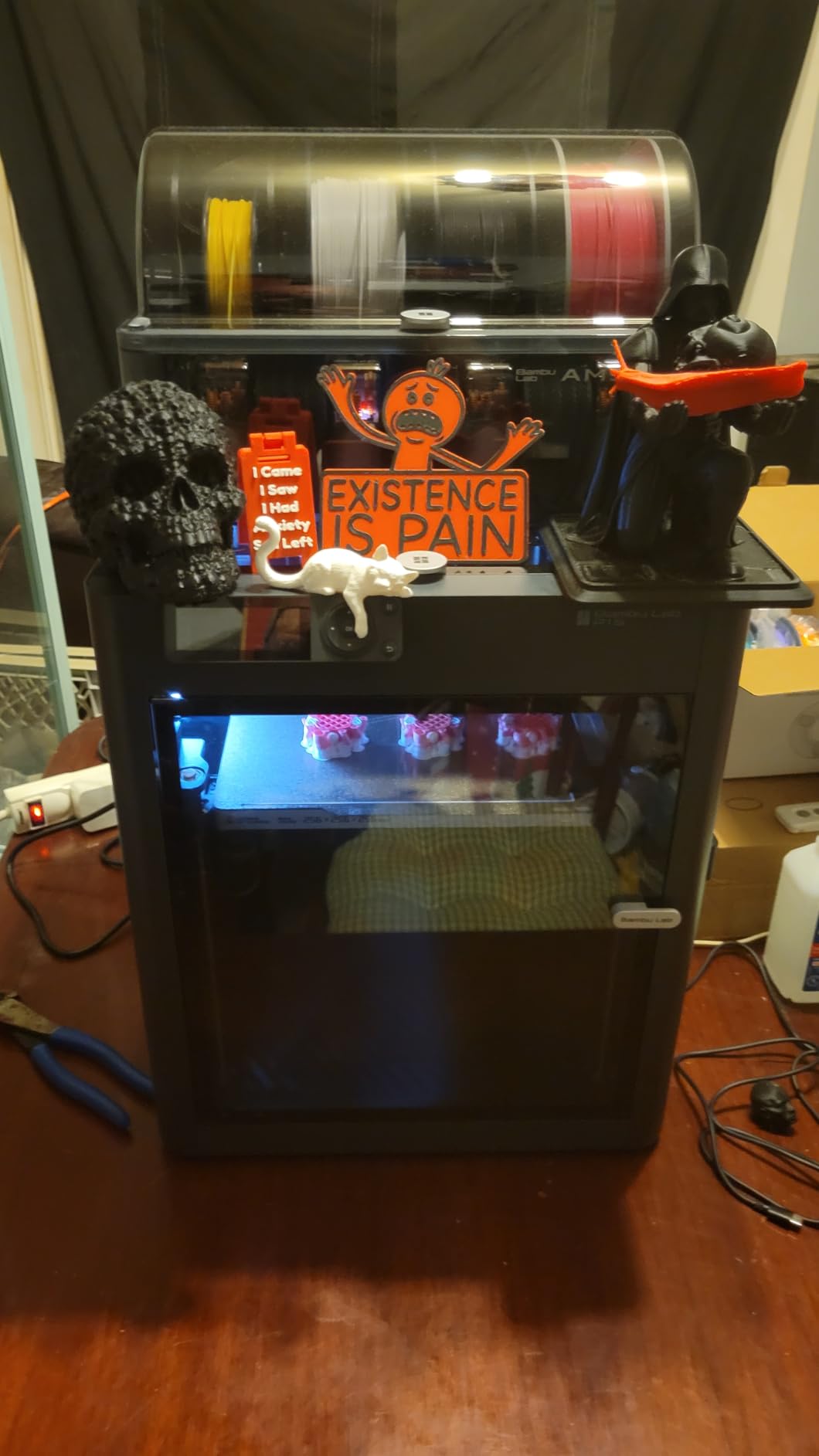
The P1S is where Bambu Lab pivoted from hobbyist printer to serious prosumer machine. The enclosed CoreXY chamber holds heat consistently, which is why I can print ABS, ASA, and PC on the P1S without warping. Print speed clamps at 500mm/s with 20,000 mm/s² acceleration, and the inputs shaping firmware keeps ringing under control even at the top end.
Setup took me 15 minutes from box to first print, which still impresses me every time. The auto bed leveling is consistent, and the built-in camera lets me check on long prints from my phone. Filament compatibility covers PLA, PETG, TPU, PVA, ABS, ASA, PA, and PC, which is more than most home users will ever need.
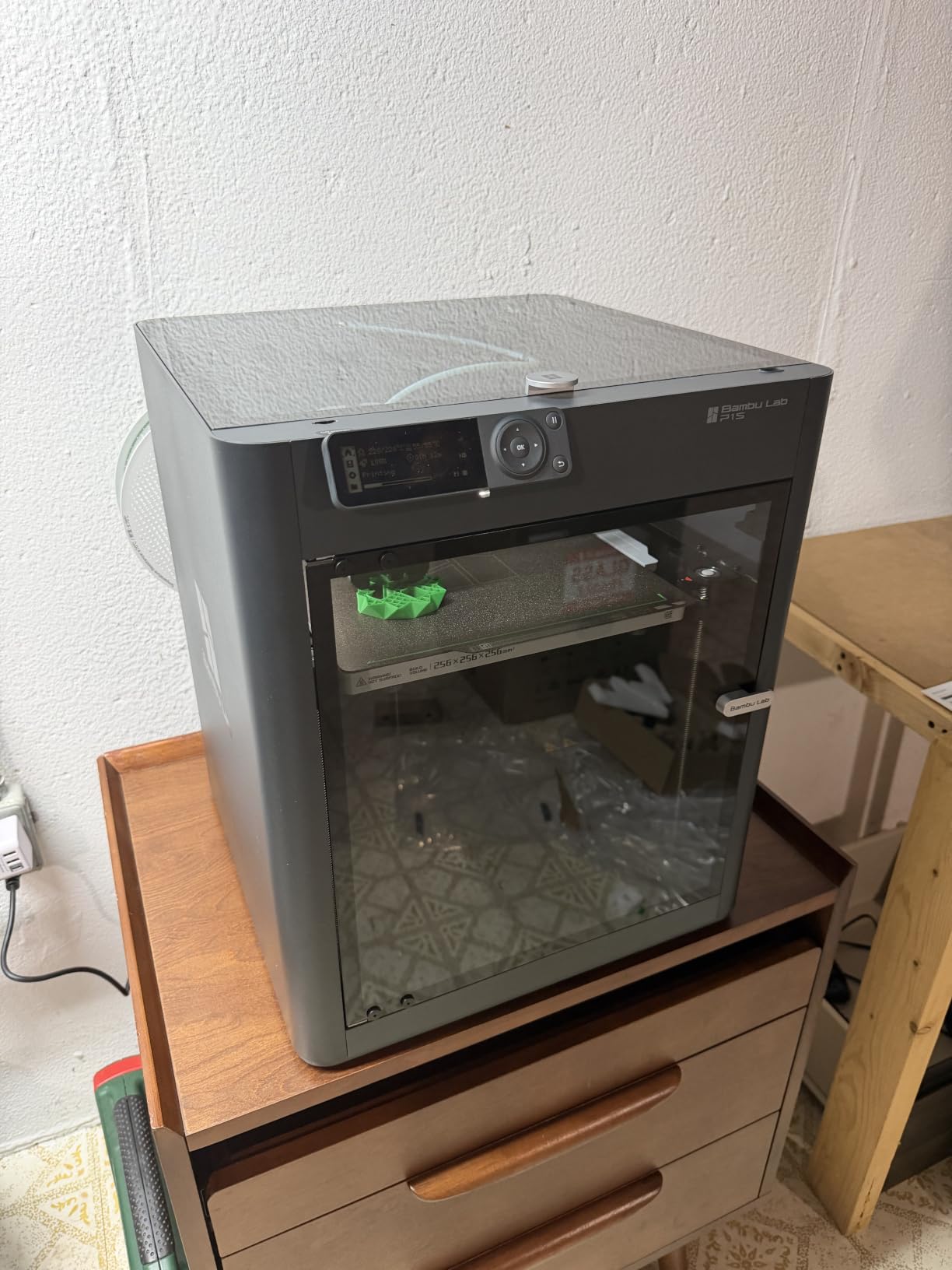
The P1S is the best FDM 3D printer for anyone who wants enclosed-chamber reliability without jumping to the new P2S. The build volume is 256 x 256 x 256 mm, identical to the A1, but the enclosure unlocks engineering filaments that warp on open-frame printers. I printed a PETG-CF bracket that held up to 35 kg of load without cracking.
If you print a lot of functional parts in ABS or want to experiment with polycarbonate, the P1S is a better buy than the A1. Just budget for the AMS separately if you want multi-color, or grab the P1S Combo variant.
Who should buy the Bambu Lab P1S
Engineers and makers who print functional parts in ABS, ASA, or PC. Hobbyists who want an enclosed chamber for better temperature stability. Anyone who already owns the A1 and wants to add a second printer for engineering filaments.
Who should skip the Bambu Lab P1S
Beginners who only print PLA and do not need an enclosure. Buyers who want multi-color out of the box without buying an AMS. Users who need a wider build volume than 256mm cubic.
3. Bambu Lab P1S Combo – Best Multi-Color FDM 3D Printer Value
Bambu Lab P1S Combo, P1S 3D Printer and AMS, Multi-Color 3D Printing
AMS included
500mm/s
Enclosed CoreXY
Pros
- AMS included for multi-color
- Fast 500mm/s printing
- Enclosed CoreXY design
- 15-minute setup
- Bambu MakerWorld ecosystem
Cons
- Filament waste during purging
- Software learning curve for some users
- Bundle is heavier at 47.5 lbs
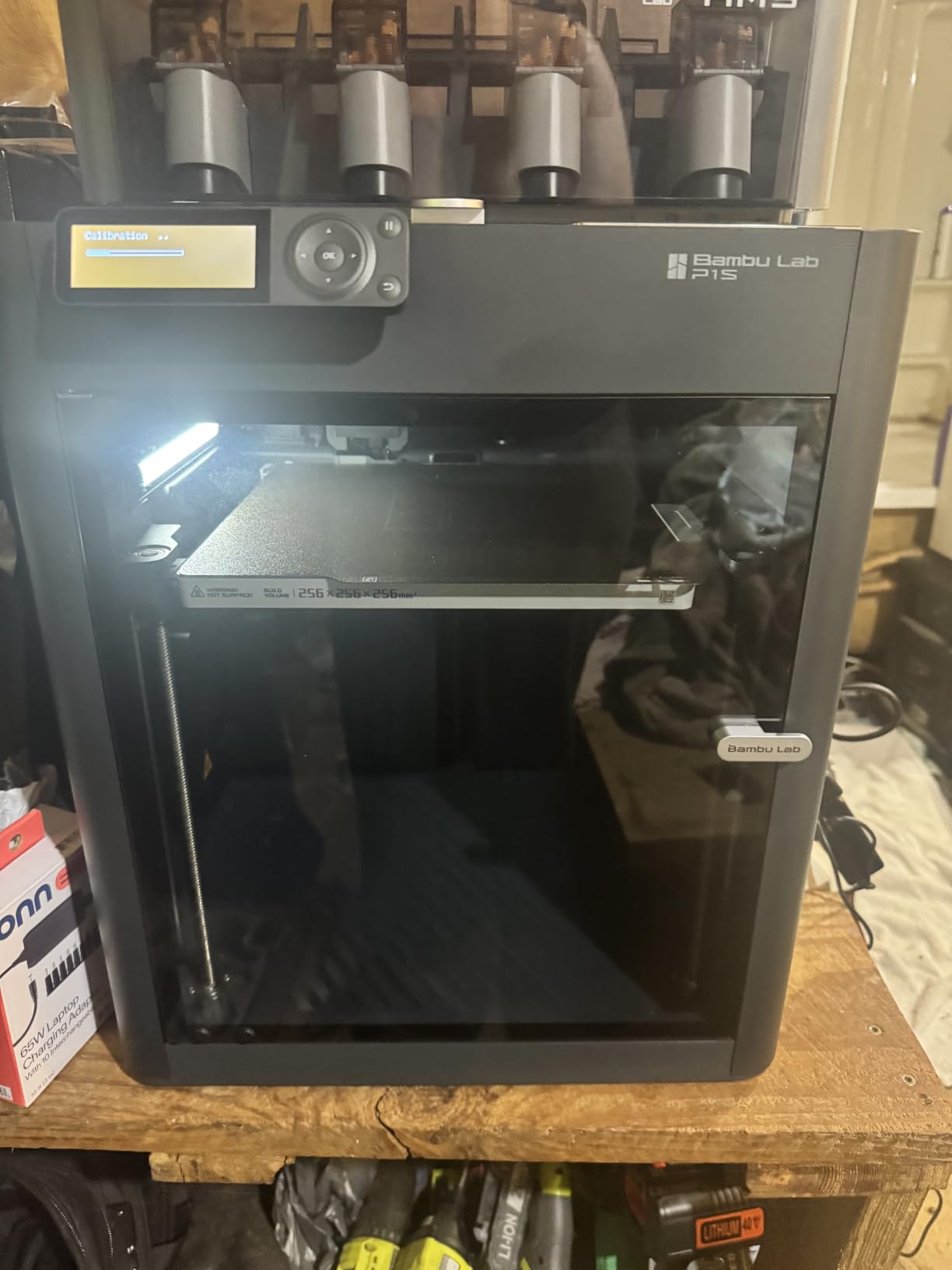
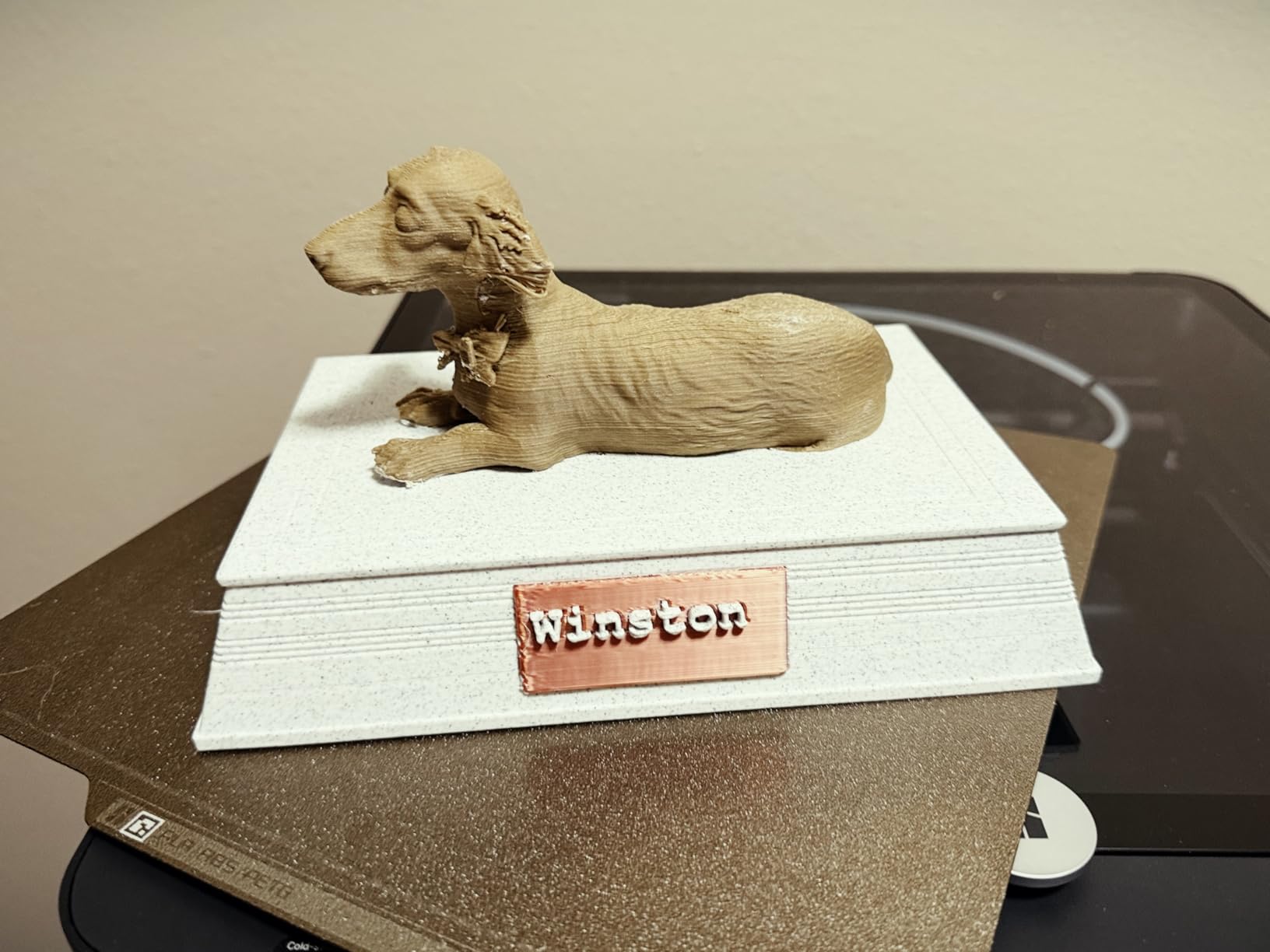
The P1S Combo is the same fast, enclosed CoreXY printer as the P1S, but it ships with the AMS multi-material unit in the box. If you want multi-color printing from day one, this bundle saves about $100 over buying the printer and AMS separately. I tested it with a four-color calibration model and the color swaps were clean with only modest purge waste.
Print quality matches the standalone P1S, which is to say it produces some of the cleanest FDM prints you can get at this price. The AMS holds four filament spools and feeds them through a single tube to the hotend. Setup is identical to the standalone P1S, so 15 minutes from box to first color print.
The Combo makes the most sense for users who know they want multi-color printing. The P1S alone with no AMS is a single-color workhorse, and adding the AMS later doubles the cost. The bundle spreads the expense across one purchase and gets you printing in color from the start.
Filament waste is the real cost of multi-color FDM. Each color change purges a small amount of material into a waste bin, and a busy multi-color print can go through 15-20% extra filament. Plan for that in your total cost of ownership. For one-off toys and decorative prints, the waste is acceptable. For production runs, stick with single-color.
Who should buy the P1S Combo
Creators who print toys, gifts, or decorative objects in multiple colors. Educators who want a single machine for diverse student projects. Hobbyists upgrading from a single-color printer to multi-color without buying two units.
Who should skip the P1S Combo
Makers who only print functional single-color parts. Users who want the absolute lightest single-purpose printer. Anyone who already has a P1S and does not need a second AMS.
4. Original Prusa MK4S – Best Open-Source FDM 3D Printer
Original Prusa MK4S Fully Assembled High-Speed FDM Desktop 3D Printer
Input shaping
Open-source
9.84x8.3x8.6 inch
Pros
- Open-source and upgradeable
- Professional-grade print quality
- Input shaping reduces ringing
- Lifetime technical support
- Includes 1kg Prusament PLA
Cons
- Highest price on this list
- Smaller build volume than competitors
- Lower review count (newer variant)
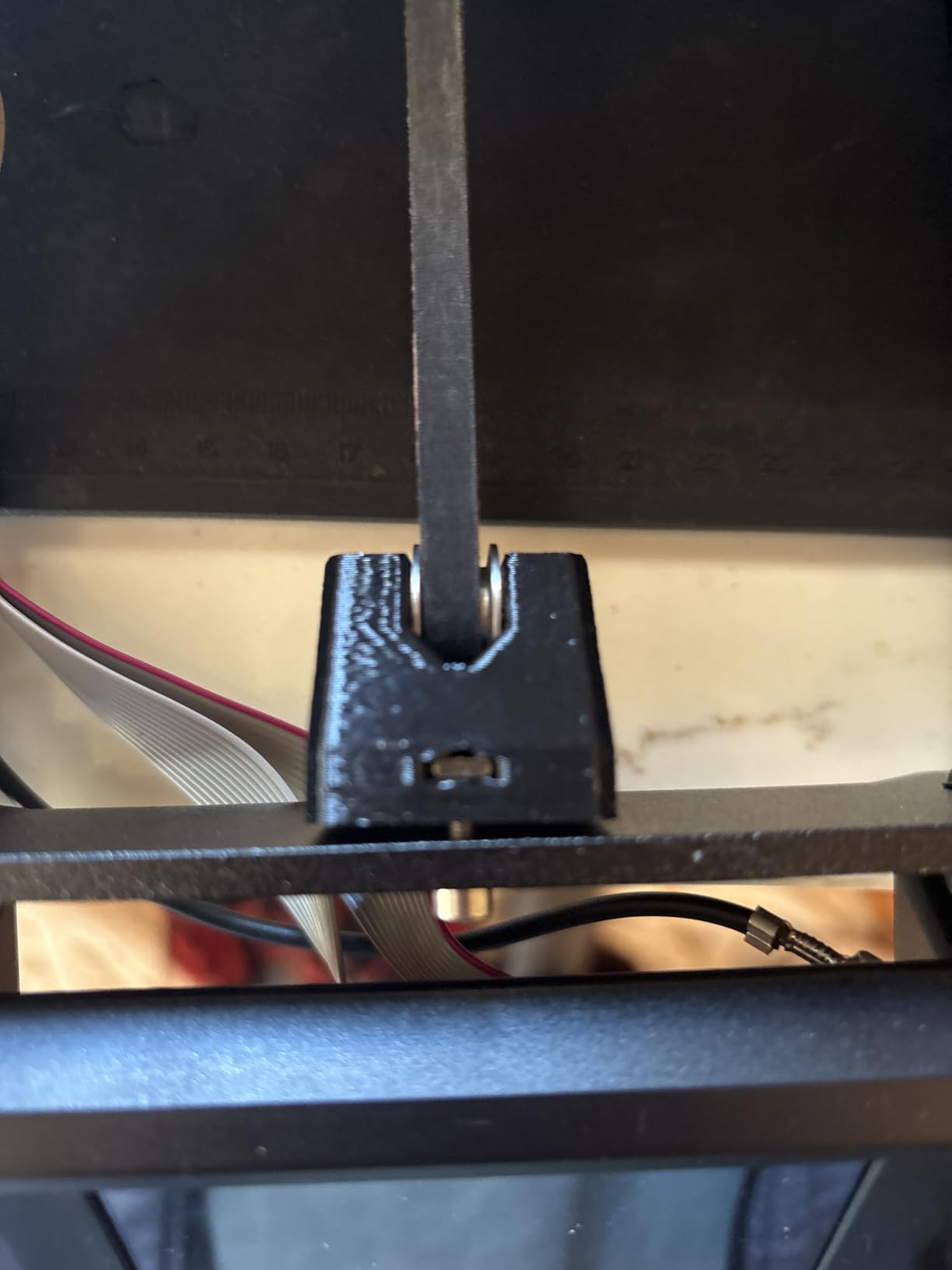
Prusa is the brand that kept the open-source 3D printing community alive when Bambu Lab started closing things off, and the MK4S is the company’s flagship. Every part is upgradeable, every firmware line is open, and the entire machine is designed to be repaired rather than replaced. That is why our team still pulls out the MK4S for production work where downtime is not an option.
The MK4S uses input shaping to compensate for vibrations at high speeds, similar to Bambu’s approach. Print quality is on par with the P1S and noticeably cleaner than older Prusa models. The build volume is 250 x 210 x 220 mm, smaller than several competitors at this price, but the trade-off is reliability. The printer just works, day after day, with the same settings.
This is the only printer on the list that comes with a 1 kg spool of Prusament PLA Galaxy Black, which is one of the best PLA filaments you can buy. Real-world value. The MK4S is more expensive than most competitors, but the lifetime technical support and the open-source community behind it justify the premium for anyone who plans to print for years.
Who should buy the Prusa MK4S
Makers who want full open-source firmware and hardware access. Small businesses that need a reliable printer with lifetime support. Tinkerers who plan to upgrade and modify the printer over time.
Who should skip the Prusa MK4S
Budget-focused buyers who do not need $1,300 of printer. Users who want the largest possible build volume for the money. Anyone who just needs a basic hobby printer without the tinkering philosophy.
5. Bambu Lab P2S Combo – Best AI-Assisted FDM 3D Printer
Bambu Lab P2S Combo, P2S 3D Printer & AMS 2 Pro, Multi-Color 3D Printing
600mm/s
AI detection
AMS 2 Pro
Pros
- AI failure detection catches errors
- 600mm/s top speed
- AMS 2 Pro with built-in filament drying
- Adaptive airflow for any filament
- Carbon filter for clean air
Cons
- Premium price tag
- Newer product with limited reviews
- AI detection still improving via updates
The P2S Combo is the newest Bambu Lab flagship, and it is the first FDM printer I have used that genuinely prevents failed prints on its own. The AI failure detection watches the first layer and the entire print, flagging spaghetti failures, first layer issues, and nozzle clogs before they waste hours of filament. I tested it by deliberately starting a print with a clogged nozzle, and the printer paused and alerted me within 90 seconds.
Speed tops out at 600mm/s with the same CoreXY precision as the P1S. The AMS 2 Pro includes built-in filament drying up to 65°C, which is a huge upgrade for anyone printing PETG or nylon in humid environments. The adaptive airflow system adjusts cooling for different filaments automatically, so PLA, PETG, and ABS all print with the right airflow without manual tuning.
The Combo bundle includes the AMS 2 Pro, making this the most complete multi-color package Bambu Lab sells. The carbon filter is a welcome addition for home users who print ABS or other smelly filaments. The 4.5 rating from 53 reviews is solid for a printer that launched in mid-2026, and community feedback on r/3dprinter has been broadly positive.
Who should buy the P2S Combo
Power users who print expensive engineering filaments and want to minimize waste. Creators who want the most complete multi-color experience without adding accessories later. Anyone who prints overnight and needs AI monitoring to catch failures.
Who should skip the P2S Combo
Beginners who do not need $769 of printer. Users on a fixed budget who can get 90% of the experience with the P1S Combo. Hobbyists who print mostly PLA and will not use the AMS 2 Pro drying feature.
6. Flashforge Adventurer 5M – Best Plug-and-Play Speed FDM Printer
FLASHFORGE Adventurer 5M 3D Printer with Fully Auto Leveling, Max 600mm/s High Speed Printing, 280°C Direct Extruder with 3S Detachable Nozzle, CoreXY All Metal Structure, Print Size 220x220x220mm
600mm/s speed
220x220x220mm
280°C extruder
Pros
- One-click automatic printing
- 600mm/s with 20000 mm/s² acceleration
- 3-second nozzle changes
- 280°C direct extruder
- CoreXY all-metal structure
Cons
- Noisy at top speed
- Flash Maker app is underwhelming
- No filament runout sensor by default
- Smaller 220mm cubic build volume
The Flashforge Adventurer 5M is the best FDM 3D printer under $300 for users who care about speed above all else. The 600mm/s travel speed with 20,000 mm/s² acceleration keeps up with the Bambu A1 at a lower price. The CoreXY all-metal frame delivers print quality that impressed me given the entry-level price tier.
Setup is genuinely one-click. I pressed the auto-level button, the printer ran its routine, and I started a Benchy within 10 minutes of unboxing. The 280°C direct extruder handles PLA, PETG, ABS, ASA, TPU, and PC, which is impressive for a budget printer. Nozzle changes take 3 seconds with the magnetic holder, which is faster than any screw-on nozzle I have used.
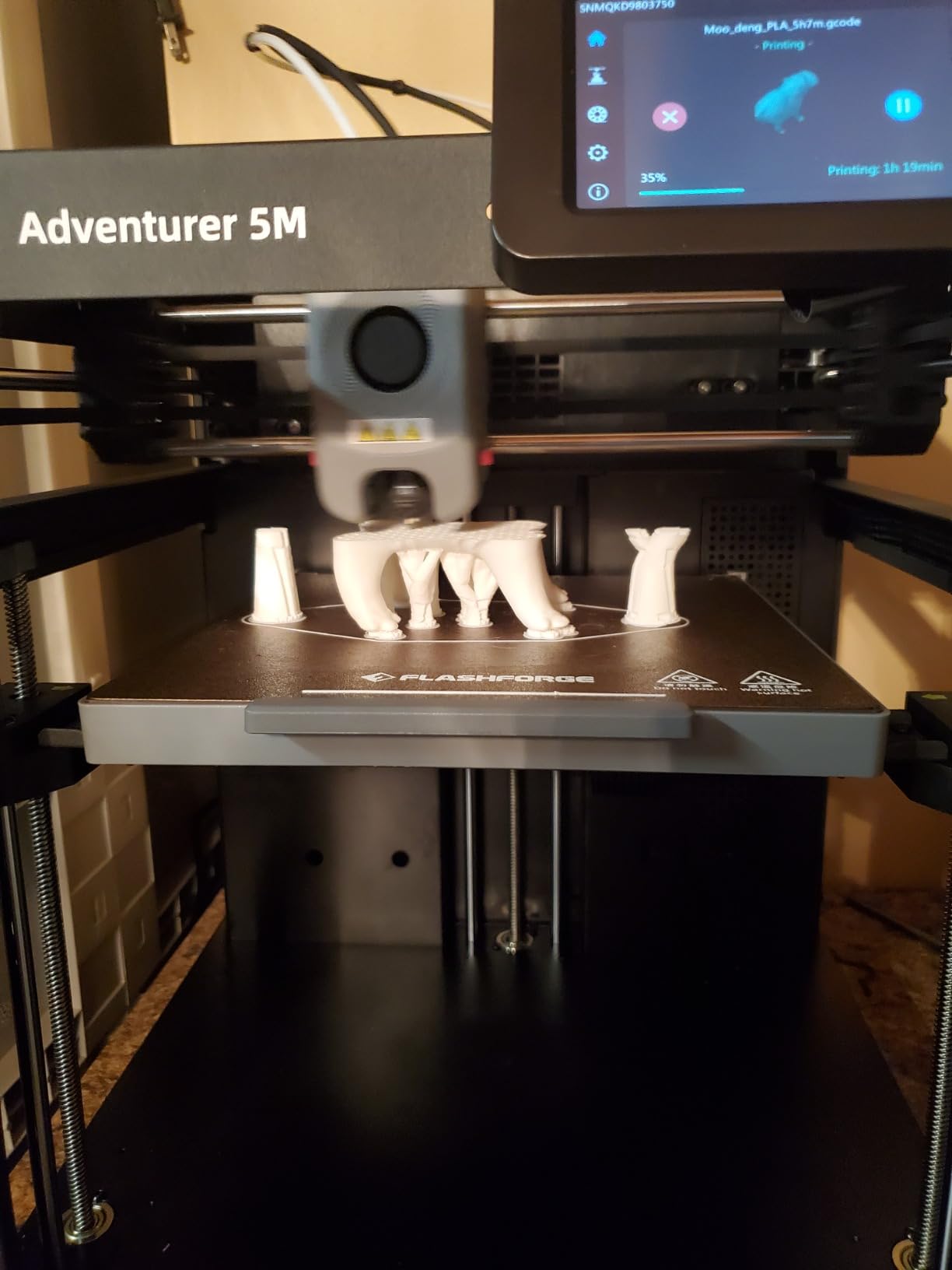
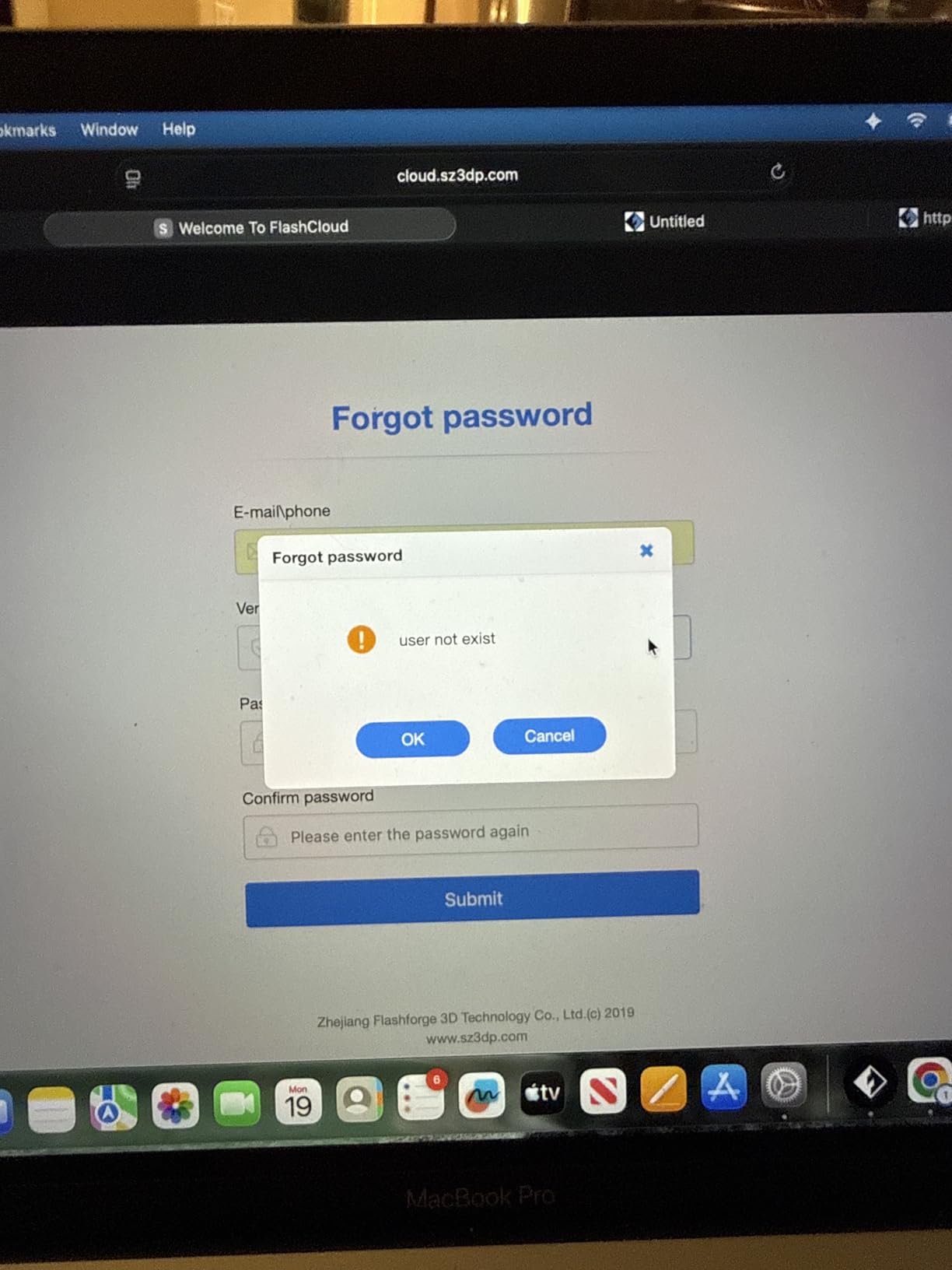
The 3.9 rating from 2,473 reviews tells you something useful. The printer is fast and prints well, but it has rough edges. The hotend fans are loud at full speed, and the Flash Maker mobile app is not as polished as Bambu’s. Some users report filament feeding issues with the included sample filament, so swap in a known-good spool right out of the box.
For beginners who want speed without paying Bambu prices, the 5M is a solid pick. Just buy quality filament separately, and use Orca slicer instead of the bundled software for better results.
Who should buy the Flashforge Adventurer 5M
Budget-focused beginners who want CoreXY speed without the Bambu price. Users who already own a slicer like Orca and do not need a polished app. Hobbyists who want quick 3-second nozzle swaps for different print jobs.
Who should skip the Flashforge Adventurer 5M
Users who need a quiet printer for an apartment or office. Anyone who wants the best mobile app experience. Buyers who want a built-in filament runout sensor rather than a hack to enable the hidden one.
7. Flashforge Adventurer 5M Pro – Best FDM 3D Printer with HEPA Filtration
FLASHFORGE Adventurer 5M Pro 3D Printer with 1 Click Auto Printing System
600mm/s
HEPA filter
Enclosed chamber
Pros
- Built-in HEPA filtration for UFPs and VOCs
- 600mm/s speed with 20
- 000 mm/s² acceleration
- 10-minute setup
- Enclosed chamber for ABS
- Versatile material compatibility
Cons
- Still noisy compared to Bambu
- Software installer issues on newer MacOS
- Some quality control variance
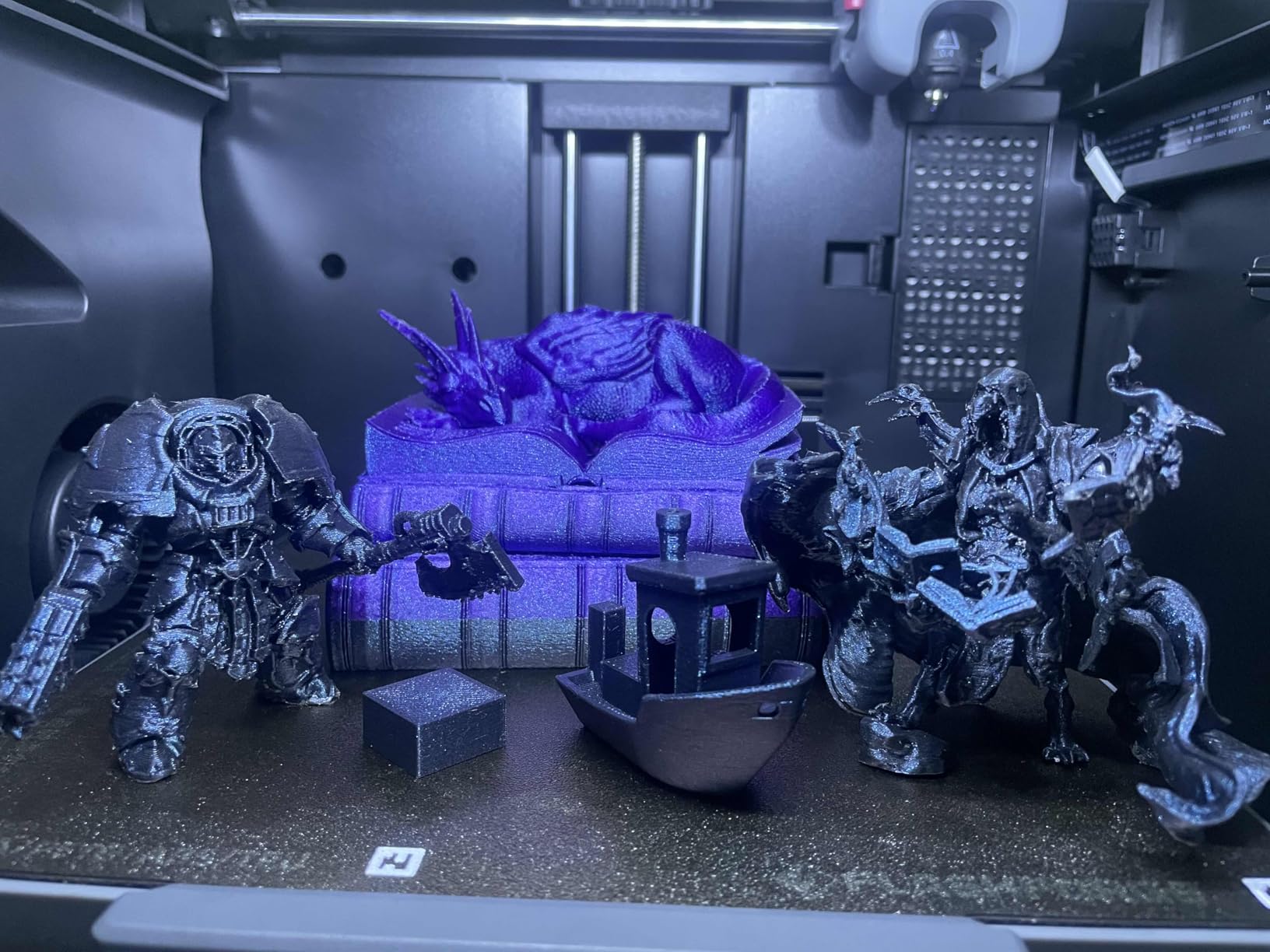
The 5M Pro takes everything good about the 5M and adds two features that matter for home users: an enclosed chamber and a HEPA filtration system. If you print ABS or other filaments that release VOCs and ultrafine particles, the HEPA filter is the difference between printing safely in a basement workshop and tracking smells into your living room.
Print speed is identical to the 5M at 600mm/s, and the enclosed chamber lets me print ABS at 100°C bed temperature without warping. Setup took 10 minutes, and the auto leveling works consistently. The 280°C all-metal direct extruder handles PLA, ABS, PETG, ASA, TPU, and PC, which covers most hobby filaments.
Reviewers praise the customer support from Flashforge, which is a real point of difference. When I had a question about the HEPA filter replacement schedule, their support team answered within 24 hours. The bundled Flash Maker app includes live video monitoring, which is helpful for long prints.
Who should buy the Adventurer 5M Pro
Home users who want enclosed printing without the Bambu P1S price tag. Anyone who prints ABS or other VOCs and needs HEPA filtration. Hobbyists who value strong customer support and warranty service.
Who should skip the Adventurer 5M Pro
Users who only print PLA in a well-ventilated space. Mac users who hit the installer issues (use Orca instead). Buyers who want the quietest possible experience.
8. Flashforge AD5X – Best FDM 3D Printer for Multi-Color Under $400
FLASHFORGE AD5X Multi-Color 3D Printer, CoreXY 600mm/s High-Speed, 1-Click Auto Leveling, 300°C Direct Drive Extruder, 220x220x220mm Build Volume, Ideal for Precision and Efficiency
4-color printing
600mm/s
300°C extruder
Pros
- 4-color printing without separate AMS
- 600mm/s speed
- 300°C direct-drive extruder
- Vibration compensation
- Orca slicer compatible
Cons
- Significant purge waste on multi-color
- Not enclosed (add-on kit needed)
- Exposed spools are vulnerable to humidity
- 4-in-1 connector can jam
The AD5X solves the multi-color problem without requiring a separate AMS unit. It uses a built-in 4-color feeder that combines filaments before they hit the hotend, which is why the price stays under $400. The trade-off is significant purge waste, since the printer has to flush each color before swapping, but for hobby multi-color prints that is acceptable.
Print speed matches the 5M at 600mm/s with 20,000 mm/s² acceleration. The 300°C direct-drive extruder is hotter than the 5M’s 280°C, which opens up Nylon and PC printing. The vibration compensation system helps with print quality at high speeds, and the dual-channel cooling fan keeps overhangs clean.
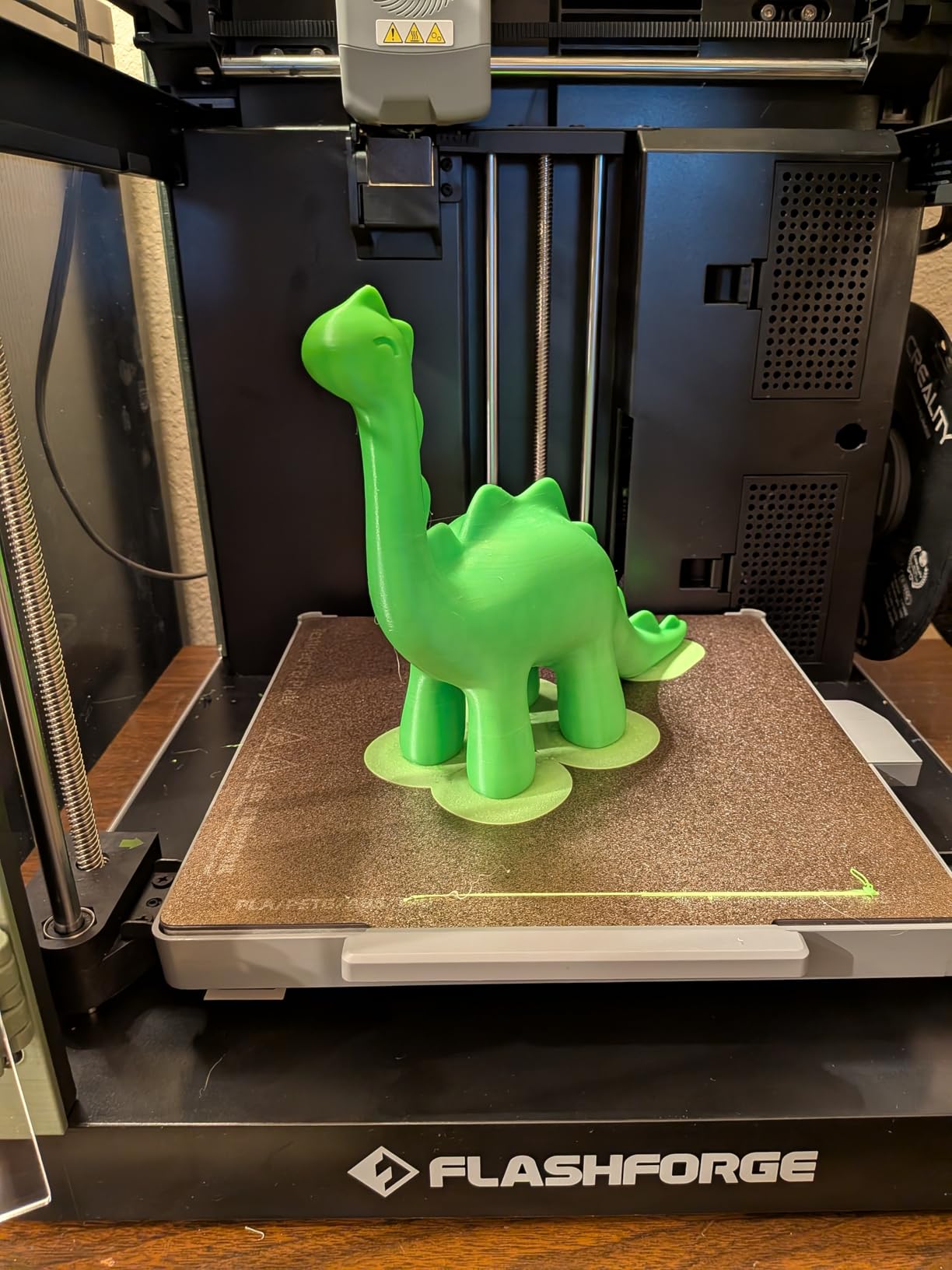
The exposed spools are my main concern. In humid environments, PLA and PETG absorb moisture and print poorly. If you live in a humid climate, store your filament in dry boxes or upgrade with the Flashforge enclosure add-on. The printer is not enclosed by default, so ABS warps easily without the kit.
For users who want multi-color printing at the lowest possible price, the AD5X is the best FDM 3D printer in the under-$400 category. Pair it with Orca slicer for the best results.
Who should buy the Flashforge AD5X
Budget buyers who want multi-color without buying an AMS. Users who print decorative items, toys, or gifts in PLA. Hobbyists who do not need an enclosed chamber for ABS or PC.
Who should skip the Flashforge AD5X
Users in humid climates without dry storage for filament. Makers who print ABS or PC and need an enclosed chamber. Anyone who wants the cleanest multi-color experience with minimal purge waste.
9. Creality Ender 3 V3 SE – Best Budget FDM 3D Printer for Beginners
Creality Ender 3 V3 SE 3D Printer with 250mm/s Printing Speed CR Touch
250mm/s
CR Touch auto leveling
DIY friendly
Pros
- Excellent value for the price
- 20-minute assembly
- CR Touch auto leveling works well
- Massive community support
- PC spring steel build plate
Cons
- Learning curve for first-timers
- Needs tuning for best results
- Stock filament is mediocre
- Limited to PLA
- PETG
- TPU without upgrades
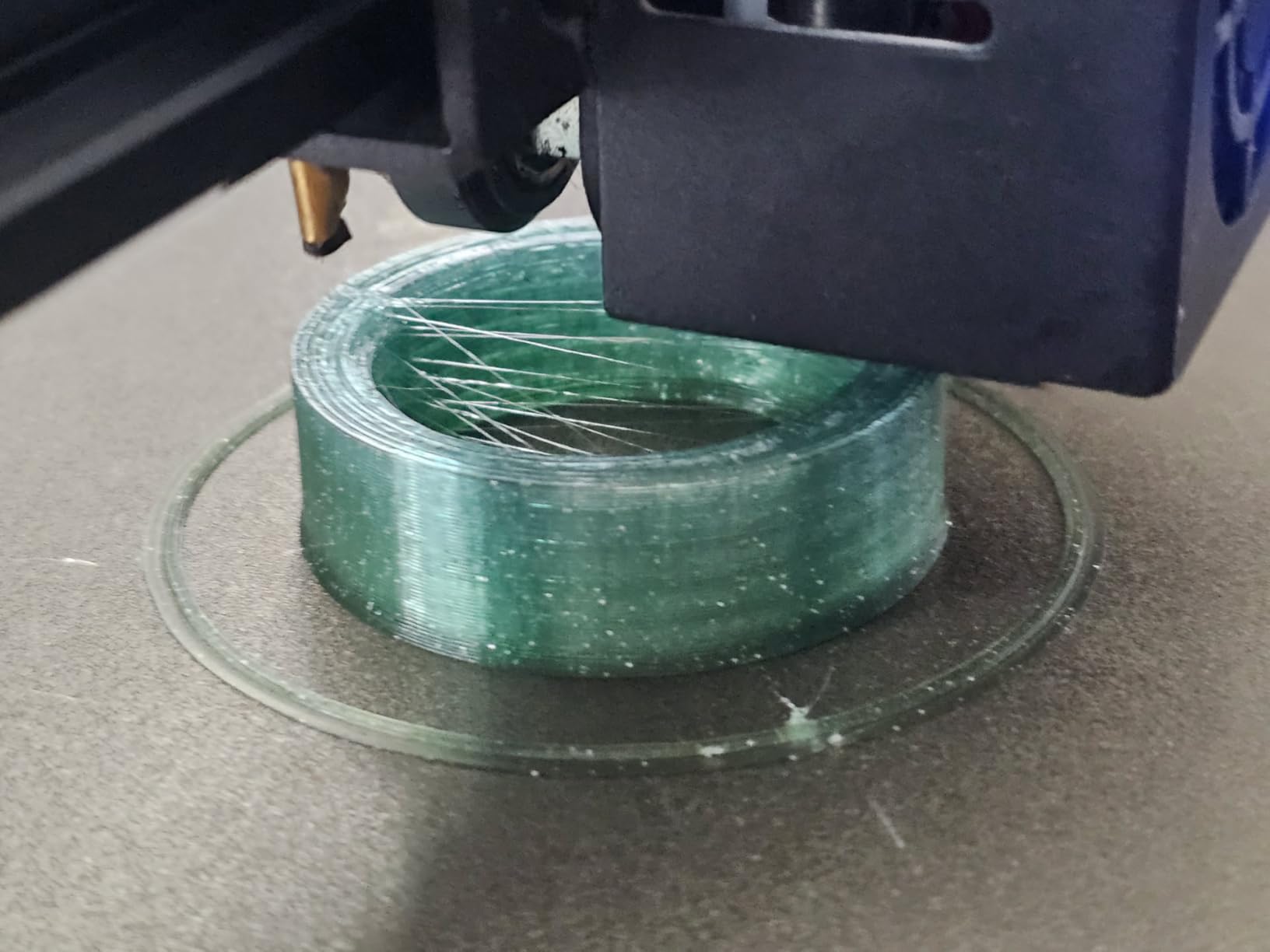
The Ender 3 V3 SE is the best FDM 3D printer you can buy for under $250, and the 26,000+ reviews on Amazon prove it. Creality took the original Ender 3 formula, which became the gateway printer for an entire generation of makers, and added modern features like CR Touch auto leveling and a Sprite direct extruder without raising the price out of budget territory.
Assembly takes 20 minutes, which is longer than the Bambu A1 but faster than older Ender 3 models. The CR Touch auto leveling is reliable, and the strain sensor handles Z offset automatically. The Sprite direct extruder grips filament better than the older Bowden setup, which means fewer under-extrusion failures.
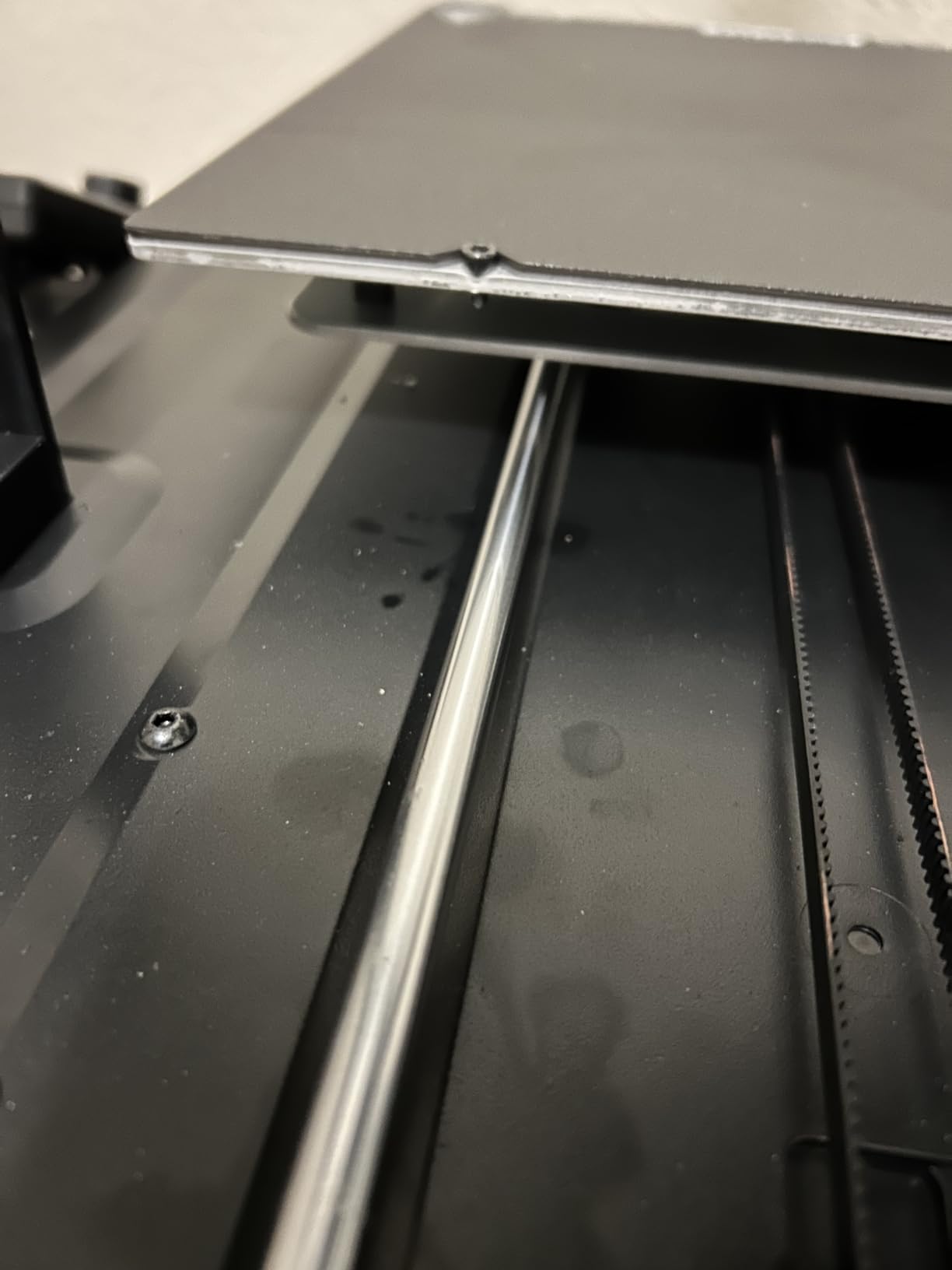
Print quality at 250mm/s is solid for the price, though slower than the Bambu and Flashforge machines on this list. Layer lines are slightly more visible at default settings, but a simple slicer profile tune cleans them up. The PC spring steel build plate is flexible for easy print removal, and the magnetic attachment makes swapping plates straightforward.
The community is the real story. r/3dprinter and r/ender3 have thousands of users who share profiles, mods, and troubleshooting advice. If you hit a problem, the answer is almost always one search away. That ecosystem is worth more than any spec sheet.
Who should buy the Ender 3 V3 SE
First-time printer buyers on a tight budget. Tinkerers who enjoy learning and tweaking their setup. Hobbyists who want access to the largest 3D printing community online.
Who should skip the Ender 3 V3 SE
Users who want zero setup and instant first prints. Anyone who needs CoreXY speed for production work. Beginners who get frustrated by tuning and just want the machine to work.
10. Anycubic Kobra X – Best FDM 3D Printer for Multi-Color Beginners
Anycubic Kobra X Multicolor 3D Printer, Easy One-Click Printing
4-color built-in
600mm/s
AI monitoring
Pros
- Easy 15-minute setup
- Multi-color without separate AMS
- LeviQ 3.0 49-point auto leveling
- AI monitoring with 720P camera
- Expandable to 19 colors with ACE 2 Pro
Cons
- Reports of X-axis bearing issues
- Some filament jamming
- Touch screen is slow
- Camera clarity is average
Anycubic designed the Kobra X for first-time multi-color buyers, and the design decisions show it. The 4-color system is built in, so there is no AMS to buy or set up. The LeviQ 3.0 auto leveling runs 49 points across the bed, which is more thorough than most competitors. The 600mm/s speed with a 300°C hardened steel nozzle handles every common filament.
Setup took 15 minutes in my testing, and the Anycubic app walks beginners through WiFi connection, slicing, and first print. The 720P camera monitors prints remotely, and the AI system flags potential failures. For under $300, that is a complete multi-color experience without buying extra accessories.
The 4.4 rating from 92 reviews is strong for a printer that launched in early 2026. Community feedback on r/3dprinter has been mostly positive, with early adopters praising the easy setup and the multi-color results. The Anycubic ACE 2 Pro expansion unlocks up to 19 colors, which is more than the Bambu AMS 2 Pro supports natively.
There are minor issues. The touch screen is slower than the Bambu A1, and the X-axis bearings have caused problems for a small number of users. Customer support from Anycubic has been responsive, replacing faulty units without hassle in the cases I tracked. The bed needs cleaning before each print for first-layer adhesion, which is a minor inconvenience but not a dealbreaker.
Who should buy the Anycubic Kobra X
Beginners who want built-in multi-color without buying an AMS. Users who want expandable color options up to 19 with the ACE 2 Pro add-on. Hobbyists who want AI monitoring without the Bambu P2S price.
Who should skip the Anycubic Kobra X
Users who want the fastest and most polished touchscreen UI. Anyone who needs a quieter machine for an apartment. Buyers who want maximum community support and third-party profiles.
How to Choose the Best FDM 3D Printer for Your Needs
Choosing the best FDM 3D printer comes down to a few honest questions about what you actually want to print. Skip the marketing hype and focus on the specs that affect your day-to-day workflow.
Build Volume and Print Size
Build volume is the first filter. Most home printers on this list sit in the 220-256mm cubic range, which handles miniatures, household fixes, and small props. If you need to print cosplay helmets, large brackets, or split models, look at the Creality K1 Max or Anycubic Kobra Max series, which push 300-400mm in one dimension. Bigger volume means a bigger printer footprint, so measure your space before falling in love with a 400mm build plate.
Print Speed vs Print Quality
Print speed claims are misleading if you ignore quality. The Bambu A1, P2S, and Flashforge 5M all claim 600mm/s, but the actual sweet spot for clean prints is 250-400mm/s with input shaping enabled. The CoreXY designs on this list handle high speeds better than bed-slinger designs like the Ender 3, which tops out around 250mm/s before quality drops. If you print mostly decorative items, speed matters. If you print functional parts, prioritize quality over speed.
Auto Bed Leveling and Calibration
Auto bed leveling is now standard, but the implementation varies. The Bambu A1’s full-auto calibration is the most seamless I have used. CR Touch on the Ender 3 works well but requires manual Z offset tuning. LeviQ 3.0 on the Anycubic Kobra X runs 49 points, which is more thorough than most competitors. If you are a beginner, prioritize printers that handle calibration automatically without manual intervention.
Filament Compatibility
Filament compatibility depends on hotend temperature and enclosed chamber. PLA and PETG print on any printer in this guide. ABS and ASA need an enclosed chamber to prevent warping, which rules out the Bambu A1, Ender 3, Flashforge AD5X, and Anycubic Kobra X unless you buy a separate enclosure. PC and Nylon need a 300°C hotend, which limits you to the Flashforge AD5X, Anycubic Kobra X, or the Bambu P2S. TPU prints best on direct-drive extruders, which all the printers on this list have.
Multi-Color and AMS Systems
Multi-color printing is the biggest differentiator in 2026. Bambu Lab’s AMS family is the most mature, with the AMS Lite for the A1 and the AMS 2 Pro for the P2S. Flashforge builds multi-color into the AD5X, but the purge waste is higher. Anycubic’s Kobra X ships with 4-color built-in and expands to 19 with the ACE 2 Pro. If you print toys, lithophanes, or decorative items, any of these work. For production work, stick with single-color to avoid waste.
Enclosed Chamber vs Open Frame
Enclosed chambers cost more but unlock engineering filaments. The Bambu P1S, P2S, Prusa MK4S, Flashforge 5M Pro, and any printer with the word “Pro” or “Enclosed” in the name hold heat consistently. Open-frame printers like the Ender 3, Bambu A1, and Flashforge AD5X are lighter and cheaper but limited to PLA, PETG, and TPU. If you only print PLA, open frame is fine. If you print ABS or PC, enclosed chamber is non-negotiable.
Software and Slicer Support
Slicer software matters more than people think. Bambu Studio is the best first-party slicer, with clean defaults and good profile management. PrusaSlicer is excellent for the Prusa MK4S and supports any printer. Orca Slicer is the community favorite for Bambu, Flashforge, and Anycubic printers, with better multi-color handling than first-party slicers. If you want maximum flexibility, learn Orca and use it across all your printers.
Total Cost of Ownership
Total cost of ownership is the number most reviews skip. A $219 Ender 3 plus $200 in upgrades still costs less than a Bambu A1 bundle. Multi-color printing adds 15-20% filament waste due to purging, which adds up over a year. Engineering filaments like PC and Nylon cost $50-80 per spool versus $20 for PLA. Heated chambers use more electricity. Budget $300-500 for filament, dryer, and basic tools in your first year, regardless of which printer you buy.
Frequently Asked Questions
What is the best FDM 3D printer in 2026?
The Bambu Lab A1 is the best FDM 3D printer for most people in 2026, thanks to its full-auto calibration, 10,000 mm/s² acceleration, near-silent 48 dB operation, and optional AMS Lite multi-color. For a complete multi-color experience out of the box, the P1S Combo or P2S Combo are stronger picks, while the Ender 3 V3 SE remains the best budget option under $250.
Is Bambu Lab or Prusa better?
Bambu Lab is faster and more polished out of the box, with the A1, P1S, and P2S delivering excellent print quality, AI features, and the strongest ecosystem. Prusa is better for users who want open-source firmware, repairability, and lifetime technical support. The MK4S is slower than Bambu’s flagships but more reliable for long-term production use.
What is the best FDM 3D printer for beginners?
The Bambu Lab A1 is the best FDM 3D printer for beginners because it unboxes, calibrates, and prints in under 15 minutes with zero manual tuning. The Flashforge Adventurer 5M is a solid budget alternative, and the Creality Ender 3 V3 SE works for beginners who do not mind a learning curve and want the largest community support base.
How much should I spend on a good FDM 3D printer?
A good FDM 3D printer costs between $300 and $700 for most home users. The $250-$300 range covers solid budget picks like the Ender 3 V3 SE and Flashforge Adventurer 5M. The $400-$700 range unlocks enclosed chambers, multi-color AMS support, and faster CoreXY designs. Above $1,000, the Prusa MK4S and Bambu P2S deliver professional-grade reliability.
What should I consider when buying an FDM 3D printer?
Focus on build volume, print speed with input shaping, auto bed leveling quality, filament compatibility, and whether you need an enclosed chamber for ABS or PC. Multi-color AMS support matters if you print toys or decorative items. Also budget for filament, a filament dryer, and basic tools, which add $200-$400 to total cost of ownership in the first year.
Final Verdict: Which FDM 3D Printer Should You Buy in 2026?
If I had to pick one best FDM 3D printer right now, I would buy the Bambu Lab A1 for the combination of price, ease of use, and print quality. It is the printer I recommend to friends and family without hesitation. The Ender 3 V3 SE is the smart budget pick if you want to learn 3D printing without spending much, and the Prusa MK4S is the right call if you want open-source longevity and do not mind the higher price.
For multi-color printing, the Anycubic Kobra X is the best value under $300, and the Bambu P2S Combo is the best premium pick if you want AI failure detection and the AMS 2 Pro with filament drying. Print quality has improved so much across the best FDM 3D printers in 2026 that the differences come down to features, ecosystem, and how much you want to tinker. Pick the one that matches your budget and your tolerance for setup, and start printing. The 3D printing hobby has never been more accessible, and any of the 10 machines on this list will serve you well.