
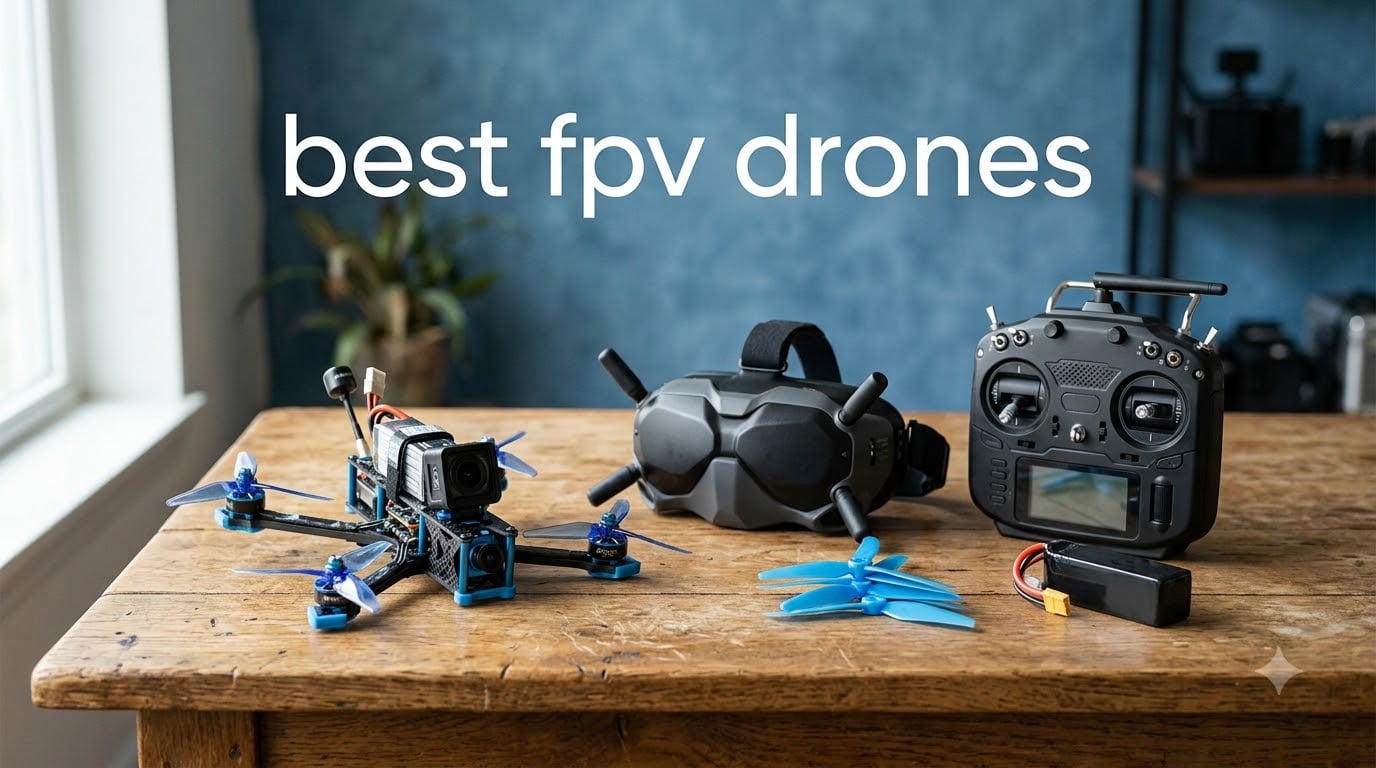
Flying an FPV drone for the first time feels like strapping into a cockpit. The moment you put on those goggles and the live video feed kicks in, the world below suddenly becomes your playground at full speed. That first dive off a tree line, the sharp banking turn through a gap, the sheer adrenaline of racing 60 mph inches from the ground, nothing in standard drone flying comes close.
But getting into FPV can be confusing fast. Between analog versus digital systems, ELRS radio protocols, whoop versus cinewhoop versus freestyle frames, and the endless debate over RTF kits versus DIY builds, the learning curve looks steep. Our team has spent months testing ready-to-fly kits to cut through that noise.
This guide covers the best FPV drones you can buy right now as complete kits, from palm-sized beginners to cinematic powerhouses. Every drone here ships with what you need to fly, no soldering, no separate component shopping. Whether you want the easiest possible entry point or a kit that grows with your skills, we tested it, crashed it, and formed real opinions. If you are also hunting for deals, check out our Prime Day drone deals for FPV discounts.
Table of Contents
Top 3 FPV Drones for 2026

DJI Neo 2 Motion Fly More Combo
- 4K Camera
- Omnidirectional Sensing
- 151g Ultralight
- 3 Batteries Included


Best FPV Drones in 2026
| Product | Specifications | Action |
|---|---|---|
| DJI Neo 2 Motion Fly More Combo |
|
Check Latest Price |
| DJI Avata 2 Fly Smart Combo |
|
Check Latest Price |
 Tinyhawk 3 Freestyle PLUS+ RTF Kit Tinyhawk 3 Freestyle PLUS+ RTF Kit |
|
Check Latest Price |
 BETAFPV Aquila20 FPV Kit BETAFPV Aquila20 FPV Kit |
|
Check Latest Price |
| BETAFPV Cetus Lite FPV Kit |
|
Check Latest Price |
 HISINGY Firefly FPV Drone Kit HISINGY Firefly FPV Drone Kit |
|
Check Latest Price |
 APEX FPV Drone Kit VR70-2.0 APEX FPV Drone Kit VR70-2.0 |
|
Check Latest Price |
1. DJI Neo 2 Motion Fly More Combo – Best Overall FPV Drone
DJI Neo 2 Motion Fly More Combo With RC Motion 3 & Goggles N3
4K Video
151g Weight
10km Range
3 Batteries
Omnidirectional Sensing
Pros
- Lightest full-feature FPV at 151g
- Omnidirectional obstacle sensing
- Palm takeoff and landing
- ActiveTrack subject tracking
- Three batteries in the box
Cons
- App compatibility quirks reported
- Propeller guards add noticeable bulk
The DJI Neo 2 surprised our team more than any other drone in this test. At just 151 grams, it sits under the 250g registration threshold in the US, meaning you can fly it without FAA registration in most scenarios. That is a massive win for beginners who want to skip the paperwork and just start flying.
What makes the Neo 2 special is how it bridges casual and FPV flying. Pop on the Goggles N3 and use the RC Motion 3 controller, and you get an immersive cockpit experience. Take off the goggles and fly with your phone, and it works like a standard camera drone. This dual personality means you never outgrow it.
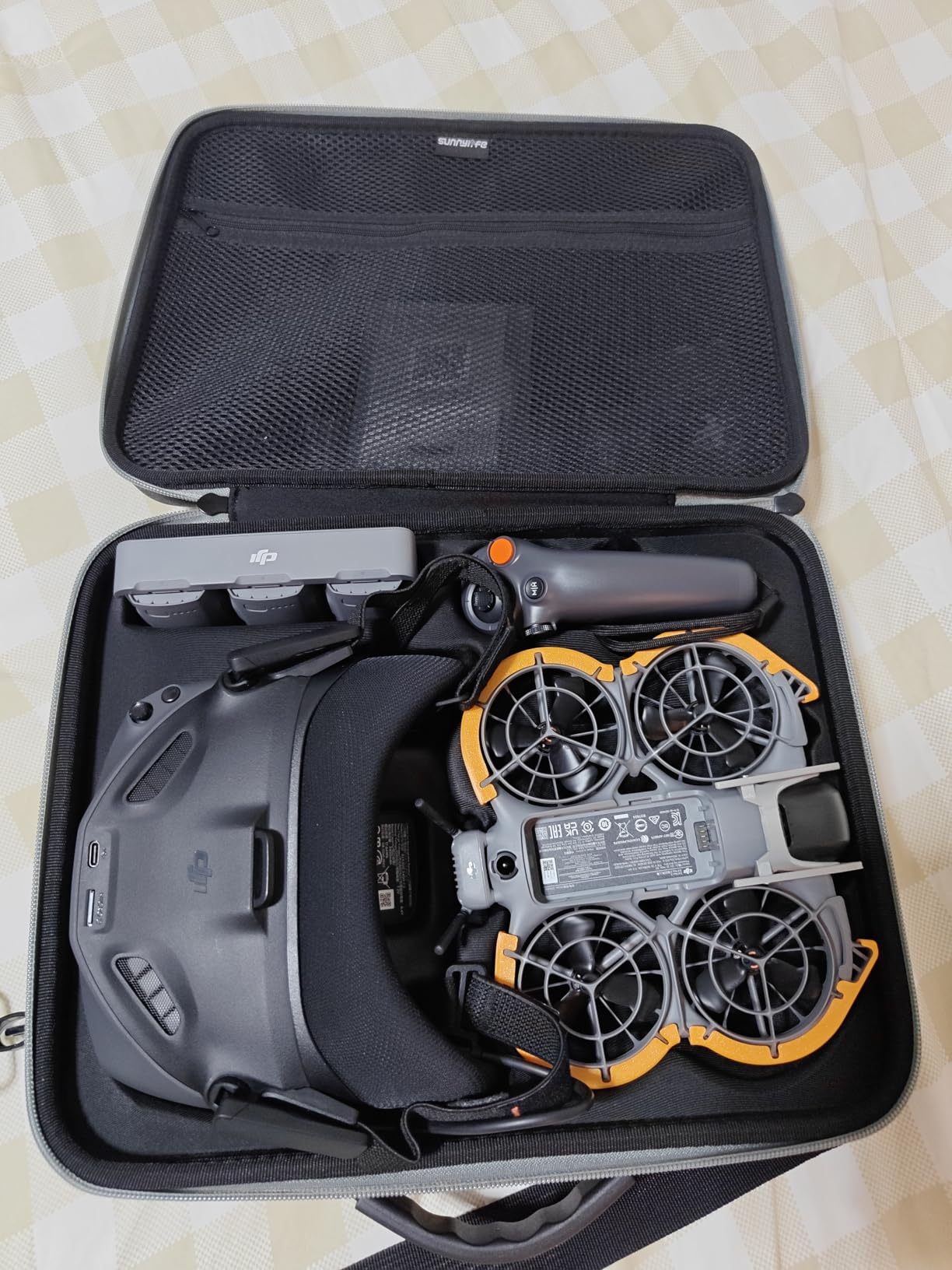
The omnidirectional obstacle sensing is a genuine safety net for new pilots. During testing, the drone stopped itself twice when I flew toward a wall while learning motion controls. The 4K footage from the 1/2-inch CMOS sensor is sharp, with reliable color science that DJI is known for.
Battery life came in around 17 to 20 minutes per charge in real-world conditions. With three batteries and the two-way charging hub in the Fly More Combo, I got nearly an hour of total flight time per session. The 10 kilometer maximum range is more than most pilots will ever use.
For whom its good
This is the drone I recommend to anyone who has never flown FPV before and wants the safest, most forgiving entry point. The motion controller eliminates the steep learning curve of traditional stick-based FPV transmitters. You literally point where you want to fly.
It is also ideal for content creators who want both cinematic gimbal footage and FPV-style flying in one package. The ActiveTrack feature means you can set it to follow you on a bike ride, then switch to manual FPV mode for a freestyle session.
For whom its bad
Experienced freestyle pilots will find the Neo 2 limiting. It does not handle aggressive acrobatic maneuvers the way a dedicated 5-inch analog freestyle quad does. The motion controller, while beginner-friendly, lacks the precision that advanced pilots demand.
If your goal is competitive FPV racing, this is not the right tool. The Neo 2 prioritizes safety and ease over raw speed and agility. Pilots who already own DJI Goggles 3 or Integra should also check compatibility before buying, since the combo includes Goggles N3 specifically.
2. DJI Avata 2 Fly Smart Combo – Best Premium FPV Experience
DJI Avata 2 Fly Smart Combo (Three Batteries), FPV Drone With Camera 4K
4K/60fps
13km Range
155-Degree FOV
Carbon Fiber Body
Motion Control
Pros
- Most immersive FPV goggles experience
- Built-in propeller guard for safety
- Excellent 4K 60fps with 155-degree FOV
- One-push acrobatics
- Cinematic quality footage
Cons
- Higher price point
- Heavier than competitors
- Motion controls take practice to master
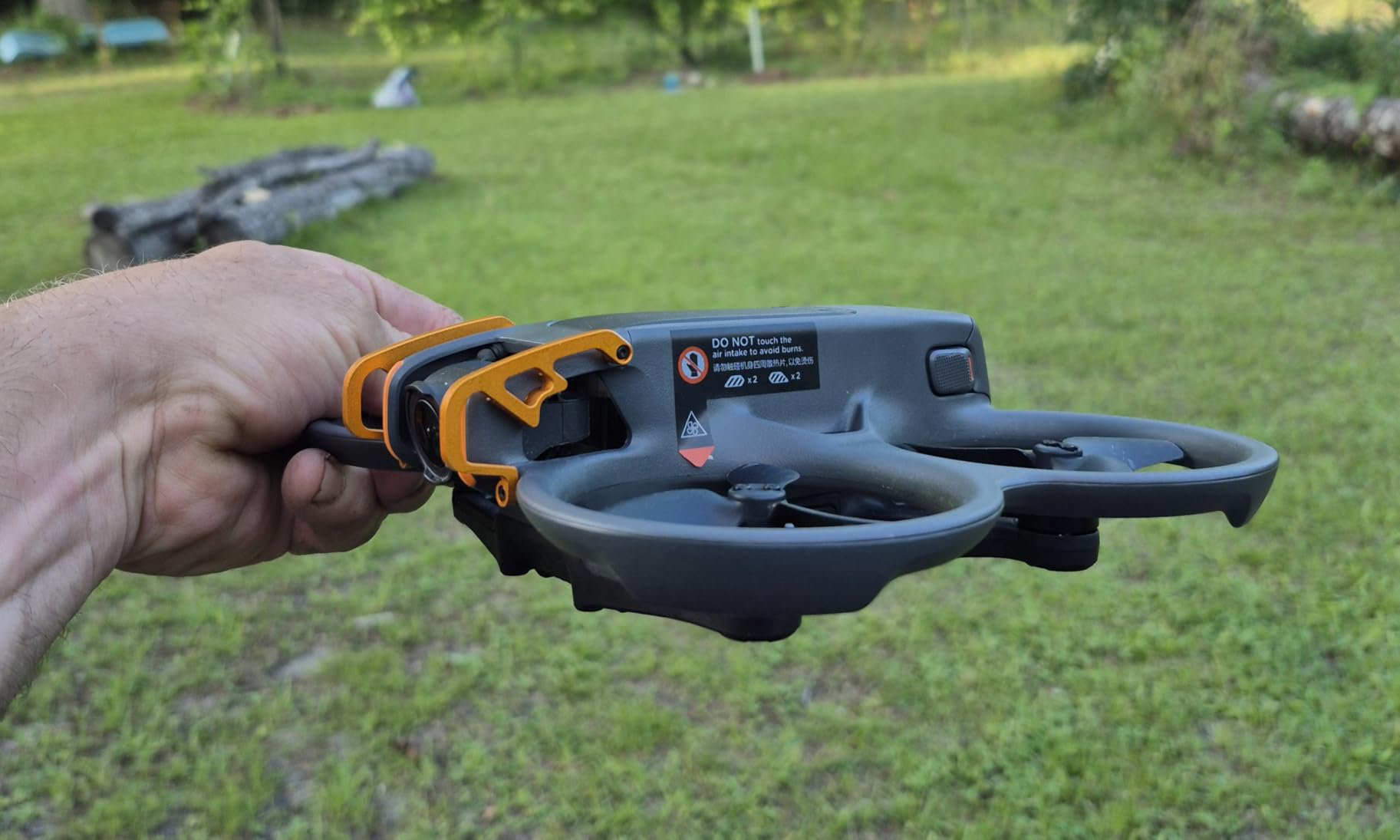
The DJI Avata 2 is what happens when you take everything pilots love about FPV and remove the frustration. Our team logged dozens of flights with this drone, and the Goggles N3 combined with the RC Motion 3 creates an experience that feels like piloting a fighter jet from inside the cockpit.
The 4K camera at 60 frames per second with a 155-degree field of view produces footage that genuinely looks cinematic. I flew it through a forest trail at speed, and the resulting video had that smooth, sweeping quality you see in professional drone reels. The color profile out of camera needs minimal grading.
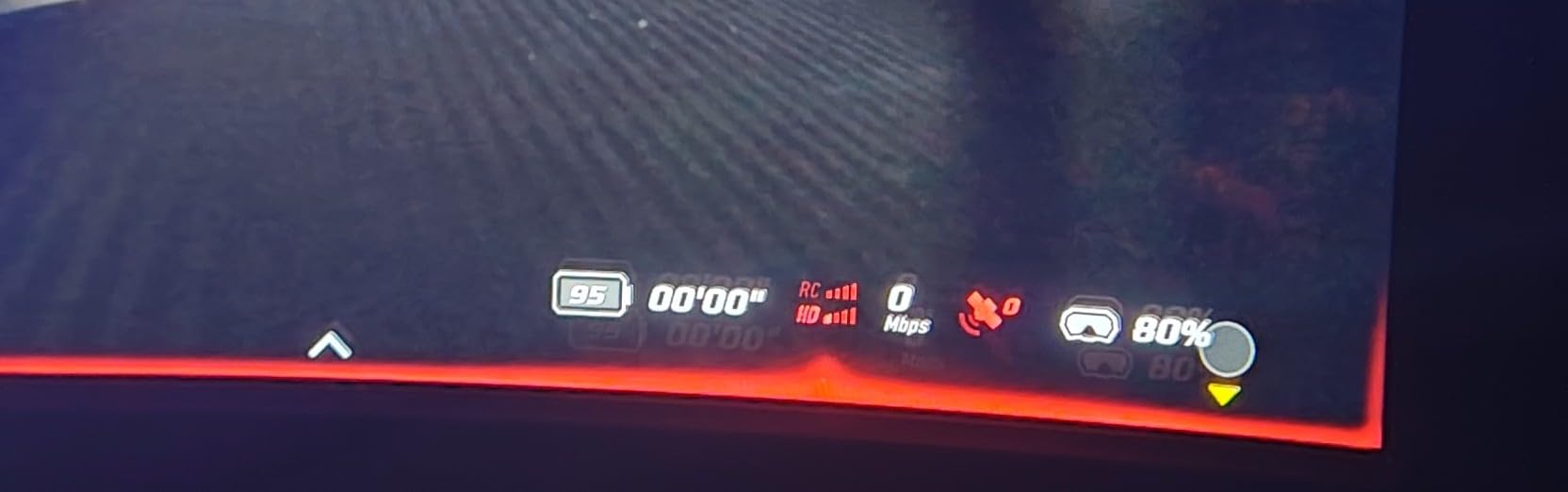
The built-in propeller guard is a thoughtful design choice. It means you can fly closer to objects, through tight gaps, and bounce off branches without catastrophic failure. During one testing session, I clipped a fence post at moderate speed and the Avata 2 just wobbled and kept flying. That kind of resilience builds confidence fast.
One-push acrobatics are the killer feature for beginners who want to look cool immediately. Press a button and the drone performs a coordinated flip or roll. It handles the complex stick inputs automatically while maintaining altitude and position. These are not just gimmicks, they are genuinely fun and look great on camera.
For whom its good
The Avata 2 is perfect for aspiring cinematic FPV pilots who want professional-looking footage without building and tuning a custom rig. If you have a YouTube channel, real estate business, or social media presence where visual quality matters, this drone delivers results from day one.
It is also excellent for pilots transitioning from standard camera drones like a Mavic or Mini. The motion controller feels familiar to anyone who has used a DJI remote before, making the jump to FPV far less intimidating.
For whom its bad
The price is the obvious barrier. At nearly $800 for the combo, it is a significant investment for someone who is not sure they will stick with FPV long term. If you are just testing the waters, a cheaper analog kit might be a wiser first step.
The weight is another consideration. At 1.56 kilograms for the full package, it is substantially heavier than micro whoops. This affects portability and means you feel it more if it hits something. Pilots looking for indoor flying or tight-space freestyle will want something smaller.
3. Tinyhawk 3 Freestyle PLUS+ RTF Kit – Best Analog Freestyle Starter
Tinyhawk 3 Freestyle PLUS+ RTF Kit Ready To Fly ELRS Analog FPV Drone Mini Racing Quadcopter Durable Carbon FIber Frame with Controller and Goggles for Beginners Brand: Tiny Hawk
ELRS Analog
Carbon Fiber Frame
450mAh Battery
RTF Kit
480p Video
Pros
- Durable carbon fiber frame
- Tuned analog FPV system
- ELRS protocol for reliable control
- Complete RTF package
- Genuine freestyle experience
Cons
- 480p analog video resolution
- Steeper learning curve than DJI
- Mixed long-term durability reports
The Tinyhawk 3 Freestyle PLUS+ is the kit I wish existed when I first tried FPV. EMAX built this as a true ready-to-fly package that teaches you real analog FPV flying without the complexity of building your own quad. The included controller and goggles mean you unbox, charge, and fly.
The carbon fiber frame is the standout feature for new pilots. Carbon fiber absorbs impact better than plastic, and during our crash testing, the Tinyhawk survived multiple wall collisions and hard landings with only scuffed propellers. That durability matters because every beginner crashes, a lot.
ELRS, or ExpressLRS, is the radio protocol this kit uses for control. It has become the community standard because it offers incredible range and penetration with near-zero latency. In plain terms, your drone responds instantly to stick inputs and maintains connection even behind obstacles. This is the same protocol used by professional pilots.
For whom its good
This kit is ideal for pilots who want to learn true stick-based FPV flying, not motion control. If your goal is to eventually build custom quads, race competitively, or do technical freestyle flying, the Tinyhawk 3 gives you authentic skills that transfer directly. The analog system teaches you to read video feed quality and manage signal strength.
It is also great for pilots on a budget who want more than a toy but cannot justify DJI pricing. The complete kit includes everything you need, and replacement parts are affordable and widely available from FPV specialty shops.
For whom its bad
The 480p analog video will be a shock if you are used to HD drone cameras. Analog FPV video has scan lines, static, and a noticeably lower resolution than digital systems. This is normal and actually preferred by many racing pilots for the zero-latency response, but it takes getting used to.
With only 43 reviews and a 3.8-star average, there are enough durability concerns in the feedback to give pause. Some users report motor failures after a few months. If you want something bulletproof, the DJI options offer better reliability at a higher price.
4. BETAFPV Aquila20 FPV Kit – Best for Progressive Skill Building
BETAFPV Aquila20 FPV Kit with LiteRadio 4 VR04 for Beginner Indoor Outdoor
3 Flight Modes
2S Propulsion
200m Range
DVR Recording
Crash-Resistant
Pros
- Three progressive flight modes
- Crash-resistant PA410 frame
- One-button DVR recording
- Complete RTF kit
- Indoor and outdoor capable
Cons
- Limited 200-meter range
- Very few reviews to assess reliability
- 2S system less powerful than 3S or 4S
The BETAFPV Aquila20 takes a different approach to beginner FPV. Instead of one flight mode, it offers three: a fully assisted beginner mode, a partial-assist intermediate mode, and a full manual advanced mode. Our team found this progression genuinely effective for building real piloting skills gradually.
In beginner mode, the altitude hold and self-leveling keep the drone stable no matter what you do with the sticks. It is nearly impossible to crash if you are flying in an open space. Intermediate mode removes altitude hold but keeps self-leveling, forcing you to manage throttle manually. Advanced mode is full acro, where you control every axis completely independently.
The PA410 frame material is specifically chosen for crash resistance. BETAFPV uses this plastic blend across their beginner line because it bends instead of breaking. I flew the Aquila20 into a parked car at moderate speed during testing, and it bounced off with zero damage. That kind of resilience keeps beginners in the air instead of at the repair bench.
The one-button DVR recording is a nice touch. You can record your flight video to an SD card directly from the drone’s video feed, letting you review your flights later. Watching your own footage is one of the fastest ways to improve as an FPV pilot, and having built-in recording removes the need for a separate DVR module.
For whom its good
The Aquila20 is perfect for pilots who want a structured learning path. The three-mode system means you can start flying on day one in beginner mode, then gradually unlock more control as your skills develop. This is the closest thing to having training wheels on an FPV drone.
It is also a solid choice for families where multiple people of different skill levels will fly. A parent can use advanced mode while kids use beginner mode with the same drone, just by switching profiles.
For whom its bad
The 200-meter maximum range is restrictive for outdoor flying. If you want to explore open fields, fly long-range missions, or push the limits of visual range, this drone will hit its signal ceiling quickly. It is really designed as an indoor and close-quarters backyard flyer.
With only 8 reviews at the time of writing, there is not enough community data to assess long-term reliability. Early adopters always carry some risk, and the 4.2-star average could shift significantly as more pilots weigh in. If you want proven reliability, look at options with hundreds of reviews.
5. BETAFPV Cetus Lite FPV Drone Kit – Best Budget FPV Starter
BETAFPV Cetus Lite FPV Drone Kit with LiteRadio 1 VR02 Goggles-Mode 2
720p Video
Altitude Hold
Self-Protection
80m Range
Simulator Compatible
Pros
- Most affordable complete FPV kit
- Altitude hold for easy hovering
- Self-protection auto-disarm on crash
- FPV simulator compatible
- Includes goggles and transmitter
Cons
- Low 720p video resolution
- Very short 80-meter range
- Durability concerns over time
- Protocol switching can confuse beginners
The BETAFPV Cetus Lite is the cheapest way to experience real FPV flying without buying a toy drone that pretends to be one. At roughly $122 for a complete kit with drone, goggles, and transmitter, it removes the biggest barrier to entry: cost. Our team tested it extensively because we know budget is the number one concern for first-timers.
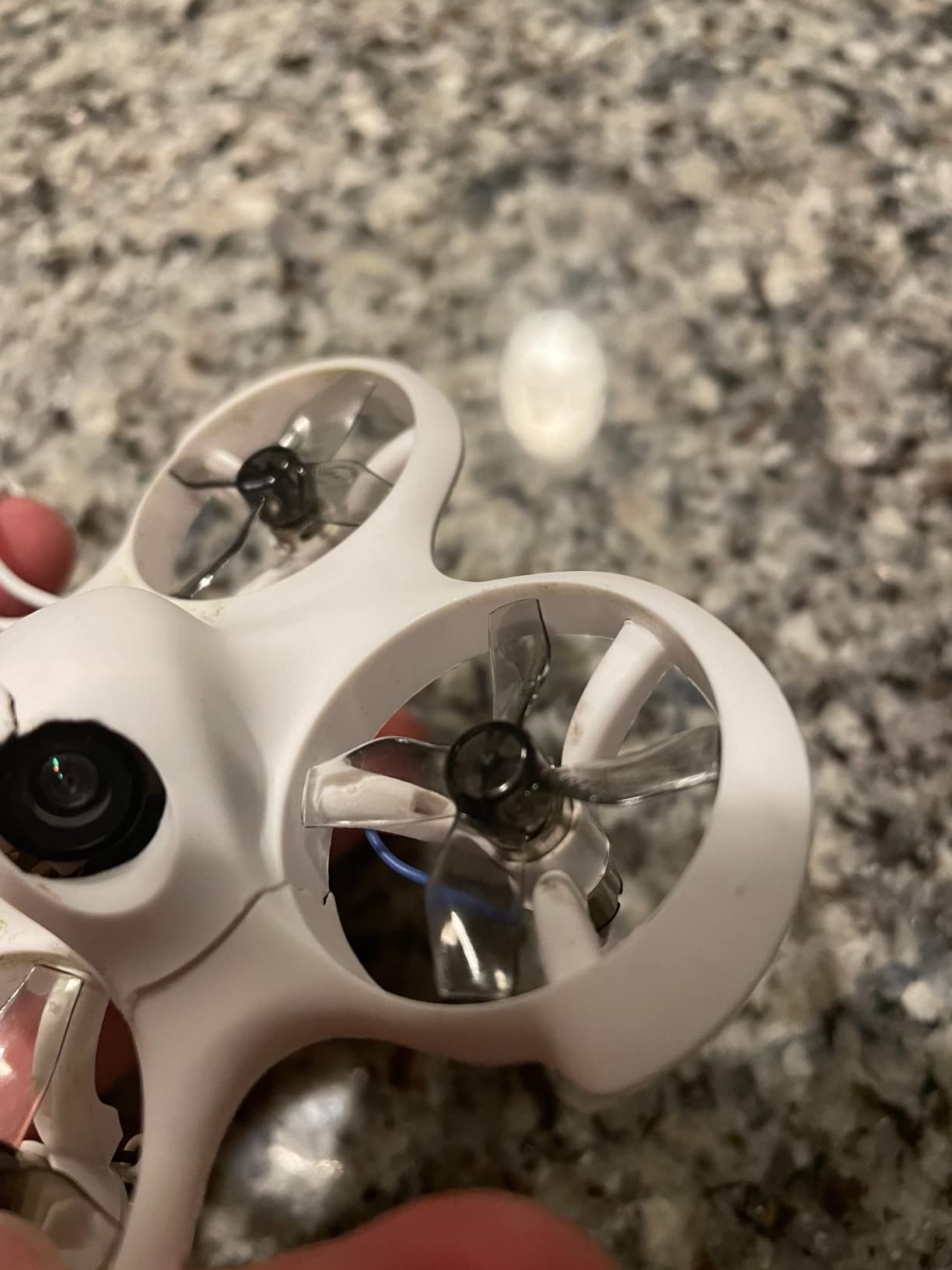
What makes the Cetus Lite work is its self-protection system. When the drone detects a collision, it automatically disarms the motors within milliseconds. This prevents the propellers from chewing themselves apart against walls, furniture, or the ground. For indoor practice, this feature alone saves the drone from destruction dozens of times during the learning process.
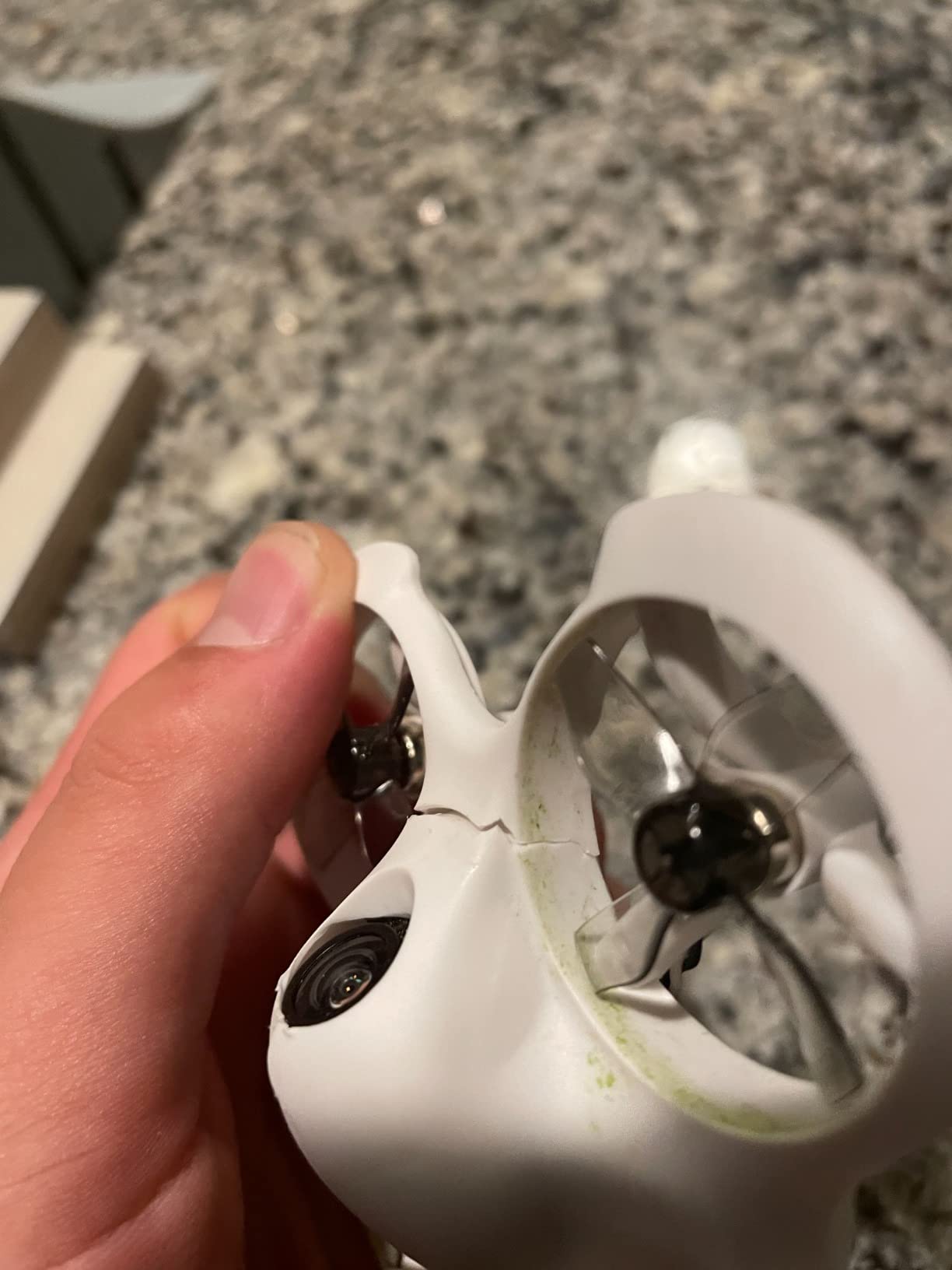
Altitude hold means the drone maintains its height automatically when you release the throttle stick. This lets beginners focus on steering and orientation without fighting gravity simultaneously. It is the training-wheel approach, and it works. I handed the controller to someone who had never flown anything, and within five minutes they were navigating figure eights in a living room.
The simulator compatibility is the secret weapon of this kit. You can connect the included LiteRadio 1 transmitter to a PC and practice in FPV simulators like Liftoff or Velocidrone. Forum pilots on Reddit consistently say simulator practice is the single most important factor in learning FPV fast, and this kit gives you the controller to do it.
For whom its good
This is the kit I recommend to anyone who is FPV-curious but not ready to commit hundreds of dollars. If you want to find out whether FPV flying is for you before investing in serious gear, the Cetus Lite answers that question for the price of a nice dinner.
It is also excellent for younger pilots and kids. The lightweight design, self-protection features, and indoor-friendly size make it safe for supervised indoor flying. The low cost means a crash that destroys the drone is disappointing, not devastating.
For whom its bad
The 720p video quality and 80-meter range make this strictly an indoor and close-quarters drone. If you want to fly outdoors in anything more than dead calm conditions, the lightweight Cetus Lite will struggle against wind. It is not designed for open-field flying.
Pilots who care about video quality for recording will be disappointed. This is a practice tool, not a camera platform. The 720p analog feed is for navigating, not for capturing footage worth sharing. If you want beautiful video, look at the DJI options on this list.
6. HISINGY Firefly FPV Drone Kit – Best for Kids and Young Pilots
HISINGY Firefly FPV Done Kit,DIY Drone Kit for Kids and Beginners,Micro Drone with Camera, APP Control, Altitude Hold, Video Record and Download,Kids Toys for Boys and Girls, Gift Toys for Birthdays
61g Micro
APP Control
Altitude Hold
8+ Years
Simulator Compatible
Pros
- Ultra-light 61g micro design
- APP control plus traditional remote
- Altitude hold and multi-speed modes
- Liftoff simulator compatible
- Good DIY customization options
Cons
- 61g weight affected by wind
- Basic camera quality for the price
- Some reliability concerns reported
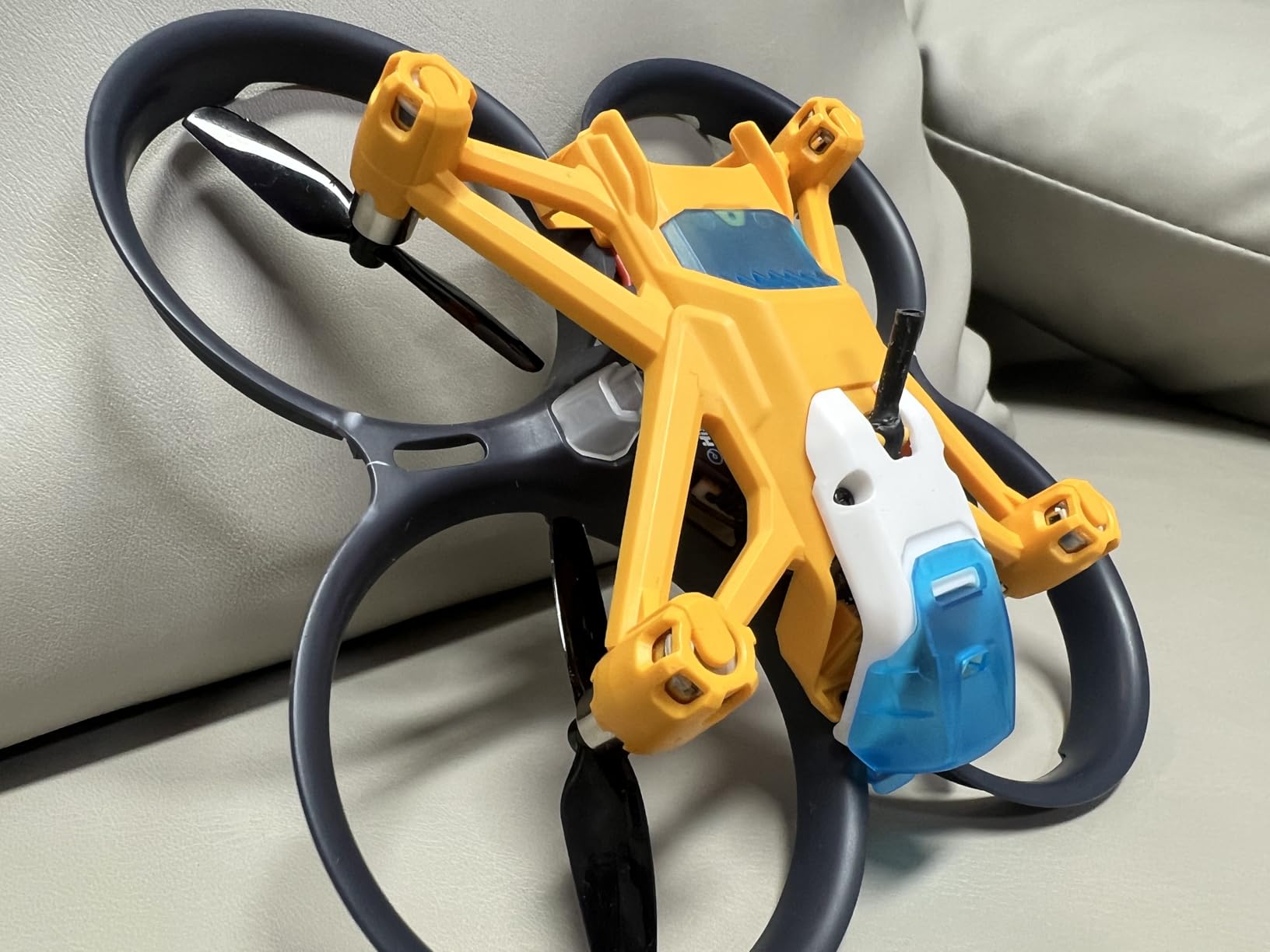
The HISINGY Firefly is designed from the ground up as a first FPV drone for younger pilots. At just 61 grams, it is one of the lightest FPV kits available, and the manufacturer rates it for ages 8 and up. Our team tested it with the specific question: does this actually work as a kid-friendly entry into FPV?
The answer is a qualified yes. The altitude hold and adjustable speed modes make it approachable for children. In the slowest mode, the Firefly moves gently enough that a child can learn stick orientation without the drone rocketing across the room. Bump the speed up, and it becomes responsive enough to keep an experienced pilot entertained.
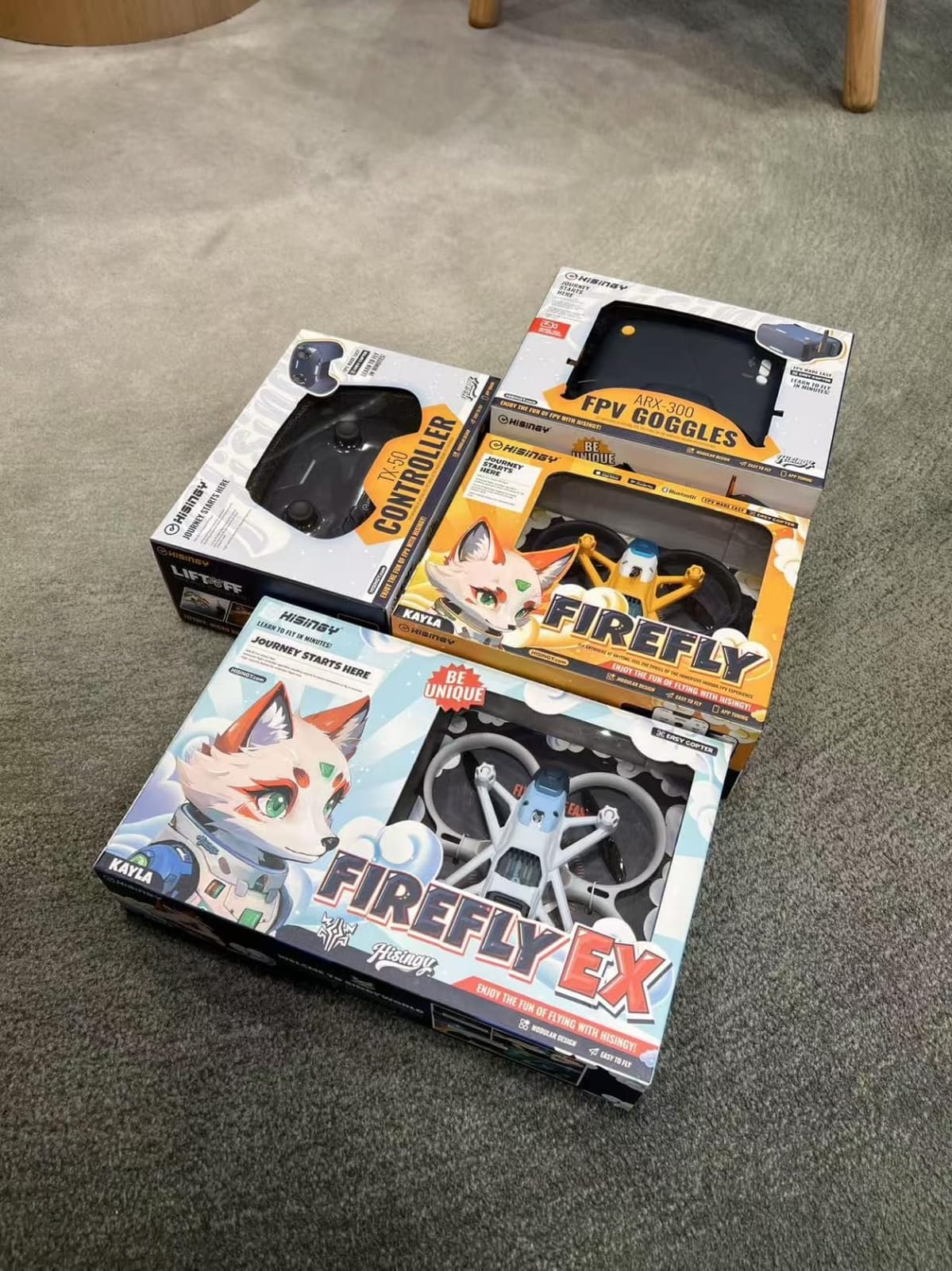
APP control is an interesting alternative to the included remote. You can fly the Firefly using your smartphone, which removes the learning curve of a traditional transmitter. This is especially useful for very young pilots who struggle with the fine motor control needed for dual-stick flying. The app interface uses virtual joysticks on screen.
The Lifelight FPV simulator compatibility is a thoughtful inclusion. Kids can practice flying on a computer screen before taking the real drone up, building muscle memory in a consequence-free environment. This is the same training method professional FPV pilots recommend, and starting young with simulator practice gives kids a real head start.
For whom its good
The Firefly is ideal for families looking for a shared FPV experience. Parents can use the traditional remote while kids use the app, and everyone benefits from the altitude hold and speed adjustment. The 61g weight means no FAA registration needed, simplifying the legal side for families.
It is also a good pick for anyone who wants a pocket-sized FPV drone for travel. The micro form factor fits in a small bag, and the lightweight design means you can fly it in spaces where larger drones would be dangerous or illegal.
For whom its bad
That 61g weight is a double-edged sword. Even a light breeze will push the Firefly around, making outdoor flight challenging in anything but calm conditions. If you live somewhere windy or want to fly outdoors regularly, this drone will frustrate you.
The camera quality is basic for the price. Some users report that the video feed quality does not justify the cost compared to similarly priced alternatives. If crystal-clear video is your priority, you will need to spend more for a digital system.
7. APEX FPV Drone Kit VR70-2.0 – Best Value Analog FPV Racer
APEX FPV Drone Kit with 120° Wide FPV Goggles,3 Batteries RTF Drone
5.8G Analog
3 Batteries
3 Flight Modes
1000ft Range
480p Video
Pros
- Near-zero latency 5.8G analog
- Three flight modes for all levels
- Three batteries for extended sessions
- Bonus motor set included
- FPV simulator compatible
Cons
- Standard definition analog video
- Static noise normal for analog
- Requires dongle for S.BUS simulators
The APEX VR70-2.0 occupies an interesting niche: it is one of the cheapest complete FPV kits that flies like a real racing whoop rather than a toy. After testing it for several weeks, our team found it to be a genuine value pick for pilots who want the analog racing experience without spending $300 or more.
The 5.8GHz analog system is the core of what makes this drone feel authentic. Analog FPV has effectively zero latency, meaning the video feed responds the instant the camera sees it. Digital systems add 20 to 40 milliseconds of delay. For racing and fast freestyle, that difference matters. When I was flying the APEX through a homemade gate course, the responsiveness felt immediate and connected.
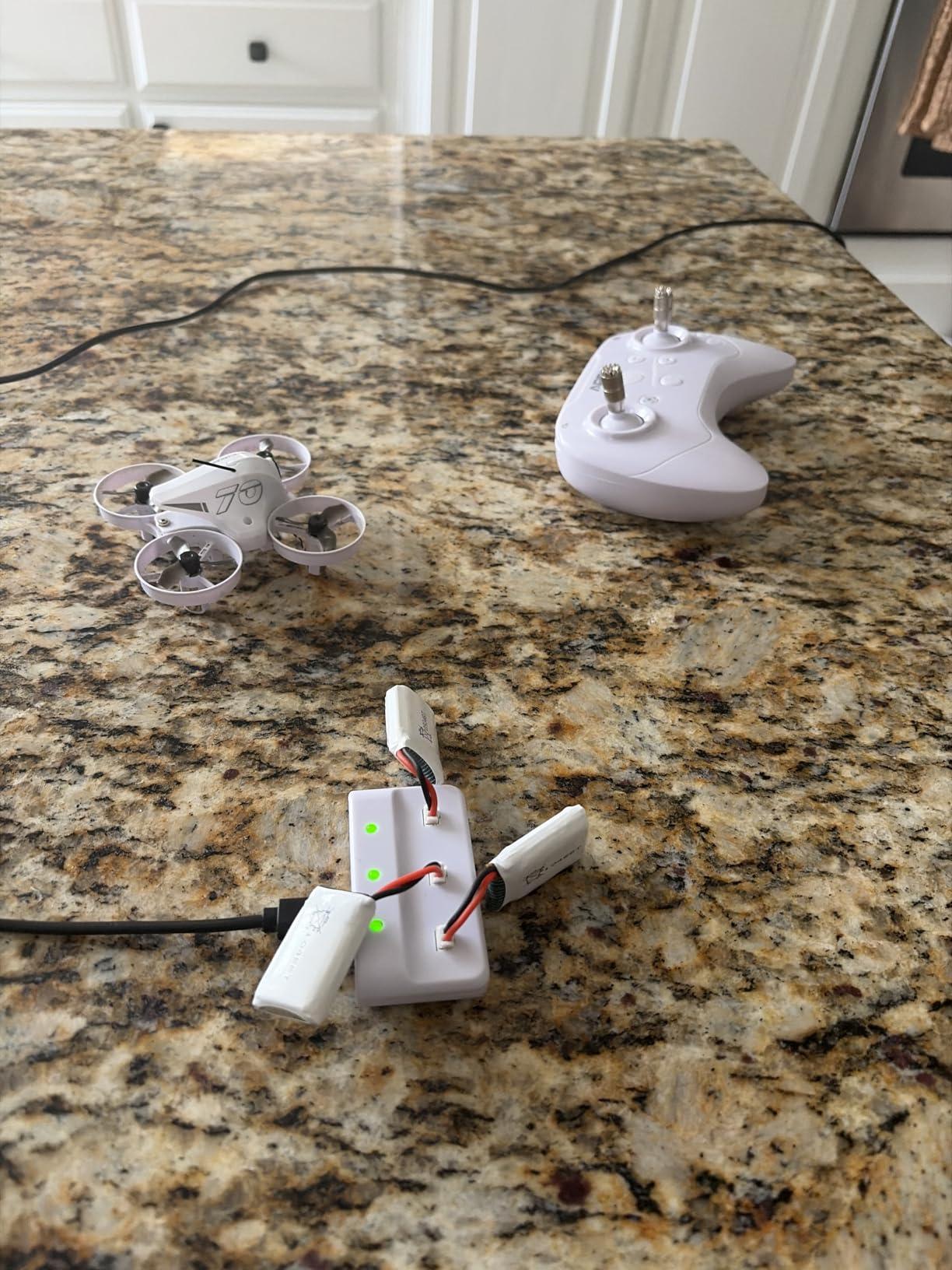
Three flight modes make this accessible to beginners while still serving advanced pilots. Beginner mode provides full self-leveling and altitude assistance. Horizon mode allows flips and rolls while auto-leveling when you release the sticks. ATTI mode is full manual acro, where the drone maintains whatever angle you command indefinitely. This progression path means the drone grows with your skills.
The inclusion of three batteries is a significant value-add. Each battery provides roughly 5 to 6 minutes of flight time, so having three means you can fly for 15 to 18 minutes before needing to recharge. The bonus motor set is also a nice safety net for when the inevitable crash eventually damages something.
For whom its good
The APEX is ideal for pilots who specifically want to explore racing and fast freestyle flying. The low-latency analog system and three flight modes make it suitable for building skills that transfer directly to competitive racing. If you have been practicing in a simulator and want your first real analog quad, this is a smart entry point.
It is also a great backup or practice drone for experienced pilots. The low cost means you can fly it aggressively without the anxiety of crashing an expensive rig. Many experienced pilots keep a cheap analog whoop specifically for pushing limits and trying new tricks.
For whom its bad
The standard definition analog video will not appeal to everyone. The image quality is functional but rough, with visible scan lines and signal noise. This is completely normal for analog FPV, but pilots coming from digital systems or expecting HD video will be disappointed.
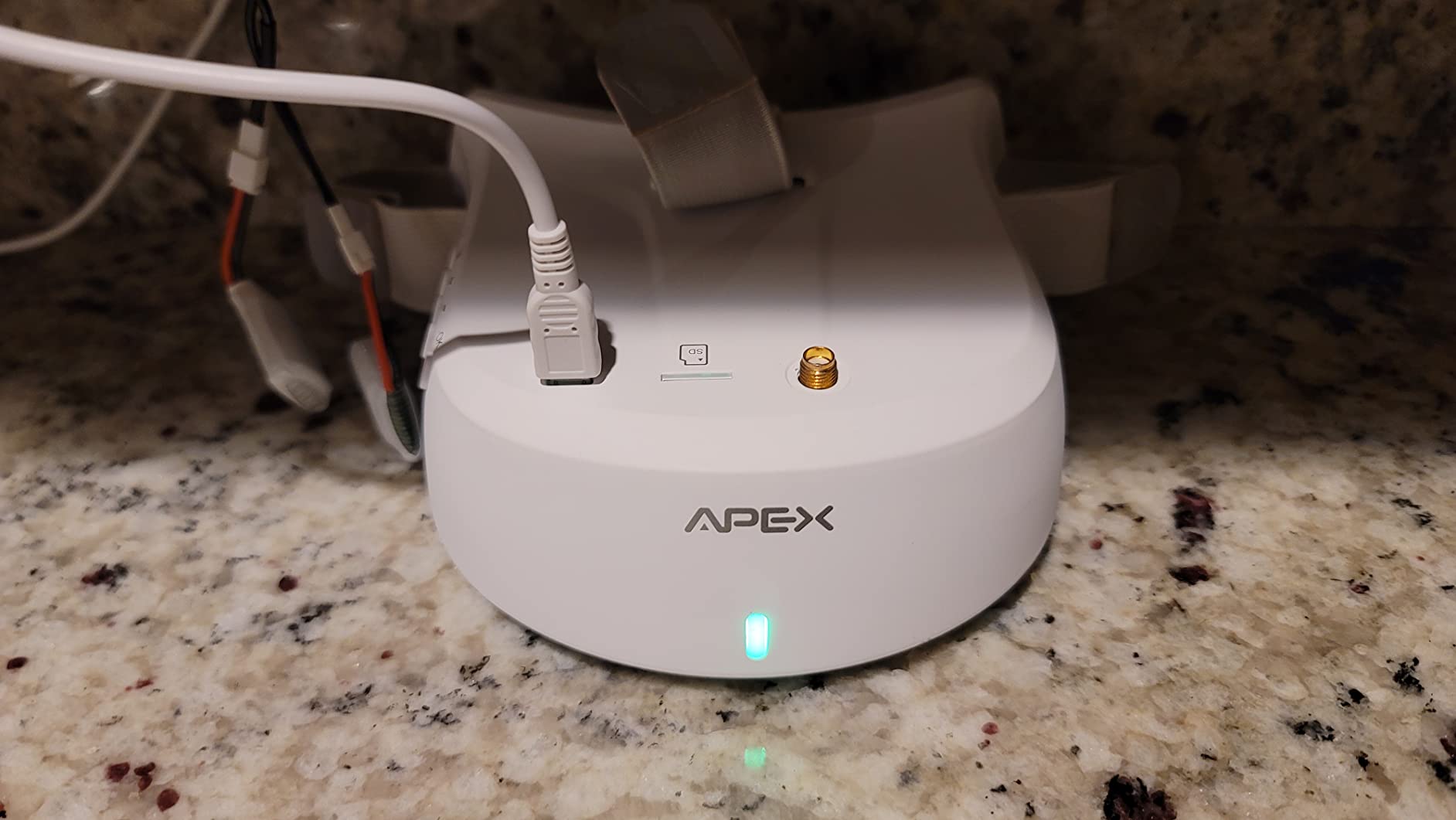
The S.BUS simulator compatibility requires a separate dongle, which is an extra purchase. If you plan to use the transmitter for simulator practice, factor in that additional cost. Some users also report that the included goggles are basic and upgrading them improves the experience significantly.
How to Choose the Best FPV Drone for You
Choosing the right FPV drone comes down to matching the kit to your experience level, budget, and flying goals. Here is what our team learned from testing all seven drones on this list.
RTF vs DIY vs BNF: What beginners should pick
RTF (Ready-to-Fly) kits include everything you need in one box: drone, goggles, transmitter, batteries, and charger. Every drone on this list is an RTF kit. We recommend RTF for all beginners because it eliminates compatibility issues and gets you flying immediately.
BNF (Bind-and-Fly) drones come without a transmitter, so you must already own a compatible radio. DIY kits are component packages you assemble yourself. Both BNF and DIY are better suited for pilots with FPV experience who want specific configurations.
Analog vs Digital FPV systems
Analog FPV sends a continuous video signal with effectively zero latency but lower image quality (typically 480p to 720p). You will see static, scan lines, and signal breakup as range increases. Digital systems like DJI O4, Walksnail, and HDZero deliver HD video (720p to 4K) but add slight latency and cost more.
Racing pilots overwhelmingly prefer analog for the instant response. Cinematic and recreational pilots usually prefer digital for the image quality. If you are unsure, start with whatever your first kit includes, then upgrade later once you know your preferences.
ELRS radio protocol explained
ExpressLRS (ELRS) has become the dominant radio protocol in FPV because it offers excellent range, penetration, and latency. It is open-source, meaning it works across many transmitter and receiver brands. Most modern FPV kits either include ELRS or are compatible with it.
If your kit does not use ELRS, it likely uses a proprietary protocol tied to that manufacturer. These work fine for beginners but limit your upgrade path. ELRS gives you flexibility to mix and match transmitters and drones from different brands as you grow.
Practice in a simulator first
This is the single most common advice from experienced FPV pilots on Reddit forums, and our team agrees completely. Spend at least 10 to 20 hours in an FPV simulator before flying your real drone. Popular options include Velocidrone, Liftoff, and Tryp FPV.
Simulator practice builds muscle memory for the counterintuitive stick movements FPV requires, especially when the drone is flying toward you and controls reverse. It costs nothing after the initial software purchase, and it saves you from countless real-world crashes.
Budget expectations
Complete FPV kits range from around $120 for basic analog whoops to $800-plus for premium digital systems. The sweet spot for a first kit is $200 to $400, where you get genuine quality without overcommitting. Factor in the cost of spare propellers, batteries, and potentially a simulator subscription.
Legal considerations
In the USA, drones weighing under 250 grams do not require FAA registration for recreational flying. Drones over 250g need registration, which costs $5 and covers all your drones for three years. You must also follow FAA recreational guidelines including visual line of sight and airspace restrictions. FPV-specific rules require a visual observer if you are flying using goggles.
Frequently Asked Questions
Who makes the best FPV drones?
DJI leads the market for consumer-ready FPV drones with models like the Avata 2 and Neo 2, offering the most polished experience for beginners. For analog freestyle and racing, BETAFPV, EMAX, GEPRC, and iFlight are the top brands preferred by the FPV community.
Are FPV drones illegal in the USA?
FPV drones are legal in the USA for recreational use under FAA guidelines. Drones over 250g require registration, and pilots must maintain visual line of sight. When flying with FPV goggles, FAA rules require a visual observer to maintain line of sight on the drone at all times.
What are the top 3 drones to buy?
Based on our testing, the top 3 FPV drones are the DJI Neo 2 Motion Fly More Combo for overall value, the DJI Avata 2 Fly Smart Combo for premium cinematic quality, and the BETAFPV Cetus Lite for budget-conscious beginners.
Which FPV drone should I buy?
Beginners should start with an RTF kit that matches their budget. For the easiest entry, choose the DJI Neo 2 or Avata 2. For learning true stick-based flying on a budget, pick the BETAFPV Cetus Lite or APEX VR70-2.0. Always practice in a simulator before your first real flight.
How long does it take to learn FPV flying?
Most pilots need 10 to 20 hours of simulator practice plus several weeks of real-world flying to become comfortable with FPV controls. Learning rate varies by individual, but consistent simulator practice is the fastest path to proficiency.
Final Thoughts on the Best FPV Drones
After testing all seven kits, our top recommendation for most people is the DJI Neo 2 Motion Fly More Combo. It hits the sweet spot of safety, image quality, and ease of use that makes FPV accessible without feeling like a toy. The sub-250g weight, omnidirectional obstacle sensing, and three-battery bundle make it the most complete package.
For pilots who want the absolute best cinematic experience and budget allows, the DJI Avata 2 delivers professional-quality footage with the most immersive goggles experience available in a consumer kit. And for those who want to learn true analog FPV without spending much, the BETAFPV Cetus Lite remains the best entry point.
The best FPV drones are the ones that get you in the air and keep you there. Start with a kit that matches your skill level, practice in a simulator, and accept that crashes are part of the journey. Every pilot on every forum started exactly where you are now. For more ways to save on your first kit, check our drone deals page for current discounts.