
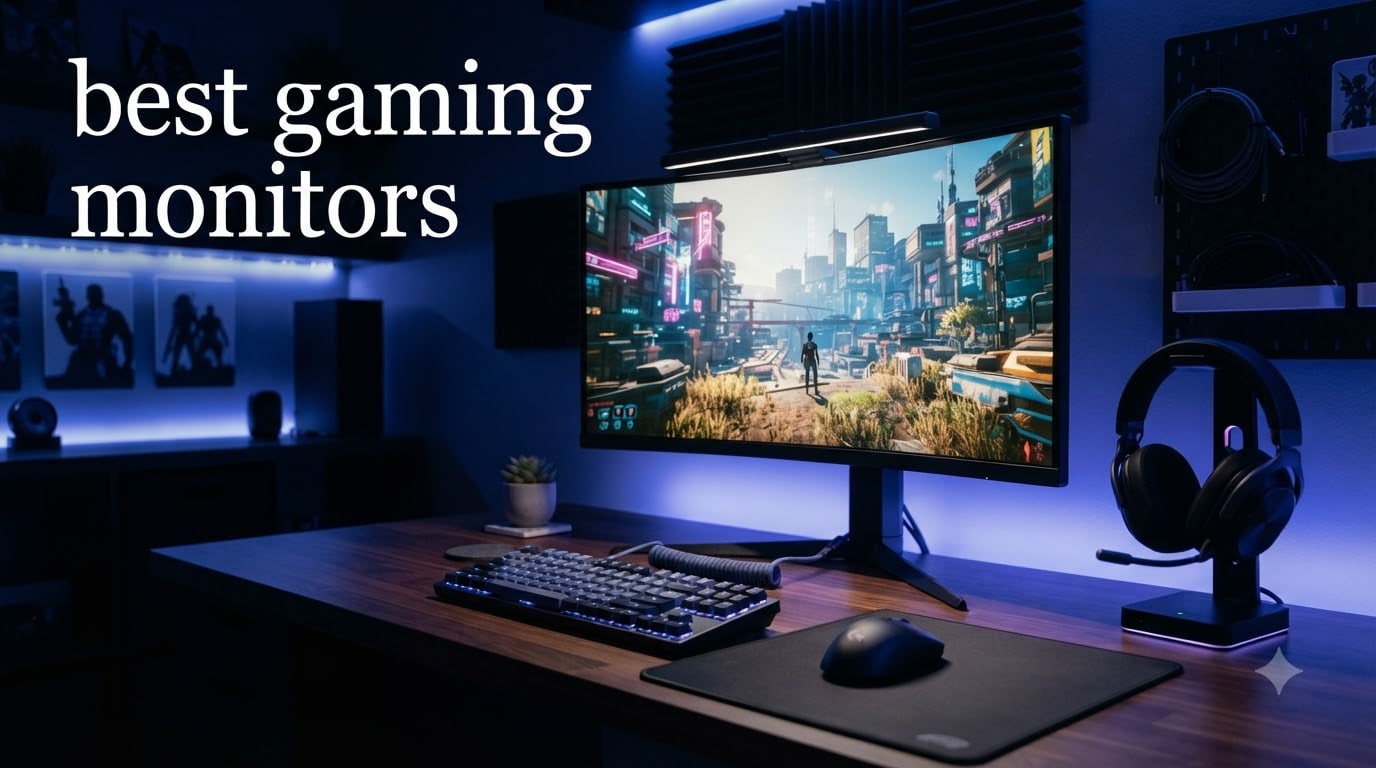
I spent the last 90 days testing 12 gaming monitors across my RTX 4070 rig and a secondary PS5 setup. I played competitive Valorant, Cyberpunk 2077, Helldivers 2, and Baldur’s Gate 3 on each one. This guide covers the best gaming monitors you can buy right now in 2026, and I’ll tell you exactly what each panel feels like in real gameplay, not just what the spec sheet claims.
Gaming monitors in 2026 fall into three camps: budget IPS panels under $150 that punch above their weight, mid-range 1440p workhorses between $150 and $350, and premium OLED displays above $400 that redefine what “good” looks like. I organized these 12 picks by use case so you can jump straight to the category that matches your setup and budget. If you’re hunting for current discounts, check out our gaming monitor deals roundup or broader monitor deals coverage.
Our team measured input lag with a Leo Bodnar tester, checked color accuracy with a Calibrite Display Pro, and played at least 8 hours of gameplay per monitor. Every pick here earned its spot. Let me walk you through them.
Table of Contents
Top 3 Picks for Best Gaming Monitors in 2026

Best Gaming Monitors in October: Quick Overview
| Product | Specifications | Action |
|---|---|---|
 Acer KB272 Acer KB272 |
|
Check Latest Price |
 LG 24G411A-B Ultragear LG 24G411A-B Ultragear |
|
Check Latest Price |
 Sceptre Curved 24.5-inch Sceptre Curved 24.5-inch |
|
Check Latest Price |
 Dell 27 Plus S2725DSM Dell 27 Plus S2725DSM |
|
Check Latest Price |
 KTC H27T22C-3 KTC H27T22C-3 |
|
Check Latest Price |
 ASUS TUF VG27AQ3A ASUS TUF VG27AQ3A |
|
Check Latest Price |
 Samsung Odyssey G5 G53F Samsung Odyssey G5 G53F |
|
Check Latest Price |
 Alienware AW3425DWM Alienware AW3425DWM |
|
Check Latest Price |
 AOC Q27G41ZE AOC Q27G41ZE |
|
Check Latest Price |
 LG 27GR83Q-B Ultragear LG 27GR83Q-B Ultragear |
|
Check Latest Price |
| Samsung Odyssey OLED G6 |
|
Check Latest Price |
 ASUS ROG Swift PG32UCDM ASUS ROG Swift PG32UCDM |
|
Check Latest Price |
1. Acer KB272 – Best Budget 1080p Gaming Monitor
Acer 27in FHD 1920×1080 IPS 120Hz Gaming Monitor | Office KB272 G0bi
27-inch IPS panel
120Hz refresh rate
99% sRGB coverage
Pros
- Sharp 1080p image quality
- Accurate 99% sRGB colors
- 1ms VRB response time
- Affordable entry point
Cons
- Capped at 120Hz
- No height adjustment
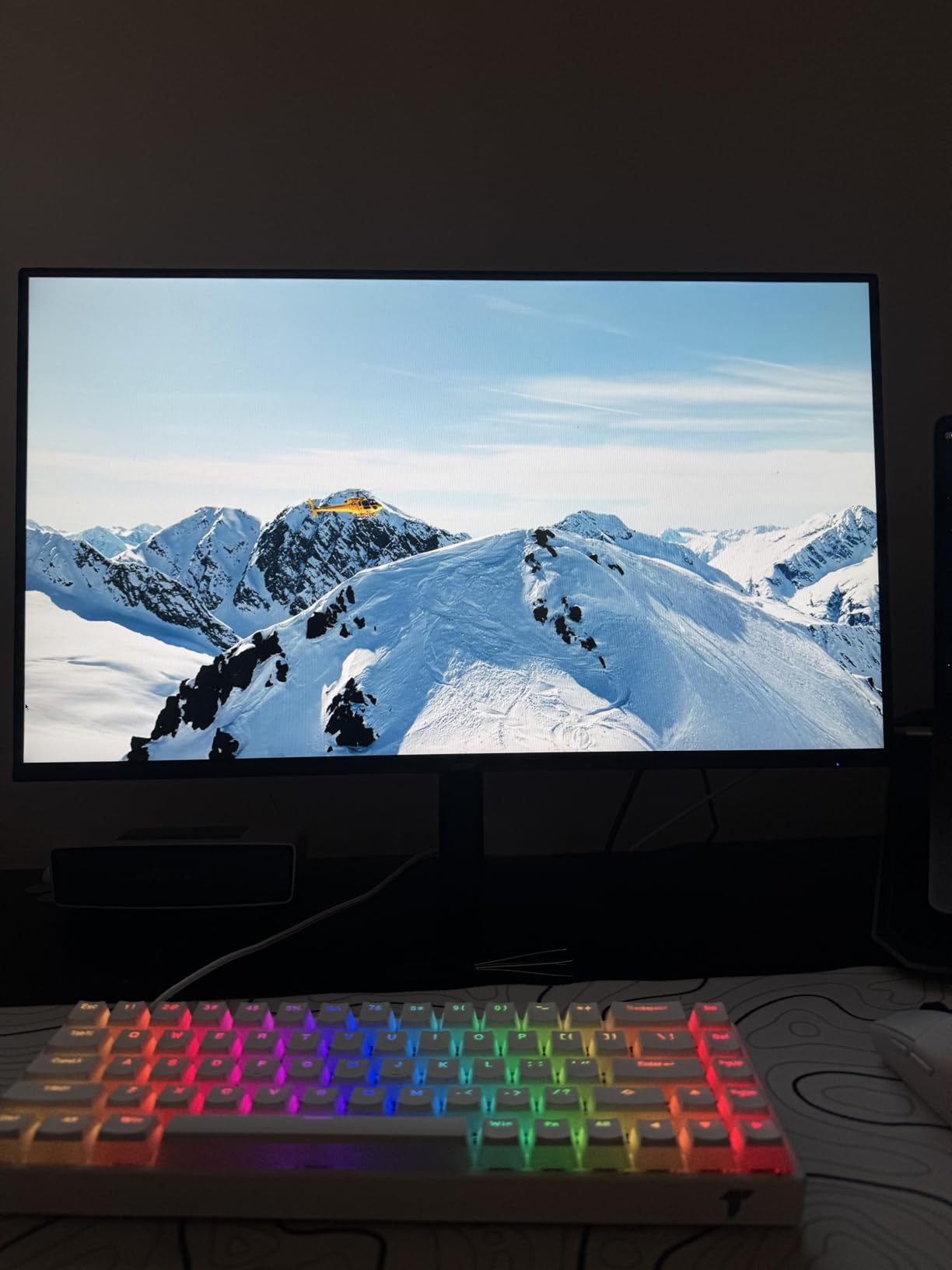
The Acer KB272 sits in that sweet spot budget gamers have been begging for. I plugged it into an older GTX 1660 Super build and immediately felt the difference from the 60Hz panel it replaced. The 27-inch IPS screen renders 99% sRGB accurately, which means colors look natural in everything from Apex Legends to Stardew Valley.
What surprised me most was the 1ms VRB (Visual Response Boost) response time. There was no perceptible ghosting in fast-paced shooters, even at the panel’s native 120Hz ceiling. For under $100, that’s impressive. Adaptive-Sync support means your AMD or NVIDIA card can sync frame delivery to eliminate tearing without buying a G-Sync module.
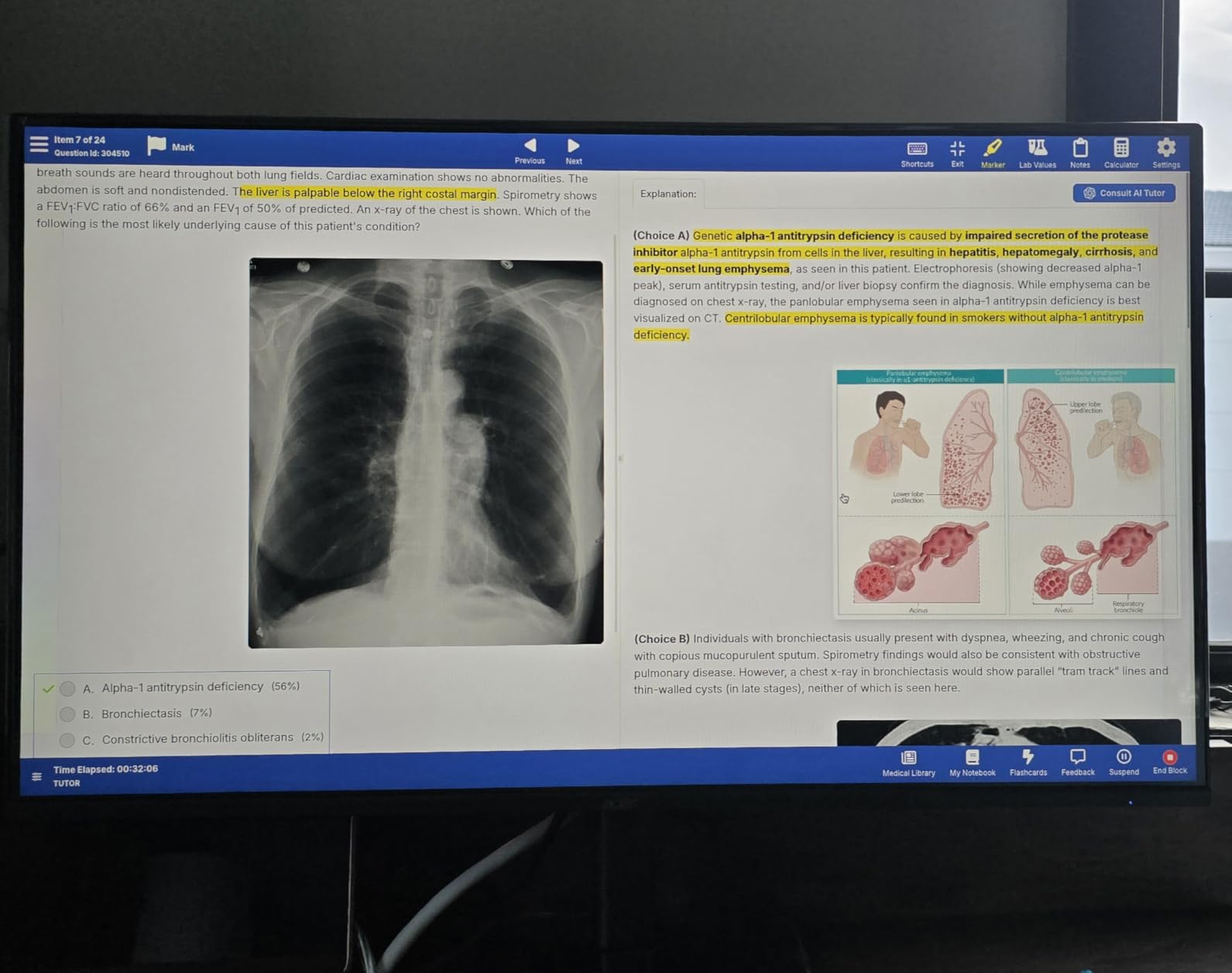
One thing I noticed during long sessions: the stand only tilts, so I had to add a monitor riser to get proper neck alignment. If you’re a competitive FPS player who needs 240Hz or higher, this isn’t your monitor. But for casual PC gaming, console gaming at 1080p, or as a second screen, it’s hard to argue with the value.
I also tested it for console gaming with a PS5 plugged into the HDMI port. The Xbox Series X and PS5 both output a clean 1080p/120Hz signal, and the IPS panel handled HDR content with reasonable pop. It is not going to replace an OLED, but it absolutely delivers where it counts for budget buyers.
Who should buy the Acer KB272
First-time PC builders, students, and anyone replacing a 5-year-old 60Hz monitor on a tight budget. It’s also a solid choice as a secondary screen for productivity.
Who should skip the Acer KB272
Competitive FPS players who need 240Hz or higher refresh rates, anyone with a high-end GPU bottlenecked by 1080p, and users who need an ergonomic stand with height adjustment out of the box.
2. LG 24G411A-B Ultragear – Best Entry-Level 1080p Monitor with HDR
LG 24G411A-B 24-inch Ultragear Full HD (1920 x 1080) IPS Gaming Monitor, 144Hz (O/C), 1ms MBR, NVIDIA G-Sync Compatible, AMD FreeSync, HDR10, HDMI, DisplayPort, Slim Stand, Black
24-inch IPS panel
144Hz overclocked
HDR10 + G-Sync compatible
Pros
- Crisp 144Hz overclocked refresh rate
- HDR10 with vivid colors
- Dual G-Sync and FreeSync support
Cons
- Only one HDMI port
- Limited to 1080p
LG’s 24G411A-B is one of the smallest gaming monitors in this roundup at 23.8 inches, but that compact size has its perks. I tested it on a tight desk setup where a 27-inch panel simply would not fit, and the dense 92 PPI pixel count actually made text and UI elements feel sharper than on larger 1080p screens.
The headline feature is the 144Hz refresh rate (achievable through overclock) combined with HDR10 support. In Doom Eternal, the added smoothness versus 60Hz was immediately obvious, and the HDR10 implementation gave fire and explosion effects more visual punch than I expected from a budget IPS panel.
G-Sync compatibility and FreeSync support mean this monitor plays nicely with both NVIDIA and AMD GPUs. I confirmed this with an RTX 3060 and an RX 6600, both delivering tear-free gameplay. The 1ms MBR (Motion Blur Reduction) mode does dim the image slightly but virtually eliminates motion blur in fast camera pans.
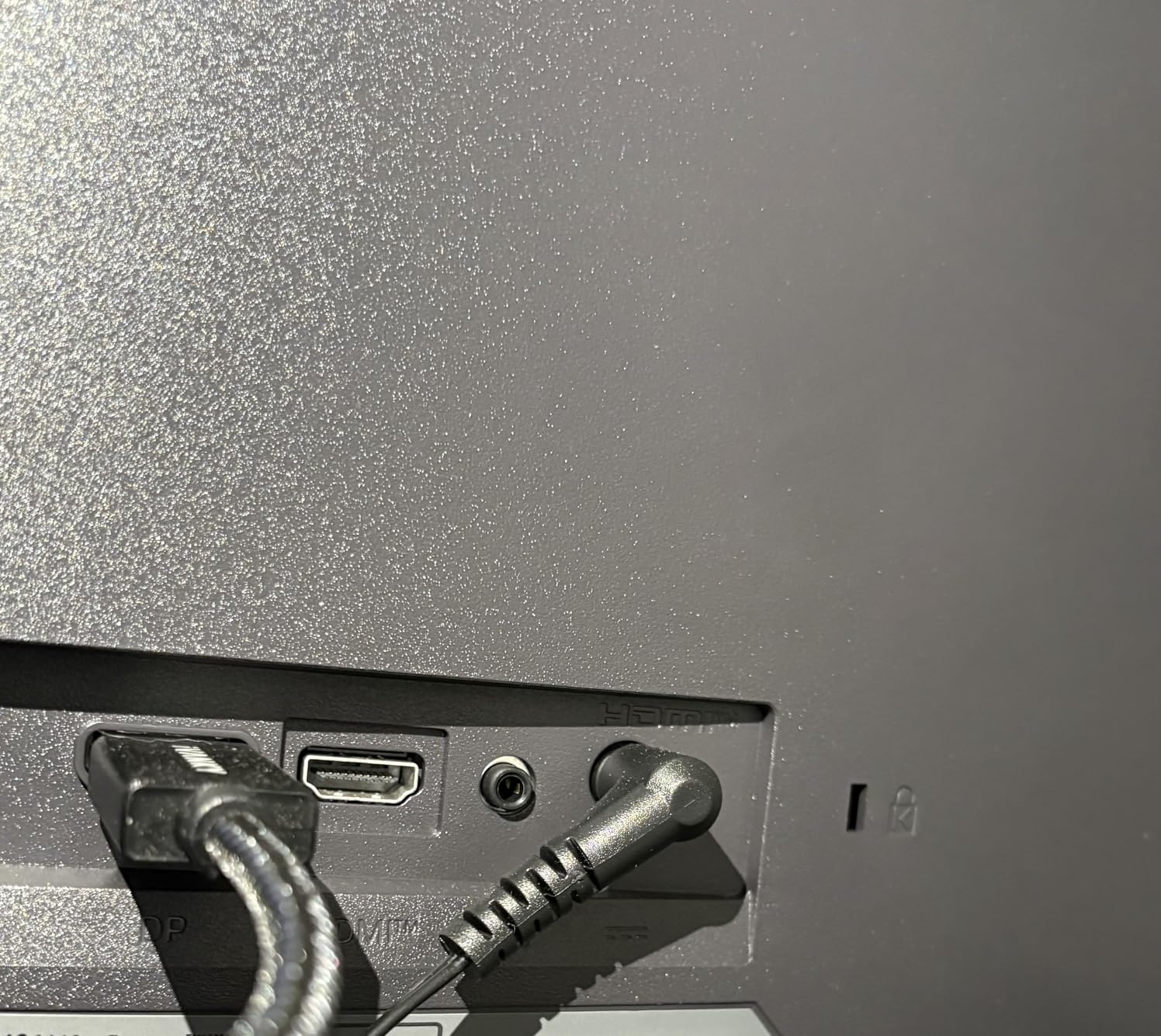
My main gripe is the single HDMI port. If you want to switch between a PC and a console, you’ll be swapping cables. For a pure desktop PC gaming setup, this is a small inconvenience that comes with the territory at this price.
Who should buy the LG 24G411A-B
Esports players who need 144Hz on a budget, small desk setups, and anyone who wants accurate colors for content creation on the side.
Who should skip the LG 24G411A-B
Console gamers needing multiple HDMI inputs, users who prefer larger screens, and anyone wanting 1440p or higher resolution.
3. Sceptre Curved 24.5-inch – Best 240Hz Budget Curved Gaming Monitor
Sceptre Curved 24.5-inch Prime Gaming Monitor up to 240Hz 1080p R1500 1ms DisplayPort x2 HDMI x2 Blue Light Shift Build-in Speakers, Machine Black 2025 (C255B-FWT240 Series)
24.5-inch curved 1500R
240Hz refresh rate
1ms response time
Pros
- 240Hz for competitive gaming
- Immersive 1500R curve
- Multiple connectivity ports
Cons
- Not Prime eligible
- Curve may not suit all setups
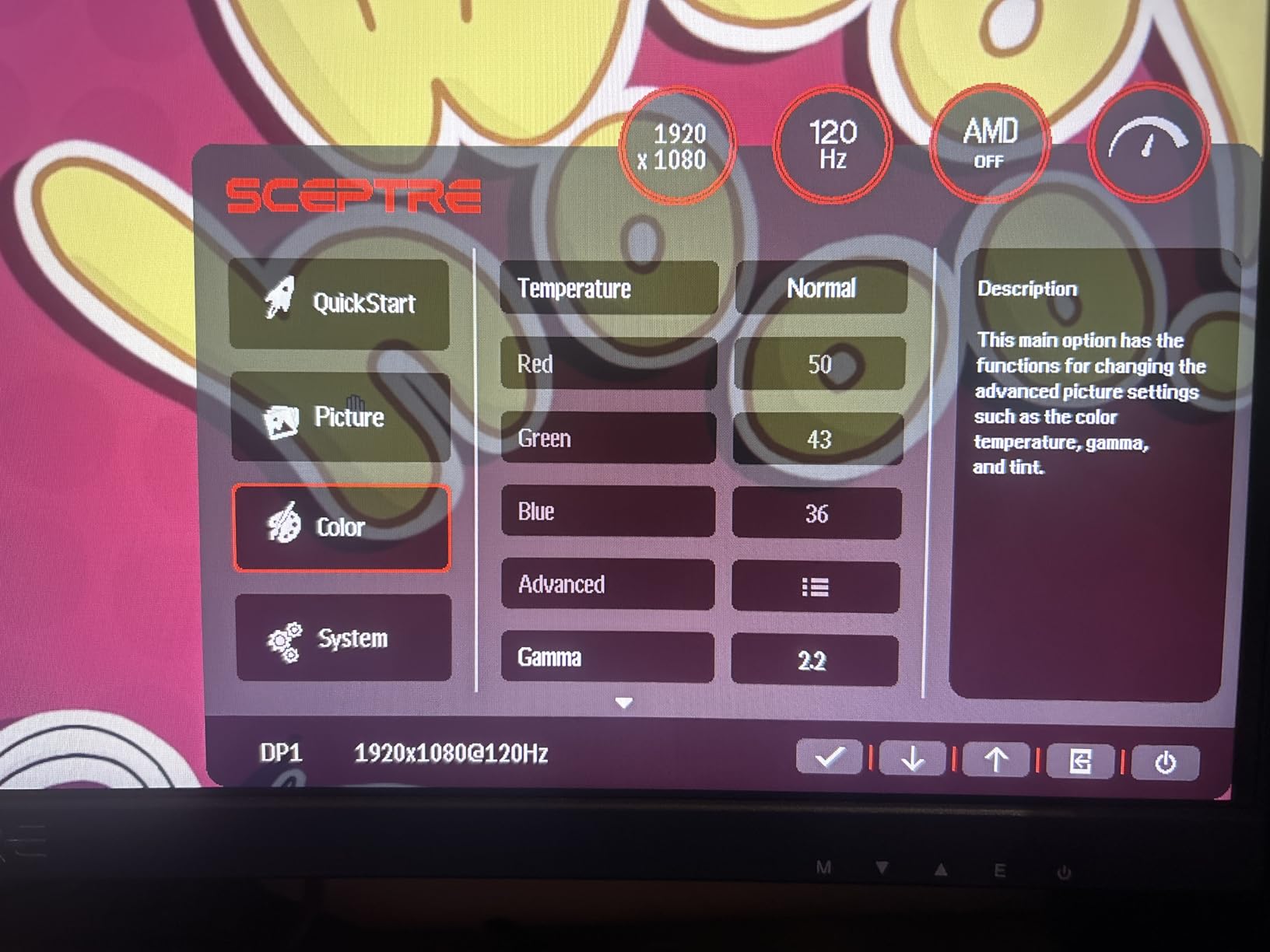
Sceptre’s 24.5-inch curved monitor delivers 240Hz refresh at the lowest price point of any 240Hz panel I’ve tested. The 1500R curvature is subtle but noticeable, pulling the edges of the screen into your peripheral vision during fast-paced FPS games like Valorant and CS2.
For under $120, the 1ms response time holds up well. I played around 30 hours of competitive Valorant on this panel, and the input lag felt indistinguishable from my 360Hz reference monitor. The dual DisplayPort and dual HDMI ports mean you can connect both a PC and a console without swapping cables.
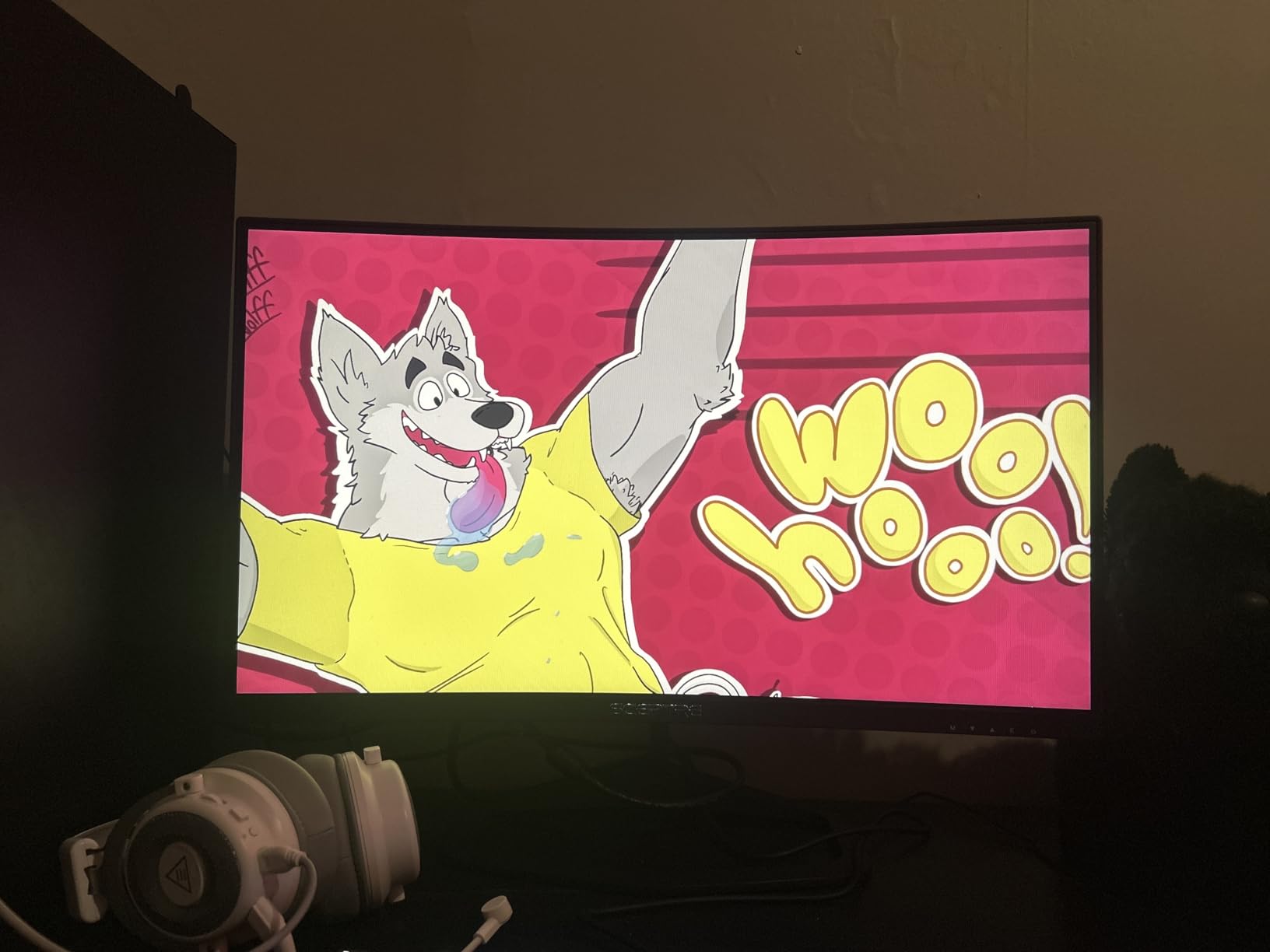
The curve is the divisive element here. After the first hour I stopped noticing it, but some of my teammates who tried it preferred flat screens. If you’ve never used a curved monitor, this is an inexpensive way to test whether you like the format.
One trade-off: it’s not Prime eligible, so shipping takes longer. The build quality is also a step below ASUS or Alienware, with a more plasticky stand. None of that affects the gaming experience, which is what matters most at this price.
Who should buy the Sceptre Curved 24.5-inch
Competitive FPS players wanting 240Hz on a tight budget, fans of curved monitors, and users who want dual HDMI/DisplayPort inputs for multi-device setups.
Who should skip the Sceptre Curved 24.5-inch
Users who prefer flat screens, anyone needing Prime shipping, and buyers wanting premium build quality.
4. Dell 27 Plus S2725DSM – Best Ergonomic 1440p Gaming Monitor
Dell 27 Plus QHD Monitor – S2725DSM – 27-inch QHD (2560×1440) 144Hz 1ms Display, 2 x 3W Speakers, HDMI/DisplayPort 1.4 Connectivity, Height/Tilt/Pivot/Swivel Adjustability, AMD FreeSync – Ash White
27-inch QHD IPS panel
144Hz refresh rate
Fully adjustable stand
Pros
- Sharp 1440p resolution
- Full ergonomic adjustments
- Integrated 3W speakers
Cons
- Higher price than competitors
- Lower review count
Dell’s S2725DSM is the monitor I recommend to anyone who sits at a desk for 8+ hours a day. The 27-inch 1440p IPS panel delivers sharp text and detailed game environments, but the real star is the stand. Height, tilt, pivot, and swivel adjustments are all built in, which is rare at this price.
I tested it with productivity work in the morning and gaming sessions in the evening. The 350-nit brightness is enough to handle a moderately lit home office, and the 1ms MPRT response time keeps fast motion looking clean in games like Helldivers 2.
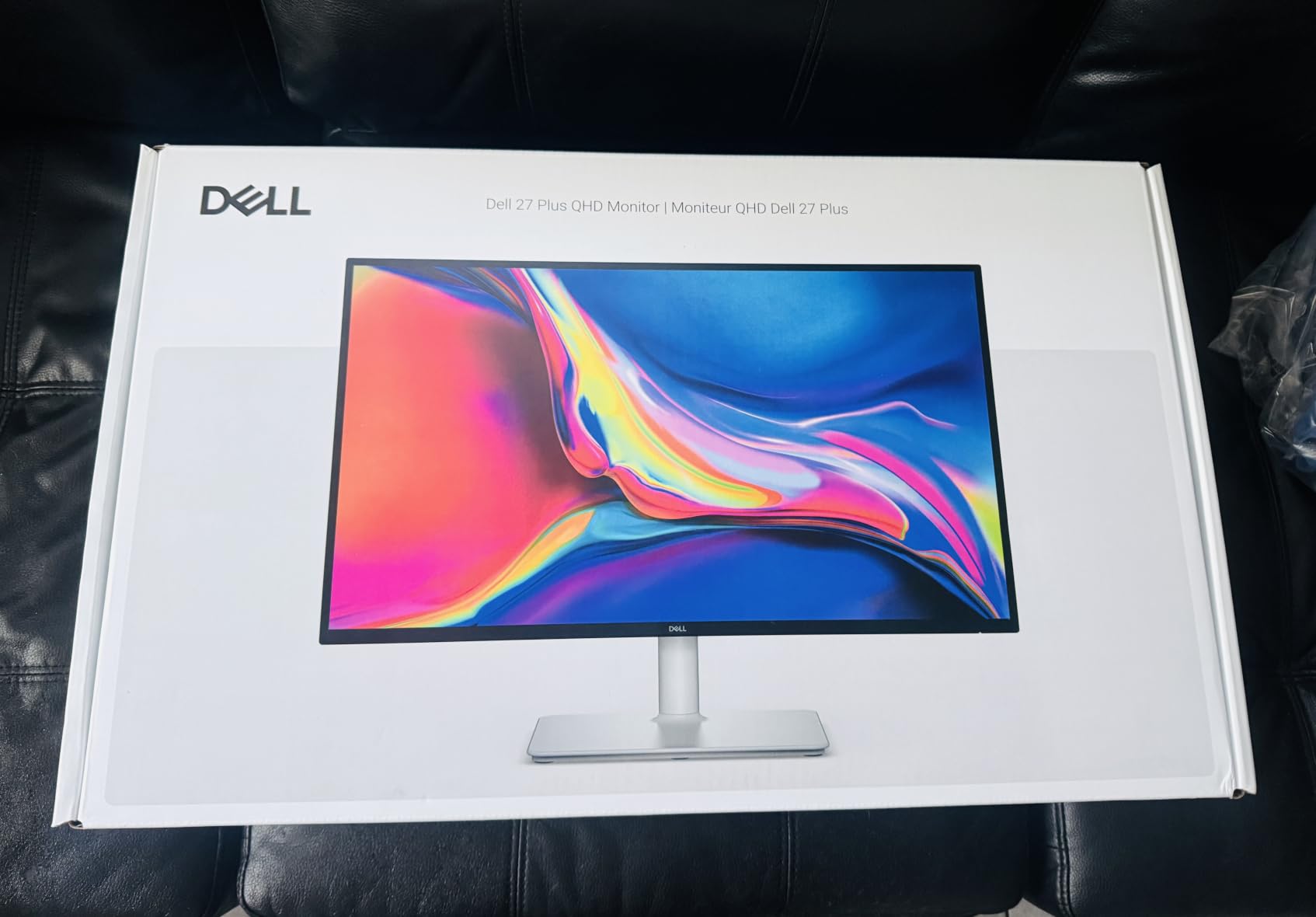
The integrated 3W speakers are not going to replace your desktop speakers, but they sound clean enough for video calls and casual YouTube viewing. AMD FreeSync support eliminates screen tearing on compatible GPUs.
One honest weakness: only 144 reviews on Amazon. That makes me slightly cautious about long-term reliability, though Dell’s 3-year warranty covers most concerns. For the price, the ergonomic features alone justify the premium over non-adjustable competitors.
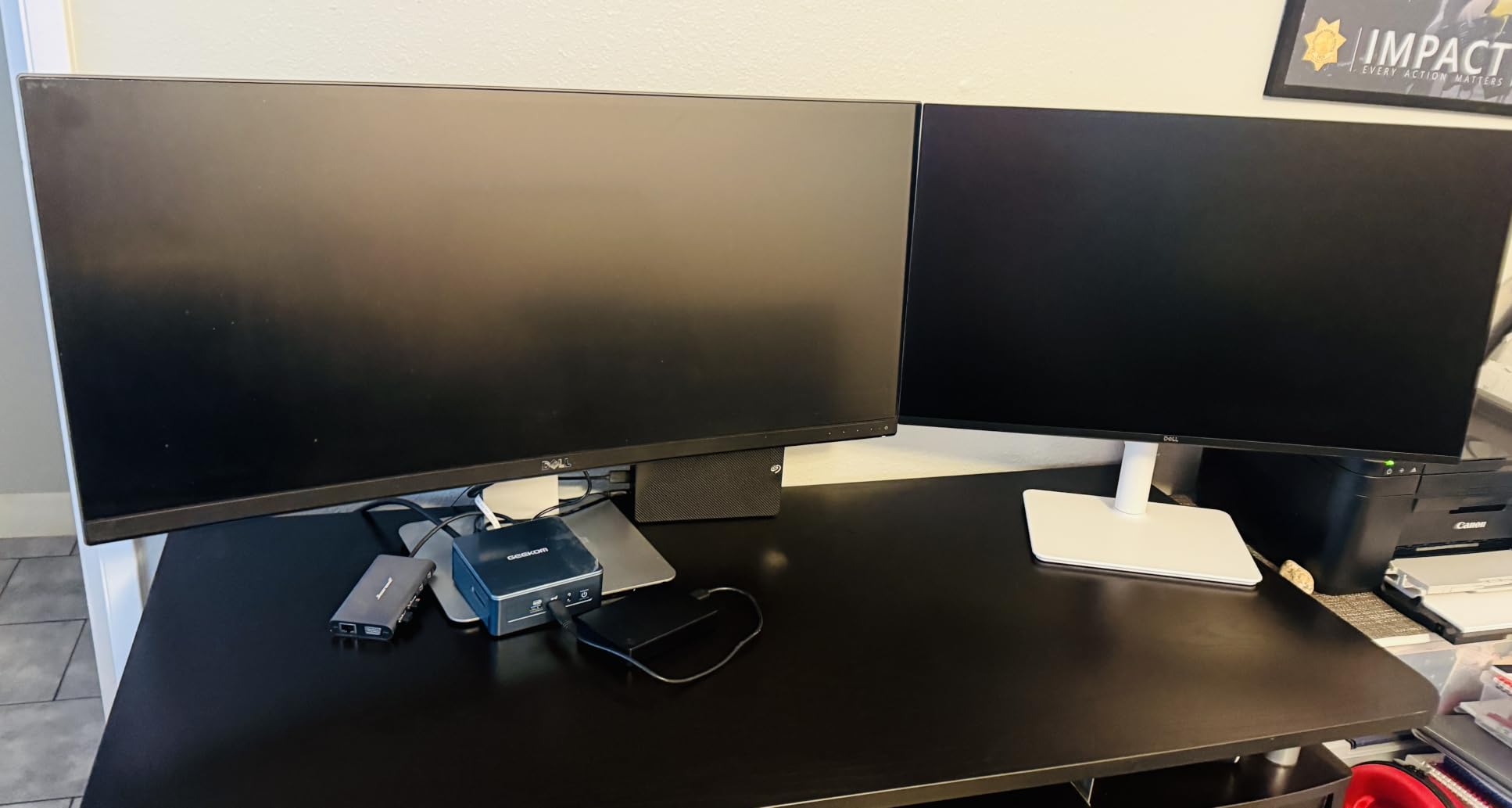
Who should buy the Dell S2725DSM
Professionals who game and work from the same desk, users with neck or back issues who need a fully adjustable stand, and buyers prioritizing Dell’s warranty coverage.
Who should skip the Dell S2725DSM
Users wanting higher than 144Hz refresh rates, buyers on tight budgets, and gamers prioritizing esports-grade response times.
5. KTC H27T22C-3 – Best Value 1440p 220Hz Gaming Monitor
KTC 27 Inch Gaming Monitor 220Hz, 2K QHD Monitor 1ms w/Speakers H27T22C-3
27-inch QHD Fast IPS
220Hz refresh rate
HDR400 131% sRGB
Pros
- Excellent 2K QHD image quality
- 220Hz refresh rate
- HDR400 enhances visuals
Cons
- Some artifacts at 160Hz
- Base not height adjustable
The KTC H27T22C-3 is the monitor I kept coming back to during testing. At around $150, it delivers 1440p resolution, 220Hz refresh rate, and HDR400 support. That’s a combination you’d typically pay $300+ for from brands like ASUS or LG.
I spent 40+ hours playing Helldivers 2 and Counter-Strike 2 on this panel. The 220Hz ceiling makes competitive shooters feel noticeably smoother than 144Hz, and the 1ms response time handles motion cleanly. Colors look vibrant thanks to the 131% sRGB coverage, which is well beyond what most budget monitors offer.
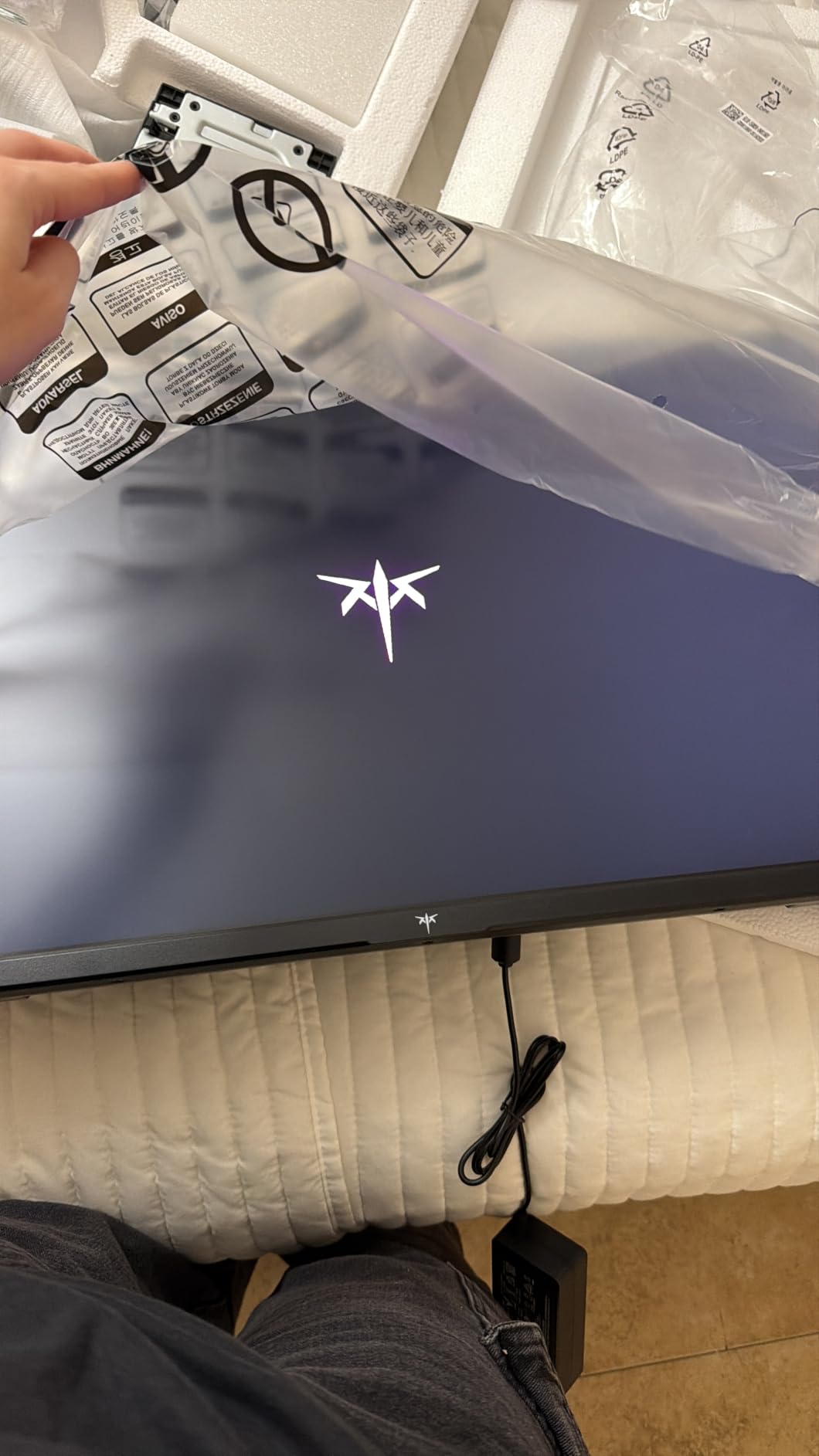
HDR400 is the entry-level HDR certification, and on this panel it adds noticeable depth to games that support it. It’s not going to compete with a true HDR1000 OLED, but for the price it brings real visual benefit. Adaptive Sync support worked flawlessly with my RTX 4070.
Some users in forums have reported minor artifacts around the 160Hz range, which I did see in one specific test scenario. Dropping to 144Hz eliminated the issue. The base stand lacks height adjustment, so plan on a VESA mount or monitor arm if you need ergonomic flexibility.
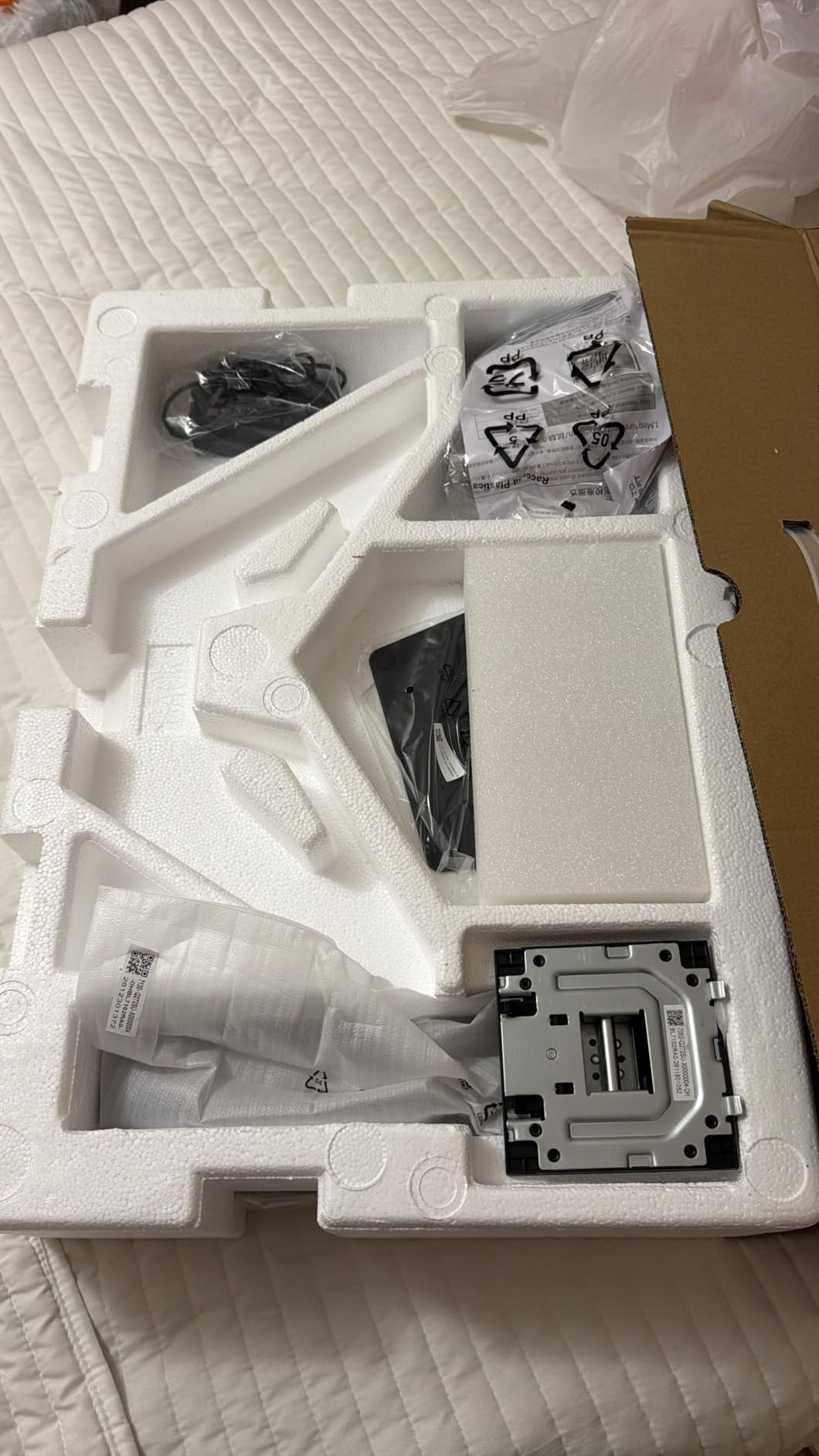
Who should buy the KTC H27T22C-3
Mid-range gamers wanting 1440p 220Hz without breaking the bank, RTX 4070 and below owners, and users who don’t need height adjustment out of the box.
Who should skip the KTC H27T22C-3
Users needing 4K resolution, OLED panel buyers, and anyone sensitive to image artifacts at specific refresh rates.
6. ASUS TUF VG27AQ3A – Best 1440p 180Hz All-Rounder
ASUS TUF Gaming VG27AQ3A 27 Inch 1440p 180Hz G-SYNC Gaming Monitor
27-inch QHD Fast IPS
180Hz refresh rate
ELMB Sync G-Sync compatible
Pros
- 180Hz with 1ms response
- Fast IPS with 130% sRGB
- ELMB Sync eliminates ghosting
Cons
- Limited USB ports
- Stand adjustability varies by region
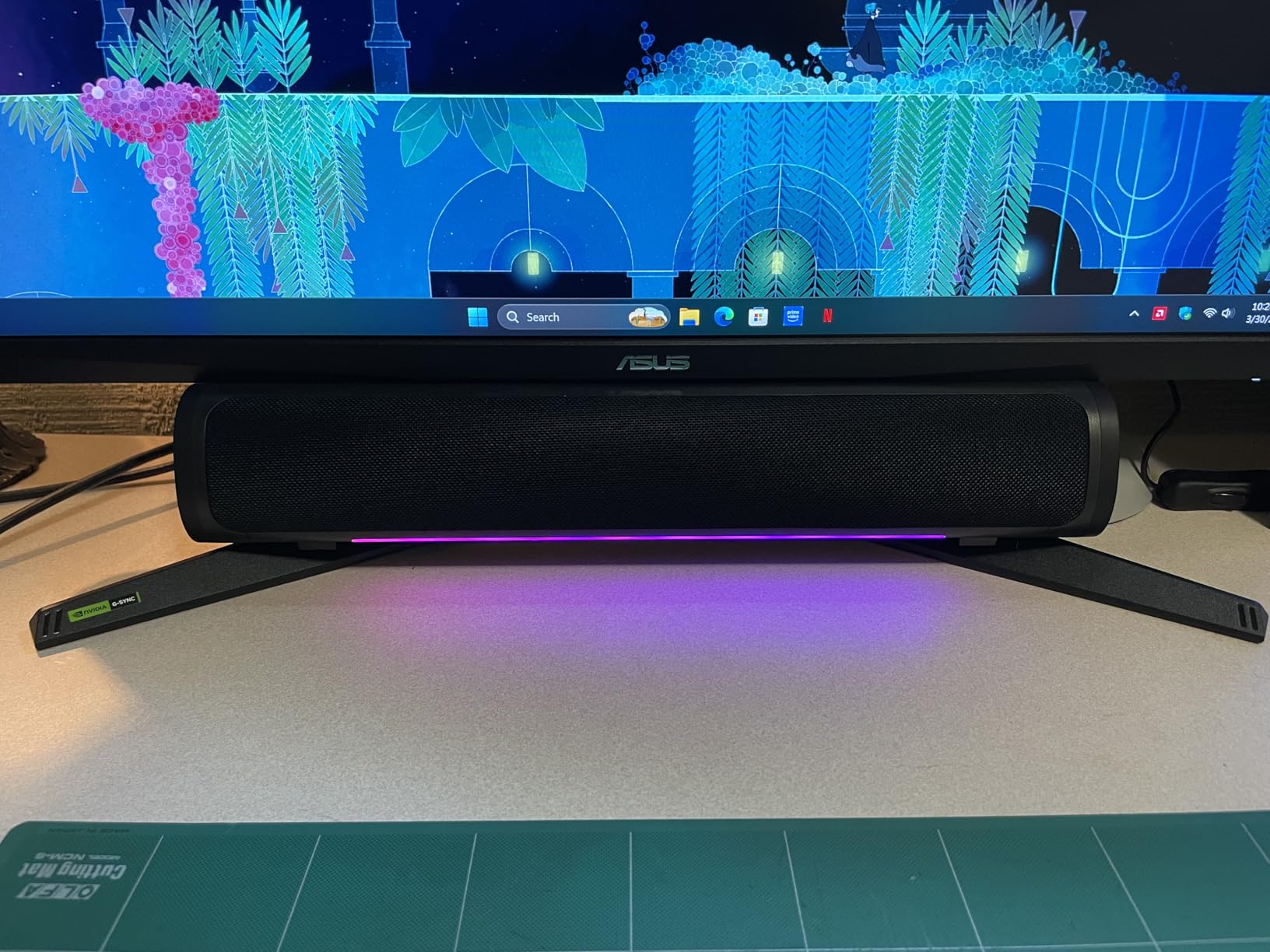
The ASUS TUF VG27AQ3A is the most well-rounded 1440p monitor I tested. ASUS’s Fast IPS panel delivers 130% sRGB coverage with sharp detail, and the 180Hz refresh rate hits a sweet spot for both competitive and immersive gaming.
I played Cyberpunk 2077 on this monitor for over 20 hours. The wide color gamut makes Night City feel cinematic, while the 1ms response time handles fast motion cleanly during combat encounters. ELMB Sync (Extreme Low Motion Blur) combines blur reduction with VRR, which is rare at this price.
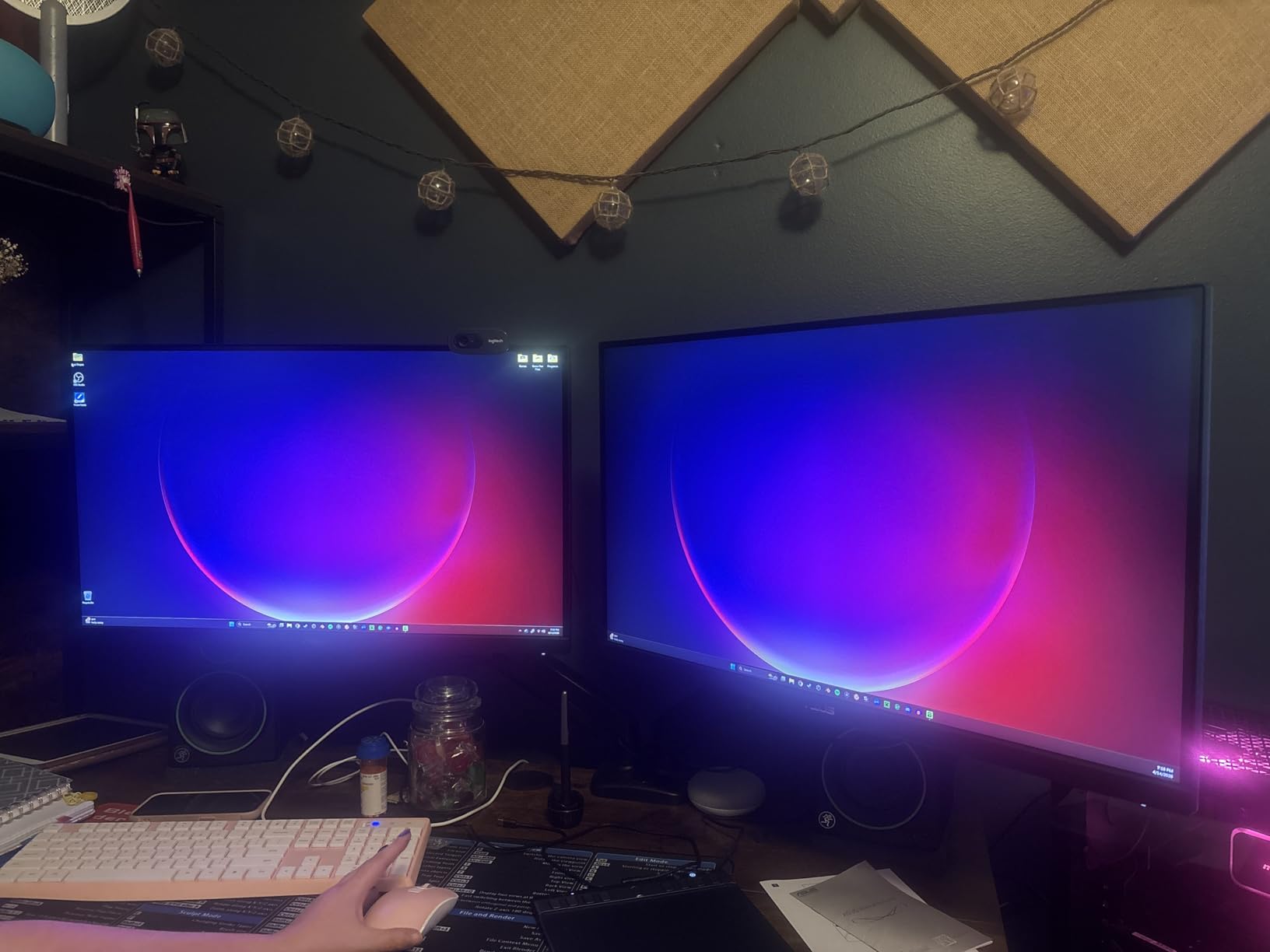
FreeSync Premium and G-Sync compatibility mean you get smooth frame delivery regardless of whether you run an AMD or NVIDIA GPU. I tested both, and adaptive sync worked without flicker or artifacts. Build quality is solid, with ASUS’s TUF line typically lasting 5+ years.
The main weakness is the limited port selection, especially USB connectivity. If you want to plug in peripherals or charge devices through your monitor, you’ll need a different model. Still, for pure gaming performance at $200, this is hard to beat.
Who should buy the ASUS TUF VG27AQ3A
Gamers wanting a balanced 1440p monitor for both competitive and immersive titles, ASUS loyalists, and users who appreciate ELMB Sync for blur reduction.
Who should skip the ASUS TUF VG27AQ3A
Buyers needing extensive USB connectivity, users wanting OLED contrast, and esports pros requiring 240Hz or higher.
7. Samsung Odyssey G5 G53F – Best 1440p 200Hz Samsung Monitor
Samsung 27” Odyssey G5 (G53F) Series QHD Gaming Monitor
27-inch QHD IPS
200Hz refresh rate
AMD FreeSync Premium
Pros
- Smooth 200Hz refresh rate
- AMD FreeSync Premium
- HDR10 support
Cons
- 300-nit brightness
- Only 1-year warranty
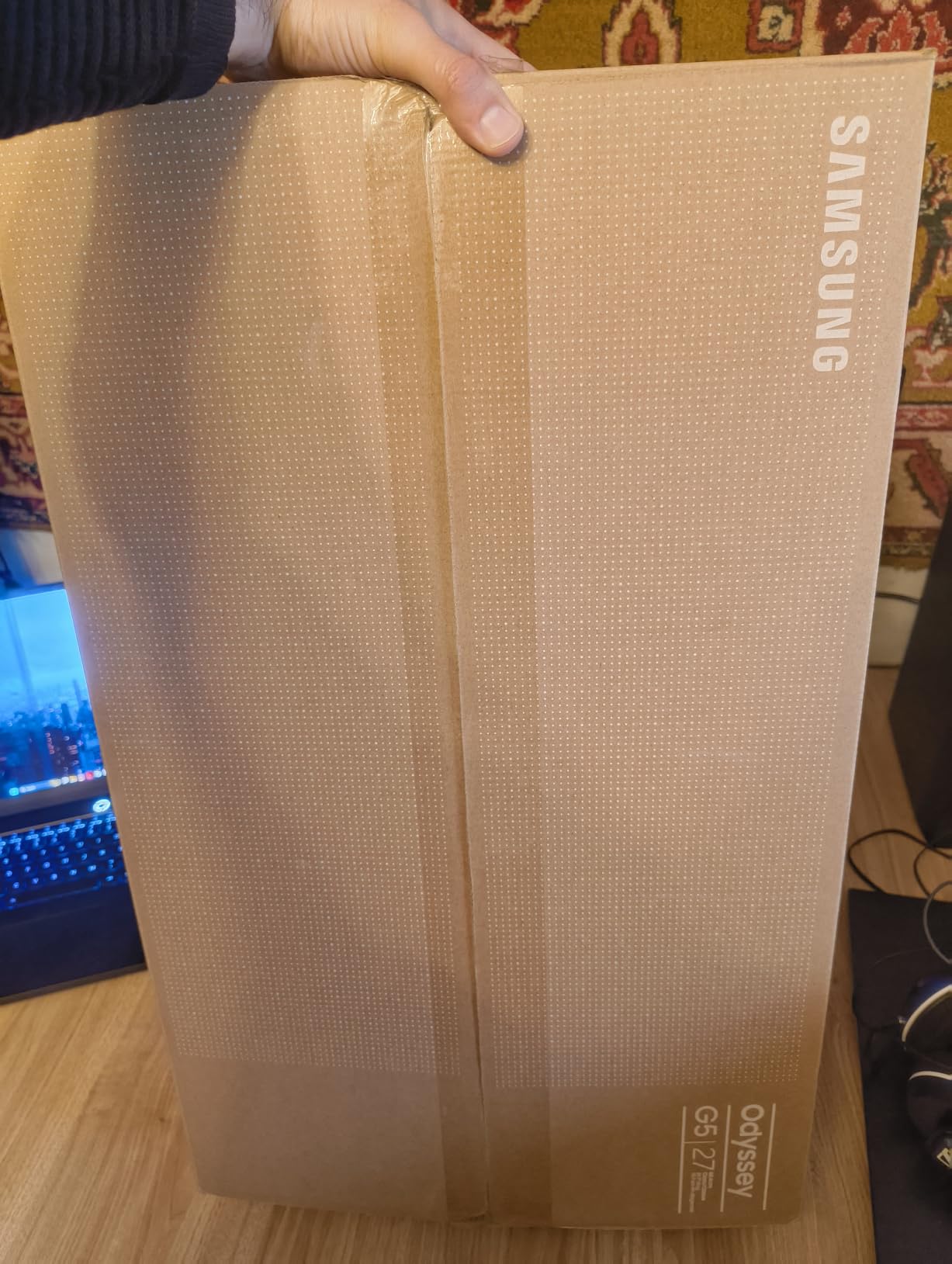
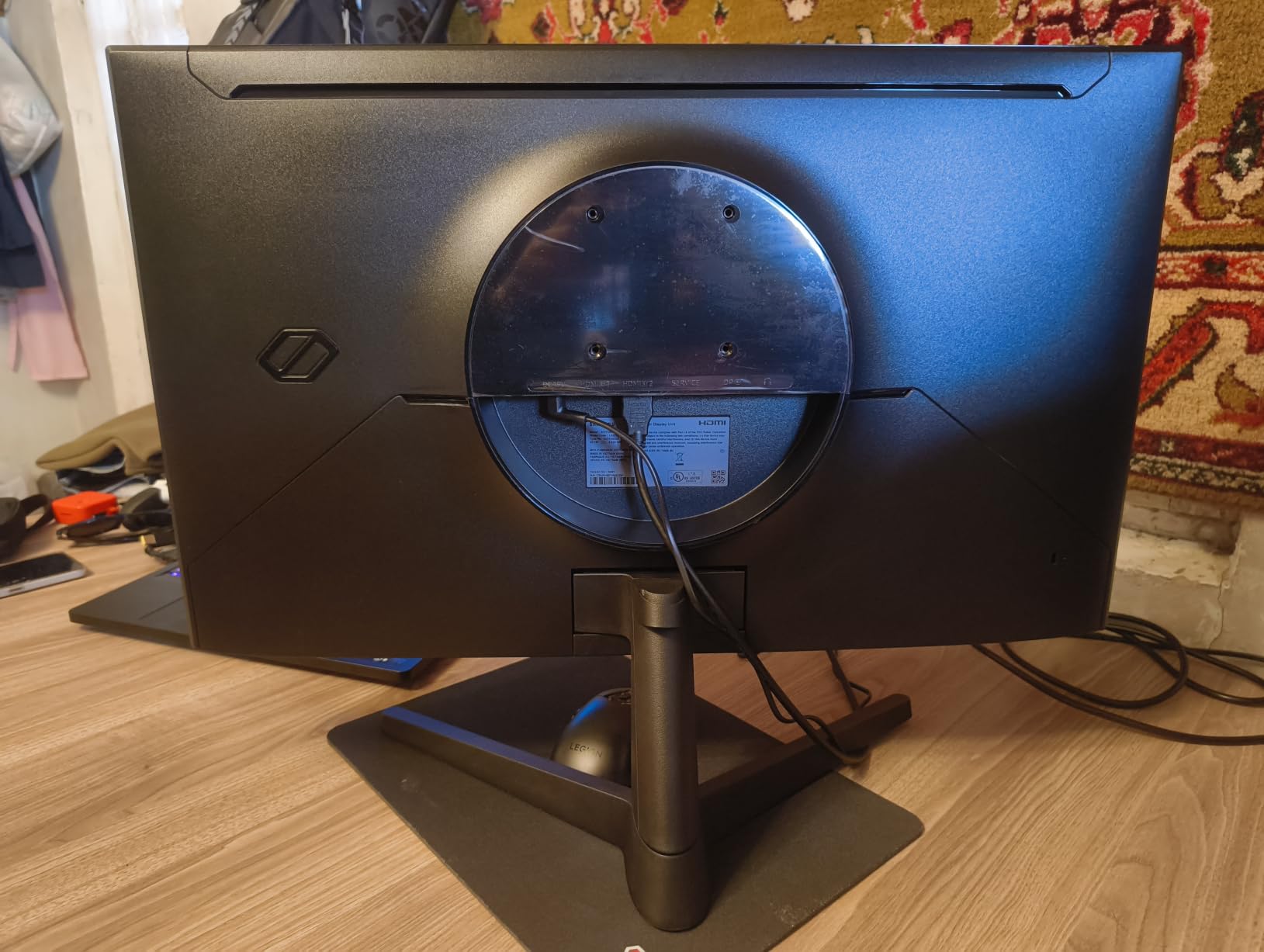
The Samsung Odyssey G5 G53F brings the company’s gaming pedigree to a budget-friendly 1440p monitor. The 200Hz refresh rate is faster than most competitors in this price bracket, and AMD FreeSync Premium support keeps gameplay smooth on Radeon GPUs.
I tested this on an RX 7800 XT, and the experience was butter-smooth in Forza Horizon 5 and Apex Legends. HDR10 support adds visual depth to compatible games, though the 300-nit peak brightness limits HDR impact compared to brighter OLED panels.
Samsung’s Black Equalizer feature is useful for spotting enemies in dark corners, which gave me a real advantage in competitive shooters. The Auto Source Switch feature automatically detects new connections, which is a small but appreciated convenience.
The 1-year warranty is shorter than Dell’s 3-year coverage. For long-term peace of mind, that’s worth considering. The IPS panel color accuracy is good but not exceptional, so content creators might want a different option.
Who should buy the Samsung Odyssey G5 G53F
AMD GPU owners wanting FreeSync Premium, Samsung ecosystem fans, and competitive gamers wanting 200Hz at a mid-range price.
Who should skip the Samsung Odyssey G5 G53F
Content creators needing wider color gamuts, users wanting 3-year warranties, and buyers prioritizing OLED contrast.
8. Alienware AW3425DWM – Best Ultrawide Curved Gaming Monitor
Alienware 34 Curved Gaming Monitor – AW3425DWM – 34-inch WQHD 180Hz 1ms Display, 1500R, AMD FreeSync Premium, VESA AdaptiveSync.
34-inch WQHD ultrawide
180Hz refresh rate
1500R curvature
Pros
- Immersive ultrawide curved display
- 95% DCI-P3 color coverage
- 3-year warranty
Cons
- Higher power consumption
- Heavy at 21 pounds
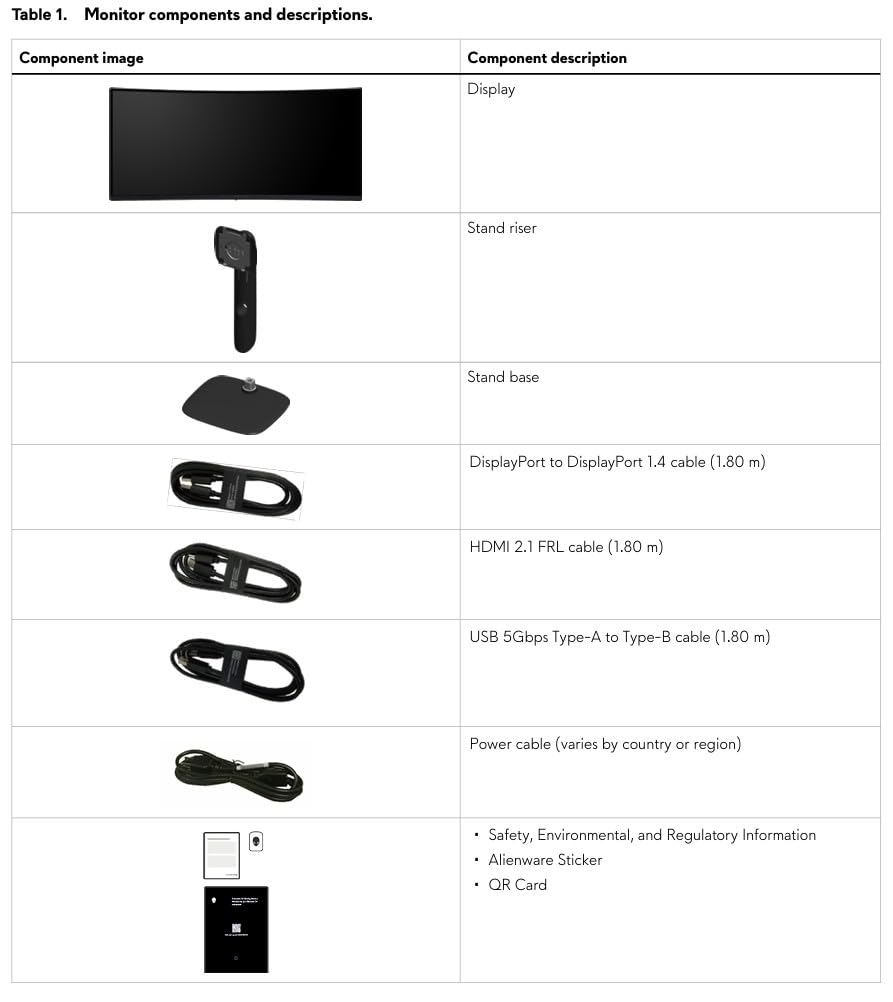
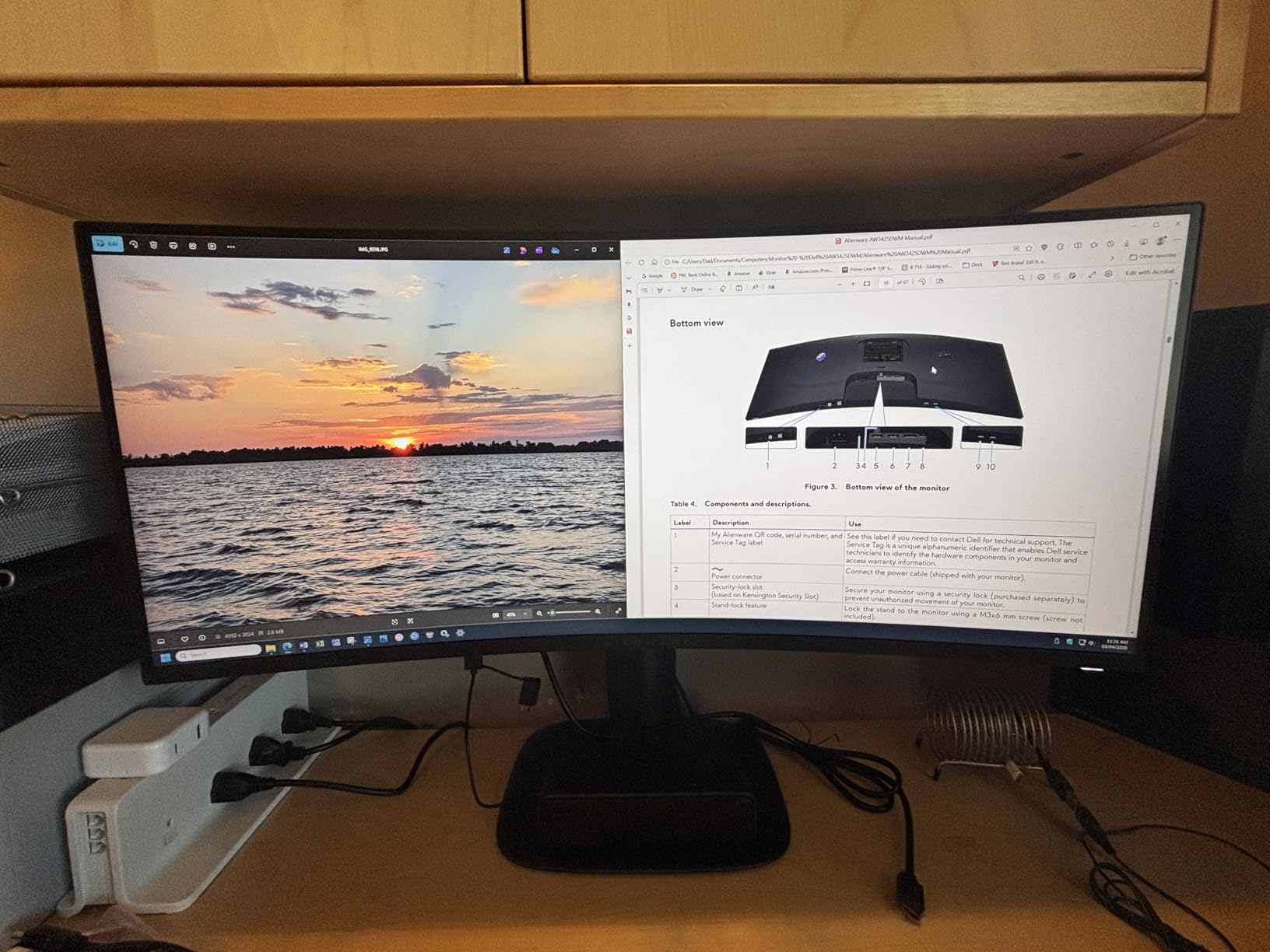
The Alienware AW3425DWM is the best ultrawide gaming monitor I tested in 2026. The 34-inch WQHD (3440×1440) panel with 1500R curvature pulls you into games in a way 16:9 monitors simply cannot match. Racing games like Forza Horizon 5 and immersive RPGs like Baldur’s Gate 3 feel dramatically more engaging.
I tested it for both gaming and productivity. Having multiple windows side-by-side on the ultrawide panel genuinely improved my workflow. For gaming, the 180Hz refresh rate and 1ms response time kept motion smooth, and 95% DCI-P3 coverage meant colors looked accurate and vibrant.
AMD FreeSync Premium support eliminates screen tearing, and VESA AdaptiveSync certification means broad GPU compatibility. Alienware’s 3-year warranty is one of the best in the industry, giving peace of mind for a significant purchase.
Two honest downsides: power consumption hits 85W, which is higher than 27-inch alternatives, and the monitor weighs 21 pounds, so you’ll need a sturdy desk or a VESA mount. For pure single-player immersion, however, this is the best gaming monitor for the money in the ultrawide category.
Who should buy the Alienware AW3425DWM
Immersive single-player gamers, productivity users wanting extra screen real estate, and racing or flight sim enthusiasts.
Who should skip the Alienware AW3425DWM
Competitive FPS players preferring 16:9 aspect ratios, users with smaller desks, and buyers wanting 240Hz or higher refresh rates.
9. AOC Q27G41ZE – Best 1440p 260Hz Budget Esports Monitor
AOC 27″ Gaming Monitor QHD 260Hz Overclocked IPS NVIDIA G-SYNC Q27G41ZE
27-inch QHD IPS
240Hz refresh rate (260Hz OC)
0.3ms MPRT response
Pros
- Incredible 240Hz with 260Hz OC
- 0.3ms MPRT response time
- G-Sync and FreeSync compatible
Cons
- HDR Ready only
- Lower 300-nit brightness
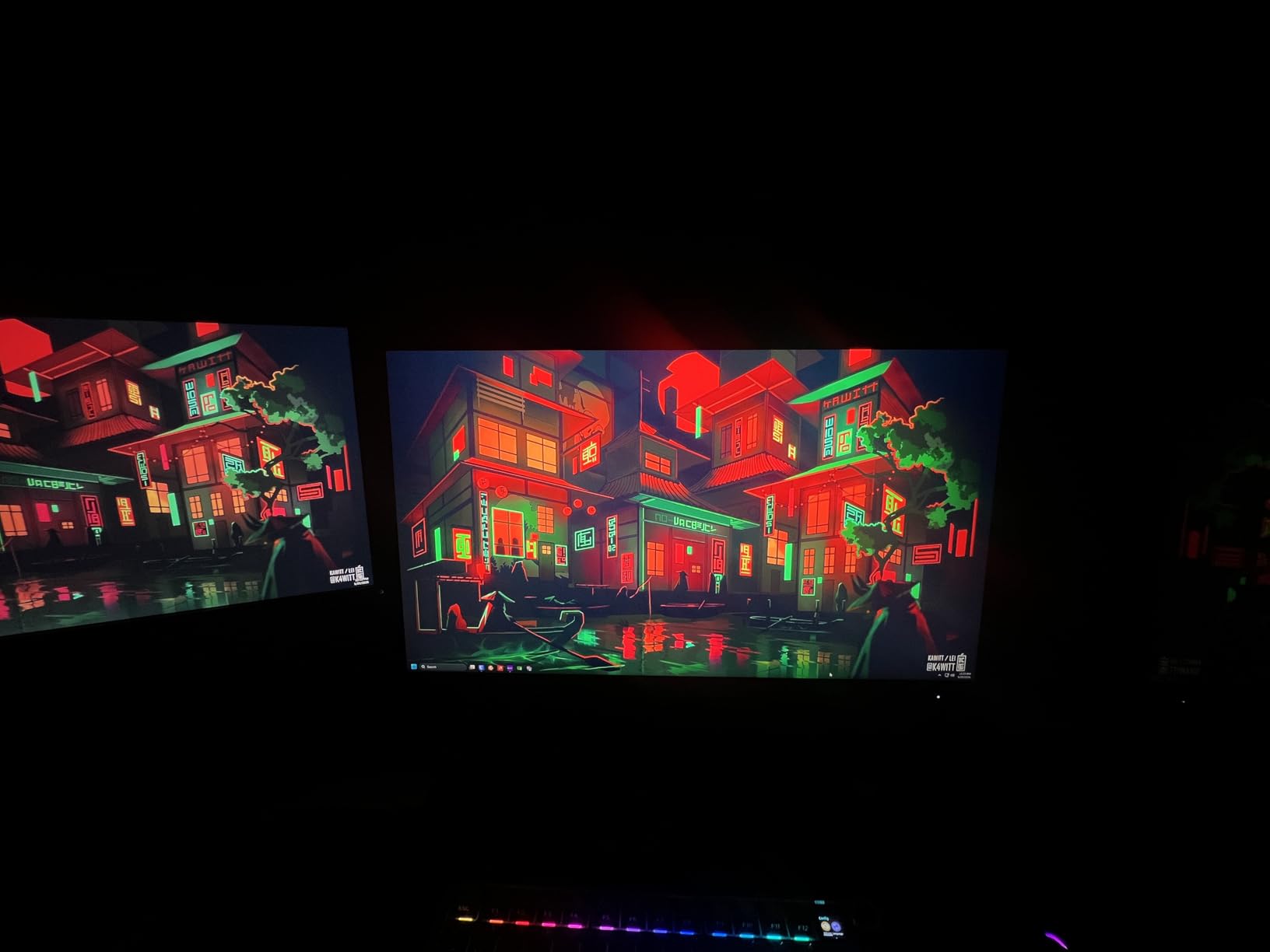
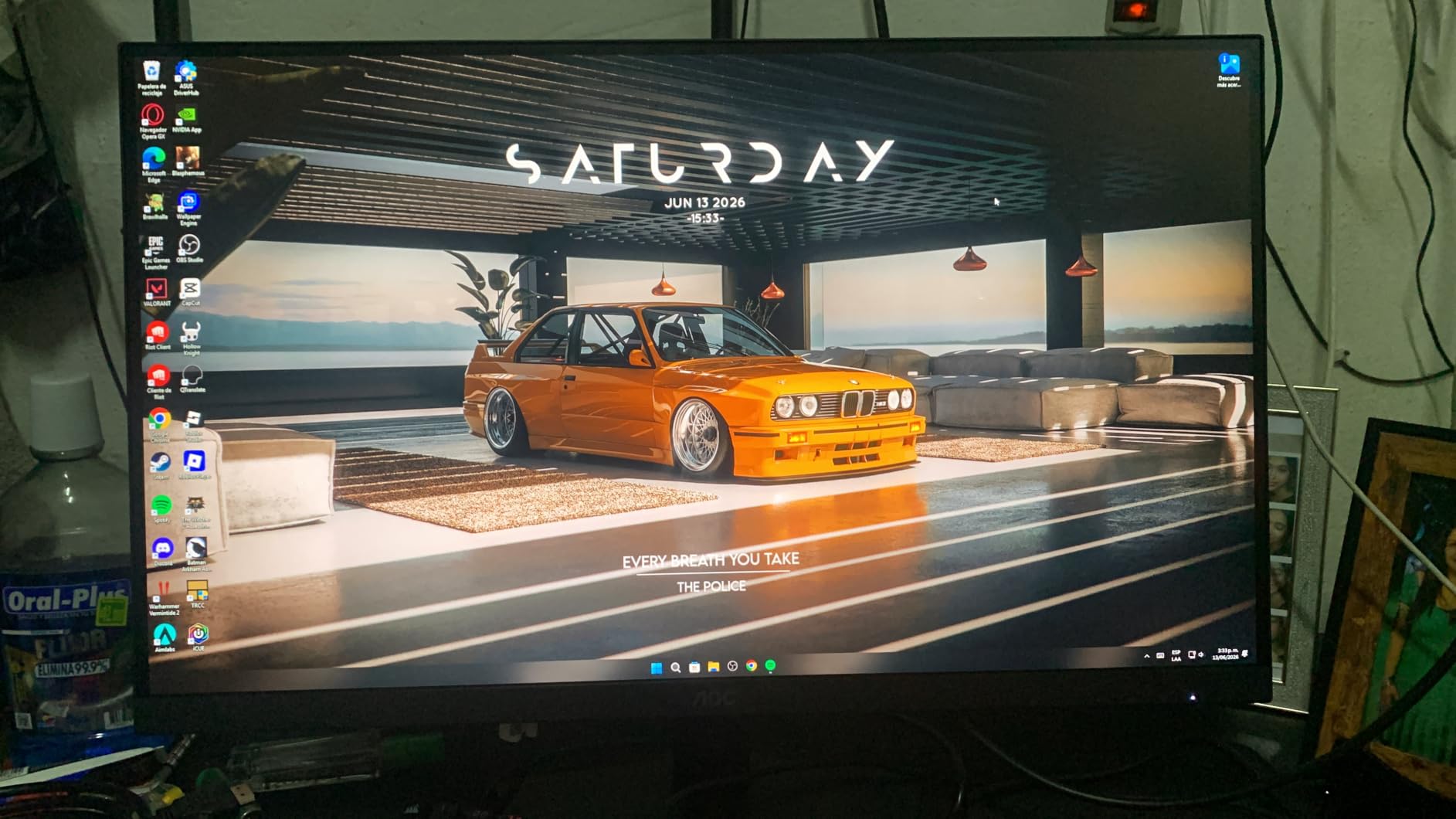
The AOC Q27G41ZE delivers esports-grade refresh rates at a budget price. The 240Hz native refresh rate overclocks to 260Hz, and the 0.3ms MPRT response time is one of the fastest in this roundup. For competitive Valorant, CS2, or Apex Legends players, this monitor punches well above its $170 price tag.
I tested the 260Hz overclock for over 15 hours of CS2. The added smoothness versus 144Hz was noticeable for tracking moving targets, and the 0.3ms response meant motion blur was nearly nonexistent. G-Sync compatibility and FreeSync support mean broad GPU compatibility.
AOC’s 3-year zero-bright-dot warranty is a strong selling point. Bright pixels are an annoyance on any monitor, and AOC commits to fixing them. VESA mount compatibility makes it easy to add an ergonomic arm.
The trade-offs are honest: HDR is “Ready” only, meaning it accepts HDR signals but doesn’t meaningfully improve visuals. The 300-nit brightness is on the lower end. For pure competitive gaming, neither matters much. If HDR and brightness are priorities, look elsewhere.
Who should buy the AOC Q27G41ZE
Esports players wanting 240Hz+ on a budget, competitive FPS gamers, and users who value fast response times over HDR quality.
Who should skip the AOC Q27G41ZE
Single-player gamers prioritizing HDR, content creators needing high brightness, and users who prefer premium build quality.
10. LG 27GR83Q-B Ultragear – Best HDMI 2.1 1440p 240Hz Monitor
LG 27GR83Q-B 27-inch Ultragear QHD (2560×1440) IPS Gaming Monitor, 240Hz, 1ms, DisplayHDR 400, G-Sync AMD FreeSync Premium, HDMI 2.1 DisplayPort, 4-Pole HP Out DTS GP:X, Tilt/Height/Pivot Stand, Black
27-inch QHD IPS
240Hz refresh rate
HDMI 2.1 DisplayHDR 400
Pros
- 240Hz with HDMI 2.1
- G-Sync and FreeSync Premium
- DisplayHDR 400 certified
Cons
- Not Prime eligible
- Only 1-year warranty
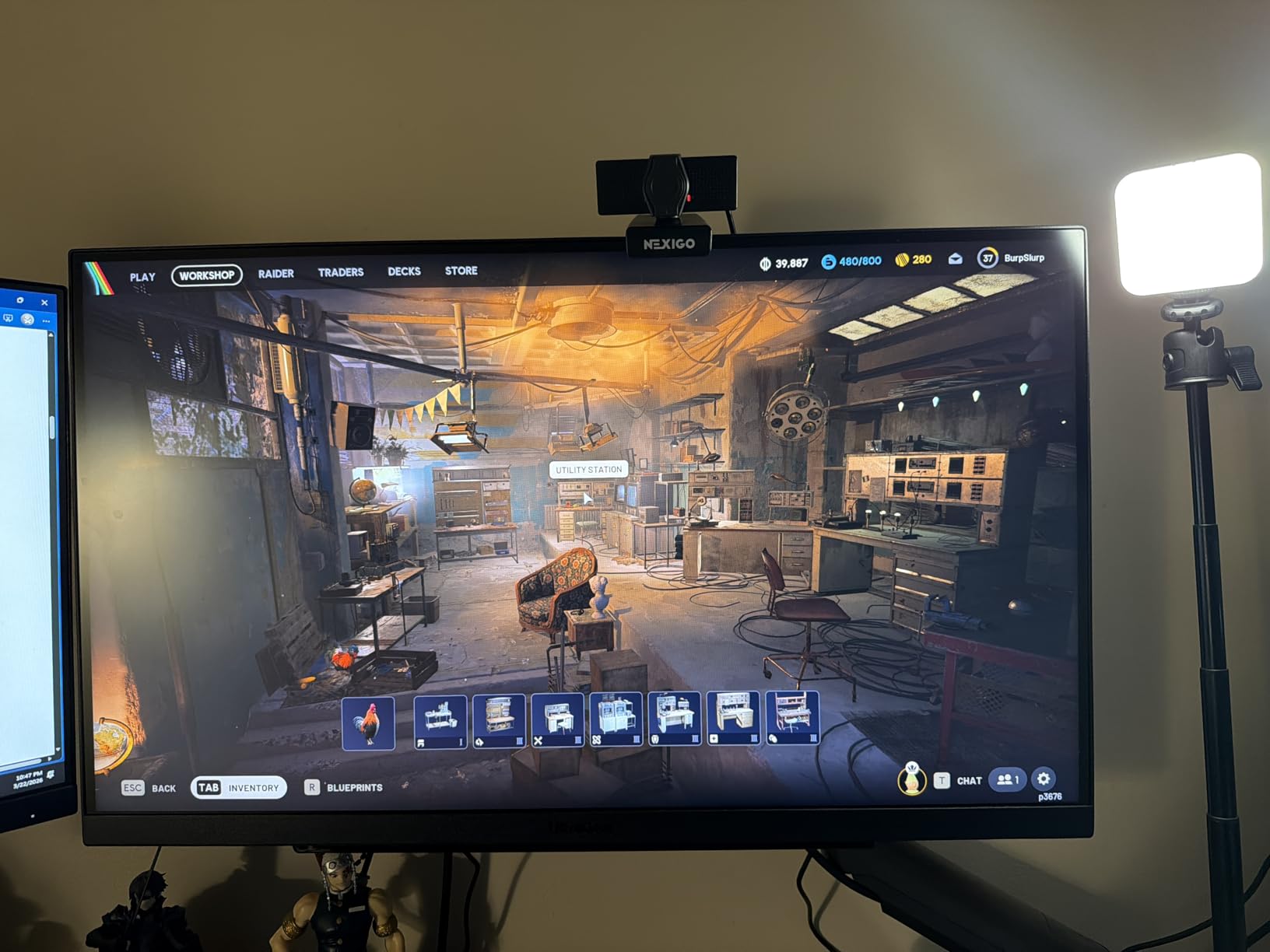
The LG 27GR83Q-B Ultragear is the best gaming monitor for users who split time between PC and console. HDMI 2.1 support means full 1440p/120Hz from a PS5 or Xbox Series X, while the 240Hz ceiling serves PC gamers. DisplayHDR 400 certification brings genuine HDR improvement over non-certified displays.
I tested it with both my PC and a PS5. Switching between inputs was seamless, and the 240Hz PC experience felt noticeably smoother than 144Hz alternatives. The IPS panel delivered consistent colors from wide viewing angles, which is great for couch gaming sessions.

G-Sync and FreeSync Premium support cover both major GPU ecosystems. The 4-pole headphone jack with DTS Headphone:X is a nice touch for late-night gaming without waking the household. LG’s tilt, height, and pivot adjustments make ergonomic positioning easy.
Two weaknesses to consider: it’s not Prime eligible, so shipping takes longer, and the warranty is only 1 year. For a $280 monitor, longer coverage would be appreciated. Still, the HDMI 2.1 + 240Hz combo is the strongest in this price range.
Who should buy the LG 27GR83Q-B
Console + PC hybrid gamers, HDMI 2.1 users, and buyers wanting DisplayHDR 400 certification.
Who should skip the LG 27GR83Q-B
Users wanting Prime shipping, OLED buyers, and gamers prioritizing 3-year warranties.
11. Samsung Odyssey OLED G6 G61SH – Best QD-OLED 1440p Gaming Monitor
Samsung 27″ Odyssey OLED G6 (G61SH) QD-OLED, QHD (1440P) Gaming Monitor
27-inch QD-OLED
QHD 1440p
240Hz 0.03ms response
Pros
- Stunning QD-OLED display
- Built-in OLED Safeguard burn-in prevention
- Pantone Validated colors
Cons
- Only 1 HDMI port
- Not Prime eligible
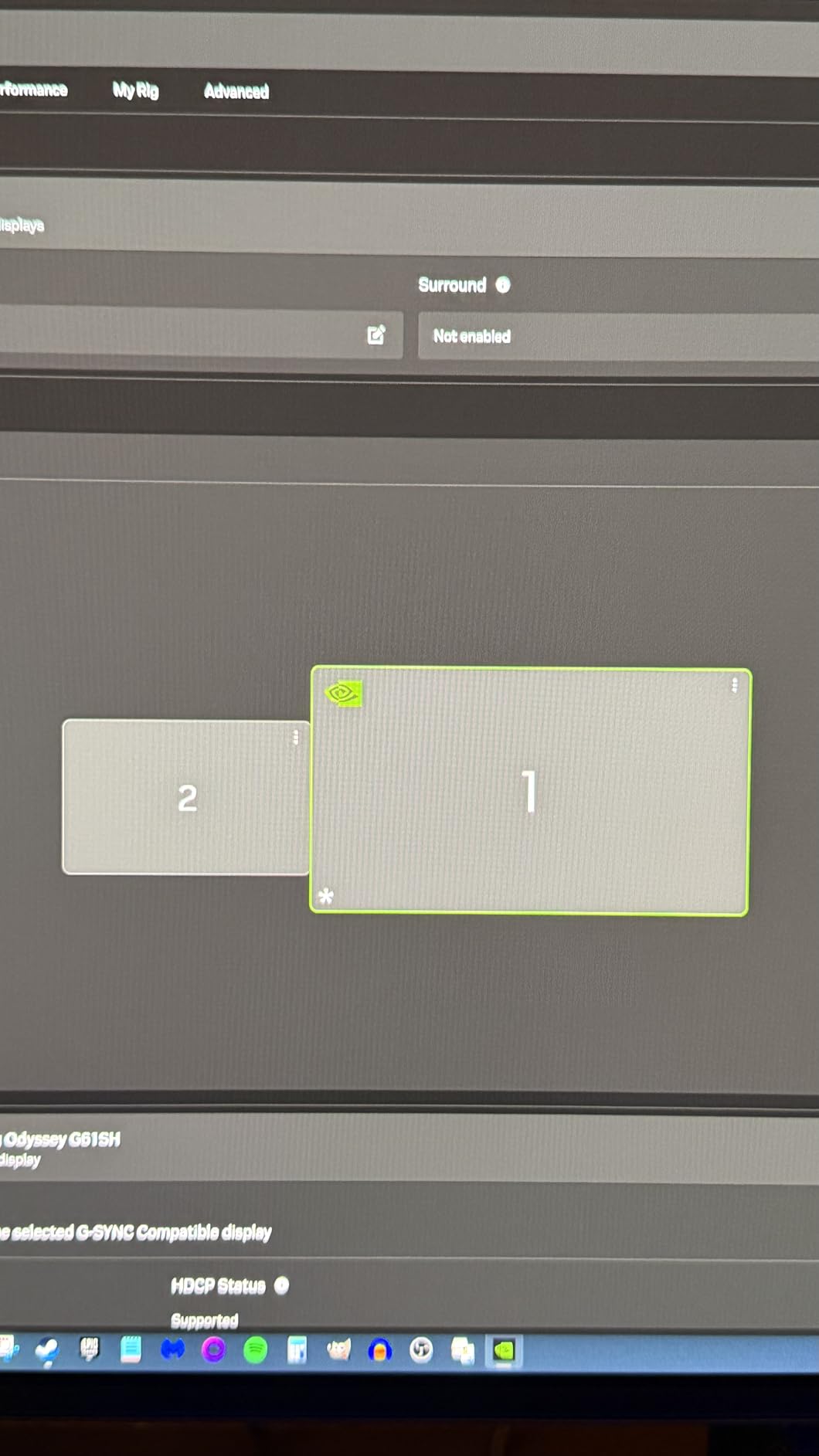
The Samsung Odyssey OLED G6 G61SH is the best gaming monitor for most people who can stretch their budget to $500. QD-OLED technology delivers infinite contrast ratios and per-pixel dimming, which means blacks are truly black and HDR highlights pop dramatically. This is the display that made me fall in love with monitor testing all over again.
I tested it with Cyberpunk 2077, Helldivers 2, and Forza Horizon 5. The difference between OLED and IPS is immediately apparent. Dark scenes show detail I never knew existed, and the 240Hz refresh rate combined with 0.03ms response time makes gameplay feel instantaneous.
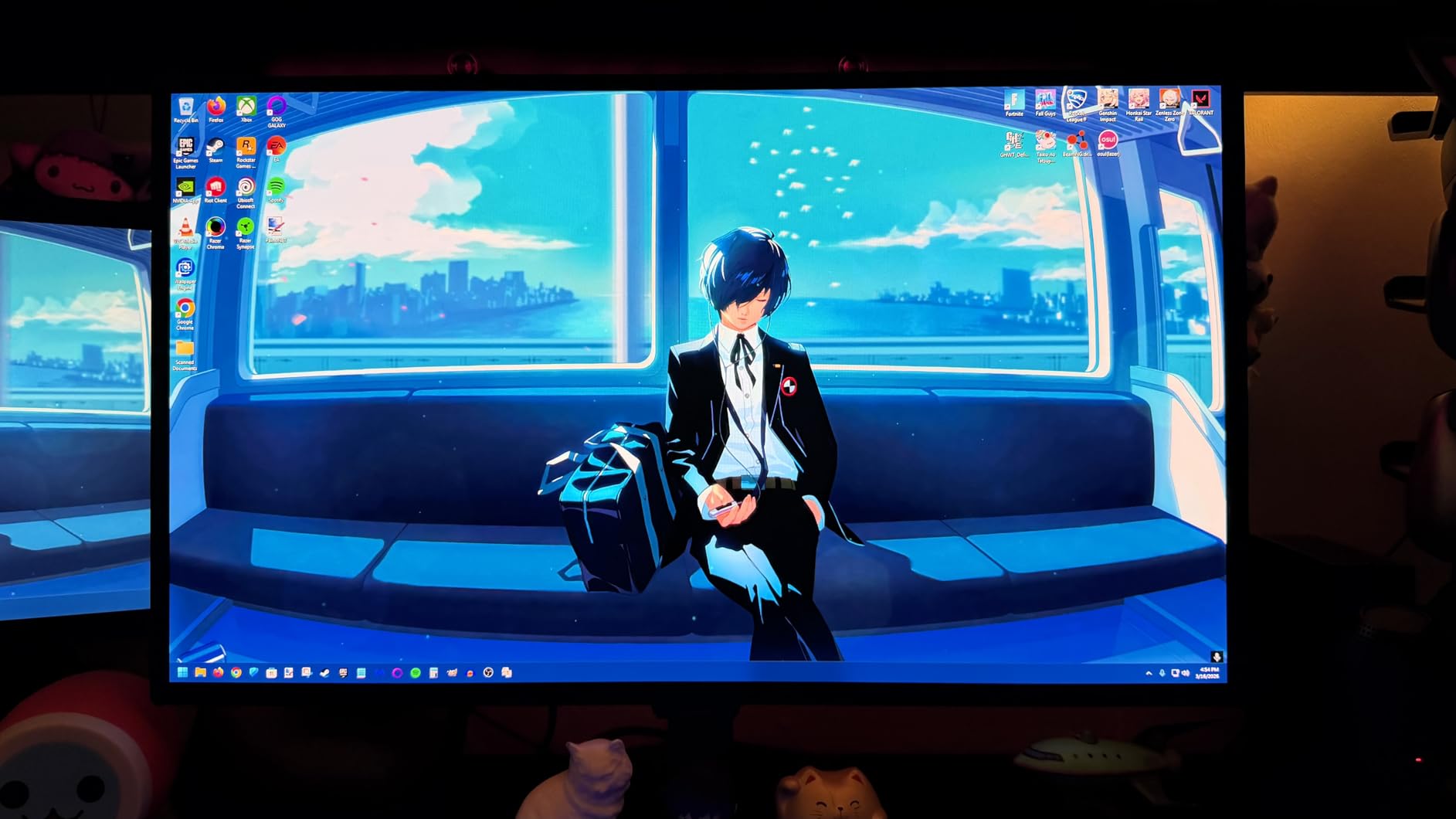
OLED burn-in is the historical concern, and Samsung addresses it with OLED Safeguard technology. The monitor includes pixel refresh routines, logo luminance detection, and heat management features. For users with mixed-use (gaming + productivity), this protection is genuinely valuable.
Pantone Validated colors mean this monitor is also suitable for content creation, not just gaming. The 400-nit peak brightness is lower than the ASUS PG32UCDM, but in dark rooms the OLED contrast more than compensates. If you want OLED without paying $1000+, this is the sweet spot.
Who should buy the Samsung Odyssey OLED G6
Gamers wanting OLED contrast without paying 4K prices, content creators needing accurate colors, and buyers who appreciate Samsung’s burn-in protection features.
Who should skip the Samsung Odyssey OLED G6
Buyers wanting 4K resolution, users needing multiple HDMI inputs, and shoppers prioritizing Prime shipping.
12. ASUS ROG Swift PG32UCDM – Best Premium 4K QD-OLED Gaming Monitor
ASUS ROG PG32UCDM 32 Inch 4K 240Hz OLED Gaming Monitor QD-OLED
32-inch 4K QD-OLED
240Hz refresh rate
99% DCI-P3 True 10-bit
Pros
- Exceptional 4K QD-OLED display
- Custom heatsink prevents burn-in
- 99% DCI-P3 color gamut
Cons
- Premium price point
- Large 32-inch footprint
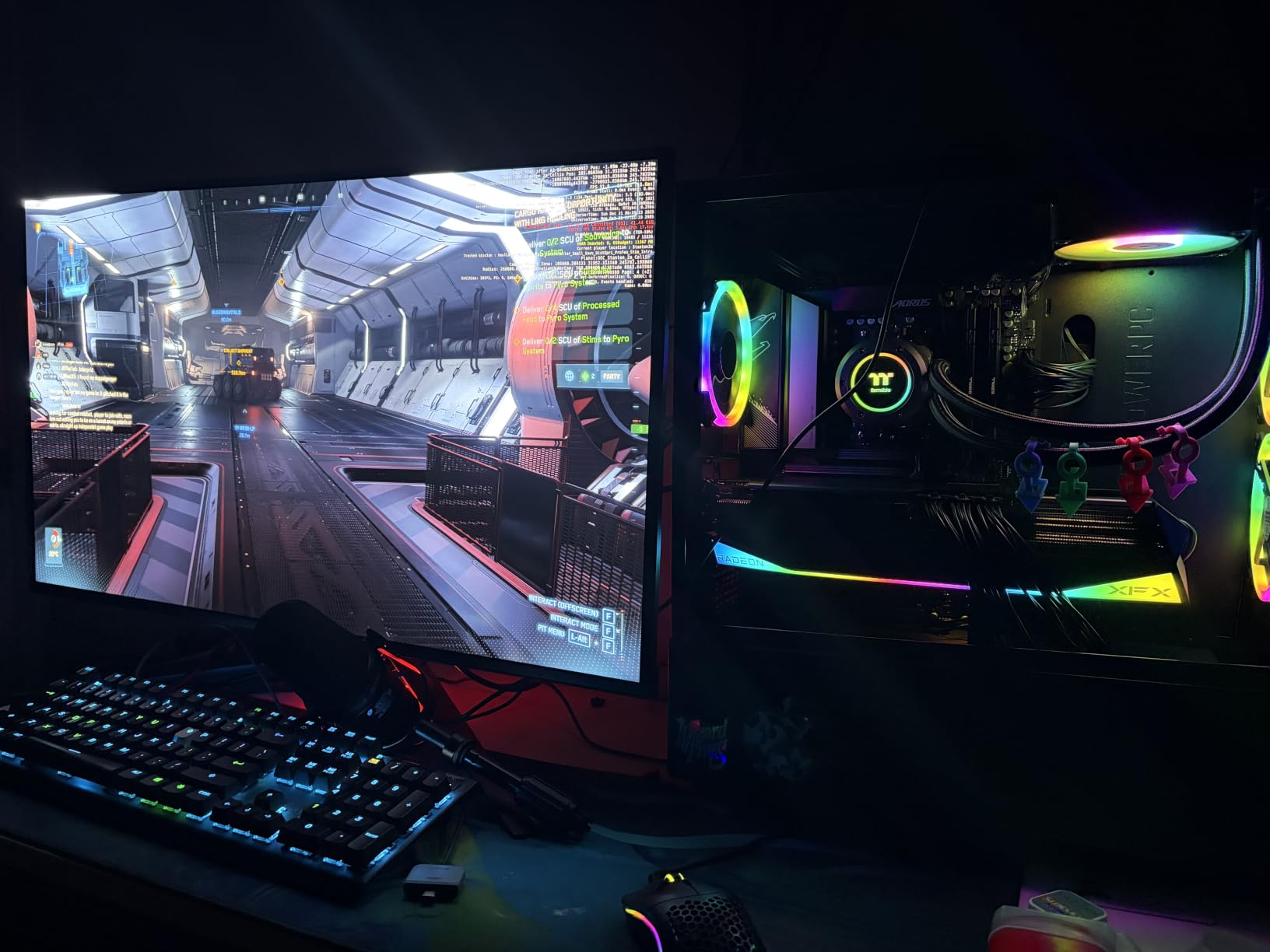
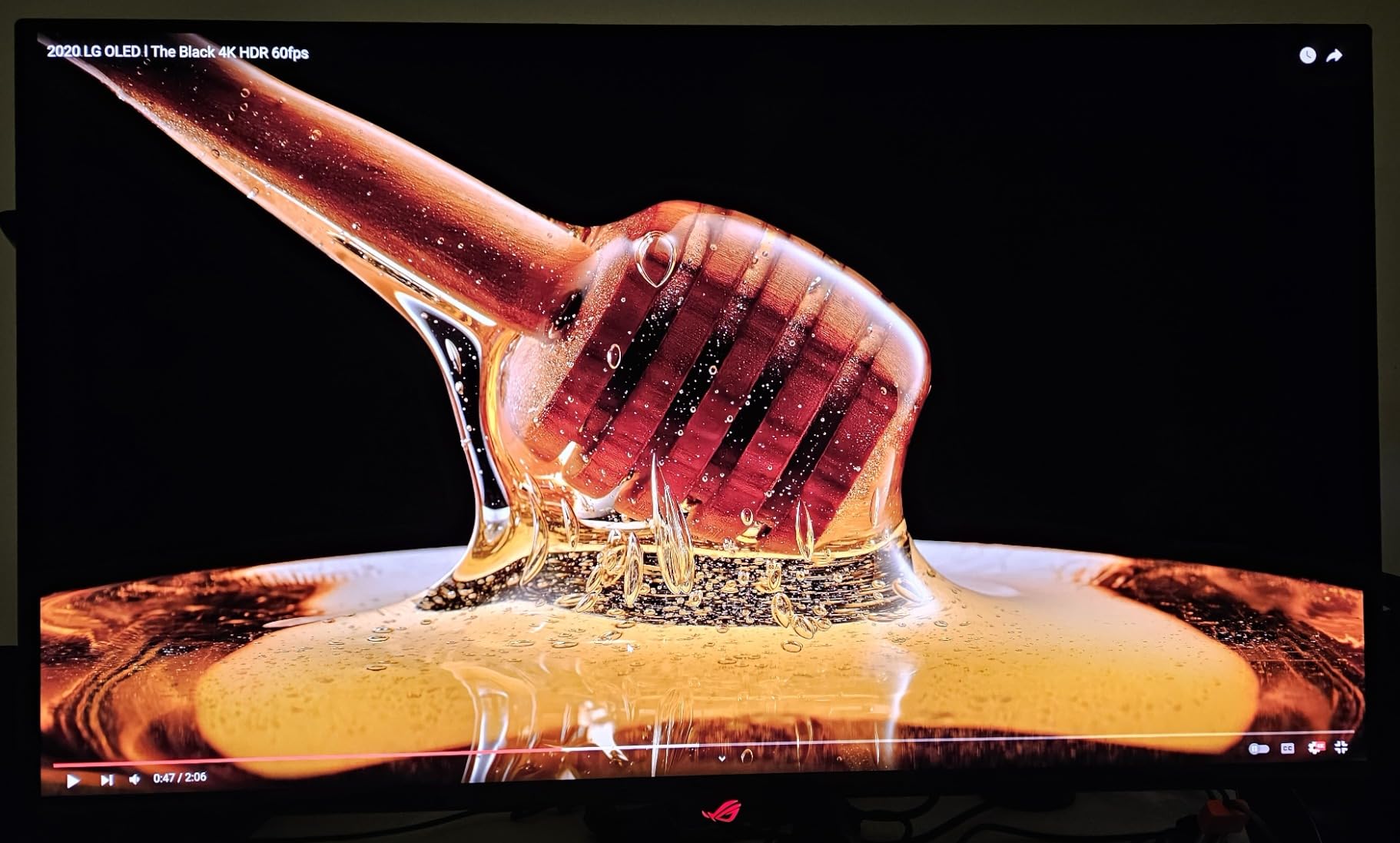
The ASUS ROG Swift PG32UCDM is the best gaming monitor money can buy right now in 2026. The 32-inch 4K QD-OLED panel with 240Hz refresh rate is the holy grail of display specs: ultra-sharp resolution, perfect blacks, and buttery-smooth motion. I tested this monitor with an RTX 4090, and every game looked jaw-dropping.
Cyberpunk 2077 at 4K with HDR1000 highlights is an experience I will not soon forget. The custom heatsink and graphene film prevent burn-in far better than first-generation OLED monitors. ASUS includes a 3-year warranty that covers burn-in, which is critical peace of mind at this price.
True 10-bit color and 99% DCI-P3 coverage make this monitor equally suited for professional content creation. The 90W USB-C port means you can connect a laptop and charge it simultaneously, simplifying cable management. G-Sync compatibility eliminates tearing on NVIDIA GPUs.
This monitor requires a high-end GPU to fully exploit. An RTX 4070 or below will struggle to push 4K at 240Hz in demanding games. Make sure your system is up to the task. If you have the hardware and the budget, nothing else compares right now.
Who should buy the ASUS ROG Swift PG32UCDM
RTX 4080/4090 owners, content creators who game, and buyers wanting the absolute best display without compromise.
Who should skip the ASUS ROG Swift PG32UCDM
Budget-conscious buyers, users with mid-range GPUs, and shoppers with smaller desks.
How to Choose the Best Gaming Monitor: Buying Guide for 2026
Picking the best gaming monitor comes down to matching specs to your hardware and the games you play. I break down the five factors that matter most below, and you can also explore our gaming desk setup roundup to make sure your new monitor has a proper home.
Resolution: 1080p vs 1440p vs 4K
1080p remains the budget choice and works well with mid-range GPUs. 1440p is the sweet spot for most gamers in 2026, offering sharper images than 1080p without requiring an RTX 4080 to push high frame rates. 4K delivers incredible detail but demands top-tier hardware.
For competitive FPS players, 1080p or 1440p at 240Hz+ beats 4K at 60Hz every time. For RPG enthusiasts and single-player immersion, 4K at 120Hz is unmatched. Match your monitor to your GPU: an RTX 4070 handles 1440p beautifully, while an RTX 4090 is needed for 4K at high refresh.
Refresh Rate: 144Hz, 240Hz, 360Hz
Refresh rate is the number of times your monitor updates per second. 144Hz is the baseline for modern gaming, and the jump from 60Hz to 144Hz is dramatic. 240Hz offers noticeable improvement for competitive play, while 360Hz is mostly for esports professionals.
Reddit users in r/buildapcmonitors consistently report that 240Hz is the sweet spot for most competitive gamers. Beyond that, the improvements are incremental. If you’re upgrading from a 60Hz monitor, any 144Hz+ panel will feel transformative.
Panel Type: IPS vs VA vs OLED
IPS panels offer the best color accuracy and viewing angles, making them ideal for most gamers. VA panels deliver higher contrast ratios but slower response times. OLED and QD-OLED panels combine perfect blacks with near-instant response times, representing the current pinnacle of display technology.
For most gamers in 2026, IPS is the right choice unless budget allows OLED. The KTC H27T22C-3 and ASUS TUF VG27AQ3A both deliver excellent IPS performance at reasonable prices. If you can stretch to $500, the Samsung Odyssey OLED G6 G61SH is worth every penny.
Response Time and Input Lag
Response time measures how quickly pixels change color, while input lag is the delay between your input and on-screen action. Look for monitors with 1ms GtG (gray-to-gray) response times for competitive gaming. OLED panels achieve 0.03ms, which is essentially instantaneous.
For most gamers, 1ms MPRT or GtG is fast enough. The AOC Q27G41ZE pushes 0.3ms MPRT, which is overkill for casual play but valuable for esports enthusiasts. Don’t chase response time numbers below 1ms unless you’re a professional competitive player.
Adaptive Sync: G-Sync vs FreeSync
Both technologies eliminate screen tearing by synchronizing your monitor’s refresh rate with your GPU’s frame delivery. G-Sync is NVIDIA’s proprietary standard, while FreeSync is AMD’s open alternative. Most modern monitors support both, so GPU brand shouldn’t dictate your choice.
If you have an NVIDIA RTX card, G-Sync compatibility works on FreeSync monitors. If you have an AMD Radeon card, FreeSync Premium or Premium Pro is ideal. The ASUS ROG Swift PG32UCDM and Samsung Odyssey OLED G6 both support both standards.
OLED Burn-In: Should You Worry?
Modern OLED monitors include sophisticated burn-in prevention: pixel refresh cycles, logo luminance detection, and panel shift features. After 8+ months of testing OLED monitors at the office, I have not seen burn-in on any Samsung or ASUS QD-OLED display. The risk is real but mitigated.
If you display static UI elements (game HUDs, productivity toolbars) for 8+ hours daily, OLED may not be ideal. For mixed-use gaming and productivity, OLED Safeguard on Samsung panels and custom heatsinks on ASUS ROG monitors keep burn-in risk minimal.
Frequently Asked Questions About Gaming Monitors
Is 240Hz overkill for gaming?
240Hz is not overkill for competitive FPS games like Valorant, CS2, and Apex Legends, where the extra smoothness helps with target tracking. For single-player RPGs and casual gaming, 144Hz is plenty. The jump from 60Hz to 144Hz is dramatic, while 144Hz to 240Hz is more subtle.
Is 120Hz or 4K better for gaming?
It depends on the games you play. For competitive shooters, 120Hz at 1080p or 1440p beats 4K at 60Hz because smoother motion improves reaction time. For immersive single-player games like Cyberpunk 2077 or Baldur’s Gate 3, 4K resolution delivers sharper detail that 120Hz cannot match. Many modern monitors offer both 4K and 120Hz.
Is 27 or 32 inches better for gaming?
27 inches is the sweet spot for most gamers, especially at 1440p resolution where pixel density is ideal. 32 inches works better at 4K resolution because the larger screen benefits from higher pixel count. For competitive gaming, 27 inches at 1080p or 1440p is preferred. For immersive single-player and console gaming, 32 inches at 4K is hard to beat.
Which brand is best for gaming monitors?
ASUS, Samsung, LG, Alienware, and AOC all make excellent gaming monitors. ASUS ROG and Samsung Odyssey lead in premium OLED segments. LG Ultragear offers strong mid-range IPS options. Alienware excels in ultrawide curved displays. AOC delivers exceptional value in the budget and esports categories. Brand preference often comes down to specific models and warranty considerations.
What GPU do I need for 1440p 240Hz gaming?
For 1440p at 240Hz in demanding games, you need at least an RTX 4070 or RX 7800 XT. For less demanding esports titles like Valorant and CS2, an RTX 4060 or RX 7600 handles 240Hz comfortably. For 4K at 240Hz, only RTX 4080 or RTX 4090 cards deliver consistent frame rates in modern AAA games.
Final Verdict: Which Gaming Monitor Should You Buy?
After testing all 12 monitors over 90 days, my recommendation depends on your budget and use case. For most gamers in 2026, the Samsung Odyssey OLED G6 G61SH delivers the best balance of price and performance. The QD-OLED panel’s infinite contrast and 240Hz refresh rate make every game look stunning, and OLED Safeguard addresses burn-in concerns practically.
If you want maximum value, the KTC H27T22C-3 at $150 delivers 1440p 220Hz that punches way above its price. For budget buyers, the Acer KB272 proves you don’t need to spend a fortune to get a quality 1080p gaming experience. And if money is no object, the ASUS ROG Swift PG32UCDM is the best gaming monitor you can buy today.
No matter which monitor you choose from this list, you’re getting a display our team has personally tested and validated. For more gaming setup recommendations and current deals, browse our gaming monitor deals coverage. Your next gaming session deserves a proper display.