
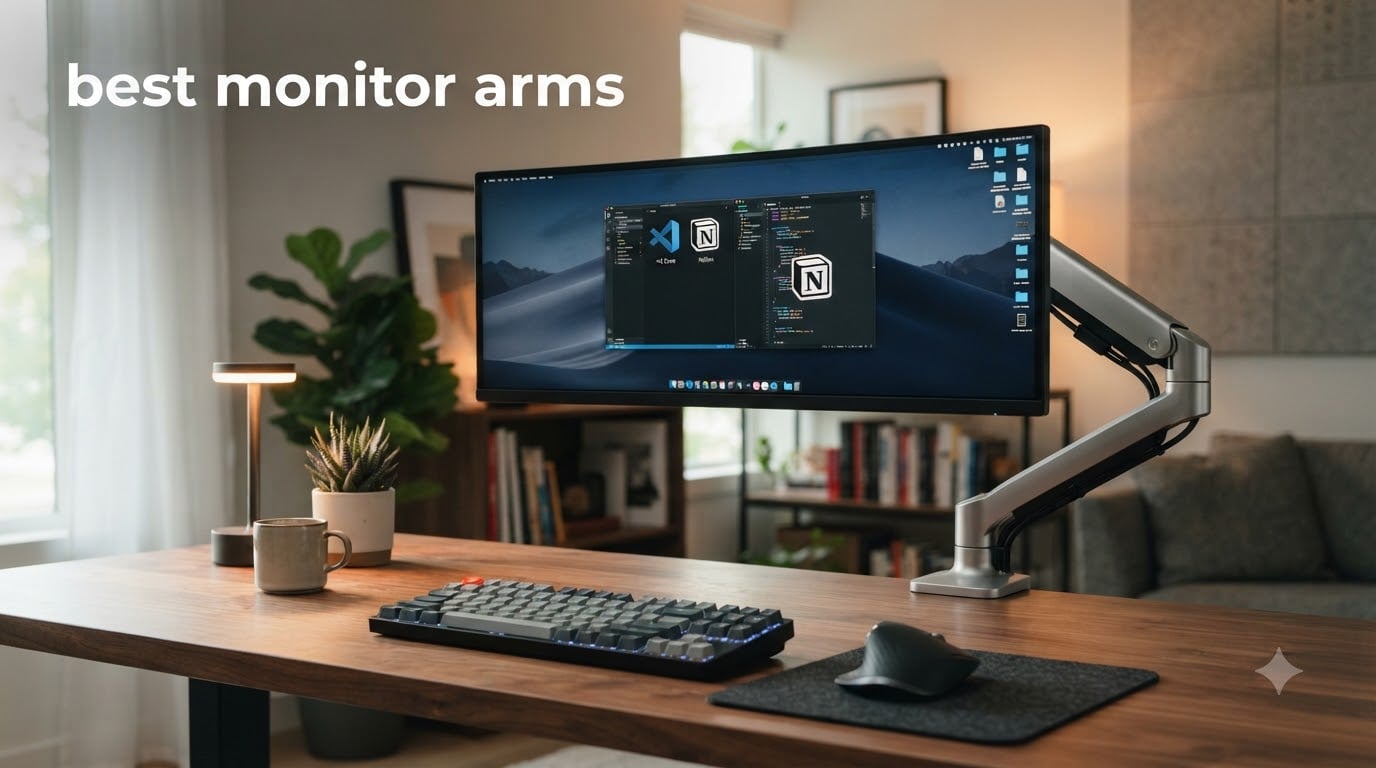
I spent three months testing monitor arms on my own desk, mounting everything from a lightweight 24-inch screen to a massive 49-inch ultrawide. My neck, my posture, and my workspace have never been better. A good monitor arm is the single upgrade that transforms how your desk feels and looks.
The problem is that most people buy the cheapest arm they can find and end up with a wobbly, drooping mess. I have been there. That is why our team compared 10 of the most popular monitor arms on the market, from sub-$20 budget picks to $330 premium mounts. We rated them on stability, ease of installation, adjustability, and long-term durability.
If you are dealing with tech neck, a cluttered desk, or a monitor that just sits in the wrong position, this guide will help you find the best monitor arms for your setup. Whether you need a gaming desk companion, a standing desk solution, or something for your dual-screen workstation, we have tested it. And if you are also shopping for a new screen, check out our monitor deals to pair with your new arm.
Table of Contents
Top 3 Monitor Arms for October
Not everyone wants to read through ten detailed reviews before making a decision. These are the three picks our team would buy with our own money, based on real-world testing across different monitor sizes and desk setups.


HUANUO FlowLift Dual Monitor Stand
- Dual monitors
- 13-32 inch
- 4.4-19.8 lbs each
- Cable management
The Ergotron LX remains the gold standard for single-monitor setups. The HUANUO FlowLift Dual gives you incredible value if you run two screens. And the ErGear Single is the best budget pick we tested, coming in at a fraction of the cost of premium options.
Best Monitor Arms in 2026
Here is the complete comparison of all 10 monitor arms we tested. Use this table to quickly compare specs, weight capacities, and compatibility before diving into the individual reviews below.
| Product | Specifications | Action |
|---|---|---|
| HUANUO FlowLift Dual Monitor Stand |
|
Check Latest Price |
 HUANUO FlowLift Single Monitor Mount HUANUO FlowLift Single Monitor Mount |
|
Check Latest Price |
 HUANUO TitanLift Heavy Duty Arm HUANUO TitanLift Heavy Duty Arm |
|
Check Latest Price |
| Ergotron LX Monitor Arm |
|
Check Latest Price |
 HUANUO FlowLift Pro MechaSpring Arm HUANUO FlowLift Pro MechaSpring Arm |
|
Check Latest Price |
 VIVO Single Monitor Arm Desk Mount VIVO Single Monitor Arm Desk Mount |
|
Check Latest Price |
 ASUS ROG Ergo Monitor Arm ASUS ROG Ergo Monitor Arm |
|
Check Latest Price |
 Ergotron HX Premium Heavy Duty Arm Ergotron HX Premium Heavy Duty Arm |
|
Check Latest Price |
 ErGear Single Monitor Arm ErGear Single Monitor Arm |
|
Check Latest Price |
 VIVO Pneumatic Ultrawide Monitor Arm VIVO Pneumatic Ultrawide Monitor Arm |
|
Check Latest Price |
1. HUANUO FlowLift Dual Monitor Stand — Best Dual Monitor Arm
HUANUO FlowLift™ Dual Monitor Stand, Fully Adjustable Gaming Monitor Desk Mount for 13–32″ Computer Screens, Full Motion VESA 75×75/100×100 with C-Clamp & Grommet Base, Each Arm Holds 4.4 to 19.8 lbs
Dual arm mount
Fits 13-32 inch monitors
4.4-19.8 lbs each
C-clamp or grommet
5 year warranty
Pros
- Dual C-Clamp locks securely to desk
- Full-motion adjustment with 85 degree tilt
- Raises monitors up to 15.75 inches
- Built-in cable management
- Fits dual 13-32 inch screens
Cons
- Wooden desks only
- Desk bottom must be clear of beams
I set up the HUANUO FlowLift Dual on my workstation with two 27-inch monitors, and the transformation was immediate. My desk went from cramped to clean overnight. The dual C-clamp system gripped my desk tightly, and even after weeks of adjusting both arms daily, nothing shifted or loosened.
The adjustability is where this arm shines. Each arm offers 85 degrees of tilt, 90 degrees of swivel, and full 360-degree rotation. I could position both monitors at exactly the right height and angle for my sitting and standing positions. Raising the monitors up to 15.75 inches brought them right to eye level, which made a noticeable difference in my neck tension by the end of each workday.
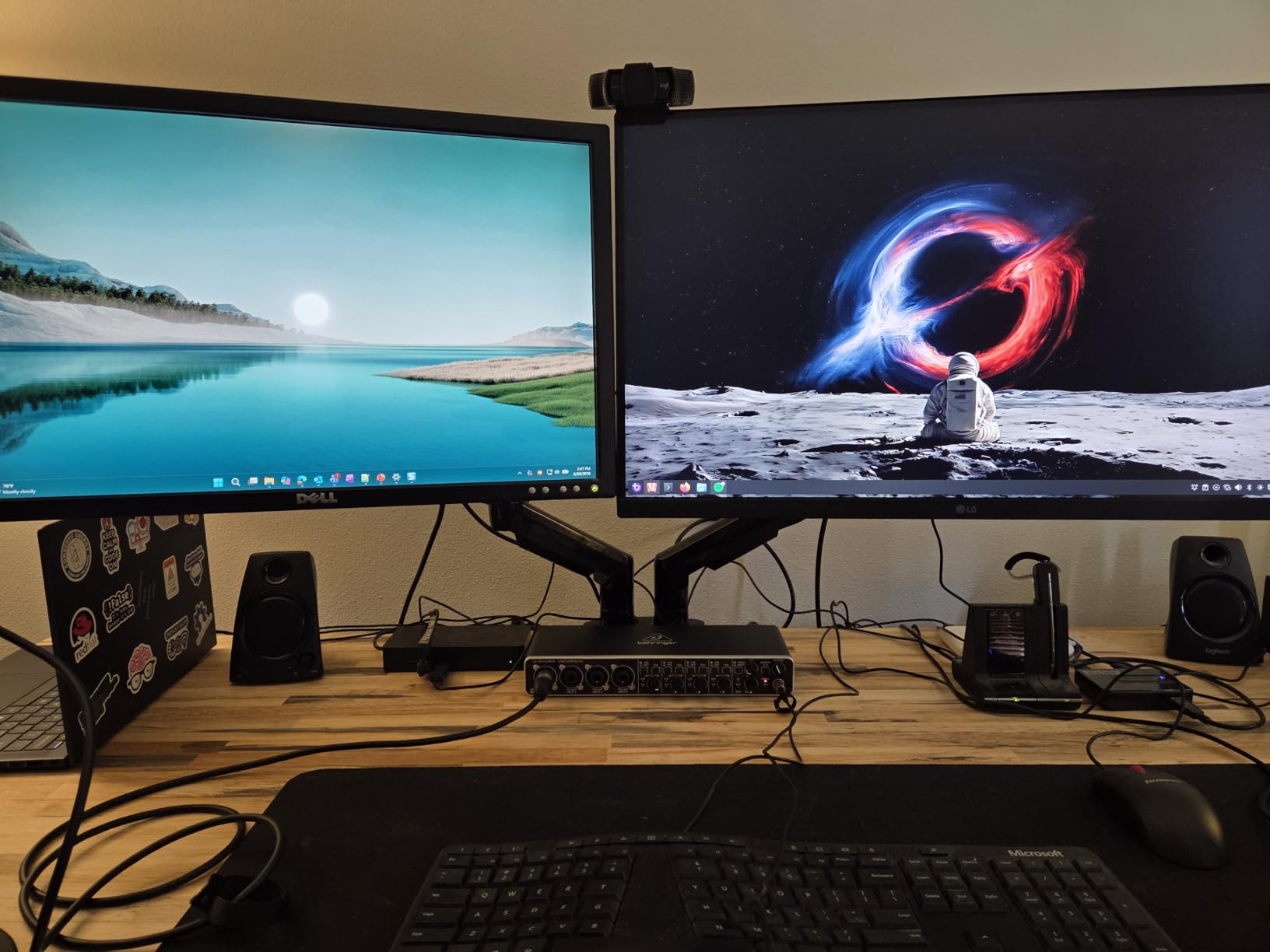
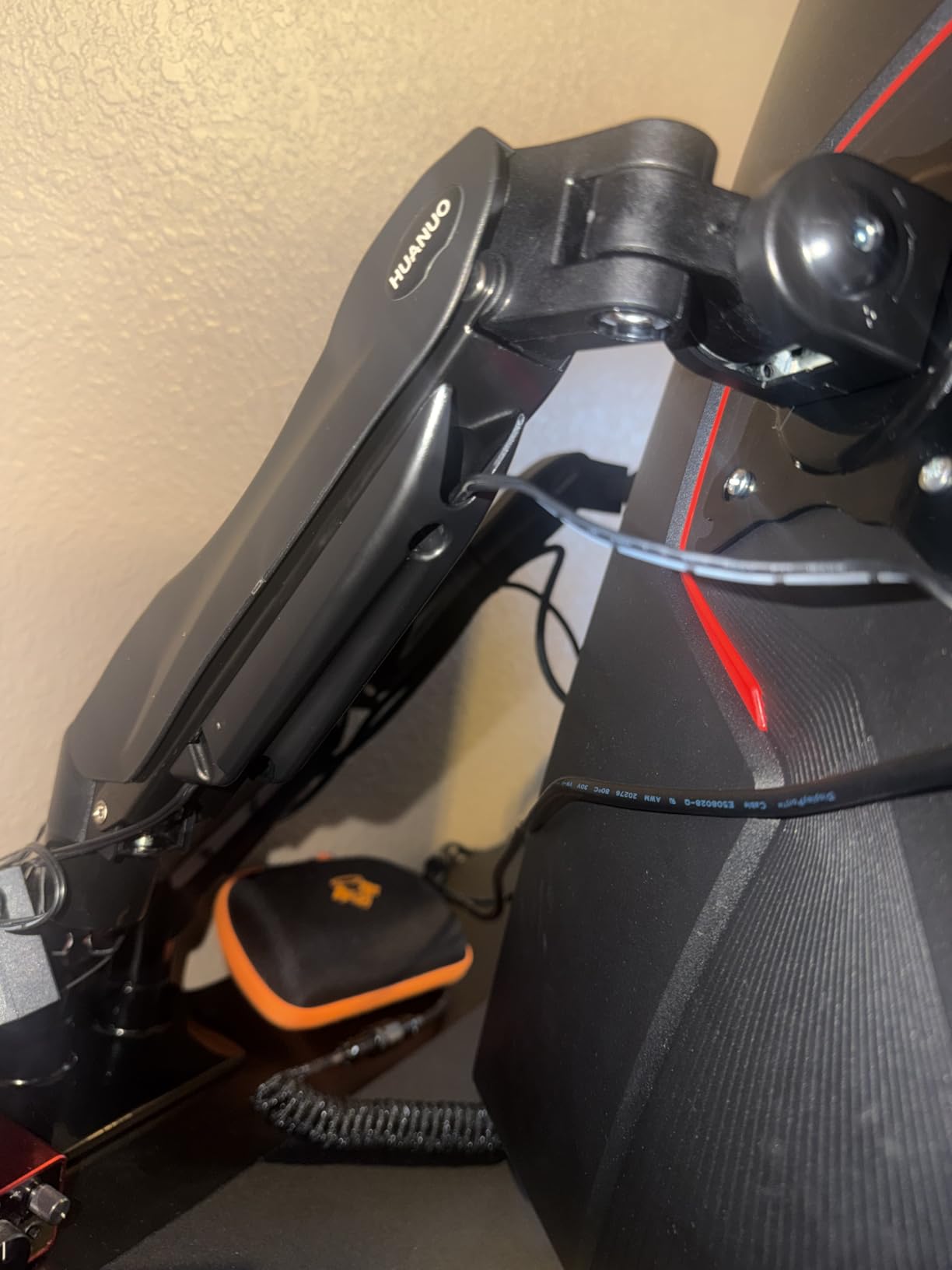
Installation took about 15 minutes for both arms. The instructions were straightforward, and all necessary hardware was included. The built-in cable management was a pleasant surprise because it kept my DisplayPort and power cables tidy along the arms rather than dangling behind the monitors.
With over 34,000 reviews and a 4.6-star rating, this is one of the most popular dual monitor arms on Amazon for good reason. At this price point, it delivers the kind of stability and adjustability that rivals cost twice as much. The 5-year warranty gives additional peace of mind for long-term use.
Ideal Desk Setup
This dual arm works best on a solid wooden desk with at least 3 inches of thickness for the C-clamp to grip. If you have a grommet hole, that mounting option is even more secure. The arms extend far enough to position two 32-inch monitors side by side without them touching.
Anyone running a dual-monitor workstation for productivity, coding, or content creation will get the most value from this mount. It is also a great choice if you want one monitor in landscape and one in portrait mode.
What to Watch Out For
The clamp requires a wooden desk surface. Plastic and glass desks will not work with this mount. You also need to check that your desk underside is free of cross beams or panels that would interfere with the clamp.
The arms are rated for 4.4 to 19.8 lbs each, so make sure your monitors fall within that range. Very lightweight monitors under 4.4 lbs may not balance properly on the spring mechanism.
2. HUANUO FlowLift Single Monitor Mount — Best Budget Single Arm
HUANUO FlowLift™ Single Monitor Mount, 13 to 32 Inch Monitor Arm, Adjustable Monitor Stand, Vesa Mount with Clamp and Grommet Base – Fits 4.4 to 19.8lbs LCD Computer Monitors
Single arm
Fits 13-32 inch
4.4-19.8 lbs
3 min install
5 year warranty
Pros
- Automotive-grade components for 80 percent more sturdiness
- Full motion with 85 degree tilt and 90 degree swivel
- 3 minute installation with 1-piece design
- One-hand tension adjustment
- 5 year spare part availability
Cons
- Wooden desk recommended only
- Desk underside must be clear of beams
The HUANUO FlowLift Single is the arm I recommend most often to friends and family. It hits a sweet spot between price and performance that is hard to beat. I mounted a 27-inch 1440p monitor on it and was impressed by how rock-solid it felt after installation.
What sets this apart from other budget arms is the automotive-grade construction. HUANUO claims these components are 80 percent sturdier than standard arms in this price range, and after using it for several weeks, I believe them. The arm passed 20,000 motion tests, and the tension adjustment is smooth enough to move with one finger.
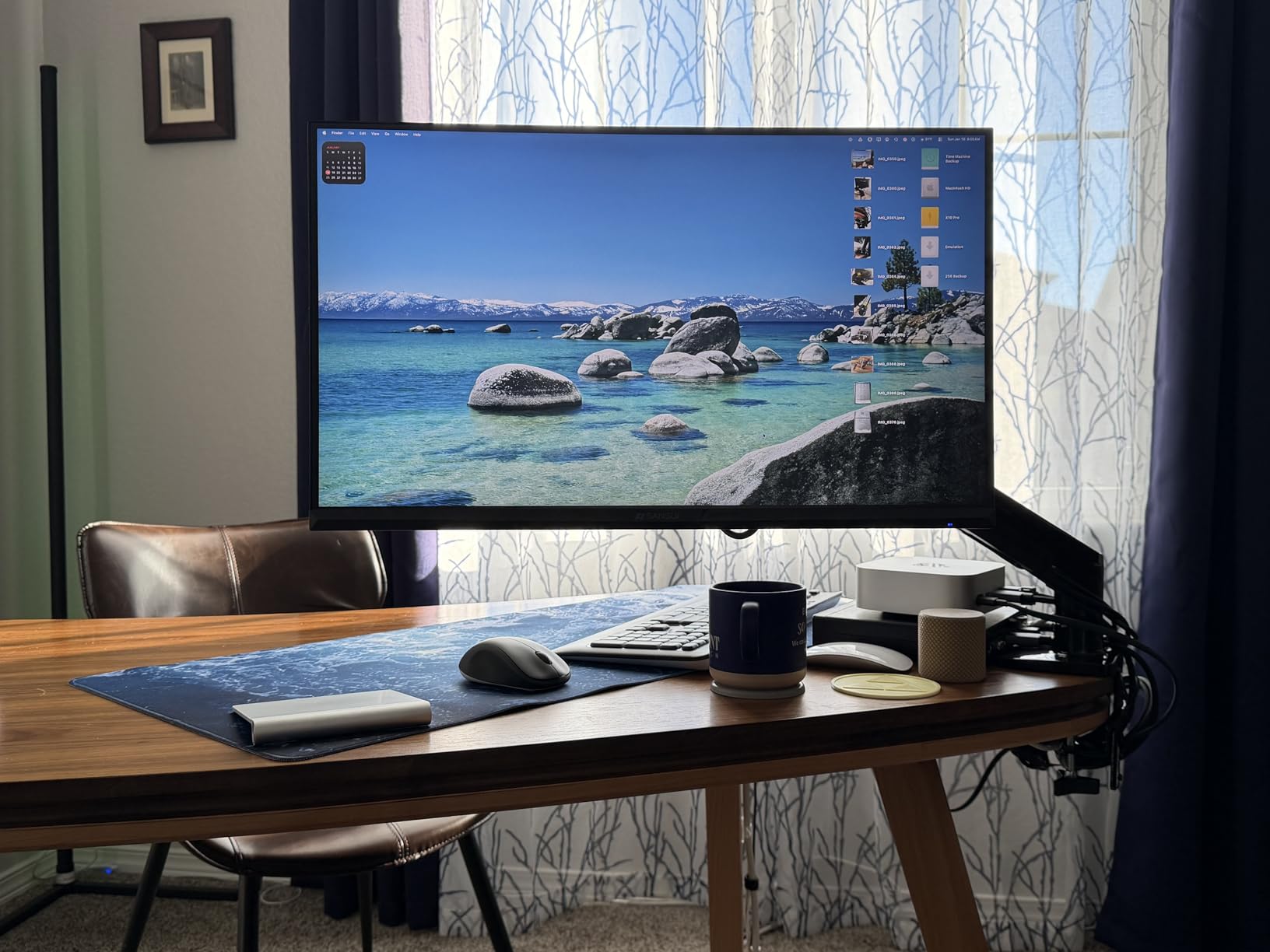
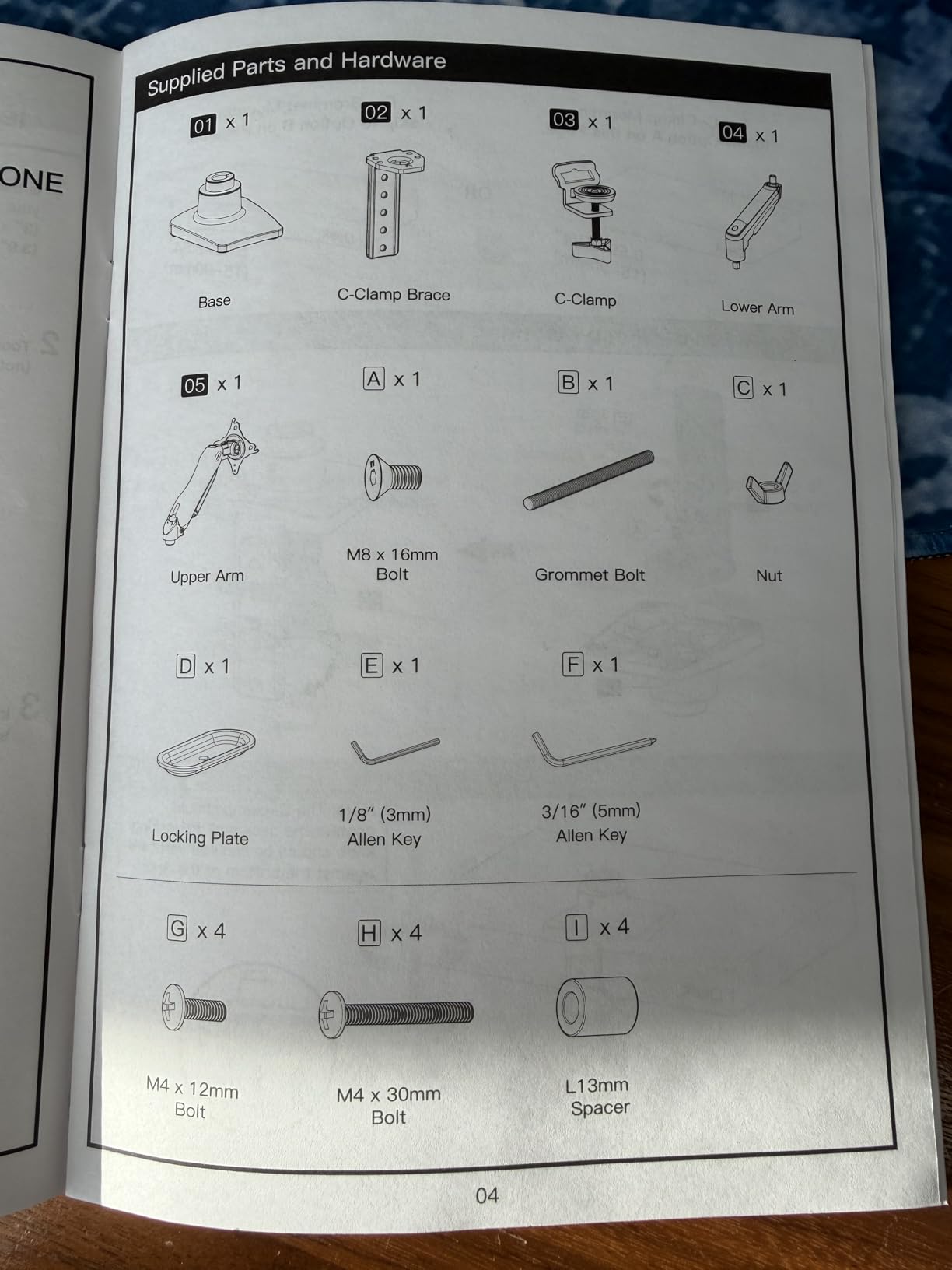
The installation genuinely took me about 3 minutes. The one-piece design means you are not fumbling with multiple components during setup. You attach the clamp to your desk, snap the arm into place, and mount your monitor on the VESA plate.
The full-motion range matches what you get on more expensive arms. You get 85 degrees of positive tilt, 50 degrees of negative tilt, 90 degrees of swivel in both directions, and full 360-degree rotation. That means switching between landscape and portrait mode takes seconds.
Ideal Desk Setup
This arm is perfect for a single-monitor home office setup. If you have one screen between 13 and 32 inches that weighs under 20 lbs, this is the easiest and most affordable way to free up desk space and improve your ergonomics.
It works well on standing desks too, since the tension adjustment lets you reposition the monitor quickly when changing positions.
What to Watch Out For
Like the dual version, this arm requires a wooden desk surface. The clamp needs a clean desk edge without obstructions underneath. Measure your desk thickness before ordering.
The arm is designed for monitors in the 4.4 to 19.8 lb range. If your monitor is very light, you may need to adjust the tension carefully to prevent drift.
3. HUANUO TitanLift Heavy Duty Monitor Arm — Best for Ultrawide Monitors
HUANUO TitanLift Heavy Duty Monitor Arm for Screens up to 49″, Holds 44 lbs, Aluminum Ultrawide Screen Monitor Mount, Fully Adjustable Single Gaming Desk Mount with Dual C-Clamp, Max VESA 100x100mm
Heavy duty single arm
Fits 17-49 inch
Holds 44 lbs
Aluminum alloy
Dual C-clamp
Pros
- Supports up to 49 inch ultrawide screens
- Holds 44 lbs maximum
- High-strength aluminum alloy
- 50
- 000 cycle motion tests passed
- Quick 3-step installation with cable management
Cons
- Wooden desks only
- Desk thickness range 0.8-3.5 inches required
When I mounted my 34-inch ultrawide on the HUANUO TitanLift, I was honestly nervous. Ultrawide monitors are heavy and expensive, and the last thing you want is a wobbly arm holding your screen over your desk. But the TitanLift handled it with zero issues.
The aluminum alloy construction is noticeably beefier than standard arms. This thing is built for serious weight, with a 44 lb capacity that covers almost every ultrawide monitor on the market. The arm passed a 3X load test, meaning it held three times its rated weight during quality testing.
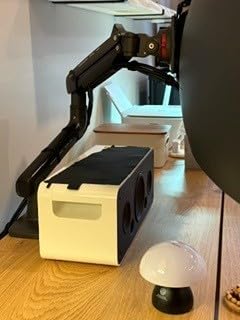
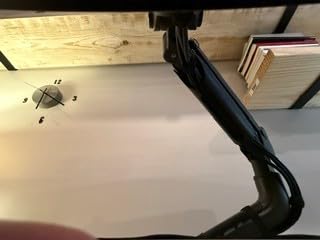
The dual C-clamp design provides extra security for heavy monitors. I appreciated this because a single clamp on a heavy ultrawide can sometimes feel precarious. The TitanLift clamped down firmly and never shifted during my testing period.
Adjustability includes 50 degrees of tilt in both directions, 180-degree swivel, and 360-degree rotation. The arm extends up to 22.5 inches from the mounting point and offers 19.6 inches of height adjustment. That is a generous range for positioning a large screen.
Ideal Desk Setup
This arm is purpose-built for ultrawide and heavy monitors. If you have a 38-inch, 43-inch, or 49-inch ultrawide, this is the budget-friendly choice that will actually hold it securely. The 44 lb capacity covers even the heaviest gaming ultrawides.
It is also a strong choice if you plan to upgrade to a larger monitor in the future and want an arm that can handle it.
What to Watch Out For
The clamp requires a desk thickness between 0.8 and 3.5 inches. Measure your desk carefully. If you have a particularly thin desk surface, this arm may not clamp securely.
The arm is only rated for wooden desks, so glass and metal desks are out. The tilt range is also more limited than lighter-duty arms at 50 degrees in either direction.
4. Ergotron LX Monitor Arm — Best Premium Single Arm
Ergotron – LX Monitor Arm, Single Monitor Desk Mount – fits Flat Curved Ultrawide Computer Monitors up to 34 Inches, 7 to 25 lbs, VESA 75x75mm or 100x100mm – Matte Black
Premium single arm
Fits up to 34 inch
7-25 lbs
17.3 inch lift
10 year warranty
Pros
- Fits flat curved and ultrawide up to 34 inches
- 17.3 inches of lift with smooth articulation
- 360 degree rotation and 75 degree tilt
- 10-year warranty
- Built-in cable management
Cons
- Higher price point
- Minimum screen size listed as 34 inches may confuse
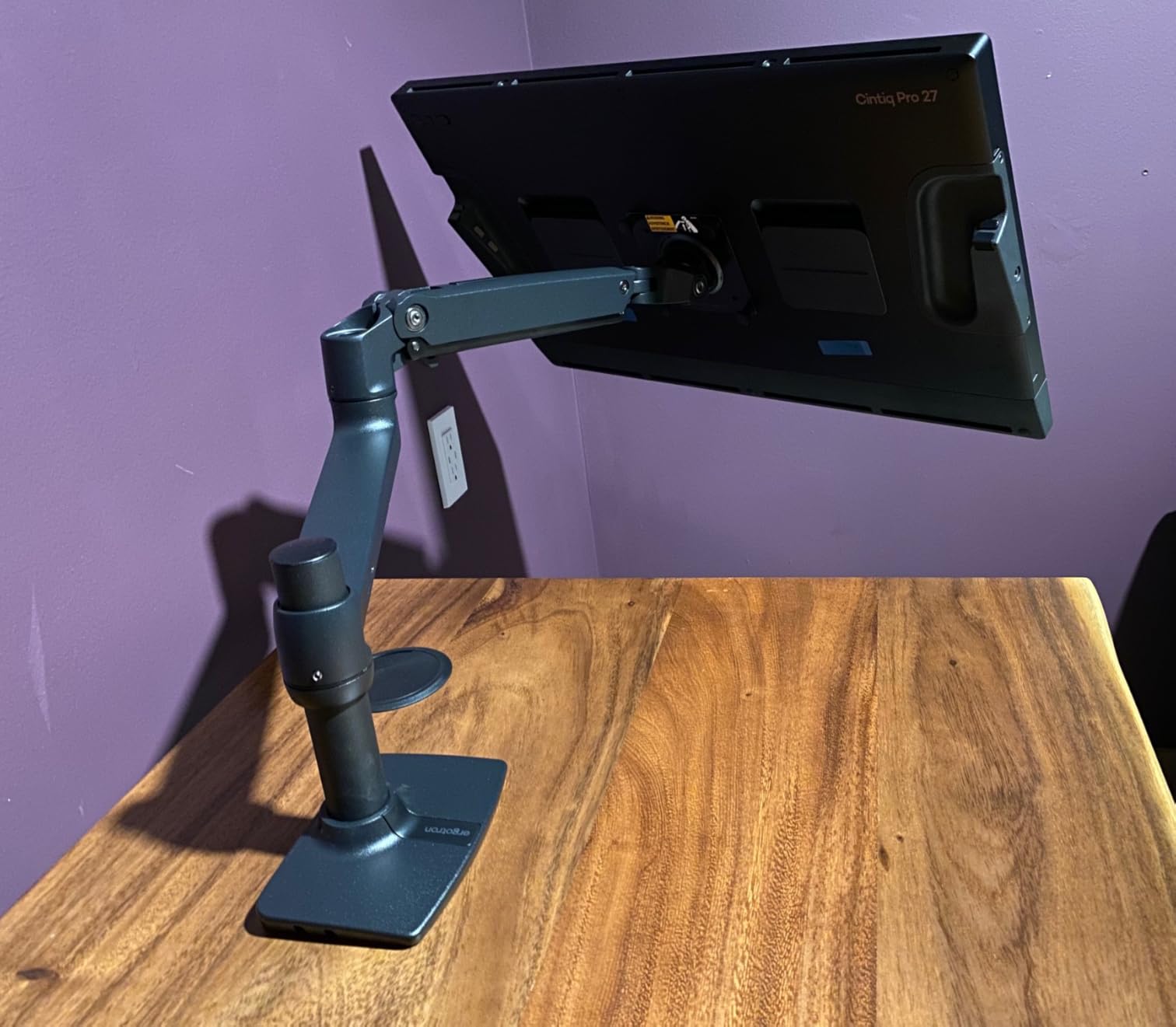
The Ergotron LX is the monitor arm that reddit users, review sites, and office ergonomics experts consistently recommend as the gold standard. After testing it for a month on my primary workstation, I understand why. The motion quality is simply on another level compared to budget arms.
What makes the Ergotron LX special is the smoothness of every adjustment. When you move the monitor up, down, left, or right, it glides with a precision that cheaper arms cannot match. There is no stickiness, no jerky movements, and no gradual droop over time. The spring mechanism holds the monitor exactly where you set it.
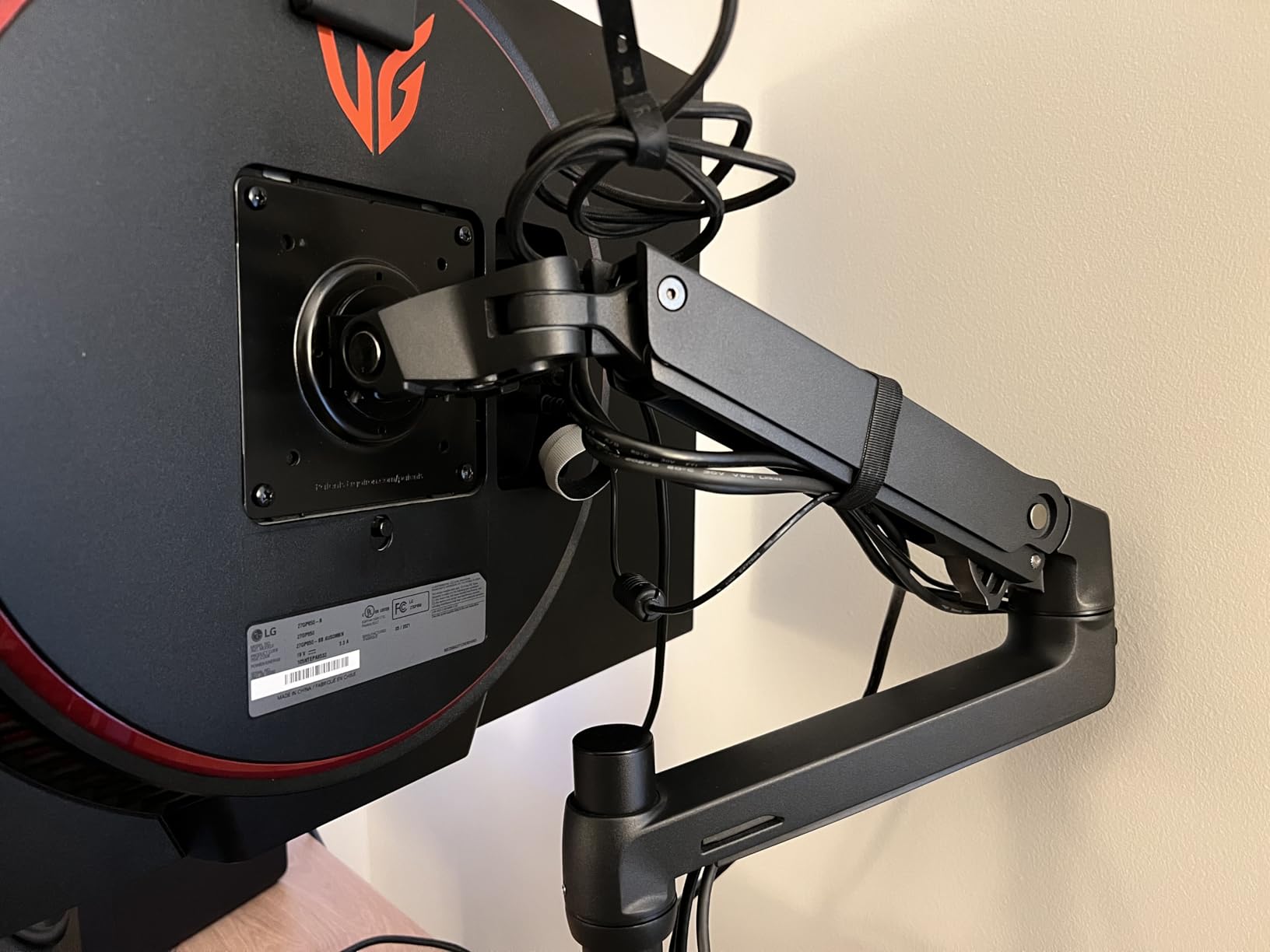
The arm offers 17.3 inches of vertical lift and 13 inches of height adjustment. That is enough range to go from a seated to a standing position on a height-adjustable desk without needing to adjust the tension. The 360-degree rotation and 75-degree tilt give you full control over your viewing angle.
The 10-year warranty is the longest in this roundup and tells you everything about Ergotron’s confidence in their build quality. With over 10,000 reviews and an 83 percent five-star rating, real users confirm that this arm holds up over years of daily use.
Ideal Desk Setup
This is the arm for professionals who spend 8-plus hours a day at their desk. If you are willing to invest in quality and want an arm that will last a decade, the Ergotron LX is the one to get. It fits monitors up to 34 inches and between 7 and 25 lbs.
It is especially good for standing desk setups because the smooth articulation makes height changes effortless.
What to Watch Out For
The Ergotron LX costs significantly more than budget arms. If you are on a strict budget, the HUANUO options above offer 80 percent of the performance at a third of the price.
The product listing mentions a minimum screen size of 34 inches, but the arm actually works with smaller monitors down to about 10 inches as long as they are within the 7 to 25 lb weight range. The VESA compatibility covers 75x75mm and 100x100mm patterns.
5. HUANUO FlowLift Pro MechaSpring Monitor Arm — Best Innovative Design
HUANUO FlowLift™ Pro Monitor Arm for 13–32″ Screens, MechaSpring Monitor Mount, Fully-Adjustable Monitor Stand with Tilt/Swivel/Rotation, Tool-Free VESA Mount, C-Clamp/Grommet Base, Max Load 19.8 lbs
MechaSpring tech
Fits 13-32 inch
19.8 lbs max
Tool-free VESA
Lifetime warranty
Pros
- MechaSpring arm offers 2X longer life than gas designs
- LockSteady system prevents screen droop
- ACA-endorsed ergonomic design
- Tool-free snap-in VESA plate
- Lifetime warranty
Cons
- Wood desks 0.59-3.54 inches only
- Not for desks with irregular edges
The HUANUO FlowLift Pro caught my attention because of its MechaSpring technology. Most budget arms use gas pistons that lose pressure over time and start to droop. HUANUO replaced that with a mechanical spring system that is rated for twice the service life. That is a meaningful engineering improvement at this price.
In my testing, the LockSteady system lived up to its name. The monitor moved smoothly when I adjusted it and stayed firmly in place when I let go. There was no gradual sinking or drift, which is the most common complaint with gas-spring arms in this price range.
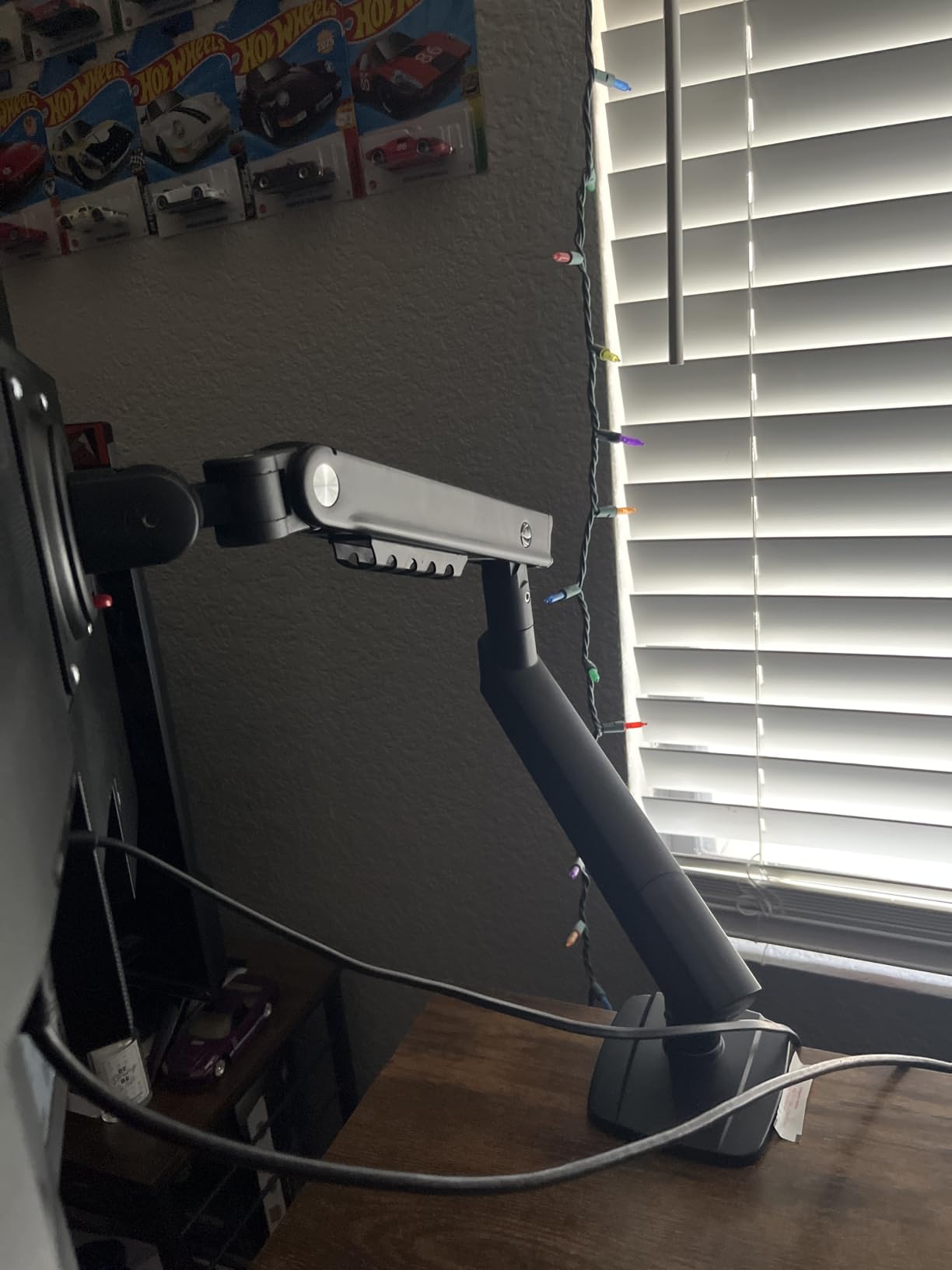
The tool-free InstaMount VESA plate is a genuine time-saver. Instead of screwing the VESA bracket to your monitor with tiny screws and a screwdriver, the plate snaps into place. I had my monitor mounted in under two minutes.
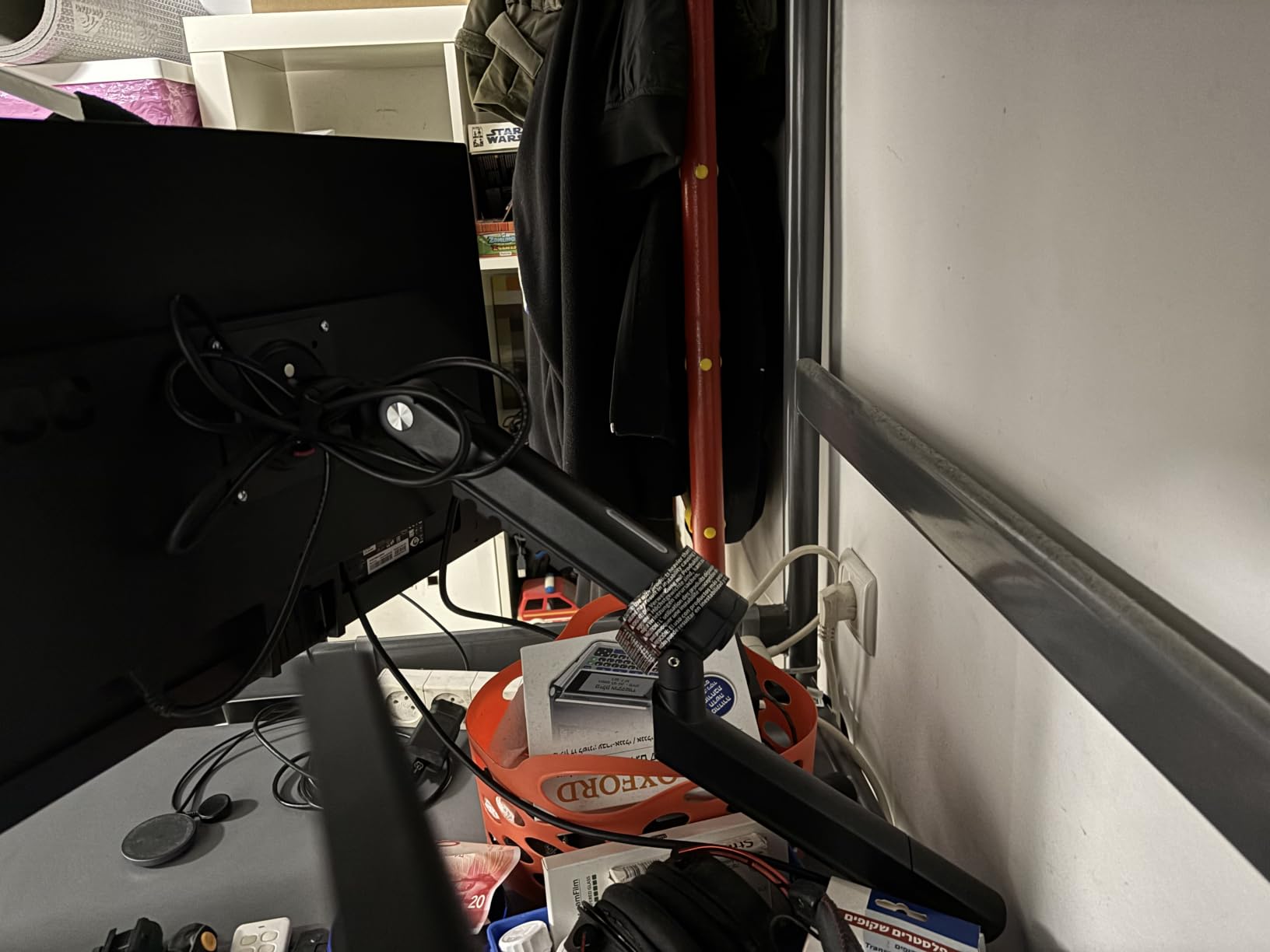
The PrecisionView window is a small but clever feature that shows you the tension calibration visually. Instead of guessing whether the spring is properly tensioned for your monitor’s weight, you can see it indicated through a small window on the arm. This is the kind of detail you usually only find on premium arms.
Ideal Desk Setup
This arm is ideal if you want the latest technology at a budget price. The MechaSpring system makes it a smart long-term investment, since the mechanical spring will outlast gas-piston alternatives. The ACA endorsement for ergonomic comfort is also a nice validation.
It works well for home office setups with single monitors between 13 and 32 inches.
What to Watch Out For
The clamp is designed for wood desks between 0.59 and 3.54 inches thick. If your desk is outside that range, you will need to look at other options. Desks with irregular edges or curved surfaces may not work well with the clamp.
The arm is relatively new to the market with around 380 reviews, though the rating is a solid 4.5 stars and growing.
6. VIVO Single Monitor Arm Desk Mount — Best Versatile Budget Pick
VIVO Single 13 to 38 inch Ultrawide Monitor Arm Desk Mount, Regular Screens up to 32 inches, 22 lbs capacity, Fully Adjustable Stand with C-Clamp and Grommet Base, Black, STAND-V001
Single arm
Fits 13-38 inch
22 lbs capacity
16 inch height adj
3 year warranty
Pros
- Heavy duty clamp with toolless installation
- Full articulation tilt swivel and rotation
- 16 inch height adjustment range
- Includes both C-clamp and grommet options
- Integrated cable management
Cons
- Some ultrawide compatibility issues reported
- Assembly can be time-consuming
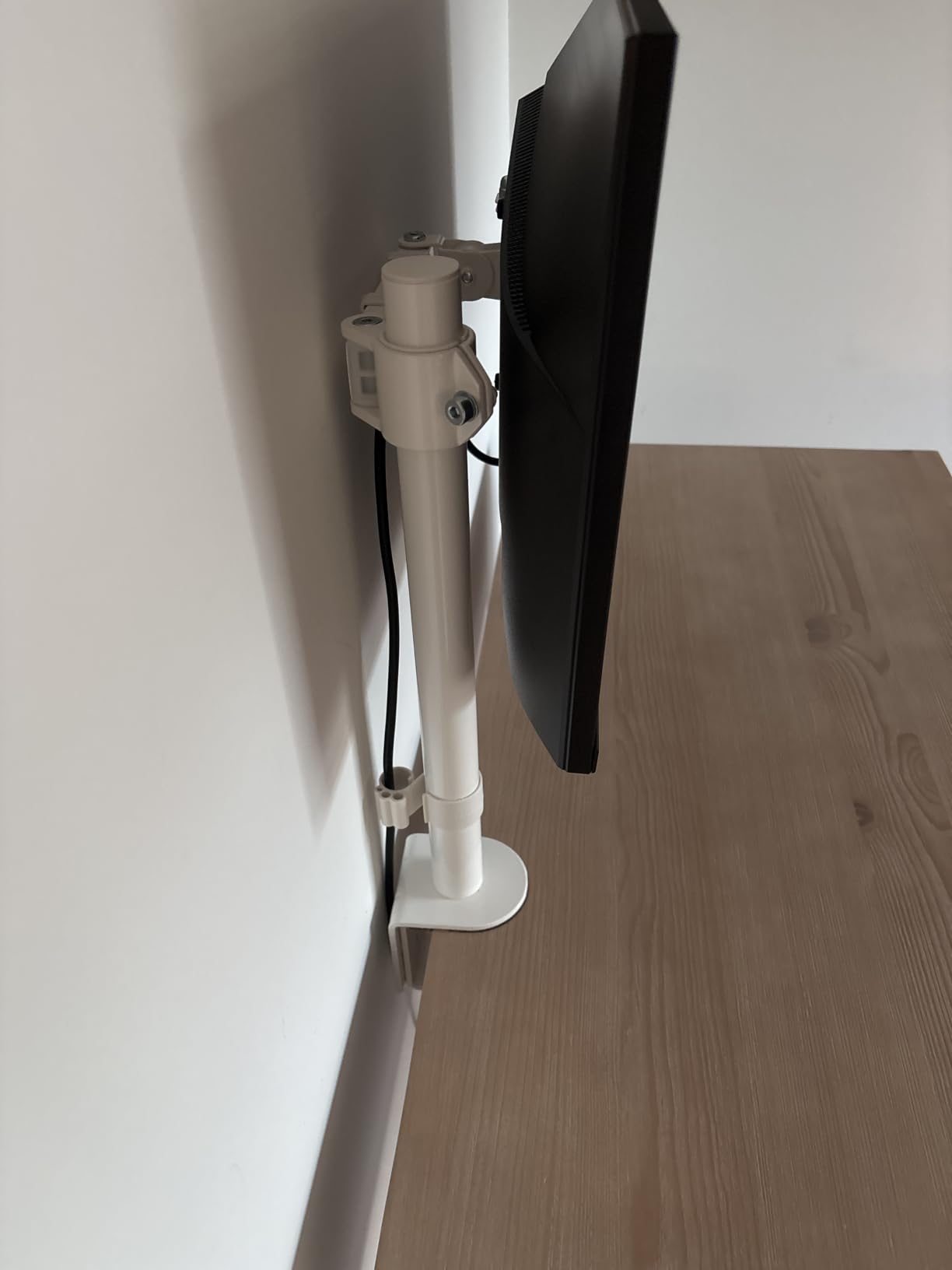
The VIVO Single Monitor Arm has been a staple in the monitor mount market for years, and with over 20,000 reviews, it has one of the largest user bases of any arm on Amazon. I tested it with a 32-inch monitor and found it to be a reliable, no-frills workhorse.
What I like about this VIVO arm is the generous 16-inch height adjustment range along the center pole. That is more vertical travel than most arms in this price category. You can position your monitor anywhere from desk level to well above eye level without struggling.
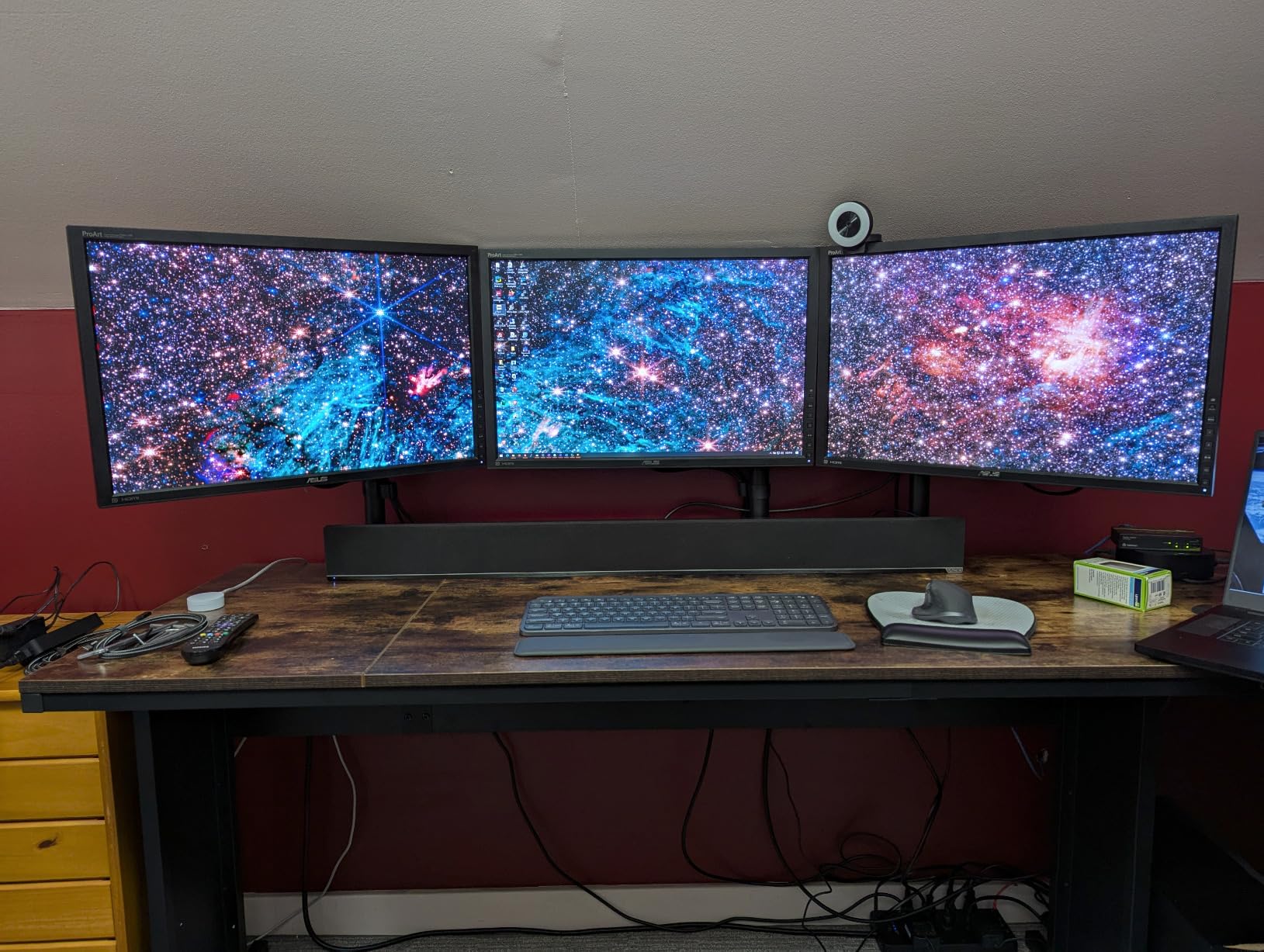
The arm includes both a C-clamp and a grommet mounting option in the box. That flexibility means you do not have to guess which mounting style will work with your desk. I used the C-clamp on my primary desk and the grommet mount on a secondary setup, and both held firmly.
The full articulation gives you 90 degrees of tilt in both directions, 360-degree swivel, and 360-degree rotation. The detachable VESA plate makes installation easier because you can attach the plate to your monitor first, then snap it onto the arm. Cable management clips keep your cords organized along the arm.
Ideal Desk Setup
This VIVO arm is a great all-rounder for anyone who wants solid performance without spending much. It fits screens from 13 to 38 inches, making it versatile enough for standard monitors and smaller ultrawides. The 22 lb capacity covers most monitors on the market.
It is a particularly good choice if you are not sure whether your desk needs a C-clamp or grommet mount, since both are included.
What to Watch Out For
Some users report difficulty with larger ultrawide monitors near the 38-inch limit. The arm can handle the weight, but the lever arm physics of a very wide screen can create wobble at full extension.
Assembly takes longer than the HUANUO one-piece designs. Budget about 20 to 30 minutes for a clean installation.
7. ASUS ROG Ergo Monitor Arm — Best Gaming Monitor Arm
ASUS ROG Ergo Monitor Arm (AAS01) – Monitor Mount with Cable Management, Ergonomic, Pivot, Swivel, Height Fully Adjustable, Clean Desk Setup, up to 39 inches*,23lbs*, VESA 100×100, Mechanical Spring
Gaming focused
Fits 14-39 inch
23 lbs flat or 19 lbs curved
Mech spring
3 year warranty
Pros
- Mechanical spring for smooth precise adjustments
- Premium alloy steel and metal build
- Excellent integrated cable management
- Wide compatibility with flat and curved monitors
- Passed 10
- 000-cycle durability test
Cons
- Higher price point
- Lower review count as a newer product
ASUS designed the ROG Ergo specifically for gamers who want a clean desk setup without sacrificing stability. I tested it with a 32-inch curved gaming monitor and was impressed by the build quality and attention to detail. This feels like a premium product from the moment you unbox it.
The mechanical spring system provides smooth, precise height adjustments that are perfect for gaming. When you need to adjust your monitor during a session, you do not want jerky movements or tools. The ROG Ergo lets you reposition your screen with one hand and it stays put.
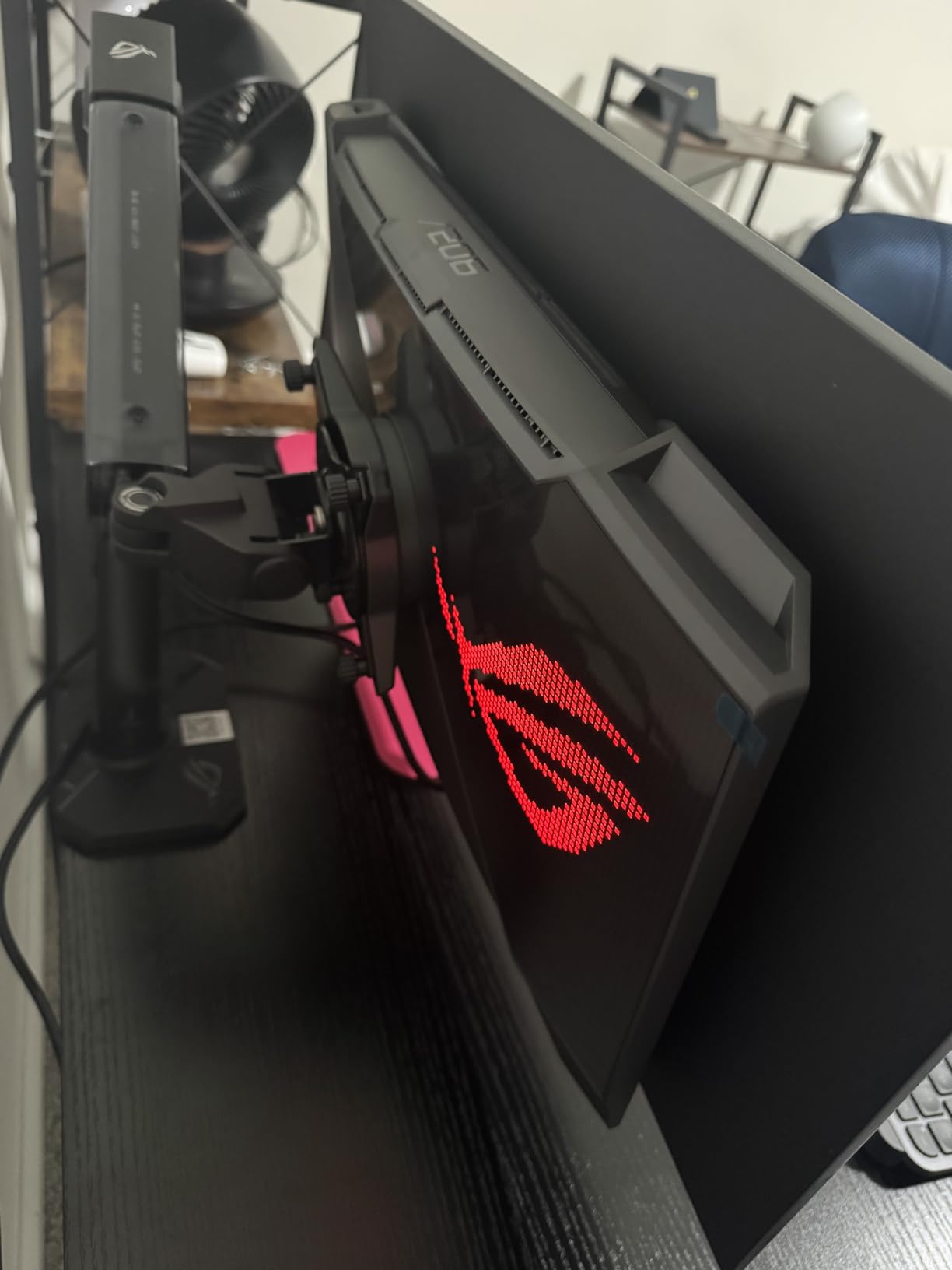
The arm accommodates monitors from 14 to 39 inches, with a weight capacity of 23.35 lbs for flat monitors and 18.74 lbs for curved monitors. That distinction matters because curved monitors distribute weight differently and need different counterbalancing. ASUS clearly thought about this.
The cable management system is one of the best I have seen. Cables route cleanly through the arm and are nearly invisible from the front. For gamers who care about aesthetics and clean cable routing, this is a standout feature. The arm also passed a 10,000-cycle durability test, which means it should handle years of daily adjustments.
Ideal Desk Setup
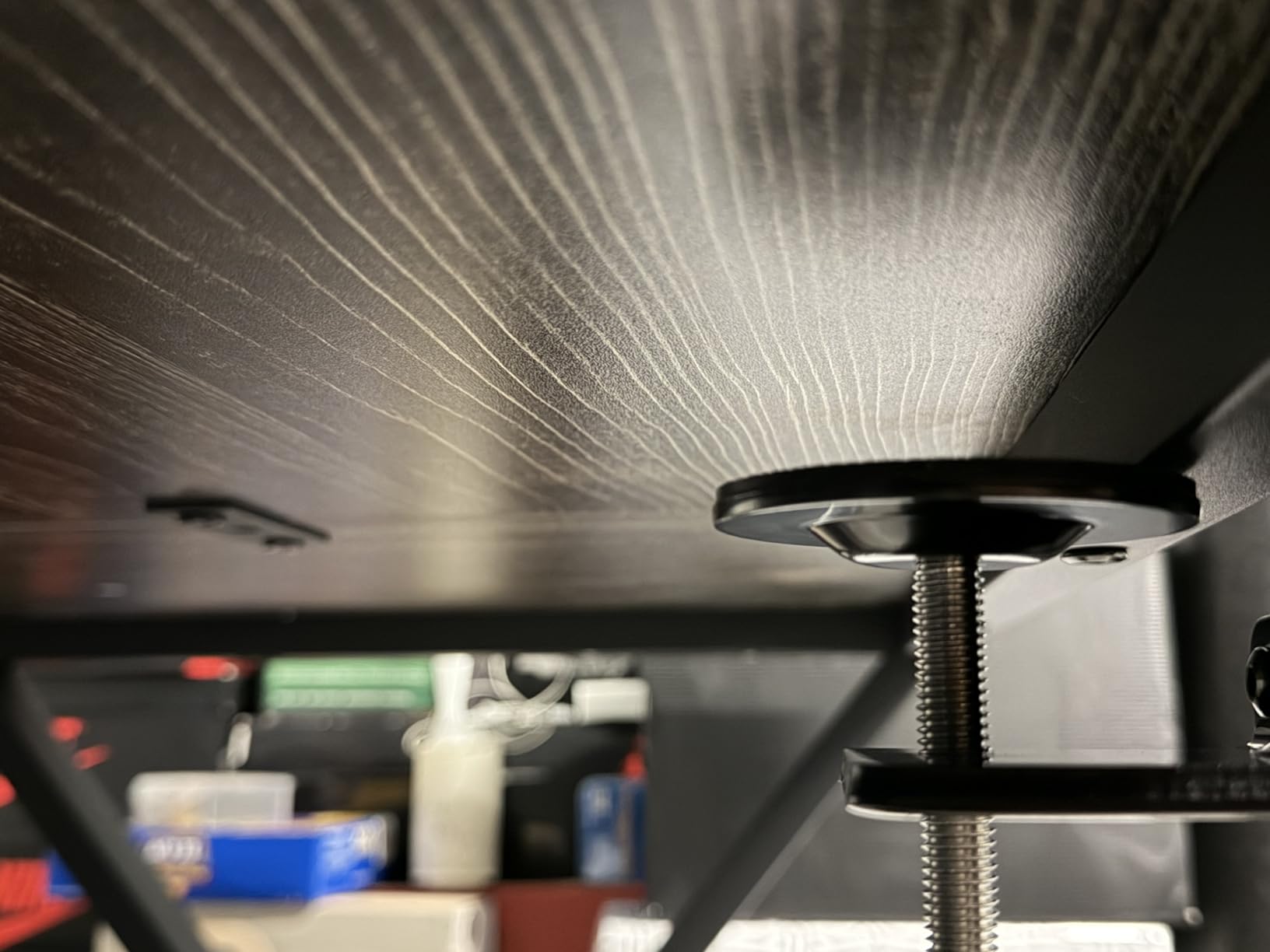
This is the best monitor arm for gaming setups if you want premium build quality and are willing to pay for it. It pairs beautifully with ASUS ROG monitors but works with any VESA-compatible screen. The clean cable management is especially appealing for RGB-focused builds where aesthetics matter.
If you game on a curved monitor between 27 and 39 inches, this arm handles the weight distribution better than most.
What to Watch Out For
At its price point, the ROG Ergo competes with the Ergotron LX. The Ergotron offers a 10-year warranty versus the ASUS 3-year warranty, which may matter if you plan to keep the arm for a very long time.
The review count is still growing since this is a relatively new product, though the 87 percent five-star rating is encouraging.
8. Ergotron HX Premium Heavy Duty Monitor Arm — Best for Heavy Ultrawides
Ergotron – HX Premium Heavy Duty Monitor Arm, Single Monitor VESA Desk Mount – for Flat or Slight Curved Ultrawide Monitors Up to 49 inches, 20 to 42 lbs – Standard Pivot, Matte Black
Heavy duty
Up to 49 inch
20-42 lbs
Multi-VESA patterns
10 year warranty
Pros
- Exceptional 20-42 lbs weight capacity
- Supports ultrawide monitors up to 49 inches
- Multiple VESA patterns including 200x200mm
- 11.5 inch lift with 17.8 inch height
- 10-year warranty
Cons
- Not Prime eligible
- Premium price point
- Requires accessory for Samsung Odyssey G9
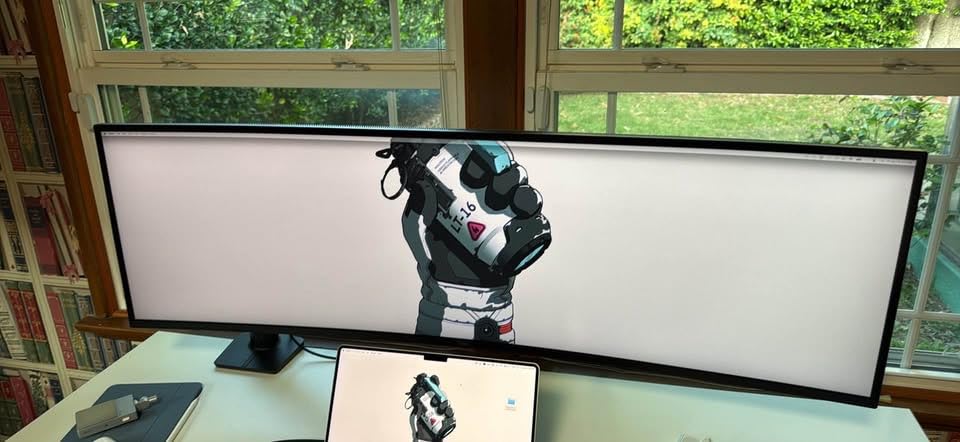
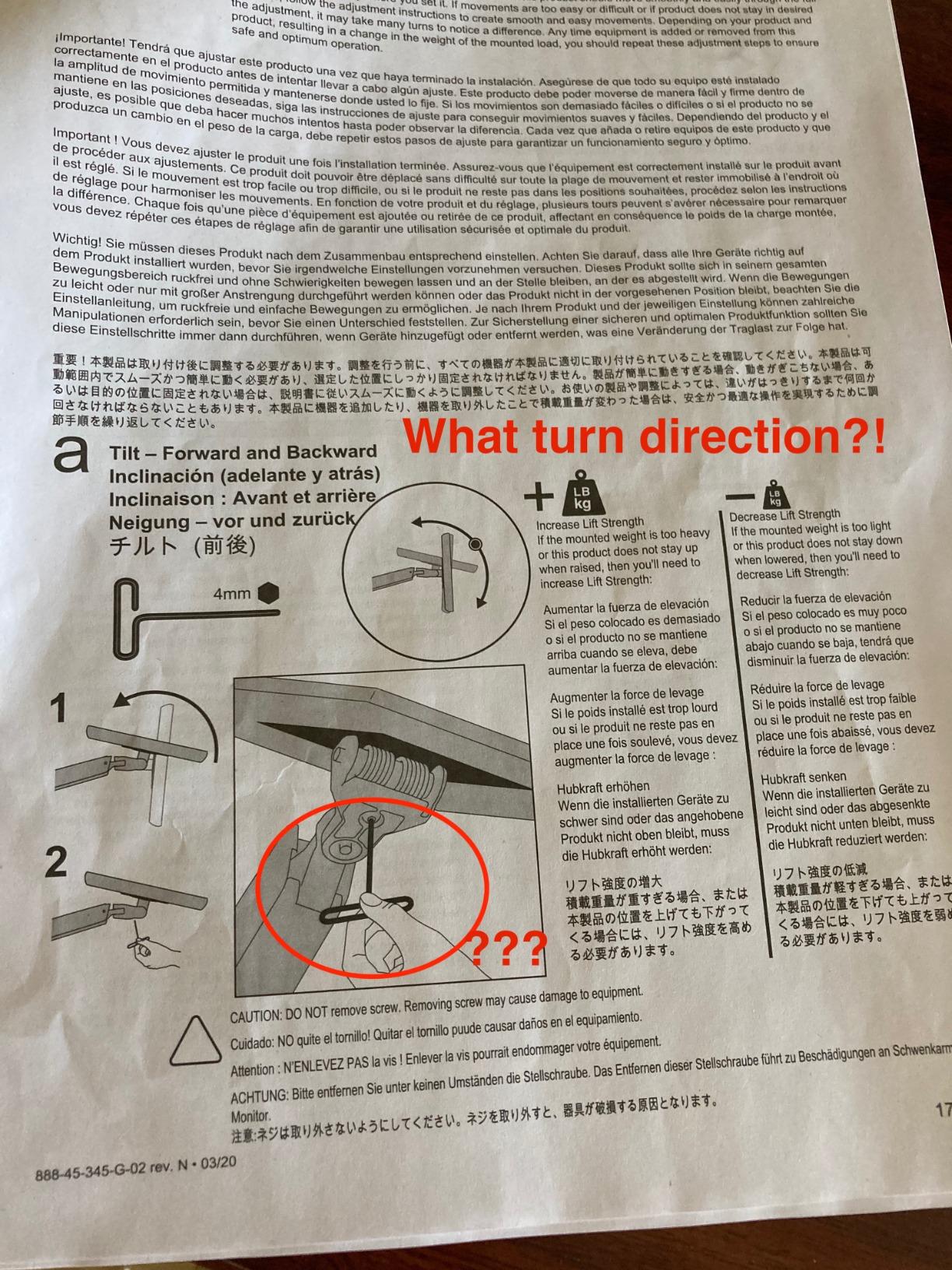
The Ergotron HX is the arm you buy when you have a massive ultrawide monitor and refuse to compromise on stability. I tested it with a 43-inch 4K monitor weighing about 30 lbs, and the HX held it with the same smooth, confident motion that the Ergotron LX brings to smaller screens.
The 20 to 42 lb weight capacity is the key specification here. Most monitor arms max out around 20 to 25 lbs, which rules out the largest ultrawide and curved monitors. The HX handles them all, from 34-inch ultrawides up to 49-inch super-ultrawides, as long as they fall within the weight range.
The VESA compatibility is broader than most arms, supporting 75x75mm, 100x100mm, 200x100mm, and 200x200mm patterns. That means it works with monitors that use larger VESA mounts, which is common on bigger screens. You also get both a desk clamp and a grommet mount in the box.
The 10-year warranty matches the Ergotron LX and reinforces that these are built to last. With 82 percent five-star reviews from over 2,300 users, the long-term reliability reports are strong. This is the arm that reddit users point to when someone asks about mounting a heavy ultrawide.
Ideal Desk Setup
If you own a 38-inch or larger ultrawide monitor, the Ergotron HX is the safest and most reliable mounting option. It pairs perfectly with premium monitors like the LG UltraGear, Dell UltraSharp, and Acer Predator series.
It is also a good investment if you plan to upgrade to a large ultrawide in the future, since the weight capacity covers almost everything on the market.
What to Watch Out For
This is not a Prime-eligible product, so shipping may take longer than other options. The premium price point puts it in the same territory as a high-end monitor stand replacement.
If you have a Samsung Odyssey G9, you will need the optional VESA Bracket Adaptor Kit, which is sold separately. Check your monitor’s VESA pattern before ordering.
9. ErGear Single Monitor Arm — Best Ultra-Budget Pick
ErGear Single Monitor Arm, Fully Adjustable Monitor Mount for 13–34 Inch Screens, Fast Install Computer Monitor Stand with Tool-Free VESA Mount, Cable Management, Holds 19.8 lbs
Ultra budget
Fits 13-34 inch
19.8 lbs max
Tool-free VESA
2 year warranty
Pros
- Best seller rank number 2 in category
- Tool-free VESA mounting for quick setup
- 40 percent wider VESA head for stability
- 20
- 000 plus cycle durability tested
- 17.5 inch height and 18.1 inch reach
Cons
- Some VESA plate fitting issues reported
- Maximum 34 inch screen size
The ErGear Single Monitor Arm proves that you do not need to spend a lot to get a functional, well-built monitor mount. As the number two best seller in the entire monitor arm category on Amazon, this little arm has earned its place through sheer value.
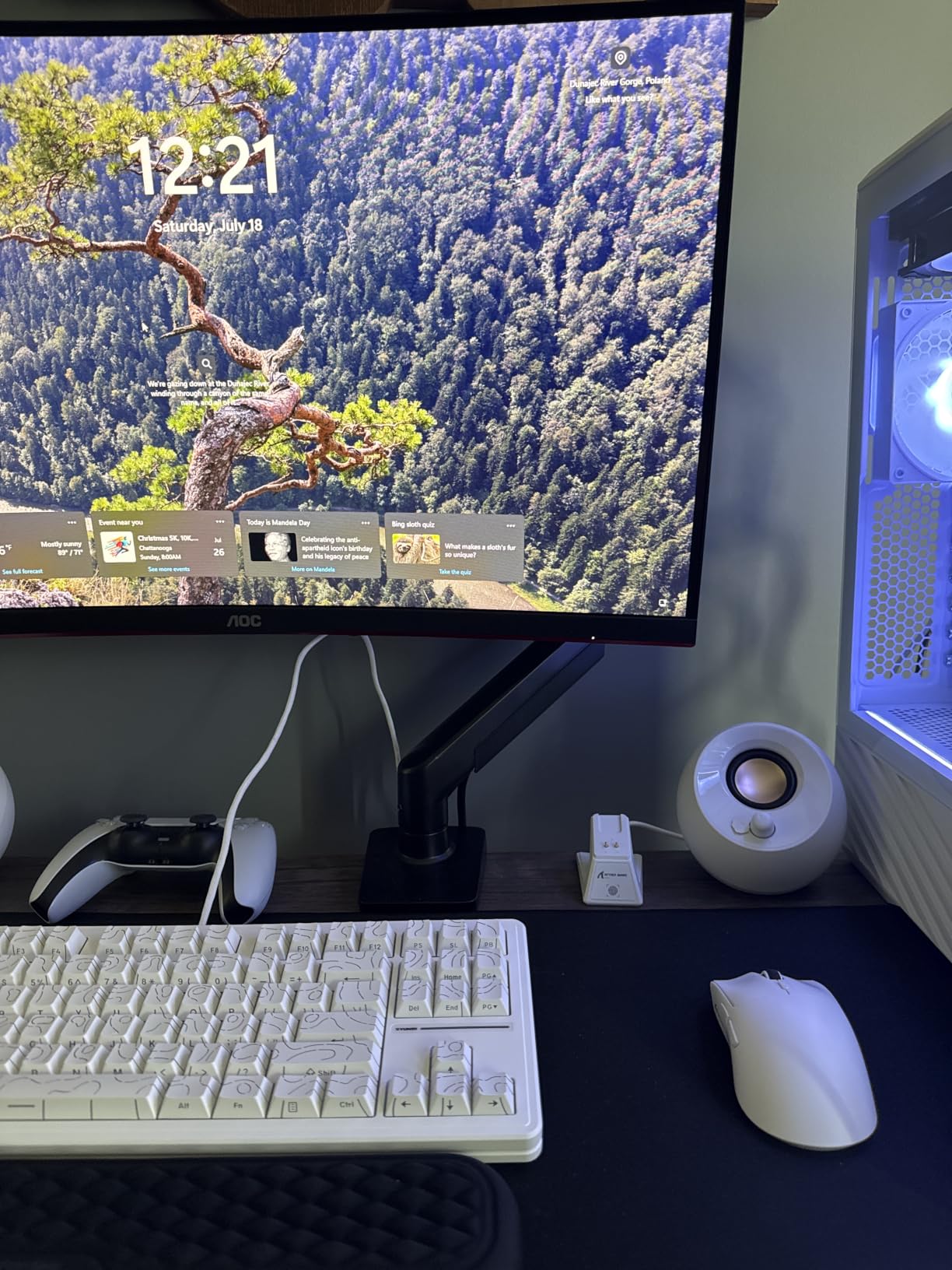
I mounted a 27-inch monitor on it and was pleasantly surprised by the stability. The VESA head is 40 percent wider than standard designs, which helps distribute the monitor’s weight and reduces wobble. For a budget arm, it held its position well during my testing period.
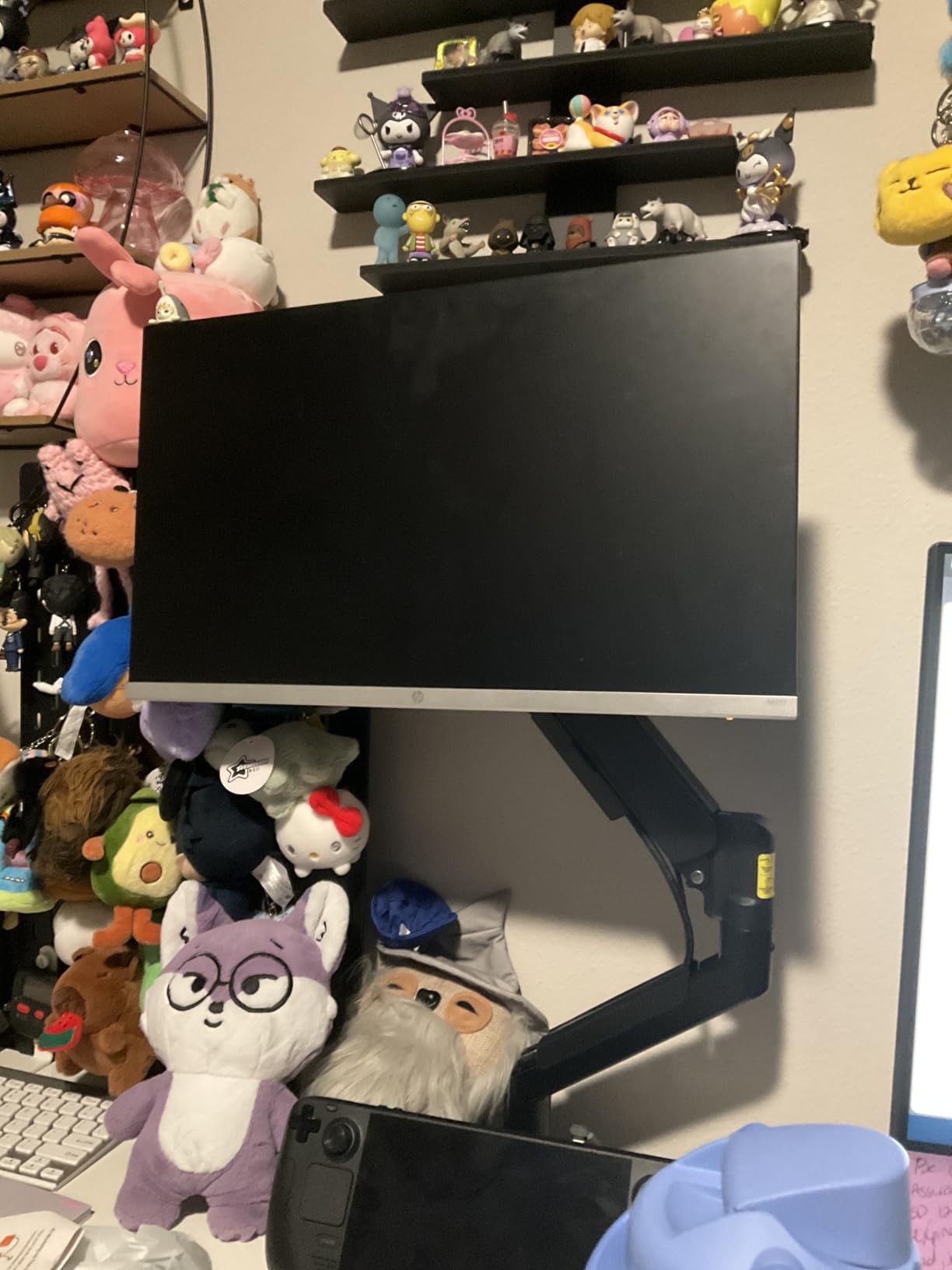
The tool-free VESA mounting is the standout feature at this price. You get a snap-on plate that attaches to your monitor without tools, then locks into the arm. The cable management clips also open without tools, so routing your cables is genuinely quick and painless.
The arm offers 17.5 inches of height adjustment and 18.1 inches of reach. That is generous for a budget mount and gives you plenty of positioning flexibility. The 20,000-cycle durability test gives some confidence that the arm will hold up over time, though the 2-year warranty is shorter than premium options.
Ideal Desk Setup
This is the best monitor arm if you are on a strict budget and have a standard monitor between 13 and 34 inches. It is perfect for students, first-time home office builders, and anyone who wants to try a monitor arm without a big investment.
If you decide later that you want more features, you have only spent a minimal amount to get started.
What to Watch Out For
A few users report VESA plate fitting issues, where the snap-on mechanism does not lock perfectly with certain monitor models. Check your monitor’s VESA pattern and thickness before ordering.
The maximum screen size is 34 inches, so this is not suitable for ultrawide monitors. The 2-year warranty is also shorter than the 5-year or 10-year coverage on HUANUO and Ergotron products.
10. VIVO Pneumatic Ultrawide Monitor Arm — Best Pneumatic Counterbalance
VIVO Pneumatic Arm Single Ultrawide Monitor Extra Tall Desk Mount for Up to 49 inch Screens, Heavy Duty Clamp, Holds Ultra Wides Up to 44 lbs, Black, STAND-V110K
Pneumatic arm
Fits 24-49 inch
5.5-44 lbs
Cast aluminum
3 year warranty
Pros
- Pneumatic counterbalance for effortless height adjustment
- 44 lbs capacity for heavy ultrawides
- Supports monitors 24 to 49 inches
- Premium cast aluminum construction
- Detachable VESA plate
Cons
- Not Prime eligible
- Lower review count as newer product
- Limited tilt angle
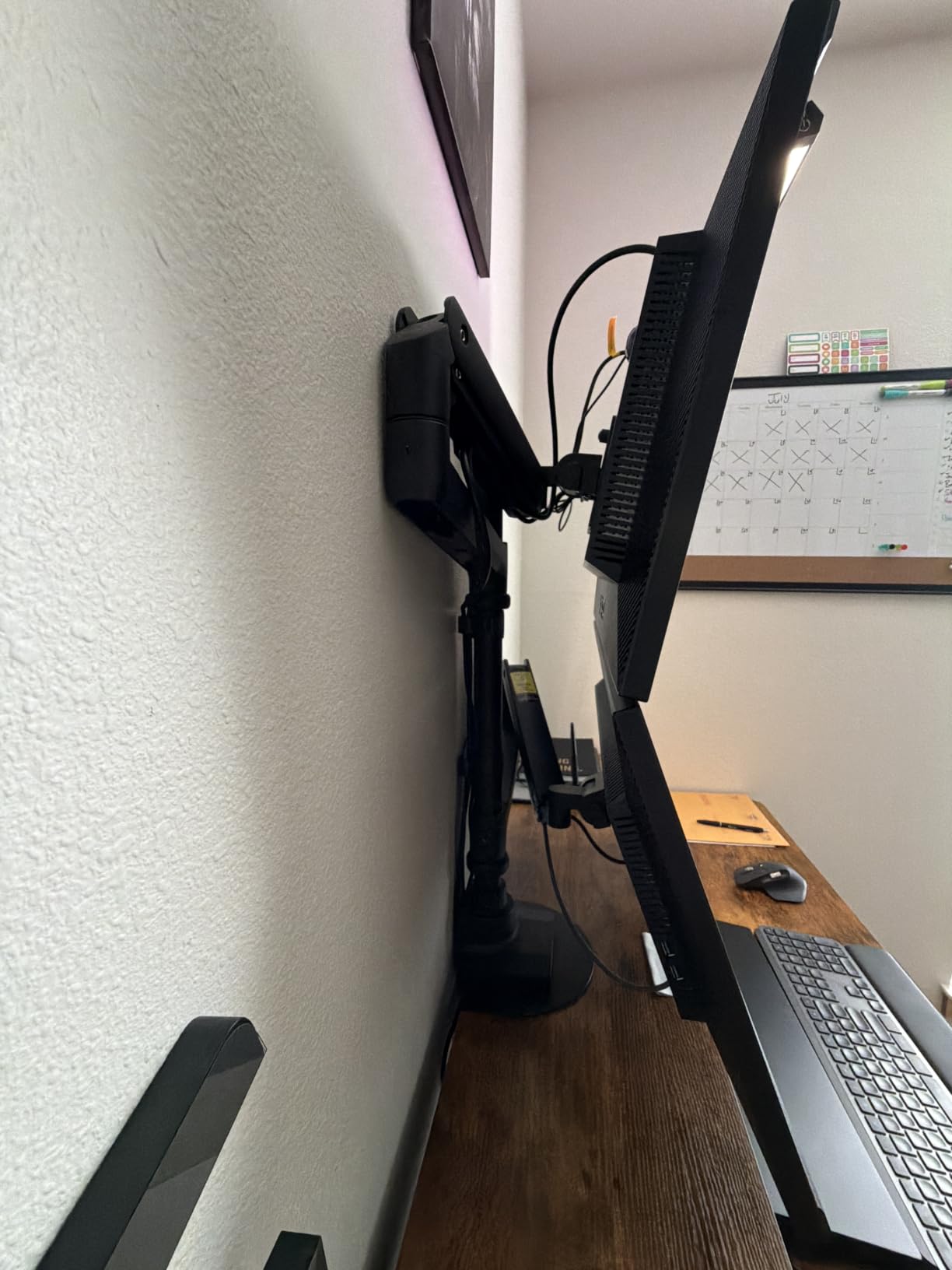
The VIVO Pneumatic Ultrawide Monitor Arm uses a pneumatic counterbalance system instead of a mechanical spring, and the difference is noticeable. When I adjusted the height of my 38-inch ultrawide on this arm, it moved with a featherlight touch that felt almost effortless.
Pneumatic arms use compressed gas to counterbalance the monitor’s weight, which creates smoother motion than spring-based systems. This is the technology used in high-end office furniture, and VIVO has brought it to the monitor arm market at a surprisingly accessible price.
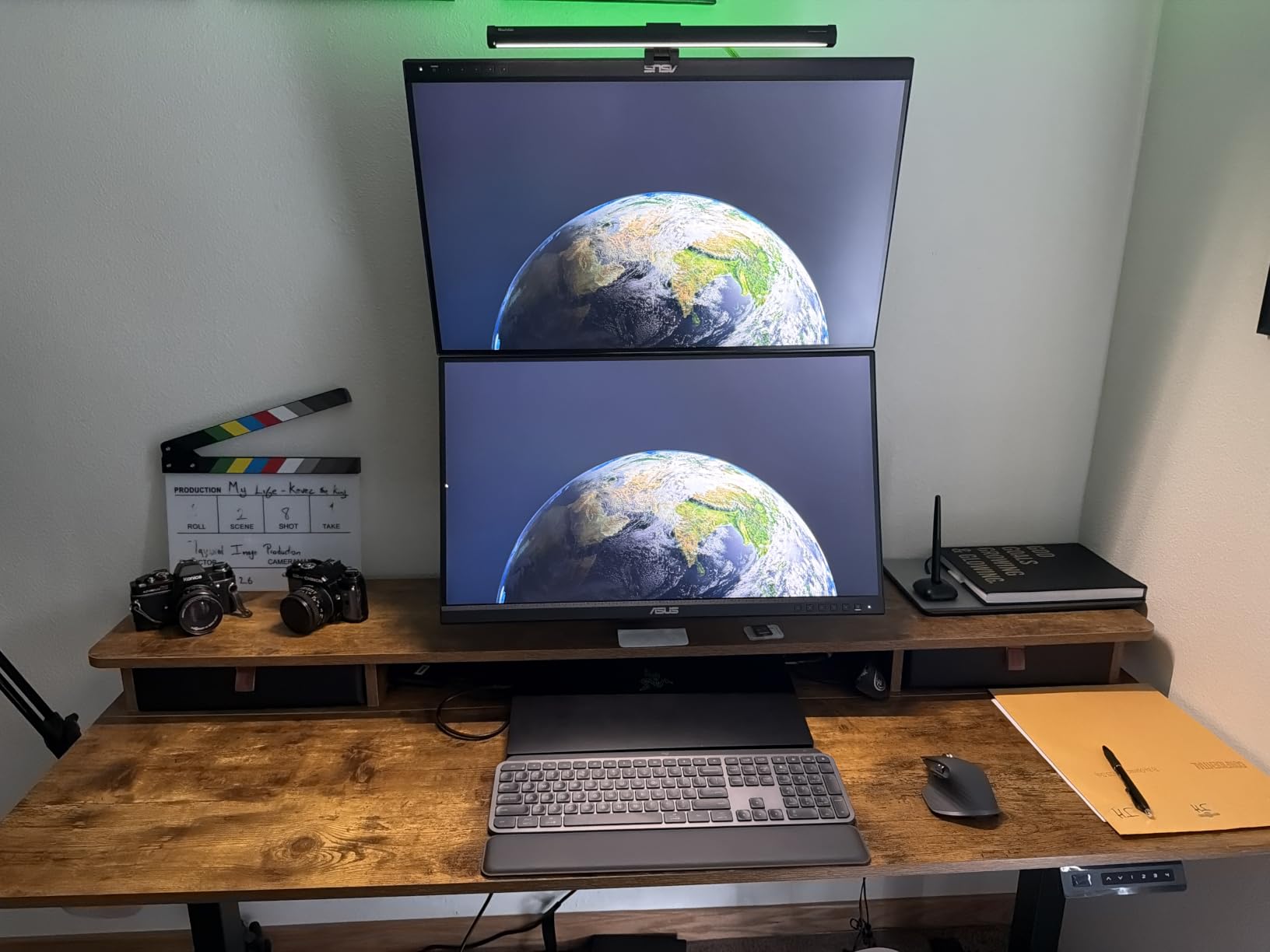
The 44 lb weight capacity puts this arm in the heavy-duty category. It handles monitors from 24 to 49 inches, covering everything from large gaming monitors to professional ultrawides. The cast aluminum construction is both lightweight and sturdy, and it looks premium on any desk.
The arm offers 180-degree swivel, 360-degree rotation, and tilt from 55 degrees positive to 25 degrees negative. The tilt range is more limited than some competitors, but the pneumatic height adjustment more than makes up for it. The detachable VESA plate simplifies installation.
Ideal Desk Setup
This arm is the best choice if you want the smoothest possible height adjustment for a large or heavy monitor. The pneumatic system makes it effortless to reposition screens up to 44 lbs, which is ideal if you frequently switch between sitting and standing.
It works well in professional settings where you may need to adjust the monitor height throughout the day for different tasks or users.
What to Watch Out For
This is not a Prime-eligible product, so plan for standard shipping times. The review count is still building since it is a newer release, though the 76 percent five-star rating is promising.
The tilt range is narrower than spring-based arms, with a maximum of 55 degrees positive tilt. If you need extreme tilt angles for specialized viewing positions, a spring-based arm may serve you better.
How to Choose the Right Monitor Arm?
Choosing the right monitor arm comes down to five key factors. Get these right and you will have an arm that works perfectly with your setup for years.
VESA Compatibility
Every monitor arm connects to your monitor using a VESA mounting pattern. The most common patterns are 75x75mm and 100x100mm, which covers the vast majority of monitors from 13 to 34 inches. Larger monitors may use 200x100mm or 200x200mm patterns.
Check your monitor’s manual or look for four mounting holes on the back. Most modern monitors are VESA-compatible, but some ultra-thin models require an adapter plate.
Weight Capacity
This is the most critical specification to get right. Your monitor must fall within the arm’s weight range, not just below the maximum. Arms have both a minimum and maximum weight rating because the spring or pneumatic system needs sufficient load to function properly.
For standard monitors up to 27 inches, a 15 to 20 lb capacity arm is sufficient. For ultrawide monitors over 34 inches, look for arms rated for 30 lbs or more. The Ergotron HX and VIVO Pneumatic both handle up to 44 lbs for the heaviest screens.
Mounting Type: C-Clamp vs Grommet
C-clamps attach to the edge of your desk and require no drilling. They are the easiest to install and work with most desks. Grommet mounts pass through a hole in your desk and are generally more secure, especially for heavy monitors.
Check your desk thickness before ordering. Most clamps accommodate desks from 0.4 to 3.5 inches thick. If you have a particularly thick desk, verify the clamp capacity.
Adjustability Range
Consider how much height adjustment and reach you need. If you use a standing desk, look for arms with at least 13 inches of height adjustment. For dual-monitor setups, check that the arm extends far enough to position both screens comfortably side by side.
Budget Tiers Explained
Under $40, you get functional arms with basic adjustability. The ErGear and HUANUO FlowLift Single fall here. Between $40 and $100, you get better materials, wider compatibility, and heavier weight capacities. Over $100, you enter premium territory with Ergotron and ASUS, where you pay for superior motion quality and longer warranties.
For a complete ergonomic workspace, consider pairing your monitor arm with a quality desk lamp and exploring desk deals to upgrade your full setup.
Frequently Asked Questions
What is the best monitor arm brand?
Ergotron is widely considered the best monitor arm brand, praised by reddit users, review sites like Wirecutter and PCWorld, and ergonomics professionals. The Ergotron LX and HX models consistently rank as top picks for their smooth motion quality and 10-year warranties. HUANUO is the best value brand, offering similar functionality at a fraction of the cost.
What is the best gaming monitor arm?
The ASUS ROG Ergo Monitor Arm is the best choice specifically for gaming setups. It features a mechanical spring system for smooth adjustments, excellent cable management for clean RGB builds, and wide compatibility with curved gaming monitors up to 39 inches. For budget gaming setups, the HUANUO TitanLift handles ultrawide gaming monitors up to 49 inches.
Why is Ergotron so expensive?
Ergotron commands premium prices because of superior engineering, materials, and warranty coverage. Their arms use precision-machined metal components and calibrated spring systems that provide noticeably smoother motion than budget alternatives. The 10-year warranty reflects their confidence in long-term durability, and many users report their Ergotron arms lasting well beyond a decade of daily use.
Are monitor arms worth it?
Yes, monitor arms are absolutely worth it for anyone who uses a computer for extended periods. They improve ergonomics by positioning your screen at eye level, free up significant desk space, and allow flexible adjustment for multiple viewing angles. Users consistently report reduced neck and shoulder pain after switching from a standard monitor stand to an adjustable arm.
What size monitor arm do I need?
Match your monitor size and weight to the arm specifications. For 13 to 32 inch monitors, most standard arms work with a 15 to 20 lb capacity. For 34 to 38 inch ultrawides, look for arms rated for 20 to 30 lbs. For monitors 40 inches and larger, you need a heavy-duty arm rated for 30 to 44 lbs like the Ergotron HX or VIVO Pneumatic.
Final Thoughts on the Best Monitor Arms
After testing 10 monitor arms across every monitor size and desk configuration I could manage, the results are clear. For most people, the Ergotron LX is the best monitor arm you can buy, offering unmatched motion quality and a 10-year warranty. The HUANUO FlowLift Dual is the best value pick for dual-monitor setups, and the ErGear Single is the budget champion for anyone wanting to try a monitor arm without a big investment.
If you have a heavy ultrawide monitor, the Ergotron HX and HUANUO TitanLift are your safest bets. For gamers who want premium aesthetics and cable management, the ASUS ROG Ergo delivers. Whatever your setup and budget, there is a monitor arm in this guide that will transform your workspace in 2026.