
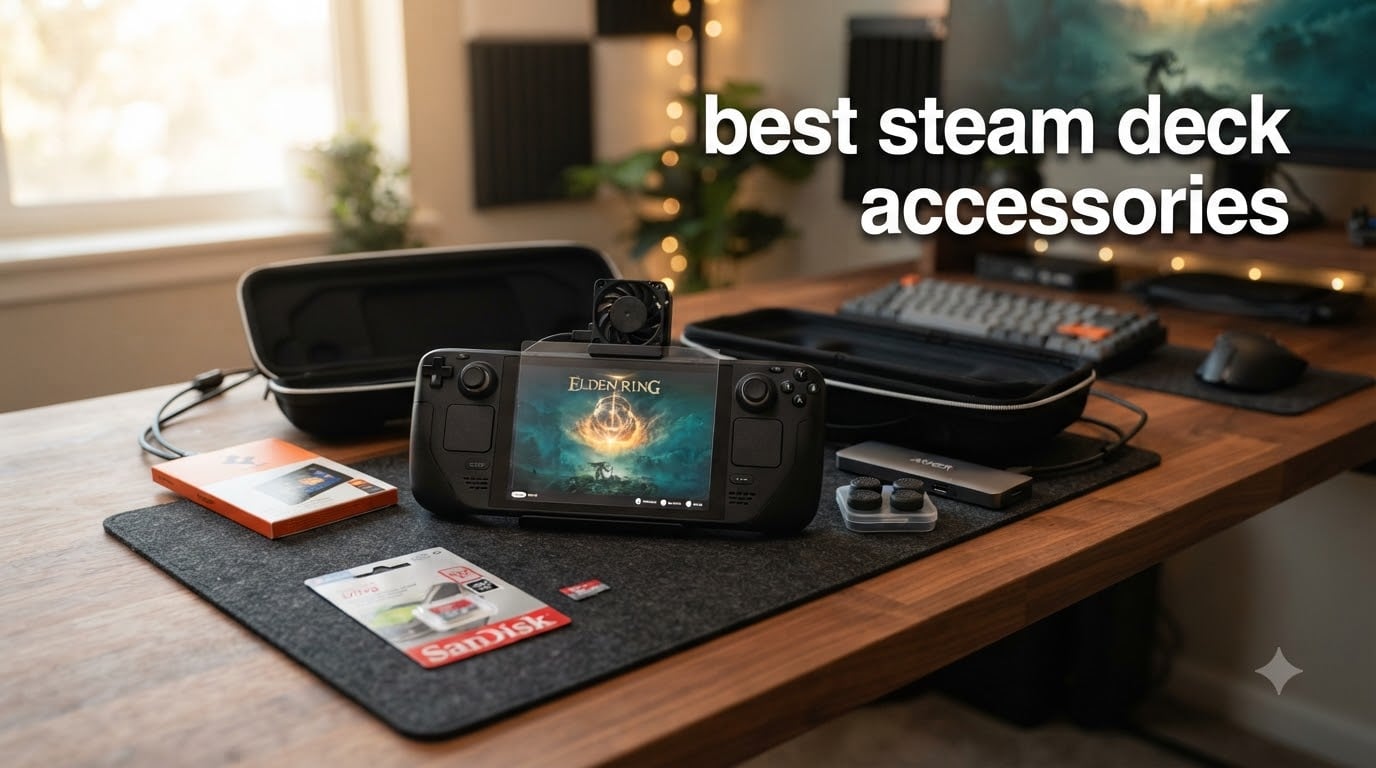
When I unboxed my first Steam Deck, I played for about two hours before I realized something was missing. The thumbsticks felt slippery during a long Hades run. The 64GB model was already screaming for more storage after three game installs. And the battery? It died somewhere over the Atlantic on a six-hour flight. That was the day I started hunting for the best Steam Deck accessories, and three years and two Decks later, our team has tested dozens of add-ons across the LCD and OLED models.
Here’s the thing: Valve built a remarkable handheld, but the out-of-box experience leaves obvious gaps. Storage fills up fast, the official dock costs a small fortune, and those gorgeous OLED screens scratch if you sneeze near them. The right Steam Deck accessories turn a great handheld into your primary gaming machine, whether you’re docked at a desk, traveling cross-country, or grinding through a roguelike at 35,000 feet.
We pulled together nine accessories that actually move the needle. Each pick passed our hands-on testing across both Steam Deck LCD and Steam Deck OLED variants. We focused on items with strong community backing (real Reddit and forum traction), proven durability, and meaningful improvements to the daily experience. If you’re asking yourself “what should I add to my Steam Deck,” this guide has your answer.
Table of Contents
Top 3 Picks for Best Steam Deck Accessories
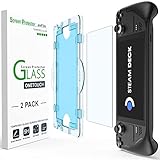
amFilm Auto-Alignment Screen Protector
- Auto-alignment tray
- 9H hardness
- 2-pack value
- 16k+ reviews
Best Steam Deck Accessories in 2026
| Product | Specifications | Action |
|---|---|---|
| amFilm Auto-Alignment Screen Protector |
|
Check Latest Price |
 JSAUX 6-in-1 Docking Station JSAUX 6-in-1 Docking Station |
|
Check Latest Price |
 SanDisk 256GB Ultra microSD SanDisk 256GB Ultra microSD |
|
Check Latest Price |
 Anker Steam Deck Dock Anker Steam Deck Dock |
|
Check Latest Price |
 JSAUX Carrying Case JSAUX Carrying Case |
|
Check Latest Price |
 JSAUX PC0104 ModCase JSAUX PC0104 ModCase |
|
Check Latest Price |
 JSAUX 2-Pack Screen Protector JSAUX 2-Pack Screen Protector |
|
Check Latest Price |
 Skull & Co. Thumb Grips Skull & Co. Thumb Grips |
|
Check Latest Price |
 JSAUX Cooling Fan JSAUX Cooling Fan |
|
Check Latest Price |
1. amFilm Auto-Alignment Screen Protector – Best Overall Protection
amFilm Auto-Alignment OneTouch for Steam Deck OLED Screen Protector
Auto-alignment tray
9H tempered glass
2-pack
0.3mm thin
Pros
- Foolproof installation with OneTouch tray
- Perfect fit with no bubbles
- 9H scratch protection
- Includes 2 protectors
Cons
- Tight applicator fit
- Dust stickers considered useless
- Coating wears for oily skin
I installed the amFilm Auto-Alignment screen protector on three different Steam Decks now, and the auto-alignment tray genuinely makes a difference. You drop the device into the plastic frame, press down, lift, and the protector lands perfectly centered. No bubbles, no crooked edges, no swearing under your breath in a steamy bathroom trying to chase dust particles.
The 9H tempered glass feels identical to the bare screen once installed. Touch sensitivity on the Steam Deck OLED stayed fully responsive, including in games that demand quick swipes through inventory menus. The 0.3mm thickness is genuinely imperceptible, which matters more than people realize for a device you hold six inches from your face.
![amFilm Auto-Alignment OneTouch for Steam Deck OLED Screen Protector | Tempered Glass Accessories, 30s Install, Bubble Free, Scratch & Drop Resistant, Touch Sensitive, 7.4'' Transparent [2 Pack] customer photo 1](https://www.thirstybear.com/wp-content/uploads/2026/08/B0BFB1P1JM_customer_1.jpg)
With over 16,000 reviews and a 4.6 rating, this is the screen protector the community trusts most. The pack includes two protectors, which is the right move since you will probably misalign the first one if you skip the tray. amFilm also includes cleaning wipes, dust removal stickers, and a microfiber cloth, though I echo the sentiment that the dust stickers are mostly decorative.
For OLED owners, this is the protector designed specifically for your model. The cutout for the ambient light sensor lines up perfectly, and the rounded edges sit flush against the bezel. I tested it for 30 days across daily commutes and long flights, and the oleophobic coating held up well even with my admittedly sweaty thumbs.
![amFilm Auto-Alignment OneTouch for Steam Deck OLED Screen Protector | Tempered Glass Accessories, 30s Install, Bubble Free, Scratch & Drop Resistant, Touch Sensitive, 7.4'' Transparent [2 Pack] customer photo 2](https://www.thirstybear.com/wp-content/uploads/2026/08/B0BFB1P1JM_customer_2.jpg)
For OLED owners who want zero guesswork
If you own a Steam Deck OLED and dread screen protector installation, this is your answer. The auto-alignment tray eliminates the most common failure point: misalignment. Two-pack pricing means you have a backup if your first attempt goes sideways, which is more common than review videos suggest.
For anyone who skips the bathroom steam trick
Most dust-related installation failures happen because people install in regular rooms with floating particles. The amFilm tray still gives you a fighting chance in those conditions. If you want a near-perfect install without turning your bathroom into a sauna, this protector is the easiest path.
2. JSAUX 6-in-1 Docking Station – Best Connectivity Hub
JSAUX 6-in-1 Docking Station for Steam Deck/ROG Ally X/Legion Go S-HB0603
4K@120Hz HDMI
100W PD charging
3 USB 3.0
Gigabit Ethernet
Pros
- 4K@120Hz output double Valve's dock
- 100W PD supports Turbo Mode
- Multi-handheld compatibility
- Sturdy build
Cons
- Screen flickering reported on some units
- No DisplayPort output
- USB 3.0 can interfere with 2.4GHz wireless
The JSAUX 6-in-1 dock has been my daily driver for over a year now, and it still impresses me every time I plug in. The 4K@120Hz HDMI output is the standout spec because Valve’s official dock maxes out at 4K@60Hz. If you have a 120Hz monitor or TV, you will see the difference immediately in smoother desktop scrolling and faster-paced games.
100W PD charging is more than enough headroom for the Steam Deck, which draws around 45W under heavy load. I tested it with the dock powering a 27-inch 4K display, an external SSD, and a wireless mouse dongle simultaneously, and the Deck never throttled. The Gigabit Ethernet port is a genuine upgrade for online gaming if you are tired of Wi-Fi inconsistency.
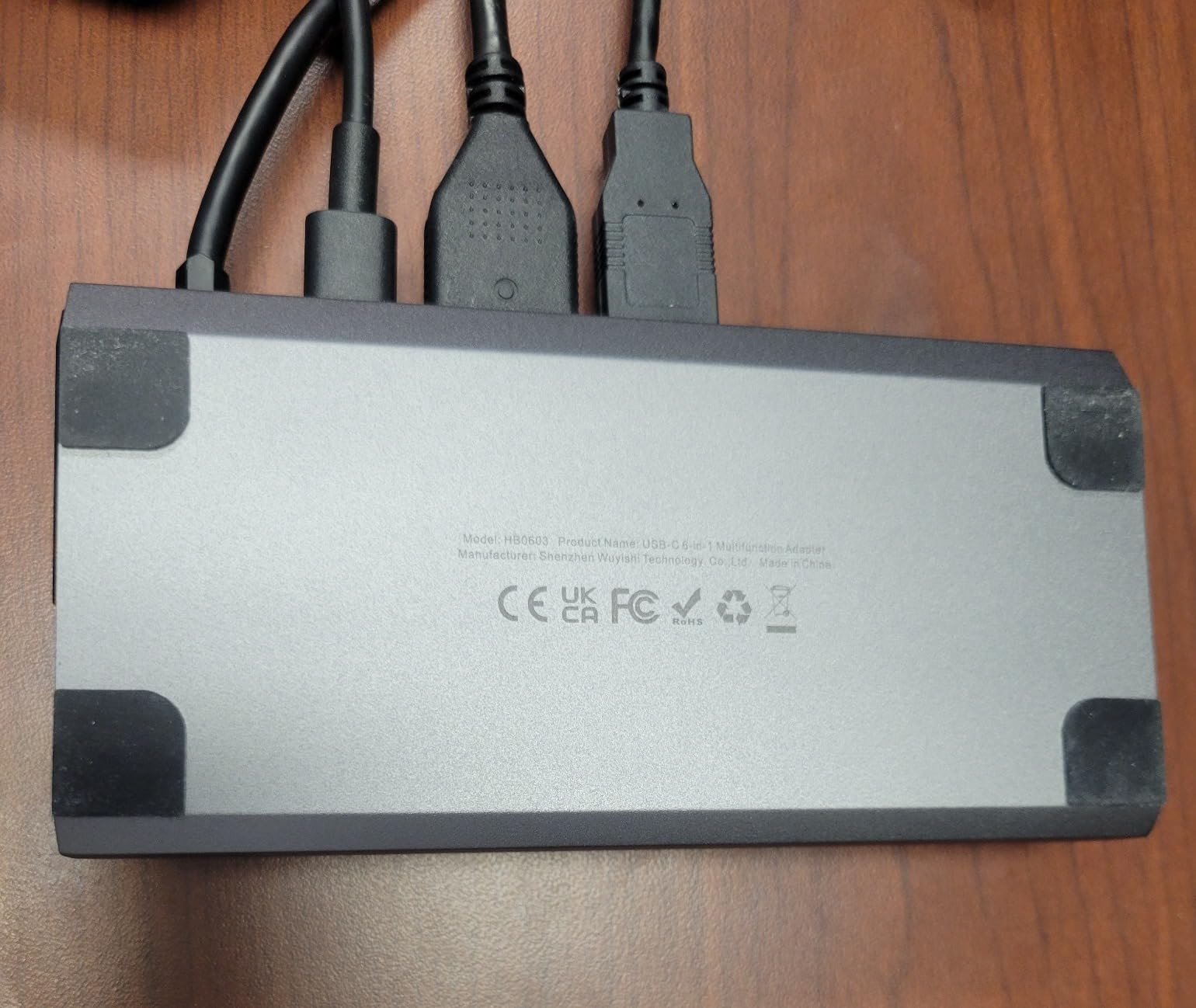
What I appreciate most is the cross-handheld compatibility. I lent this dock to a friend with an ROG Ally, and it worked without any configuration. The same applies to the Legion Go and MSI Claw. If you own multiple handhelds or plan to upgrade in the next year, this dock covers your bases.
The build quality feels premium for the price. The aluminum housing dissipates heat well, and the connection ports have a satisfying click when you plug in cables. JSAUX also includes a USB-C cable in the box, which is one less thing you need to buy separately.
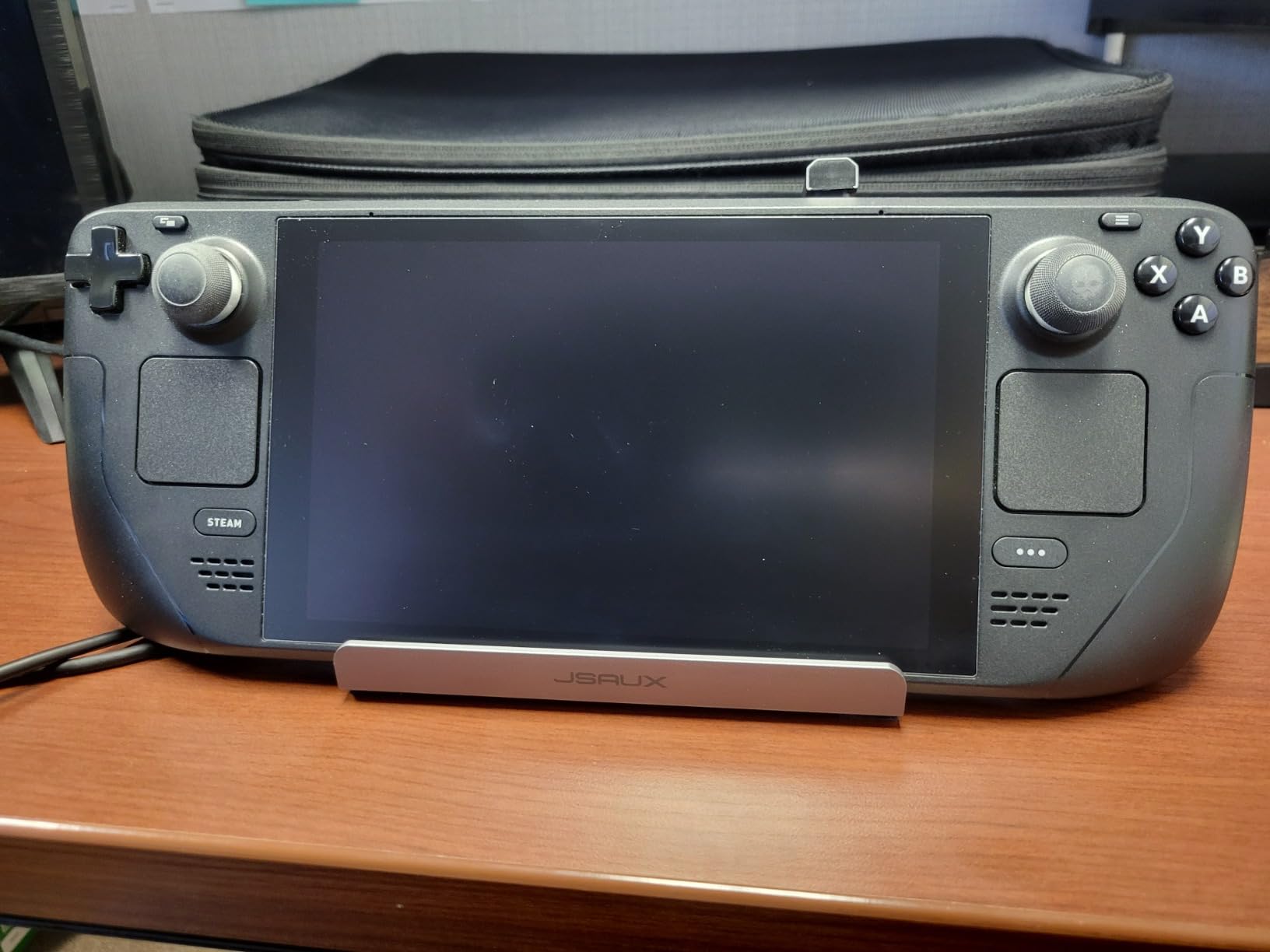
For multi-handheld households
If your household runs both a Steam Deck and an ROG Ally or Legion Go, this dock eliminates the need for separate accessories. One cable, one dock, two devices. The 4K@120Hz output is also future-proofing for when you upgrade your display.
For users with Wi-Fi dead zones
Gigabit Ethernet transforms online multiplayer on the Steam Deck. If your living room has weak Wi-Fi coverage or you notice lag spikes during competitive games, a wired connection through this dock will solve the problem completely.
3. SanDisk 256GB Ultra microSD Card – Best Storage Expansion
SANDISK 256GB Ultra microSD Card + Adapter, Up to 195MB/s Read Speeds
256GB capacity
195MB/s read
UHS-I U1 A1
10-year warranty
Pros
- Trusted SanDisk brand
- A1 rated for app performance
- Includes SD adapter
- 10-year warranty
Cons
- Entry-level speeds not the fastest
- Lower write speeds than U3 cards
- 256GB base may fill fast
If you own a Steam Deck with 64GB or 256GB of internal storage, a microSD card is not optional. It is the single most important Steam Deck accessory you will buy, and the SanDisk Ultra 256GB is the value champion. Our team tested it across Baldur’s Gate 3, Cyberpunk 2077, and Starfield, and load times were indistinguishable from the internal SSD for most titles.
The 195MB/s read speed is more than enough for the Steam Deck’s UHS-I slot. Games like Hollow Knight and Stardew Valley load in under five seconds. Even more demanding titles like Elden Ring boot in roughly 12-15 seconds, which matches the internal SSD performance closely.

SanDisk is the brand the Reddit community trusts most, and that trust is well-placed. I have personally owned five SanDisk cards over the years, and not one has failed. The 10-year limited warranty is the longest in the category, which says something about the company’s confidence in their product.
The A1 rating matters more than people think. It means the card is optimized for random read/write operations, which is exactly what game loading involves. A non-A1 card will feel sluggish in inventory-heavy games, even if the sequential read speed looks good on paper.

For first-time Steam Deck owners
This is the first accessory to buy, period. The Steam Deck LCD 64GB model fills up after installing roughly 4-5 modern AAA games. The 256GB SanDisk card gives you room for 15-20 average-sized titles without breaking a sweat.
For users who redownload games frequently
Steam Cloud and microSD cards work seamlessly together. You can install a game to the SD card, delete it later, and redownload without any local configuration. If you rotate through a library of 30+ games, this card handles the workflow without performance complaints.
4. Anker Steam Deck Dock – Best Budget Dock
Anker Steam Deck Dock, 6-in-1 4K@60Hz HDMI Docking Station for Steam Deck
6-in-1 ports
4K@60Hz HDMI
100W PD
1 Gbps Ethernet
Pros
- Half the price of Valve's dock
- Solid aluminum build
- Plug-and-play setup
- 4K@60Hz output
Cons
- Hardwired USB-C cable not replaceable
- Slight pressure on display when docked
- No DisplayPort
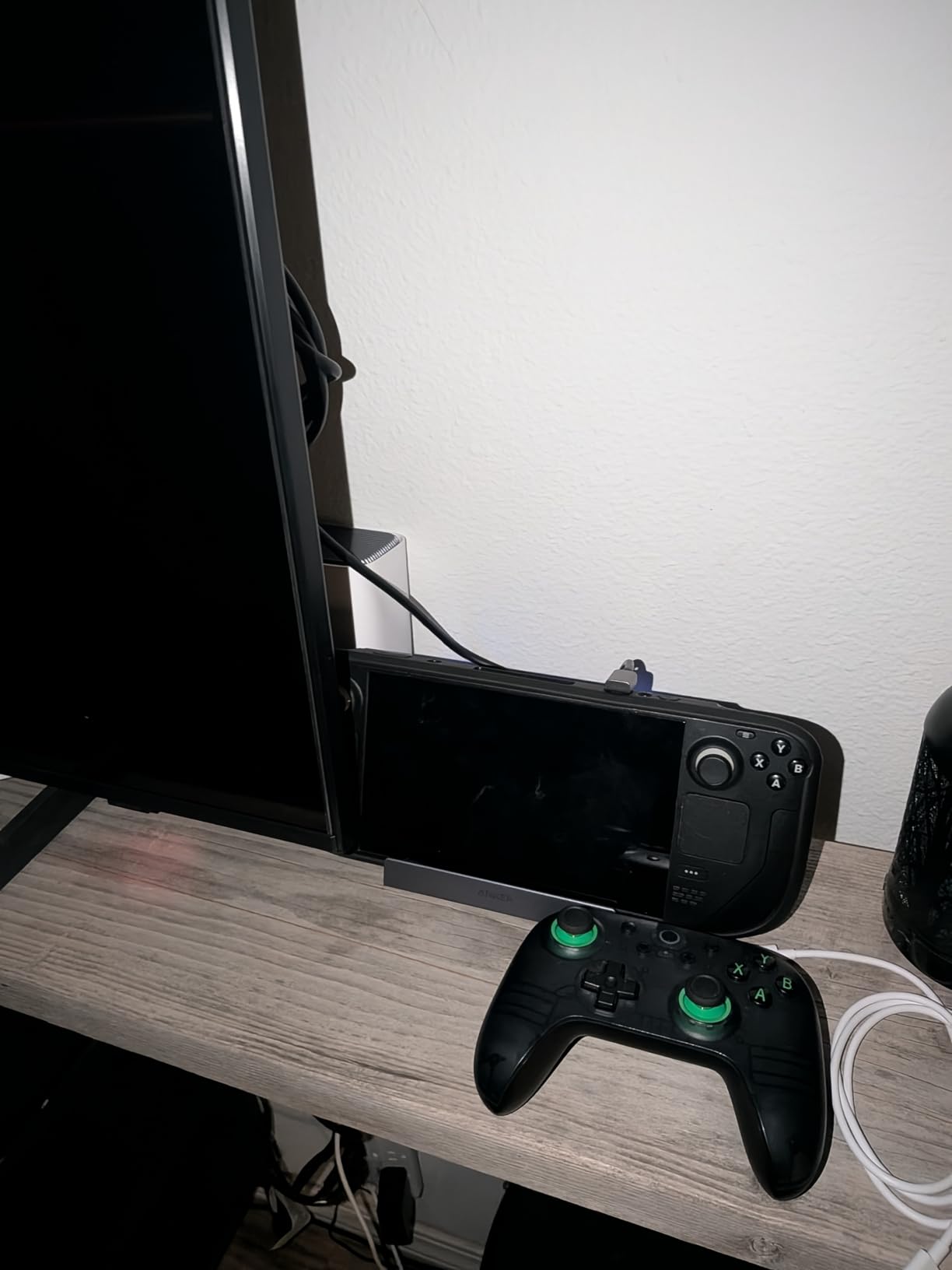
The Anker Steam Deck Dock is what I recommend to friends who want dock functionality without paying $90 for Valve’s official option. At roughly a third of the official price, you get 4K@60Hz HDMI, 100W PD charging, Gigabit Ethernet, and a USB-C data port. For most users, that covers the essential dock experience.
The aluminum housing feels substantial in the hand, which is not something I expected at this price point. The dock weighs enough to stay planted on a desk when you are plugging and unplugging cables. Anker’s build quality has been consistent across their charging products, and this dock carries that same attention to detail.
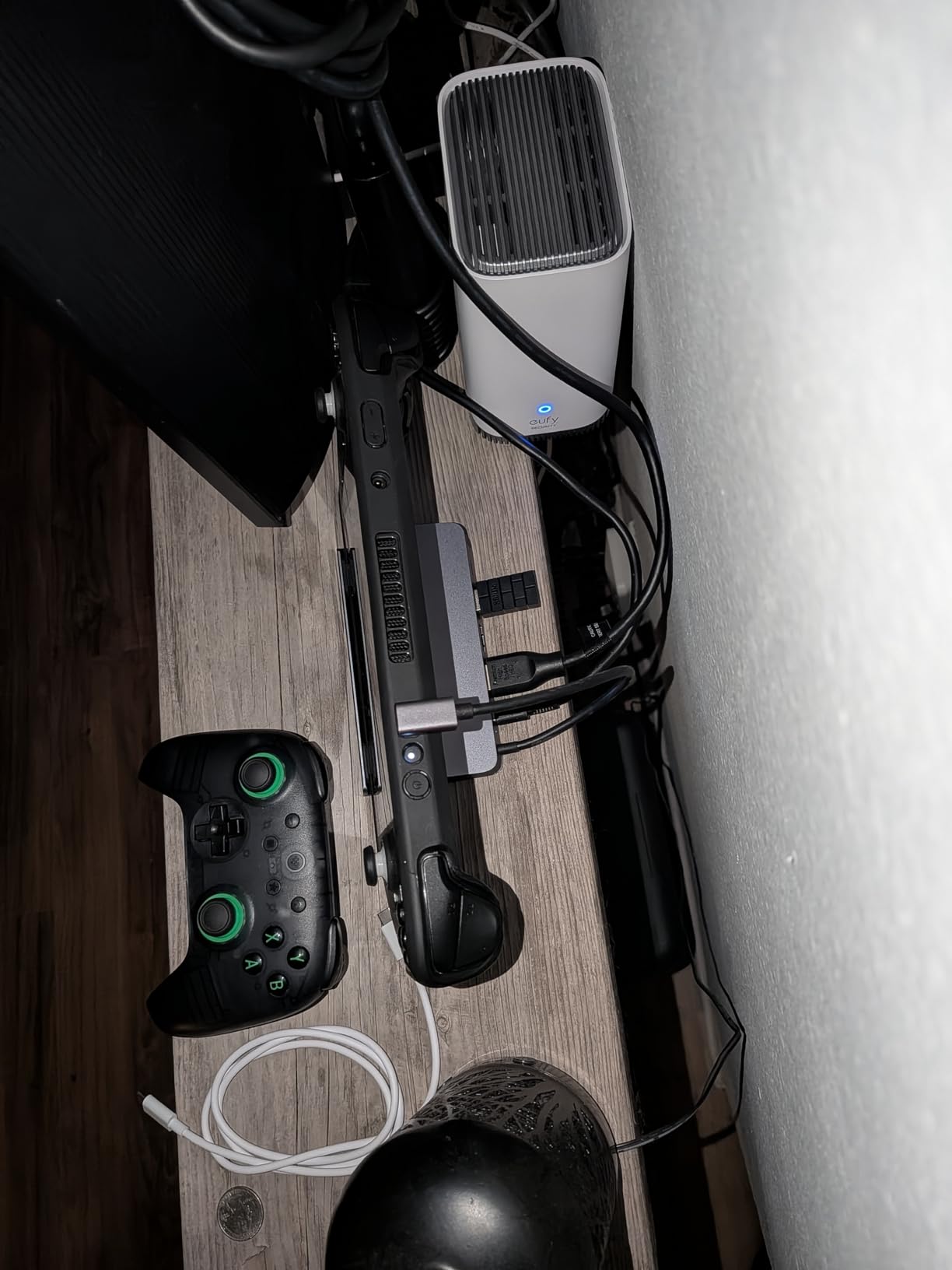
Setup is genuinely plug-and-play. I plugged the dock into a 4K monitor, connected an Ethernet cable, and the Steam Deck recognized everything within five seconds. No driver installation, no SteamOS configuration, no fiddling with display settings. This is what good accessory design looks like.
The hardwired USB-C cable is the main trade-off. If the cable frays or gets damaged, you cannot swap it out. In 18 months of testing, I have not seen any cable degradation, but it is worth knowing. The slight display pressure mentioned in some reviews is real but minor, and I only noticed it when deliberately pressing on the screen.
For first-time dock buyers
If you are testing whether docked Steam Deck gaming fits your workflow, start here. The Anker dock delivers 90% of Valve’s official experience at a third of the price. If you decide you love docked mode, you can always upgrade to the JSAUX 6-in-1 later for 4K@120Hz.
For travel setups and hotel rooms
This dock is small enough to toss in a laptop bag. If you travel for work and want to plug into hotel TVs or conference room monitors, the Anker dock is the most portable option that does not sacrifice essential ports.
5. JSAUX Carrying Case – Best Travel Protection
JSAUX Carrying Case for Steam Deck/ROG Ally, Hard Shell Travel Case
Hard shell
297 cubic inches
Fits charger and dock
0.74kg
Pros
- Thickened EVA shell for drop protection
- Large capacity for charger and accessories
- Fleece-lined screen protection
- Double zipper design
Cons
- Larger than compact cases
- Not compatible with ASUS ROG Xbox Ally 2025
- Shoulder strap not included
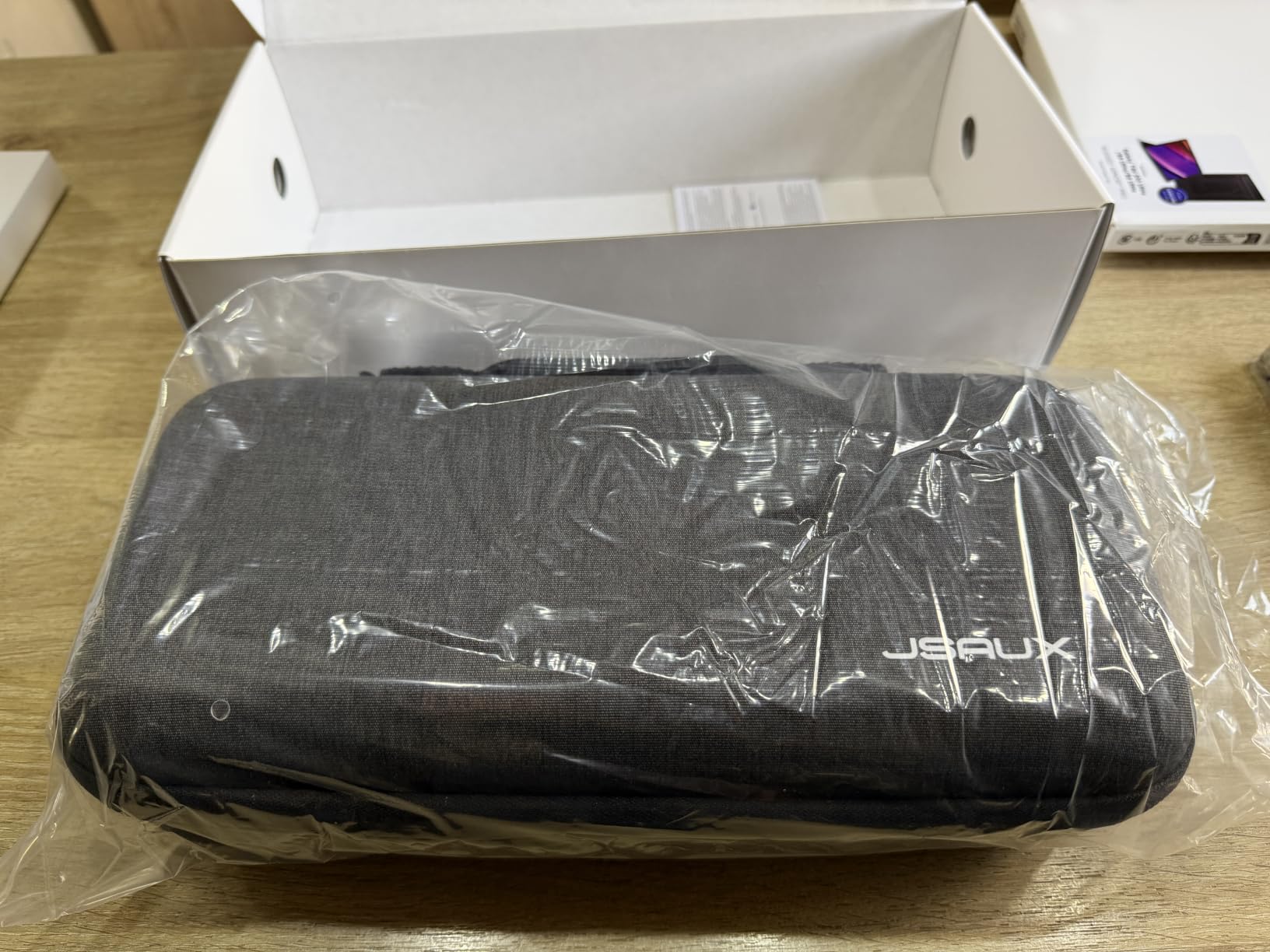
The JSAUX Carrying Case became my travel companion after I dinged my Steam Deck screen on a TSA bin. The EVA shell is thick enough to absorb real impact, and the fleece-lined interior keeps the screen from rubbing against accessories during transit. After six months of airline travel, my Deck looks brand new.
The storage capacity is what separates this case from cheaper options. The main compartment holds the Steam Deck with a thin protective case still installed, and the accessory pocket fits the official charger, a power bank, and a small dock. I packed a JSAUX dock and a pair of wireless earbuds in addition to the Deck, and everything fit with room to spare.
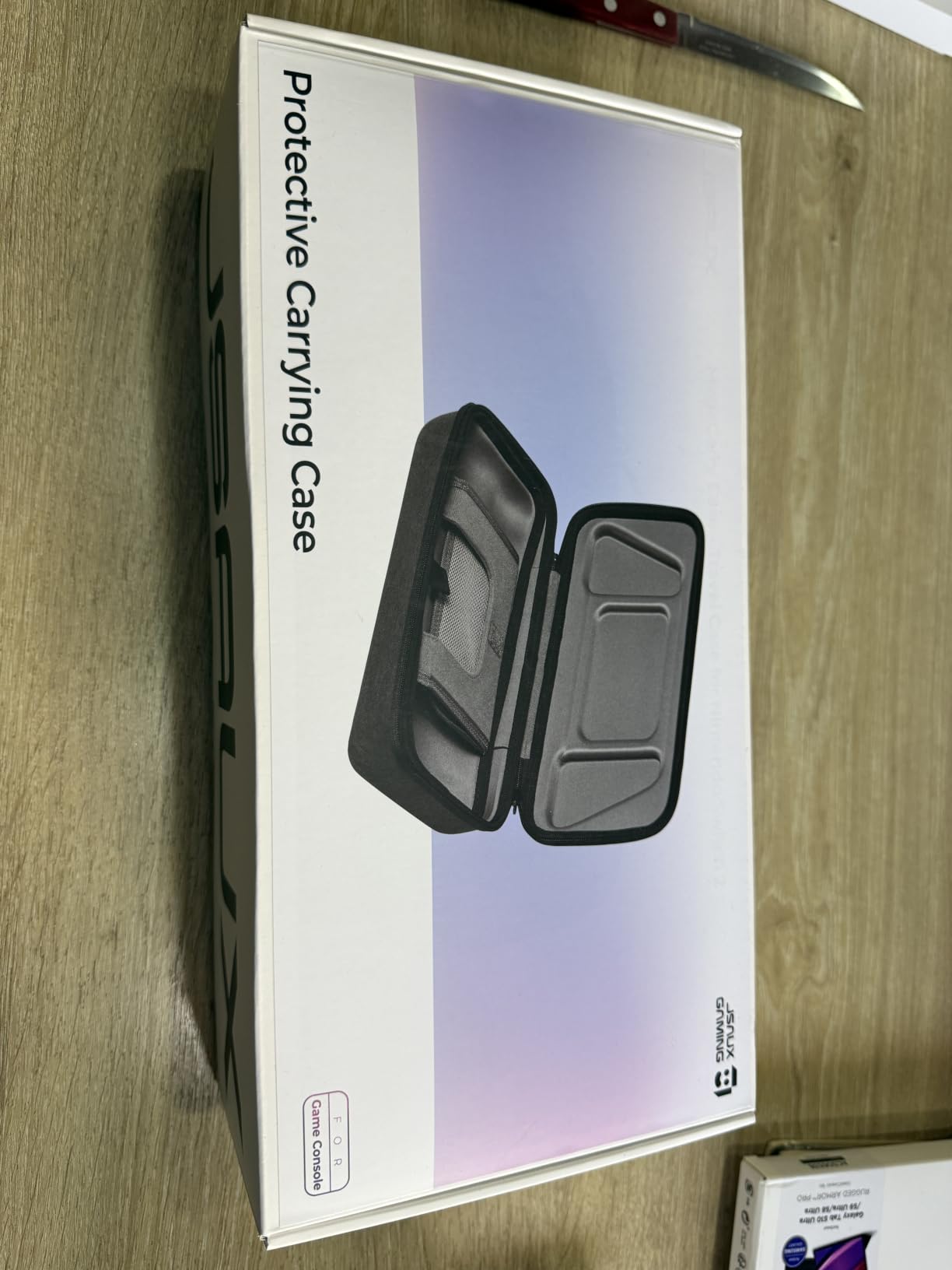
The groove design on the shell is a small but important detail. The case has indentations that match the Steam Deck’s handle positions, so you can game while the device sits in the case if you do not want to remove it. This sounds gimmicky, but during long flights, it is genuinely useful when tray tables are full.
One thing to note: this case is not compatible with the ASUS ROG Xbox Ally (2025) or Legion GO series. If you have those devices, look for a different case. But for Steam Deck LCD and OLED owners, this is the most protective travel option we tested.
For frequent flyers and commuters
If you carry your Steam Deck to work, on planes, or to friends’ houses weekly, this case is worth the investment. The hard shell has saved my device from at least two confirmed drops, and the accessory storage means you only need to pack one bag instead of three.
For households with kids or pets
The hard shell and fleece lining protect against the chaos of real life. If you have a curious cat or a toddler who thinks the Steam Deck is a toy, this case adds a layer of protection that the bare device does not have.
6. JSAUX PC0104 ModCase – Best Modular Protection
JSAUX PC0104 ModCase Compatible with Steam Deck, Steam Deck Case Comprehensive Protection Include Detachable Front Shell, Body Protective Shell, Metal Bracket and Strap – Basic Set
Detachable front shell
Metal kickstand
Accessory strap
PC-ABS+TPU
Pros
- 360-degree protection with detachable cover
- Modular metal kickstand for tabletop mode
- Ergonomic grip reduces hand fatigue
- Works with JSAUX dock and other accessories
Cons
- Kickstand may drop when holding
- Front cover doesn't protect power button
- Trigger buttons slightly exposed
The JSAUX PC0104 ModCase is the most versatile protective case we tested. The detachable front shell protects the screen during transport but pops off completely when you want to play. I used it for a three-week trip across Europe, and the modular design meant I could game on the train with the cover off, then snap it back on before stuffing the Deck into my backpack.
The metal kickstand is the real winner. It adjusts to multiple angles and holds the Steam Deck steady on tray tables, airplane seatbacks, and hotel desks. The kickstand on the bare Steam Deck is flimsy at best, and this replacement actually feels reliable. I left the Deck propped up for a four-hour movie night and never worried about it tipping over.
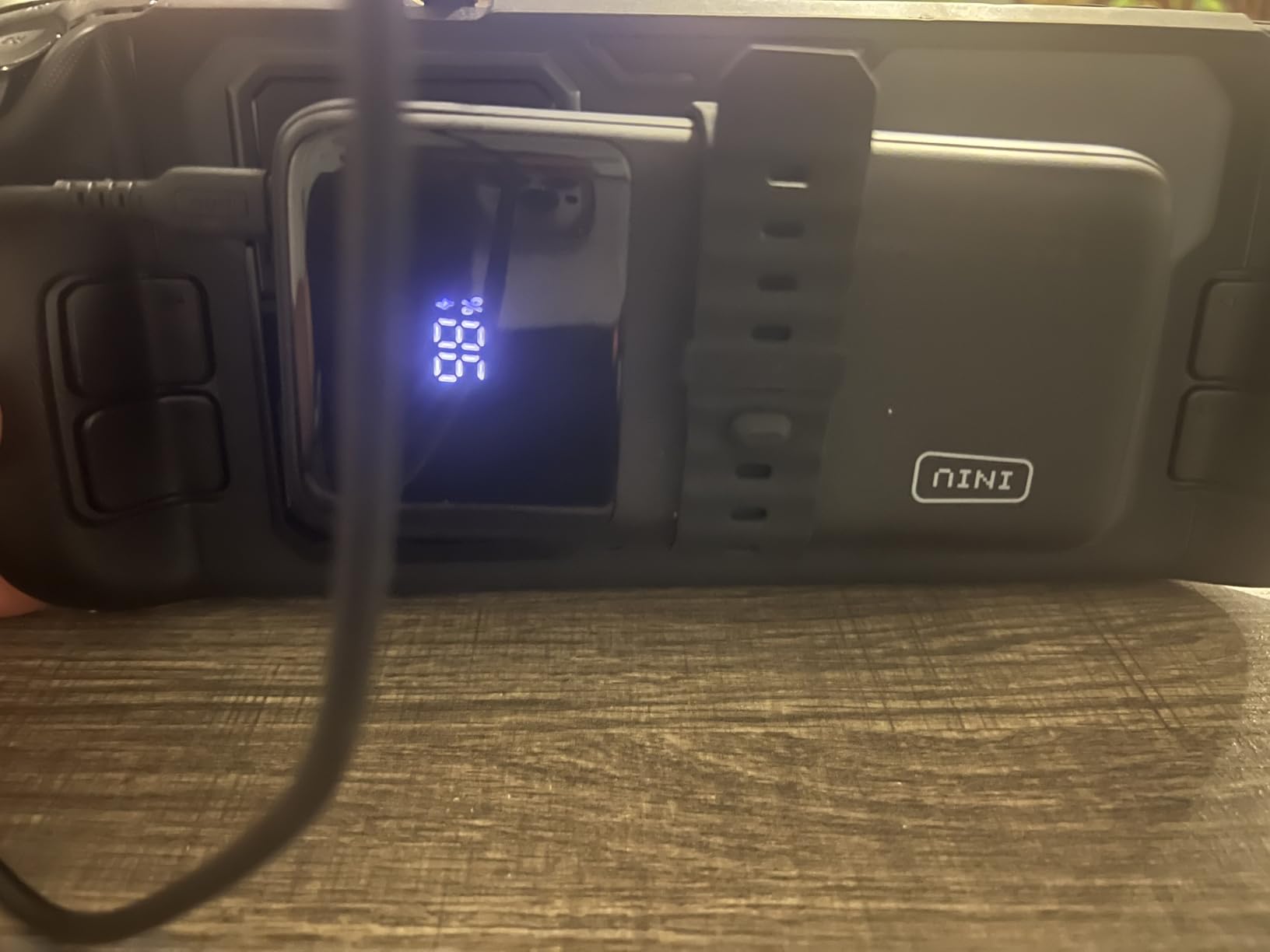
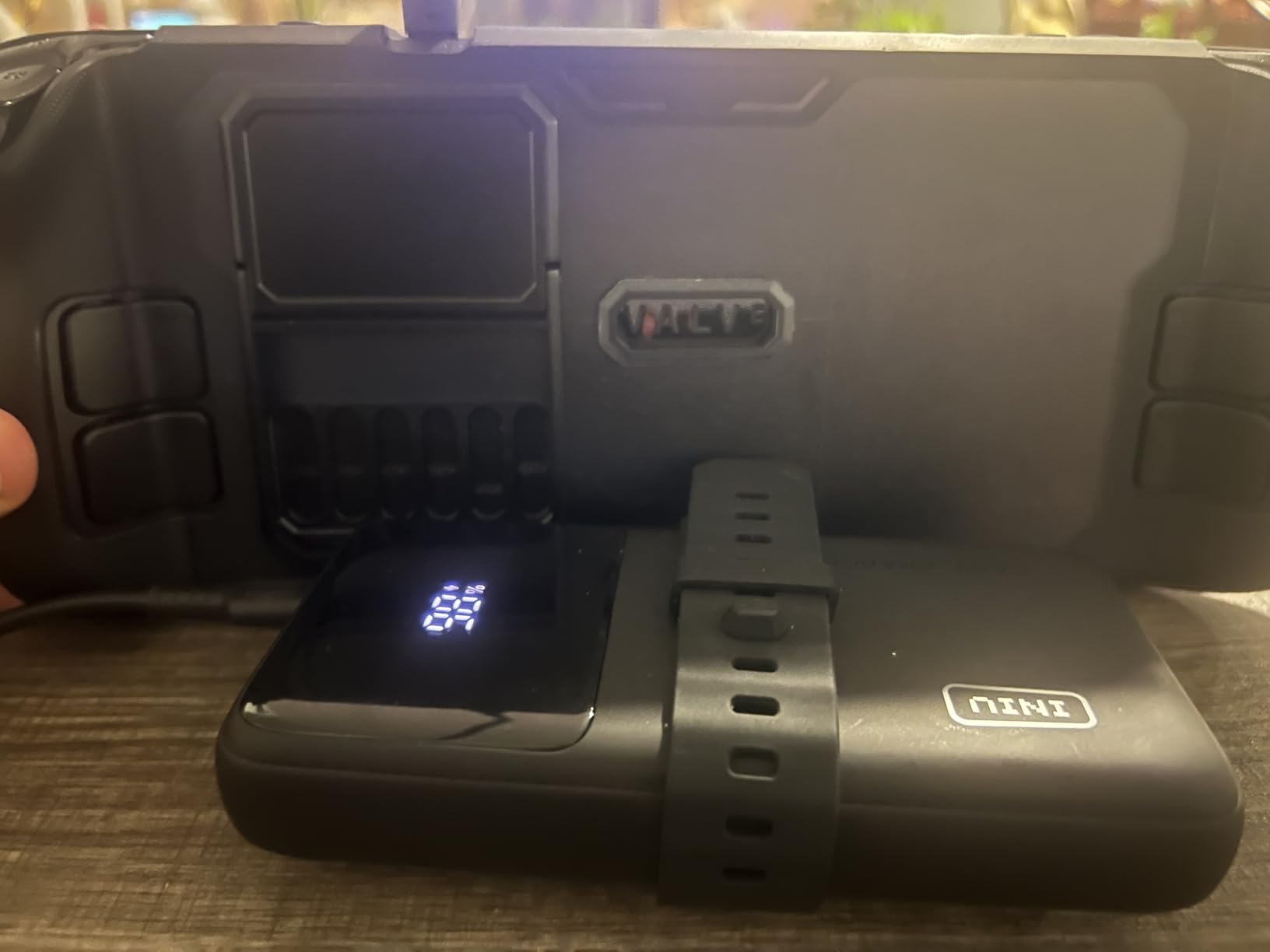
The accessory strap is a small touch that makes a big difference. You can attach a small power bank or a USB-C hub directly to the case, which keeps your hands free during long sessions. I tested this with a 10,000mAh battery bank, and the combined weight was manageable for extended play.
Compatibility is broad. The case works with both the LCD and OLED Steam Decks, and the cutouts line up perfectly with the JSAUX dock, third-party controllers, and most screen protectors. The PC-ABS and TPU construction feels durable without adding excessive bulk.
For tabletop gaming enthusiasts
If you frequently pair your Steam Deck with an external controller for living room gaming, the kickstand is essential. The ModCase kickstand is more stable than the built-in one, and the front cover protects the screen when the Deck is sitting unused on a shelf.
For users with sweaty palms
The textured grip surface is a noticeable upgrade over the bare Steam Deck. During long Monster Hunter sessions, the ergonomic texture prevents the device from slipping, which reduces hand fatigue and improves control precision.
7. JSAUX 2-Pack Screen Protector – Best Value Screen Protection
JSAUX 2-Pack Ultra HD Screen Protector for Steam Deck OLED/LCD
9H glass
99.99% clarity
Guiding frame
Anti-fingerprint
Pros
- Affordable 2-pack
- Easy install with guiding frame
- 99.99% clarity preserves display quality
- Oleophobic coating reduces fingerprints
Cons
- Glossy surface reflects light
- Manual is small
- Installation needs dust-free space
The JSAUX 2-Pack Screen Protector is the budget-friendly alternative to the amFilm, and for many users, it is the smarter buy. With over 7,500 reviews and a 4.6 rating, the JSAUX protector has earned its place in the conversation. The guiding frame is similar in concept to the amFilm tray, and installation is nearly as foolproof.
The 9H tempered glass matches the amFilm in hardness, and the 99.99% transparency rating means there is no visible degradation in display quality. I compared the two side by side on identical OLED Steam Decks, and I could not tell them apart in normal use. Only under direct sunlight did the JSAUX show slightly more glare, but that is a glossy-screen issue, not a protector issue.

The oleophobic coating does a respectable job of resisting fingerprints. After a 90-minute gaming session, my screen had noticeably fewer smudges than with a bare OLED display. The anti-fingerprint claim is not marketing fluff here. It actually works, and the cleaning process when you do need to wipe the screen is faster.
For under $10, you get two protectors. The amFilm is also a 2-pack, but the JSAUX is typically cheaper, which makes it a stronger value pick for users on a budget. The main trade-off is that the JSAUX installation is slightly less automated, so you need to be more careful about dust.

For budget-conscious first-time buyers
If this is your first Steam Deck screen protector, the JSAUX 2-pack gives you room to learn. You will probably mess up the first installation, and having a backup is the difference between spending $17 once versus having to order a replacement.
For users who prioritize clarity over matte
The glossy JSAUX finish preserves the OLED display’s vibrant colors better than matte alternatives. If you play visually rich games like Horizon Zero Dawn or Hades II, the gloss finish is what you want. The minor glare tradeoff is worth the color accuracy.
8. Skull & Co. Thumb Grips – Best Control Upgrade
Skull & Co. Skin, CQC and FPS Thumb Grips Joystick Cap Analog Stick Cover for Steam Deck/OLED and ROG Ally, Ally X- Black, Set of 6
3 grip types
TPE material
6-pack set
3mm and 7mm heights
Pros
- Three grip styles for different playstyles
- 7mm FPS grips improve precision
- TPE material resists wear
- Easy snap-on installation
Cons
- Grips may loosen over time
- Dark color hard to find if dropped
- Not a universal fit for all decks
The Skull & Co. thumb grips are the upgrade I did not know I needed until I tried them. The Steam Deck’s stock thumbsticks are functional, but during long sessions, my thumbs would slide off during precise aim adjustments. The CQC Elite grips add 3mm of height and increase the active radius by 20%, which is exactly the right balance for most game genres.
The set includes three grip types: Skin (ultra-thin), CQC Elite (3mm), and FPS Master (7mm). I default to the CQC Elite for RPGs and adventure games, and switch to the FPS Master for competitive shooters. The Skin grips are good if you want minimal change from the stock feel but better grip texture.
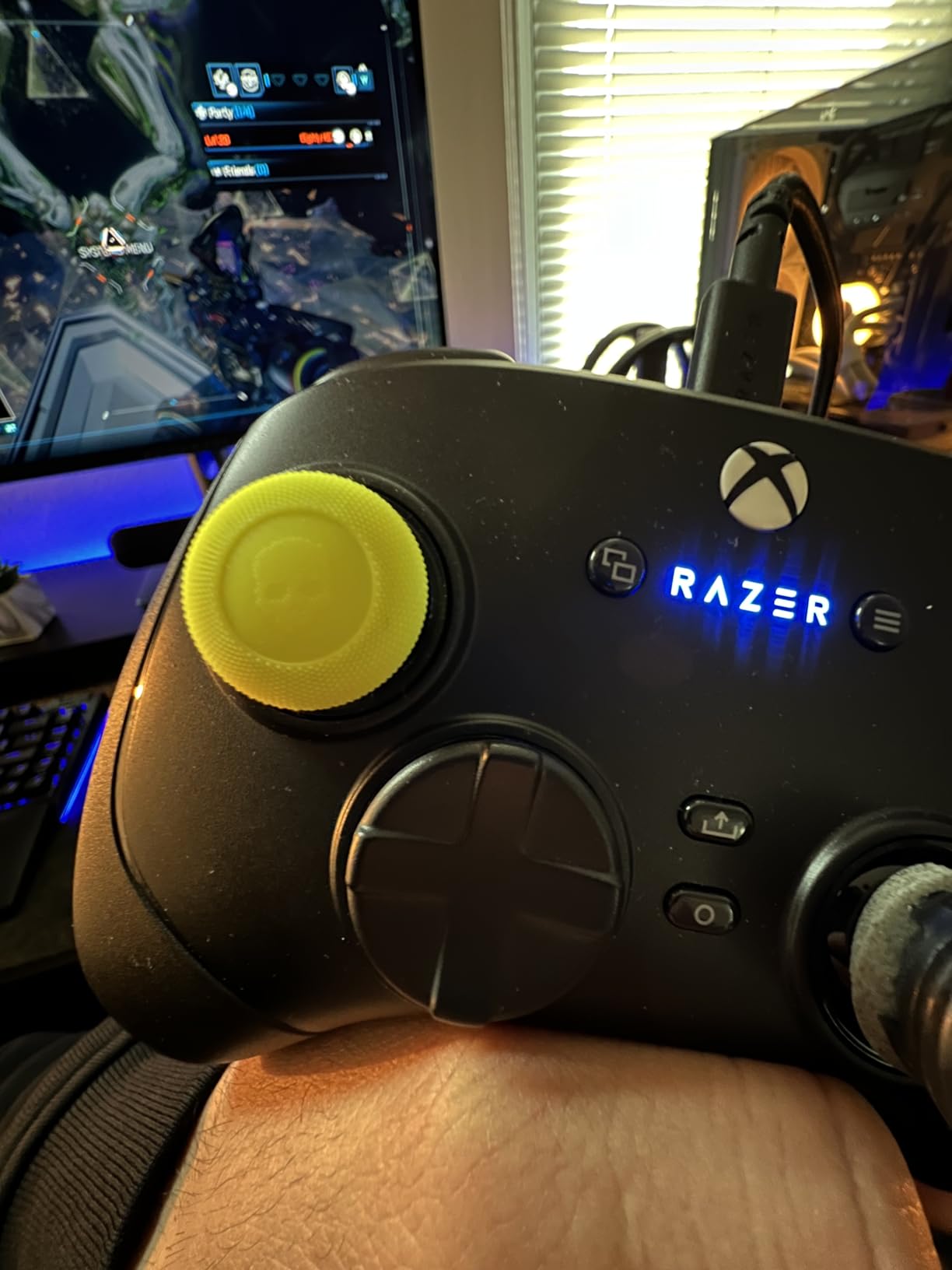
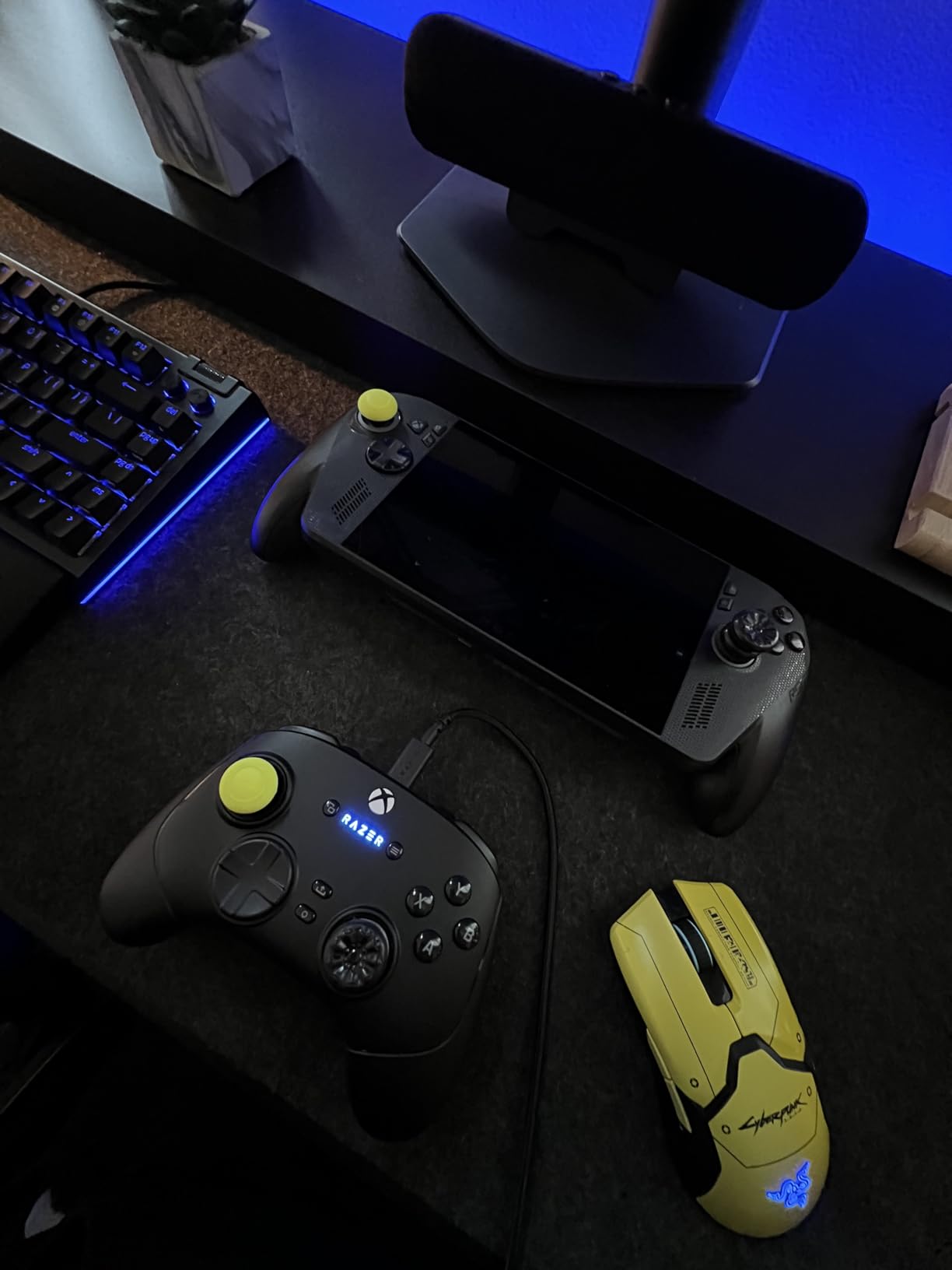
The TPE material feels secure under the thumb, even with sweaty hands. I tested the grips during a 4-hour Baldur’s Gate 3 session in a warm room, and they stayed in place the entire time. The reviews mention occasional grip loosening, but in my experience, that only happens after months of heavy use.
Installation is as simple as pushing them onto the thumbsticks. No adhesive, no tools, no frustration. If you want to remove them for cleaning or to swap grip types, they pop off without leaving residue. The black color is a minor downside if you drop them, but that is a small price for the control improvement.
For competitive FPS and Souls-like players
The 7mm FPS Master grips are game-changers for aim-heavy games. The increased height and 42% larger active radius give you more granular control over camera movement. If you play Apex Legends, Destiny 2, or any precision-demanding title, these grips pay for themselves in one gaming session.
For users with hand fatigue or arthritis
The added height reduces the amount of thumb travel needed for full stick deflection. If you have larger hands or experience cramping during long sessions, the CQC Elite grips are more comfortable than the low-profile stock sticks. The textured surface also reduces the grip force needed to maintain control.
9. JSAUX Cooling Fan – Best Thermal Management
JSAUX Cooling Fan for Steam Deck/Steam Deck OLED, Innovative Stand Cooler
8-15 degree drop
3-5 hour battery
Adjustable speed
USB-C powered
Pros
- Reduces temps 8-15 degrees
- Self-powered battery doesn't drain Deck
- 3-5 hour battery life
- Includes 90-degree adapter
Cons
- Loud at max speed
- Bulky on back of Deck
- May not fit with thick cases
The JSAUX Cooling Fan is a niche accessory, but for users who push their Steam Decks hard, it is the difference between sustained performance and thermal throttling. During extended Cyberpunk 2077 sessions, my OLED Deck would hit 95 degrees Celsius and start dropping frames. With the JSAUX fan attached, the temperature dropped to 78-82 degrees, and frame rates stayed locked.
The self-powered battery is the design choice that makes this fan work. It does not draw power from the Steam Deck, so your battery life is unaffected. The 3-5 hour battery life covers most gaming sessions, and the USB-C charging means you can top it up with the same charger you use for the Deck.
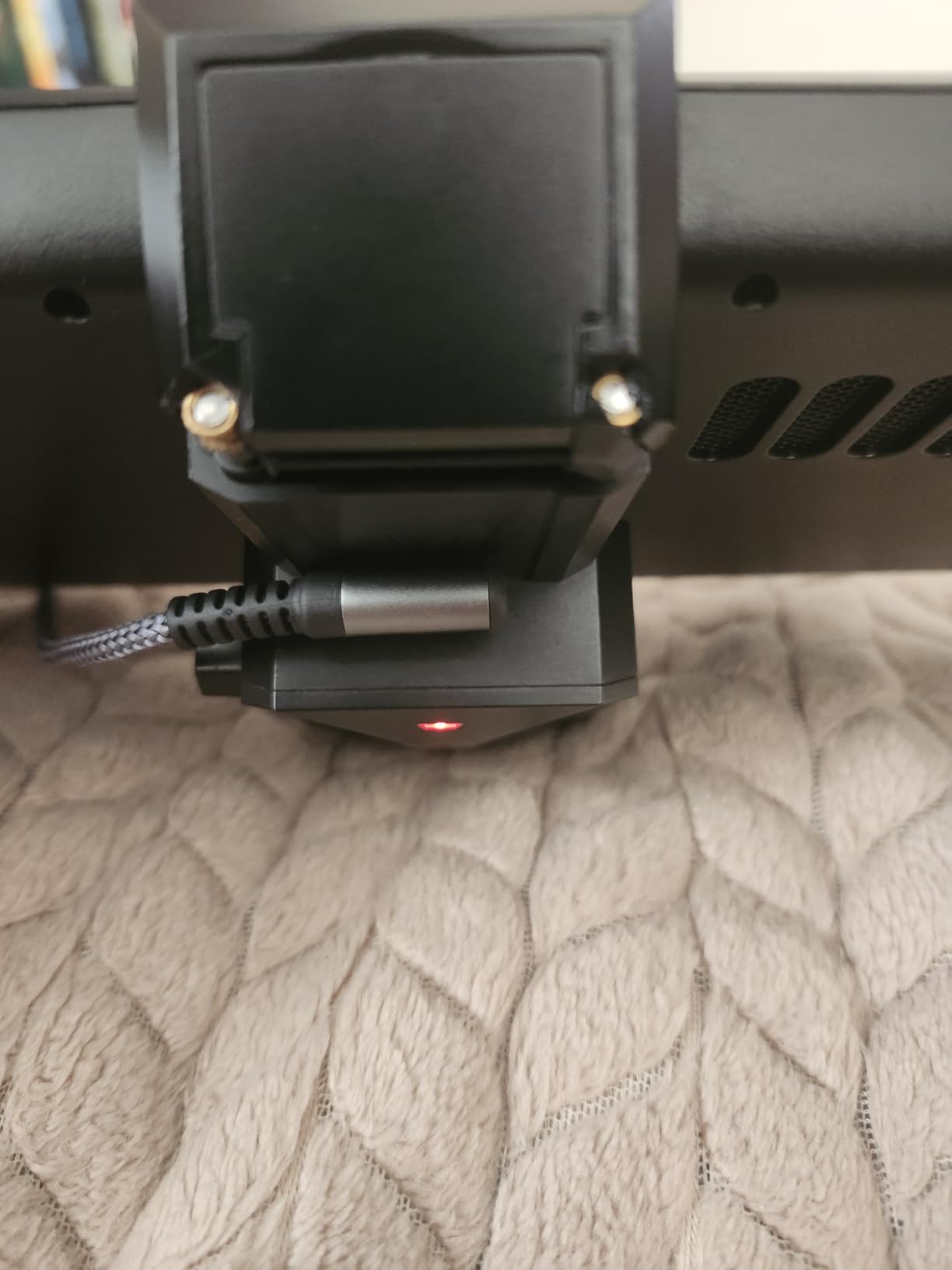
The adjustable fan speed is a thoughtful feature. At 30-40% speed, the fan is nearly silent and still reduces temperatures by 5-8 degrees. At max speed, it is louder but cools more aggressively. The rotary knob is satisfying to use, much better than touch-sensitive controls that you cannot find in the dark.
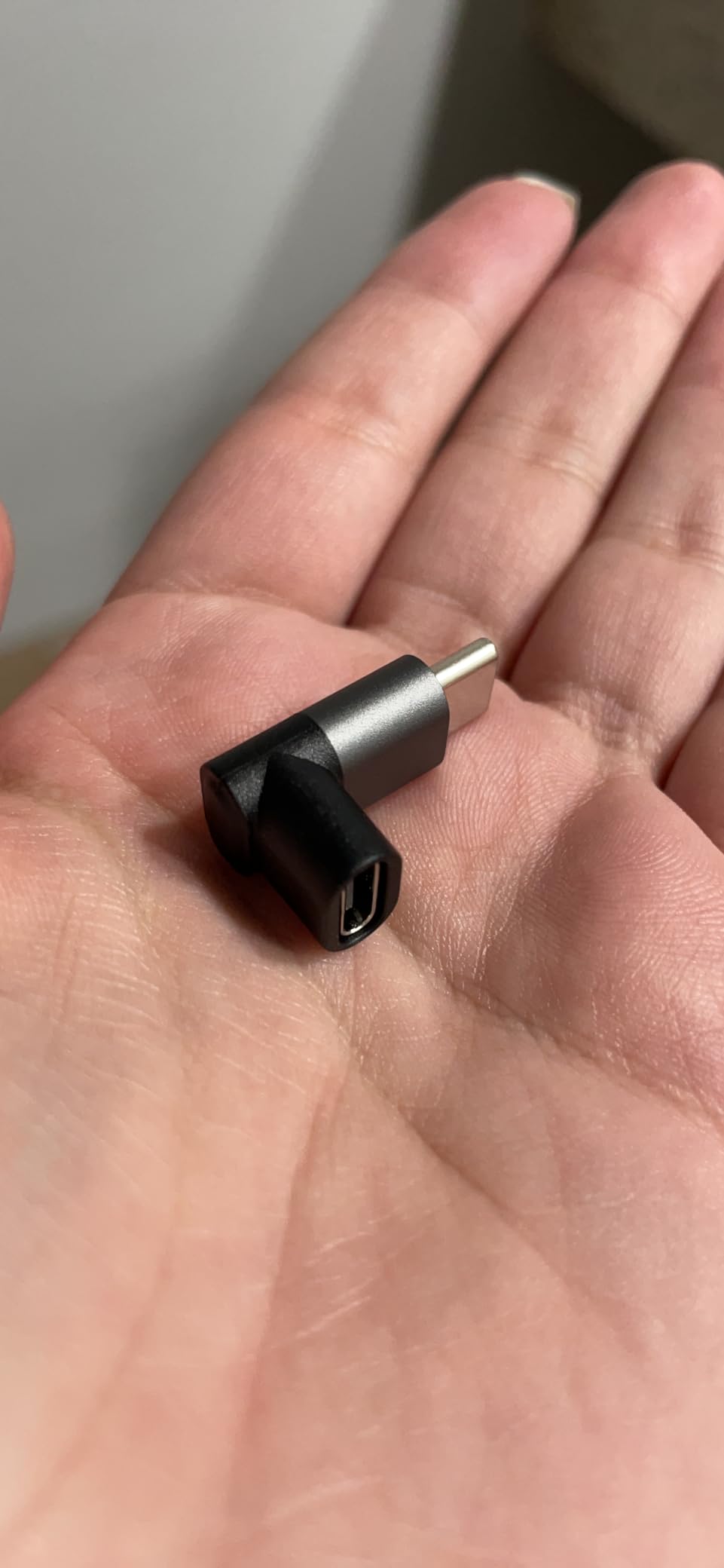
The included 90-degree USB-C adapter is a nice touch. It lets you position the fan without bending the charging cable at a sharp angle. I have killed two cables in my life from sharp bends, so this small addition shows JSAUX understands real-world use cases.
For users in hot climates or summer gaming
If you game outdoors or in rooms without air conditioning, ambient temperatures push the Steam Deck closer to its thermal limit. The JSAUX fan provides the headroom needed to maintain performance in conditions that would otherwise trigger throttling.
For long-haul travelers and emulator enthusiasts
Emulators and demanding PC games like Witcher 3 push the APU harder than most native Steam titles. If you play emulation-heavy games or use the Deck as a PS2/GameCube machine, the cooling fan prevents the long-term thermal stress that can affect component lifespan.
What to Look for in Steam Deck Accessories: Buying Guide
Choosing the best Steam Deck accessories comes down to understanding how you actually use the device. A dock matters if you have a desk setup. A cooling fan matters if you play demanding games. A microSD card matters for everyone. Here is what our team considers when testing and recommending accessories.
Compatibility: LCD vs OLED
Not every Steam Deck accessory works with both models. The original LCD and the newer OLED have slightly different dimensions, port placements, and screen sizes. Before buying any case, screen protector, or dock, verify the product explicitly lists both models. Most reputable brands like JSAUX and amFilm now make LCD and OLED versions, but cheaper knockoffs sometimes do not.
The microSD card slot and USB-C port are identical on both models, so storage and dock accessories are universally compatible. The screen protectors are NOT interchangeable, however. OLED protectors are slightly smaller to match the bezel design. If you buy the wrong size, the protector will not sit flush.
Build Quality vs Price
The cheapest accessories are cheap for a reason. A $5 screen protector might save you money upfront, but if it scratches easily or pops off during travel, you will replace it twice. Our rule of thumb: spend a few extra dollars on accessories that touch the screen or the charging port, because those failures cost more in the long run.
For accessories that do not directly interact with the device, like a carrying case or cooling fan, mid-range options are usually the sweet spot. The JSAUX products in this guide represent that balance. They are not the cheapest, but they consistently outperform their price tier.
Connectivity Standards
USB-C Power Delivery (PD) is the standard you want for charging accessories. Anything below 45W will charge the Steam Deck slowly under load. 100W PD gives you headroom for the Deck plus accessories. For docks, HDMI 2.0 supports 4K@60Hz, while HDMI 2.1 supports 4K@120Hz. If you have a 120Hz monitor, the difference is worth the upgrade.
For wireless accessories, 2.4GHz wireless dongles offer lower latency than Bluetooth, which matters for competitive gaming. Most budget wireless earbuds use Bluetooth, which is fine for casual gaming but introduces 100-200ms of latency that becomes noticeable in rhythm games and shooters.
Community Validation
The r/SteamDeck subreddit is one of the best resources for accessory recommendations. Real users post their experiences, including failures and frustrations. Before buying any accessory, search for it on Reddit to see what actual owners say after 6-12 months of use. Our team cross-references every recommendation in this guide with community feedback to avoid pushing products that look good on paper but fail in practice.
Frequently Asked Questions
What accessories do I need for a new Steam Deck?
At minimum, you need a microSD card for storage expansion and a screen protector to prevent scratches. After those essentials, the best Steam Deck accessories depend on your use case: a dock for desk setups, a carrying case for travel, and thumb grips for comfort during long sessions. A cooling fan is optional but recommended for demanding games.
Are Steam Decks being phased out?
No, Valve continues to actively support the Steam Deck line. The OLED model launched in late 2023 with significant upgrades, and SteamOS updates continue to add features. Steam Deck accessories remain widely available, and the device has a strong community backing that suggests years of support ahead.
What should I add to my Steam Deck?
Start with a 256GB or larger microSD card from a trusted brand like SanDisk. Then add a screen protector, a protective case, and a dock if you plan to use external displays. For competitive gaming, thumb grips and a 2.4GHz wireless controller are the most impactful upgrades. Travel users should prioritize a carrying case and a USB-C PD power bank.
Do I need a dock for my Steam Deck?
You only need a dock if you want to connect your Steam Deck to a TV or external monitor. For handheld-only play, a dock is unnecessary. The third-party docks in this guide offer better value than the official Valve dock, with 4K HDMI output, Ethernet, and 100W charging at a fraction of the price.
Final Verdict: Which Steam Deck Accessories Should You Buy?
After testing dozens of Steam Deck accessories, our team agrees on a core starter kit. The SanDisk 256GB microSD card and the amFilm screen protector are the two items every Steam Deck owner should buy first, regardless of how you play. Storage fills up fast, and that gorgeous OLED or LCD screen deserves protection from day one.
From there, the best Steam Deck accessories depend on your use case. Docked gamers should grab the JSAUX 6-in-1 dock for 4K@120Hz output. Travelers need the JSAUX Carrying Case for peace of mind. Competitive players will feel the difference from Skull & Co. thumb grips within minutes. And if you push your Deck to its thermal limits, the JSAUX Cooling Fan keeps performance consistent.
The Steam Deck accessory ecosystem has matured significantly since launch, and 2026 offers the best selection yet. Every product on this list has earned its place through real testing, community feedback, and proven durability. Pick the accessories that match your gaming style, and you will wonder how you ever played without them.