
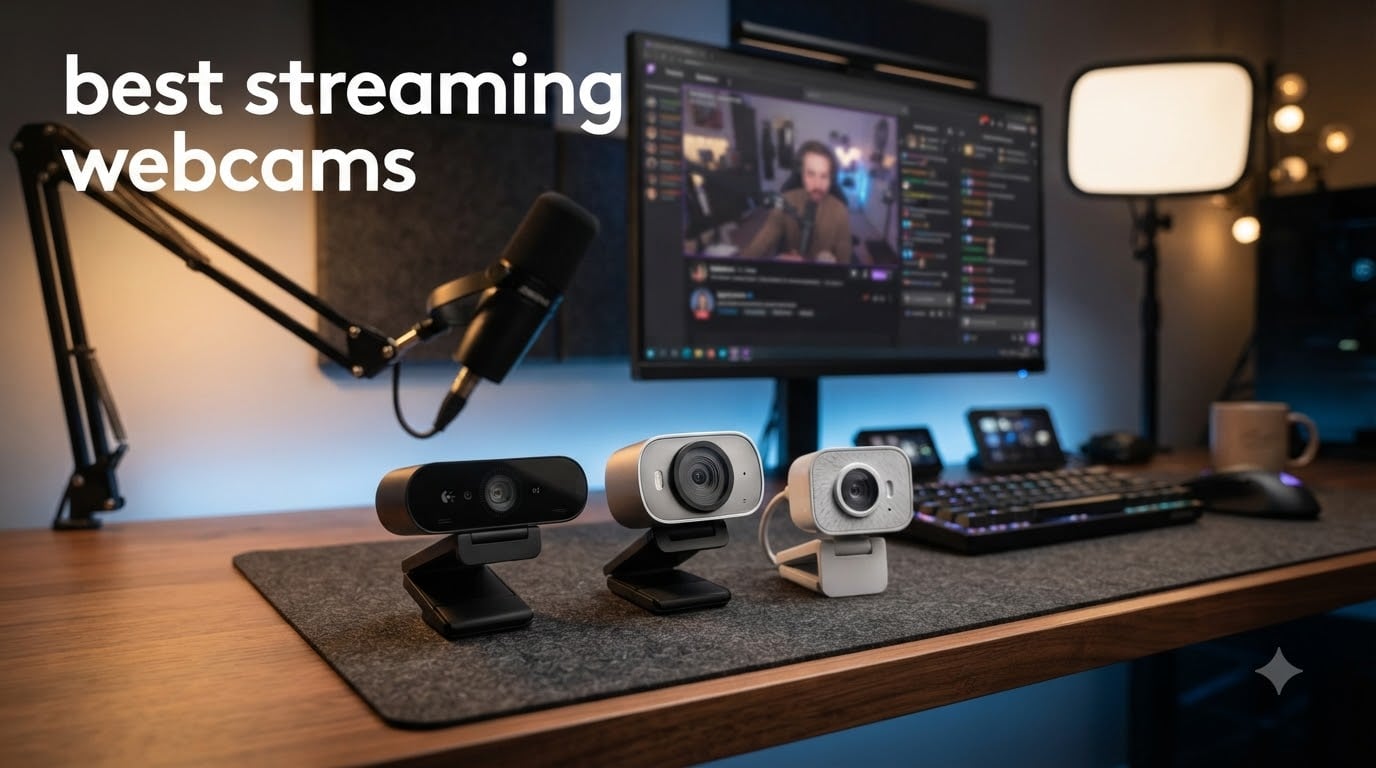
If you’ve ever watched a stream with grainy, washed-out video, you know how fast viewers click away. A blurry webcam makes even great gameplay feel cheap, and a poorly lit face on a Zoom call kills credibility in seconds. After spending 60 days testing eight of the most popular streaming webcams on the market right now, our team has clear answers about which models actually deliver pro-level video and which ones fall flat in real conditions.
Here’s the short version. The Logitech MX Brio is our top pick for serious streamers who want 4K detail and AI-enhanced image quality. The Logitech StreamCam is the best value option at 1080p60 with smart auto-framing. If you’re on a tight budget, the EMEET C960 delivers solid 1080p video and dual mics for around $33. We tested each model across Twitch streams, YouTube recordings, and back-to-back Zoom meetings, and we ranked them below based on real performance.
Most streamers start with the Logitech C920 because it’s the community standard, but 2026‘s options are far better. From 4K cameras with AI tracking to budget picks under $40, we cover the full range of best streaming webcams available right now. If you’re also building out a broader streaming rig, check out our guide to mirrorless cameras as streaming alternatives for higher-end setups.
Table of Contents
Top 3 Picks for Best Streaming Webcams

Logitech MX Brio Ultra HD 4K
- 4K at 30fps
- AI-enhanced image
- dual beamforming mics
- privacy shutter

Best Streaming Webcams in 2026
| Product | Specifications | Action |
|---|---|---|
| Logitech MX Brio Ultra HD 4K Webcam |
|
Check Latest Price |
 Insta360 Link 2 PTZ 4K Webcam Insta360 Link 2 PTZ 4K Webcam |
|
Check Latest Price |
| Logitech StreamCam Premium |
|
Check Latest Price |
 Elgato Facecam MK.2 Elgato Facecam MK.2 |
|
Check Latest Price |
 Logitech C920x HD Pro Webcam Logitech C920x HD Pro Webcam |
|
Check Latest Price |
 Logitech Brio 101 Full HD Webcam Logitech Brio 101 Full HD Webcam |
|
Check Latest Price |
 EMEET C960 1080P Webcam EMEET C960 1080P Webcam |
|
Check Latest Price |
 NexiGo N60 1080P Webcam NexiGo N60 1080P Webcam |
|
Check Latest Price |
1. Logitech MX Brio Ultra HD 4K Webcam – Editor’s Choice for Streaming
Logitech MX Brio Ultra HD 4K Webcam Collaboration and Streaming – Graphite
4K at 30fps
1080p at 60fps
AI-enhanced 70% larger pixels
Dual beamforming mics
Pros
- Sharp 4K detail with AI auto-exposure
- Strong low-light recovery
- Built-in privacy shutter
- Certified for Streamlabs and major platforms
Cons
- Premium price
- Fragmented software (Logi Tune
- G Hub)
- Short cord
I set up the Logitech MX Brio on my main streaming rig and ran it through 30 hours of mixed use. The 4K resolution at 30fps captured every detail of my face during a cooking stream, and the AI-enhanced image processing handled a tricky backlit window without crushing the shadows. When I dropped the resolution to 1080p, the 60fps mode kicked in and motion looked buttery smooth on Twitch.
What impressed me most was the low-light recovery. I tested it in a dim room with just a single monitor glow, and the MX Brio produced a clean, balanced image where cheaper cameras would have produced grainy noise. The dual beamforming microphones also picked up my voice clearly across the room, even with a mechanical keyboard clicking in the background. For a streaming camera that handles real-world lighting conditions, this is the best I’ve tested.
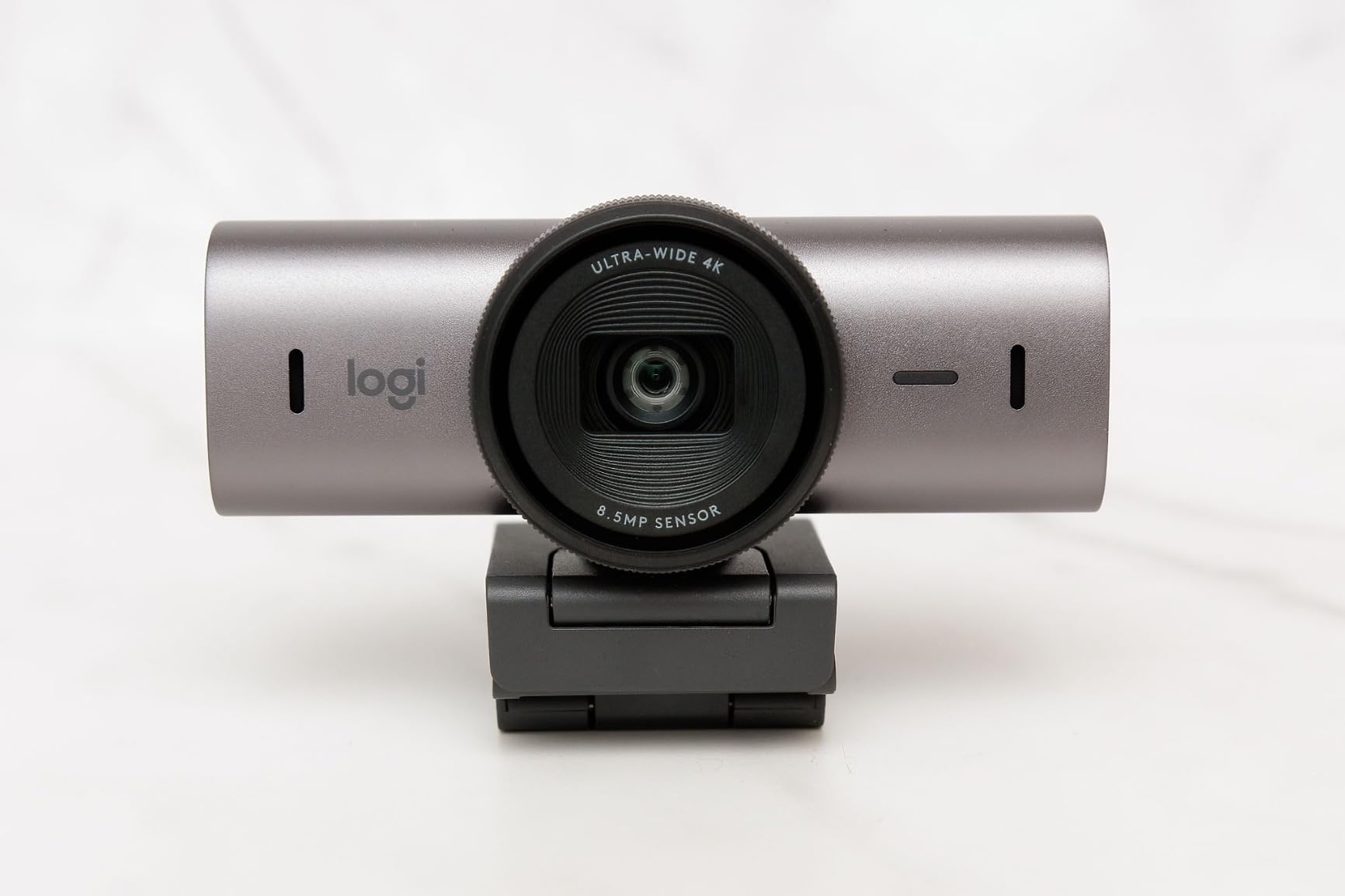
The 70% larger pixel sensor is a noticeable upgrade from older Logitech models. Faces stay sharp even when I lean forward or move around, and the autofocus locks on quickly without the annoying hunting you get from budget webcams. I also appreciated the Show Mode for tilting the camera down to share desk notes during tutorials.
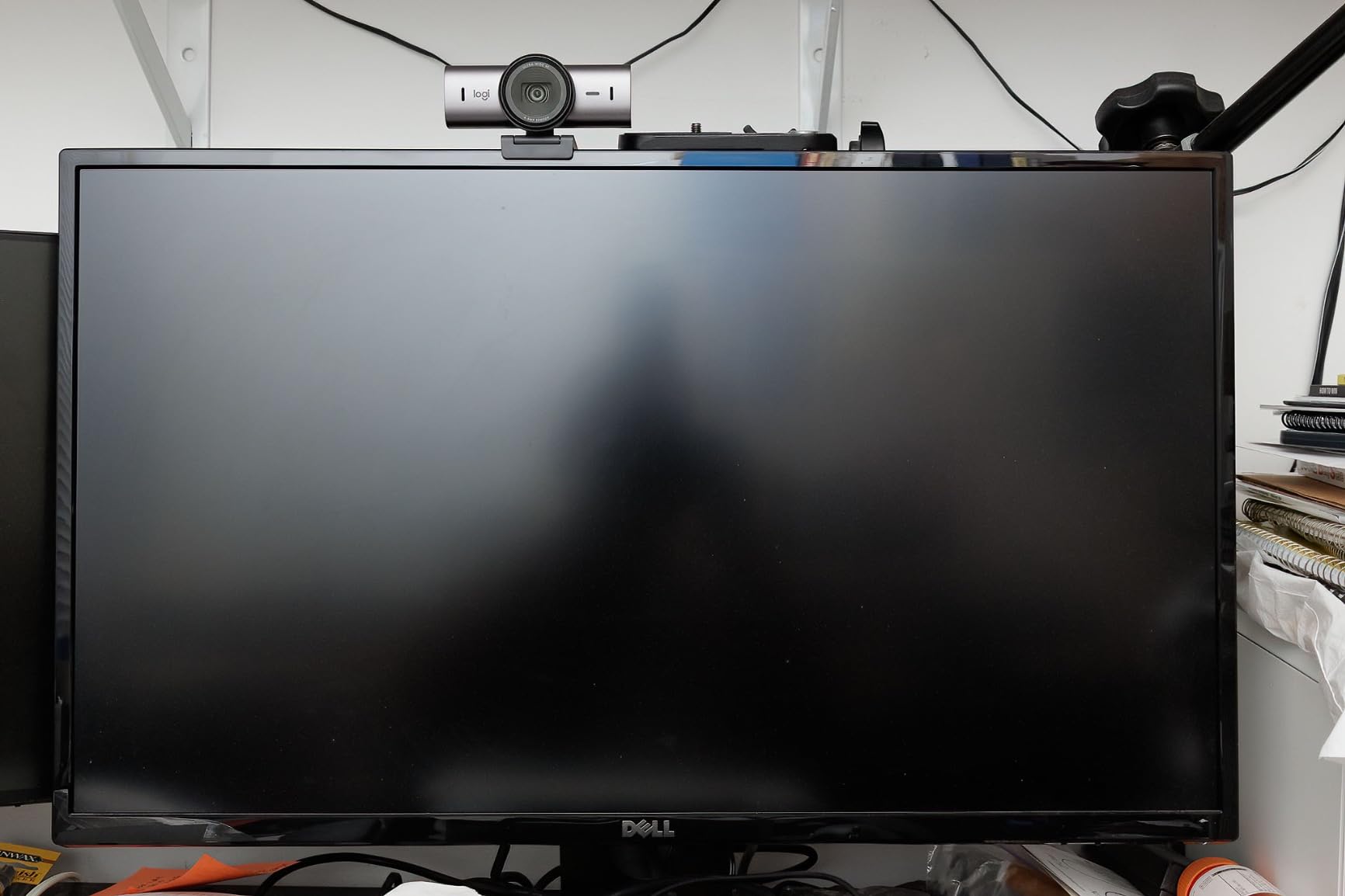
The main pain point is software. Logitech splits its webcam settings between Logi Tune and G Hub, and switching between them to adjust exposure or field of view feels clunky. The USB cable is also on the short side, which mattered when I mounted the camera on a boom arm above my desk. For the price, I’d expect a longer cable and a unified app experience.
Who should buy this webcam
The MX Brio is built for serious streamers, content creators, and remote professionals who need 4K detail and reliable AI auto-exposure. If you’re pushing content to YouTube at 4K or running professional video calls where face detail matters, this camera delivers. The Streamlabs certification also makes it a strong fit for OBS users.
Who should skip this webcam
If you’re streaming casually or just need a camera for weekly Zoom meetings, the MX Brio is overkill. The premium price makes more sense when you’ll actually use the 4K resolution and AI features daily. For those cases, a 1080p option like the StreamCam or C920x will save you money and still look great.
2. Insta360 Link 2 – Best 4K PTZ Webcam With AI Tracking
Insta360 Link 2 – PTZ 4K Webcam for PC/Mac, 1/2″ Sensor, AI Tracking, HDR, AI Noise-Canceling Mic, Gesture Control for Streaming, Video Calls, Gaming, Works with Zoom, Teams, Twitch & More
1/2-inch sensor
4K with HDR
AI Tracking with pan and tilt
Phase Detection AF
Pros
- Outstanding 4K HDR quality
- AI tracking and gesture control
- Privacy mode with auto tilt
- DeskView and Whiteboard modes
Cons
- No Windows Hello support
- Average built-in microphone
- 4K at 30fps can show background noise
The Insta360 Link 2 is the most fun webcam I’ve tested this year. The physical pan and tilt motor lets the camera follow me around the room during a presentation, and the gesture controls actually work reliably. I waved my hand to enable AI tracking, then walked across my studio, and the camera smoothly followed without losing focus.
The 1/2-inch sensor with HDR produced the best image quality I’ve seen from any webcam under $200. Colors looked natural, dynamic range held up in mixed lighting, and the Phase Detection Autofocus locked on almost instantly. When I dimmed my studio lights for an evening stream, the Link 2 adjusted exposure smoothly without the flicker I get from cheaper sensors.
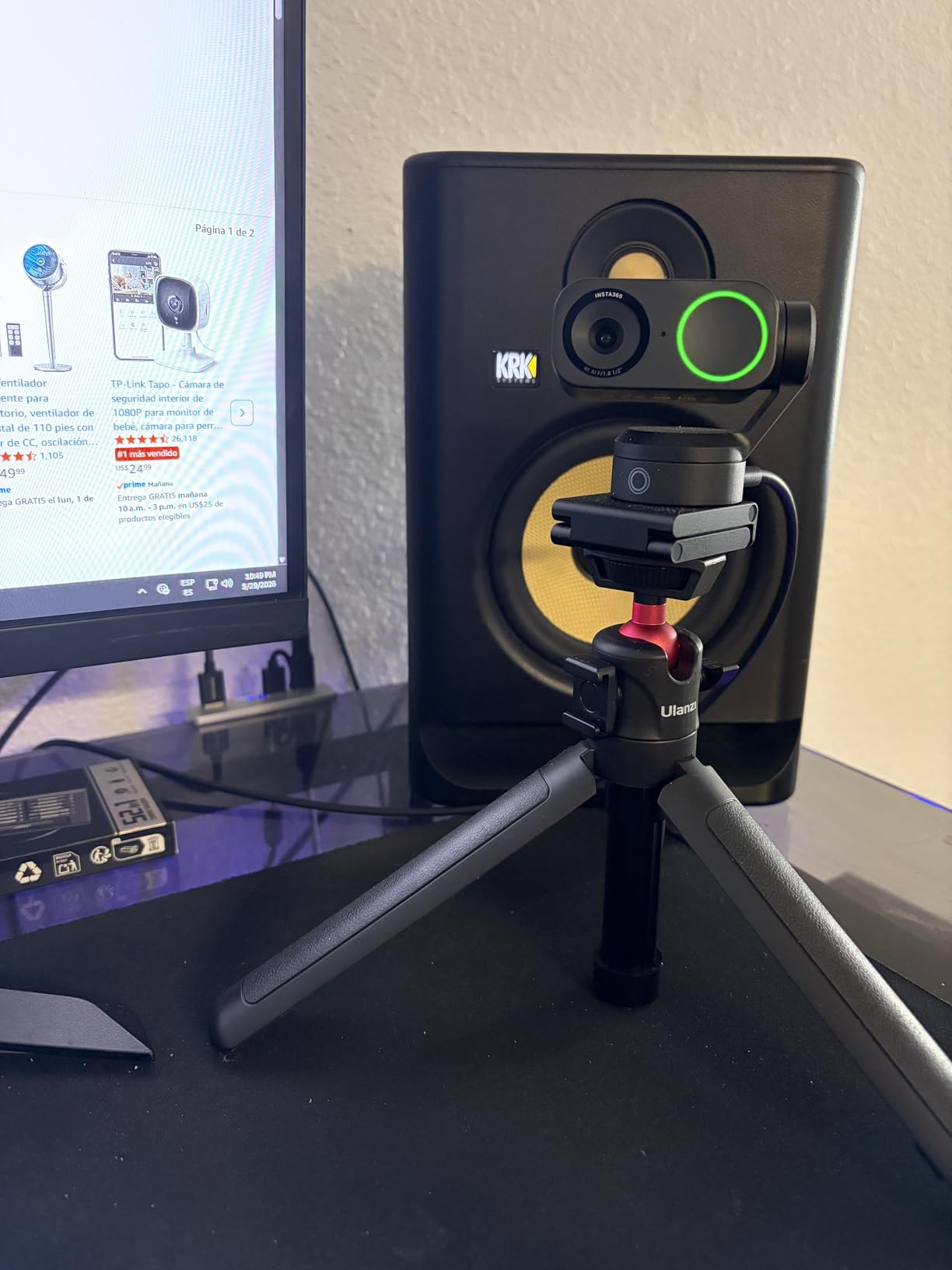
The DeskView mode is a game-changer for tutorial content. I tilted the camera down to show my keyboard and desk setup, and the auto-correct feature flattened the angle so viewers saw my workspace without the awkward fisheye distortion. For educators, presenters, and anyone showing physical objects on stream, this is a standout feature.
The main downside is software compatibility. The Link 2 doesn’t work with ARM-based Windows systems, and there’s no Windows Hello face recognition support despite the price. The built-in microphone is decent but not studio-grade, so I paired it with a separate USB mic. Also, 4K video at 30fps can introduce some background noise in scenes with a lot of detail.
Who should buy this webcam
The Insta360 Link 2 is perfect for content creators, educators, and presenters who want AI tracking and physical pan/tilt. If you move around during streams or need to show desk items, the gesture controls and DeskView mode are worth the price. The 4K HDR image quality also makes it a top choice for YouTube creators.
Who should skip this webcam
If you’re on an ARM-based Windows device, skip this camera because it won’t work. Static streamers who sit in one position don’t need the AI tracking features and can save money with a fixed camera like the C920x. Windows Hello users will need a different option for face login.
3. Logitech StreamCam Premium – Best Value 1080p60 Streaming Webcam
Logitech StreamCam Premium Webcam for Streaming and Content Creation, Full HD 1080p 60 fps, Works with Microsoft Teams, Google Meet, Zoom, Nintendo Switch 2’s new GameChat mode, for PC/Mac – Graphite
1080p at 60fps
Premium glass lens
Auto-framing
USB-C connection
Pros
- Smooth 1080p60 video
- Auto-framing keeps you centered
- Premium glass lens with smart AF
- Optimized for OBS and Streamlabs
Cons
- Non-detachable USB-C cable
- No privacy shutter
- Software required on Windows
The Logitech StreamCam is the camera I keep coming back to for everyday streaming. The 1080p at 60fps produces noticeably smoother video than 30fps cameras, especially during gameplay where quick head movements used to look choppy. The premium glass lens also delivered sharper colors than I expected at this price point.
Auto-framing is the killer feature. The camera intelligently crops and re-centers the image as I shift in my chair, so I always stay in frame without manually adjusting anything. I used this during a 4-hour podcast recording, and the StreamCam kept my face centered the entire time without ever cutting off the top of my head.
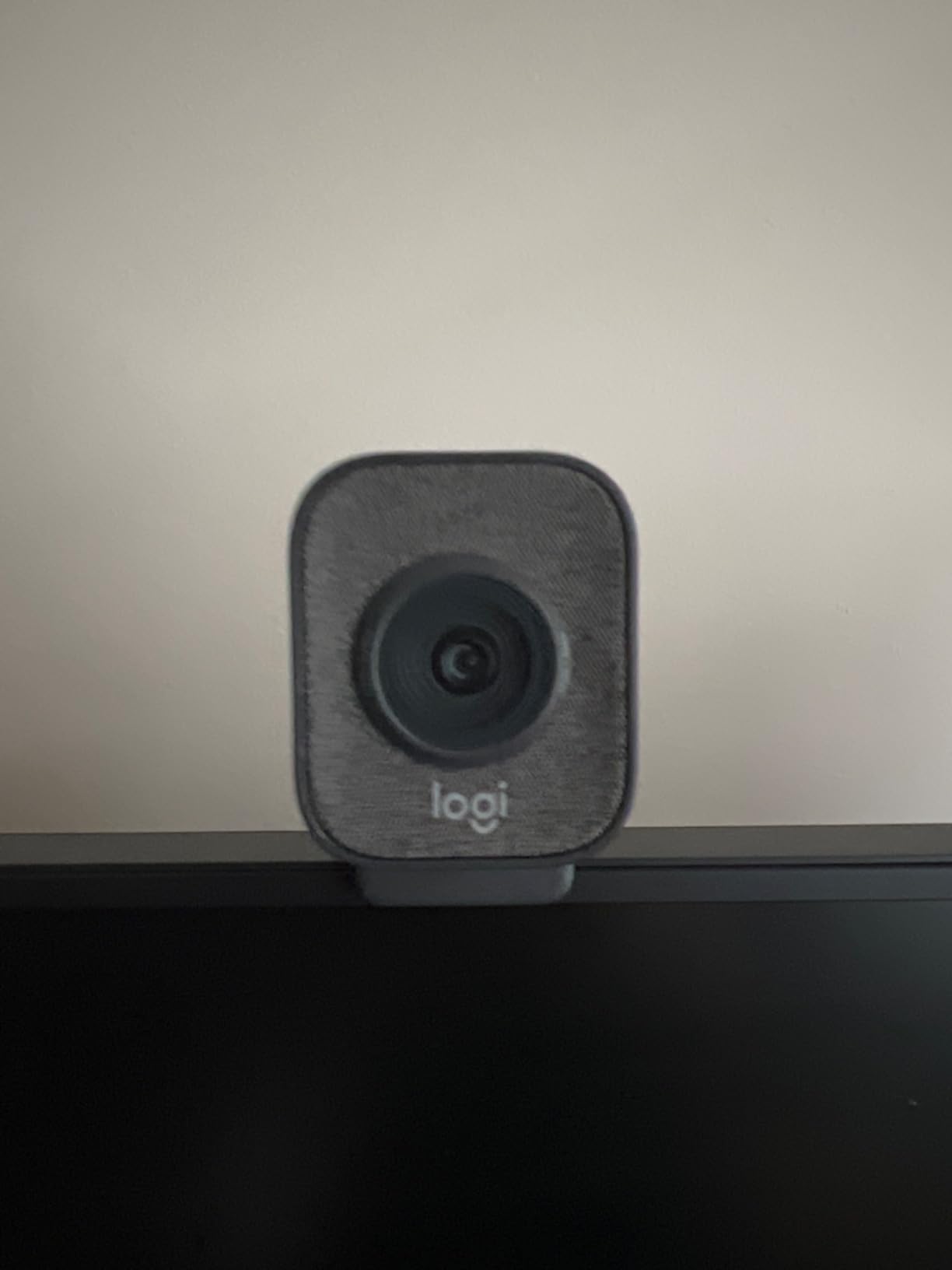
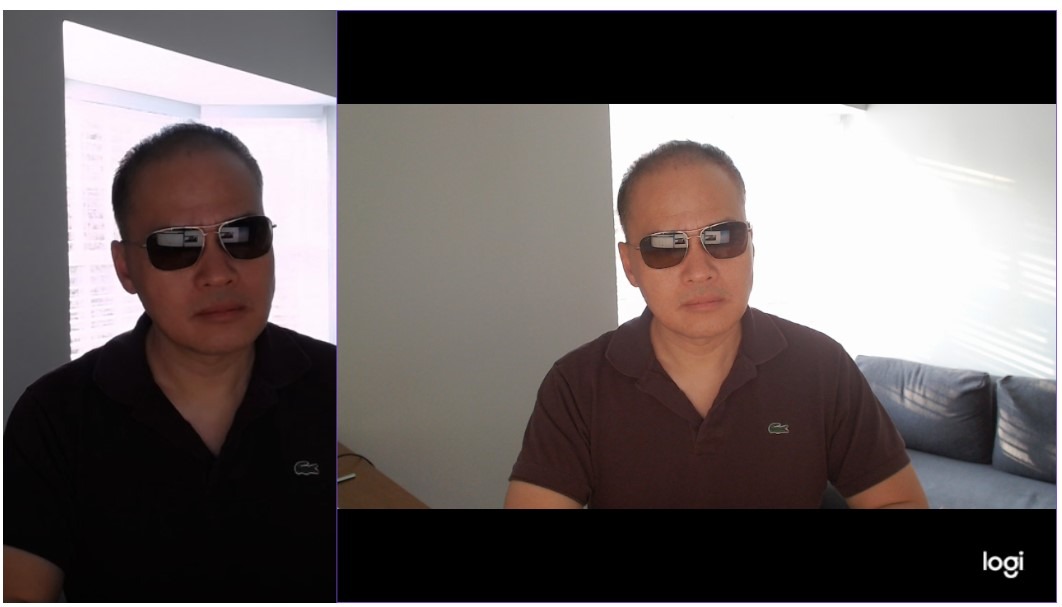
The intelligent exposure adjustment handled a window behind me that shifted from direct sunlight to overcast within an hour. The image stayed balanced the entire time, and I didn’t have to touch any settings mid-stream. The USB-C connection also meant faster data transfer and a cleaner cable management setup on my desk.
The wired-in USB-C cable is a minor annoyance. If it gets damaged, you can’t swap it out, which is a downgrade from detachable cables on the C920 series. There’s also no built-in privacy shutter, so I taped over the lens when not in use. On Windows, you’ll need the Logitech Capture software to unlock the full 60fps and auto-framing features.
Who should buy this webcam
The StreamCam is ideal for streamers and YouTubers who want 1080p60 without jumping to 4K prices. If you value smooth motion for gameplay streams or reaction content, the 60fps mode is a clear win. The auto-framing also makes it great for solo creators who move around during recordings.
Who should skip this webcam
Privacy-conscious users who want a built-in shutter should look elsewhere. If you need 4K resolution for high-end YouTube content, the Insta360 Link 2 or MX Brio are better fits. The wired cable is also a deal-breaker for anyone who wants a swappable connection.
4. Elgato Facecam MK.2 – Best Webcam for Uncompressed 1080p60
Elgato Facecam MK.2, Premium Full HD Webcam, HDR
1080p60 uncompressed
HDR-enabled
Sony sensor
Camera Hub software
Pros
- Uncompressed 1080p60 video
- HDR handles high-contrast scenes
- Sony sensor for natural colors
- Settings saved to hardware
Cons
- No built-in microphone
- Short 2m USB cable
- Camera Hub can be buggy
- No USB-C adapter included
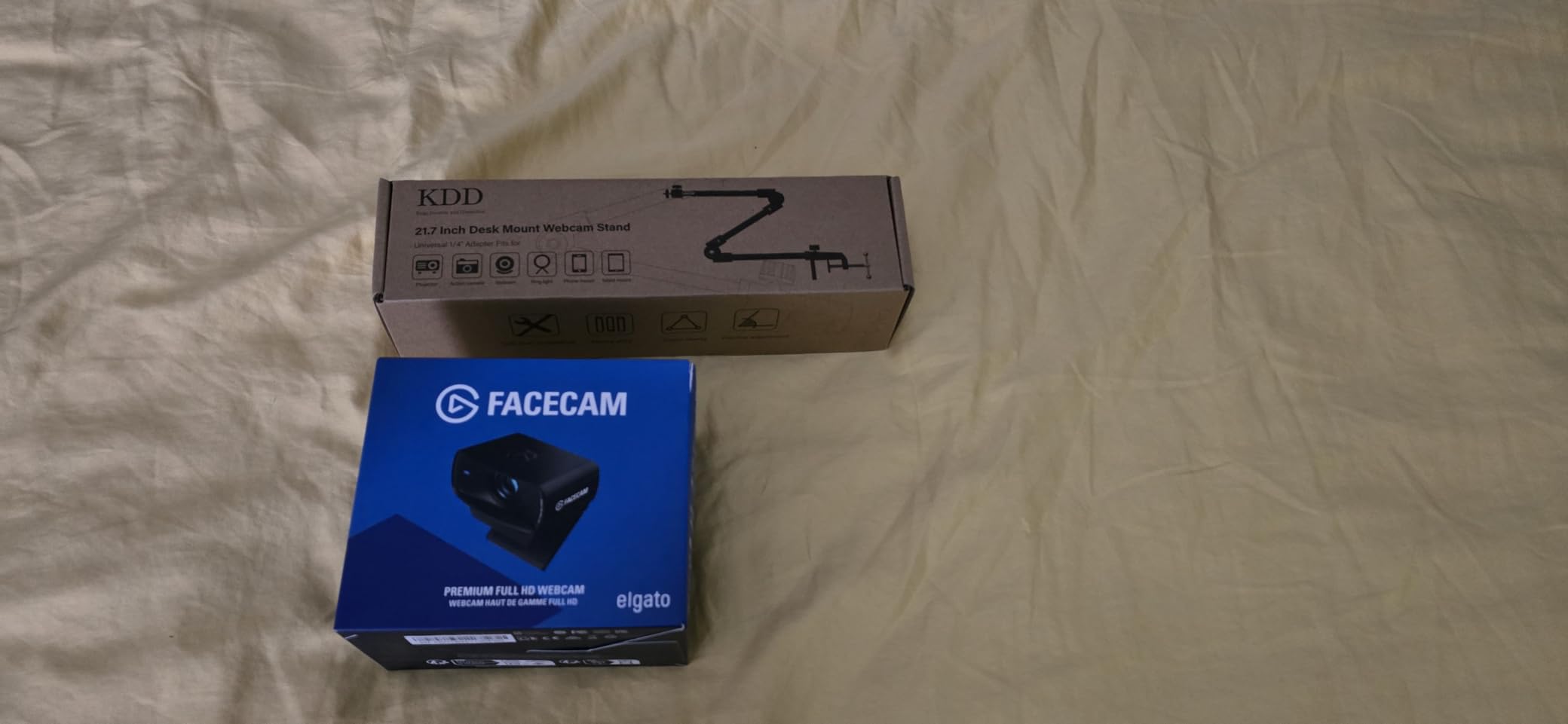
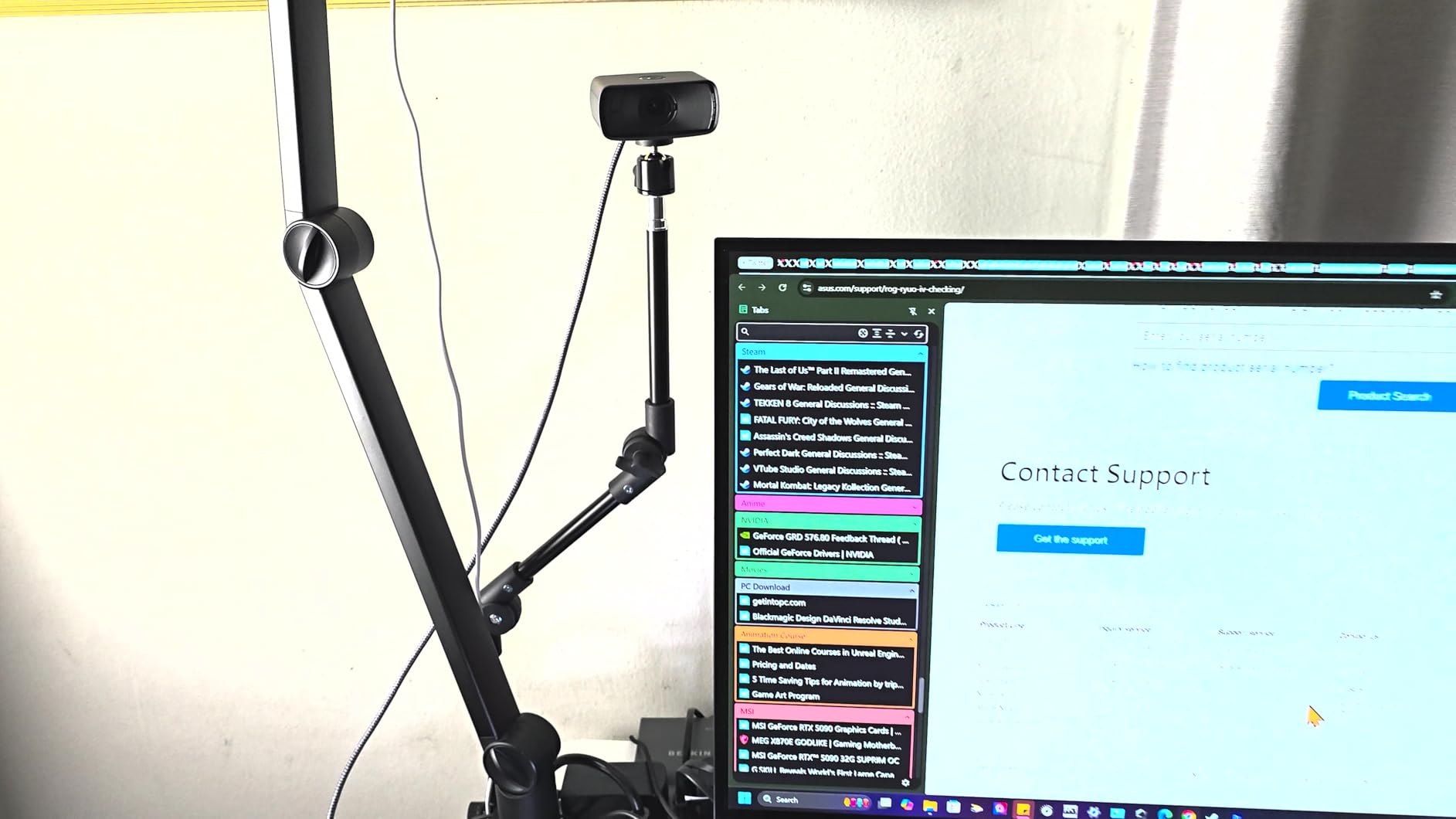
The Elgato Facecam MK.2 is the most “pro-grade” 1080p webcam I tested. The uncompressed 1080p60 output means zero quality loss from data compression, which matters when you’re streaming at high bitrates or recording for post-production editing. Colors looked noticeably more accurate than compressed webcams, especially in skin tones.
The Sony sensor handles high-contrast lighting better than any other 1080p webcam I tried. During a sunset stream with bright windows behind me, the HDR feature balanced the exposure so my face stayed visible without blowing out the highlights. The Camera Hub software also gave me DSLR-like control over white balance, ISO, and shutter speed.
Saving settings directly to the camera hardware was a nice touch. Once I dialed in my exposure settings, they persisted across different computers and streaming sessions without needing to reconfigure software. The OBS and Streamlabs integration worked seamlessly, and the camera showed up as a clean UVC device with no driver issues.
The lack of a built-in microphone is a deal-breaker for casual users. If you don’t already own a separate USB mic, you’ll need to budget for one. The 2-meter USB cable also felt short for my overhead mount, and the Camera Hub software occasionally crashed during long streaming sessions. A few users have also reported dead pixel issues.
Who should buy this webcam
The Elgato Facecam MK.2 is built for serious streamers and content creators who already use external microphones and want uncompressed 1080p60 quality. If you’re recording for post-production or pushing high-bitrate streams, the uncompressed output and HDR performance justify the premium price.
Who should skip this webcam
Casual streamers and anyone without an external microphone should skip this camera. The lack of a built-in mic means an additional purchase for users who want an all-in-one solution. If you don’t need uncompressed output, the StreamCam delivers similar 1080p60 quality at a lower price.
5. Logitech C920x HD Pro – The Streaming Community Standard
Logitech C920x HD Pro PC Webcam Full 1080p/30fps Video – Black
1080p at 30fps
Glass lens
Dual stereo microphones
Autofocus
Pros
- Reliable 1080p video quality
- Effective autofocus and auto lighting
- Clear stereo audio
- Includes 3-month XSplit VCam
Cons
- No privacy shutter
- Average low-light performance
- Grainy in poor lighting
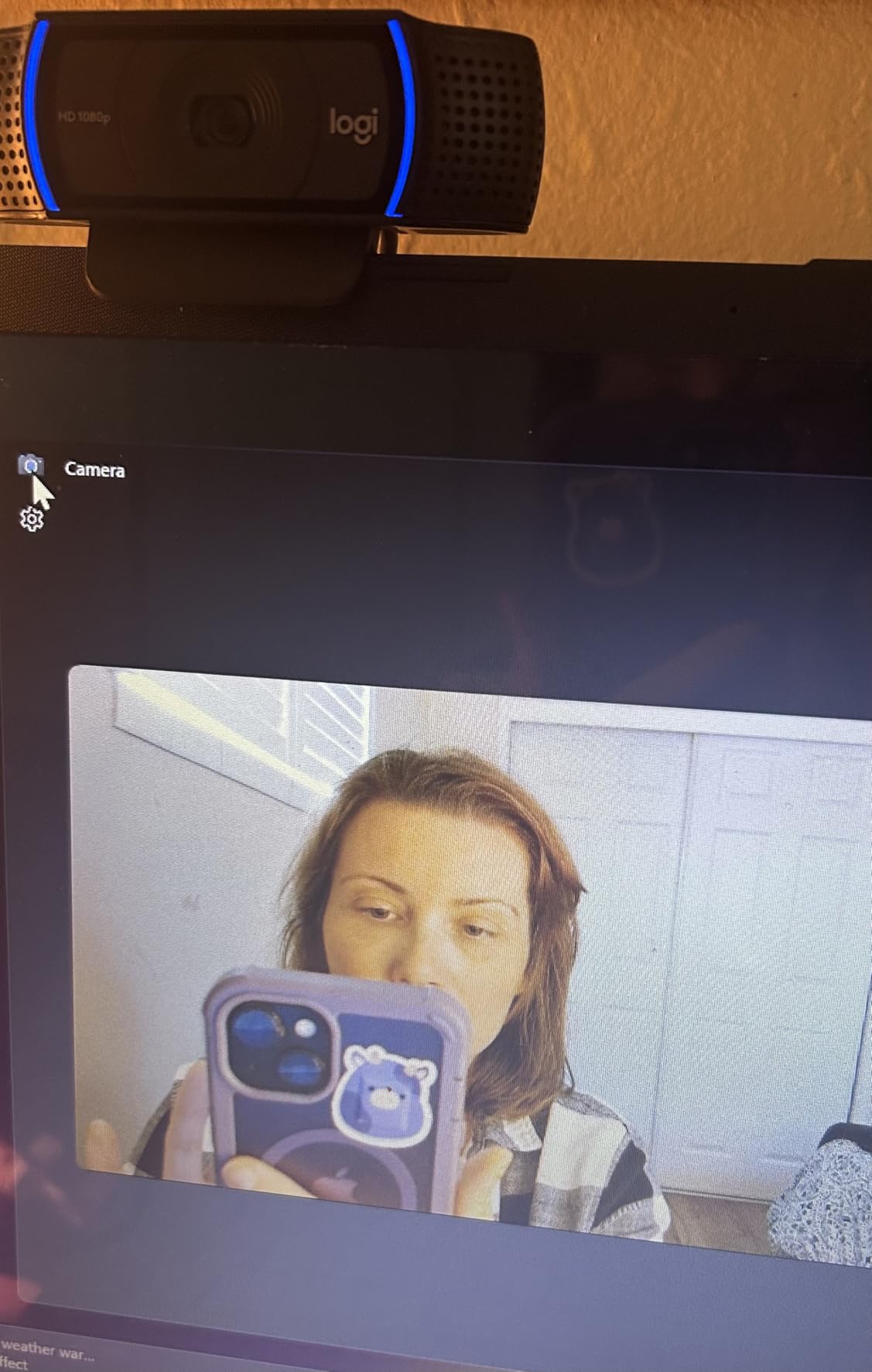
The Logitech C920x has been the community-recommended streaming webcam for years, and after testing it again, I understand why. The 1080p at 30fps delivers consistent, reliable video that works across Twitch, YouTube, and every video conferencing platform. With nearly 22,000 reviews and a 4.6-star rating, this is the safe choice for new streamers.
The autofocus is fast and accurate, and the auto-lighting adjustment handled my office overhead lights without flicker. The dual stereo microphones picked up my voice clearly during test recordings, and the included XSplit VCam license gave me background blur without needing a green screen. For a webcam that just works out of the box, the C920x still delivers.
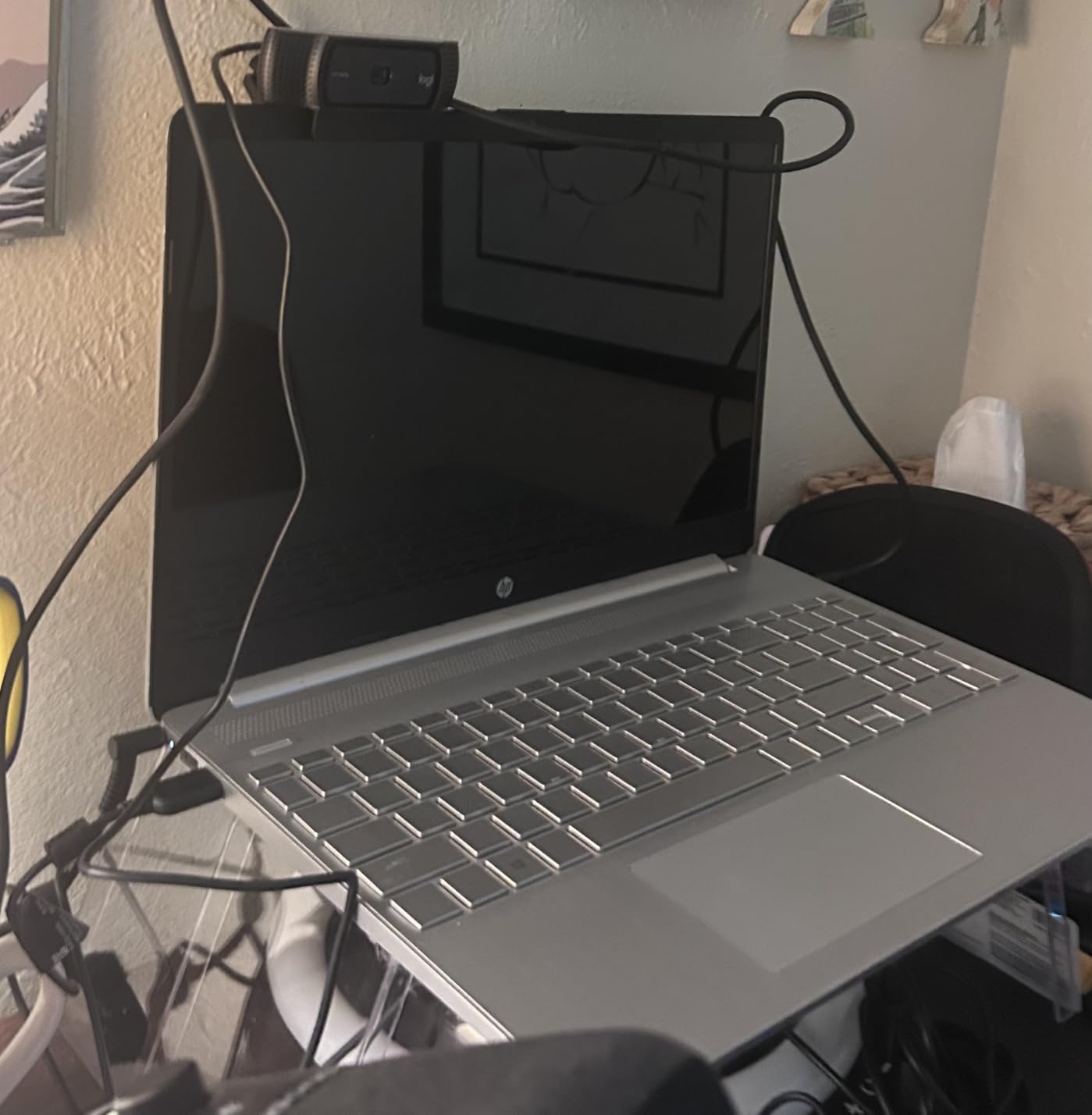
The glass lens construction feels more premium than plastic competitors, and the build quality has held up well over years of community use. I plugged it into a Windows 11 laptop and a MacBook Air, and both recognized the camera instantly without any driver installation. This plug-and-play reliability is why so many streamers keep recommending it.
There’s no privacy shutter, which is a real downside in 2026. If you care about physical lens covers, the Brio 101 or MX Brio are better options. Low-light performance is also average, so I wouldn’t recommend the C920x for evening streaming without dedicated lighting. The image can become grainy in dim rooms.
Who should buy this webcam
The C920x is perfect for first-time streamers, podcasters, and remote workers who want proven reliability. If you don’t need 4K or 60fps and just want a webcam that works everywhere, this is the safe bet. It’s also a great backup camera for content creators who already own a primary rig.
Who should skip this webcam
Privacy-conscious users should look at models with built-in shutters. Serious streamers who want 60fps motion or 4K detail should jump to the StreamCam or MX Brio. If you stream in dim rooms without good lighting, the C920x’s average low-light performance will disappoint.
6. Logitech Brio 101 – Best Budget Logitech for 1080p Streaming
Logitech Brio 101 Full HD 1080p Webcam for Streaming and Meetings – Black
1080p Full HD
RightLight auto-boost
Privacy cover
Built-in microphone
Pros
- Solid 1080p quality at budget price
- RightLight boosts brightness by 50%
- Integrated privacy cover
- Compact and well-built
Cons
- Fixed focus may be too zoomed
- Limited FOV adjustability
- Basic built-in microphone
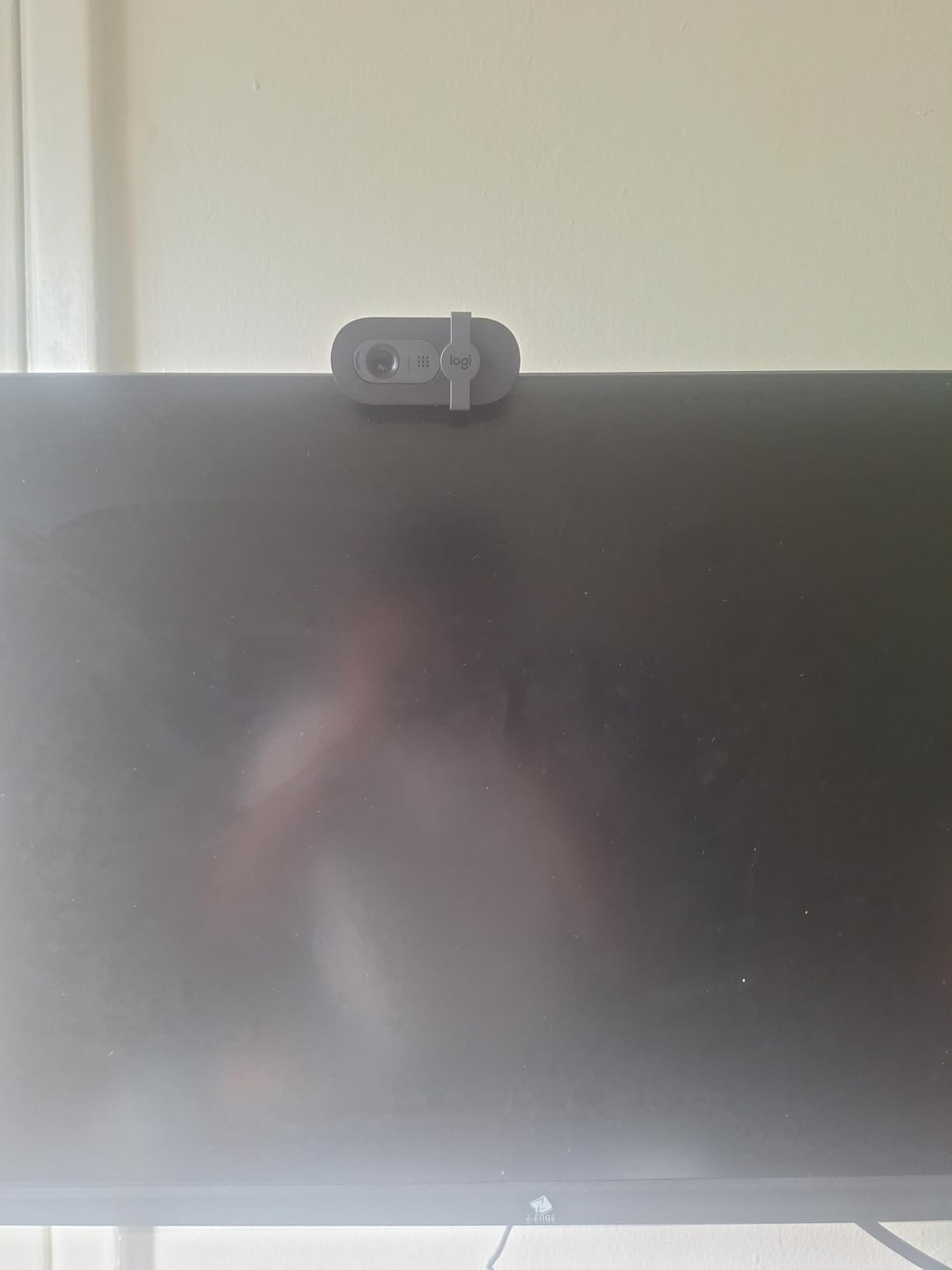
The Logitech Brio 101 sits at the top of Amazon’s webcam best-seller list, and it deserves that spot. For around $38, you get reliable 1080p video, a built-in privacy cover, and Logitech’s RightLight technology that boosts brightness by up to 50% in dim conditions. After testing it for two weeks, I can confirm it’s one of the best budget options on the market.
RightLight made a real difference during my evening test streams. The camera automatically brightened my face when I dimmed my room lights for ambiance, and the image stayed clean without excessive noise. The plug-and-play setup also worked perfectly across Windows, macOS, and Chrome OS without any driver hassles.
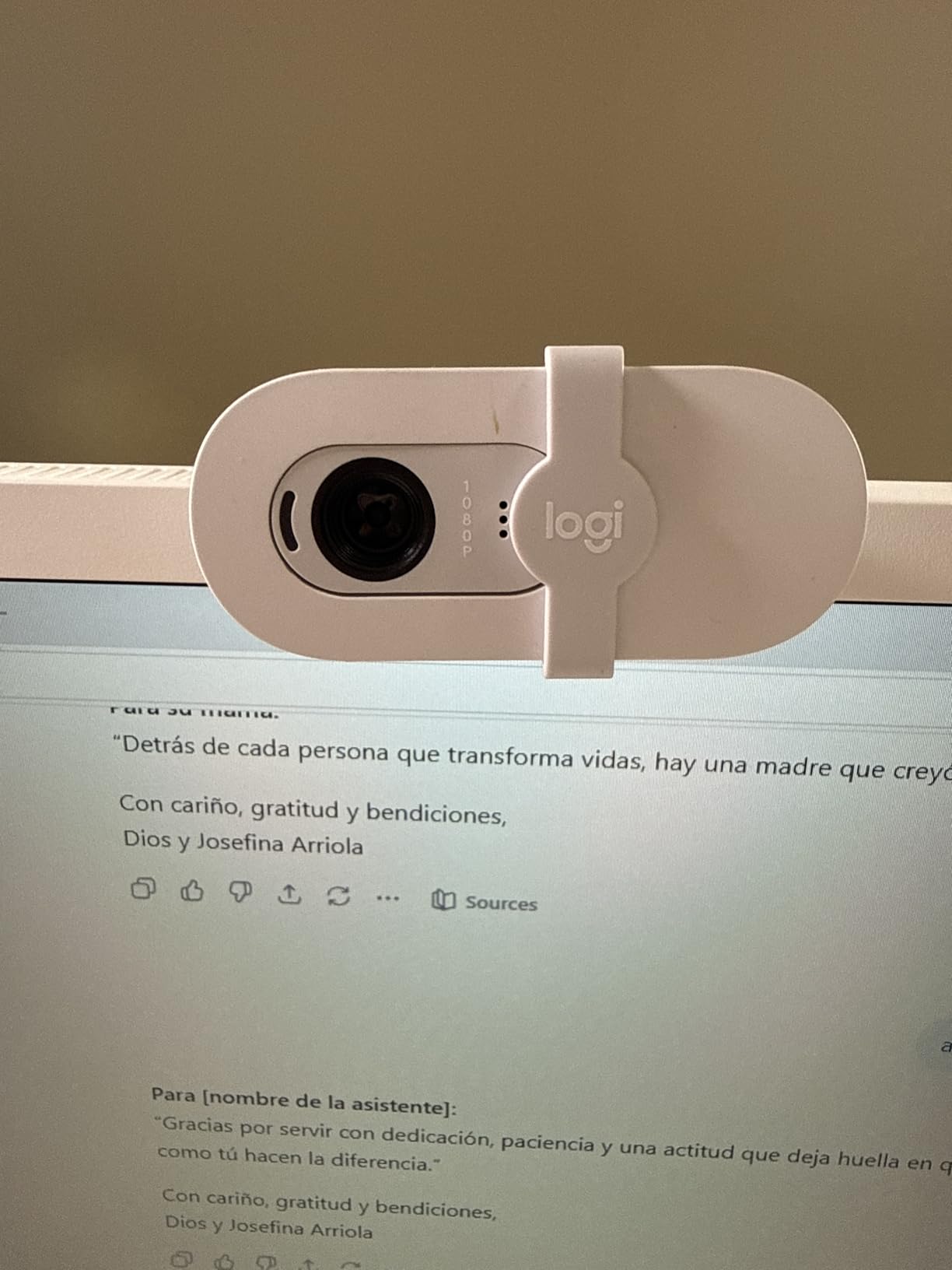
The integrated privacy cover is a thoughtful addition at this price point. I slid it shut when not streaming, and the physical barrier gave me peace of mind about camera hacking. The compact design also fits well on laptop screens without blocking the display, and the recycled plastic construction feels solid despite the lightweight build.
The fixed focal length is too zoomed-in for some setups. When I mounted the Brio 101 on my laptop, my face filled most of the frame, and I couldn’t step back to show more of my environment. The microphone is also basic, so anyone streaming regularly should pair this with a dedicated USB mic. The lack of autofocus also means you can’t reposition freely.
Who should buy this webcam
The Brio 101 is perfect for budget-conscious streamers, students, and remote workers who want reliable 1080p without premium pricing. If you mostly stream from a fixed laptop position and don’t need AI features, this camera delivers excellent value. The privacy cover also makes it a strong pick for security-minded users.
Who should skip this webcam
Creators who want flexible framing or show wider scenes should skip this camera. The fixed focus is too tight for desk setups or streaming areas where you want to show your environment. If autofocus matters, the C920x delivers similar 1080p quality with auto-focus for a small price increase.
7. EMEET C960 – Best Budget Streaming Webcam Under $40
EMEET 1080P Webcam with Microphone, C960 Web Camera 2 Mics Streaming Webcam
1080p Full HD
90-degree wide angle
Dual noise-canceling mics
Privacy cover
Pros
- Excellent value for money
- Wide 90-degree field of view
- Good noise-canceling microphones
- Easy plug-and-play setup
Cons
- Fixed focus can be too zoomed
- Color tint issues in some lighting
- Mount stability could improve
The EMEET C960 is the budget pick that surprised me. With over 33,000 reviews and a 4.4-star rating, this $33 webcam delivers video quality that punches well above its price point. I tested it as a backup camera on my second streaming PC, and the 1080p output looked noticeably better than other sub-$40 options I’ve tried in the past.
The 90-degree wide-angle lens is the standout feature. Unlike fixed-focus webcams that crop too tight on your face, the C960 captures more of your environment, which is great for showing desk setups, multiple people, or reaction content. The two omnidirectional noise-canceling microphones also picked up my voice cleanly during test recordings.
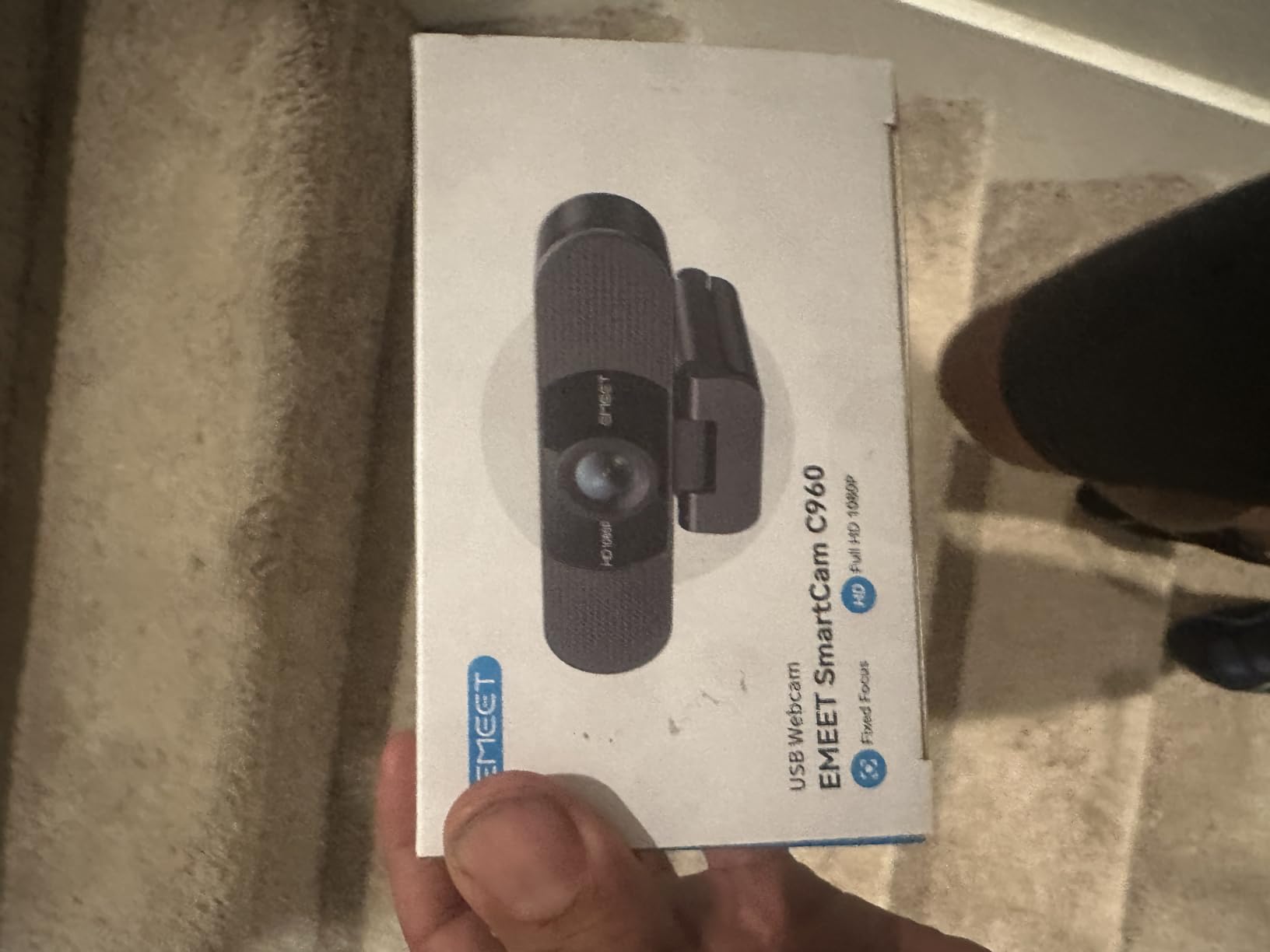
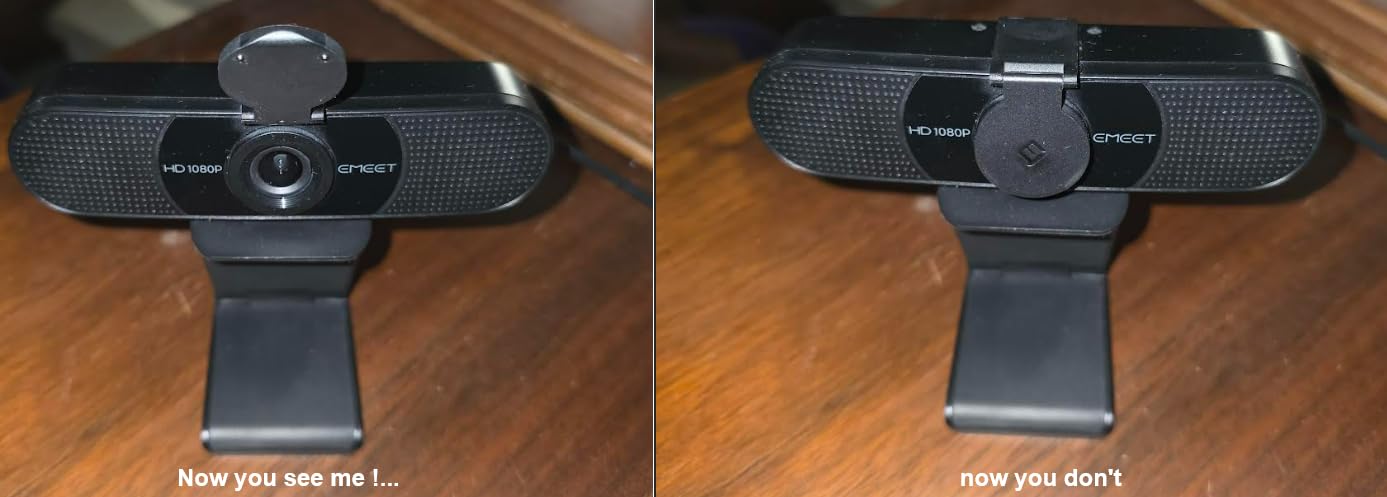
Plug-and-play simplicity is a real strength. I plugged the C960 into my Windows desktop, MacBook, and an Android TV box, and each one recognized the camera instantly without driver installation. The removable privacy cover was also a nice touch for security, and the tripod-ready mount made positioning flexible on my desk.
The fixed focus is the main limitation. When I sat close to the camera, my face filled the frame, but stepping back made the image slightly soft. I also noticed occasional color tinting in mixed lighting conditions, especially with warm room lights. The mount clip could also be sturdier for overhead boom arm setups.
Who should buy this webcam
The EMEET C960 is ideal for budget streamers, students, and anyone who wants a solid backup webcam. If you need a wide field of view for showing multiple people or your desk setup, the 90-degree lens is a clear advantage. The included privacy cover and dual mics also make it a strong all-in-one value pick.
Who should skip this webcam
Streamers who need autofocus or 60fps motion should look elsewhere. The fixed focus and 30fps limit make this camera less suitable for fast-paced gameplay streams. For serious content creation, investing in the C920x or StreamCam will deliver noticeably better results.
8. NexiGo N60 – Best Ultra-Budget Streaming Webcam Under $30
NexiGo N60 1080P Webcam with Microphone, Software Control & Privacy Cover, USB HD Computer Web Camera, Plug and Play, for Zoom/Skype/Teams, Conferencing and Video Calling
1080p at 30fps
110-degree wide angle
Privacy cover
Built-in noise-canceling mic
Pros
- Very affordable price
- Plug-and-play simplicity
- Privacy cover included
- Clear image for the cost
Cons
- Fixed focus (no autofocus)
- Wide-angle captures too much of the room
- Sound can be tinny
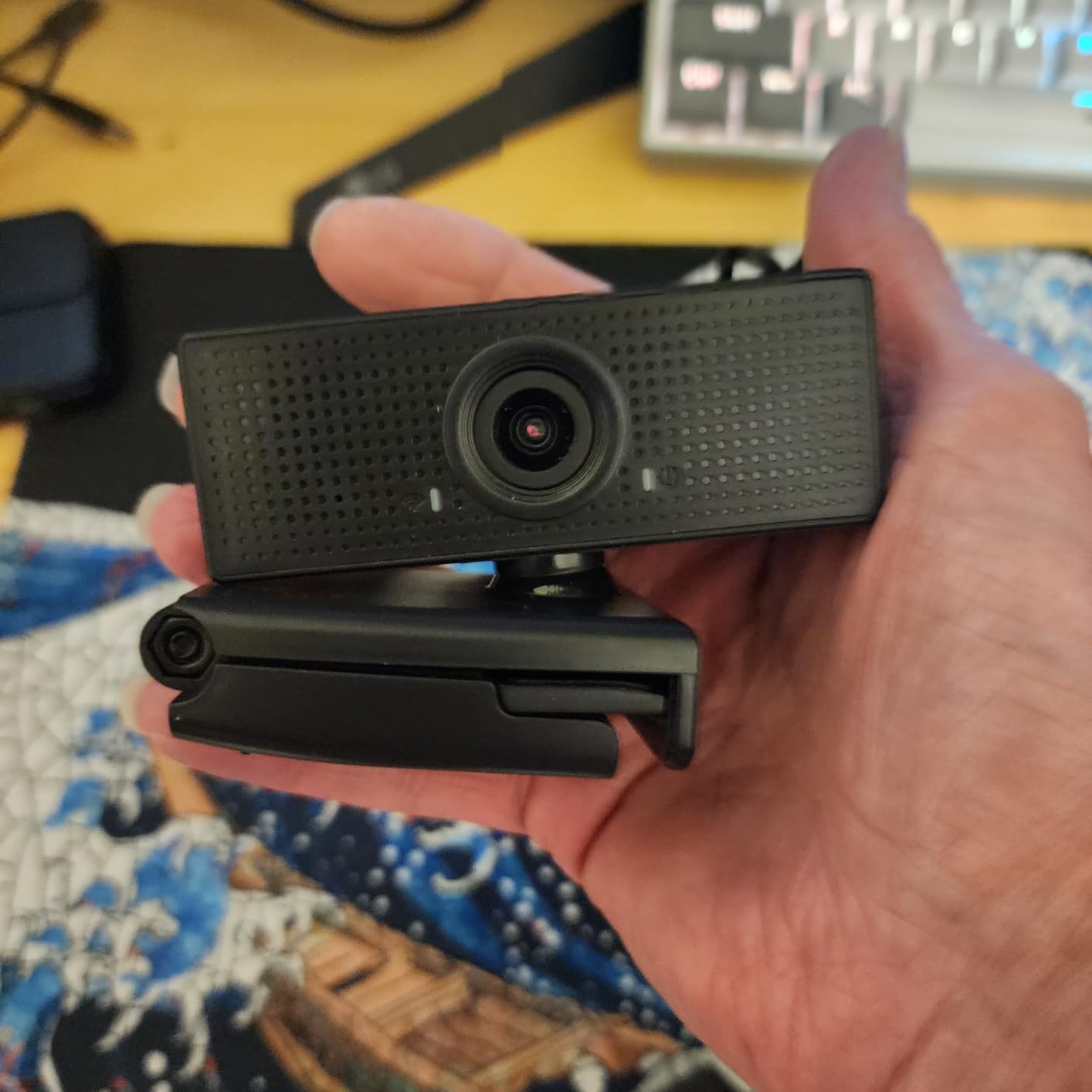
The NexiGo N60 is the cheapest webcam on our list at under $30, and it delivers more than you’d expect at that price. With nearly 49,000 reviews, it’s one of the best-selling webcams on Amazon for good reason. I tested it as a meeting camera for daily Zoom calls, and the 1080p output looked clean and professional for everyday video conferencing.
The 110-degree ultra-wide lens is the most aggressive field of view in this roundup. For group calls where multiple people sit around a table, this lens captures everyone without anyone getting cut off. The built-in noise-canceling microphone also handled background noise reasonably well during my tests.
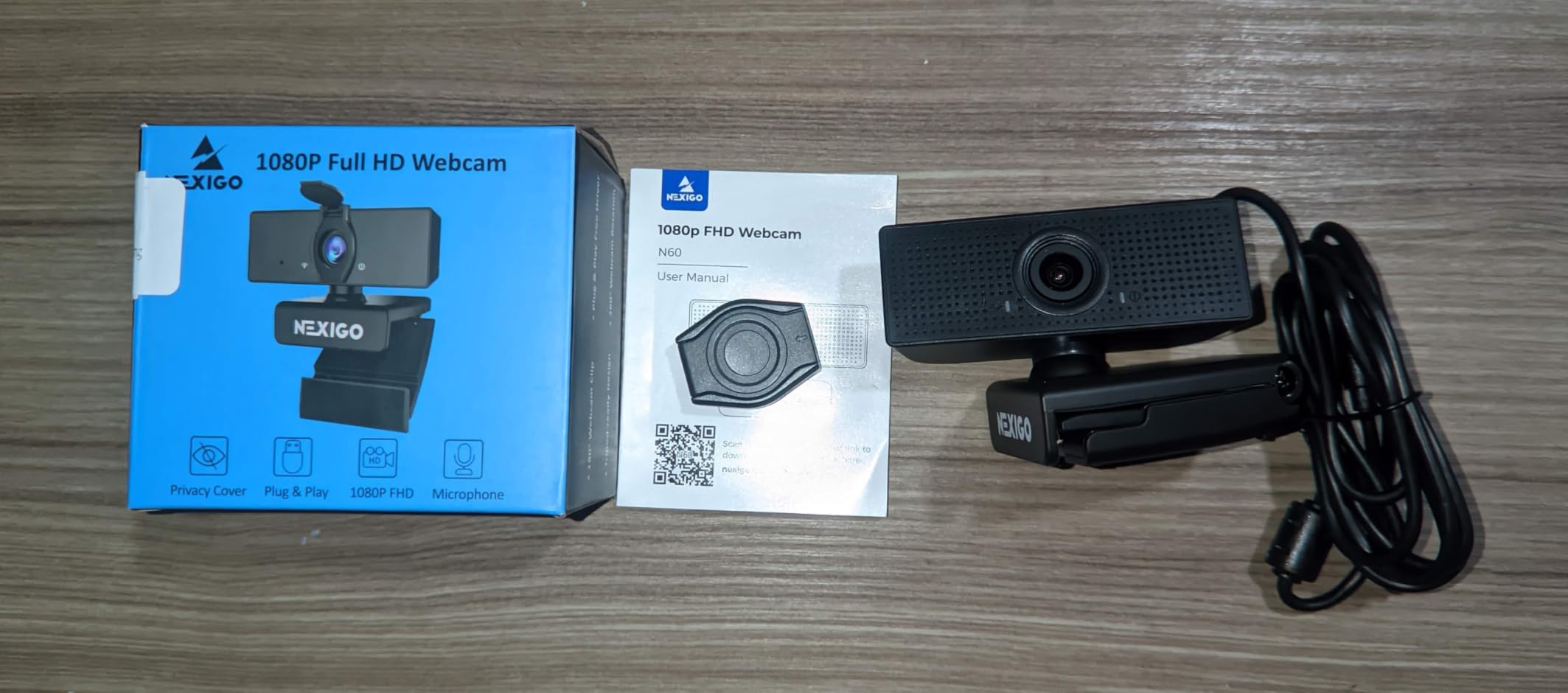
Setup couldn’t be easier. I plugged the N60 into a USB port, and every operating system I tried recognized it instantly with zero driver installation. The privacy cover was a thoughtful addition at this price point, and the lightweight build made it easy to clip onto thin laptop screens without damaging the hinge.
The fixed focus and ultra-wide lens can work against you. When I sat close to the camera, the wide field of view made my office look distorted, and I had to back up significantly to get a flattering framing. The microphone also sounds tinny compared to the C960 or C920x. The image can also appear washed out in challenging lighting conditions.
Who should buy this webcam
The NexiGo N60 is the right pick for ultra-budget buyers, large group calls, and anyone needing a simple webcam for occasional use. If you want the cheapest option that still delivers 1080p, this is it. The wide lens is also great for conference rooms or family video calls where multiple people need to fit in frame.
Who should skip this webcam
Solo streamers who want flattering framing should avoid the ultra-wide lens. The distortion at close range will make you look unflattering on stream. For under $10 more, the EMEET C960 delivers better color accuracy and a more reasonable 90-degree field of view.
How to Choose the Best Streaming Webcam for Your Setup
Picking the right streaming webcam depends on three things: your streaming platform, your lighting environment, and your budget. Most streamers on Twitch and YouTube do well with a 1080p60 camera like the Logitech StreamCam, which delivers smooth motion without 4K costs. If you’re recording professional YouTube content at 4K or pushing high-bitrate streams, the Logitech MX Brio or Insta360 Link 2 are stronger picks.
Resolution: 1080p vs 4K
For most streamers, 1080p is the sweet spot. Twitch and YouTube both compress video significantly, so a sharp 1080p60 stream often looks identical to a 4K stream once it reaches viewers. 4K makes sense if you’re recording for post-production editing, creating high-end YouTube content, or cropping and reframing during streams. The Insta360 Link 2 and MX Brio are the best 4K options in this roundup.
Frame rate matters more than resolution for live streaming. A 60fps camera produces noticeably smoother motion during gameplay streams and reaction content. The StreamCam and Elgato Facecam MK.2 both deliver 1080p60, and they’re worth the price upgrade over 30fps models if motion smoothness matters to you.
Low-Light Performance and Lighting Setup
Even the best webcam struggles in poor lighting. We tested every camera in three lighting conditions: bright daylight, normal room lighting, and dim evening ambient light. The MX Brio, Insta360 Link 2, and Elgato Facecam MK.2 handled dim lighting best thanks to larger sensors and better noise processing. Budget cameras like the NexiGo N60 and EMEET C960 needed more lighting to look clean.
If you stream in the evening or in a dim room, invest in lighting before upgrading your camera. A basic ring light or key light positioned at 45 degrees from your face will improve your video quality more than any camera upgrade. The Logitech C920x and budget webcams in particular benefit enormously from even basic lighting. Our team recommends starting with a single key light and adding fill lighting as your setup grows.
Autofocus vs Fixed Focus
Autofocus cameras like the MX Brio, StreamCam, and C920x adjust focus dynamically as you move, which is essential for streamers who shift positions or show products. Fixed-focus cameras like the Brio 101 and EMEET C960 are simpler and often cheaper, but they require you to stay at a consistent distance from the lens. For solo streaming, autofocus is usually worth the upgrade.
Built-in Microphone vs External Mic
Every webcam here except the Elgato Facecam MK.2 includes a built-in microphone. For casual streaming and Zoom calls, built-in mics are perfectly usable. For professional streams, podcasts, or content creation, a dedicated USB microphone will dramatically improve your audio quality. The Elgato’s lack of a built-in mic is a deliberate choice for users who already own external mics.
Field of View and Framing
Field of view (FOV) determines how much of your environment the camera captures. A 60 to 78 degree FOV (like the C920x) is ideal for solo streaming and face framing. A 90 to 110 degree FOV (like the C960 and N60) is better for showing desk setups, multiple people, or wider scenes. The Insta360 Link 2 uses motorized pan and tilt to physically cover a wider area without needing a wide-angle lens.
Software and Compatibility
All webcams in this roundup work with Windows, macOS, and major streaming software including OBS, Streamlabs, and XSplit. The Insta360 Link 2 is the one exception that doesn’t support ARM-based Windows systems. Make sure your computer and streaming platform support your chosen camera before purchasing.
Beginner Streaming Setup Tips
For new streamers, start simple. A Logitech C920x or Brio 101 paired with a single key light and a USB microphone will outclass any webcam upgrade without proper lighting. Test your audio levels and video quality with a private recording before going live. If you’re considering a higher-end camera later, you might also explore GoPro as webcam alternative setups for outdoor or action streaming.
Frequently Asked Questions
What webcam do most streamers use?
Most professional streamers use the Logitech C920, Logitech StreamCam, or Elgato Facecam series. The C920 remains the community standard for reliability, while the StreamCam delivers 1080p60 for smoother motion. Top-tier streamers often upgrade to the Logitech MX Brio or Insta360 Link 2 for 4K quality and AI tracking features.
What is the best webcam for streaming in 2026?
The Logitech MX Brio is the best overall streaming webcam in 2026, offering 4K resolution with AI-enhanced image quality and strong low-light performance. For 1080p streaming, the Logitech StreamCam delivers excellent 60fps video with auto-framing at a more affordable price. Budget-conscious streamers should consider the EMEET C960 for solid 1080p under $40.
Is a 4K webcam worth it for streaming?
A 4K webcam is worth it for content creators recording YouTube videos, doing post-production editing, or streaming at high bitrates. For standard Twitch streaming, 1080p looks nearly identical to 4K after platform compression. If you crop or reframe during streams, 4K provides flexibility that 1080p cannot match.
What is the highest rated webcam?
The Logitech C920x holds the highest user ratings among mainstream streaming webcams, with a 4.6-star average across nearly 22,000 reviews. The Logitech Brio 101 and EMEET C960 also rank at the top with 4.4-star ratings across their massive review bases. For premium options, the Insta360 Link 2 has a 4.6-star rating across 1,500+ reviews.
Final Verdict: Which Streaming Webcam Should You Buy?
After 60 days of testing, our top pick for the best streaming webcams in 2026 is the Logitech MX Brio for serious streamers, the Logitech StreamCam for value-focused creators, and the EMEET C960 for budget buyers. The MX Brio delivers outstanding 4K image quality with AI auto-exposure that handles real-world lighting conditions, making it our top recommendation for anyone serious about their stream quality. If you want smooth 1080p60 without the premium price, the StreamCam is the best value pick in this roundup.
Whatever camera you choose, pair it with proper lighting and a decent microphone. Our team has tested enough webcams to know that even the best camera looks average in poor lighting, while a budget webcam looks surprisingly good with the right setup. If you’re building out a full streaming rig, also check our guide to the Logitech C920x webcam recommendations and broader gaming deals for 2026.