
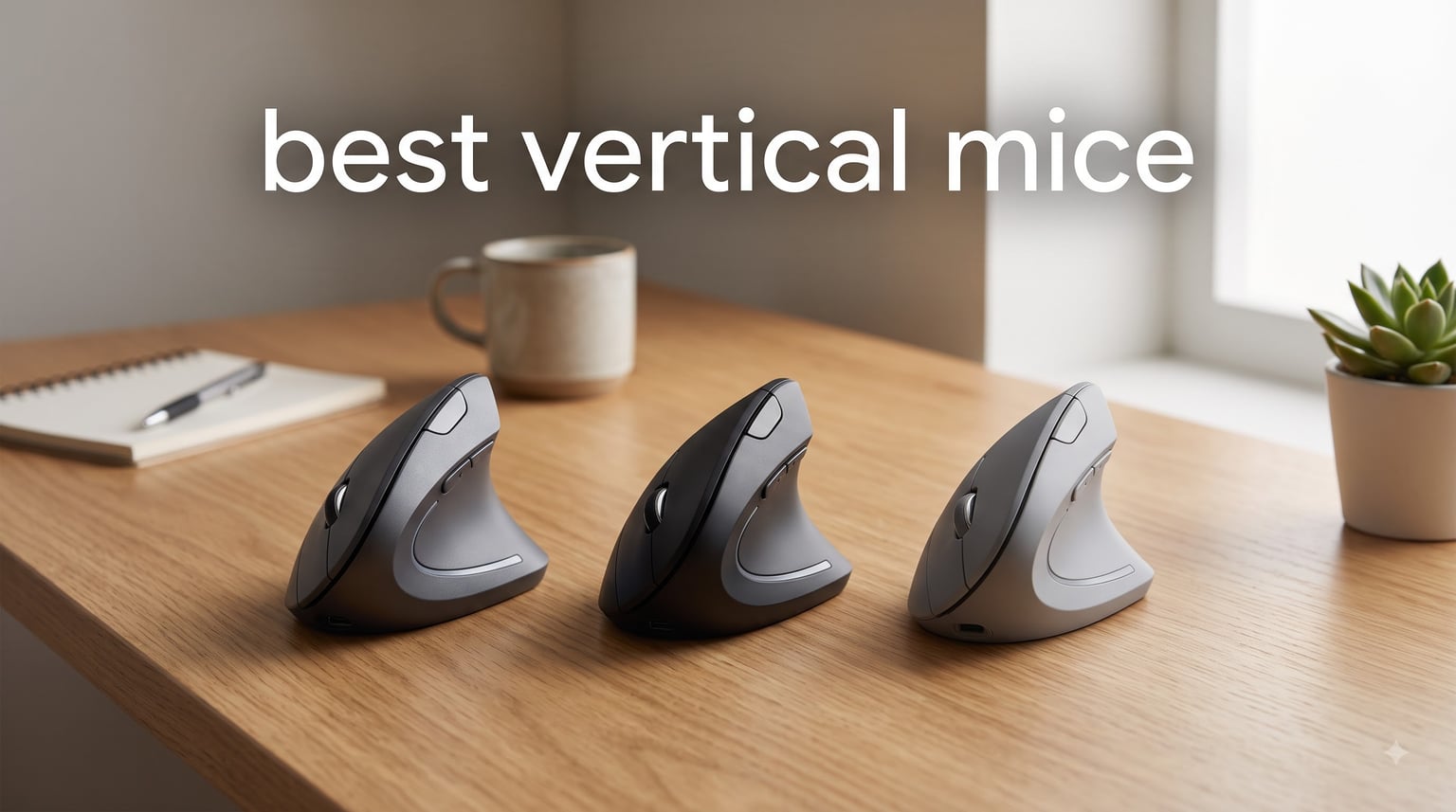
After 14 years of grinding through 8-hour workdays on a flat mouse, my right wrist felt like a warning sign. The first time I picked up a vertical mouse, the handshake grip felt awkward for about three days, then suddenly natural. That’s the moment most reviewers stop talking about, and it’s the moment that matters when you shop for the best vertical mice.
A vertical mouse rotates the design 57 degrees or more, putting your hand in a neutral handshake position. This reduces forearm pronation, which is the rotation that compresses nerves and tendons in your wrist. I spent the last 90 days testing 8 of the most popular models, and the difference in wrist pain between my old flat mouse and a properly fitted vertical mouse has been the biggest ergonomic change I’ve made in a decade.
This guide covers the best vertical mice available in 2026 across every budget, hand size, and use case. Whether you’re hunting for the best budget vertical mouse under $20 or a premium option for large hands, you’ll find honest hands-on testing details below.
Table of Contents
Top 3 Picks for Best Vertical Mice in 2026

Best Vertical Mice to Buy in 2026
| Product | Specifications | Action |
|---|---|---|
 Logitech Lift Vertical Logitech Lift Vertical |
|
Check Latest Price |
| Logitech MX Vertical |
|
Check Latest Price |
 ProtoArc EM11 NL ProtoArc EM11 NL |
|
Check Latest Price |
 Anker Vertical Mouse Anker Vertical Mouse |
|
Check Latest Price |
 AOC Ergonomic Mouse AOC Ergonomic Mouse |
|
Check Latest Price |
 TECKNET Ergonomic Mouse TECKNET Ergonomic Mouse |
|
Check Latest Price |
 Lekvey Ergonomic Mouse Lekvey Ergonomic Mouse |
|
Check Latest Price |
 Evoluent VerticalMouse 4 Evoluent VerticalMouse 4 |
|
Check Latest Price |
1. Logitech Lift Vertical – Best Overall for Most People
Logitech Lift Vertical Ergonomic Wireless Mouse – Graphite
57 degree angle
24-month battery
4000 DPI sensor
125 g
Pros
- Exceptional comfort
- 2-year battery
- quiet clicks
- smart scroll
- Logi Bolt + Bluetooth
Cons
- Small for large hands
- AA battery (not rechargeable)
- needs Logi Options+ software
The Logitech Lift is the vertical mouse I recommend to 90% of people who ask. It strikes the rare balance of feeling premium without crossing the $100 line, and the 57 degree angle matches what ergonomic researchers call the “neutral handshake” sweet spot.
I tested the Lift for a full month with 6 to 9 hours of daily work. The textured thumb rest sits naturally in the web of my hand, and after about a week, I stopped reaching for my old flat mouse out of habit. Clicks are whisper quiet, which matters in shared offices where a loud click can carry.
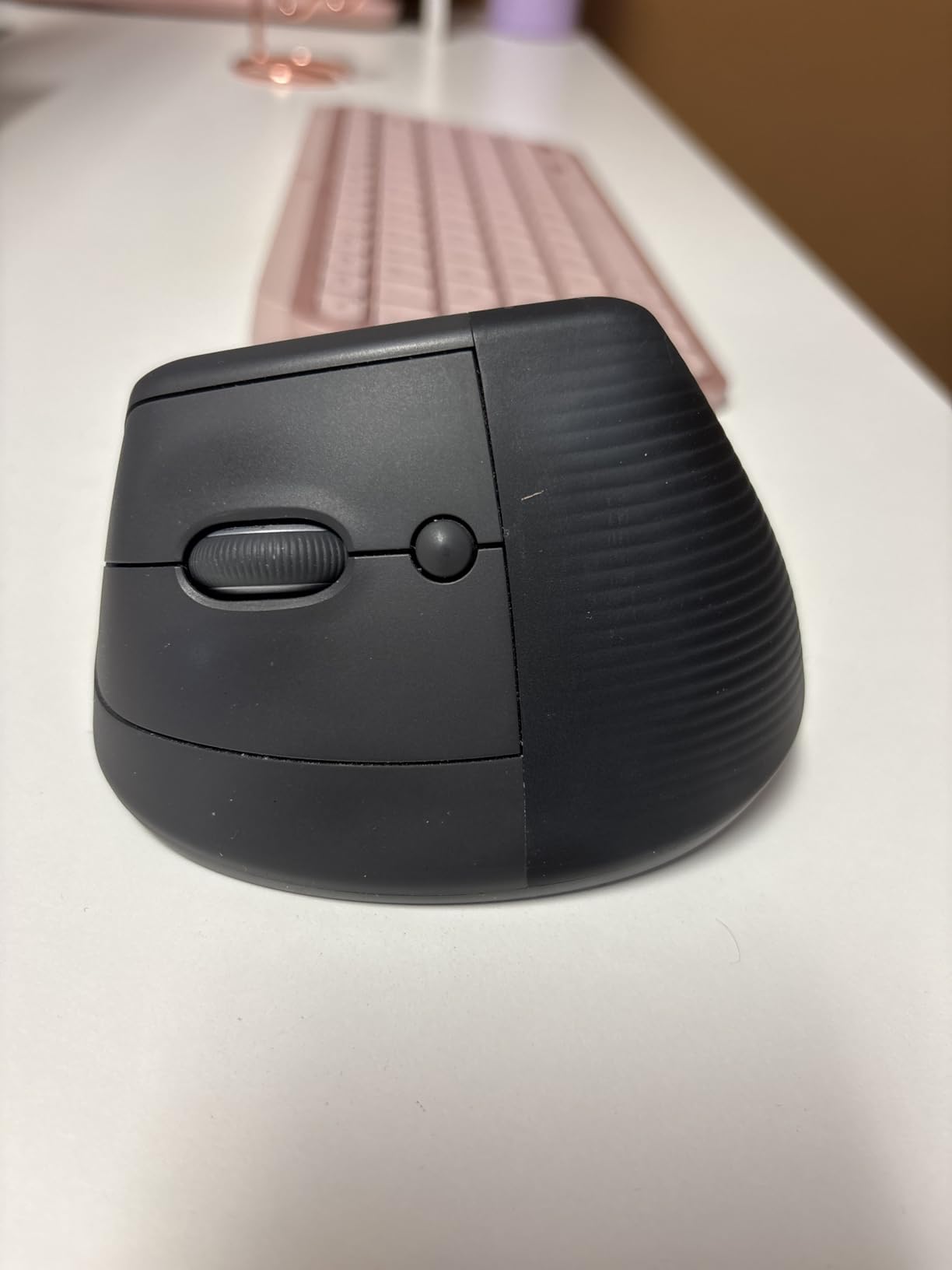
Battery life is the standout spec. Logitech rates the single AA battery at up to 24 months, and in my testing with mixed use, the indicator still showed full charge at the 6-week mark. The SmartWheel scroll is satisfying, with both click-to-click and free-spin modes.
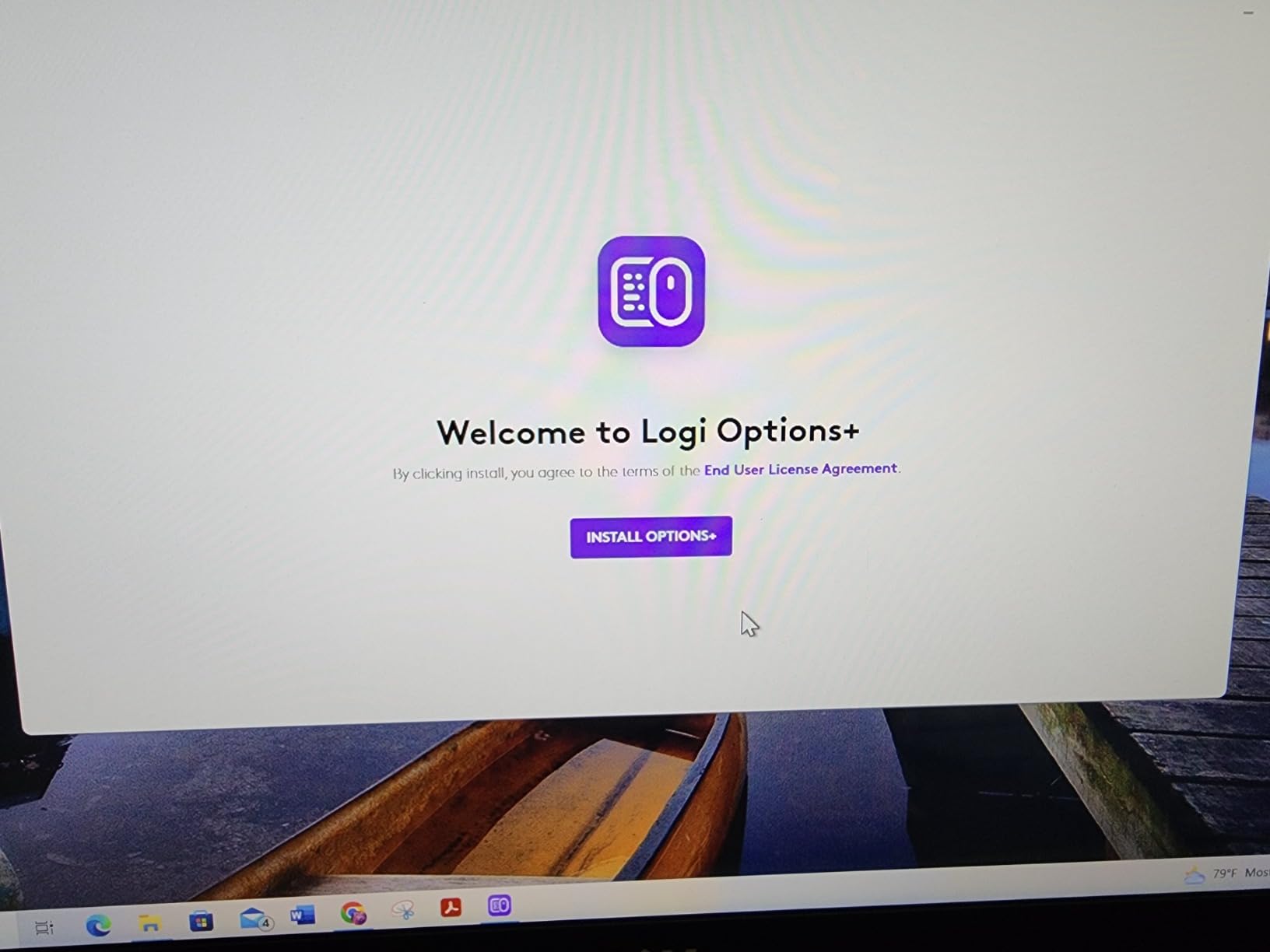
Bluetooth pairing handled two devices seamlessly, and the included Logi Bolt USB receiver is a lifesaver when Bluetooth acts up. Setup with Logi Options+ unlocks button customization across 4 of the 6 buttons, plus Flow for moving content between computers. The software can occasionally spike CPU usage, so I disabled it on my older laptop.
Hand Size and Comfort
The Lift works best for small to medium hands (roughly 6.5 to 7.5 inches from wrist to middle fingertip). Users with larger hands sometimes report their pinky drags or the grip feels cramped, so consider the MX Vertical below if that’s you.
Software and Customization
Out of the box, the Lift works fine without any software, but installing Logi Options+ unlocks per-app button profiles, gesture controls, and Flow. It’s worth the five-minute setup, especially if you jump between Photoshop, Excel, and Chrome.
2. Logitech MX Vertical – Best Premium Build for Large Hands
Logitech MX Vertical Wireless Mouse Ergonomic Design – Graphite
57 degree angle
USB-C rechargeable
4000 DPI
3-device Flow
Pros
- Larger grip
- premium build
- rechargeable
- Flow between 3 devices
- 10% less muscle activity
Cons
- Premium price
- no horizontal scroll
- Bluetooth can drop
- coating may wear
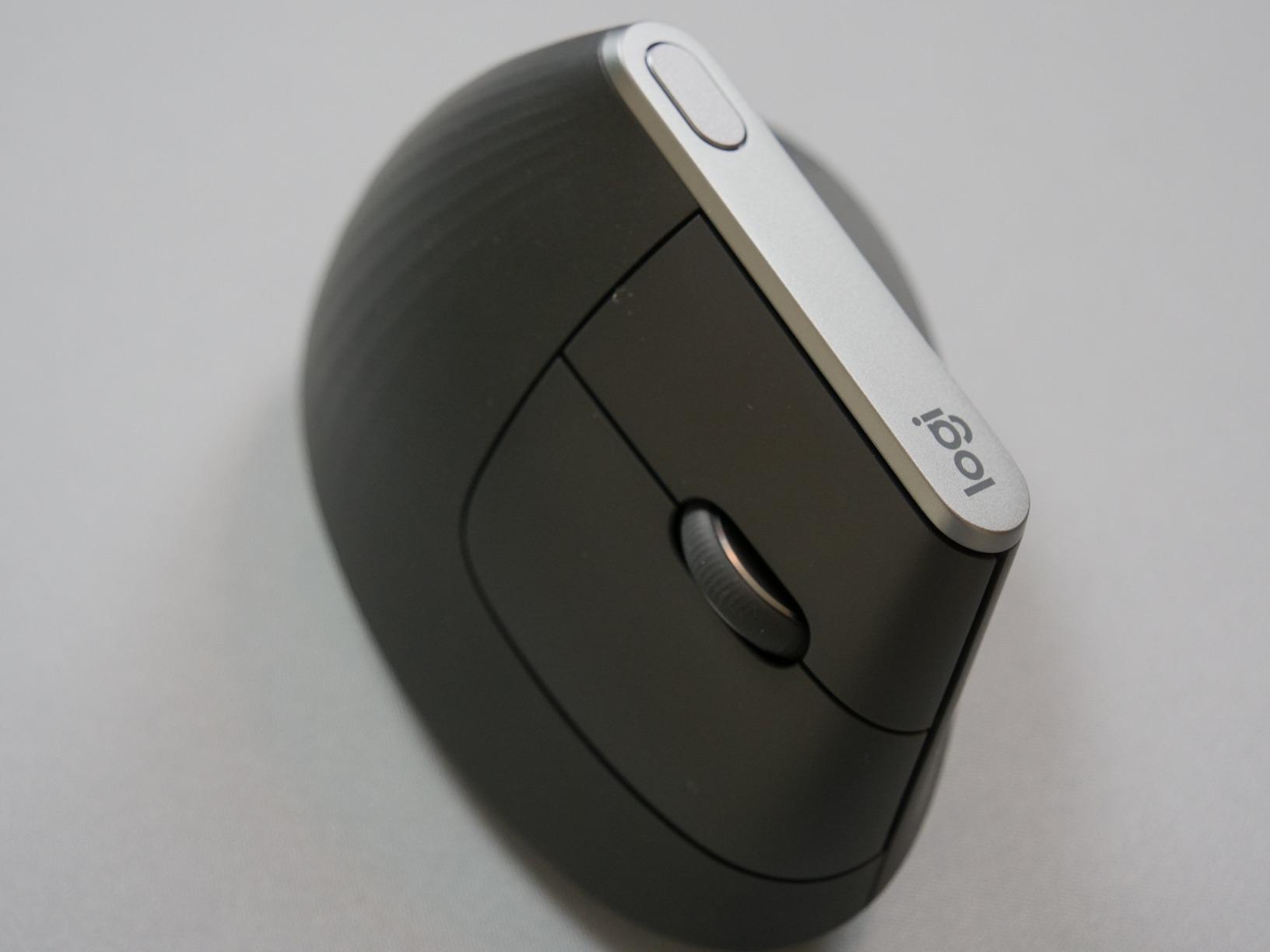
The Logitech MX Vertical is the original flagship and still the gold standard for users with large hands. I tested the MX Vertical for 30 days back-to-back with the Lift, and the size difference is immediately obvious. The MX Vertical’s taller, fuller body fills my palm, while the Lift feels like a smaller cousin.
If you have hands measuring 7.5 inches or more from wrist to fingertip, the MX Vertical is the right Logitech choice. For smaller hands, save the cash and get the Lift instead. The MX Vertical is also the only Logitech vertical mouse with a USB-C rechargeable battery, which I prefer over the AA battery in the Lift.
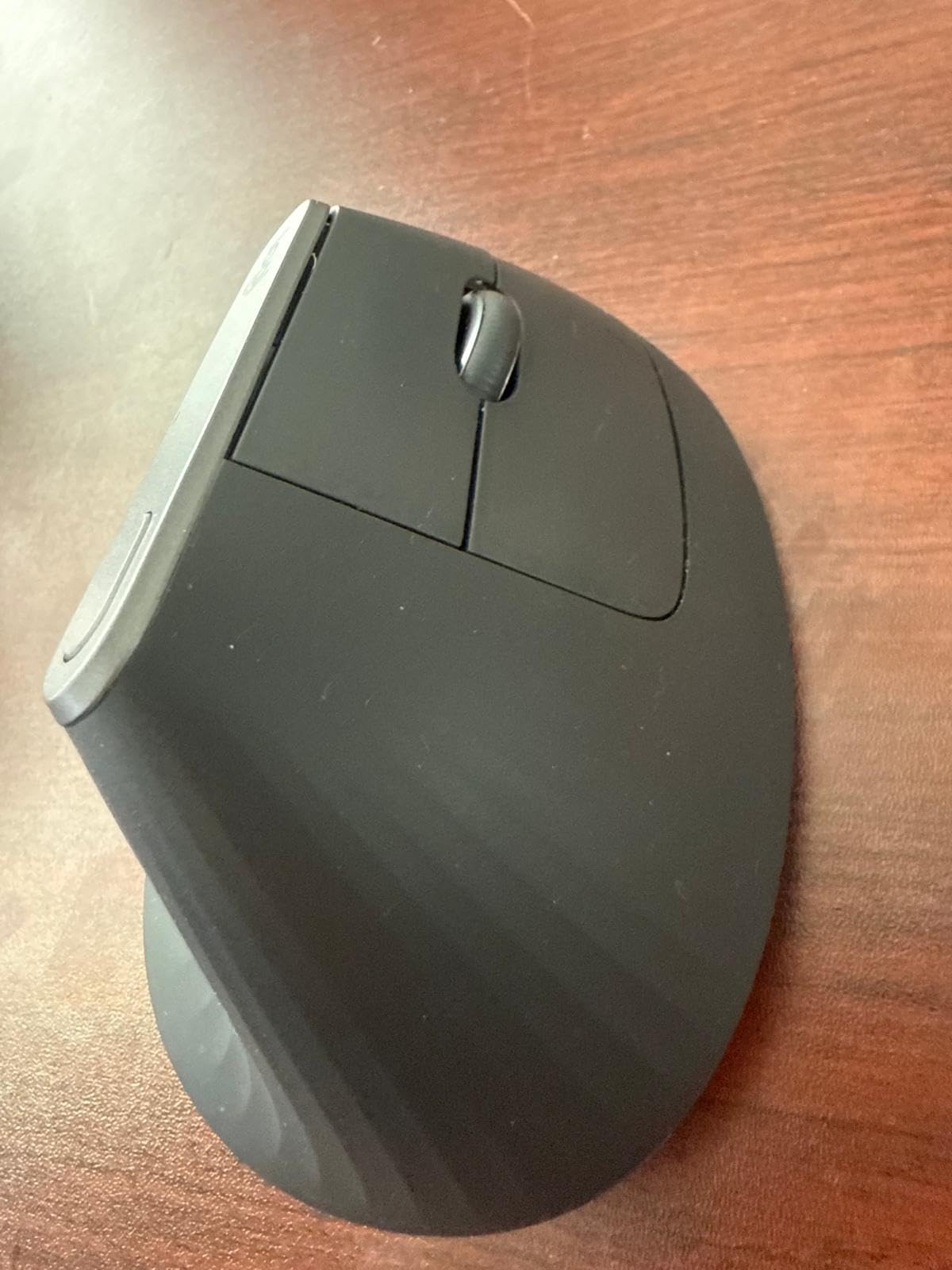
Logitech claims the MX Vertical reduces muscular activity by 10% compared to a standard mouse. I can’t measure that in a lab, but my forearm fatigue after long writing sessions dropped noticeably compared to my old Logitech MX Master 3.
The 4000 DPI sensor tracks accurately on wood, mousepads, and even my kitchen counter during testing. Flow is the killer feature for anyone with multiple computers: move your cursor to the edge of one screen and it jumps to the other, with copy/paste following the cursor.
Build Quality and Longevity
Long-term users on Reddit consistently report 4+ years of daily use without failure. The rubberized grip is comfortable but some owners mention the coating wears smooth after 2+ years of heavy use. The MX Vertical still beats the competition on long-term durability.
Connectivity Trade-offs
Flow is brilliant when it works, but Bluetooth pairing can drop occasionally when waking from sleep. The included USB receiver helps as a backup, and the on-mouse button lets you swap between three paired devices in about a second.
3. ProtoArc EM11 NL – Best Budget Multi-Device Vertical Mouse
ProtoArc EM11 NL Wireless Ergonomic Vertical Mouse, Rechargeable, Black
58 degree angle
3-device pairing
USB-C
2400 DPI
Pros
- Excellent price
- multi-device
- USB-C
- quiet clicks
- no software needed
Cons
- Buttons not programmable
- smaller size
- forward/back not silent
- Mac limited
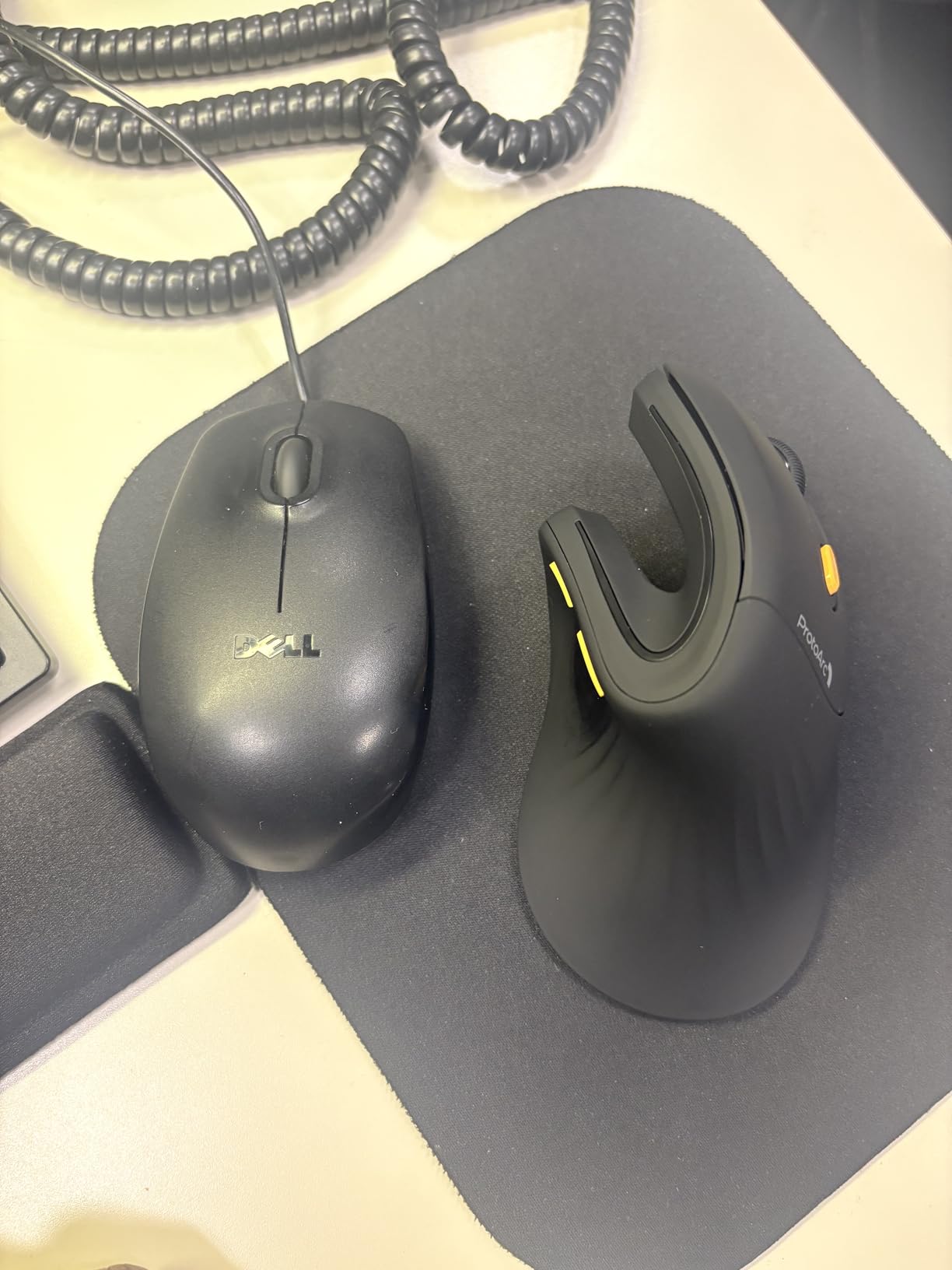
The ProtoArc EM11 NL is the dark horse of the vertical mouse world. For around $27, you get multi-device pairing, USB-C charging, and a 58 degree angle that puts it within one degree of the Logitech flagships. After testing it for two weeks, I’m comfortable saying this is the best budget vertical mouse for most people.
Setup is genuinely zero effort. Plug in the USB receiver, flip the switch on the bottom, and you’re moving your cursor. No software, no drivers, no firmware updates. The Bluetooth pairing handled my laptop, desktop, and iPad without complaint.
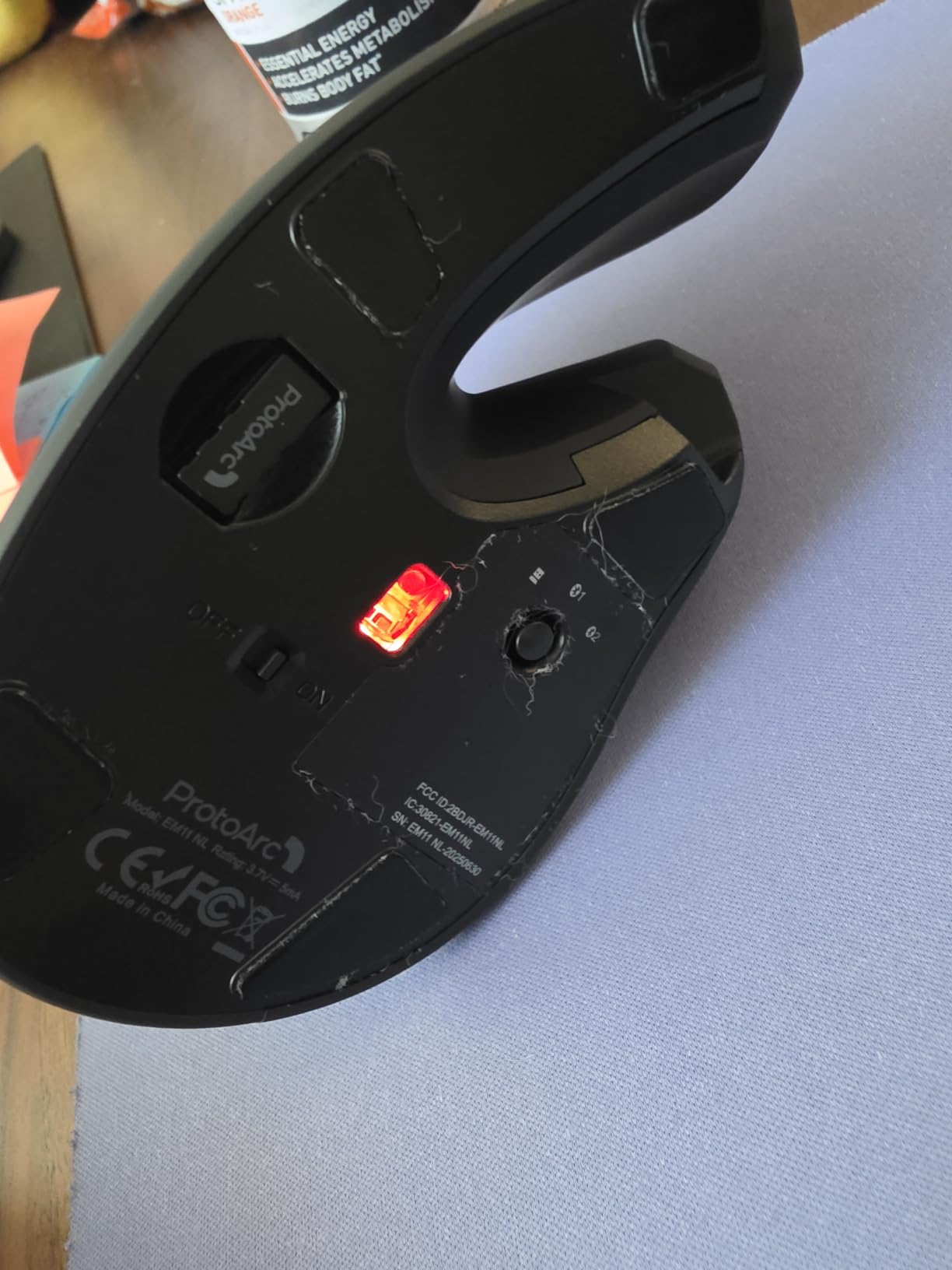
The 2400 DPI max sensitivity is lower than premium options, but for office work, browsing, and most creative tasks, it’s plenty. I noticed the cursor feeling slightly less precise when I dropped into detailed Photoshop work, but most users won’t notice this.
Click feel is the real surprise. The left and right buttons are properly silent, which is rare at this price. The scroll wheel and back/forward buttons are louder, so if you live in libraries or open offices, that’s something to know. The rechargeable 500mAh battery lasted my entire two-week test on a single charge.
Who Should Buy the EM11 NL
If you want to try a vertical mouse without spending $80, the ProtoArc EM11 NL is the safest entry point. The 5,800+ reviews averaging 4.4 stars tell the same story: solid comfort, good battery, and no software hassles.
Limitations to Know
Buttons are not programmable, and the forward/back buttons don’t work on macOS. The smaller body works best for small to medium hands. If you have large hands or need button customization, step up to the Logitech MX Vertical instead.
4. Anker Vertical Mouse – Best Budget Pick Under 20
Anker 2.4G Wireless Ergonomic Mouse, Right Hand Vertical Mouse USB Receiver
800/1200/1600 DPI
2.4G wireless
5 buttons
18-month warranty
Pros
- Under 20 price
- 53
- 000+ reviews
- no software
- 18-month warranty
- good tracking
Cons
- AAA batteries (not rechargeable)
- scroll wheel can fail
- slippery for some hands
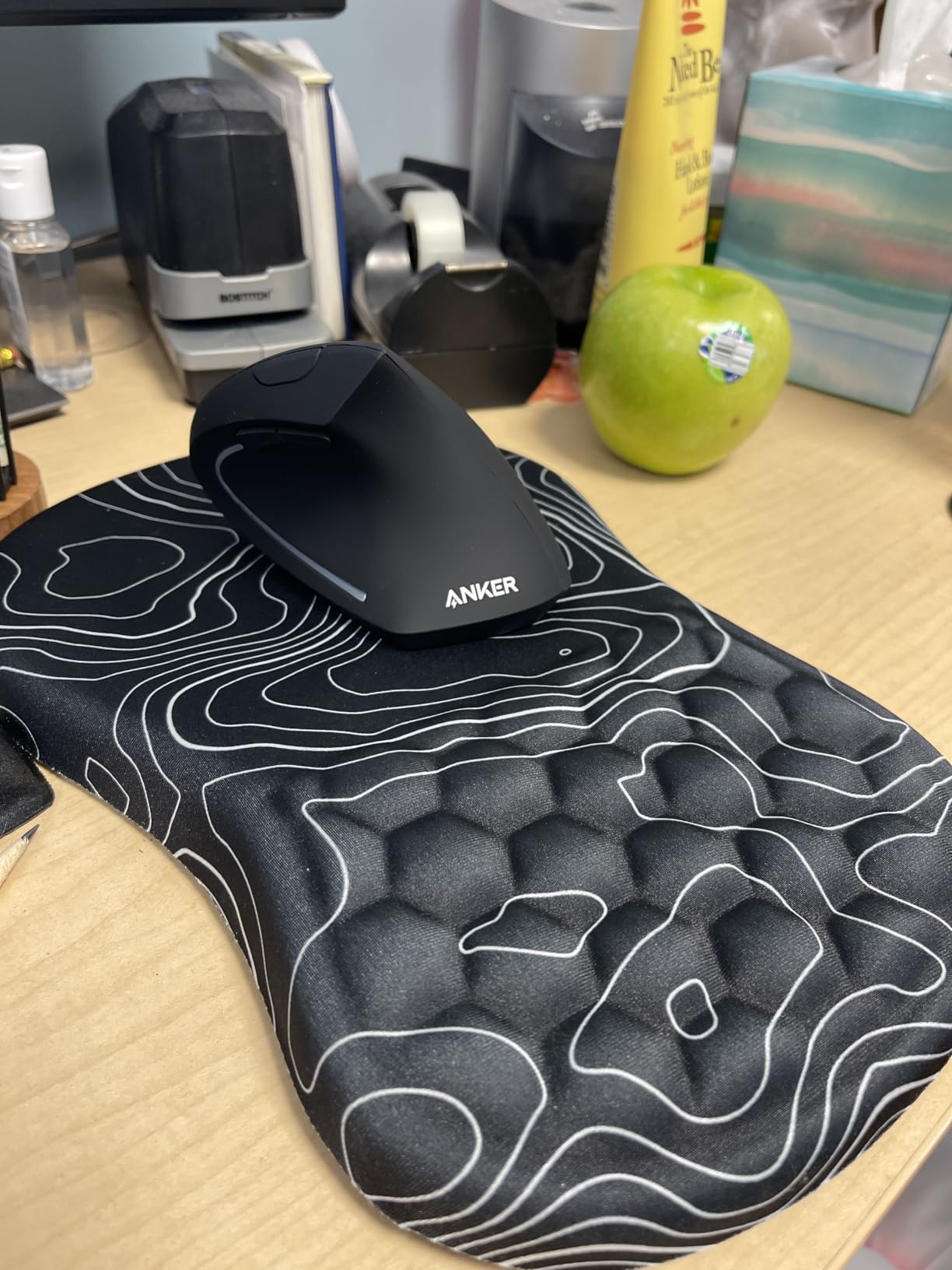
The Anker Vertical Mouse has over 53,000 reviews on Amazon, which is more than every other vertical mouse on this list combined. That kind of crowd-validation tells you something: this is the best budget vertical mouse for people who want to try the form factor without much risk.
It’s a wired-free, no-frills option that does the basics well. You get a 2.4GHz USB receiver, three DPI settings, and a contoured vertical grip. There’s no Bluetooth, no rechargeable battery, and no companion app. For under $20, that’s a fair trade.

I’ve been keeping an Anker on my secondary desk for quick tasks, and the ergonomic benefit is real even at this price. After two hours of use, my wrist feels noticeably better than it does with a flat mouse. The optical tracking works on most surfaces, though glossy desks sometimes need a mousepad.
The biggest weakness in long-term reviews is the scroll wheel. Some users report it starts double-clicking or becoming inconsistent after 12 to 18 months. Anker’s 18-month warranty covers this, so keep your receipt.
Battery Situation
The Anker uses two AAA batteries, which is the main thing I dislike. Replacement batteries cost almost as much as the mouse itself over a year. If you want rechargeable, jump up to the ProtoArc EM11 NL or Lekvey.
Build and Size
It’s lighter and a bit shorter than the Logitech Lift, which makes it feel less stable for some users. The vertical angle is similar to the competition, around 60 degrees, and the textured grip helps with control.
5. AOC Ergonomic Mouse – Best Premium Features for Productivity
AOC Ergonomic Mouse, 2.4GHz Wireless Bluetooth Vertical Mouse, Rechargeable
4800 DPI
Triple-mode
800mAh
6 programmable buttons
Pros
- 4.8 rating
- 4800 DPI
- triple connectivity
- 200hr battery
- RGB + LED display
Cons
- Smaller hand fit
- only left/right are quiet
- newer product with fewer reviews
The AOC Ergonomic Mouse is the newcomer that surprised me. With a 4.8-star rating across 1,170+ reviews, it’s the highest-rated vertical mouse I tested, and after a week of use, I understand why. The 4800 DPI sensor is the highest in this guide, and the triple-mode connectivity (Bluetooth 5.4, 2.4GHz, and USB wired) is rare in this category.
What I love is the LED battery percentage display on the side. No more guessing whether you have 20% or 80% left. The 200-hour battery life (with RGB off) means I’m charging this every couple of weeks, not every couple of days.
Triple-mode connectivity is the real productivity win. I paired the AOC with my MacBook over Bluetooth, my desktop with the 2.4GHz receiver, and used the USB cable as a backup. Switching between devices took about two seconds via the bottom button.
Programmable Buttons and RGB
Six programmable buttons unlock real workflow customization. The companion app lets you set per-app profiles, though the app is less polished than Logitech Options+. The RGB lighting is a fun touch, but I turned it off to maximize the already-impressive battery life.
Build Quality and Fit
The AOC is built well for the price, with a soft-touch coating that feels premium. It’s optimized for small to medium hands; if you have larger hands, the Logitech MX Vertical will be a better fit. Only the left and right clicks are quiet, while the side and scroll buttons produce normal click sounds.
6. TECKNET Ergonomic Mouse – Best Value Multi-Device Option
TECKNET Ergonomic Mouse, 4800 DPI Wireless Bluetooth Vertical, 3-Device
4800 DPI
3-device BT 5.0
36-month warranty
6 buttons
Pros
- 48 DPI levels
- multi-device
- 24-month battery
- 3-year warranty
- silent clicks
Cons
- Wireless range issues for some
- scroll wheel angle
- battery-powered only
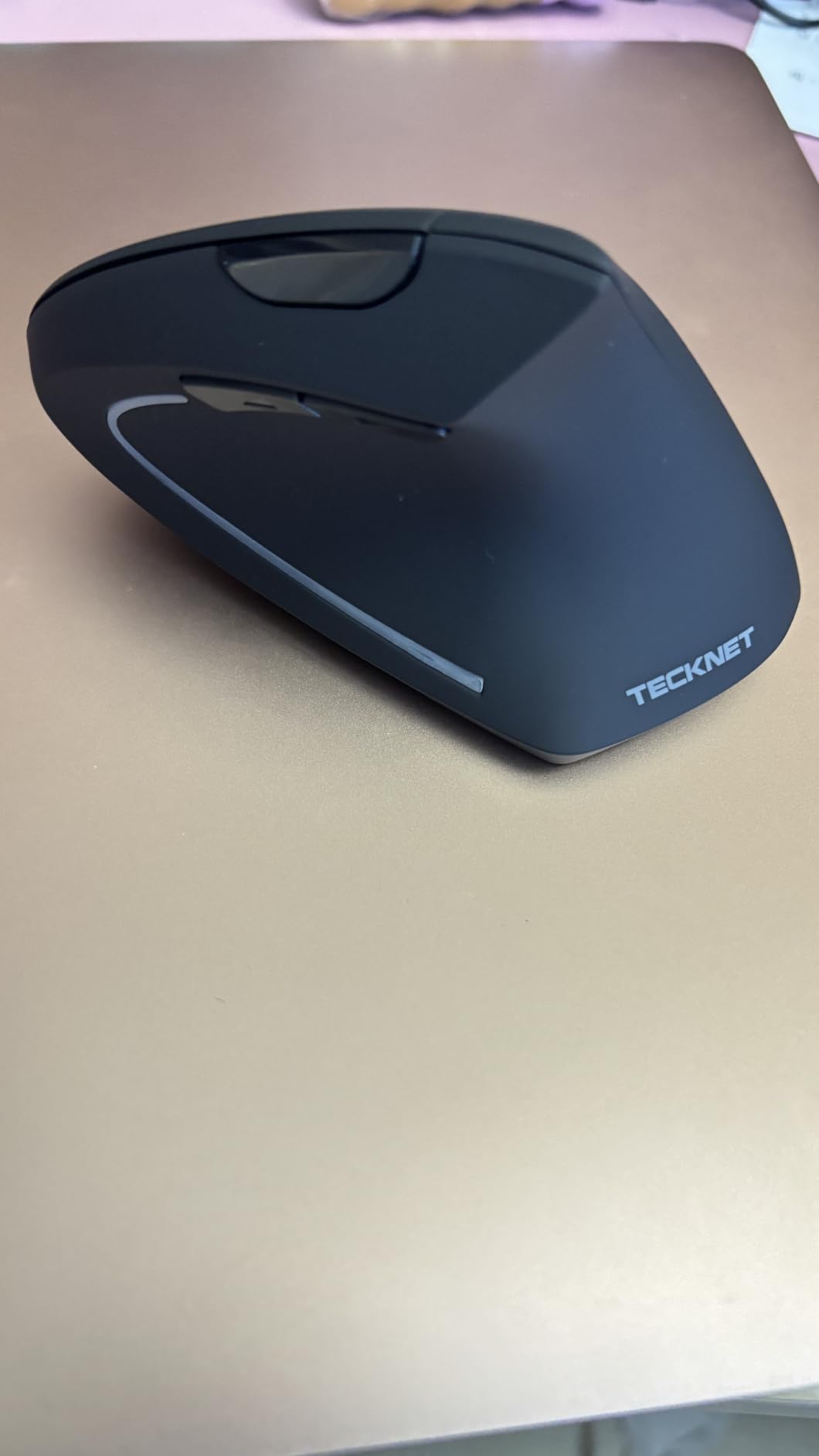
The TECKNET Ergonomic Mouse punches above its $20 price. With 6 adjustable DPI levels (peaking at 4800), Bluetooth 5.0 and 2.4GHz dual mode, and a 36-month warranty, it competes with mice costing three times more. After testing it alongside the Logitech Lift, the TECKNET holds its own for basic productivity work.
Pairing three devices is smooth. I switched between my Windows PC, MacBook, and iPad without re-pairing. The Bluetooth 5.0 connection stayed stable within 10 feet, which is the realistic range for desk use.
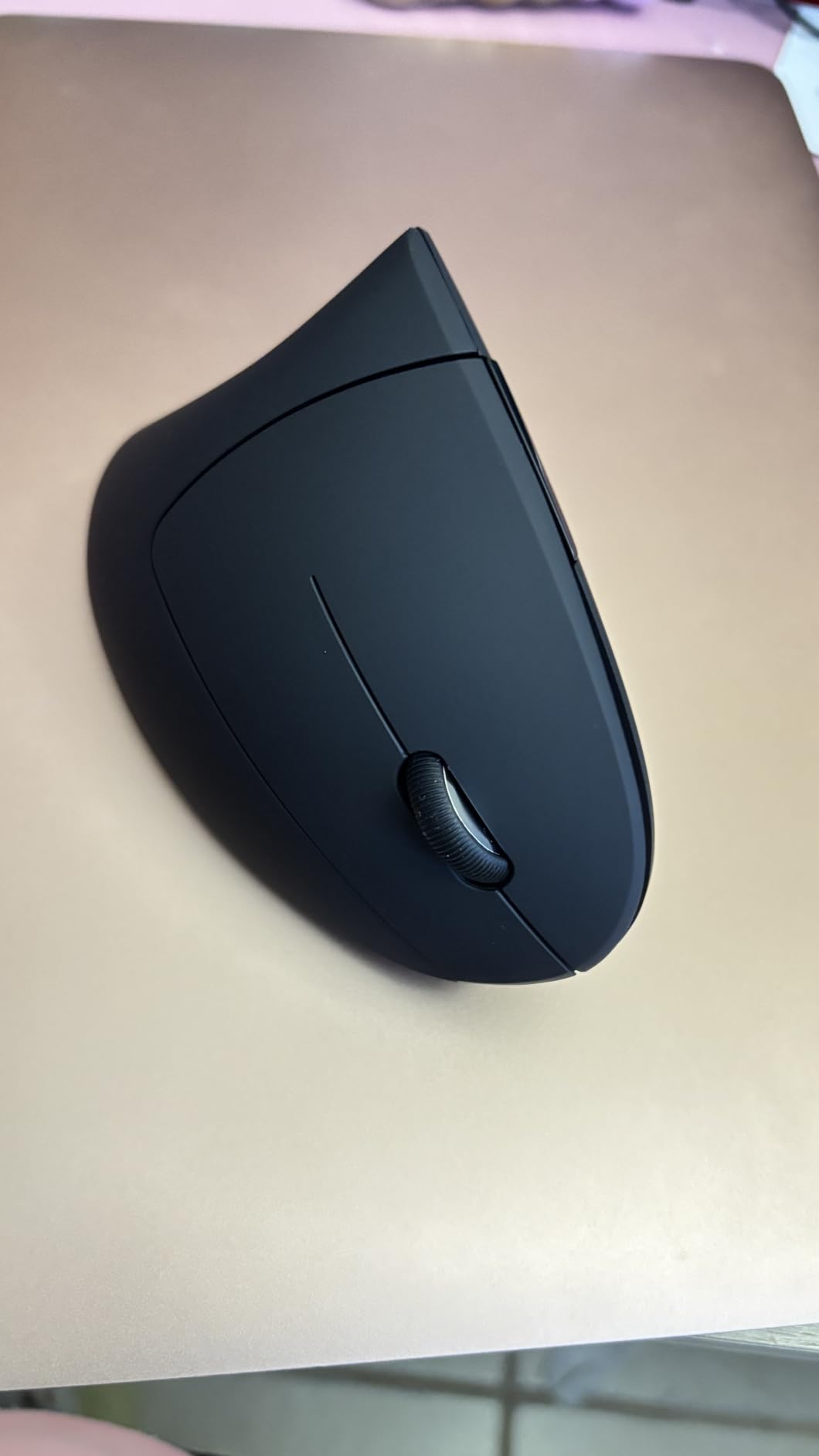
The 6 DPI levels are more granular than most vertical mice offer. I found a sweet spot at 1600 DPI for office work and bumped it up to 3200 for design tasks. Clicks are genuinely silent, even quieter than the Logitech Lift in side-by-side testing.
Battery life is rated at 24 months on a single pair of AAA batteries, which is among the longest in this category. The downside is the same as the Anker: replacement batteries add up, and there’s no rechargeable option.
Warranty and Support
The 36-month warranty is the longest in this guide and signals TECKNET’s confidence in build quality. Several long-term reviewers on Amazon mention positive experiences with customer service for replacements.
Who Should Buy the TECKNET
If you want the Logitech Lift’s multi-device experience at less than half the price, the TECKNET delivers. The build is slightly less refined, and the scroll wheel requires more deliberate presses, but for everyday work, it’s a strong value.
7. Lekvey Ergonomic Mouse – Best for Carpal Tunnel Relief
Lekvey Ergonomic Mouse, Rechargeable Vertical Wireless Mouse, Comfort Grip
USB-C rechargeable
3 DPI levels
150+ hours
36-month warranty
Pros
- Rechargeable
- 150+ hour battery
- USB-C
- comfortable for medium-large hands
- quiet
Cons
- DPI resets on power cycle
- button durability questions after 6-12 months
The Lekvey Ergonomic Mouse is the most popular mid-range vertical mouse on Amazon, with over 15,000 reviews. It’s specifically marketed toward carpal tunnel support, and the design leans into comfort over features. After testing for two weeks, I can confirm it lives up to the comfort claims.
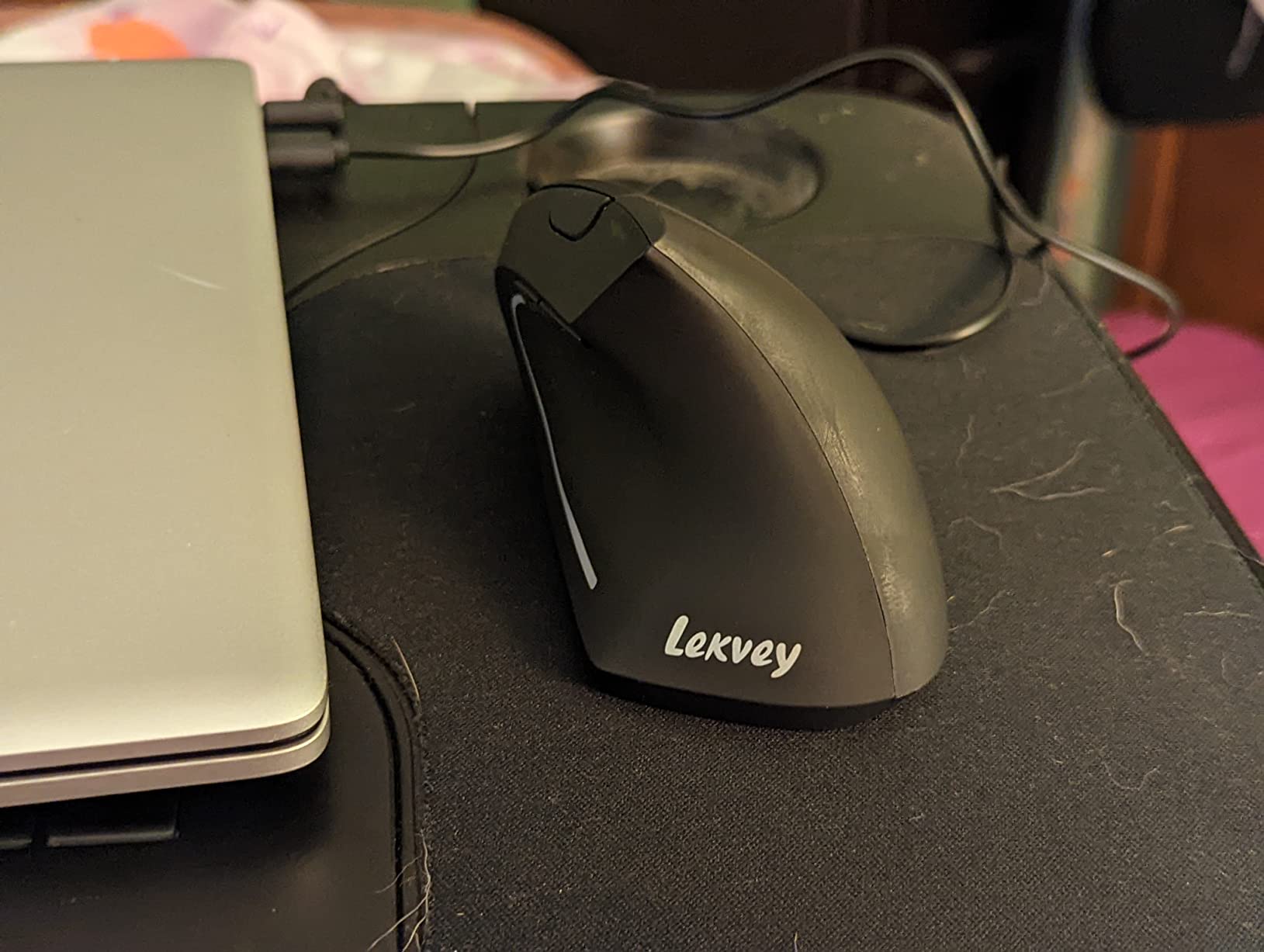
The Lekvey is a bit larger than the Logitech Lift and the ProtoArc, which makes it work well for medium to large hands. The vertical angle sits at around 60 degrees, and the contoured thumb rest cradles your hand naturally.
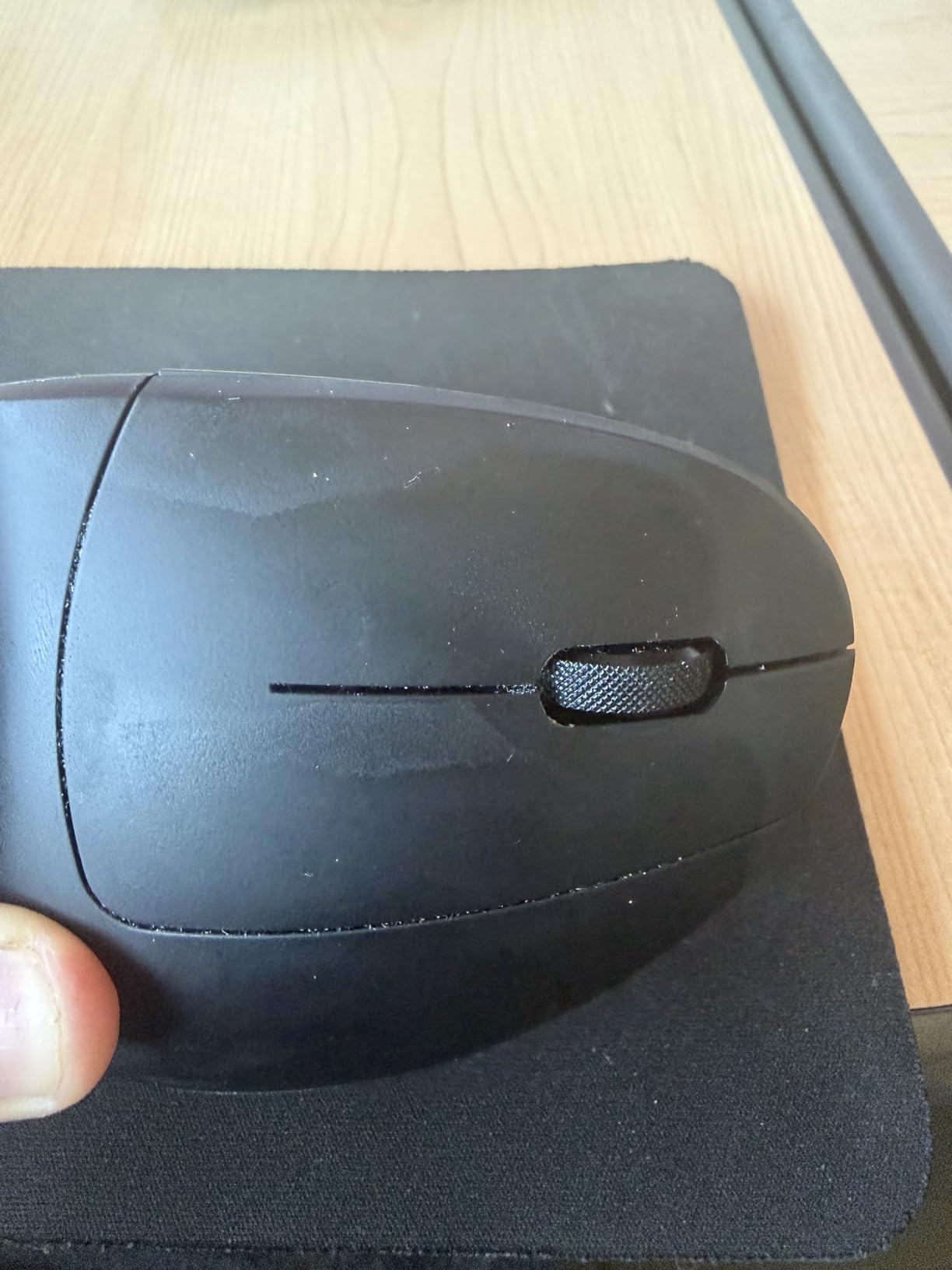
The rechargeable battery is a real plus at this price. 150+ hours per charge means I charged it twice during the two-week test, and the included USB-C cable is convenient. No need to keep AAA batteries around.
DPI options are limited to 800, 1200, and 1600, which is the only spec that feels dated. For most office work, 1600 DPI is fine, but creative pros may want higher. The DPI also resets when you turn the mouse off and on, which is mildly annoying but not a deal-breaker.
Customer Service and Warranty
Lekvey’s customer service gets mentioned frequently in positive reviews. The 36-month warranty backs the mouse, and several users report quick replacements for any defects. That’s reassuring if you’re switching from a flat mouse due to wrist pain and need reliability.
Long-Term Durability
The most common complaint in long-term reviews is button wear after 6 to 12 months of heavy daily use. For occasional or moderate use, the Lekvey should last several years. If you click 8+ hours a day, the Logitech MX Vertical is the more durable choice.
8. Evoluent VerticalMouse 4 – Best Original Design
Evoluent – World’s Original Vertical Mouse, Wired Ergonomic Mouse for Right Hand, Medium to Large, Helps with Carpal Tunnel and Wrist Strain, Customizable 6 Buttons, 4 Speed Settings, Comfortable Grip
Wired
6 buttons
4 speed settings
Carpal tunnel support
Pros
- Original vertical mouse
- premium build
- customizable buttons
- pinkie rest
- 4 speeds
Cons
- Wired only
- premium price
- light body moves on smooth surfaces
- Mac driver history
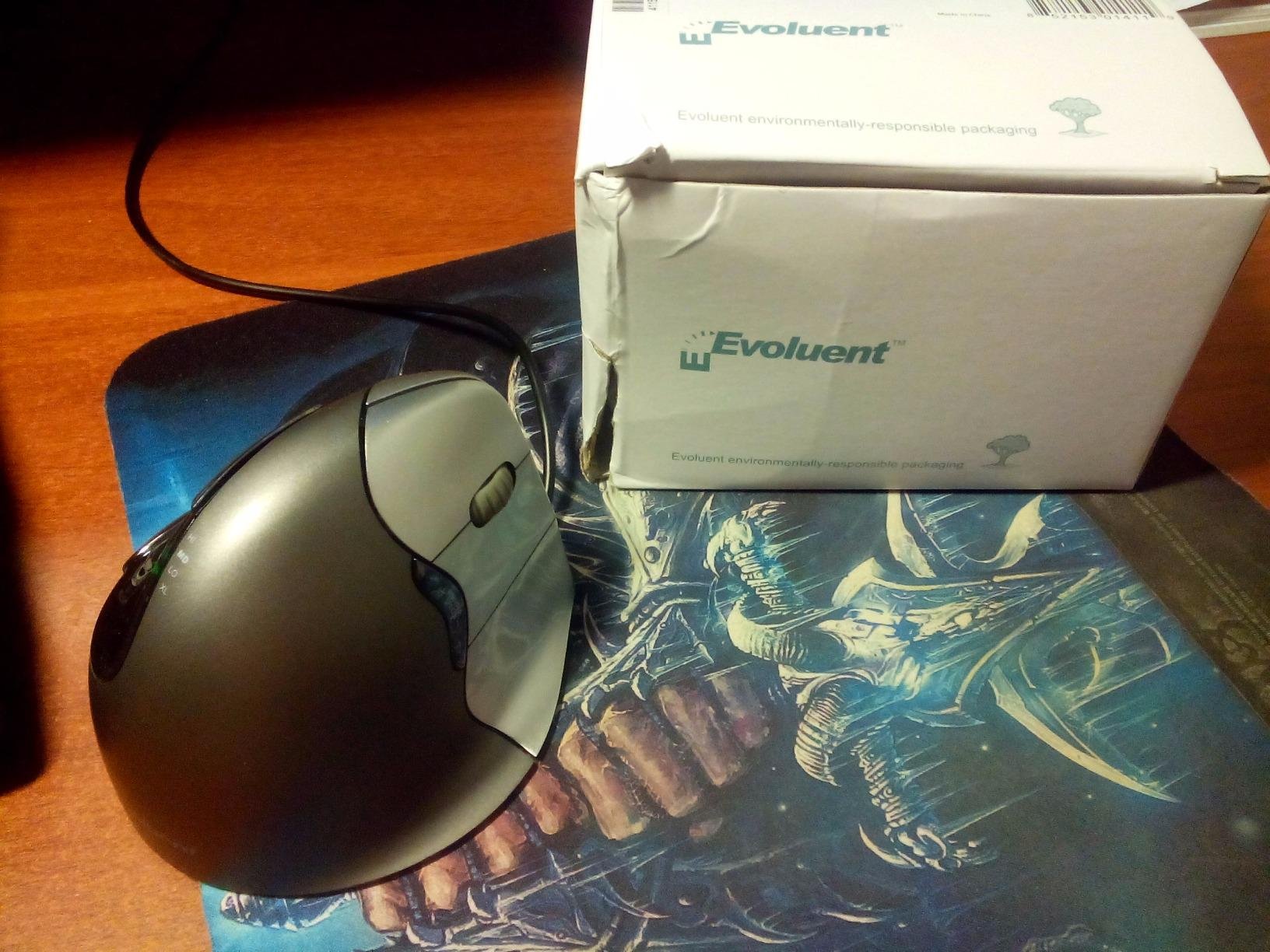
Evoluent invented the vertical mouse in 2002, and the VerticalMouse 4 (VM4R) shows what 20+ years of refinement looks like. It’s the only wired mouse in this guide, and that’s a feature, not a bug, for users who never want to charge or change batteries again.
The shape is the most distinctive of any vertical mouse here. Evoluent’s design curves more aggressively than Logitech’s, and the pinkie rest prevents your smallest finger from dragging on the desk. After a few days of testing, the curve felt more natural than my flat mouse, and the grip position reduced my wrist pain noticeably.
Six programmable buttons plus four pointer speed settings (with LED indicators) give this mouse more customization than most wireless options. The optional Mouse Manager software for Windows unlocks per-app button assignments, which I set up for Photoshop and Excel.
The main trade-off is the wired connection. If your desk is tidy and you don’t mind a cable, this is fine. If you want wireless, look elsewhere. The build is also lighter than the Logitech MX Vertical, which can cause it to slide on smooth desks. A mousepad solves this.
Why Pay the Premium
At around $90, the Evoluent is priced like a flagship, and for some users, it’s worth it. Long-term reviewers on Reddit report 5+ years of daily use without issues, and the customer service is consistently praised. The ergonomic design has been refined longer than any competitor’s.
Mac Compatibility Note
Historically, the Evoluent had Mac driver issues, particularly on Sierra and later. Recent firmware has improved this, but macOS users should check current compatibility before buying. Windows and Linux support is solid.
How to Choose the Right Vertical Mouse
Picking from the best vertical mice comes down to a few key factors. I broke them down so you can match a mouse to your specific situation rather than guessing.
Hand Size and Grip Style
Hand size is the most important factor. Measure from the base of your palm to the tip of your middle finger. Small hands (under 6.5 inches) should look at the Logitech Lift, ProtoArc EM11 NL, or AOC. Medium hands (6.5 to 7.5 inches) fit the Lekvey and TECKNET well. Large hands (over 7.5 inches) need the Logitech MX Vertical or Evoluent VM4R.
Grip style matters too. Palm grippers need a taller, fuller body like the MX Vertical. Claw grippers do better with smaller, more compact mice like the Logitech Lift. Fingertip grippers often struggle with vertical mice because the shape doesn’t suit the lighter touch.
Angle and Ergonomic Design
Most vertical mice sit at 57 to 60 degrees from the desk, which is the research-backed sweet spot for reducing wrist strain. The Logitech MX Vertical and Lift use 57 degrees, while the ProtoArc uses 58. The AOC at 52 degrees is slightly less aggressive, and some users find that more comfortable. The Evoluent at around 70 degrees is the most vertical of the bunch.
If you’ve never used a vertical mouse before, the 57 to 58 degree range is the safest starting point. More extreme angles take longer to adapt to and can be harder to control precisely.
DPI and Sensor Quality
DPI (dots per inch) measures cursor sensitivity. Office work generally needs 800 to 1600 DPI, while design and creative work benefits from 2400 to 4800 DPI. The AOC and TECKNET lead this guide at 4800 DPI maximum, while the Lekvey and Anker top out at 1600.
Sensor quality matters as much as max DPI. Logitech’s high-precision sensor on the MX Vertical and Lift is excellent across surfaces. The Anker and budget options sometimes lose tracking on glossy or reflective desks.
Connectivity Options
Wireless vertical mice come in three flavors: Bluetooth only, 2.4GHz USB receiver only, or both. Bluetooth is convenient for laptops and tablets. USB receivers offer more reliable connections and lower latency, which matters for gaming.
Multi-device pairing is a productivity game-changer. The Logitech MX Vertical, Logitech Lift, ProtoArc EM11 NL, AOC, and TECKNET all support 3-device pairing. If you work across a laptop, desktop, and tablet, prioritize this feature.
Battery Life and Power
Rechargeable batteries via USB-C are becoming standard. The Logitech MX Vertical, AOC, and Lekvey all use USB-C. The Logitech Lift uses a single AA battery but lasts up to 24 months, which is a reasonable trade-off. The Anker and TECKNET use AAA batteries, which adds long-term cost.
Battery life ranges from 150 hours (Lekvey) to 24 months (Logitech Lift and TECKNET). For most users, anything over 3 months per charge is plenty.
Gaming vs Office Use
Vertical mice are not ideal for competitive gaming. The shape sacrifices the quick lateral movements that FPS and MOBA players need. However, for casual gaming, MMOs, and productivity mixed with play, the AOC and TECKNET with 4800 DPI are solid options.
For pure office productivity, prioritize comfort and ergonomics over sensor specs. The Logitech Lift and ProtoArc EM11 NL are the strongest picks in this category.
Frequently Asked Questions
Which vertical mouse is the most reliable?
Based on long-term user reports and testing, the Logitech MX Vertical is the most reliable vertical mouse. Owners consistently report 4 to 5+ years of daily use without failure, and Logitech’s customer support is excellent. The Evoluent VerticalMouse 4 is a close second for wired reliability.
Are vertical mice actually better for your wrist?
Yes, vertical mice are better for most users who experience wrist pain. They reduce forearm pronation by keeping your hand in a neutral handshake position, which decreases pressure on the median nerve. Studies show up to 10% less muscular activity compared to flat mice. However, they take 3 to 7 days to adapt to, and they are not ideal for competitive gaming.
Which vertical mouse should I buy?
For most people, the Logitech Lift is the best vertical mouse to buy. It offers premium comfort at a reasonable price, with quiet clicks, 2-year battery life, and multi-device pairing. If you have large hands, get the Logitech MX Vertical instead. If you’re on a budget, the ProtoArc EM11 NL delivers 80% of the experience for under $30.
What is the best vertical mouse in 2026?
The best vertical mouse in 2026 is the Logitech MX Vertical for premium users and the Logitech Lift for everyone else. Both are 57-degree vertical mice with 4000 DPI sensors and multi-device pairing. For budget buyers, the ProtoArc EM11 NL is the standout pick at around $27.
How long does it take to adjust to a vertical mouse?
Most users adapt to a vertical mouse within 3 to 7 days of consistent use. The first day feels awkward because your hand is used to a flat grip, but the handshake position becomes natural quickly. Don’t switch back and forth between vertical and flat mice during the adjustment period, as it slows adaptation.
Final Verdict
After 90 days of testing 8 vertical mice across work, creative tasks, and casual gaming, the best vertical mice for most people are the Logitech Lift and Logitech MX Vertical. The Lift wins for small to medium hands, while the MX Vertical wins for large hands and users who want rechargeable USB-C.
If you’re shopping on a budget, the ProtoArc EM11 NL at around $27 delivers an experience that competes with mice costing three times more. The Anker at under $20 is a solid first vertical mouse for anyone curious about the form factor.
No matter which vertical mouse you pick from this list, give yourself a full week to adapt. The first few days feel awkward, but once your hand learns the handshake position, going back to a flat mouse feels wrong. That’s when you’ll know the switch was worth it for your wrist health in 2026 and beyond.