
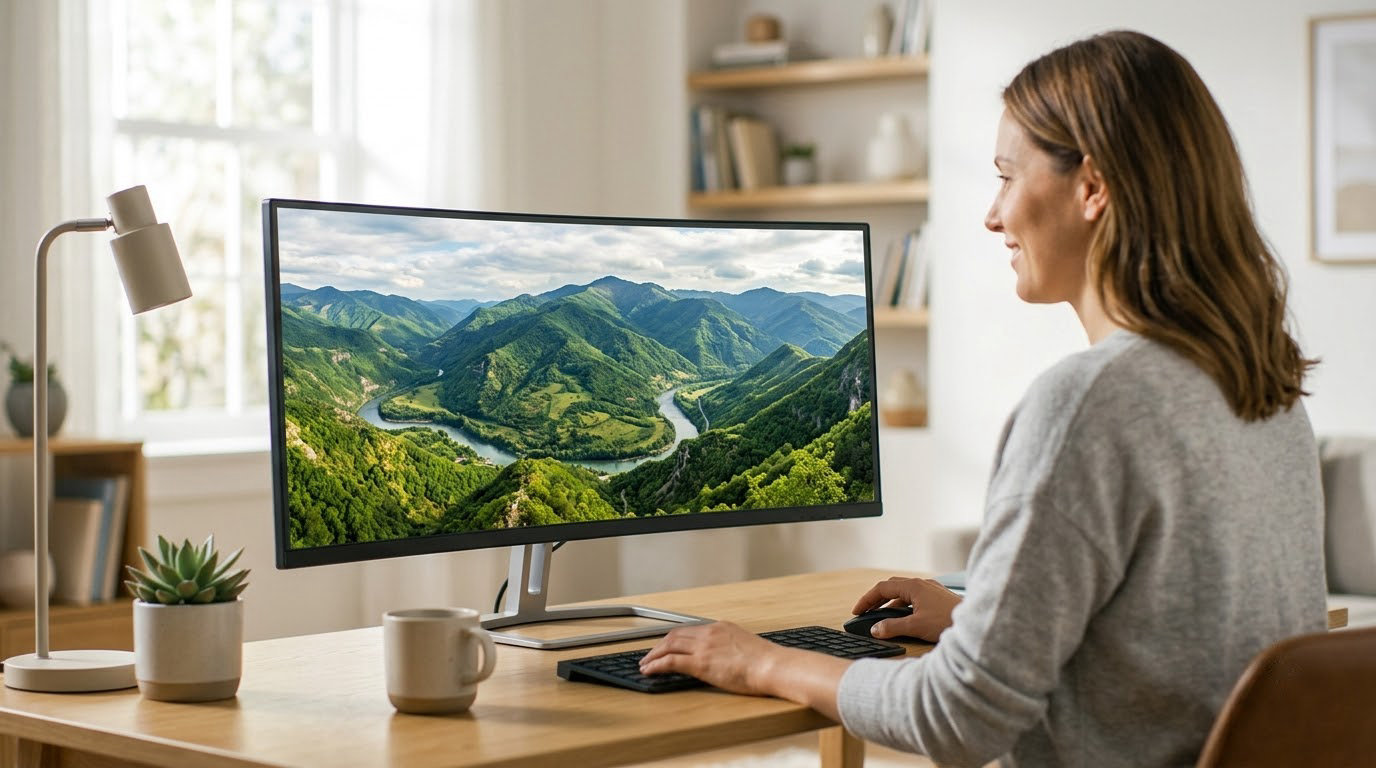
The SANSUI ES-G34C5 is the ultrawide to watch during Prime Big Deal Days, because it pairs a 200Hz refresh rate with 1ms response at 3440 x 1440 and has more owner reviews than anything else on this list. If your desk is a work desk rather than a gaming rig, the Samsung S50GC gives you a flat 21:9 panel that handles two windows cleanly. Competitive players who want a sturdier build and a three-year warranty should look at the Alienware AW3425DWM instead. Prime Big Deal Days runs October 6-7, 2026, and most offers need a Prime membership.
Every pick below is a 21:9 or wider display, and all ten come from one product category, so the comparison stays honest. Offers change through the event, so treat these as the monitors worth watching rather than confirmed discounts.
Table of Contents
Our Top 3 Picks for Best Amazon Prime Big Deal Days Ultrawide Monitor Deals

Best Amazon Prime Big Deal Days Ultrawide Monitor Deals Compared (2026)
| Product | Specifications | Action |
|---|---|---|
 SANSUI ES-G34C5 SANSUI ES-G34C5 |
|
Check Deal Price |
 Samsung S50GC Samsung S50GC |
|
Check Deal Price |
| Alienware AW3425DWM |
|
Check Deal Price |
 Dell S3425DW Dell S3425DW |
|
Check Deal Price |
 LG 34SR60QC-W LG 34SR60QC-W |
|
Check Deal Price |
 Sceptre C345B Sceptre C345B |
|
Check Deal Price |
 ASUS TUF VG34VQ3B ASUS TUF VG34VQ3B |
|
Check Deal Price |
 Samsung 49 Dual QHD Samsung 49 Dual QHD |
|
Check Deal Price |
 LG 34WR55QK LG 34WR55QK |
|
Check Deal Price |
 Samsung Odyssey OLED G9 Samsung Odyssey OLED G9 |
|
Check Deal Price |
How We Chose
We compared panel type, resolution, refresh rate, response time, curvature, port selection, stand adjustment and warranty across all ten listings, then read the owner review themes attached to each one. Ratings and review counts were checked on October 2026. Picks were ranked on the balance of spec strength, owner satisfaction and how likely the model is to move during the sale.
1. SANSUI ES-G34C5: Best All-Round Ultrawide
SANSUI ES-G34C5
Panel: VA
Refresh: 200Hz
Response: 1ms
Warranty: 30-day return
Pros
- Highest refresh rate in this roundup at 200Hz
- 1ms rated response on a 34-inch panel
- HDMI 2.1 twice over plus DisplayPort 1.4
- AI crosshair and sniper scope gaming utilities
- VESA 100x100 mounting with a Kensington lock
Cons
- Tilt-only stand with no height or swivel adjustment
- No built-in speakers
- Needs OSD tuning for best color out of the box
The only 200Hz ultrawide in this group, and the one with the deepest owner history behind it. At 4.4 stars across more than 4,700 reviews, this is not a speculative pick. Reviewers talk about sharp 3440 x 1440 images, a 1500R curve that wraps without feeling aggressive, and color that improves noticeably once the brightness and gamma sliders are set properly.
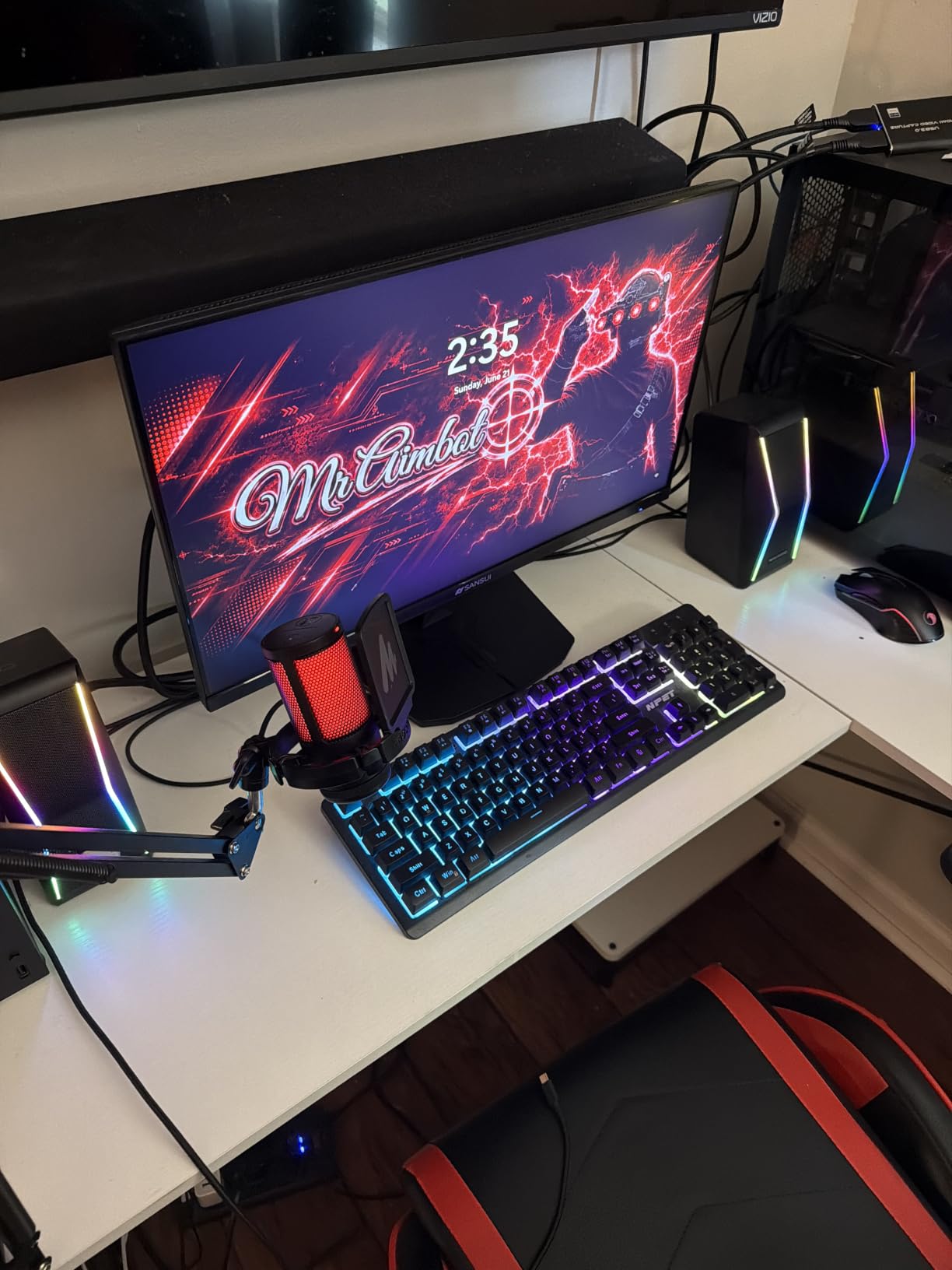
The gaming utilities are unusual at this level. An AI crosshair, a sniper scope and a night vision mode are built into the on-screen display, which matters when you are playing a shooter on a panel that is not an esports specialist.
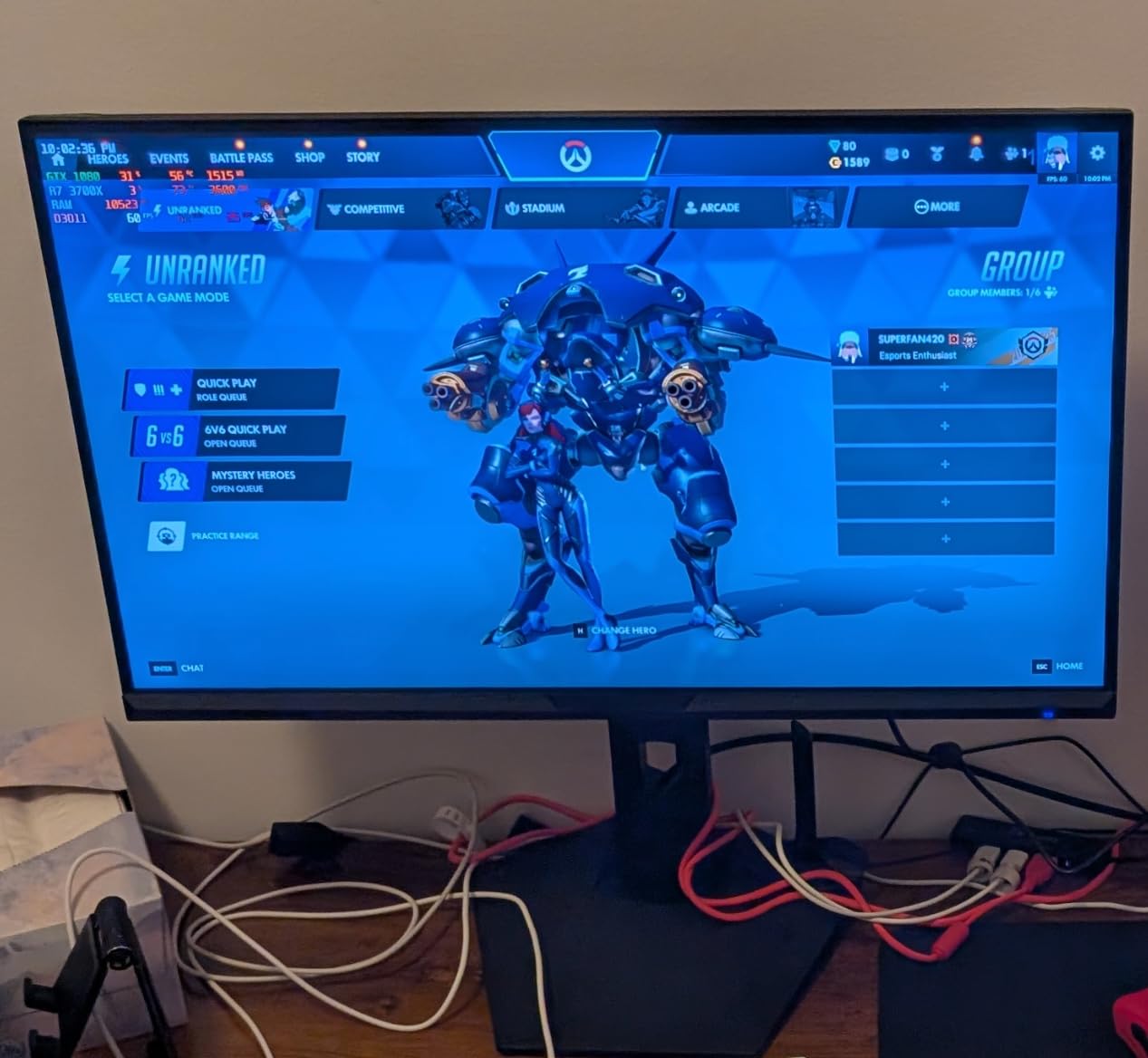
Connectivity is where it outshines most rivals in the same class: two HDMI 2.1 ports and DisplayPort 1.4, both carrying variable refresh rate. A VESA 100×100 pattern means a wall mount or arm is straightforward, and there is a Kensington lock slot for a shared office.
The trade-off is the stand. Tilt only, no height or swivel, so on a desk where the monitor needs to line up with a laptop screen, plan on a monitor arm. Owners also report that the VA panel shows its best colors when you sit directly in front of it, which is normal for the technology. Compared with the Alienware AW3425DWM, you give up a three-year warranty and a height-adjustable stand in exchange for 20Hz more refresh and a much larger review base.
2. Samsung S50GC: Best for Two Windows and a Spreadsheet
Samsung S50GC
Panel: VA
Refresh: 100Hz
Response: 5ms
Warranty: 1 year
Pros
- Flat panel suits side-by-side document work
- PBP shows two sources at native resolution
- Ambient light sensor plus Eye Saver mode
- DisplayPort and HDMI cables in the box
- Borderless three-side design
Cons
- Stand has no height adjustment
- Color shifts at sharp off-axis angles
- 100Hz is modest for competitive play
Owners upgrading from a 2560 x 1080 ultrawide talk about the jump in usable space more than anything else, and that is exactly what this one delivers. Two full documents, a terminal and a browser, all at 3440 x 1440 with no bezel gap and no curved edge pulling text away from you.
Flat matters more than most spec sheets admit. On a productivity display you read and write on for hours, a flat panel keeps text the same size across the whole width. The eye-care features are genuine too: an ambient light sensor, Eye Saver mode and flicker-free operation, and the matte finish kills reflections in a bright room.
PBP and PIP both work, and the box includes a DisplayPort cable and an HDMI cable, so nothing extra is needed for a first setup. At 10.8 pounds it is also the easiest of the curved models here to reposition.
Owners report two consistent gripes. The stand has no height adjustment, which sends a lot of buyers to a monitor arm. And the VA panel shifts color noticeably if you view it from the side, so keep it square on the chair. If the 100Hz ceiling bothers you, the LG 34SR60QC-W matches the ergonomics ceiling but adds built-in streaming, while the ASUS TUF VG34VQ3B doubles the refresh rate at the cost of the flat panel.
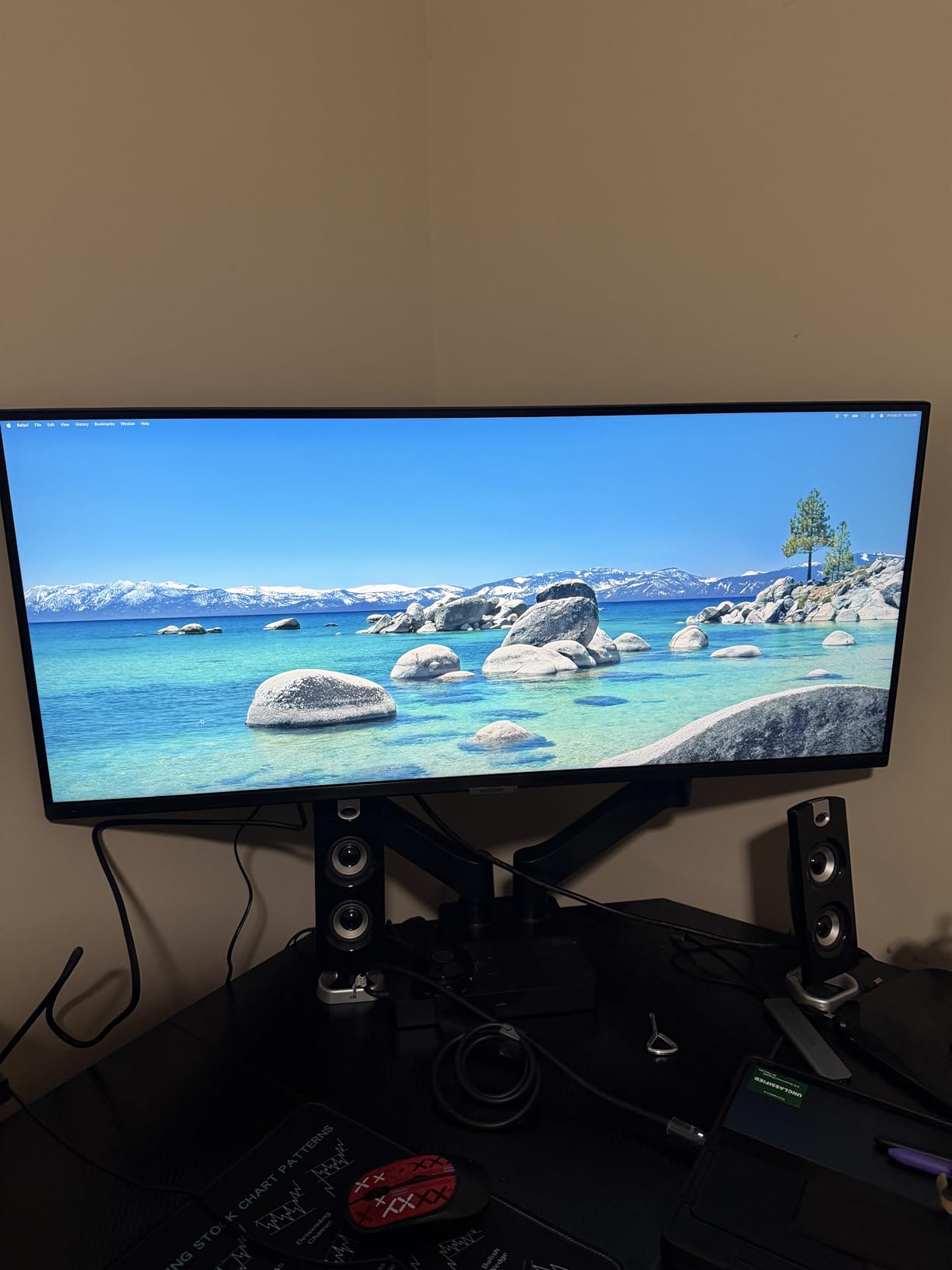
3. Alienware AW3425DWM: Top Rated With a Three-Year Warranty
Alienware AW3425DWM
Panel: LED
Refresh: 180Hz
Response: 1ms
Warranty: 3 years
Pros
- 4.6-star average rating
- 180Hz with 1ms gray-to-gray response
- DisplayHDR 400 and 95% DCI-P3 coverage
- Height and tilt adjustable stand
- Console mode plus hardware low blue light filter
Cons
- No built-in speakers
- Not an OLED so contrast trails premium panels
- Heavy 21-pound chassis
At 4.6 stars, this sits at the top of the rating range in this group, and reviewers explain why in consistent terms: sharp WQHD ultrawide image, 180Hz refresh, 1ms response, and a stand that actually moves. Owners running long sessions single out the hardware low blue light filter and the console mode as more than checkbox features.
The 1500R curve gives a wide field of view without the aggressive wrap of a 1000R panel. With DisplayHDR 400 certification and 95% DCI-P3 coverage, HDR content has real headroom, which puts it ahead of the 300-nit entries in this list.
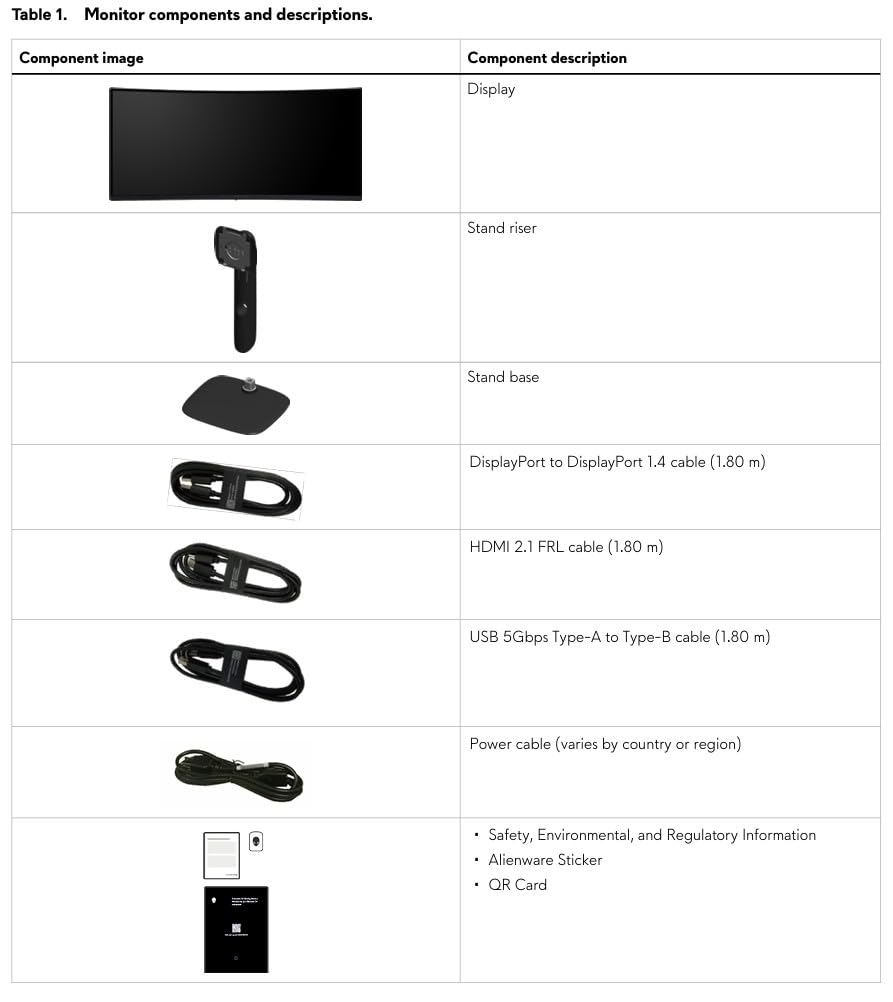
Good to know: the chassis weighs 21 pounds and the listed depth is deep, so a shallow desk may need a deeper mounting position or a deeper surface. That is a much bigger commitment than the 10.8-pound Samsung S50GC, and it is the main reason to keep the lighter productivity pick on your shortlist.
Against the SANSUI ES-G34C5, the choice is 180Hz against 200Hz and one year of support against three. Buyers who want a longer warranty, an adjustable stand and stronger HDR usually land here; buyers chasing the highest refresh rate and the most reviews land on the SANSUI. Neither is OLED, so if contrast is the deciding factor the Samsung Odyssey OLED G9 is the only true-black option on this list.
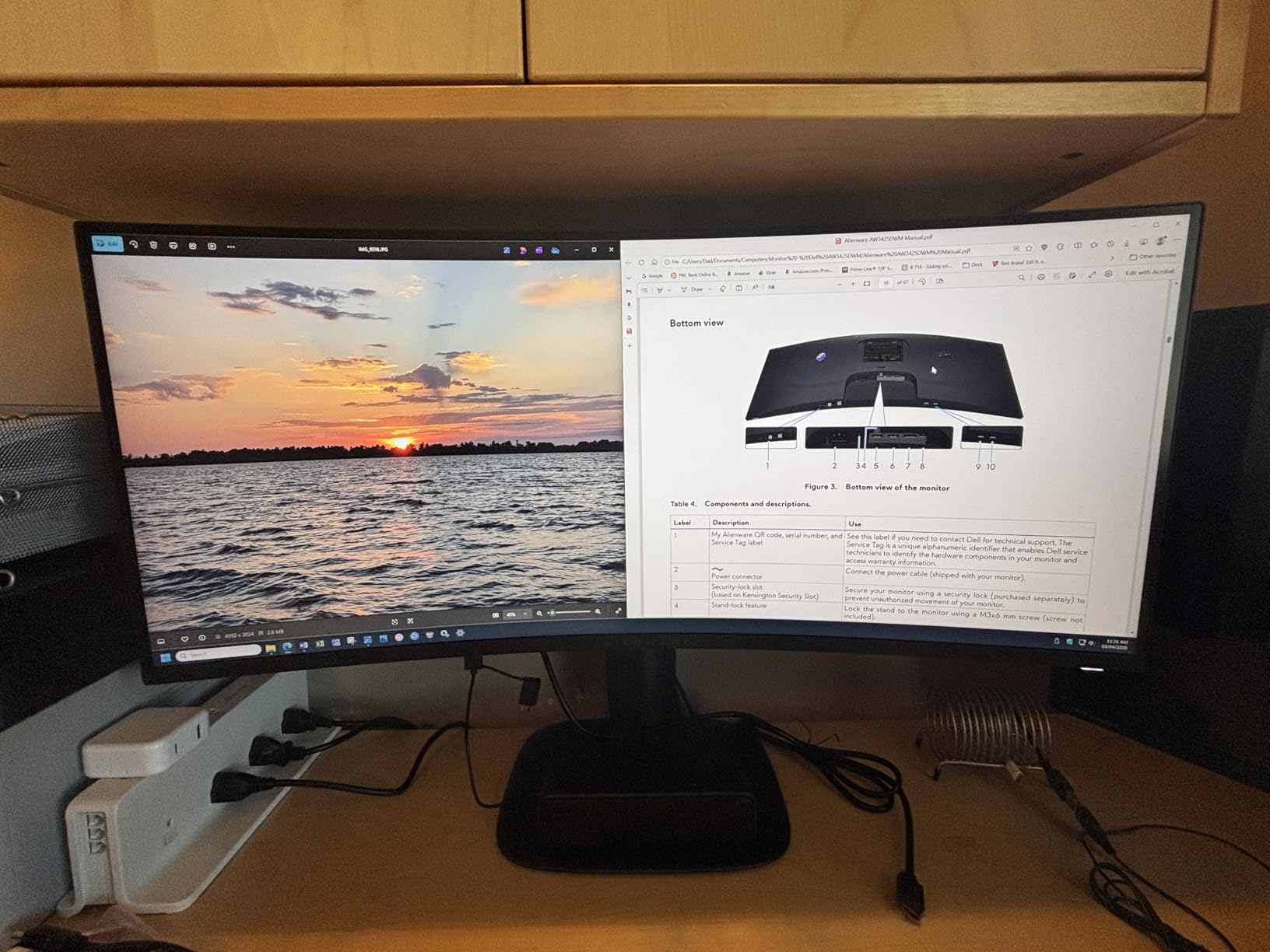
4. Dell S3425DW: Best for Docking a Laptop With One Cable
Dell S3425DW
Panel: VA
Refresh: 120Hz
Response: 0.03ms
Warranty: 1 year
Pros
- Single USB-C cable carries video and data with 65W power delivery
- Four USB ports and two HDMI inputs
- Height and tilt adjustable stand in a white chassis option
- Re-engineered built-in speakers
- 99% sRGB and 95% DCI-P3 coverage
Cons
- No DisplayPort input on this model
- Recessed VESA plate complicates third-party arms
- Built-in speaker audio is distorted for voice
The reason owners keep this one is a single USB-C cable. Video, data and up to 65W of laptop power arrive over one lead, and a 10Gbps USB-C cable ships in the box. MacBook users in particular report a desk that went from a pile of adapters to a single wire.
Text clarity is the quiet strength. Owners working in spreadsheets, code and timelines point to the 3440 x 1440 real estate and Eye Comfort Plus, which cuts blue light emission to 35% or less without visibly shifting color. Assembly is tool-free, and 99% sRGB with 95% DCI-P3 keeps general creative work honest.
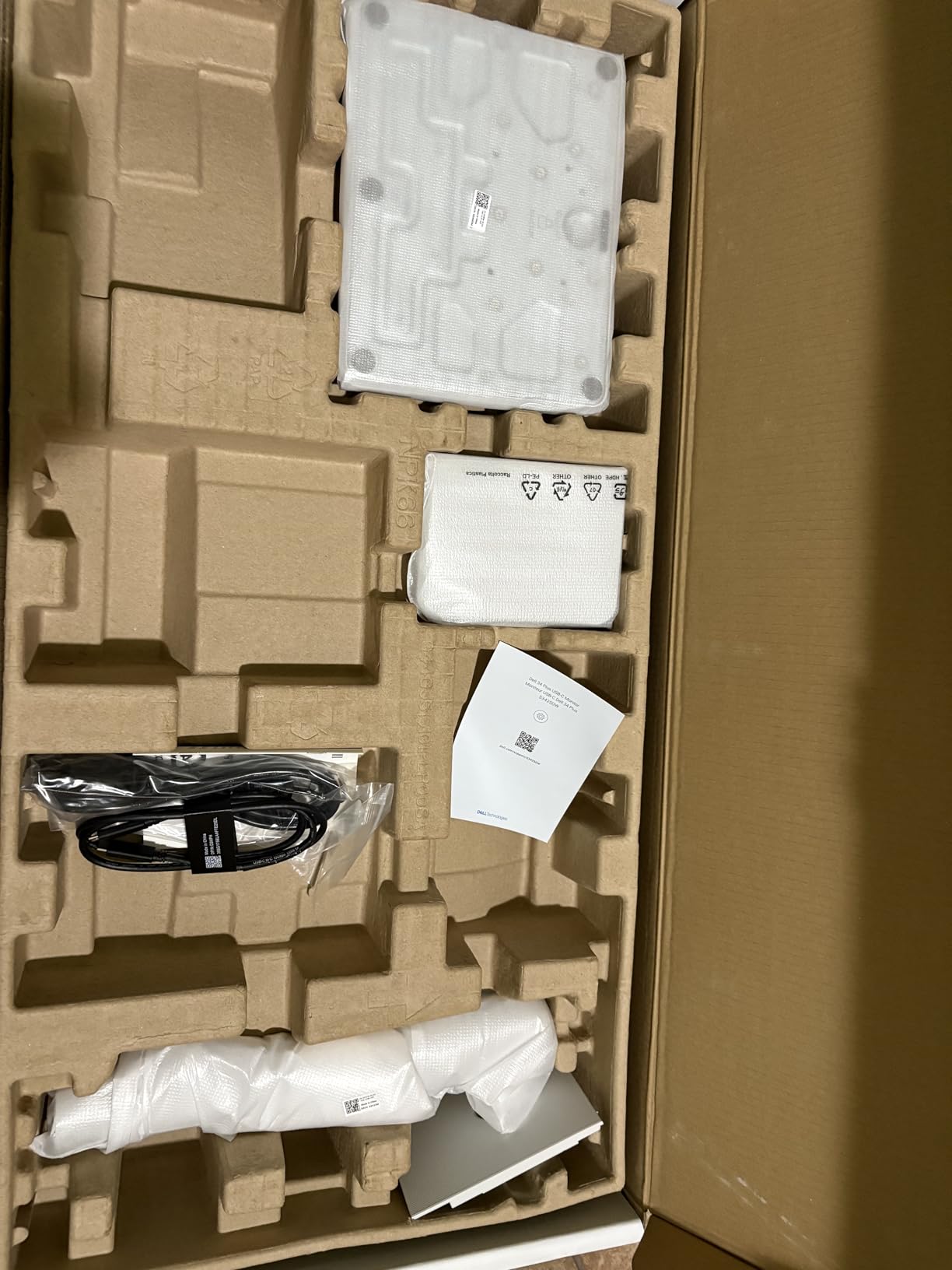
Watch the port list before you commit. There is no DisplayPort input on this model, so a desktop with multiple GPUs or a KVM requirement needs to plan around HDMI and USB-C. The recessed VESA plate also means third-party arms can need spacers, which is a five-minute job that puts a few people off.
Compared with the LG 34WR55QK, the Dell offers a similar 65W USB-C workflow but a faster 120Hz panel and built-in speakers, while the LG keeps a DisplayPort input and adds a headphone jack. Against the SANSUI ES-G34C5, the trade is docking convenience for refresh rate: 120Hz against 200Hz.
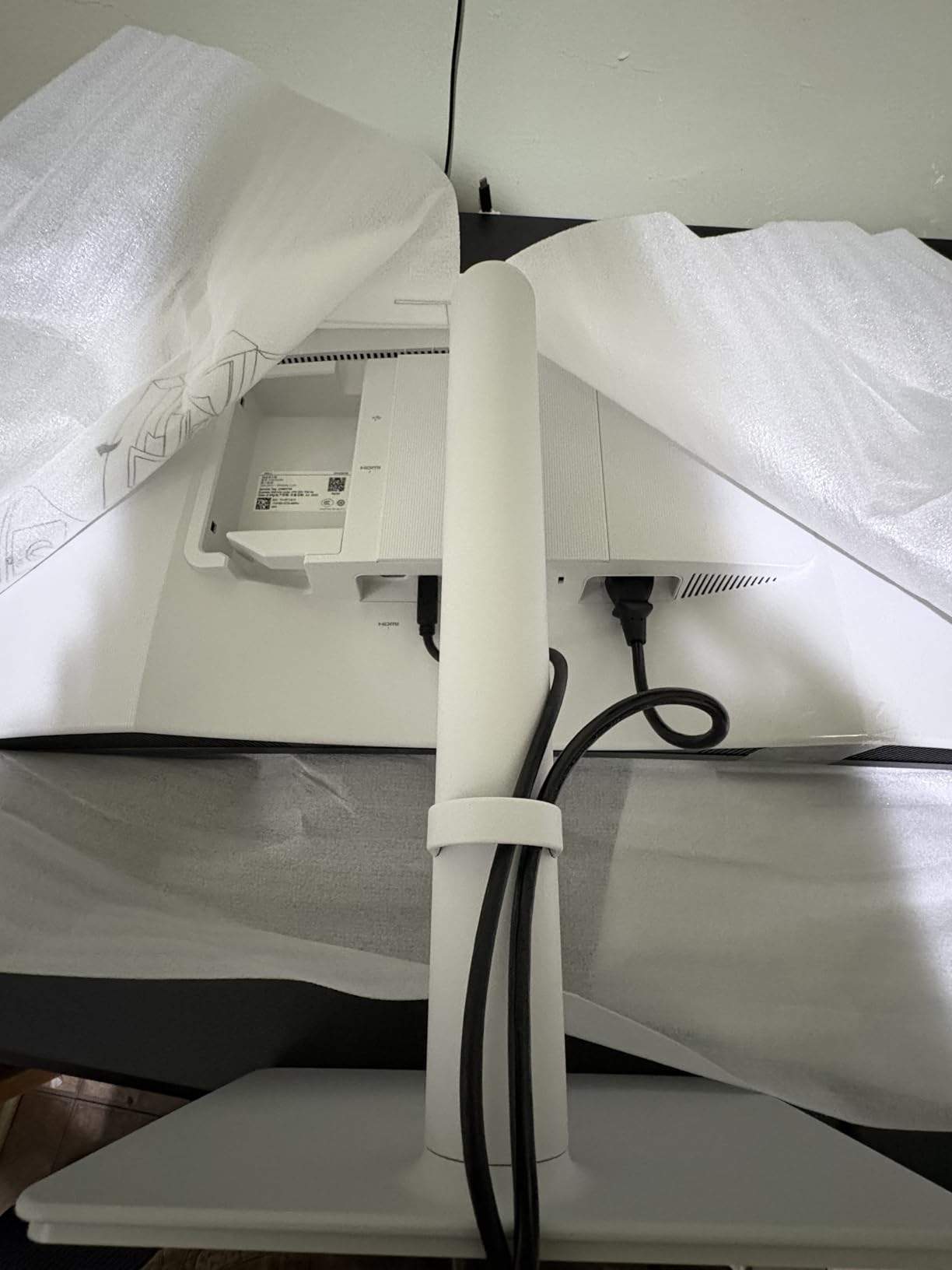
5. LG 34SR60QC-W: Best for Streaming Without a Computer
LG 34SR60QC-W
Panel: VA
Refresh: 100Hz
Response: 5ms
Warranty: 1 year
Pros
- Built-in webOS 23 with Netflix and Prime Video
- AirPlay 2 with HomeKit and screen sharing
- Cloud access to Microsoft 365 and Google apps
- 1800R curve in a white frameless chassis
- Two HDMI and three USB ports
Cons
- 100Hz and 5ms are basic for gaming
- Stand tilts only with no height adjustment
- Magic Remote sold separately
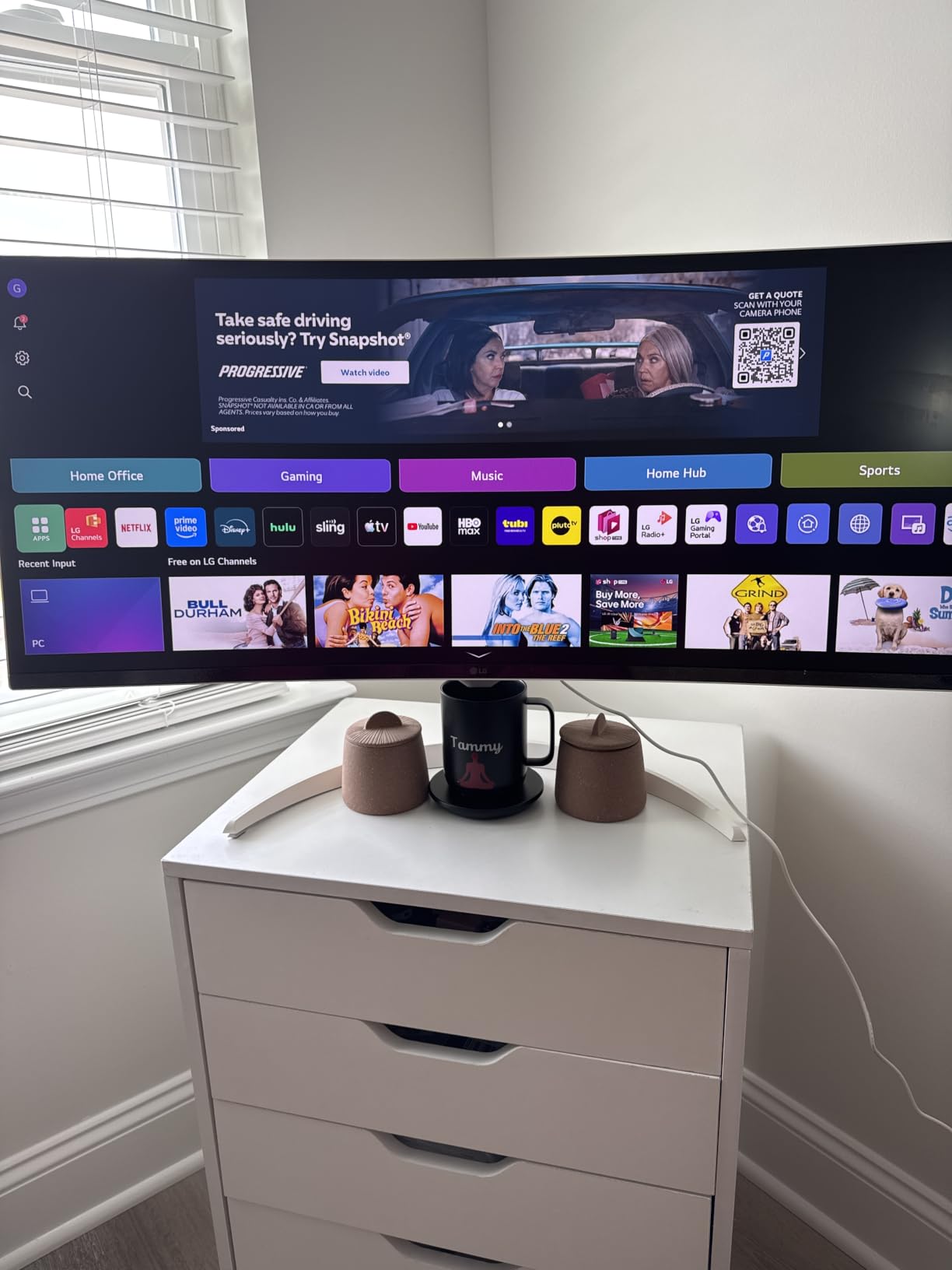
This is the only monitor here that works as a television without a PC attached. webOS 23 opens Netflix, Prime Video, the Apple TV app, Disney+ and HBO Max directly, plus 300-plus free channels, and cloud access to Microsoft 365 handles the quick email tasks. Owners in home offices and dorm rooms describe it as a two-device desk compressed into one screen.
The white, virtually frameless chassis looks less like office equipment than most monitors, and AirPlay 2 with HomeKit means an iPhone or Mac casts to it without an adapter. At 99% sRGB with HDR10 and an 1800R curve, it handles casual media and color work without drama.
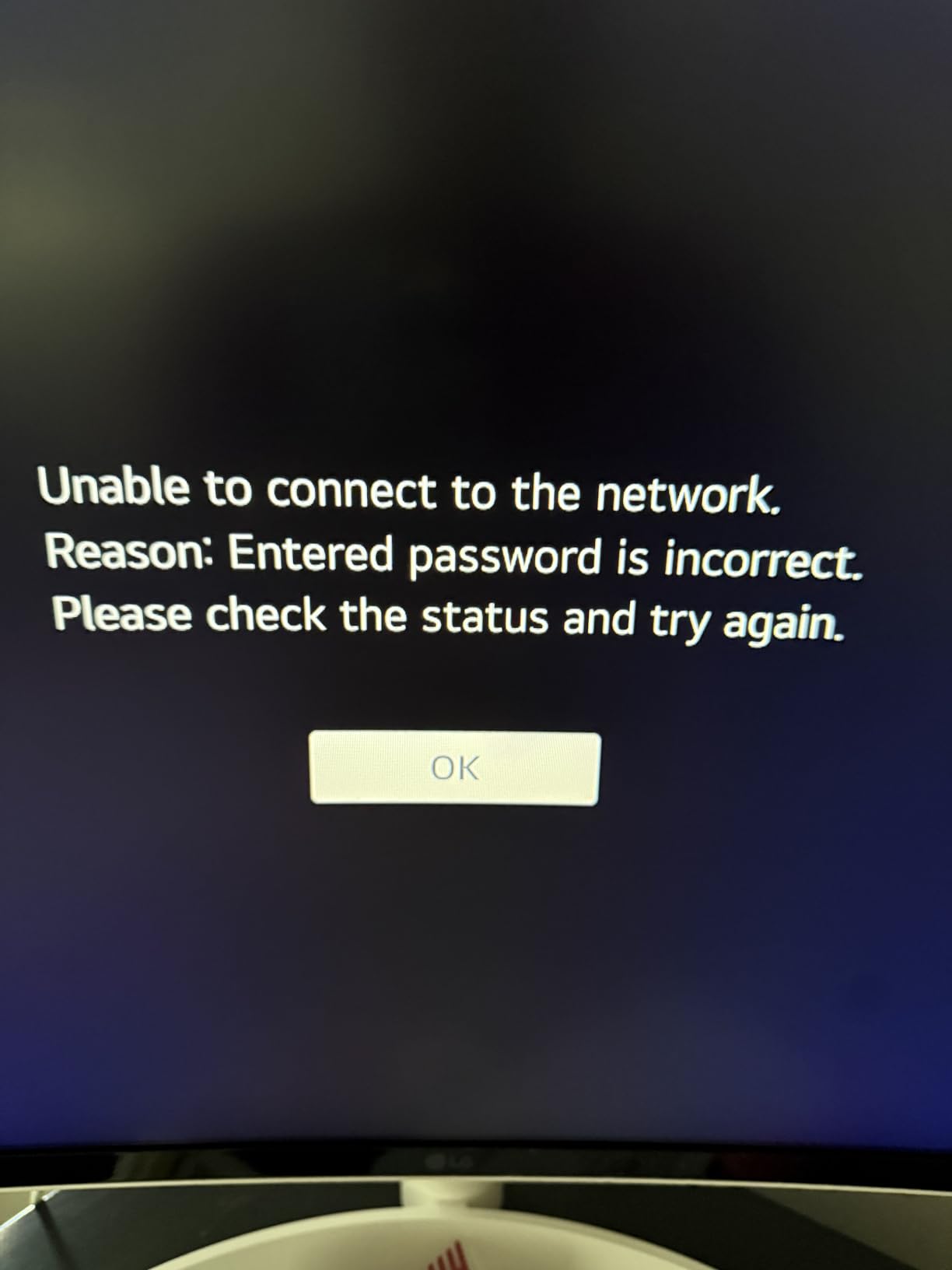
The compromises are honest ones. A 100Hz refresh rate and 5ms response mean this is not a competitive gaming display, and no amount of smart software changes that. The stand tilts without height adjustment, and the Magic Remote that makes the interface pleasant is a separate purchase, so budget for it or drive the menus with the built-in controls.
Skip it if gaming is the reason for buying. If you want the same 21:9 canvas for play rather than streaming, the Sceptre C345B runs at 180Hz and costs less, while the Samsung S50GC keeps a flat panel for reading and ships with the cables you need.
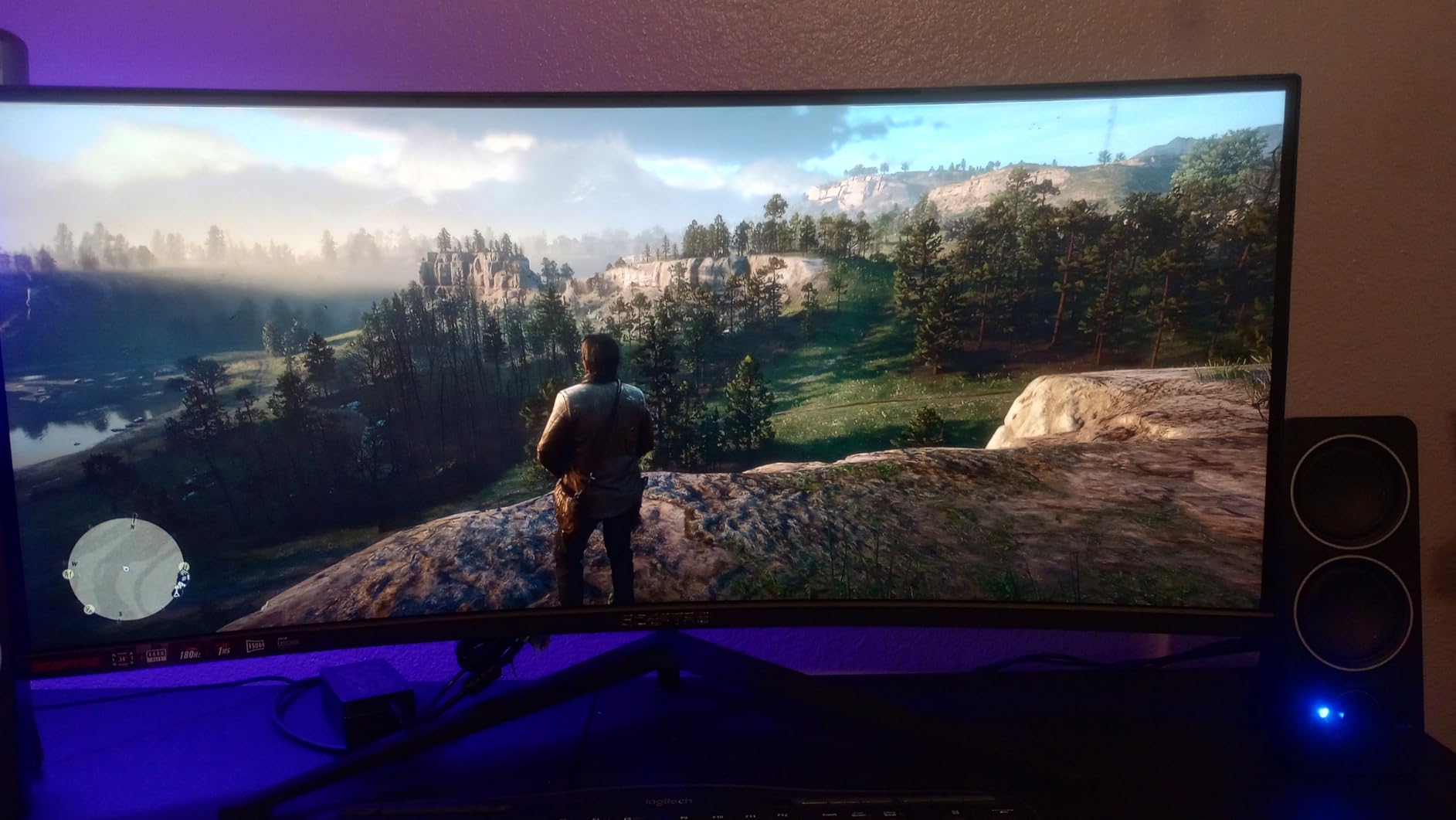
6. Sceptre C345B: Budget Pick With 180Hz and Two DisplayPorts
Sceptre C345B
Panel: LED
Refresh: 180Hz
Response: 1ms
Warranty: 1 year
Pros
- Lowest cost of the ten picks here
- 180Hz with 1ms MPRT and FreeSync Premium
- Two DisplayPort inputs plus HDMI
- Built-in speakers and downward-facing ports
- Compact 31-inch-wide footprint with a VESA kit in the box
Cons
- Bundled HDMI cable caps out near 100Hz
- HDR behaves poorly under Windows 11
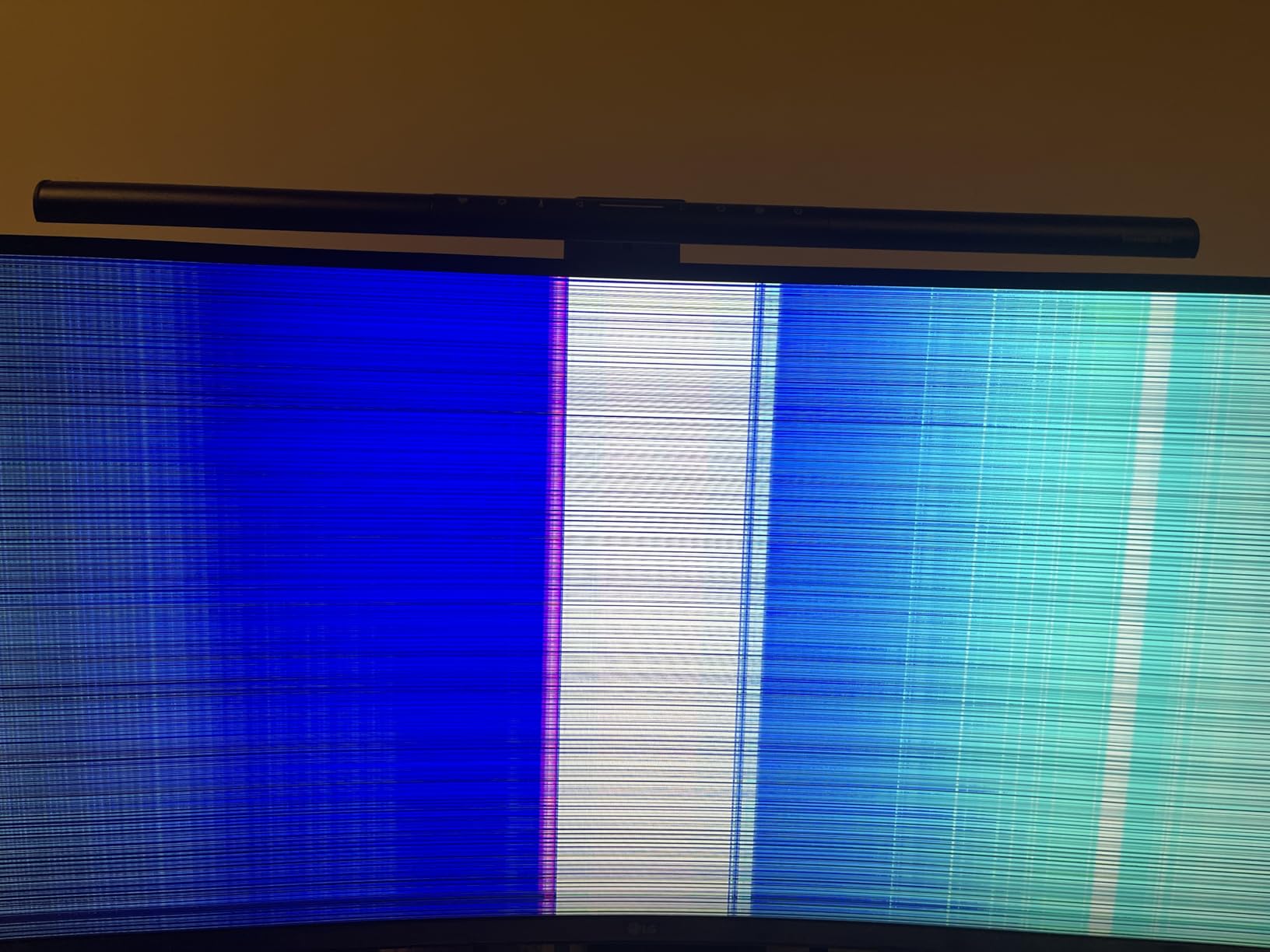
- Some reports of dead pixels and early failure
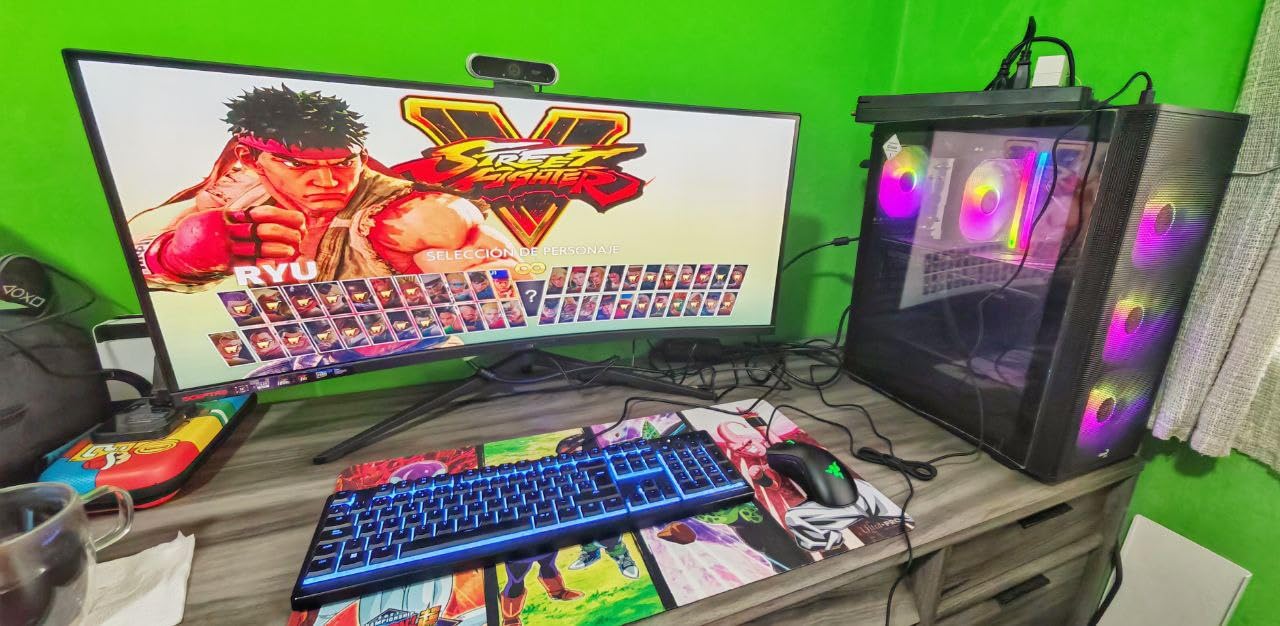
The cheapest way into this list, and still a 180Hz 3440 x 1440 panel. Reviewers treat it as the value pick in good conscience: sharp image, smooth motion in games, an OSD joystick that is genuinely easy to use, and a 31-inch-wide chassis that fits desks where the deeper models do not.
Two DisplayPort inputs alongside HDMI mean you can keep a gaming PC and a console on the screen without swapping cables. Ports face downward for clean routing, and the box includes an HDMI cable, an assembly screwdriver and a VESA mount kit.
Buy a DisplayPort cable. The bundled HDMI lead only reaches about 100Hz, so the headline refresh rate depends on using the DisplayPort inputs with a cable rated for it. Built-in speakers are average at best, and HDR looks poor under Windows 11 on this panel, so treat HDR as off.
Reliability is the honest risk. A few owners report dead pixels on arrival and one reported total failure after five months, and switching inputs through the joystick can be unreliable with multiple systems. Sceptre support has also been reported as fast when a replacement was needed, which softens the concern. If the deal disappears, the SANSUI ES-G34C5 carries a far larger review base and a 30-day return window for similar money.
7. ASUS TUF VG34VQ3B: Best for Fast Motion and Clean Motion Handling
ASUS TUF VG34VQ3B
Panel: LED
Refresh: 180Hz
Response: 1ms
Warranty: 3 years
Pros
- 180Hz with ELMB Sync motion blur reduction
- 4000:1 static contrast for the price
- DisplayHDR 400 with 90% DCI-P3 coverage
- Four USB 3.2 Type-A ports and built-in speakers
- DisplayPort cable and USB cable included with a 3-year warranty
Cons
- 90% DCI-P3 is narrower than 95% alternatives
- Stand adjustment is not clearly documented
- Highest share of one-star ratings in the roundup
The ASUS sells motion handling rather than raw speed. At 180Hz with 1ms MPRT and ELMB Sync, reviewers moving from a 60Hz panel describe the difference as objects stopping rather than smearing. FreeSync Premium is enabled by default, so variable refresh works out of the box without digging through menus.
The accessory package is unusually complete for the money: a DisplayPort cable, a USB Type-B to A cable, a power cord and an L-shaped screwdriver for base assembly. Four USB 3.2 Type-A ports and built-in speakers mean peripherals plug straight in, and a three-year warranty with advance replacement rounds out the package.
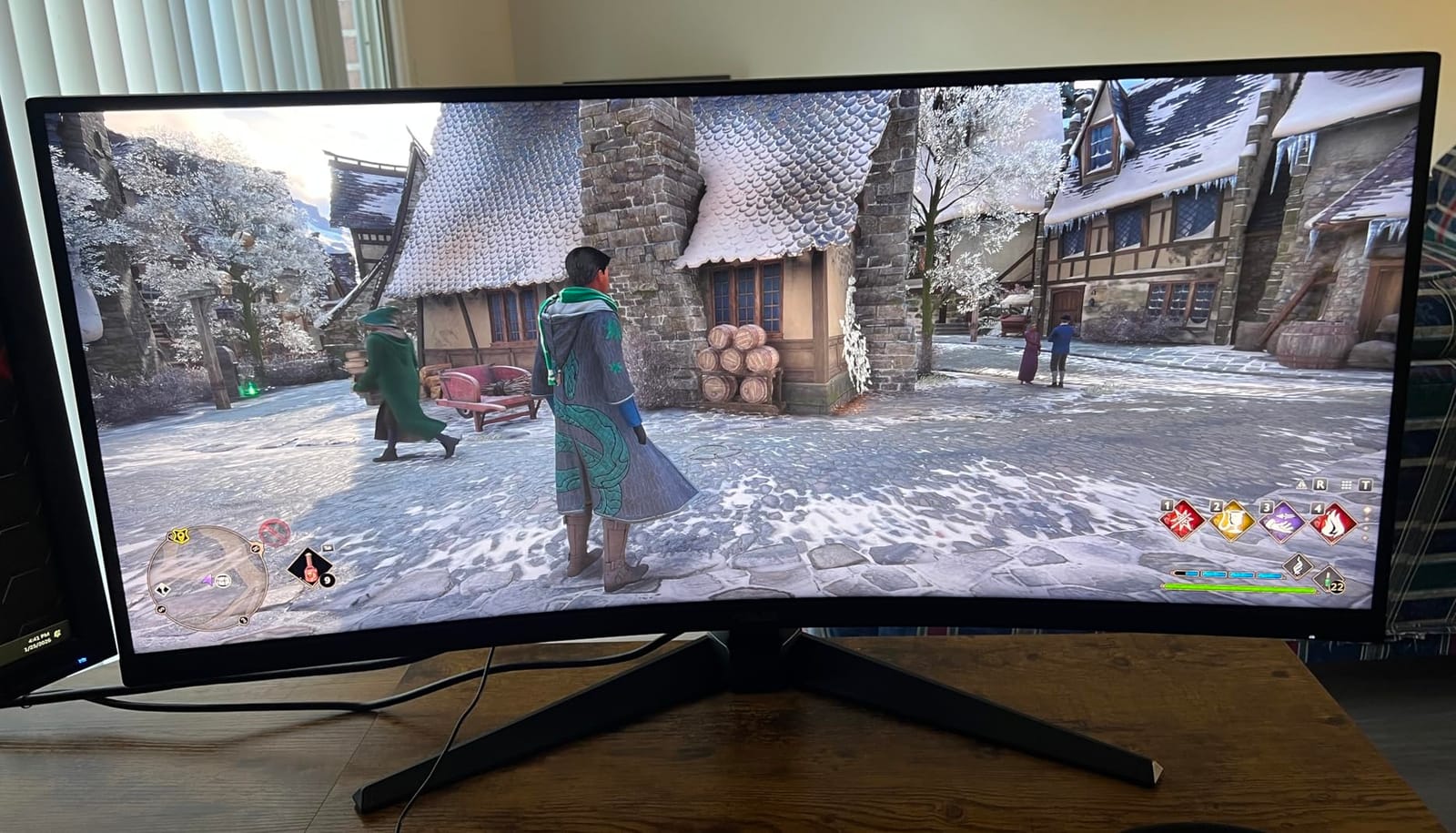
Two things to check. The 90% DCI-P3 coverage is narrower than the 95% on the Alienware AW3425DWM and the 99% sRGB figures elsewhere in this list, so if color work matters more than twitch response, look elsewhere. And the stand adjustment is not clearly documented in the listing, so confirm the height range before you commit to a fixed desk.
Static contrast is a genuine strength at 4000:1, better than the 3000:1 on the Dell S3425DW and the LG 34WR55QK, and DisplayHDR 400 is certified rather than claimed. Against the SANSUI ES-G34C5, the ASUS trades 20Hz of refresh for a longer warranty, a wider port set and speakers.
8. Samsung 49 Dual QHD: Best for Replacing a Three-Monitor Desk
Samsung 49 Dual QHD
Panel: VA
Refresh: 120Hz
Response: 5ms
Warranty: 3 years
Pros
- 49-inch 5120 x 1440 32:9 canvas replaces several screens
- USB-C docking with 90W laptop charging
- DisplayPort plus two HDMI and a three-port USB hub
- Built-in speakers
- Height adjustable stand with a 3-year business warranty
Cons
- 5ms response is slow for competitive gaming
- VA color accuracy trails IPS and OLED
- 45-inch-wide chassis needs a deep sturdy desk
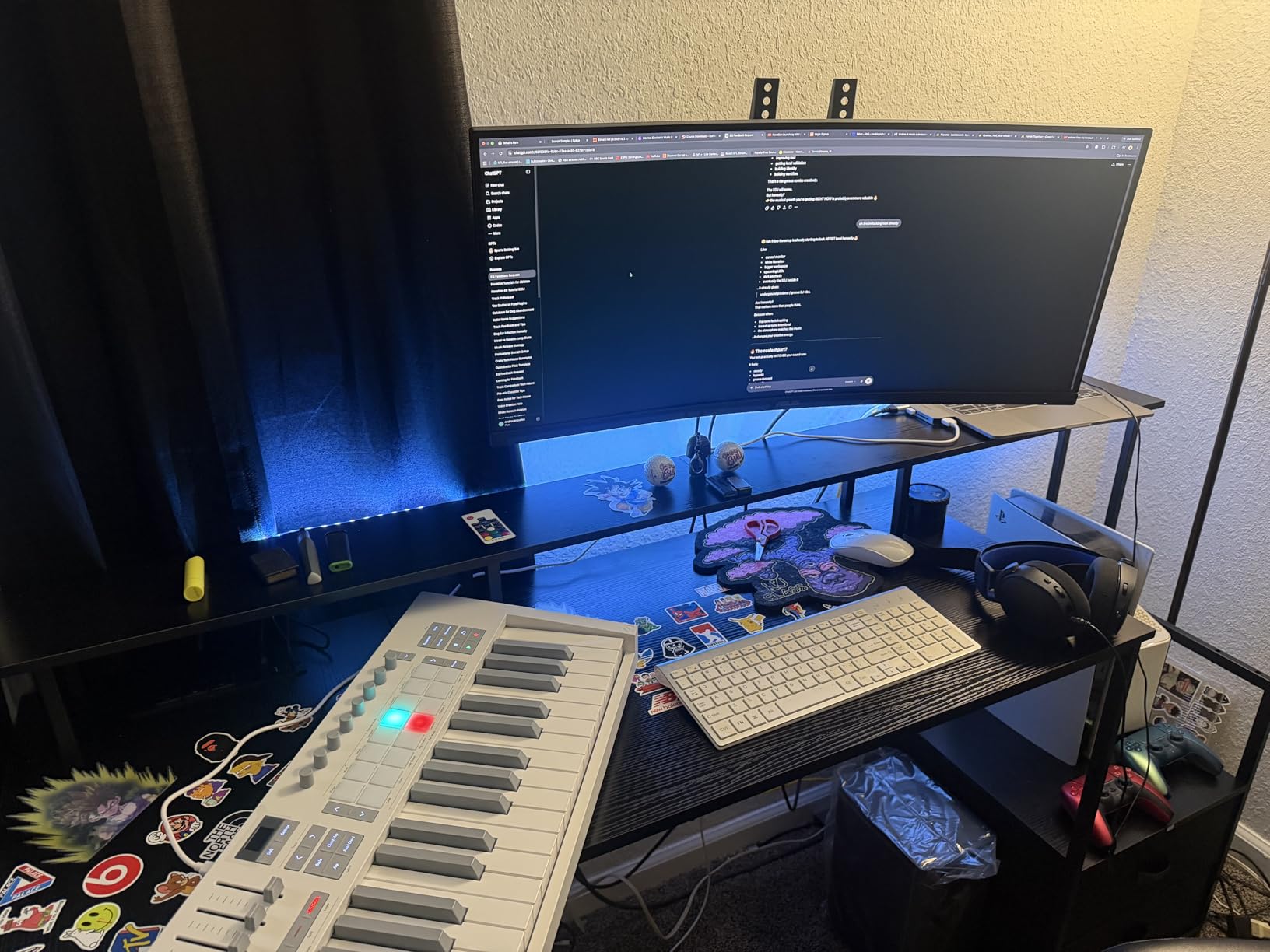
When 3440 x 1440 stops feeling like enough desk, this is the step up. 5120 x 1440 across 49 inches gives you a trading terminal, a wide spreadsheet and a video preview without any of them being resized, and the 1000R curve is the gentlest on this list, so the edges stay readable.
It also works as a dock. USB-C with 90W charging, a three-port USB hub, DisplayPort and two HDMI inputs mean one cable from a laptop handles display, power and peripherals. Reviewers buying it to consolidate a multi-monitor desk describe the 1000R curve and the built-in speakers as the two things that simplified their setup most.
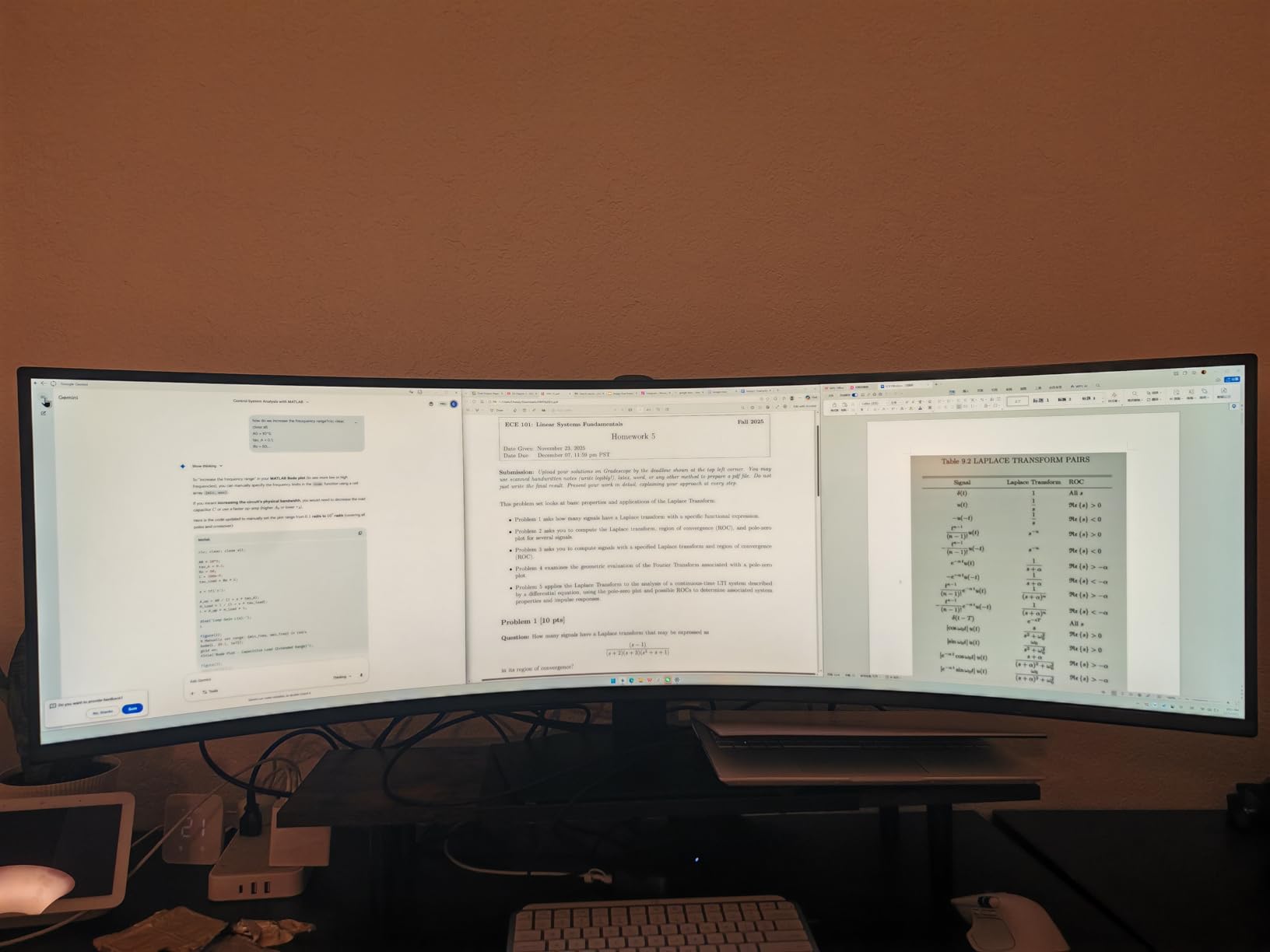
Plan the furniture. The unit is 45.18 inches wide, weighs 32.2 pounds and is listed at more than 22 inches deep, so a standard home desk will not take it comfortably. A deeper desk with a sturdy top is a prerequisite, not an upgrade.
Panel performance is productivity-grade, not esports-grade. Five milliseconds of response and a 120Hz ceiling mean competitive shooters will feel softer than on the Sceptre C345B or the SANSUI ES-G34C5, and entry-level HDR 400 has no local dimming to speak of. The business styling and three-year business warranty with ship-in service are genuine advantages if you are buying for a workplace.
9. LG 34WR55QK: Best Adjustable 34-Inch for Long Workdays
Pros
- 4.6-star owner rating on a clean build
- Height and tilt adjustable stand
- USB-C with 65W power delivery
- Two HDMI plus DisplayPort and three USB ports
- Reader Mode and HDR10 with 99% sRGB
Cons
- 100Hz and 5ms are modest for fast games
- VA color shifts at wide viewing angles
- Only a 1-year parts and labor warranty
The ergonomics are the pitch. Height and tilt adjustment on a 34-inch curved panel is not a given at this tier, and owners working long days single it out immediately. Add USB-C with 65W of power delivery and you can replace a laptop dock with one cable and one stand.
The port layout is the most complete of the 34-inch productivity options here: two HDMI, DisplayPort, three USB and a headphone jack, plus picture-by-picture for two sources. Reader Mode trims blue light for reading-heavy work, and 99% sRGB with HDR10 keeps general color work in range.
Owners also mention the build, describing it as solid and stable over time, and OnScreen Control makes multi-window setup painless. Two honest limits: the 100Hz and 5ms figures are unexciting for fast competitive titles, and the warranty is a single year where the Alienware AW3425DWM and the ASUS TUF VG34VQ3B both carry three.
Good to know: the VA panel shifts color at wide viewing angles, so this is a monitor for a single seated position rather than a shared desk someone leans over. If you want a faster panel in the same size, the Alienware AW3425DWM at 180Hz with a three-year warranty is the natural upgrade.
10. Samsung Odyssey OLED G9: Best Picture Quality, Biggest Footprint
Samsung Odyssey OLED G9
Panel: QD-OLED
Refresh: 144Hz
Response: 0.03ms
Warranty: 3 years
Pros
- QD-OLED panel with 1000000:1 contrast and 99% color coverage
- 49-inch 5120 x 1440 at 110 PPI keeps detail sharp
- 0.03ms response with 144Hz refresh
- G-Sync compatible and FreeSync Premium Pro
- Burn-in protection and picture-in-picture sub-screen
Cons
- Modest 250-nit brightness limits HDR punch
- Draws 220W and needs a capable GPU
- Heaviest and widest chassis here at 28.4 pounds
The only true OLED in this group, and the reason it earns a place despite the lowest average rating here. Owners describe the blacks as the standout feature, with 1,000,000:1 contrast and 99% color coverage making HDR scenes look the way they were intended to. At 110 pixels per inch across 49 inches, the 5120 x 1440 image stays sharp from a normal chair distance.
Gaming is well served: 0.03ms response, 144Hz refresh, and both G-Sync compatibility and AMD FreeSync Premium Pro. Burn-in protection is thoughtful for a 32:9 panel, with thermal modulation, logo and taskbar detection, and a 10-minute screen saver. Picture-in-picture gives you a sub-screen, which is how some owners avoid keeping a second display.
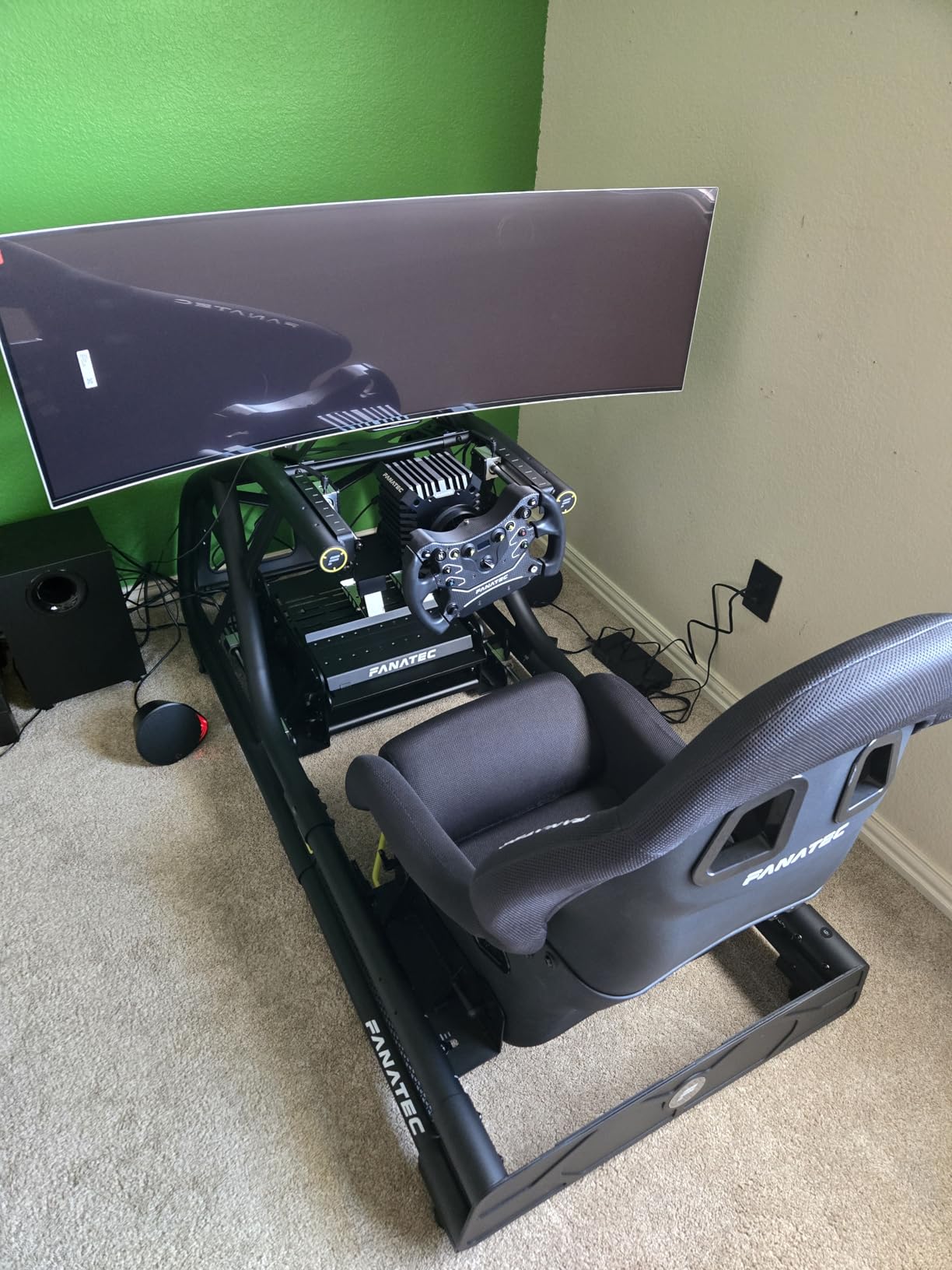
Now the practical parts. At 4.2 stars this model carries the lowest average rating of the ten, with 12% of reviews at one star. The recurring complaints are 250-nit brightness that leaves HDR highlights flat next to a brighter QD-OLED, a 220W power draw, and the sheer 47-inch width and 28.4-pound weight that demand a deep desk and two people to position.
It also needs the graphics hardware to drive 5120 x 1440 properly. Buyers arriving from a mid-range card may find the resolution outruns what their GPU pushes, in which case the Samsung 49 Dual QHD gives the same 32:9 canvas with a far gentler power and thermal load, and the Samsung S50GC keeps a simpler 21:9 panel that almost any recent card drives comfortably.
How to Choose Ultrawide Monitors During Prime Big Deal Days
Choose the Right Screen Size and Desk Depth
Measure your desk before anything else, because the ten picks here split into two groups. Eight are 34-inch 21:9 panels that sit about 31 to 32 inches wide and work on a normal desk. The two 49-inch models are 45 to 47 inches wide and more than 22 inches deep, so they need a dedicated desk and a second person to lift them. A 34-inch display also sits at a comfortable arm’s length plus a bit; a 49-inch one rewards sitting closer.
Check Resolution, Scaling and Text Clarity
3440 x 1440 is called Ultra WQHD or UWQHD, not 4K, and on a 34-inch panel it gives roughly 109 to 110 pixels per inch, which is the same density as a 27-inch 16:9 display. Windows scaling at 100% makes text small, so most people set 125% and lose a sliver of desktop width. macOS handles wide resolutions with scaling options, but 5120 x 1440 on the two 49-inch models is the size where letterboxing shows up in some apps. Flat panels such as the Samsung S50GC keep text more consistent across the width than curved ones.
Match Refresh Rate and Response Time to Your Games
For competitive shooters, treat 165Hz and above as the floor and 180Hz to 200Hz as the comfortable zone, which is where the SANSUI ES-G34C5, the Alienware AW3425DWM, the Sceptre C345B and the ASUS TUF VG34VQ3B sit. For single-player and sim racing, 120Hz is plenty. Below 120Hz, including the 100Hz panels here, fine for office work and light play but not for ranked matches. If your desk also carries audio work and you care about nearfield monitoring rather than a wide game view, our guide to studio monitors for small rooms covers a different category, though the desk-space logic is the same.
Review Panel Type, Color Accuracy and HDR
VA panels dominate this list and give strong contrast around 3000:1, with the ASUS TUF VG34VQ3B at 4000:1 the exception, but they shift color at off-axis angles, so sit square. The QD-OLED option has true blacks and a million-to-one contrast but only 250 nits, so its HDR is less punchy than the Alienware. Check gamut numbers when color matters: 95% DCI-P3 on the Alienware, 99% sRGB on the Dell, LG and Sceptre, 90% DCI-P3 on the ASUS. DisplayHDR 400 is entry-level certification, not a guarantee of local dimming.
Verify Connectivity, Ergonomics and Desk Fit
Decide what you will plug in first. Laptops want USB-C with power delivery, which the Dell S3425DW, the Samsung 49 Dual QHD at 90W and the LG 34WR55QK at 65W all provide. Desktop gamers want DisplayPort for full refresh rate, and the bundled HDMI cable on the Sceptre C345B only reaches about 100Hz. Then check stand adjustment: height adjustment appears on the Alienware, Dell, ASUS, LG 34WR55QK and both 49-inch models, while the SANSUI and the LG 34SR60QC-W tilt only. Kensington locks show up on the SANSUI, which matters in a shared office.
How to Shop Ultrawide Monitor Deals During the Sale
Monitor listings get confusing fast during a sale, so check five things on the page. Confirm the exact model number, since several of these families have near-identical names and different panel revisions. Check the size and curvature variant, because flat and curved versions of the same 34-inch line are separate listings. Look at what is in the box, since a cable may or may not be included. Note whether the offer is new or renewed, and who sells and ships it rather than Amazon directly. Most offers need a Prime membership, a free trial counts, and the price on a given listing can change several times through the event.
Before you commit, a quick checklist:
- Desk width and depth measured, with clearance for a 49-inch model if that is on the list
- Refresh rate matched to your GPU and to the type of games you actually play
- USB-C power delivery confirmed if you are driving the display from a laptop
- Height adjustment on the stand, or a plan to add a monitor arm
- Color gamut checked if you edit, grade or design
- Model number and condition verified on the listing before checkout
Frequently Asked Questions
What are the Best Amazon Prime Big Deal Days Ultrawide Monitor Deals?
The SANSUI ES-G34C5 leads with a 200Hz refresh rate, 1ms response and more owner reviews than any other pick. The Samsung S50GC is the flat productivity option, the Alienware AW3425DWM carries a top rating and a three-year warranty, and the Sceptre C345B is the lowest-cost 180Hz entry.
When does Prime Big Deal Days run, and do I need a Prime membership?
Prime Big Deal Days runs October 6-7, 2026, and Amazon confirmed those dates. Most offers on these monitors need an active Prime membership, though a free trial counts if you have not used one. Offers shift through the two days, so check the listing rather than trusting a roundup written on day one.
Is a 34-inch ultrawide better than a dual-monitor setup?
For most people, yes, if the two screens were the same size and used for the same work. One 34-inch panel gives you the same width with no bezel gap, one power cable and one stand. Two 16:9 monitors still win when you need a portrait display, a separate reference screen, or a small screen for chat beside a large one.
Do I need a graphics card for an ultrawide monitor?
An ultrawide uses the graphics port on your PC, so a monitor alone will not drive it. Integrated graphics can usually handle 3440 x 1440, which is what the eight 34-inch picks here use. The two 49-inch 5120 x 1440 models, including the Samsung 49 Dual QHD and the Odyssey OLED G9, want a discrete card to run well.
Will every ultrawide resolution work well with Windows or macOS scaling?
Not quite. 3440 x 1440 usually needs Windows at 125% scaling for comfortable text, and macOS handles the wide desktop but can letterbox some apps at 5120 x 1440. Flat panels like the Samsung S50GC keep text more uniform across the full width, which helps during long reading sessions.
What cable and port setup should I look for on an ultrawide monitor?
For a desktop, use DisplayPort to reach the full refresh rate, since a bundled HDMI cable may cap out much lower. For a laptop, look for USB-C with power delivery, which the Dell S3425DW, the LG 34WR55QK and the Samsung 49 Dual QHD provide. Add a KVM switch or picture-by-picture if you juggle two sources.
Final Verdict: Best Amazon Prime Big Deal Days Ultrawide Monitor Deals
Buy the SANSUI ES-G34C5 if you want one monitor that handles both work and play, because 200Hz at 3440 x 1440 with more than 4,700 owner reviews is the strongest all-round package here. Budget watchers should take the Sceptre C345B for 180Hz at the lowest cost, accepting the reliability reports and buying a DisplayPort cable.
For competitive shooters, the Alienware AW3425DWM gives you a 4.6-star rating plus a height-adjustable stand and a three-year warranty. If motion clarity is the priority, the ASUS TUF VG34VQ3B adds ELMB Sync and a wider port set. Laptop users should look at the Dell S3425DW for a single-cable USB-C dock, or the LG 34WR55QK if you want a DisplayPort input and a headphone jack alongside USB-C charging.
Reading and documents call for the flat Samsung S50GC, and streaming without a PC means the LG 34SR60QC-W. When 21:9 runs out of room, the Samsung 49 Dual QHD gives a 32:9 canvas with 90W USB-C docking, and the Samsung Odyssey OLED G9 is the only true-black option, with the sharpness and contrast to justify the widest footprint on this list. Check each listing during the event, confirm the model number, and use the buttons above to see the current price.