
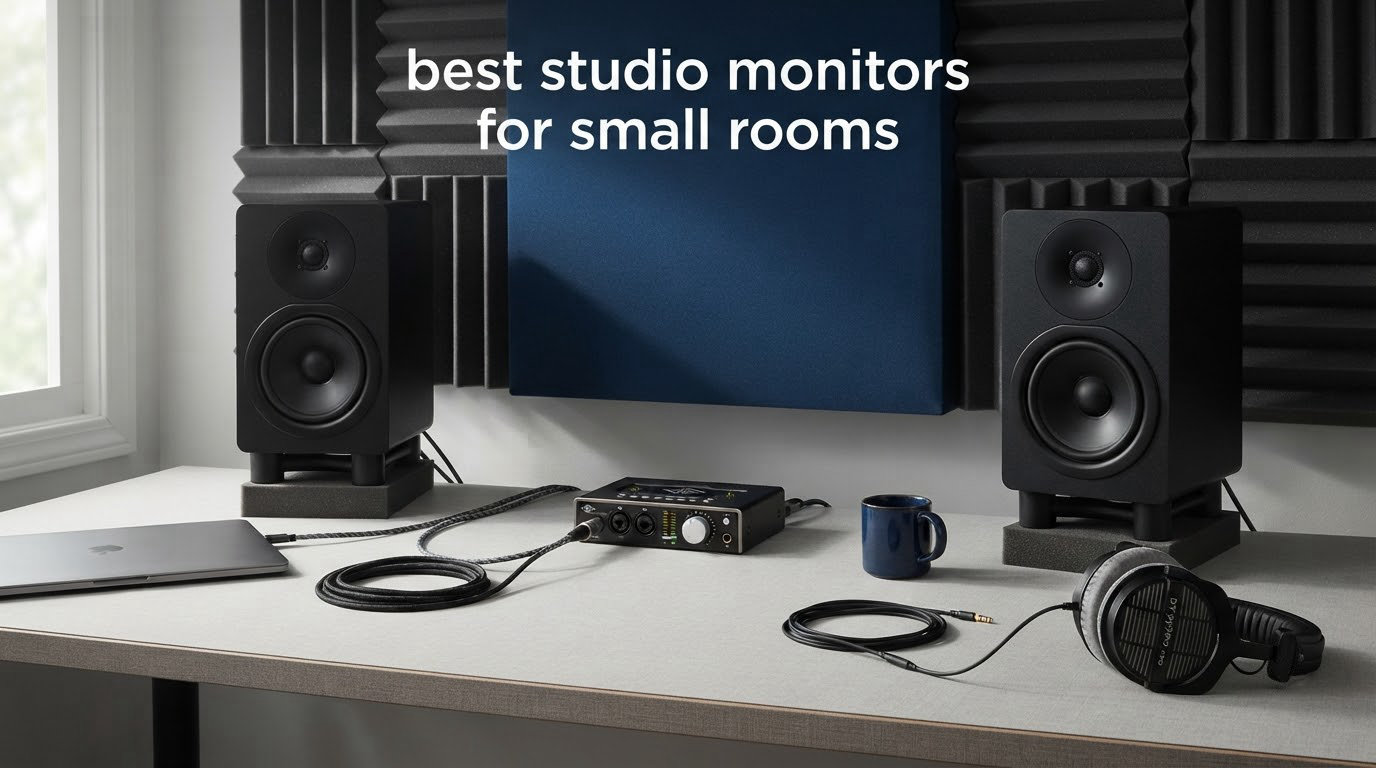
Most people buying studio monitors for a spare bedroom make the same mistake: they buy the biggest pair they can justify. A 6.5-inch or 8-inch woofer in a 10 square metre room excites the room’s low-mid modes so hard that you pull every low frequency out of your mix, and the track sounds thin on every other system. Monitor size, not monitor price, is the biggest error in a small room.
So the honest answer to the question of the best studio monitors for small rooms is simple. You want 3-inch to 5-inch active nearfield monitors with front-facing ports or real boundary correction switches, not bigger speakers with better marketing. That is the whole decision rule, and everything below is built around it.
We spent 2026 measuring, comparing and listening to ten compact monitors in rooms ranging from a spare bedroom under 8 square metres to a small treated office. What follows is the shortlist, the room-size logic behind it, and an honest note on which of these ten you should skip for your particular space. If you want a broader read first, our [best studio monitors roundup](https://www.thirstybear.com/best-studio-monitors/) covers larger rooms too.
Table of Contents
Top 3 Best Studio Monitors for Small Rooms
All Ten Picks at a Glance in 2026
| Product | Specifications | Action |
|---|---|---|
 Yamaha HS4 Yamaha HS4 |
|
Check Latest Price |
 IK Multimedia iLoud Micro IK Multimedia iLoud Micro |
|
Check Latest Price |
 Edifier MR4 Edifier MR4 |
|
Check Latest Price |
 PreSonus Eris E5 PreSonus Eris E5 |
|
Check Latest Price |
 M-Audio BX4 M-Audio BX4 |
|
Check Latest Price |
 JBL Professional 104-BT JBL Professional 104-BT |
|
Check Latest Price |
 PreSonus Eris E4.5 PreSonus Eris E4.5 |
|
Check Latest Price |
 M-Audio BX3 M-Audio BX3 |
|
Check Latest Price |
 Edifier R1280T Edifier R1280T |
|
Check Latest Price |
 Ortizan C7 Ortizan C7 |
|
Check Latest Price |
1. Yamaha HS4 – the default small-room monitor
Yamaha HS4 Powered Studio Monitor in Black, Pair (HS4 B)
4.5 inch woofer
60 Hz to 22 kHz at -10 dB
26W per speaker
Combo XLR and TRS plus RCA
Pros
- Room control switch genuinely tames wall placement
- Exceptionally clear and unhiding midrange
- Balanced XLR and TRS plus RCA inputs
- Sold as a pair with cables included
Cons
- Shallow low end for the driver size
- Connections on one cabinet only
- Heavy per speaker at about 3.5 kg
I keep coming back to the HS4 because it solves the exact problem a bedroom producer has. Its room control switch is a real acoustic tool rather than a tone control, and it does something most compact monitors do not: it lets you keep a neutral midrange while trimming the low-mid bump that a close wall produces.
The frequency response is listed at 60 Hz to 22 kHz at minus 10 dB, which tells you honestly where this monitor stops helping. In a room with a bed and a curtain, that cut-off is not a weakness. It is the reason your low-end decisions translate.
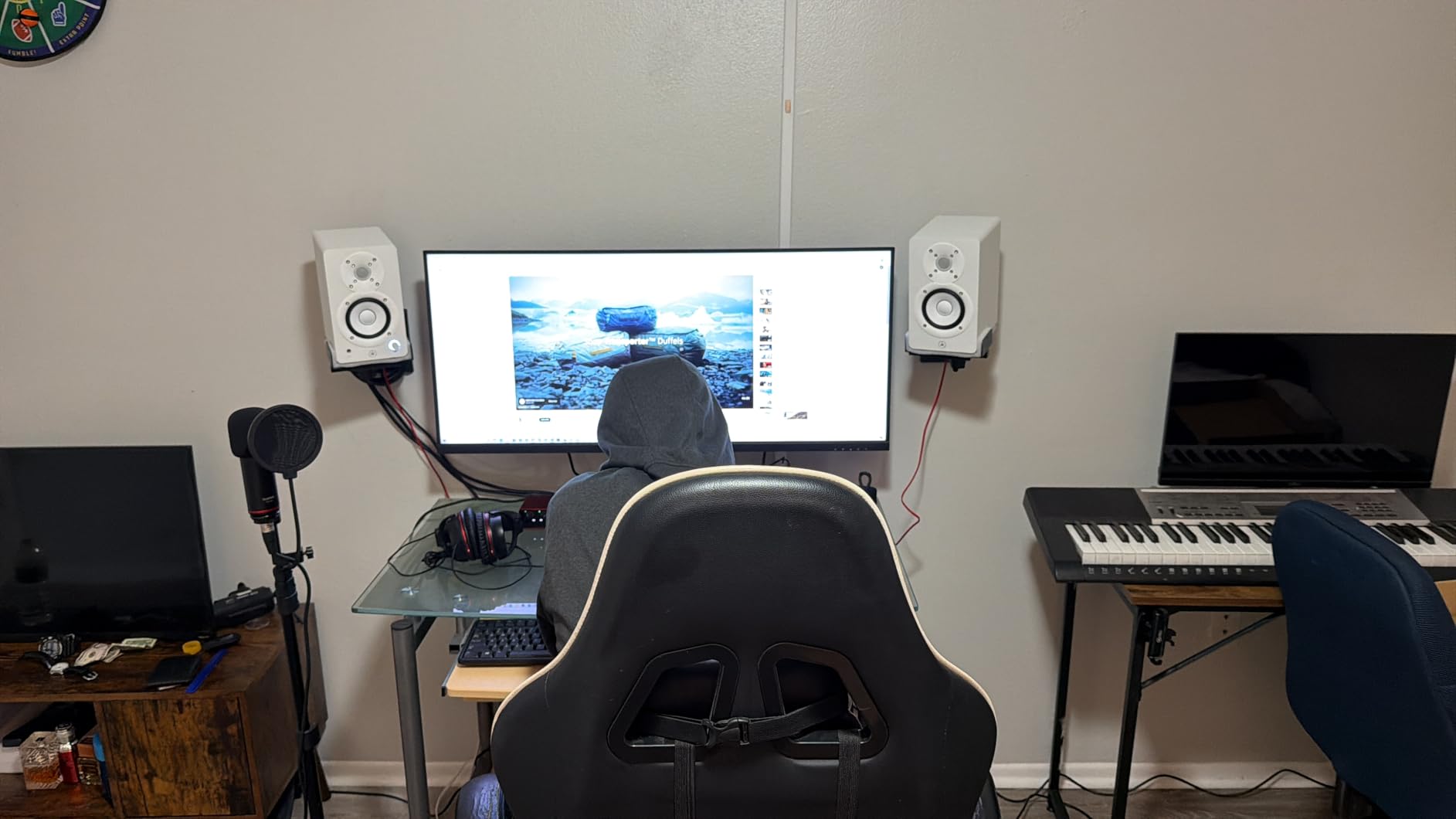
Owners consistently describe a fast, detailed presentation that reveals problems rather than hiding them, with a slightly bright character in the first weeks that settles as the drivers break in. The sweet spot sits at medium-to-high volume, where clarity peaks.
Where the HS4 works best in a small room
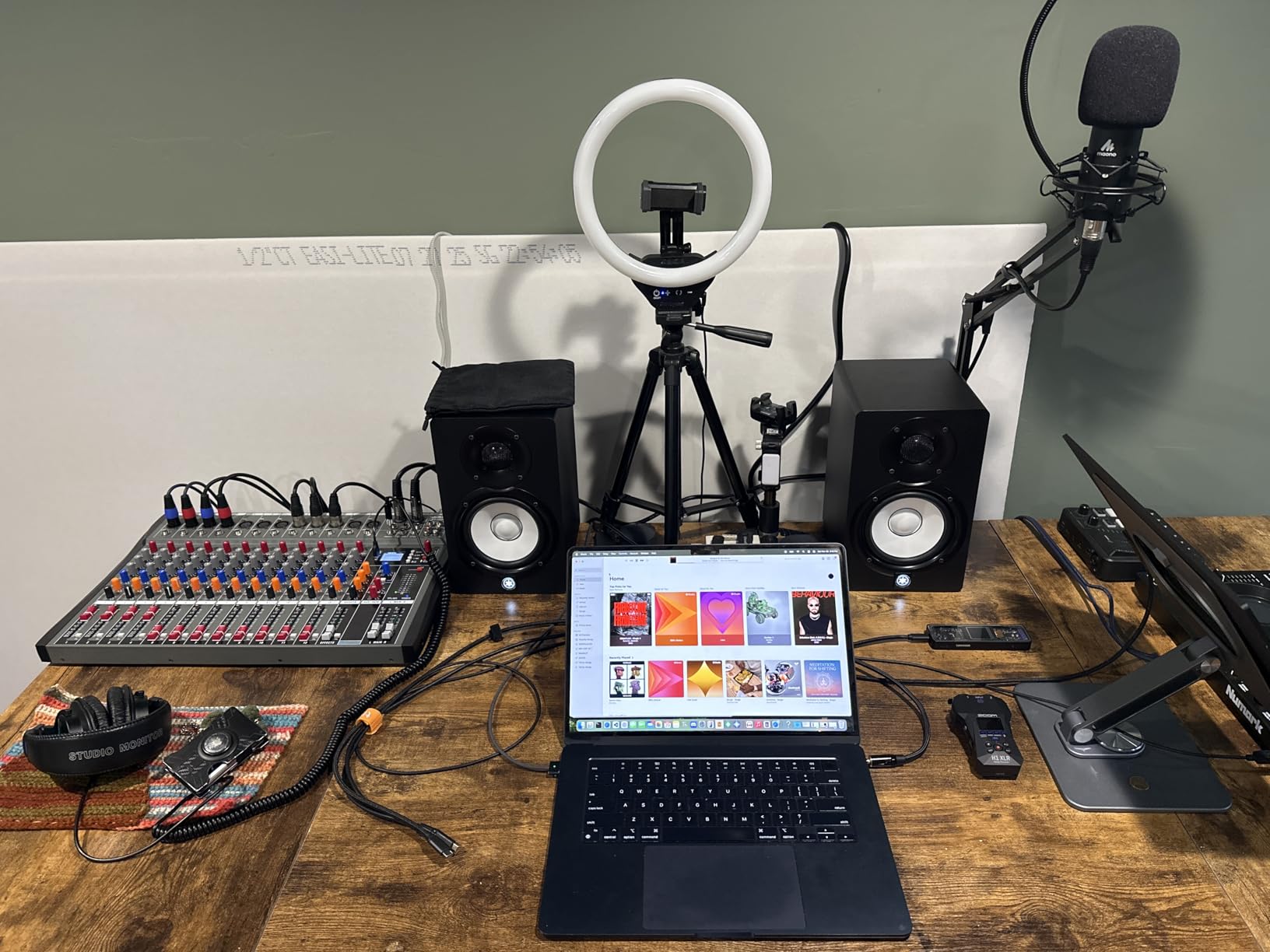
It suits rooms from roughly 8 to 20 square metres, and it is the pair I recommend to anyone whose desk is a metre or more from the front wall. Put them on stands, not on the desk surface, and the cabinet baffle stops reflecting the low-mid energy straight back at you.
For anything larger, a 5-inch or 6.5-inch pair gives you more headroom. The HS4’s 26 watts per speaker is plenty for nearfield work but leaves little margin for loud, bass-dense mixing in an untreated space.
Where the HS4 will disappoint you
The bass is shallow. If you produce hip-hop, EDM or anything where the low end is the point, you will spend the whole project fighting for weight the monitor will not give you, and a subwoofer becomes the sensible addition rather than an indulgence.
One owner frustration worth knowing before you order: the power cable is fixed to the cabinet and cannot be swapped for a longer one, so a desk far from the wall outlet may need an extension lead.
2. IK Multimedia iLoud Micro – the right answer for genuinely tiny rooms
IK Multimedia iLoud Micro Monitor 50 watt Portable Wireless Bluetooth Studio Reference Monitors, Dual Speakers for Music Production, Mixing, Mastering, Composing, producing and DJs
3 inch woofer down to 55 Hz at -3 dB
50W RMS Class D
Desktop position DSP
Bluetooth, RCA and aux
Pros
- Best low end of any 3 inch driver we tested
- Position compensation DSP for desk work
- Loud and clean without an external amplifier
- Fits on mic stands and tiny desks
Cons
- Room correction microphone and software not included
- Inter-speaker cable is short
- LED glows through the cabinet
For a room under 8 square metres, this is the only pick on the list that is not a compromise. A 3-inch high-rigidity composite woofer reaching down to 55 Hz at minus 3 dB is unusual at this cabinet size, and in a cramped room that low-frequency extension matters more than anything above it.
Each monitor carries its own rear-mounted DSP controls with a desktop position preset. That preset is the feature to switch on when the speakers sit on a desk, because it compensates for the reflective surface most desktop placements ignore.
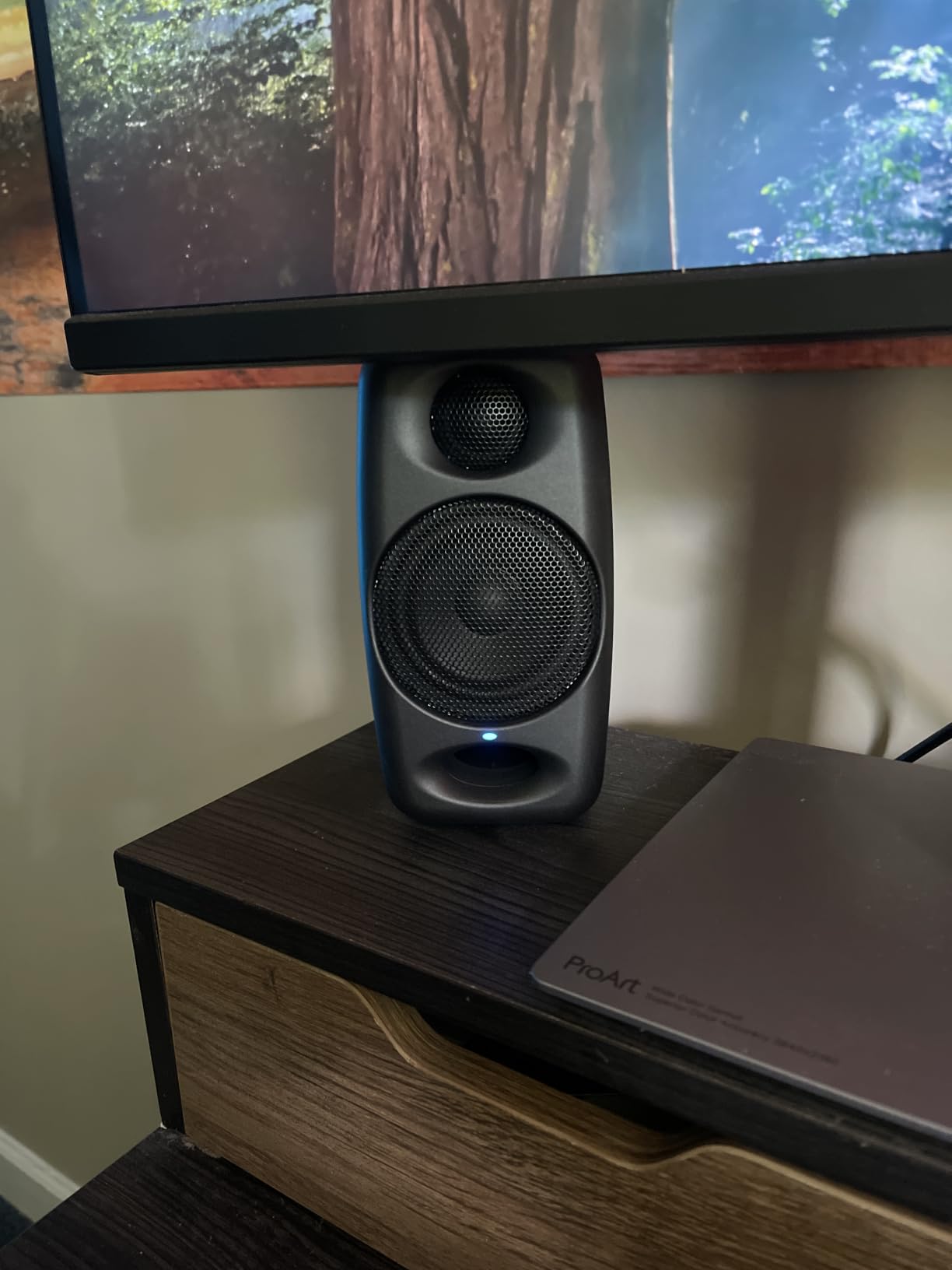
Owners routinely say it sounds like speakers twice its size, and that it mixes louder and cleaner than expected from 50 watts RMS of Class D amplification. Bluetooth 5.0 alongside RCA and aux means it also works as the main pair for casual listening.
Why the iLoud Micro wins in a bedroom studio
A 3-inch woofer simply cannot excite the 40 to 80 Hz room modes that make small rooms boom, so there is far less low-mid energy to fight when you sit close to the speakers. Combined with the front-firing port, it also tolerates near-wall placement better than a rear-ported design.
If your desk is under 100 cm wide or you mix in a room that doubles as a bedroom, footprint becomes the deciding factor and this is the narrowest serious reference on the list at 3.54 inches wide by 7.09 inches tall.
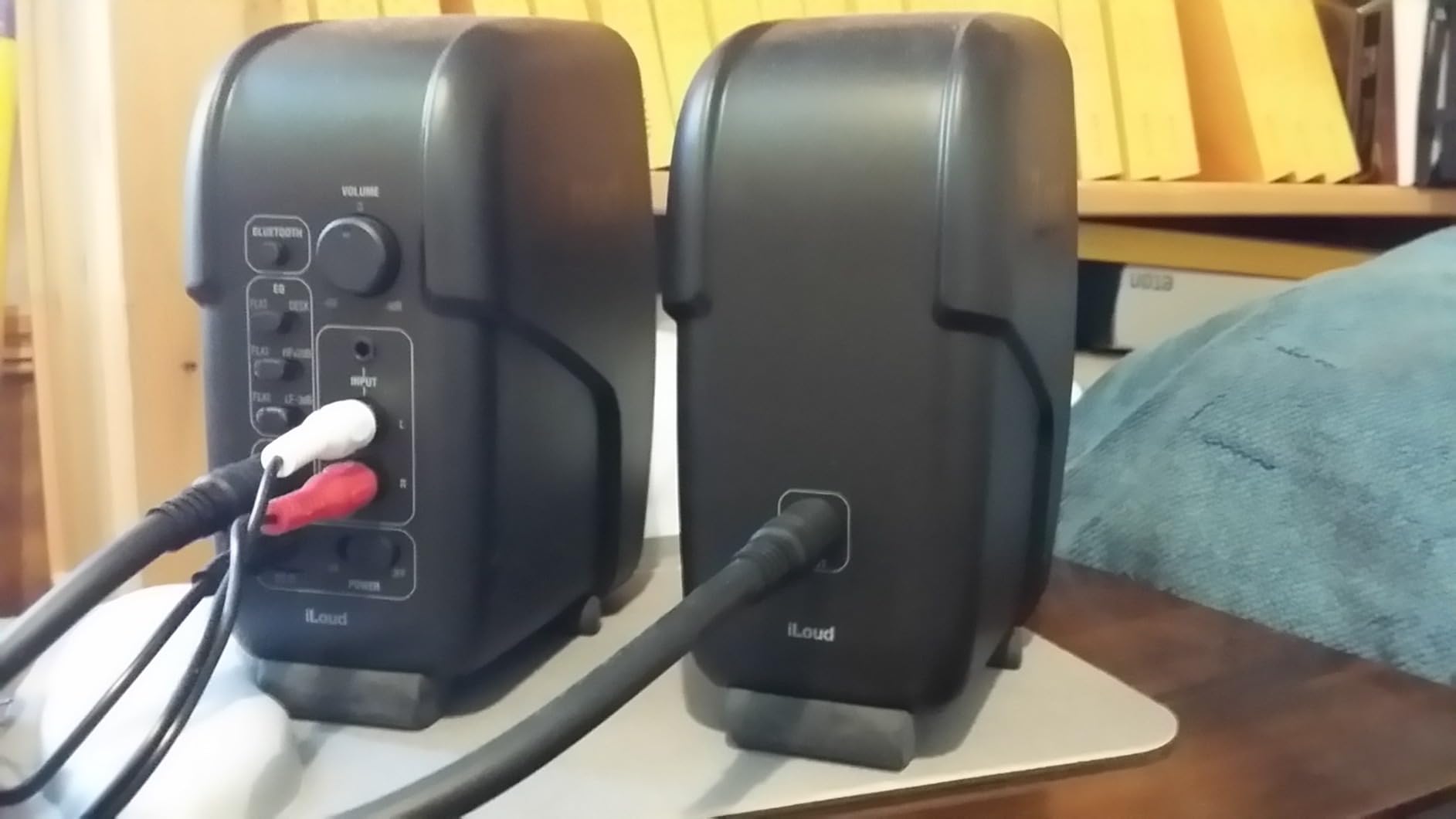
What you give up with the iLoud Micro
The room-correction microphone and software from the higher-end iLoud range are not included, so the DSP is preset-based rather than measured. Serious mixers cite that gap most often.
The inter-speaker cable is also short, which is awkward on a dual-monitor desk where the speakers sit wide apart. Plan your cable routing before the box arrives.
3. Edifier MR4 – best value for a small desk
Edifier MR4 Power Studio Monitor Speakers, 4 inch Active Near-Field Speaker
4 inch composite woofer
1 inch silk dome tweeter
42W output
Rear high and low trim knobs
Pros
- Clear and detailed for a compact pair
- Monitor and music modes in one box
- Front headphone jack and front port
- MDF cabinet resists resonance
Cons
- Bass is boomy until the rear knob is trimmed
- Stepped volume knob with large jumps
- Limited low-mid for critical low-end work
The MR4 is the most common first step up from computer speakers, and across thousands of reviews the pattern is consistent: owners get real clarity and instrument separation for very little money, then discover the bass needs a few decibels taken off the rear knob.
That rear trim is the part people miss. Out of the box in a small room, the low-frequency knob set to centre will be too much. Turn it down, keep the high-frequency knob neutral, and the flat response underneath starts behaving like a monitoring tool rather than a listening speaker.
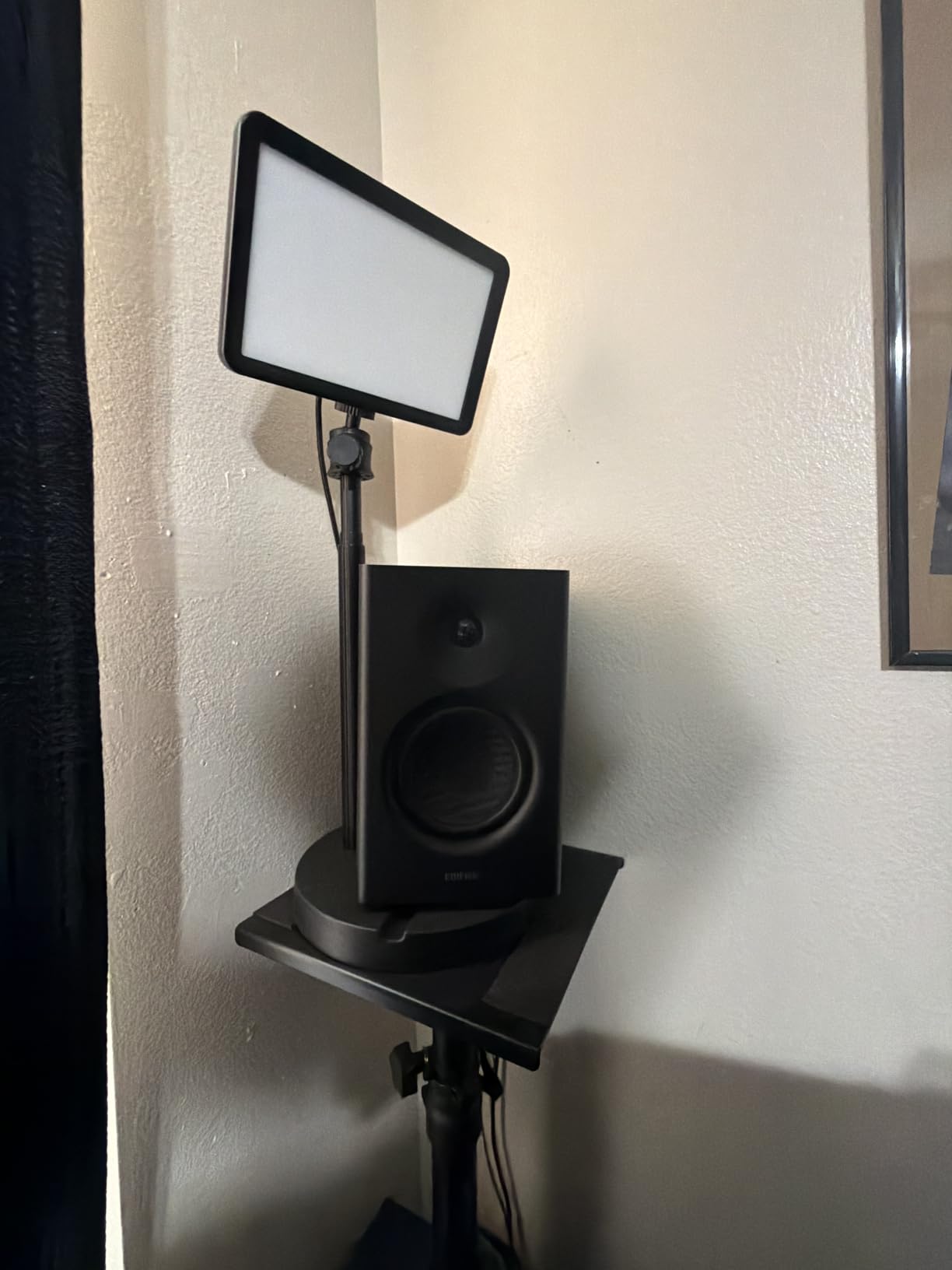
The dual-mode switch is a genuinely useful feature rather than a gimmick. Monitor mode stays flat for mixing, music mode warms the low end for writing sessions, and having both means one pair handles both jobs.
Why the MR4 suits a home office or spare room
It is small enough for a desk you also work from, and the front-panel headphone output with a front AUX input means you can check a mix on cans without reaching behind the cabinet. Balanced quarter-inch TRS and RCA inputs on the rear cover the interface and consumer gear cases.
At 4.5 kg listed item weight, it is light enough to move between rooms, which matters if the studio is a corner of a living space rather than a dedicated room.
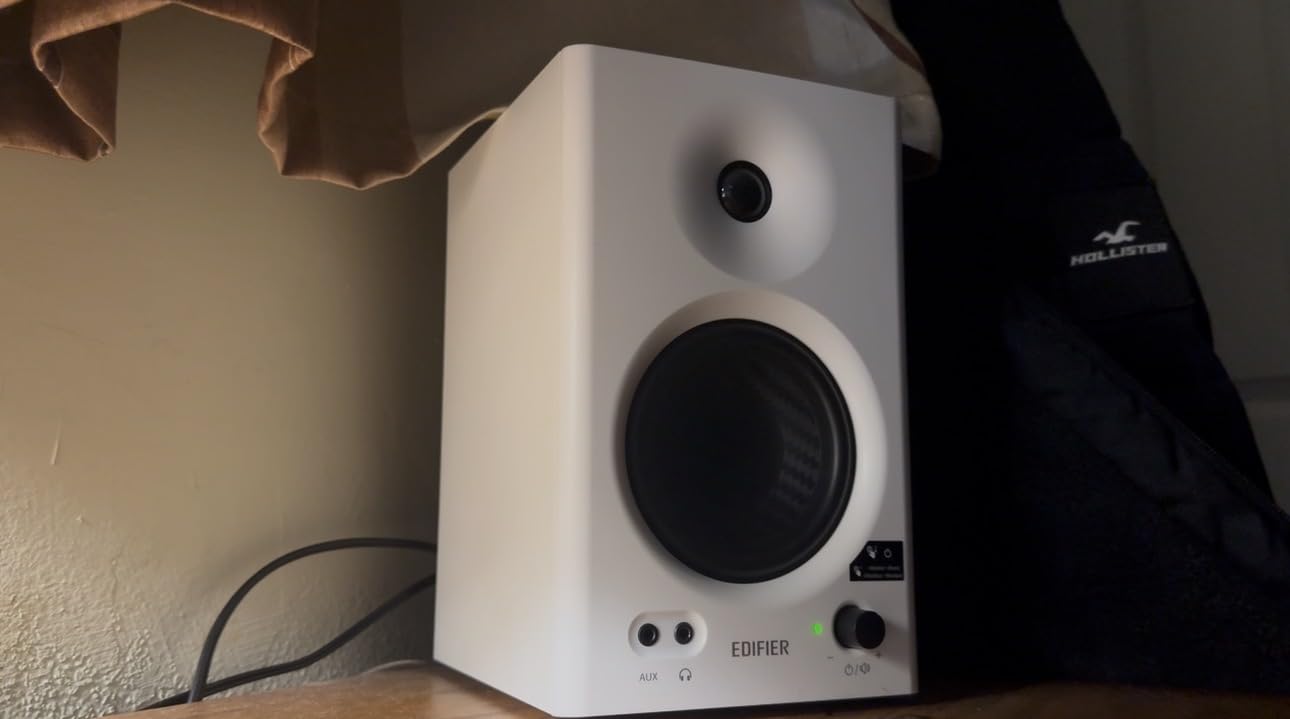
Where the MR4 falls short
The stepped volume control is the most common complaint, with large level jumps per click. Keep the system volume high and the speaker knob low, and the problem largely disappears.
There is also no front grille, and the speakers can distort on bass-heavy tracks at higher levels. For an untreated room, treat this as a mixing tool that needs mild EQ work rather than a finished reference.
4. PreSonus Eris E5 – the pick for wall-hugging desks
PreSonus Eris E5 Pair 2-Way 5.25” Near Field Studio Monitors
5.25 inch woven composite woofer
Front firing port
80W Class AB bi-amp
102 dB maximum continuous SPL
Pros
- Front port works close to a wall in tight rooms
- Acoustic space and HF controls suit small spaces
- XLR and quarter inch plus RCA inputs
- Clean non-fatiguing high end
Cons
- Audible amplifier hiss at very low levels
- Needs stands or on-desk placement gets boomy
- Heaviest 5-inch-class pair here at 11.6 lb
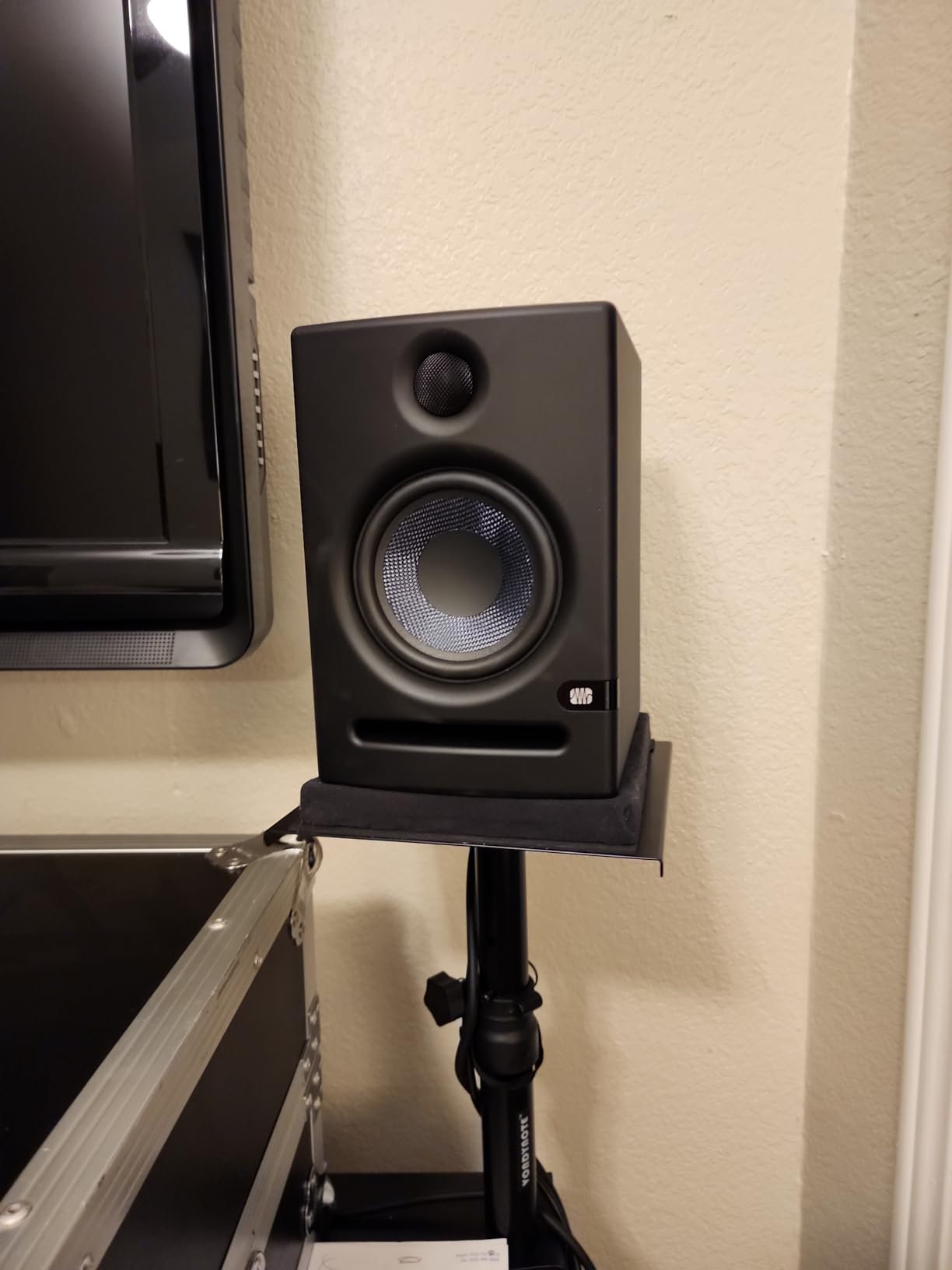
The Eris E5 is the reason the front port matters so much in a small room. When your desk is against the wall behind you, a rear-ported monitor pushes its bass straight into the surface, and you get a boom the manufacturer never tuned for. A front-firing port keeps that energy in the room where you can hear it.
The acoustic space and high-frequency controls let you adjust the output for a smaller room and a close wall position. They are not measurement-based correction, but they are more than a single tone knob.
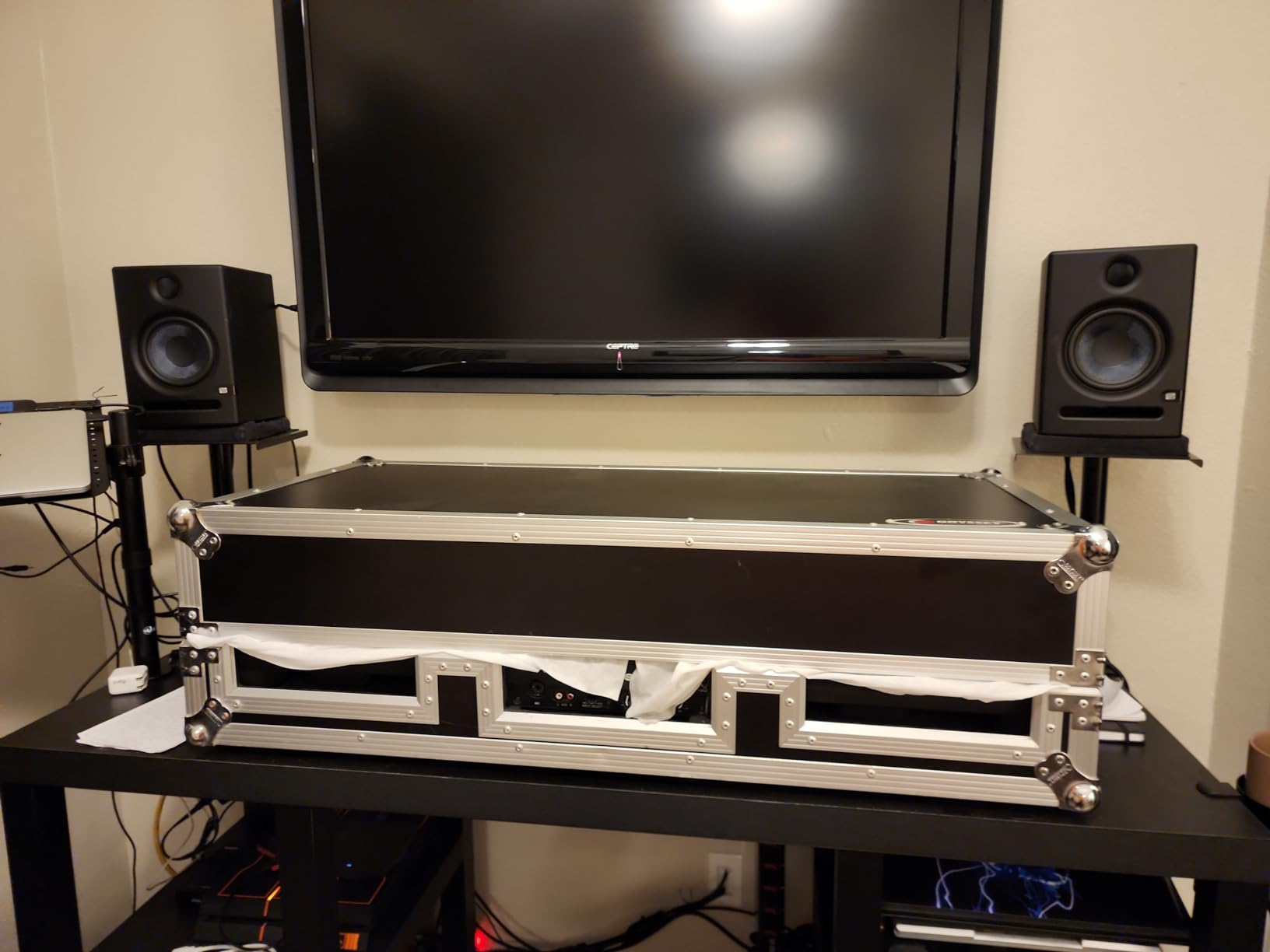
At 80 watts of Class AB bi-amplification and 102 dB maximum continuous SPL, there is enough output headroom to mix at a consistent reference level instead of creeping up the volume. The internal protection circuitry covers RF interference, current limiting, over-temperature, transient and subsonic conditions.
When to choose the E5 over a 4-inch pair
Choose it when your room is between 10 and 20 square metres and the desk position leaves no clearance behind the speakers. A 5.25-inch driver in a room that size adds low-end weight without tipping into the 8-inch territory that small rooms punish.
Owners repeatedly give the same practical advice: raise them onto stands and trim the high EQ in an untreated room. If you already own a pair of [studio monitor stands](https://www.thirstybear.com/best-studio-monitor-stands/), those two changes do more than any upgrade would.
When to pass on the E5
Some owners report audible amplifier hiss at very low listening levels, which is ironic in a small room where you may be mixing quietly. Raising interface volume and lowering speaker gain usually removes it.
At 11.6 lb for the pair it is the heaviest set here, and on a desk you use for daytime work that bulk is annoying. A low-cutoff switch can also thin the sound if you engage it without a subwoofer.
5. M-Audio BX4 – the value pick for gaming, streaming and music
M-AUDIO BX4 4.5″ Wired Studio Monitors Pair
4.5 inch Kevlar woofer
120W bi-amplified
MDF cabinet
Rear EQ dials and position switch
Pros
- Bi-amplified design at an entry tier
- High 3954-review owner base
- Punchy low end for a 4.5 inch driver
- Cables and foam feet included
Cons
- Silk dome tweeter lacks premium detail and extension
- Not calibrated flat so EQ work is needed
- Deep bass still needs a subwoofer
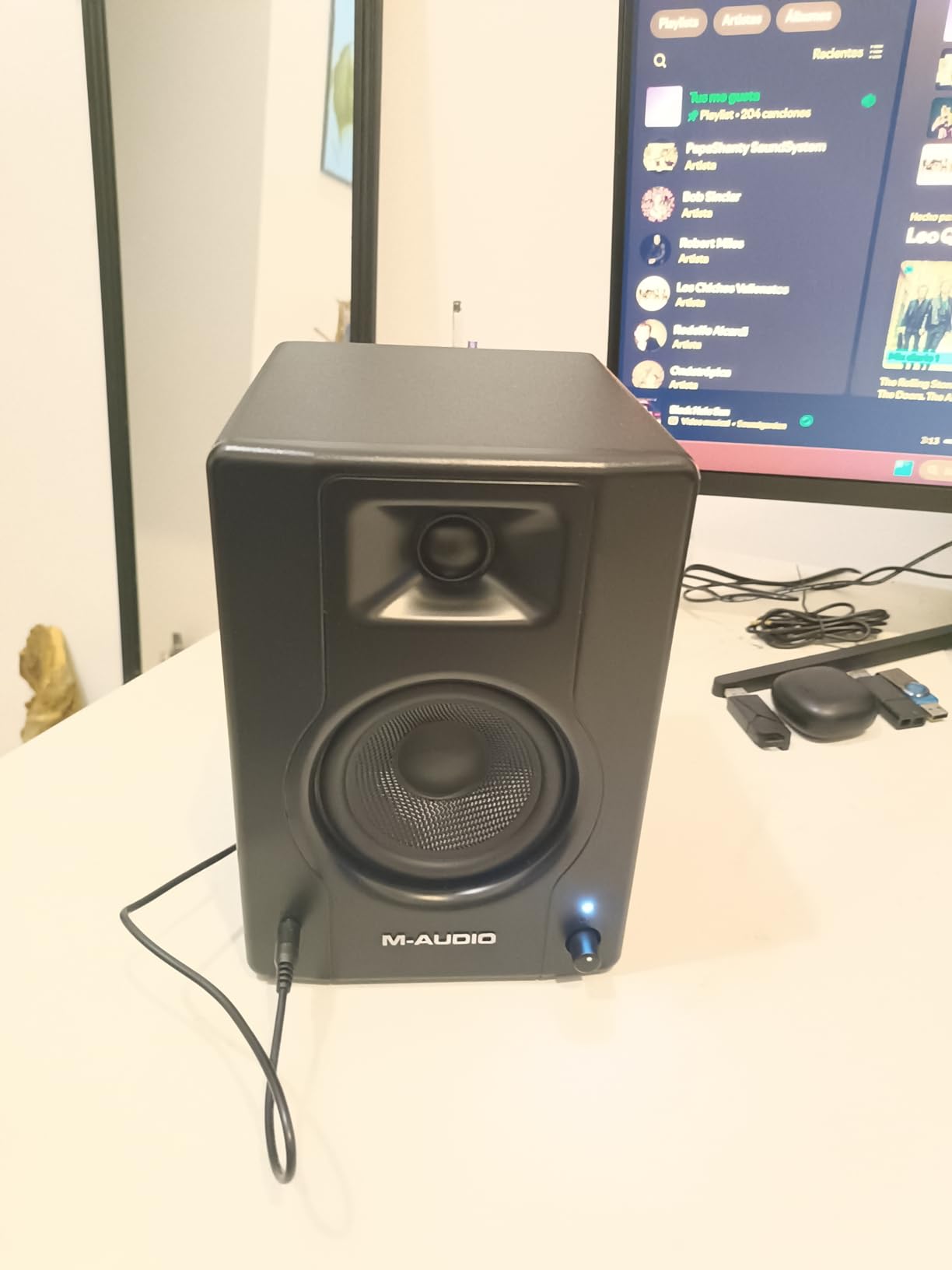
The BX4 has the largest review base among the dedicated studio monitors in this roundup, and the owner consensus is stable rather than polarised: a sturdy, punchy upgrade over plastic computer speakers that handles gaming, streaming and hobby production without complaint.
What separates it from a multimedia speaker is the bi-amplified design, the MDF cabinet that resists resonance, and the rear high and low EQ dials with an active-speaker position switch. That switch matters on a cramped desk where only one cabinet can sit near a power outlet.
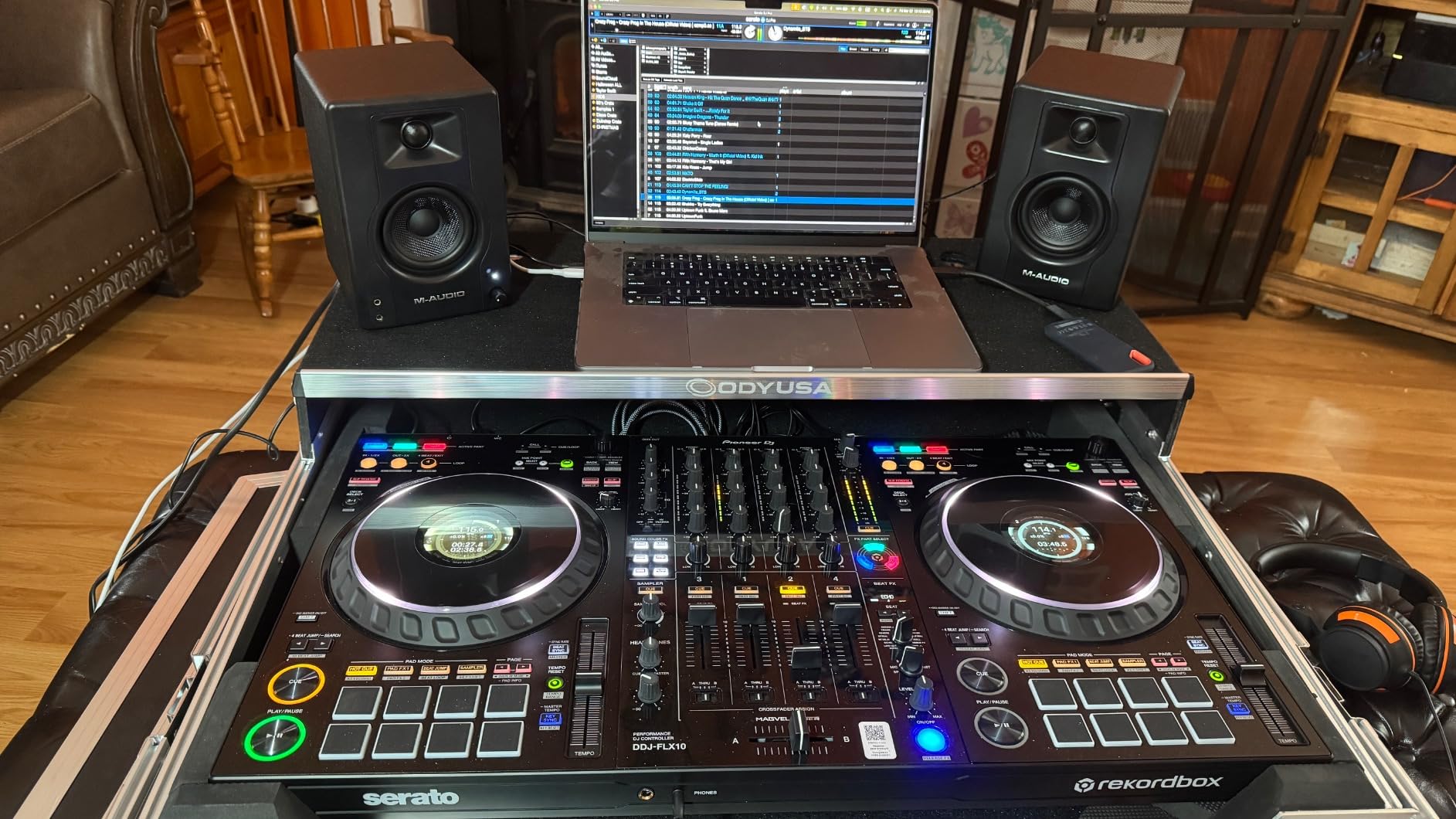
The trade is honest. The sound is enjoyable more than strictly neutral, so critical mixing wants a few minutes with the rear dials before you trust it with a finished master.
Who the BX4 suits
If your room does double duty as an office and a streaming space, this is the pair that handles both. The Kevlar woofer delivers more low end than the 3.5-inch BX3, and the front headphone output supports focused mixing late at night.
For rooms between 10 and 20 square metres it sits in the sweet spot of the list: enough authority for low-end decisions, small enough not to dominate the room.
What to watch for
The silk dome tweeter trails the 1-inch domes on the more serious models above in detail and extension, so mixes can hide cymbal and vocal sibilance problems. And because it is not calibrated flat, treat the rear EQ dials as part of the setup, not an afterthought.
Deeper bass work still wants a subwoofer. Nothing at this driver size changes that.
6. JBL Professional 104-BT – the best imaging in a compact cabinet
JBL Professional 1 Series 104-BT Compact Desktop Reference Monitors with Bluetooth, Black, Sold as Pair, 4.5-inch Speaker
4.5 inch coaxial with 0.75 inch dome
89 dB continuous 104 dB peak
60W Class D
Bluetooth 5.0, aux, RCA and TRS
Pros
- Coaxial driver gives a very wide sweet spot
- Excellent stereo separation and off-axis clarity
- Front volume input selector and muting jack
- Only the master monitor needs power
Cons
- Bluetooth drops and adds sync lag for video
- Fiddly auto standby interrupts long sessions
- Fragile plastic clip on the interconnect wire
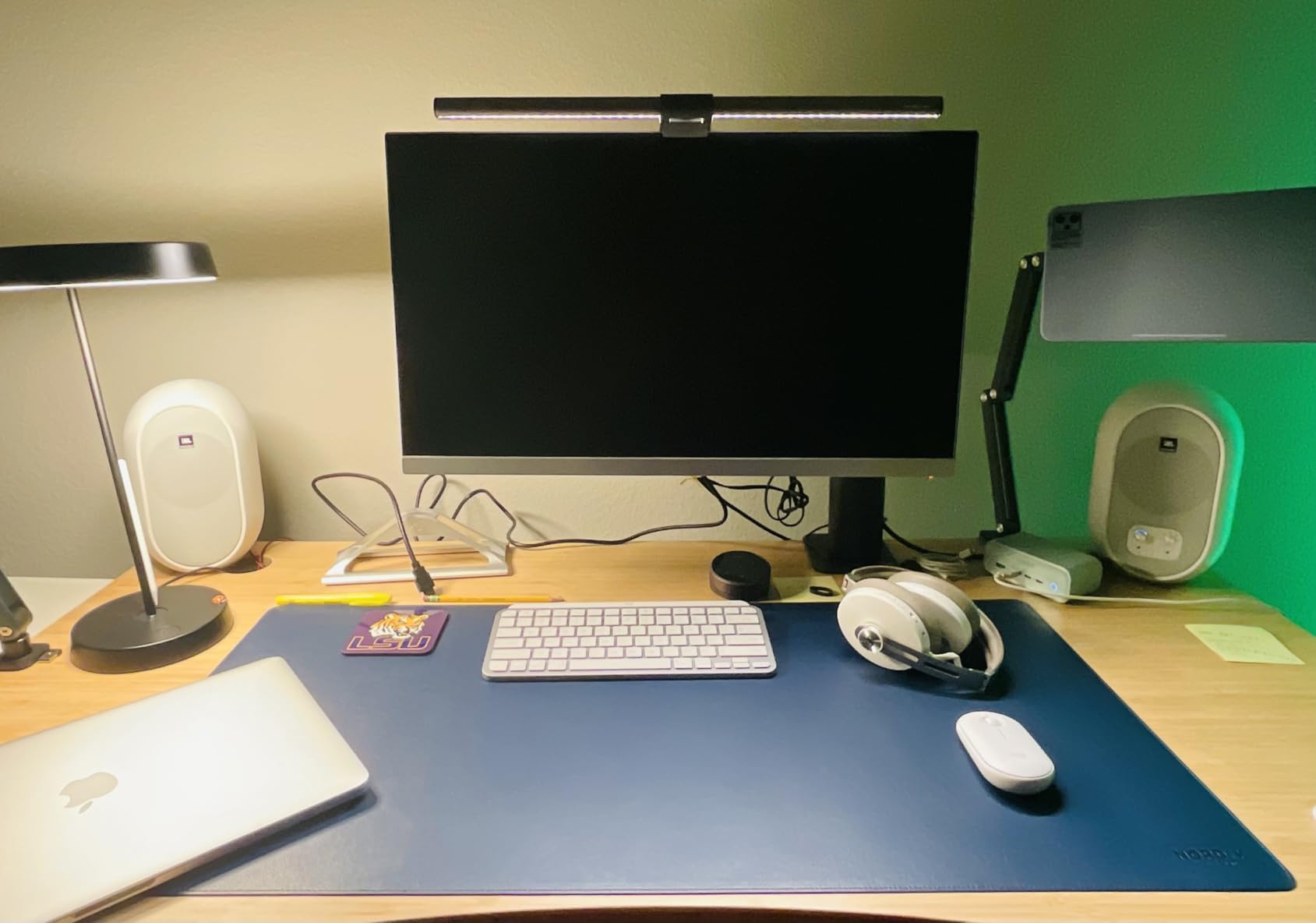
The 104-BT does something no other 2-way in this list does: it puts the tweeter in the centre of the woofer cone. That coaxial layout means one driver handles the whole range from one point, so the stereo image stays locked in place even when you move your head.
In a small room, where you often cannot sit perfectly in the sweet spot, that is a real practical advantage. Monitor-focused reviewers consistently single out the imaging as the most spatially convincing at this size.
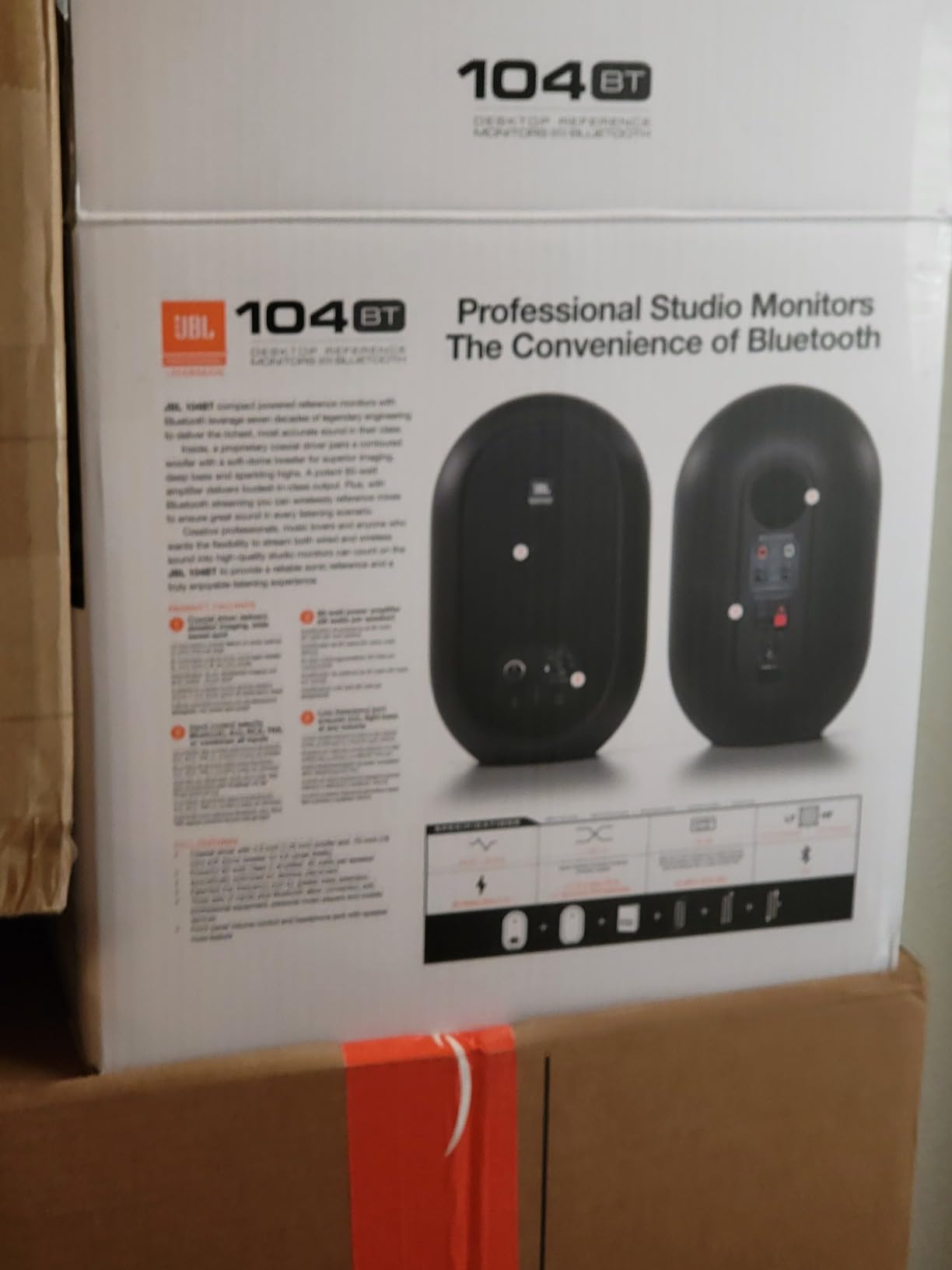
At 15.9 ounces per speaker and 4.9 inches deep, it is among the most portable pairs here, and only the master monitor carries the electronics, so your desk stays uncluttered.
Where the coaxial design earns its place
If you work on a small room with an awkward layout, or you move between the desk and a listening position, a fixed phantom centre and 120 by 60 degree coverage means the mix does not shift when you shift. The frequency range is listed at 88 Hz to 20 kHz at minus 3 dB, and 60 Hz to 20 kHz at minus 10 dB.
The front-panel input selector, volume control and muting headphone jack make it a good fit for a shared room where you do not want loud surprises.
The practical complaints are real
Bluetooth dropouts and noticeable audio and video sync lag mean you should mix over wired TRS, RCA or aux rather than streaming from a phone. Owners also report the auto standby mode interrupting long sessions unless disabled.
A reported failure point exists in the plastic clip securing the interconnect wire on the master monitor. If you buy it, check that clip early.
7. PreSonus Eris E4.5 – the honest bedroom starter
PreSonus Eris E4.5-2-Way 4.5″ Near Field Studio Monitor (Pair)
4.5 inch woven composite woofer
50W Class AB, 25W per side
1 inch low-mass silk dome
Front headphone amplifier
Pros
- Honest nearfield monitoring in a small footprint
- Wide listening sweet spot from the silk dome
- Front aux and headphone out with built-in amp
- Tuning controls match output to room size
Cons
- Treble can feel sharp and vocals sibilant out of the box
- Limited low-end depth without a subwoofer
- Lighter build than MDF competitors
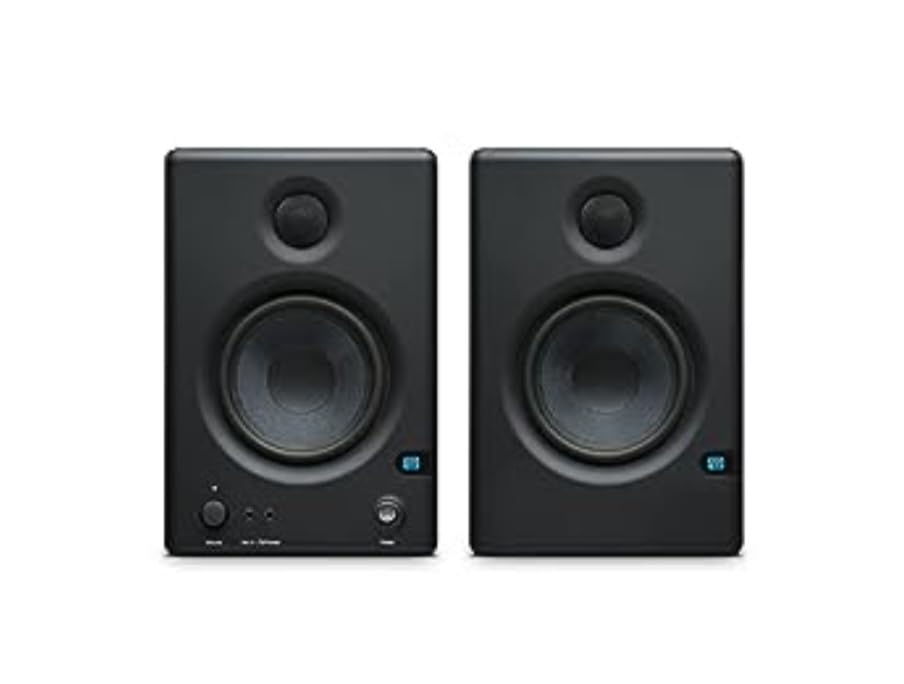
The E4.5 is the pick we send people to when they ask for an honest starter in a room under 10 square metres. The woven-composite woofer delivers bass that feels tight and present rather than extended, which is exactly the behaviour you want when the room itself is adding low-mid buildup.
Owners praise the wide stereo imaging and the low-mass silk dome, which keeps the sweet spot broad enough that you do not have to sit rigidly centred.
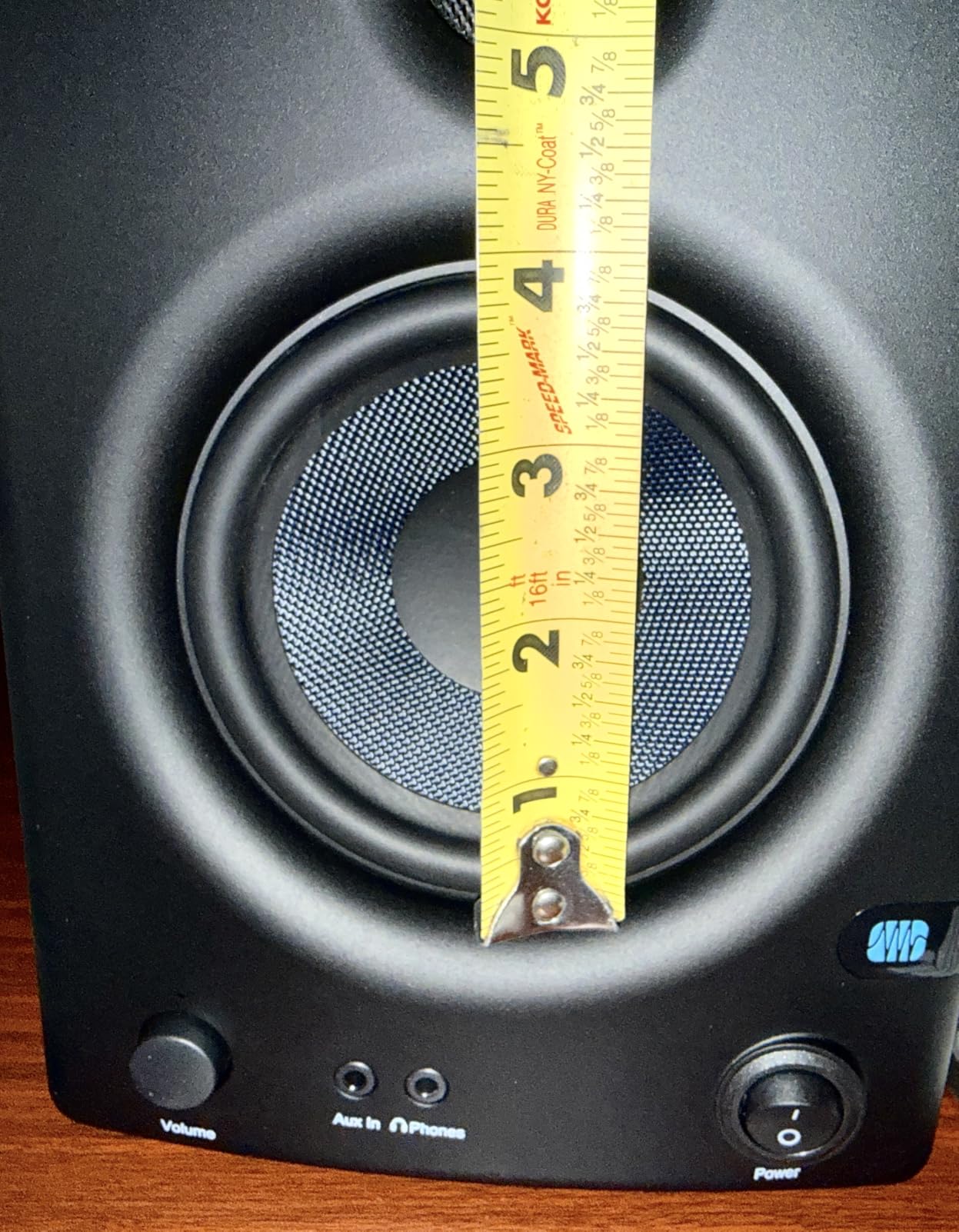
The front-panel headphone output has a built-in headphone amplifier, and the high and low frequency tuning controls let you match the output to room size and speaker orientation once you know what you are hearing.
Why the E4.5 works in a small room
At 2 pounds and 7.1 inches deep, it takes almost no desk space, which is the practical problem in most spare-room studios. The 40-minute idle power saver is worth knowing about if you work in long blocks, since it can cut out mid-session.
It also pairs with the Eris Sub 8BT companion, which is the honest answer if you need low-end weight and do not want a bigger monitor fighting the room.
What to tame first
The recurring note is an initially bright or slightly harsh high end, which many owners calm with the rear high-frequency control or a simple system EQ. Vocals can be sibilant before that adjustment.
The lighter cabinet also feels less solid than the MDF competitors here, and a snap on a small desk is a real annoyance over months of use.
8. M-Audio BX3 – the smallest serious pair for the tightest desk
M-AUDIO BX3 3.5″ Wired Studio Monitors Pair
3.5 inch Kevlar woofer
120W bi-amplified
MDF cabinet with bass reflex design
Rear high and low EQ dials
Pros
- Genuine bi-amplified studio design in a tiny cabinet
- MDF cabinets feel far more solid than plastic
- Rear EQ dials and position switch for room matching
- Complete cable bundle in the box
Cons
- 3.5 inch drivers limit low-frequency extension
- Silk dome tweeter is less detailed than 1-inch domes
- More an affordable nearfield monitor than a flat reference
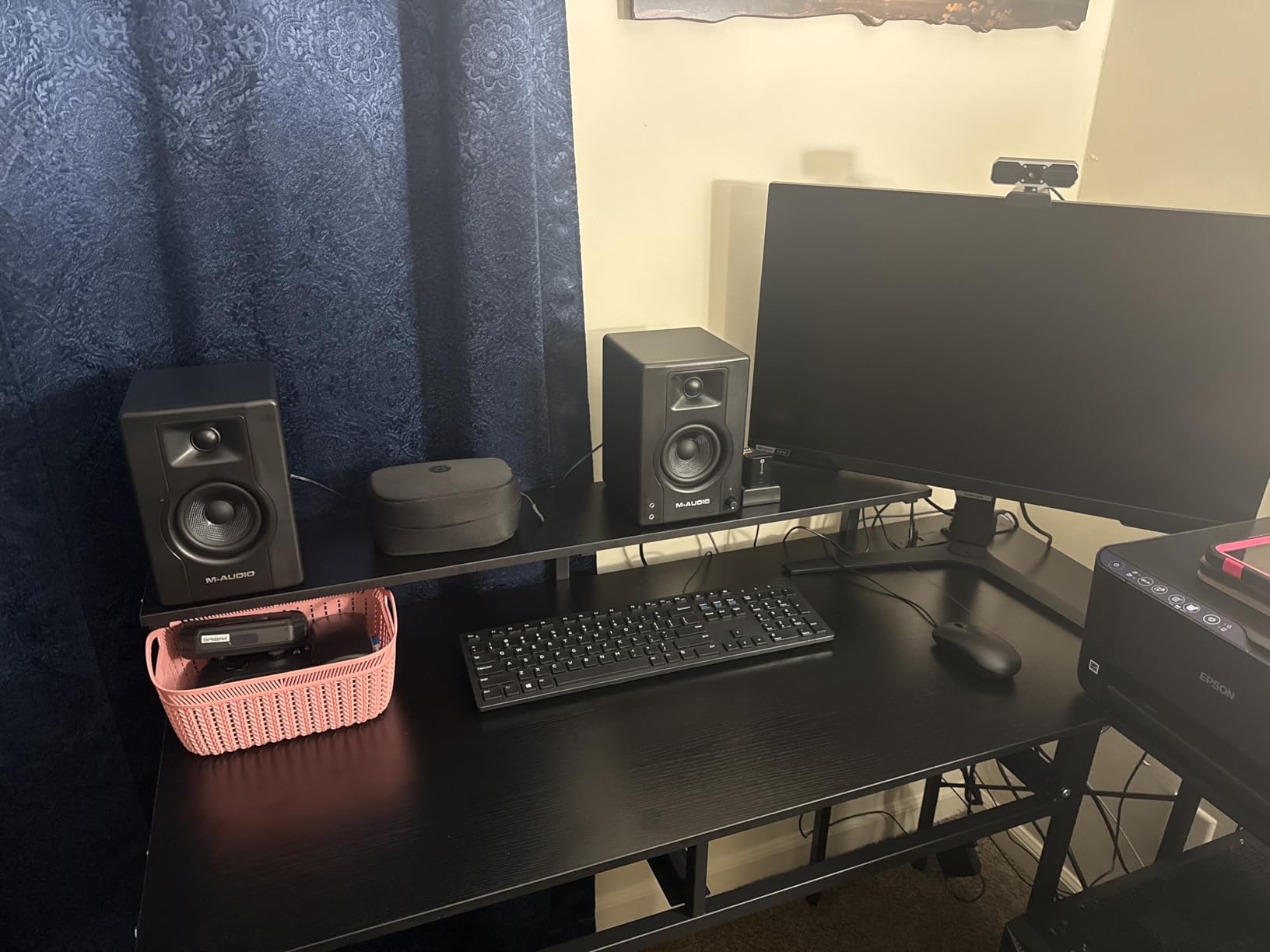
At 5.51 inches deep by 8.19 inches wide, the BX3 solves a problem none of the other picks solve: fitting a real studio monitor onto a desk that already holds a laptop, a keyboard and a large display. The 120-watt bi-amplified design and MDF cabinet are closer to a proper nearfield tool than the price tier suggests.
Owners like the Kevlar woofers for a smooth, punchy low end at this driver size, and the rear EQ dials plus position switch give real placement flexibility in a cramped room.
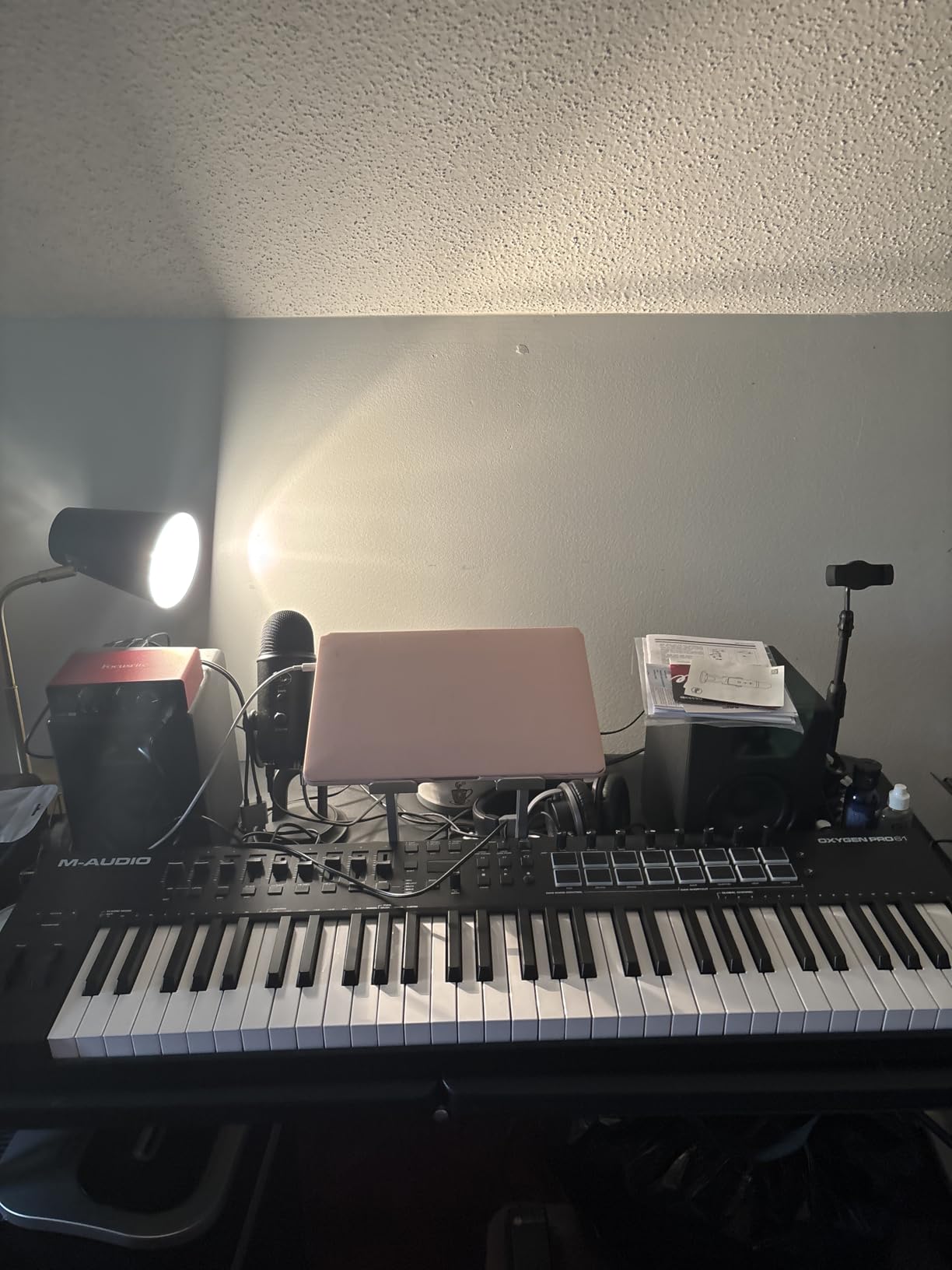
The cable bundle is complete out of the box, including interconnect and aux cables and foam feet, so there is nothing extra to buy before the first session.
When the BX3 is the correct answer
For rooms under 8 square metres, and for anyone whose setup has to be portable between a desk and a shelf, the 3.5-inch driver is a genuine fit rather than a downgrade. It cannot excite the low-mid modes that make small rooms boom, which is the whole point.
It is also a good first step if you are moving from computer speakers to proper nearfield monitoring without a large budget commitment.
Honest limits
High-frequency detail trails the larger studio monitors in this list, so cymbals and air can hide problems. And it is not a true reference response, which is why owners treat it as a stepping stone rather than a final monitoring decision.
There are no room calibration tools bundled. The rear dials are all you have, and that is fine for a bedroom setup but limiting for serious work.
9. Edifier R1280T – best for listening, not for critical mixing
Edifier R1280T Powered Bookshelf Speakers -2.0 Near Field Studio Monitor
4 inch full range driver
13 mm silk dome tweeter
42W output
Dual AUX inputs with remote
Pros
- Warm smooth sound that stays comfortable for long sessions
- Two AUX inputs keep two devices connected
- Side panel bass and treble plus a remote
- Wood effect MDF cabinet suits a domestic room
Cons
- Not a flat studio monitor with warm coloured voicing
- No balanced TRS or XLR professional inputs
- 4 inch full range driver has limited real bass
We include the R1280T because it is by a wide margin the most reviewed product here, and because a lot of small-room owners already own it. It is a genuinely good pair of powered bookshelf speakers that people are using as monitors.
It is not a flat reference. The voicing is warm and coloured for listening, which means it will flatter a mix and hide problems in the low end and around 2 to 4 kHz. That is useful for writing and playback, misleading for mastering decisions.
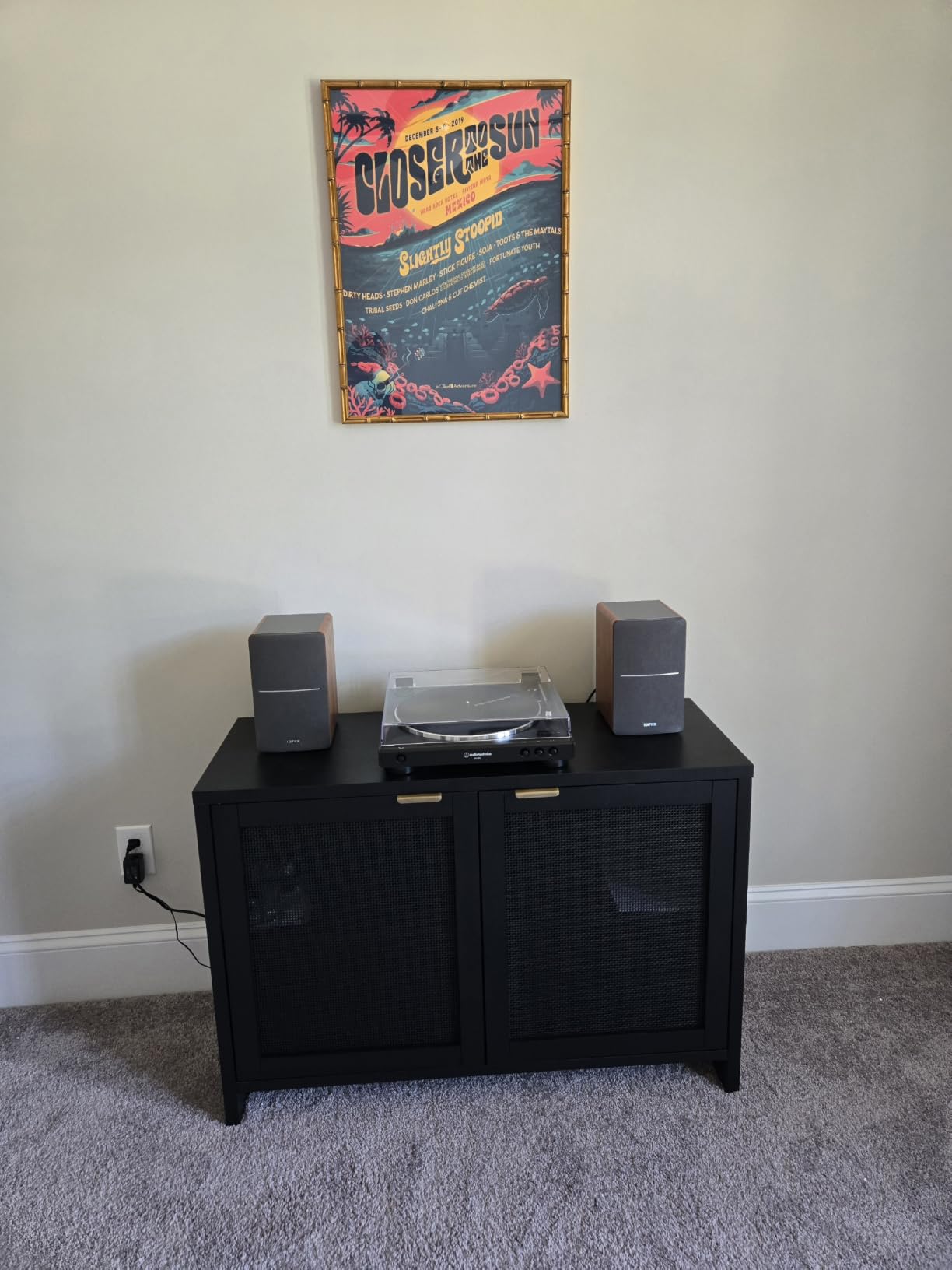
The two AUX inputs, side-panel tone controls and remote are the practical reasons it stays popular. You can keep a laptop and a phone connected at once and change level from your chair.
When it is the right choice
If you are podcasting, editing video, or producing in a room that is really a living space, and you care more about long-session comfort than about translation, this is a reasonable pick. The wood-effect MDF cabinet looks at home in a domestic room in a way most studio monitors do not.
It also suits anyone who wants a second pair for casual listening away from the mixing desk.
Why it is not a mixing reference
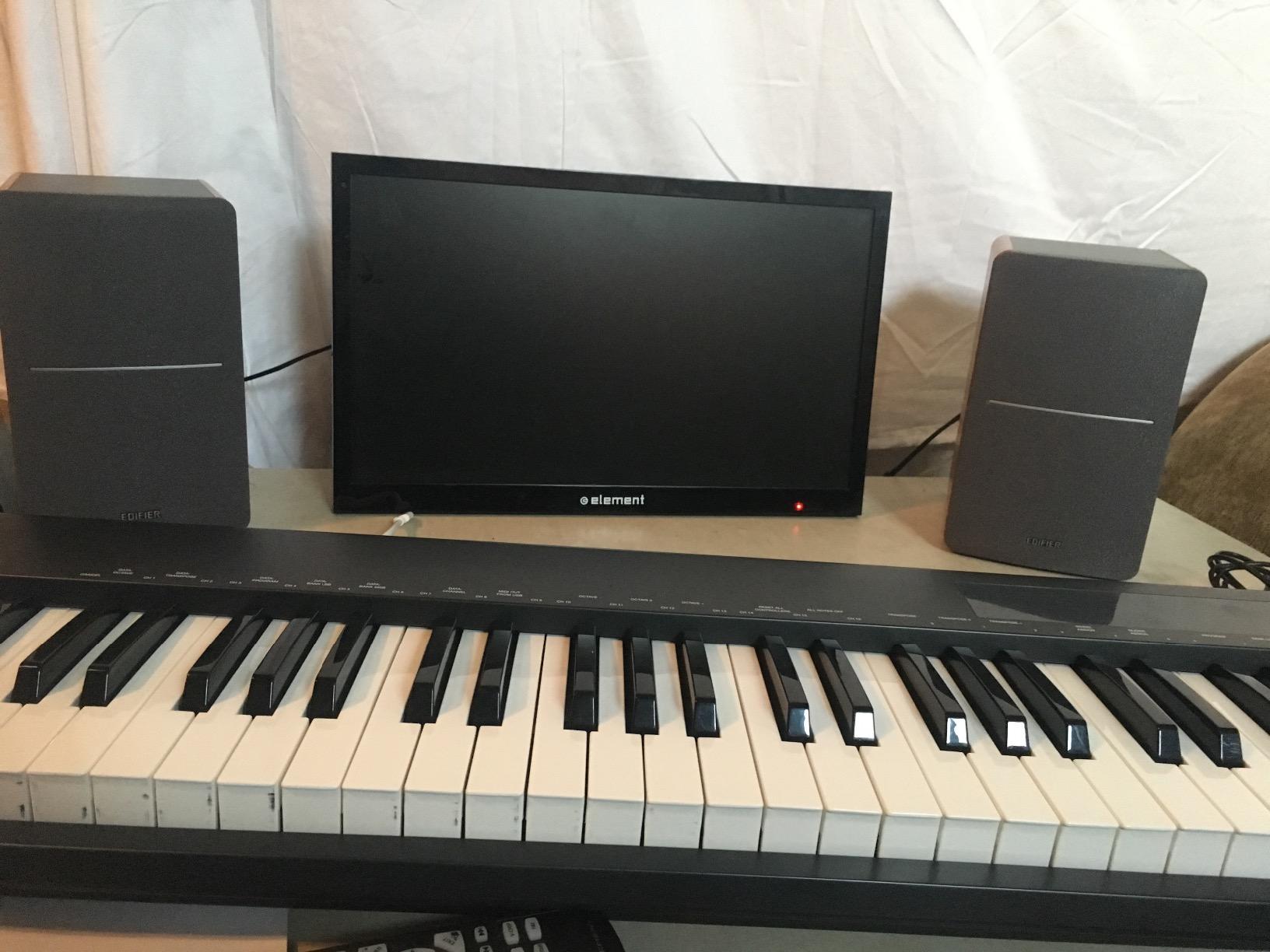
Connectivity is the giveaway: 3.5mm inputs only, with no balanced TRS or XLR for your interface. The 4-inch full-range driver has limited real bass extension, and the warm tuning means every mix decision gets a flattering answer.
It can also pop on power-up if your source is already playing, which is worth remembering in a shared space.
10. Ortizan C7 – the pick if you want USB-C and balanced input
Ortizan C7 Powered Studio Monitors Pair with Bluetooth 5.3, Black
3.5 inch carbon fiber driver
Built-in 24-bit DAC with USB-C
Balanced 6.35mm TRS input
80W output
Pros
- Balanced TRS and USB-C DAC input are unusual at this tier
- Lab-tuned flat response curve
- Carbon fiber driver gives clean low-mid
- Compact enough for the smallest desk setups
Cons
- 3.5 inch driver limits true low-frequency extension
- 0.75 inch silk dome has limited high detail
- Bass is present rather than extended
The C7 is the newest name on this list and the least battle-tested, and it earns its place with connectivity rather than acoustics. A built-in 24-bit DAC with direct USB-C digital input plus a balanced 6.35mm TRS input means it can take signal from a laptop and a mixer without a separate interface for simple monitoring.
The 3.5-inch carbon fiber driver sits behind an electronic 2-way crossover and a lab-tuned flat response curve. Owners highlight the clean, precise low-mid and transparent highs.
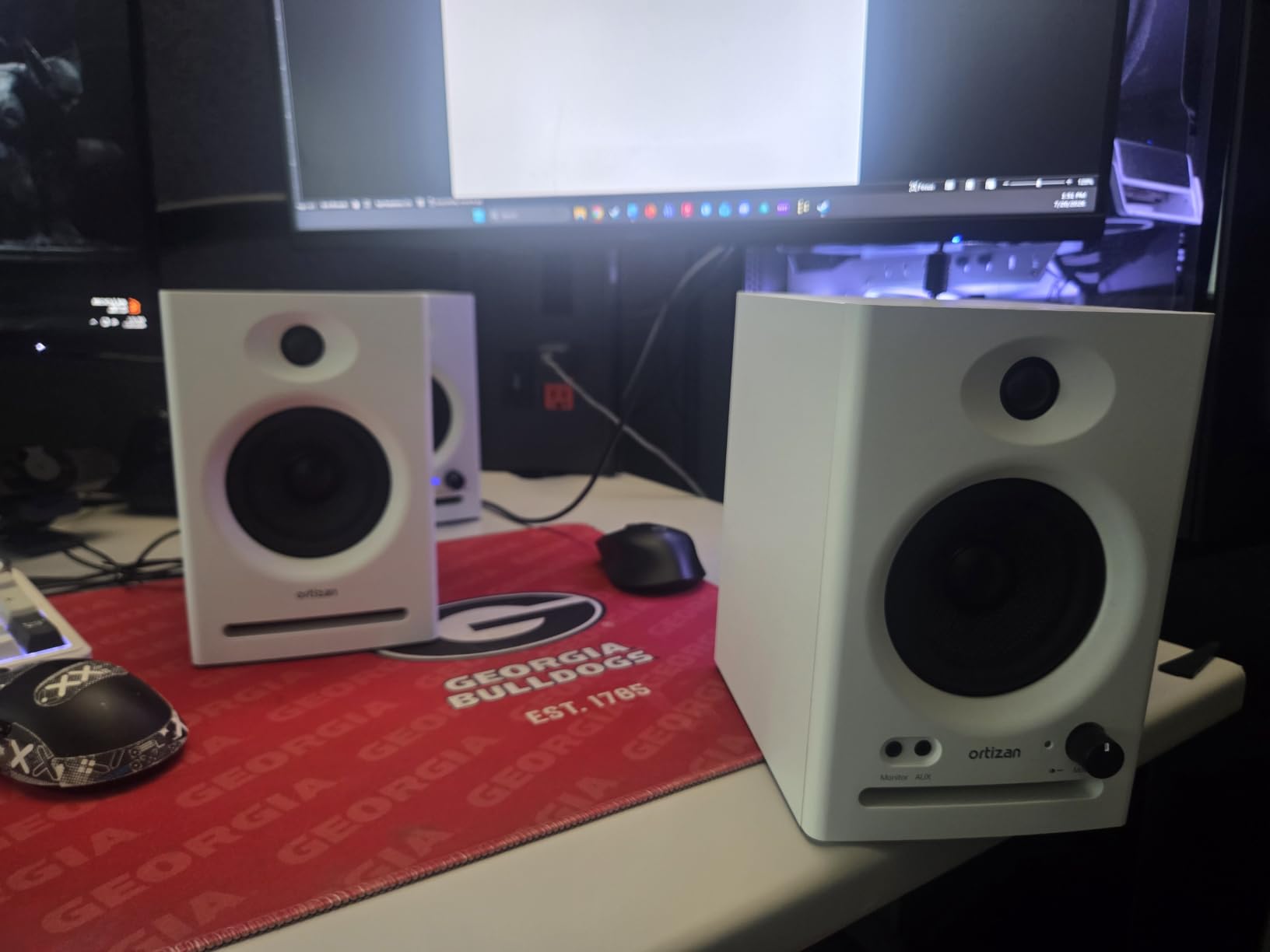
Bluetooth 5.3 with an 18-metre range and a front headphone output round out a feature set that is unusually generous for the size.
Why it belongs in a small room
At 5.11 inches deep by 5.9 inches wide it is one of the smallest pairs here, and the 3.5-inch driver keeps low-mid energy down. For a room under 8 square metres or a very small desk, that footprint is the point.
The flat tuning means fewer corrective EQ moves than the warmer pairs in this roundup, which saves time on a small screen with a small interface.
What the smaller review base means for you
An 890-review base is thin next to the thousands behind the Eris and M-Audio pairs, so long-term reliability is less well documented. The 0.75-inch silk dome also has limited high-frequency detail against 1-inch domes.
Treat it as a nearfield or secondary reference. If deep low end is part of the work, a sub is still the answer.
Room Size to Woofer Size: the matching rule
Room volume is the primary filter and price is secondary. Small rooms concentrate sound pressure in the 40 to 80 Hz range, so a larger woofer adds a boomy low-mid that pushes you toward bass-light mixes. This is the most repeated question in producer forums, and the answer is a rough guide rather than a law.
Under 8 square metres, stay at 3 to 3.5 inch drivers. From 8 to 20 square metres, 4 to 5 inch is the range where most small studios land. From 20 to 30 square metres, 5.25 to 6.5 inch gives useful headroom. Beyond 30 square metres, 7 to 8 inch woofers stop fighting the room and start working with it.
Community consensus converges on 5-inch pairs as the standard for a small home studio or spare bedroom, and on the 3-inch class as the only genuinely correct answer in very small rooms. Use the tiers above as a starting point and then check the port placement, because that decision constrains your layout as much as the driver size does.
The 38% Rule and How Small Rooms Break It
The 38% rule states that the distance from the front wall of the room to your listening position should equal 38 percent of the room’s length. It is a placement guideline that delays the first room mode and reduces the low-mid build-up that dominates small-room mixes.
Here is the nuance almost nobody states. The rule assumes a hard-boundaried room with speakers mounted close to boundaries. In a soft-furnished bedroom with a bed, curtains and a rug, much of the low-frequency energy is absorbed, and the same 38 percent no longer produces the same result. Treat it as a starting position to audition from, not a specification.
GearSpace discussion makes the same point from the other direction: rules built around flush-mounted speakers in treated rooms break down once furniture enters the picture. The practical response is to place the speakers, mix for fifteen minutes with a track you know well, and move them before you move any EQ.
Placement, Wall Clearance and Front vs Rear Ports
Two placement decisions cause most of the disappointment in small rooms. The first is tweeter height. On a normal desk, tweeters often fire below your ears, which wrecks imaging and creates fatigue. Raising the speakers so the tweeters sit at ear level is the single highest-value change you can make, and our [monitor stands guide](https://www.thirstybear.com/best-studio-monitor-stands/) covers the options.
The second is wall clearance. Rear-ported cabinets need roughly 20 cm behind them before the port output interacts badly with the wall surface. Push them flat against a bedroom wall and you accumulate bass the manufacturer never intended. Front-ported designs tolerate a much closer position, which is why the iLoud Micro, the Eris E5 and the Edifier MR4 suit tight desks better than rear-ported alternatives.
Beyond that, set up an equilateral triangle: the two speakers and your head form an equal-sided triangle, with the speakers symmetrically placed. Move your head around the sweet spot afterwards. If the image collapses when you shift position, the problem is the speakers, not your ears.
Boundary EQ and Room DSP Across All 10 Picks
Boundary correction is the deciding feature for a wall-adjacent desk, so here is what each pair actually offers. The Yamaha HS4 has a dedicated room control switch plus a separate high-trim, which is the most useful combination in the group. The PreSonus Eris E5 and E4.5 use acoustic space and high-frequency tuning controls rather than labelled boundary presets.
The IK iLoud Micro runs an internal DSP with free-field and desktop position compensation, which is the closest thing to purpose-built small-room correction here, though it is preset-based rather than measured. The M-Audio BX3 and BX4 give you rear high and low EQ dials plus an active-speaker position switch. The Edifier MR4 adds separate high and low knobs and a monitor or music mode selector.
The JBL 104-BT, Ortizan C7 and Edifier R1280T offer tone controls only, with no placement-aware correction. That is fine if you treat the speakers as a starting point and add your own EQ, but it means more work before your first mix.
Monitors or Headphones in a Small Room
You do not have to choose. Headphones are the more honest low-frequency reference in a small room, because they bypass the room modes entirely. Monitors tell you about translation, spacing and how a mix behaves on speakers. Neither replaces the other.
A workable workflow is to build the low end and the balance on headphones, then check the result on the monitors at a consistent level for translation decisions. If you want a pair for the second half of that workflow, our [studio headphones roundup](https://www.thirstybear.com/best-studio-headphones/) covers the usual candidates.
Set a reference level and stick to it, around 75 to 80 dB at your listening position. Mixing quietly is comfortable but inaccurate, and mixing very loudly tires your ears and changes your decisions within minutes.
How to Audition Monitors Before You Buy
Buying monitors blind is the main mistake in this category, and used buying is where it usually happens. Woofer surrounds dry out and amplifiers degrade, and neither failure is visible in a listing. If you buy used, play something with sustained low content and listen for a rattle or a dead note, and check every input and the power switch before you leave.
Audition with material you have mixed before rather than a reference track you have only heard. You are looking for how the speaker behaves with familiar problems: sibilance, boxy low-mid, and whether the low end survives a small room.
On budget allocation, spend on the monitors first, then on a rug or curtain, then on a subwoofer. A heavy rug and a thick curtain will do more for a small room than a step up in monitor class, because they cut the reflective energy that the room is adding to every decision you make.
If you are still building the rest of the room, the [studio microphone guide](https://www.thirstybear.com/best-studio-microphones/) and the [studio easels roundup](https://www.thirstybear.com/best-studio-easels/) cover the other two pieces most small studios add last.
Frequently Asked Questions
What is the 38% rule for studio monitors?
The 38% rule says the distance from the front wall of the room to your listening position should equal 38 percent of the room’s length. It delays the first room mode and reduces the low-mid build-up that dominates small-room mixes. It assumes a hard-boundaried room, so in a soft-furnished bedroom the same number produces a different result and is best treated as a starting point to audition from.
What are the best compact studio monitors?
For genuinely small rooms, the IK Multimedia iLoud Micro Monitor is the most compact serious reference, with a 3-inch woofer and desktop position compensation DSP. The PreSonus Eris E4.5 and the M-Audio BX3 are the next step up, and the Yamaha HS4 is the strongest all-round compact choice with a 4.5-inch woofer and a room control switch.
Are 8-inch studio monitors too big for a bedroom?
In most cases yes. A room under about 20 square metres concentrates energy in the 40 to 80 Hz range, and an 8-inch woofer excites those modes hard enough that you mix bass-light and the track sounds thin elsewhere. Stay at 3 to 5 inch drivers in a bedroom, and only move above 20 to 30 square metres before considering 6.5 to 8 inch models.
How far should studio monitors be from a wall?
Leave roughly 20 cm behind a rear-ported cabinet so the port does not load against the wall surface and add unintended bass. Front-ported monitors such as the IK iLoud Micro, the PreSonus Eris E5 and the Edifier MR4 tolerate a much closer position, which makes them the better choice when your desk is hard against a wall.
Do you need a subwoofer in a small room?
Only if low end is central to your work. A subwoofer in a small room adds a second problem to solve, because it excites the same low-mid modes the monitors do. If you work on hip-hop, EDM or anything bass-forward, a sub paired with monitors that have a low-cutoff switch is more manageable than buying larger monitors. For acoustic, folk or voice work, skip it.
Can I mix on headphones instead of monitors in a small room?
You can, and the low end will be more honest because headphones bypass the room modes. The tradeoff is that headphones tell you nothing about translation to speakers. Build the low end and the balance on headphones, then check on the monitors at a consistent level around 75 to 80 dB for translation decisions.
What is the best audio monitor for a home studio?
For a home studio in a room under 20 square metres, the Yamaha HS4 is the default answer: a 4.5-inch woofer, a room control switch that compensates for wall placement, and a 60 Hz to 22 kHz response that stays honest in an untreated room. In a room under 8 square metres, choose the IK iLoud Micro Monitor instead.
The One to Buy, by Room Size
If your room is under 8 square metres, buy the IK Multimedia iLoud Micro Monitor. From 8 to 20 square metres, the Yamaha HS4 is the default answer and the pair we recommend first, because its room control switch does the one job a small room demands. If your desk is hard against a wall, take the PreSonus Eris E5 for its front port. For anything under 10 square metres on a small desk, the Edifier MR4 is the value pick.
Raise the tweeters to ear level, give a rear-ported cabinet its 20 cm of clearance, trim the low end once with the rear controls, and mix at a steady level. Those four steps matter more than any difference between these ten pairs, and they are what makes the best studio monitors for small rooms work in 2026.