
The Samsung SSD 990 Pro 1TB is the drive worth watching first in Amazon’s Prime Big Deal Days sale: it holds a 4.7 rating across more than 13,000 owner reviews, hits the top of the PCIe 4.0 speed range and keeps its cool under load. If you want to spend less, the Kingston NV3 1TB is the value pick, and the Crucial P310 1TB is the one that suits a handheld PC.
Prime Big Deal Days runs October 6-7, 2026, so prices move all weekend. Nothing here is a confirmed markdown. These are the SSDs with the specs and owner feedback to earn whatever number shows up at checkout.
Table of Contents
Our Top 3 Picks for Best Amazon Prime Big Deal Days SSD Deals

Kingston NV3 1TB
- Gen 4x4 NVMe M.2
- 6000 MB/s read
- DRAM-less with HMB
- Acronis cloning software

Crucial P310 1TB
- PCIe Gen4 NVMe M.2
- 7100 MB/s read
- Works in handheld consoles
- 5 year warranty
Best Amazon Prime Big Deal Days SSD Deals Compared (2026)
| Product | Specifications | Action |
|---|---|---|
 Samsung 990 Pro 1TB Samsung 990 Pro 1TB |
|
Check Deal Price |
| Kingston NV3 1TB |
|
Check Deal Price |
| Crucial P310 1TB |
|
Check Deal Price |
 WD_BLACK SN850P 1TB WD_BLACK SN850P 1TB |
|
Check Deal Price |
 Lexar NM790 1TB Lexar NM790 1TB |
|
Check Deal Price |
 Samsung 870 EVO 1TB Samsung 870 EVO 1TB |
|
Check Deal Price |
 Samsung T7 1TB Samsung T7 1TB |
|
Check Deal Price |
 SanDisk Extreme 2TB SanDisk Extreme 2TB |
|
Check Deal Price |
 PNY CS900 500GB PNY CS900 500GB |
|
Check Deal Price |
 SSK Portable 500GB SSK Portable 500GB |
|
Check Deal Price |
How We Chose
We compared the specs that decide an SSD purchase: interface, form factor, capacity, sequential read and write speed, memory type, warranty and device compatibility. Ratings and owner review themes came from Amazon listings checked on October 2026. Picks had to have enough owner history to judge, not just a spec sheet.
1. Samsung 990 Pro 1TB: Best All-Round Internal Drive
Samsung SSD 990 PRO 1TB, PCIe 4.0 M.2 2280, Up to 7,450 MB/s
Type: NVMe M.2 2280
Capacity: 1TB
Read: 7450 MB/s
Write: 6900 MB/s
Warranty: 5 years
Pros
- Top of the PCIe 4.0 range for both read and write
- Single-sided board fits tight laptop bays
- Magician covers cloning and firmware
- Stays cool through long transfers
Cons
- No heatsink in the box
- Premium is hard to justify for light workloads
The 990 Pro is the one to watch when a sale number undercuts a mainstream Gen 4 drive. At 7,450 MB/s sequential read and 6,900 MB/s write it sits at the ceiling of the interface, and Samsung quotes up to 1,400K read IOPS and 1,550K write IOPS, which is where DirectStorage game loading actually feels the difference.
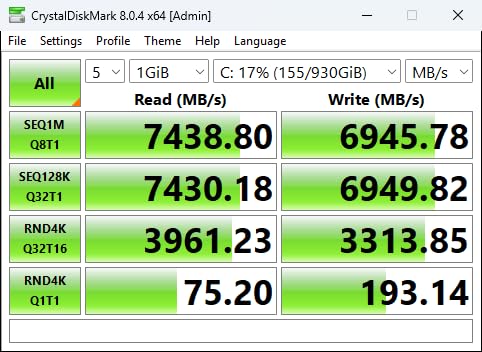
Owners report it staying fast through long transfer sessions rather than throttling after a few minutes, and it runs cool enough that most people never add a heatsink. The board is single-sided at 9.07 g, so it clears tight laptop bays and low-profile motherboard coolers that double-sided drives struggle with.
Where it earns its place: a gaming PC boot drive, a laptop that needs faster loads, or a PS5 that can use a bare Gen 4 drive with room for its own cooling. Samsung Magician handles cloning, monitoring and firmware, plus 256-bit AES encryption, so a migration is a single app rather than a weekend project.
Good to know: the recurring complaint is the price gap. Against the Crucial P310 1TB, the practical difference is mostly headroom for very large file work and future platforms, not everyday responsiveness. If your machine tops out at PCIe 4.0 and you copy 40GB video files daily, take it. If you mostly launch games and browse, the P310 covers you.
2. Kingston NV3 1TB: Best for Everyday Value
Kingston NV3 1TB M.2 2280 NVMe SSD | PCIe 4.0 Gen 4×4 | Up to 6000 MB/s | SNV3S/1000G
Type: NVMe M.2 2280
Capacity: 1TB
Read: 6000 MB/s
Write: 4000 MB/s
Warranty: 3 years
Pros
- Benchmark results match the advertised figures
- Runs cool without thermal throttling
- Single-sided board fits tight slots
- HMB keeps everyday use smooth
Cons
- Dips on 40 to 50GB folder transfers
- TBW is lower than premium Gen 4 drives
Buy the NV3 if you want a plain internal upgrade without flagship pricing. It is a DRAM-less Gen 4×4 drive that uses Host Memory Buffer to borrow system memory as cache, and at 6,000 MB/s read and 4,000 MB/s write it is fast enough that most buyers report benchmark figures matching the listing.
Long-term owners describe it as a set-and-forget drive: recognised on install, no crashes over ten months of use, and no slowdown even at roughly 70 to 80 percent full. It weighs 4.54 g on a single-sided board, so slot clearance is rarely a problem.
The trade-off owners report is memory-heavy transfers. Copying a 40 to 50GB folder onto the drive is where the HMB layout shows a dip, and the TBW rating is lower than what a premium Gen 4 drive offers, so constant rewriting wears it sooner.
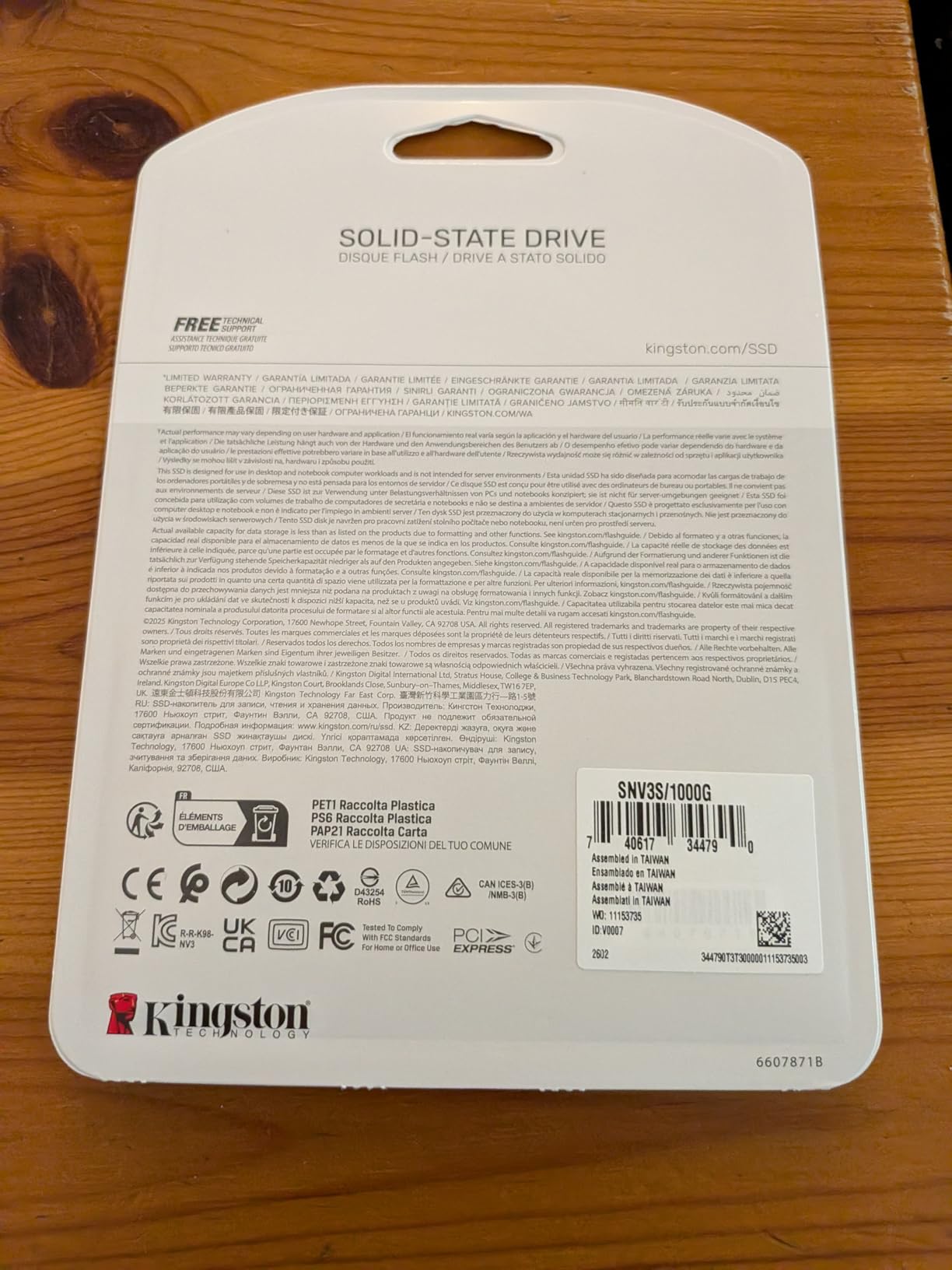
Compared with the Samsung 990 Pro 1TB, you give up about 1,450 MB/s of read speed and some sustained-write consistency. For a boot drive, a game library or a mid-range upgrade, that gap rarely shows up outside a benchmark. Acronis cloning software is included, which saves a step when migrating an old system.
3. Crucial P310 1TB: Best for Handheld Gaming PCs
Crucial P310 1TB SSD, PCIe Gen4 NVMe M.2 2280, Up to 7,100MB/s, for Laptop, Desktop (PC), & Handheld Gaming Consoles, Includes Acronis Data Recovery Software, Solid State Drive – CT1000P310SSD801
Type: NVMe M.2 2280
Capacity: 1TB
Read: 7100 MB/s
Write: 6000 MB/s
Warranty: 5 years
Pros
- Listed for Steam Deck and other handhelds
- Stays cool and efficient on battery power
- Backwards compatible with PCIe Gen3
- Recessed on first boot
Cons
- Acronis needs a separate download
- No desktop heatsink included
The P310 is the pick if your storage lives in a handheld. Crucial lists it for the Valve Steam Deck and for the ROG Ally X, Lenovo Legion Go and AYANEO Kun, and the listing states up to 7,100 MB/s read and 6,000 MB/s write on Micron G8 NAND with thermal control.
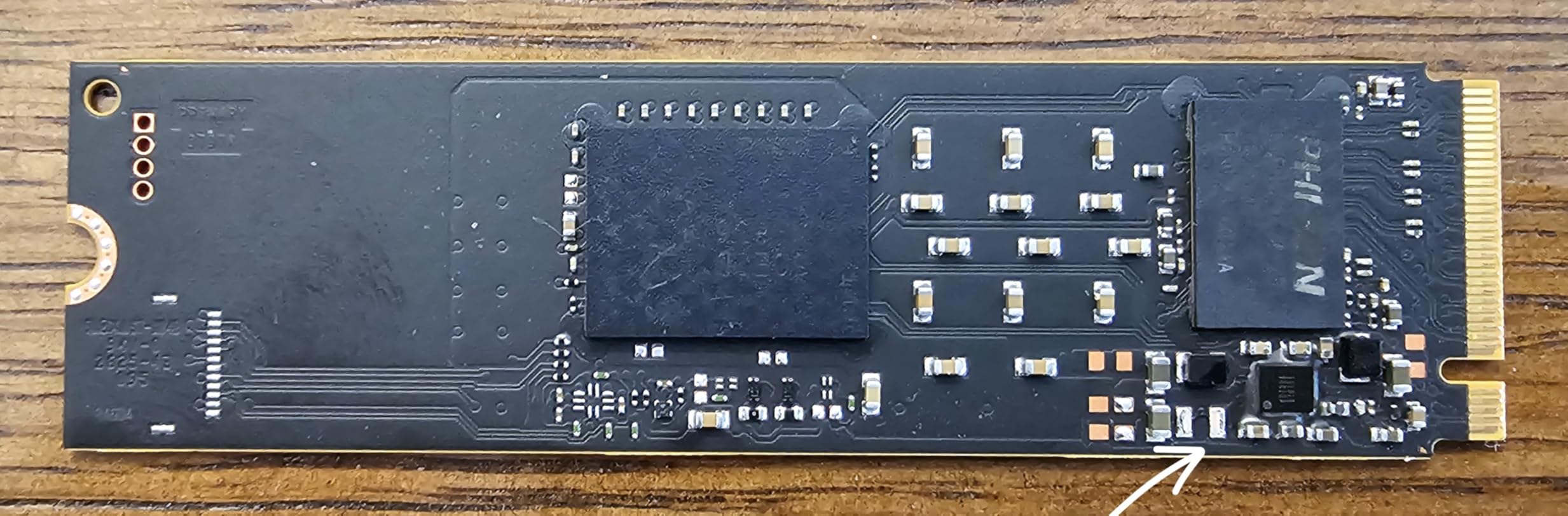
Handheld owners care about two things: whether it fits the slot and whether it makes the battery shorter. Reviewers say both land well. The drive stays cool during heavy use, and it does not noticeably raise power draw on a laptop. It is also backwards compatible with PCIe Gen3 machines, which widens the pool of hardware it suits.
Setup is uneventful in the best way. Users report the drive being recognised on first boot, with several cloning a system image across and booting the clone without trouble.
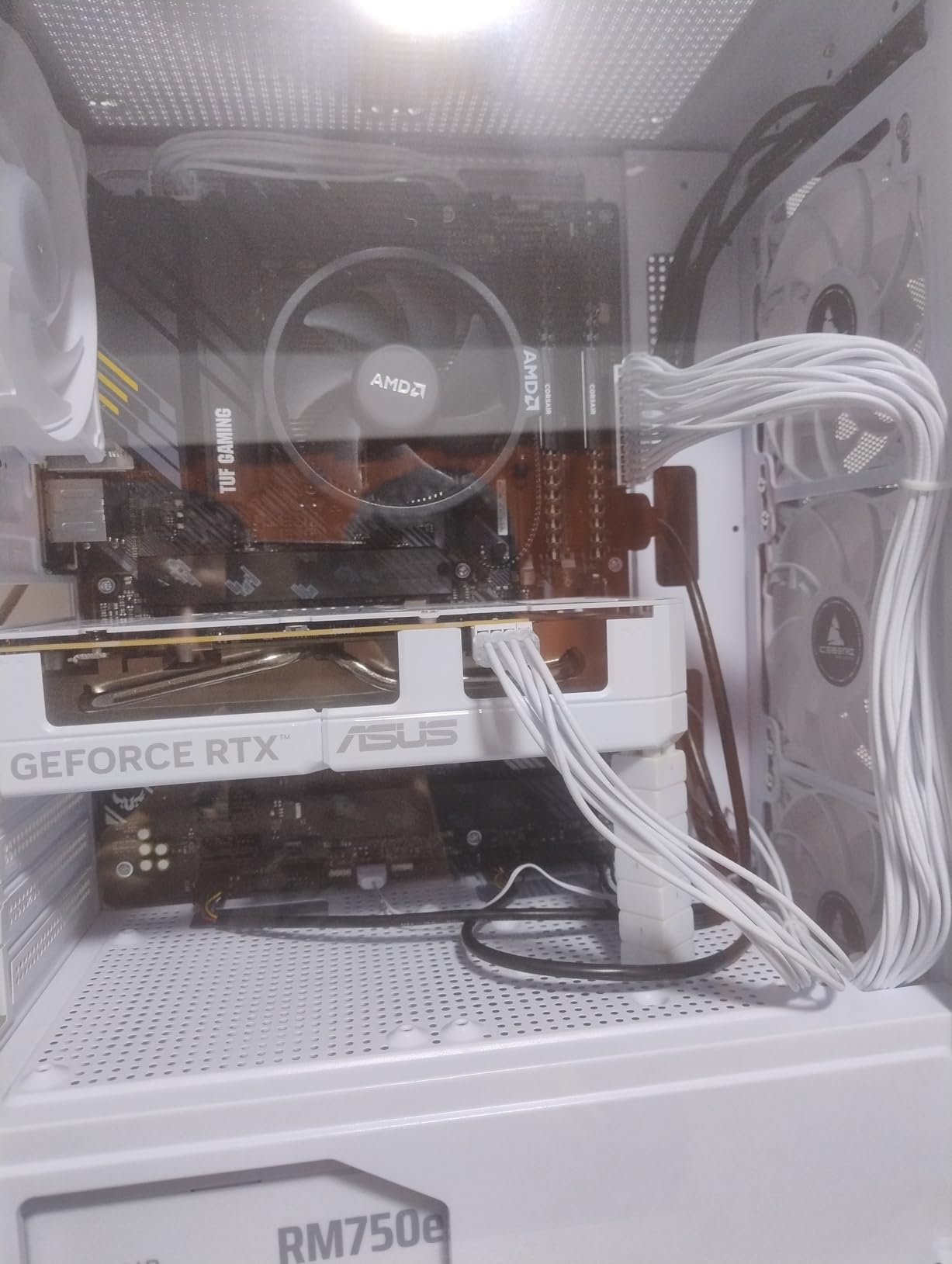
Skip it if your only copy of anything important lives on it. Owners repeatedly mention treating it as a secondary game and media drive rather than a sole store, which is sensible at any capacity. Against the Lexar NM790 1TB, the P310 offers the same speed class without a heatsink adding thickness to the install.
4. WD_BLACK SN850P 1TB: Best for PS5 Libraries
WD_BLACK 1TB SN850P NVMe M.2 SSD Officially Licensed Storage Expansion for PS5 Consoles, up to 7,300MB/s, with heatsink – WDBBYV0010BNC-WRSN
Type: NVMe M.2 2280
Capacity: 1TB
Read: 7300 MB/s
Write: 6300 MB/s
Warranty: 5 years
Pros
- Officially licensed for PlayStation 5
- Heatsink made for the console slot
- Measured reads meet the listing
- Plays from the drive with no transfers
Cons
- Fans get louder under sustained loading
- Heatsink version does not suit slim laptops
If a PS5 sits under your TV, the SN850P removes the guesswork. It is an officially licensed drive for PlayStation 5 consoles with a heatsink shaped for the expansion slot, so installation takes about as long as removing the console cover.
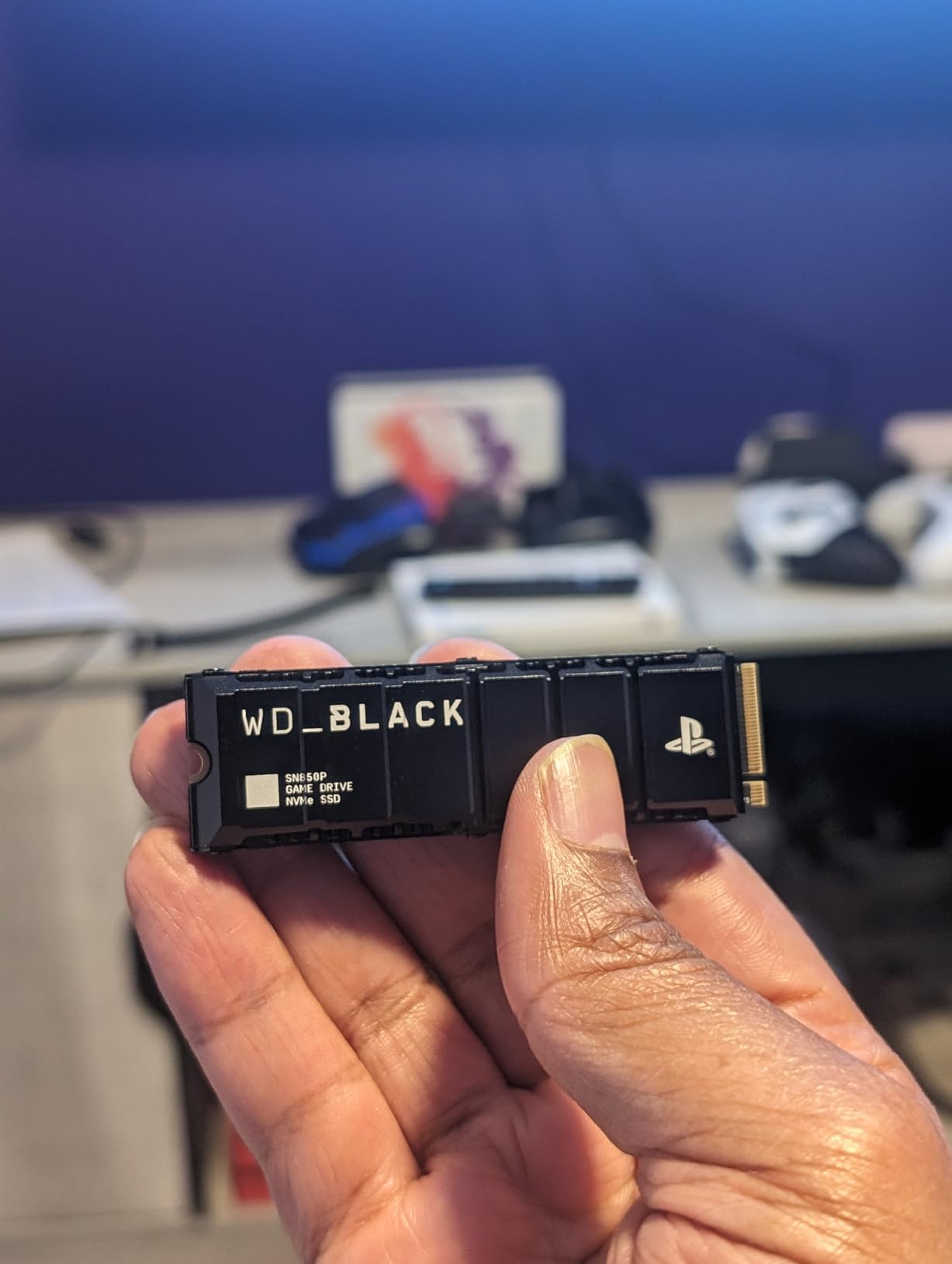
Read speeds come in at or above the advertised 7,300 MB/s, and games play directly from the drive without a transfer or delete step. Owners also like that the same capacity line runs from 1TB to 4TB, so a second library drive later matches the first.
The one repeated drawback is heat. Under heavy repeated game loading the drive runs warm enough that the PS5 fan spins more noticeably, though reviewers report no measurable performance drop even so.
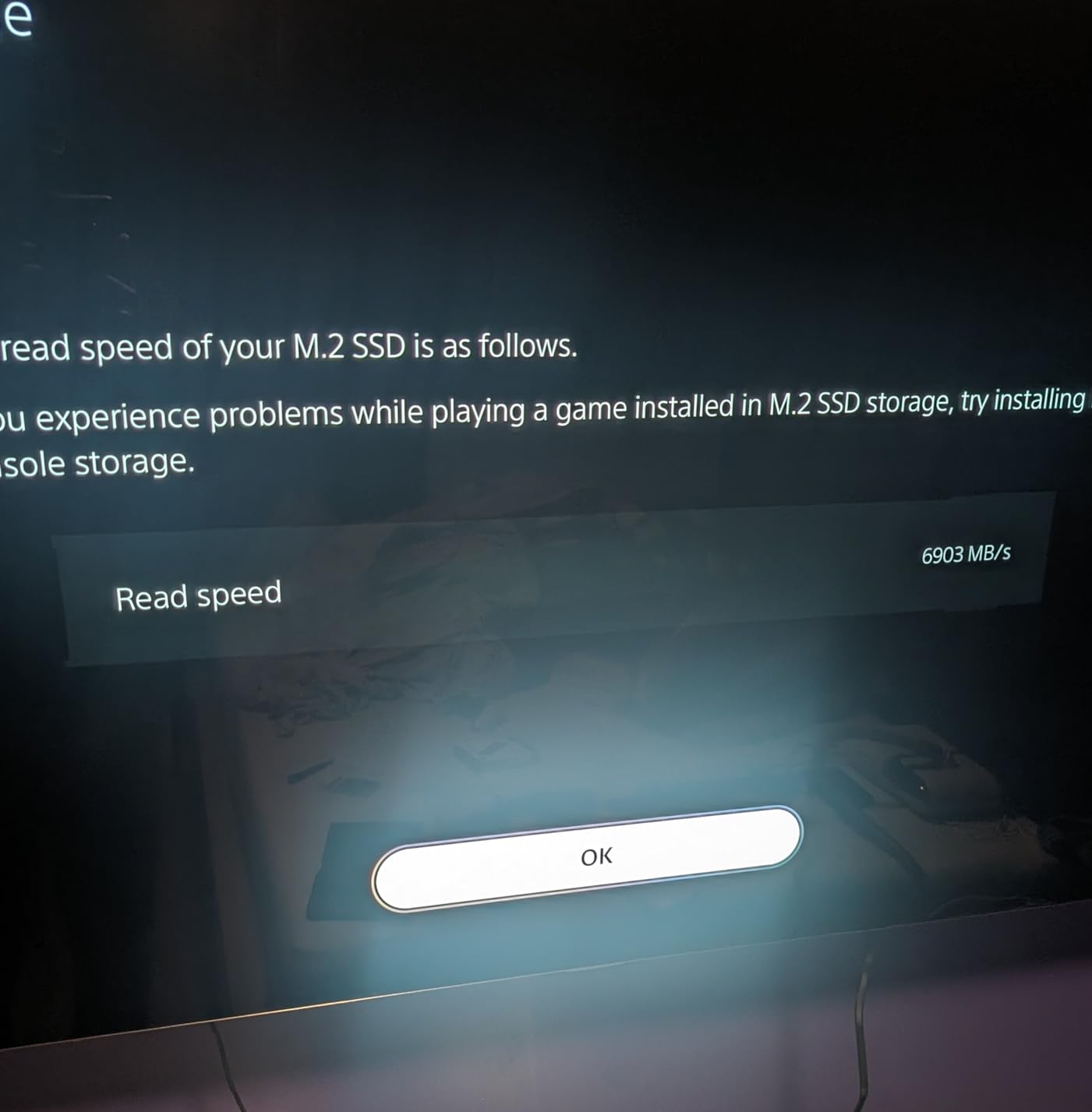
Compared with the bare Samsung 990 Pro 1TB, the SN850P solves console fit and cooling for you but costs you slim-laptop compatibility at 30.4 g with the heatsink attached. If your needs span a console and a thin notebook, buy one of each rather than forcing a single drive into both.
5. Lexar NM790 1TB: Best for Low Power Draw
Lexar 1TB NM790 NVMe SSD w/Heatsink, 7400/6500 MB/s, M.2 2280, PCIe Gen 4×4
Type: NVMe M.2 2280
Capacity: 1TB
Read: 7400 MB/s
Write: 6500 MB/s
Warranty: 5 years
Pros
- Heatsink included in the box
- Rated at 1000TBW endurance
- Up to 40 percent lower power draw
- Listed for PS5 expansion
Cons
- Heatsink adds thickness in tight slots
- Review history is shorter than rivals
The NM790 comes with something most drives at this speed do not: a heatsink in the box. That one inclusion removes the usual extra purchase, and it pairs with up to 7,400 MB/s read and 6,500 MB/s write on a PCIe Gen 4×4 interface rated at 1000TBW.
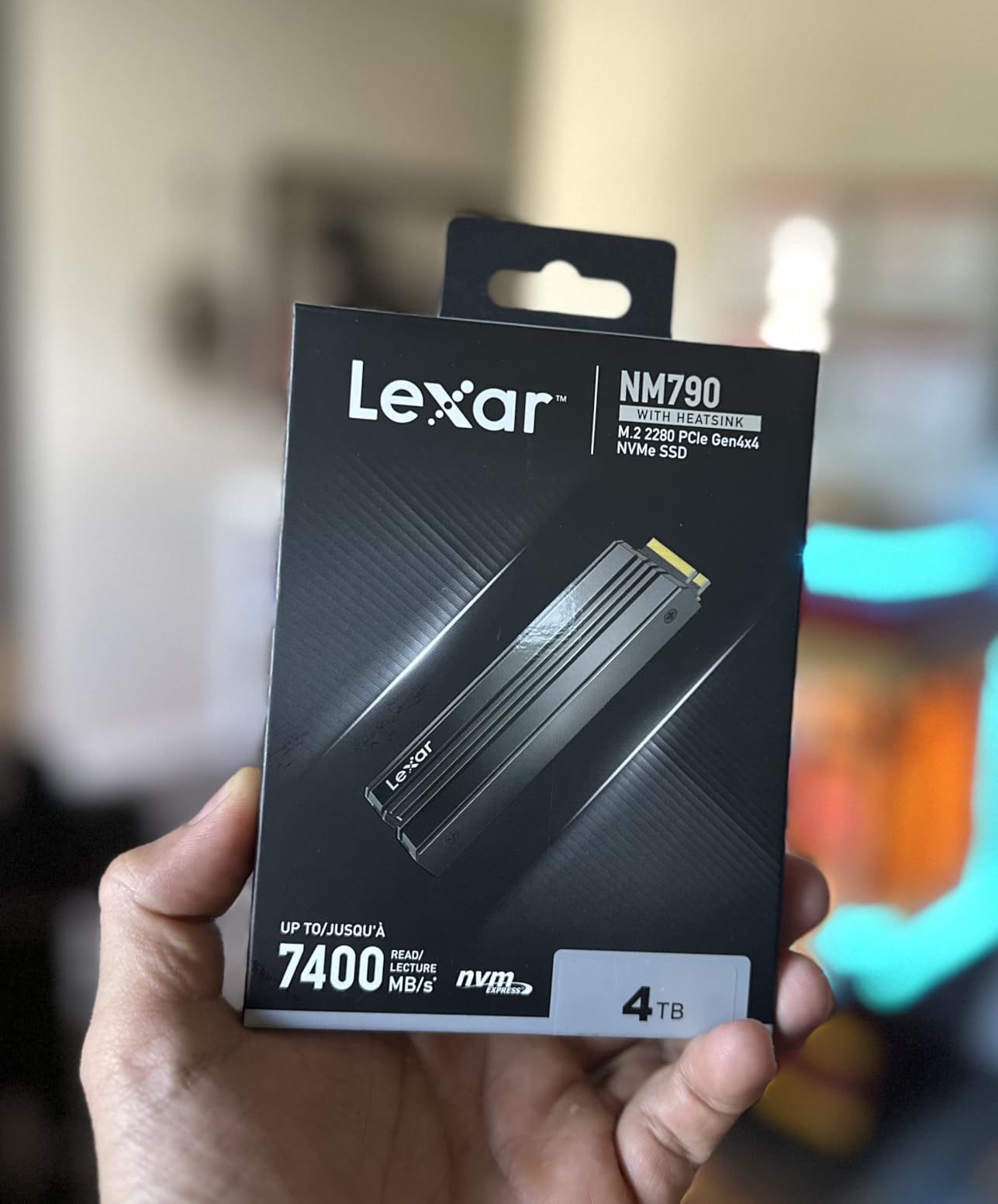
Power is the reason owners bring it up. Lexar states up to 40 percent lower consumption than DRAM cache-enabled Gen 4 SSDs, using HMB 3.0 to borrow host memory instead of carrying its own cache. That matters most in laptops and handhelds where the drive runs off the same battery as the screen.
Reviewers report hitting the rated sequential figures with sustained performance rather than a brief burst, and the supplied heatsink keeps thermals in check without help.
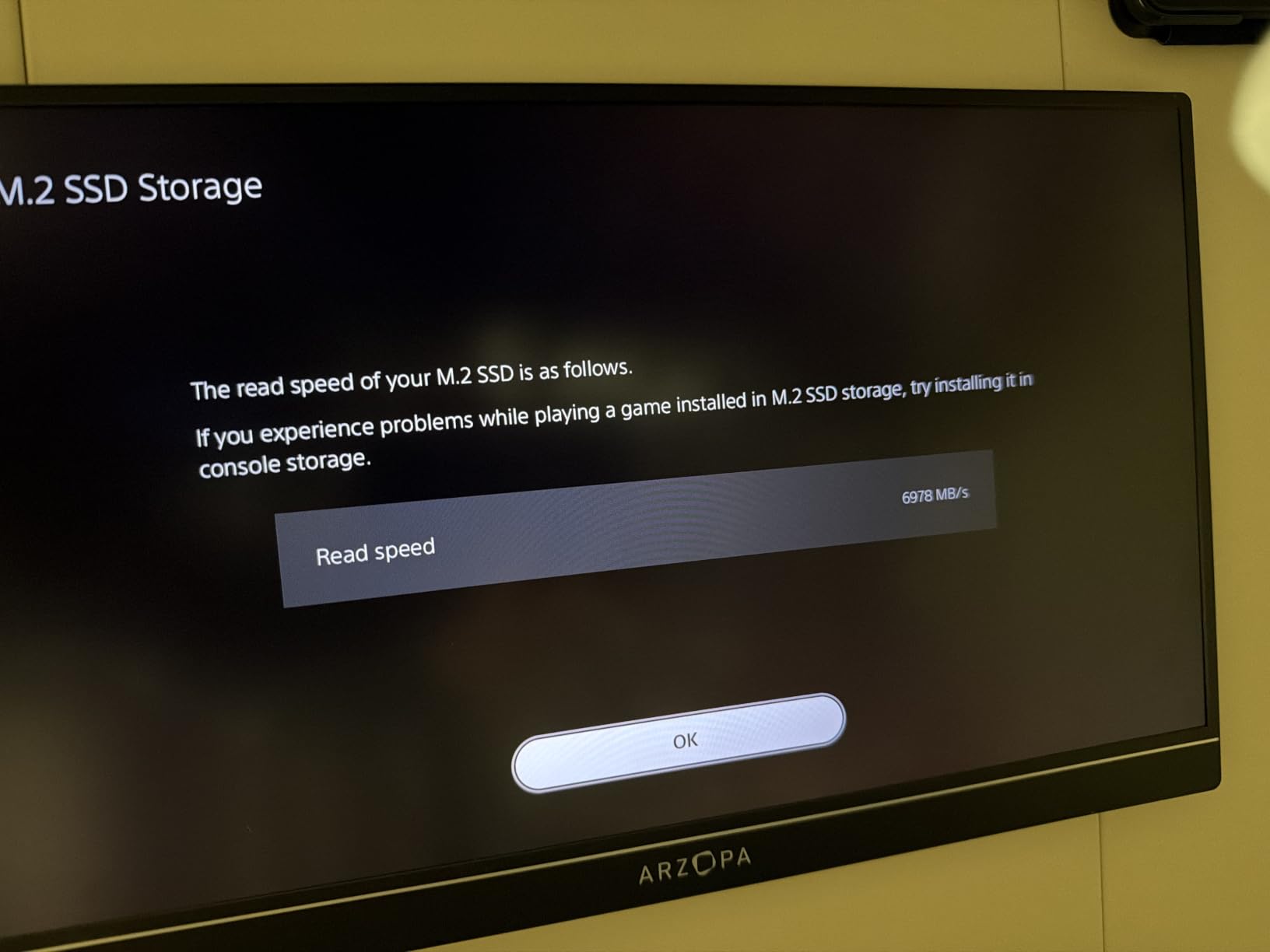
Two cautions. The heatsink adds thickness that can conflict with low-profile laptop slots and some console covers, so measure before ordering. And its 4.8 rating rests on a much smaller review base than the other picks here, which means less long-term history to lean on. For a PS5 or a desktop, the WD_BLACK SN850P 1TB carries a similar rating on a far bigger review record.
6. Samsung 870 EVO 1TB: Best for SATA Bays
Samsung SSD 870 EVO SATA III 2.5” 1TB, Read Speeds Up to 560MB/s
Type: SATA 2.5-inch
Capacity: 1TB
Read: 560 MB/s
Write: 530 MB/s
Warranty: 3 years
Pros
- Longest reliability record in this list
- Hits roughly 520 to 560 MB/s in real use
- Runs cool and uses far less power
- Tested across NAS and servers
Cons
- SATA III is a hard ceiling
- Magician software has known bugs
Most desktops and laptops still have a SATA connector, and the 870 EVO is the drive that fills it. It is a 2.5-inch SATA III unit rated at 560 MB/s read and 530 MB/s write with up to 600 TBW endurance, and at 4.8 across more than 45,000 reviews it carries one of the deepest owner records of any drive here.
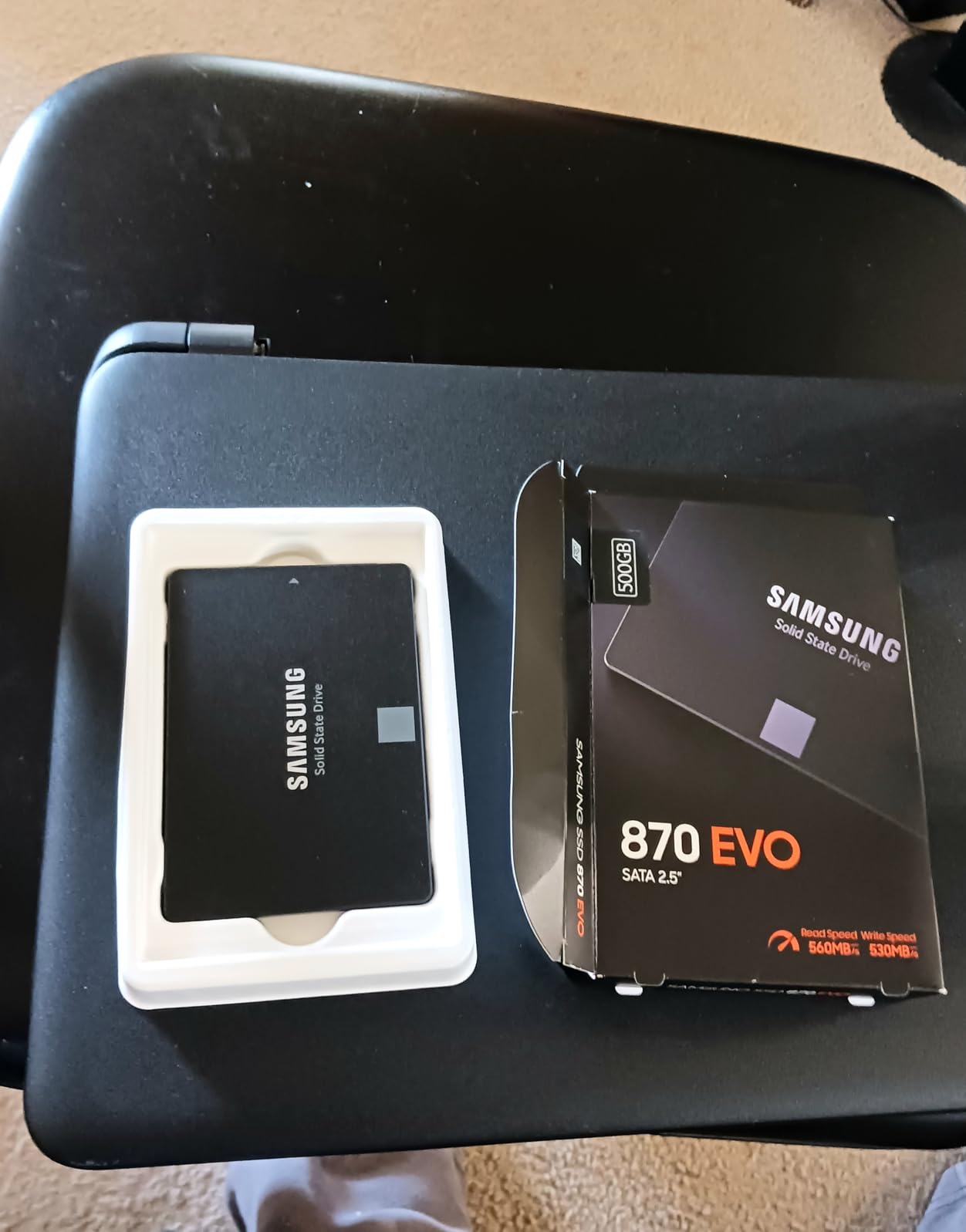
Owners running them for four to seven years in laptops, servers and file servers report no failures at all. It sits about 15 degrees cooler than the mechanical drives it replaces and uses 55 to 80 percent less power, which is why it still makes sense as a secondary data drive next to an NVMe boot disk.
The complaints are about software, not silicon. Several reviewers describe Samsung Magician throwing false Failed LBA flags and struggling with dual-boot migration, and the drive does not fully register in enclosures that lack an Intel controller. Third-party cloning tools and regular backups are the common workaround.
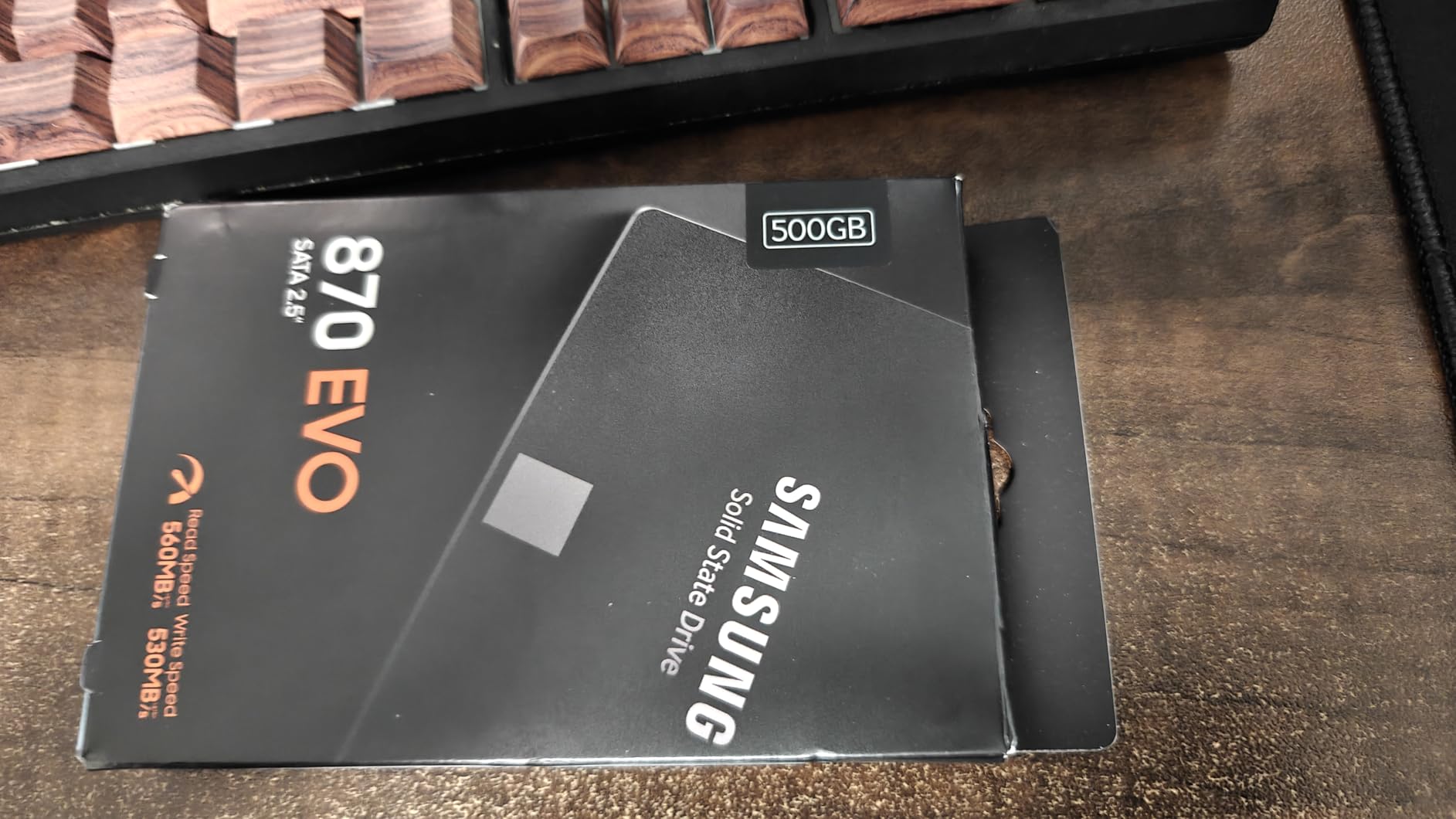
Good to know: you cannot buy your way past the interface. Against the PNY CS900 500GB, the 870 EVO asks for more money for the same capacity but adds the endurance rating, encryption support and the warranty length that a NAS or a machine you cannot afford to reconfigure deserves. Against any NVMe drive, the ceiling is 560 MB/s, full stop.
7. Samsung T7 1TB: Best for Direct 4K Recording
Samsung T7 Portable SSD 1TB Titan Gray, USB 3.2 Gen 2, Up to 1,050MB/s
Type: portable USB
Capacity: 1TB
Read: 1050 MB/s
Write: 1000 MB/s
Warranty: 3 years
Pros
- Records 4K 60fps directly from camera and phone
- Aluminum unibody survives 6 foot drops
- 256-bit AES hardware encryption
- Works with PS4 and PS5
Cons
- No write-protect switch or activity light
- Included cable is short
The T7 is for people who record rather than store. It uses embedded PCIe NVMe to hit 1,050 MB/s read and 1,000 MB/s write, roughly twice the speed of the T5 it replaces, and it can record 4K 60fps video directly from cameras and phones including iPhone 15 ProRes.
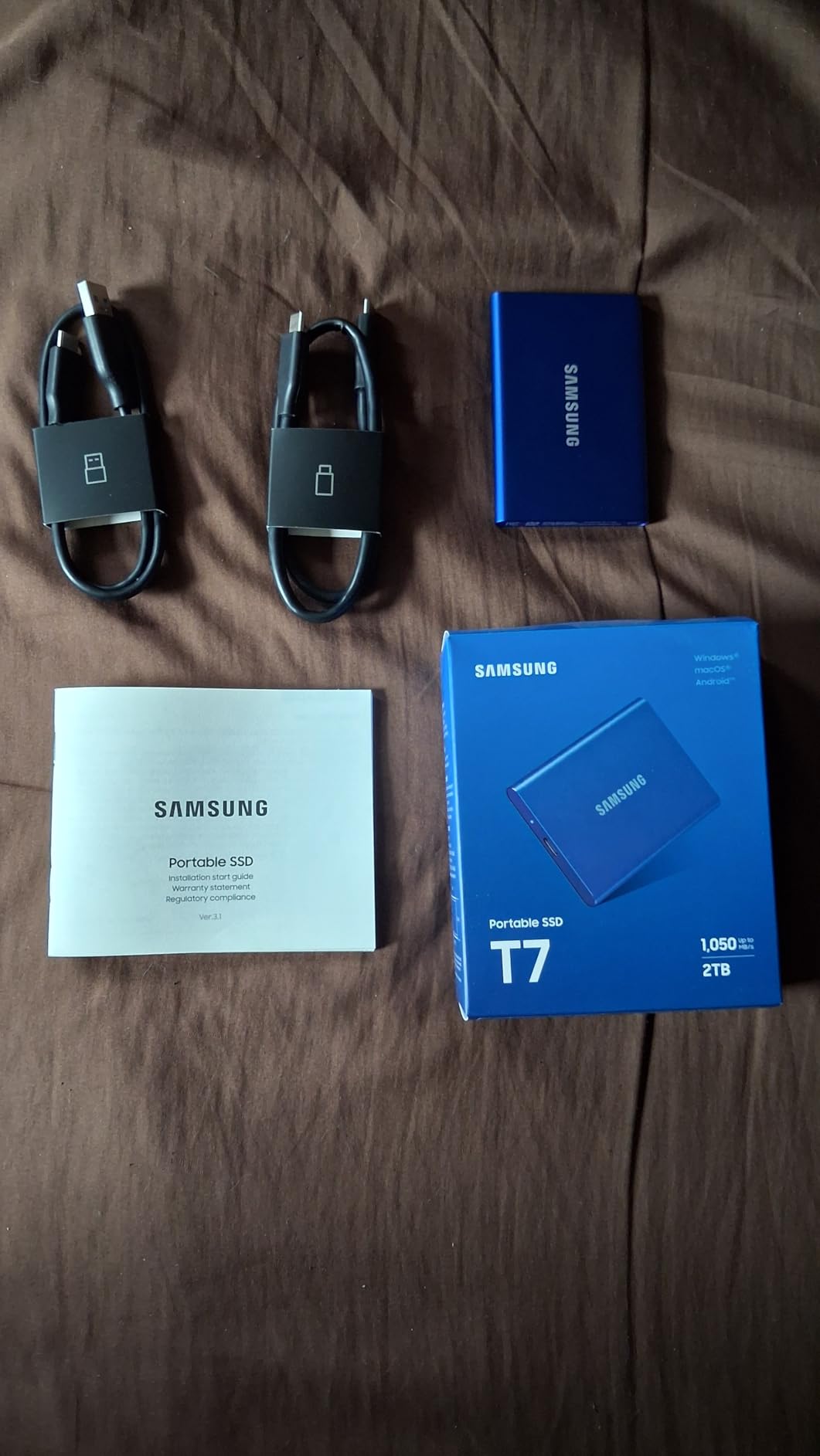
Owners using it for photo and video backup and project files describe consistently fast transfers and a solid aluminum unibody that handles travel well. The 256-bit AES hardware encryption protects sensitive footage, and drop protection extends to six feet.
Two practical gripes come up often. The palm-sized body has no write-protect switch or activity indicator, and it is small enough to be easy to lose. The included cable is also short, which matters more on a desk setup than in a bag.
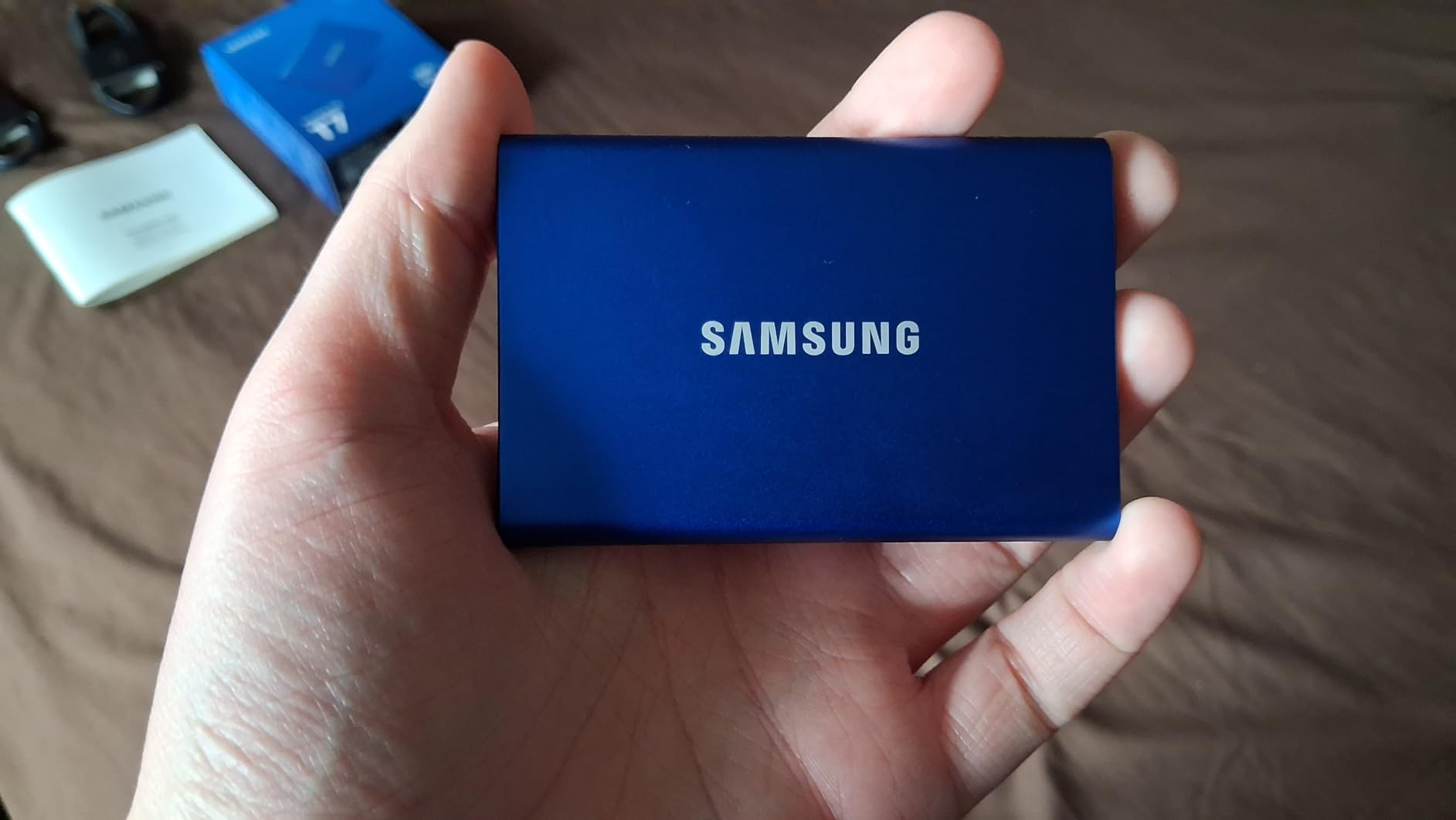
Compared with the SanDisk Extreme 2TB, you give up IP65 sealing and a longer warranty but gain direct camera recording as a listed feature and a lighter 2.08 oz body. Note the enclosure draws power from the host, so low-power setups occasionally need a powered hub.
8. SanDisk Extreme 2TB: Best for Rugged Travel Use
Sandisk 2TB Extreme Portable SSD, Up to 1050MB/s, USB-C, USB 3.2 Gen 2, IP65 Water and Dust Resistance, Updated Firmware, External Solid State Drive, SDSSDE61-2T00-G25
Type: portable USB
Capacity: 2TB
Read: 1050 MB/s
Write: 1000 MB/s
Warranty: 5 years
Pros
- IP65 sealing and 3 meter drop protection
- 2TB holds a full project library
- Lists Xbox Series X and PS4 support
- Over 91000 owner reviews
Cons
- Fussy about cable quality
- Runs slightly warm on long transfers
Photographers and field crews keep coming back to the SanDisk Extreme, and the review count explains why. With more than 91,000 ratings it is one of the most heavily reviewed portable drives on the market, and at 2TB it holds a working library rather than a scratch folder.
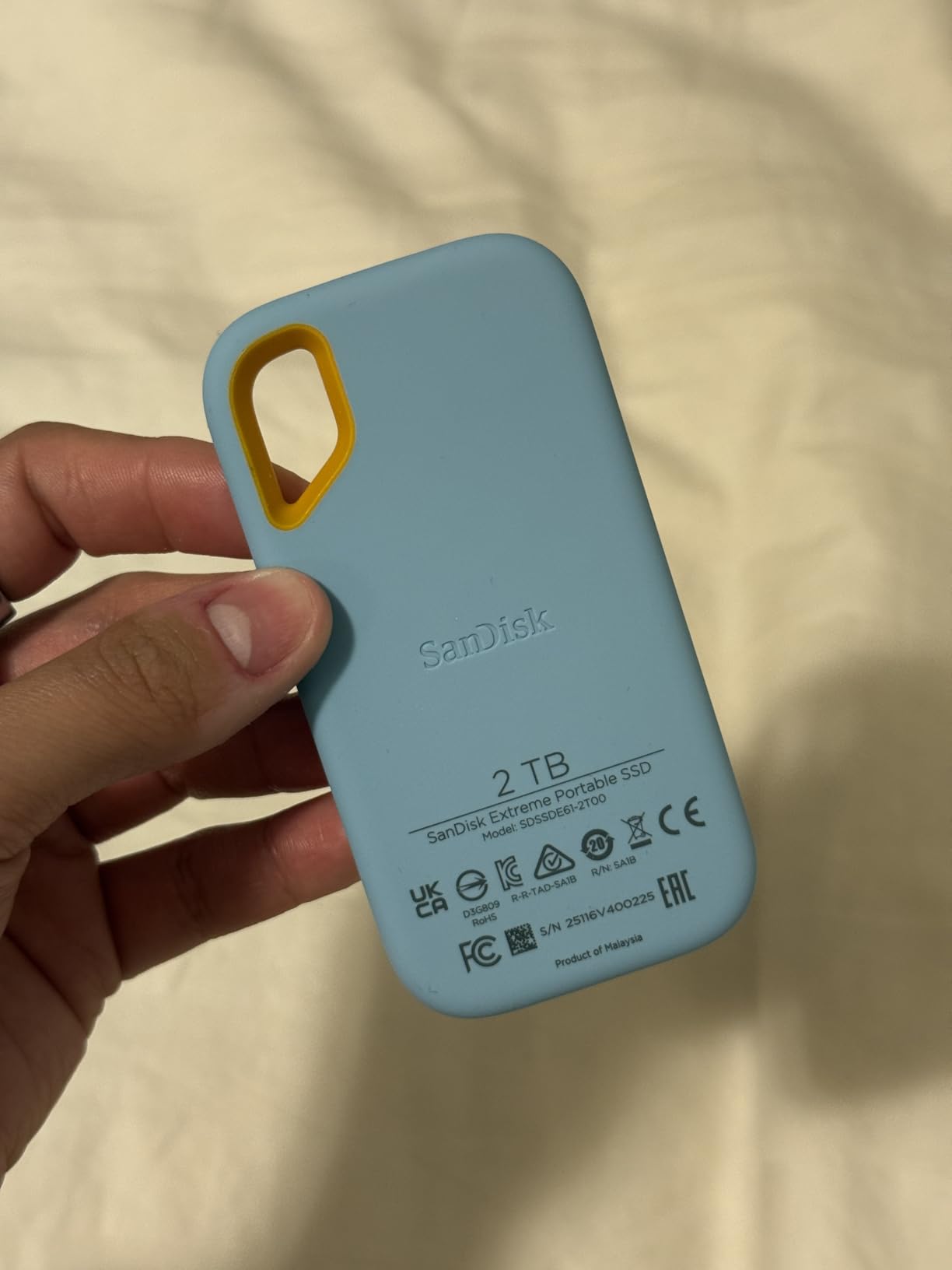
Durability is the argument. It carries IP65 water and dust resistance, 3 meter drop protection and a carabiner loop for a belt loop or backpack, plus 256-bit AES hardware encryption with a password. Transfers measure close to the rated 1,050 MB/s in sequential benchmarks, fast enough to move a large RAW batch in minutes.
The most-discussed drawback is cable sensitivity. Several owners report the drive failing to mount until they swapped in a certified high-speed USB-C cable, and one reviewer notes iPhone 11 is not supported even though Windows and Mac work immediately.
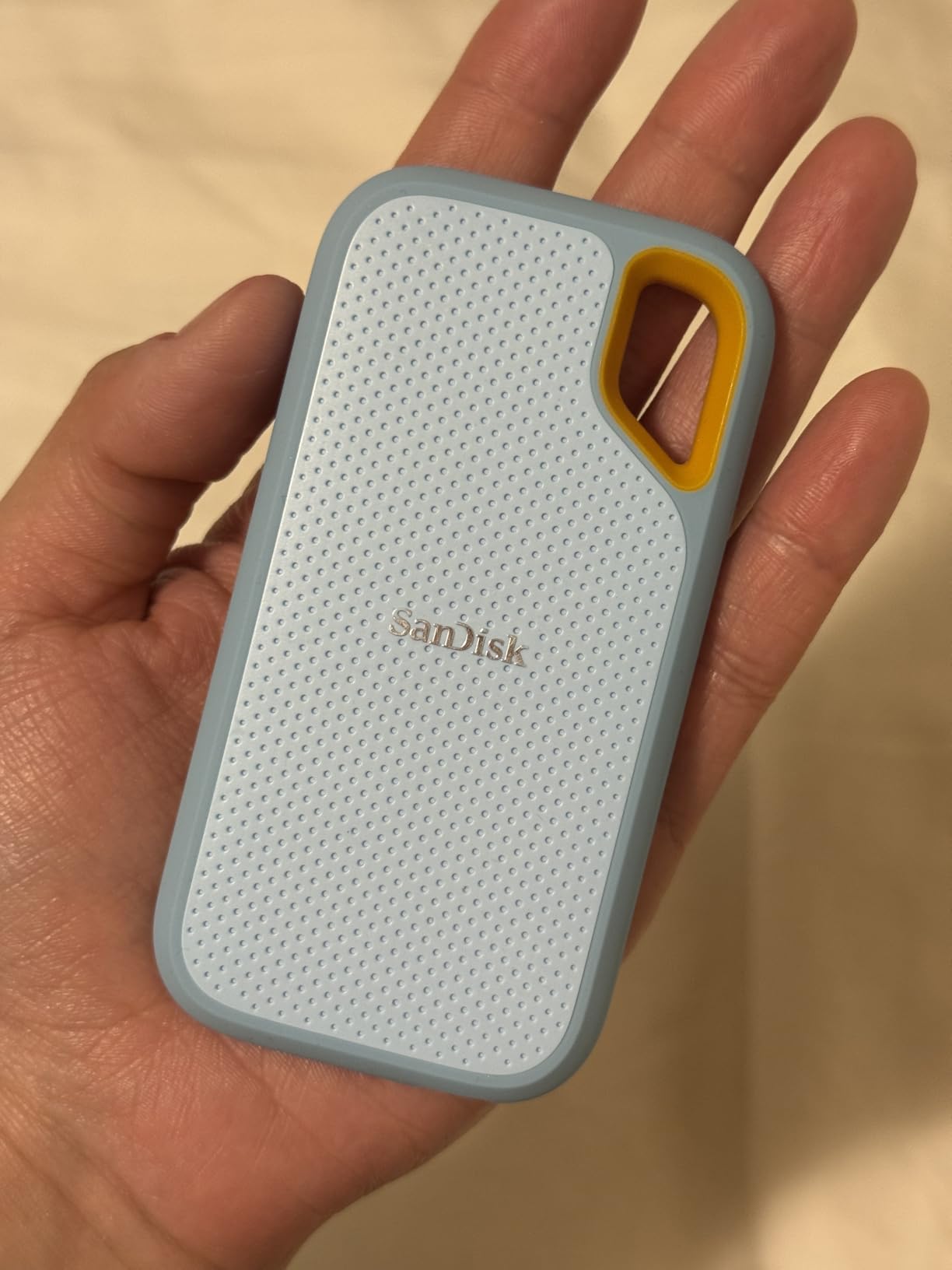
Compared with the SSK Portable 500GB, the SanDisk asks for more per gigabyte but adds the sealing, the warranty length and a review record that tells you how it behaves after years. Its 4.6 rating sits a notch below the others because of that mounting cluster, not because of speed.
9. PNY CS900 500GB: Best for Reviving an Old Laptop
PNY CS900 500GB 2.5″ SATA III Internal SSD
Type: SATA 2.5-inch
Capacity: 500GB
Read: 550 MB/s
Write: 500 MB/s
Warranty: 3 years
Pros
- Lowest cost per gigabyte in this list
- Delivers the listed sequential speeds
- Backwards compatible with SATA II
- Low power draw suits laptops
Cons
- 500GB fills up with modern games
- SATA III caps it far below NVMe
The CS900 exists for a specific job: giving an older laptop or desktop a fast boot drive when the budget is tight. It is a 2.5-inch SATA III unit using 3D NAND flash at up to 550 MB/s sequential read and 500 MB/s write, and owners consistently report exactly the outcome they hoped for.
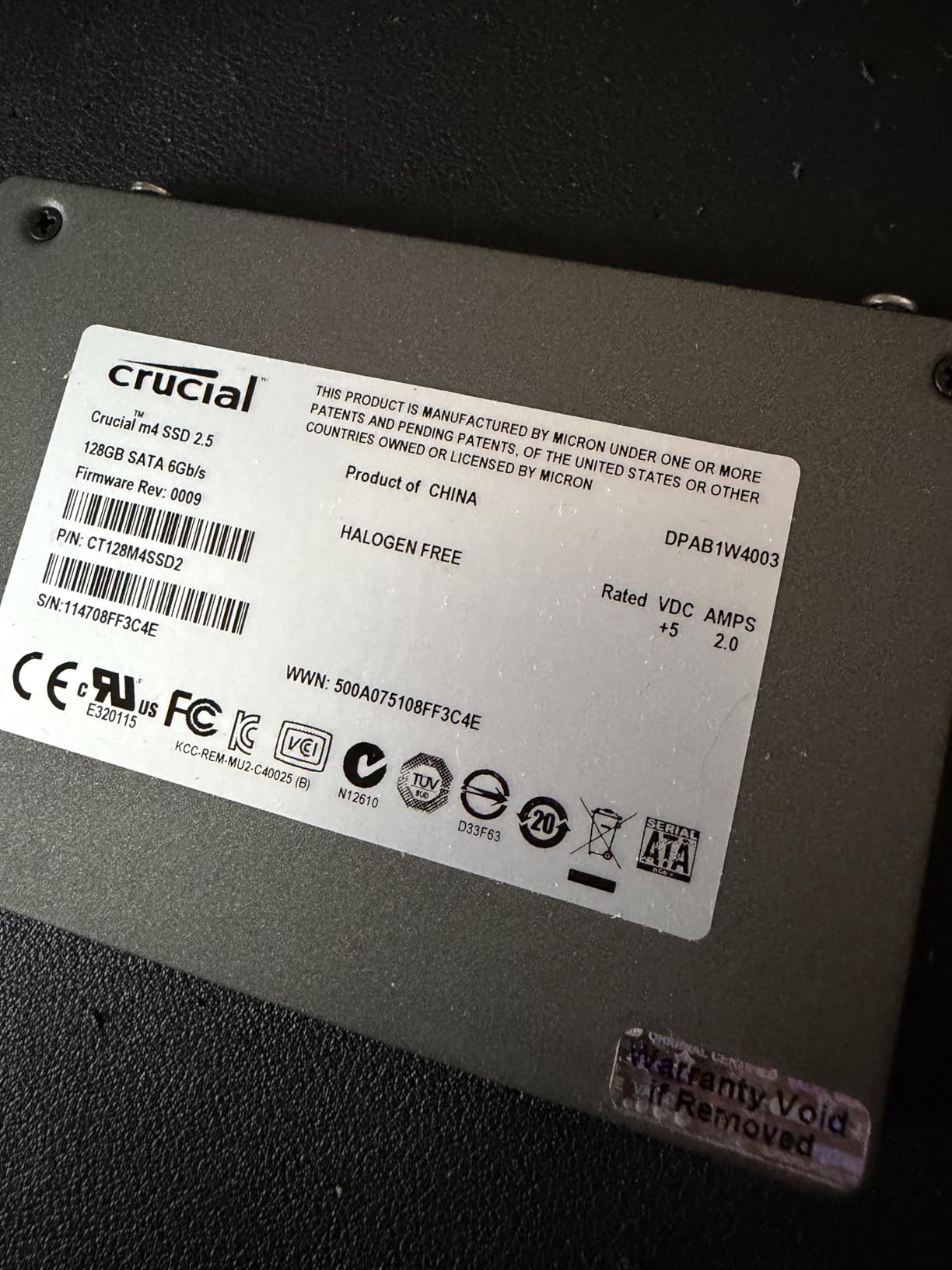
Boot times on machines that used to take over a minute drop to seconds, and the drive is recognised on first install. It is also backwards compatible with SATA II 3GB/s systems, so an older laptop can use it, and its low power consumption suits small-form-factor builds.
The limitation is arithmetic rather than quality. 500GB is a working amount of storage for a boot drive, a documents folder and a small library, but modern titles and operating system updates fill it quickly. It also has no stated write speed advantage to spend on, since the interface is the ceiling.
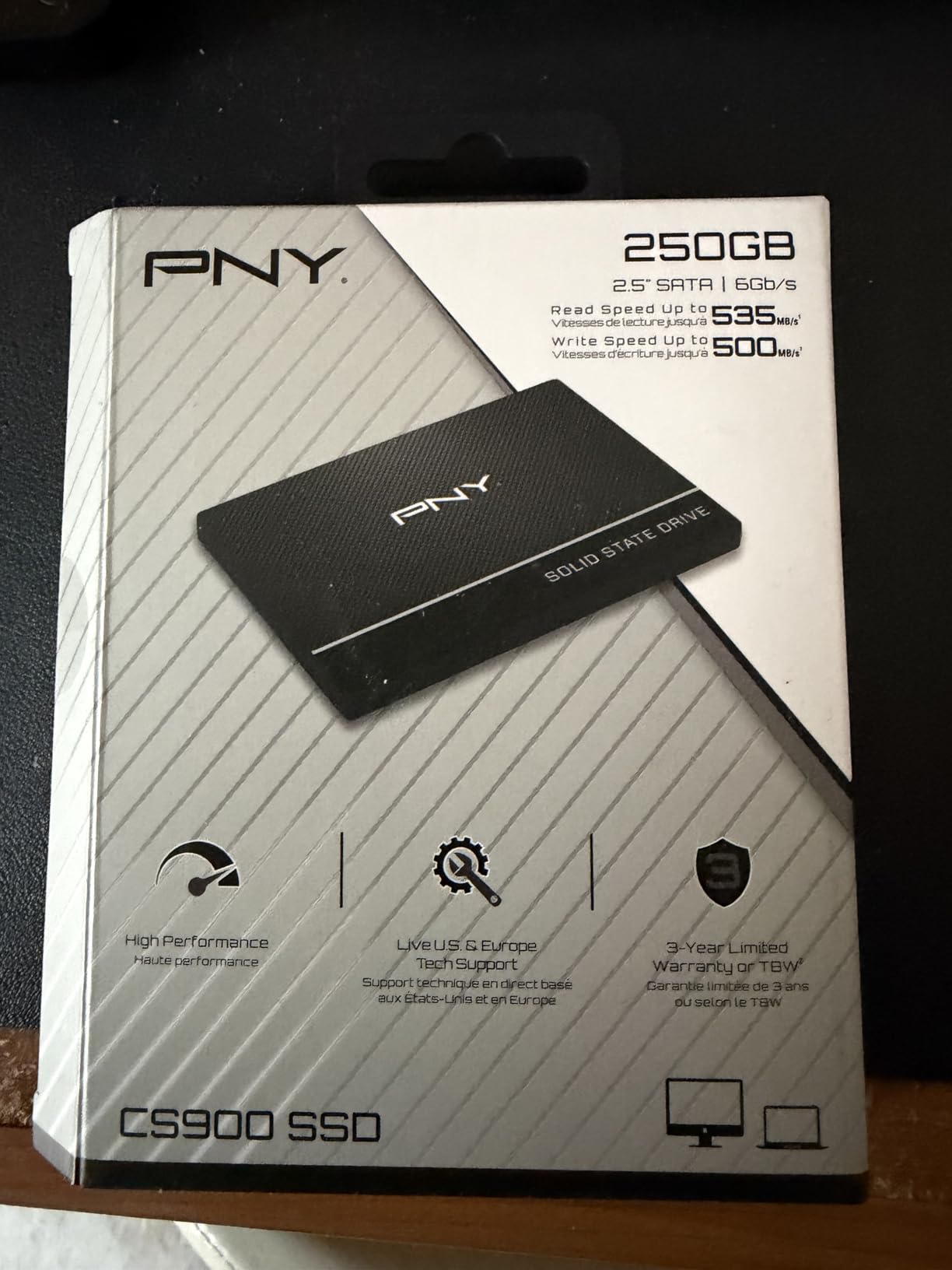
Skip it if you plan to build a game library on it. The Kingston NV3 1TB is the same NVMe form factor in a far more capable slot, and for many older laptops the mount is the only thing standing between the owner and a much faster drive.
10. SSK Portable 500GB: Best for iPhone and iPad Storage
SSK Portable SSD 500GB External Solid State Hard Drive USB C Up to 1050MB/s
Type: portable USB
Capacity: 500GB
Read: 1050 MB/s
Write: 1000 MB/s
Warranty: 3 years
Pros
- Both USB-C and USB-A cables in the box
- 33.8 g body suits a pocket
- SLC cache sustains large transfers
- Works with iPhone and iPad
Cons
- Some buyers report files not persisting
- Lightning-only devices are not supported
The SSK is the smallest thing on this list at 33.8 g and 2.5 inches long, and it is aimed at people who need storage for a phone more than for a desktop. It lists compatibility with iPhone and iPad and supports 4K 60Hz ProRes HDR capture from an iPhone.
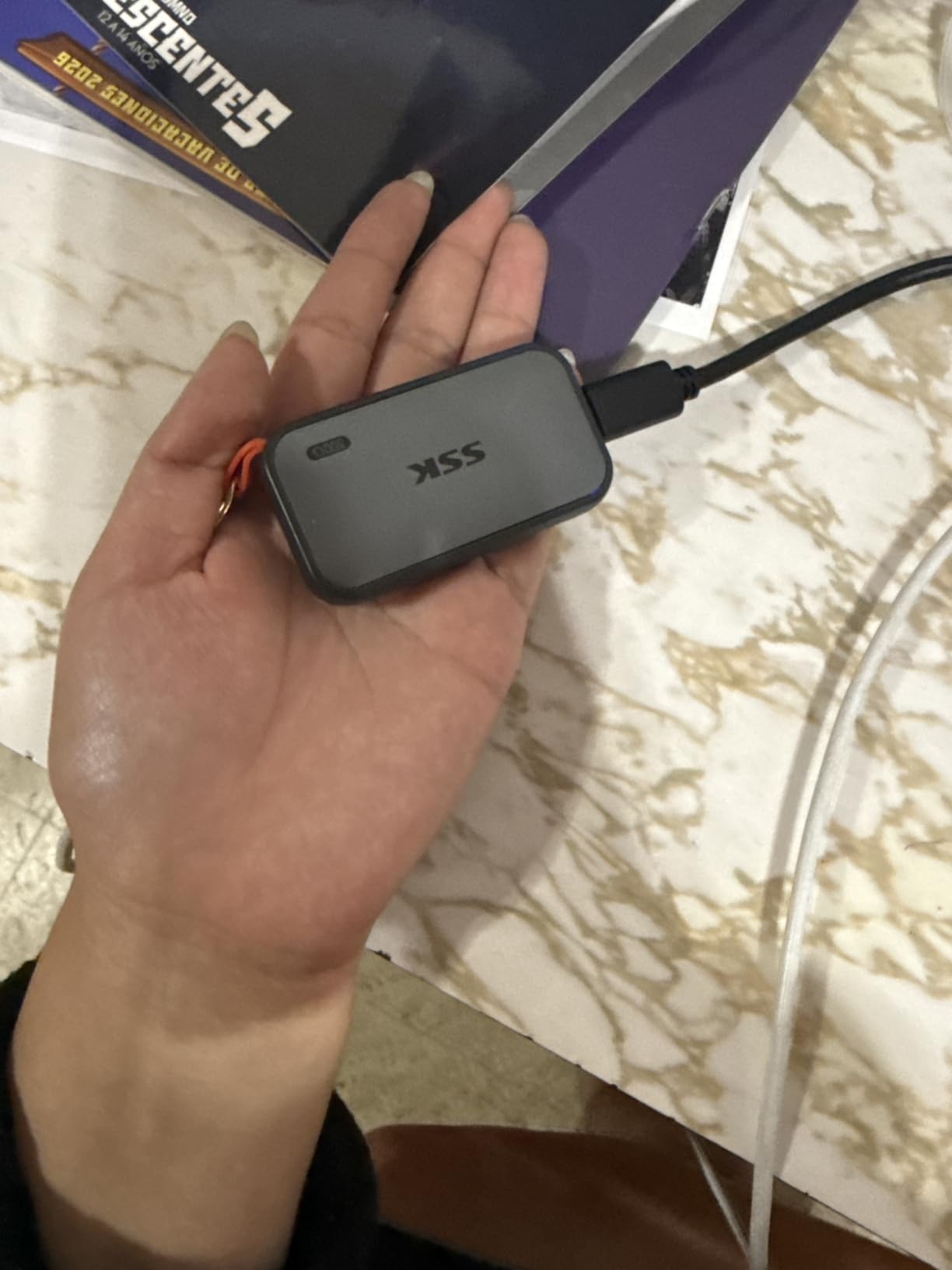
Both cables ship in the box, which saves buying one. Speed is a genuine 1,050 MB/s read and 1,000 MB/s write, with SLC caching set to 25 percent of capacity so large transfers do not collapse in speed. The 2mm aluminum case peaks around 105.58F and draws under 2.4 Watts.
This one carries the lowest rating in the roundup at 4.5, and the reason is specific: a cluster of buyers report files that did not persist after copying from a computer, plus thin documentation and no Lightning support for older iPads. Windows shows roughly 465GB of the 500GB because of decimal versus binary reporting, which is normal but surprises people.
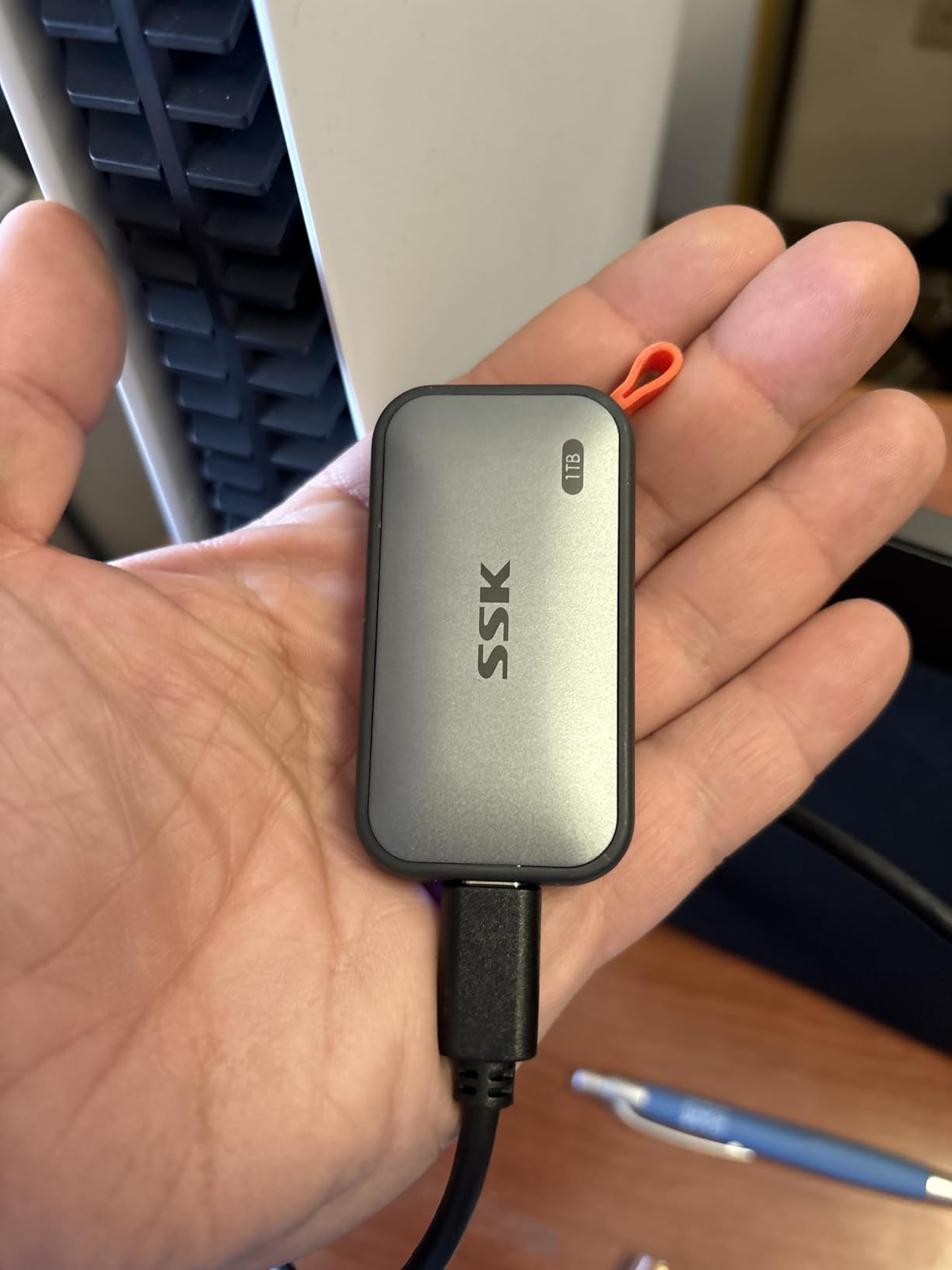
Treat it as backup scratch space rather than the only copy of anything. If a drive needs to be trustworthy for years of project files, the SanDisk Extreme 2TB earns its place with a much longer warranty and a review record to match. If it needs to fit in a pocket and handle a dashcam or a phone, the SSK does that well.
How to Choose SSDs During Prime Big Deal Days
Match the drive to the slot before the capacity
Check the physical slot first, because it eliminates most bad purchases. Internal desktop and laptop boards usually take M.2 2280, which is the form factor on five of the ten drives here, while older desktops and many laptops still use a 2.5-inch SATA bay. Handhelds and some slim notebooks use shorter M.2 2242 or 2230 boards that none of these fills.
How much capacity you actually need
A boot drive plus everyday files runs comfortably at 500GB. A game library or photo work wants 2TB at minimum, and the WD_BLACK SN850P line goes to 4TB if you would rather buy once. Match the capacity to the largest single file you handle, since a sustained write that exceeds the drive’s cache needs somewhere to land.
Read speed is only half the story
Headline sequential read speed rarely decides your experience. Random IOPS and sustained write behaviour are what boot times, game loading and copying projects depend on. The Samsung 990 Pro 1TB quotes up to 1,550K write IOPS, while a DRAM-less drive like the Kingston NV3 smooths out its gaps with HMB instead.
DRAM, DRAM-less and what changes for you
DRAM-less drives borrow host memory through Host Memory Buffer, which is why the Kingston NV3 and Lexar NM790 sit below flagship pricing. For a game library, a media folder or a secondary drive, that design is fine and usually invisible. For heavy sustained rewriting, a drive with its own cache, such as the Samsung 990 Pro, holds up better.
Console drives need clear compatibility
Console storage is where listings matter most. The WD_BLACK SN850P is officially licensed for PlayStation 5 and includes a console-shaped heatsink, while the Samsung T7 lists PS4 and PS5 and the SanDisk Extreme 2TB lists Xbox Series X and PS4 support. An unlicensed drive can work but leaves you troubleshooting warnings instead of installing a game.
How to Shop SSD Deals During the Sale
Read the listing for the model number rather than the headline, since a series name covers several capacities and sometimes a heatsink version. Check whether the capacity matches the slot and your device, whether the drive is new or renewed, what the box includes, and who sells and ships it, because a marketplace reseller changes the warranty path entirely. Most offers on this sale need a Prime membership, with a free trial counting, and prices shift through the event.
- Confirm the form factor fits before you compare anything else
- Check the write speed and endurance, not only the read figure
- Match capacity to your largest file, then round up
- For consoles, only buy a drive the listing names for that console
- Look for the warranty length: five years is the norm for NVMe here, three for SATA
- Use a Prime membership sign-in before comparing, since most offers need it
Frequently Asked Questions
What are the best Amazon Prime Big Deal Days SSD deals?
The most compelling picks are the Samsung 990 Pro 1TB for speed and owner ratings, the Kingston NV3 1TB for value, the WD_BLACK SN850P 1TB for PlayStation 5 and the SanDisk Extreme 2TB for travel storage. Each covers a different device, so the best one depends on whether you are building a PC or expanding a console.
When are the Prime Big Deal Days dates?
Prime Big Deal Days runs October 6-7, 2026, a two-day window on Amazon. Pricing on storage moves through both days, and offers are tied to a limited pool rather than a permanent cut, so a drive you want early in the event is safer than one you plan on at the end.
Do I need Prime membership to buy SSD deals during the sale?
Most offers on this sale require a Prime membership, and a free trial counts for the length of the trial. A few storage deals run for everyone, but the deeper cuts are usually member pricing. Signing in before you compare makes the numbers you see match what you pay.
How much SSD storage do I need for a gaming computer?
For a Windows install, applications and a working library, 1TB is the sensible floor and 2TB is comfortable. Large modern titles can run well past 100GB each, so 500GB fills quickly. A 2TB drive also leaves room for video editing files and a backup without constant housekeeping.
Should I buy a new or renewed SSD during Prime Big Deal Days?
New is the right call for a boot drive or anything holding data you cannot lose. A renewed drive can make sense for a scratch library or an offline archive where a failure costs time rather than files. Check the warranty terms on a renewed listing carefully, since they are shorter than a new drive.
Will an NVMe SSD work in my laptop or desktop computer?
An NVMe drive works only where there is an M.2 slot with a PCIe connection, which most modern laptops and desktops have. Machines with only a 2.5-inch SATA bay need a SATA drive such as the Samsung 870 EVO. Older PCIe Gen3 slots will run a Gen 4 drive at Gen 3 speeds, which is what the Crucial P310 covers.
Final Verdict: Best Amazon Prime Big Deal Days SSD Deals
The pick most worth watching during Prime Big Deal Days is the Samsung 990 Pro 1TB, EDITOR’S CHOICE here, because its speed ceiling, single-sided fit and owner record hold up on every kind of internal install. Add the Kingston NV3 1TB, BEST VALUE, if the number at checkout lands on a mainstream drive instead, and the Crucial P310 1TB, BEST FOR HANDHELD PCS, for a slot that is not a full-length board.
Buy the WD_BLACK SN850P 1TB, BEST FOR PS5, when the console is the destination and you want licensing and a fitted heatsink handled for you. Buy the Lexar NM790 1TB, BEST FOR LOW POWER DRAW, when battery life matters more than a slim slot, and the SanDisk Extreme 2TB, BEST FOR RUGGED TRAVEL USE, when the drive lives in a bag. For a SATA bay or a NAS, the Samsung 870 EVO 1TB, TOP RATED, carries one of the deepest reliability records in the group, and the PNY CS900 500GB, BUDGET PICK, revives an aging laptop for the smallest outlay.
Sign in to Prime first, then watch which of these the sale actually cuts hardest: the same drive at two prices is a different decision each time. The SSK Portable 500GB is worth a look only as scratch storage rather than the sole copy of anything.