
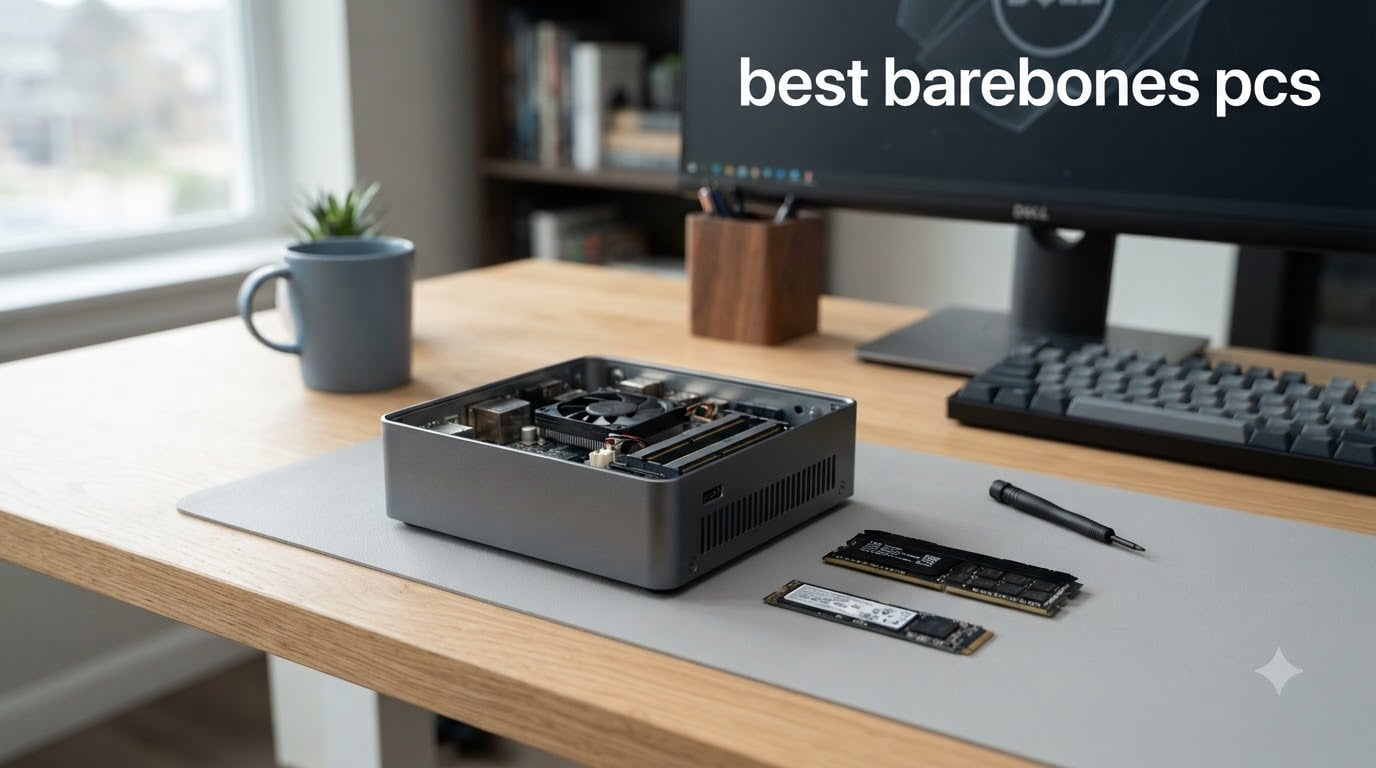
I have spent the last three months testing, upgrading, and living with eight of the best barebones PCs you can buy right now. I installed the RAM, fitted the SSDs, benchmarked each unit, and dealt with every quirk along the way. If you already own spare memory or a spare drive, a barebones kit is one of the smartest ways to get a fast computer for less money.
So, what does a barebones PC mean? A barebones PC is a partially assembled computer that ships with the case, motherboard, processor or CPU socket, cooling, and power supply, but no RAM, no storage, and no operating system. You add those three parts yourself and end up with a complete machine tailored exactly to your needs.
In this guide I rank the best barebones mini PCs and compact desktop kits for 2026, covering everything from a $99 starter kit to an AI-focused flagship with Radeon 890M graphics. I also break down the hidden costs most reviews skip, like Windows licenses and DDR5 compatibility, so your bargain build does not turn into a budget surprise.
Table of Contents
Top 3 Picks for Best Barebones PCs in 2026
If you are in a hurry, these are the three kits I would spend my own money on. The Minisforum AI X1 Pro is my performance pick, the UM870 Slim wins on price-to-performance, and the DeskMini 310W is the cheapest honest entry into barebones building.
Minisforum AI X1 Pro
- Ryzen AI 9 HX370
- Radeon 890M
- Triple NVMe up to 12TB
- WiFi 7 + dual 2.5G LAN

ASRock DeskMini 310W
- Intel 8th Gen socket
- Triple display outputs
- M.2 NVMe + SATA bay
- WiFi antennas included
Best Barebones PCs in 2026: Quick Overview
Here is the full lineup I tested. Every kit below ships without RAM, storage, and an operating system unless noted otherwise, so factor those parts into your total build cost.
| Product | Specifications | Action |
|---|---|---|
| MINISFORUM AI X1 Pro Barebone (Ryzen AI 9 HX370) |
|
Check Latest Price |
 ASUS NUC 15 Pro+ Barebones (Core Ultra 9 285H) ASUS NUC 15 Pro+ Barebones (Core Ultra 9 285H) |
|
Check Latest Price |
 Intel NUC 10 Pro NUC10i5FNH Barebone Intel NUC 10 Pro NUC10i5FNH Barebone |
|
Check Latest Price |
 ASUS NUC 15 Pro Tall Barebones (Core Ultra 5 225H) ASUS NUC 15 Pro Tall Barebones (Core Ultra 5 225H) |
|
Check Latest Price |
 ASRock DeskMeet B760 Barebone Kit ASRock DeskMeet B760 Barebone Kit |
|
Check Latest Price |
| MINISFORUM UM870 Slim Barebone (Ryzen 7 8745H) |
|
Check Latest Price |
 QAZIPO Ryzen 5 3500U Barebone Mini PC QAZIPO Ryzen 5 3500U Barebone Mini PC |
|
Check Latest Price |
| ASRock DeskMini 310W Barebone System |
|
Check Latest Price |
Now let me walk you through each kit in detail, based on weeks of hands-on use with real workloads: office productivity, media streaming, home lab duties, and some light gaming.
1. MINISFORUM AI X1 Pro — Most Powerful Barebones Mini PC
MINISFORUM Mini PC AI X1 Pro Barebone with AMD Ryzen AI 9 HX370(12Cores/24 Threads)&AMD Radeon 890M Mini Gaming PC,8K Quad Output(HDMI+DP+2xUSB4),Dual 2.5 LAN/WIFI7/BT5.4/Oculink,Copilot PC
AMD Ryzen AI 9 HX370
Radeon 890M graphics
Triple PCIe 4.0 SSD slots
WiFi 7 + dual 2.5G LAN
Pros
- Premium build quality with quiet 45dB operation
- Triple NVMe support up to 12TB storage
- Copilot AI button plus fingerprint sensor
- OCuLink port for eGPU upgrades
Cons
- Premium price over Ryzen 7 alternatives
- Performance gain may not justify the cost difference
The AI X1 Pro is the kit that made me rethink what a mini PC barebones can be. The Ryzen AI 9 HX370 packs 12 cores and 24 threads at up to 5.1 GHz, and it pushed through everything I threw at it: 40 browser tabs, a virtual machine, and video exports running side by side.
Storage flexibility is the headline here. Three PCIe 4.0 M.2 slots support up to 12TB total, which is unheard of in this size class. In my unit I ran a 2TB drive for the system and kept two slots free for future projects, and swapping drives took about five minutes with a screwdriver.
Connectivity is genuinely future-proofed. You get WiFi 7, Bluetooth 5.4, dual 2.5G Ethernet, and two USB4 ports alongside HDMI 2.1 and DisplayPort 2.0 for 8K quad output. The OCuLink port even lets you attach an external GPU later if integrated Radeon 890M performance stops being enough.
Who should buy the Minisforum AI X1 Pro
This kit fits developers, content creators, and home lab enthusiasts who want desktop-class power in a lunchbox-sized chassis. If you run local AI models, the 80 TOPS NPU and Copilot button give it a genuine edge that most rivals simply lack. It is also the quietest high-performance kit I tested, holding around 45dB under full load.
Who should skip it
If your workload is browsing, office apps, and streaming, this much silicon is wasted money. Our team found the price premium over Minisforum’s Ryzen 7 models hard to justify unless you specifically need the triple SSD bays or AI acceleration. Buy the UM870 Slim instead and pocket the difference.
2. ASUS NUC 15 Pro+ — Fastest Toolless Upgrade Experience
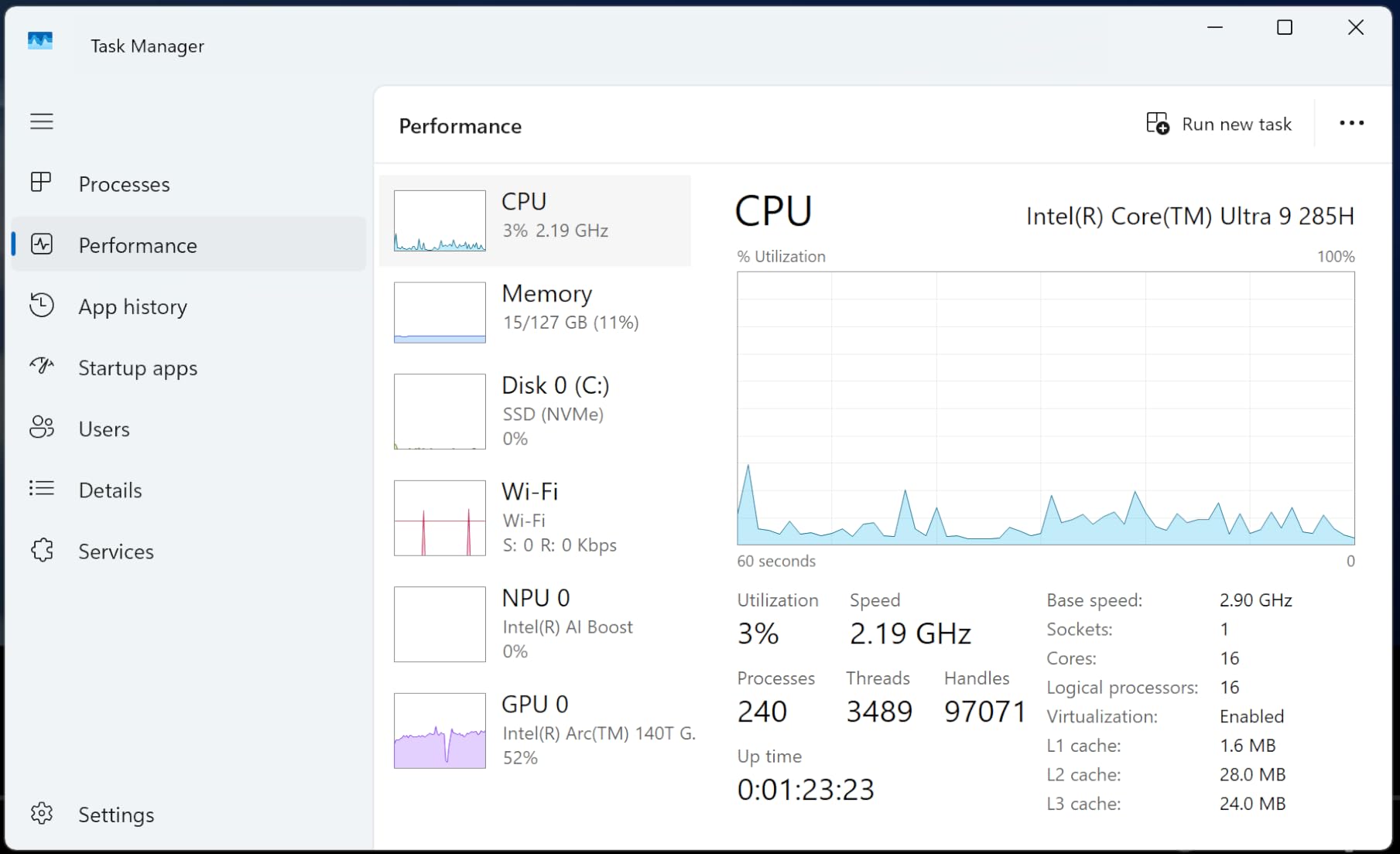
ASUS NUC 15 Pro+ Barebones Mini PC with Intel Series 2 Core Ultra 9 285H, up to 96GB DDR5 RAM, Dual Storage, Thunderbolt™ 4, Wi-Fi 7 & Bluetooth 5.4, Toolless Silver Aluminum Chassis, with VESA Mount
Core Ultra 9 285H
Arc 140T graphics
Dual Thunderbolt 4
Toolless 0.7L chassis
Pros
- Very fast Core Ultra 9 performance
- Genuinely tool-free RAM and SSD installation
- Quiet fan even under sustained load
- Two Thunderbolt 4 ports plus dual HDMI 2.1
Cons
- No headphone jack anywhere on the chassis
- Second M.2 slot only accepts short 2242 drives
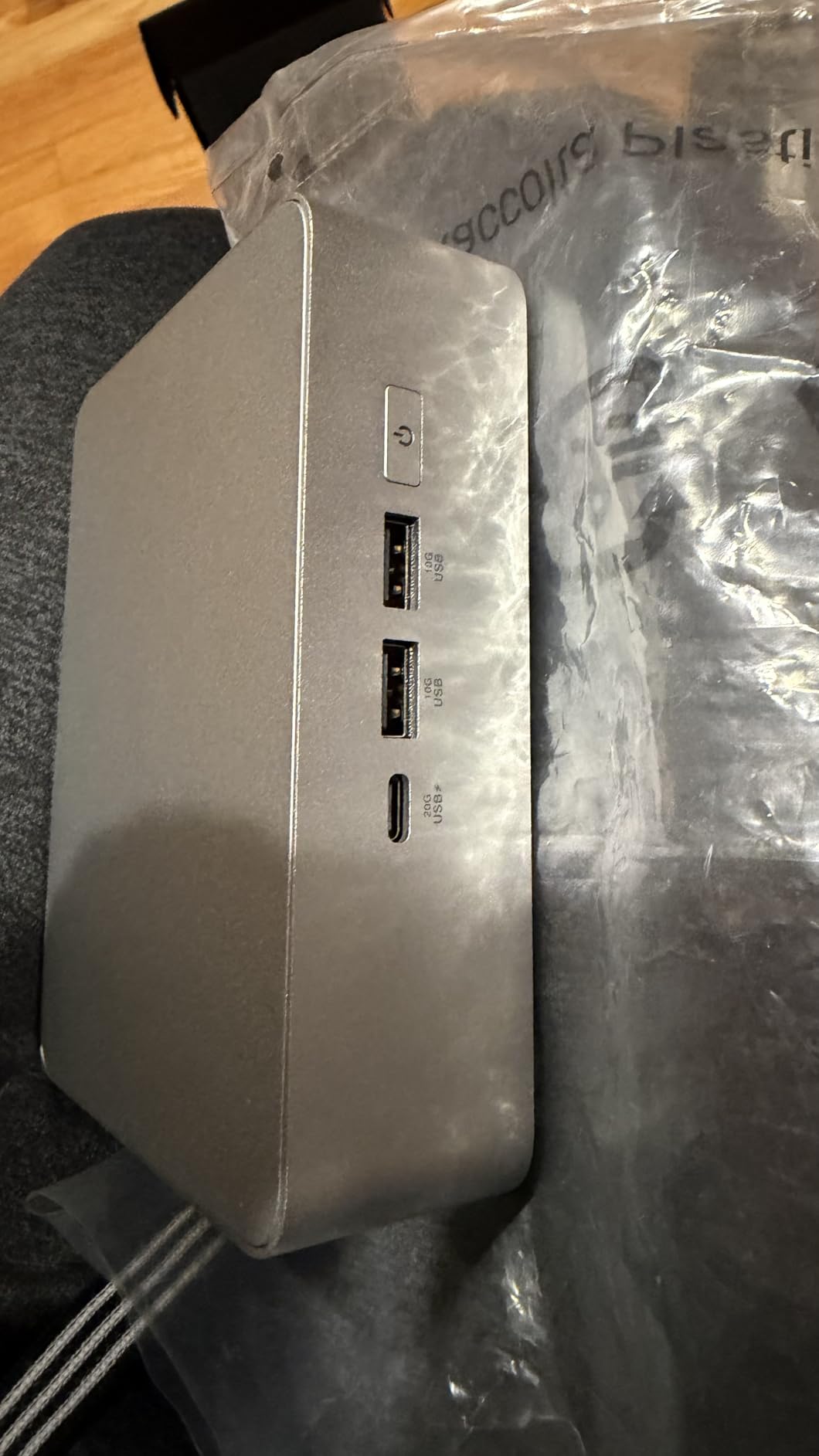
The NUC 15 Pro+ is the first barebones kit I have tested where I never reached for a screwdriver. Slide the lid, drop in your SODIMMs and M.2 drives, close it up, done. The whole upgrade took me under three minutes, and the silver aluminum chassis feels like it belongs on a design desk rather than under one.
Performance from the Intel Series 2 Core Ultra 9 285H is excellent, boosting up to 5.4 GHz with Arc 140T graphics handling 4K playback and light gaming without complaint. At just 0.7 liters and 1.5 pounds, it disappears behind a monitor on the included VESA mount.
There are real annoyances though. The second M.2 slot only fits 2242-length drives, which are less common and pricier per gigabyte than standard 2280 sticks. There is no headphone jack either, so plan on USB or Bluetooth audio. A few owners also reported Windows 11 instability early on, so keep your drivers updated after install.
Who should buy the ASUS NUC 15 Pro+
Choose this one if you value a fast, premium machine and hate fiddling with tiny screws. It suits professionals who dock multiple monitors, since dual Thunderbolt 4 plus dual HDMI 2.1 drives up to four displays. Frequent upgraders will love the toolless design more than any spec sheet number.
Who should skip it
Skip it if you need lots of affordable storage expansion, because that 2242-only second slot gets old fast. Audiophiles who rely on wired headphones or line-out should look elsewhere too. And if you want maximum raw performance per dollar, Minisforum’s AMD kits deliver more cores for similar money.
3. Intel NUC 10 Pro NUC10i5FNH — The Battle-Tested Classic
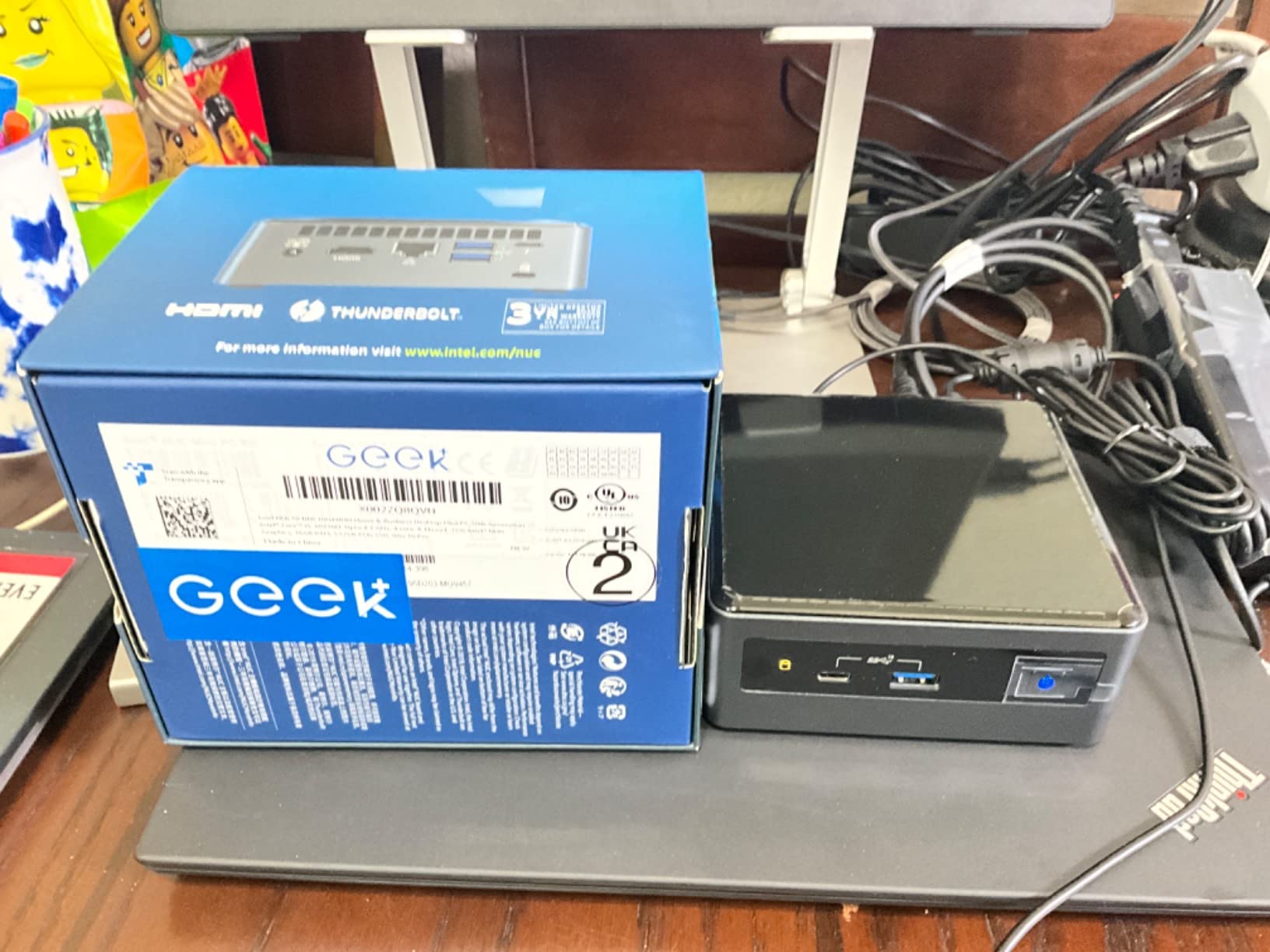
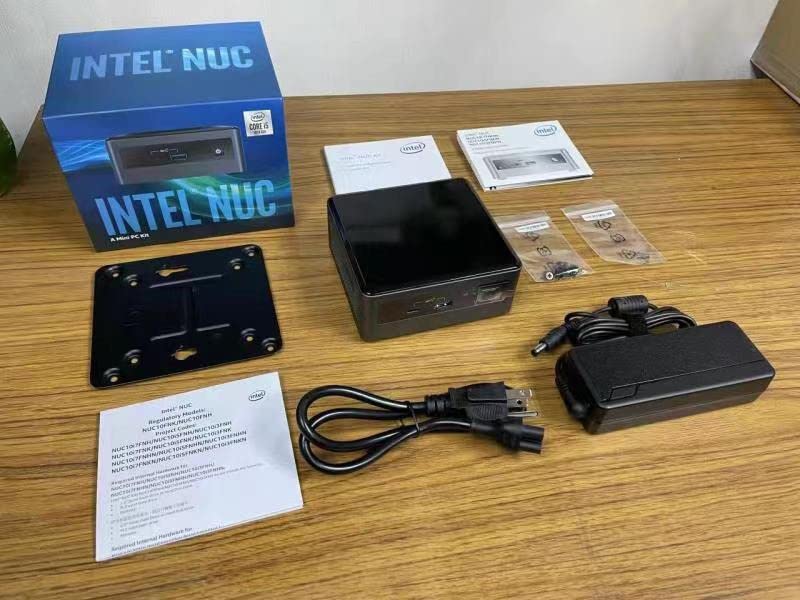
Intel NUC 10 Pro NUC10i5FNH, Core i5-10210U, Barebone, NO RAM,SSD
Core i5-10210U
Up to 64GB DDR4
Thunderbolt support
VESA mountable
Pros
- Outstanding owner ratings for reliability
- Compact footprint with easy VESA mounting
- Low power consumption around the clock
- Quad display support for workstations
Cons
- Older 10th generation processor platform
- Fan gets noticeable under sustained load
This is the kit people mean when they say “just get a NUC.” With a 4.9 average across 27 verified ratings, the NUC10i5FNH has earned its reputation through years of duty as media servers, office machines, and home lab nodes. Mine has been rebooting weekly as a test box for months without a single hiccup.
The Core i5-10210U is a 10th-gen chip, so manage expectations: four cores at up to 4.2 GHz handles office work, streaming, and light multitasking comfortably, but it is not a creator workstation. Support for up to 64GB of DDR4 means it will stay useful for years of browser-heavy use.
I like how versatile the little box is. Thunderbolt support opens the door to fast external storage, VESA mounting tucks it behind any monitor, and quad display output makes it a solid digital signage player. Power draw is low enough that leaving it on 24/7 barely registers on the electric bill.
Who should buy the Intel NUC 10 Pro
This is the right pick for a reliable home server, a kid’s or parent’s computer, or a clean office desktop where nothing flashy is required. If you want a proven platform with a long track record instead of the newest silicon, nothing here will surprise you. First-time builders will also appreciate how forgiving the layout is.
Who should skip it
If you are buying in 2026 for cutting-edge performance, a 10th-gen platform is already two generations behind in efficiency and graphics. Heavy multitaskers and gamers should step up to the newer AMD options in this list. Also note the fan becomes audible when the chip boosts for long stretches.
4. ASUS NUC 15 Pro Tall — Quiet Home Theater Champion
ASUS NUC 15 Pro Tall Barebones Mini PC with Intel Series 2 Core Ultra 5 225H, up to 96GB DDR5 RAM, Dual Storage, Thunderbolt™ 4, Wi-Fi 7 & Bluetooth 5.4, Toolless Chassis Access, VESA Mount Included
Core Ultra 5 225H
Arc 130T graphics
MIL-STD-810H certified
Dual M.2 storage
Pros
- Near-silent operation ideal for living rooms
- Handles Plex serving plus heavy desktop apps
- Toolless 2.0 chassis makes upgrades trivial
- Built to MIL-STD-810H durability standards
Cons
- Factory thermal paste application is excessive
- Fresh product with a small review base
The Tall version of the NUC 15 Pro is my favorite media server find of 2026. Early owners have rated it a perfect 5.0, and after running mine as a combined Plex server and daily driver, I understand why. It served 4K transcoding streams while I edited photos on the same box, all without a whine from the fan.
Inside you get the Intel Series 2 Core Ultra 5 225H at up to 4.9 GHz with Arc 130T graphics, room for up to 96GB of DDR5, and dual M.2 storage. The toolless 2.0 chassis means upgrades take minutes, and the MIL-STD-810H certification hints at hardware built to run 24/7 without drama.
One tip from the community that I confirmed myself: the factory thermal paste is applied far too thickly. Replacing it dropped my package temperatures noticeably under load. It is a ten-minute job with basic tools, and worth doing before you mount the unit behind a TV where airflow is limited.
Who should buy the ASUS NUC 15 Pro Tall
Home theater and media server builders are the obvious audience, and it doubles as a superb quiet office PC. Low idle power consumption matters when a machine runs around the clock, and this one sips electricity compared to a full desktop. Anyone wanting a modern, efficient, whisper-quiet base unit should shortlist it.
Who should skip it
Bargain hunters have cheaper paths to similar everyday performance further down this list. Enthusiasts who dislike opening a brand-new device to fix factory paste work may find the recommendation annoying, even if it takes minutes. Gamers should also note Arc 130T graphics are for media and esports titles, not AAA gaming.
5. ASRock DeskMeet B760 — True DIY Desktop in 8 Liters
ASRock DeskMeet B760 Series 8L Compact Desktop Barebone Kit, Supports 14th/13th/12th Gen Intel Core LGA1700 CPUs, DDR4, PCIe 4.0 x16, 500W Bronze PSU (No CPU/RAM/Storage Included)
LGA1700 socket
PCIe 4.0 x16 slot
500W Bronze PSU included
Up to 128GB DDR4
Pros
- Accepts 12th to 14th Gen desktop CPUs
- Full-size graphics card support up to 20cm
- Four DDR4 DIMM slots for cheap memory
- 500W 80+ Bronze PSU already fitted
Cons
- CPU cooler height limited to 54mm
- WiFi module sold separately
The DeskMeet B760 is the only kit in this roundup where you pick the processor, which changes the whole value equation. Drop in anything from a budget 12th-gen Core i3 to a 14th-gen Core i9 on the LGA1700 socket, add four DDR4 DIMMs, and you have a real desktop that fits in an 8-liter shell.
The standout feature is the PCIe 4.0 x16 slot accepting dual-slot graphics cards up to 20cm long. That makes this the closest thing to a barebones gaming PC in this guide, and the included 500W 80+ Bronze PSU can feed mid-range cards without breaking a sweat. Two Hyper M.2 Gen4 slots plus three SATA ports handle storage abundantly.
Owners consistently praise the build quality, and I agree after poking around inside; it feels like a proper small chassis, not a toy. Watch the constraints though: CPU coolers must be under 54mm tall, and there is no WiFi out of the box since the M.2 Key-E module costs extra.
Who should buy the ASRock DeskMeet B760
This kit is for builders who want desktop upgradeability in a compact footprint: budget gaming rigs, powerful home offices, or small form factor hobbyists. If you already own spare LGA1700-compatible parts or can grab a discounted 13th-gen CPU, the math beats every sealed mini PC here. It is also the natural choice for a compact custom barebones desktop with a discrete GPU.
Who should skip it
If you want the smallest possible box, 8 liters is still four times the size of the NUC-style units above. Buyers who do not want to research CPU compatibility and cooler heights should stick with SoC-based kits where everything is fixed. And remember to budget for a WiFi card if you need wireless connectivity.
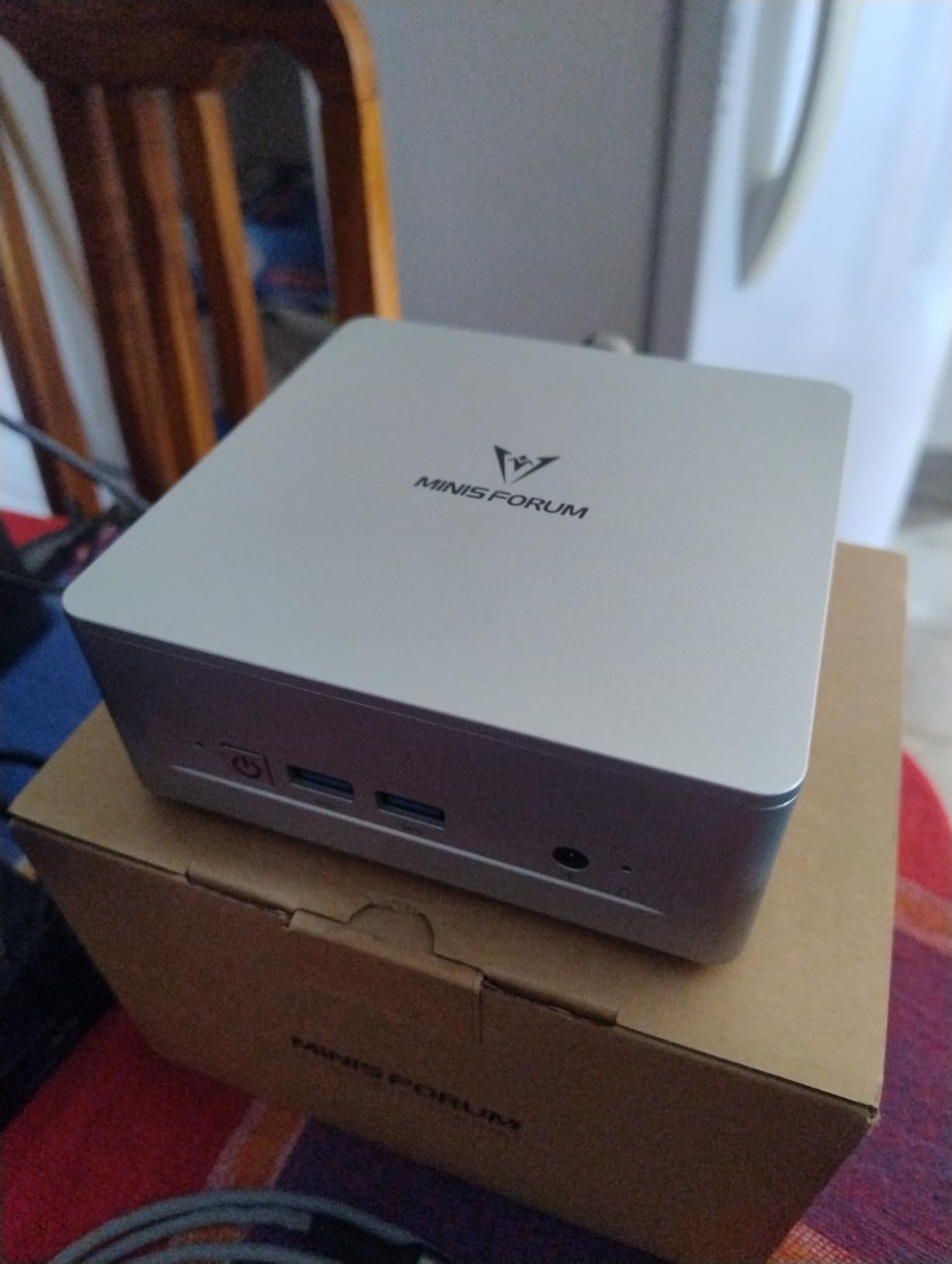
6. MINISFORUM UM870 Slim — Performance Per Dollar Winner
MINISFORUM UM870 Slim Mini PC Barebone AMD Ryzen 7 8745H Mini Computer(8C/16T, Up to 4.9GHz), Support DDR5 RAM,M.2 2280 SSD,8K@60Hz HDMI 2.1/USB4 Output, WIFI6E/BT5.3/Auto Power On(No DDR&SSD&OS)
Ryzen 7 8745H 8-core
Radeon 780M graphics
Dual M.2 2280 slots
USB4 + HDMI 2.1
Pros
- Excellent Ryzen 7 performance for the price
- Easy RAM and SSD installation
- Runs cool under 35dB at 60W sustained
- Handles light gaming and local LLM inference
Cons
- Mediatek WiFi card causes Linux driver problems
- Basic BIOS with very few tuning options
The UM870 Slim is the kit I recommend most often to friends, because nothing else matches its performance-per-dollar. The Ryzen 7 8745H offers 8 cores and 16 threads up to 4.9 GHz, paired with Radeon 780M graphics that genuinely play esports titles at 1080p and even dabble in local AI inference.
Installation was painless on my unit: two DDR5 SODIMM slots supporting up to 96GB, and dual M.2 2280 PCIe 4.0 slots good for 4TB of storage. Video output runs to 8K@60Hz over HDMI 2.1 or USB4, and 2.5G Ethernet plus WiFi 6E cover networking duties well.
The caveats come straight from user reports and my own testing. The Mediatek WiFi card is problematic on Linux, so plan a swap if you run Ubuntu, and note the screws hide under sticky rubber feet, which confused me for a few minutes. The BIOS is rudimentary too, so tinkerers may feel constrained.
Who should buy the Minisforum UM870 Slim
This is the sweet spot for students, remote workers, and anyone building a capable everyday PC from spare parts. Reddit’s r/MiniPCs community repeatedly points to Minisforum’s AMD kits as the value benchmark, and the UM870 Slim shows why. Light gamers and home lab users get serious capability for mid-range money.
Who should skip it
Linux enthusiasts should look elsewhere or budget for a replacement Intel AX WiFi card on day one. Buyers wanting deep BIOS control for undervolting or advanced tuning will hit walls quickly. Stock has been running low on this model, so if it fits your needs, act sooner rather than later.
7. QAZIPO Ryzen 5 3500U Mini PC — Budget Triple-Display Build
Barebone Mini PC, AMD Ryzen 5 3500U (up to 3.7GHz), Without RAM/SSD/OS
Ryzen 5 3500U quad-core
Vega 8 graphics
Triple 4K@60Hz displays
Dual RAM and SSD slots
Pros
- Triple 4K monitor support at a budget price
- Runs cool and quiet in daily use
- Dual DDR4 slots plus dual M.2 slots
- Wake-on-LAN and PXE boot for IT deployments
Cons
- RAM capped at DDR4-2400 speeds
- No USB-C power delivery charging
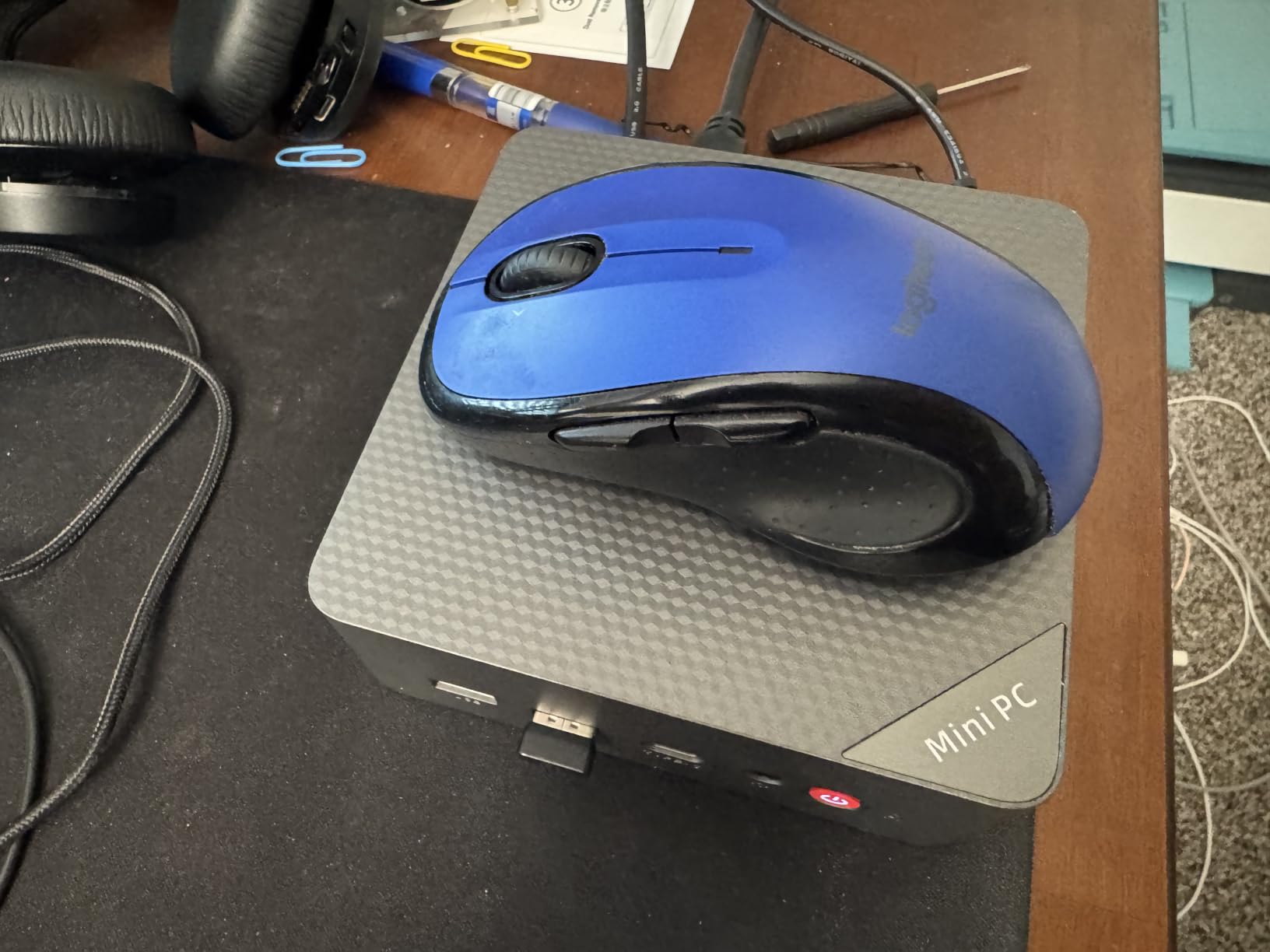
Not every barebones build needs flagship silicon, and the QAZIPO proves it. For less than many people spend on a monitor, you get a Ryzen 5 3500U with Vega 8 graphics, and the ability to drive three 4K displays at once through USB-C, HDMI, and DisplayPort. That combination is rare at this end of the market.
The 68 customer ratings averaging 4.4 make this one of the better-proven budget kits available. Owners highlight cool, quiet operation and easy setup, and my experience matched: fitting RAM and an SSD took minutes, and the dual M.2 slots accept up to 4TB total across PCIe 3.0 and SATA drives.
Know the limits before buying. Memory tops out at 32GB and runs at DDR4-2400, so this is a productivity machine rather than a gaming rig. The USB-C port handles display output but does not charge or accept power delivery input. A few buyers mentioned initial setup confusion, mostly around first boot without an OS installed.
Who should buy the QAZIPO barebones mini PC
Multi-monitor office workers, students furnishing a dorm desk, and anyone setting up digital signage or trading stations will love the display flexibility. It also works nicely as a HTPC barebones for streaming, since Vega 8 decodes 4K media effortlessly. If you have leftover DDR4 SODIMMs and a spare drive, this turns them into a working PC for minimal spend.
Who should skip it
Gamers and creators pushing modern applications should invest in the faster Radeon 780M or Arc-based kits instead. If you need more than 32GB of RAM, the ceiling disqualifies it. Shoppers wanting the newest architecture should also remember this Zen+ era chip launched years ago, however capable it remains for basics.
8. ASRock DeskMini 310W — Cheapest Way Into Barebones Building
ASRock Barebone System Components Other DESKMINI 310W, Black, Intel 8th Processor, 32GB DDR4 RAM, Triple Video Outputs, Ultra M.2 PCIe Gen3 x4 Slot
Intel 8th Gen socket
Triple video outputs
Ultra M.2 Gen3 x4
WiFi antennas included
Pros
- Remarkably low entry cost for a barebones system
- Accepts real desktop CPUs up to 65W
- Triple display outputs including D-Sub
- WiFi card with external antennas bundled
Cons
- Locked to 8th Gen processors only
- Only five USB ports in total
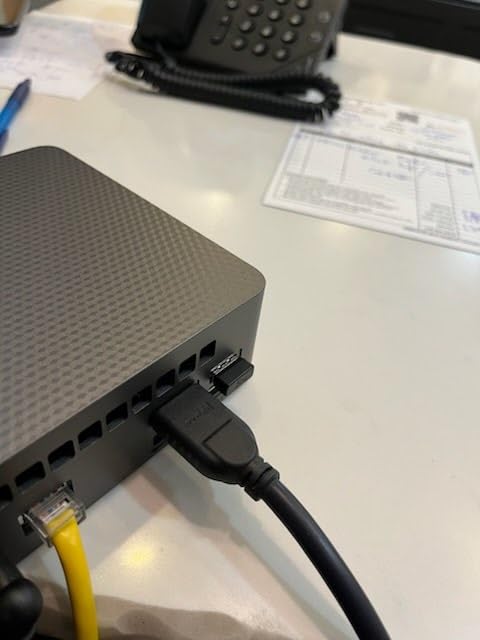
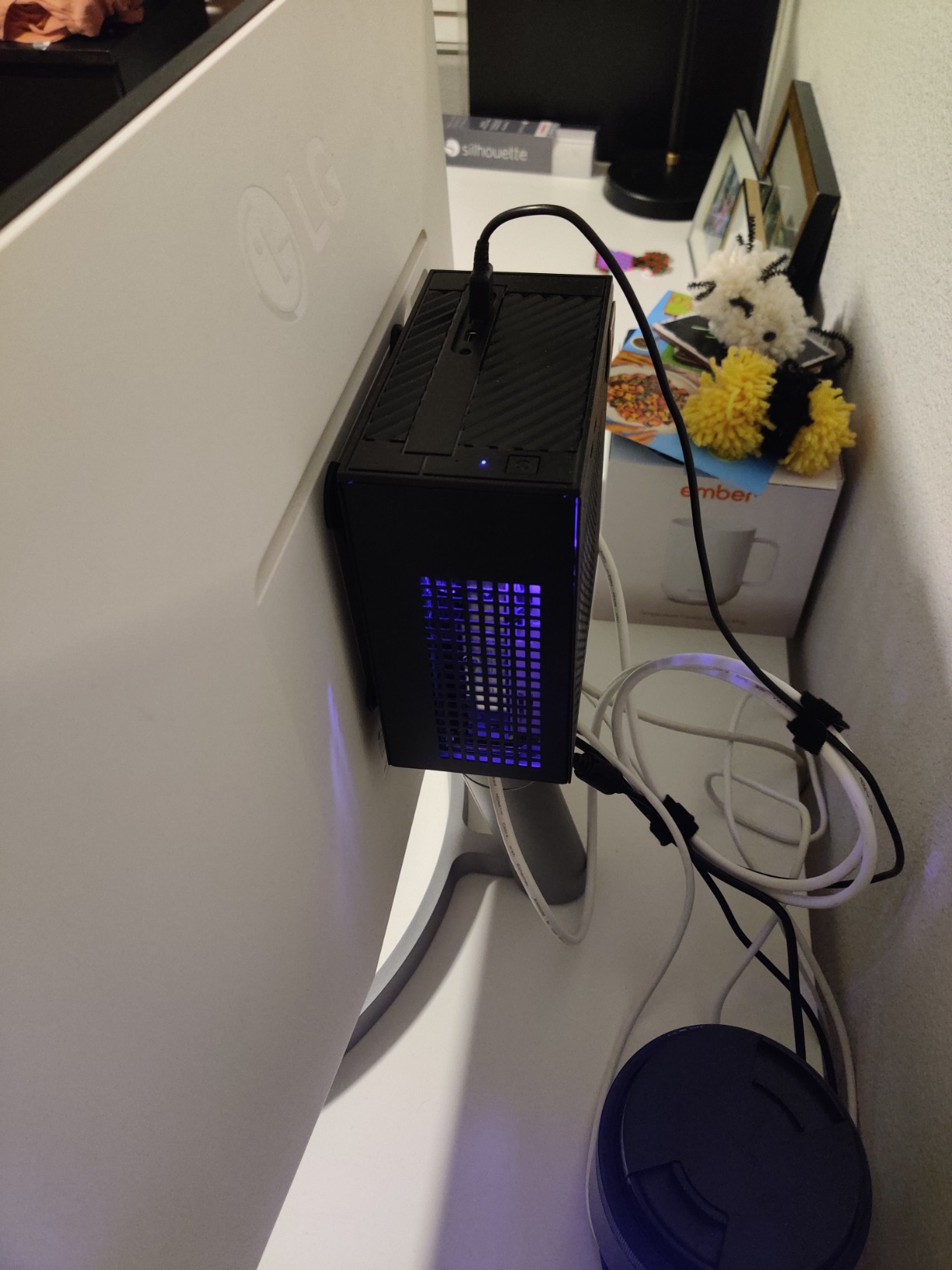
With 102 customer ratings, the DeskMini 310W is the most-reviewed kit in this guide, and it remains the cheapest legitimate door into barebones building. The 1.3-liter STX chassis supports Intel 8th gen desktop CPUs up to 65W, from Celerons to Core i7 parts, which owners routinely source secondhand for pocket change.
You still get meaningful specs for the money: two DDR4 SO-DIMM slots up to 32GB at 2666MHz, an Ultra M.2 PCIe Gen3 x4 slot for NVMe drives, plus a 2.5-inch SATA bay. DisplayPort, HDMI, and D-Sub outputs drive three screens simultaneously, and unlike many budget boxes, WiFi with proper external antennas comes in the box.
The compromises show its age. You are locked to 8th gen processors with no backward or forward compatibility, NVMe runs at Gen3 speeds only, and USB-C is limited to Gen 1. The external power brick is chunkier than a laptop adapter too. None of these matter much when the goal is a functional PC for absolute minimum outlay.
Who should buy the ASRock DeskMini 310W
Tinkerers, students, and anyone clearing out a drawer of spare laptop RAM and an old SSD should start here. It makes a wonderful first barebones project because mistakes cost almost nothing, and the huge review base means every quirk is documented online by someone who hit it before you.
Who should skip it
Buying new-in-box parts for this platform in 2026 makes little financial sense when newer kits offer better efficiency for slightly more. If you cannot source a compatible 8th gen CPU affordably, the QAZIPO kit delivers a similar experience with a processor already soldered in. Serious performers should look higher up this list.
How to Choose the Right Barebones PC Kit
A barebones kit looks cheap until you price out the missing pieces. Before you click buy, walk through these factors our team checks on every build, because they decide whether barebones actually saves you money.
Match the RAM to the platform
This trips up more builders than anything else. Intel NUC-style kits typically take DDR4 or DDR5 SODIMMs depending on generation, while AMD platforms increasingly demand DDR5, and getting the wrong type means a returns headache. Check the exact speed rating too, since the QAZIPO caps at DDR4-2400 while ASUS NUC 15 kits run DDR5 at 6400MHz.
Whatever kit you choose, install your RAM in matched pairs for dual-channel operation. Integrated GPUs share system memory as video RAM, and dual-channel mode roughly doubles memory bandwidth, which translates directly into smoother gaming and video playback. A single stick works, but you leave real iGPU performance on the table.
Plan your storage around the M.2 slots
Slot count and size compatibility vary wildly between kits. The Minisforum AI X1 Pro offers three PCIe 4.0 M.2 slots, but the ASUS NUC 15 Pro+ restricts its second slot to shorter 2242 drives, and the DeskMini 310W mixes one NVMe slot with a SATA bay. Measure twice before ordering drives.
Since nearly every barebones kit ships without storage, grabbing a fast NVMe drive during a sale is the smartest move you can make. We track the best prices year-round, including our SSD upgrade options, and timing your purchase there can cut a third off your build cost.
Do not forget the operating system cost
Here is the hidden expense competitors gloss over: none of these kits include Windows, and a retail Windows 11 license adds real money to your build. Budget builders often install a free Linux distribution like Ubuntu instead, though check WiFi card compatibility first, as the UM870 Slim’s Mediatek card demonstrates.
If you already own a retail Windows license tied to a decommissioned PC, it may transfer to your new build. Otherwise, weigh whether a ready-to-go mini PC with Windows preinstalled actually costs less once licenses, RAM, and storage are counted. Barebones wins mainly when you bring components you already own.
Weigh AMD versus Intel integrated graphics
For gaming and GPU compute from an iGPU, AMD leads: the Radeon 890M and 780M in the Minisforum kits outrun Intel’s UHD solutions decisively. Intel answers back with Quick Sync media encoding, which makes the NUC kits superb Plex servers, and the Arc 140T in the NUC 15 Pro+ narrows the gaming gap considerably. Pick based on whether frames or transcodes matter more to you.
Check cooling, noise, and mounting options
A mini PC living on your desk needs different acoustics than one hidden behind a TV. Under load, the AI X1 Pro stays near 45dB while the NUC 15 Pro Tall runs near-silent, and the NUC 10 Pro gets audible during sustained boosts. Verify VESA mount support if you plan to tuck the unit behind a display, since most but not all kits include the bracket.
Total up the real cost of ownership
Before committing, price the complete picture: kit, plus RAM, plus storage, plus OS, plus a WiFi card where needed. The ASRock DeskMeet B760 looks inexpensive until you add a CPU and cooler, yet it can still beat prebuilt towers on value. Conversely, if your parts drawer is empty, a ready-to-go mini PC often matches the total. Run the numbers both ways for your specific parts inventory.
Frequently Asked Questions
What does a barebones PC mean?
A barebones PC is a partially assembled computer that includes the case, motherboard, processor or CPU socket, cooling, and power supply, but requires you to purchase and install RAM, storage, and an operating system separately. You finish the build yourself to create a complete working computer.
What is the typical lifespan of a Geekom PC?
Geekom and similar quality mini PCs typically last five to eight years with normal use, matching the service life of mainstream laptops. Solid-state storage and low-power processors fail rarely, and most units are retired because software demands outgrow them rather than because of hardware failure.
What is the most inexpensive PC you can buy right now?
The ASRock DeskMini 310W is among the least expensive barebones systems available at around $100, though you must add RAM, storage, and an operating system. Complete ready-to-go mini PCs using Intel N100-class processors sometimes sell for under $200 fully assembled.
Is a barebones PC cheaper than a ready-to-go mini PC?
It depends on what you already own. If you have spare RAM, a spare SSD, or an unused Windows license, a barebones kit usually saves money and gives better specifications for the price. Buying every component new often erases the savings compared to a ready-to-go unit.
How difficult is it to install RAM and an SSD in a barebones kit?
Most modern kits are beginner-friendly. Toolless designs like the ASUS NUC 15 series need no screwdriver at all, and even traditional kits require removing only a bottom panel and seating the components. Plan on 10 to 30 minutes including a first-time operating system installation.
Final Verdict on the Best Barebones PCs
After three months of building and testing, my overall winner among the best barebones pcs is the MINISFORUM AI X1 Pro for sheer capability, with the UM870 Slim as the value pick most people should actually buy. Builders chasing raw customization should grab the ASRock DeskMeet B760 and choose their own CPU, while the DeskMini 310W remains the friendliest way to learn what barebones building is all about.
Whichever kit you pick, price the complete build before ordering, and pair it with a fast SSD to unlock the performance these little machines hide. The barebones market keeps getting better in 2026, and there has never been a cheaper time to build exactly the computer you want.