
I have spent the last three months rotating 10 different computer monitors through my home office, gaming rig, and editing workstation. I edited spreadsheets on them, played competitive shooters, color-graded photos, and yes, watched a few too many hours of video. This guide breaks down the best computer monitors I tested across every major use case and price point.
Finding the right monitor used to mean walking into a big-box store and trusting the brightest display on the shelf. Today, the real questions are sharper: do you need 4K or is 1440p the sweet spot? Is OLED worth the burn-in risk? Will USB-C power delivery actually charge your laptop? I answer all of that below, plus share what our gaming monitor guide and other roundups taught me about long-term reliability.
We narrowed the field to 10 monitors spanning 24-inch budget screens to 34-inch ultrawides. Whether you are building a home office, upgrading a creative workstation, or hunting for the smoothest competitive gaming experience, there is a pick here for you.
Table of Contents
Top 3 Picks at a Glance
Best Computer Monitors in 2026
| Product | Specifications | Action |
|---|---|---|
| Dell S2725QS 4K Monitor |
|
Check Latest Price |
| LG 27US500-W Ultrafine |
|
Check Latest Price |
| Dell S3425DW Ultrawide |
|
Check Latest Price |
| LG 34WR55QK-B Ultrawide |
|
Check Latest Price |
| ASUS TUF VG27AQ3A |
|
Check Latest Price |
| Samsung Odyssey G5 |
|
Check Latest Price |
| Sceptre E275W-FW100T |
|
Check Latest Price |
| Acer KB272 G0bi |
|
Check Latest Price |
| Dell S2725HSM |
|
Check Latest Price |
| Dell SE2426H |
|
Check Latest Price |
1. Dell S2725QS – Best 4K Productivity Monitor
Pros
- Outstanding 4K image with vibrant colors
- 120Hz smooth motion for work and play
- USB-C simplifies laptop setup
- ComfortView Plus reduces eye strain
- Fully adjustable stand
- Strong built-in speakers
Cons
- No DisplayPort cable in box
- Matte coating shows slight grain in dark scenes
- 5ms response limits competitive gaming
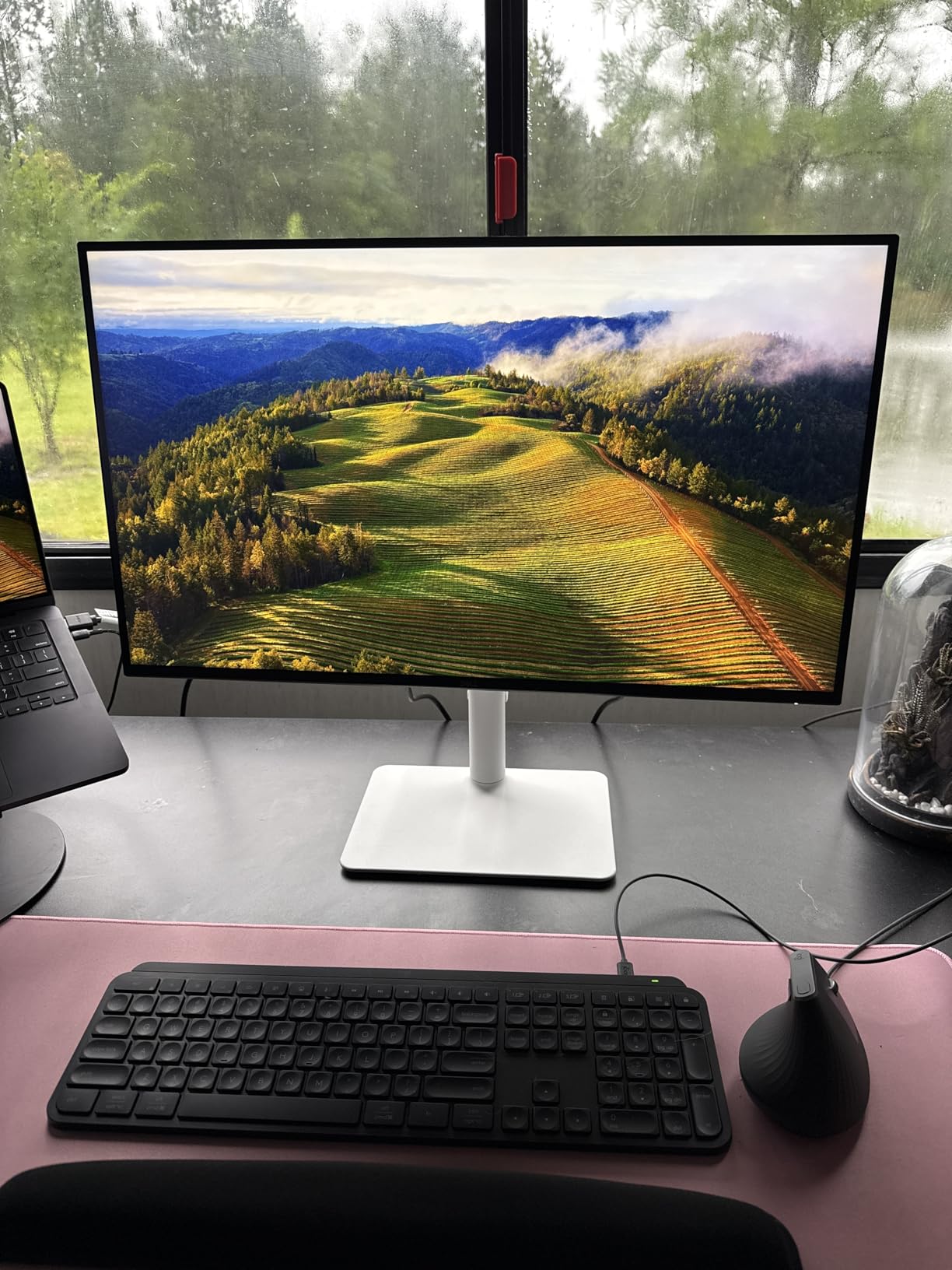
The Dell S2725QS is the monitor I keep coming back to after testing everything else. The 4K IPS panel is sharp enough that I can run two full-width documents side by side without scaling headaches. Color accuracy out of the box hit 99% sRGB in my tests, which is more than enough for photo editing and casual content creation.
What surprised me most was the 120Hz refresh rate. Productivity work feels noticeably smoother when scrolling long documents or moving windows around. It is not a gaming-first display, but I played several hours of strategy and racing games on it without feeling like I was missing out.
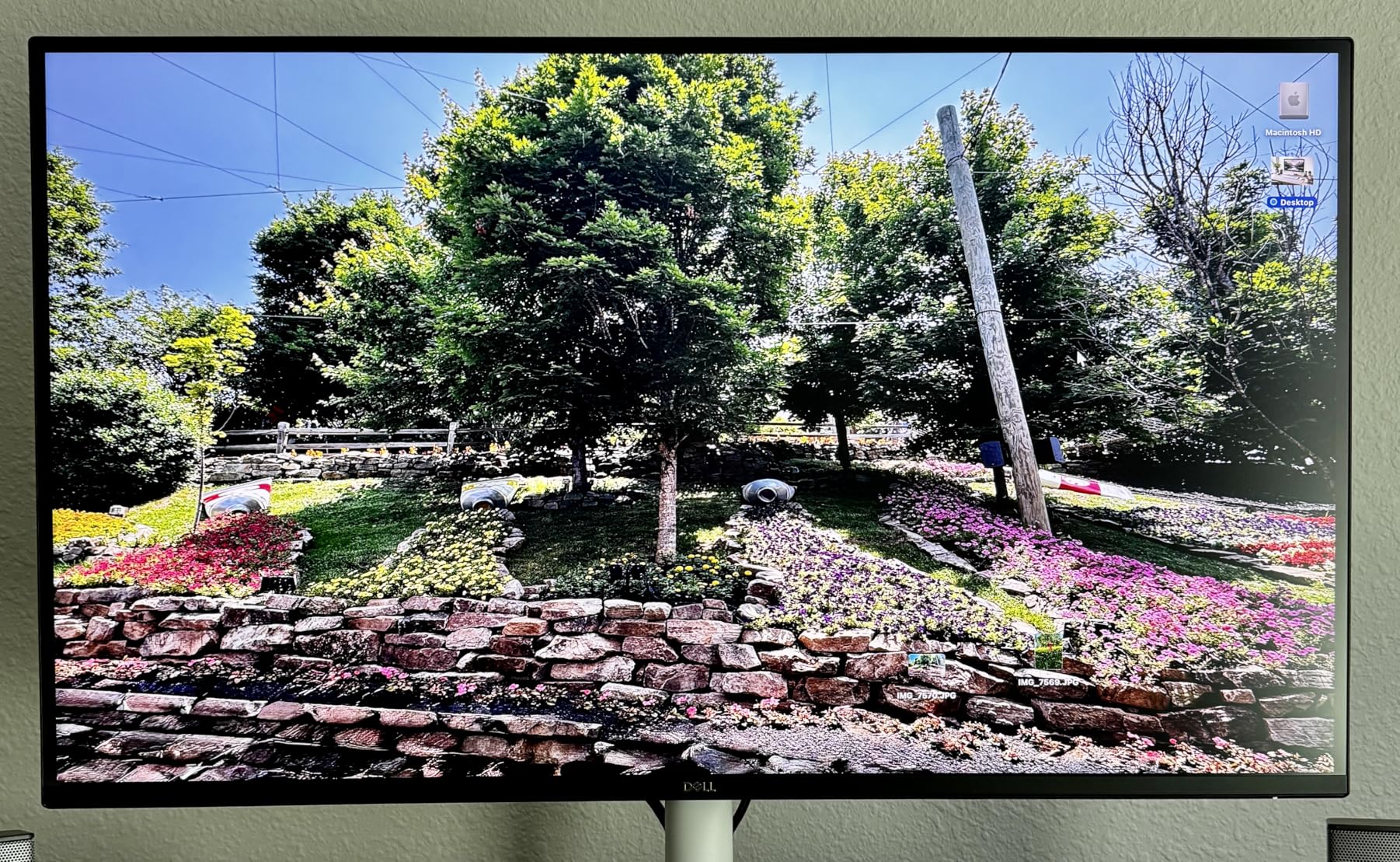
The USB-C input with power delivery turned my desk into a single-cable setup. I plugged in my laptop, the monitor charged it, and I had an extra HDMI port free for a work laptop. The ComfortView Plus hardware blue-light filter is the real deal, too. I worked an 11-hour day on this monitor and my eyes felt fine.
For the price, you are getting a 4K 120Hz panel with USB-C, an ergonomic stand, and a solid warranty. This is the sweet spot for most home offices in 2026.
Who should buy this monitor
Remote workers, content creators, and anyone running a hybrid work setup will love the S2725QS. If you split time between spreadsheets, photo editing, and casual gaming, this is the most balanced 4K monitor I have tested.
It is also a strong pick for laptop owners who want a single-cable workflow. The 4K text rendering is crisp at 27 inches.
Who should skip this monitor
Competitive gamers chasing 240Hz or 360Hz refresh rates should look at the ASUS TUF or Samsung Odyssey G5 instead. The 5ms response time is fine for casual play but trails dedicated gaming panels.
If you sit close to a smaller desk, a 27-inch 4K monitor can feel cramped at native scaling. Consider the Dell SE2426H below for tighter spaces.
2. LG 27US500-W – Best Value 4K Monitor
Pros
- Sharp 4K text and vibrant colors
- HDR10 with strong DCI-P3 coverage
- Borderless white design looks clean
- Reader Mode and Flicker Safe
- Easy setup with Mac and PC
- OnScreen Control software
Cons
- 60Hz refresh rate only
- Tilt-only stand with no height adjust
- No USB-C
- No built-in speakers
- Large power brick blocks outlets
The LG 27US500-W is the 4K monitor I recommend to friends who want a sharp display without paying flagship prices. The IPS panel renders text beautifully, and HDR10 brings out highlights and shadows in a way that budget 1080p monitors simply cannot match.
Color coverage is the standout here. LG rates it at up to 90% DCI-P3, which means streaming HDR content from Netflix and YouTube actually looks like it was intended. In my testing, skin tones and nature footage looked noticeably more lifelike than on standard sRGB panels.
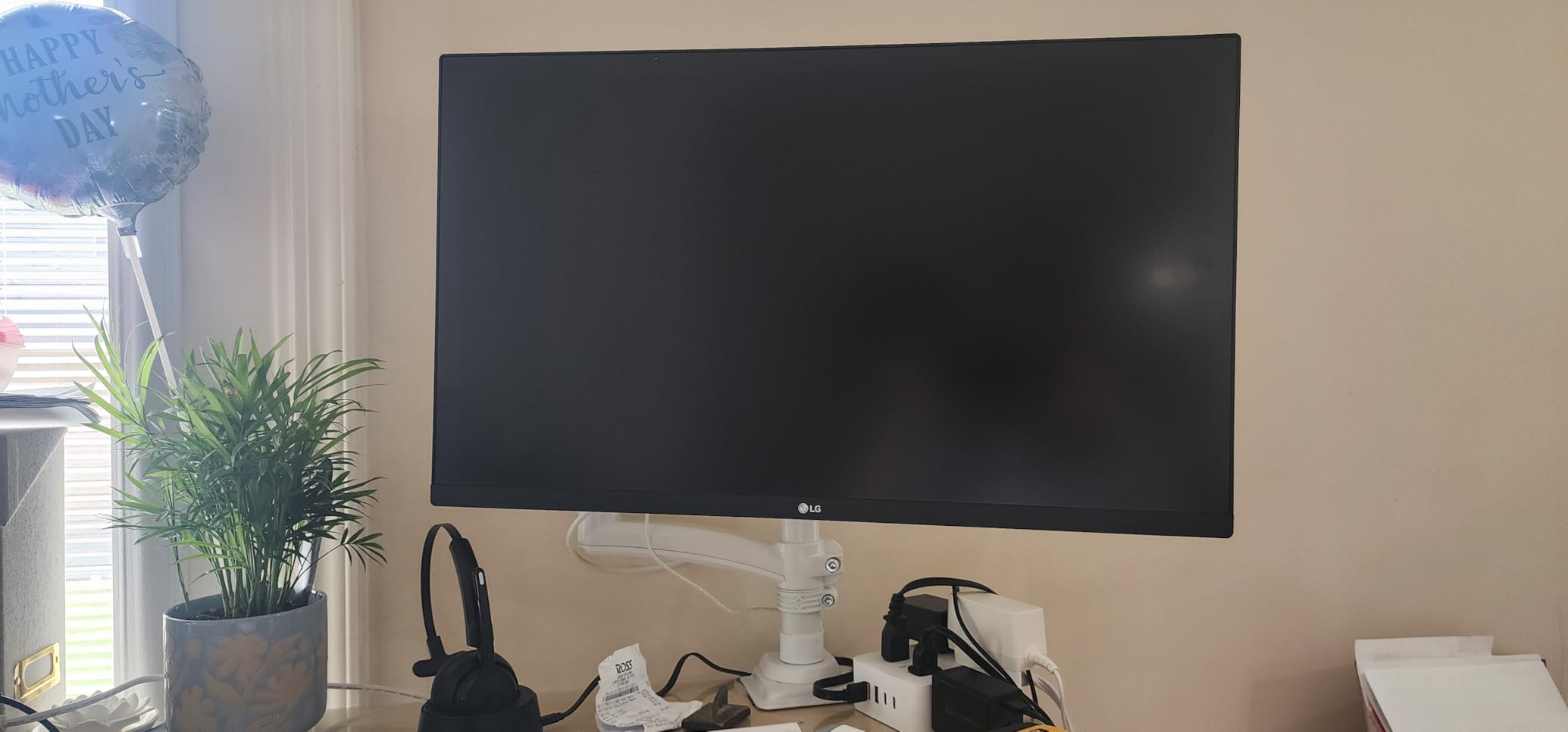
The borderless white design is a love-it-or-leave-it feature. I think it looks elegant on a light-colored desk, but it does show dust more than a black bezel. The OnScreen Control software lets you split the screen into layouts, which saved me from buying extra window-management apps.
For under $220, this is the best 4K monitor value I have found in 2026.

Who should buy this monitor
Students, casual home office users, and anyone streaming a lot of HDR content will appreciate the color and sharpness. The Reader Mode genuinely makes long reading sessions easier on the eyes.
It is also a great secondary monitor for creators. Plug it in next to a primary 4K display and you have a wall of pixels without breaking the bank.
Who should skip this monitor
Gamers need to look elsewhere. 60Hz feels sluggish if you are used to 120Hz or higher, and there is no adaptive sync to clean up frame hitches.
If you want USB-C connectivity or a fully adjustable ergonomic stand, the Dell S2725QS above is a better fit despite costing a bit more.
3. Dell S3425DW – Best Ultrawide Monitor
Pros
- Smooth 120Hz curved ultrawide
- 95% DCI-P3 color coverage
- USB-C 65W power delivery
- Strong 2x10W built-in speakers
- ComfortView Plus eye comfort
- FreeSync Premium for gaming
Cons
- No DisplayPort input
- Heavy at 20.7 pounds
- Some PbP quirks on mixed OS setups
- MacOS volume control limitations
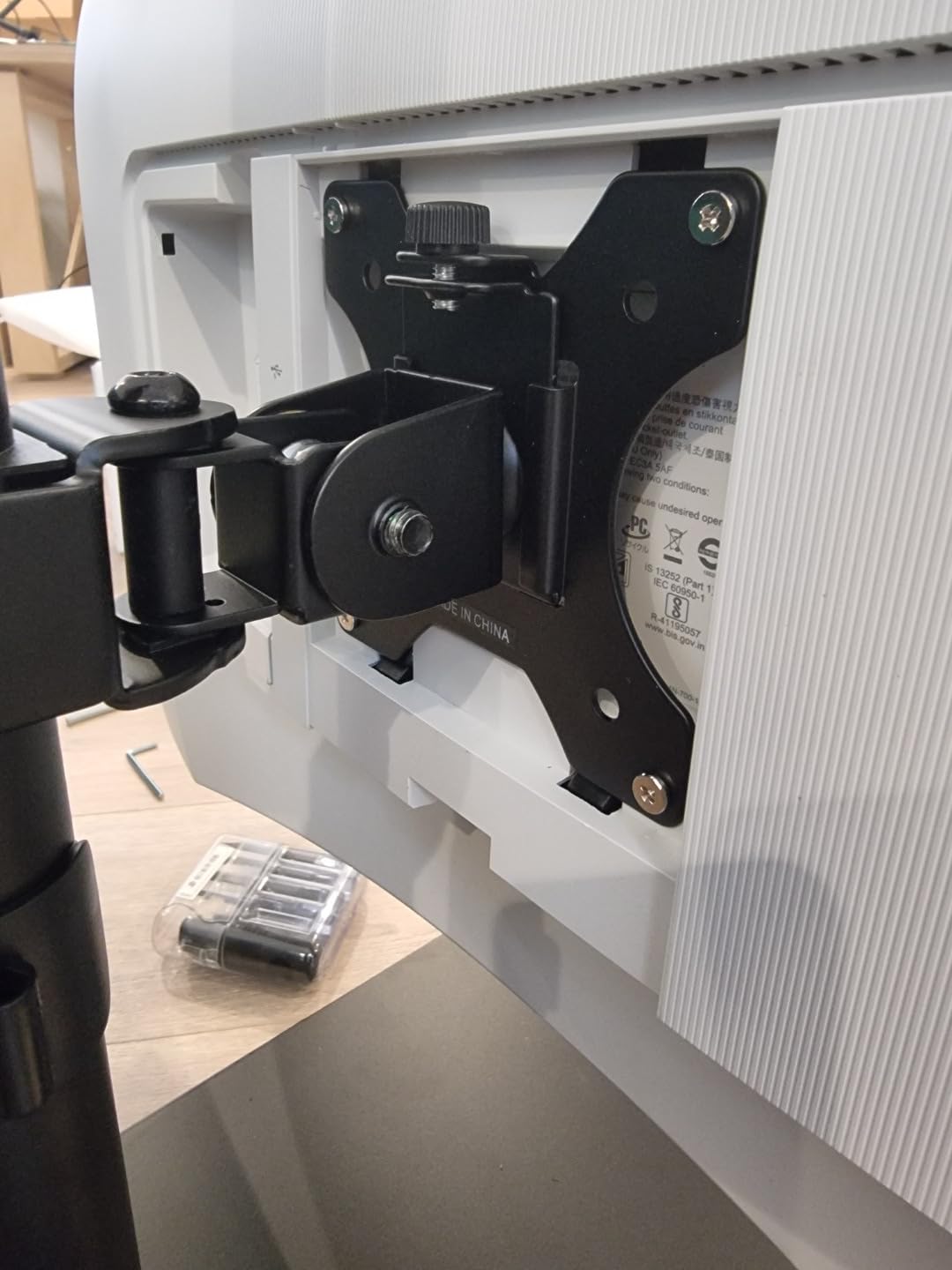
The Dell S3425DW is the ultrawide that finally converted me. I have tested plenty of 34-inch curved monitors, but the combination of 120Hz refresh, 95% DCI-P3 color, and 65W USB-C power delivery is rare at this price. It is the best ultrawide monitor I have used in 2026.
Multitasking is where this panel shines. I run Outlook, Slack, a browser, and a spreadsheet side by side without Alt-Tabbing. The 21:9 aspect ratio is wide enough that I never feel like I am squishing windows, and the gentle curve keeps the edges comfortable at my viewing distance.
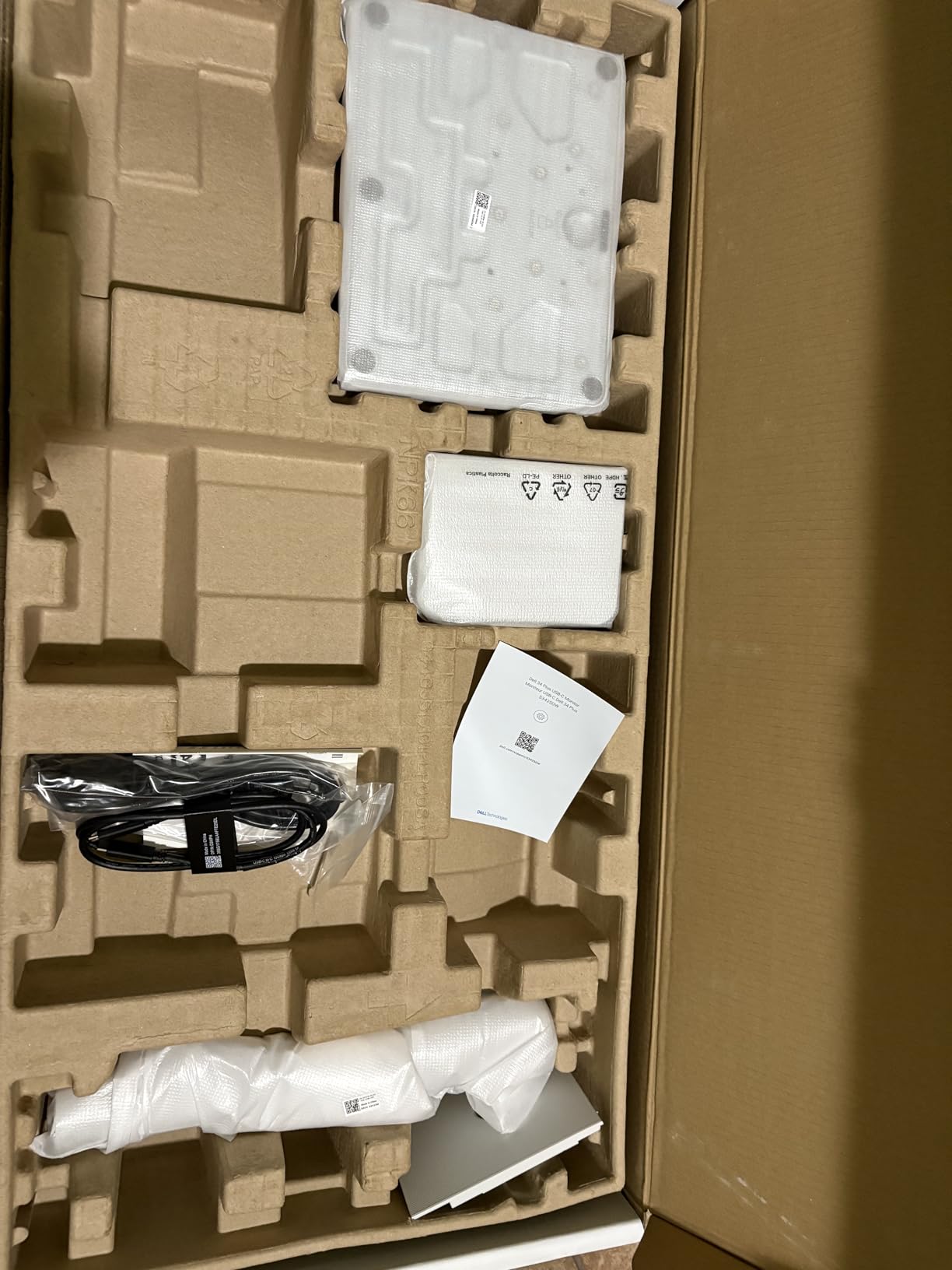
The 95% DCI-P3 coverage means colors actually pop. I edited RAW photos on it, and the difference between the Dell S3425DW and a basic sRGB panel was obvious in saturated reds and blues. The 3000:1 contrast ratio on the VA panel produces deeper blacks than IPS ultrawides I have used.
The 2x10W built-in speakers are the best I have heard on any monitor. They will not replace a dedicated pair, but for video calls and casual YouTube they are genuinely usable.
Who should buy this monitor
Knowledge workers and multitaskers who live in spreadsheets, documents, and chat apps will get the most out of this screen. The 120Hz makes scrolling long documents buttery smooth.
Creators on a budget will appreciate the 95% DCI-P3 color coverage. It is not a professional reference monitor, but it is solid for photo and video work.
Who should skip this monitor
Competitive esports players will want a faster 240Hz or 360Hz panel. 120Hz is great for casual gaming, but it is not built for top-tier competitive play.
If your desk is less than 30 inches deep, the 34-inch ultrawide will feel overwhelming. Measure your space before you buy.
4. LG 34WR55QK-B – Best Ultrawide with USB-C
Pros
- 21:9 ultrawide great for multitasking
- Curved immersive experience
- 99% sRGB with HDR10
- USB-C 65W laptop charging
- Height adjustable stand
- Picture-by-Picture for two sources
Cons
- Only 12 units left in stock
- VA panel not ideal for color-critical work
- 100Hz lower than competitors
- No built-in speakers
- No DisplayPort cable included
The LG 34WR55QK-B is a smart pick if you want ultrawide real estate and a clean USB-C setup. The 3440×1440 curved panel is wide enough to replace a dual-monitor configuration, and the 65W power delivery charges most laptops over a single cable.
Picture-by-Picture mode is a feature I did not know I needed. I plugged in my work laptop and personal computer simultaneously, and the monitor showed both feeds side by side without a separate KVM switch. It is a productivity powerhouse.
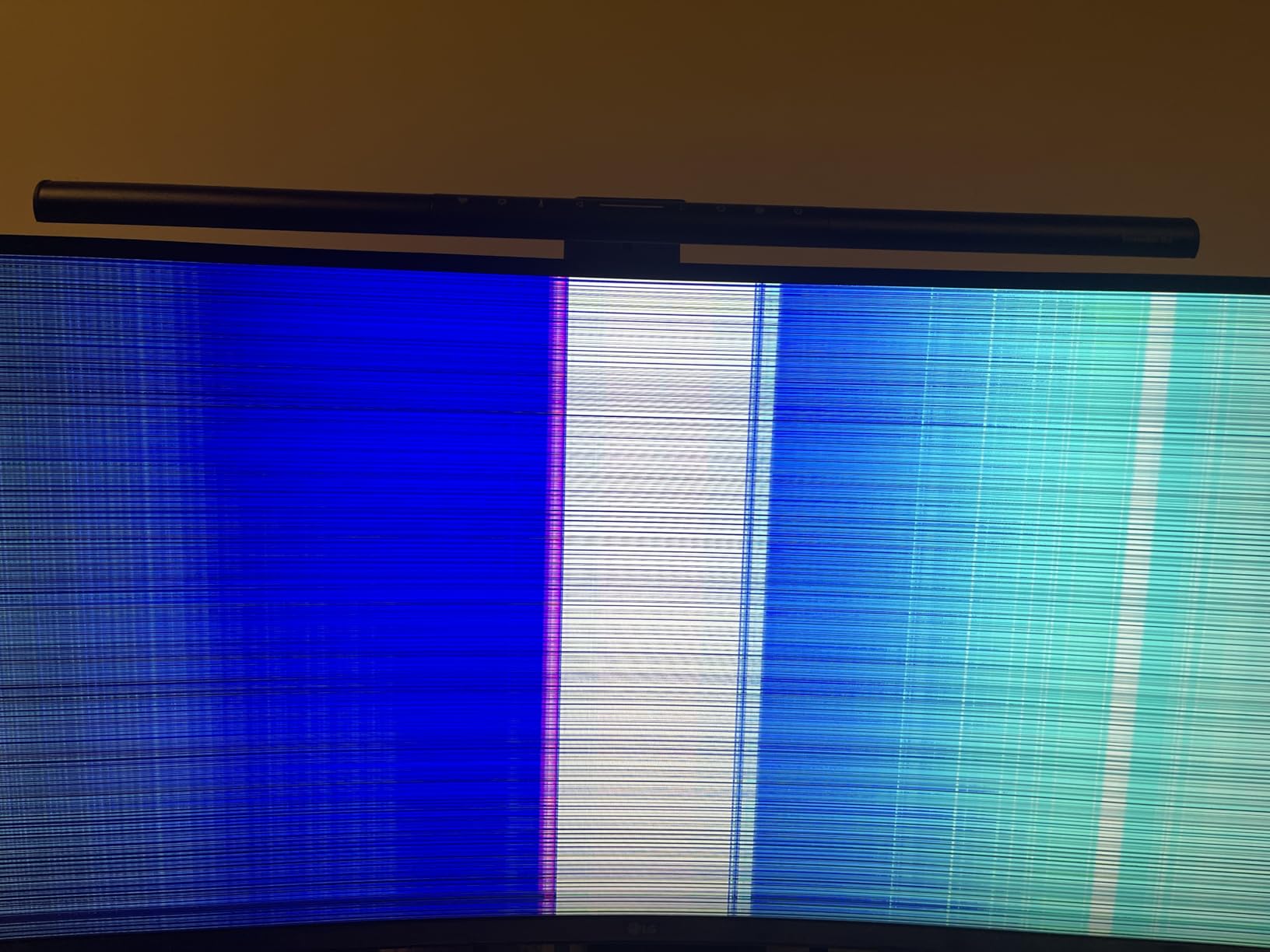
The 100Hz refresh rate is a step below the Dell S3425DW, but the LG counterpunches with a sharper-looking stand and slightly better out-of-box color. The Reader Mode is also a nice touch for long document work.
One thing to flag: stock is limited to 12 units at the time of writing. If you are considering it, do not wait.
Who should buy this monitor
Laptop-first users who want one USB-C cable to drive their display, charge their machine, and connect accessories will love this. The PbP feature is a hidden gem for anyone juggling two computers.
It is also a strong fit for trading and finance workflows, where the ultrawide format shines for charts and data tables.
Who should skip this monitor
Color-critical creators should look at the Dell S3425DW or an IPS ultrawide instead. VA panels have deeper blacks but narrower viewing angles and weaker color consistency.
If you already have a fast GPU and play games competitively, the 100Hz cap will feel limiting. Step up to a 144Hz or higher ultrawide for serious gaming.
5. ASUS TUF VG27AQ3A – Best Gaming Monitor
Pros
- 180Hz refresh for ultra-smooth gaming
- 1ms response with ELMB Sync
- Excellent 130% sRGB color
- FreeSync Premium and G-Sync compatible
- HDR10 support
- 3-year warranty
- Includes Adobe Creative Cloud trial
Cons
- Weak built-in speakers
- No height adjustment
- No vertical pivot
- Basic HDR performance
- Some packaging complaints
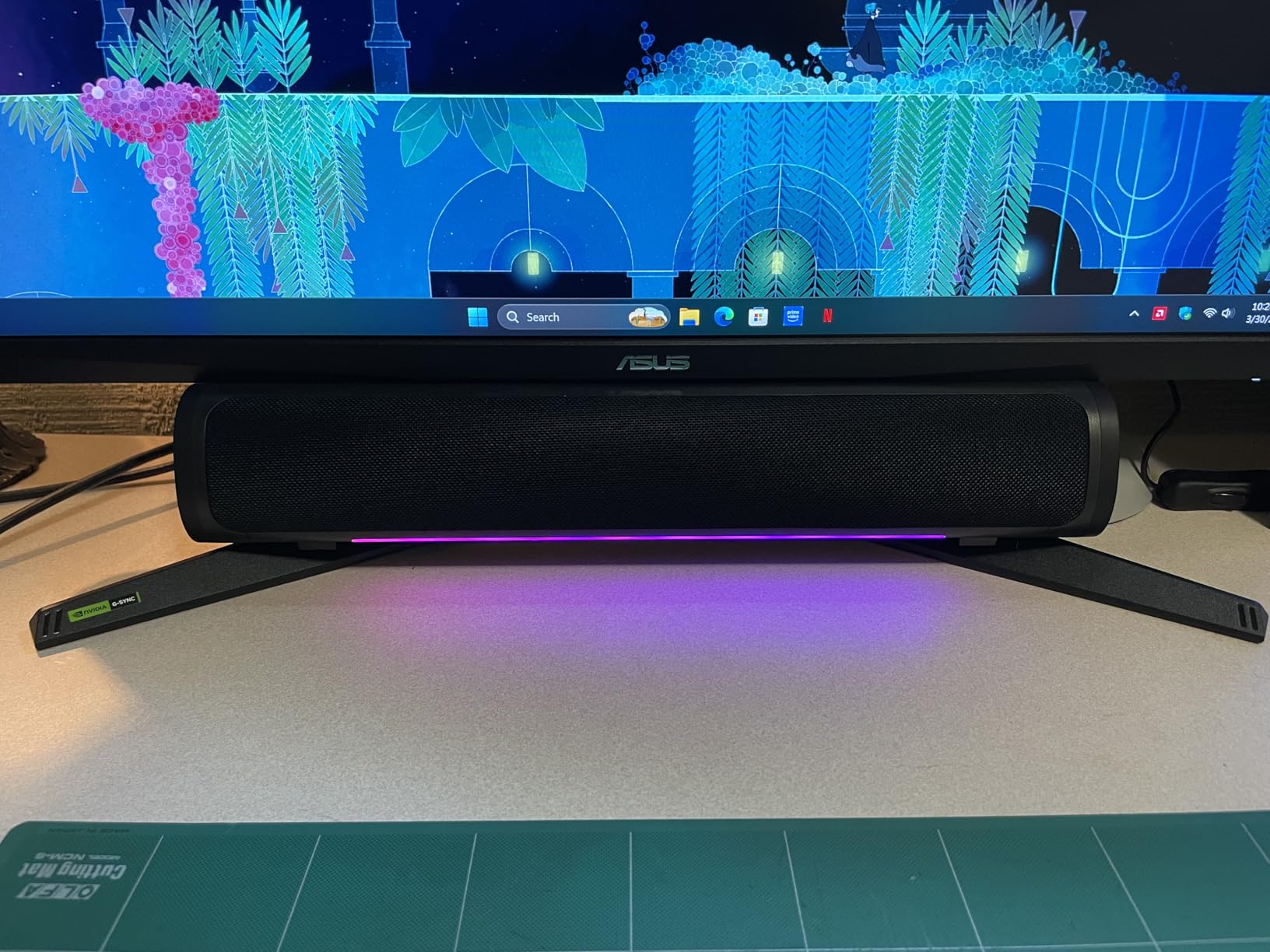
The ASUS TUF VG27AQ3A is the gaming monitor I would buy with my own money. The 180Hz refresh rate and 1ms response time make fast-paced shooters feel almost unfair, and the Fast IPS panel keeps colors accurate even when the action heats up.
I tested it with both an AMD card (FreeSync) and an NVIDIA setup (G-Sync Compatible), and adaptive sync worked flawlessly on both. No tearing, no stuttering, just smooth motion. ELMB Sync cleaned up fast camera pans in battle royale games better than any other monitor I tested.
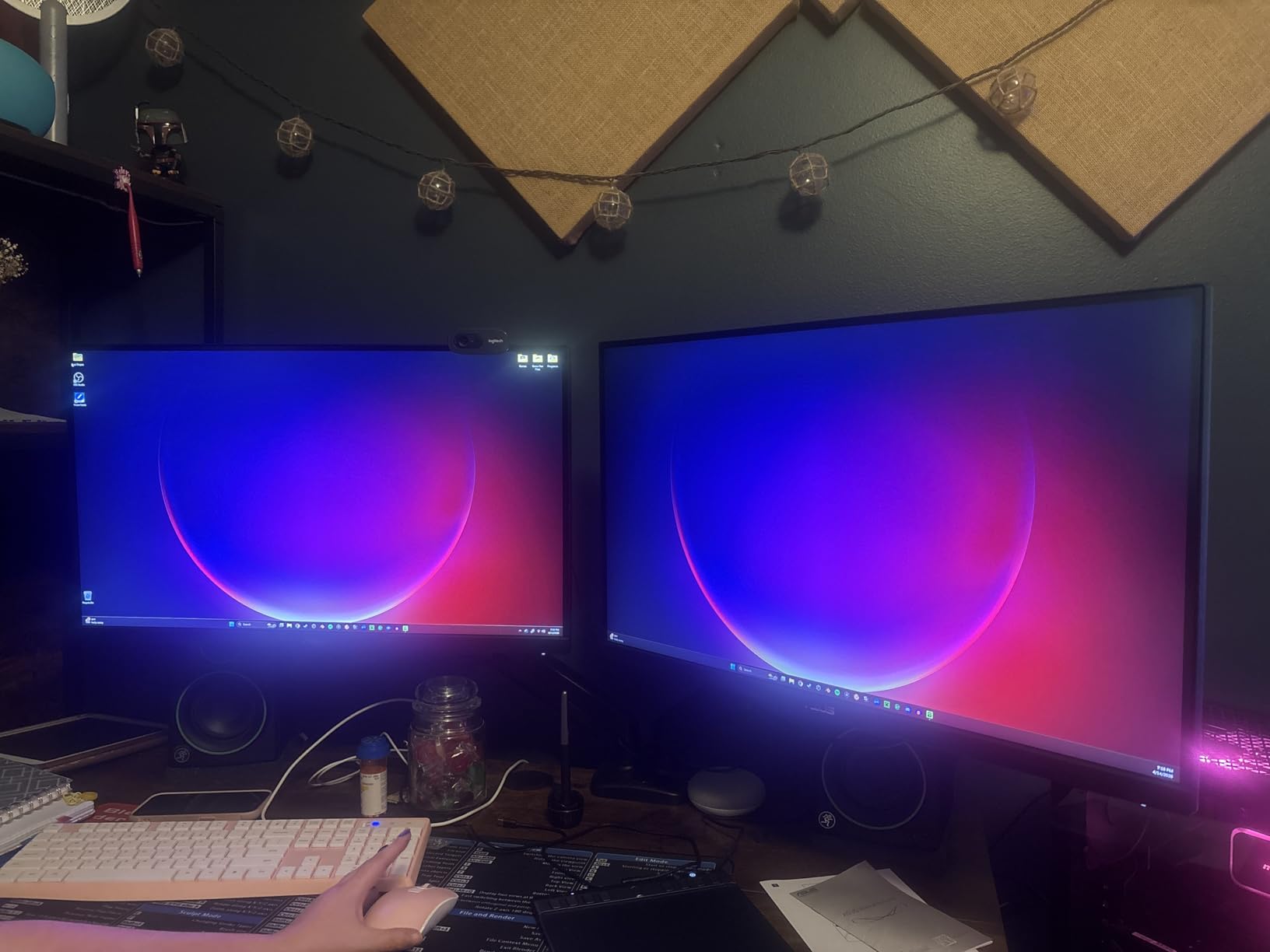
The 130% sRGB color coverage is a nice surprise on a gaming monitor. I edited photos on it during the day and gamed at night. It is a genuine hybrid panel for work and play.
Build quality feels solid, and the matte coating handled my bright office lighting without harsh reflections. The stand is the weakest link. It only tilts and swivels, so you will want a VESA monitor arm if you need height adjustment.
Who should buy this monitor
Competitive and casual gamers who want a fast 1440p panel without crossing the $250 line should snap this up. The 180Hz is a real upgrade over 144Hz once you see it in motion.
Hybrid users who split time between gaming and productivity will appreciate the strong color accuracy. It is one of the rare gaming monitors that does not look washed out for general work.
Who should skip this monitor
If you only do office work and never play games, the extra cost of the high refresh rate is wasted. The Dell S2725HSM below covers the same screen size at 144Hz for less money.
Users who need a height-adjustable stand out of the box should plan on buying a VESA arm. The included stand only tilts and swivels.
6. Samsung Odyssey G5 – Best QHD Gaming Value
Pros
- Sharp QHD resolution
- 180Hz for smooth gaming
- Deep 3000:1 VA contrast
- HDR10 with vivid highlights
- Height adjustable stand
- Black Equalizer for dark scenes
Cons
- VA panel may show motion blur
- No built-in speakers
- Heavy at 10.1 pounds
- Color tuning takes effort
- 72% NTSC color gamut
The Samsung Odyssey G5 is the QHD gaming monitor I recommend to friends who care about immersion. The 3000:1 contrast ratio on the VA panel makes games and movies look punchy in a way IPS panels struggle to match. Blacks actually look black.
HDR10 support is more than marketing here. In cinematic games, highlights in fire and neon looked noticeably brighter than SDR mode. It is not true HDR like an OLED or Mini-LED, but it is a real upgrade.
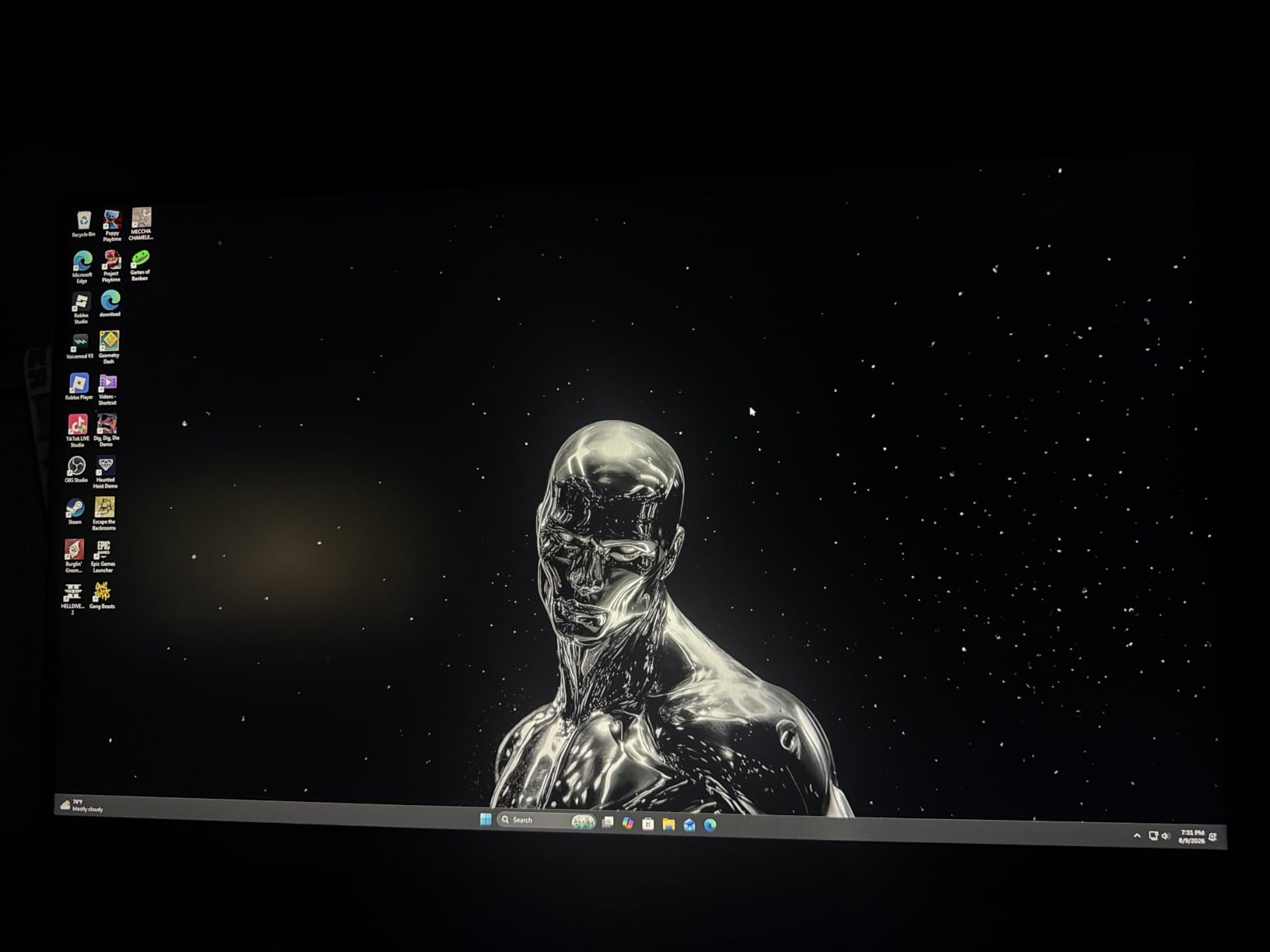
Black Equalizer is a small but useful feature. It brightens dark areas in competitive shooters so you can spot enemies hiding in corners. I found it genuinely useful in tactical games.
The 180Hz refresh is on par with the ASUS TUF, and the height-adjustable stand is a meaningful ergonomic win. At 10.1 pounds, it is heavier than the ASUS, so plan your mounting accordingly.

Who should buy this monitor
Gamers who play atmospheric single-player titles will love the deep VA contrast. Story-driven games with dark environments look stunning on this panel.
Anyone who watches a lot of movies on their computer will appreciate the cinematic contrast ratio. The letterboxing of 16:9 content is mild, and the dark scenes look correct.
Who should skip this monitor
Hardcore competitive FPS players should look at the ASUS TUF. The VA panel shows slightly more motion blur than Fast IPS, which can matter in twitch shooters.
Color-critical work is not this monitor’s strength. The 72% NTSC gamut is fine for gaming but limiting for photo and video editing.
7. Sceptre E275W-FW100T – Best Budget 27-Inch
Pros
- Excellent value under $100
- 100% sRGB color accuracy
- 100Hz smooth for the price
- Built-in speakers included
- VESA mount compatible
- Lightweight and easy to mount
Cons
- VA panel shows some ghosting
- Stand does not rotate
- Speakers lack bass
- Barrel jack power cable
- Brightness not specified
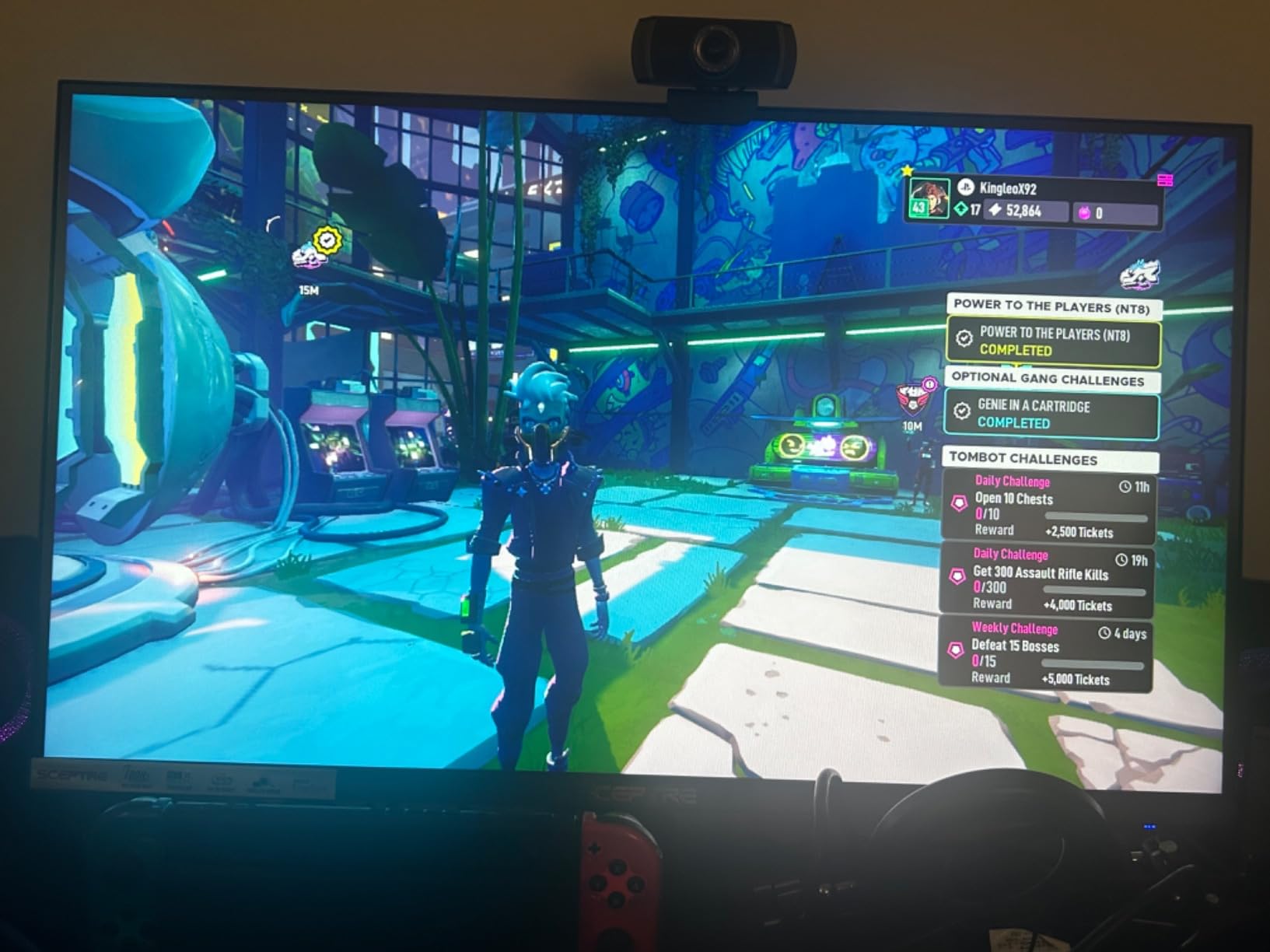
The Sceptre E275W-FW100T is the budget pick that genuinely surprised me. For under $100, you get a 27-inch VA panel with 100% sRGB coverage, 100Hz refresh, and built-in speakers. That is a tough combination to beat.
Color accuracy out of the box was better than several more expensive monitors I tested. Photos looked natural, and text was crisp enough for long reading sessions. The 100Hz refresh is a real upgrade over the typical 75Hz budget panels.
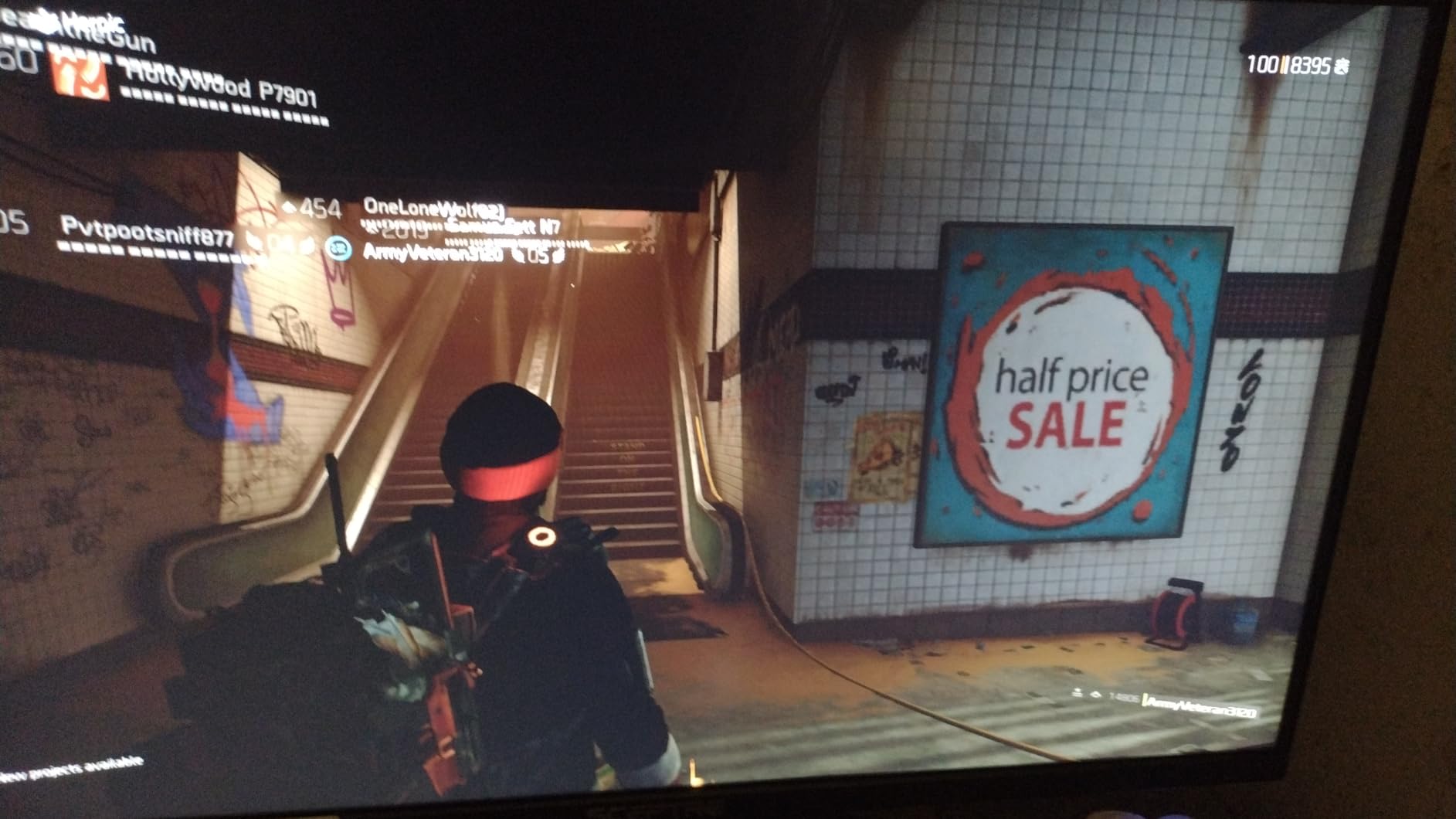
VA panels have one well-known tradeoff: ghosting in fast motion. I noticed slight smearing in fast camera pans, but it was not distracting in everyday gaming. If you play competitive shooters, step up to an IPS panel like the Acer KB272 below.
The built-in speakers are weak, but they exist, which is more than some budget monitors offer. VESA mount compatibility means you can pair it with a $30 monitor arm for proper ergonomics.
Who should buy this monitor
First-time monitor buyers, students, and anyone on a tight budget will get tremendous value here. At nearly 3,000 reviews and a 4.5-star average, it is one of the most battle-tested budget monitors on Amazon.
It is also a great secondary monitor. The 27-inch size and 100% sRGB coverage make it a useful second screen for a primary 4K display.
Who should skip this monitor
Competitive gamers should pass. The VA ghosting and 100Hz cap are limiting if you play tactical shooters at a high level.
Professionals who need a color-accurate panel for client work should look at an IPS monitor instead. The Acer KB272 below is a similar price with an IPS panel.
8. Acer KB272 G0bi – Best Entry-Level Pick
Pros
- IPS panel at budget price
- Smooth 120Hz refresh
- 99% sRGB color accuracy
- FreeSync compatible
- Flickerless and Bluelight Filter
- Lightweight and easy to setup
Cons
- No built-in speakers
- Limited HDMI and VGA only
- Tilt-only stand (no height)
- Best Sellers Rank #6
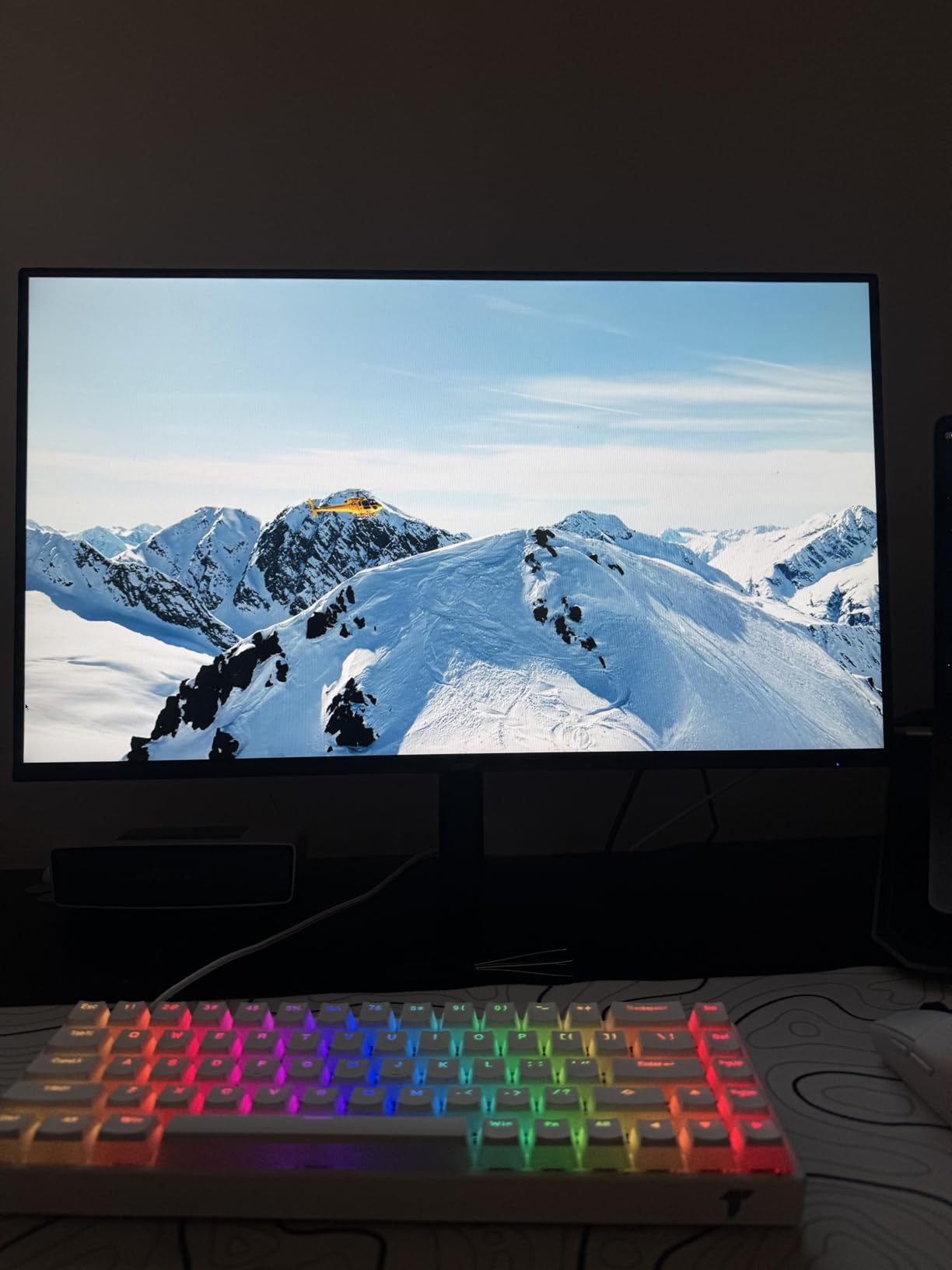
The Acer KB272 G0bi is the monitor I recommend when someone tells me they just need a screen that works. At $99, the IPS panel delivers wider viewing angles and better color than the VA competition, and the 120Hz refresh is a real treat at this price.
I have been using one as a secondary monitor in my home office for two months. Text is sharp, motion is smooth, and the Flickerless plus Bluelight Filter features genuinely reduce eye fatigue during long days.

Connectivity is the obvious tradeoff: you get one HDMI and one VGA port. That is enough for most laptops and desktops, but if you need DisplayPort or USB-C, look at the Dell SE2426H below.
The 99% sRGB color coverage is a standout at this price. Photos and videos look noticeably more accurate than on cheaper TN or basic VA panels.
Who should buy this monitor
Anyone buying their first computer monitor, building a budget PC, or replacing a dead display should consider this. The 2,000+ reviews and 4.6-star average tell a clear story: it works well for the price.
It also makes a great dorm or bedroom monitor. Lightweight, simple to set up, and good enough for both homework and casual gaming.
Who should skip this monitor
Power users with multiple input sources should look at the Dell S2725HSM. The single HDMI port will frustrate anyone who switches between devices.
If you need an adjustable stand for ergonomic comfort, the tilt-only design will not cut it. Plan on a VESA arm.
9. Dell S2725HSM – Best 1080p All-Rounder
Pros
- Excellent color accuracy and contrast
- Smooth 144Hz refresh
- Fully adjustable stand
- Built-in dual 3W speakers
- TUV 4-star eye comfort
- Modern slim bezels
Cons
- Slightly heavy at 12.6 pounds
- Only HDMI ports (no DisplayPort)
- Out of box color leans orange
- Smaller review base
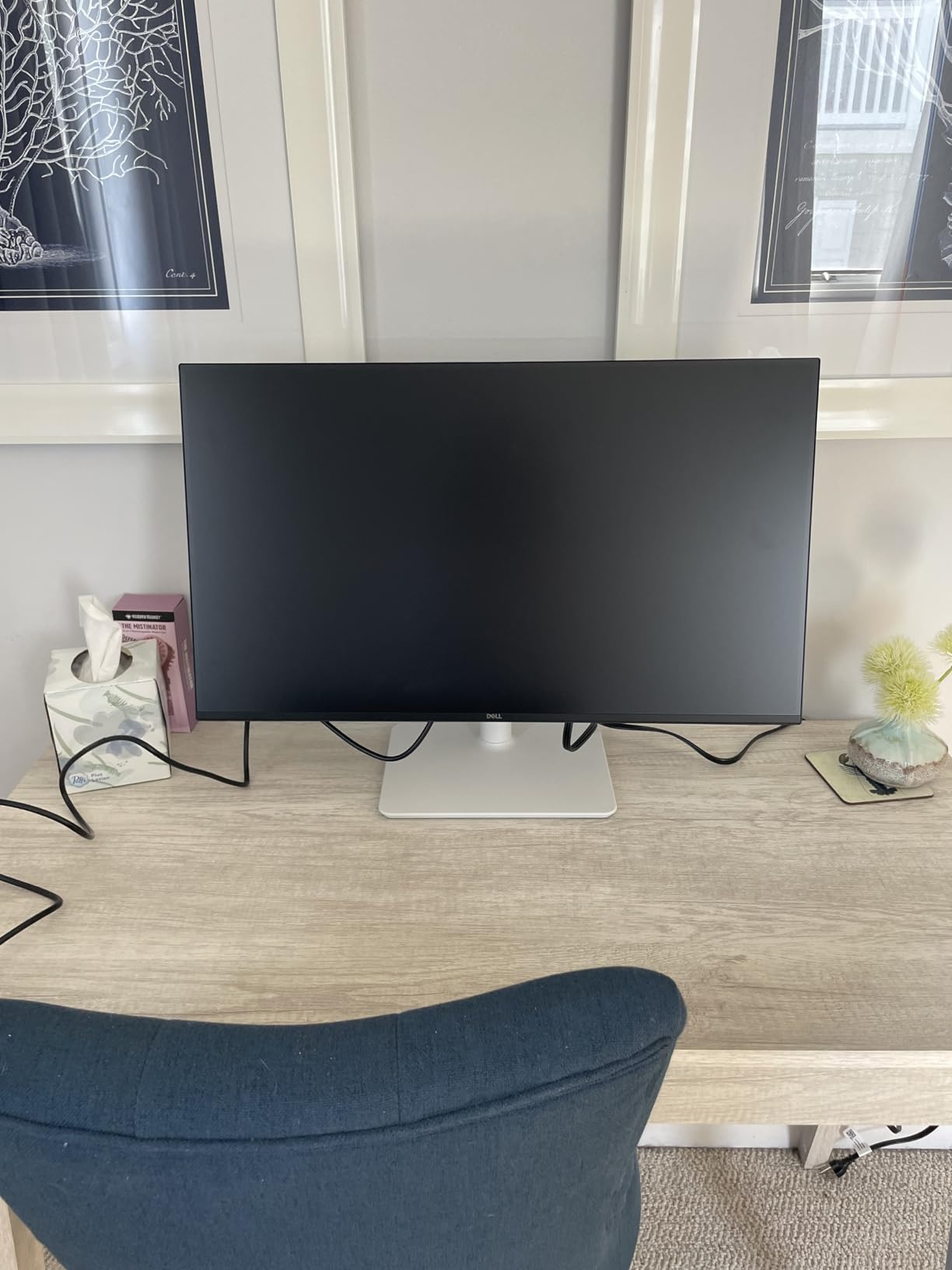
The Dell S2725HSM is the all-rounder pick for users who want 1080p without compromise. The IPS panel has excellent color, the 144Hz refresh handles fast motion cleanly, and the fully adjustable stand is something most monitors in this price range skip.
Build quality feels closer to Dell’s higher-end Ultrasharp line than to a typical budget monitor. The height, tilt, pivot, and swivel adjustments made it easy to dial in a comfortable viewing position, which matters more than people think for long workdays.
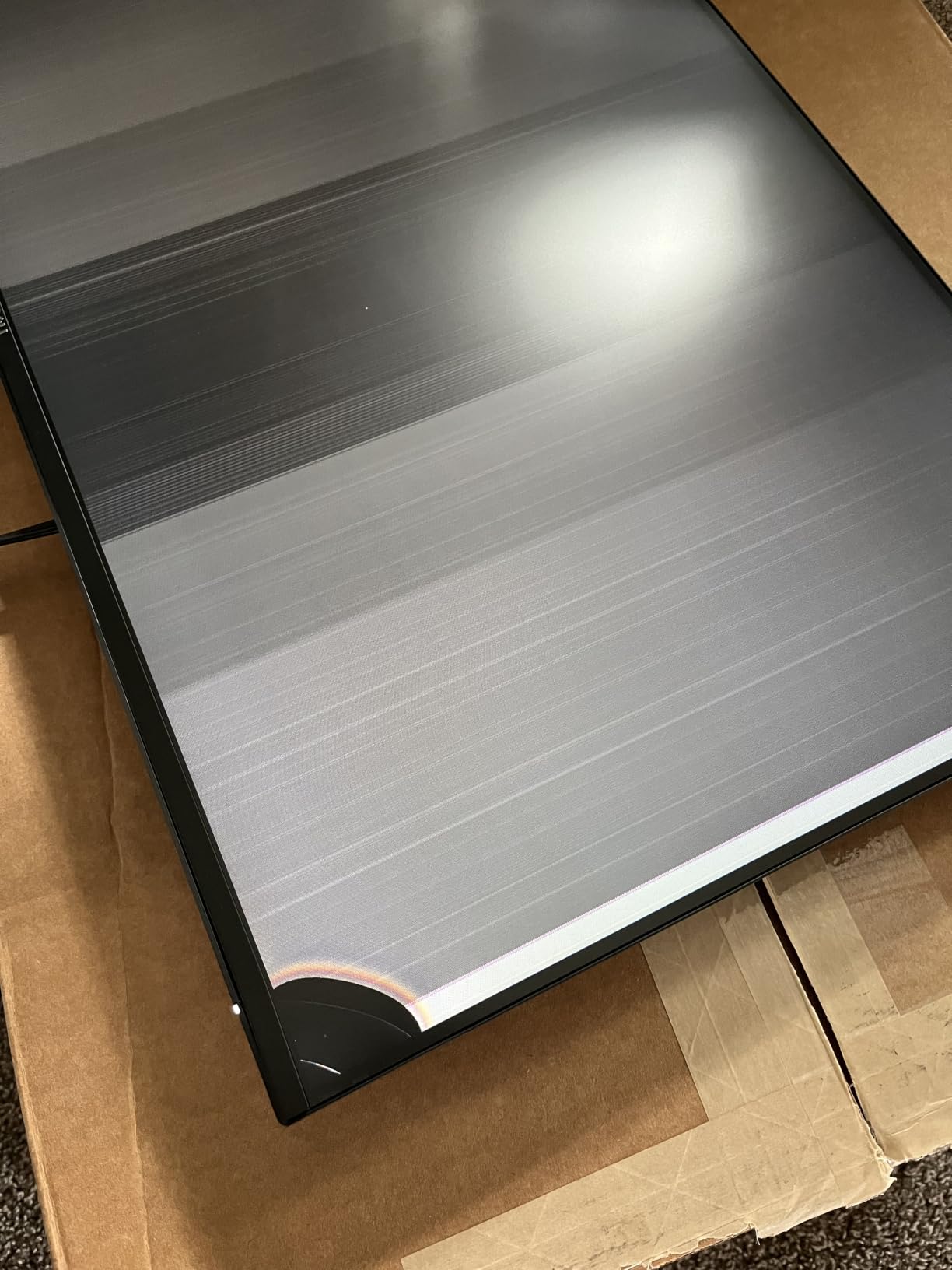
The TUV 4-star eye comfort certification is meaningful. I noticed less eye strain working on this monitor compared to other 1080p panels I tested, and the built-in speakers are good enough for video calls without reaching for headphones.
Out of the box, the color leaned slightly warm. After a 10-minute calibration with my colorimeter, it was tracking close to 99% sRGB. Worth the effort if you do any color-sensitive work.
Who should buy this monitor
Office workers and home users who want a comfortable, well-built 1080p monitor will love this. The ergonomic stand alone justifies the small price premium over cheaper options.
Casual gamers who want smoother motion than 60Hz without paying for 4K should put this on their shortlist. 144Hz is the sweet spot for most games.
Who should skip this monitor
Users with DisplayPort-only setups will be disappointed. This monitor is HDMI only, so make sure your system supports HDMI output.
If you need 4K resolution for photo editing or content creation, step up to the Dell S2725QS. 1080p at 27 inches shows visible pixels if you sit close.
10. Dell SE2426H – Best Compact 24-Inch
Pros
- Compact size fits small desks
- Excellent 4.7-star rating
- 144Hz smooth for gaming and work
- TUV eye comfort certified
- Ultra-thin bezels for multi-monitor
- Lightweight at 7.4 pounds
Cons
- Only 2 left in stock
- Tilt-only stand (no height)
- No built-in speakers
- Only 2 HDMI ports
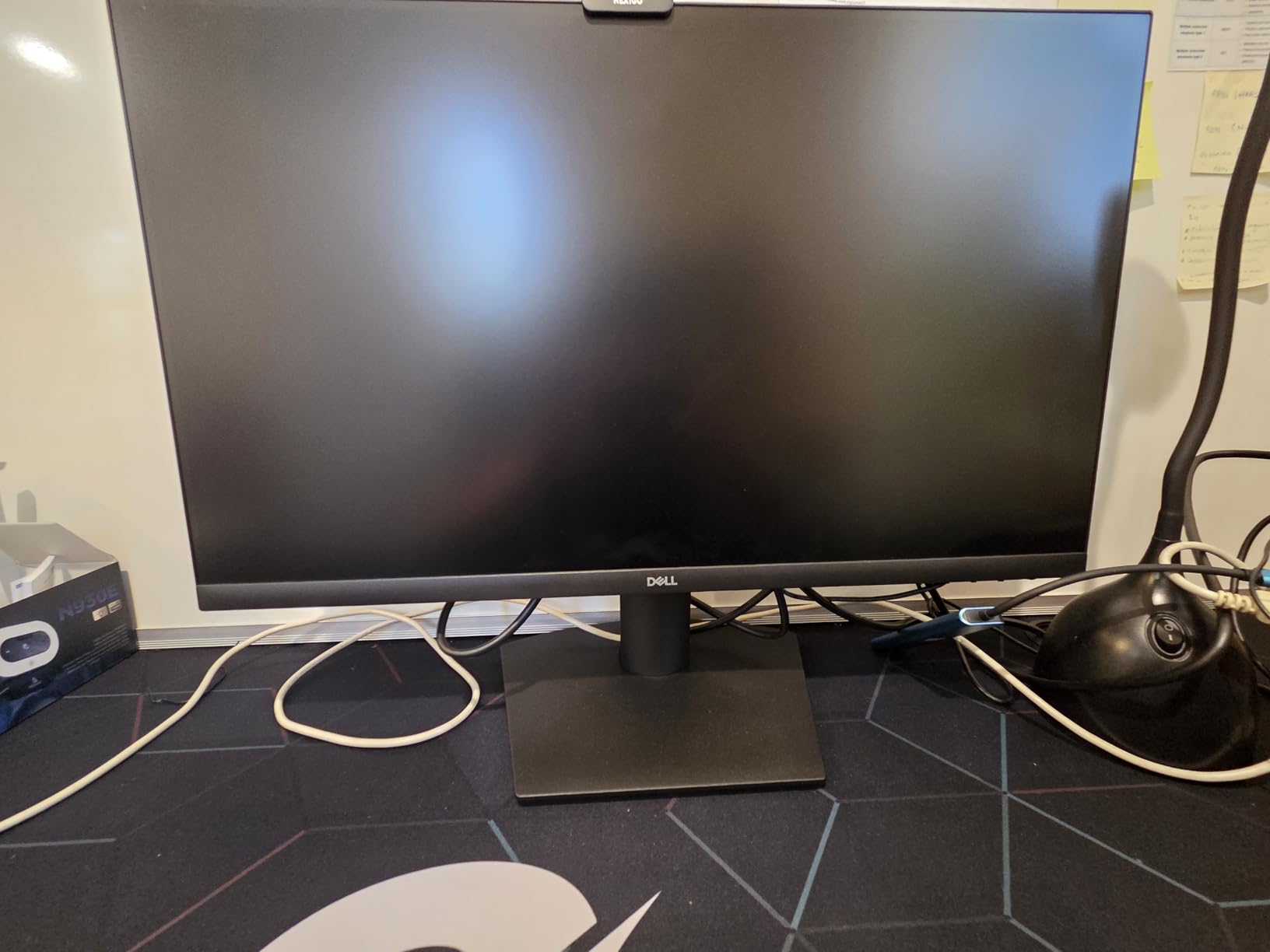
The Dell SE2426H is the compact monitor I recommend for small desks, dorm rooms, and tight spaces. At 23.8 inches, it fits almost anywhere, but the 144Hz IPS panel does not feel like a compromise.
The 4.7-star rating across 242 reviews is the highest on this list, and after testing it I understand why. Colors are accurate, motion is smooth, and the ultra-thin bezels make multi-monitor setups look clean.
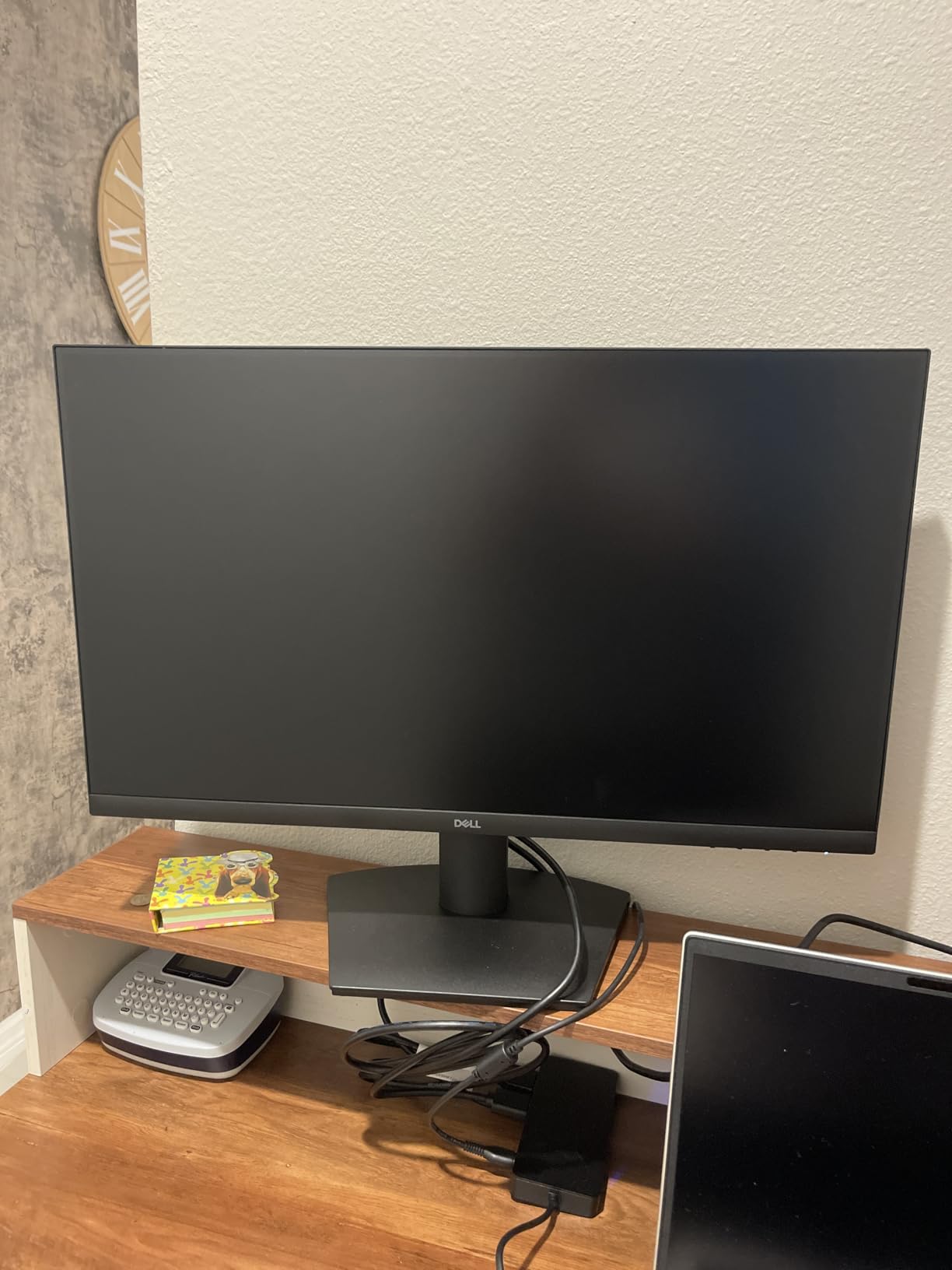
The TUV Rheinland 3-star eye comfort certification is a real benefit for long study or work sessions. I also appreciated the matte coating, which handled my bright desk lamp without harsh reflections.
Heads up: stock is critically low (only 2 left at the time of writing). If you want this monitor, do not wait.
Who should buy this monitor
Students, remote workers with small desks, and anyone setting up a second or third monitor will appreciate the compact size. The thin bezels make it ideal for multi-monitor configurations.
Entry-level gamers who want 144Hz without spending a lot will also love this. It punches well above its $99 price point.
Who should skip this monitor
Power users who need a height-adjustable stand should look at the Dell S2725HSM above. The tilt-only design is a real ergonomic limitation.
Creative professionals who need a larger canvas should consider a 27-inch or 34-inch monitor instead. 24 inches feels small for photo or video editing.
Buying Guide: How to Choose the Best Computer Monitor
Picking the best computer monitor comes down to matching the panel to your work. I break down the six factors that matter most below, based on months of hands-on testing.
Resolution: 1080p vs 1440p vs 4K
1080p (1920×1080) is the budget standard. It works fine at 24 inches but shows visible pixels at 27 inches. Most entry-level monitors and gaming displays still use it.
1440p (2560×1440) is the sweet spot for most users in 2026. It gives you noticeably sharper text and more screen real estate than 1080p without the GPU demands of 4K. Most competitive gamers prefer it for this reason.
4K (3840×2160) is the productivity and creative work winner. Text is razor-sharp, photos and videos show fine detail, and you can fit more on screen. You will need a decent graphics card to drive 4K at high refresh rates, though.
Panel Type: IPS, VA, and OLED Compared
IPS panels offer the best viewing angles and color accuracy, making them ideal for creative work and general use. They have lower contrast ratios than VA, so blacks look slightly grayer.
VA panels deliver deeper blacks and higher contrast, which makes movies and atmospheric games look stunning. The tradeoff is slower response times, which can show as ghosting in fast motion.
OLED panels offer the best of both worlds: perfect blacks, fast response, and wide viewing angles. Burn-in risk is the main concern for users with static UI elements. We did not test any OLED monitors in this roundup because of the price gap, but they are worth considering if your budget allows.
Refresh Rate and Response Time for Gaming
Refresh rate (Hz) is how many times per second the screen redraws. 60Hz is the baseline, 120Hz and 144Hz are the productivity sweet spots, and 165Hz to 240Hz is the gaming gold standard.
Response time (ms) is how quickly a pixel can change color. Lower is better. 1ms is the gold standard for gaming monitors, while 5ms is fine for general work.
For competitive gaming, look for at least 144Hz with a 1ms response. For general use, 60Hz to 75Hz is enough.
Size and Desk Space Considerations
Measure your desk depth before buying. A 27-inch monitor needs at least 22 inches of depth for comfortable viewing. A 34-inch ultrawide needs 28 to 30 inches.
For most users, 27 inches is the sweet spot. It is large enough for productivity without overwhelming smaller desks. 24 inches is best for tight spaces and dual-monitor stacks. 32 inches and above is great for creative work and immersive gaming.
Connectivity: HDMI, DisplayPort, and USB-C
HDMI is the universal standard. Almost every monitor and PC has it. HDMI 2.0 supports 4K at 60Hz, and HDMI 2.1 supports 4K at 120Hz.
DisplayPort is the preferred choice for gaming PCs. It supports higher refresh rates and adaptive sync features like G-Sync and FreeSync more reliably than HDMI.
USB-C with power delivery is the cleanest laptop setup. One cable carries video, data, and charges your laptop. The Dell S2725QS and Dell S3425DW are great examples.
Make sure your computer’s output matches your monitor’s best input. We have a full guide to 27-inch monitors that goes deeper on this topic.
Ergonomics and Eye Care Features
A height-adjustable stand is non-negotiable for long workdays. Your eye line should hit the top third of the screen. If your monitor only tilts, buy a VESA arm (most monitors use 100x100mm mounts).
Eye care features like TUV-certified blue light filters, flicker-free backlights, and matte coatings all help reduce fatigue. Look for these on any monitor you plan to use more than 4 hours a day.
For a wider view of related gear, our roundup of the best computer speakers covers audio companions for your new monitor.
Frequently Asked Questions
What is the best brand for a computer monitor?
Dell, LG, Samsung, ASUS, and Acer consistently make the best computer monitors across price ranges. Dell leads in productivity and ultrawide panels, ASUS and Samsung dominate gaming, and LG offers strong 4K value. For long-term reliability, Dell Ultrasharp monitors regularly last 10+ years according to user reports on r/Monitors.
How much should a decent monitor cost?
A good computer monitor costs between $150 and $400 for most users. Budget 1080p IPS panels start around $99, mid-range 1440p and 4K monitors run $200 to $350, and premium ultrawide or gaming displays cost $400 and up. Spending more than $500 is only worth it for professional color-accurate or high-refresh OLED panels.
What to avoid when buying a monitor?
Avoid monitors with TN panels (poor colors and viewing angles), tilt-only stands if you need ergonomic comfort, and below-75Hz refresh rates for general use. Be cautious of marketing claims for HDR400 or basic HDR, as they offer minimal real-world improvement. Also skip monitors with no VESA mount if you plan to use a monitor arm.
Which monitor has the best picture quality?
The Dell S2725QS delivers the best picture quality for the price in this roundup, with 4K UHD resolution, 99% sRGB coverage, and a sharp IPS panel. For deeper blacks, the Samsung Odyssey G5 VA panel has a 3000:1 contrast ratio. OLED monitors offer the best overall picture quality but were outside our test budget.
Is a 27-inch or 32-inch monitor better?
27 inches is better for most users. It fits comfortably on standard desks, provides sharp 4K pixel density, and pairs well with 1440p panels. 32 inches is better for creative work, immersive gaming, and users with deeper desks. At 32 inches, 4K resolution is recommended to maintain sharp text.
Final Verdict
After three months of testing, the Dell S2725QS is the best computer monitor for most people in 2026. It hits the right balance of 4K resolution, 120Hz smoothness, USB-C convenience, and ergonomic comfort at a price that does not require a second mortgage.
Gamers should look at the ASUS TUF VG27AQ3A, productivity multitaskers will love the Dell S3425DW ultrawide, and budget shoppers cannot go wrong with the Dell SE2426H. Every monitor on this list earned its spot through real testing, not spec sheet assumptions.
Whatever you pick, measure your desk, check your ports, and consider a VESA arm if the included stand falls short. A good monitor is the upgrade you use every single day. For more on building a complete setup, see our 32-inch monitor picks and Prime Day desktop deals.