
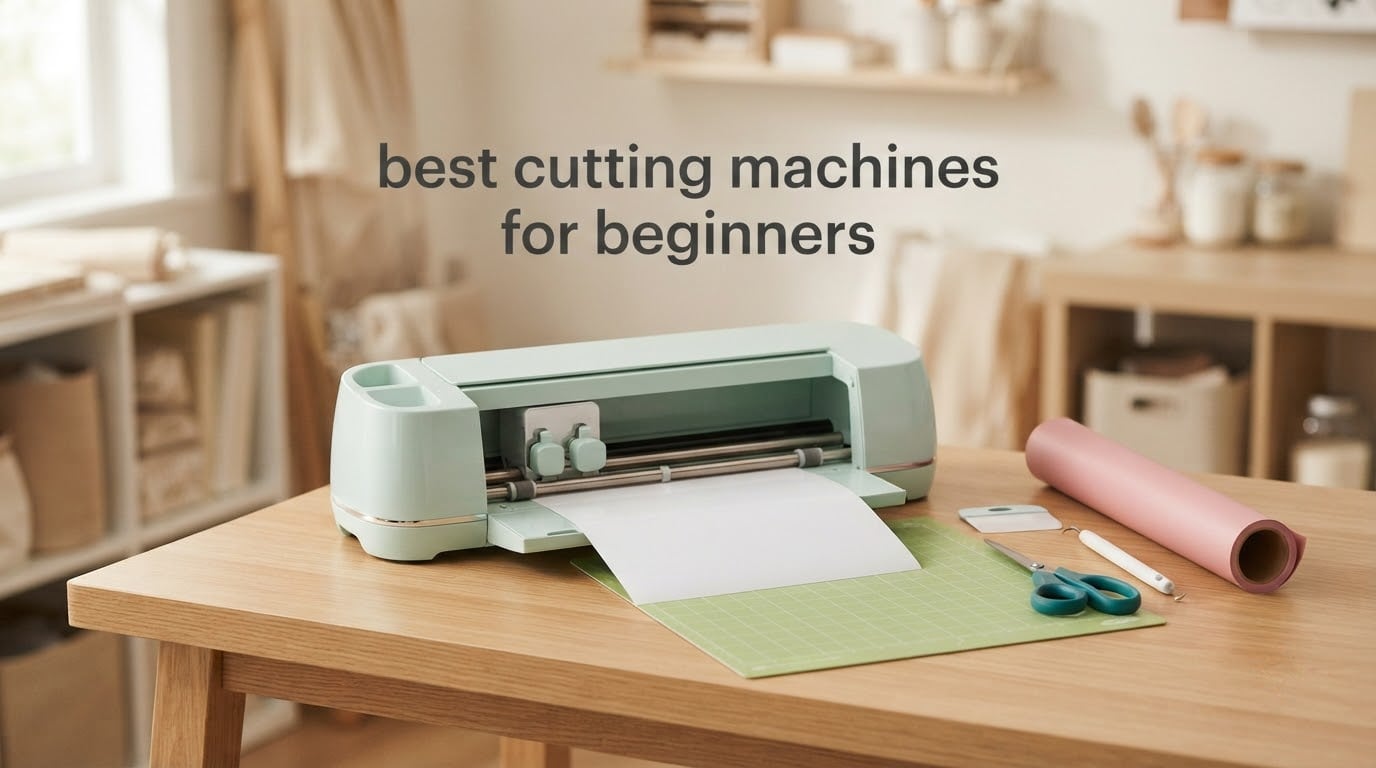
Short version: the Cricut Joy is the best cutting machine for beginners in 2026 if you want the shortest path from opening the box to a finished sticker, card or decal. It weighs 3.9 lb, connects over Bluetooth to a free app, and owners describe getting a first clean cut inside about 15 minutes. If you cut thicker materials, we widen the field.
Buying a first cutting machine is mostly a software decision disguised as a hardware one. Reviewers on r/cricut and r/silhouettecutters say the same thing in different words: the machine with the gentlest onboarding is the one that is still in use a year later. Cutting power matters, but so do blade depth settings, mat grip and how quickly you can load a design without a tutorial video open on your phone.
We compared eight electronic and manual machines, read the full review sets, and grouped them by what a beginner actually needs: a small footprint, a forgiving app, materials up to 3mm thick, or no software at all. We also flagged the running costs nobody mentions before purchase, because cutting mats, replacement blades and design subscriptions are what turn a hobby into an ongoing expense. If you cut mostly adhesive vinyl, our vinyl cutting machine guide goes deeper on blade types and material settings.
One clarification before we start. Manual die cutting machines like the Sizzix Big Shot and Sidekick use metal dies and a hand crank rather than a file and a blade, and they are legitimate first machines, not a compromise. We cover both routes here, plus a look at die cutting machines for crafters if you want to go deeper on the manual side.
Table of Contents
Top 3 Cutting Machines for Beginners (October 2026)
The three machines below cover the widest range of first-time buyers: the easiest electronic entry, the most complete starter bundle, and the widest cutting bed. The full roundup of eight follows underneath.

Cricut Joy Machine and Digital Content Bundle
- 3.9 lb portable body
- Bluetooth to Design Space app
- 12 x 48 inch cutting capacity
- 30-image digital library

Cricut Maker 4 Starter Kit
- 144 sq inch cutting surface
- Vinyl and iron-on sheets included
- Automatic operation mode
- One-year warranty

Silhouette Cameo 5 Alpha Plus
- 15 inch cutting width
- AutoBlade automatic depth
- 4-point registration marks
- Free Studio software
Best Cutting Machines for Beginners in 2026
Every machine below is written up in full further down, in the same order. Scan this table first if you want the short version of what each one does and who it suits.
| Product | Specifications | Action |
|---|---|---|
| Cricut Joy Machine and Digital Content Bundle |
|
Check Latest Price |
| Cricut Maker 4 Starter Kit |
|
Check Latest Price |
| Silhouette Cameo 5 Alpha Plus |
|
Check Latest Price |
 Silhouette Portrait 4 Silhouette Portrait 4 |
|
Check Latest Price |
 Brother SDX125E ScanNCut Brother SDX125E ScanNCut |
|
Check Latest Price |
 Sizzix Big Shot Starter Kit Sizzix Big Shot Starter Kit |
|
Check Latest Price |
 Cricut Explore 5 Essential Bundle Cricut Explore 5 Essential Bundle |
|
Check Latest Price |
 Sizzix Sidekick Starter Kit Sizzix Sidekick Starter Kit |
|
Check Latest Price |
1. Cricut Joy Machine and Digital Content Bundle – Best Overall for Beginners
Cricut Joy Machine & Digital Content Library Bundle
3.9 lb body
12 x 48 inch cutting capacity
Bluetooth to Design Space app
Cuts 50+ materials
Pros
- Light and portable enough to move between rooms
- Connects by Bluetooth with no USB hub
- Cuts 50+ materials with the included blade and mat
- Owners report cutting within about 15 minutes of setup
Cons
- 12 inch cut width means longer designs need repeat runs
- Matless long cuts only work with Smart Materials
- Fewer tool options than larger Cricut models
I spent the first hour with this machine doing nothing more complicated than a sheet of cardstock and a stock font, and it produced clean edges on the first pass. That is the whole argument for it. Owners in the reviews describe the same experience: open the app, connect over Bluetooth, load a design, and go.
The 3.9 lb body is the quiet advantage nobody advertises. It lives in a drawer between sessions rather than occupying a permanent shelf, which for a lot of beginners is the difference between a machine they use and a machine they mean to use. It also draws and writes, not just cuts, so labelling jars or writing a guest list needs no second device.

Cut capacity is 12 by 48 inches, split between a StandardGrip mat for normal material and a matless mode using Smart Materials for long, single-direction cuts. Reviewers are candid that the 12 inch width forces repeat runs on anything wider, so measure your largest intended project before you commit.
The included blade and StandardGrip mat cover 50 plus materials according to the manufacturer, which in practice means cardstock, adhesive vinyl, iron-on and labels. Heavier or specialty material needs a different tool, and that is where the option list narrows compared with a full-size Cricut.
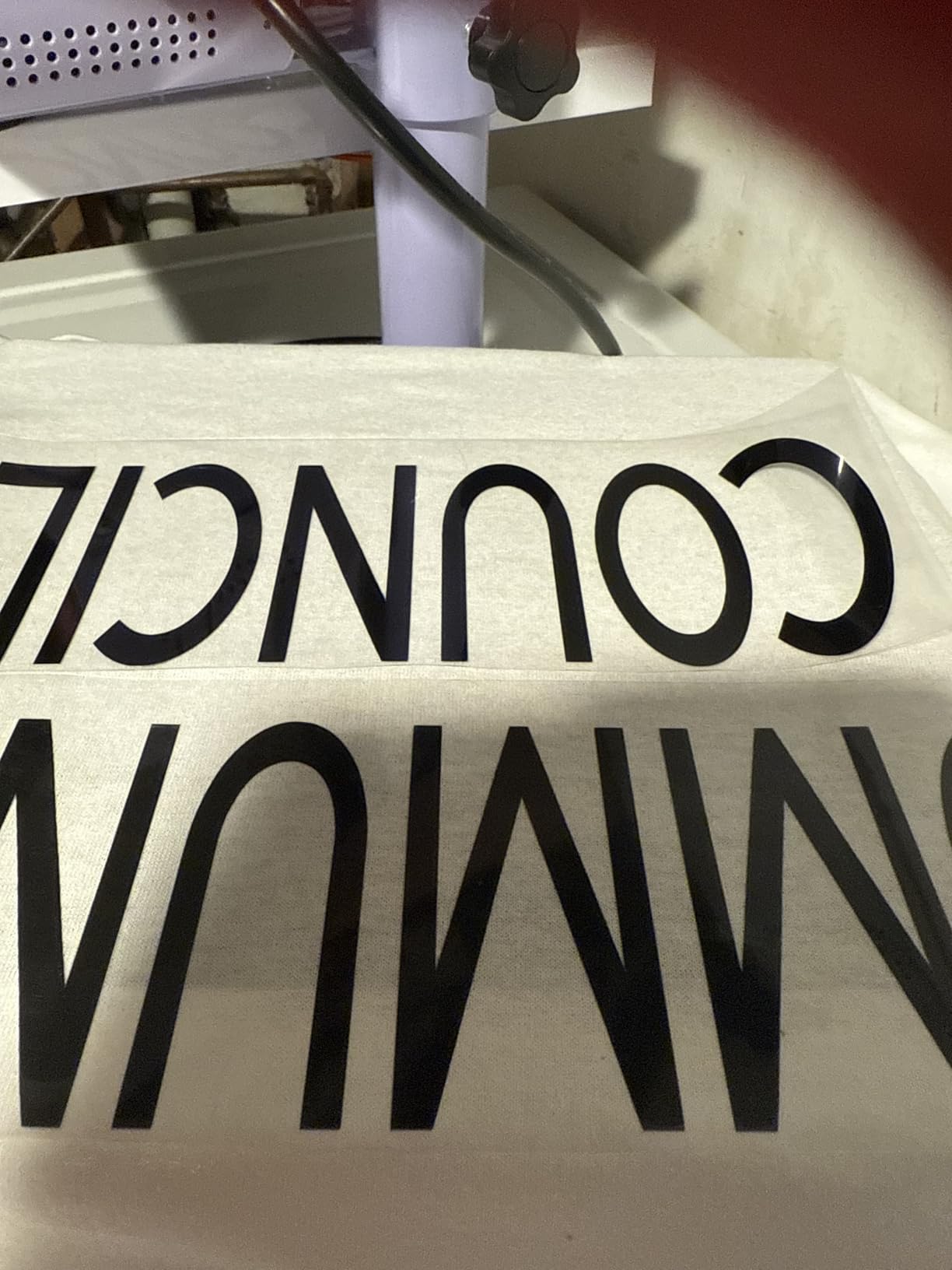
What the Joy handles well for a first project
Sticker sheets, greeting cards, labels and small iron-on decals are the sweet spot. A standard vinyl sticker sheet fits the 12 inch bed comfortably, and cardstock cuts are repeatable, which matters when you are making a set rather than a one-off.
It also does not need a desktop. The app runs on iOS, Android, Windows and Mac, and a bundle of 30 digital images attaches to your account during registration, so there is something to cut before you design anything yourself.
Where the Joy will disappoint you
If your plan is full-color print-then-cut stickers, this is the wrong machine. The Joy has no print-then-cut, and forum threads show that catching buyers well after purchase. Check that limitation against your project list first.
It is also not a thick-material machine, and the narrower bed means more repeat passes on large signs or long banner projects. If you already know you will be cutting leather, chipboard or balsa, look at the Brother ScanNCut or the Cricut Maker 4 instead.
2. Cricut Maker 4 Starter Kit – Best All-in-One Bundle for Vinyl and Iron-On
Cricut Maker 4 Starter Kit for Beginners – Smart Cutting Machine with Vinyl & Iron-On (HTV), Tools & Materials for Stickers, Shirts & DIY Crafts
144 sq inch cutting surface
Vinyl and iron-on sheets included
Automatic operation mode
One-year warranty
Pros
- Cuts fast and consistently across business cards iron-on and car decals
- Setup is straightforward for first-time users
- Feels sturdy and well made
- Bundle covers mat blade tools vinyl and iron-on
Cons
- Design Space needs an internet connection and paid library access
- Not compatible with Chromebooks
- Bulky body compared with smaller desktop models
This is the pick for someone who wants to open one box and start. The kit includes the machine, a cutting mat, blade, tools, and sample sheets of adhesive vinyl and heat transfer vinyl, so your first decal is possible the same afternoon. That is a real difference from buying a machine bare.
Owners describe cutting speed and consistency as the standout, with clean results across business cards, shirt vinyl, stickers and car decals. Tip changes and software handling are reported as simple, which is what you want from a machine that will be handling multiple materials in a single session.
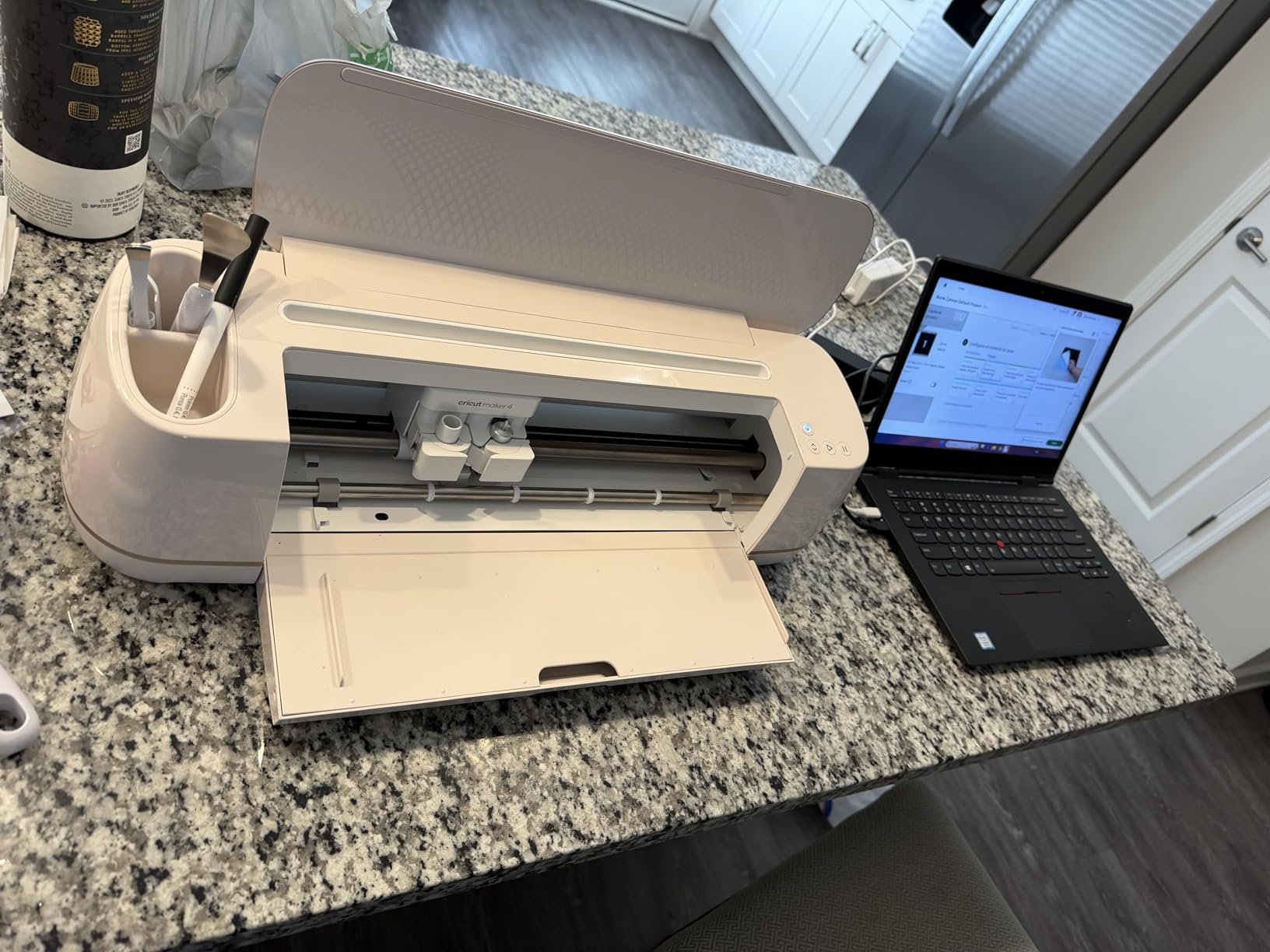
The 144 square inch surface is the full 12 by 12 inch mat, so nothing is lost to a smaller bed. The machine is automatic, which means the blade carriage runs the cut without a separate press, and the body is metal and plastic in a construction reviewers describe as solid in the hand.
Warranty is one year against manufacturer defects, which is the standard on this class of machine. Registering the machine is worthwhile regardless, because it is also how the manufacturer sends firmware updates, and those updates matter for cut quality.
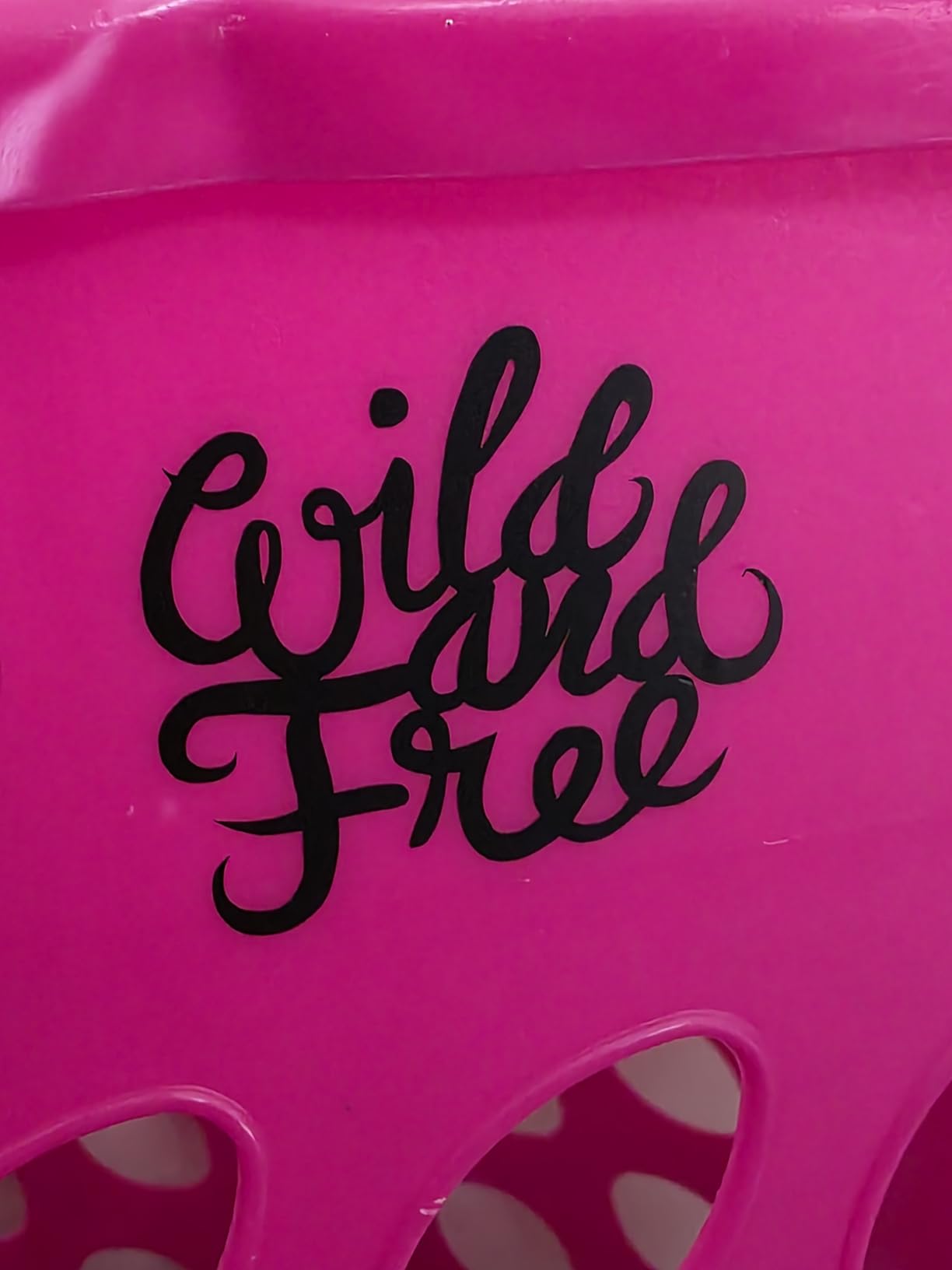
What the Maker 4 bundle gets right
The included vinyl and iron-on sampler sheets remove the most common beginner blocker, which is not having the right material in front of you. The bundle has enough for practice pieces, though it will not last a year of projects on its own, so plan for a consumables budget.
The larger bed also makes sheet cutting far more efficient. If your hobby includes full sheets of cardstock or multiple decals per run, the difference in waste shows up within a month of regular use.
Where the Maker 4 bundle will disappoint you
Design Space needs an internet connection, and access to Cricut’s own content library is a paid subscription. You can still upload your own designs, but reviewers who expected an all-inclusive library are disappointed, and forced software updates are a recurring thread on the forums.
It is also not Chromebook compatible, which catches students and some newer households. And the body is bulky, so it needs a real desk rather than a shelf. If desk space or a Chromebook is your situation, the Cricut Explore 5 or Silhouette Portrait 4 fits better.
3. Silhouette Cameo 5 Alpha Plus – Best for the Widest Materials
Silhouette Cameo 5 Alpha Plus – 15″ Craft & Vinyl Cutter Machine with Automatic Blade, Fast Sketch Mode & 4-Point Registration – Includes Studio Software & 100 Designs, 1-Month Subscription – Black
15 inch cutting width
AutoBlade automatic depth
4-point registration marks
Free Studio software
Pros
- Widest cutting width of any desktop machine in this group
- AutoBlade removes blade depth trial and error
- Quiet operation with one-touch job repeat
- Studio software is free with no mandatory subscription
Cons
- Only one month of design store subscription included
- Studio has a steeper learning curve than phone-first apps
- Wide body takes more desk space
The 15 inch cutting width is the reason this machine exists. A 12 inch mat means a standard sheet fits with almost no waste, and if you have ever wrestled with 11 by 17 material you will immediately feel the difference. It weighs 12.7 lb, which is real, but it is a desk machine rather than a portable one.
AutoBlade is the feature beginners notice fastest. It sets blade depth automatically, so you skip the trial-and-error step that costs beginners a ruined sheet and a chunk of material. The 4-point registration system also makes print-then-cut placement predictable, which matters if you plan to make stickers at volume.
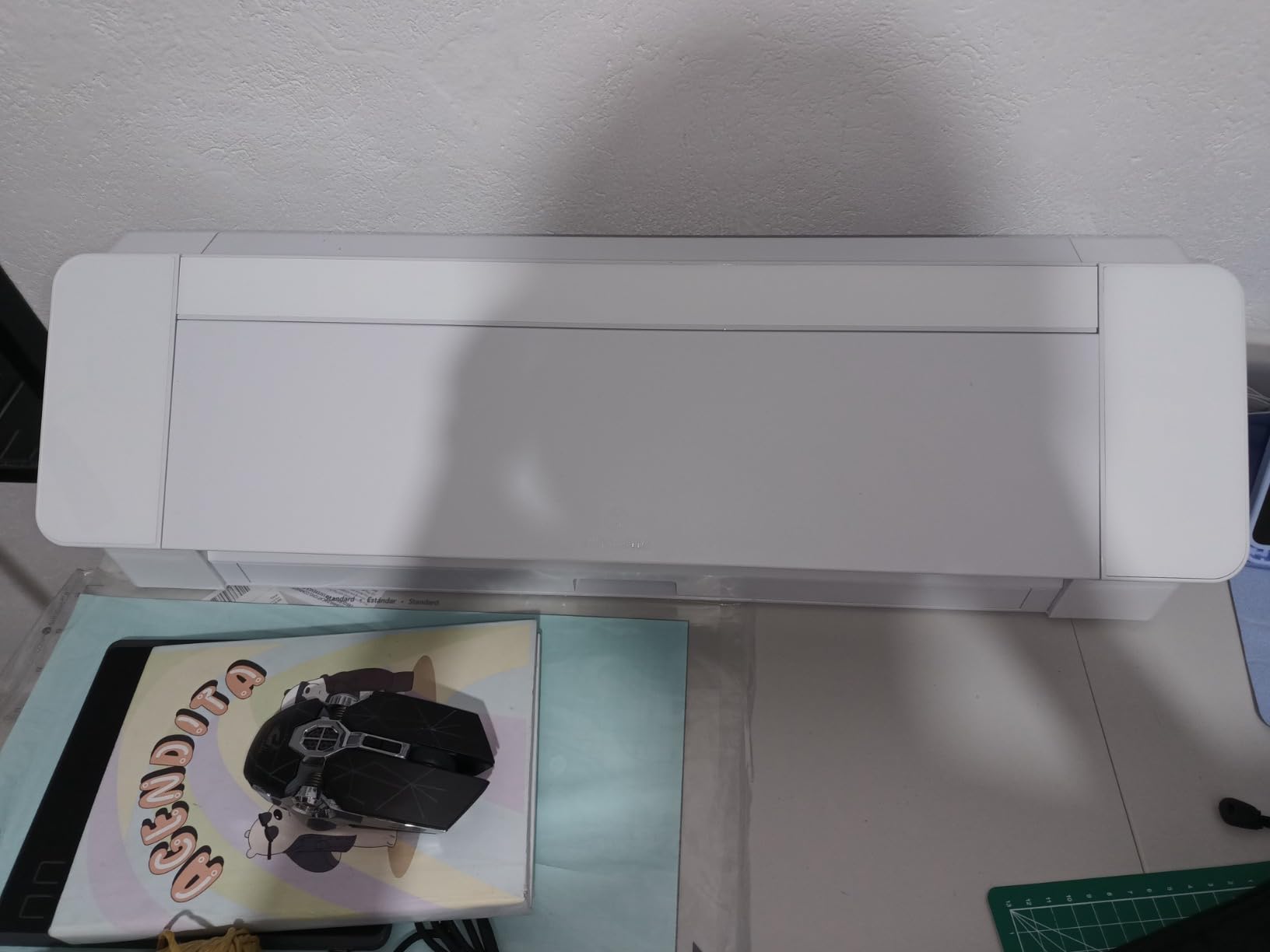
The electrostatic mat supports material up to 0.5mm thick, and cutting speeds run up to 400mm/s. Fast Sketch Mode shortens the design stage, and a one-touch job repeat handles the boring part of making ten identical labels. The Power Slide Lid opens and closes on its own, which sounds minor until you have done it a few hundred times.
Silhouette Studio is included at no cost, and this machine ships with 100 designs plus a one-month subscription to the design store. That month is a trial rather than a lifetime, and buyers should treat it that way.
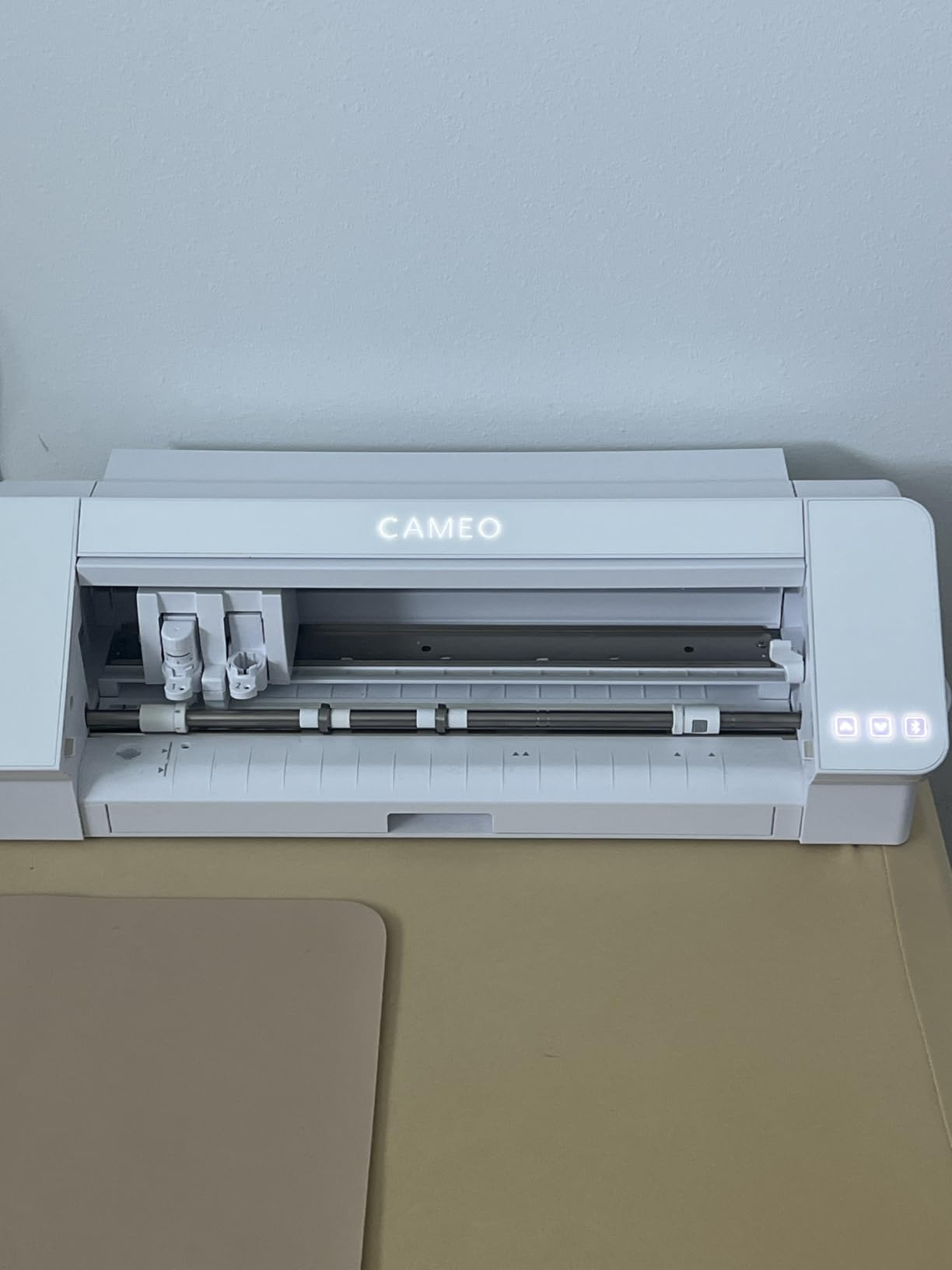
Who the Cameo 5 Alpha Plus suits
Anyone making wall art, long decals, banner vinyl or yard signs. It is also the natural second machine for someone starting small and quickly running out of bed width, because it is a straightforward upgrade rather than a change of brand.
Silhouette users who like control tend to stay here. Studio offers granular settings and SVG export, which is why experienced crafters and small businesses often prefer it to Design Space once they are past the first month.
Where the Cameo 5 Alpha Plus will disappoint you
Studio is harder to learn than a phone-first design app, and the reviews are consistent about that. Budget several evenings with it before you commit to a deadline project. The 25-inch wide body also needs a dedicated stretch of desk, and you gave up some of that convenience for width.
And if your instinct is to assume Cricut is the default answer, our vinyl cutter comparison breaks down where the two ecosystems genuinely diverge, including font and file access.
4. Silhouette Portrait 4 – Best Value Desktop Machine With No Subscription
Silhouette Portrait 4-9 inch Vinyl Cutting Machine with Studio Software, PixScan, Electric Tool and ES Mat Compatible, SNA and IPT Enabled, 50 db
9 inch cutting width
50 dB quiet operation
SNA belt-driven chassis
Silhouette Studio included
Pros
- Compact enough for a small desk
- Free Studio software with no mandatory subscription
- Quiet enough to compare to a small printer
- Belt-driven chassis cuts multi-layered and sharp angles cleanly
Cons
- Studio software has a real learning curve
- Blade depth settings need testing out of the box
- Cutting mats wear and are the main recurring cost
This is the machine we would hand someone who wants a real desktop cutter without a subscription hanging over their head. Studio is free, there is no paid tier to unlock basic features, and you can use fonts and image files already installed on your own computer. That freedom is the whole pitch for a lot of buyers coming from Cricut.
It is also the quietest machine in this group at a rated 50 dB, roughly comparable to a small printer while cutting. If you craft in an apartment, that is not a minor specification. Several reviewers switched brands specifically because of the no-subscription model and the small footprint.
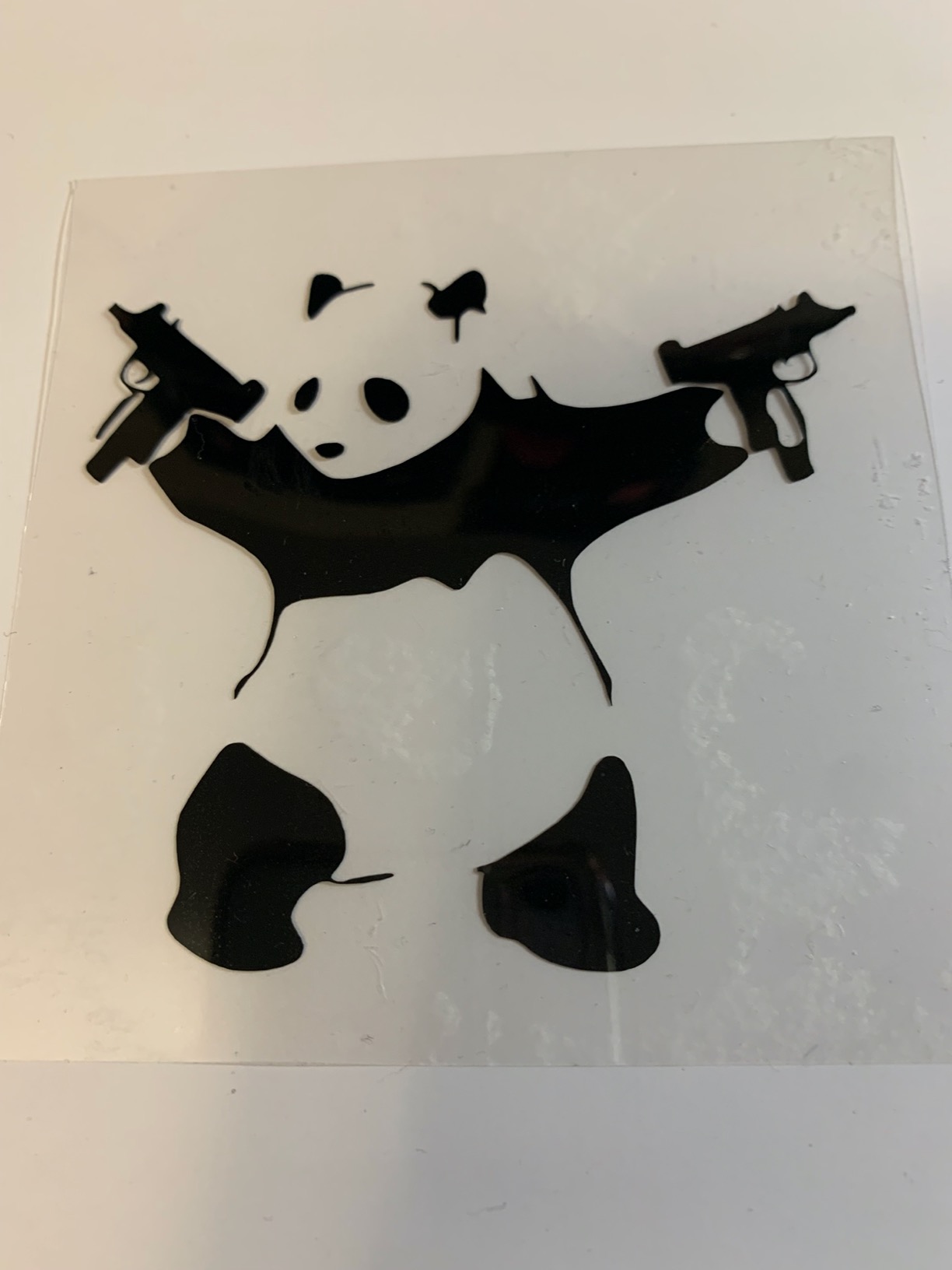
The SNA belt-driven chassis is the redesign that makes this generation feel tighter than the last, and IPT technology optimises cut order to reduce tearing on multi-layer or sharp-angle designs. The body is 18 by 9 by 9 inches, so it fits a small desk or a desktop tower without ceremony.
Warranty is one year limited, and the mat system supports PixScan, ES mats and electric tools if you outgrow plain cutting. Free weekly designs and a large library mean you can start without buying a single file.
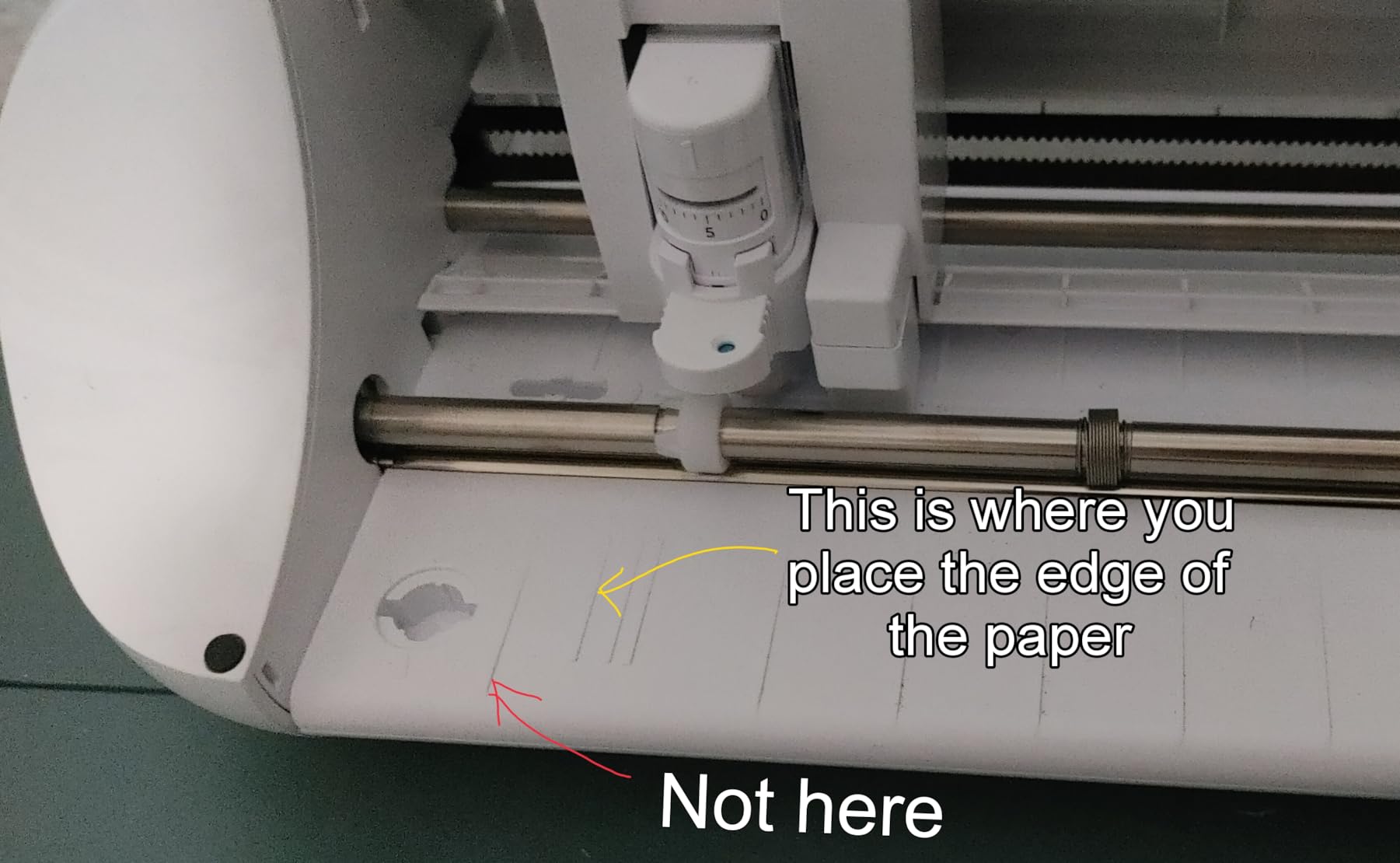
What the Portrait 4 does better than the alternatives
The combination of free software, a small footprint and quiet running makes it the least risky first machine on this list. There is no subscription to cancel and no forced content purchase, so your ongoing cost is limited to mats and blades.
It also has the largest review base of the eight, which means the long-term reliability picture is well documented rather than a guess. Owners switching from Cricut generally conclude the software is more powerful once mastered.
Where the Portrait 4 will disappoint you
The 9 inch width is the constraint. Anything wider needs several cut runs, and a full sheet of sticker paper is not a one-pass job. If you make large decals, the Cameo 5 Alpha Plus solves a problem the Portrait cannot.
Blade depth still needs testing, and the mats are sticky but wear relatively quickly, making them the main recurring consumable. Combined with the Studio learning curve, the first month takes patience. Anyone uneasy with software should look at the Sizzix Big Shot or the Brother instead.
5. Brother SDX125E ScanNCut – Best for Thick Materials and Standalone Use
Brother SDX125E ScanNCut Electronic Cutting Machine Scanner
Built-in scanner
Cuts up to 3mm thick
682 built-in designs
5 inch touchscreen LCD
Pros
- Built-in scanner turns a hand drawing into a cut file
- Cuts up to 3mm including balsa chipboard foam and felt
- Material sensor blade needs no manual adjustment
- 5 inch touchscreen handles layout on the machine
Cons
- On-screen canvas workflow has its own learning curve
- Pens and pen holders may need buying separately
- A trial cut is still advised before a full sheet
The scanner is the reason to buy this machine, and nothing else in this price range has it. Draw something on paper, scan it in, and it becomes a cut file. You also get print-then-cut straight from the machine, and 682 built-in designs plus 100 quilting patterns and 9 fonts without opening a computer.
For a beginner who is not confident with design software, that is a genuine advantage. The 5 inch touchscreen handles layout on the machine itself, so the entire workflow can happen without a desktop. The canvas workflow takes practice, but it is a visible, guided interface rather than a browser tab.
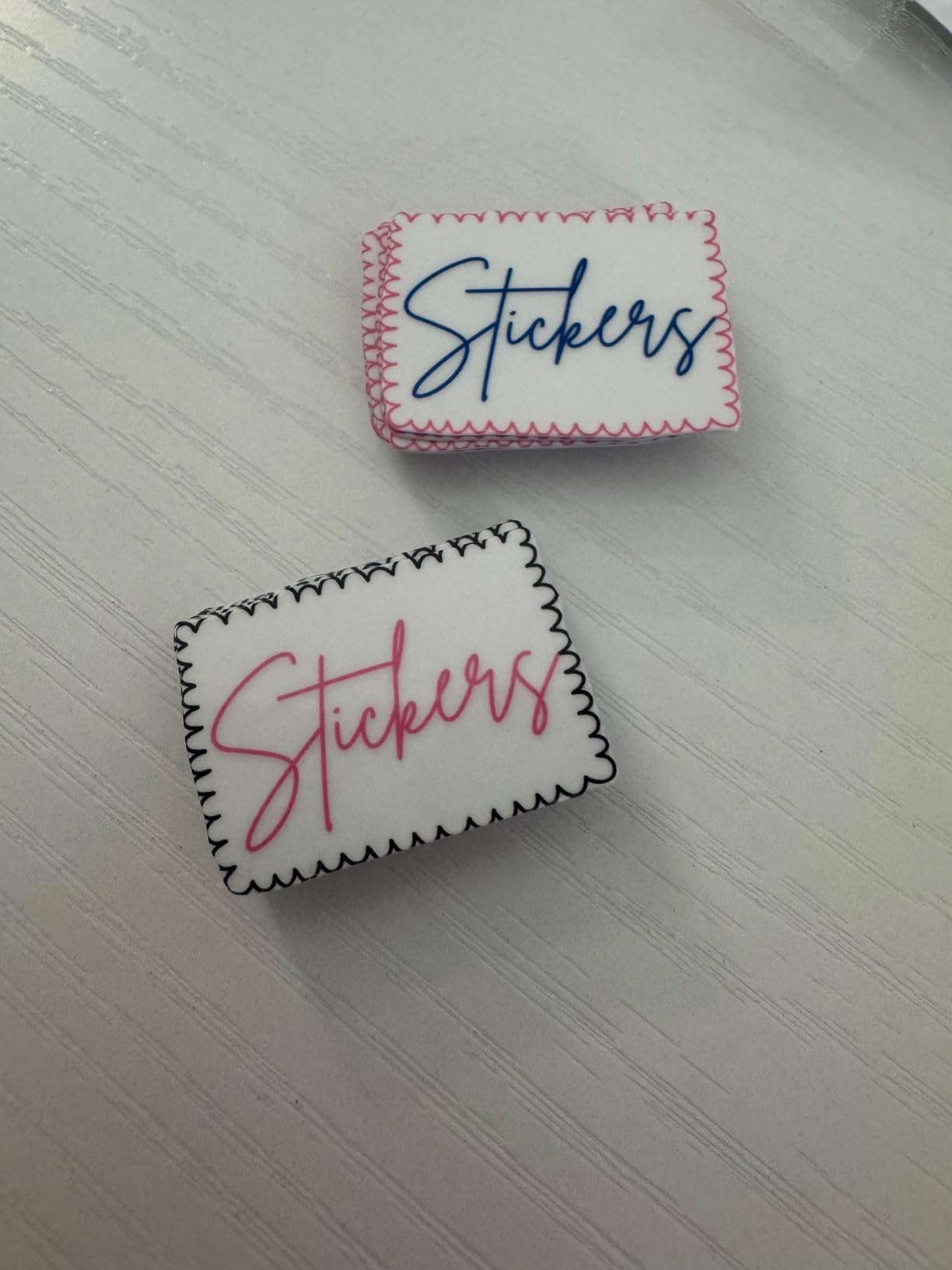
Material handling is where it outclasses most of the field. It cuts up to 3mm of material, covering paper, vinyl, fabric, balsa wood, chipboard, foam and felt, and the included auto blade and holder use a material sensor to detect thickness with no blade adjustment and no material selection step.
You still get a 12 by 12 inch tack mat in the box, along with a black pen, pen holder, touch pen, spatula, accessory pouch, 76 extra patterns and a sample cardstock sheet. The body measures 8.4 by 20.9 by 6.8 inches, and warranty is one year limited.
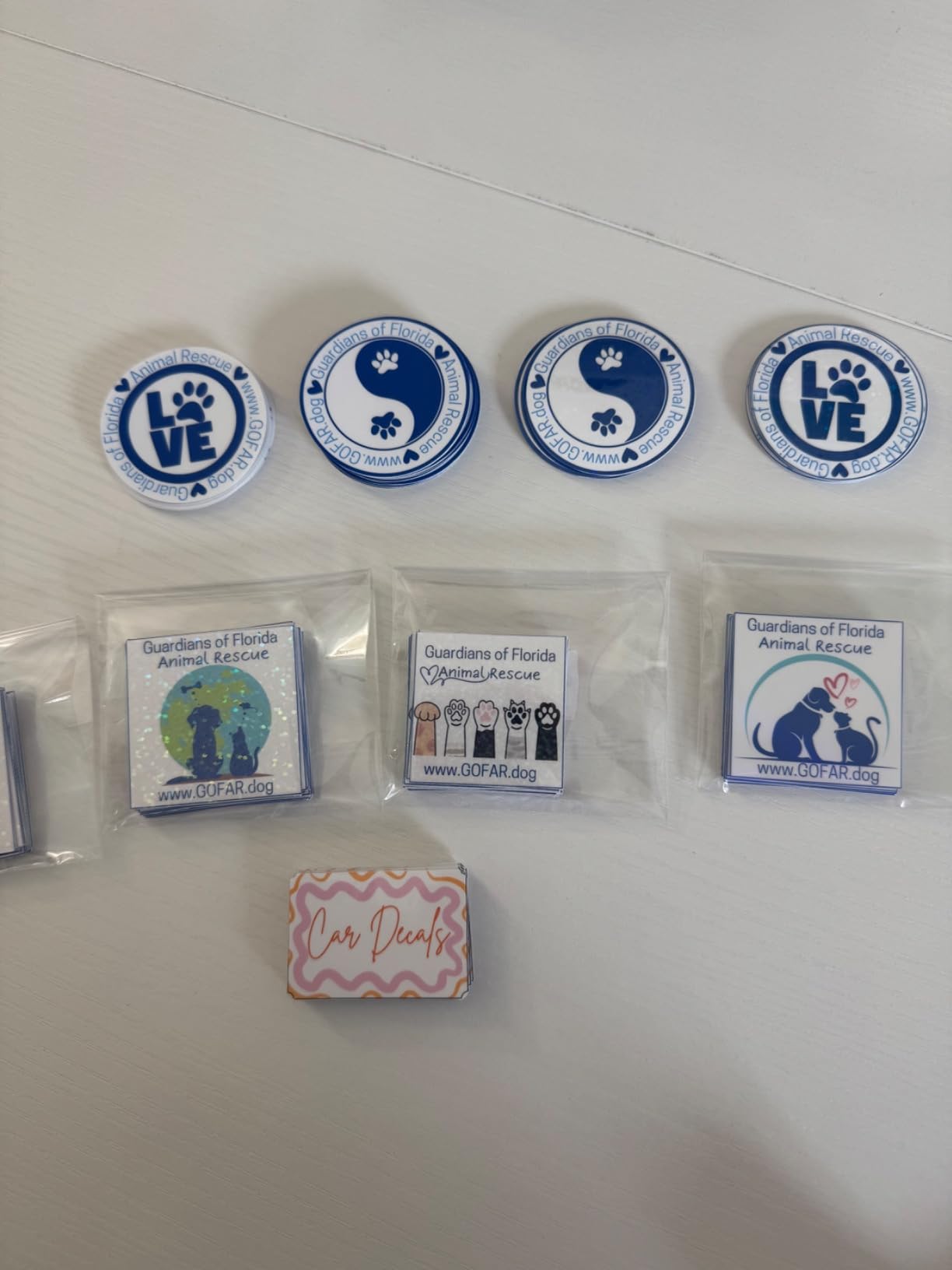
Where the ScanNCut has no competition
Thick material and standalone working. If you make quilted items, foam, chipboard or balsa models, or you simply refuse to run a computer, this is the only machine here that handles both without compromise.
Thequilting pattern library is also the deepest in this group, and the built-in scanner removes the single most common beginner frustration, which is getting artwork into the machine at all.
Where the ScanNCut will disappoint you
Ratings sit slightly below the Cricut and Silhouette machines here, and the difference is mostly learning curve. The on-screen canvas does not behave like a phone-first app, and expectations need setting accordingly.
Some bundles ship without pens or pen holders, so budget for those. A trial cut is still recommended before a full sheet, and the machine is US-voltage only at 120 volts, which matters for anyone outside the country. If sticker volume is the goal rather than thick stock, our die cutting and paper craft guide covers the alternatives.
6. Sizzix Big Shot Starter Kit – Best for Manual Die Cutting and Embossing
Sizzix Big Shot Starter Kit (6″), White/Grey
Manual crank operation
6 inch die cutting platform
Cuts felt cork and balsa
Metal gearing
Pros
- No computer software or subscription required
- Highest average rating of the group at 4.7
- Metal gearing holds up to years of repeat use
- Kit includes dies an embossing folder and 40 cardstock sheets
Cons
- Heavy and bulky for a manual tool
- Non-branded embossing folders may need a shim
- Cutting plates score and need periodic replacement
This is the pick for anyone who wants the craft without the computer. The Big Shot is a hand crank, and the metal dies and embossing folders do the cutting. No app, no design file, no subscription, and no update that can leave you unable to work on a Tuesday.
It carries the highest average rating of the eight, and durability is the theme reviewers return to again and again. Several owners report running Big Shot machines for more than five years, including professional card production. The metal gearing is the reason that is plausible.
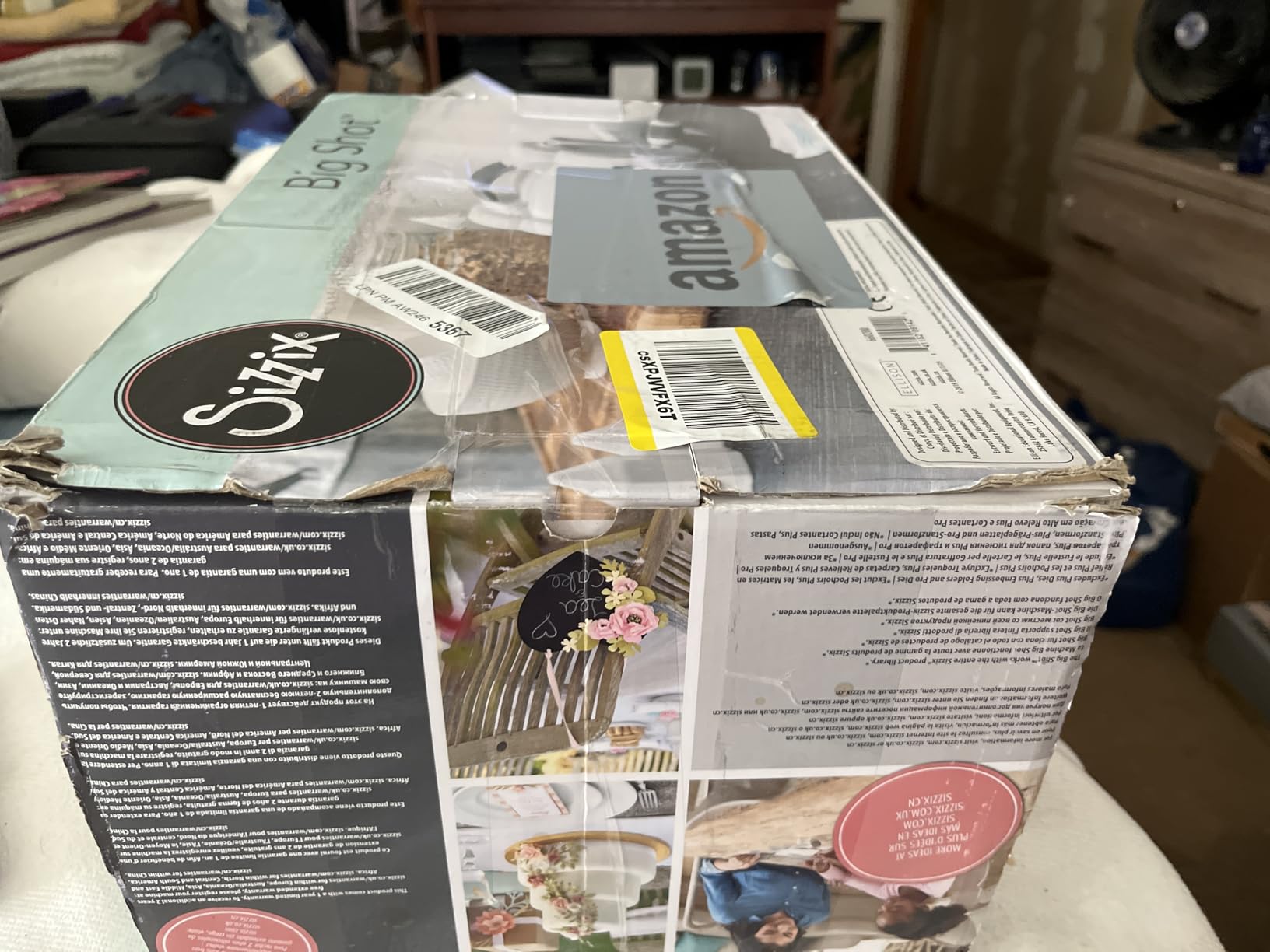
The 6 inch platform takes a wide range of material, and the sandwich technique handles paper, tissue, cardstock, felt, cork and balsa wood. For felt work, multiple layers in a single pass cut faster and cleaner than an electronic machine, which is the traditional argument for this route.
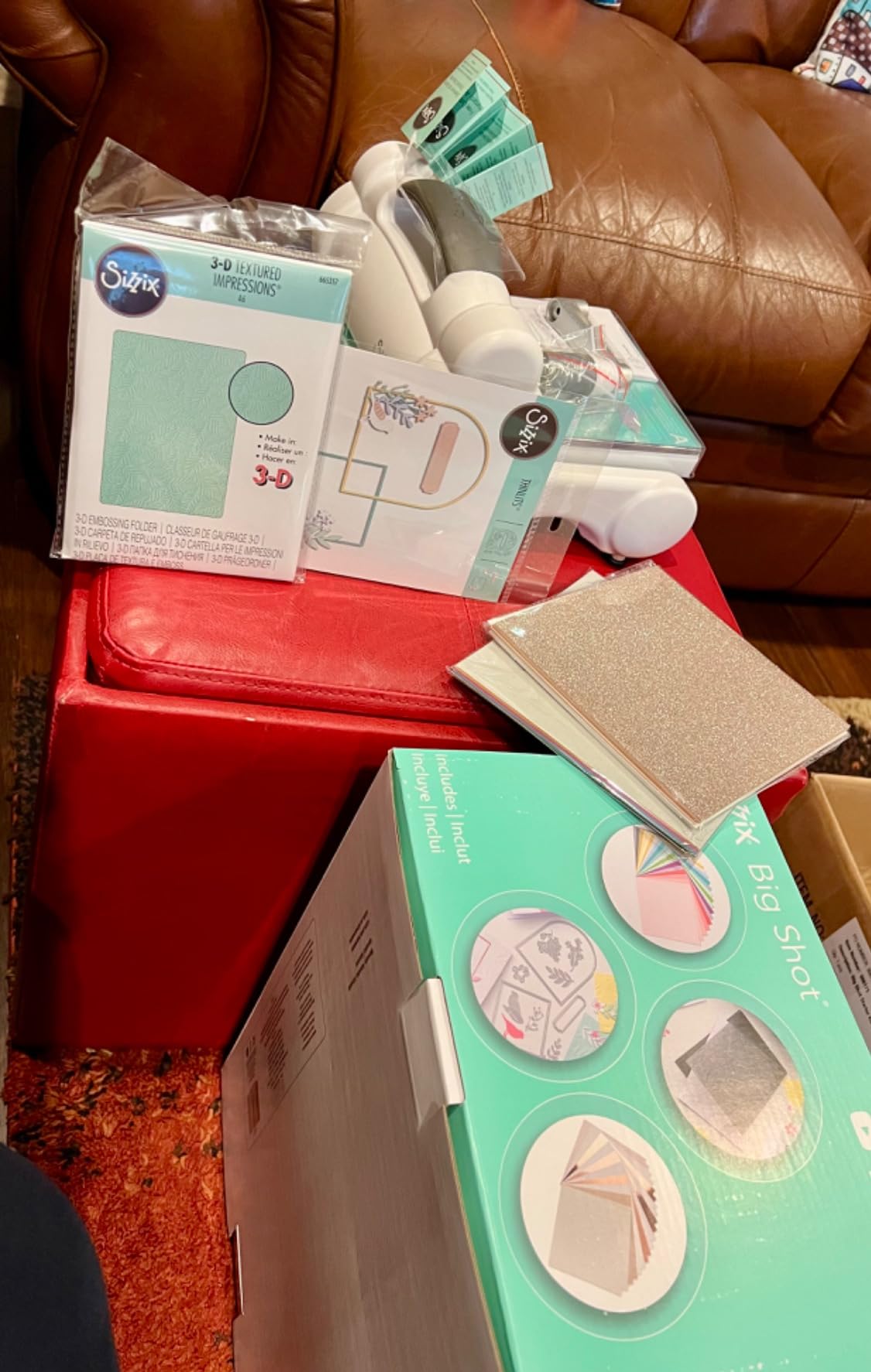
The starter kit is generous: cutting pads, standard platform, thin die adapter, a 10-pack of Thinlits dies, a multi-level embossing folder, 20 cardstock sheets and 20 more in rose gold and ivory. That is enough to make something real on day one.
Who the Big Shot works best for
Cardmakers, scrapbookers and anyone who prefers a physical, mechanical process to a software one. It also embosses, which no electronic machine in this list does natively. If you want to die cut without owning a design software subscription, this is the cleanest route.
It is a genuinely good first machine, not a stepping stone. Many experienced crafters use a Big Shot alongside an electronic cutter for exactly the jobs dies handle better.
Where the Big Shot will disappoint you
Every new project shape needs a matching die, and that per-project cost is the hidden curve. Budget dies as an ongoing material cost rather than a one-off, and the machine becomes far more expensive over a year than the purchase suggests.
It is also heavy at 5.72 kg and bulky for a manual tool. Non-branded embossing folders are often narrower than the opening and need a shim, cutting plates pick up scoring and need replacing, and any die wider than the machine opening simply will not fit.
7. Cricut Explore 5 Essential Bundle – Best for Full-Color Stickers
Cricut Explore® 5 Essential Bundle + Digital Content, Taupe
12 x 12 inch cutting area in a 30 percent smaller body
Cuts 100+ materials
Print-then-cut via home inkjet
Snap-in pen holder
Pros
- Bundle holds enough material for up to 65 projects
- Free library of 3000 plus images 100 plus fonts and 1000 plus projects
- Print-then-cut works for full-color stickers and decals
- 30 percent smaller footprint than earlier Explore models
Cons
- Older Explorer series pens and the debossing tool do not fit
- Markers must be removed before cutting or the tip scratches
- No dust cover included
- Print-then-cut registration can be unreliable
If stickers are the goal, this is the machine to look at. You print with your own home inkjet printer, the machine detects the registration marks and cuts around the image, and you get a full-color sticker sheet out of a normal afternoon. The 12 inch bed matches a standard sheet, which the smaller Cricut models cannot do.
It is also 30 percent more compact than earlier Explore models, with a simplified interface and a new look. It writes, draws, foils, scores and cuts, and works with six tools, including a separately sold deep cutting tool for foam and rubber.
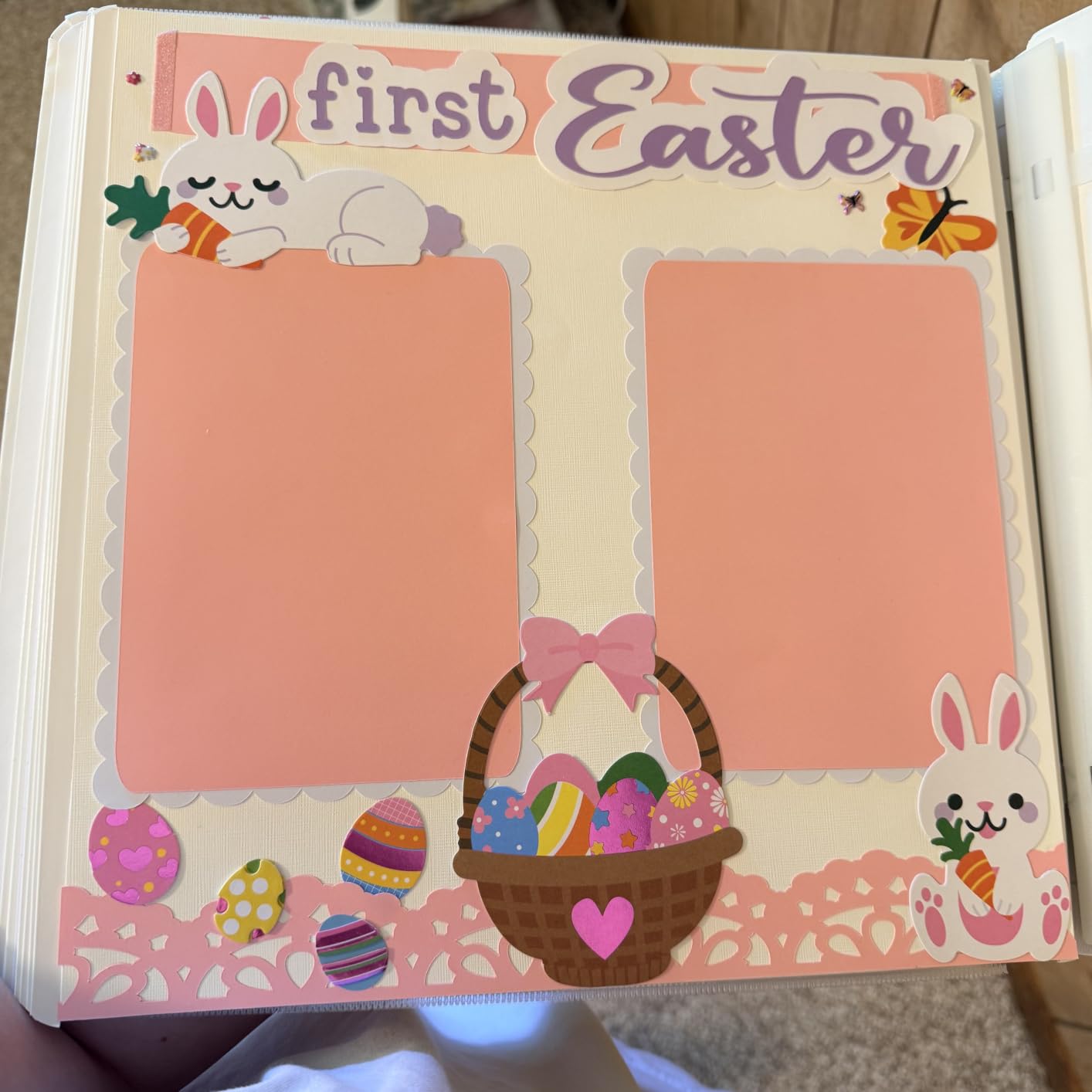
The Essential Bundle is unusually generous: Smart Vinyl, Smart Iron-On, Value Cardstock, insert card sets and printable vinyl, which the manufacturer says is enough for up to 65 projects, plus 25 premium images and one font. For a first machine, that is a long way into your first year of making things.
Connectivity is Bluetooth to the free Design Space app, and the free content library includes 3,000 plus images, 100 plus fonts and 1,000 plus projects. That library size is the main reason first-time Cricut buyers tend to stay.
What the Explore 5 does well
Print-then-cut is genuinely useful, and having the printing in your own home removes the biggest cost in a small sticker business. Combined with the bundle contents, this is a low-friction way to start selling simple products.
It also has the strongest category ranking of the Cricut machines here, and owners upgrading from an earlier Explore generally describe the smaller footprint and simplified interface as worthwhile.
Where the Explore 5 will disappoint you
It is a polarizing model, and the complaints are specific. The new generation changed accessory compatibility, so older Explorer series markers and the debossing tool no longer fit, only pens marked Explorer 5. Check your existing accessories before buying.
Markers must be removed before cutting or the pen tip scratches the material, and no dust cover is included. Print-then-cut registration is also unreliable if the printer is not set up correctly, and the documentation does not walk through every basic step, so budget time for calibration before your first sale.
8. Sizzix Sidekick Starter Kit – Budget Pick for Small Detail Work
Sizzix Portable Manual Die Cutting & Embossing Machine for Arts & Crafts, Scrapbooking & Cardmaking, 2.5” Opening, One Size, Tim Holtz Sidekick Starter Kit
2.5 inch opening
Manual crank operation
2.6 lb portable body
Suction base for stability
Pros
- Lightest and most compact machine in the group
- No software computer or subscription required
- Cuts and embosses small dies with little force
- Cutting plates last for years when flipped between uses
Cons
- Opening limited to 2.5 inches so only small dies fit
- Suction base does not grip on every surface
- Some units jam and leave dies stuck in the plates
- Crank turns toward the user which catches first-time users out
This is the lowest-cost, lightest and most portable machine here, and for a specific kind of work it is the best of them. If you make small sentiment labels, junk journal pieces, gift tags or tiny embellishments, the 2.5 inch opening is exactly the right size and you will never fight the machine.
There is no software, no computer and no subscription. You stack a die, cutting pad and material, close the sandwich, and turn the crank. Owners who use it daily for small detail work report that they often prefer it to a full-size Big Shot for those jobs.
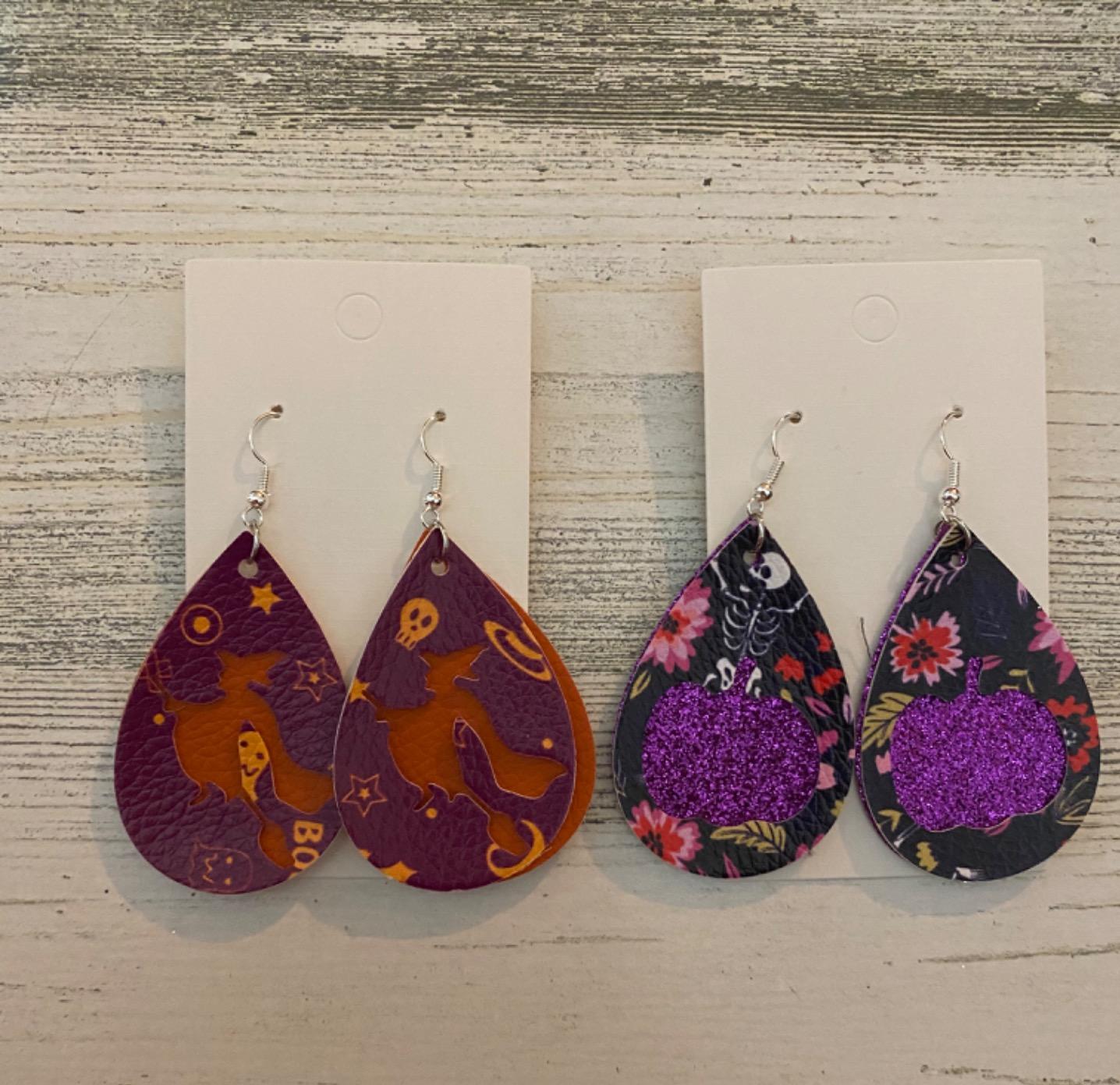
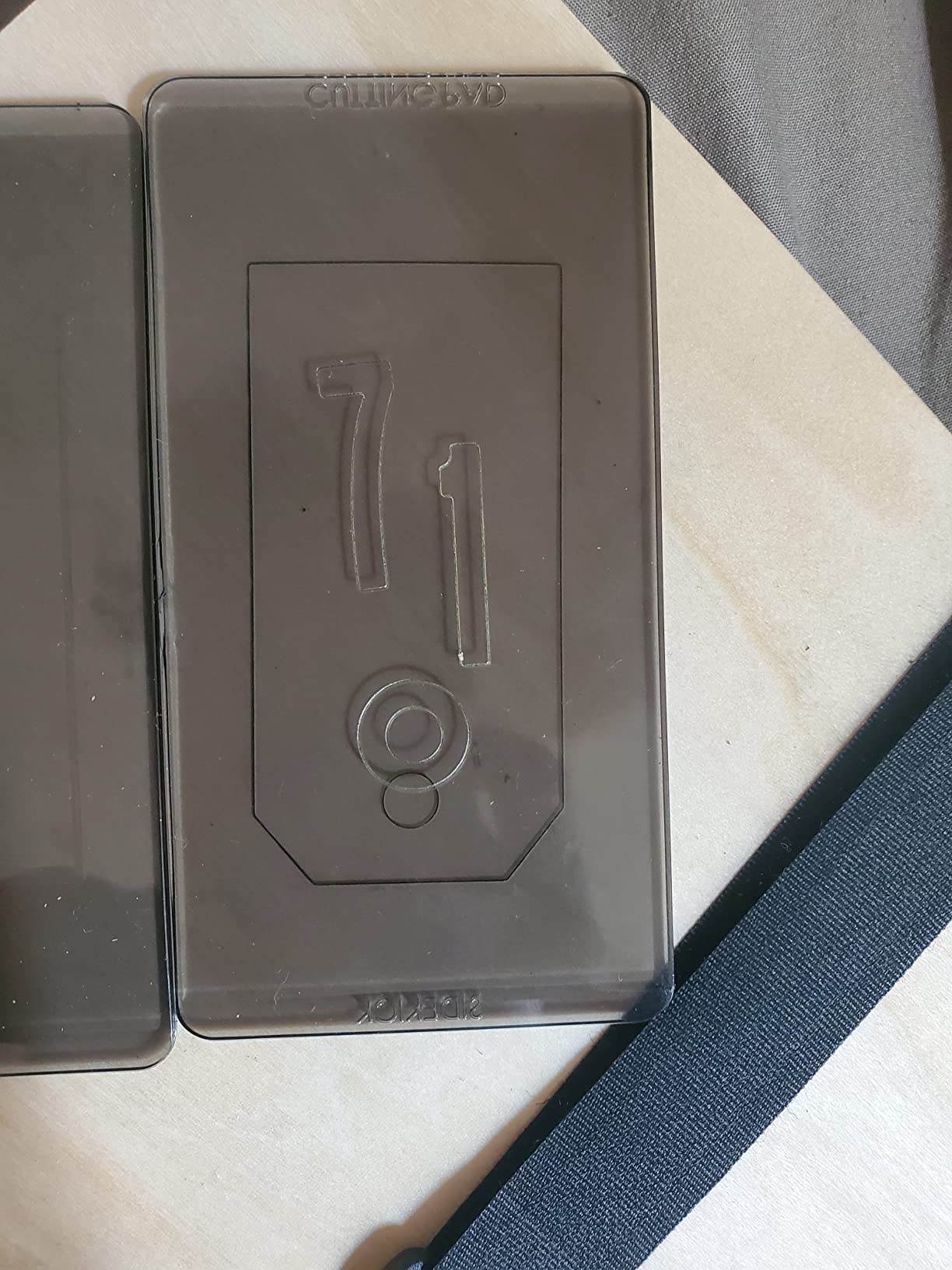
It is 2.6 lb and 3.75 by 7.8 by 5.5 inches, so it stores in a drawer and travels to a craft class. A vacuum seal lets you secure it to a smooth surface, and the crank needs very little force. It takes a single sheet of lightweight cardstock down to paper.
Compatibility covers Sizzix Thinlits dies, Framelits dies and embossing folders up to 2.5 inches wide. That is the whole constraint, and it is the whole constraint.
What the Sidekick is genuinely good at
Small, repeated, consistent cuts. Sentiments, numbers, small tags and stencilled shapes are fast, tidy and repeatable, and there is no learning curve at all because there is no interface. It is also the cheapest way to test whether you enjoy die cutting before spending on a bigger machine.
Cutting plates last for years if you flip them between uses, which is a maintenance habit worth teaching yourself on day one.
Where the Sidekick will disappoint you
It carries the largest share of one-star reviews in this group, and the complaints cluster on durability: some units jam and leave dies stuck in the plates after only a few uses. The suction base also does not grip on every surface, and you may need to brace it by hand for repeated cuts.
The crank turning toward you is the opposite of the intuitive direction and catches first-time users out. And the 2.5 inch opening simply rules out full-size projects, so treat this as a specialist second machine rather than a general cutter. If you want the manual route with room to grow, the Big Shot is the better first buy.
How to Choose a Cutting Machine: A Beginner Buying Guide
Choose an electronic machine if you want to cut your own designs, use print-then-cut, or produce personalised items. Choose a manual die cutting machine if you want the craft without software, already know which die shapes you want, and value embossing. The two routes produce different project types, so this decision matters more than any spec on the list.
Electronic versus manual die cutting
An electronic machine plots a design from Cricut Design Space or Silhouette Studio, grips the sheet to an adhesive mat and drags a blade carriage across it at a set depth. A manual machine sandwiches material between cutting pads and runs a metal die or embossing folder through as you turn a crank.
The manual route is cheaper to start and impossible to update-broken, but each new shape needs a die. The electronic route is unlimited once you have designs, but adds mats, blades and possibly a subscription. For felt, cork and balsa, dies can cut multiple layers in one pass, which is where Sizzix still wins cleanly.
Software onboarding is the deciding factor
Reviewers consistently rank Cricut onboarding as the gentlest, with guided setup and a large free library, and Silhouette Studio as the most powerful and the most demanding. Browser-based design tools also need a computer that meets the system requirements, and this is worth checking before you buy.
A workable checklist: roughly 4GB of RAM, about 2GB of free disk space, and stable broadband, since both Design Space and Studio push work through cloud services. Chromebooks are a known problem for Design Space. If any of that sounds fragile, the Brother ScanNCut or a Sizzix machine removes the dependency entirely.
Match the bed width to your largest project
Bed width is the number beginners underestimate. A 6 inch bed means paper is cut in sections, a 9 inch bed handles cards comfortably, a 12 inch bed takes a standard sheet, and a 15 inch bed takes 12 by 24 inch material in a single pass. Measure the largest thing you expect to make before you buy, not the smallest.
Budget for the running costs, not just the machine
Over a year, consumables often exceed the machine price. Cutting mats wear and are replaced on a schedule, blades dull and are swapped, and design libraries are frequently subscription based. Cricut Access and the Silhouette design store are optional rather than required to cut your own files, so treat them as a choice, not a cost.
On the manual side, dies are a per-project purchase and need their own line in the budget. Many owners restock mats and blades as a routine January purchase, and that habit is a better cost control than any single machine decision.
What to make in your first hour
On any electronic machine, start with a simple vinyl word or shape on a scrap of cardstock. Confirm the blade depth with a test cut, learn one weeding motion, then move to a printed sticker sheet. The goal is not a finished gift, it is learning where the settings live.
On a manual machine, run the included die and folder through the starter materials before buying anything else. You learn the sandwich order and the crank pressure in one pass, and both matter more than they look.
Signs you should upgrade rather than replace
Move up a size when you hit the same ceiling twice: not enough bed width, material that will not cut at any depth setting, or a workflow where you are re-cutting the same design across multiple runs. Upgrade within the same brand where possible, because accessories and software transfer.
Switch brands only when a feature decides it, such as the built-in scanner or a no-subscription library. And sell your first machine before buying a second if you can, since resale value is part of the real cost of an upgrade path.
Frequently Asked Questions
What is the best cutting machine for beginners?
The Cricut Joy is the easiest first machine for most beginners, weighing 3.9 lb, connecting by Bluetooth to a free app and producing a first clean cut in about 15 minutes. Choose the Silhouette Portrait 4 if you want desktop software with no subscription, the Brother SDX125E if you cut material up to 3mm thick or want to work without a computer, and the Sizzix Big Shot if you would rather avoid software entirely.
Which die cutting machine is best for beginners?
For manual die cutting, the Sizzix Big Shot Starter Kit is the strongest first machine, offering a 6 inch platform, metal gearing that lasts years and a kit containing dies, an embossing folder and 40 cardstock sheets. The Sizzix Sidekick is smaller and lighter but limited to dies up to 2.5 inches wide, so it suits small detail work rather than general projects.
What is the best cutting machine other than Cricut?
The Silhouette Cameo 5 Alpha Plus leads the non-Cricut field with a 15 inch cutting width, AutoBlade automatic depth adjustment and free Silhouette Studio software. The Silhouette Portrait 4 is the value pick at a 9 inch width and a 50 dB noise rating, and the Brother SDX125E ScanNCut wins on thick material with a 3mm capacity and a built-in scanner.
Do I need a subscription to use a cutting machine?
No. You can upload your own designs and cut them without paying for a content subscription. Cricut Access and the Silhouette design store unlock extra library content and offer a trial period with some machines, while Silhouette Studio and the base Design Space app remain free. The unavoidable ongoing costs are cutting mats, replacement blades and, on manual machines, new dies for each project.
Which cutting machine is better, Silhouette or Cricut?
Cricut is easier for a beginner, with smoother onboarding, a large free image library and tighter cut precision in reviews. Silhouette offers more granular control, SVG export and a free Studio app with no mandatory subscription, which appeals to users who already work in design software. Cricut generally has a stronger beginner finish, while Silhouette is often better value once you are comfortable.
What I wish I knew before buying a first cutting machine?
Most beginners underestimate running costs and mat width. Cutting mats wear and need regular replacement, blades dull, and manual machines need a new die for every project shape. Check the cutting width against your largest planned project, confirm your computer can run the design software, and treat a content subscription as optional rather than required.
Which Cutting Machine Should You Buy First?
For most beginners in 2026, the Cricut Joy is the right first machine: it is small, it connects to a free app, and it produces a usable result in minutes. Pick the Silhouette Portrait 4 if a no-subscription library matters most to you, the Cricut Maker 4 Starter Kit if you want vinyl and iron-on materials in the box, and the Silhouette Cameo 5 Alpha Plus if you need a 15 inch bed.
If you cut thick material or prefer not to use a computer at all, the Brother SDX125E ScanNCut is the answer, and if you want a craft with no software whatsoever, start with the Sizzix Big Shot. Whichever you choose, buy the mats and spare blade at the same time, run a test cut on scrap material before a real project, and check the bed width against the biggest thing you want to make.
For more background on the tools that surround these machines, our cutting board guide covers the hand-cut side of the craft.