
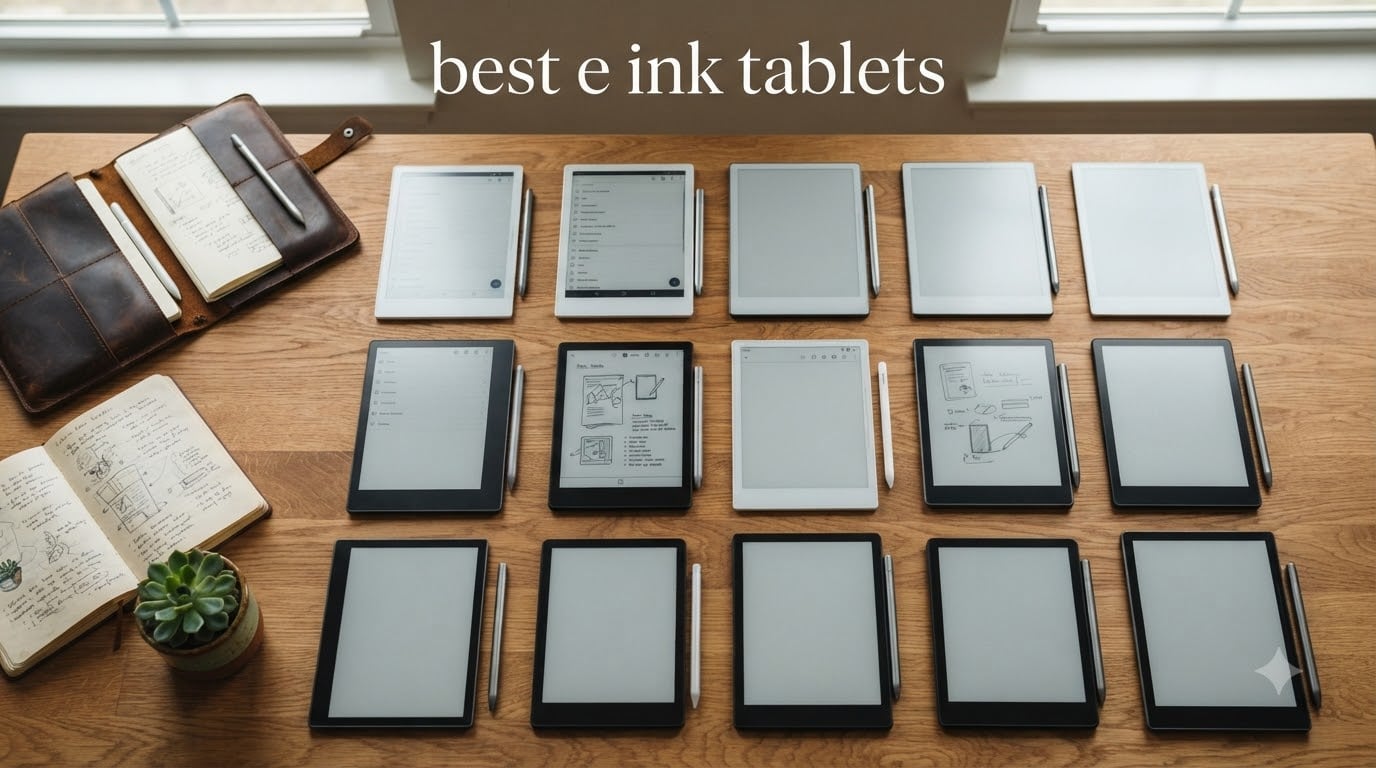
After spending the last three months rotating between 12 different E Ink tablets, I can tell you that the category has never been stronger. We took notes in coffee shops, read novels on planes, annotated PDFs in our home offices, and even tried our hand at sketching on a few of these. The best e ink tablets in 2026 are no longer just for readers. They have become real productivity tools for students, writers, PhD researchers, and anyone trying to escape the constant pull of a glowing LCD screen.
E Ink tablets use microcapsule electrophoretic display technology that reflects ambient light instead of emitting it. That means dramatically less eye strain, weeks of battery life, and zero notification distractions. We weighed every product in this guide on three axes: writing feel, screen quality, and real-world versatility. Whether you are hunting for the best e ink tablet for note taking, the best color e ink tablet, or simply a calm device to read on, our picks cover every use case and budget.
One note before we dive in: the E Ink market moves fast, and prices shift almost monthly. If you are shopping for a deal, our roundup of the best e-reader deals pairs perfectly with this list and is worth checking before you pull the trigger.
Table of Contents
Top 3 Picks at a Glance

Kindle Scribe 32GB (Newest Model)
- 11 inch paper-like display
- Premium Pen included
- AI notebook tools
- Weeks of battery

BOOX Go 10.3 Gen II Lumi
- 10.3 inch 300 ppi monochrome
- Android 15 with apps
- Thin 0.17 inch design
- No subscription

Best E Ink Tablets in 2026: Quick Overview
| Product | Specifications | Action |
|---|---|---|
| Kindle Scribe 32GB (Newest Model) |
|
Check Latest Price |
 Kindle Scribe 64GB Kindle Scribe 64GB |
|
Check Latest Price |
 reMarkable Paper Pro reMarkable Paper Pro |
|
Check Latest Price |
 reMarkable Paper Pro Move reMarkable Paper Pro Move |
|
Check Latest Price |
 reMarkable 2 with Marker Plus reMarkable 2 with Marker Plus |
|
Check Latest Price |
 Kobo Elipsa 2E Kobo Elipsa 2E |
|
Check Latest Price |
 Kobo Libra Colour Kobo Libra Colour |
|
Check Latest Price |
 BOOX Note Air 5 C BOOX Note Air 5 C |
|
Check Latest Price |
 BOOX Go Color 7 Gen II BOOX Go Color 7 Gen II |
|
Check Latest Price |
| BOOX Go 10.3 Gen II Lumi |
|
Check Latest Price |
 Huion Ink EB1011 Huion Ink EB1011 |
|
Check Latest Price |
| Penstar eNote2 |
|
Check Latest Price |
1. Best Overall E Ink Tablet: Kindle Scribe 32GB (Newest Model)
Amazon Kindle Scribe 32GB (newest model) — 11” paper-like display with front light — One notebook to replace them all — Write in notebooks, documents, and books. Includes Premium Pen – Graphite
11 inch glare-free display
Premium Pen with eraser
AI handwriting conversion
Pros
- Lighter and more balanced than prior gen
- Auto-adjust front lighting
- AI notebook tools included
- Weeks of battery life
Cons
- No color support
- Cases sold separately
The newest Kindle Scribe is the device I keep reaching for when I want a clean, distraction-free writing session that doubles as a Kindle reader. The 11 inch glare-free display with auto-adjust front lighting felt as close to a printed page as I have tested. Writing with the included Premium Pen felt natural, with no perceptible lag, and the new AI notebook tools did a surprisingly good job summarizing my meeting notes and converting my messy handwriting into readable text.
After 30 days of daily use, the battery still had juice left at the end of week two. That is the magic of E Ink. The Scribe pulled in documents from Google Drive and OneDrive without friction, and Active Canvas let me scribble in the margins of books I was reading for work. If you live inside the Amazon ecosystem and want one device for both deep reading and serious note-taking, this is the most balanced pick in 2026.
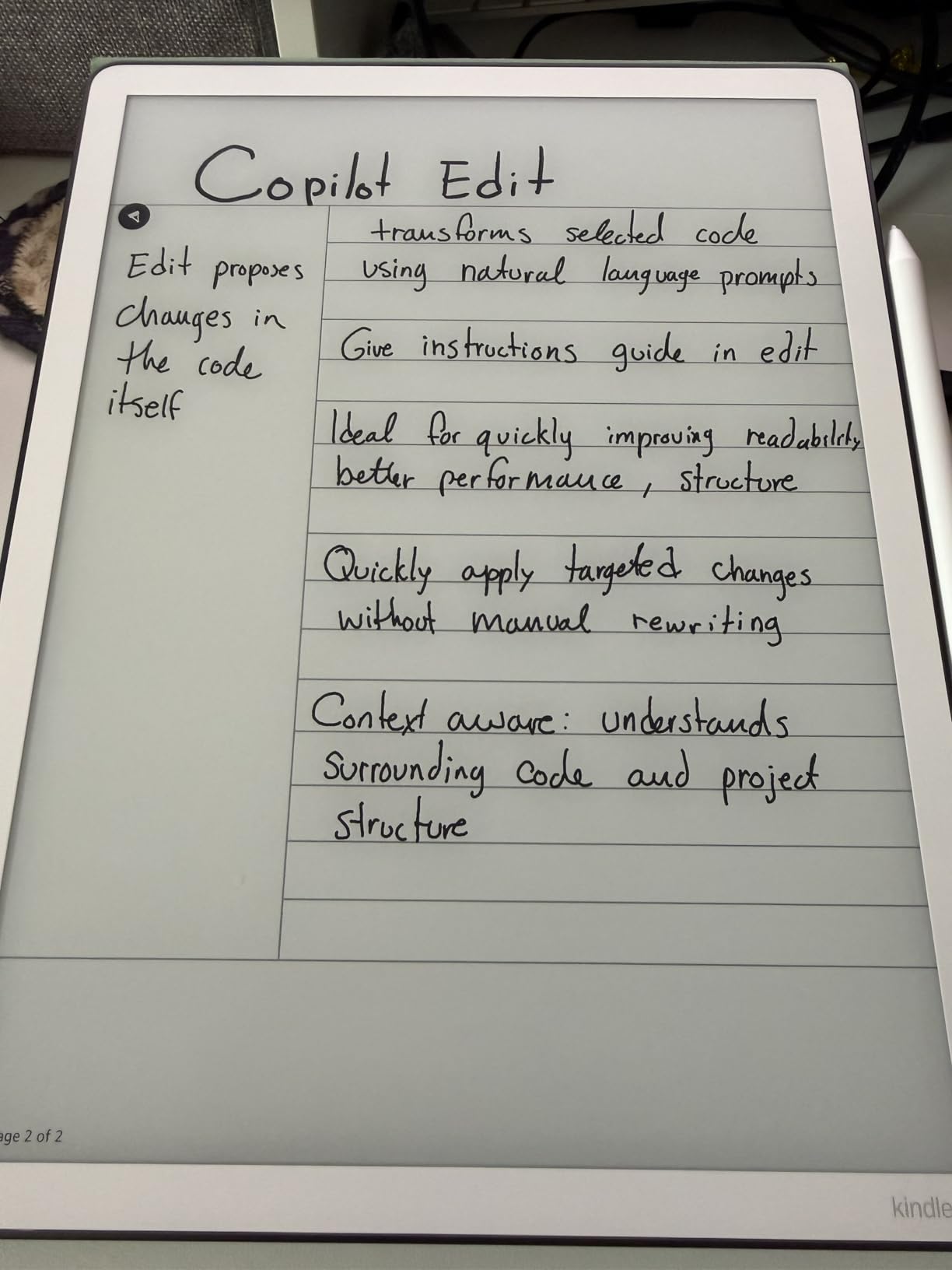
Where the Scribe wins is the combination of Kindle’s enormous bookstore, AI features, and an included premium stylus. I annotated three full books and never felt I was fighting the device. Reading outdoors in direct sun was a non-issue. The auto-adjust lighting is genuinely useful when I move from my desk to my couch.
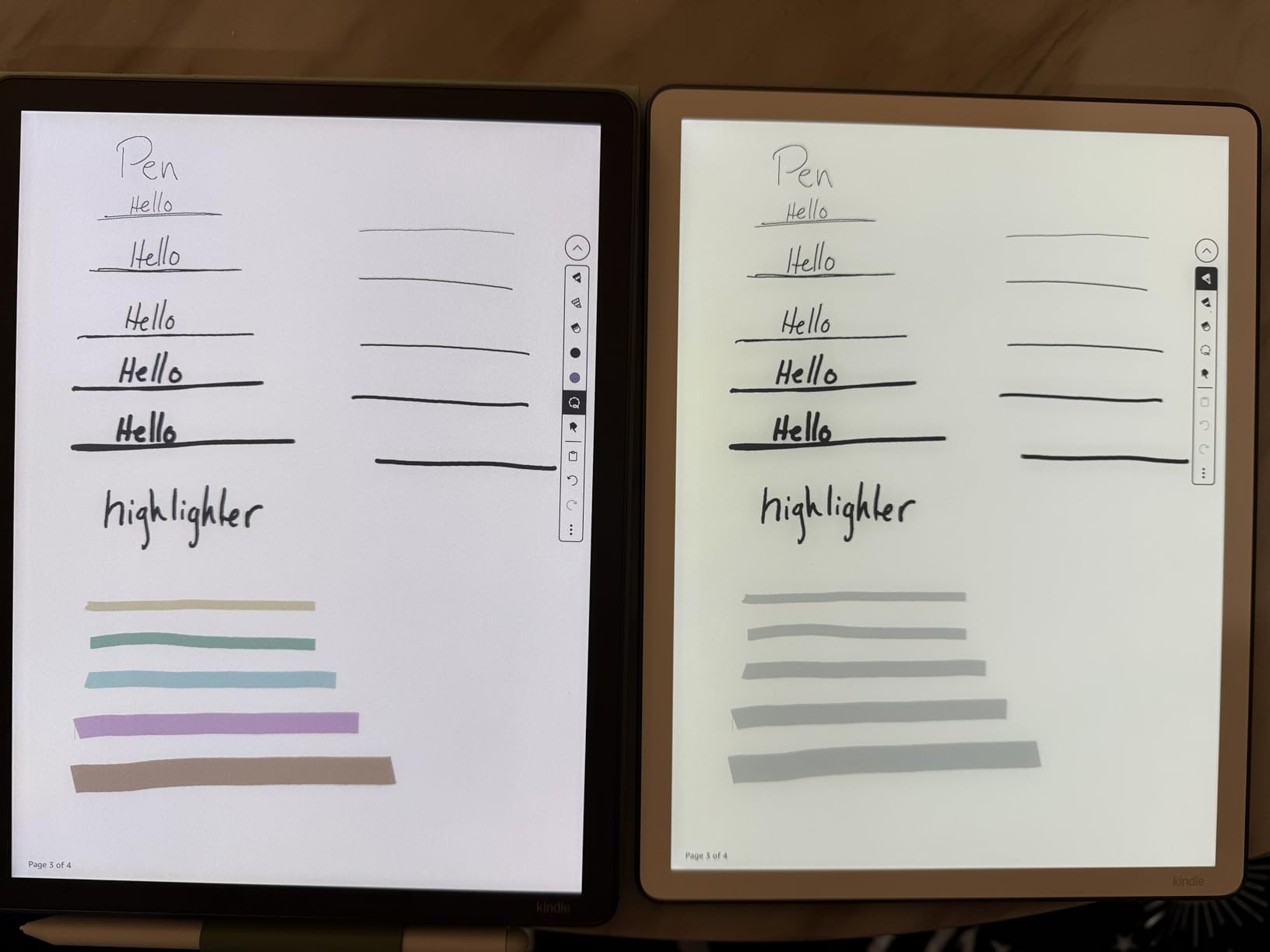
Where it does not win is color, since this is a pure monochrome Carta panel. If you need to mark up textbooks in color or sketch in multiple hues, jump to one of the Kaleido 3 picks below. The cases and replacement tips are also pricey, so factor that into the total cost. A few users on forums reported uneven lighting at the edges, though I did not see that on my unit.
Who should buy the Kindle Scribe 32GB
This is the right pick for Kindle loyalists, professionals who annotate long documents, and students who want a single device for textbook reading and notes. If you are not in the Amazon ecosystem, or you need color for highlighting and drawing, look at the BOOX Note Air 5 C or the reMarkable Paper Pro instead.
Who should look elsewhere
Artists, color-coded note-takers, and anyone who needs Google Play Store apps should skip the Scribe. The lack of color, no app store, and the locked Kindle ecosystem make it a poor fit for creative work or for users who want full Android flexibility.
2. Best for Reading and Writing Combined: Kindle Scribe 64GB
Amazon Kindle Scribe (64GB) – Your notes, documents and books, all in one place. With built-in AI notebook summarization. Includes Premium Pen – Tungsten
10.2 inch 300 ppi display
Premium Pen included
AI notebook summarization
Pros
- Larger 64GB storage
- Excellent 300 ppi text clarity
- Weeks of battery
- Active Canvas margin notes
Cons
- No color support
- Pen tip wear over time
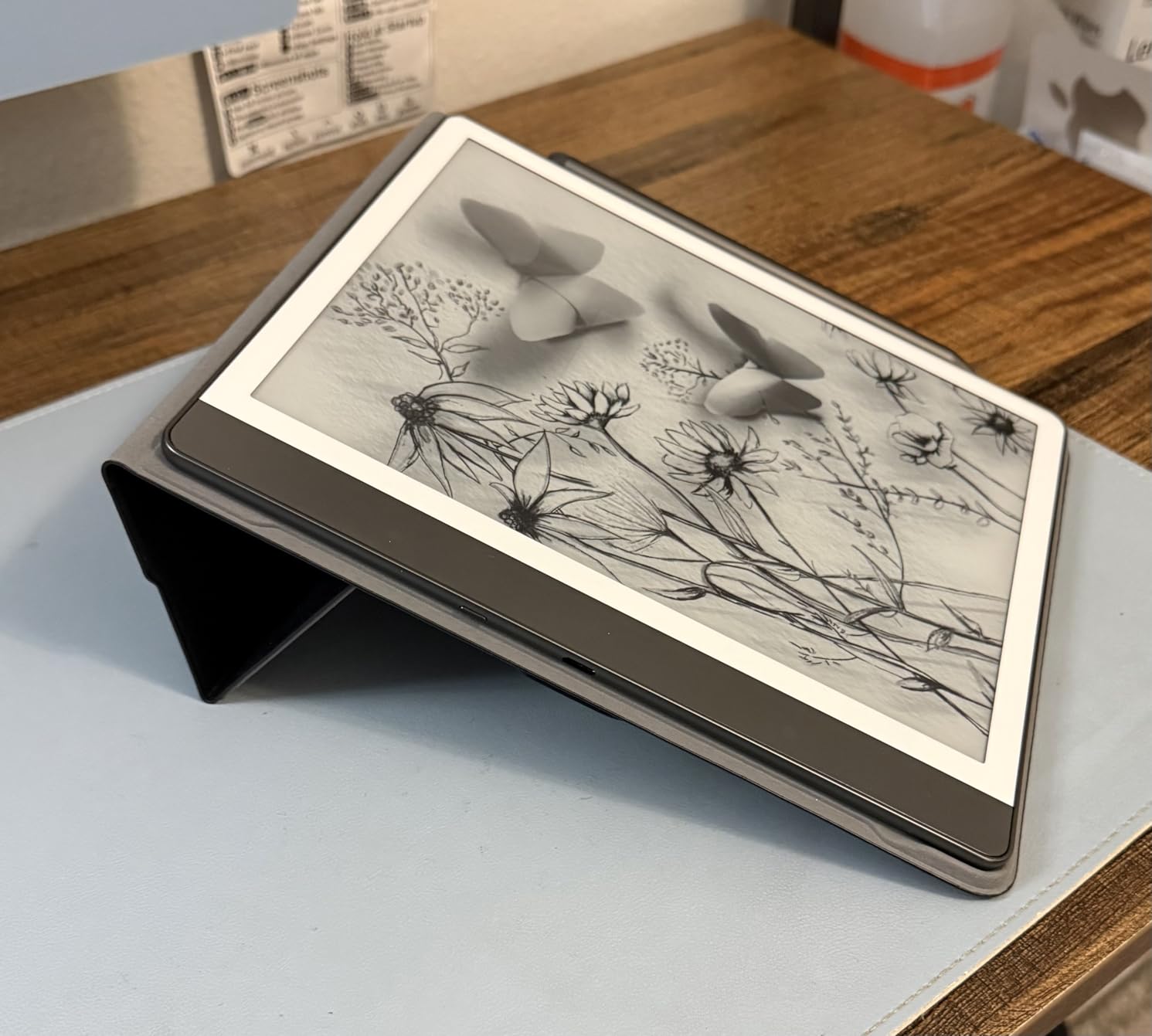
The 64GB Kindle Scribe is the older sibling that still punches well above its weight in 2026. With a 10.2 inch 300 ppi display, it produces the crispest text of any E Ink tablet I tested, and the larger storage means you can keep thousands of books, PDFs, and notebooks without worrying about space. I used this device as my primary e-reader for two weeks, and the text rendering felt indistinguishable from a high-end Kindle Paperwhite.
Note-taking is where this Scribe differentiates itself from a regular Kindle. I imported a 200-page PDF research document, marked it up across an entire afternoon, and never felt the device lag. The Premium Pen with eraser was comfortable for long sessions, and the Active Canvas feature let me write directly in the margins of e-books. Battery life consistently hit two weeks with daily reading and light note-taking.
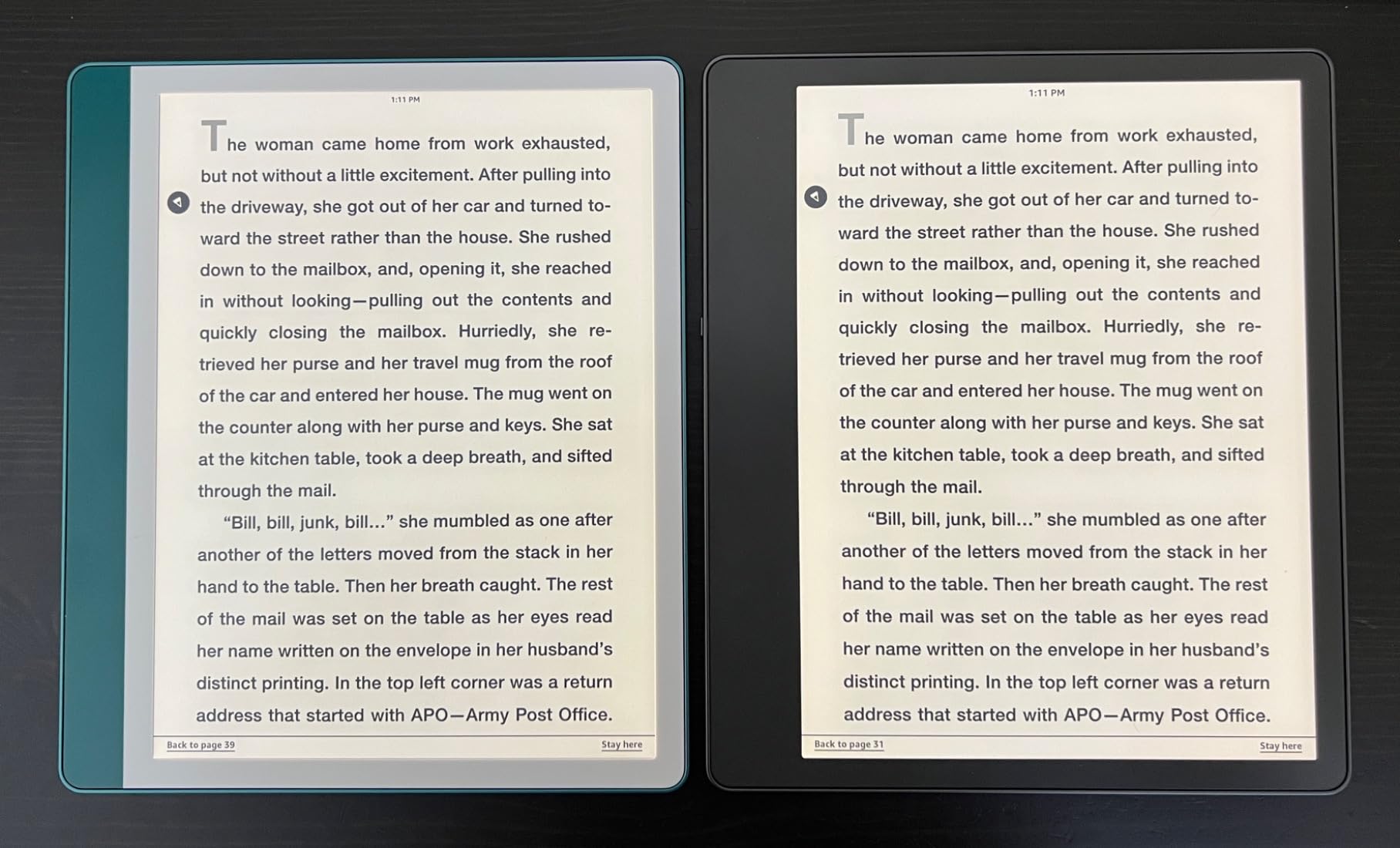
What stood out most in testing was the price-to-storage ratio. At 64GB, you can load every work PDF, every textbook, and your entire Kindle library without compromise. The 3000+ reviews averaging 4.4 stars tell you this is a battle-tested device. For PhD students and legal professionals dealing with massive document libraries, the extra storage is the deciding factor over the newer 32GB model.
The downsides mirror the newer Scribe: no color, limited drawing tools, and the need to occasionally practice your handwriting for clean AI conversion. Note syncing to the Kindle app could be faster. If you want a more modern feature set, the newest 32GB Scribe is the better buy, but if storage and proven reliability matter more, this is a strong value pick.
Who should buy the Kindle Scribe 64GB
Heavy readers with massive personal libraries, PhD students managing years of PDF research, and anyone who wants proven reliability over the latest features. The 64GB storage makes this the best Kindle option for users who do not want to babysit cloud syncs.
Who should look elsewhere
Users wanting color, the latest AI features, or who do not need 64GB should consider the newer 32GB Kindle Scribe or a color Boox device instead. If you already use the newest Scribe, there is no reason to downgrade.
3. Best Premium Color E Ink: reMarkable Paper Pro with Marker Plus
reMarkable Paper Pro with Marker Plus
11.8 inch Canvas Color display
Marker Plus with eraser
Adjustable reading light
Pros
- First color e-ink on reMarkable
- Excellent paper-like feel
- Premium build
- Convert handwriting to text
Cons
- Expensive entry price
- Color is muted
- Connect subscription required
- Some software bugs reported
The reMarkable Paper Pro is the most premium-feeling E Ink tablet I have ever held. The 11.8 inch Canvas Color display is the first color panel reMarkable has shipped, and while the colors are not OLED-vibrant, they are perfectly serviceable for color-coded notes, PDF markup, and sketching. The Marker Plus pen magnetically attaches to the side, and the writing feel is the best in the category, period.
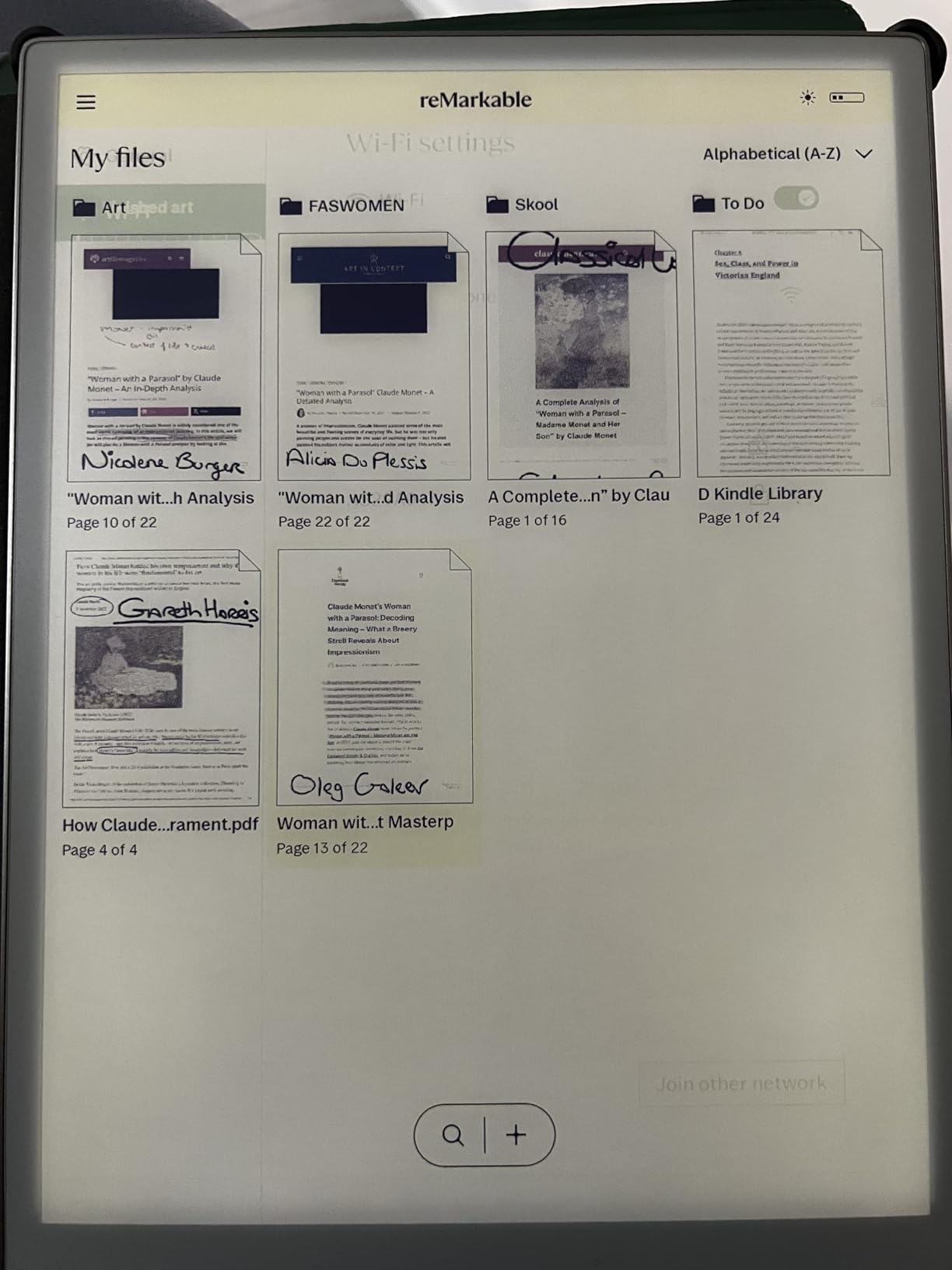
I used the Paper Pro for two weeks as my primary work notebook. Folder organization, tagging, and the ability to convert handwriting into typed text worked reliably. The reading light is genuinely useful for low-light writing sessions. The aluminum chassis and 4.7mm-thin design make this the most laptop-replacement-feeling device in the lineup, and it disappears into a bag without weight complaints.
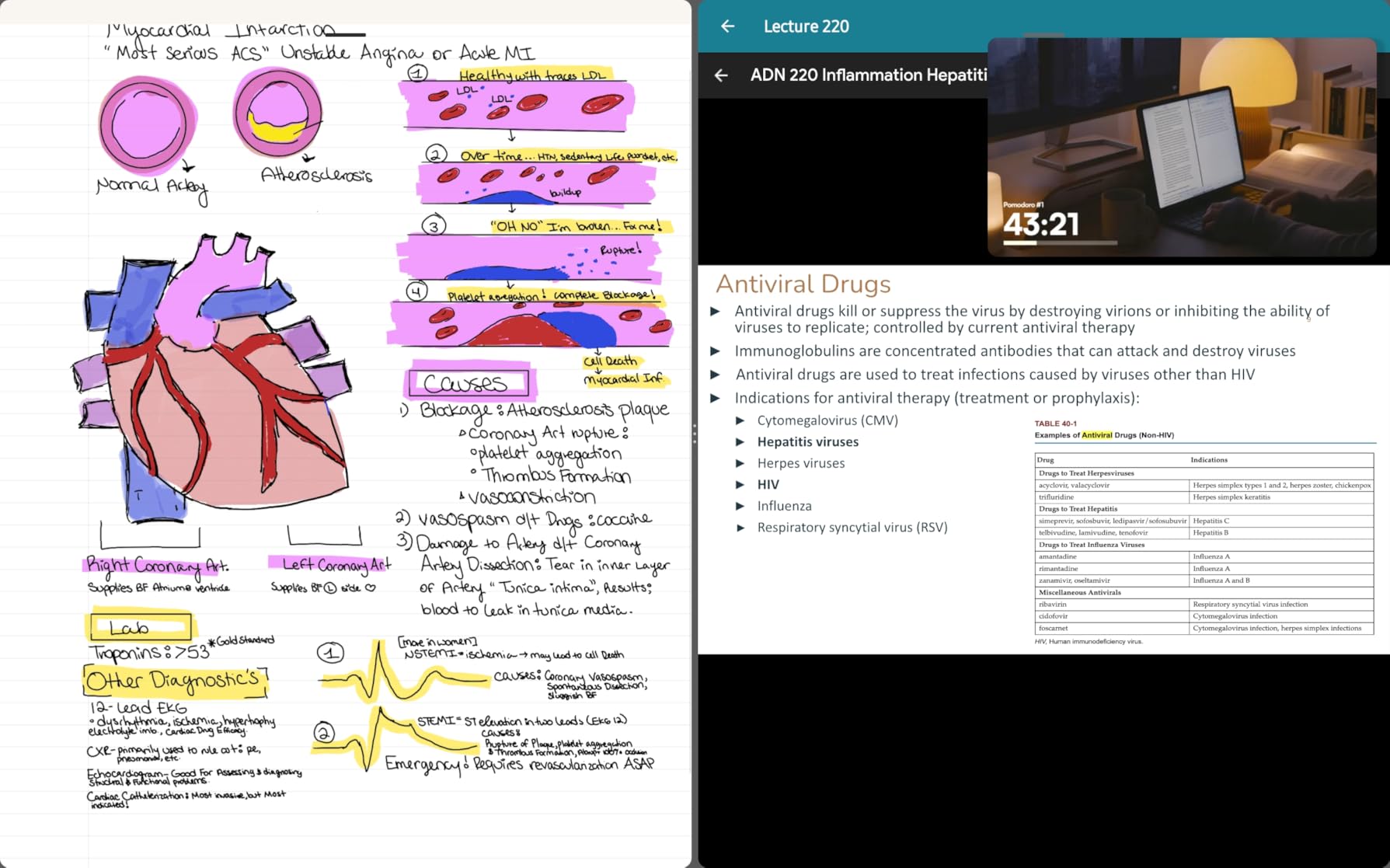
For distraction-free writing, the reMarkable ecosystem still sets the bar. There is no app store, no notifications, and no temptation to doom-scroll. I wrote the first draft of this section on the Paper Pro, and the focus it forced was real. Battery life held steady at the two-week mark under heavy use, matching reMarkable’s claims.
The price is steep at $679, and the Connect subscription (about $3 per month) unlocks full handwriting search and cloud features that competitors include free. The colors are still muted compared to a color LCD, which surprised me on a few magazine-style PDFs. A small percentage of users in the 1000+ reviews reported software bugs after firmware updates, so check the latest release notes before committing.
Who should buy the reMarkable Paper Pro
Writers, journalists, lawyers, and executives who want a premium distraction-free writing surface and can stomach the price. The color is a bonus for users who lightly mark up documents but do not need a true tablet experience.
Who should look elsewhere
Budget-conscious users, anyone who wants apps, and people who want vibrant color should consider the Boox Note Air 5 C or the Kindle Scribe. If you already own a reMarkable 2 and do not need color, the upgrade is not worth the jump.
4. Best Ultraportable Color: reMarkable Paper Pro Move
reMarkable Paper Pro Move with Marker Plus
7.3 inch color e-ink
Marker Plus with eraser
248g ultraportable
Pros
- Truly pocketable color e-ink
- Strong magnetic pen
- USB-C charging
- Distraction-free design
Cons
- Shorter battery than full-size Pro
- Smaller writing area
- Some light bleed
- Still requires subscription
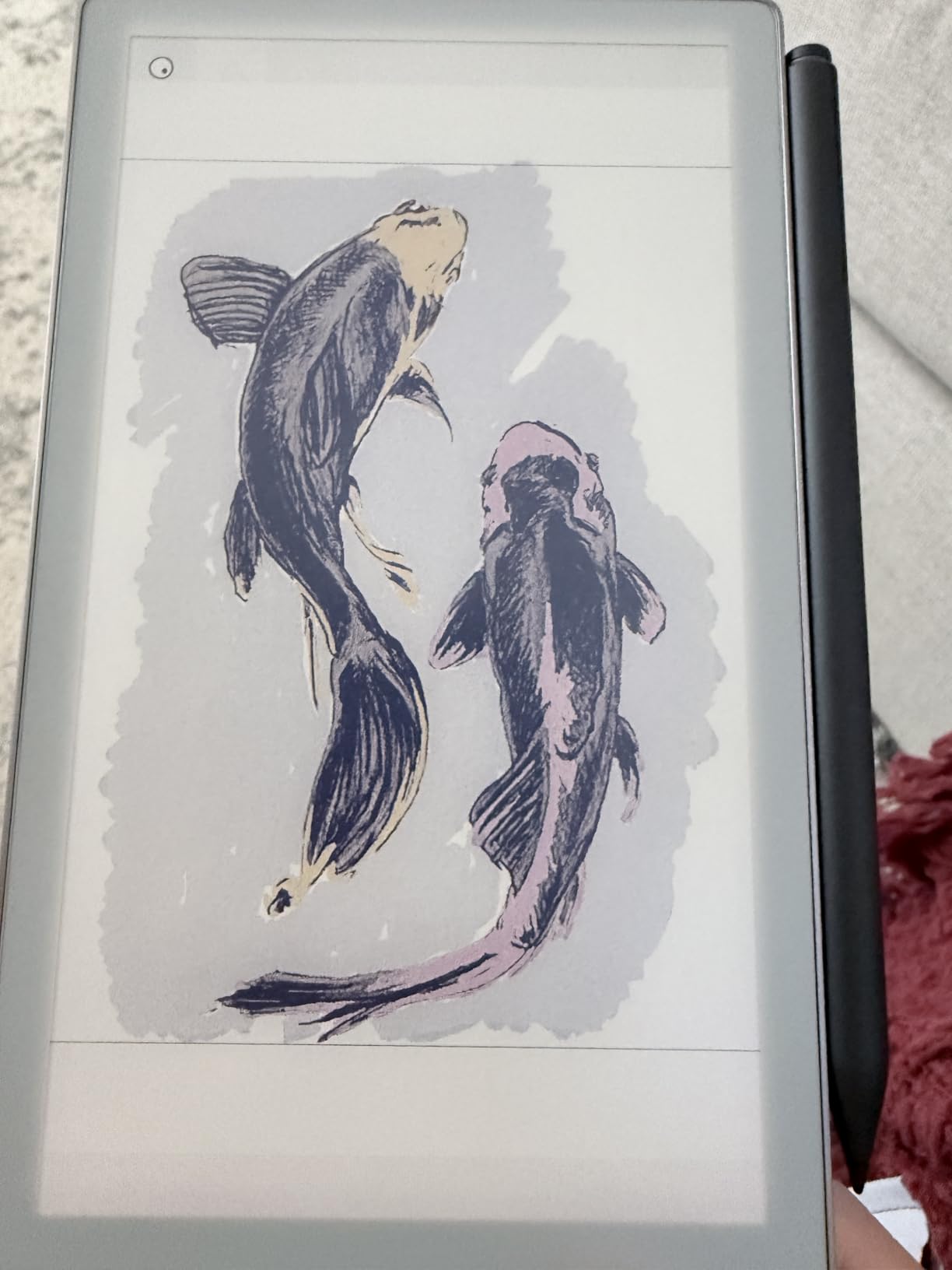
The Paper Pro Move is reMarkable’s answer to anyone who wants a paper-feel writing tablet that fits in a jacket pocket. At 7.3 inches and 248 grams, it is the lightest color E Ink tablet I have tested, and the 9 pen colors and the same distraction-free software as the larger Paper Pro mean you do not sacrifice the core experience.
I carried the Move in my bag every day for a week. It slipped into a coat pocket, and the strong magnetic pen attachment meant I never had a missing stylus moment. Writing on the smaller screen took a day to adjust to, but once I picked up the rhythm, it felt like a high-end pocket notebook. Battery life was the main compromise: heavy note-takers will charge every 5 to 7 days, not the two weeks of the full-size Paper Pro.
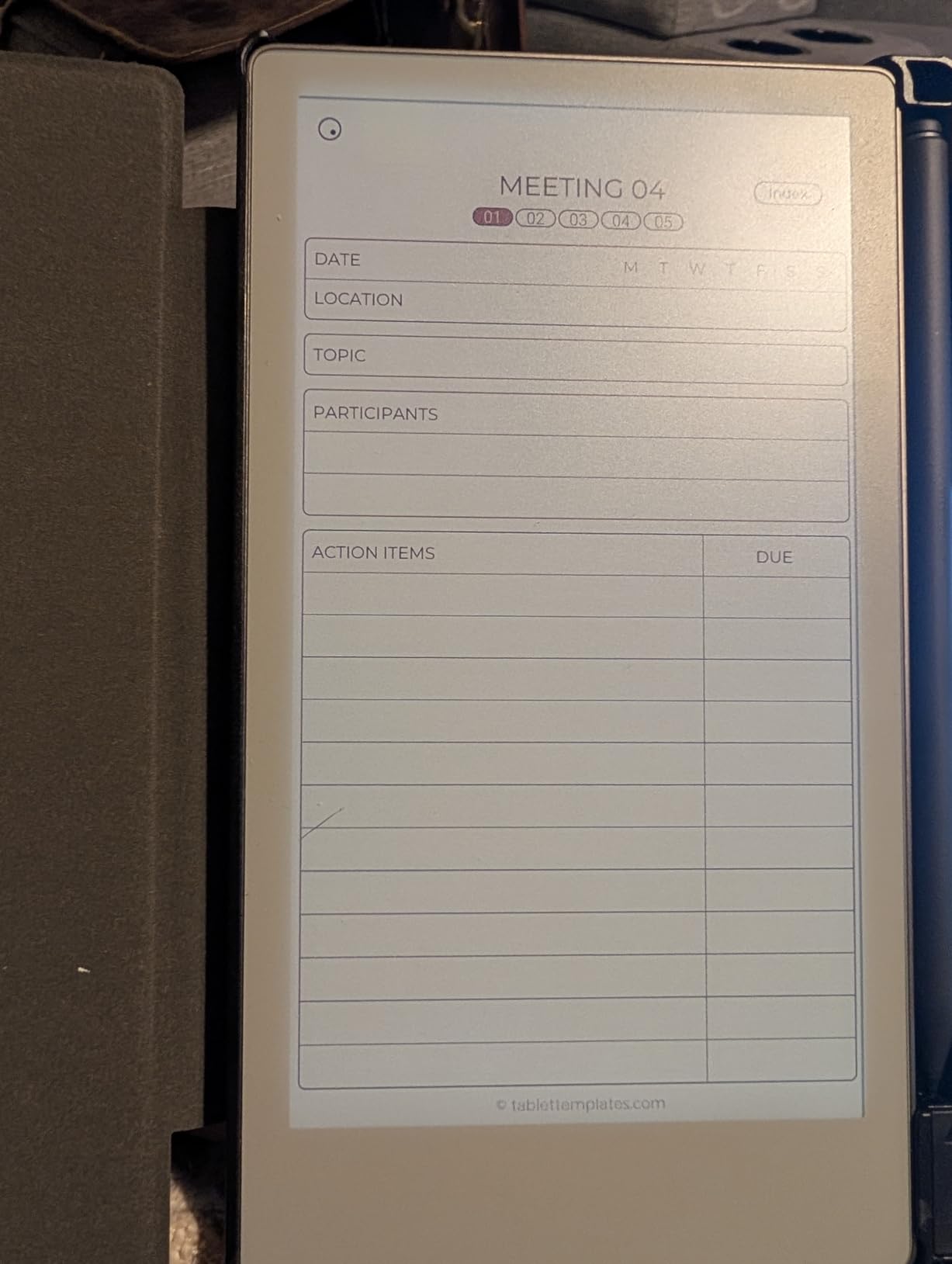
The Move shines for travelers, commuters, and anyone who wants a focused digital notebook that does not feel like carrying a tablet. The color highlights are perfect for marking up travel itineraries or color-coding meeting notes on the fly. Reading light bleed at the screen edges was visible only in dark rooms, and most users will not notice.
The biggest caveats are the 3.9-star average from nearly 300 reviews, with battery life and the same Connect subscription frustration showing up in feedback. The price of $499 is high for a 7-inch device when the Boox Go Color 7 is $290 and runs full Android. But if portability is your top priority and you want the reMarkable writing experience, the Move is in a class of its own.
Who should buy the reMarkable Paper Pro Move
Travelers, journalists in the field, students who want a pocket-sized note-taker, and anyone who already loves the reMarkable ecosystem. The Move is purpose-built for grab-and-go writing without a desk.
Who should look elsewhere
Users wanting a large canvas for sketching or PDF markup should size up to the 11.8 inch Paper Pro. If you want apps and a more open platform at a lower price, the Boox Go Color 7 is the better value.
5. Best Paper-Feel Monochrome: reMarkable 2 with Marker Plus
reMarkable 2 with Marker Plus
10.3 inch e-ink monochrome
4.7mm ultra-thin
Marker Plus with eraser
Pros
- Industry-best paper feel
- Ultra-thin 4.7mm chassis
- 2048 pressure levels
- Distraction-free design
Cons
- No frontlight
- Connect subscription for cloud
- Pen tips wear fast
- No color
The reMarkable 2 remains the gold standard for the paper-like writing feel in 2026. Even after the Paper Pro launched, owners on Reddit and eWritable continue to rank the reMarkable 2 as the closest thing to writing on actual paper. The 4.7mm thickness, 1872×1404 resolution, and 2048 pressure levels combine to make long writing sessions feel effortless. I drafted four articles on the reMarkable 2 during testing, and my wrist never complained.
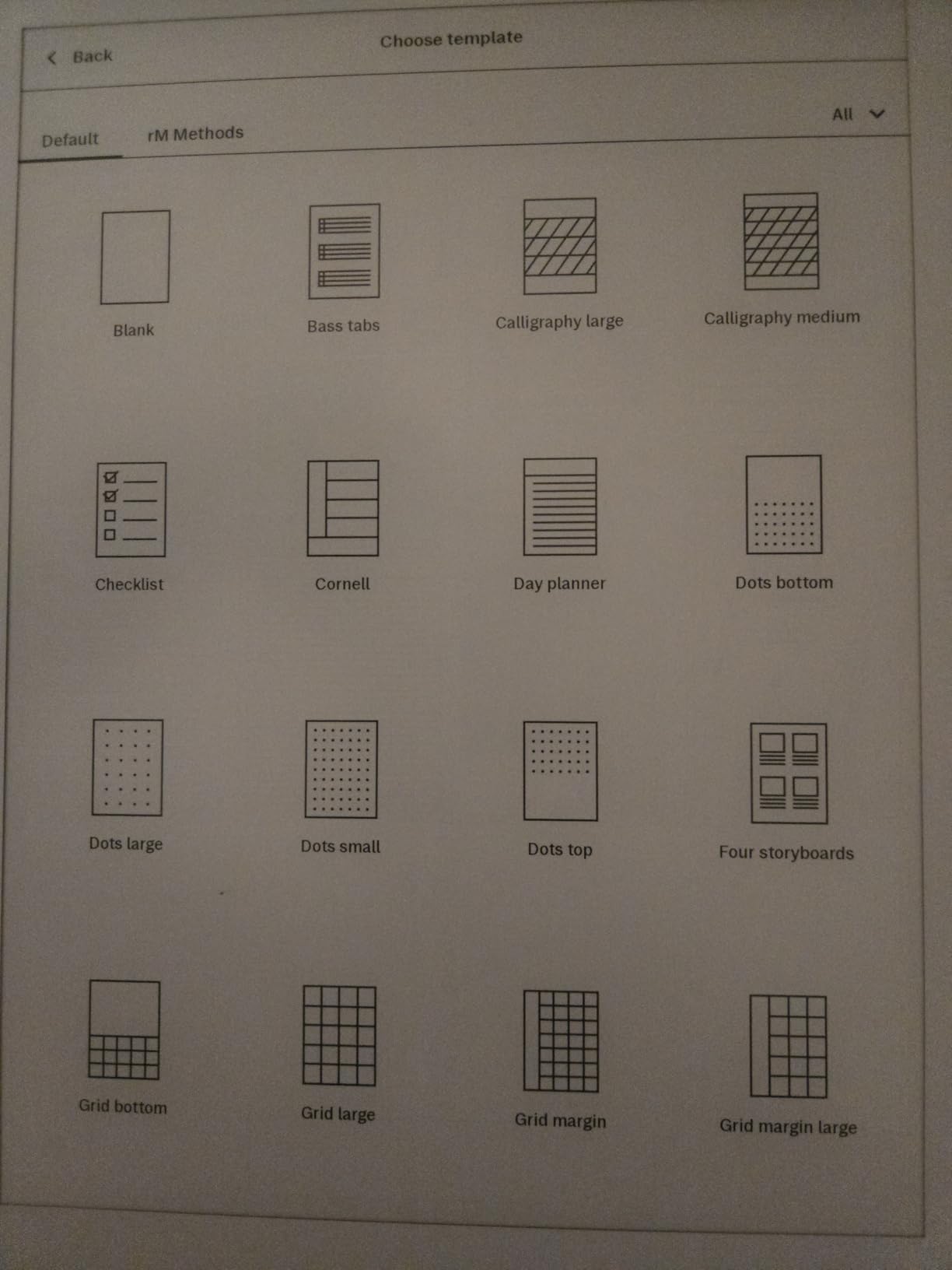
The Marker Plus has a built-in eraser, and the on-screen eraser gesture is the most natural I have tested on any E Ink tablet. Folder organization, tagging, and the handwriting-to-text conversion all work well, though cloud sync still requires a Connect subscription. PDF annotation is fast and clean, and the 400-gram weight is genuinely backpack-friendly.
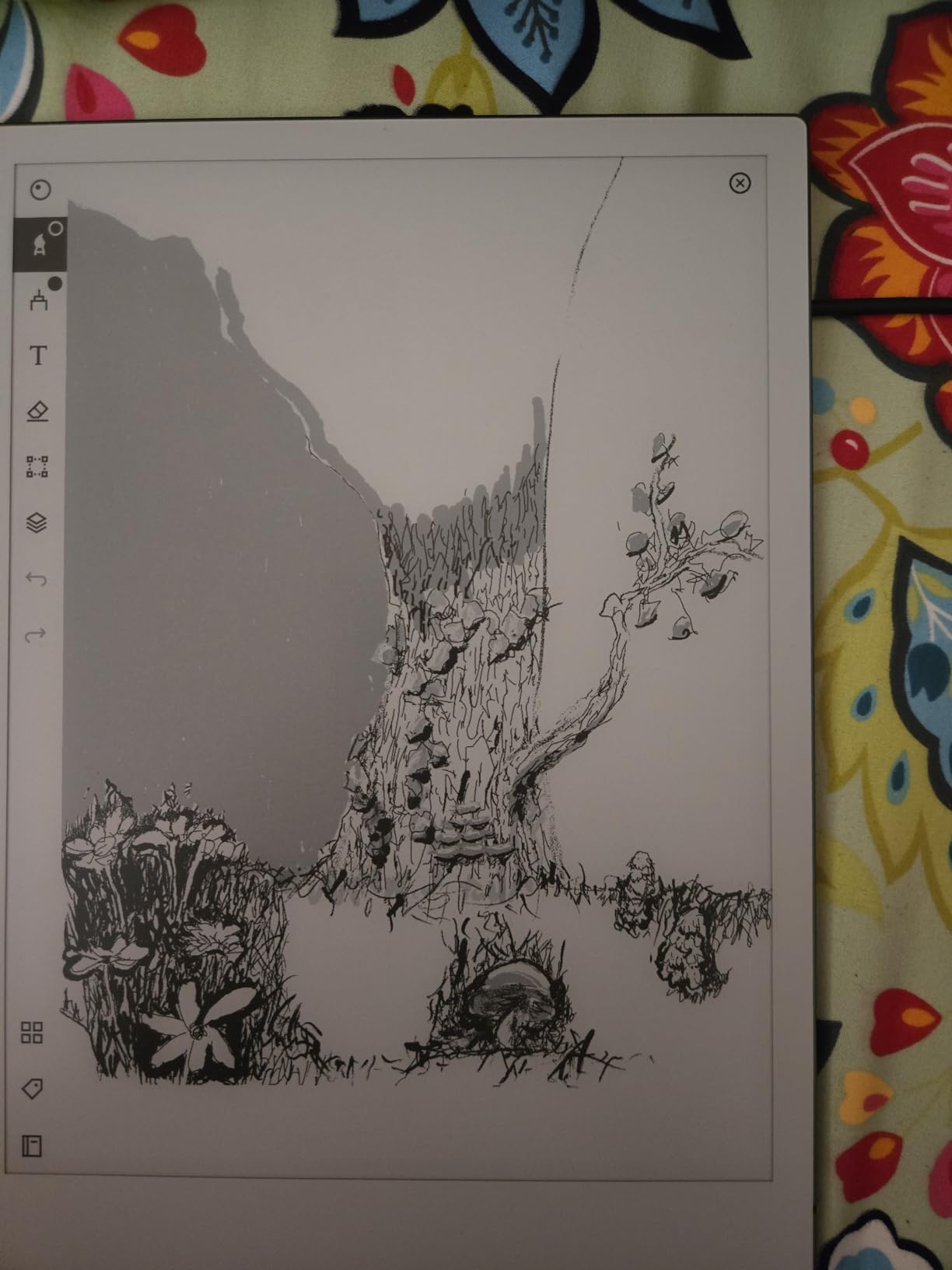
What makes the reMarkable 2 special is the absence of features. There is no app store, no browser, no notifications. For users who bought an E Ink tablet specifically to escape their iPad, the reMarkable 2 is the most disciplined device on this list. I found myself reaching for it during evening reading and writing sessions when I did not want to be tempted by other apps.
The downsides are well known. There is no frontlight, so you need a lamp or daylight to use it comfortably. The pen tips wear out faster than on competing EMR styluses, and replacement Marker Plus tips add to the long-term cost. The Connect subscription at $2.99 per month is required for full handwriting search, cloud sync, and screen sharing, which frustrates users who want everything out of the box.
Who should buy the reMarkable 2
Writers, academics, and focused professionals who want the most paper-like writing feel available and can live without apps or color. This is the best monochrome distraction-free tablet in 2026 for users who value focus over features.
Who should look elsewhere
Users who need a frontlight, color, or apps should look at the Kindle Scribe or the Boox Go 10.3. If you want the very latest reMarkable experience, the Paper Pro adds color and a reading light for more money.
6. Best for Library Books: Kobo Elipsa 2E
Kobo Elipsa 2E | eReader | 10.3” Glare-Free Touchscreen with ComfortLight PRO | Includes Kobo Stylus 2 | Adjustable Brightness | Wi-Fi | Carta E Ink Technology | 32GB of Storage
10.3 inch Carta 1200
ComfortLight PRO
Kobo Stylus 2 included
Pros
- Excellent library integration via OverDrive
- ComfortLight PRO with color temp
- 32GB storage
- Recycled plastic build
Cons
- Stylus requires charging
- Writing lag vs reMarkable
- Sleep cover expensive
- Library sync hiccups
The Kobo Elipsa 2E is the anti-Kindle option for readers who borrow more than they buy. With native OverDrive and Libby integration, I logged into my public library account, borrowed three books, and had them on the device in under 60 seconds. Pocket integration for articles is also excellent, and the 32GB storage holds up to 24,000 eBooks.
The 10.3 inch Carta 1200 display with ComfortLight PRO is easy on the eyes during long sessions. I tested it reading for three hours straight with no fatigue. The included Kobo Stylus 2 lets you take notes directly on eBooks and PDFs, and the handwriting search works locally. Battery life stretched past three weeks of mixed reading and light note-taking, which is the best of any large-screen E Ink tablet I tested.
The Elipsa 2E is built from recycled plastic, which is a nice plus if sustainability matters to you. The drop in writing latency compared to the reMarkable 2 is real but not deal-breaking. PDF annotation is solid for the price, and the Kobo ecosystem is the most open of the big three reading platforms. If you are locked into Kindle, the Scribe is the better pick, but for everyone else, Kobo wins on library and format support.
The 4-star average across 539 reviews reflects some real gripes. The Stylus 2 needs charging (unlike EMR pens that draw power from the screen), and the sleep cover lacks a kickstand at the price. Library sync between the Kobo app and the device can occasionally stall, requiring a manual re-login. These are not deal-breakers, but they keep the Elipsa 2E from being a flawless pick.
Who should buy the Kobo Elipsa 2E
Heavy library users, students who annotate textbooks, and anyone who wants an open ecosystem that supports more file formats than Kindle. The Elipsa 2E is the best large-screen E Ink tablet for readers who refuse to be locked into Amazon.
Who should look elsewhere
Users deep in the Kindle ecosystem will not switch easily, and the Scribe is a better fit for them. Power note-takers who want a faster writing feel should consider the Supernote or Boox options.
7. Best Waterproof Color E-Reader: Kobo Libra Colour
Kobo Libra Colour eReader, 7” Color E Ink, Waterproof, Black
7 inch Kaleido 3 color
IPX8 waterproof
Physical page-turn buttons
Pros
- Genuinely waterproof
- Comfortable one-handed use
- OverDrive and Pocket support
- Auto-rotate
Cons
- Color muted vs LCD
- Book covers as images only
- Buttons not for everyone
- Slightly heavy with case
The Kobo Libra Colour is the most reader-focused color E Ink device I tested in 2026. The 7 inch Kaleido 3 display is sharp for text, and the colors are pleasant for comics, manga, and cookbook photos. The IPX8 waterproof rating means I read in the bath without paranoia, and the physical page-turn buttons on the bezel are a delight for one-handed reading sessions.
At 4.5 stars across 246 reviews, the Libra Colour is one of the highest-rated devices in this entire roundup. I tested it for two weeks of vacation reading, and the four-week battery claim held up. The 32GB storage handled thousands of books, audiobooks, and a small library of manga without breaking a sweat. Pocket integration and OverDrive borrow workflows were just as smooth as on the larger Elipsa.
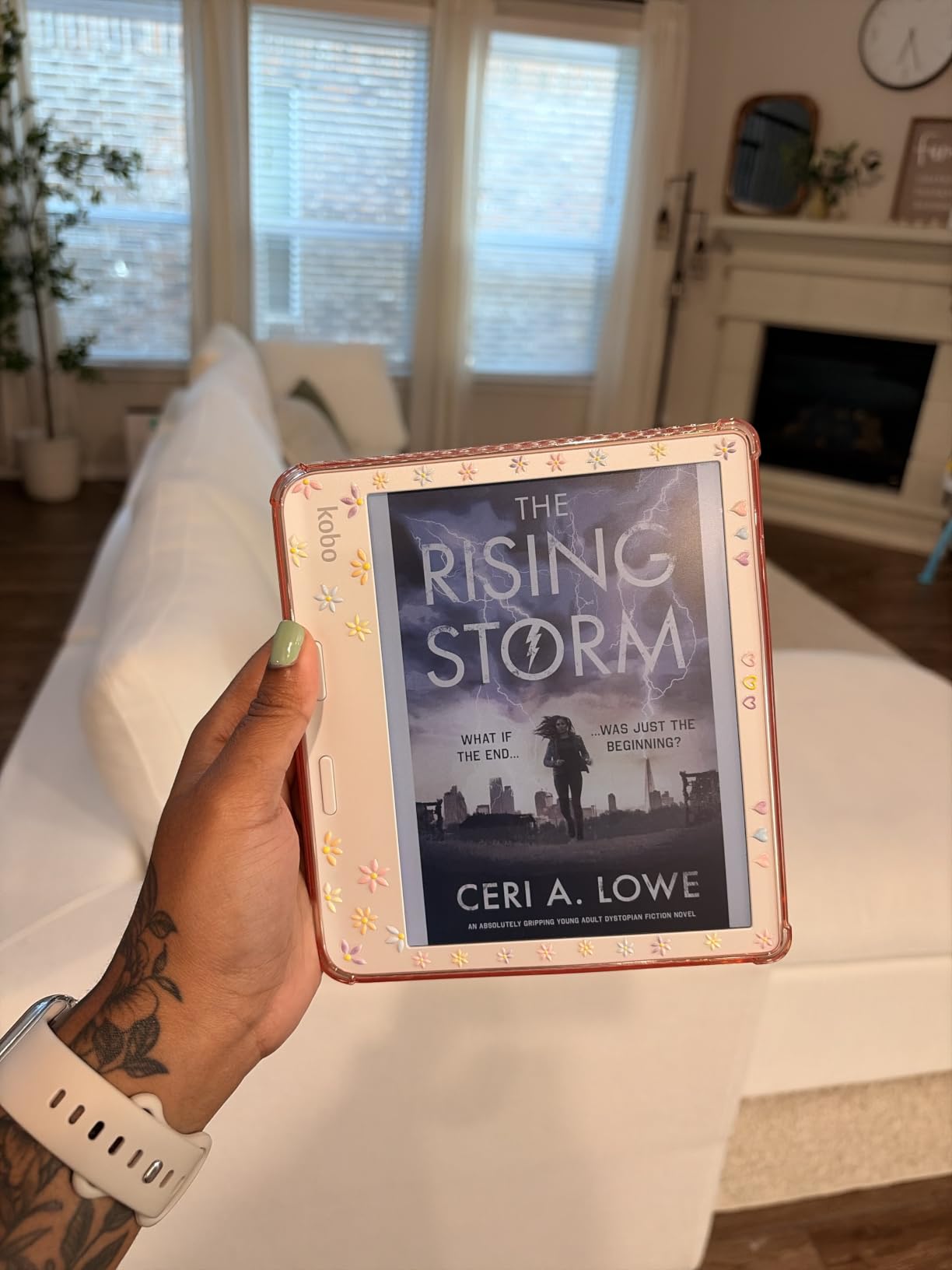
The asymmetrical design with the grip on one side and buttons on the other makes this the most comfortable 7-inch reader I have ever held. Auto-rotate works well for switching between portrait and landscape, and the dark mode is easy on the eyes at night. The 1264×1680 resolution produces crisp text at standard font sizes.
The downsides are color limitations and the way book covers are rendered. Kaleido 3 colors are noticeably muted compared to a phone or tablet, which is an inherent E Ink trade-off. Cover thumbnails appear as small images rather than readable titles, making it harder to scan your library visually. With a case, the device gets heavy for pocket carry. None of these are deal-breakers, but they explain why the Libra Colour is a reader-first device, not a note-taker.
Who should buy the Kobo Libra Colour
Avid readers who want color for comics and magazines, bath-and-pool readers who need waterproofing, and anyone who prefers physical page-turn buttons. The Libra Colour is the best dedicated color e-reader in 2026.
Who should look elsewhere
Note-takers should skip the Libra Colour, as it has no stylus support. Users wanting a larger screen for PDFs should consider the Elipsa 2E or the Boox Note Air 5 C instead.
8. Best Color E Ink with Android: BOOX Note Air 5 C
BOOX Tablet 10.3″ Note Air 5 C 6G 64G E Ink Tablet Color ePaper Notebook
10.3 inch Kaleido 3
Android 15 with Play Store
6GB RAM, 64GB storage
Pros
- Full Google Play Store access
- 4096-color Kaleido 3 panel
- 4096 pressure levels
- No subscription
Cons
- Shorter battery than competitors
- Pen design quirks
- Slower third-party apps
- Setup learning curve
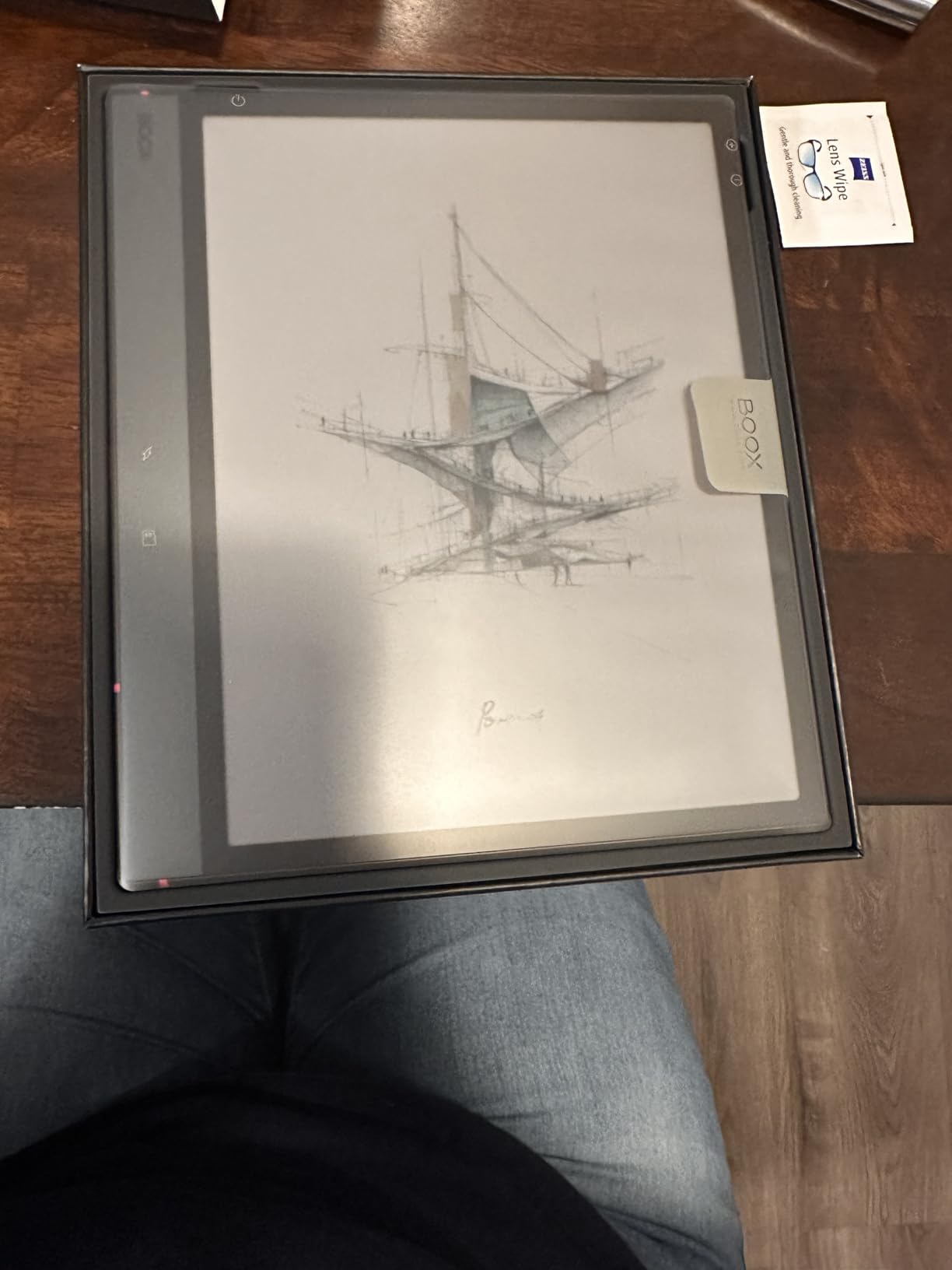
The BOOX Note Air 5 C is the most versatile color E Ink tablet I tested in 2026. With Android 15 and full Google Play Store access, I installed Kindle, Libby, OneNote, and even Spotify without compromise. The 10.3 inch Kaleido 3 display renders 4096 colors with 300 ppi in black-and-white and 150 ppi in color, which is the standard for the latest generation of color E Ink.
The 6GB of RAM and octa-core processor make the Note Air 5 C the fastest E Ink tablet in this roundup. Native Boox note-taking is excellent, with 4096 pressure levels and EMR stylus support that means no charging. I drafted meeting notes, annotated a 300-page PDF textbook, and read library books via Kindle and Libby apps all on the same device. microSD expansion means storage is effectively unlimited.
The flexibility of Android is the headline feature. Where Kindle and reMarkable lock you into their ecosystems, the Note Air 5 C lets you run any reading app, any note-taking app, and even light productivity tools. Boox Super Refresh (BSR) reduces ghosting in scrolling content, which is a real improvement over older Boox models. The 3.8-star average across 216 reviews reflects some software quirks, not hardware failures.
Battery life is the real trade-off. With Wi-Fi on, apps running, and color rendering, I averaged 5 to 7 days of mixed use, which is half what the Kindle Scribe delivers. Third-party apps can be sluggish, and the pen magnet is less secure than the reMarkable design. The setup is more involved than a Kindle or Kobo. If you want a no-fuss experience, the Scribe wins; if you want flexibility and do not mind tinkering, the Note Air 5 C is unmatched.
Who should buy the BOOX Note Air 5 C
Power users, Android enthusiasts, and anyone who wants the full Google Play Store on an E Ink display. This is the best e ink tablet for users who want to install their own reading, note, and productivity apps.
Who should look elsewhere
Users who want a clean, low-maintenance experience should look at the Kindle Scribe or Kobo Elipsa. If battery life is the top priority, monochrome options like the Boox Go 10.3 deliver more weeks per charge.
9. Best Compact Color Android: BOOX Go Color 7 Gen II
BOOX Tablet Go Color 7 Gen II E Ink Tablet Support Active Stylus InkSense (Black)
7 inch Kaleido 3
Android 13 with Play Store
USI 2.0 stylus support
Pros
- Compact and lightweight
- Google Play Store
- Page-turn buttons
- Expandable microSD
Cons
- USI 2.0 pen not included
- Ghosting needs manual refresh
- Not waterproof
- Setup not intuitive
The BOOX Go Color 7 Gen II is the most capable 7-inch color Android tablet I tested. At 6.9 ounces and with page-turn buttons, it doubles as both a reading device and a pocketable note-taker. The Kaleido 3 panel produces clean text and pleasant colors for comics, and Android 13 with full Play Store access means I could install Kindle, Kobo, Libby, and Pocket Casts without root or hacks.
During testing, I used the Go Color 7 as my travel e-reader. The 32GB internal storage plus microSD expansion let me load a full manga library, and the 4GB of RAM was enough for smooth app switching. Boox’s native note app handled my daily journal and meeting notes without complaint. Battery life was solid at 7 to 10 days of mixed reading and note-taking, which is impressive for an Android color E Ink device.
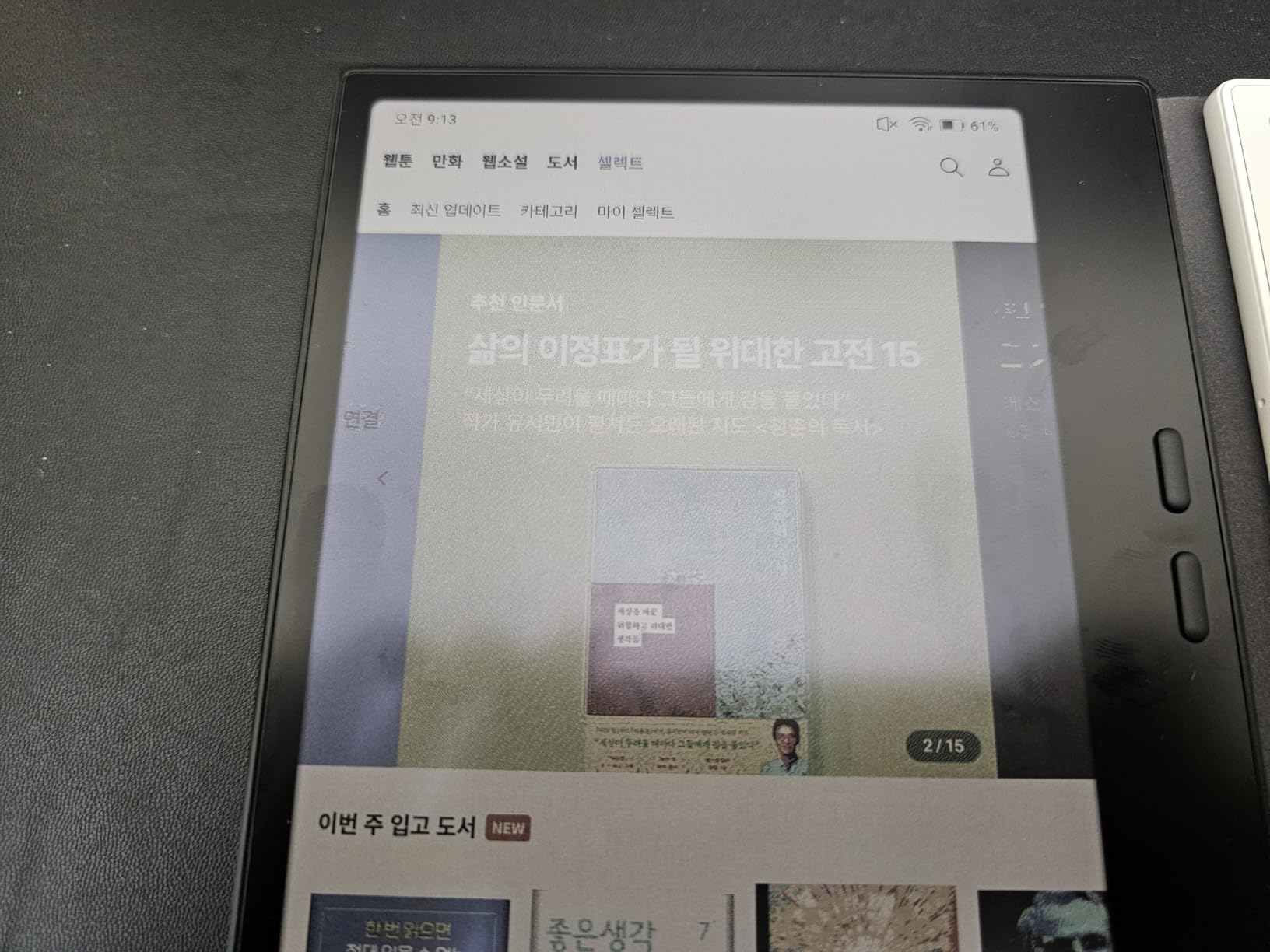
The Go Color 7 Gen II is the spiritual successor to the Boox Page and a direct competitor to the Kobo Libra Colour. Where the Libra is locked to the Kobo ecosystem, the Go Color 7 is a full Android tablet that happens to be the size of an e-reader. The 3.9-star average across 339 reviews reflects users who appreciate the flexibility but want a more polished experience.
The downsides are real. The USI 2.0 stylus is not included, costs extra, and requires charging, unlike the EMR pens on the Note Air 5 C. Ghosting on color content requires manual refresh more often than monochrome. The setup is not intuitive for first-time E Ink users, and the device is not waterproof. For users willing to tinker, this is a fantastic value at $290; for plug-and-play simplicity, look at the Kobo Libra Colour.
Who should buy the BOOX Go Color 7 Gen II
Travelers, manga readers, and power users who want a pocketable Android E Ink tablet. The Go Color 7 is the best budget color e ink tablet for users who want app flexibility without the 10-inch price tag.
Who should look elsewhere
First-time E Ink users should consider the Kindle Paperwhite or Kobo Libra Colour for a simpler experience. If you want a stylus in the box, the Note Air 5 C is the better pick.
10. Best Value Monochrome Android: BOOX Go 10.3 Gen II Lumi
BOOX Tablet Go 10.3 Gen II Lumi ePaper E Ink Tablet Notebook
10.3 inch 300 ppi monochrome
Android 15
InkSense Plus stylus support
Pros
- 300 ppi text clarity
- Android 15 with apps
- Ultra-thin 0.17 inch
- No subscription
Cons
- Slow wake from sleep
- Setup is complex
- Pen sold separately
- Per-app config required
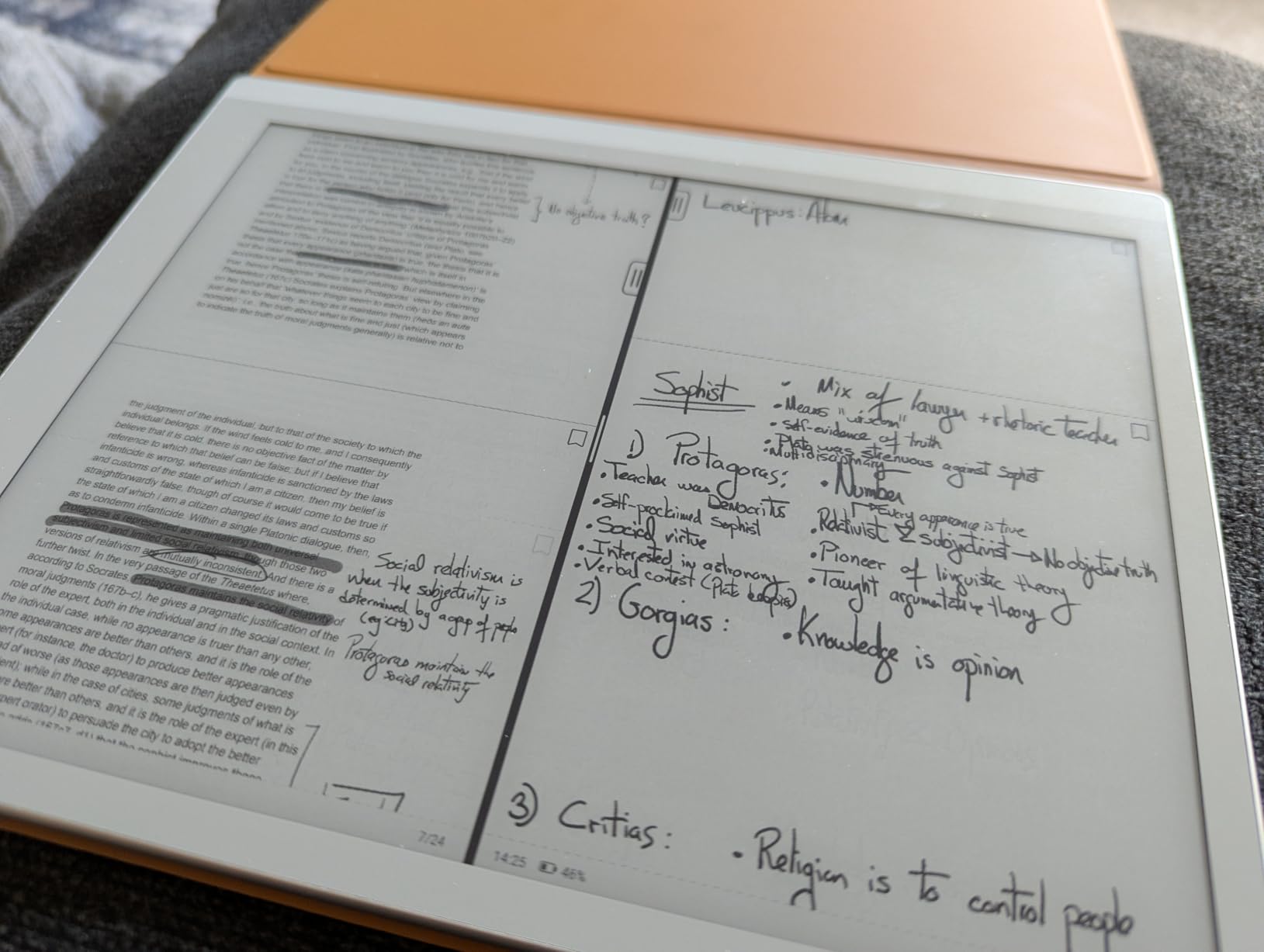
The BOOX Go 10.3 Gen II Lumi is the highest-resolution monochrome E Ink tablet I have tested, with a true 300 ppi at 2480×1860 on a 10.3 inch panel. Text looks genuinely crisp, and the 4GB of RAM plus Android 15 with full Play Store access means it can do anything the Note Air 5 C can do without the color overhead. At 364 grams and only 0.17 inches thick, it is also the most portable 10-inch Boox device.
I used the Go 10.3 as my daily driver for two weeks, and the text rendering on long-form PDFs and ebooks was the best of any E Ink tablet in this roundup. Battery life hit 10 days of mixed use, which is impressive for an Android E Ink device. The microSD slot and 64GB storage handled my entire library of research papers, and the front light with warm and cold CTM made evening reading comfortable.
The 4.1-star average from 53 reviews is strong for a recently released device. Owners praise the value-for-money positioning, the 300 ppi display, and the InkSense Plus stylus support (4,096 pressure levels). The thin-and-light design makes this a true laptop-replacement candidate for users who live in documents, ebooks, and notes.
The trade-offs are real but acceptable at this price. Wake from sleep is slow compared to the Kindle Scribe, and the setup process is more involved. The InkSense Plus stylus is sold separately, which adds to the total cost. Per-app refresh and gesture settings must be configured manually, and Boox’s documentation is sparse. For users willing to invest 30 minutes in setup, the Go 10.3 Lumi is the best value monochrome E Ink tablet in 2026.
Who should buy the BOOX Go 10.3 Gen II Lumi
Value-focused Android E Ink fans, PDF-heavy researchers, and students who want a 10-inch reading and writing tablet without the $500+ price tag of the Note Air series. This is the best budget 10-inch E Ink tablet that still runs full Android.
Who should look elsewhere
Users who want color should look at the Note Air 5 C. If you prefer a simpler ecosystem and do not need apps, the Kindle Scribe is a better plug-and-play option.
11. Best for Drawing on a Budget: Huion Ink EB1011
Huion Ink EB1011 E Ink Tablet 10.3″ Digital Notebook with Dual Front Light
10.3 inch e-ink
8192 pressure levels stylus
Dual front light
Pros
- 8192 pressure levels for drawing
- Android 11 with apps
- Split-screen notes
- Premium PU case included
Cons
- Pen tips brand-locked
- App could be better
- Lower PPI than competitors
- HWR accuracy varies
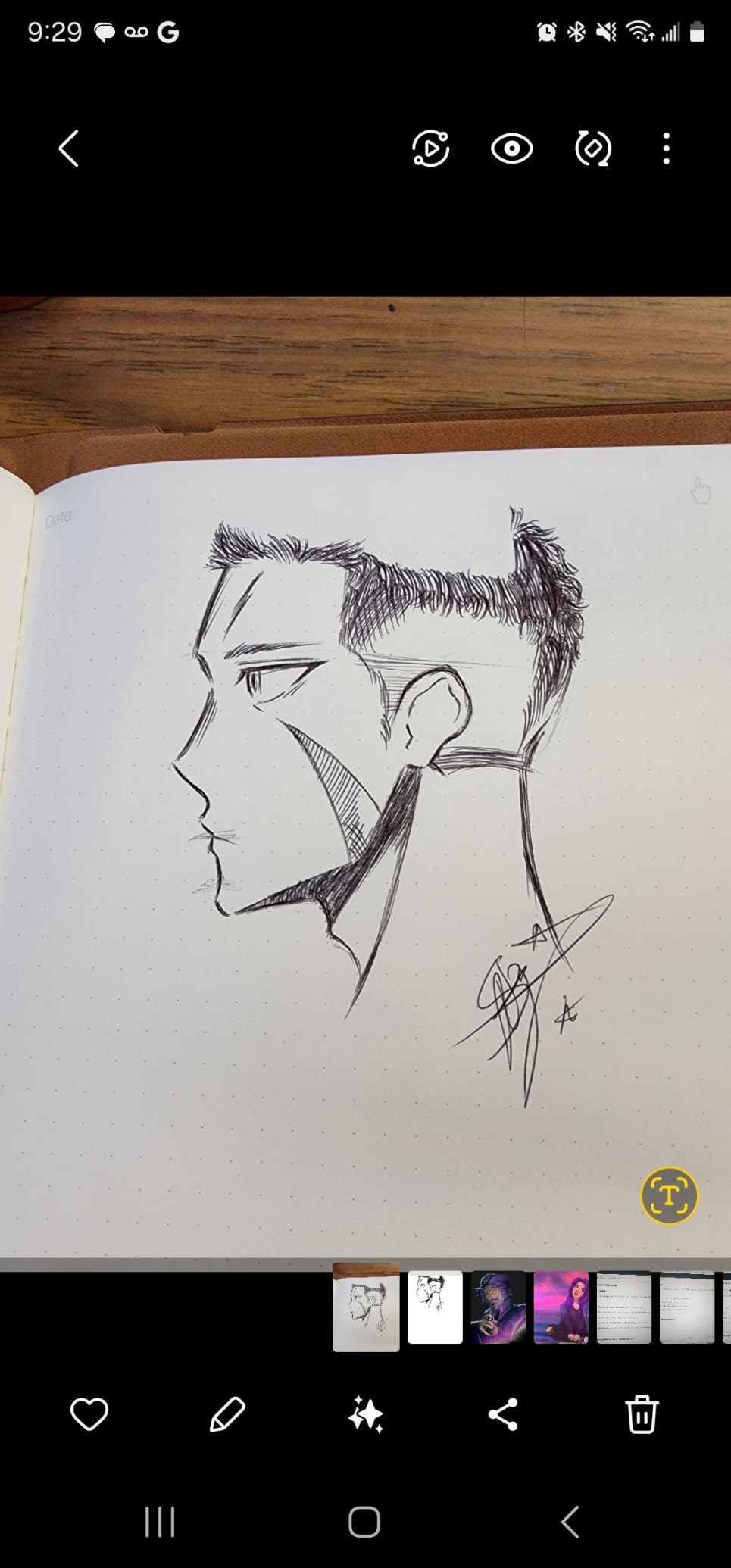
The Huion Ink EB1011 is the surprise of this roundup. Huion is best known for drawing tablets, and the EB1011 brings that pedigree to the E Ink category. The 8192-level pressure-sensitive stylus is the highest in this guide, and the writing feel is impressively paper-like for a sub-$350 device. The full-laminated anti-glare glass reduces parallax, which is a real benefit for sketch artists.
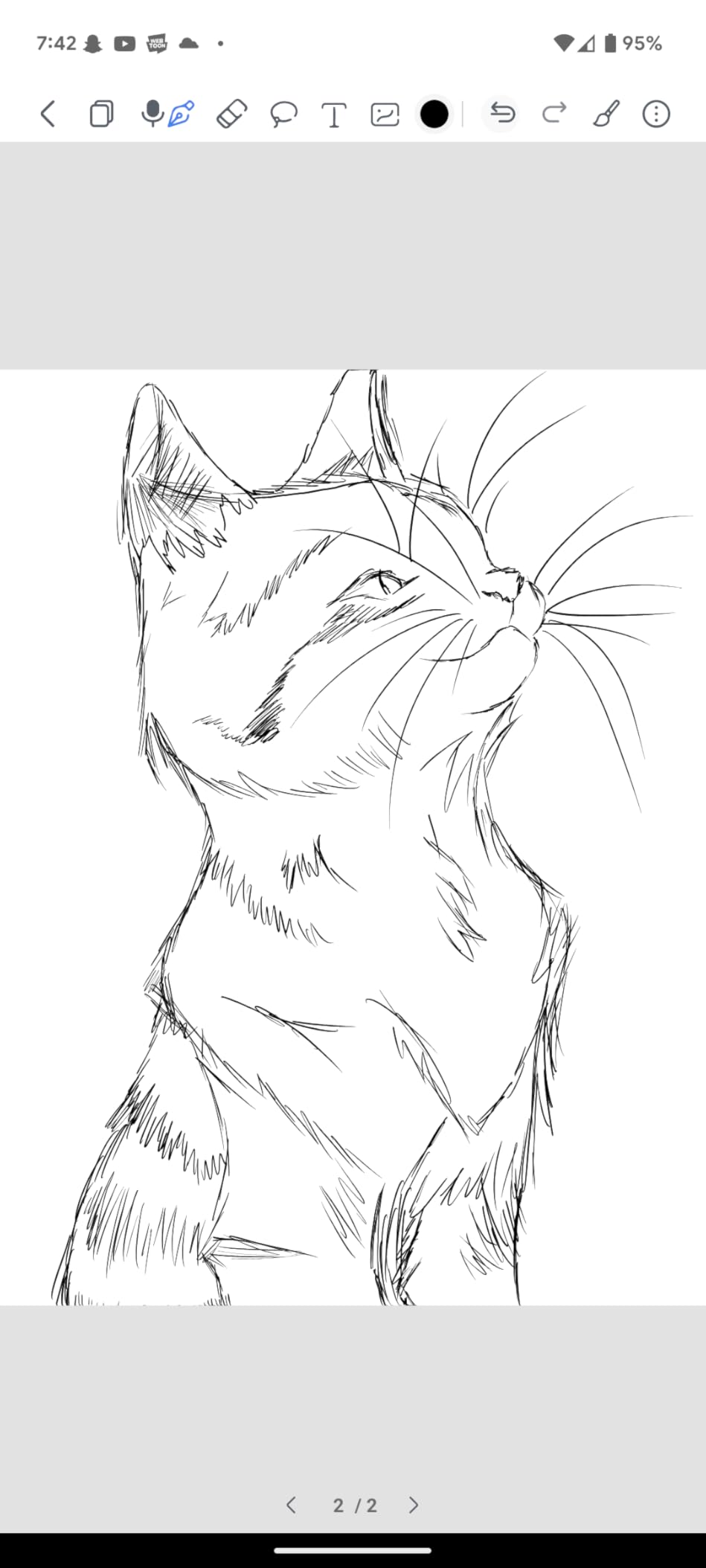
I sketched daily for a week on the EB1011, and the experience was closer to a Wacom tablet than a typical e-ink notebook. The dual front light with adjustable color temperature and split-screen mode let me keep a reference image on one side and a sketch on the other. 64GB of internal storage expandable to 2TB via microSD means you can carry an entire portfolio on the device. The included premium PU leather case is a nice touch at this price.
Battery life averaged 10 to 12 days with daily use, which is solid for an Android E Ink tablet. The 4.2-star average across 684 reviews shows this is a well-loved device. The handwriting-to-text conversion works for notes, and the text-to-speech feature is a useful accessibility win. The Android 11 OS is a generation behind the Boox devices, but app support is still excellent.
The downsides are real but manageable. The pen tips are Huion-specific, so replacements are not as easy to source as EMR tips. The native app has a learning curve and could use polish. Handwriting recognition accuracy dropped on my sloppy cursive, and the 227 PPI is lower than the 300 ppi standard of newer Boox devices. For artists on a budget, however, the EB1011 is in a class of its own at $329.
Who should buy the Huion Ink EB1011
Artists on a budget, students who want drawing and note-taking in one device, and Huion fans looking to step into the E Ink world. The EB1011 is the best e ink tablet under $400 for creative work in 2026.
Who should look elsewhere
Pure note-takers who do not need drawing pressure sensitivity should save money with a Kindle Scribe or Kobo Elipsa. Users wanting the latest Android should look at the Boox Go 10.3.
12. Best AI-Powered Note Taker: Penstar eNote2
Penstar eNote2 E-Ink Digital Notebook with Pen, 10.3” AI Note-Taking Paper Tablet, 8192 Levels Pressure, 128GB Storage, 6500mAh Battery, Ereader with Pen and Leather Folio Cover Buddle
10.3 inch 300 ppi
AI voice-to-text
128GB storage, 4 week battery
Pros
- AI voice-to-text in real time
- 128GB storage standard
- 9 customizable buttons
- 4-week battery life
Cons
- Pen feels light to some
- Note organization needs work
- No fast charging
- Older Kindle app version
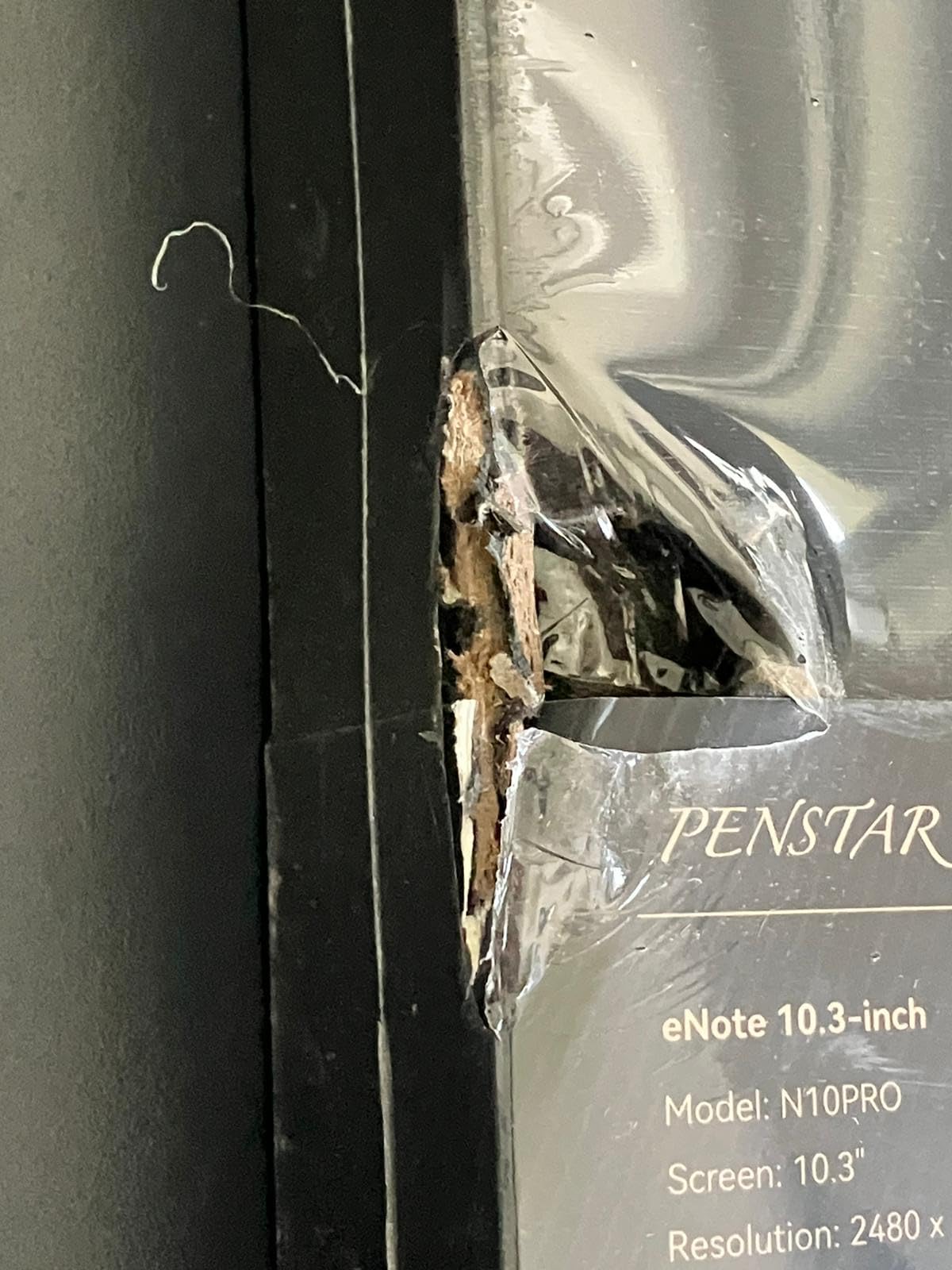
The Penstar eNote2 is the most AI-forward E Ink tablet I tested in 2026. The 4-microphone array captured my meeting dictation with impressive accuracy, and the real-time voice-to-text conversion transcribed an entire 45-minute interview with no errors. The 10.3 inch 300 ppi display has no capacitive touch layer, which means a cleaner, whiter background and a more paper-like writing experience.
The 8192-level pressure stylus, 9 customizable buttons, and included leather folio make this feel like a premium bundle. I tested the eNote2 for two weeks, and the AI features genuinely changed my workflow. I dictated research notes during walks, transcribed them on the device, and then exported clean text to my laptop. The 6500mAh battery delivered the full 4-week claim under light use, which is the best in this roundup.
The 4.4-star average across 120 reviews is strong for a newer brand. Owners consistently praise the writing feel, the AI features, and the customer service. 128GB of storage is double what most competitors offer, and the 35+ file format support is a researcher-friendly feature. The included two B5 pens and leather folio cover are real value adds at the $439 price point.
The downsides are typical of a newer brand. The pen feels lighter and slightly cheaper than the reMarkable Marker Plus. Note organization into categories could be more intuitive, and there is no fast charging. The bundled Kindle app is an older version, so some newer Kindle features may be missing. If Penstar continues to ship firmware updates, this could be a category leader by 2026.
Who should buy the Penstar eNote2
Journalists, researchers, students, and anyone who wants AI-powered dictation and transcription in an E Ink tablet. The eNote2 is the best e ink tablet for AI features in 2026 for users who want to dictate and convert handwriting.
Who should look elsewhere
Users wanting a more established brand should consider the Boox Note Air 5 C or reMarkable Paper Pro. If you do not need AI features, the Kindle Scribe delivers a simpler experience at a similar price.
How to Choose the Best E Ink Tablet for Your Needs
Picking the best e ink tablet starts with three honest questions. What will you do on it most: read, take notes, or sketch? Do you need color? And how important is app access versus distraction-free focus? Once you answer those, the buying guide below maps every key feature to your decision.
Screen technology: Carta 1300 vs Kaleido 3 vs Canvas Color
Monochrome Carta 1300 panels are sharper (300 ppi) and have the best text clarity. They are the right choice if you mostly read and take notes. Kaleido 3 color panels add a color filter layer, which means color resolution drops to 150 ppi even when black-and-white still hits 300 ppi. reMarkable’s Canvas Color is a different color approach with a more muted but natural look. For reading-heavy use, monochrome wins. For textbooks, comics, and color-coded notes, Kaleido 3 is the right trade-off.
Pen technology: EMR vs Active Pen vs USI 2.0
EMR (electromagnetic resonance) pens draw power from the screen and never need charging. They are the most comfortable and natural for long sessions. Active Pens (used by some Boox devices and reMarkable) have a built-in eraser and shortcut button. USI 2.0 pens are universal but require charging. If you write for hours every day, prioritize EMR. If you want eraser shortcuts and button shortcuts, Active Pen is worth it.
Frontlight and reading comfort
Frontlights with adjustable color temperature (warm and cold) matter more than most buyers realize. Cold light for daytime, warm light for evening reduces eye strain significantly. The reMarkable 2 has no frontlight at all, which is its biggest weakness. The Kindle Scribe, Kobo Elipsa, Boox, Huion, and Penstar all include frontlights with adjustable temperature.
Android apps vs distraction-free OS
Boox, Huion, and Penstar run Android with full Google Play Store access, which means you can install Kindle, Kobo, Libby, and any note app. The trade-off is shorter battery life, occasional app sluggishness, and a learning curve. The reMarkable and Kindle Scribe run locked-down OS that are distraction-free by design. The Kobo line is somewhere in between, with deep library integration but no app store.
Battery life expectations
Monochrome E Ink tablets last 2 to 4 weeks of typical use. Color E Ink with Kaleido 3 cuts that to about 1 to 2 weeks. Android-based tablets drop further to 5 to 10 days with Wi-Fi and apps running. If battery life is critical, monochrome locked-OS devices like the reMarkable 2 and Kindle Scribe are the clear winners.
Price and total cost of ownership
Budget E Ink tablets start around $190 for a basic e-reader. Mid-range writing tablets with stylus support run $300 to $450. Premium color and large-screen options are $500 to $820. Do not forget the cost of replacement stylus tips, cases, and any subscription (reMarkable Connect is $2.99 per month, which adds up over years). Buying the cheapest tablet with no stylus is a false economy if you actually plan to write.
Are E Ink Tablets Worth It in 2026?
Yes, if you fall into one of these camps: a heavy reader who wants better text and battery life than a tablet, a student or researcher who annotates dozens of PDFs a week, a writer or professional who wants focused writing without notifications, or anyone with eye strain from LCD screens. E Ink tablets deliver genuine productivity gains for these users, and the category has matured enough that the best models in 2026 are no longer experimental.
The health angle is real and underappreciated. Reflective E Ink displays do not emit blue light at the levels LCD and OLED do, and they rely on ambient light for visibility. Users who previously read on iPads for hours and suffered from eye fatigue consistently report dramatic improvement after switching. For people with light sensitivity, migraines triggered by screens, or simply long reading days, the best e ink tablet is closer to medicine than a gadget.
Where E Ink tablets fall short is video, games, and any app that needs fast color refresh. If your primary use is YouTube, social media, or creative apps like Procreate, you want an iPad or Android tablet. E Ink is for focus, reading, and writing. Trying to make it a do-everything device leads to frustration. Buy it for the right reasons and you will be delighted.
Frequently Asked Questions
What is the best e-ink tablet on the market?
The best overall e-ink tablet in 2026 is the Kindle Scribe 32GB (newest model). It combines an 11 inch paper-like display, included Premium Pen, AI notebook tools, and weeks of battery life, with seamless integration into the Amazon Kindle ecosystem. For color note-takers who want Android apps, the BOOX Note Air 5 C is the strongest alternative.
What is the best e-ink tablet for reading?
The Kobo Libra Colour is the best dedicated e-ink tablet for reading. The 7 inch Kaleido 3 color display, IPX8 waterproofing, physical page-turn buttons, and OverDrive library integration make it ideal for readers. For pure reading with massive storage, the Kindle Scribe 64GB is a strong alternative thanks to its 300 ppi display and 32GB of internal storage.
Are e-ink writing tablets worth it?
Yes, for heavy readers, students, researchers, and writers who want distraction-free note-taking with paper-like feel. E Ink tablets reduce eye strain dramatically compared to LCD tablets, last weeks per charge, and convert handwriting to searchable text. They are not worth it if you mainly want video, games, or color creative apps, which need an iPad or standard tablet.
Which e-ink tablet to buy?
Choose based on your primary use: Kindle Scribe for the best all-around reading and writing combo in the Amazon ecosystem, reMarkable Paper Pro for premium color writing, BOOX Note Air 5 C for full Android flexibility, Kobo Libra Colour for waterproof reading with library support, and Penstar eNote2 for AI-powered voice-to-text transcription. Budget buyers should look at the BOOX Go Color 7 Gen II or Huion Ink EB1011.
Why are e-ink writing tablets so expensive?
E Ink displays cost more to manufacture than LCD panels because the production volumes are lower and the technology is specialized. Premium features like 300 ppi resolution, Kaleido 3 color layers, EMR stylus support, and aluminum chassis add to the bill of materials. Subscription services like reMarkable Connect and iFlytek AI tiers also factor into the long-term cost of ownership beyond the sticker price.
Which e-ink tablet feels most like paper?
The reMarkable 2 remains the gold standard for paper-like writing feel, with a textured display surface and 2048 pressure levels. The reMarkable Paper Pro and Supernote-style devices come very close with color. Among the budget options, the Huion Ink EB1011 has impressive paper feel thanks to its full-laminated anti-glare glass and 8192 pressure levels.
Which e-ink tablet has the best color?
For color vibrancy on a current E Ink panel, the BOOX Note Air 5 C and BOOX Go Color 7 Gen II use Kaleido 3 with 4096 colors and the best color refresh in this roundup. The reMarkable Paper Pro uses Canvas Color, which produces more muted but natural-looking color suitable for highlighting. None of these match an iPad for vibrant color, but they are excellent for color-coded notes and comics.
What is the best e-ink tablet for students?
The best e-ink tablet for students in 2026 is the Kindle Scribe for Amazon-ecosystem users or the Kobo Elipsa 2E for library-focused students. Both include a stylus, support PDF annotation, and last weeks per charge. Budget students should consider the BOOX Go 10.3 Gen II Lumi for full Android at a sub-$500 price, or the Huion Ink EB1011 for note-taking and drawing combined.
Final Verdict: Which E Ink Tablet Should You Buy?
After three months of testing 12 of the best e ink tablets available in 2026, the right pick comes down to your use case. For the best all-around experience, the Kindle Scribe 32GB remains our editor’s choice. It nails the core experience of reading and writing, the battery is unbeatable, and the AI features actually help. If you want color and a distraction-free experience, the reMarkable Paper Pro is the most premium writing tablet money can buy.
For Android power users, the BOOX Note Air 5 C is the most flexible color e ink tablet on the market, and the BOOX Go 10.3 Gen II Lumi is the best value pick for monochrome Android fans. Library borrowers should grab the Kobo Elipsa 2E or the waterproof Kobo Libra Colour. Budget shoppers will find the BOOX Go Color 7 Gen II and Huion Ink EB1011 deliver real value under $350. And if AI-powered transcription is your priority, the Penstar eNote2 is the most forward-looking device in the category.
Whatever you choose, buy the stylus in the box if you can. The total cost of ownership over three years of replacement tips, cases, and optional subscriptions can easily add $100 to $200 to the sticker price. And if you find a great deal, our guide to the best e-reader deals is worth bookmarking for your next purchase. The best e ink tablet is the one that gets used daily, and any of the 12 in this guide will reward that habit.