
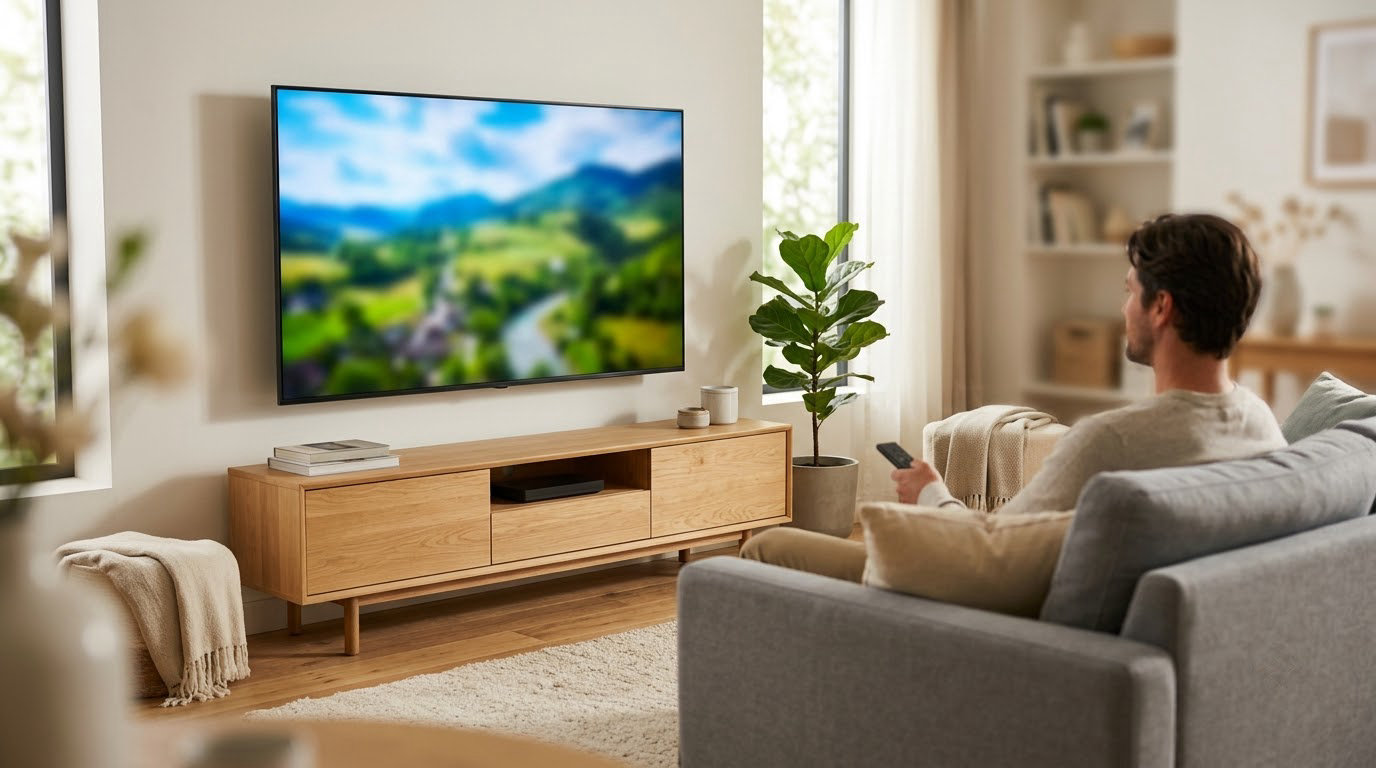
The Insignia 65 F50 leads our 65-inch picks for the October sale because it does the plain things well: a 4K direct-lit LED panel with HDR10, Fire TV built in, three HDMI ports and eARC, and more owner reviews than anything else on this list at 14095. If your console is the priority, the TCL 65 QM6K adds Mini LED dimming and a native 144Hz panel, and if you would rather not fiddle with menus at all, the Roku 65 Select sets up in minutes.
Prime Big Deal Days runs October 6-7, 2026, and these 65-inch sets are the ones worth watching through it. Every pick below is 65 inches, every spec comes straight from the manufacturer listing, and the price buttons below each one show the current offer.
Table of Contents
Our Top 3 Picks for Best Amazon Prime Big Deal Days 65-Inch TV Deals


TCL 65 QM6K
- Mini LED QLED with local dimming
- 144Hz native refresh
- Dolby Vision and HDR10+

Slot one is the safe buy, slot two is the one to get if you game, slot three is the one to get if you never want to think about picture settings again. The other seven sit underneath them by use case rather than by price, because a Mini LED set and a budget LED set are not really competing for the same room.
Best Amazon Prime Big Deal Days 65-Inch TV Deals Compared (2026)
| Product | Specifications | Action |
|---|---|---|
| Insignia 65 F50 |
|
Check Deal Price |
| TCL 65 QM6K |
|
Check Deal Price |
| Roku 65 Select |
|
Check Deal Price |
 Insignia 65 QF Insignia 65 QF |
|
Check Deal Price |
 Samsung 65 U8000H Samsung 65 U8000H |
|
Check Deal Price |
 Samsung 65 M70H Samsung 65 M70H |
|
Check Deal Price |
 Roku 65 Plus Roku 65 Plus |
|
Check Deal Price |
 TCL 65 T7 TCL 65 T7 |
|
Check Deal Price |
 Samsung 65 S90F Samsung 65 S90F |
|
Check Deal Price |
 Hisense 65 E7 Hisense 65 E7 |
|
Check Deal Price |
Two rows deserve a second look. The Roku 65 Plus is the only set here with full array Mini LED local dimming and a real Dolby Atmos system with a built-in subwoofer, and it also carries the highest average owner rating in the group. The Samsung 65 S90F is the only OLED on the list, which makes it the natural choice for a dark media room and the least sensible one for a bright conservatory.
How We Chose
We compared the manufacturer specs for all ten sets, then read the owner reviews and ratings attached to each listing. Panel type, refresh rate, HDR formats, port counts, smart platform, dimensions and weight came from the product pages. The data was checked in October 2026, before the sale window opens.
1. Insignia 65 F50: Editor’s Choice for a First Big Screen
Insignia 65″ Class F50 Series LED 4K UHD Smart Fire TV, Voice Remote with Alexa, Stream Live TV Without Cable
Panel: direct-lit LED 4K
Refresh: 60Hz
HDR: HDR10
Platform: Fire TV
Pros
- Largest owner base in this roundup with 14095 reviews
- Direct-lit backlight gives even brightness and better contrast than edge-lit budget sets
- Three HDMI ports plus eARC for a soundbar or console
- Fire TV with an Alexa voice remote
- Wall mountable on VESA 400 x 300
Cons
- 60Hz panel limits motion clarity for sports and gaming
- Dimmer than the QLED and Mini LED sets listed here
- 8ms response time is not built for competitive play
14095 owner reviews is the reason this leads. Nothing else in the roundup has a sample size anywhere near it, which means the 4.3 average is a settled number rather than a snapshot of last month’s enthusiasm.
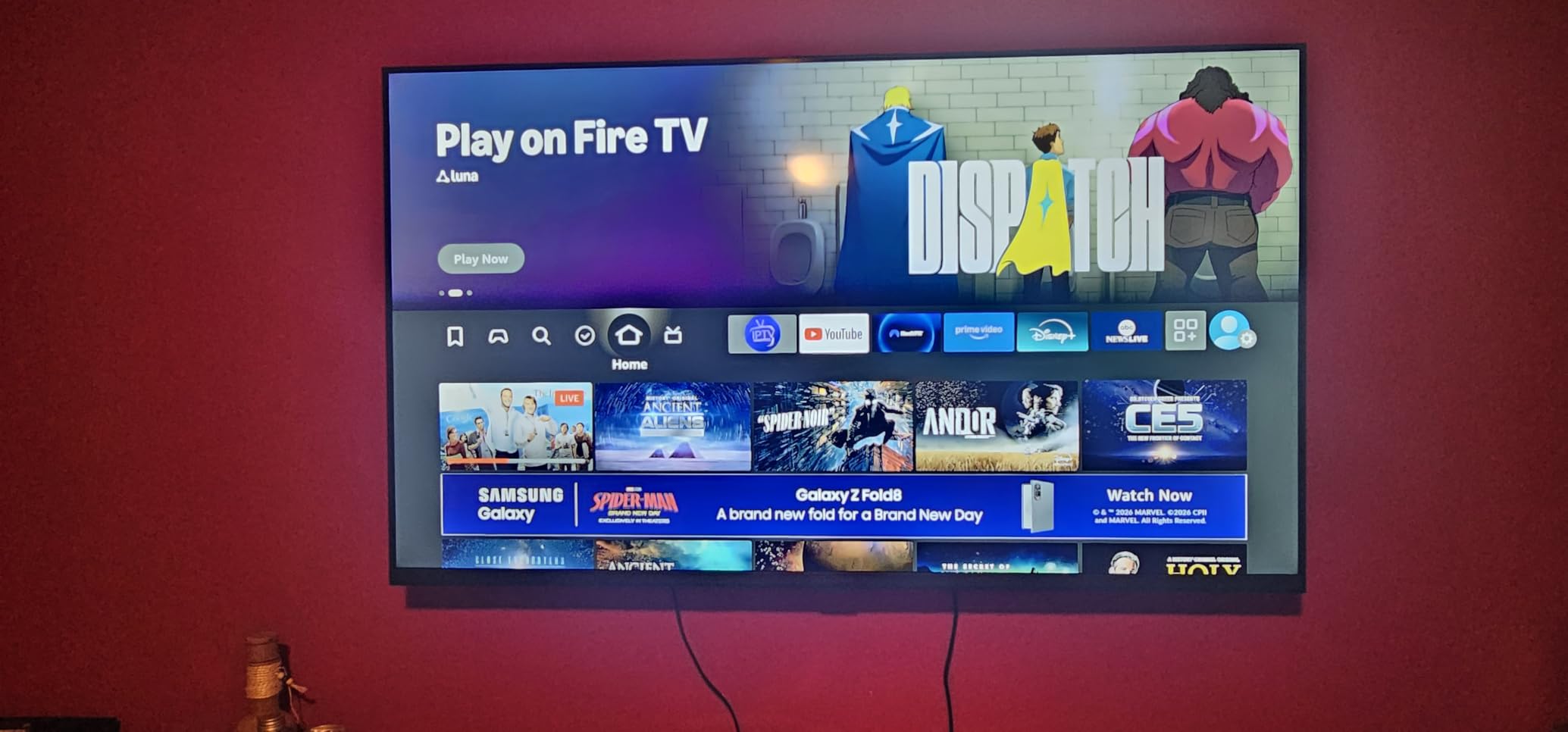
The direct-lit backlight matters more than the spec sheet suggests. Budget panels of this size are often edge-lit, and a direct-lit array spreads the light across the whole screen, so the corners tend to match the centre and shadows look more like shadows.
Owners treat it as an everyday set: news, episodes, a bit of console play on a PlayStation with the TV doing motion smoothing. The 60Hz panel and 250 nit ceiling are the two things almost every critical review mentions, and neither matters much if the set lives in a normally lit room and nobody is racing in it.

Compared with the Roku 65 Select, the F50 gives you a larger review history and a deeper port selection, while the Select gives you a quantum dot layer and a faster interface. Compared with the Samsung 65 S90F, the gap is so wide that the only question is whether you have a dark room to put a flagship OLED in.
Worth knowing: at 28.8 pounds it is the easiest of the ten to lift onto a stand, and it is 56.91 inches wide, which clears a lot of media units that would not take a heavier set.
2. TCL 65 QM6K: Best for Console Gaming
TCL 65 Inch Class QM6K Series | Mini LED QLED 4K HDR | 65QM6K, Latest Model | 120HZ-144HZ High Brightness Smart Google TV Dolby Atmos Onkyo Audio | Voice Remote Alexa Gaming Streaming Television
Panel: Mini LED QLED
Refresh: 144Hz
HDR: Dolby Vision and HDR10+
Platform: Google TV
Pros
- 144Hz native refresh with Motion Rate 480 processing
- Mini LED local dimming via TCL Halo Control
- Covers Dolby Vision and HDR10+ and HDR10 and HLG
- Onkyo 2.1 speakers with a built-in subwoofer
- Four HDMI ports including eARC
Cons
- Google TV home screen carries heavy promoted content
- Some apps run slowly until firmware updates finish
- Brightness trails the brighter sets in a very bright room
This is the only pick in the list that pairs a 144Hz native panel with Mini LED local dimming, and that combination is the whole argument. Fast motion stays smooth at high frame rates, and the dimming keeps letterboxed bars and dark scenes from washing out.
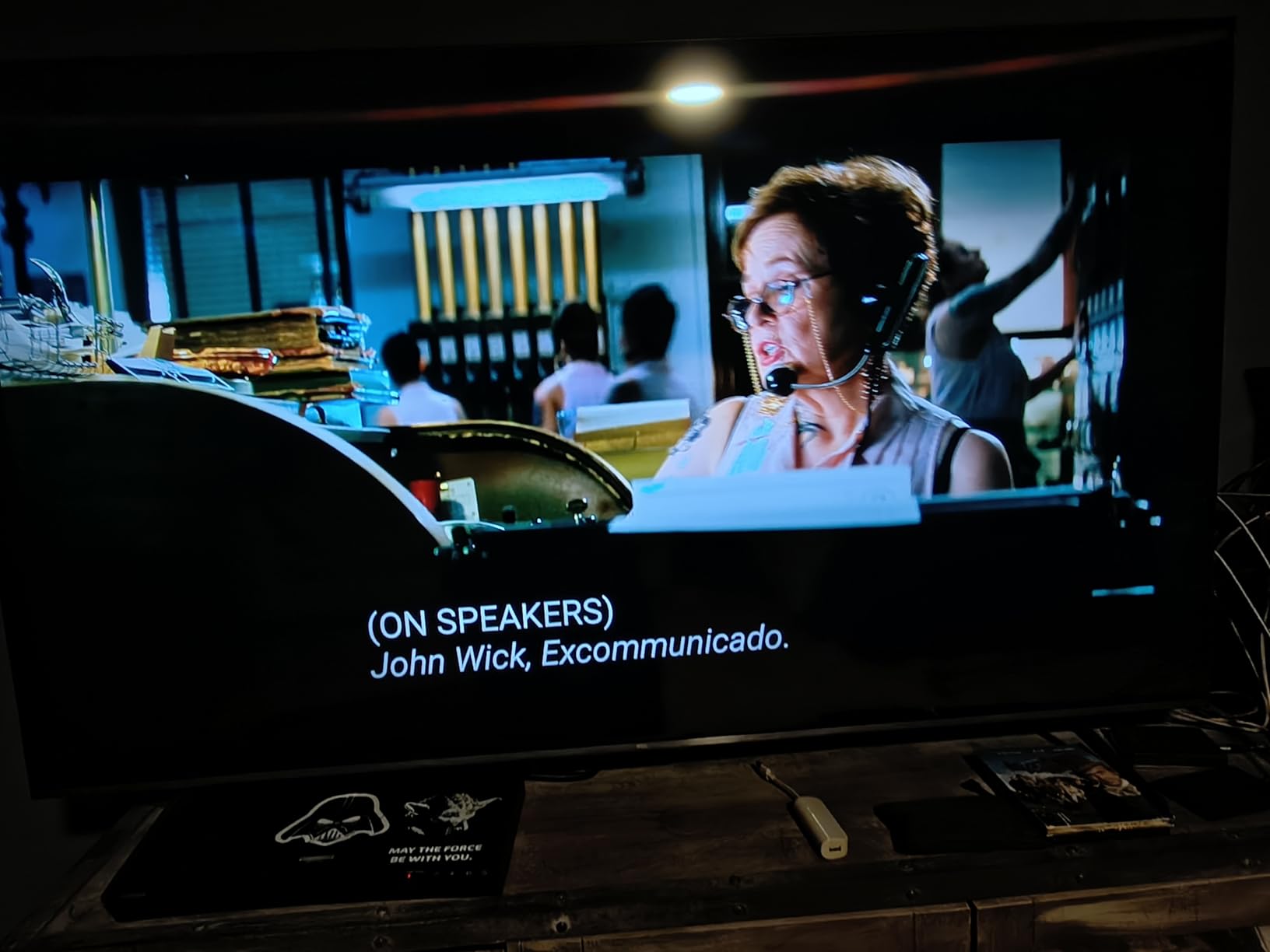
The Onkyo 2.1 system with a real subwoofer is a quiet bonus. It will not replace a soundbar for films, but owners point out it handles dialogue and general TV audio far better than the 2-channel sets sitting next to it in this roundup.
The recurring complaint is software, not picture. Google TV loads with promoted tiles across the top row, and several owners install a third-party launcher to clear them out. If you already have a streaming stick you are happy with, the built-in platform matters much less.
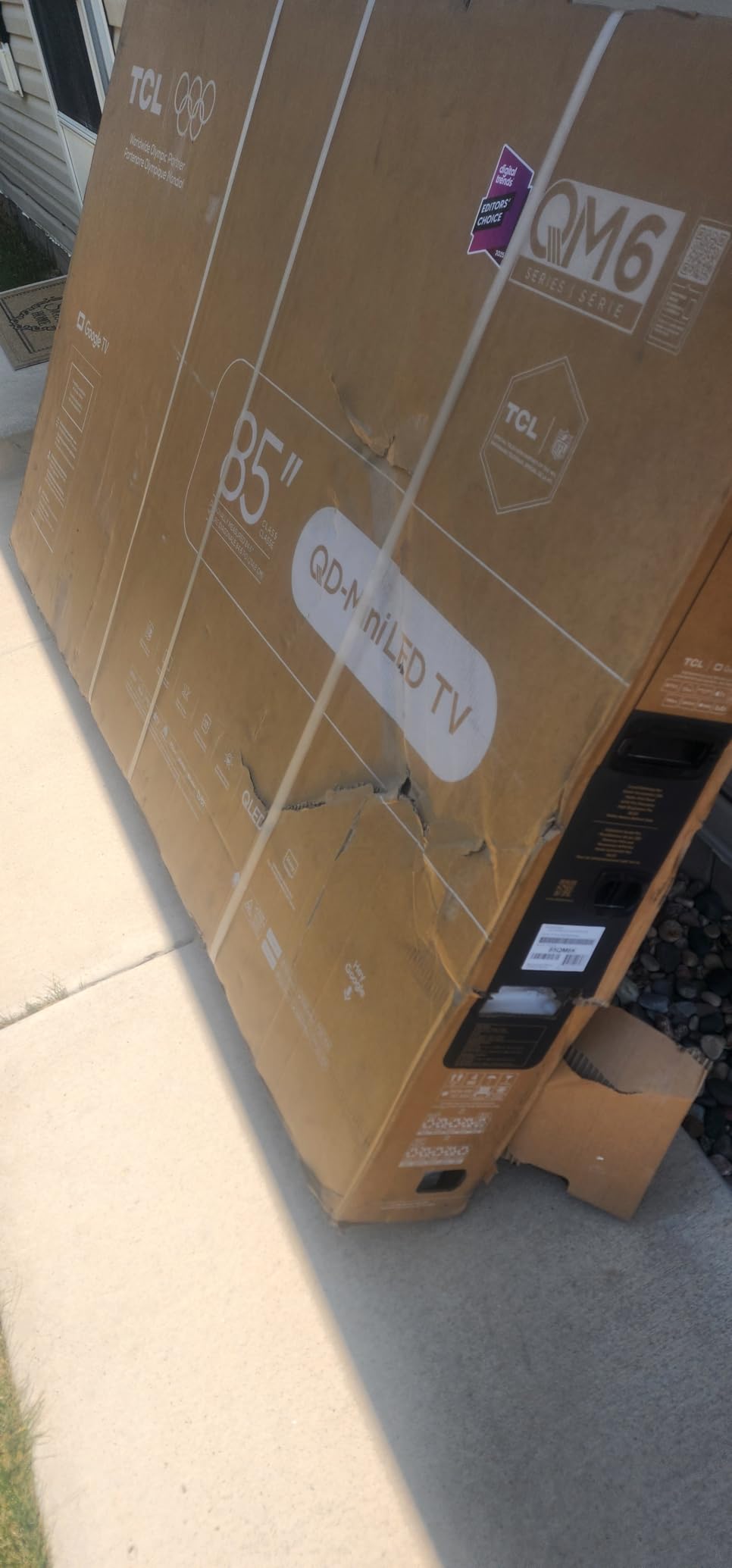
Against the TCL 65 T7, the QM6K adds local dimming and a subwoofer, while the T7 adds adjustable feet and a wider stated colour gamut. Against the Samsung 65 S90F, the QM6K is the sensible spend unless your room is genuinely dark.
Good to know: the 37.8 pound weight and 56.9 inch width mean you need a stand rated for a large set, and the 1 year limited warranty is the shortest on this shortlist.
3. Roku 65 Select: Best for Fast Setup
Roku 65-Inch Select Series Smart TV 2026-4K (2160p) QLED TV
Panel: QLED 4K
Refresh: 60Hz
HDR: HDR10 and HDR10+
Platform: Roku OS
Pros
- Roku OS is fast and uncluttered with quick app switching
- Setup finishes in minutes and existing subscriptions transfer over
- Quantum dot colour is a clear step up from standard LED
- Four HDMI ports plus Ethernet and optical
- Voice remote with a remote finder
Cons
- 60Hz panel is weak for sports and fast gaming
- Built-in Dolby Audio speakers lack volume
- Recent home screen redesign annoys some long-time owners
Owners name the platform as the deciding factor more often than the picture. Roku OS does almost nothing you did not ask it to, and anyone with an existing Roku account is moving the whole library over in a few minutes.
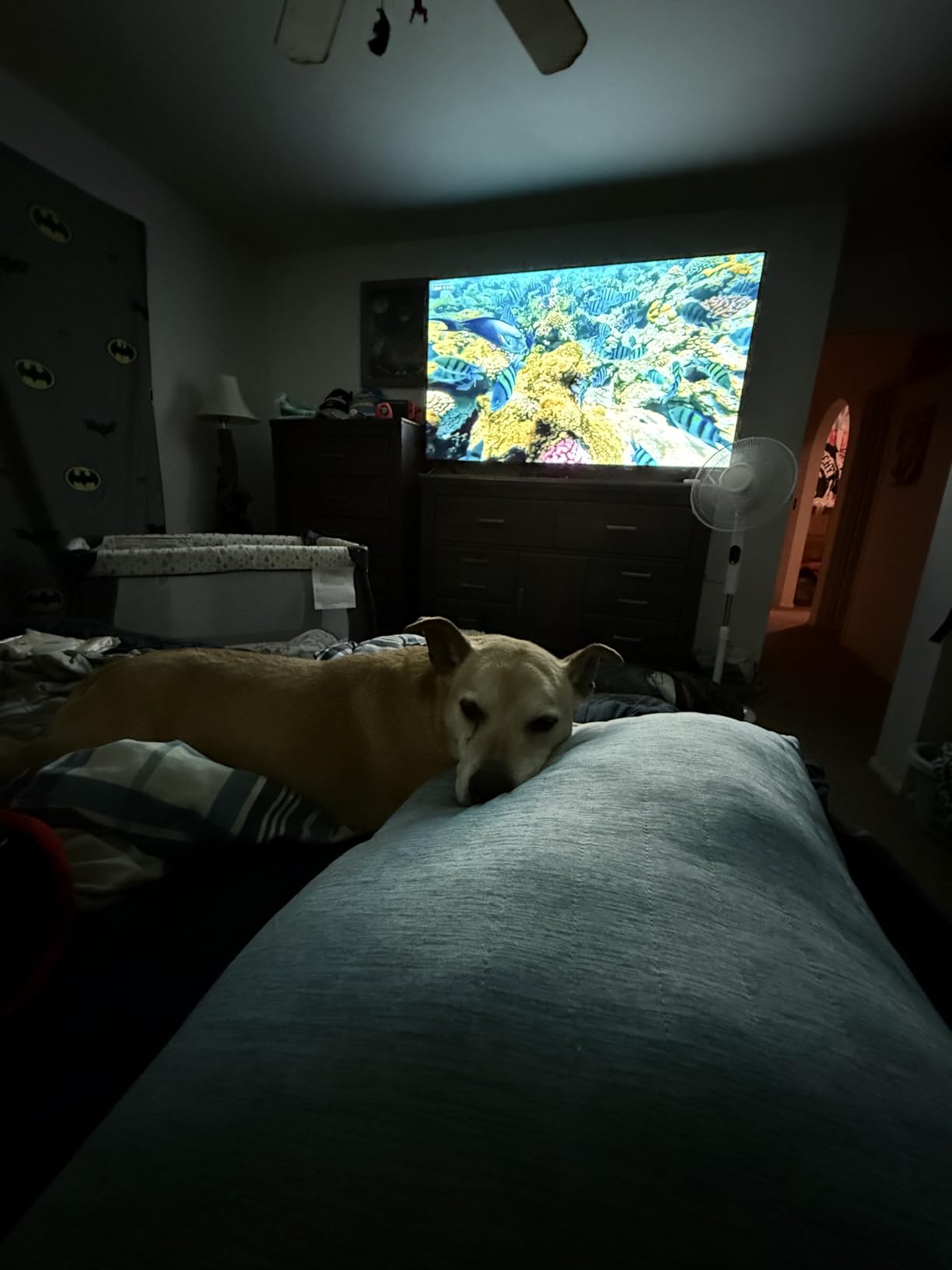
The quantum dot layer is the quiet upgrade here. At the same screen size as the Insignia 65 F50, the Select handles colour noticeably better, which shows up most in daylight and in skin tones on daytime programming.
Two caveats worth reading before you buy. The panel is 60Hz, so anything fast and handheld will look softer than it does on the TCL 65 QM6K. And Roku reworked the home screen, which several long-time owners mention as a step back even though the underlying speed has not changed.
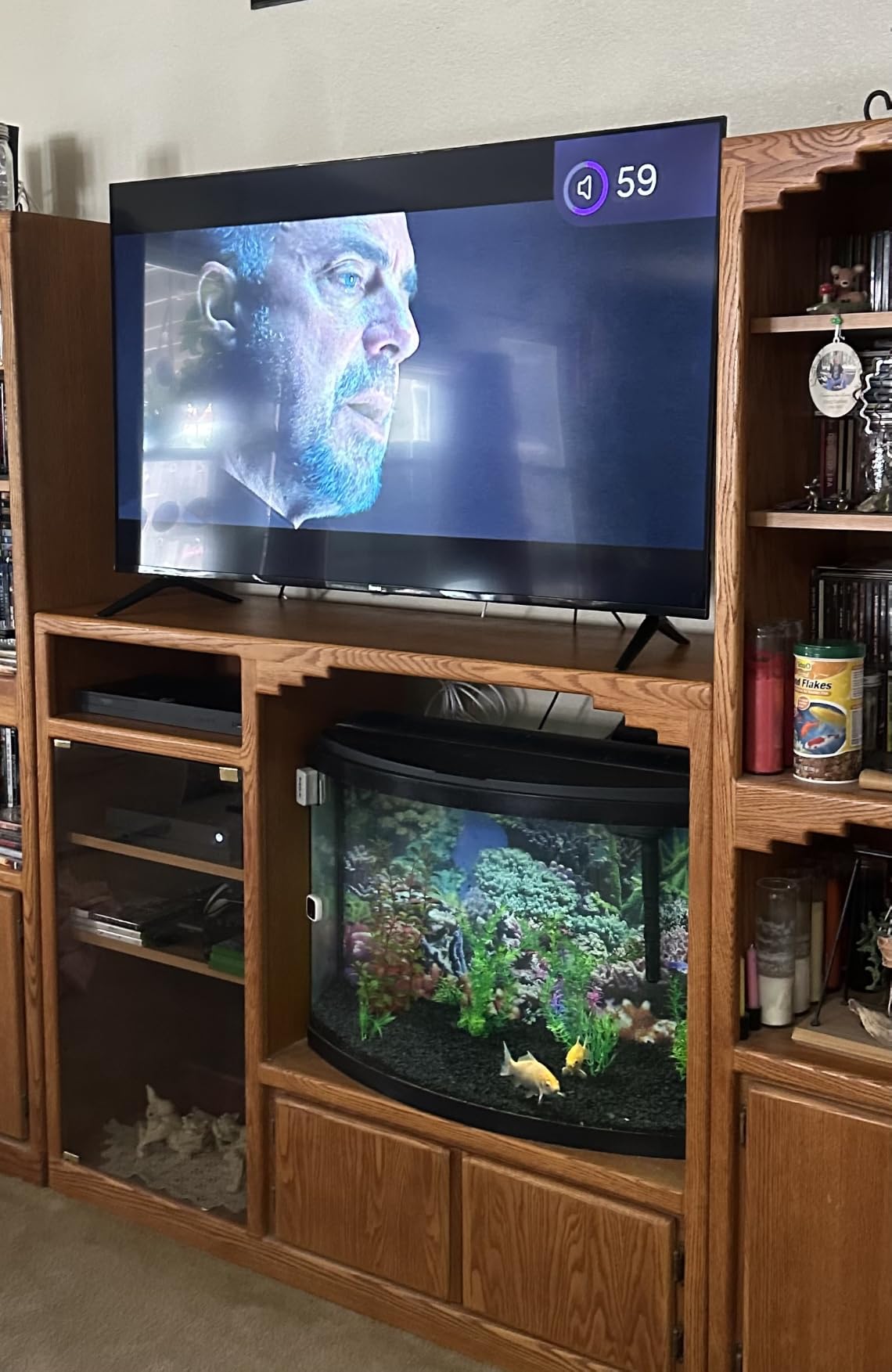
Pick the Insignia 65 F50 instead if you want a bigger review base and deeper blacks from a direct-lit array. Pick the Roku 65 Plus if you want Mini LED dimming and real surround audio, since it runs the same interface with a far better panel behind it.
Bluetooth Headphone Mode is the feature owners mention most after the interface itself: pair headphones and the TV audio switches off so nobody else in the room has to hear it.
4. Insignia 65 QF: Best for Dolby Vision on a Budget
INSIGNIA 65-inch Class QF Series LED 4K UHD QLED Smart Fire TV with Alexa Voice Remote (NS65-UQFL26)
Panel: QLED 4K
Refresh: 60Hz
HDR: Dolby Vision
Platform: Fire OS
Pros
- Dolby Vision and Dolby Atmos support at this tier
- Quantum dot colour holds up in lit rooms
- Quick phone-based setup works well
- Alexa remote handles search and other devices
- Thin metal bezel gives a modern look
Cons
- Fire OS is slow and lags when navigating menus
- 60Hz only with no HDMI 2.1
- Backlight can look uneven from some angles
Dolby Vision on a set this size is unusual, and it is the reason this one is here. Owners of streaming services that carry the format say the difference in tone mapping on a dark film is visible without any comparison at all.
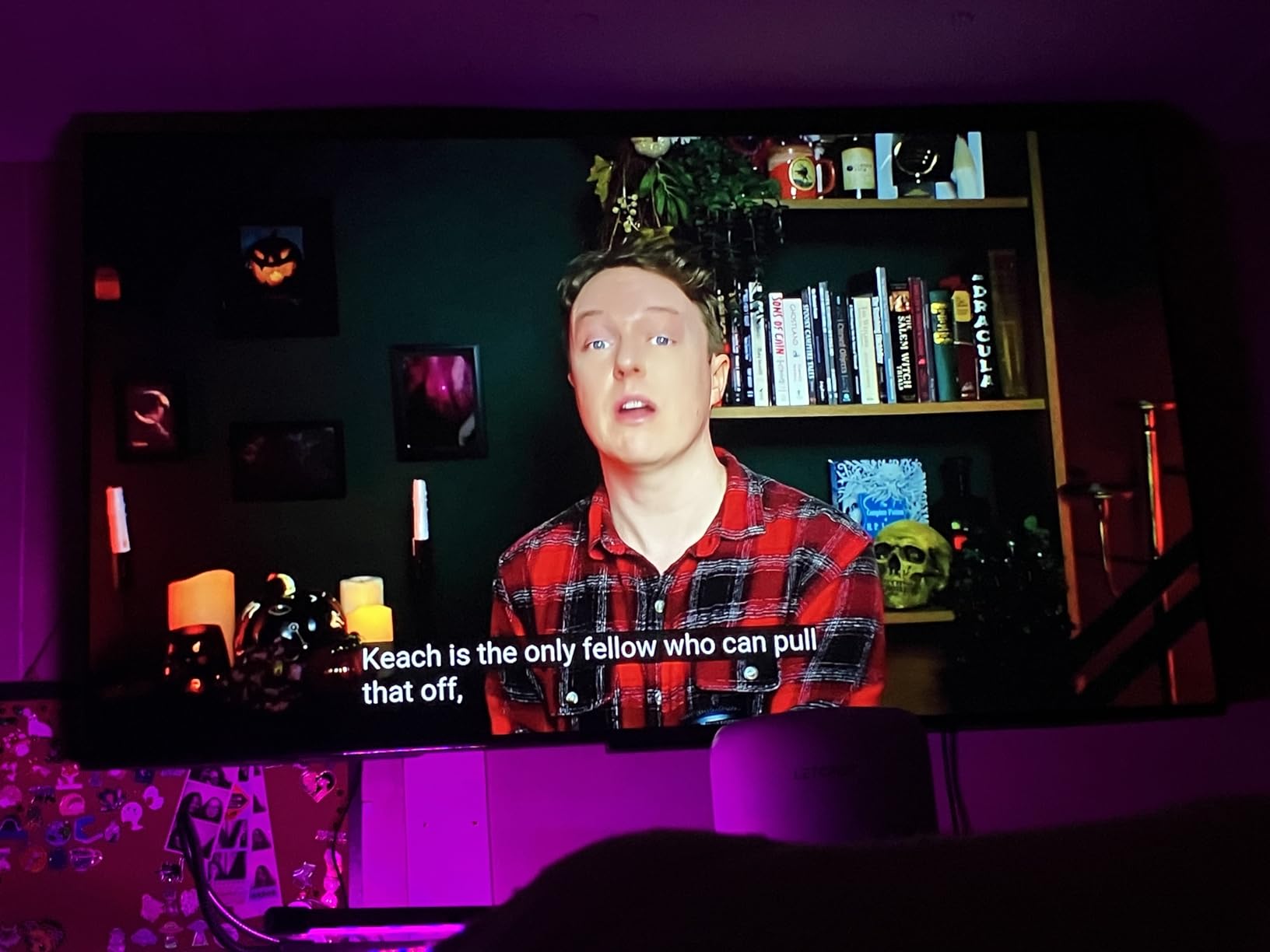
The software is the weak half of the deal. Fire OS responds slowly, and worse, it restricts picture settings outside of active content. Several owners report that adding a child profile locks the picture menus completely, which is a genuinely annoying discovery two days after delivery.
Those same owners mostly solve it the same way: plug in a streaming stick and leave the Fire OS for the occasional voice search. If you already own one, this weakness stops mattering entirely.
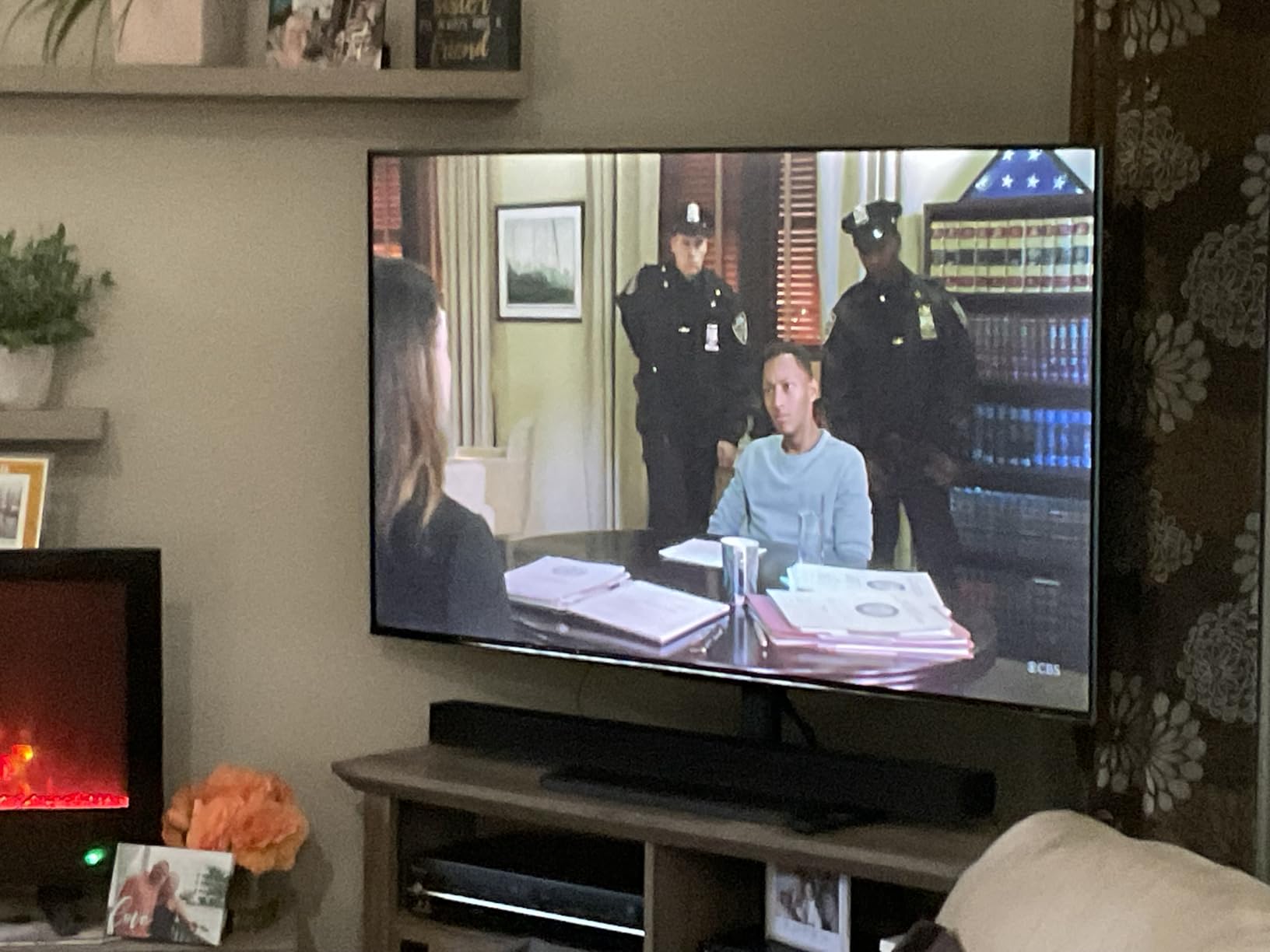
Compared with the Insignia 65 F50, the QF adds a quantum dot layer and Dolby Vision for a modest step up. Compared with the Roku 65 Select, it is the better HDR buy and the worse interface, which is usually the whole trade.
Note that the listing carries no weight figure, so check the stand’s rating yourself. The panel is 2.9 inches deep and 56.9 inches wide, which is a normal footprint for a 65.
5. Samsung 65 U8000H: Best for Free Channels
Samsung 65-Inch Class Crystal UHD U8000H Series Samsung Vision AI Smart TV (2026 Model, 65U8000H) Processor 4K, Endless Free Content, Motion Xcelerator, Color Booster, Alexa Built-in
Panel: LED 4K
Refresh: 60Hz
HDR: HDR10+
Platform: Tizen
Pros
- Free Samsung TV Plus channels add content with no subscription
- Crystal Processor upscales and boosts colour
- Setup is fast and a Samsung account can be bypassed
- Two year manufacturer warranty is the longest here
- Ambient light sensor adapts brightness automatically
Cons
- App inventory is sparse with no HBO or Paramount+
- Colours wash out in bright daylight
- Remote is slow with a hidden volume control
The free content library is the argument. A deep list of subscription-free channels is more than most rivals offer, and for a second room or a holiday let, it removes a recurring line item without asking you to do anything.
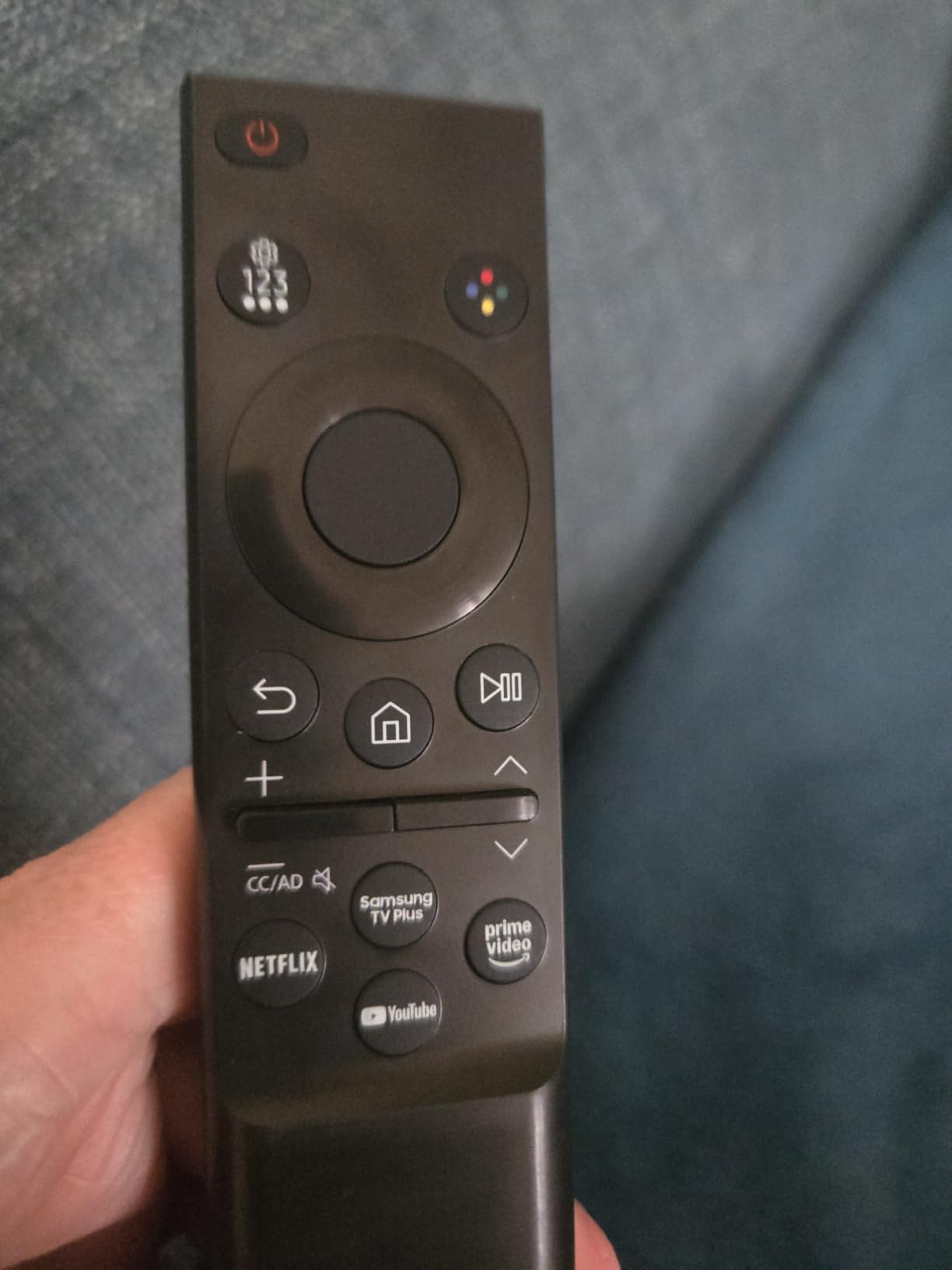
Owners like the setup. The Samsung account can be bypassed, CEC control of an Apple TV and soundbar through eARC works properly, and the two year warranty is a full year longer than anything else on this list.
Picture quality is rated average more often than not, which is honest for a set at this level. Colour washes out in daylight, and default settings arrive over-sharpened, so budget ten minutes for picture calibration before you judge it.
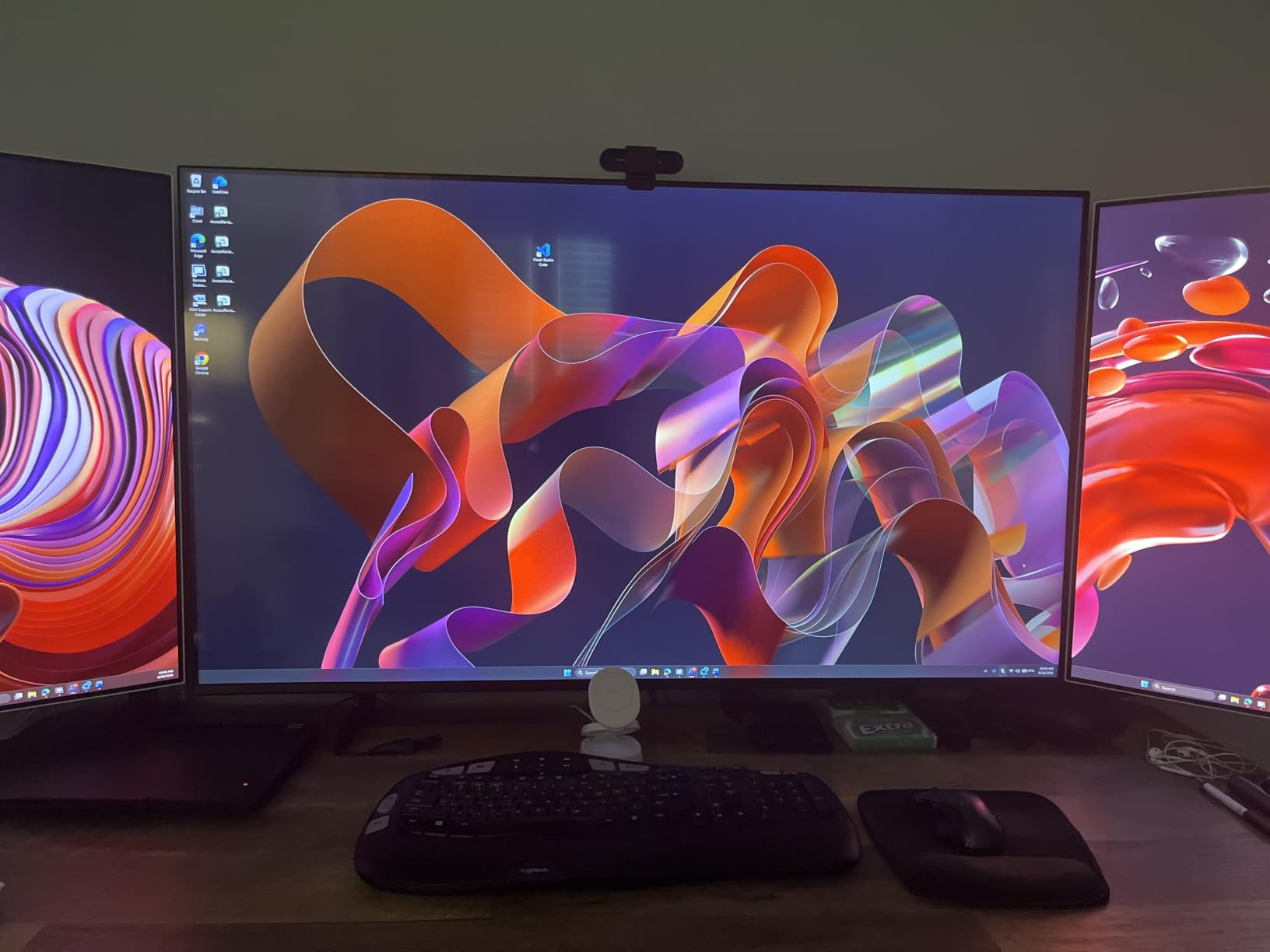
The Samsung 65 M70H is the natural upgrade path, adding a Mini LED backlight and a Gaming Hub to the same Tizen platform. If the app library is the dealbreaker, the Roku 65 Select has the cleanest interface on the list.
Skip this one if you are near a window with strong afternoon sun. That is the single complaint that keeps recurring in reviews, and no picture setting fixes it.
6. Samsung 65 M70H: Best for Football Season
Samsung 65-Inch Class M70H Series, Mini LED, 4K, Smart TV, 2026 Model
Panel: Mini LED 4K
Refresh: 60Hz
HDR: HDR10+
Platform: Tizen
Pros
- Mini LED backlight brightens highlights and deepens blacks
- Pure Spectrum panel covers a billion colours
- Soccer Mode sharpens motion and lifts greens
- Gaming Hub pulls console and cloud games together
- Same free TV Plus channel library as the U8000H
Cons
- Listed refresh rate is 60Hz despite 120Hz motion claims
- HDR support limited to HDR10+
- Onboard 2-channel speakers are basic
Soccer Mode is a small thing that matters a lot in October and May. It is built to clean up fast motion and push the greens on a pitch, and owners watching a full match report the same impression even if they cannot measure it.
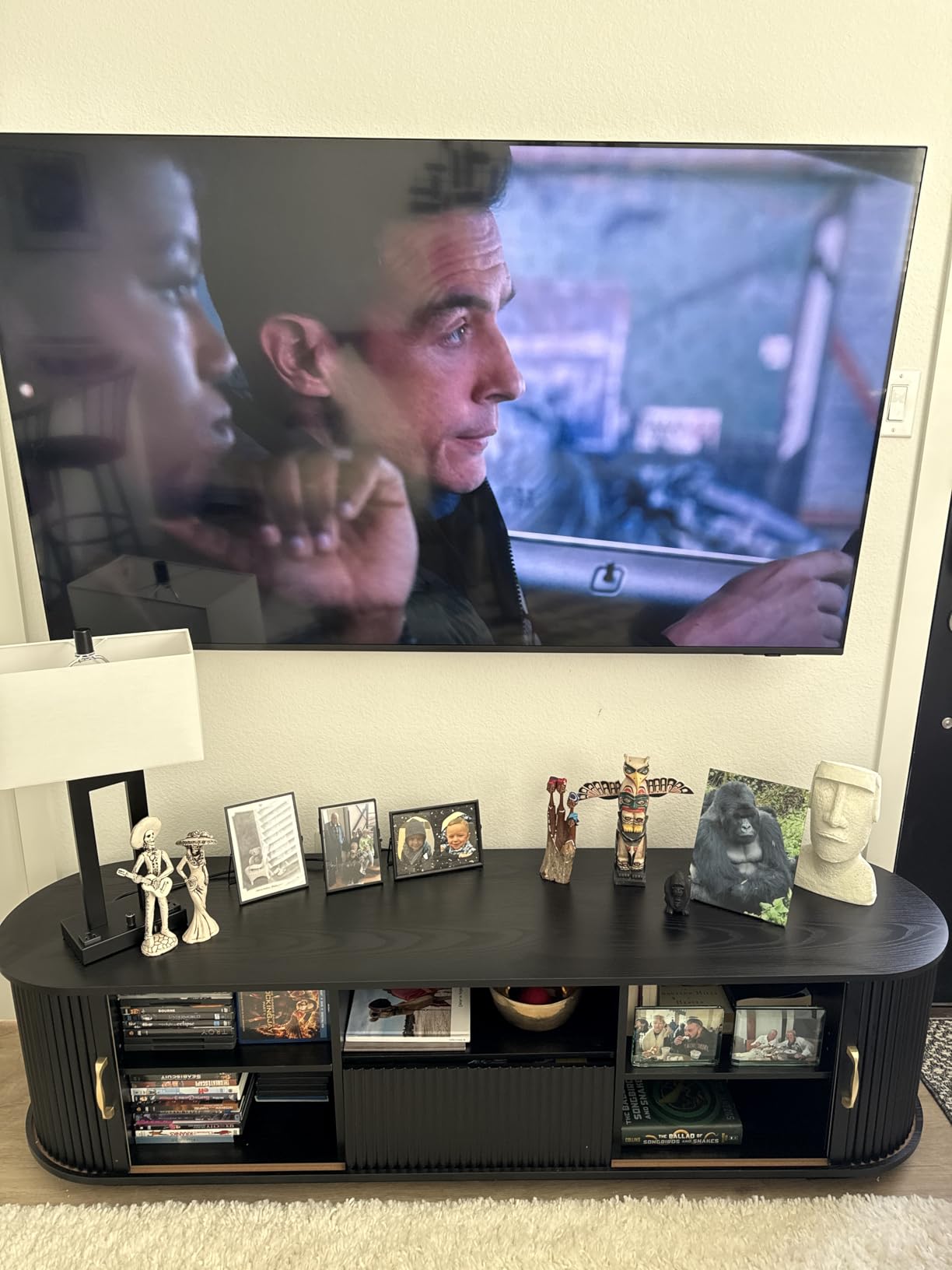
Read the refresh rating carefully. The listing states 60Hz, and the DLG 120Hz figure refers to motion enhancement rather than a native 120Hz panel. If you are shopping for a console that pushes 120 frames, look at the TCL 65 QM6K instead.
What you do get is a Mini LED backlight with Supreme Mini LED dimming, which is a clear step up from the U8000H next to it, plus Pure Spectrum colour and the same large free channel library.
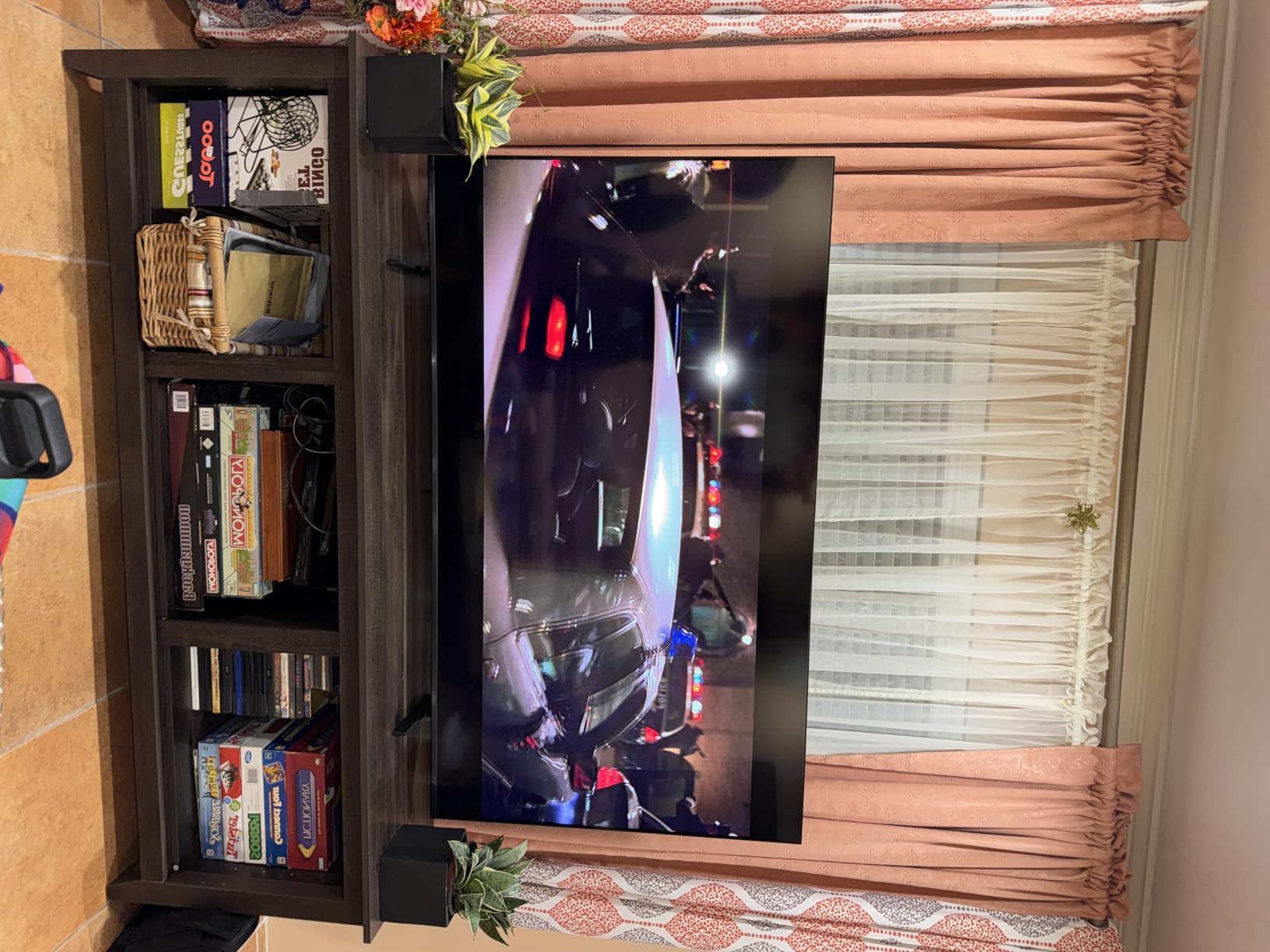
Against the Hisense 65 E7, the Samsung gives you cleaner software and a warranty behind it, while the Hisense gives you a real native 144Hz panel and Dolby Vision IQ. Owners of both report occasional Fire OS reliability problems on the Hisense, which is worth weighing.
One practical note: this stand uses a VESA 200 x 200 pattern, not the 400 x 300 used by most of the other sets here. Check your bracket before you buy the wall mount.
7. Roku 65 Plus: Best for Built-In Audio
Roku 65-Inch Plus Series Smart TV – 4K QLED Mini-LED TV – RokuTV
Panel: Mini LED QLED
Refresh: 60Hz
HDR: Dolby Vision
Platform: Roku OS
Pros
- Highest average owner rating in this roundup
- Full array Mini LED local dimming on a QLED panel
- Dolby Atmos with a built-in subwoofer at this tier
- Roku OS keeps setup to minutes
- Game Mode with variable refresh rate
Cons
- 60Hz panel limits motion against 120Hz and 144Hz sets
- 6.5ms response time is unremarkable for competitive play
- AI picture processing offers little user control
At 4.5 across 717 reviews, this is the best-rated set here, and the reason owners keep pointing to is audio. Dolby Atmos with a real built-in subwoofer is not a spec you find on a 65-inch at this level, and it removes the soundbar line item from the budget entirely.

The panel is the surprise. Full array local dimming on a QLED layer gives bright, controlled highlights without the heavy blooming some Mini LED sets show, and Dolby Vision with Roku Smart Picture Max produces good colour out of the box with almost no adjustment.
Bluetooth Headphone Mode and display-off audio playback are small, genuinely useful additions. Owners living with other people use the headphone mode more than they expected to.
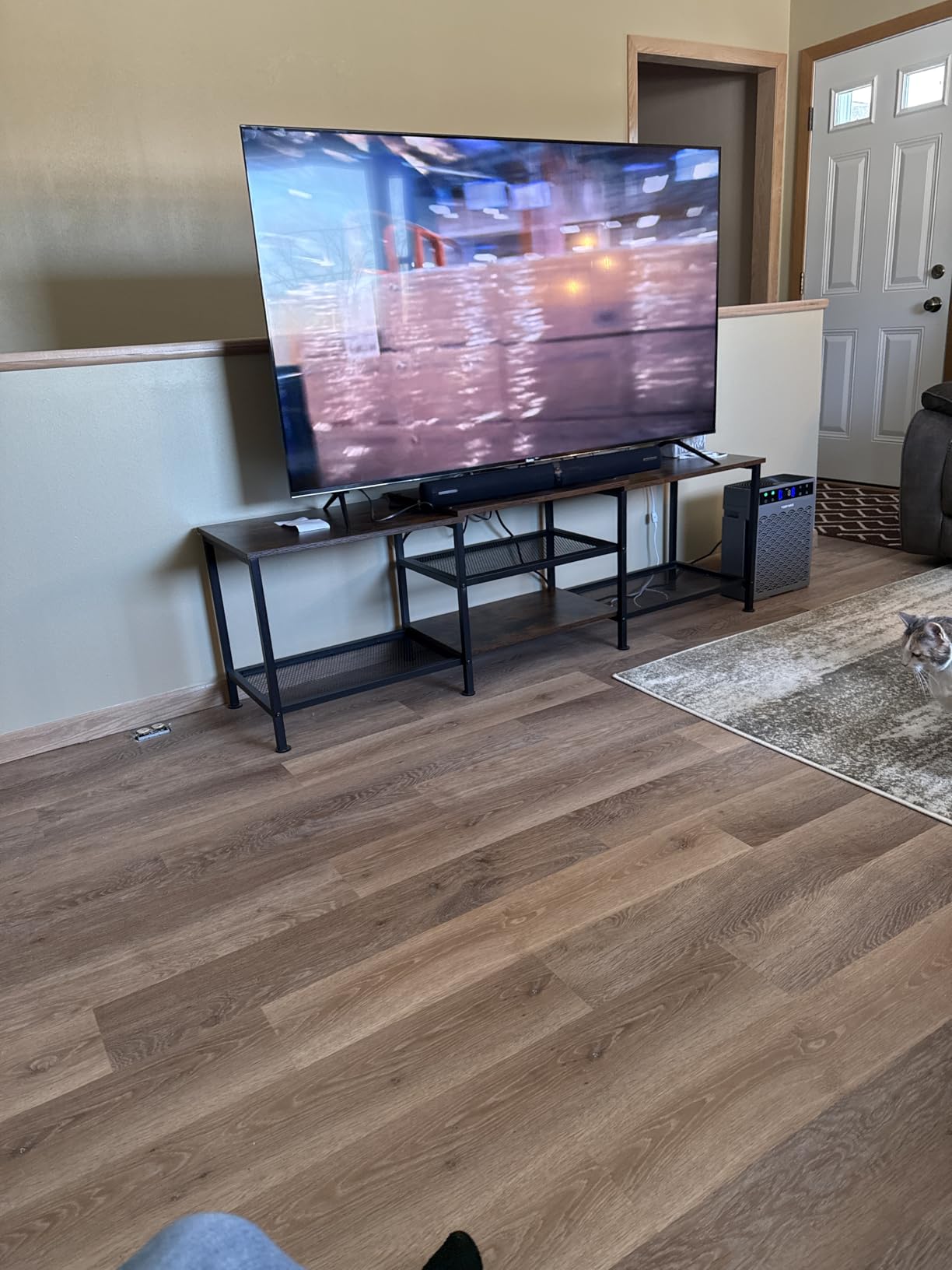
The trade against the TCL 65 QM6K is refresh rate, and it is a real one: 60Hz here against a native 144Hz there. Cinema and everyday watching favour the Roku; competitive console gaming favours the TCL.
Same interface as the Roku 65 Select, so the upgrade between them is purely the panel and the speakers. If you are torn, the Select is the cheaper route to the same software.
8. TCL 65 T7: Best for Wide Colour and High Refresh
TCL 65″ T7 4K QLED Google TV with 144Hz Gaming (65T7)
Panel: QLED 4K
Refresh: 144Hz
HDR: Dolby Vision and HDR10+
Platform: Google TV
Pros
- 144Hz native refresh with 288Hz variable refresh rate
- Quantum dot panel covers nearly all of DCI-P3
- Supports Dolby Vision and HDR10+ and Open HDR
- Height adjustable feet suit slim consoles and soundbars
- Motion Rate 480 with MEMC frame insertion
Cons
- Dolby Atmos is simulated from 20W speakers rather than real channels
- Google TV interface carries heavy promotional content
A quantum dot panel covering nearly the entire DCI-P3 colour space is a real advantage over the Mini LED sets in this roundup, which use their quantum dot layer mainly for brightness. On saturated content and skin tones the difference is easy to see side by side.
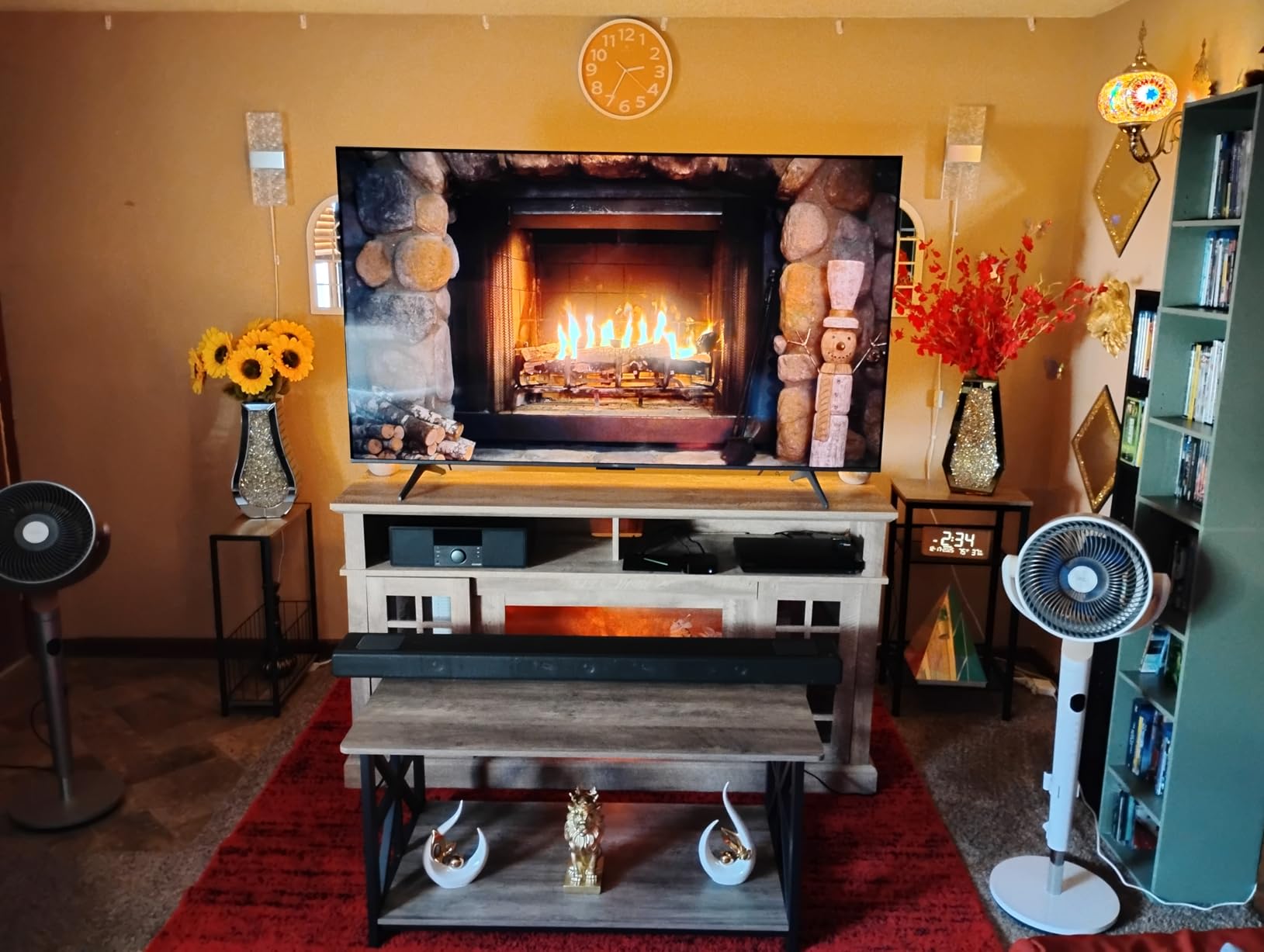
The height adjustable feet are worth knowing about. Most 65-inch sets sit low enough to clip the top of a soundbar, and these raise the panel enough to clear one, which is a small design decision that saves a rearrangement later.
Owners point out that the 144Hz native rate makes the set feel far more responsive than its 60Hz rivals during fast sports, and the 288Hz VRR ceiling keeps tearing away on supported consoles.
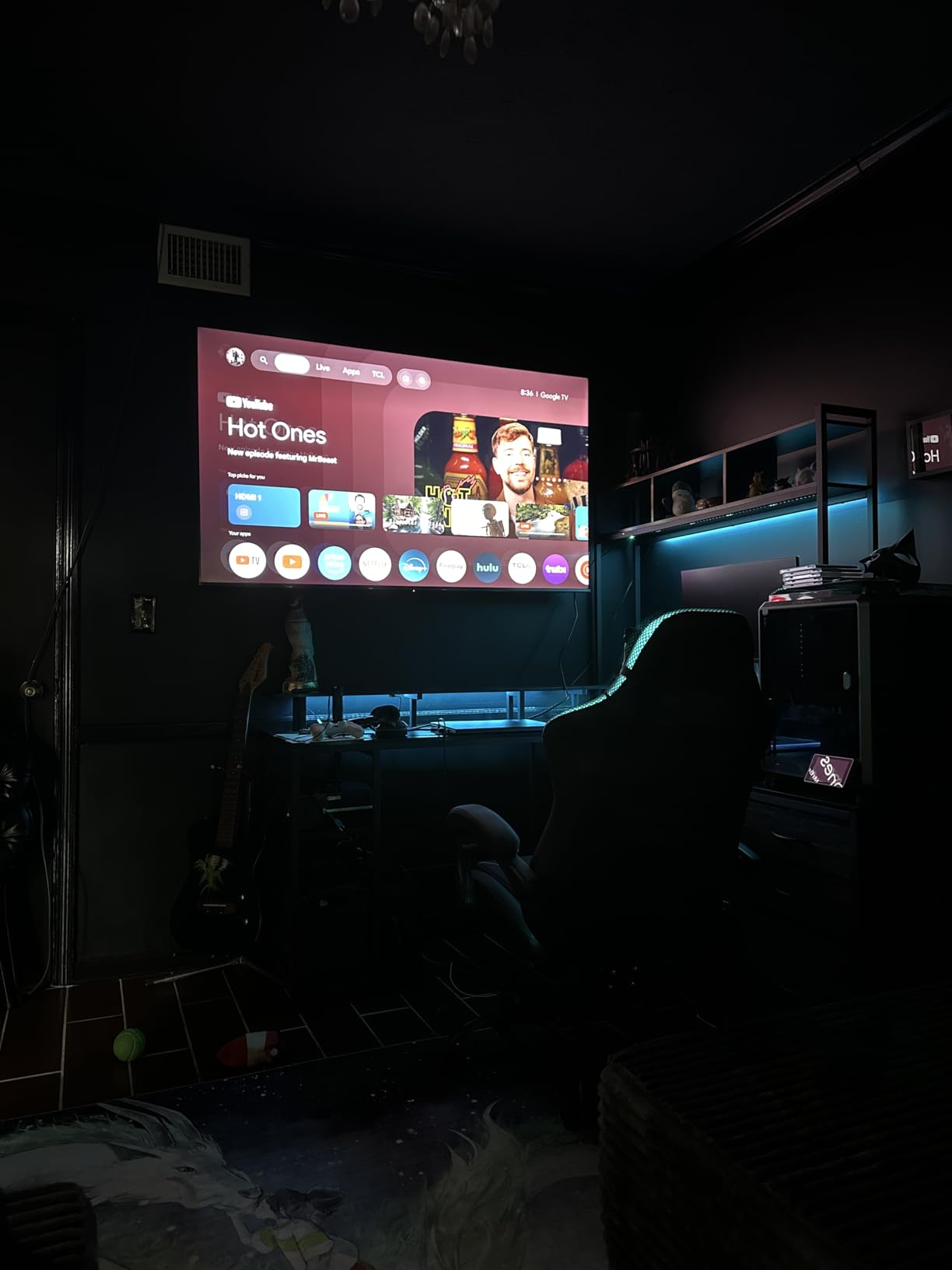
The TCL 65 QM6K sits one rung above it with Mini LED local dimming and a real subwoofer. If your room is dim, the extra contrast wins. If your room is bright, the T7’s colour and brightness hold up better and the adjustable feet are the better hardware choice.
The one thing to be honest about is the audio. Dolby Atmos is virtualised from 20W of 2-channel speakers, which sounds better than nothing and worse than the Roku 65 Plus by a wide margin.
9. Samsung 65 S90F: Best for Movies in a Dark Room
Samsung 65-Inch Class OLED S90F 4K Smart TV (2025 Model) NQ4 AI Gen3 Processor Upscaling Pro HDR +, Motion Xcelerator 144Hz, Vision Alexa Built-in
Panel: QD OLED 4K
Refresh: 144Hz
HDR: HDR10+
Platform: Tizen
Pros
- QD OLED panel gives perfect blacks and excellent contrast
- Bright enough for a sunlit room as well as a dark one
- Motion Xcelerator 144Hz with low latency for consoles
- NQ4 AI Gen3 processor with 128 neural networks for upscaling
- Solar rechargeable remote needs no batteries
Cons
- Matte finish shows obvious reflections with dark content in bright rooms
- Thin panel needs careful handling
- Contrast controls are buried and slow to respond
This is the only OLED in the roundup, and that changes the picture in a way no Mini LED set here matches. Self-lit pixels give true black with no backlight glow at all, which is the single most visible difference in a dark room.
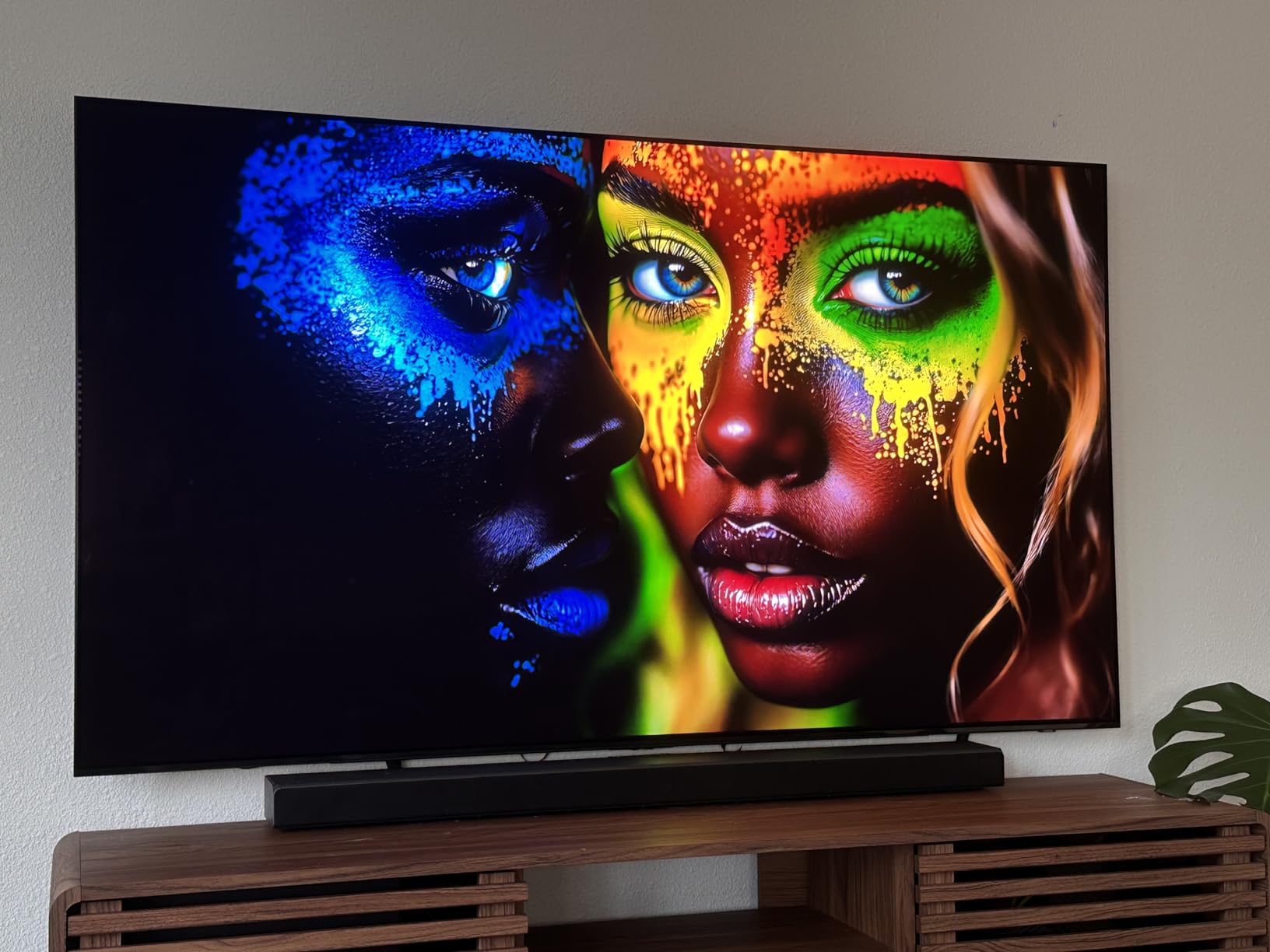
The catch is the matte finish. Owners report clear reflections when dark content plays in a bright room, so it earns its place in a media room or a den, not on a wall facing a window.
Gaming is the other strength. Motion Xcelerator drives variable refresh rate up to 4K 144Hz with a low latency gaming motion mode, and the NQ4 AI Gen3 processor uses 128 neural networks to upscale softer sources, which matters because most streaming is not native 4K.
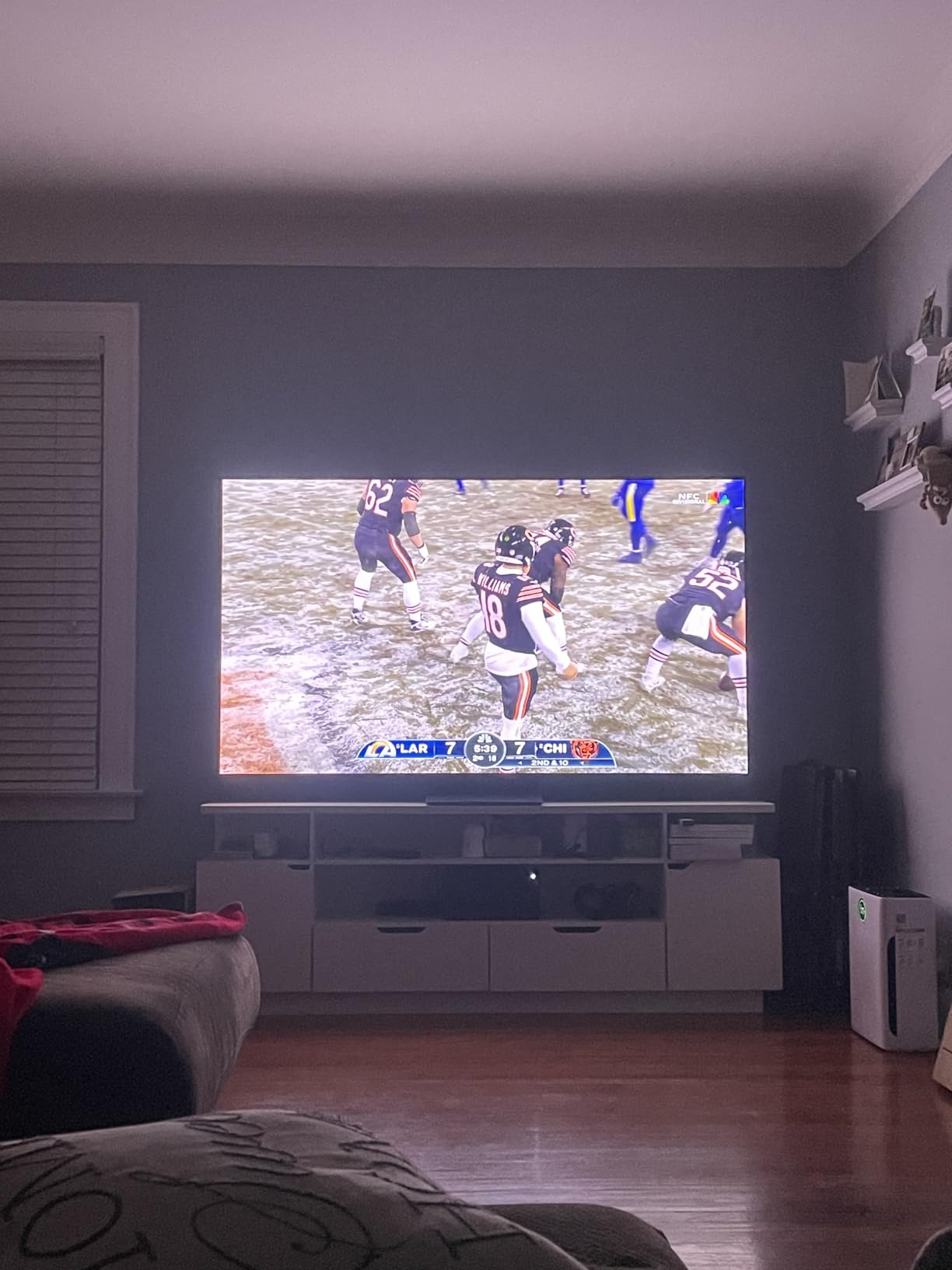
Set against the TCL 65 QM6K, the S90F wins on contrast and motion clarity and loses on everything else: no built-in subwoofer, a one year warranty, and a panel that is 49.6 pounds and 10.4 inches deep on its stand.
This is a 2025 model rather than a 2026 one, which is normal for the price tier and generally where the better television values sit.
10. Hisense 65 E7: Best for Daylight and PC Gaming
Hisense 65″ E7 Cinema Series Hi-QLED Mini-LED 4K UHD Smart Fire TV (65E7SF, 2026 NEW) – Native 144Hz, AI Picture, Dolby Vision IQ · Atmos, FALD, HDR10+ Adaptive, MEMC, Alexa+
Panel: Hi QLED Mini LED
Refresh: 144Hz
HDR: Dolby Vision IQ
Platform: Fire OS
Pros
- Hi QLED Mini LED with full array local dimming
- Dolby Vision IQ and HDR10+ Adaptive alongside HDR10
- Native 144Hz game mode with very low latency
- AI Picture and AI Sports Mode tune the picture per scene
- Filmmaker Mode preserves the original look
Cons
- Some Mini LED bloom around very bright highlights
- Onboard 2.0 audio is adequate at best
- Fire OS dropouts and black screen reboots reported
Owners keep saying the same surprising thing about this set: it looks like a much more expensive television than it is. The Hi QLED Mini LED panel with full array local dimming produces contrast and vivid colour that several reviewers describe as rivalling OLED, at a fraction of the outlay.
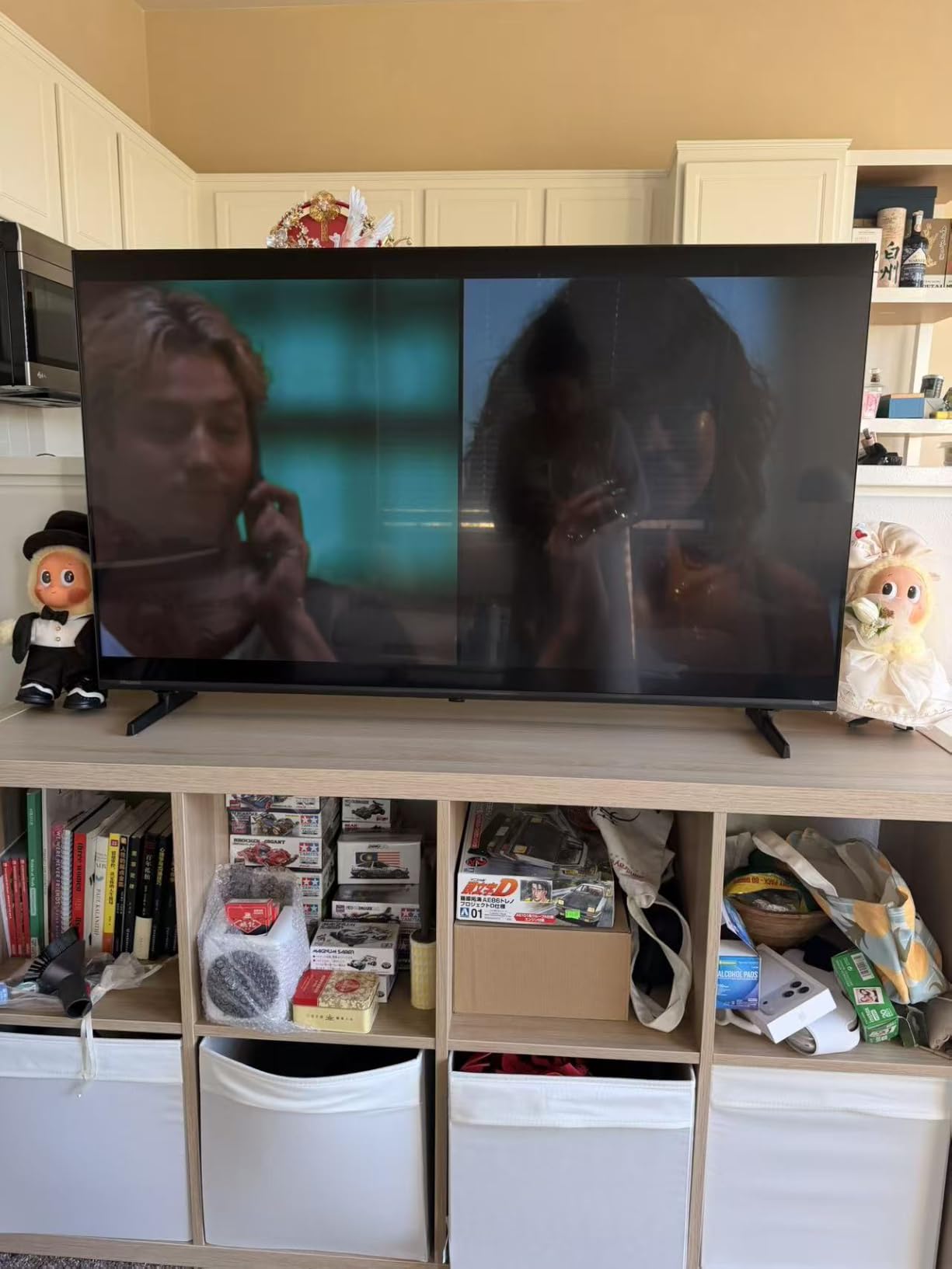
For gaming, a native 144Hz game mode with low latency is the headline. Combine it with a PC and the AI 4K upscaler, MEMC motion smoothing and the AI Sports Mode, and you have a display that handles both competitive shooters and Sunday football without a settings change.
Software is the part to watch. Fire OS here is described as simple and quick to set up, but a smaller number of owners report Wi-Fi dropouts and black screen reboots that need a factory reset. Check that against the stable Tizen experience on the Samsung sets before you commit.
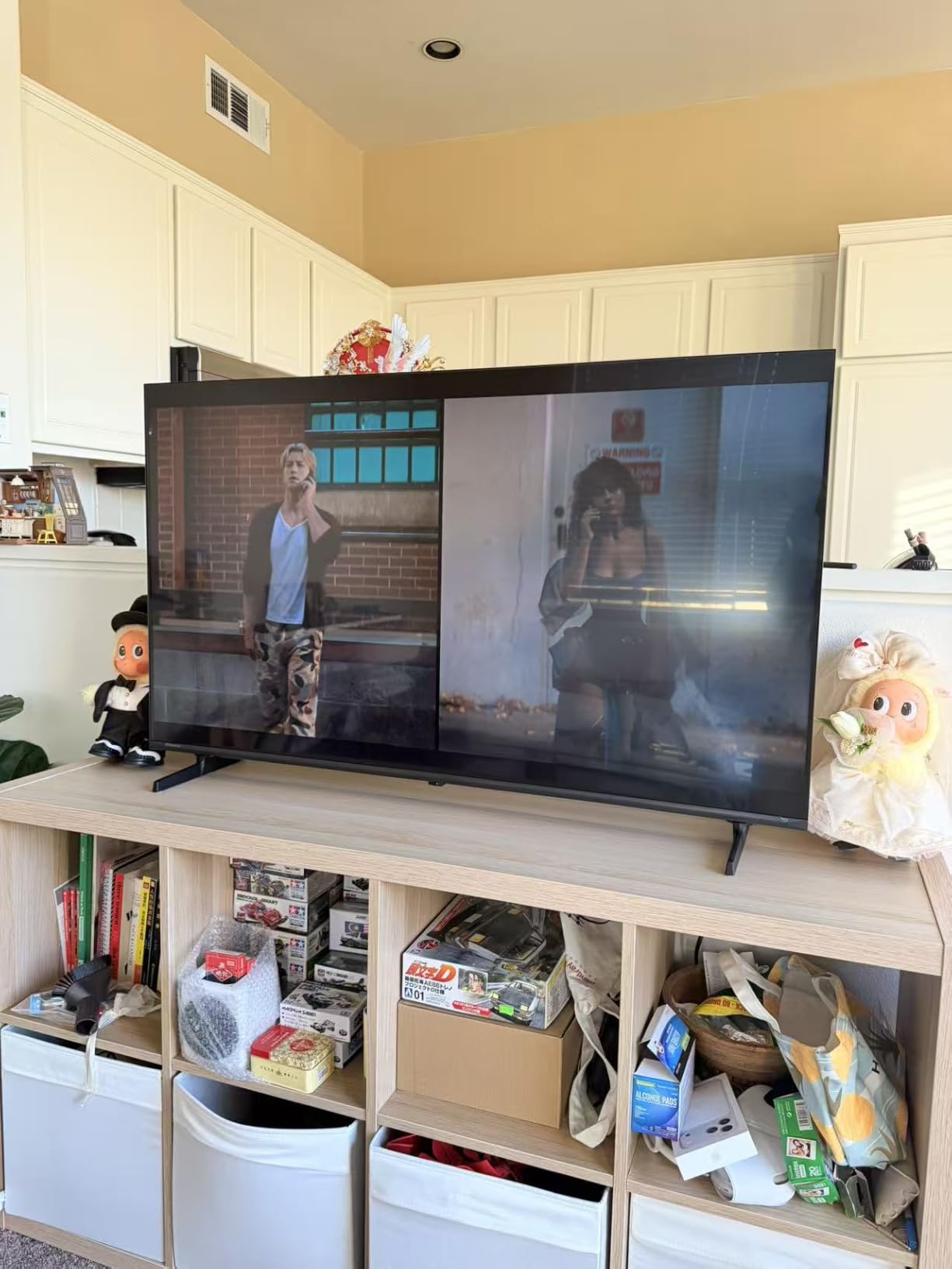
Against the Samsung 65 S90F, the Hisense gives you native 144Hz and full array dimming with Dolby Vision IQ at far less. Against the TCL 65 QM6K, it is brighter in daylight and has an AI upscaler, with less reliable software.
Two practical warnings: at 38.4 pounds it needs two people for setup, and no wall bracket is included, so buy the mount separately and check the VESA 400 x 300 pattern against your wall fixings.
How to Choose 65-Inch TVs During Prime Big Deal Days
Pick the panel technology before anything else
LED is a standard backlit LCD panel, which is fine for ordinary viewing and cheapest to buy. QLED adds a quantum dot layer for wider colour and more punch. Mini LED replaces a handful of backlights with thousands, which is what makes local dimming and high peak brightness possible. OLED uses self-lit pixels, so it produces true black and no backlight glow at all, at the highest cost of the four.
A 65-inch Mini LED such as the Hisense 65 E7 or the Samsung 65 M70H will look closer to OLED in a dark room than a 65-inch LED such as the Insignia 65 F50 ever will. That is the whole argument for spending more.
Refresh rate decides whether it is a TV or a gaming display
60Hz is the category norm and suits broadcast television and casual play. 120Hz is the point where consoles running at 120 frames per second can actually show you what they are sending. 144Hz adds headroom for PC gaming, where a capable monitor or display refreshes faster.
Three sets here run a native 144Hz panel: the TCL 65 QM6K, the TCL 65 T7 and the Hisense 65 E7. If you own a current generation console or a gaming PC and you notice frame rates, start your search with those three.
HDR formats and brightness predict how HDR actually looks
HDR is a format question before it is a picture quality question. If a set does not support Dolby Vision, it cannot take advantage of the dominant streaming HDR format, and games on current consoles lean on it heavily. HDR10+ is the more common open alternative.
Six sets here take Dolby Vision: the Insignia 65 QF, the TCL 65 QM6K, the TCL 65 T7, the Roku 65 Plus, the Hisense 65 E7 and the Samsung 65 S90F. The Samsung 65 U8000H and the Samsung 65 M70H list HDR10+ only, and the Insignia 65 F50 lists HDR10.
Smart platform is the part you touch every single day
Roku OS is the fastest and cleanest interface here, and owners name it as the deciding factor on the Roku 65 Select. Fire TV has the deepest content catalogue but owners report slow menus and locked picture settings on some models, which is the main complaint on the Insignia 65 QF.
Google TV is broad and responsive but heavy on promoted tiles. Tizen ships with a large library of free TV Plus channels, which is unusually generous, and its settings menus are cleaner than most competing platforms. If you already own a streaming stick, the built-in platform matters much less to the decision.
Why 65 inches works in almost any room
Sixty-five inches is the size that covers the most homes without a renovation. A comfortable viewing distance is roughly 8 to 11 feet for a 65-inch screen, which fits a normal living room sofa position, and it clears most standard TV stands, which the 56.9 inch panel width on ten of these sets confirms.
It also suits a bedroom or a second room better than a 75-inch, which can feel oppressive at closer range. A 75-inch is the step up worth making only when your sofa sits 12 feet back or more.
How to Shop 65-Inch TV Deals During the Sale
Check the model number before you look at anything else, because a listing title rarely tells you which generation you are buying. A 2025 model such as the Samsung 65 S90F is a different panel from a 2026 model at the same size, and the offer is usually the reason people look at an older set first. Look at the model code, the screen size variant, and what is in the box, since a bare panel and a full stand package are not the same purchase.
Look at who sells it too. A listing fulfilled by Amazon carries the same return handling as any other order, while a third-party seller adds a layer. Most offers on 65-inch sets need a Prime membership to show the lowest price, and a free trial counts, and prices can change across the event so the button is the only reliable reference. Unbox and test the panel the day it arrives, because damage in transit and early panel failure are the two complaints that show up most often in owner reviews, and the return window is what protects you.
- Decide LED, QLED, Mini LED or OLED first, then the size is already chosen.
- Check the native refresh rate, not the motion enhancement figure.
- Confirm the HDR formats, and Dolby Vision first if you stream films.
- Count HDMI ports and check for eARC if you plan a soundbar.
- Measure your stand against the 56.9 inch panel width and the weight.
- Confirm the model generation and the seller before you commit.
Frequently Asked Questions
When do Amazon Prime Big Deal Days 65-Inch TV deals happen?
Amazon Prime Big Deal Days runs October 6-7, 2026, with early offers appearing on the site before the window opens. Main event pricing lands across the two days, and prices typically return to normal afterwards. Because offer levels change through the event, check the listing button on each pick in this guide rather than relying on a number quoted elsewhere.
Do you need Prime to buy a 65-inch TV during Amazon Prime Big Deal Days?
Most 65-inch offers on this list need a Prime membership to show, and a free trial counts toward it. You can still buy without Prime, but you may see a different price on the same page. Set the membership up before the event window opens rather than during it, so the lower price is the one that appears when you click through.
What features should I compare when shopping for a 65-inch TV?
Panel type sets the picture ceiling, so compare LED, QLED, Mini LED and OLED first. Next check native refresh rate, where 60Hz suits everyday viewing and 120Hz or 144Hz suit consoles and PC gaming. Then confirm HDR format support, count HDMI ports and look for eARC, and finally read the smart platform reviews, since that is the part you use every day.
Is a 65-inch TV good for a bedroom or a smaller living room?
Yes, 65 inches is one of the safer sizes for a bedroom because it reads as generous without feeling oppressive. A comfortable viewing distance is roughly 8 to 11 feet, and the 56.9 inch width on most of these sets clears a standard TV stand. If your sofa sits closer than 6 feet, a smaller screen or a projector suits the room better.
Are Prime Big Deal Days TV offers usually available throughout the sale?
Most are, but not all. Some listings show their lowest price only after you add the item to the cart, and a few offers are tied to Prime members or to a specific seller. Availability also changes across the two days, with the strongest offers often appearing late in the window. Check each listing rather than assuming a single offer level applies all weekend.
What is the best 65-inch TV for gaming and movies?
For gaming, the TCL 65 QM6K pairs a native 144Hz panel with Mini LED local dimming and Motion Rate 480 processing, which is the strongest combination on this list. For movies in a dark room, the Samsung 65 S90F is the only OLED here and its self-lit pixels give true black. The Hisense 65 E7 is the middle option, offering 144Hz and Dolby Vision IQ with slightly less reliable software.
Final Verdict: Best Amazon Prime Big Deal Days 65-Inch TV Deals
Watch the Insignia 65 F50 if you want the safest, most proven 65-inch on the market, and pick the Roku 65 Select if you would rather have a quantum dot panel and the cleanest interface in the roundup.
For money spent on picture rather than on a brand name, the TCL 65 QM6K is the one to sit with: Mini LED dimming, a native 144Hz panel, Dolby Vision and a built-in subwoofer. The Hisense 65 E7 is the brighter, more capable daytime and gaming option, and the TCL 65 T7 is the same 144Hz idea with better colour and adjustable feet.
The Roku 65 Plus is the one to buy if you refuse to add a soundbar, and the Samsung 65 S90F is the only pick here worth a dark room. The Samsung 65 M70H and the Samsung 65 U8000H cover football and free channels respectively, and the Insignia 65 QF is the budget route into Dolby Vision.
All ten are 65 inches, so the only thing left is the room and the console. Compare the current offer on the listing you like and buy from there.