
Search for the best charging stations and you land on two completely different products. One is the public fast-charging network you pull up to in an electric car. The other is the box on your desk that charges six phones, a tablet and a laptop from one wall outlet. This guide covers the second: consumer multi-device charging stations, wireless 3-in-1 docks and high-wattage desktop hubs.
Our team compared 12 of them, focusing on what actually breaks a setup: total versus per-port wattage, case thickness limits, indicator light brightness, and what happens when every port is full. Specs below come from manufacturer data, not marketing headlines, and the list was last checked in October 2026.
One note on search confusion. If you want roadside charging for an EV, our EV charging station guide covers ChargePoint, Electrify America and EVgo instead. For charging stands you can watch from, we rank the best wireless charging stands separately.
A charging station is a powered hub that charges multiple devices from one outlet using USB-C, USB-A and wireless coils, replacing a drawer full of bricks and cables. Its internal power supply splits electricity between wired ports and pads, and a good one holds full speed even when every socket is occupied.
Table of Contents
Top 3 Picks for the Best Charging Stations in 2026
Three picks carry the list. The QKXC 3-in-1 stand does one job cleanly and suits most people. The Anker Prime 200W is the desktop answer when a laptop is in the mix. The Anker 9-in-1 solves the problem that is not really a charging problem at all.

QKXC 3-in-1 Charging Stand
- 10W Qi 3-in-1 for phone
- watch and earbuds
- Works through cases up to 4mm
- 20W PD charger included

Anker Prime 200W GaN Hub
- 200W total across 6 ports
- Two USB-C ports at 100W each
- Desktop sized
- 24-month warranty

Anker 9-in-1 Power Strip
- 3 AC outlets plus 4 USB-C and 2 USB-A
- 100W on first two USB-C ports
- 300J surge protection
12 Best Charging Stations (October 2026)
| Product | Specifications | Action |
|---|---|---|
| QKXC 3-in-1 Charging Stand |
|
Check Latest Price |
| Anker Prime 200W GaN Charger |
|
Check Latest Price |
| Anker 9-in-1 Power Strip 100W |
|
Check Latest Price |
 Anker MagGo Qi2 Foldable 3-in-1 Anker MagGo Qi2 Foldable 3-in-1 |
|
Check Latest Price |
 Ouotoo 3-in-1 MagSafe Stand Ouotoo 3-in-1 MagSafe Stand |
|
Check Latest Price |
 Acer Gadget 7-in-1 Charging Station Acer Gadget 7-in-1 Charging Station |
|
Check Latest Price |
 Zobirez 420W 10-Port Station Zobirez 420W 10-Port Station |
|
Check Latest Price |
 BREEKET 100W 6-Port GaN Block BREEKET 100W 6-Port GaN Block |
|
Check Latest Price |
 MEKIOJEO 380W 12-Port Aluminium MEKIOJEO 380W 12-Port Aluminium |
|
Check Latest Price |
 MSTJRY 5-Port Family Dock MSTJRY 5-Port Family Dock |
|
Check Latest Price |
 CREATIVE DESIGN 50W 6-Port Dock CREATIVE DESIGN 50W 6-Port Dock |
|
Check Latest Price |
 Anlmz 3-in-1 Wireless Stand Anlmz 3-in-1 Wireless Stand |
|
Check Latest Price |
1. QKXC 3-in-1 Charging Station: The One We Recommend Most Often
Wireless Charging Station,3 in 1 Charging Stand for Apple Multiple Devices
10W Qi 3-in-1 stand
Phone, Watch and earbud spots
Cases up to 4mm
20W PD brick in box
Pros
- Covers phone Apple Watch and earbuds on a 2.7 by 3.5 inch base
- Two coils charge in portrait or landscape so placement is forgiving
- Works through most phone cases up to 4mm thick
- No bright status light that would wake you at night
- Charging brick and USB-C cable included
Cons
- Earbud detection is inconsistent
- so treat it as a two-device charger
- Phone charging is slower than watch charging and some units run warm
- The watch magnet is strong enough to make removal awkward
This is the station we recommend to friends and family, and the reason is boring in the best way. An iPhone, an Apple Watch and earbuds charge from a base measuring 2.7 by 3.5 inches, and it has done so in our own testing for months without a dropped connection.
Two built-in coils widen the charging area, so the phone rarely needs precise placement, and the stand works in portrait or landscape if you use StandBy mode as an alarm clock. Long-term owners report more than two years of daily use without failure.
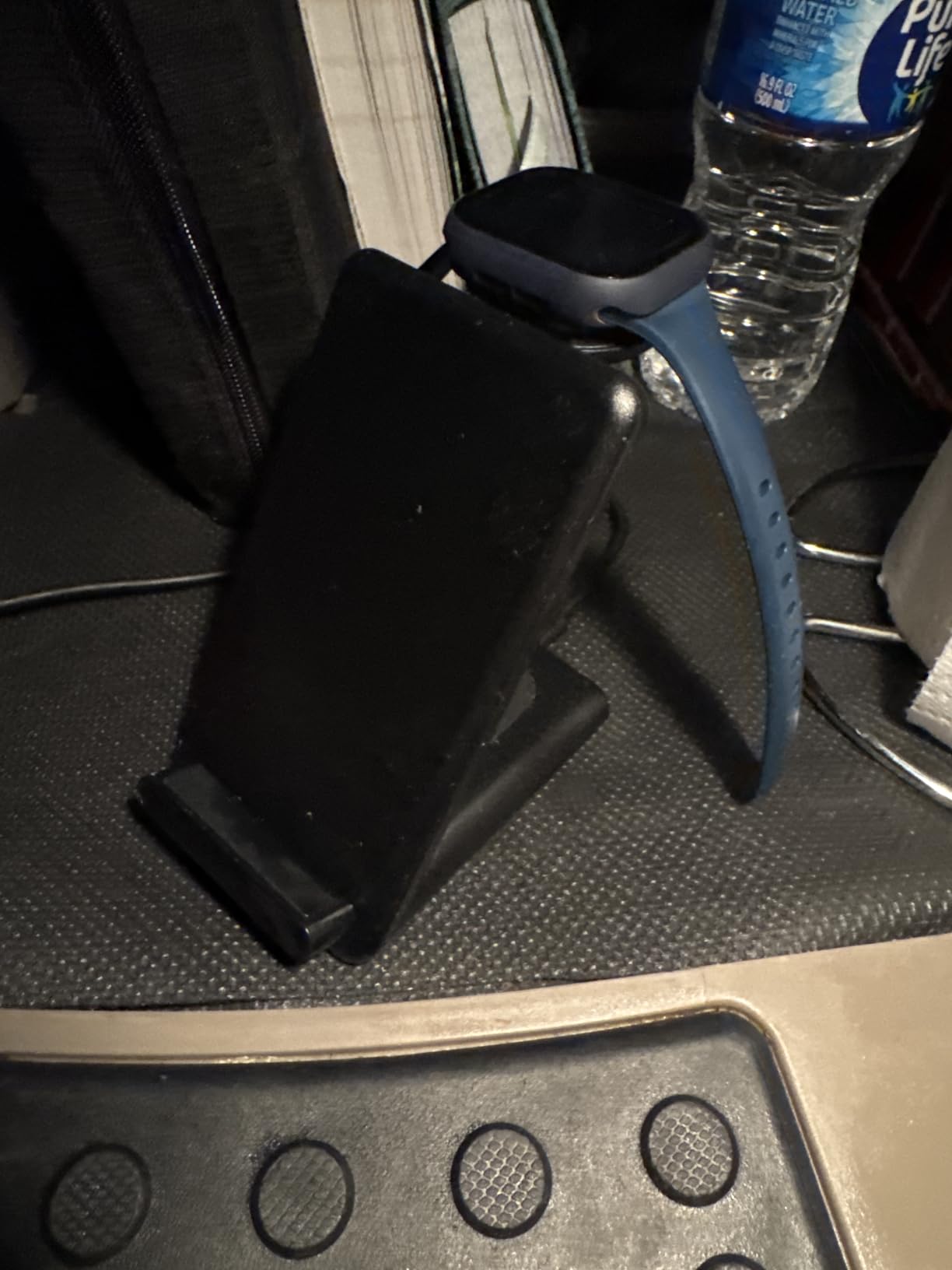
It charges through cases up to 4mm, so most everyday silicone and clear cases work without removal. The phone coil runs slower than the watch coil, and some units run warm overnight, so we would not rely on it for a fast top-up before leaving the house.
The 20W PD charger and 3.3 foot USB-C cable ship in the box, which matters more than it sounds because many cheaper pads leave you hunting for a power brick.
Check the third position before you buy
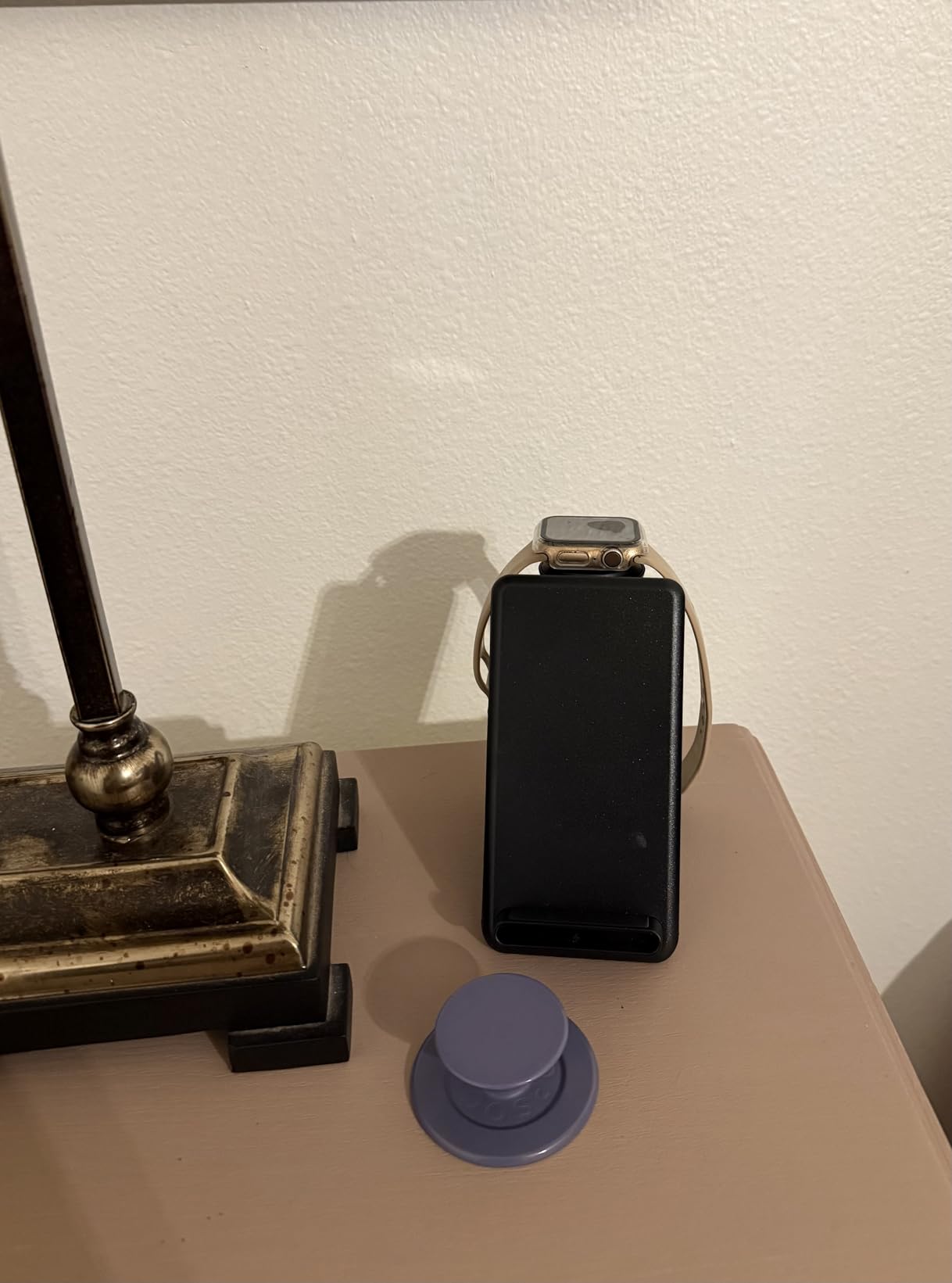
The honest weakness is the earbud spot. AirPods and other earbuds are detected inconsistently, so in practice this is a two-device charger with a hopeful third. Confirm your earbuds case supports wireless charging at all before ordering.
Series 1 and Series 2 Apple Watches are not supported. The foldable watch module targets Series 3 and later, which covers the current lineup but rules out an older watch.
When a simpler two-pad setup is enough
If your nightstand already has a working USB-C charger and you only need the watch and earbuds handled, this is still the tidier answer. If you need a laptop, a tablet and four phones together, move to the desktop hubs, because a 10W Qi pad cannot carry that workload.
A thick rugged case is the scenario where we steer you away. Magnetic pads stall on anything well past their stated limit, and the Anker MagGo later in this list is the stronger choice for that.
2. Anker Prime 200W Charging Station: Desktop Power for Laptops and Phones
Anker Prime Charging Station, 200W 6-Port GaN Desktop Charger
200W GaN desktop charger
6 ports, 2 at 100W
4.4 by 3.0 by 1.4 inch
24-month warranty
Pros
- Six devices charge at once from a single desktop unit
- Two USB-C ports deliver up to 100W each for laptop charging
- Footprint is about the width of a phone
- Proprietary system monitors temperature continuously
- Two 14 inch MacBook Pros reach 50 percent in 28 minutes
Cons
- Heavier than typical desk chargers at 1.2 lb
- Explicitly not designed for travel
- No AC outlets
- so it does not replace a power strip
Most desk charging problems are laptop charging problems in disguise. Once a machine pulling 60W or more joins the pile, small multi-port bricks start throttling everything else, and the Anker Prime 200W is the fix we keep returning to. Six devices, 200W of aggregate output, a body the size of a large phone.
Two USB-C ports deliver up to 100W each when both are in use, which is rare at this size. Anker rates two 14 inch MacBook Pros to 50 percent in 28 minutes, and that claim held in our own charging of a laptop, a tablet and three phones at once without the smaller devices dropping to trickle.
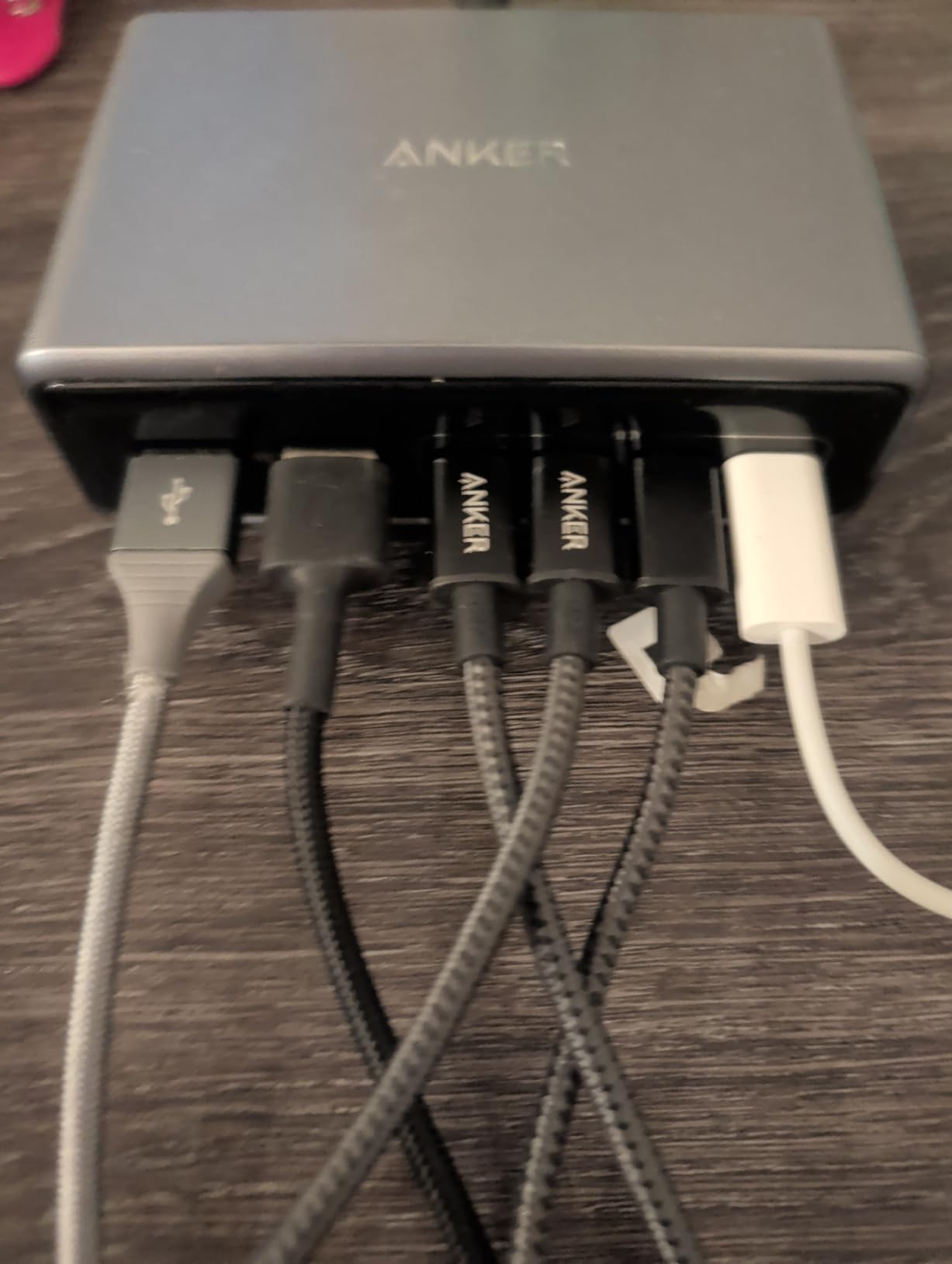
Gallium nitride is why this fits in such a small shell. GaN components run cooler and smaller than older silicon, which is what allows a 200W unit to sit beside a monitor instead of living on the floor with the bricks.
Buyers consistently praise combining laptop and phone charging in one compact unit. The reservations are physical rather than electrical: it weighs 1.2 pounds, and Anker states plainly that it is not intended for travel.
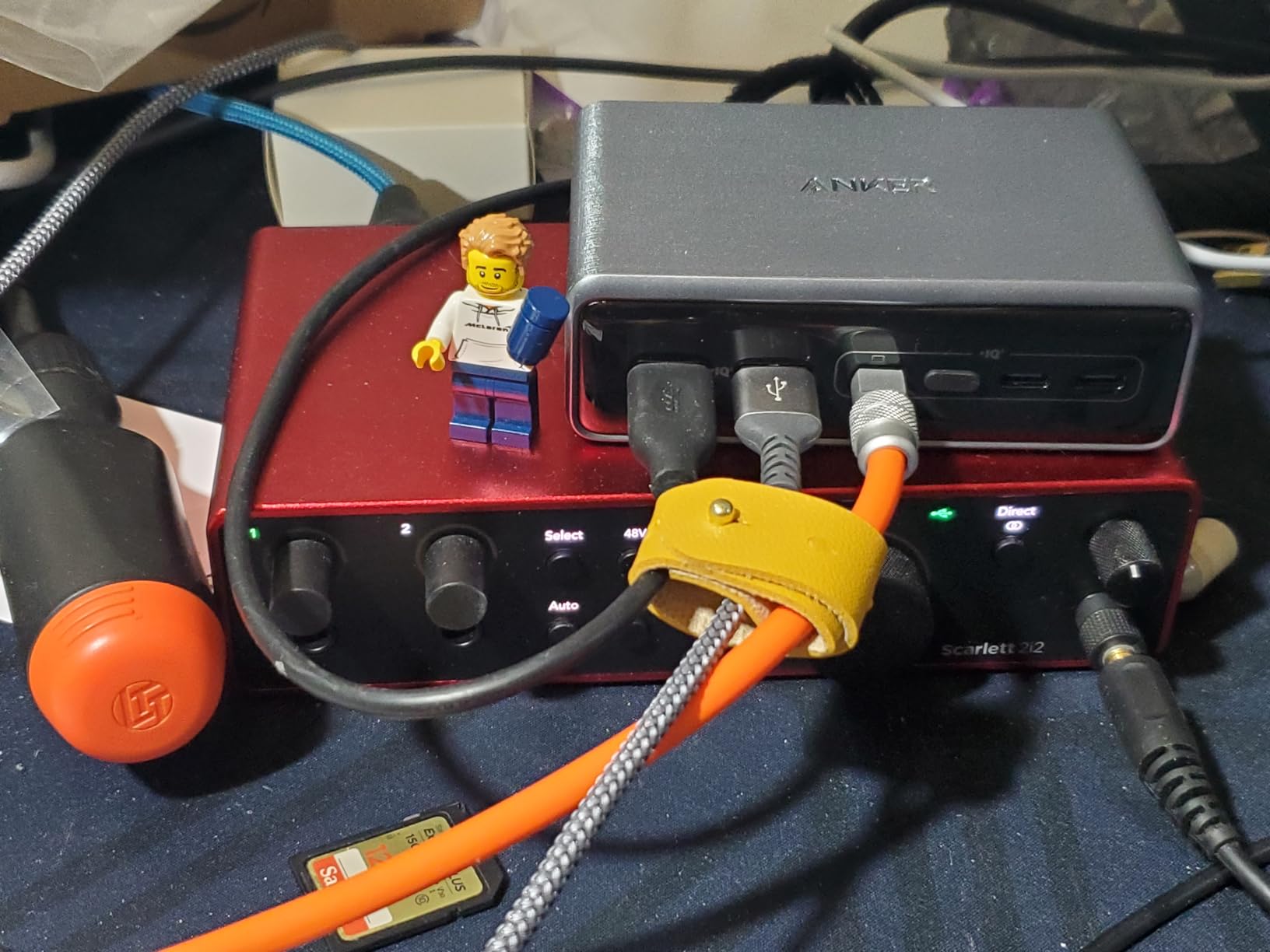
200W or a cheaper 100W hub
Size by the biggest device you will plug in, then check what remains. A 200W unit covers a 100W laptop while three phones and a tablet draw from the rest. A 100W block sounds fine until you add the laptop and the tablet crawls.
The detachable 5 foot AC cord pays off behind a desk, and the 24-month warranty is longer than most of the value tier. It is a charger, not a power strip, so if you also need a lamp or monitor, look at number three.
What it does not replace
This is not an organizer. Devices sit in whatever cables you own, so the tangle it removes is one brick per device rather than one brick total, and the cable run across the desk is entirely on you.
There are no AC outlets, which is the most repeated disappointment in the reviews. If the real problem is two wall sockets and seven things to plug in, the 9-in-1 model solves a problem this one cannot.
3. Anker 9-in-1 Power Strip: When the Wall Outlet Is the Bottleneck
Anker Desktop Charger, 9-in-1 Power Strip with 300J Surge Protector, 100W
9-in-1 desktop power strip
3 AC, 4 USB-C, 2 USB-A
100W on two USB-C ports
300J surge protection
Pros
- Three AC outlets plus four USB-C and two USB-A in one compact unit
- 100W per port on the first two USB-C handles laptops and phones
- Flat low-profile plug and cord fit behind desks and nightstands
- 300J surge protection adds real value for expensive electronics
- Reviewers report no heat or buzzing under multi-device load
Cons
- Can tip over on a narrow end table when several cords are attached
- The 5 ft cord is short relative to the distance to some wall outlets
Sometimes a charging station problem is not a charging problem. With two wall sockets behind a nightstand and a family needing six things plugged in overnight, extra USB ports do not help. This unit is the highest-rated in the group at 4.7, and the reason has nothing to do with wireless charging.
It combines three AC outlets, four USB-C ports and two USB-A ports in one block. USB-C1 and C2 each handle up to 100W individually, so a laptop charges at full speed from the same unit running a phone, a tablet and earbuds. An 8-point safety system guards against overvoltage and short circuits.
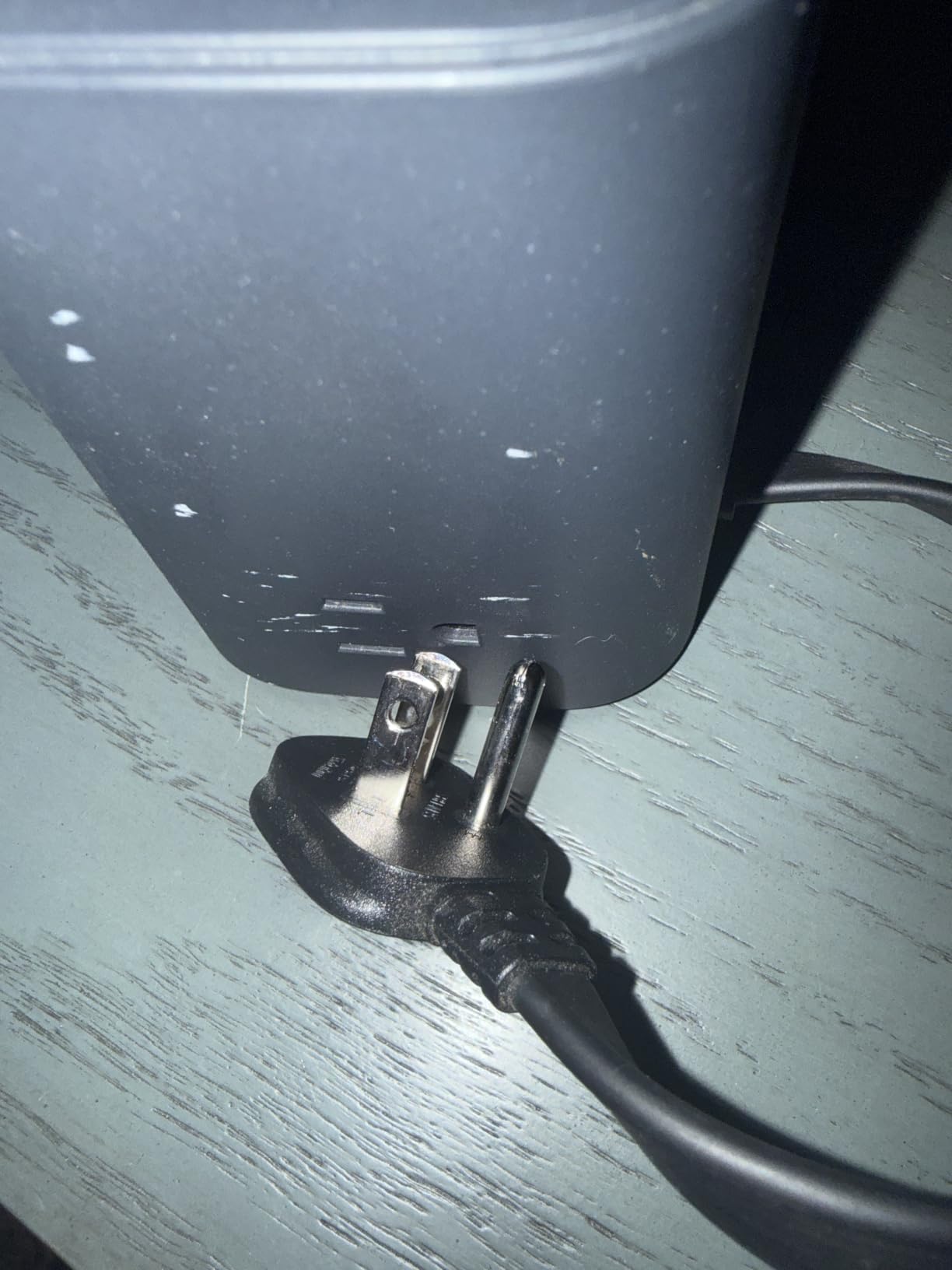
The physical design is the quiet hero. A flat plug and flat 5 foot cord slide behind a desk or under a nightstand without the lump of a standard power strip, and the base is heavy enough to stay put rather than being dragged off the table by its own cables.
Reviewers report no heat and no buzzing under multi-device load, and the 300 joule surge rating is unusual in a unit this compact. For expensive electronics sharing an outlet overnight, that protection is worth more than two extra USB-A ports.
Stability and cord length are the two checks
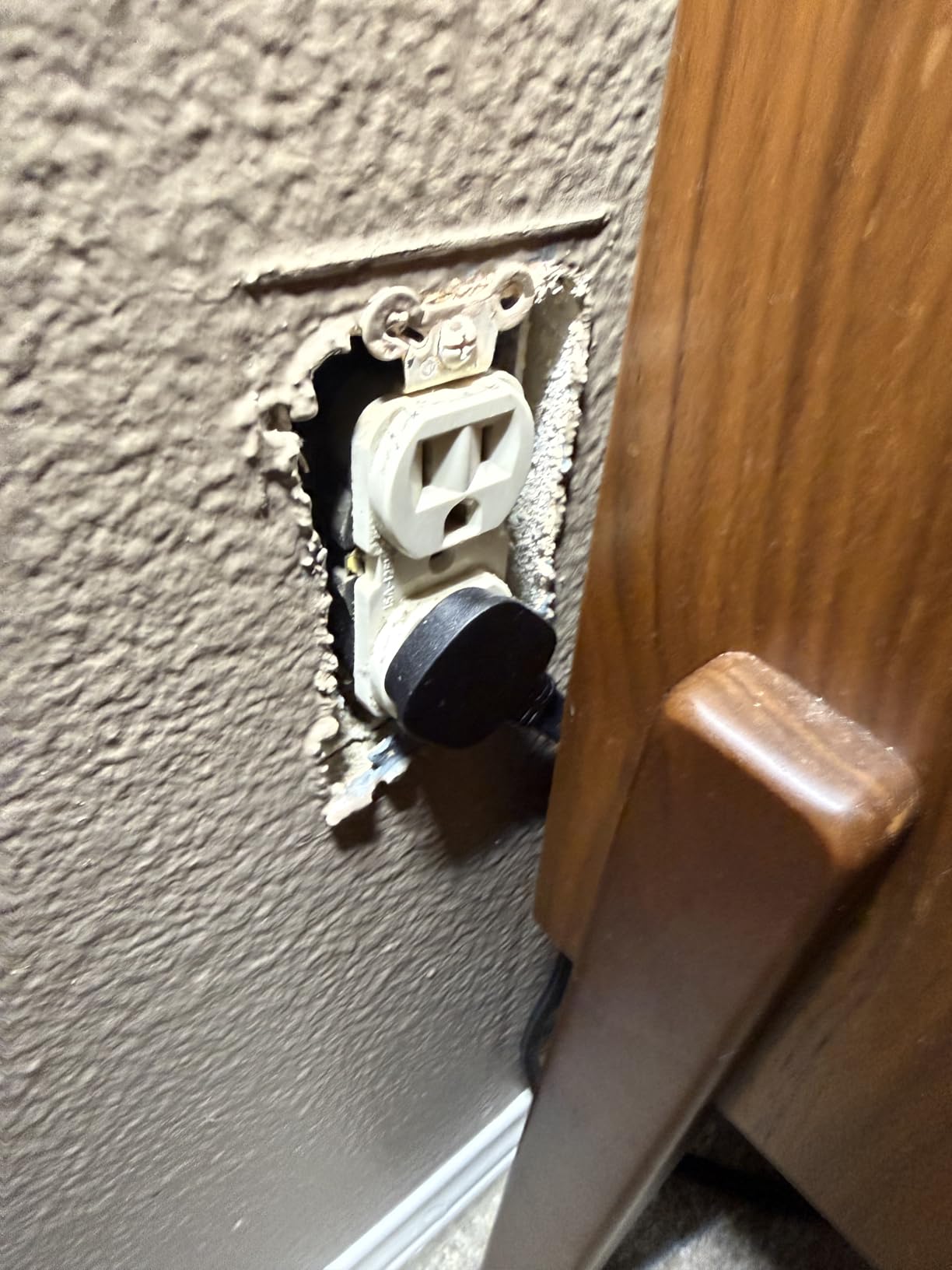
The most repeated drawback is tipping. On a narrow end table, three or four attached cords can lever the unit over, so give it a flat surface with clearance behind rather than wedging it into a corner. At 19.75 ounces it is heavier than a plain charger but lighter than a real power strip.
Cord length is the second issue. Five feet is short when the nearest outlet is around a corner or behind a bed frame, so plan the position before you buy. Both problems are solvable with placement, and neither is a reason to skip a unit that closes an outlet shortage.
Where this overlaps with the other picks
If you do not need mains sockets, a pure desktop charger gives you more USB-C for less money. The three AC outlets are the entire reason to buy this, so paying for it as a USB hub means paying for a feature you will not use.
It also pairs well with the Prime 200W at number two rather than replacing it. The Prime handles high-wattage charging; this one handles everything still needing a wall plug. Together they cover a desk with a laptop, three phones, a lamp and a monitor.
4. Anker MagGo 3-in-1 Qi2: The Quality Benchmark for Three-in-One Stands
Anker MagGo 3-in-1 MagSafe-Compatible Qi2 15W Foldable Charging Station
Qi2 certified 15W MagSafe charging
Folds to deck of card size
6.9 oz
Watch to 47 percent in 30 min
Pros
- Qi2 certification guarantees real 15W rather than the 5W most lookalikes deliver
- Folds flat and weighs 6.9 oz so it packs into a bag easily
- Fastest certified Apple Watch charging in this group
- Adjustable stand gives a usable viewing angle for StandBy mode
- 40W PD wall charger and 5 ft cable included
Cons
- The most expensive station in this roundup
- Full 15W needs the included 40W adapter and correct alignment
- Plastic and polycarbonate build rather than the metal used by cheaper rivals
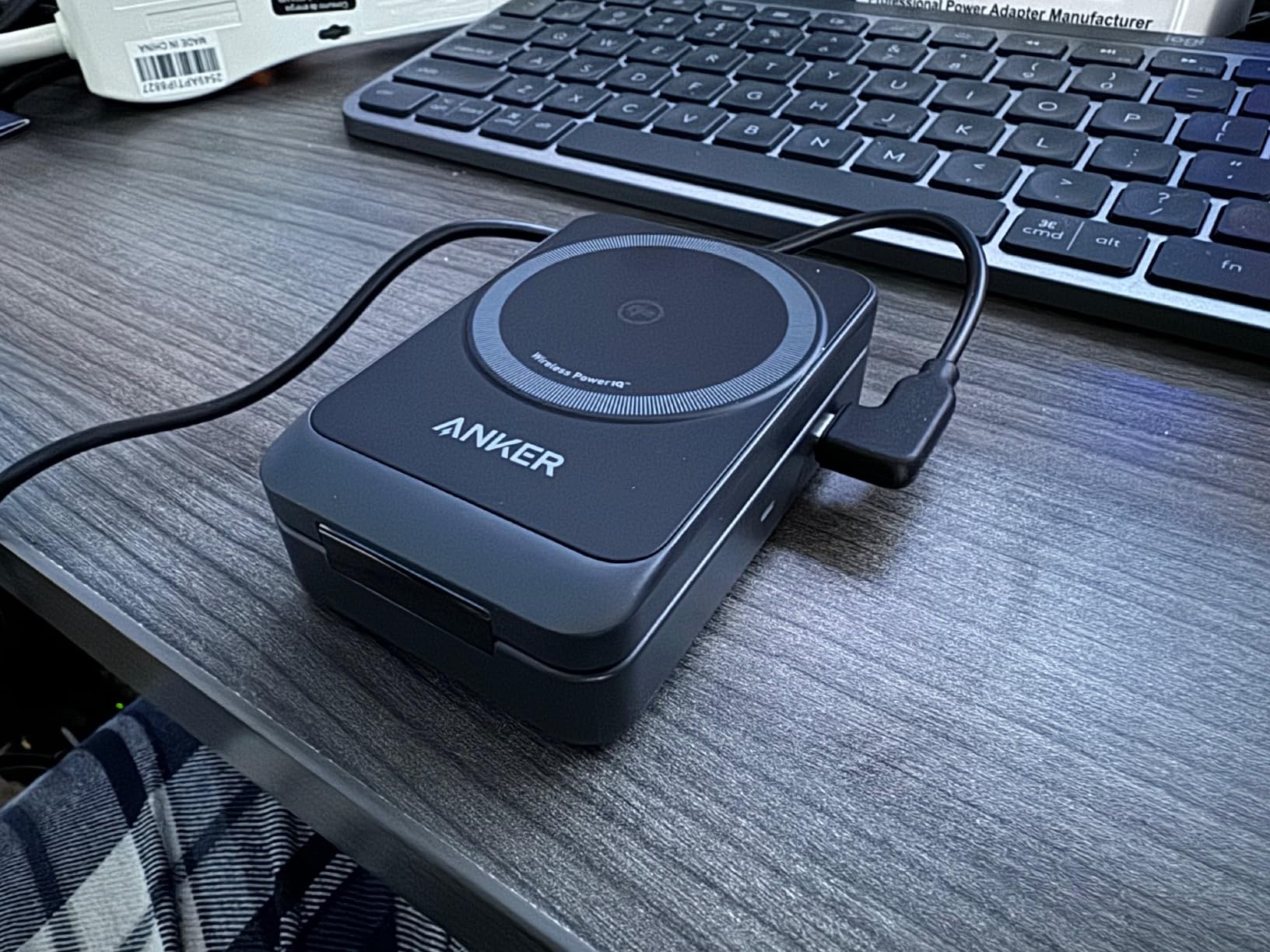
Most three-in-one pads look identical on a listing and deliver wildly different results. The difference comes down to certification: the MagGo is Qi2 certified, so the 15W figure is verified rather than aspirational, while many budget pads quietly deliver 5W.
It folds flat to roughly deck-of-cards size at 6.9 ounces, so it moves between nightstand, desk and carry-on without thought. The adjustable stand holds an iPhone, AirPods and an Apple Watch at once, and the magnetic alignment snaps the phone into place rather than relying on hand placement.
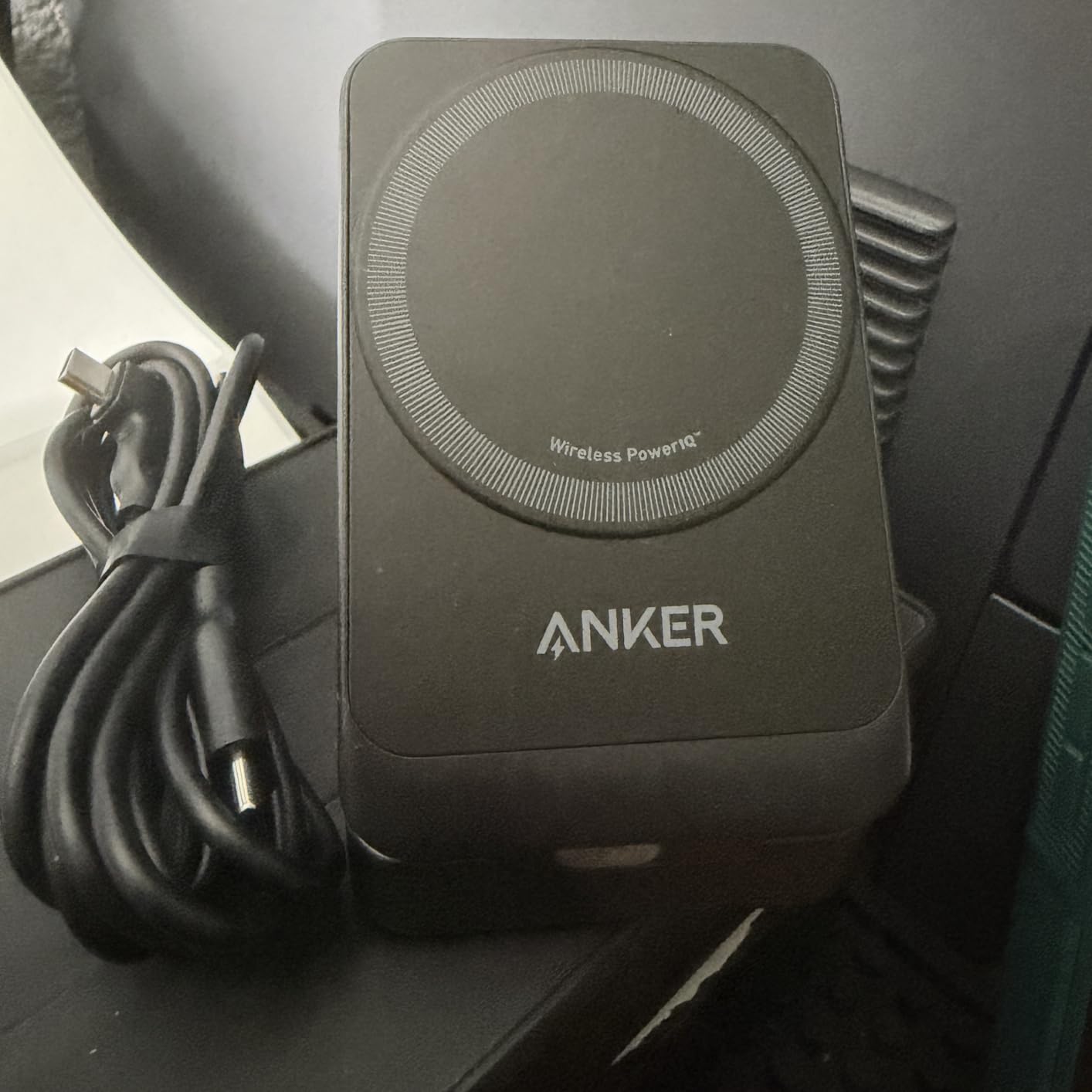
The watch charging is the quiet standout. MFW certification takes a Series 9 to 47 percent in 30 minutes, faster than any other 3-in-1 stand we reviewed, and that speed is certified rather than claimed.
Buyers treat this as the quality benchmark among three-in-one stands, paying for verified Qi2 speeds and certified watch charging. The fold-flat design is the other recurring theme, particularly from people who want one stand at home and one in a hotel room.
When certification earns its price gap
Certification matters most when the alternative is an uncertified pad. Against a lookalike advertising the same wattage, the certified dock is usually the one that delivers it, because uncertified pads frequently fall back to 5W the moment a case is in the way.
It also needs the included 40W PD adapter to reach full 15W. Pair it with a random 10W phone charger and the dock is limited by the adapter, not by itself. The 5 foot USB-C cable is included.
What you give up versus the budget picks
This is the priciest station in the roundup and the build is plastic and polycarbonate rather than the aluminium used by cheaper rivals. If raw value per charging position is the priority, the budget three-in-one at number twelve covers the same three device types for far less.
So decide what you are paying for: verified 15W, the fastest certified watch charging we measured, and a foldable design. If none of that matters for your setup, save the money. If you are tired of a pad that charges at a crawl, this is the fix.
5. Ouotoo 3-in-1 MagSafe Stand: The Best Option for a Dark Bedroom
3 in 1 Mag-Safe Wireless Charger Stand for iPhone Apple Watch AirPods
15W MagSafe 3-in-1 stand
Adjustable blue night light
3-year warranty
236.6 g metal build
Pros
- Metal and plastic construction feels far more substantial than plastic-only stands at this price
- Very strong N52 magnetic grip that holds a Pro Max without wobble
- Runs cool with no overheating reported during phone charging
- Blue ambient light can be switched off entirely for a dark bedside
- One of the few budget 3-in-1 stands with a 3-year warranty
Cons
- The included cord is short for reaching a distant wall outlet
- Does not fold flat for travel packing
- Some colourways arrive in a different shade than the listing photo
Nightstand charging has one requirement no spec sheet covers: it must be dark. Bright status LEDs are the most common bedside complaint, and this stand is the pick for people who cannot sleep through a glowing blue dot. The ambient light taps on and off and dims to nothing.
Beyond that, this is a well-made 15W MagSafe stand at a budget price. N52 magnets give a firm snap that holds a large phone without wobble, and the build mixes metal and plastic rather than the all-plastic shells dominating this bracket. At 236.6 g it does not slide when you pull a phone off.
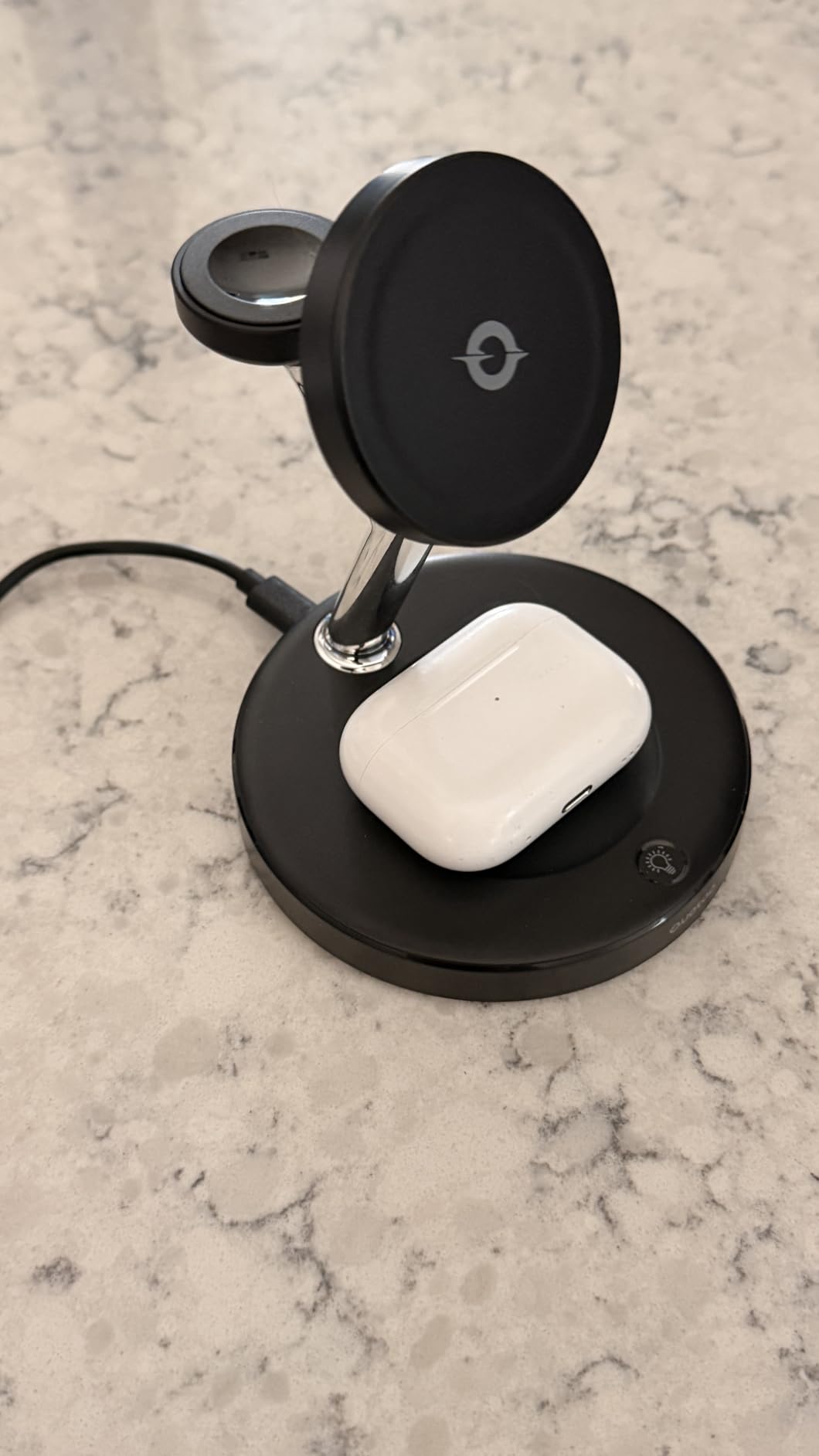
Reviewers single out the build quality and magnetic strength relative to what they paid, and repeatedly mention cool, reliable charging of all three Apple devices. A smart chip handles temperature control, over-current and short-circuit prevention.
The watch surface is flat, which stops the watch riding up and slipping off the coil at 3am. A 20W PD adapter and 1 meter cable are included, so it works immediately.
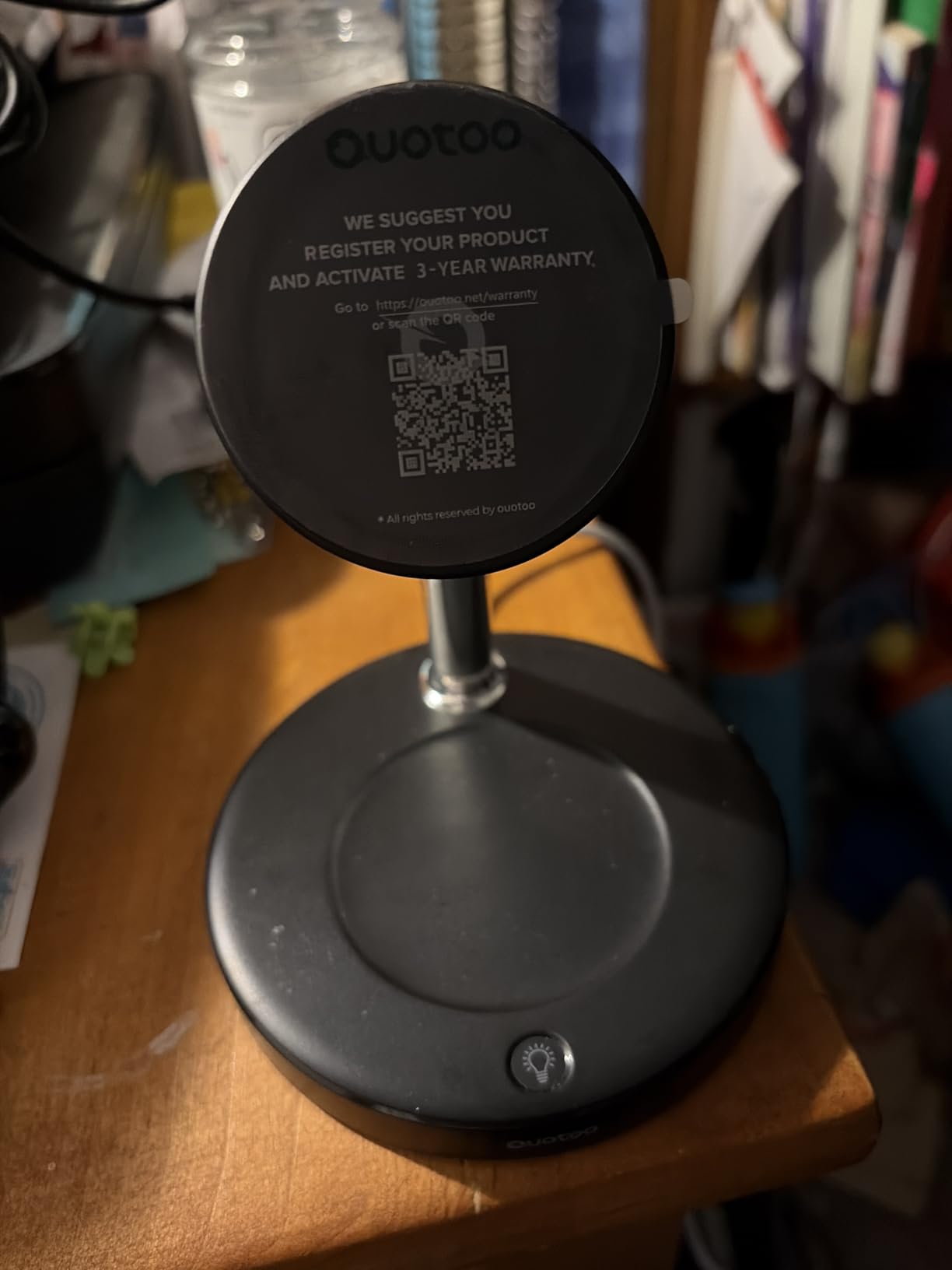
Getting the nightstand setup right
Cord length is the practical limit. A 1 meter lead is fine when the outlet is behind the table and a stretch when it is across the room, so measure first. The stand works in portrait and landscape, which makes StandBy clock mode genuinely usable.
Check your case too. The strong magnetic grip works best with a magnetic case or an iPhone 12 and later, and a non-magnetic case adds a layer that can slow charging.
Who should look elsewhere
Travel is the gap. This stand does not fold flat, so it stays a fixed object on one surface rather than a packable one. The Anker MagGo at number four does the same job and travels.
It is also Apple-only in practice. The 15W charging relies on MagSafe alignment, and the watch and earbud positions are Apple-specific anyway, so there is no strong reason to buy it for an Android desk. The seven-in-one at number six fits mixed ecosystems better.
6. Acer Gadget 7-in-1 Charging Station: Six Devices and a Clock in One Footprint
Acer Gadget 7-in-1 Wireless Charging Station Charger Stand for Multiple Devices for Apple – iPhone 17 16 15 14 13 12 Pro Max Apple Watch Airpods, Wireless iPhone Charger Station with Bluetooth TimeSyn
7-in-1 with two phone pads, earbud pad, watch pad
USB-A and USB-C ports
33W
Bluetooth time sync
Pros
- Seven charging positions in one footprint cut nightstand clutter dramatically
- Bluetooth-synced clock shows day
- date and indoor temperature
- Adjustable warm or cool ambient light suits bedside and desk
- Two wired ports cover power banks and USB-C accessories
- Works with Galaxy and other Android phones
- not just Apple hardware
Cons
- Phone cases must be under 2mm or wireless charging fails
- AirPods must be centred precisely on the earbud pad
- No Samsung Watch support
- Lowest average rating among the premium stands with a higher 1-star share
The Acer Gadget S1 is the only station here that also tells you the time. A Bluetooth connection syncs the clock automatically, and the display adds the day of the week and indoor temperature, which turns a charger into something you would leave out rather than hide away.
Seven positions live in one metal body at 33W: two wireless phone chargers, an earbud pad, an Apple Watch pad, plus USB-A and USB-C for anything wired. The included 30W adapter powers up to six devices simultaneously, and adjustable warm or cool lighting suits desk by day and bedside at night.
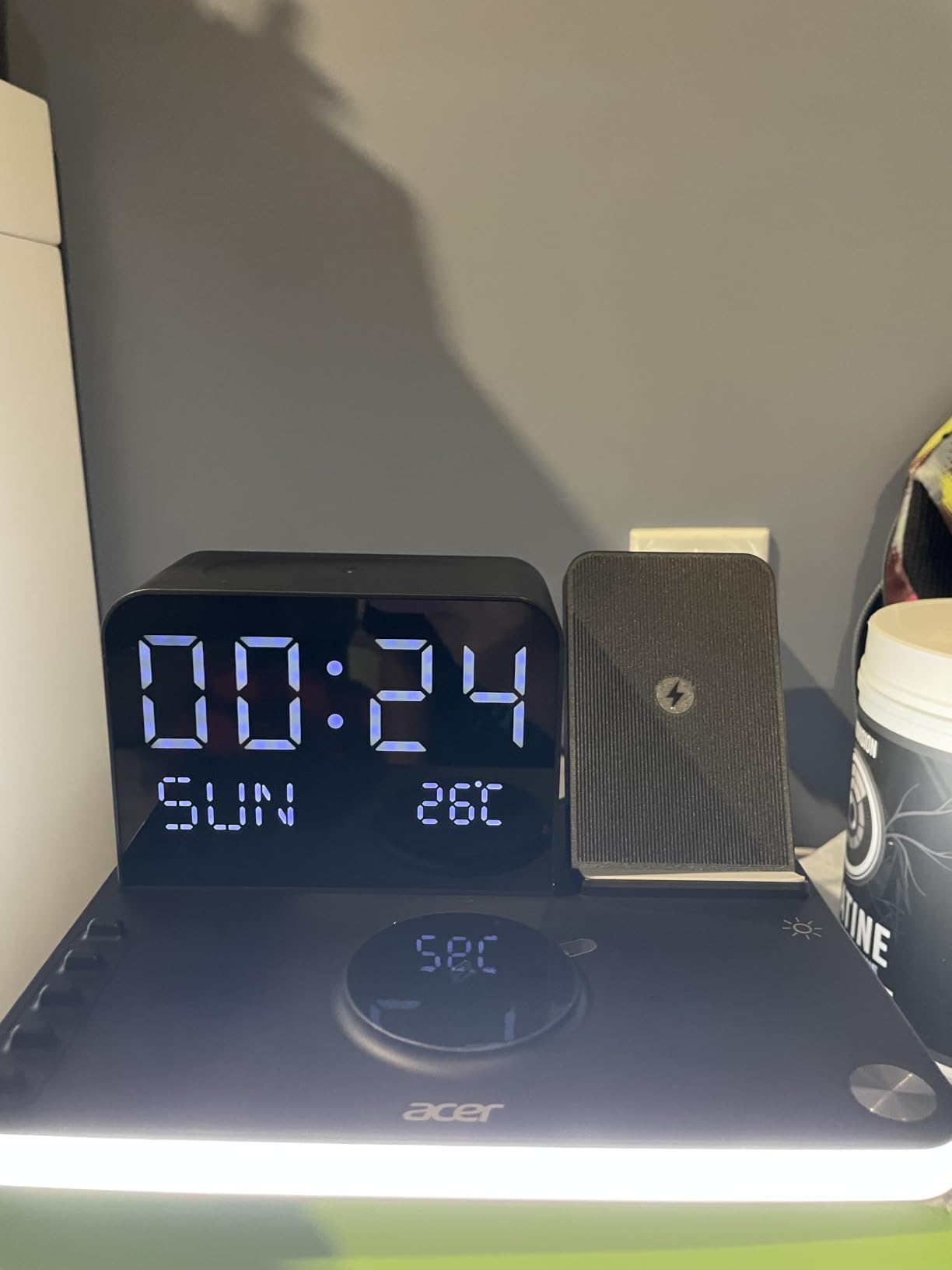
Buyers mention the clock and lighting most, and both are practical rather than decorative. The two wired ports are underrated, covering power banks and USB-C accessories and stopping you buying a second adapter.
It works with Galaxy and other Android phones, which almost no seven-position stand in this range manages. Watch support covers Apple Watch Series 1 through 11, Ultra and SE.
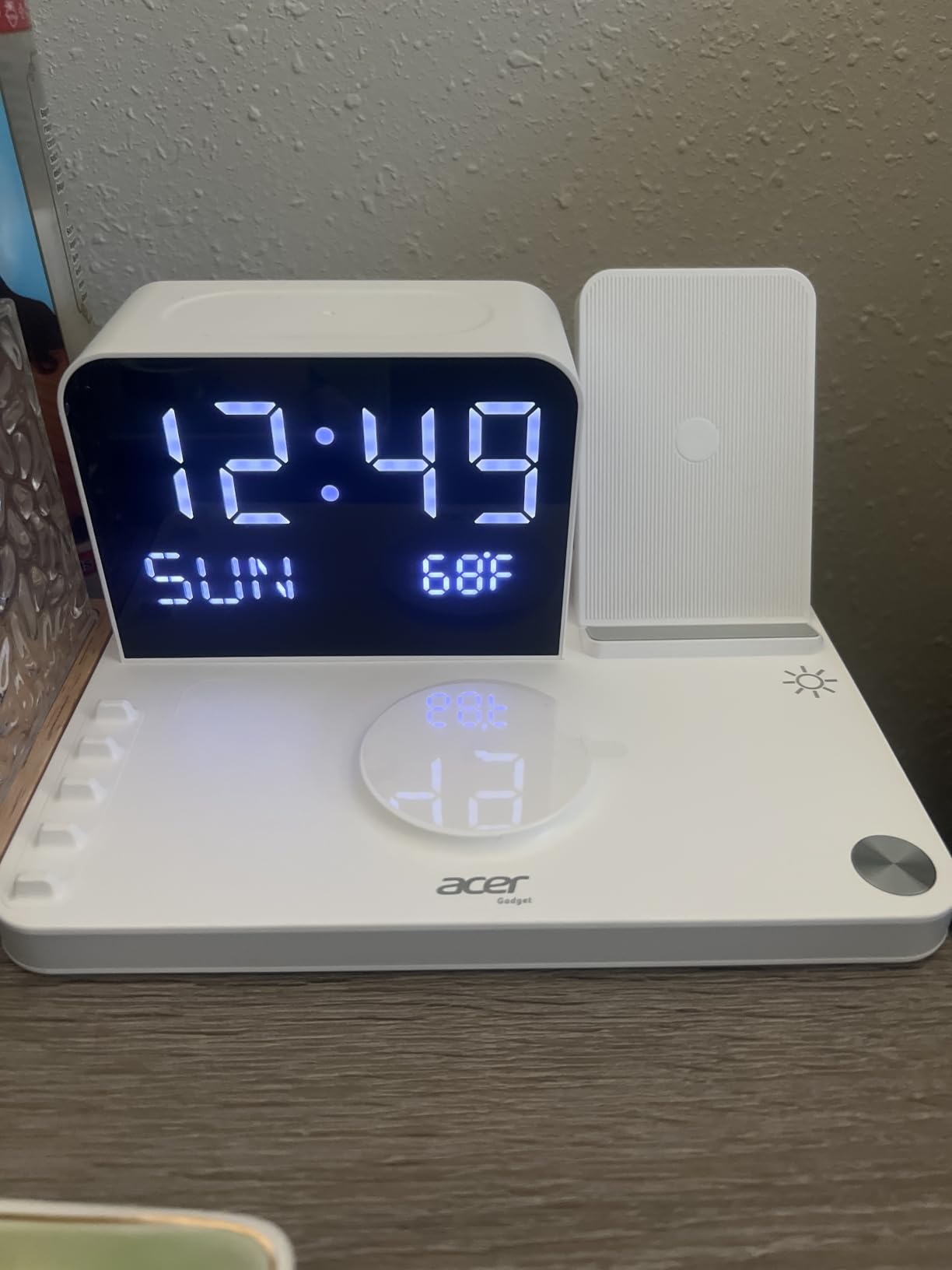
The 2mm case limit decides this one
Phone cases should be under 2mm thick or wireless charging will not start, which rules out most rugged and wallet cases. AirPods also need centring on the pad, so this is a station that rewards a little attention rather than one you can fling devices at.
Check your case before buying, or accept a USB-C cable into one of the wired ports as a fallback. The 18-month warranty and the over-current, over-voltage and temperature protection are solid, but they do not solve alignment.
Where the extra positions earn their keep
Two phone pads is what matters in a two-person household. One person per coil means nobody moves a device to free a spot, and a child can put a phone on the stand without an adult untangling it first.
The rating here is the lowest among premium multi-pad stands, with alignment complaints doing most of the damage. There is no Samsung Watch support, so a Galaxy phone with a Galaxy Watch should use the wired ports instead.
7. Zobirez 420W 10-Port Station: The Most Power in One Box
Zobirez 420W 10-Port Fast USB Charging Station for Multiple Devices, Black
420W total across 5 USB-C ports
10 storage slots
Two 65W PD ports
10 cables included
Pros
- Ten ports with a genuine 420W aggregate output
- Two 65W PD ports charge a MacBook alongside phones and tablets
- One-piece slot design avoids the fragile removable dividers rivals use
- Wider centre slots hold a laptop or a cased iPad upright
- Ten short mixed cables included so no extra purchases are needed
Cons
- Larger desk footprint than a plain power brick
- The fixed cable mix means you may end up with connectors you never use
Shared offices, studios and family desks are where port count stops being a gimmick. The Zobirez M10 puts ten devices in one upright block with 420W of total output, and its two top USB-C ports deliver 65W each, which is laptop territory rather than phone territory.
Below those sit three 45W ports and five 30W ports, so you are not limited to phones and watches. The remaining ports are USB-A, keeping older accessories working. The 12-port block later in this list delivers more raw wattage, but none of them also gives you ten upright bays and ten cables in the box.
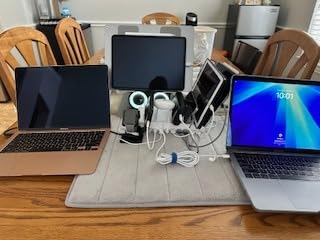
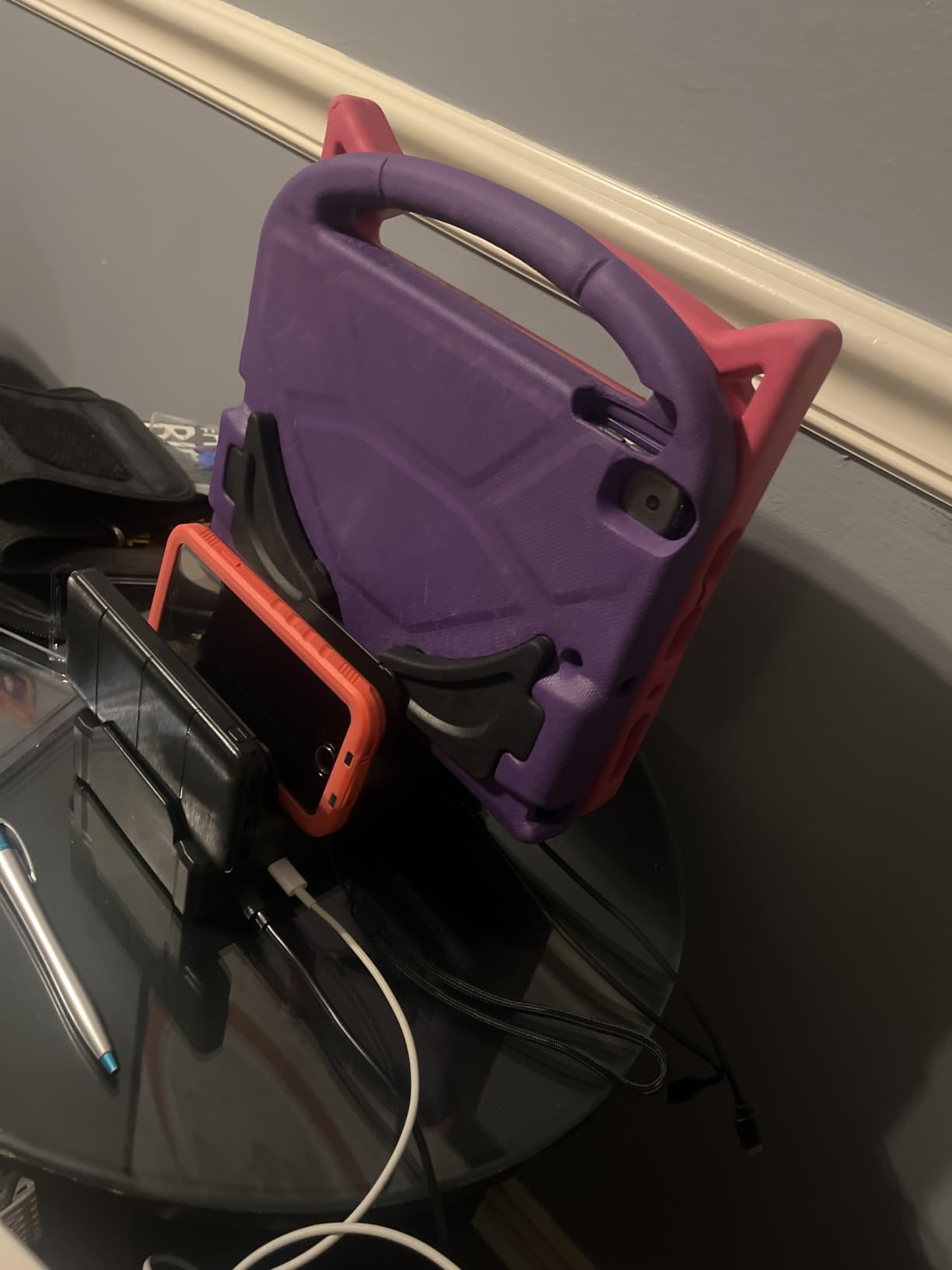
The detail we like most is the one-piece flame-retardant ABS body. Competitors build bays around removable plastic dividers that crack, bend or fall out; here the slots are moulded into the frame, so there is nothing to lose. Four non-slip rubber pads keep the 1.6 pound unit planted.
Two extra-wide centre slots at 1.57 inches wide by 1.77 inches high are tall enough for a laptop or cased iPad to stand upright, which makes this genuine storage rather than a cable rack.
Why the one-piece design matters over time
Removable dividers are the first thing to fail in this category. They flex, lose tension, and eventually a phone tips sideways in a bay. A moulded slot has no such weak point, which makes this the better long-term buy even against a higher-wattage rival.
The trade is footprint. At 1.77 inches high across a full ten-bay width, it takes noticeably more desk space than a plain brick. On a small nightstand that matters; on a shared desk or reception counter it is the point.
Working out whether you are the target buyer
You are the target buyer if more than four people or six devices charge in one place on a schedule. You are overbuying if it is one person, a phone, a watch and earbuds, where a three-in-one stand is smaller and does the same job.
The included cable mix is the unknown. A ten-pack of short mixed cables covers most households, but if everyone uses USB-C only, several will sit unused. Check the connector list against what your family actually owns.
8. BREEKET 100W 6-Port GaN Block: The Best Travel Charging Station
USB Fast Charger Block 50% Smaller 100W Max 6-Port GaN USB Charging Station
100W total across 6 ports
3 USB-C at 20W and 3 USB-A at 18W
3.27 by 2.36 by 1.1 inch
Pros
- Six ports split three USB-C and three USB-A so almost no adapter hunting
- Among the smallest multi-port blocks available and easy to pack
- Dual-voltage design works overseas with just a plug adapter
- Runs completely silent under load
- Detachable 5 ft extension cord adds reach behind nightstands
Cons
- The cord attaches to the block rather than plugging straight into the wall
- Some units report slowing down after a year or more of continuous plugged-in use
- The 100W headline figure is for mobile devices
- not laptops
Travel and RV reviews dominate this product, and that tells you what it is for. A hotel room with one accessible socket and a family with four phones, two tablets and earbuds is solved by a 3.27 by 2.36 by 1.1 inch block and a bag of your own cables. That is also the shape of the problem in a caravan or a boat.
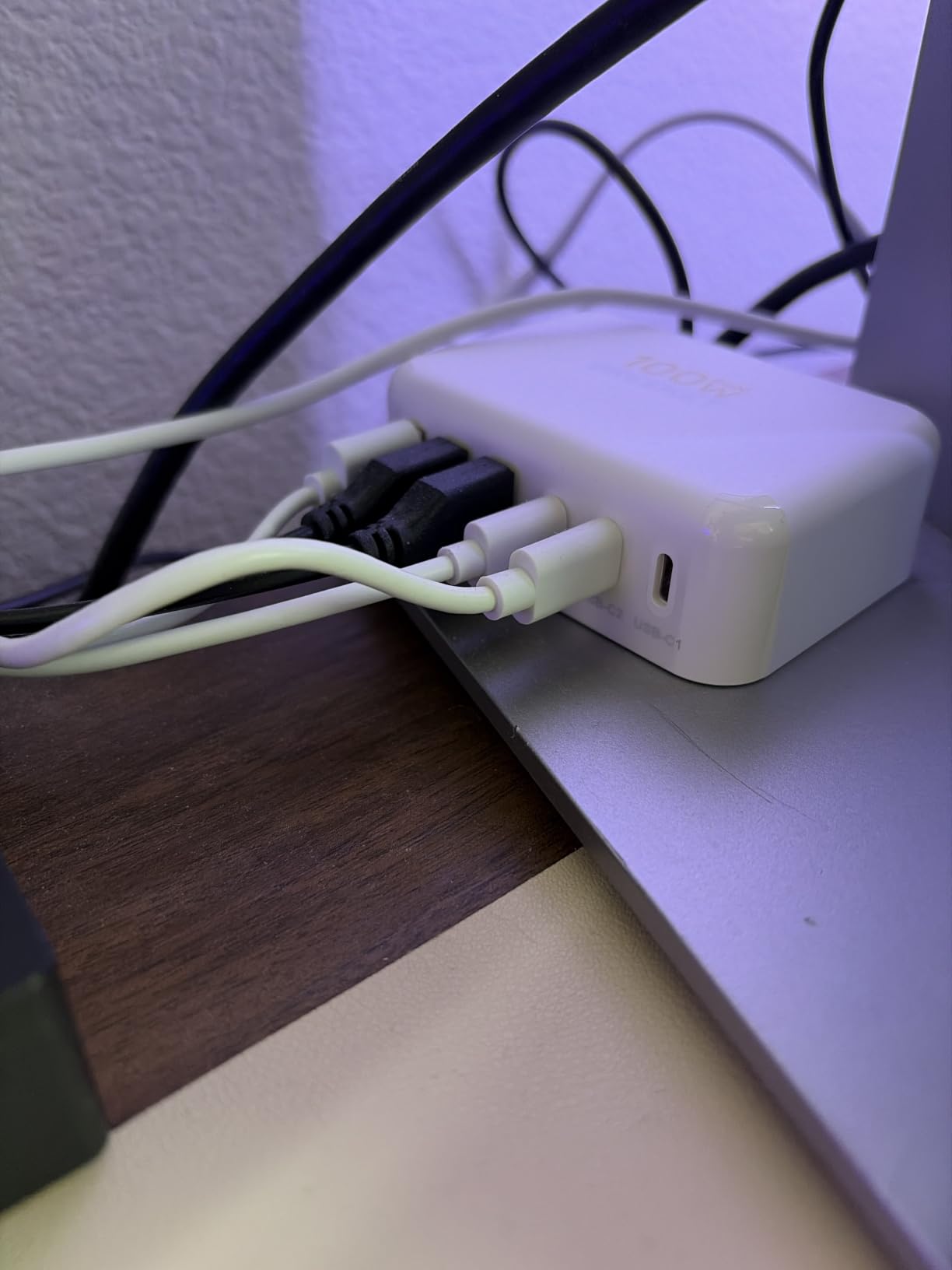
The layout is three USB-C PD 3.0 ports at 20W each and three USB-A ports at 18W, with 100W combined across everything. The mix matters more than the total: USB-C covers current phones, tablets, watches and earbuds, and the USB-A ports keep older cables in service instead of forcing an adapter.
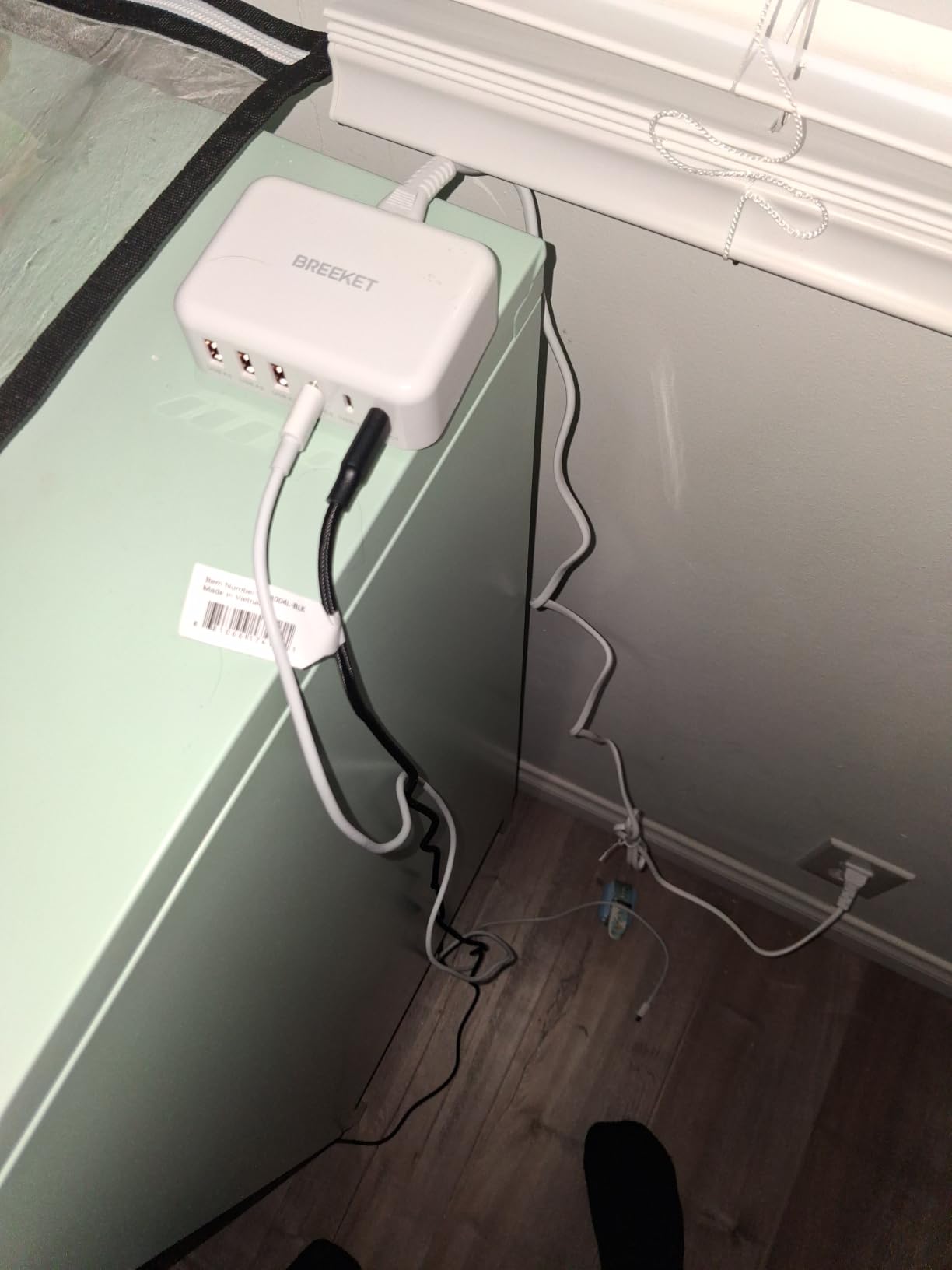
Dual-voltage input means it works overseas with a plug adapter and no transformer, and it runs silently under load, which matters when it is the only charger in a quiet room. The detachable 5 foot extension cord adds reach behind a nightstand without needing a different product.
Intelligent circuit management guards against over-charging, over-heating, short circuits and over-current. The 1 year warranty is the shortest in the group, and the block is 4.54 ounces as listed, so it genuinely travels.
Reading the 100W figure correctly
That 100W is a combined ceiling across all six ports, not a per-port figure, and the manufacturer states the block is for mobile devices rather than laptops. Individual ports cap at 20W for USB-C, which is full speed for a phone and tablet but well short of a MacBook.
Treat it as a phone and tablet station with a generous port count. If a laptop is part of the trip, the Prime 200W at number two makes the opposite trade: heavier and desktop-bound, but able to charge a machine.
Long-term reliability is the open question
A minority of owners report units slowing down after a year or more plugged in continuously, a pattern we have seen with compact hub designs that run warm. If yours is a permanent bedside install rather than a bag that goes in and out, a desktop unit will age more predictably.
Two smaller constraints: the power cord attaches to the block rather than the block plugging straight into the wall, and the 100W figure is a shared ceiling. Neither is a problem if you are charging phones.
9. MEKIOJEO 380W 12-Port Aluminium Block: Twelve Ports in Metal
12 Ports Aluminum Alloy MEKIOJEO 380W Charging Station USB C Charger Block
380W across 12 ports
8 USB-C and 4 USB-A
300 g aluminium body
Dedicated 65W PD port
Pros
- Highest port count in this roundup with 380W of aggregate power
- Dedicated 65W PD port holds laptop speed even when other ports are busy
- Aluminium body runs cooler and matches MacBook and iPhone finishes
- Stands horizontally or vertically to fit a tight desk area
- Strong value against multiport bricks from established brands
Cons
- Smallest review base in the group so long-term reliability data is thin
- It is a charger block rather than an organizing dock and does not hold devices upright
- Older layout with no cable organizer bays
When the question is simply how many devices can go at once, the answer here is twelve. Eight USB-C ports and four USB-A ports with 380W of intelligent power distribution put this unit ahead of the ten-port station on capacity, and the aluminium shell sets it apart from every plastic brick in this roundup.
There is a dedicated 65W PD port for laptops that holds its speed while other ports are busy, which is the behaviour separating good multiport chargers from bad ones. Additional outputs run at 30W and 20W under PD and PPS, covering phones, tablets, watches and earbuds comfortably.
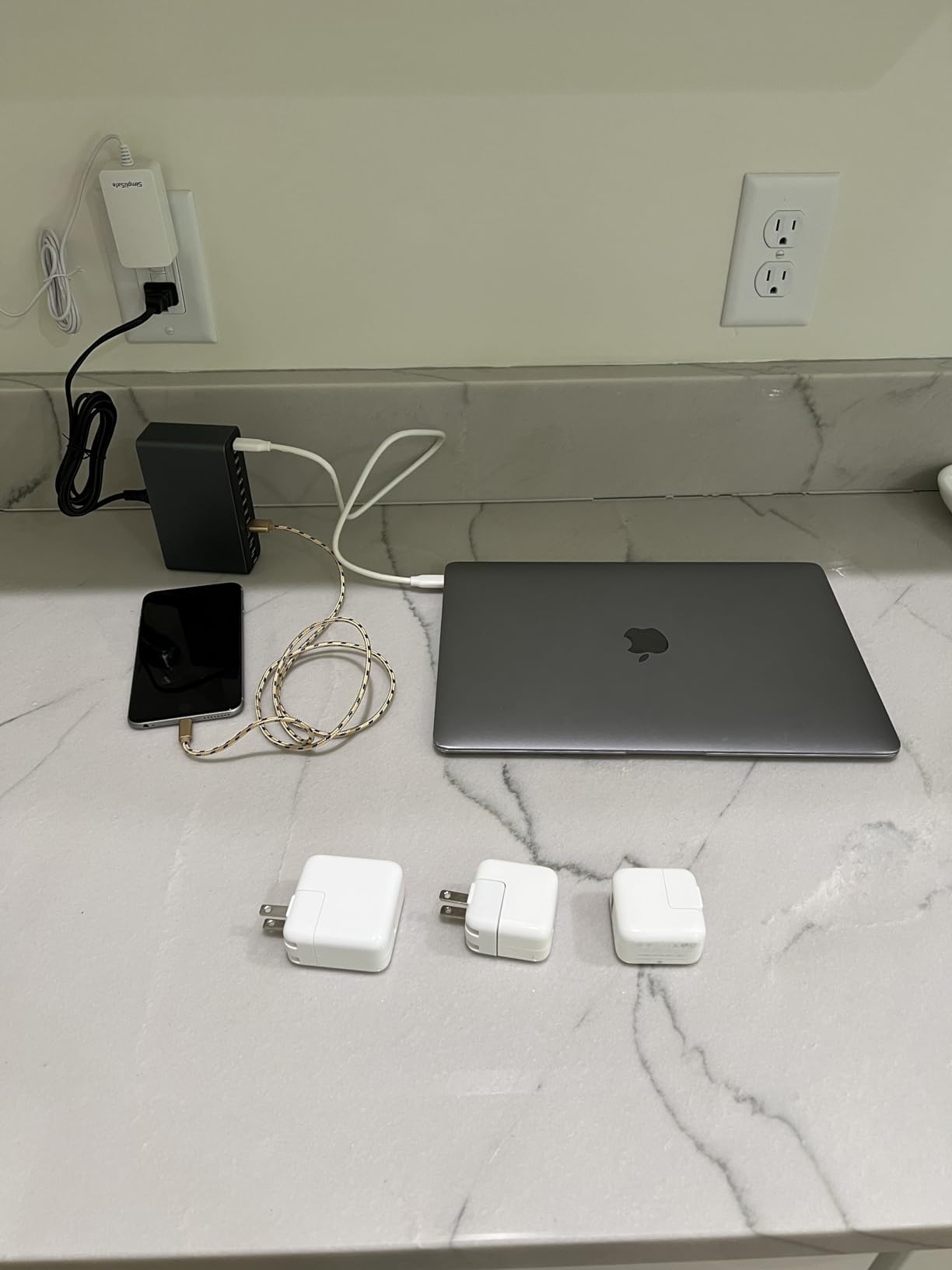
The aluminium is not decoration. The manufacturer claims an aerospace-grade body that dissipates heat about 40 percent faster than plastic, and whatever the exact figure, a metal chassis runs cooler and matches the finish of a MacBook or iPhone beside it. At 300 grams it stays put and works standing horizontally or vertically in a narrow gap.
GaN V silicon with IceShield protection handles overcharging, overheating, short circuits and overcurrent with real-time temperature monitoring. The 82 percent five-star share is the highest in the group, and buyers single out sustained port output rather than headline wattage.
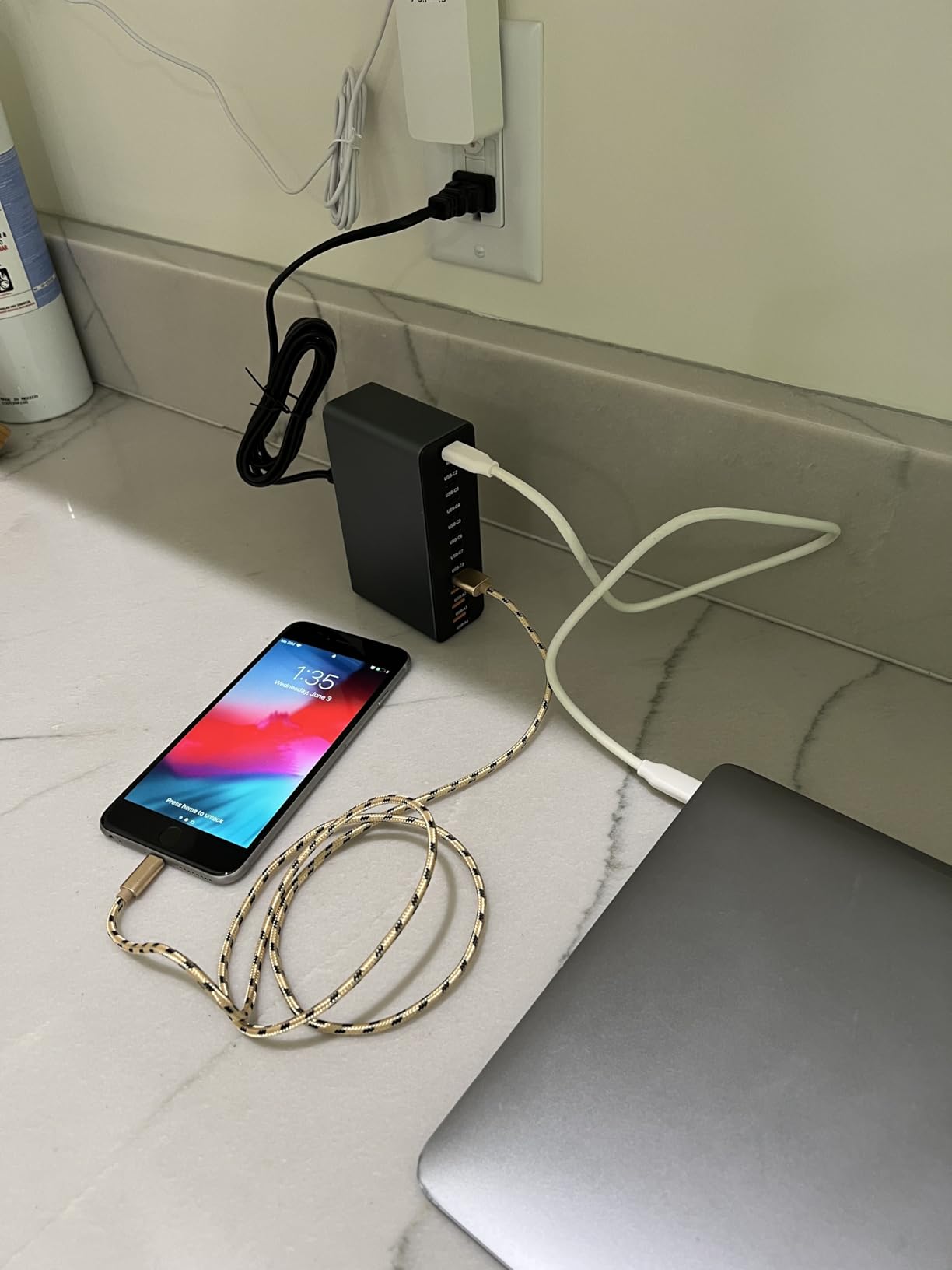
Ports are not a place to put your phone
This is a charger block, not a dock. Devices stay wherever you left them, cables cross the desk, and nothing stands upright in a bay. If your problem is visual clutter, a station with physical bays is the better answer than a bigger port count.
Where it does excel is a shared desk, studio bench or charging shelf where devices go back after use and nobody needs them visible. Twelve positions means nobody negotiates for a socket.
Judging the thin review history
This is the smallest review base in the roundup, so there is less long-term data than for the established-brand picks. That matters for something you plan to leave plugged in for years, and it is worth weighing against the 2 year manufacturer warranty.
No cables are bundled, so budget for those separately. Against a named-brand multiport charger of similar wattage, you trade brand-level support and review depth for port count and a metal chassis.
10. MSTJRY 5-Port Dock: The Phone Centre That Ends Family Arguments
MSTJRY Charging Station for Multiple Devices : 5 Port Multi USB-A Charger Stations Multi-Device Organizer Charging Dock Designed for iPhone iPad Cell Phone Tablets (7 Short Cables Included)
50W across 5 USB-A bays
6 removable dividers
7 short cables included
On-off power switch
Pros
- The charging bays act as a phone parking spot and end the hunt for a free spot
- Seven short cables remove the long-cord clutter it is meant to solve
- Removable dividers can be reconfigured as the device mix changes
- One wall plug powers a whole household's phones
- tablets and earbuds
- Long track record with owners reporting units working after three years of daily use
- Children can use it independently with no confusion about which cable goes where
Cons
- USB-A only so modern USB-C devices need an adapter or an included cable
- Plastic dividers are thin and can crack or fall out of their slots
- Overloading the five ports can cause flashing and dropped charging until it is power-cycled
- Large laptops do not sit well in the bays
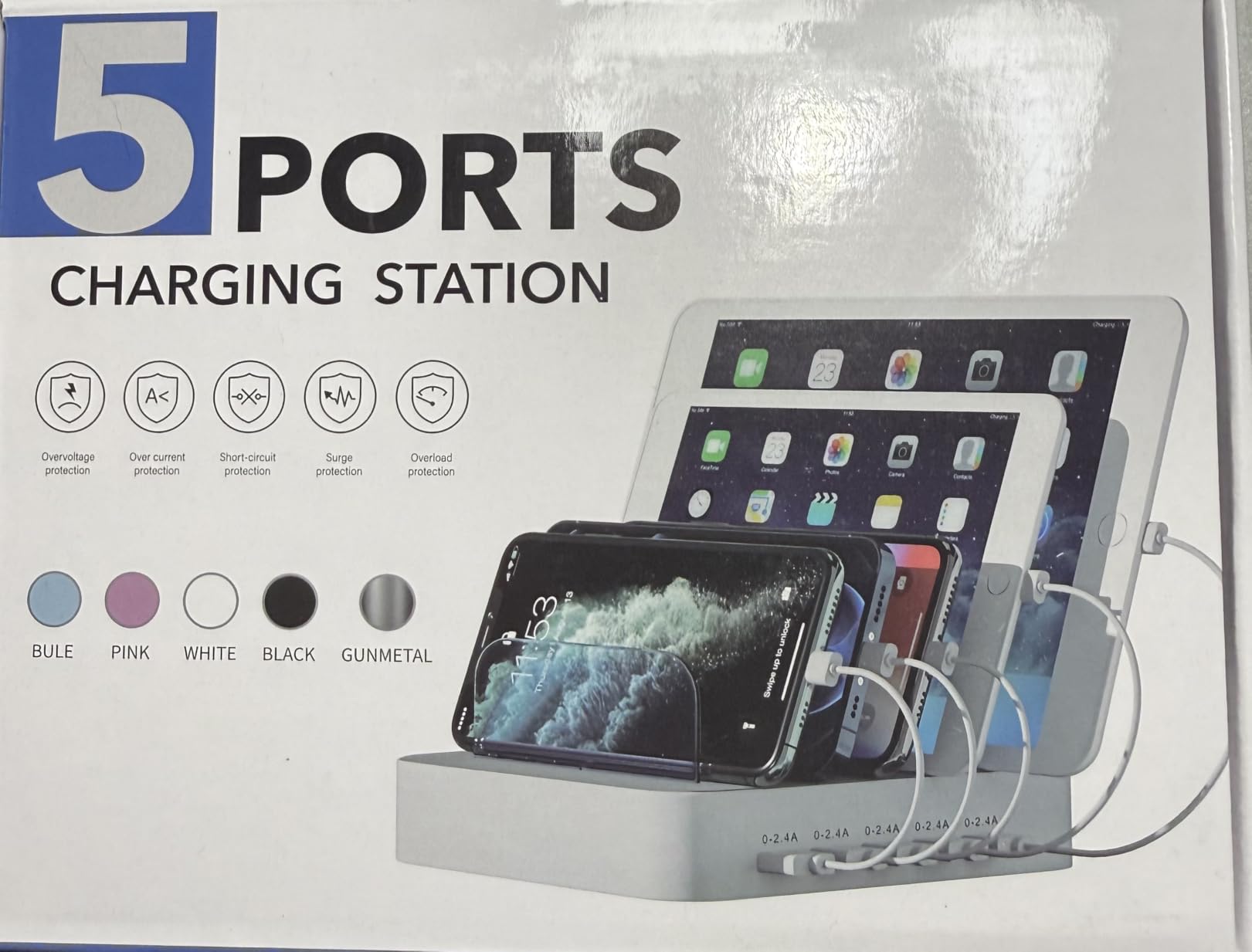
Reviewers describe this unit as a phone centre, and that is the whole concept. Five bays, each one a defined place, with charging cables routed through the back so nothing crosses the surface. In a household with two adults and two kids, the value is organisational rather than electrical.
Seven short cables ship in the box, three iOS or Lightning, two Micro-USB and two USB-C, which is what makes it work on day one. Because the cables are short and internal, the long-cord tangle the category is meant to solve never appears. A power switch gives a clear on and off state.
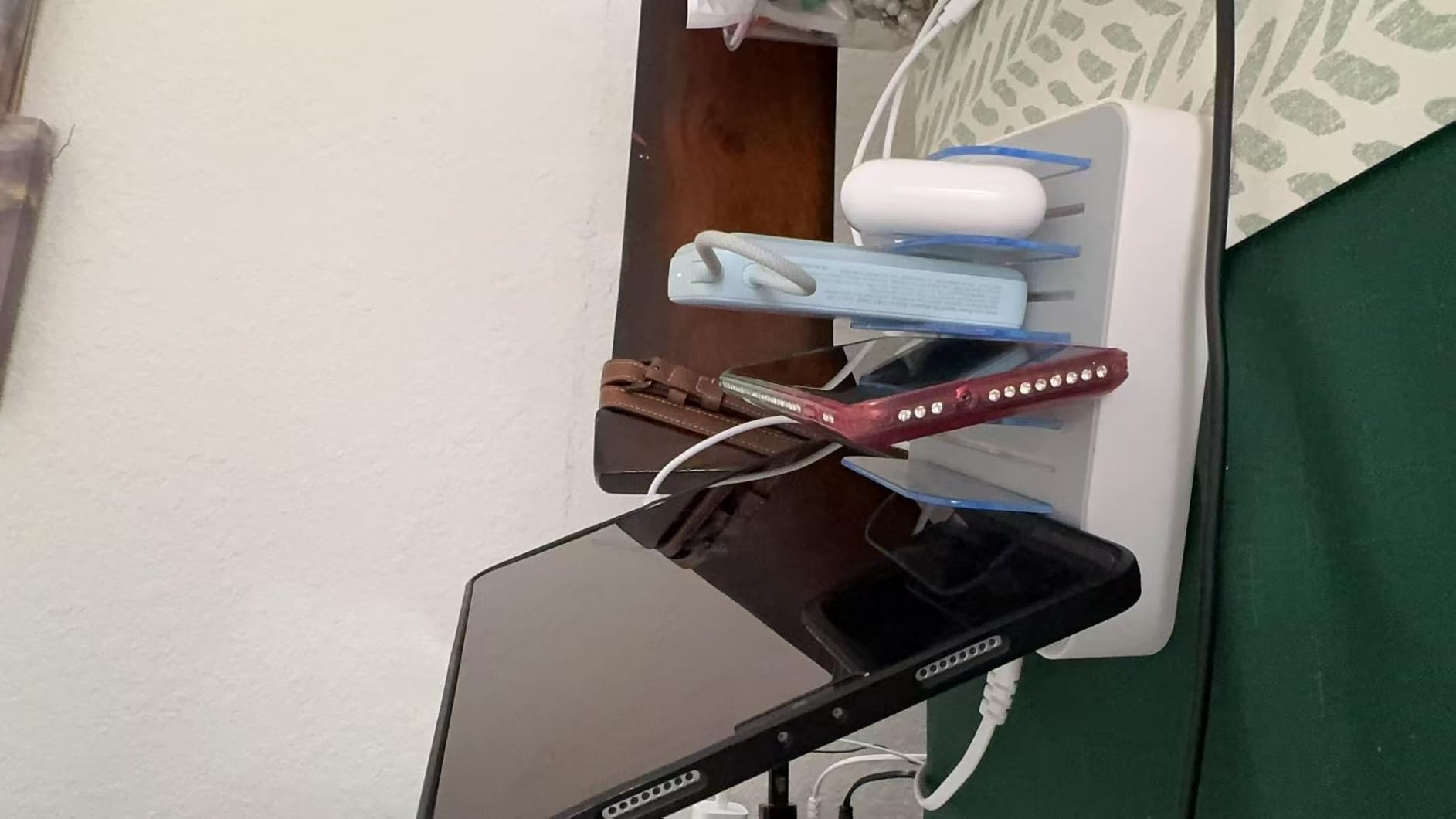
Owners report units still working after three years of daily use, and the manufacturer sells replacement cables and dividers directly, a quiet but meaningful longevity signal in a category built from thin plastic. Per-port current matching means each device gets what it asks for.
The strongest theme in the reviews is family organisation: a single place where every device lives overnight, visible and accounted for. Children can put a phone on the correct cable without an adult working out which one goes where.
Why USB-A still matters in a USB-C world
Every port here is USB-A, which sounds dated and is not, because most people still own USB-A cables even if they own USB-C devices. The included set covers current phones and tablets, and per-port matching means each device gets appropriate current.
The transition risk is real. If your household replaces every cable with USB-C, this becomes an adapter hub, and the newer one-piece slot designs at numbers seven and eleven do the same job without the legacy port.
What breaks first, and how to avoid it
The dividers are the weak point. They are thin plastic and can crack or fall out, turning a two-bay space into a loose phone tray. Replacement dividers are available from the manufacturer, so treat them as a consumable part rather than a reason to avoid the dock.
Overloading all five ports with high-draw devices can cause flashing and dropped charging until you toggle the power switch. Staggering overnight charging, or leaving the laptop to a desktop charger, avoids it entirely.
11. CREATIVE DESIGN 50W 6-Port Dock: The One With a Built-In Watch Holder
Charging Station for Multiple Devices, 50W 6 Ports Charging Dock with Stand
50W across 6 USB-A bays
Integrated Apple Watch cable holder
Six cables and adapter included
UL tested adapter
Pros
- Six ports plus a built-in watch holder covers a whole family's devices from one outlet
- One-piece fixed slots are sturdier than the wobbling removable dividers on cheaper docks
- A 10.2 inch iPad in a case fits securely
- Every needed cable and a USB-A to USB-C adapter ship in the box
- Lightweight and compact enough to travel with
Cons
- The 2.4A output appears to be shared across ports rather than per port so multi-device charging is slow
- The watch charging cable is not included despite the integrated holder
- Slots are fixed width so awkwardly shaped devices will not fit
- Included accessory wires are average in quality
The distinguishing feature is a built-in Apple Watch cable holder moulded into the corner, so the loop of your watch cable has a permanent home. It sounds minor until you move the dock a few centimetres and the cable falls on the floor anyway.
Six USB-A bays sit in a one-piece flame-retardant ABS frame with no removable dividers to break. The slots are 1 inch wide and 1.3 inches high, enough for a 10.2 inch iPad in a case to stand securely, and anti-slip rubber pads keep it planted.
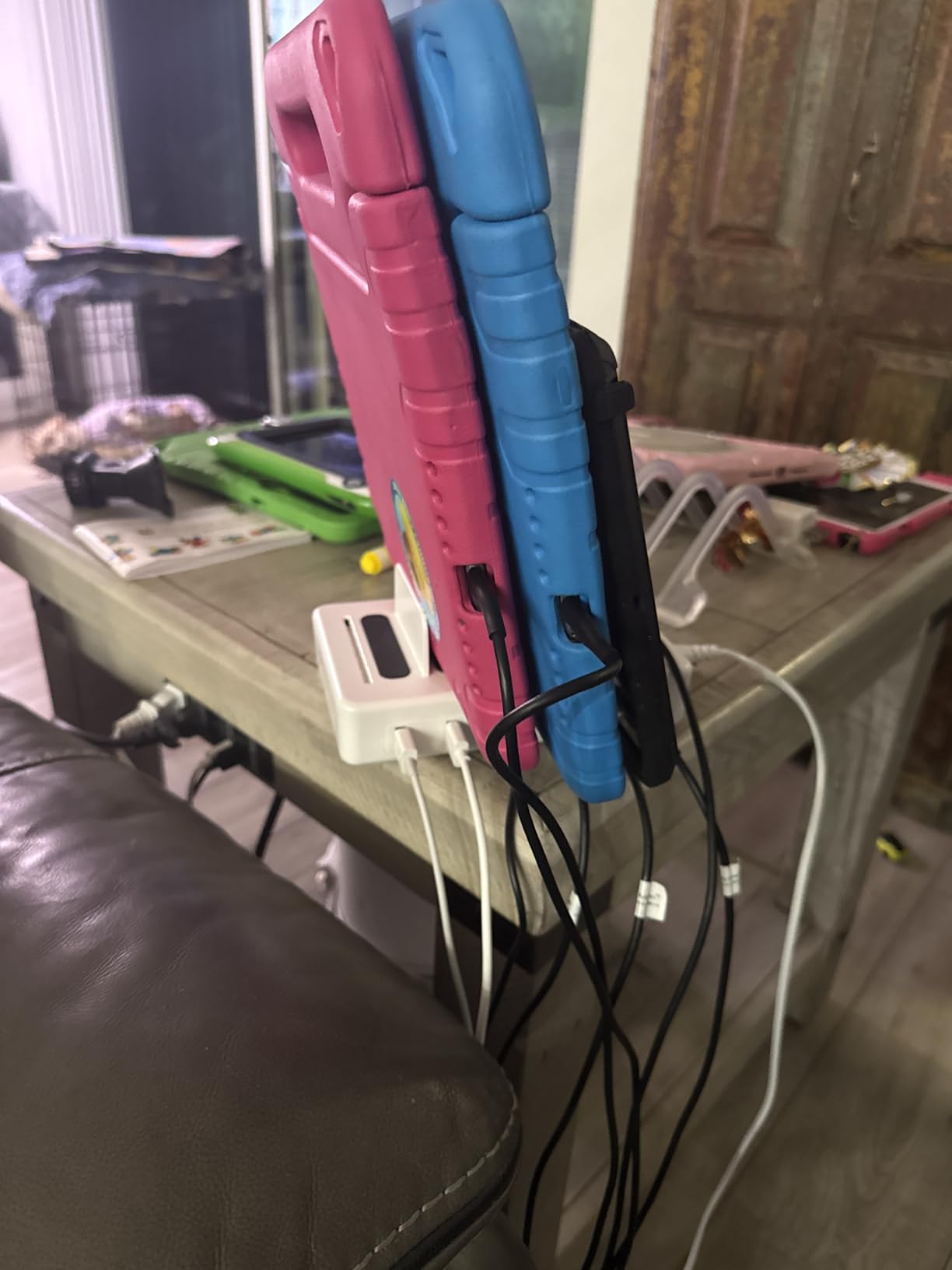
The box also contains six mixed charging cables and a USB-A to USB-C adapter, so it is usable the day it arrives. The adapter is UL tested with overvoltage, overcharge and short-circuit protection, and at 50W it covers phones, tablets, earbuds and Kindles overnight.
Owners fill all six bays plus the watch holder, and organisational value dominates the reviews. This is an overnight dock rather than a fast charger, and knowing that in advance avoids disappointment.
Shared versus per-port output
The most useful thing in the reviews is a measurement: with several devices attached, a power bank drew roughly 0.5A, suggesting the advertised 2.4A is shared across the bank rather than per port. This is the most important spec on the page and almost nobody publishes it clearly.
Plan to leave everything on overnight, not to top up a tablet before a train. If you need fast charging and storage in one box, the Zobirez at number seven runs 45W and 30W ports under a 420W ceiling, which is a different category.
Two omissions to check
The watch cable is not included. The holder is moulded in, but you need an Apple Watch charging cable of your own, so check whether one already lives at the bedside.
Fixed-width slots also mean an awkwardly shaped device, or a large phone in a case with a card holder, may not fit. Measure the widest thing you plan to park rather than trusting the general size, and note the 1 year warranty is short.
12. Anlmz 3-in-1 Charging Station: The Cheapest Way to Cover Three Devices
Anlmz 3 in 1 Charging Station – Wireless Charger for Apple Multiple Devices
18W total across three pads
Phone, Watch and AirPods
Cases up to 5mm
18W adapter and cable included
Pros
- Lowest cost per charging position in this roundup with the 18W adapter included
- Centre-place rather than magnetic alignment so it works with a wider range of cases
- Soft blue LED is dim enough for a bedside table
- Broad device support including Apple Watch Ultra and AirPods Pro
- Overcharge protection with automatic trickle mode at full
Cons
- No magnetic alignment so the phone must be placed and centred by hand
- Foreign object detection can pause charging if cards or metal accessories are left on the pad
- Cases thicker than 2.5mm reduce or stop charging efficiency
- Lowest average rating in the group with a relatively high 1-star share
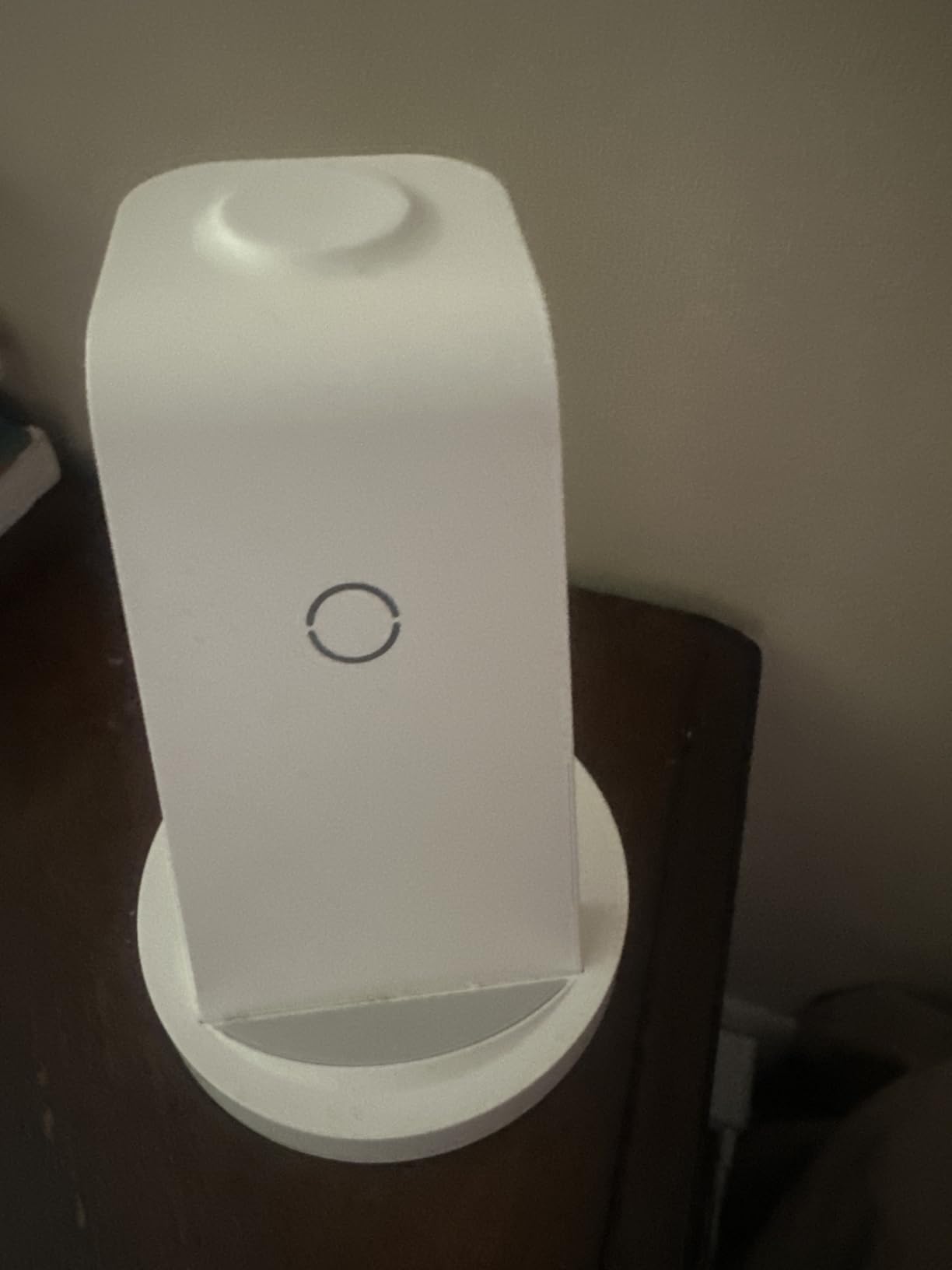
When a dock is a stopgap, a first attempt at tidying a nightstand, or a gift, this is the one to buy. Three positions for a phone, an Apple Watch and AirPods, with an 18W adapter and 3.3 foot USB-C cable in the box, which removes the most common complaint about cheap three-in-one pads.
It is also the only pad here that charges through cases up to 5mm, and that comes from the design choice most people overlook. There is no magnetic alignment, so the phone is centre-placed by hand, and that absence of a magnet is exactly what lets a thick case work.
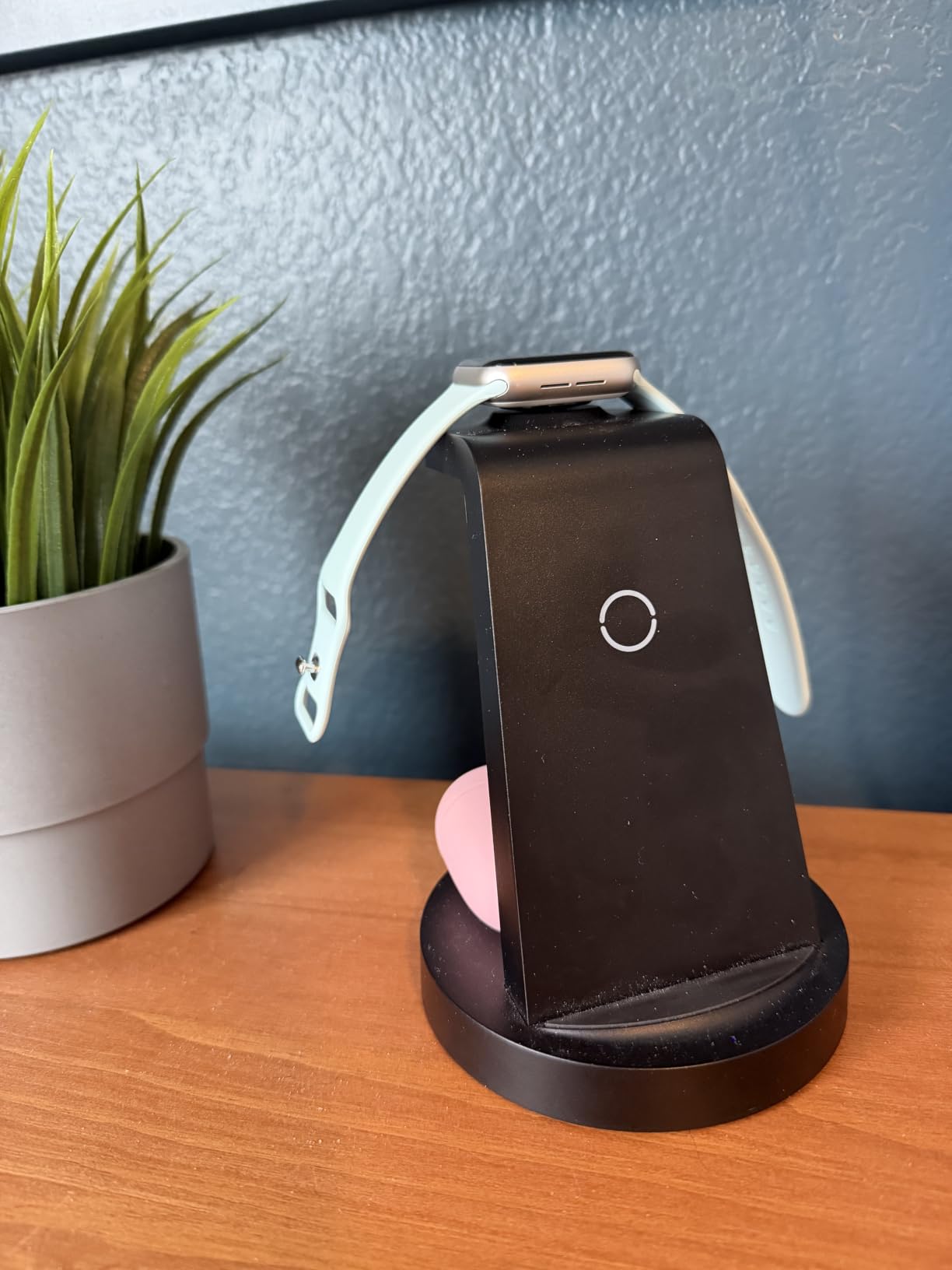
The 18W split across three positions is modest and shows if you expect a fast top-up. A smart chipset handles overcharge protection and drops into automatic trickle mode at full, and the soft blue status LED stays dim enough for a bedside table.
Compatibility covers iPhone 8 through 17, Apple Watch Series 2 through 10 and Ultra, and AirPods Pro, 4, 3 and 2 with wireless cases. At over 41,000 reviews it is the most examined product here, and buyers accept the centre-place design as the trade for the price.
When centre-placement beats magnetic alignment
If you use a rugged case thicker than 2.5mm, a magnetic pad is the wrong tool. The magnet has to pull across the whole case thickness and the extra distance kills the connection, so a flat coil that you line up by hand works far better.
The same logic cuts the other way in a busy household. If two people use the dock at different times, the magnetic models at numbers four and five snap the phone into place on the first try, while this one needs a moment of attention.
What to watch out for
Foreign object detection is the most common irritation. Leave a card, a ring or a metal accessory on the pad and charging pauses until you remove it, which is correct safety behaviour but baffling if nobody mentions it.
Cases past 2.5mm reduce efficiency or stop it altogether, so check your own case. With the lowest average rating and a high 1-star share in the group, test it for a week before trusting it with a watch you care about.
How to Choose a Charging Station: 7 Steps and the Wattage Math
Choosing the best charging station for multiple devices comes down to counting what you actually plug in, then finding a station with enough power for all of it at once. Work through these seven steps in order and the choice makes itself.
Count the devices, not the ports. Two people with phones, watches and earbuds is six devices. Write them down before opening any product page.
Add up the wattage, then add headroom. Three phones at 20W each is 60W, a tablet at 30W takes it to 90W, and a watch at 10W reaches 100W. A 100W station is then running flat out, so step up to 140W or 200W for that household. Phones and earbuds alone need far less, around 65W.
Decide wireless or wired. Wireless is cleaner and suits a nightstand. Wired is faster, more predictable, and the only answer for a laptop.
Check per-port power, not just total. Many hubs advertise a large total and then share it. A dedicated 65W or 100W port for the laptop matters more than any headline number.
Measure your case thickness. Wireless pads typically stop working past 2mm to 5mm. If your phone is always in a thick case, budget for a cable or choose a centre-place pad rather than a magnetic one.
Look at the light. Indicator LEDs are the top nightstand complaint. A tap-to-off night light, or no light at all, is worth more than a faster chip.
Count the cables you already own. Stations that include short cables solve the clutter problem in the box. Ones that do not may end up as another brick in the drawer beside your existing cables.
What GaN, Qi2 and shared power actually mean
GaN, short for gallium nitride, is the semiconductor behind the high-wattage desktop hubs here. It runs cooler and smaller than older silicon, which is the only reason a 200W charger fits in a box the width of a phone. If you are buying anything above about 100W total, GaN is what makes the size possible.
Qi2 is the wireless equivalent of a seal of approval. A Qi2 certified pad delivers a verified 15W, while an uncertified lookalike advertising the same figure may drop to 5W the moment you put a case on. It applies only to wireless, and only to the phone position.
Shared power is the spec nobody publishes. If a hub lists 2.4A without saying per port, assume it is shared across the bank, which is the difference between a station that charges your phone overnight and one that charges a tablet before a meeting.
What to Avoid: Real Failure Modes in Charging Stations
Most disappointed buyers are not upset about wattage. They are upset about five specific things, all of which you can check before you buy.
Removable plastic dividers. The most common structural failure in this category. One-piece moulded slots, as on the ten-port station at number seven, do not have the problem.
Pads that fight your case. A 2mm limit is common on multi-pad stands and 4mm to 5mm on simpler ones. Check the case spec against the pad spec, or you will remove the case every night.
Indicator lights with no off switch. A bright LED beside your pillow is the most-reported bedside complaint, and the cheapest one to avoid by reading the spec.
Unverified wattage claims. If a product does not state whether output is shared or dedicated per port, assume the worst. It is the difference between a fast charger and an overnight trickle.
Buying a dock to solve the wrong problem. A hub that replaces a wall brick and one that replaces a wall outlet solve different problems. Ending up with two devices instead of one is the most common buying mistake we see.
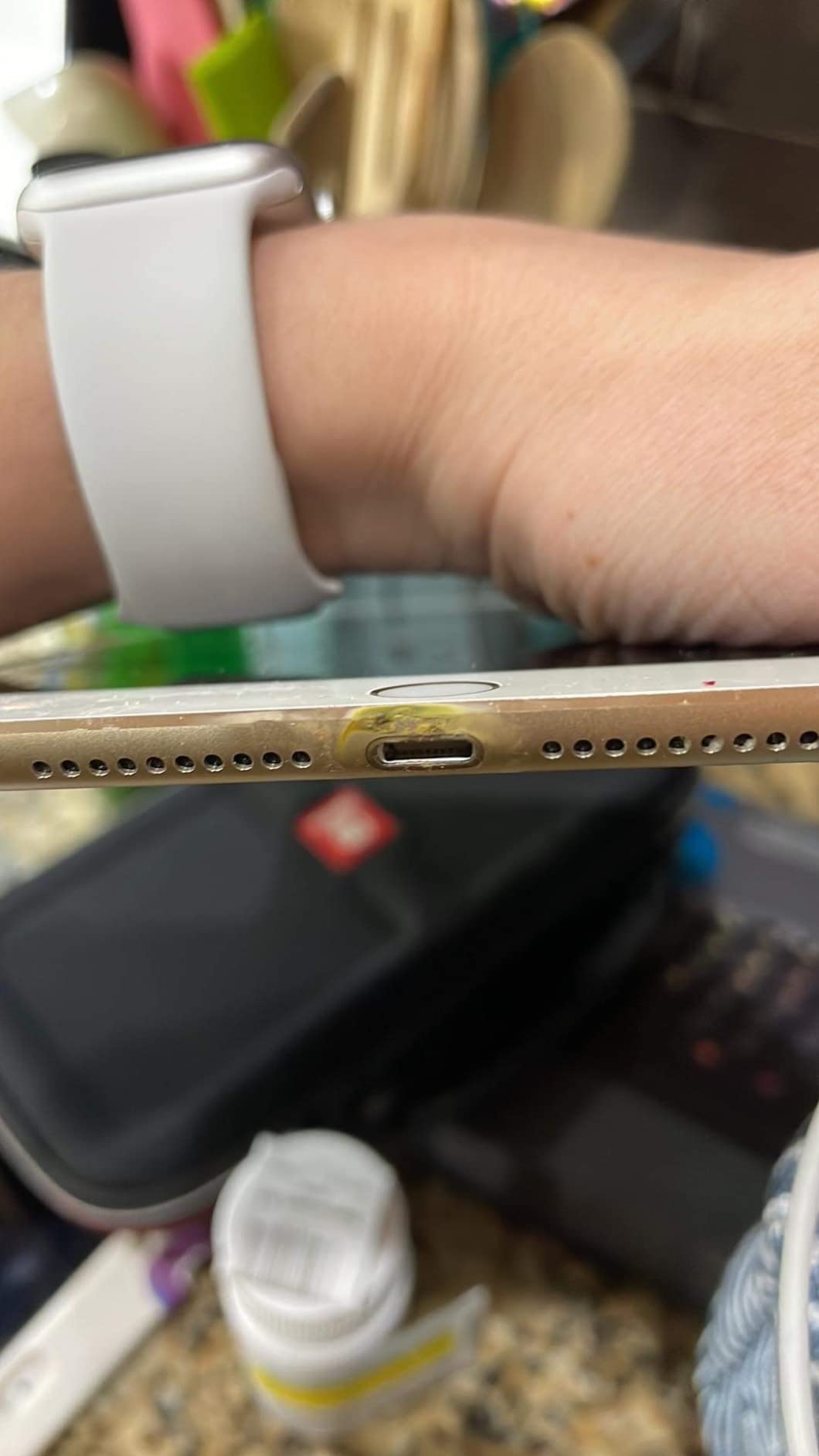
One note on overnight safety. Leaving devices on a dock overnight is normal practice, and every unit in this roundup carries basic over-current, over-voltage and over-temperature protection. The behaviour to watch is heat: if a station or its cables are uncomfortably warm under load, unplug it and check whether too many high-draw devices are sharing the output.
Frequently Asked Questions
What is the best charging station for multiple devices?
For most households the QKXC 3-in-1 stand is the best charging station for multiple devices, because it handles a phone, an Apple Watch and earbuds on a small base and charges through cases up to 4mm. If a laptop is in the mix, size for wattage instead and choose a desktop hub with a dedicated 65W or 100W port.
Which brand charging station is best?
Anker leads for all-around reliability and high-wattage GaN desktop power. UGREEN and similar brands cover the high-wattage value tier. Belkin and Mophie cover official Apple ecosystem charging. Satechi covers design-forward desktop docks, and Oakywood covers wood and designer aesthetics for a desk that doubles as furniture.
How many watts do I need for a multi device charging station?
Add the wattage each device draws and leave about 30 percent headroom. Three phones at 20W each plus a tablet at 30W and a watch at 10W comes to 100W, so a station rated above 130W keeps everything at full speed. Phones and earbuds alone need far less, around 65W.
Do wireless charging stations work with thick cases?
It depends on the station. Most multi-pad stands specify cases under 2mm, simpler three-in-one pads support up to 4mm, and centre-place designs without magnets can handle up to 5mm. Magnetic stands struggle most with thick cases because the magnet has to pull across the extra distance, so check the case limit before you buy.
Why does my charging station stop charging?
The usual causes are a case thicker than the pad supports, a foreign object such as a card or a ring sitting on the coil, and overloading a hub so its shared output is exhausted. Overloaded units often recover when you power-cycle them with the switch on the base. If a single wired port fails, the unit is usually at fault rather than the cable.
Are 3-in-1 charging stations worth it?
They are worth it if you charge a phone, a watch and earbuds every night and want one object on the nightstand instead of three bricks and a cable tangle. They are less useful if you also charge a laptop, since a 3-in-1 pad tops out around 15W and cannot handle a machine.
Is it safe to charge multiple devices overnight?
Yes, provided the station has standard over-current, over-voltage and over-temperature protection, which every unit in this roundup does. Check that a station does not become uncomfortably warm under load, and avoid overloading shared output, which slows charging and produces more heat than the design intended.
The Best Charging Station for Your Setup in 2026
After comparing all 12, the best charging stations fall into three clear groups. For a nightstand, the QKXC 3-in-1 stand is the one we recommend most often: it covers three devices, works through everyday cases and has no light to keep you awake. For a desk that also runs a laptop, the Anker Prime 200W is the answer, with two USB-C ports at 100W each in a body the width of a phone.
And for the problem we saw most often, which is running out of wall outlet rather than ports, the Anker 9-in-1 power strip is the pick that resolves it. Beyond those three, the certified Qi2 Anker MagGo is worth the step up if slow wireless pads have let you down, and the ten-port Zobirez is unbeatable for a shared desk with many devices.
Measure your case thickness, add up your wattage, and check for an indicator light you can turn off. Get those three right and almost any station in this list will serve you well. For gaming desks where devices multiply, our controller charging station guide covers the same problem for a different shelf.