
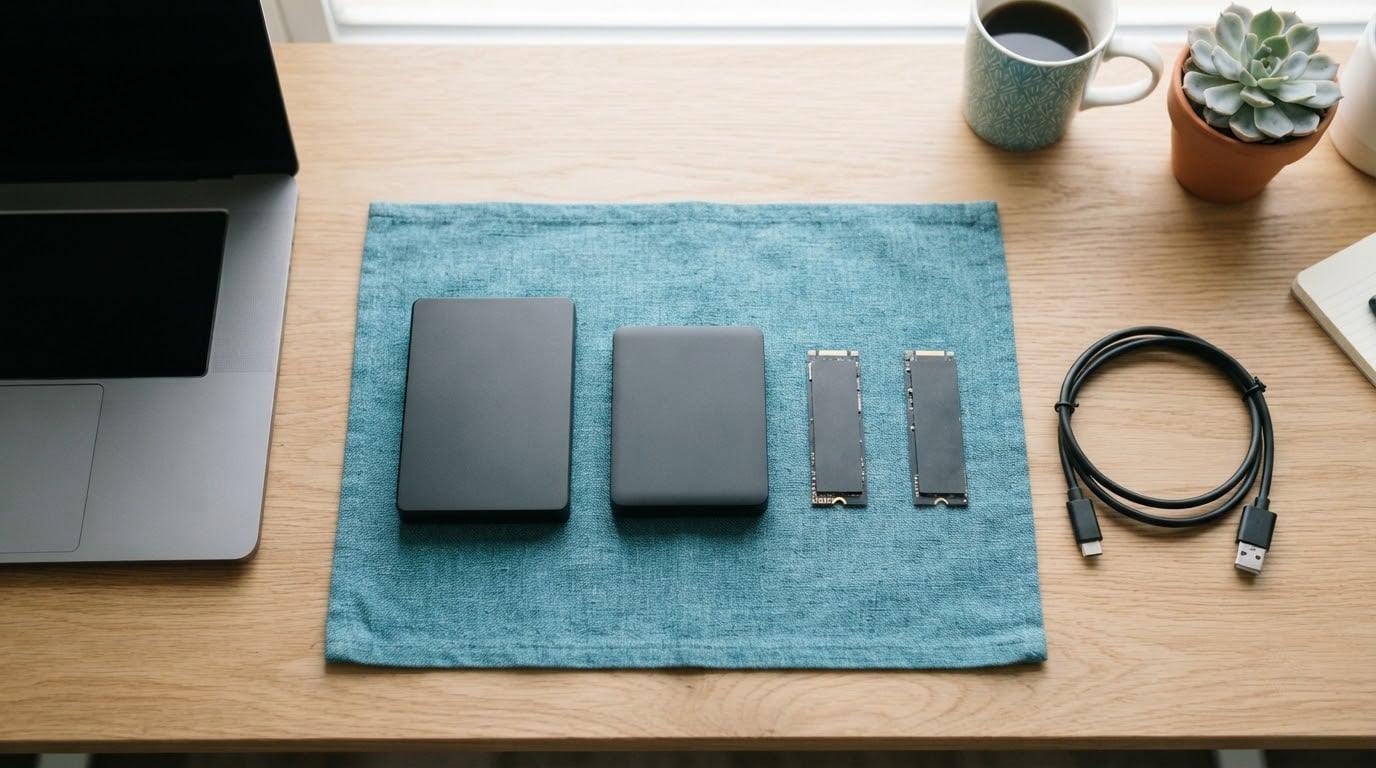
If you only watch one drive during Amazon’s Prime Big Deal Days sale, make it the Seagate 2TB Portable. It leads this list because it pairs the highest rating in the group with a review base deep enough to trust, and it does the one job most people buy an external drive for: holding a large backup in a body small enough to forget in a bag. Owners report plug-and-play behaviour with no software, a reformat for Mac, and transfer speeds that are quick enough for routine photo and document backups.
Two other drives suit different buyers. The SanDisk Extreme 2TB is the pick when speed and drop resistance matter more than capacity per dollar, with read speeds up to 1050 MB/s and IP65 water and dust protection. The UnionSine 4TB Ultra Slim is the alternative for anyone who wants double the capacity in a similar footprint, though its review base is smaller and its one-star share is higher than the rest of this list.
Prime Big Deal Days runs October 6-7, 2026, and most offers need a Prime membership, though a free trial counts. Deals change through the event, so treat every drive here as worth watching rather than a confirmed discount, and check the listing’s current price before you commit.
Table of Contents
Our Top 3 Picks for Best Amazon Prime Big Deal Days External Hard Drive Deals (October 2026)

Seagate 2TB Portable
- Over 273000 reviews at 4.6 stars
- 120 MB/s read speed
- 190 g and 4.6 inch long

WD Elements 2TB
- Highest average rating at 4.7 stars
- USB 3.2 Gen 1 at 5 Gbps
- 2-year limited warranty

SanDisk Extreme 2TB
- Up to 1050 MB/s read and 1000 MB/s write
- IP65 rated with 3-meter drop protection
- 256-bit AES encryption
Best Amazon Prime Big Deal Days External Hard Drive Deals Compared
| Product | Specifications | Action |
|---|---|---|
| Seagate 2TB Portable |
|
Check Deal Price |
| WD Elements 2TB |
|
Check Deal Price |
| SanDisk Extreme 2TB |
|
Check Deal Price |
 WD My Passport 2TB WD My Passport 2TB |
|
Check Deal Price |
 Toshiba Canvio Basics 2TB Toshiba Canvio Basics 2TB |
|
Check Deal Price |
 ADATA HD710 Pro 2TB ADATA HD710 Pro 2TB |
|
Check Deal Price |
 LaCie Rugged Mini 2TB LaCie Rugged Mini 2TB |
|
Check Deal Price |
 Silicon Power Armor A60 2TB Silicon Power Armor A60 2TB |
|
Check Deal Price |
 UnionSine 4TB Ultra Slim UnionSine 4TB Ultra Slim |
|
Check Deal Price |
 Seagate Expansion 4TB Seagate Expansion 4TB |
|
Check Deal Price |
How We Chose
We compared the specifications that decide this purchase: capacity, drive type, interface, read speed, form factor, warranty length and durability ratings, then weighed those against the rating and volume of owner reviews on each listing. Every figure here comes from the manufacturer data and the review record for that specific drive. We checked the listings in October 2026.
1. Seagate 2TB Portable: Best for Everyday Backup
Seagate 2TB Portable Hard Drive | USB 3.0 (STGX2000400)
Capacity: 2 TB
Type: portable HDD
Interface: USB 3.0
Read: 120 MB/s
Weight: 190 g
Warranty: 1 year
Pros
- Over 273000 reviews averaging 4.6 stars
- Compact and light at 190 g
- Plug-and-play with no software to install
- Works with Windows or Mac after a one-time reformat
Cons
- Mechanical HDD, so it is much slower and less drop-resistant than a portable SSD
- Usable capacity after formatting is below the labelled 2 TB
Nothing else in this list has this much evidence behind it. The Seagate 2TB Portable carries 273,079 ratings averaging 4.6 stars, and the rating distribution is unusually clean, with 82% of ratings at five stars and 4% at one star. For a device you are trusting with the only copy of a family photo archive, that volume of history is the feature that matters most.
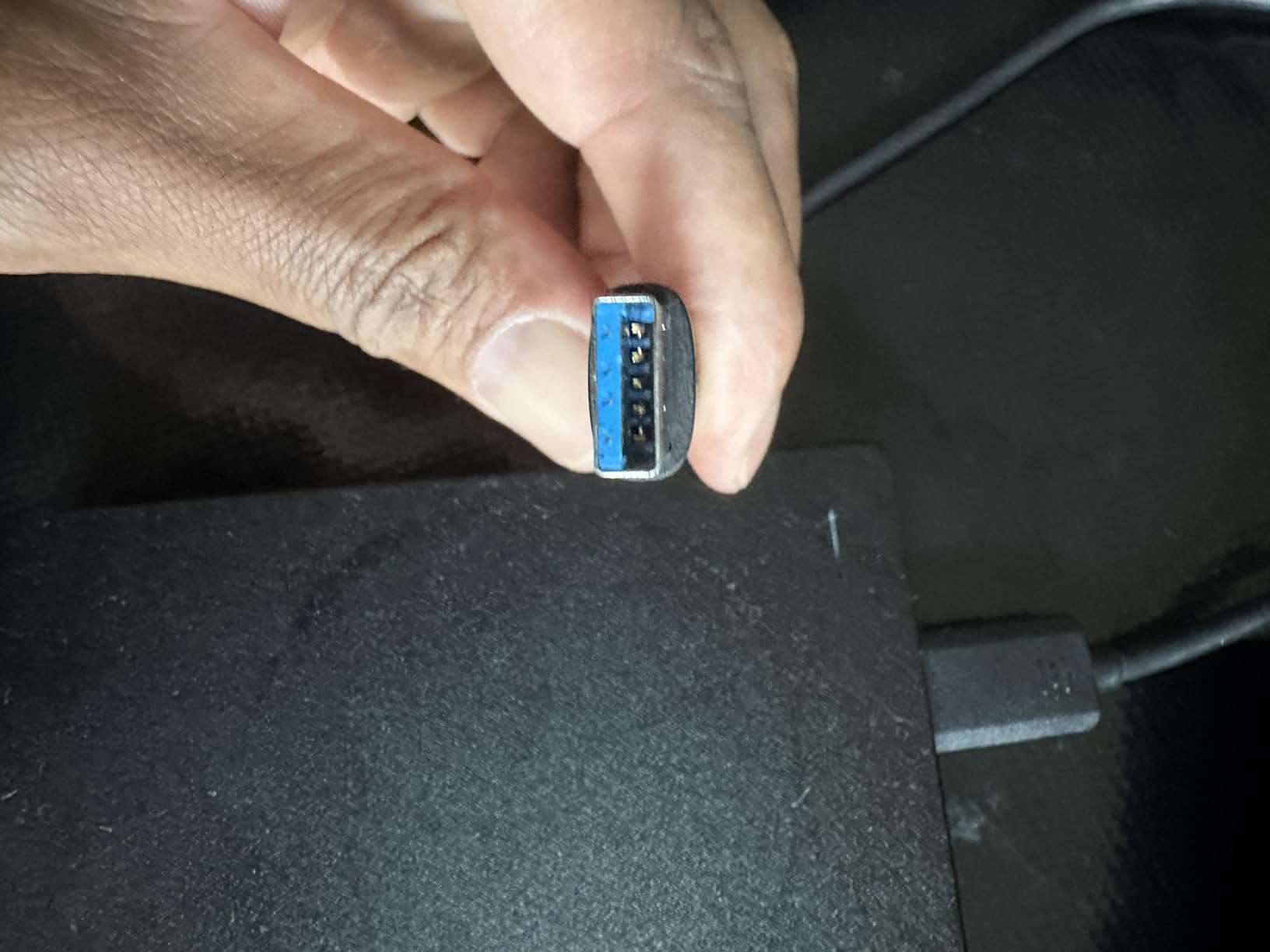
The body is smaller than the number suggests. At 4.6 inches long and 190 g, it fits the side pocket of a backpack rather than needing its own pouch. Owners consistently describe it as auto-recognised on connection with no install step, and the included 18-inch USB 3.0 cable is long enough to reach a port behind a desk without a hub.
A one-time reformat is the only real setup work, and reviewers report the drive working reliably on both Mac and Windows once that is done. Rated transfer speeds of 120 MB/s mean a full 2 TB backup is an evening job rather than an afternoon one, which is fine for a scheduled weekly copy and frustrating for a rush project.
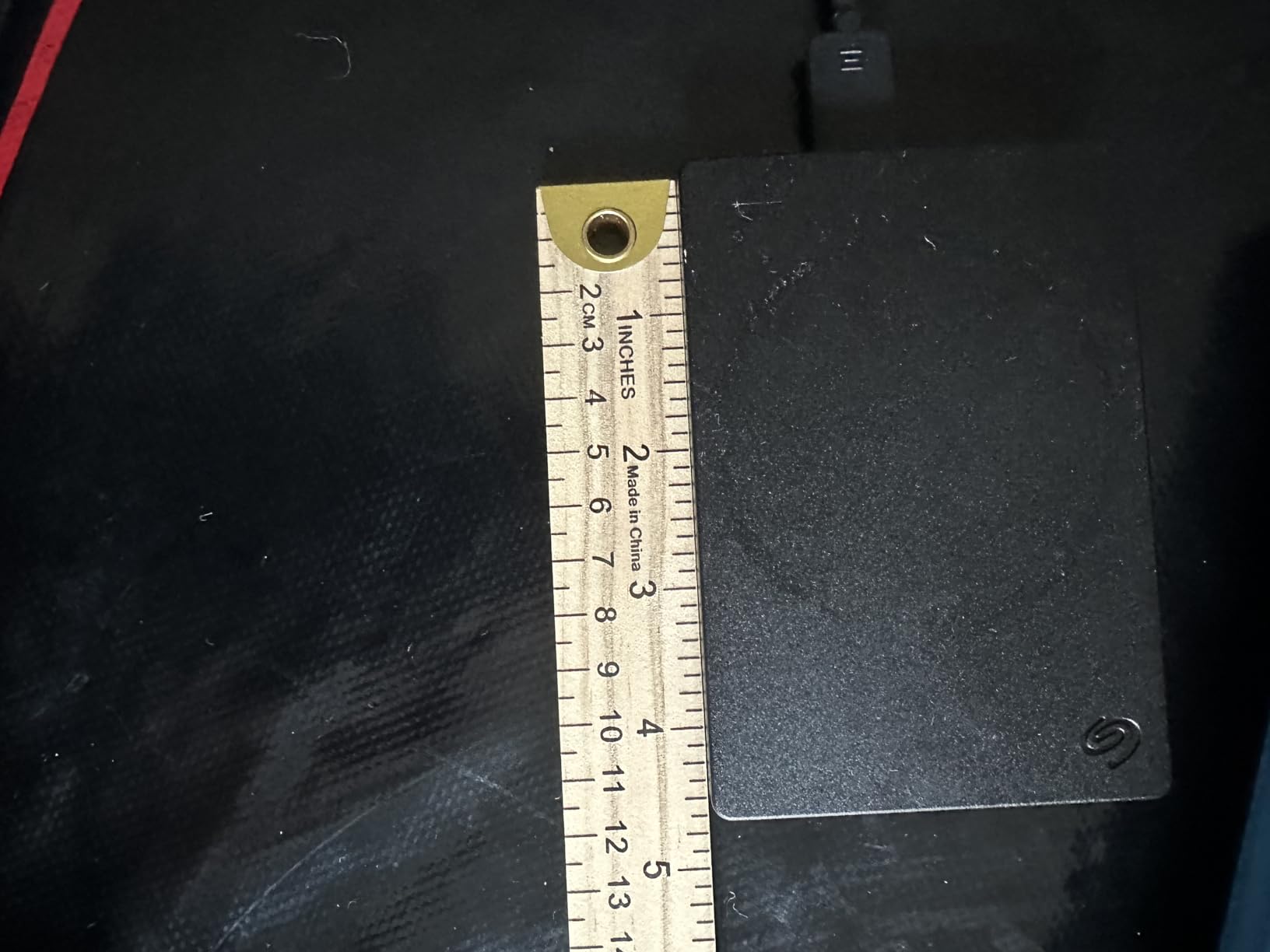
The trade against the WD Elements 2TB runs straight: this one is smaller and lighter, while the Elements carries a longer warranty and a marginally higher average rating. Against the SanDisk Extreme 2TB, it is several times slower and has no ingress rating, so the SSD is the right call if your drive lives in a camera bag.
Good to know: usable capacity after formatting lands a little under the labelled 2 TB, which is normal for every drive on this list but worth remembering if you are sizing a raw video archive against a fixed number.
2. WD Elements 2TB: Best for Value
WD 2TB Elements Portable External Hard Drive for Windows, USB 3.2 Gen 1/USB 3.0 for PC & Mac, Plug and Play Ready – WDBU6Y0020BBK-WESN
Capacity: 2 TB
Type: mechanical HDD
Interface: USB 3.2 Gen 1
Weight: 4.64 oz
Warranty: 2 years
Pros
- Highest average rating in the list at 4.7 stars
- Over 165000 ratings to judge it by
- Plug-and-play with no installation steps
- Backwards compatible with older USB ports
Cons
- Mechanical drive so transfers trail any equivalent SSD
- Larger footprint than slim 2.5 inch portables
The WD Elements 2TB holds the highest average rating in this roundup at 4.7 stars, and it does so across 165,304 ratings. Owners point to the same things repeatedly: a small enclosure, immediate recognition on plug-in, and dependable everyday behaviour with no surprises. That combination of rating and volume is what earns the value label rather than a low number.
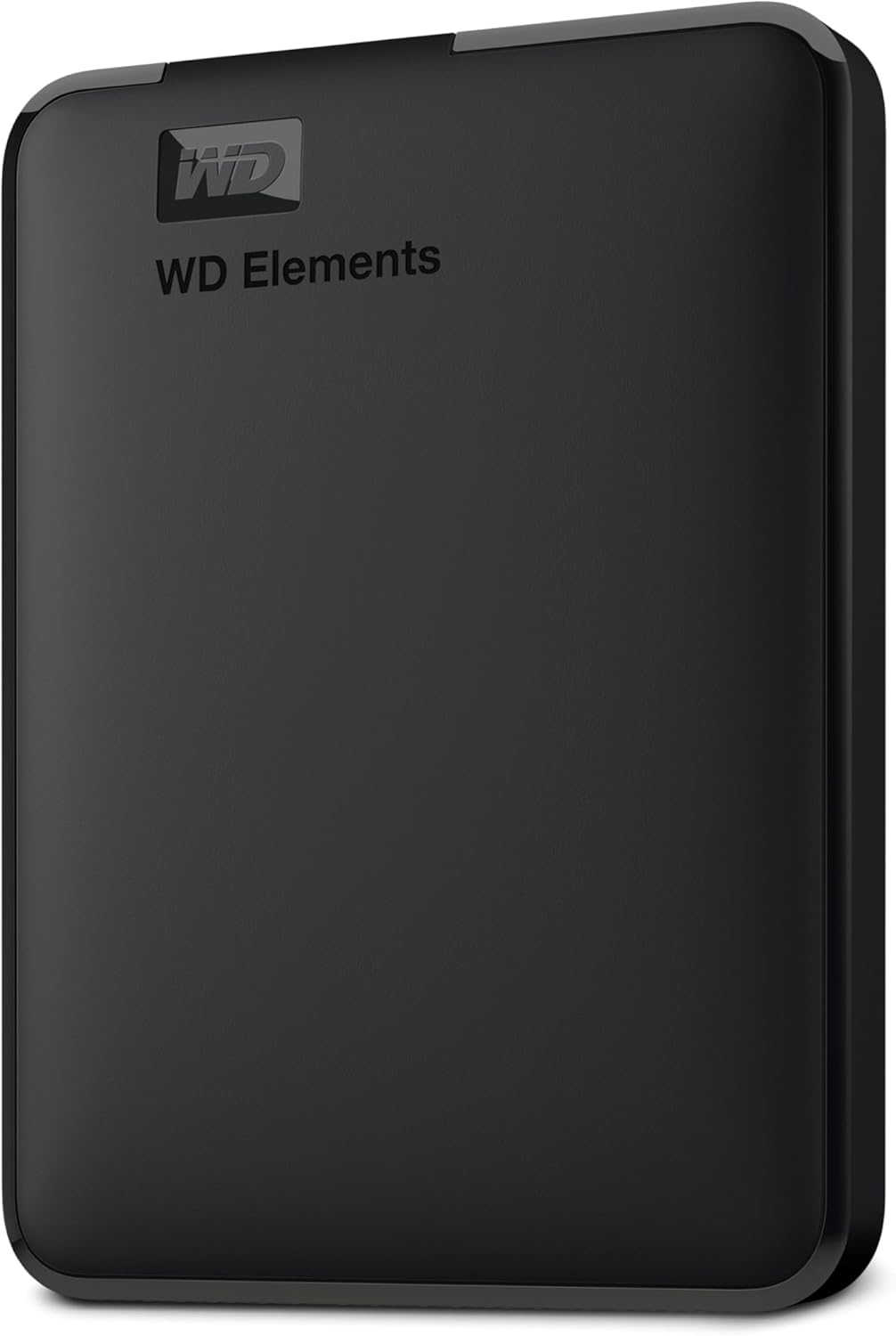
Two details stand out for anyone buying during the sale. The interface is USB 3.2 Gen 1 at 5 Gbps, which is the standard on modern laptops, and the drive is backwards compatible with older USB ports so an older desktop is not a problem. The two-year limited warranty is longer than the Seagate Portable’s one year, which matters if you intend to keep this drive as a long-term archive.
The listing covers capacities up to 6 TB in the same line, so if 2 TB is a starting point rather than a destination, the shape of the range is worth knowing before you buy. The listing weight of 4.64 ounces and dimensions of 5.8 by 4.8 inches describe a slightly larger body than the slim 2.5-inch portables, so it reads more like a small desk drive than a pocket drive.
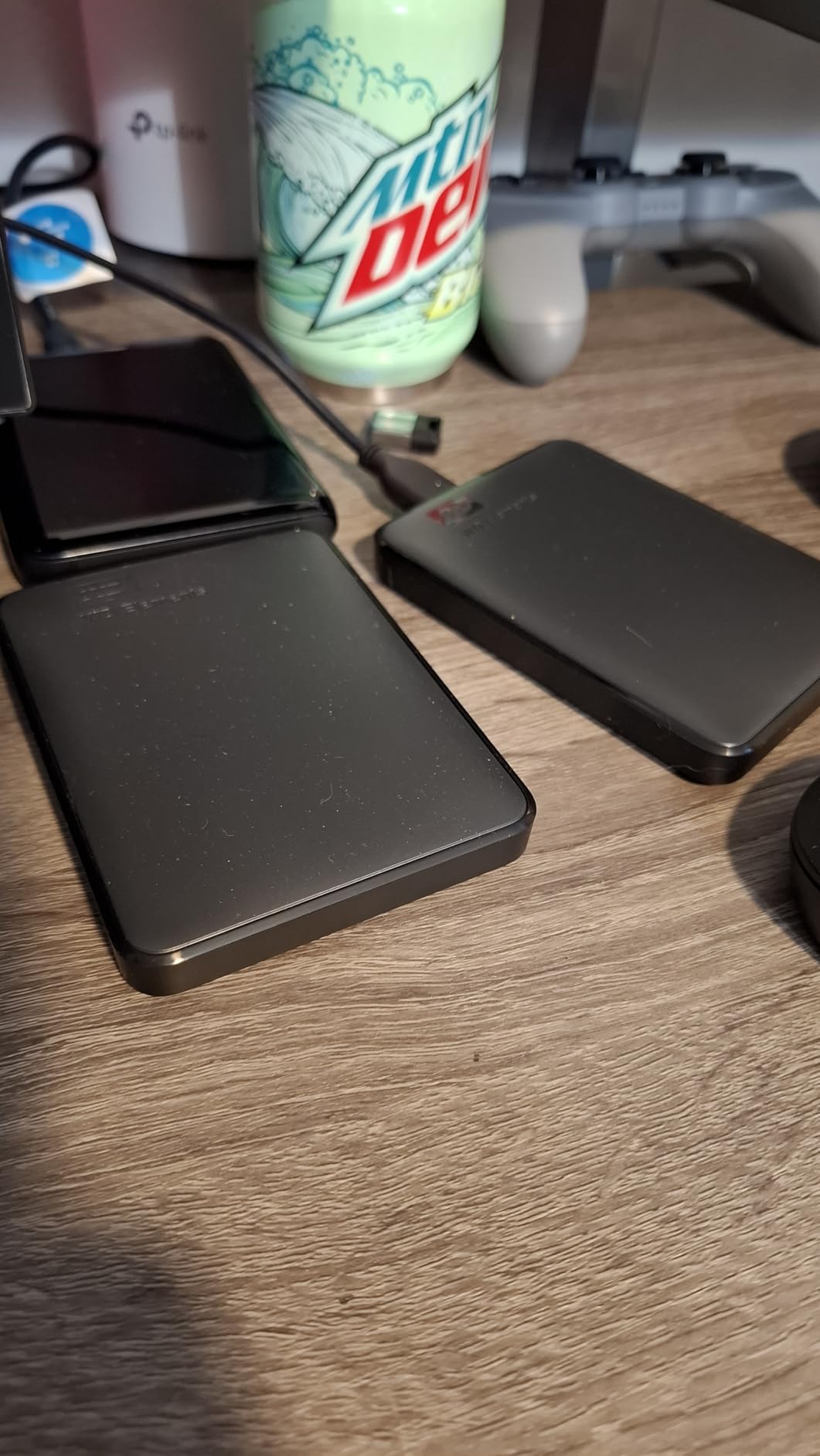
The trade against the Seagate 2TB Portable is compactness for a longer warranty and a slightly higher average rating. If your drive lives on a desk rather than in a bag, that is the better side of it.
Skip it if you move large video files daily. This is a mechanical drive and the SanDisk Extreme 2TB moves data several times faster for anyone who edits.
3. SanDisk Extreme 2TB: Best for Speed and Drop Resistance
Sandisk 2TB Extreme Portable SSD, Up to 1050MB/s, USB-C, USB 3.2 Gen 2, IP65 Water and Dust Resistance, Updated Firmware, External Solid State Drive, SDSSDE61-2T00-G25
Capacity: 2 TB
Type: portable SSD
Interface: USB-C Gen 2
Read: 1050 MB/s
Warranty: 5 years
Pros
- Up to 1050 MB/s read and 1000 MB/s write
- Pocket-sized at 1.76 oz
- IP65 water and dust resistance with 3-meter drop protection
- 256-bit AES hardware encryption
- Carabiner loop for a belt or pack
Cons
- Needs a certified high-speed USB-C cable to mount reliably
- Can run warm during long sustained transfers
- Highest price point among the 2 TB options here
This is the only solid state drive in the list, and the specs explain why. Up to 1050 MB/s read and 1000 MB/s write is roughly eight times what a good mechanical drive in this group manages, which turns a full 2 TB copy from an evening into a short coffee break. Editors rate it 4.6 across 91,725 reviews.
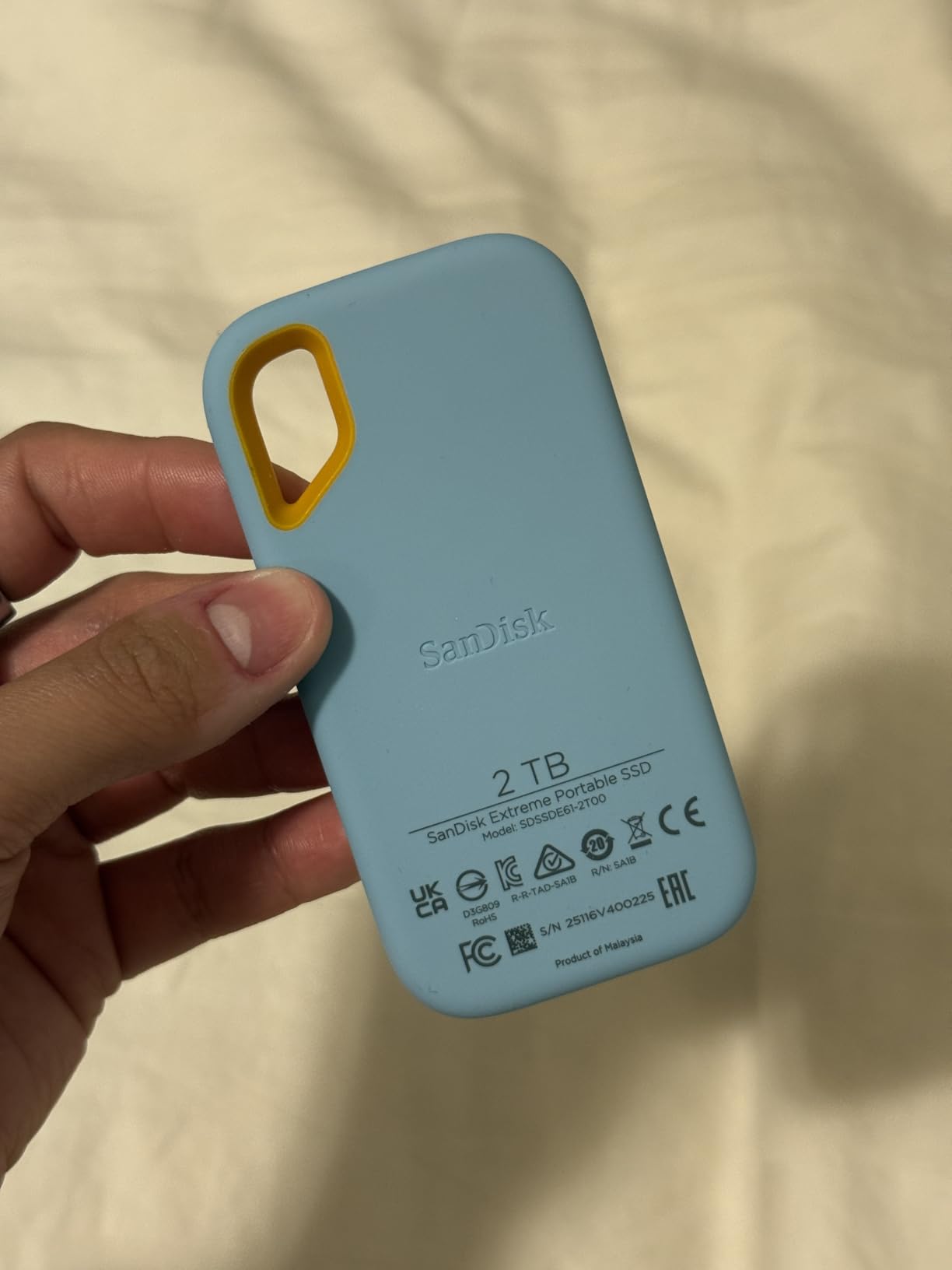
Durability is the second argument. IP65 water and dust resistance plus 3-meter drop protection means it survives the field conditions that break spinning drives: a dropped camera bag, a dusty truck dashboard, a rainy festival work table. There is also 256-bit AES hardware encryption built in, so private client files are protected without extra software.
The caveat owners mention most is cable quality. Several reviewers resolved mounting problems by swapping in a certified high-speed USB-C cable, which is worth knowing before you blame the drive. A second, milder note is that it runs slightly warm during long sustained transfers.
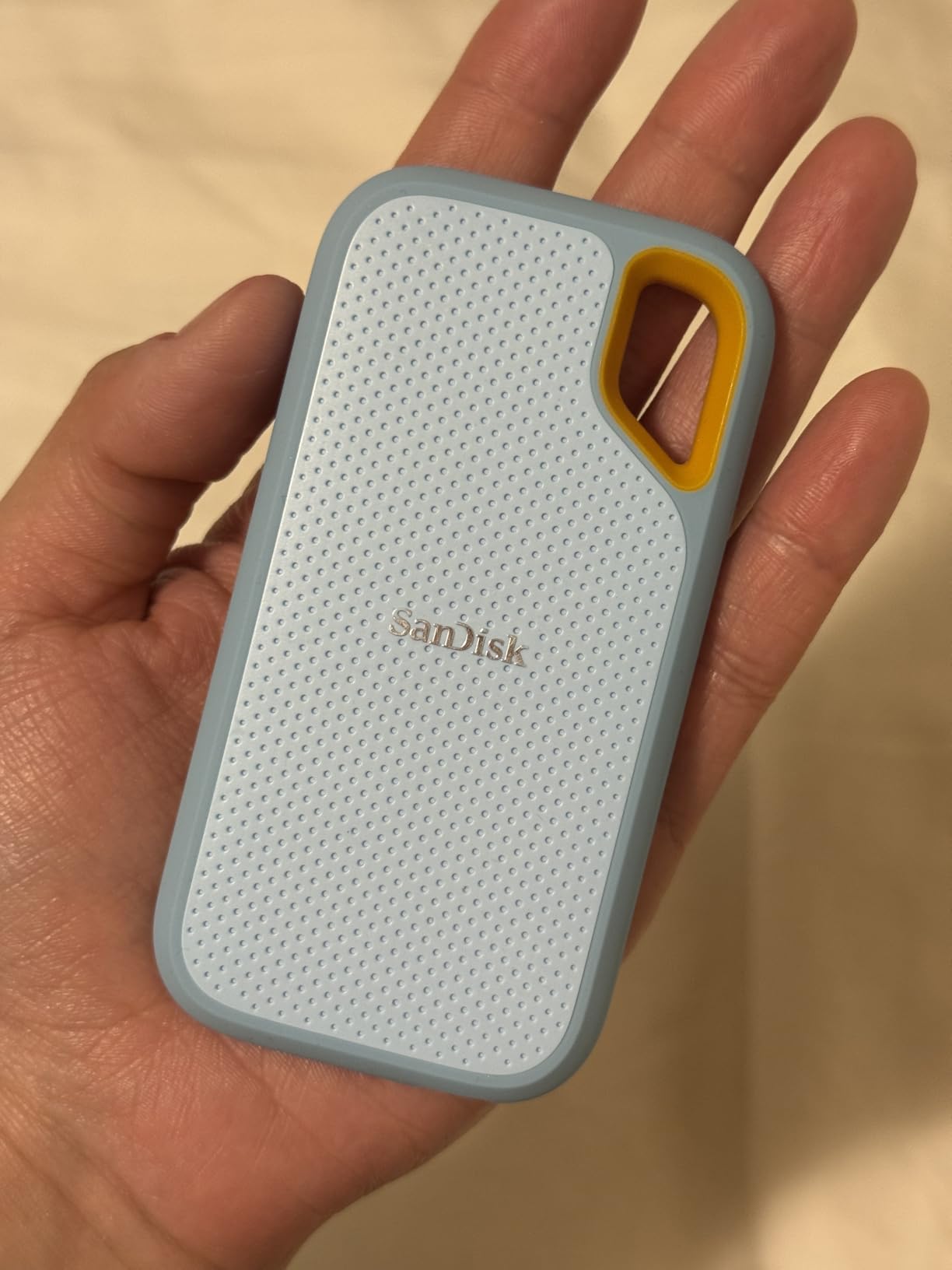
The trade against the Seagate 2TB Portable is straightforward: speed, shock resistance and encryption, paid for with capacity per dollar and a little pocket size. A drive that never leaves a desk is better served by the mechanical options. One that travels earns its place here.
A carabiner loop is included for clipping to a belt or bag, and a five-year limited manufacturer warranty is the longest in this roundup.
4. WD My Passport 2TB: Best for Encrypted Backups
WD 2TB My Passport, Portable External Hard Drive, Black, backup software with defense against ransomware, and password protection, USB 3.1/USB 3.0 compatible – WDBYVG0020BBK-WESN
Capacity: 2 TB
Type: portable HDD
Interface: USB 3.1 and 3.2 Gen 2
Warranty: 3 years
Pros
- Hardware encryption and password protection built in
- Included backup software with ransomware defence
- Three-year limited warranty
- Slim design at 0.44 inch thick
- Works immediately with no drivers
Cons
- Ships with a USB-A cable so USB-C laptops need an adapter
- Backup software prompts to add third-party apps
- First full backup takes a long time on a mechanical drive
The My Passport is the pick when the files on the drive are sensitive rather than simply plentiful. Hardware encryption and password protection are built in, and the bundled device management software includes defence against ransomware, which is the feature set the plain WD Elements 2TB does not offer.
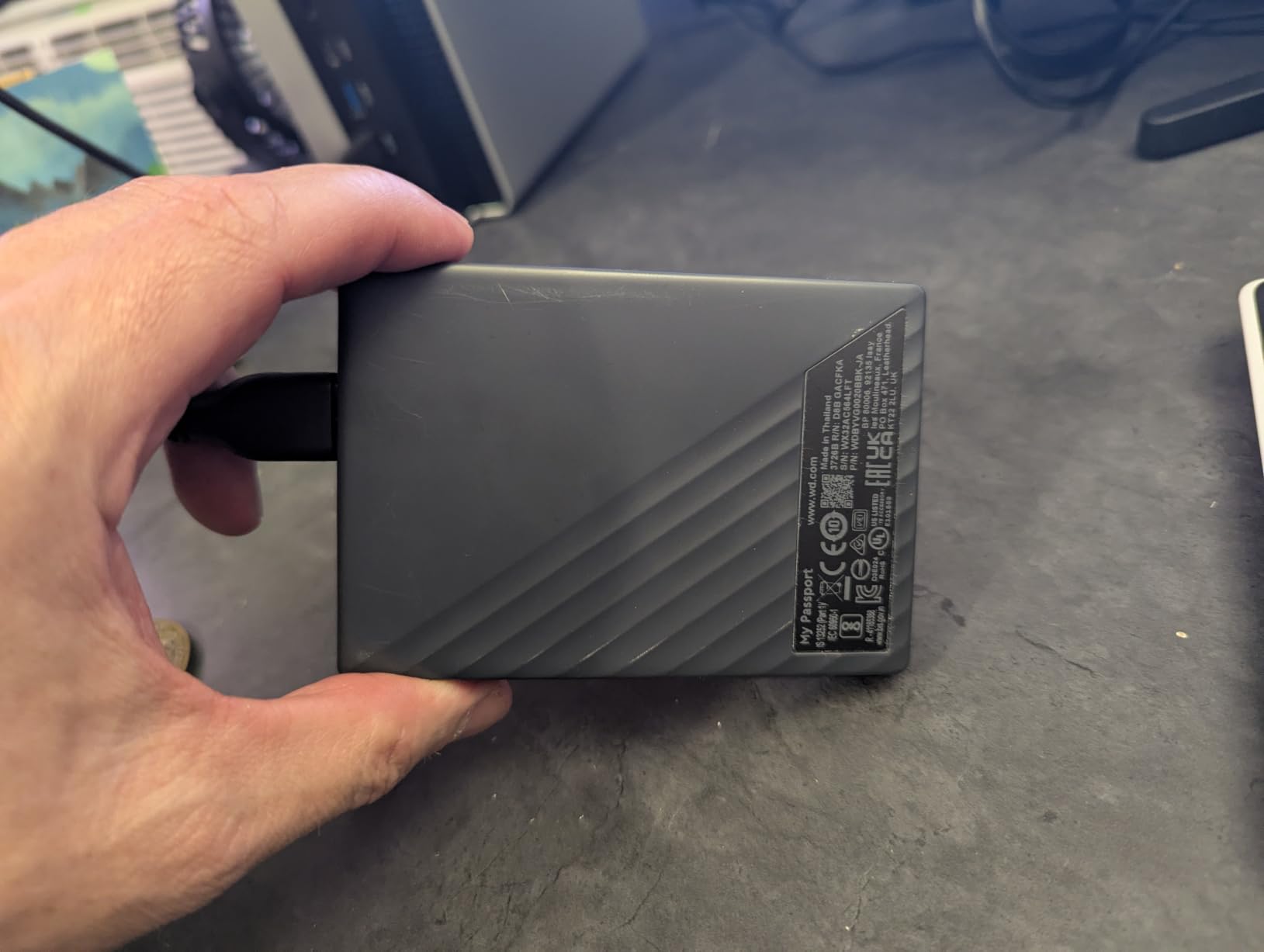
Owners describe it as a genuine local backup rather than a folder of copied files, with several reviewers reporting they picked it up after discovering cloud sync was not copying everything. The 4.22 by 2.95 inch body and 0.44 inch thickness make it the slimmest mechanical drive here, and the three-year limited warranty outlasts most of the field.
The practical snag is the included USB-A cable. On a USB-C-only laptop you will need an adapter, and a poor adapter can throttle transfer speed well below what the interface supports. Owners also mention the installed software prompting to add third-party applications, which is mildly annoying on first launch.
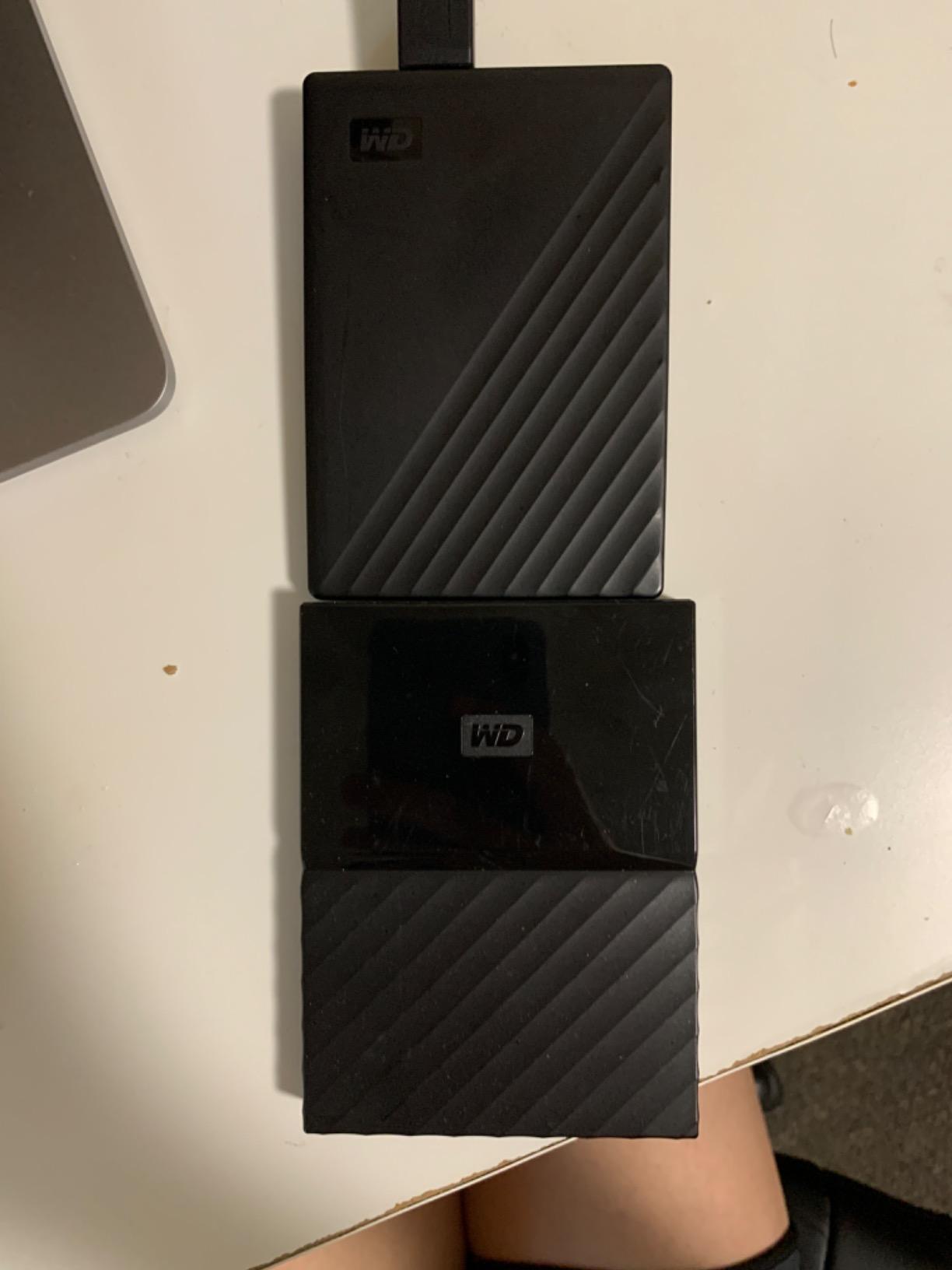
What you are paying for here is protection rather than capacity. Against the WD Elements 2TB it adds encryption and ransomware-aware software; against the SanDisk Extreme 2TB it is slower and less rugged but cheaper per terabyte. For a freelancer holding client footage, encryption is usually the more useful of those two differences.
5. Toshiba Canvio Basics 2TB: Best for Quiet Desk Use
Toshiba Canvio Basics 2TB Portable External Hard Drive USB 3.0, Black – HDTB520XK3AA
Capacity: 2 TB
Type: portable HDD
Interface: USB 3.0
Spin: 5400 rpm
Warranty: 1 year
Pros
- Silent and stable during transfers
- Matte finish resists smudges
- Genuine plug-and-play with no software
- Backwards compatible with USB 2.0 ports
Cons
- Requires reformatting before use on macOS
- Proprietary-style cable is not a universal replacement
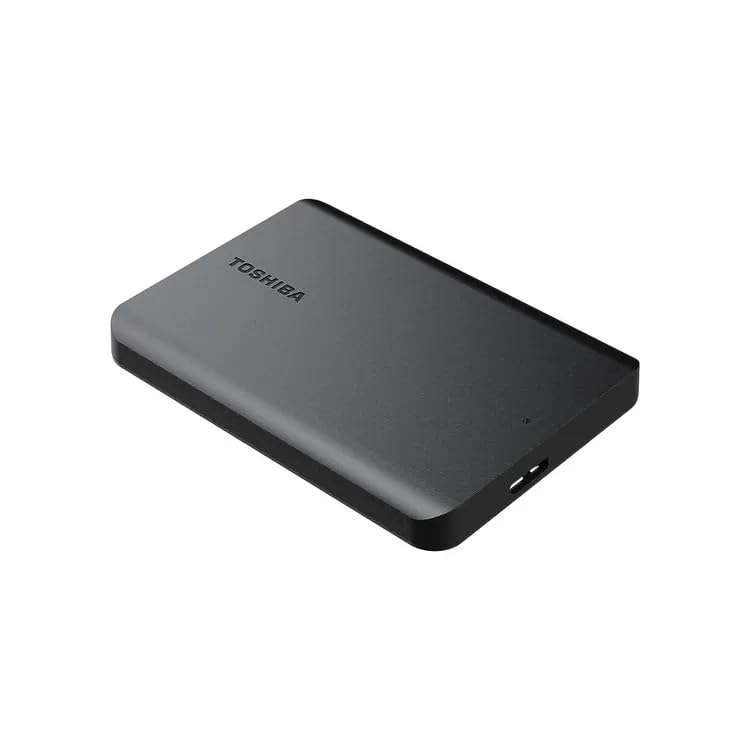
Over 21,203 ratings averaging 4.6 stars, and the feedback is unusually consistent: quiet, stable, no fuss. A 5400 rpm spindle in a 4.3 by 3.1 inch polycarbonate body means it disappears into a workspace where a louder drive would be noticeable during a call.
The matte, smudge-resistant finish is a small thing that owners mention more than you would expect, because a drive that lives on a desk gets handled constantly. It arrives pre-formatted in NTFS for Windows, works immediately, and drops back to USB 2.0 speeds on older ports rather than refusing to connect.
The most cited drawback is the included cable. Several buyers did not realise it was drive-specific until they needed a replacement, and the same note appears on the Seagate 2TB Portable. On macOS the drive needs a reformat before use, which is routine but not instant.
The WD Elements 2TB is the more expensive sibling with a longer warranty, and the LaCie Rugged Mini 2TB is the one to buy instead when the drive travels. This is the safer desk choice of the pair.
6. ADATA HD710 Pro 2TB: Best for IP68 Rugged Use
ADATA HD710 Pro – 2 TB External Hard Drive – Shockproof, Waterproof & Dustproof – Durable Storage – For Gamers, Students & Professionals – Mac, PC & Linux Compatible – Black – AHD710P-2TU31-CBK
Capacity: 2 TB
Type: rugged HDD
Interface: USB 3.1
Read: 90 MB/s
Warranty: 3 years
Pros
- IP68 waterproof and IP6X dustproof with MIL-STD-810G shock resistance
- Triple-layered housing resists scratches
- Works across Mac PC and Linux
- Built-in cable management and socket dust cover
- Three-year warranty
Cons
- Fixed USB connector style can be awkward to plug in
- Connector can loosen with heavy use over time
- Heavier and bulkier at 270 g than slim portables
The HD710 Pro has the strongest physical specification in the list. IP68 waterproof and IP6X dustproof with MIL-STD-810G shock resistance, a triple-layered housing and a socket dust cover put it ahead of the LaCie Rugged Mini 2TB for anything involving water, grit or a hard floor. Reviews sit at 4.6 across 17,670 ratings.
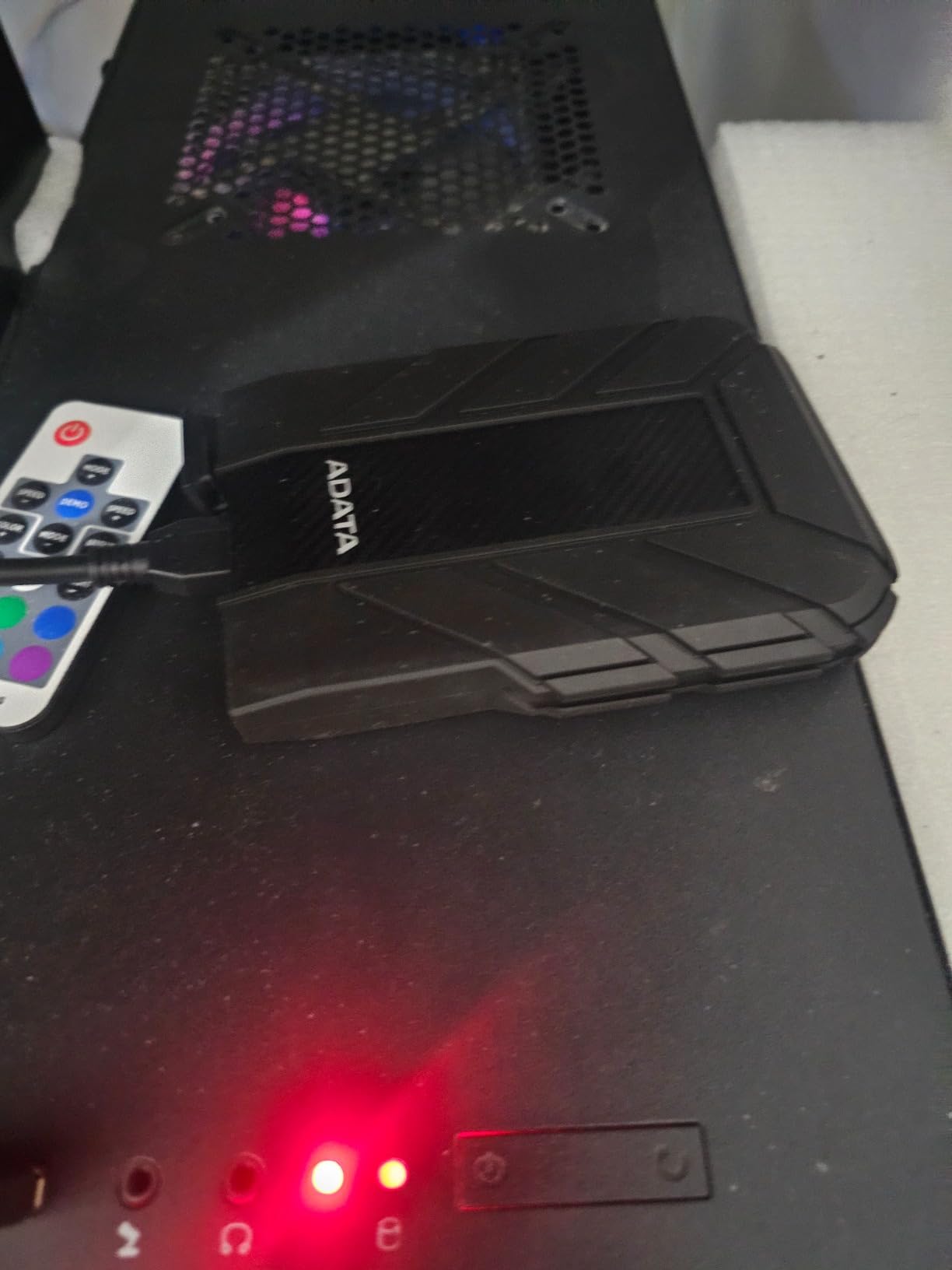
Owners use it for system images and large media transfers and report it surviving drops and scratches without complaint. Around 90 MB/s read speed is slower than the other mechanical drives here, so a 2 TB copy takes longer, but that is the price of the sealing.
Two ergonomic notes come up repeatedly. The connector style is fixed rather than a detachable cable, which reviewers with limited hand dexterity find awkward, and the port can loosen with heavy use over time. At 270 g it is also the heaviest portable option on this list.
Against the LaCie Rugged Mini 2TB, this is the harder-wearing of the pair and the larger of the two in a bag. Against the SanDisk Extreme 2TB, it is cheaper per terabyte and slower, and physically the better drive in a site hut or a van.
7. LaCie Rugged Mini 2TB: Best With a Carry Case
LACIE Z230636-240FLaCie Rugged Mini USB 3.0 2TB External Hard Drive + Case Logic Portable Hard Drive Case
Capacity: 2 TB
Type: rugged HDD
Interface: USB 3.0
Read: 130 MB/s
Drop: up to 4 ft
Pros
- Orange rubber bumper survives drops and rough handling
- Owners report 11+ years of continuous use
- Rated 130 MB/s for a mechanical drive
- Password protection built into the drive
- Bundled Case Logic carry case
Cons
- Requires reformatting for Mac compatibility
- USB plug does not fully seat and can wobble
- Bulkier than slim 2.5 inch portables
The longest-serving drive here. Owners of the Rugged Mini frequently cite 11 or more years of continuous use, which is not a marketing line but a pattern that shows up again and again across 16,841 ratings averaging 4.6 stars. If you want one drive to buy and forget, this has the longest track record in the roundup.
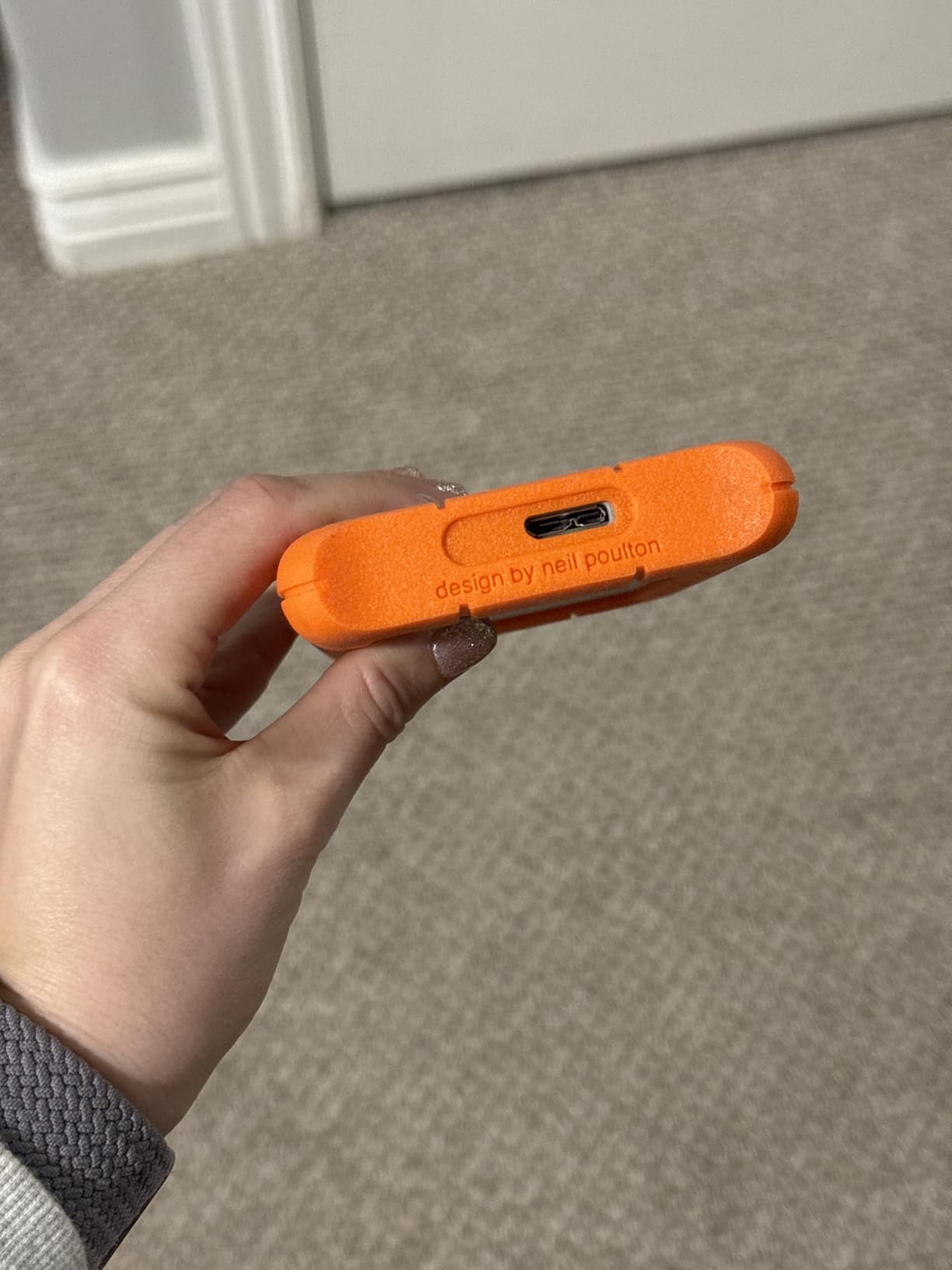
It is also the only one that ships with a Case Logic portable hard drive case in the box, which is a quietly useful addition for anyone moving footage between locations. The orange rubber bumper handles drops up to four feet, plus dust and water resistance, and password protection is built in for anyone carrying client files.
Rated reads of 130 MB/s are the highest among the mechanical drives in this list, and it stays compatible with older USB 2.0 ports at reduced speeds. The two consistent gripes are the Mac reformat requirement and a connector that does not fully click into the port, which matters more in a bag than on a desk.
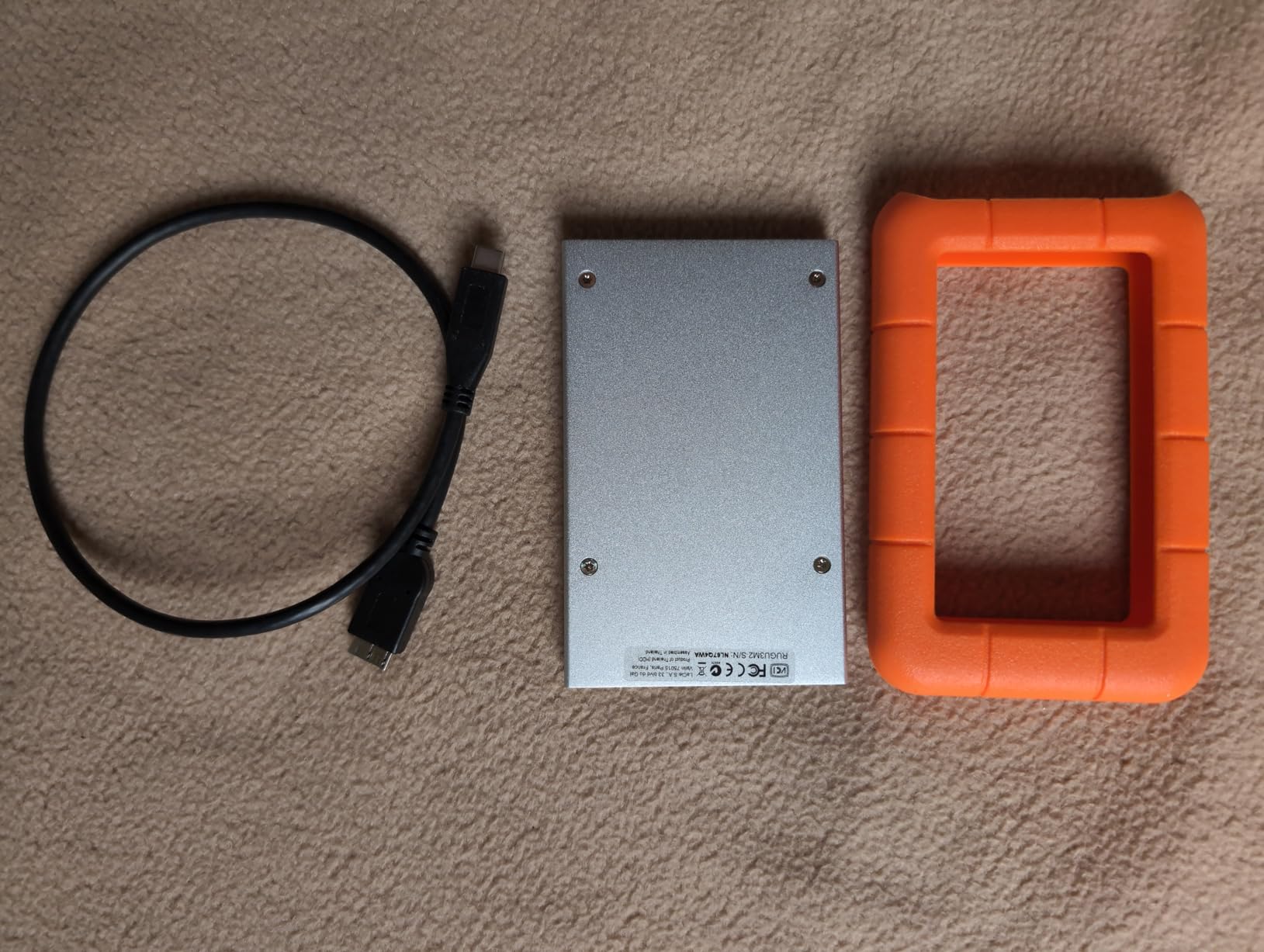
The ADATA HD710 Pro 2TB out-seals this drive, so take that one into a site hut or a van. The Silicon Power Armor A60 2TB stores its cable on the drive itself, which is why a few owners prefer it despite the shorter service history on this one.
8. Silicon Power Armor A60 2TB: Best for Console Game Storage
SP Silicon Power 2TB Rugged Portable External Hard Drive Armor A60 Shockproof USB 3.1 Gen1 for PC Mac Xbox and PS4 Black
Capacity: 2 TB
Type: rugged HDD
Interface: USB 3.1 Gen 1
Read: about 120 MB/s
Warranty: 3 years
Pros
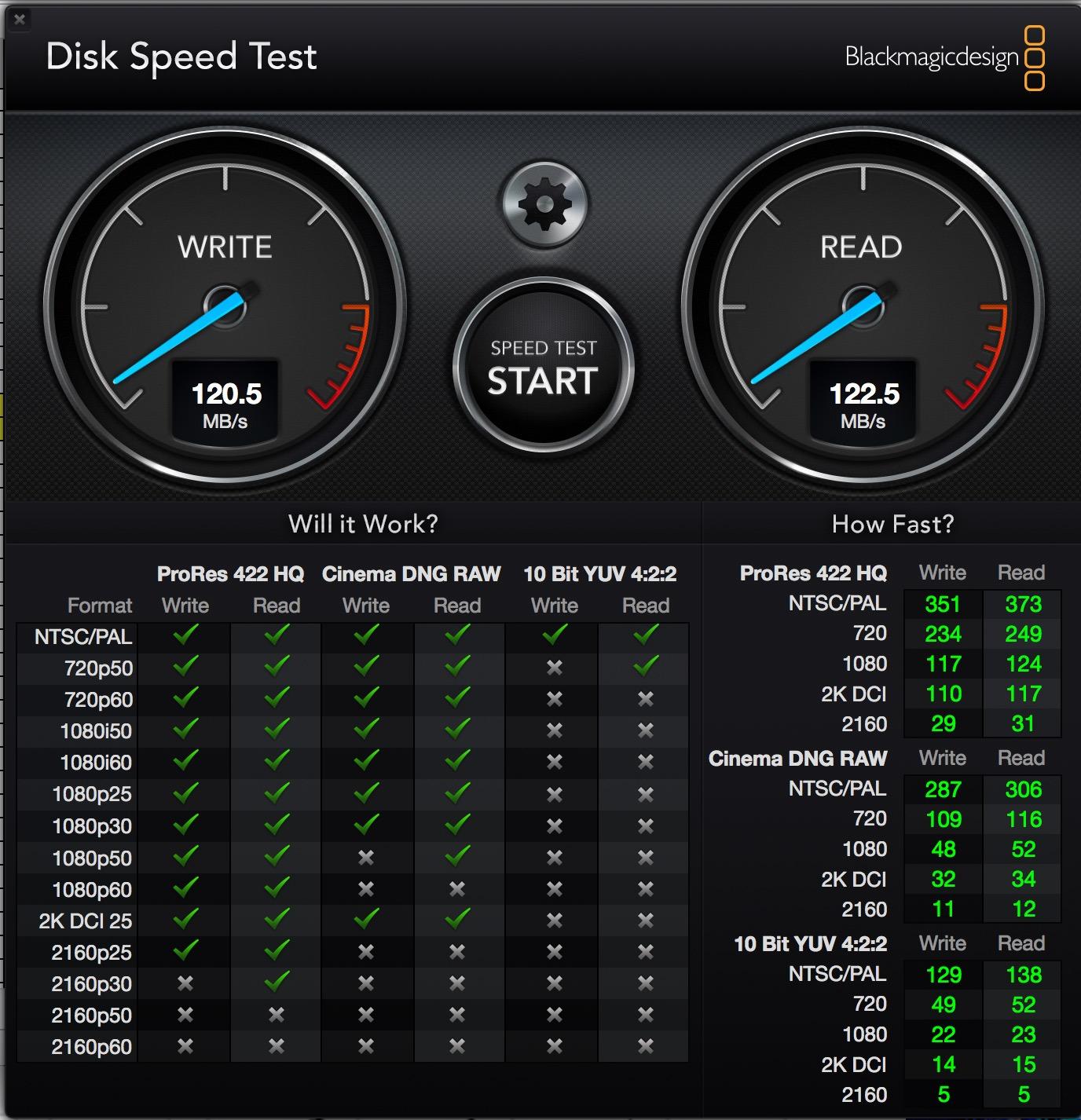
- Measured throughput around 120 MB/s read and 122 MB/s write
- Cable stows on the drive so it cannot be lost
- Shockproof and IPX4 water-resistant shell
- Works with PS4 and Xbox One for game storage
- 3-year warranty
Cons
- Cable clips detach easily and the included cable is short
- ABS shell scuffs despite scratch-resistance claims
- Not suited to latency-sensitive multiplayer games
The Armor A60 pairs a 4.7 star average across 6,540 ratings with the second-smallest review base here, so treat that rating as promising rather than settled. What owners consistently like is the cable-carry design: the USB cable clips to the drive body, which solves the permanently-lost-cable problem in a way the other portable options here do not.
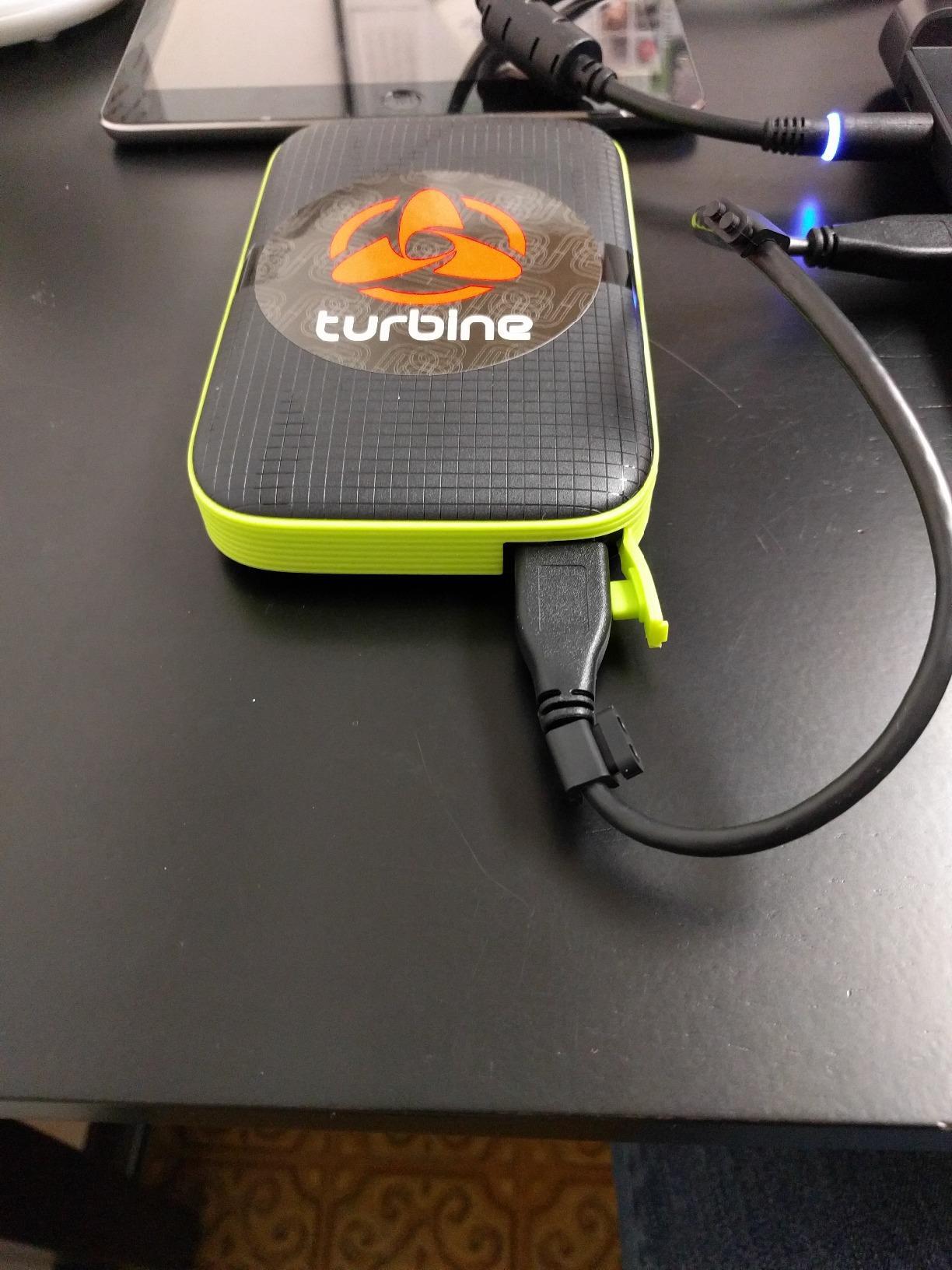
It is listed as compatible with the Xbox One, Xbox 360, PS4 and PS4 Pro, which makes it a straightforward way to hold a console game library that no longer fits on internal storage. Measured real-world throughput of roughly 120 MB/s read and 122 MB/s write is a genuine upgrade on smaller drives for the loading times that matter.
Long-term owners report units still working after years, which is the strongest part of the record. The knocks are build quality relative to the genuinely rugged drives, a short included cable whose clips detach easily, and slower load times for large games.
The LaCie Rugged Mini 2TB wins on service history and loses on cable retention. If your console is a PS4 or an older Xbox, this is the pick, since its compatibility list is built around those machines rather than the newest hardware.
One caution from the review record: a mechanical drive is not suited to running latency-sensitive multiplayer games, even where the console will accept it.
9. UnionSine 4TB Ultra Slim: Best for 4 TB in a Slim Body
UnionSine 4TB Ultra Slim Portable External Hard Drive HDD-USB 3.0
Capacity: 4 TB
Type: portable HDD
Interface: USB 3.0
Read: 125 MB/s
Warranty: 3 years
Pros
- 4 TB in an ultra-thin pocket-sized body
- Quiet thanks to the JMicron 578 noise-free solution
- Aluminium anti-interference layer manages heat
- Striped non-slip surface with rounded corners
- Plug and play with a three-year warranty
Cons
- Lowest average rating here at 4.4 with a higher one-star share
- 125 MB/s read and 103 MB/s write is mechanical territory
- Smaller review base than the established brands
Doubling capacity from 2 TB to 4 TB without doubling the footprint is the whole pitch here. This is a 2.5-inch portable body holding 4 TB, and the striped non-slip surface with rounded corners is designed to be held rather than balanced on a desk. Ratings run 4.4 across 2,416 reviews, the smallest review base in this roundup.
Owners who like it highlight exactly the combination it offers: high capacity, an unusually thin and quiet design, and steady plug-and-play transfers with no software. The JMicron 578 noise-free controller is doing the work on the quiet claim, and an aluminium anti-interference layer around the chip helps keep transfers stable over long sessions.
Be honest about the risk. Its one-star share is the highest in this roundup, the average rating is the lowest, and the brand has a far smaller review base than Seagate or Western Digital. A 4 TB mechanical drive is also the failure you would least enjoy, because more data sits behind one spinning platter.
The Seagate Expansion 4TB reaches the same 4 TB in a desktop body, rated slightly higher at 4.5 across 1,127 reviews and carrying Rescue data recovery services. Choose this slim body only if it has to travel.
10. Seagate Expansion 4TB: Best for Desktop Bulk Storage
Seagate Expansion Desktop, 4TB, External Hard Drive, USB 3.0 (STKP4000400)
Capacity: 4 TB
Type: desktop HDD
Interface: USB 3.0
Read: 120 MB/s
Latency: 9.26 ms
Weight: 950 g
Pros
- 4 TB of desktop-class capacity for full-system backups
- Drag-and-drop storage the moment it is plugged in
- Automatic recognition on Windows and Mac
- Backed by Rescue data recovery services
- 9.26 ms latency suits sequential backup work
Cons
- Needs an external power supply so it is not portable
- Heaviest option here at 950 g
- Time Machine on Mac requires reformatting
This is the desk-bound option. A 3.5-inch desktop enclosure at 950 g that needs its own power supply is never going in a bag, and the review record is honest about that. What it offers instead is 4 TB of cheap capacity sitting next to your tower, which is the right shape for a full-system image or a large media library.
Setup is the simplest on this list: plug in the power supply and the USB cable, then drag and drop. The drive is recognised automatically on both Windows and Mac, and 9.26 ms average latency with 120 MB/s reads suits sequential backup workloads rather than random access. Rescue data recovery services are included, which is unusual at this end of the market.
Two caveats. Mac owners using Time Machine need to reformat the drive first, and the mains-powered form factor means one more cable and one more thing to unplug. If you need capacity that lives with you, the UnionSine 4TB Ultra Slim does the same job in a portable body, and the Silicon Power Armor A60 2TB is the tougher build if it lives in a rucksack.
How to Choose External Hard Drives During Prime Big Deal Days
How Much Storage Capacity Do You Need?
Count what you have, not what you might have. A photographer shooting a wedding produces roughly 150 GB to 400 GB of RAW files, so 1 TB holds one or two full shoots and a 2 TB drive holds a working year. Video is the real jump: 4K footage runs from 60 GB to 400 GB per hour depending on codec and bitrate, so a single day of 4K editing wants 4 TB or more.
Game libraries follow their own curve. A 2 TB drive holds roughly 15 to 25 modern titles, and 4 TB roughly doubles that. If you are copying a full laptop image rather than backing up one folder, match or exceed the internal drive’s capacity.
The rules of thumb that hold: 2 TB for documents and photos, 4 TB for video and game libraries, 6 TB and up for anyone keeping a decade of archives. Every drive in this list is 2 TB except the two 4 TB options.
What Transfer Speed Should an External Hard Drive Have?
Interface labels describe ceilings, not results. USB 3.2 Gen 1 at 5 Gbps is the common denominator here, and a good mechanical drive on it delivers roughly 90 MB/s to 130 MB/s. That is fine for scheduled backups, slow for a rush project, and hopeless for editing 4K video off the drive.
USB 3.2 Gen 2 at 10 Gbps is a different class. The SanDisk Extreme 2TB lists up to 1050 MB/s read and 1000 MB/s write, roughly eight times the mechanical drives here, and it is the only pick that suits working directly off the drive.
Choose around 100 MB/s for backups, 200 MB/s or more for large media libraries, and Gen 2 NVMe speeds for video editing and console game libraries that must load quickly.
Which Connection Is Compatible With Your Devices?
Check what your computer actually has before you buy, because the cable is the part buyers get wrong. Most mechanical drives here ship with USB-A, which needs an adapter on a USB-C-only laptop, and a poor adapter can throttle speed far below the drive’s rating.
The SanDisk Extreme 2TB uses USB-C and pairs with newer phones and tablets directly, which matters if you are offloading camera files to a tablet rather than a laptop. Two other notes worth making: the WD My Passport 2TB includes a USB-A cable only, and a certified high-speed USB-C cable is what several SanDisk owners needed to fix mounting problems.
Older ports are covered everywhere. Every mechanical drive here stays backwards compatible with USB 2.0, just at much lower speeds, so an old desktop will still work.
Should You Choose a Portable or Desktop External Hard Drive?
Portable is the default for almost everyone. Every 2.5-inch drive on this list runs off USB power alone, weighs under 300 g, and needs nothing but a cable. That covers a laptop backup, a photo offload and a console game library in one device.
Desktop format earns its place when capacity per terabyte matters more than mobility. The Seagate Expansion 4TB needs a mains supply and weighs 950 g, which is fine next to a desk and absurd in a backpack. Larger desktop drives tend to cost less per terabyte for the same reason.
Pick portable if the drive moves. Pick desktop if it stays plugged in beside a tower and holds a media library or a full system image.
How Do Backup Features and Reliability Matter?
A drive is a device, not a backup. The 3-2-1 rule is the short version: three copies of your data, on two different media types, with one copy somewhere you did not put it. An external drive on your own desk satisfies one of those three and no more.
Convenience features are real, though. Password protection and hardware encryption are built into the WD My Passport 2TB and the LaCie Rugged Mini 2TB, and the My Passport ships with backup software that includes ransomware defence. The SanDisk Extreme 2TB carries 256-bit AES encryption in hardware.
Durability ratings protect the drive, not the data on it. IP65 with 3-meter drop protection on the SanDisk, IP68 with MIL-STD-810G on the ADATA HD710 Pro, and four-foot drop resistance on the LaCie all help in a specific scenario; none of them recover a file after a house fire.
Check warranty length as a rough reliability signal, and treat the higher one-star share on the UnionSine 4TB Ultra Slim as a reason to keep a second copy of anything you cannot lose.
How to Shop External Hard Drive Deals During the Sale
On the listing itself, check four things before you commit: the capacity and model number in the title, whether the condition is new or renewed, exactly what is in the box, and who sells and ships it. A marketplace seller undercutting the event price can leave the manufacturer warranty unsupportable, so look for sold and shipped by Amazon before anything else. Confirm the capacity matches the model code, since these product lines span 1 TB to 6 TB and the numbers are easy to misread. Most offers need a Prime membership, and prices move through the event, so check the current listing rather than trusting a badge.
Before you buy, a short checklist:
- Confirm the capacity and model number match the size you actually need.
- Check sold and shipped by Amazon, not just the seller name.
- Look for the capacity variant in the title, since these lines run 1 TB to 6 TB.
- Decide new or renewed from the listing wording and warranty terms.
- Match the interface to your ports, and confirm whether USB-A or USB-C is included.
- Keep a second copy of anything you cannot lose, whatever the drive promises.
Frequently Asked Questions
When does Amazon Prime Big Deal Days run, and do I need Prime to buy?
Amazon Prime Big Deal Days runs October 6-7, 2026, as a two-day event. Most offers require a Prime membership, and a free trial counts if you have not had one before. Some storage deals appear before the official start, but the main drop is on the first morning. Check each listing for its current price, since it can change through the event.
What should I look for in the Best Amazon Prime Big Deal Days External Hard Drive Deals?
Look for the capacity you need, the right drive type, and a rating backed by a large number of owner reviews. For everyday backups a 2 TB mechanical drive is plenty. For video editing or console game libraries, a USB 3.2 Gen 2 portable SSD is the step up. Always confirm the listing is sold and shipped by Amazon so the manufacturer warranty stays supportable.
How do I know an Amazon sale price is a real discount?
Check the price history chart on the product page and compare it with a third-party tracker, because a savings badge alone can be misleading. A price that was raised for a few weeks and then reduced back to normal is not a real saving. Check who sells and ships the item as well, since a marketplace seller can undercut the event price and complicate warranty support.
Is a portable SSD better than an external hard drive?
A portable SSD is several times faster and resists drops, which suits video editing and files that travel. A mechanical external hard drive gives far more capacity for the same money and is fine for scheduled backups. The usual answer is an SSD for working files you carry around and a mechanical drive for the archive you store at home.
How much storage do I need for photos and 4K video?
For photos, budget roughly 150 GB to 400 GB for a full wedding or event shoot, so 1 TB to 2 TB covers a working year. For 4K video, expect 60 GB to 400 GB per hour depending on codec, which makes 4 TB a sensible floor for editing. If you are copying a full laptop or game library, match or exceed the size of the internal drive.
Is one external drive a real backup?
No. The 3-2-1 rule asks for three copies of your data on two different media types, with one copy stored somewhere else. An external drive on your own desk is one copy on one medium, and it can fail or be stolen with the computer. Treat it as one useful part of a backup plan rather than the whole plan.
Final Verdict: Best Amazon Prime Big Deal Days External Hard Drive Deals
Buy the Seagate 2TB Portable if you want the safest default backup drive: the deepest review history in the list, a compact 190 g body and plug-and-play setup on both Windows and Mac. Buy the WD Elements 2TB if you want the highest average rating and a two-year warranty on a drive that stays on a desk. Buy the SanDisk Extreme 2TB if speed, drop resistance and hardware encryption matter, since it is the only solid state option here and moves data about eight times faster.
Beyond those three: the WD My Passport 2TB is the one with built-in encryption and ransomware-aware backup software, the ADATA HD710 Pro 2TB has the toughest sealing, and the LaCie Rugged Mini 2TB is the pick with the longest service history and a carry case in the box. The Silicon Power Armor A60 2TB suits older console game libraries, the UnionSine 4TB Ultra Slim doubles capacity in a portable body but carries the highest one-star share here, and the Seagate Expansion 4TB is the desk-bound bulk option with recovery services attached.
Check the listing’s current price and the seller before you buy, and keep a second copy of anything you cannot lose.