
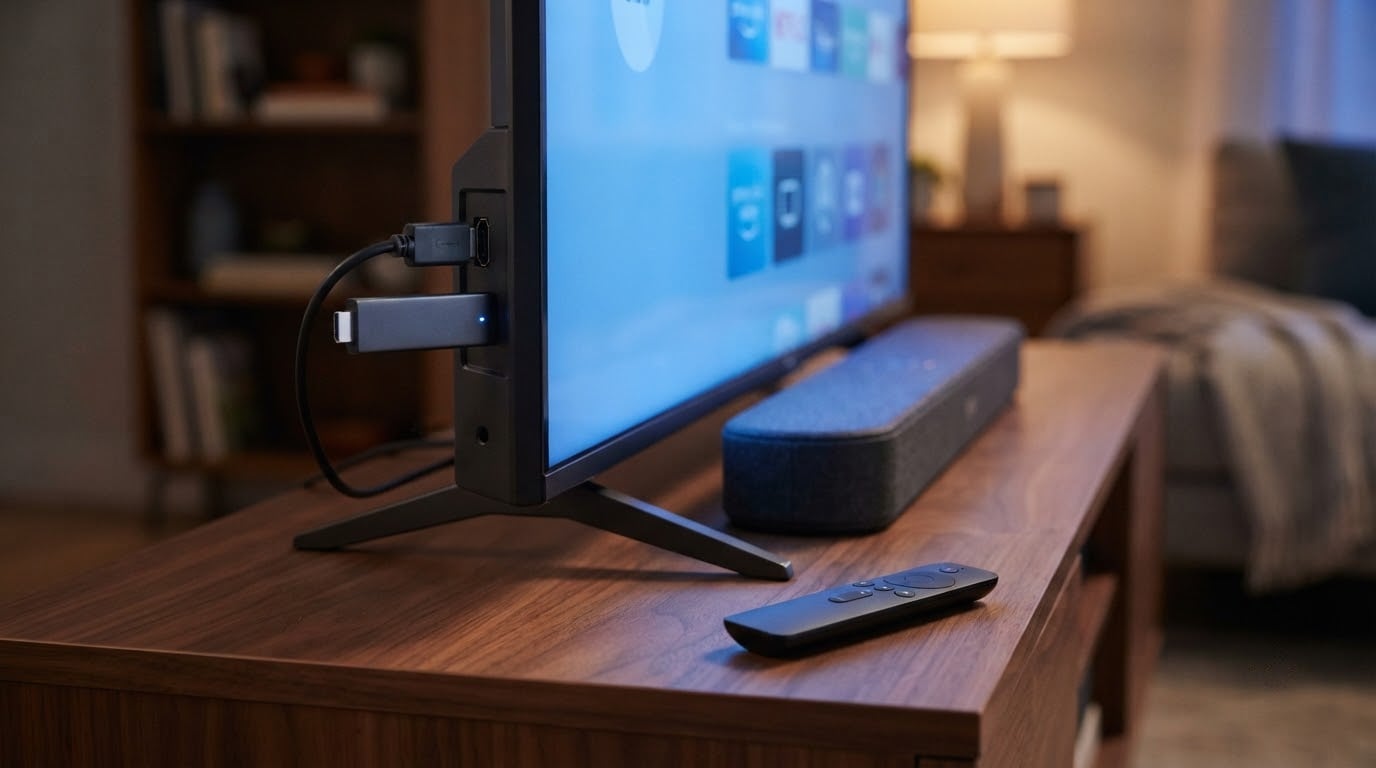
The Fire TV Stick 4K Plus is the pick worth watching most closely during Amazon’s Prime Big Deal Days sale, because it pairs Wi-Fi 6, Dolby Vision and HDR10+ with the newest Fire TV software at a price the 4K Max usually sits above.
The Fire TV Stick 4K Max takes over when storage headroom matters, and the Fire TV Stick 4K Select covers the budget end of the stick line for anyone moving into a first streaming setup. Amazon’s October sale runs October 6-7, 2026, and most offers need an active Prime membership, with a free trial counting.
Table of Contents
Our Top 3 Picks for Best Amazon Prime Big Deal Days Fire TV Deals (October 2026)


Best Amazon Prime Big Deal Days Fire TV Deals Compared
| Product | Specifications | Action |
|---|---|---|
| Fire TV Stick 4K Plus |
|
Check Deal Price |
| Fire TV Stick 4K Max |
|
Check Deal Price |
| Fire TV Stick 4K Select |
|
Check Deal Price |
 Fire TV Cube Fire TV Cube |
|
Check Deal Price |
 Fire TV Stick HD Fire TV Stick HD |
|
Check Deal Price |
 Insignia F50 43 Insignia F50 43 |
|
Check Deal Price |
 Insignia F40 40 Insignia F40 40 |
|
Check Deal Price |
 Toshiba C350 43 Toshiba C350 43 |
|
Check Deal Price |
 Insignia QF 55 Insignia QF 55 |
|
Check Deal Price |
 Ember 43 4-Series Ember 43 4-Series |
|
Check Deal Price |
 Ember 40 2-Series Ember 40 2-Series |
|
Check Deal Price |
 Ember 65 Mini-LED Ember 65 Mini-LED |
|
Check Deal Price |
How We Chose
We compared the specs that decide how these devices behave day to day: processor and storage, wireless standard, resolution and HDR formats, audio, port count and gaming features, then weighed those against Amazon ratings and the volume of owner reviews behind each one. Ratings, review counts and specifications were checked on October 2026.
1. Fire TV Stick 4K Plus: The Editor’s Choice
Fire TV Stick 4K Plus
Type: streaming stick
Resolution: 4K HDR
Platform: Fire OS
Voice: Alexa remote
Pros
- Wi-Fi 6 keeps 4K streams steady on busy networks
- Dolby Vision and HDR10+ picture support
- Fast simple setup with quick Wi-Fi pairing
- AI search finds titles faster than menu scrolling
- Dolby Atmos output
Cons
- Some remote controls reported dead power and volume buttons
- 8GB-class storage fills quickly with apps
- Occasional audio issues on certain titles
The stick most households should buy during this sale. With more than 114,000 reviews behind it and a 4.6 average, this is the model with the widest evidence base of anything in the list, and the specs explain why it holds up: Wi-Fi 6, 4K Ultra HD, Dolby Vision with HDR10+, and Dolby Atmos.
What actually stands out is the combination rather than any single number. Owners talk less about peak brightness and more about the boring stuff holding up: a quick Wi-Fi connection at setup, sharp 4K playback that stays smooth, and an AI-powered search that turns a vague request into a title faster than scrolling rows.
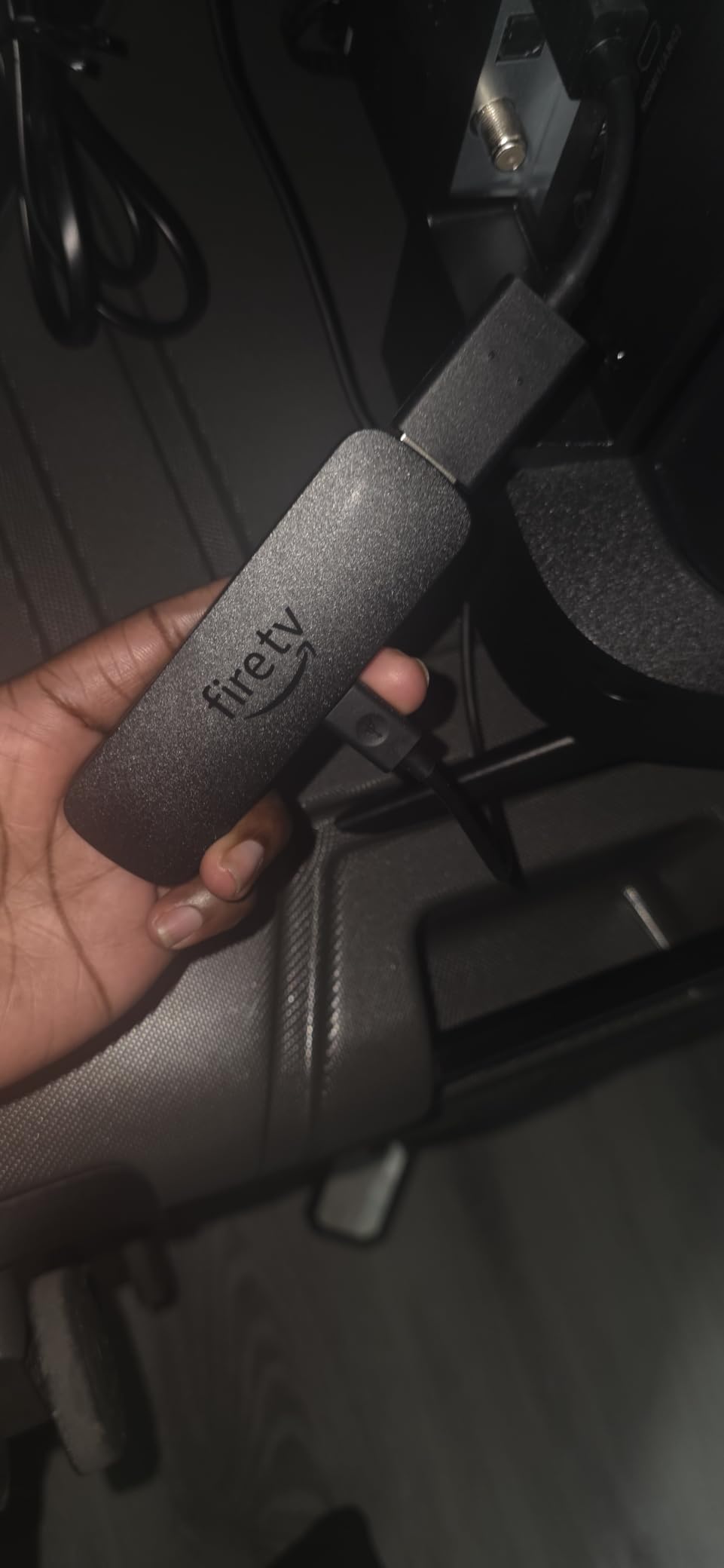
The two recurring complaints are worth planning around. Some owners report remote controls arriving with non-working volume or power buttons, and 8GB of internal storage fills up fast once a household adds several apps.
- Newer Wi-Fi 6 radio, which matters on a shared or crowded network
- Dolby Vision and HDR10+ both supported, plus Dolby Atmos audio
- Voice remote with preset app buttons and TV power and volume control
- Cloud gaming through Xbox Game Pass and Amazon Luna, no console required
- The newest Fire TV experience with a redesigned interface and personal recommendations
Compared with the Fire TV Stick 4K Max, the trade is storage and radio. The Max doubles internal storage to 16GB and adds Wi-Fi 6E, which is a real advantage if you install a lot of games or keep downloads on the device. If your router is not Wi-Fi 6E and your app list is short, the 4K Plus covers the same picture and audio ground for less.
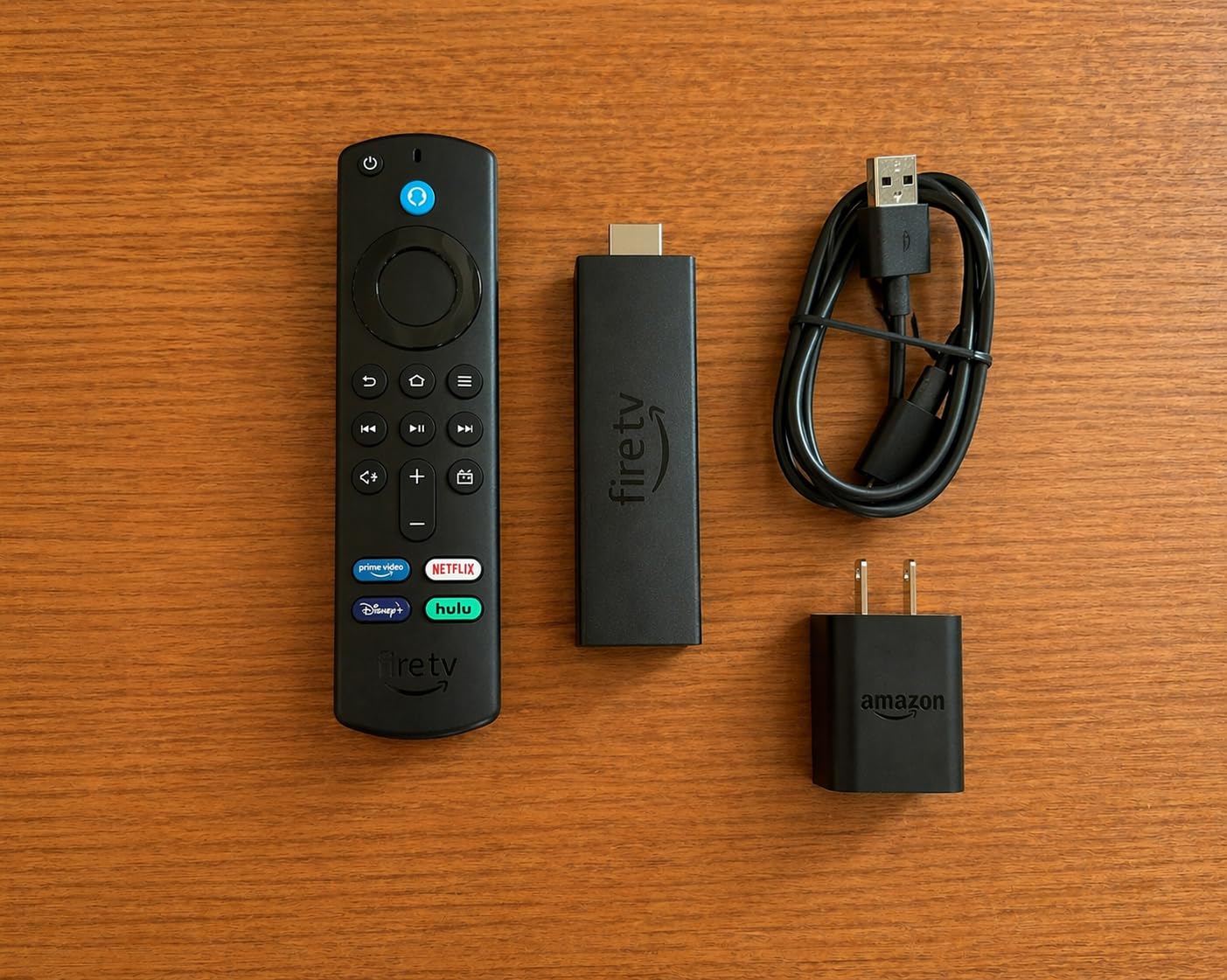
Keep one spare HDMI port free. The stick is small, but a wall-mounted TV with cables routed tightly behind it may need the included HDMI extender to reach around the cable housing.
2. Fire TV Stick 4K Max: The Most Versatile
Fire TV Stick 4K Max
Type: streaming stick
Resolution: 4K HDR
Platform: Fire OS
Voice: Alexa remote
Pros
- 16GB storage holds far more apps and downloads
- Fast processor for quick app starts
- Wi-Fi 6E for stable streaming on busy networks
- 4K HDR picture with Dolby Atmos
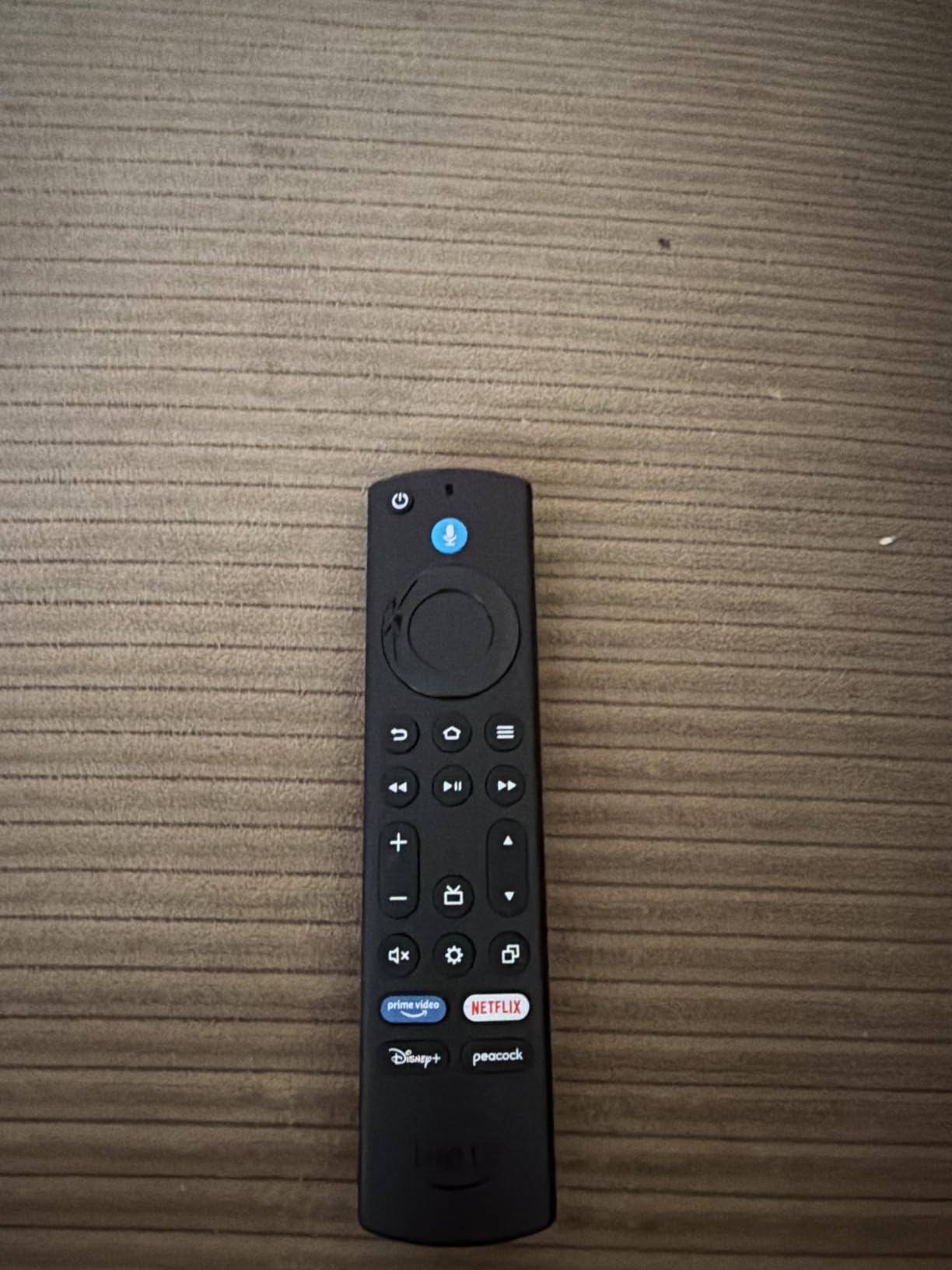
- Upgraded remote with recents and live TV buttons
Cons
- Overlaps heavily with the cheaper 4K Plus
- Wi-Fi 6E benefit needs a matching router and network
Pick this one if the stick is going to live on a TV for three years or more and the household will pile apps onto it. 16GB of internal storage is double what the 4K Plus carries, and that is the whole argument. Everything else, 4K Ultra HD with Dolby Vision and HDR10+, Dolby Atmos, and the newest Fire TV software, is shared with the cheaper model.
Wi-Fi 6E is the second reason to step up, and a more conditional one. It only pays off with a compatible router and network; on an older home setup you are buying a spec that never gets used.
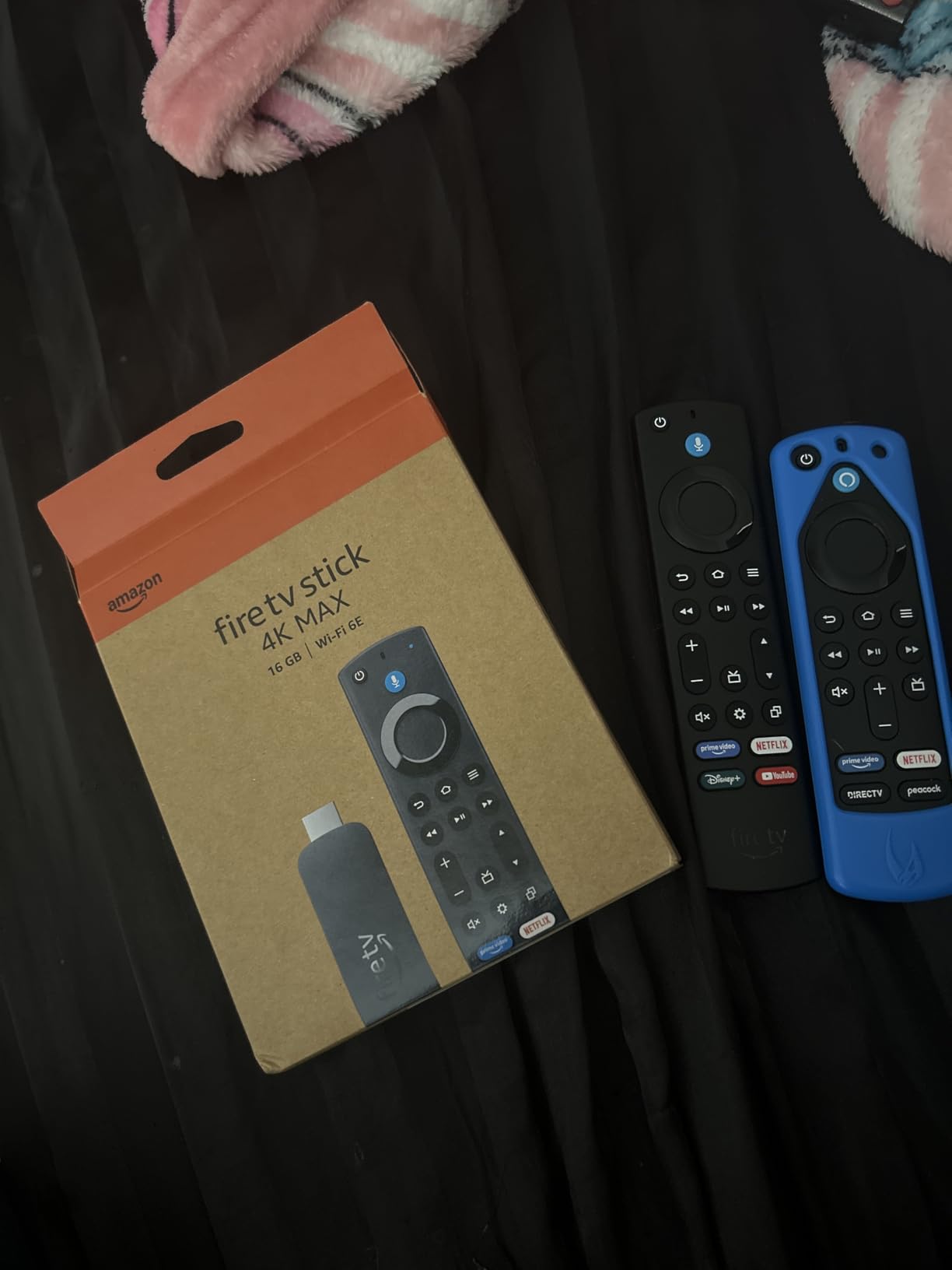
Owners report the same thing in different words: this is the stick that still feels quick after a couple of years of heavy use. The upgraded remote adds a recents button and dedicated live TV channel buttons, which matters more than it sounds if you flip between a channel and a streaming app several times an evening.
- 16GB internal storage, double the 4K Plus
- A faster Wi-Fi 6E radio for stable streaming on busy networks
- Ambient Experience with more than 2,000 pieces of art when the TV is idle
- AI-powered voice search across apps
- Amazon Luna cloud gaming alongside the usual streaming apps
The honest knock, and it appears in more than one review, is that it overlaps heavily with the Fire TV Stick 4K Plus for most households. If you stream a handful of apps and never download games, the step up is mostly storage you will not fill. If you do, this is the one to watch during the sale.
Check your router before committing. Wi-Fi 6E support on the device means nothing if the network in the room is still on an older band, and that is the most common reason people feel they overpaid for the step up.
3. Fire TV Stick 4K Select: The Budget Pick
Fire TV Stick 4K Select
Type: streaming stick
Resolution: 4K HDR10+
Platform: Fire OS
Voice: Alexa remote
Pros
- 4K HDR10+ streaming at the lowest cost in the line
- Under-five-minute plug-and-play setup
- AI search handles conversational prompts well
- Easy to move between TVs for travel
- Smooth navigation in major apps
Cons
- Vega OS blocks sideloading and developer options
- Wi-Fi 5 only so range is weaker in larger homes
- 8GB storage fills quickly
This is the cheapest way into 4K streaming on the Fire TV platform, and the 4.1 rating reflects a real hardware ceiling rather than a faulty product. A quad-core processor, 8GB of storage and Wi-Fi 5 (802.11ac) are enough for everyday streaming in one or two rooms.
Owners single out the setup experience most often. Plug it in, connect to Wi-Fi, sign in, and you are watching in under five minutes. The AI-powered search also handles conversational prompts well, which matters on a device that people are buying as a first streaming device for a parent or a spare bedroom.
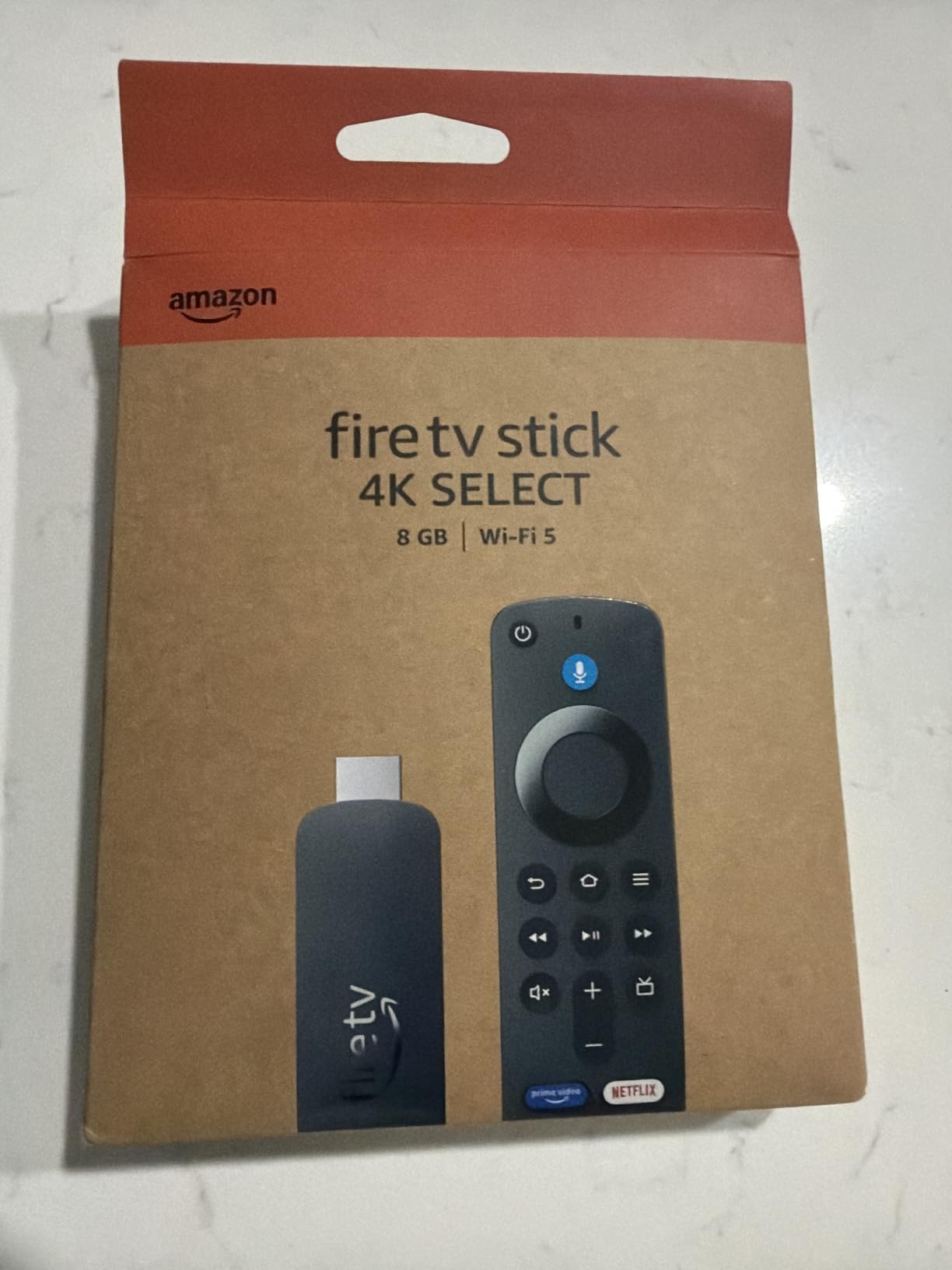
The catch is software, and owners are specific about it. The operating system is listed as Fire OS with Amazon Vega OS, and Vega blocks sideloading with no developer options, so niche apps, custom media players and VPN clients that some people expect are not in the store. Combined with Wi-Fi 5, that makes it less useful in a large home where the signal has to travel further.
- Streaming in 4K with HDR10+
- Quad-core processor for smooth navigation
- Voice remote included in the box
- Cloud gaming via Xbox Game Pass and Luna
- Free and live TV built in
Compared with the Fire TV Stick HD, this is the better buy whenever your television is 4K, because the HD stick caps out at Full HD. Compared with the 4K Plus, the gap is Wi-Fi 6 and audio, and the Select has neither Wi-Fi 6 nor Dolby Atmos listed.

Anyone planning to run a VPN client or a sideloaded player on the big screen should skip this model. Everything mainstream works fine, and the catalog covers the services people actually subscribe to.
4. Fire TV Cube: Best for Hands-Free Control
Fire TV Cube
Type: streaming box
Resolution: 4K HDR
Platform: Fire OS
Voice: hands-free Alexa
Pros
- Octa-core processor is the most powerful Fire TV hardware
- Built-in mic and speakers for voice control across the room
- Wi-Fi 6E plus Dolby Vision and Dolby Atmos
- Electronic microphone disconnect for privacy
- Switches cleanly between streaming and cable or console
Cons
- Bulkier than every stick in the line
- Sits well above the cost of all Fire TV sticks
The Cube is the odd one out in this list, and that is the point. It is a box rather than a stick, it carries an octa-core processor that Amazon states is twice as powerful as the Fire TV Stick 4K Max, and it was the first streaming media player with Wi-Fi 6E.
What genuinely changes day to day is the built-in microphone and speakers. Ask for something from across the room without touching the remote, or raise the volume mid-episode while you are making dinner. Everything else, 4K Ultra HD, Dolby Vision, HDR and Dolby Atmos, is familiar from the sticks.
There is a physical microphone disconnect on the box, an electronic switch rather than a software setting, and that is a meaningful detail for anyone who has ever turned the volume down during an advertisement on purpose.
- Octa-core processor, rated at twice the power of the Fire TV Stick 4K Max
- Hands-free Alexa with built-in microphone and speakers
- Newest wireless standard in the line, on the first streaming player to carry it
- 4K Ultra HD with Dolby Vision, HDR and Dolby Atmos
- Seamless switching between streaming, cable box, game console and webcam
Where the sticks lose, the Cube wins. Multi-device switching is far less painful on a box with ports you can actually reach, and owners with a mixed setup of a cable box and a console mention that most. If your household is happy with a stick and a remote, the Fire TV Stick 4K Plus covers the same picture quality at a fraction of the outlay.
Measure the shelf depth first, because the cube needs more clearance behind a television than a stick does and an outlet within reach. It does not draw power from the set the way the Fire TV Stick HD does.
5. Fire TV Stick HD: Best for Travel and Second Screens
Fire TV Stick HD
Type: streaming stick
Resolution: Full HD 1080p
Platform: Fire OS
Voice: Alexa remote
Pros
- Draws power directly from the TV over USB-C so no wall adapter is needed
- Ultra-thin body that does not block adjacent HDMI ports
- Wi-Fi 6 inside a Full HD stick
- Bluetooth headphone pairing for private listening
- Simplified navigation straight to content and live TV
Cons
- Full HD only with no 4K option
- Lowest average rating in the Fire TV stick lineup at 4.0
Everything about this stick is shaped by two design decisions: it takes power from the television through the included USB-C cable, and it is thin enough to sit beside another device without knocking out a neighbouring HDMI port. For a second screen in a guest room, a hotel, or a TV in a rental, those two details remove almost all the friction.
Bluetooth headphone pairing is the sleeper feature. Late-night viewing without waking the rest of the house needs no extra hardware, and several owners call it out specifically.
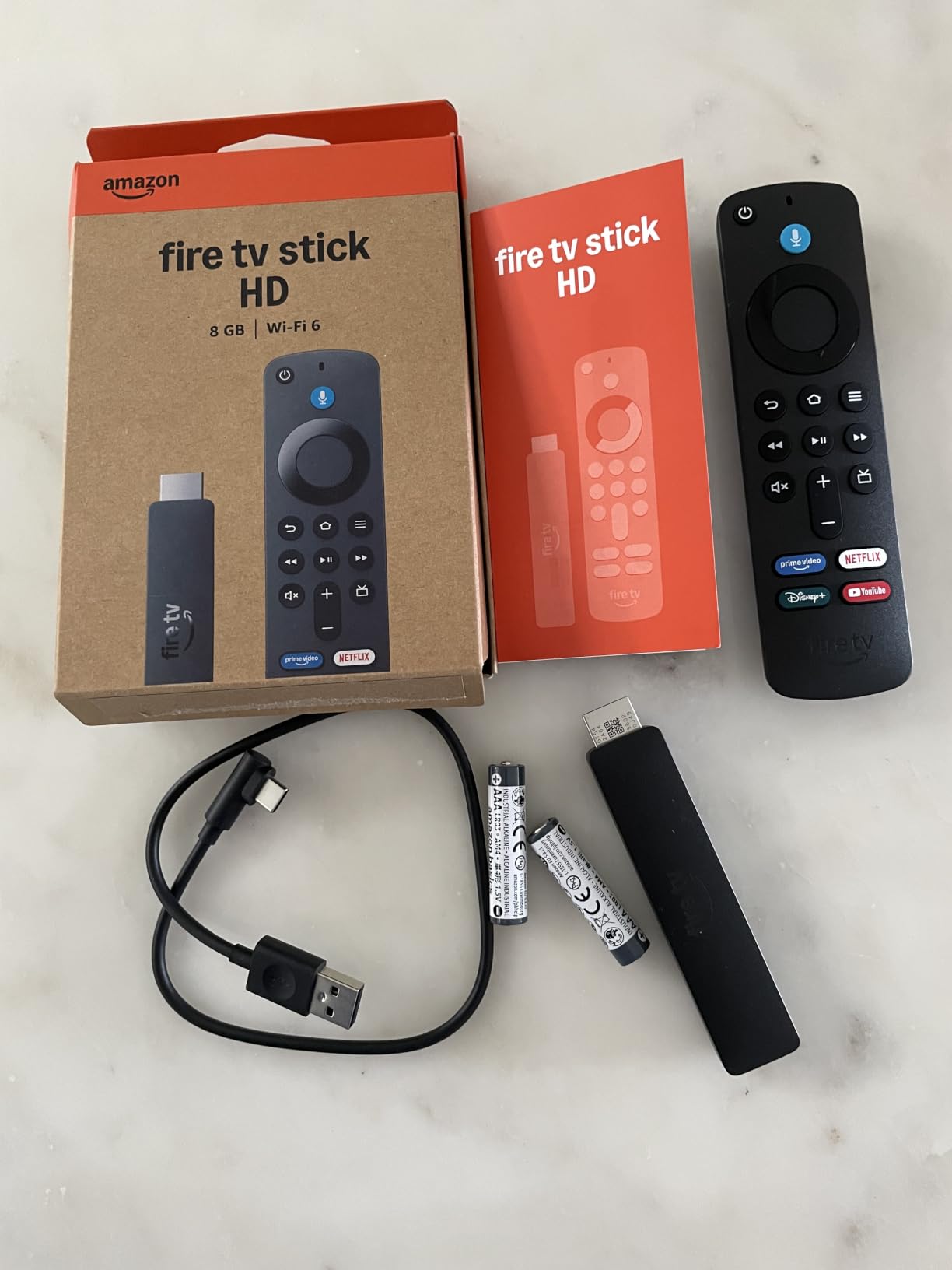
The limitation is the panel-matching problem. At Full HD 1080p it is fine on a smaller screen and soft on anything large, and no amount of sale pricing changes that. The 4.0 average across more than 4,800 reviews is the lowest of the sticks here, mostly reflecting that resolution ceiling rather than anything broken.
- Direct Power from the TV via USB-C, no wall adapter in the box
- Unusual to find Wi-Fi 6 inside a Full HD device at this end of the line
- Remote includes power and volume buttons
- Bluetooth listening with headphones
- Navigation that jumps straight to content and live TV
Next to the Fire TV Stick 4K Select, the decision is simple. On a 4K television, the Select gives you 4K HDR10+ and costs less. On a small screen that travels with you, this one is the better shape and the better companion.
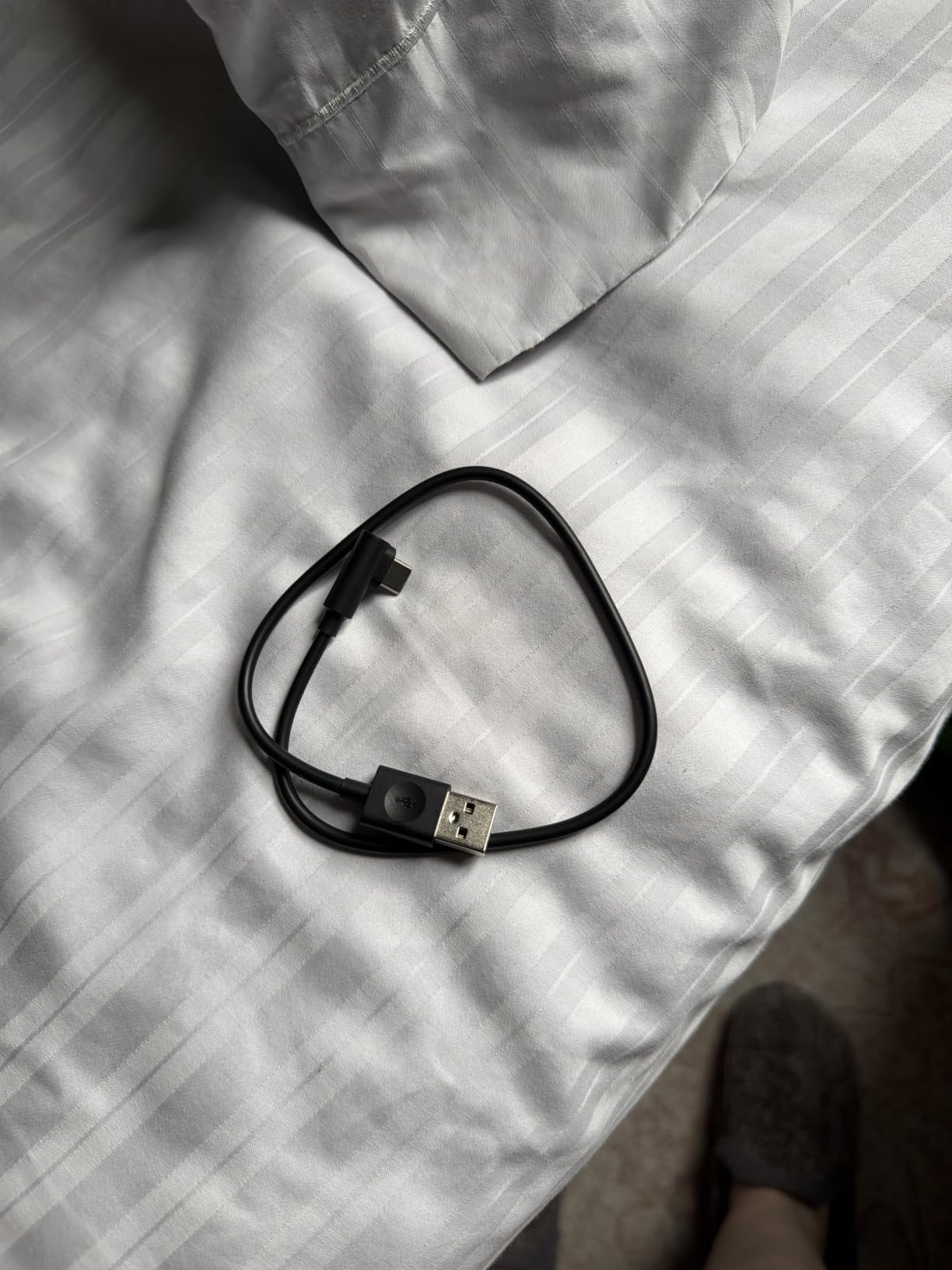
One setup detail decides whether Direct Power works at all: the television needs a free USB port that outputs power. Some older sets do not have one, and a wall adapter solves it in a pinch.
6. Insignia F50 43: The Budget 4K Set
Insignia F50 43
Type: 43 inch TV set
Resolution: 4K HDR10
Platform: FireOS
Voice: Alexa remote
Pros
- Genuine 4K HDR10 picture with deep blacks at a value price
- Fire TV built in with the major streaming apps ready
- Alexa voice remote that works reliably
- Bluetooth pairing is guided clearly during setup
- Port selection includes optical audio and Ethernet
Cons
- Interface and app loading can be noticeably slow
- Settings menu response lags behind the remote
- Maximum brightness listed at 375 nits
This is the set to watch if you are replacing a television and want 4K without moving up a size class. The Insignia F50 at 43 inches covers 2160p with HDR10 and upscaling, runs FireOS natively, and lists a 60Hz refresh rate, 3 HDMI ports, optical audio out, Ethernet and Wi-Fi.
Owners rate the picture more warmly than they rate the software. Deep blacks and a clean 4K image at a value price point come up repeatedly, as does the working Alexa microphone. The port list is unusually complete for this tier, including eARC for full-resolution audio back to a soundbar or receiver.
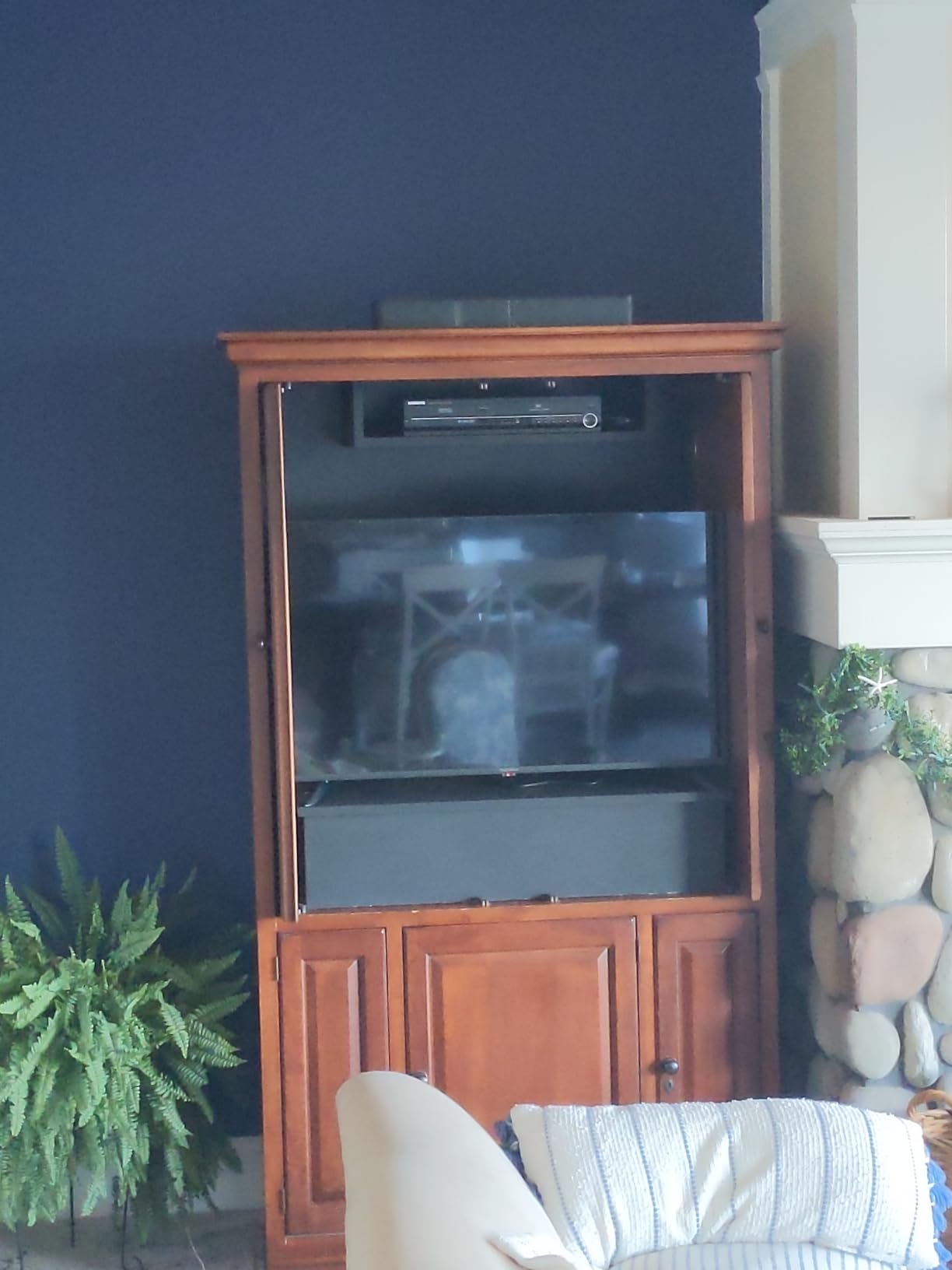
The recurring criticism is speed. Fire TV interface and app loading are called noticeably slow, the settings menu lags behind the remote, and there are isolated reports of update loops and remote pairing failures. Adjusting picture settings also drops to a bright advertisement frame before the menu appears, which owners find jarring every single time.
- 2160p panel with HDR10 and upscaling
- Fire TV built in, no extra device needed
- DTS Virtual-X surround sound from the built-in speakers
- HDMI eARC plus 3 HDMI, composite, optical, USB, headphone, coaxial and Ethernet
- AirPlay, smart home pairing and parental controls with PIN
- Wall mountable using the 200 x 300 mm VESA pattern
At 375 nits maximum brightness, this is a set for a normally lit room rather than a sunlit one. Compare it with the Toshiba C350 43, which adds Dolby Vision, HDR10+ and a gaming mode with ALLM and VRR at a similar tier, and the choice comes down to picture formats and interface speed.
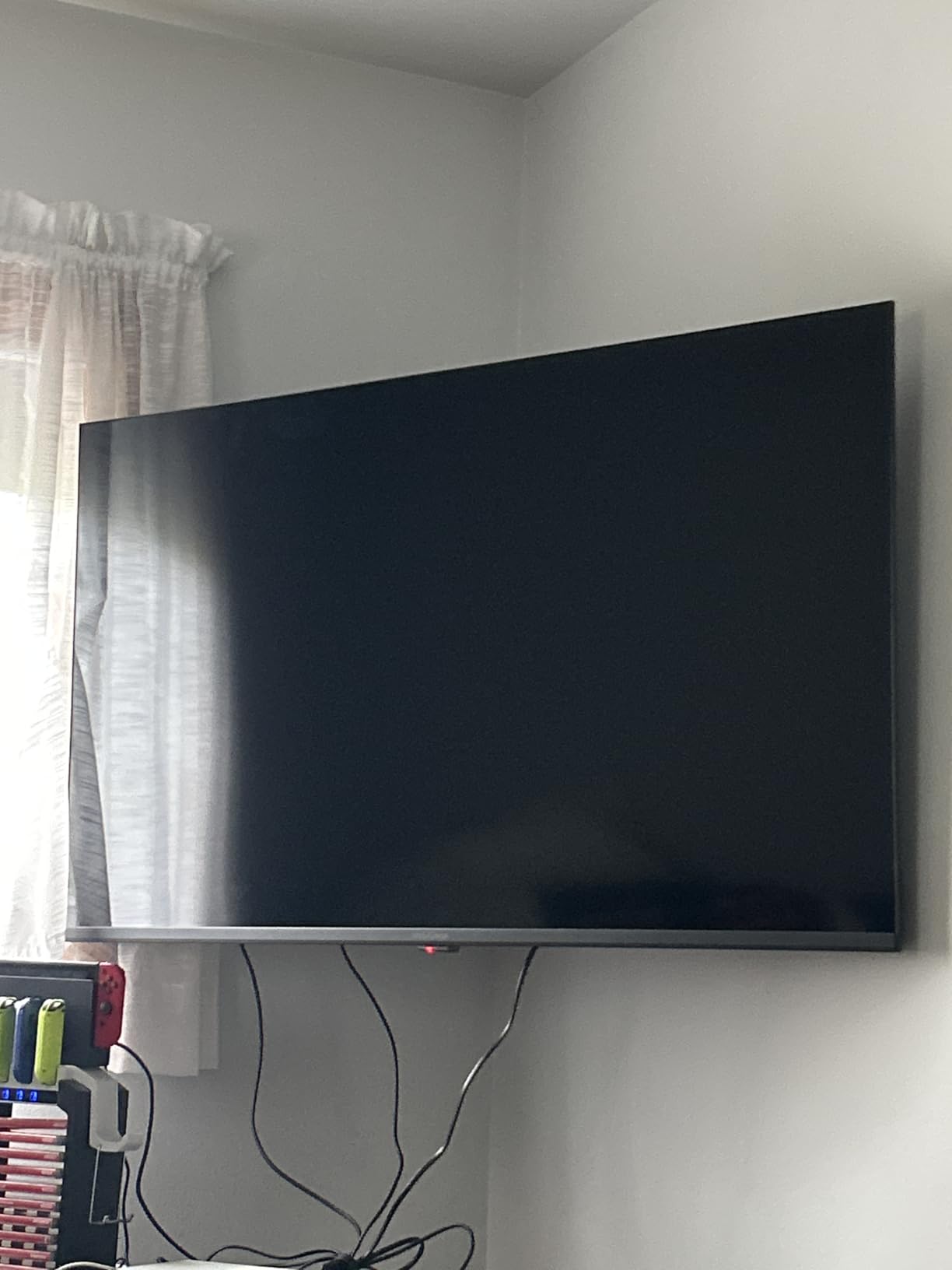
The listed dimensions are 8.27 inches deep by 36.68 inches wide by 23.6 inches high, so check the stand footprint against your cabinet before ordering.
7. Insignia F40 40: The Small-Room Set
Insignia F40 40
Type: 40 inch TV set
Resolution: Full HD 1080p
Platform: FireOS
Voice: Alexa remote
Pros
- Full HD picture at the lowest cost of any full set here
- Fire TV built in with a wide app catalog
- Alexa Voice Remote for search and input switching
- HDMI ARC makes soundbar hookup simple
- Compact 40 inch size suits smaller rooms
Cons
- 1080p rather than 4K
- Only two HDMI ports limit expansion
- No HDR format support listed
Forty inches and 1080p is a deliberate trade, and in a bedroom, a dorm or a home office it is usually the right one. The Insignia F40 runs FireOS with the Alexa Voice Remote, adds DTS Virtual-X sound, and keeps the port list simple with 2 HDMI, composite AV, optical out, USB, headphone and coaxial.
HDMI ARC handles the soundbar question cleanly. One cable carries audio back to a soundbar or receiver, which matters more on a compact set where built-in speakers have the least room to work.
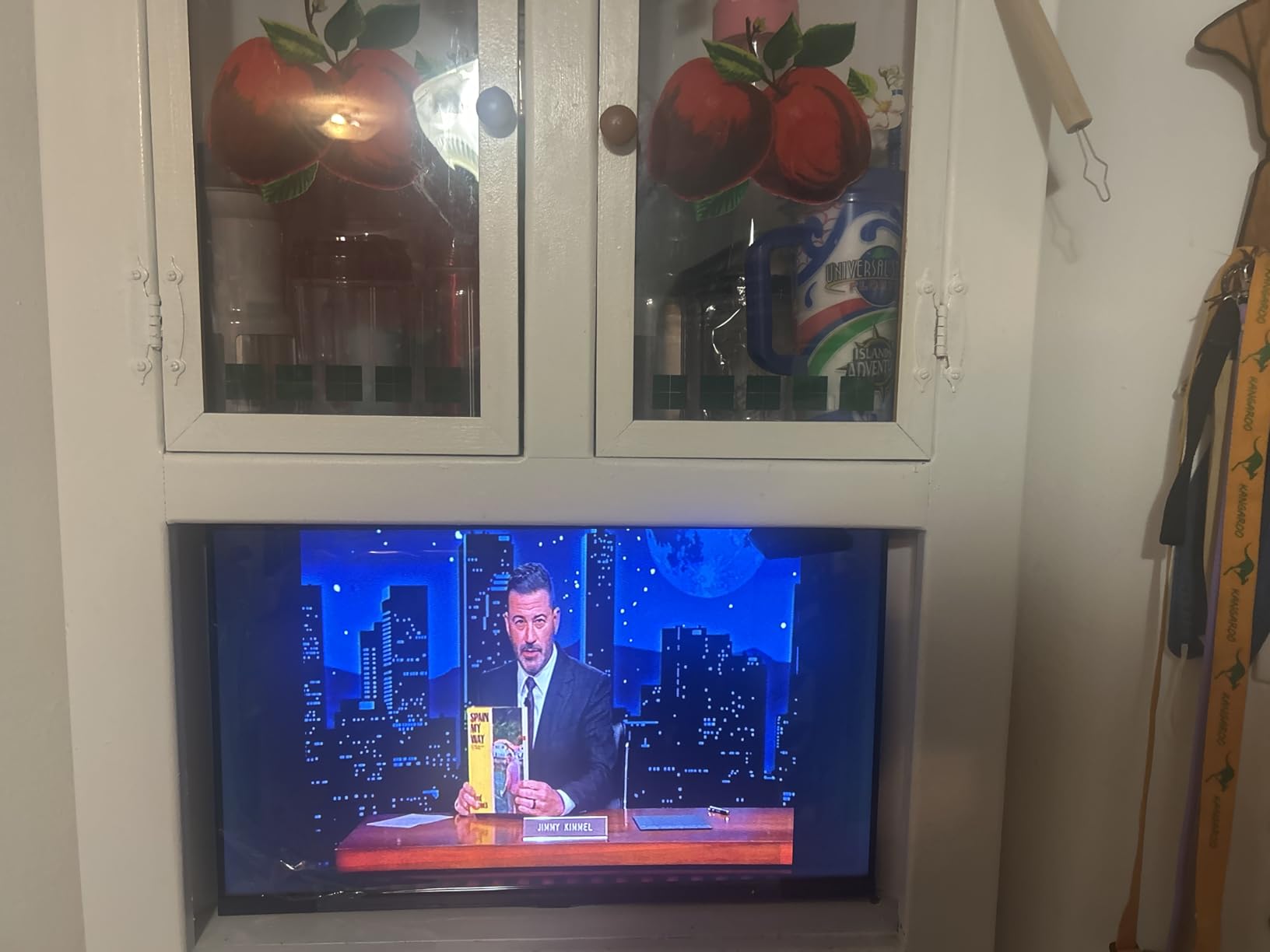
Owners describe the picture as competent and the software as complete, which is about the right expectation for an entry set. The 4.1 average across more than 5,600 reviews reflects a product that does its job without pretending to more.
- 1080p Full HD LED panel at 60Hz
- Fire TV built in with over 1.5 million movies and TV episodes
- Voice remote handles search and input switching
- DTS Virtual-X immersive sound with HDMI ARC audio out
- Ethernet, Bluetooth, AirPlay and parental controls with PIN
Two HDMI ports is the practical limit here. A console, a soundbar and a Blu-ray player will not all fit, so plan what stays connected. Next to the Ember 40 2-Series, both are Full HD compact sets, and Amazon’s model adds Wi-Fi 6 and a faster quad-core chip where Insignia keeps the port count at two.
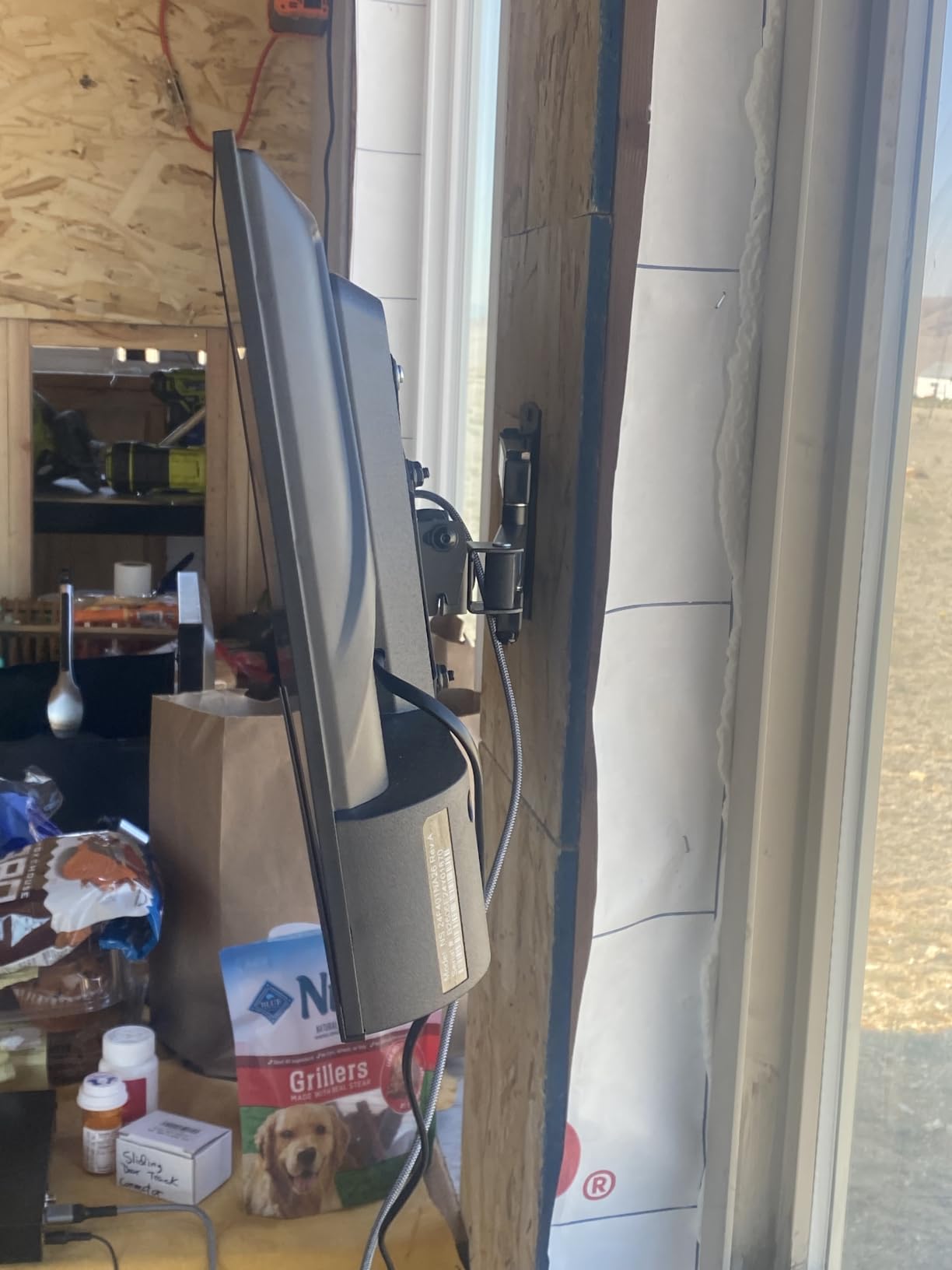
The listed weight of 16 kg covers the packaging and the stand, which makes this a two-person lift rather than a one-person job.
8. Toshiba C350 43: The Dolby Vision Set
Toshiba C350 43
Type: 43 inch TV set
Resolution: 4K Dolby Vision
Platform: FireOS
Voice: Alexa remote
Pros
- Clean vibrant 4K picture with strong upscaling of HD content
- Dolby Vision and Dolby Atmos at this price tier
- Game Mode with ALLM and VRR for consoles
- Lightweight chassis that is easy to wall mount
- Several owners set it up unassisted
Cons
- Remote response and system responsiveness can be slow
- Built-in sound is only adequate for everyday viewing
- Narrow viewing angles distort when seated off-center
Among 43-inch sets below the Fire TV stick tier, the Toshiba C350 is the one with the longest feature list. It runs a REGZA Engine ZR processor with an AI 4K upscaler, supports Dolby Vision and HDR10 Plus alongside HLG, carries Dolby Atmos in 2.1 channels, and adds a game mode with ALLM and VRR on a 60Hz panel with Motion Rate 120.
That gaming support is the part that separates it from the Insignia F50. ALLM switches the TV to game mode automatically, and VRR smooths frame-rate swings from a console, neither of which the cheaper set offers.
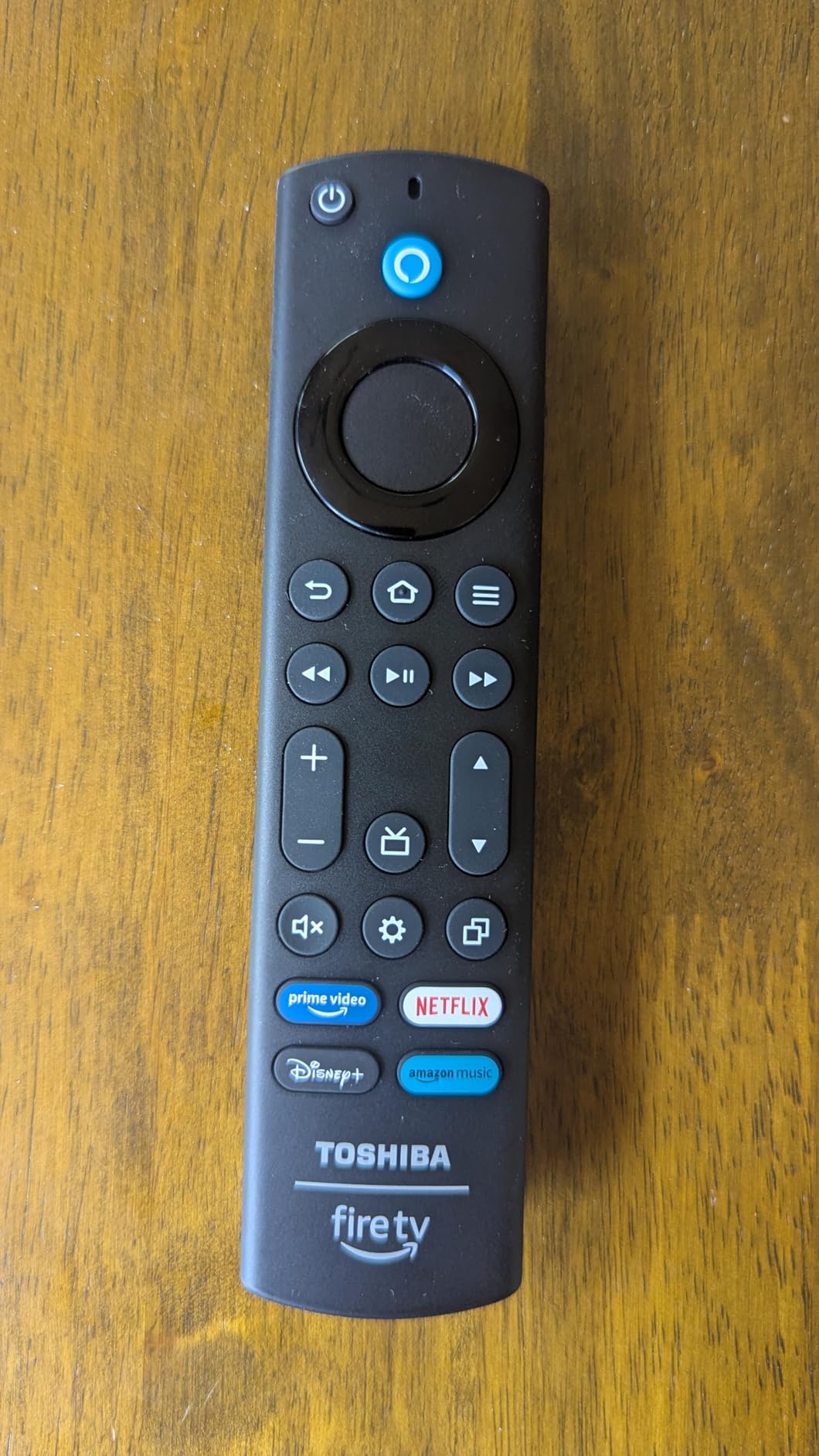
Owners generally like the picture and the setup process. The AI upscaler does a credible job on HD source material, and several people set the whole thing up without help. The phone remote app works like the physical remote, which softens the most common complaint.
- REGZA Engine ZR processing with AI 4K upscaler
- Dolby Vision, HDR10 Plus and HLG support
- Dolby Atmos in 2.1 channels
- Game Mode with ALLM, VRR and eARC, plus a Sports Mode
- 3 HDMI ports and 2 USB ports
- Wall mountable on a 400 x 400 mm VESA pattern
The trade-offs are honest ones. Remote response and system responsiveness can be sluggish, the built-in speakers are adequate rather than good, and the panel’s narrow viewing angles cause visible distortion when you sit well off-centre. Turn the default backlight down first; owners report it washes out color out of the box.
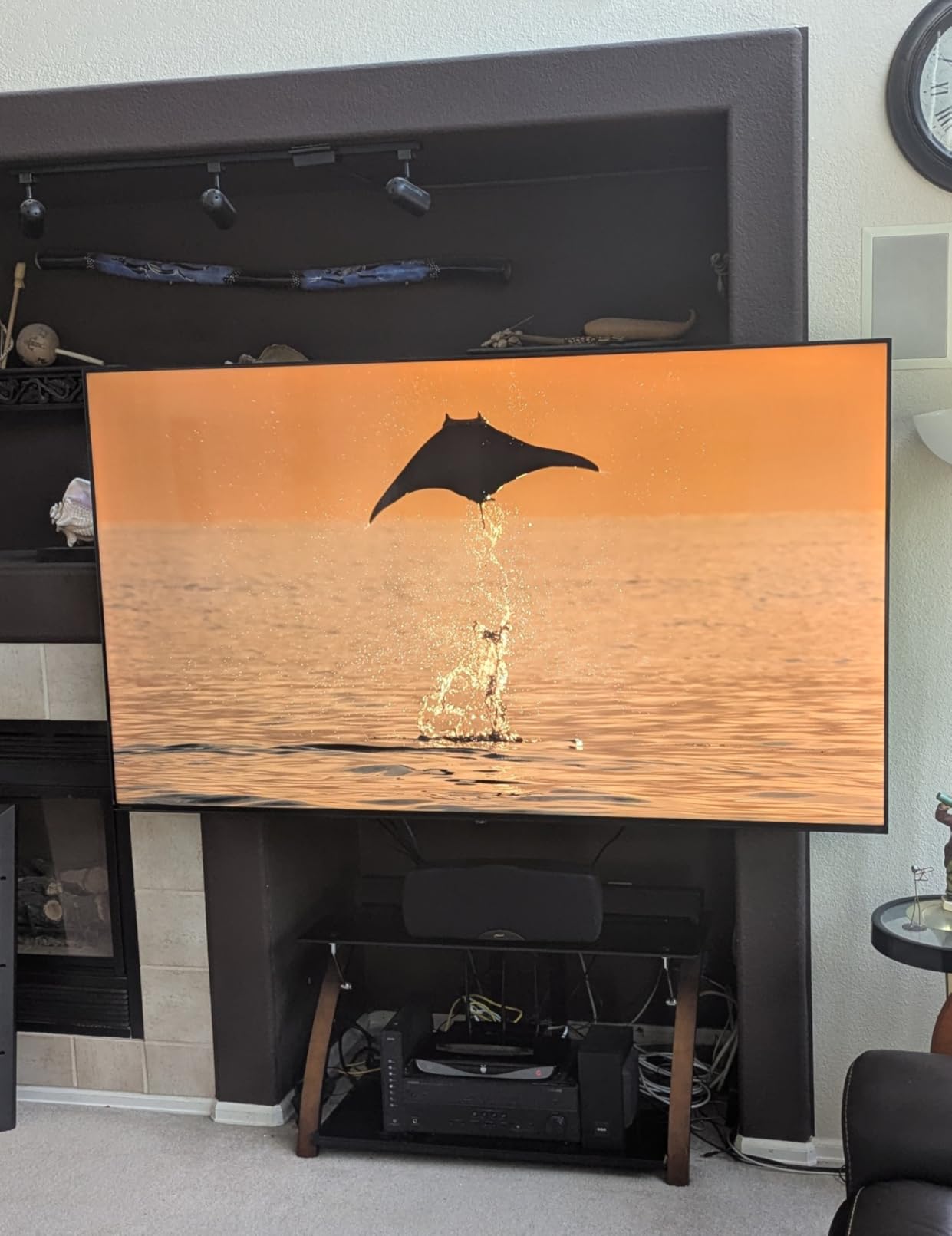
Two rooms suit it: a living room where people sit spread out, and a bedroom with a console. If your seating is centred and picture formats matter more than gaming, the Insignia QF 55 steps up in size and colour at the cost of the VRR support.
9. Insignia QF 55: The QLED Colour Set
Insignia QF 55
Type: 55 inch TV set
Resolution: 4K QLED
Platform: FireOS
Voice: Alexa remote
Pros
- QLED quantum dot color that looks lifelike at a mid-range price
- Direct LED backlight for uniform brightness and contrast
- Dolby Vision HDR with Dolby Atmos spatial audio
- Slim metal bezel-less design
- 3 HDMI inputs including one with eARC
Cons
- Only a 60Hz refresh rate with no VRR or ALLM
- 55 inch is the smallest size in the QF range
Quantum dot colour is the reason to look at this set rather than the two 43-inch models. The Insignia QF at 55 inches uses QLED quantum dot technology with direct LED backlight, and owners consistently describe the result as vibrant and lifelike for a mid-range price, with a 4.4 average across its reviews.
It also happens to be the best-looking object in the roundup. A metal bezel-less edge-to-edge glass front at 2.8 inches deep reads as a more expensive design than the rest of the Fire TV sets here manage.
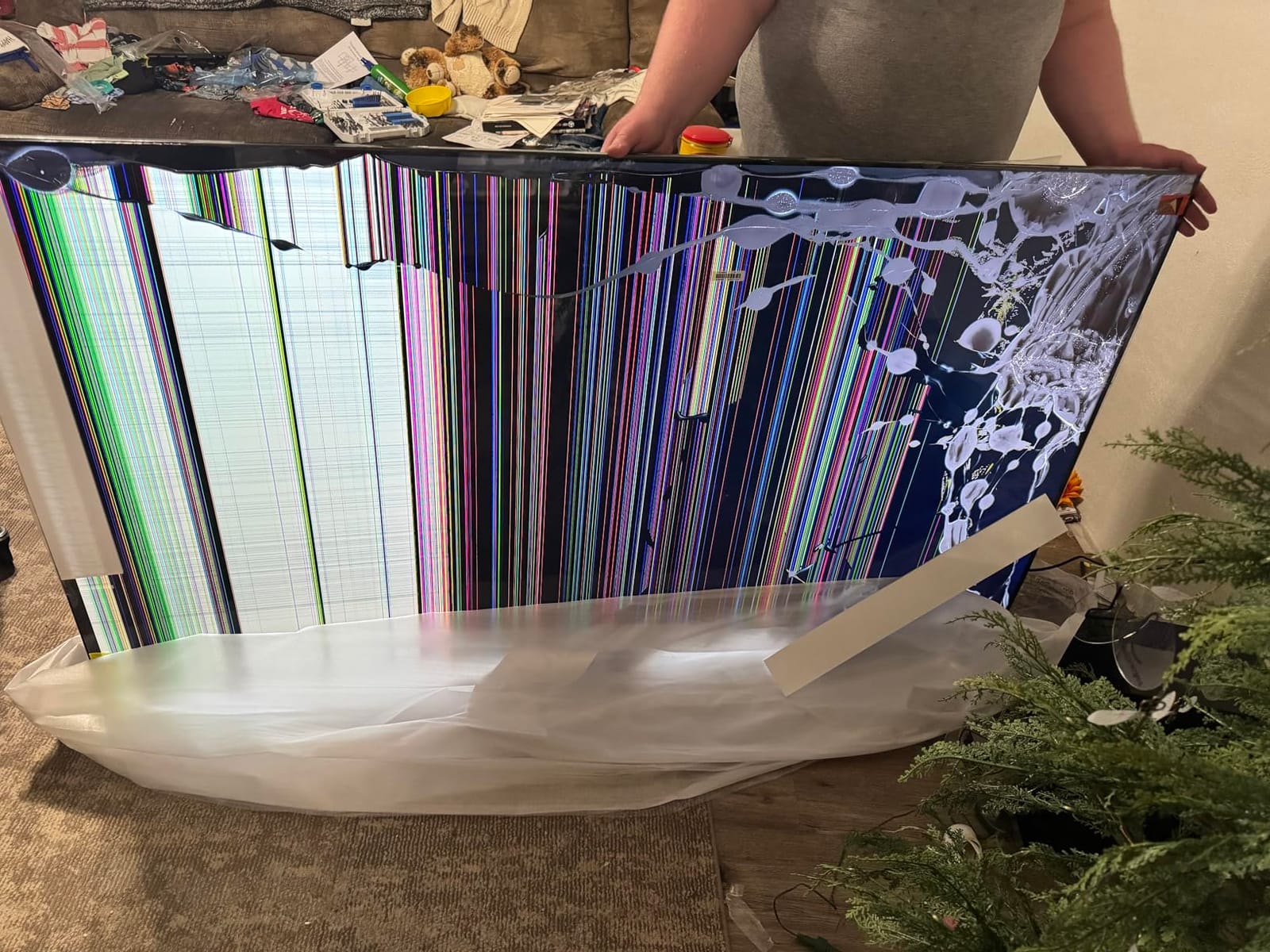
What you give up is gaming. The panel is 60Hz with no VRR and no ALLM listed, so a console gets a fine picture and none of the motion handling the Toshiba C350 43 offers. Dolby Vision and Dolby Atmos are both present, and 3 HDMI inputs with eARC cover a soundbar or receiver.
- Quantum dot colour across more than a billion hues
- Direct LED backlight for uniform brightness
- Dolby Vision HDR and Dolby Atmos spatial audio
- Apple AirPlay and Fire TV smart OS with the Alexa Voice Remote
- Wall mountable on a 400 x 400 mm VESA pattern
The judgement call is size against motion. If your room needs a bigger screen and colour accuracy is the priority, this is the set. If you game, the refresh rate ceiling pushes you toward the Ember 65 Mini-LED or toward pairing a set like the Toshiba C350 with a console that benefits more from VRR than it does from quantum dot colour.
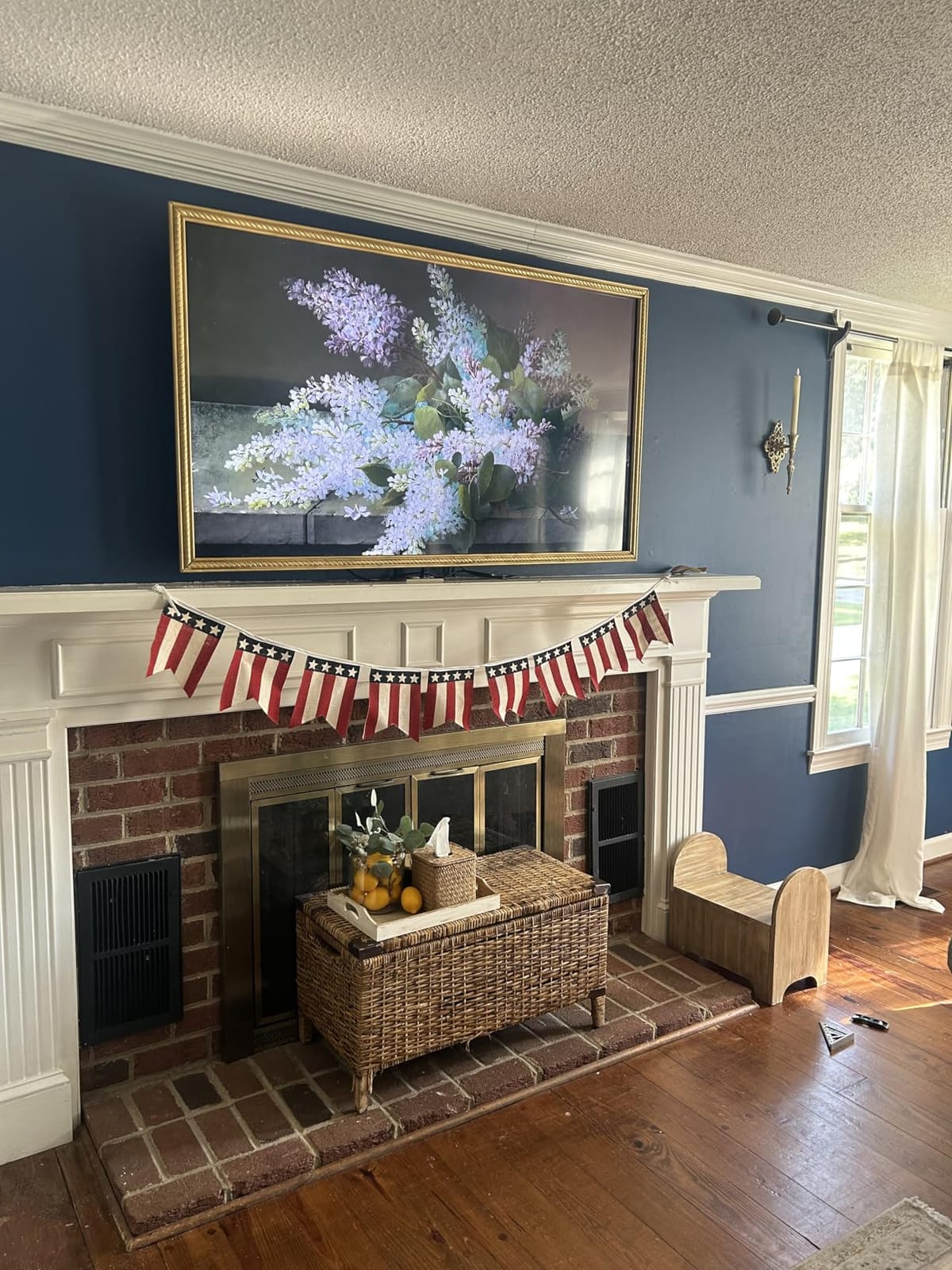
The listed dimensions run 2.8 inches deep by 48.3 inches wide by 29.5 inches high, so measure the cabinet and not only the wall it will hang on.
10. Ember 43 4-Series: Amazon’s Own 4K Set
Ember 43 4-Series
Type: 43 inch TV set
Resolution: 4K HDR10+
Platform: FireOS
Voice: Alexa remote
Pros
- 4K Ultra HD with HDR10+ and enhanced brightness
- Wi-Fi 6 and a new quad-core processor keep apps quick
- Instantly On Omnisense sensors wake the display
- Alexa Voice Remote Enhanced with app shortcut buttons
- Four HDMI inputs give more connection options
Cons
- Costs more than third-party Fire TV sets of similar size
- No gaming-focused features listed beyond 60Hz-class handling
Amazon first-party Fire TV sets run on the same software as the sticks, and the Ember 43 4-Series is the version of that with a screen. 4K Ultra HD with HDR10+, Wi-Fi 6, a new quad-core processor, four HDMI inputs and AirPlay. The Ambient Experience and free ad-supported channels are built in.
Omnisense is the feature that changes the feel of the room. Instantly On sensors wake the display when you walk in, so the set behaves more like a panel on the wall than a device you switch on. Owners treat it as a convenience addition rather than a headline feature, which is about right.
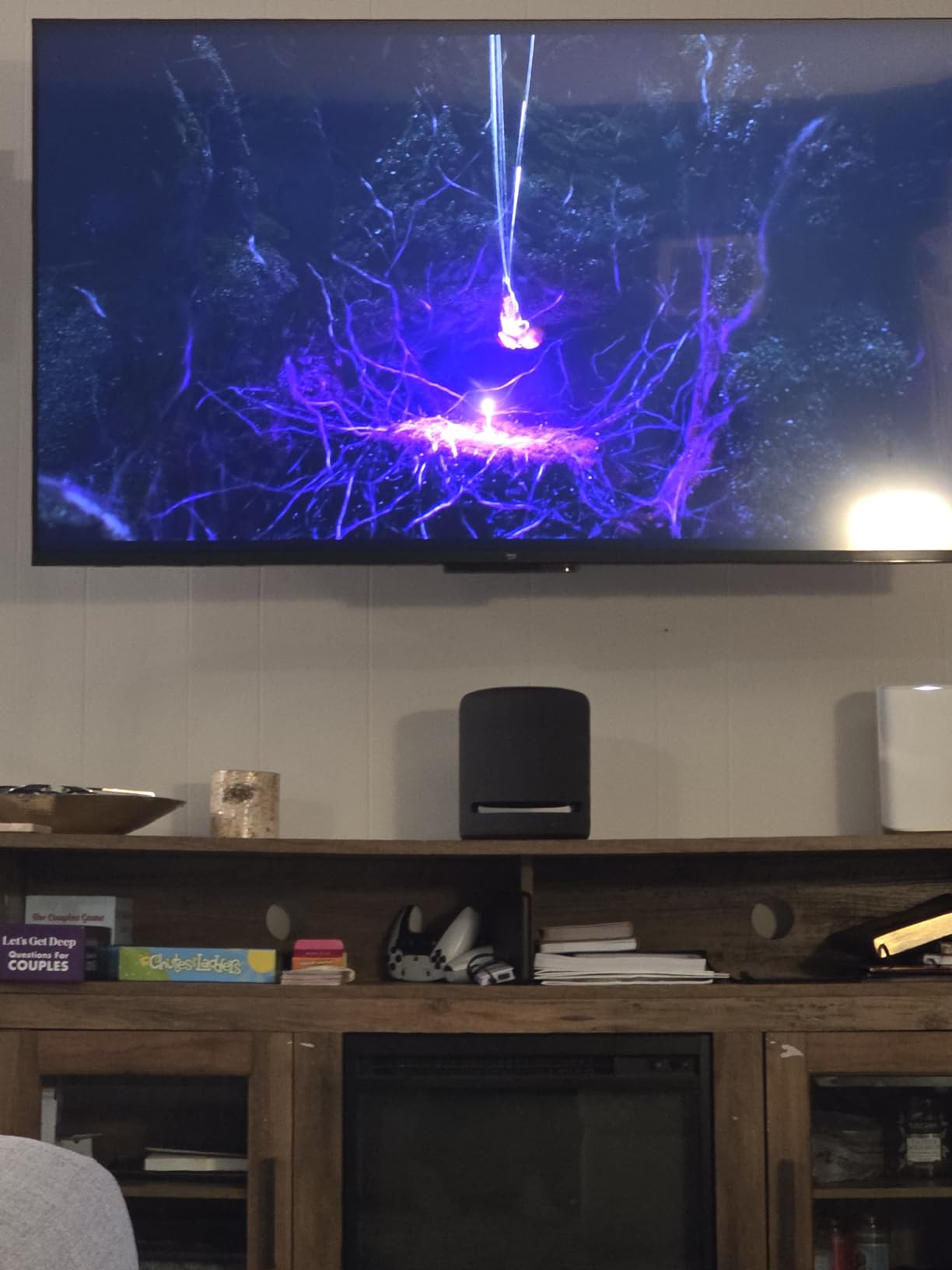
Four HDMI inputs is genuinely unusual at this size and tier, and it means a console, soundbar, receiver and streaming source all fit without a switch. No gaming features are listed beyond 60Hz-class picture handling, so this is not the set to buy for VRR.
- 4K picture with HDR10+
- Wi-Fi 6 with a new quad-core processor for fast app loading
- Instantly On Omnisense display-wake sensors
- Alexa Voice Remote Enhanced with preset app buttons
- 4 HDMI inputs plus AirPlay
- Amazon Luna and Xbox Game Pass cloud gaming
Where it loses is price, and owners say so plainly: it costs more than third-party Fire TV sets of a similar screen size. Against the Insignia F50 43, you are paying for newer silicon, the newest Fire TV interface and four HDMI inputs rather than for picture quality.
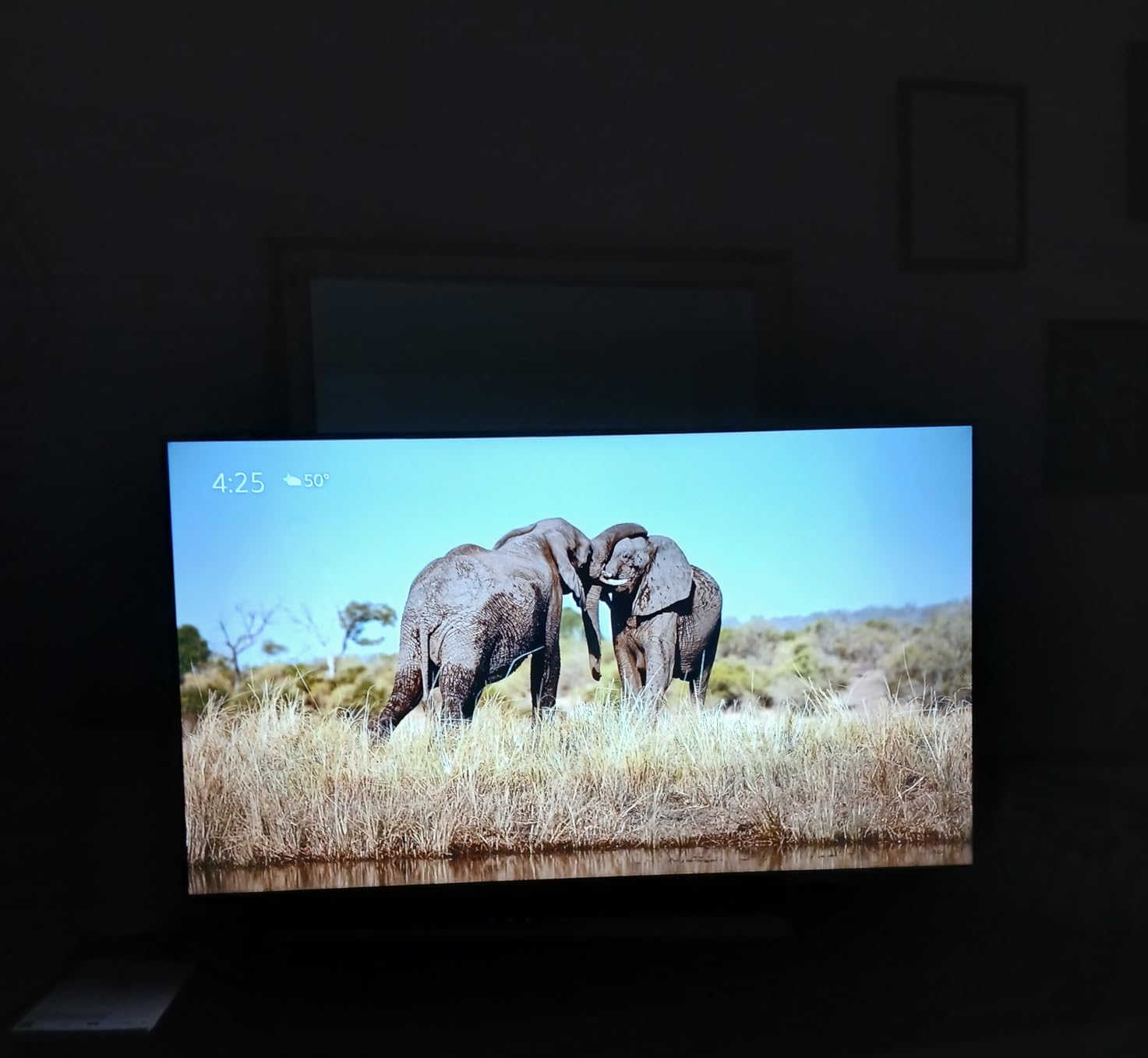
This suits someone who wants Amazon’s software and hardware tuned together and would rather not think about which stick to pair with which set. If picture per pound matters more, the 43-inch sets from Insignia and Toshiba are the comparison.
11. Ember 40 2-Series: Amazon’s Full HD Set
Ember 40 2-Series
Type: 40 inch TV set
Resolution: Full HD 1080p
Platform: FireOS
Voice: Alexa remote
Pros
- Sharp clear Full HD picture with bright colors
- Wi-Fi 6 and quad-core processor keep apps responsive
- Setup links the Amazon account immediately
- Reliable with third-party apps and camera feeds
- Intuitive Fire TV interface
Cons
- Weak onboard speakers that want external audio
- Ambient mode shuts off after a few minutes
- Some sets reported slow loads and free channel dropouts
The Ember 2-Series is the cheapest way to buy a Fire TV set from Amazon itself, and its 4.4 average across 924 reviews sits near the top of this list. 40 inches, Full HD 1080p, Wi-Fi 6, a quad-core processor and 2 HDMI inputs plus AirPlay.
Owners highlight the painless setup more than the picture. Linking the Amazon account happens immediately, the interface is intuitive, and the set is described as reliable for running cable-provider apps and security camera feeds, which is a niche that a stick cannot serve.
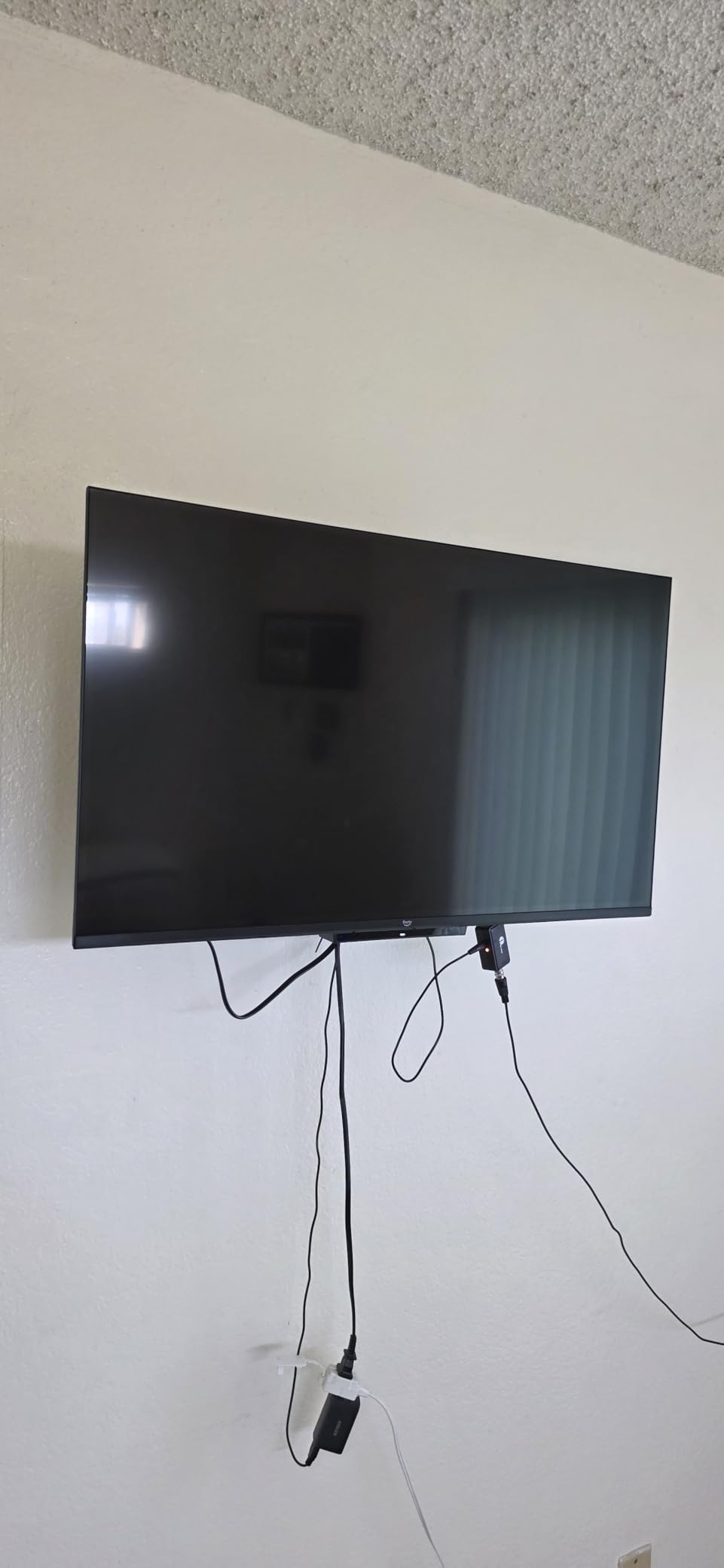
Two things to plan around. The onboard speakers are weak and there is no optical audio out, so an older stereo system is not a realistic partner and a soundbar with its own power is the better route. Ambient mode also shuts off after a few minutes, so this cannot double as a picture frame the way the Ambient Experience on the 4-Series suggests.
- 1080p panel suited to smaller rooms
- Wi-Fi 6 with a new quad-core processor
- Instantly On Omnisense display-wake sensors
- Alexa Voice Remote Enhanced with preset app buttons
- 2 HDMI inputs and AirPlay
- Amazon Luna cloud gaming plus free Appstore games
Against the Insignia F40 40, this set trades ports for speed: two HDMI on both, but Wi-Fi 6 and a newer quad-core chip here, and optical out plus a Bluetooth radio on the Insignia. If you use a soundbar, the Insignia is the safer buy. If you want Amazon’s software on a screen, this is it.
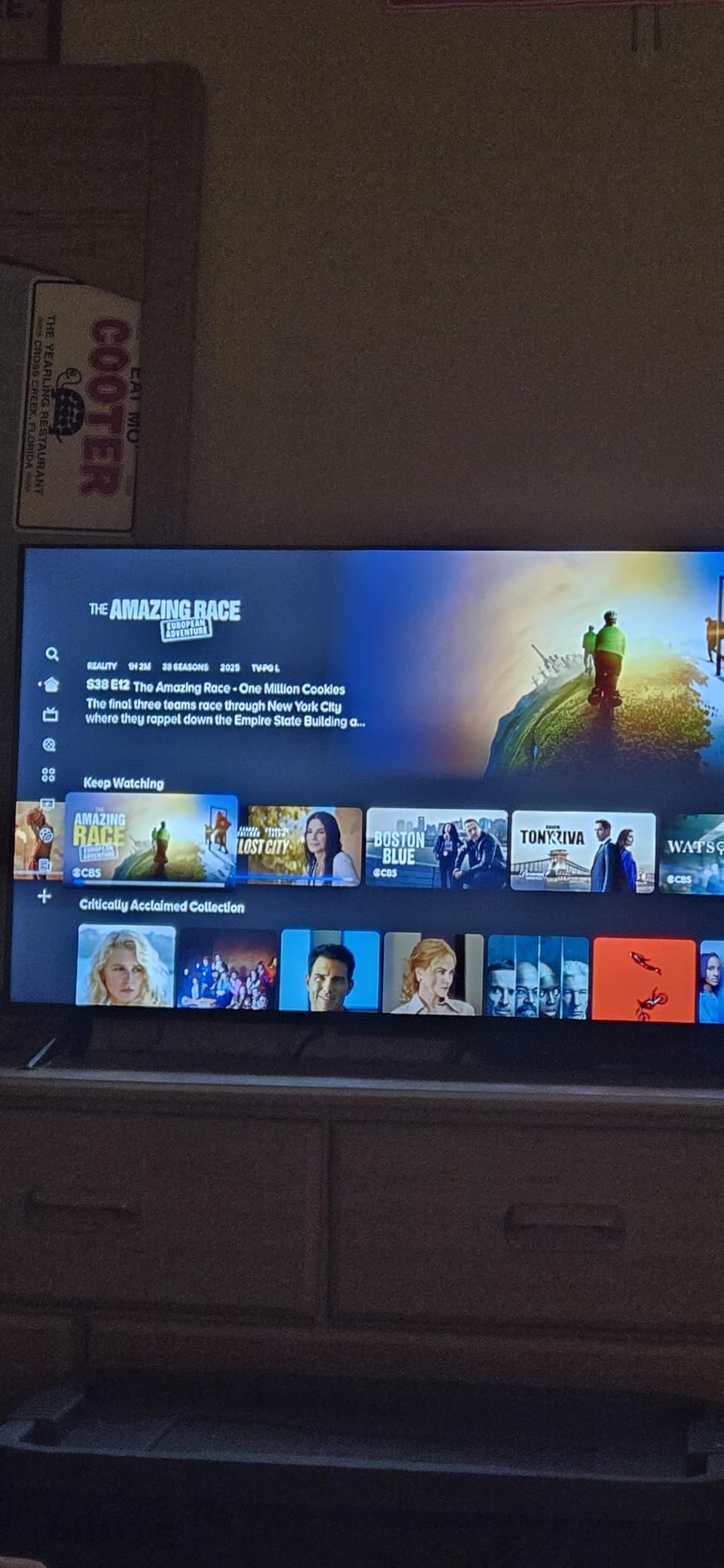
Some sets arrived with stand feet labeled for the wrong side. Check the labels before assembly, since swapping them is easier than unboxing twice.
12. Ember 65 Mini-LED: The Big-Screen Gaming Pick
Ember 65 Mini-LED
Type: 65 inch TV set
Resolution: 4K QLED
Platform: FireOS
Voice: hands-free Alexa
Pros
- Mini-LED QLED picture with deep blacks and bright highlights
- 144Hz gaming mode with AMD FreeSync Premium Pro
- 2.1 Dolby Atmos speakers praised as among the best from a flat screen
- Hands-free Alexa with a hardware mic disconnect
- 512 dimming zones for higher contrast
Cons
- Fire TV software criticized as sluggish after updates
- Does not reach true OLED contrast and black levels
- Screen reflections noticeable in bright rooms
Nothing else in this list comes close on hardware. A 4K QLED Mini-LED panel with over one billion colors, 512 dimming zones, peak brightness up to 1,400 nits, Dolby Vision IQ and HDR10+ Adaptive, a 144Hz gaming mode with AMD FreeSync Premium Pro certification, and 2.1 Dolby Atmos built-in speakers. It is also the only product here offered in 65, 75, 85 and 55 inch variants.
The picture is what owners rave about. Deep blacks with bright highlights, several describing it as close to their OLED sets at a much lower cost, and a Fire TV Intelligent Picture processor that fine-tunes the image scene by scene and adapts to room light.
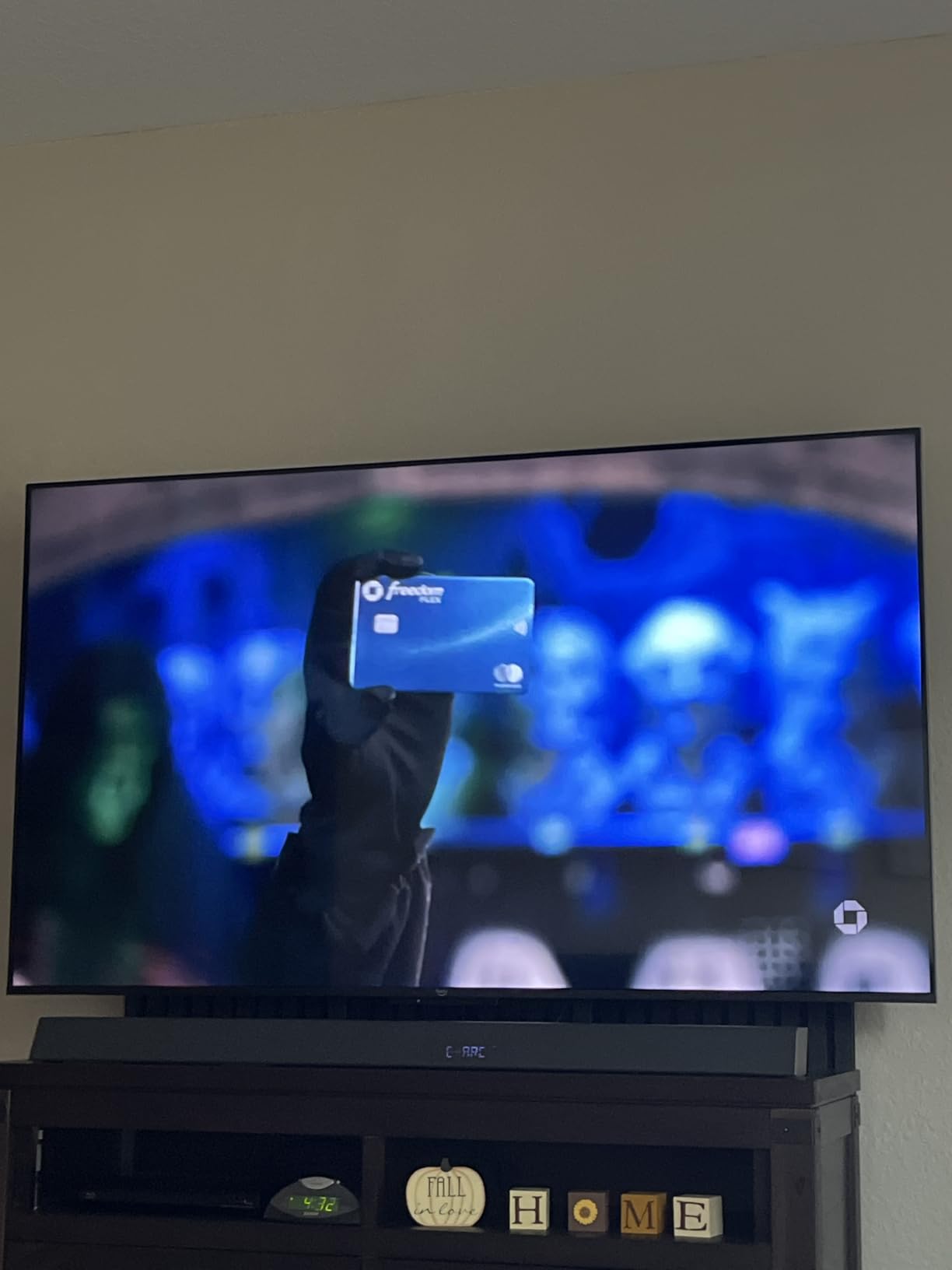
Then there is the software, and it is the reason this set sits at a 3.8 average rather than at the top. The Fire TV operating system is described as sluggish, especially after software updates, with slow menu and app loading. More than one owner adds an external streaming device to work around the performance, which is an odd outcome for a set with the newest Fire TV experience built in.
- 4K QLED Mini-LED with 512 dimming zones and up to 1,400 nits peak brightness
- 144Hz gaming mode, AMD FreeSync Premium Pro certified
- Dolby Vision IQ and HDR10+ Adaptive
- 2.1 channel Dolby Atmos with a hardware microphone disconnect switch
- Ambient Experience, Omnisense instant-on and hands-free Alexa
There are other caveats worth stating plainly. Screen reflections are noticeable in bright rooms, occasional random reboots are reported, and a small number of owners mention dead pixels, Dolby Vision loading stutter and reliability worries after roughly six months of use. It does not reach true OLED-level black levels either.
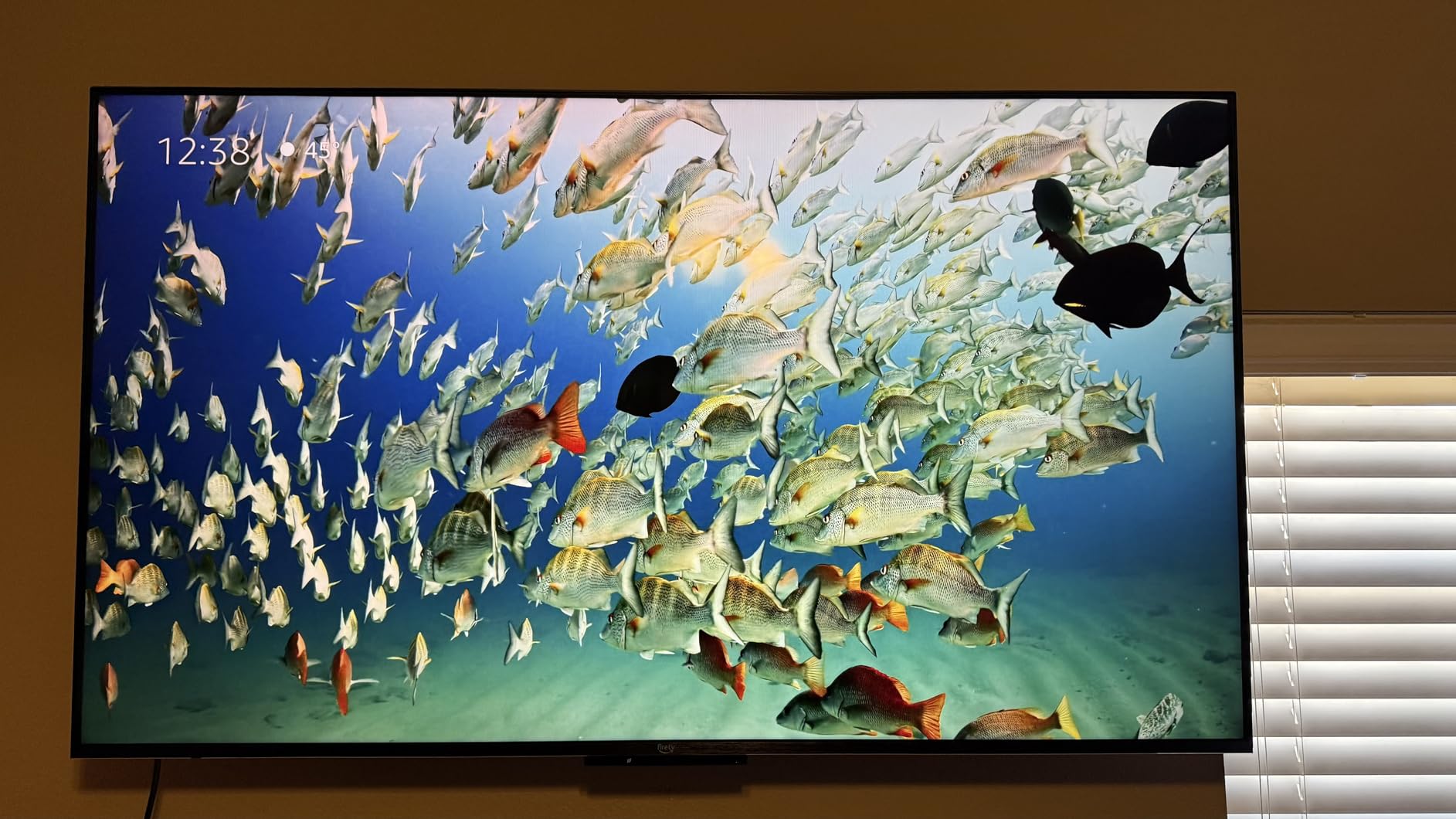
Buy this for the panel and the refresh rate, and expect to work around the software if you are already deep in the Fire TV ecosystem. For everyone else, the Fire TV Stick 4K Plus on an existing 4K television gets you a better software experience for a fraction of the outlay.
How to Choose Fire TV Devices During Prime Big Deal Days
Choose the Right Resolution for Your TV
Match the device to the screen you already own, not to the biggest number in the listing. A 4K streaming stick on a 1080p television delivers a 1080p picture with wasted capability, and a 1080p stick on a 55 inch 4K set looks soft from normal sofa distance. For sets, 43 inches is the most common 4K size in this list, and 40 inches is the Full HD boundary.
Readers pairing a stick with an existing television get the most out of the Fire TV Stick 4K Plus or the 4K Select. Readers buying a screen from scratch get more from spending on size than on a higher-tier device.
Check App Support and Fire TV Software
App support is where the Fire TV line splits in two. The Fire TV Stick 4K Select runs Amazon Vega OS, which blocks sideloading and developer options, so some niche apps, custom media players and VPN clients are unavailable. Every other device here runs standard Fire TV software with the usual app catalog.
Speed matters too, and owners report it more often than any spec. The sticks with newer quad-core or octa-core processors and Wi-Fi 6 feel the most responsive; the budget Fire TV sets draw the most complaints about slow menus and lagging remotes.
Compare Streaming Performance and Connectivity
Look at three things together: processor, storage and wireless standard. Storage decides how many apps you can keep installed, and 8GB fills quickly once several apps are downloaded, which is the main reason to step up to the 16GB Fire TV Stick 4K Max. Wireless standard decides whether 4K streams hold up on a busy network, with Wi-Fi 6 or 6E ahead of the Wi-Fi 5 in the 4K Select.
For sets, the port list is the equivalent check. Two HDMI inputs cover a soundbar and one source. Three ports, as on the Insignia F50 43 and Toshiba C350 43, add a console. Four ports, on the Ember 43 4-Series, cover almost any arrangement without a switch.
Match Audio Features to Your Setup
Built-in speakers on a budget Fire TV set are adequate for news and daytime viewing, not much else. If you own a soundbar or an AV receiver, check for eARC or HDMI ARC before buying: the Insignia F50 43, the Toshiba C350 43 and the Insignia QF 55 all support eARC, and the Insignia F40 40 supports ARC.
On the streaming side, Dolby Atmos support on the 4K Plus, 4K Max, 4K Select’s HDR10+ picture and the Fire TV Cube is worth having if your television or soundbar can decode it. A device without it can still send 5.1 or stereo to a soundbar, just without the height channel.
Check the Device Generation and Included Accessories
Amazon’s listing titles repeat the same generation wording, so read the model details rather than the headline. Storage and wireless specs differ between models that otherwise look identical, and 8GB versus 16GB is the difference between the Fire TV Stick 4K Plus and the 4K Max.
Check what is in the box as well. The Fire TV Stick HD draws power from the television over USB-C and needs no wall adapter, while every other device here requires one. The Fire TV Stick 4K Plus includes an HDMI extender for tight cable routing, and the sets ship with stands and VESA mounting hardware.
How to Shop Fire TV Deals During the Sale
Read the model number on the listing, not just the series name. Two sets labelled 4-Series or QF can differ by model year and size, and the same stick name covers different storage and wireless specs. Confirm whether a listing is new or renewed, read what is included in a bundle, and check who the seller and shipper are before you commit.
Most Fire TV offers during Prime Big Deal Days require an active Prime membership, and a free trial counts, so check your membership status before you start comparing. Prices move through the event, so use the buttons below to see the current figure rather than assuming yesterday’s number still applies.
- Confirm the exact model number, screen size and storage before buying
- Check new, renewed or bundled status, and who sells and ships the item
- Verify whether the offer needs an active Prime membership
- Count HDMI ports against the sources you already own
- Check that your router supports the wireless standard on the device
- Look at the rating and the volume of owner reviews, not the discount
Frequently Asked Questions
When do the best Amazon Prime Big Deal Days Fire TV deals appear?
Prime Big Deal Days runs October 6-7, 2026, and Fire TV offers are usually live for the full two days. Some Fire TV deals open as early deals beforehand and others appear only on the first morning, so it is worth checking both days rather than assuming a device will still carry its opening offer on the second. Most offers need an active Prime membership.
Is it better to buy a Fire TV or a Fire TV Stick?
Buy a Fire TV Stick if you already own a television, and buy a Fire TV set if you do not. A stick adds streaming to an existing screen for far less, and upgrading it later is trivial. A set bundles the screen and the software in one purchase, which is simpler but leaves you committed to a panel you cannot change.
Is Amazon Fire TV a subscription?
No, Fire TV hardware is a one-time purchase. The platform itself is free, and the ad-supported streaming channels included with the device do not cost extra. You only pay if you subscribe to something on top, such as a Prime trial that ends, a paid streaming tier, or cloud gaming through Luna or Xbox Game Pass.
Is a 4K Fire TV device worth it for a smaller television?
Only if the television is 4K. A 4K streaming stick on a 1080p set still outputs 1080p, so the extra capability goes unused. For a small screen, a Full HD stick or a compact 40 inch 1080p Fire TV set is the sensible match, while 4K starts to pay off from around 43 inches upward.
Do Fire TV devices support Bluetooth headphones and surround sound?
Yes. The Fire TV Stick HD pairs Bluetooth headphones for private listening, and every streaming device here outputs Dolby Atmos to a television or soundbar that can decode it. For surround sound from a Fire TV set, check for eARC or HDMI ARC, which the Insignia F50 43, Toshiba C350 43 and Insignia QF 55 all support.
What should I check before buying a renewed Fire TV device?
Check the condition grade, the included accessories and the warranty length first. A renewed streaming stick should come with its HDMI extender or power cable and a working voice remote, and a renewed set should include both stand feet and the remote. Renewed Fire TV sets can also show more panel or remote-pairing complaints than new units.
Final Verdict: Best Amazon Prime Big Deal Days Fire TV Deals
Watch the Fire TV Stick 4K Plus first. It carries the strongest combination of rating and owner volume in the whole list, adds Wi-Fi 6, Dolby Vision, HDR10+ and Dolby Atmos, and covers the most households without a second thought.
Buy the Fire TV Stick 4K Max instead if you install a lot of apps or games and want 16GB of storage headroom. Take the Fire TV Stick 4K Select on a tight budget, accepting Wi-Fi 5, 8GB and an app store without sideloading. The Fire TV Cube is for anyone who wants hands-free voice control across a room, and the Fire TV Stick HD is the one that travels and runs off the television’s own power.
For a television rather than a stick, the Insignia F50 43 is the value 4K set, the Insignia F40 40 fits bedrooms and dorms, the Toshiba C350 43 brings Dolby Vision with VRR and ALLM, and the Insignia QF 55 is the one for quantum dot colour at 55 inches. Among Amazon’s own sets, the Ember 43 4-Series is the 4K option, the Ember 40 2-Series is the Full HD one, and the Ember 65 Mini-LED wins on picture and 144Hz gaming if you can live with the software.
Check your Prime membership, read the model number on the listing, and use the buttons to see the current price on the day you buy.