
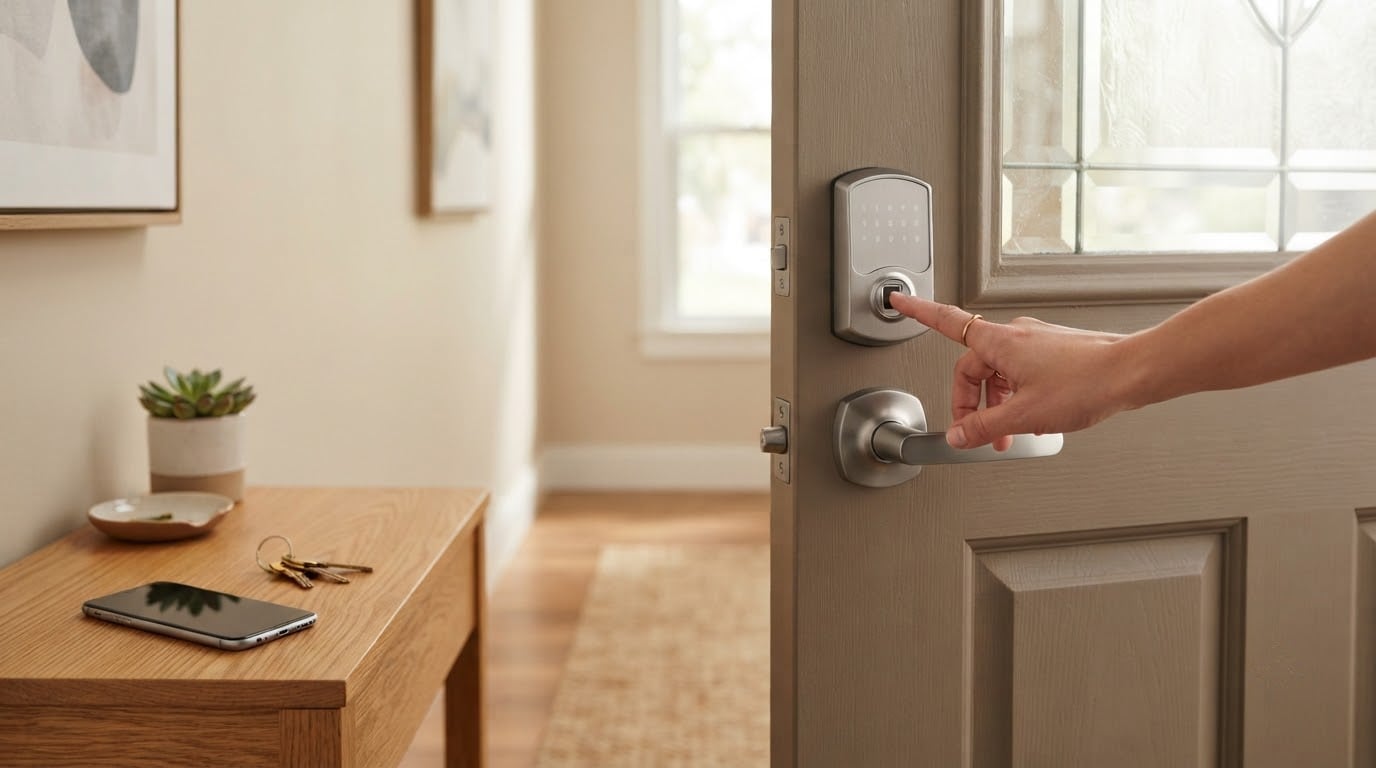
The TEEHO TE002 leads our best Amazon Prime Big Deal Days smart lock deals because it puts fingerprint entry, 20 stored passcodes and a 365-day battery claim into a lock that installs with a screwdriver and no app. If you want remote access from your phone, the Schlage Encode is the pick, with built-in Wi-Fi and the highest residential BHMA rating in the group. And if you want both Wi-Fi and Matter over Thread in one deadbolt, the ULTRALOQ Bolt SE does something none of the others do at this level.
Prime Big Deal Days runs October 6-7, 2026, and most offers in this category need a Prime membership to see. Prices move during the window, so treat everything below as a lock worth watching rather than a promise. Every offer here changes through the event.
Table of Contents
Our Top 3 Picks for Best Amazon Prime Big Deal Days Smart Lock Deals in 2026

TEEHO TE002
- 20 fingerprints and 20 passcodes
- 365-day battery claim on 4 AA
- Screwdriver-only install
- Offline lock with no app

Schlage Encode
- Built-in Wi-Fi with no hub
- 100 access codes and lock history
- Highest residential BHMA rating
- Snap n Stay screwdriver install

ULTRALOQ Bolt SE
- Wi-Fi plus Matter over Thread
- 50 fingerprints and 50 codes
- 18-month battery claim
- IP65 zinc alloy body
Best Amazon Prime Big Deal Days Smart Lock Deals Compared
| Product | Specifications | Action |
|---|---|---|
| TEEHO TE002 |
|
Check Deal Price |
| Schlage Encode |
|
Check Deal Price |
| ULTRALOQ Bolt SE |
|
Check Deal Price |
 eufy C220 eufy C220 |
|
Check Deal Price |
 Veise KS02A Veise KS02A |
|
Check Deal Price |
 Aqara U100 Aqara U100 |
|
Check Deal Price |
 Veise RZ07 Veise RZ07 |
|
Check Deal Price |
 Tapo DL110 Tapo DL110 |
|
Check Deal Price |
 TEEHO TE012W TEEHO TE012W |
|
Check Deal Price |
 Schlage Arrive Schlage Arrive |
|
Check Deal Price |
 Wyze Bolt v2 Wyze Bolt v2 |
|
Check Deal Price |
 ULTRALOQ U-Bolt WiFi ULTRALOQ U-Bolt WiFi |
|
Check Deal Price |
How We Chose
We compared the specs that actually decide a lock purchase: connectivity and whether a hub is required, BHMA or ANSI certification, battery interval, fingerprint and passcode capacity, and what owners say after living with the hardware. Ratings and review counts on Amazon were checked in October 2026. Locks with unclear door compatibility or vague power claims got pushed down the list regardless of headline offer.
1. TEEHO TE002: Best Overall Fingerprint Value
TEEHO TE002 Fingerprint Deadbolt with Keypad for Front Door, Matte Black
Type: fingerprint deadbolt
Connect: offline no app
Cert: BHMA Grade 3 IP54
Power: 4 AA to 365 days
Pros
- Reads fingerprints in about 1 second
- 20 passcodes plus one-time PINs
- Screwdriver-only install with no drilling
- Auto-lock adjustable from 10 to 99 seconds
Cons
- Light housing with a plastic interior
- Auto-lock delay sometimes resets to minimum
- No app or remote access at all
Best for: households that want keyless entry without a phone in the loop.
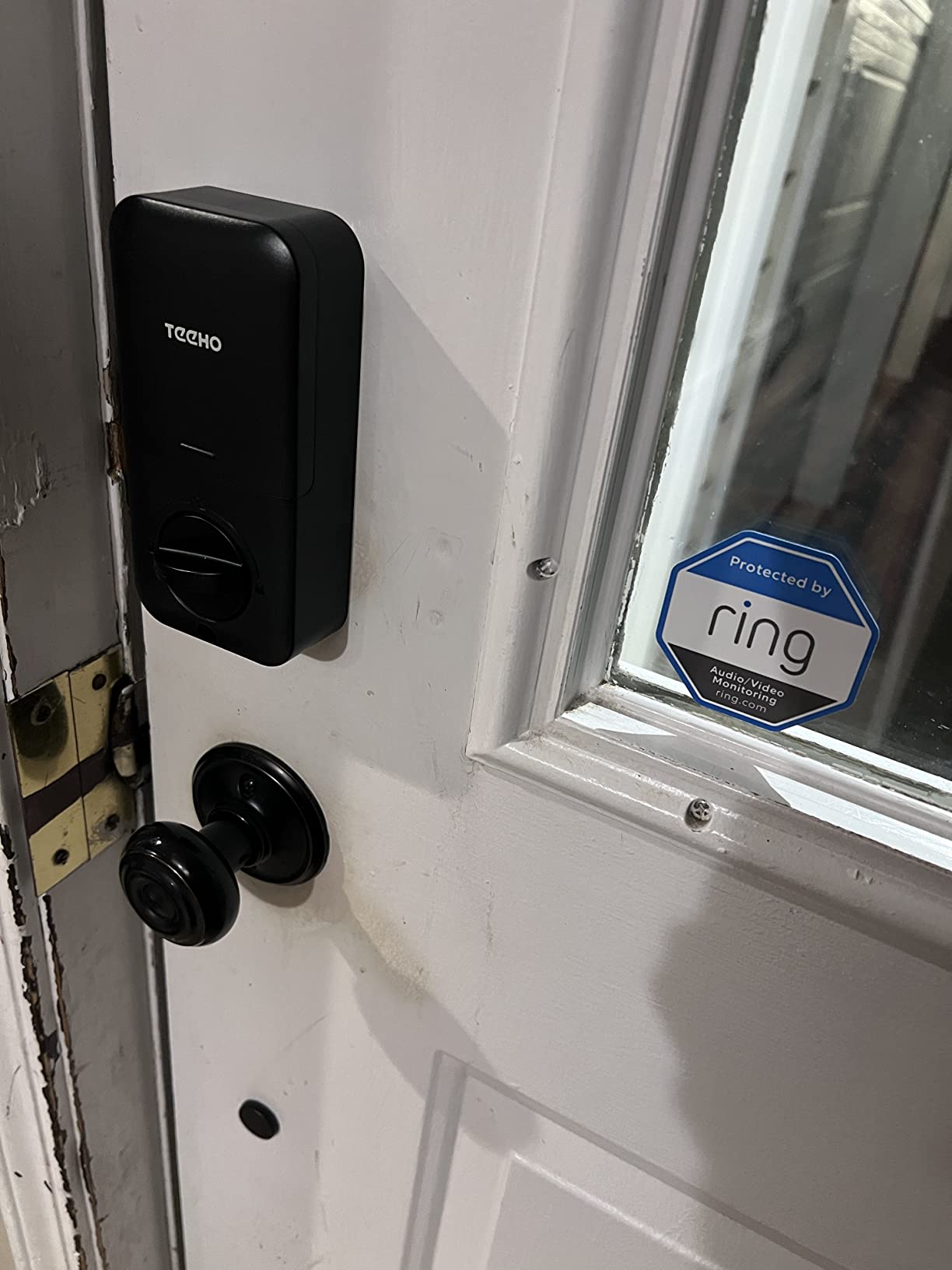
This is the simplest lock on the list and the one we would put on a back door first. It stores up to 20 fingerprints and 20 passcodes, keeps two physical backup keys, and accepts one-time PINs for anyone you do not want to hand a permanent code to. The fingerprint reader recognises a print in 0.3 seconds and unlocks in about a second, self-adapting as it learns more fingers.
The 365-day battery figure comes from four AA batteries that are not included, and the lock warns you below 15 percent. Buyers like the anti-peep passcode and the wrong-attempt lockout. Several reviews mention that programming takes practice: deleting a fingerprint requires scanning that same finger again, which trips people up the first time.
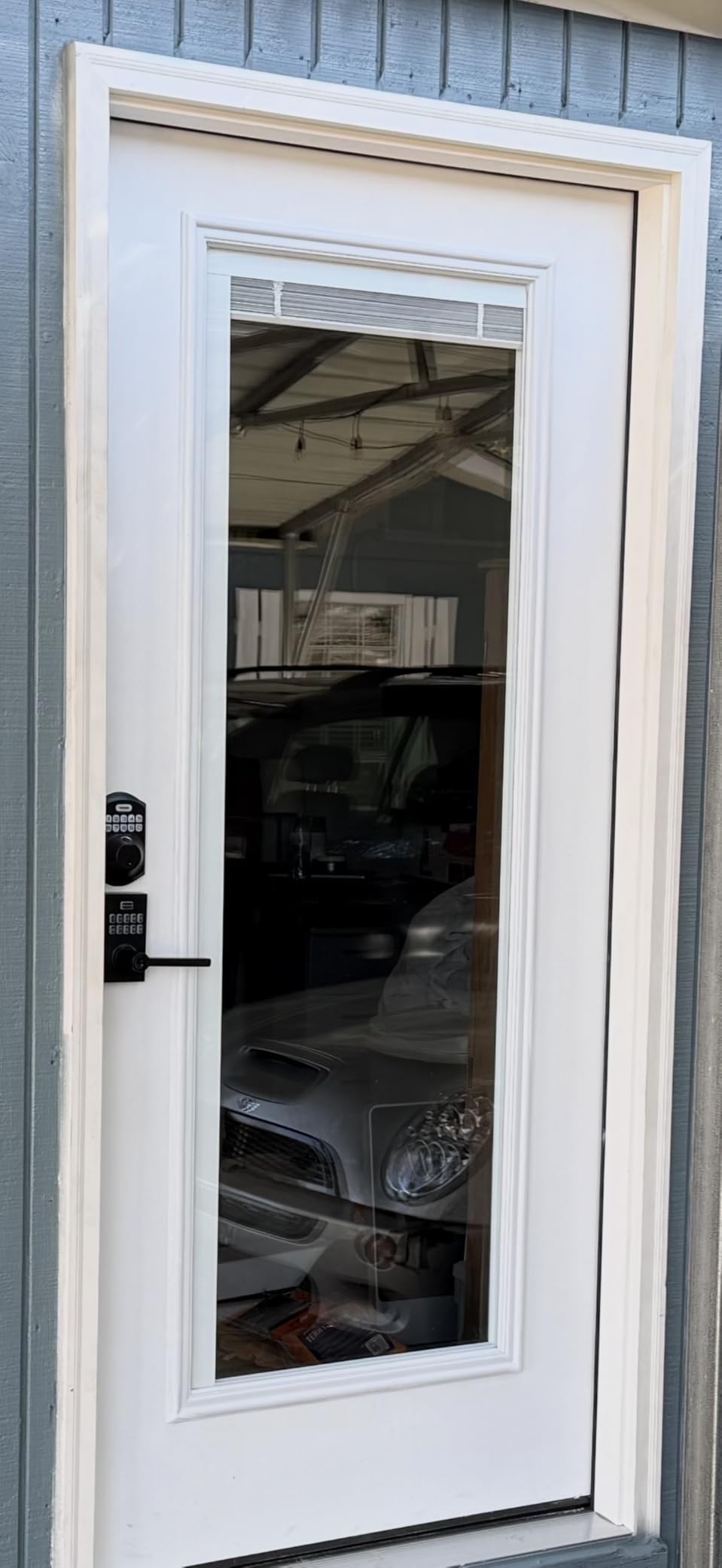
Installation is a screwdriver and about fifteen minutes on a standard 54 mm bore. There is no app, no Wi-Fi and no cloud, which is exactly why it works with no subscription anxiety and no hub. If you want to unlock the door from the sofa or let a contractor in remotely, step up to the ULTRALOQ Bolt SE instead.
Owners report light build quality, with a thin metal exterior and a plastic interior, and an auto-lock delay that sometimes drops back to its shortest setting on its own. If the housing feel matters to you, the Schlage Encode is the opposite end of the list.
2. Schlage Encode: Best for Built-In Wi-Fi and Durability
Schlage Encode Smart WiFi Deadbolt Lock with Century Trim, Matte Black
Type: touchscreen deadbolt
Connect: Wi-Fi and Bluetooth
Cert: highest residential BHMA
Pros
- Built-in Wi-Fi means no bridge to buy
- Up to 100 access codes with lock history
- Alexa and Google Home control
- Encrypted connection with forced-entry alarm
Cons
- Most expensive lock in this roundup
- Touchscreen smudges and shows fingerprints
- App and Wi-Fi pairing trouble for some owners
The heaviest hardware on the list, and the price to match.
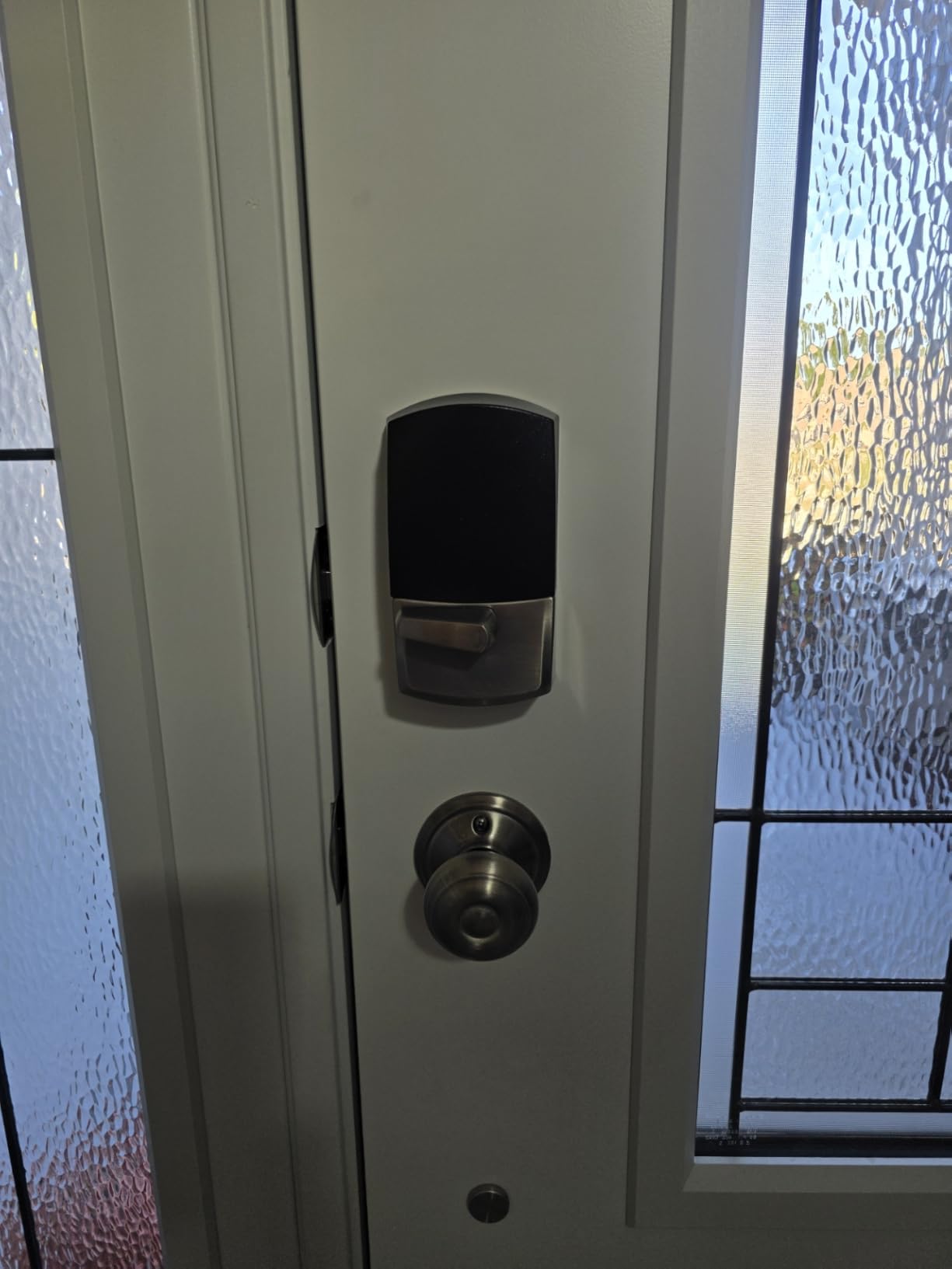
Schlage is the durability benchmark among the brands in this list, and the Encode is the version with the radio built in. It joins your home network over Wi-Fi directly, so there is no bridge to plug in and nothing extra to mount. Up to 100 access codes, a lock history log and customisable notifications all live in the Schlage Home app.
It carries the highest residential BHMA security, durability and finish rating, which is the certification tier to look for if the deadbolt is on a street-facing door. Alexa and Google Home work for hands-free control, and the connection is encrypted with a configurable door sensor and forced-entry alarm.
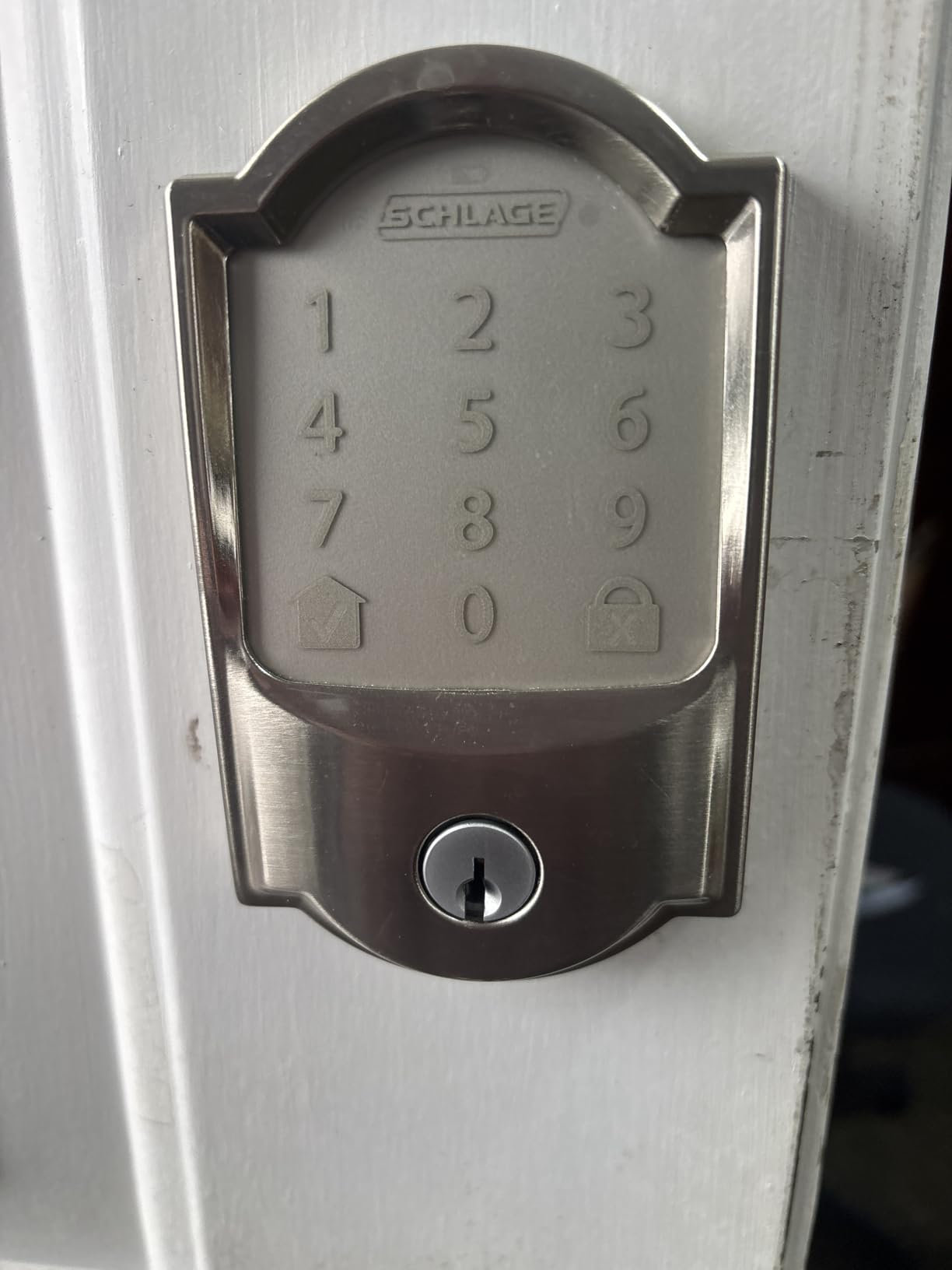
Owners consistently praise the mechanical build and the large backlit touchscreen, then consistently complain about the same thing: fingerprints and smudges. A quick wipe keeps it legible. Battery life runs around six months on four AA batteries, which is included, and a physical backup key ships in the box.
Against the ULTRALOQ Bolt SE, the hardware is heavier and the installation still needs only a screwdriver on standard doors. What you give up for the Wi-Fi is the low price, and roughly 12 percent of ratings sit at one star, mostly around app and pairing friction. The Schlage Arrive is the same idea with physical buttons and a lower spec sheet.
3. ULTRALOQ Bolt SE: Best Value with Matter over Thread
ULTRALOQ Bolt SE Wi-Fi Smart Lock, Matter Over Thread, App Remote Access
Type: fingerprint deadbolt
Connect: Wi-Fi and Matter
Power: to 18 months
Pros
- Only lock here with Wi-Fi and Matter in one body
- 50 fingerprints and 50 passcodes
- Self-healing mesh network reroutes dropped connections
- Installs in about 10 minutes
Cons
- Matter features need a Thread Border Router
- Wi-Fi is 2.4 GHz only
- No door sensor for ajar alerts
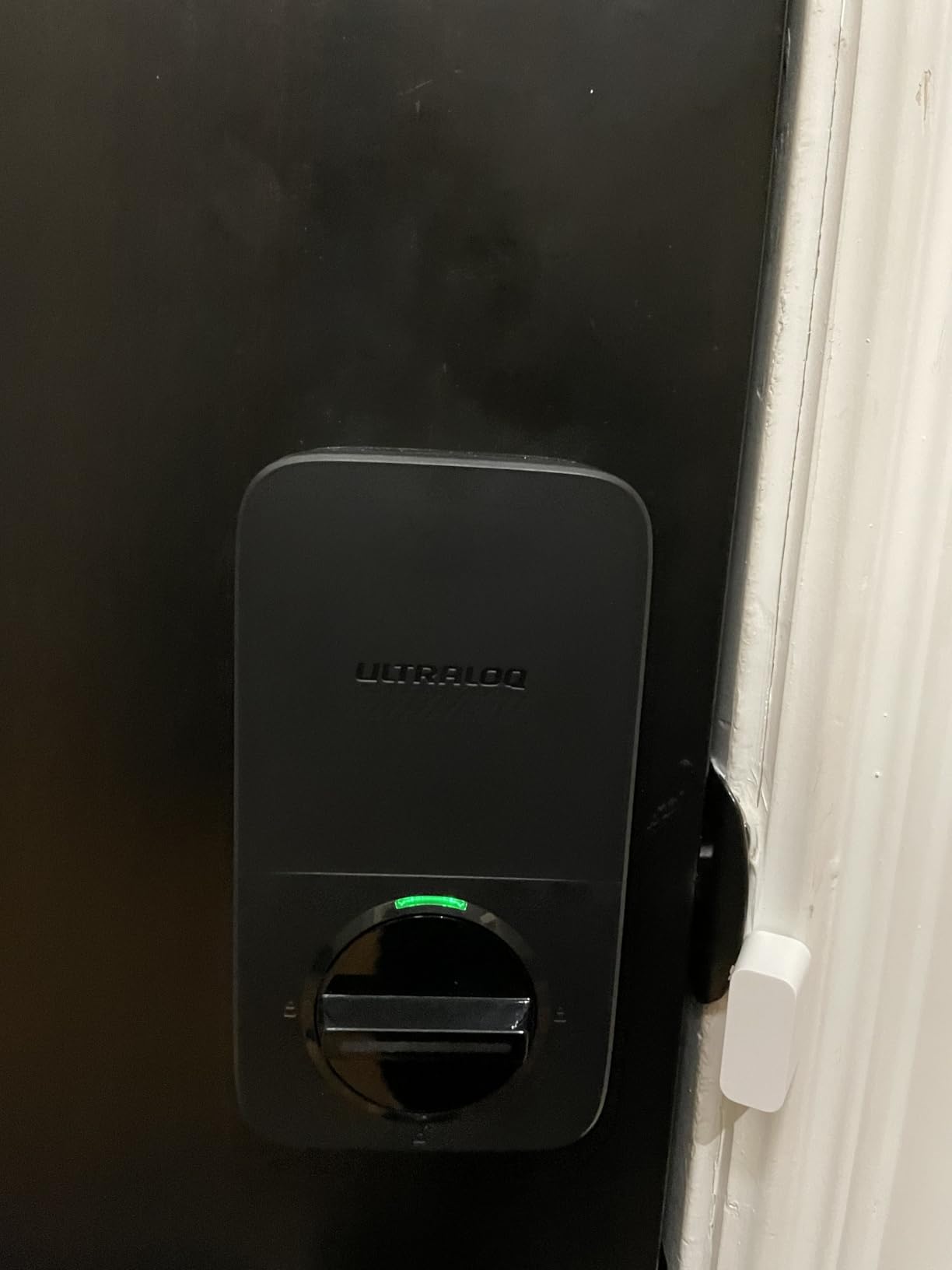
Buyers who plan to move houses in a few years pick this one because the radio speaks two languages. Built-in 2.4 GHz Wi-Fi handles remote access today with no hub, and Matter over Thread opens the door to Apple Home and other Matter controllers later. A self-healing mesh network reroutes the connection if a device goes offline.
Seven unlock methods cover fingerprint, passcode, app, web portal, eKey sharing, voice and two mechanical keys. Fifty fingerprints and fifty passcodes is more capacity than most rivals offer, and the zinc alloy body carries BHMA and ANSI certification with an IP65 rating for an exposed door.
The catch is honest and worth saying twice: the Matter side needs a Thread Border Router, so it is hub-free only if you stay on Wi-Fi. Wi-Fi is 2.4 GHz only, which means a dual-band router needs the 2.4 GHz band enabled and the lock kept within about 70 feet of it.
Good to know: there is no door sensor, so you will not get open or ajar alerts. Owners with that need should look at the ULTRALOQ U-Bolt WiFi, which bundles one. Against the Schlage Encode, this lock trades certification tier for ecosystem flexibility.
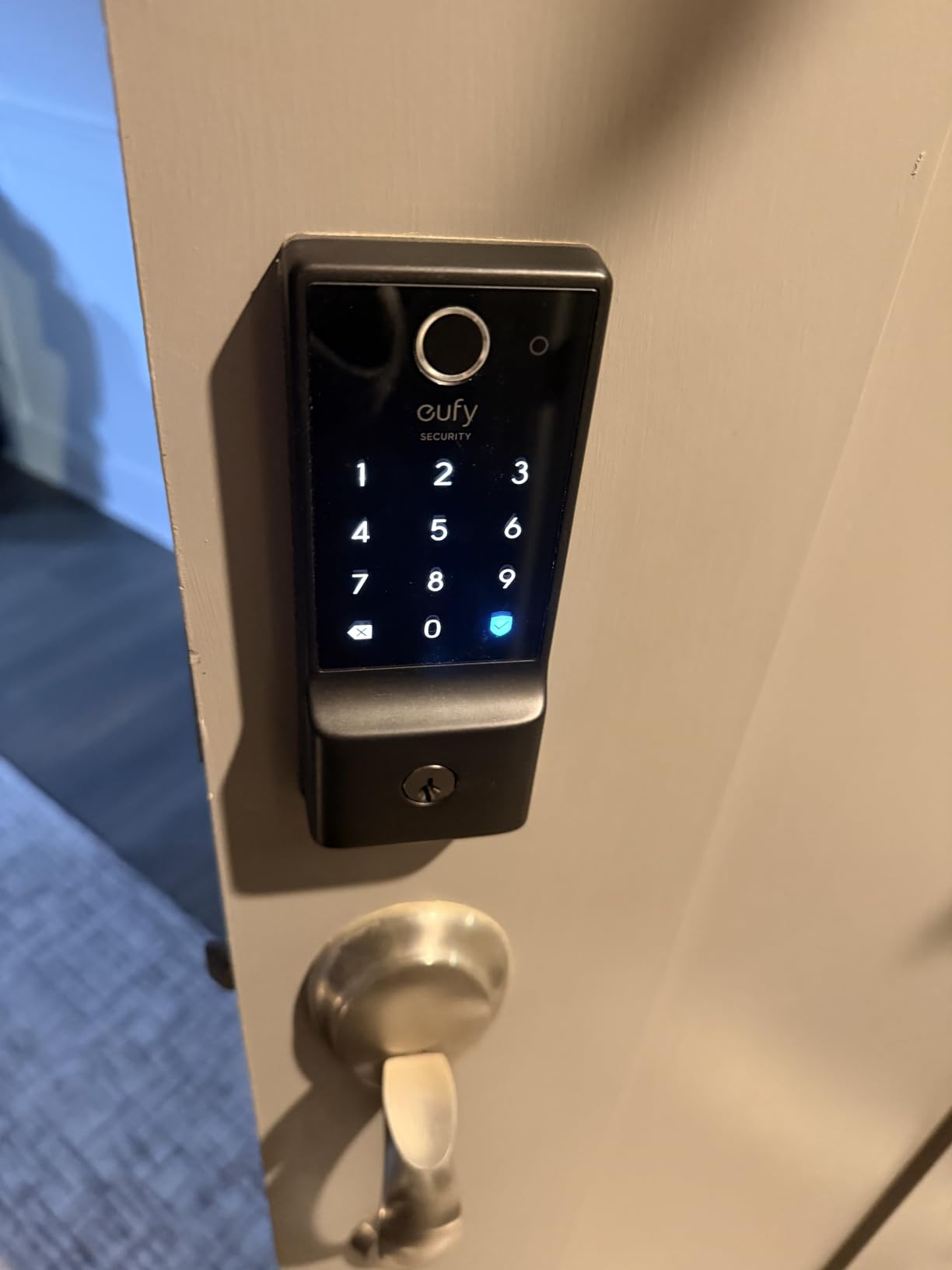
4. eufy C220: Best for Fingerprint Entry in the eufy App
eufy Security Smart Lock C220, Fingerprint Keyless Entry Door Lock
Type: fingerprint deadbolt
Connect: Wi-Fi no bridge
Cert: BHMA Grade 3 IP53
Power: 8 AA to 8 months
Pros
- Built-in Wi-Fi with no bridge needed
- Six unlock methods including Apple Watch
- Fingerprint reader that learns over time
- Works with eufy doorbells and routines
Cons
- Roughly 10 percent of ratings are one star
- Battery change needs full disassembly
- IP53 is lower than most rivals
eufy runs the whole point: routines.
Inside eufy, the lock joins routines alongside the doorbells and cameras, so arrival automations and camera views share one login. It sits in the Deadbolts category top ten, and the self-learning fingerprint reader gets more accurate the more it is used.
Six unlock methods cover fingerprint, the eufy app, keypad, physical key, Apple Watch and Alexa or Google voice. Eight AA batteries run roughly eight months depending on how often people come and go. It fits bores under 54 mm by removing a spacer, and the install takes about 15 minutes without drilling.
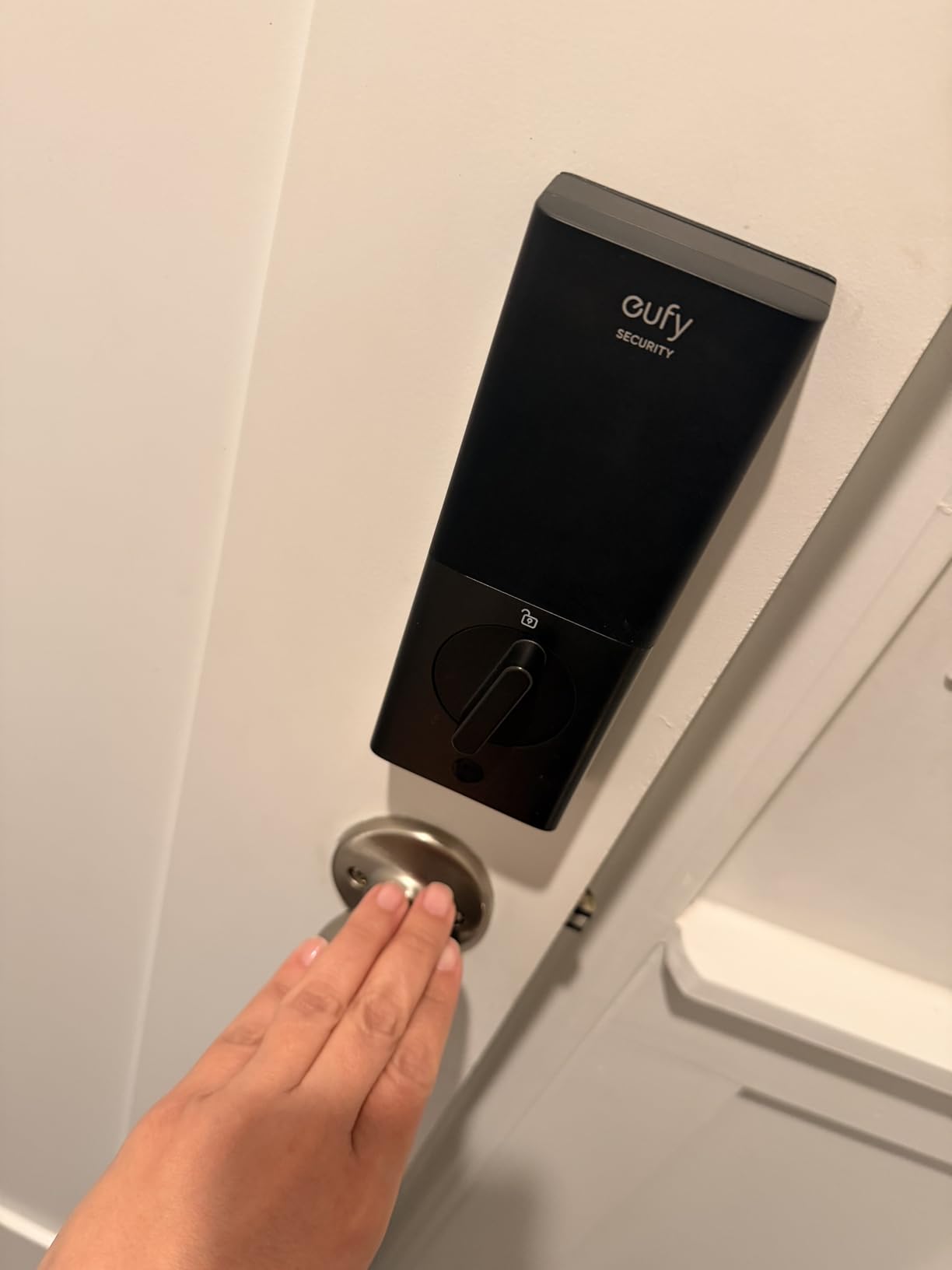
Two things to weigh. The battery pack is not a quick swap: changing it means taking the interior apart. And the IP53 weather rating is a step below the IP65 you get from the ULTRALOQ Bolt SE, which matters if the door faces driving rain without a storm door.
Owners also report occasional connectivity drops and reports of the deadbolt jamming after months of use. If the fingerprint reader is the selling point but you want a second lock on a side door, the TEEHO TE012W does the same reader with more passcode capacity.
5. Veise KS02A: Budget Pick for Offline Keypad Entry
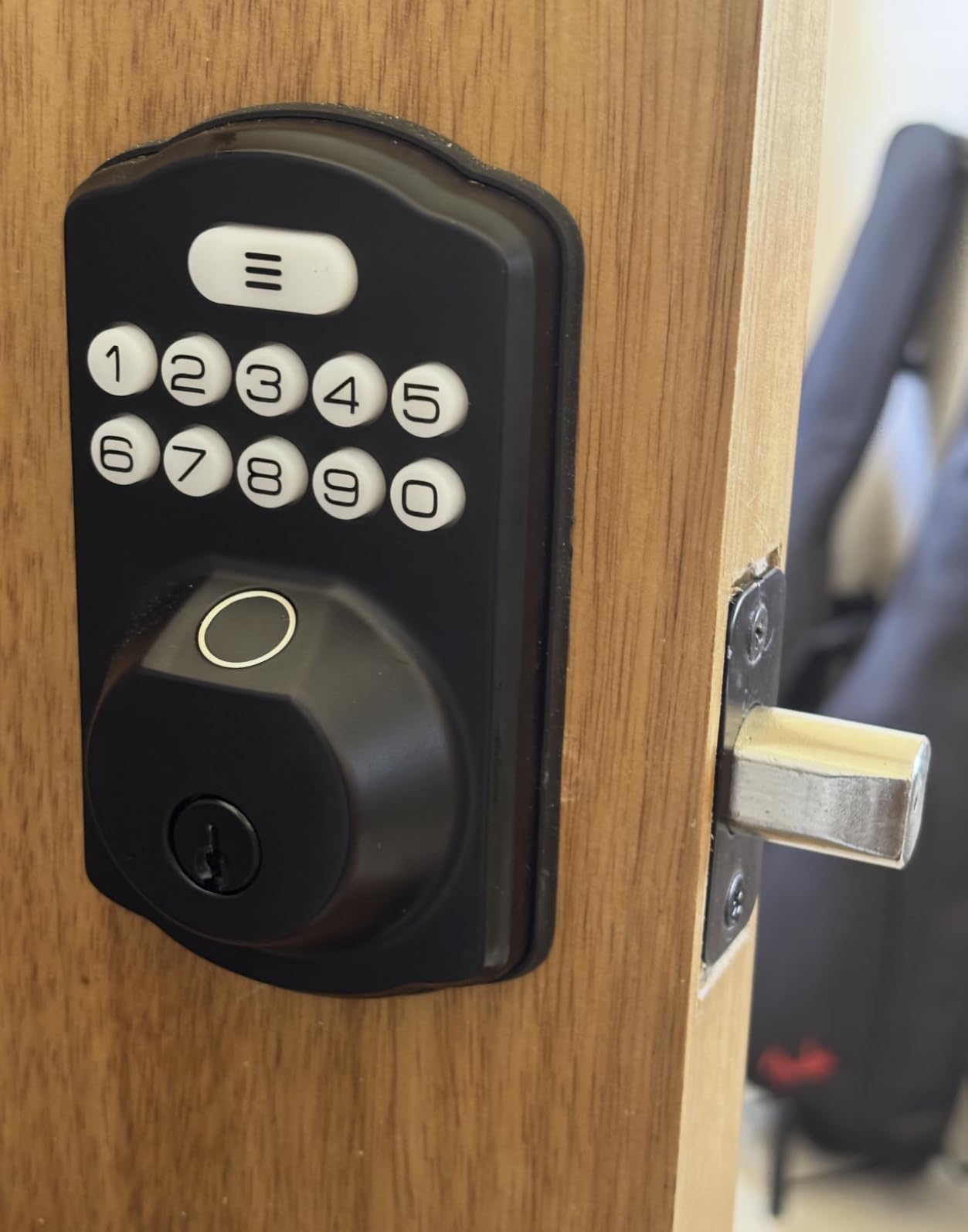
Veise KS02A Fingerprint Door Lock, Keypad Deadbolt, Matte Black
Type: fingerprint deadbolt
Connect: offline no app
Cert: ANSI Grade 3 IP54
Power: 4 AA to 365 days
Pros
- One-time passcodes auto-expire after a single use
- Anti-peep code disguises the real PIN
- Fingerprints stored locally with encryption
- Auto-detects door handing for either swing
Cons
- No app or Wi-Fi at all
- Programming is done on the keypad itself
- Smaller brand track record
For a rental unit, a garden gate or a house where nobody wants another app, this is the pick. The on-device AI chip identifies a fingerprint in 0.2 seconds and self-learns as it goes, with room for 20 prints and 20 passwords plus two mechanical keys. All data is encrypted and stored on the lock itself.
Two features set it apart from every other cheap lock here. One-time passwords delete themselves after a single use, and the anti-peep code lets a real guest enter extra random digits so the true PIN is not visible over a shoulder. That combination is the reason rental hosts keep coming back to it.
The trade-off is total: there is no app, no Wi-Fi and no cloud, so every setting is programmed on the keypad and has to be memorised. Owners report that the sequence takes a few tries. Batteries are not included, so budget for a fresh pack of four AA before the install.
Installation is a 15-minute screwdriver job on a 54 mm bore with doors between 35 and 50 mm thick, and the handing is auto-detected. It is certified ANSI Grade 3 and IP54 for temperatures from -31F to 158F.
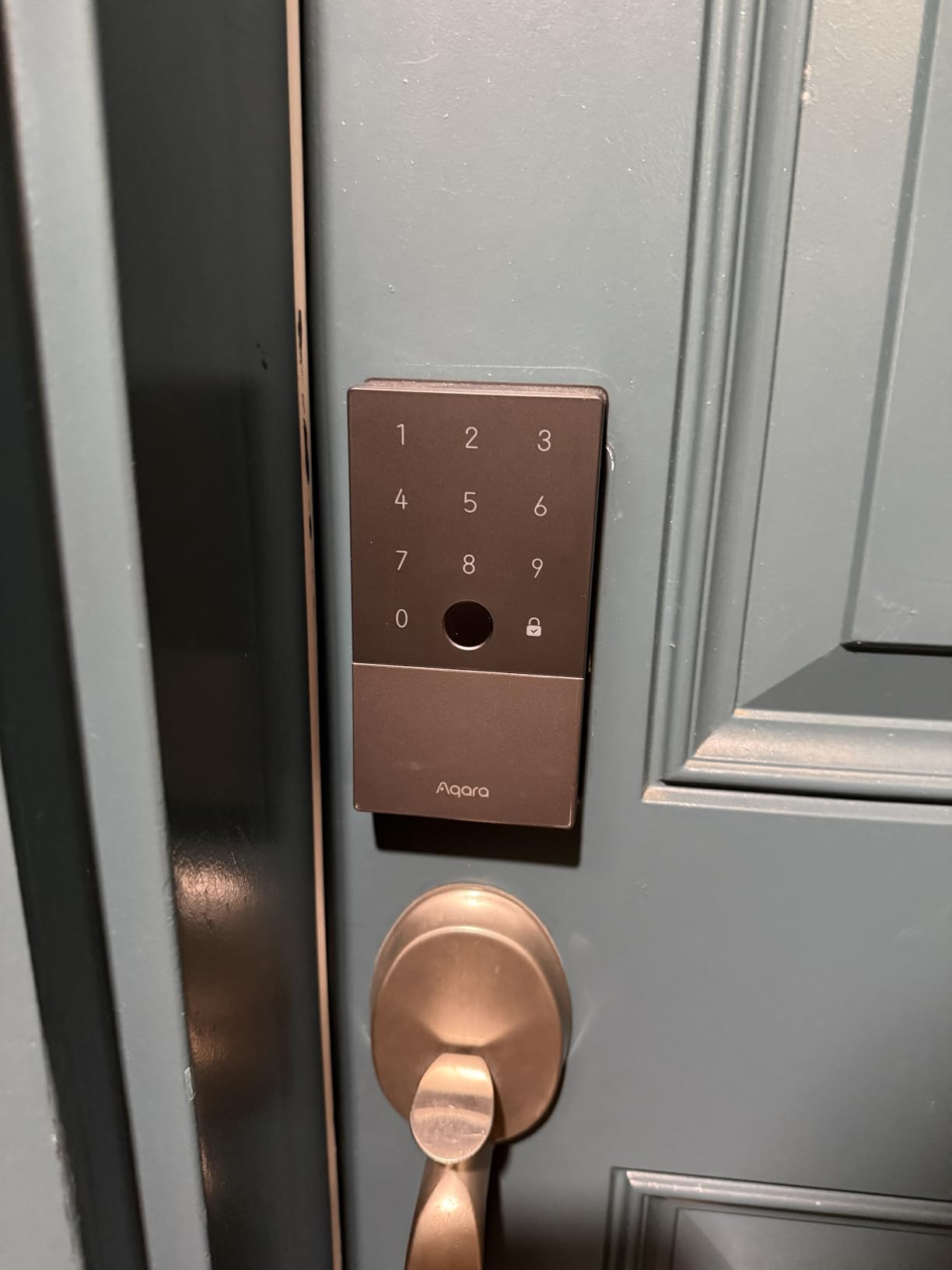
6. Aqara U100: Best for Apple Home Key Tap-to-Unlock
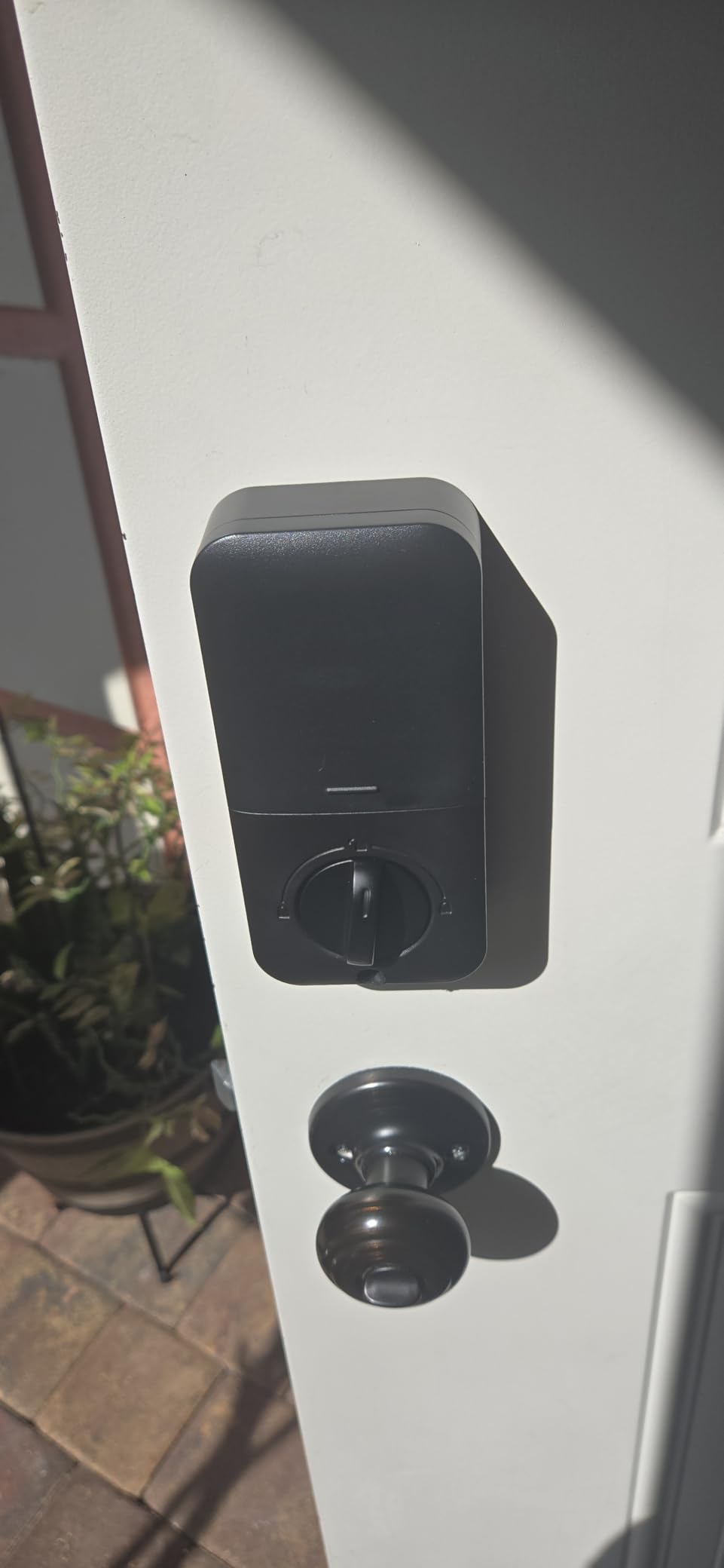
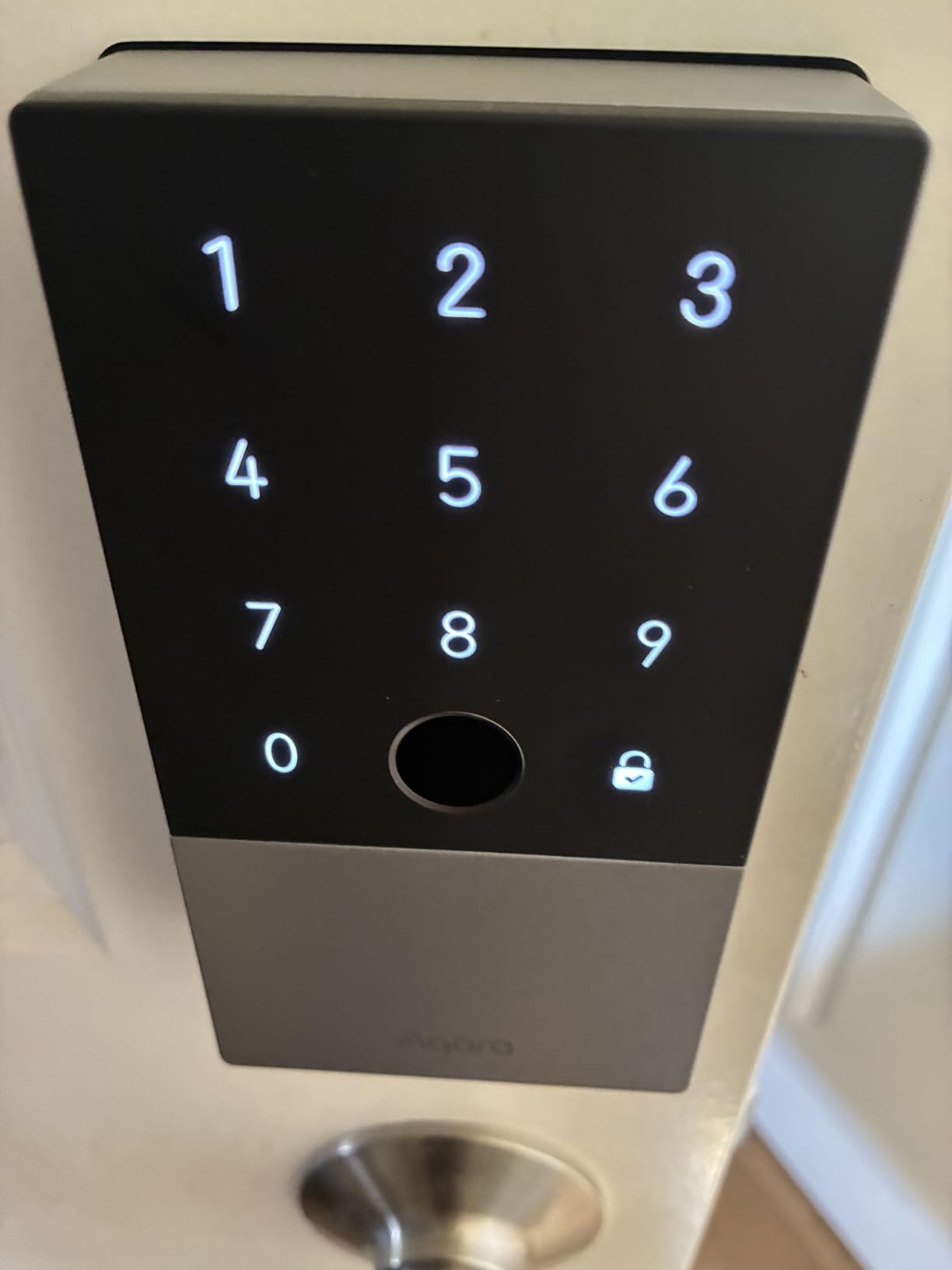
Aqara Smart Lock U100, Apple Home Key, Fingerprint Deadbolt, Gray
Type: fingerprint deadbolt
Connect: Bluetooth and Zigbee
Power: 4 AA to 8 months
Pros
- Apple Home Key works with a dead iPhone or Watch
- Up to 50 fingerprints stored locally
- USB-C emergency charging port
- Gyroscope-driven auto-lock after the door closes
Cons
- Remote codes need an Aqara Zigbee hub
- NFC card sold separately
- No built-in Wi-Fi
Hub required, but Home Key makes it worth it.
Apple Home Key is the feature here, and the detail that matters is that it still works when the iPhone or Watch is out of power. Tap the lock, get in, no PIN typed on a wet keypad in the dark. It is natively integrated into Apple Home rather than added through a bridge.
A high-precision reader stores up to 50 fingerprints with AES-encrypted local storage. There is a USB-C emergency charging port, four AA batteries included, and a gyroscope that triggers auto-lock once the door actually closes rather than on a timer.
The catch is ecosystem lock-in. Remotely configurable passwords through the Aqara Home app need an Aqara Zigbee 3.0 hub, and sharing Apple Home guest access needs an Apple Home hub. There is no built-in Wi-Fi, so remote entry depends entirely on that hub.
Owners rate it 4.1, the lowest here, and about 12 percent of ratings sit at one star, mostly from app pairing friction rather than the hardware. Good to know: the NFC card is not in the box. If Apple Home Key is not your entry method, the eufy C220 is the better value.
7. Veise RZ07: Best for Rental Hosts and Scheduled Codes
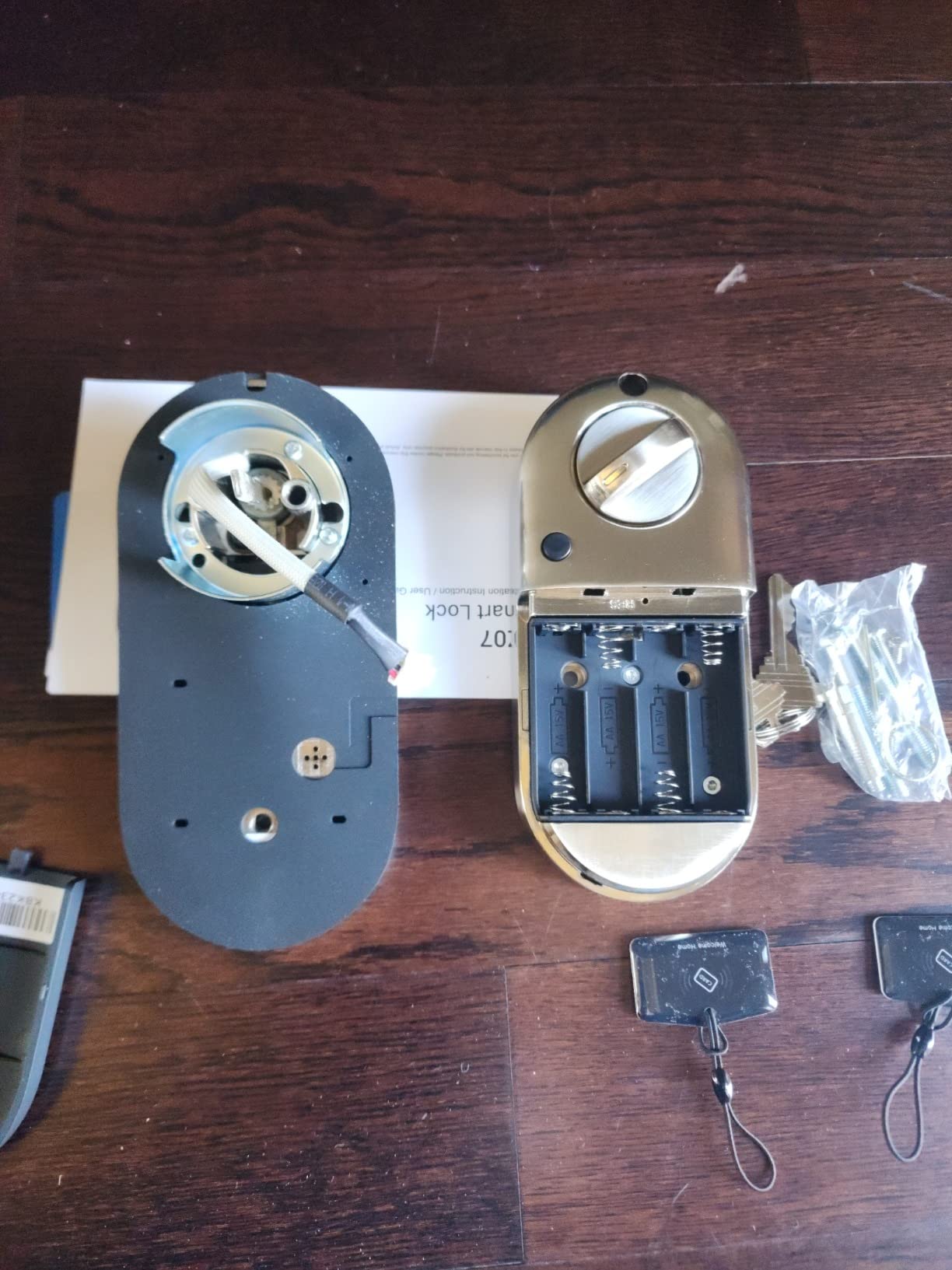
Veise RZ07 Fingerprint Smart Door Lock Deadbolt, App Control, Matte Black
Type: fingerprint deadbolt
Connect: Bluetooth and Wi-Fi
Cert: BHMA ANSI Grade 3 IP55
Power: up to 12 months
Pros
- 250+ user codes with scheduled and one-time options
- Remote eKey and access records with no subscription
- Bluetooth works within about 6 feet
- Auto-detects door hand and fits standard doors
Cons
- App can be flaky and needs retries
- Battery gauge in the app is unreliable
- Dark keypad hard to read in sunlight
- Alexa and Google need the G2 gateway
This one exists for the guest-economy use case. It supports more than 250 user codes with permanent, scheduled, recurring and one-time options, and remote eKey generation with access records through either the app or a web portal. No subscription is required for any of that.
Seven unlock methods cover fingerprint, app, web portal, fobs, code, eKey sharing and a mechanical key. Bluetooth reaches about six feet, so a guest can open the door from the car drive without a gateway being present. Fifty fingerprints fit on the self-learning reader.
The recurring complaint is the app. Owners report it needing two or three attempts to reach the lock, and a battery gauge that sits at 100 percent for months. Treat the app reading as decorative and judge the batteries by feel or by date.
The tinted keypad glass is hard to read in direct sun, which matters for a front door in daylight. Alexa and Google Home work only through the separately sold Veise G2 gateway. Where you need dependable door status alerts, the ULTRALOQ U-Bolt WiFi ships with a sensor.
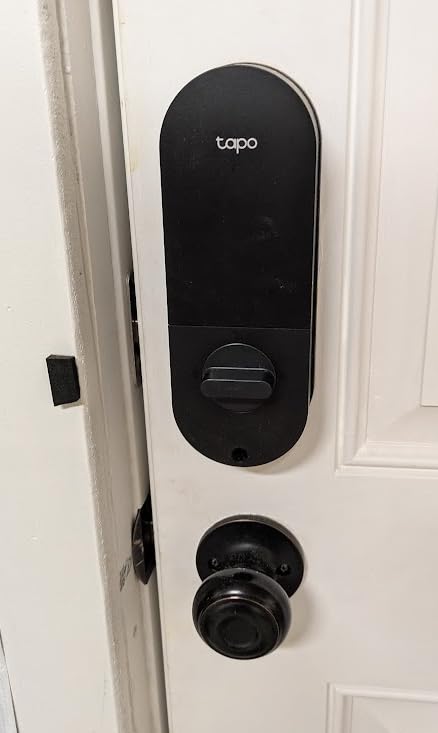
8. Tapo DL110: Best for Rechargeable Battery Power
Tapo Smart Wi-Fi Door Lock, Deadbolt, Fingerprint Recognition, DL110
Type: fingerprint deadbolt
Connect: Wi-Fi and Bluetooth
Cert: BHMA Grade 2
Power: rechargeable pack to 1 year
Pros
- Removable rechargeable pack rated for about a year
- 0.42-second fingerprint reads
- 100 fingerprints stored
- BHMA Grade 2 at a mid-range price
Cons
- Keypad digits stay hidden until touched
- Doorbell button sends false notifications
- Cloud-only with no local API or Matter
- Proprietary battery pack is hard to source
Skip it if: you want local control. This is cloud-only, with no local API, no Matter and no Home Assistant path, so every fingerprint and code lives in the vendor’s servers.
It runs on a removable rechargeable pack rated for a year of continuous use, with a built-in USB-C port for top-ups. Six access methods include fingerprint, passcode, Wi-Fi remote, close-range Bluetooth, voice assistant and two backup keys.
The fingerprint sensor reads in 0.42 seconds and stores up to 100 prints, which is the largest capacity in this roundup. The deadbolt is also described by owners as unusually quiet, and rubber gaskets around the door protect the finish and damp the movement. BHMA Grade 2 certification is unusual at this tier.
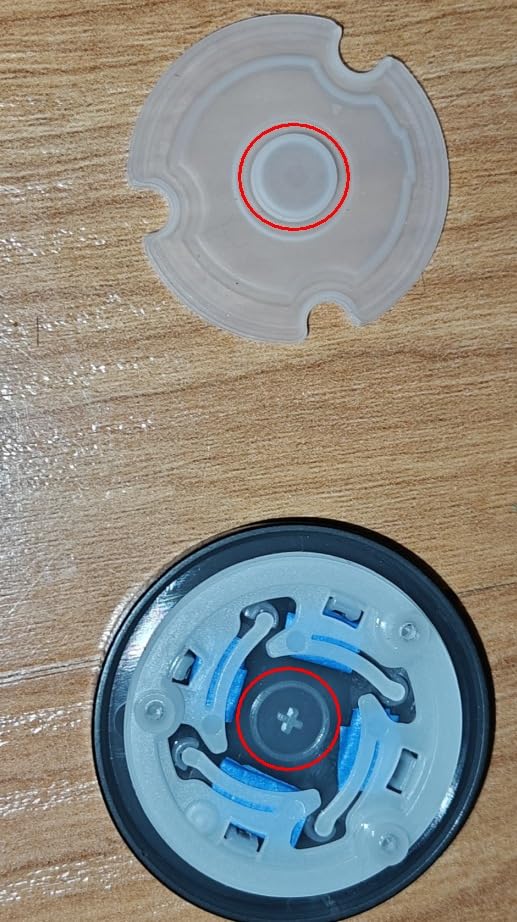
It posts the highest rating here at 4.6, and the design quirks explain the rest. Keypad digits stay invisible until touched, which is awkward for a guest who does not know the trick, and the concealed doorbell button under the keyhole cap is easy to hit by accident.
There is no local API, Matter support or Home Assistant path, so it is cloud-only, and fingerprints and codes must be registered on each lock individually. The keyway is Schlage SC1 compatible and rekeyable, which is a genuine plus. For cloud-only voice control at a lower price, the TEEHO TE012W fits.
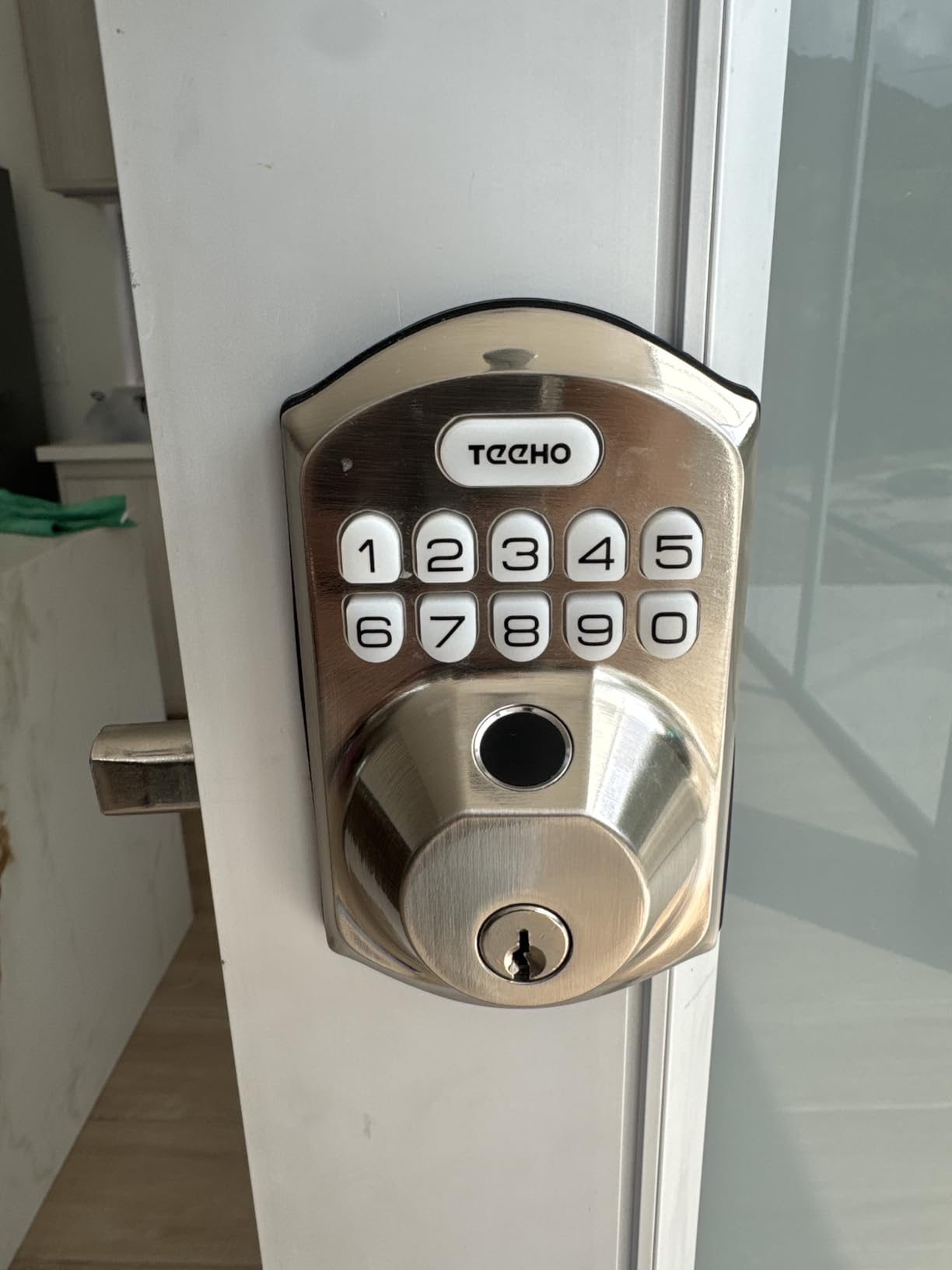
9. TEEHO TE012W: Best for Large Code Lists
TEEHO TE012W WiFi Fingerprint Smart Door Lock for Front Door, Satin Nickle
Type: fingerprint deadbolt
Connect: 2.4 GHz Wi-Fi
Cert: BHMA Grade 3 IP55
Power: 8 AA
Pros
- Up to 100 passcodes and 20 fingerprints
- Three-minute lockout after 10 wrong PIN attempts
- Built-in 2.4 GHz Wi-Fi with no hub
- BHMA Grade 3 and IP55 weather resistance
Cons
- Eight AA batteries to service
- Alexa routines are unreliable
- Interior housing feels like plastic
- Wi-Fi is 2.4 GHz only and needs signal
The reason to consider this one over its sibling is capacity. It holds up to 100 passcodes alongside 20 fingerprints, which suits a shared house, a small office or anyone rotating codes for cleaners and dog walkers. One-time codes are supported through the KK Home app.
The extra battery count is deliberate rather than a flaw. Eight AA batteries give the radio twice the power of a four-battery Wi-Fi lock, and owners say the connection is noticeably more stable as a result. Auto-locking is adjustable from 10 to 180 seconds in the app.
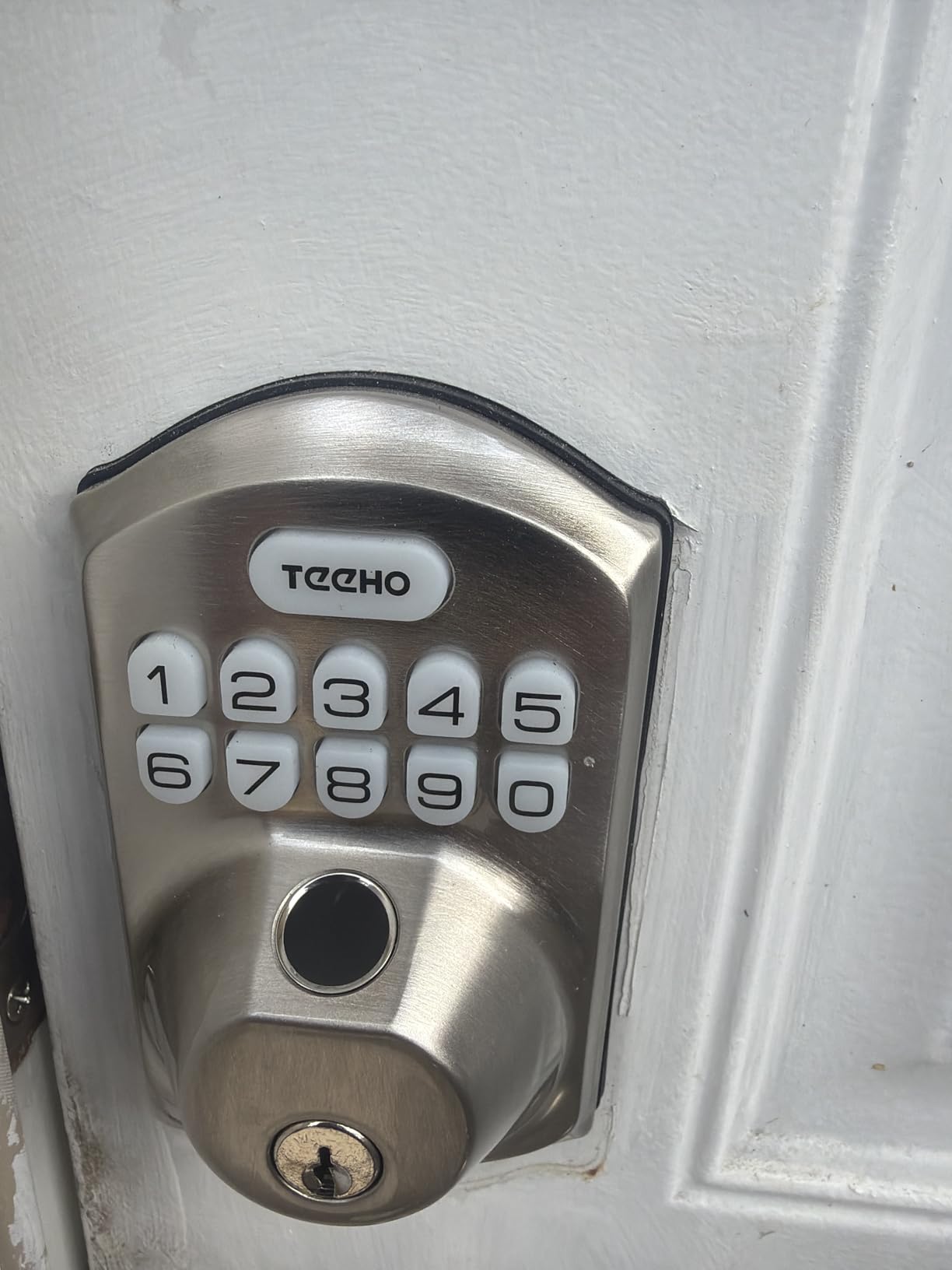
Security features go further than most: a three-minute lockout after ten consecutive wrong PIN attempts, break-in alerts through the app, and an anti-peeping password that pads your real code with random digits. BHMA Grade 3 and IP55 handle the weather side.
Several owners report changing batteries more often than they expected and dislike servicing eight of them. Alexa voice commands pair fine, but routines do not reliably fire. Install takes 10 to 15 minutes with a screwdriver on doors from 1-3/8 to 2 inches thick.
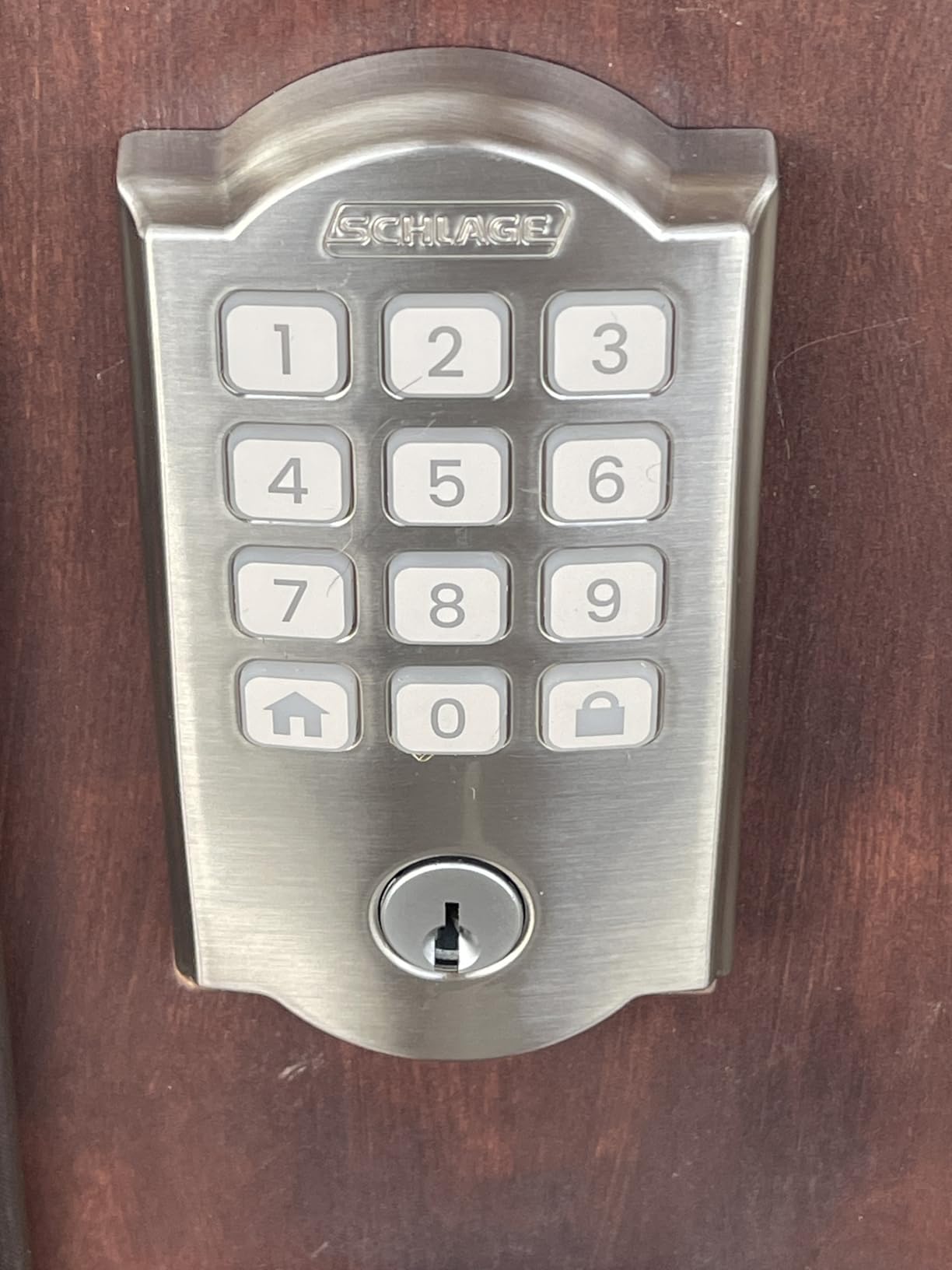
10. Schlage Arrive: Best for a Physical Button Keypad
Schlage Arrive Smart WiFi Deadbolt Lock with Camelot Trim, Satin Nickel
Type: push-button deadbolt
Connect: Wi-Fi and Bluetooth
Cert: highest residential BHMA
Power: 4 AA
Pros
- Physical silicone buttons work in the dark
- Built-in Wi-Fi with no bridge
- Up to 250 access codes
- Guided digital install instructions
Cons
- No fingerprint reader at this tier
- Only about 200 ratings on Amazon
- Some Wi-Fi pairing failures reported
- Interior thumbturn feels light
Buttons beat glass, every time.
Where the Schlage Encode uses a glass touchscreen, the Arrive uses backlit silicone push buttons in an all-weather shell. Owners who switched over say the buttons are easier to hit in the dark and there is no smearing to wipe down. The surface is fingerprint-resistant.
It keeps the built-in Wi-Fi and the Schlage Home app, with up to 250 access codes, lock history and customisable notifications. Alexa and Google Home link up for routines, and it carries the same highest residential BHMA rating as the Encode.
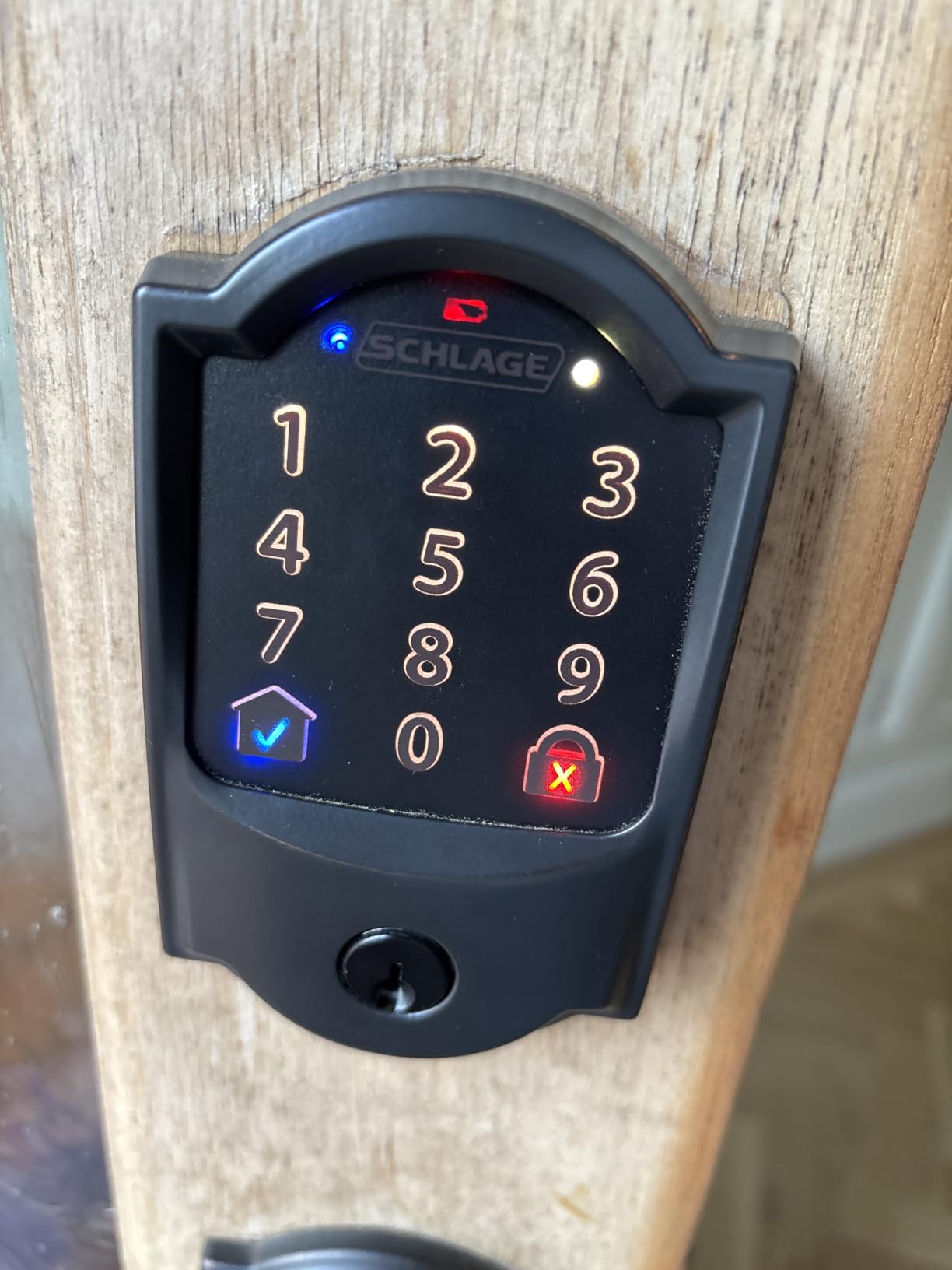
What it leaves out is the fingerprint reader. At this tier most rivals include one, and several buyers mention the omission explicitly as the reason they moved up. There is also no doorbell button like the Tapo DL110 has under its keyhole cap.
This lock carries the second-lowest review count here, just over 200 ratings, so the owner feedback pool is thinner than the rest. A handful of reports describe Wi-Fi pairing failing even after troubleshooting. Installation is screwdriver-only with interactive digital instructions on doors from 1-3/8 to 1-3/4 inches.
11. Wyze Bolt v2: Best for Wyze Camera and Doorbell Setups
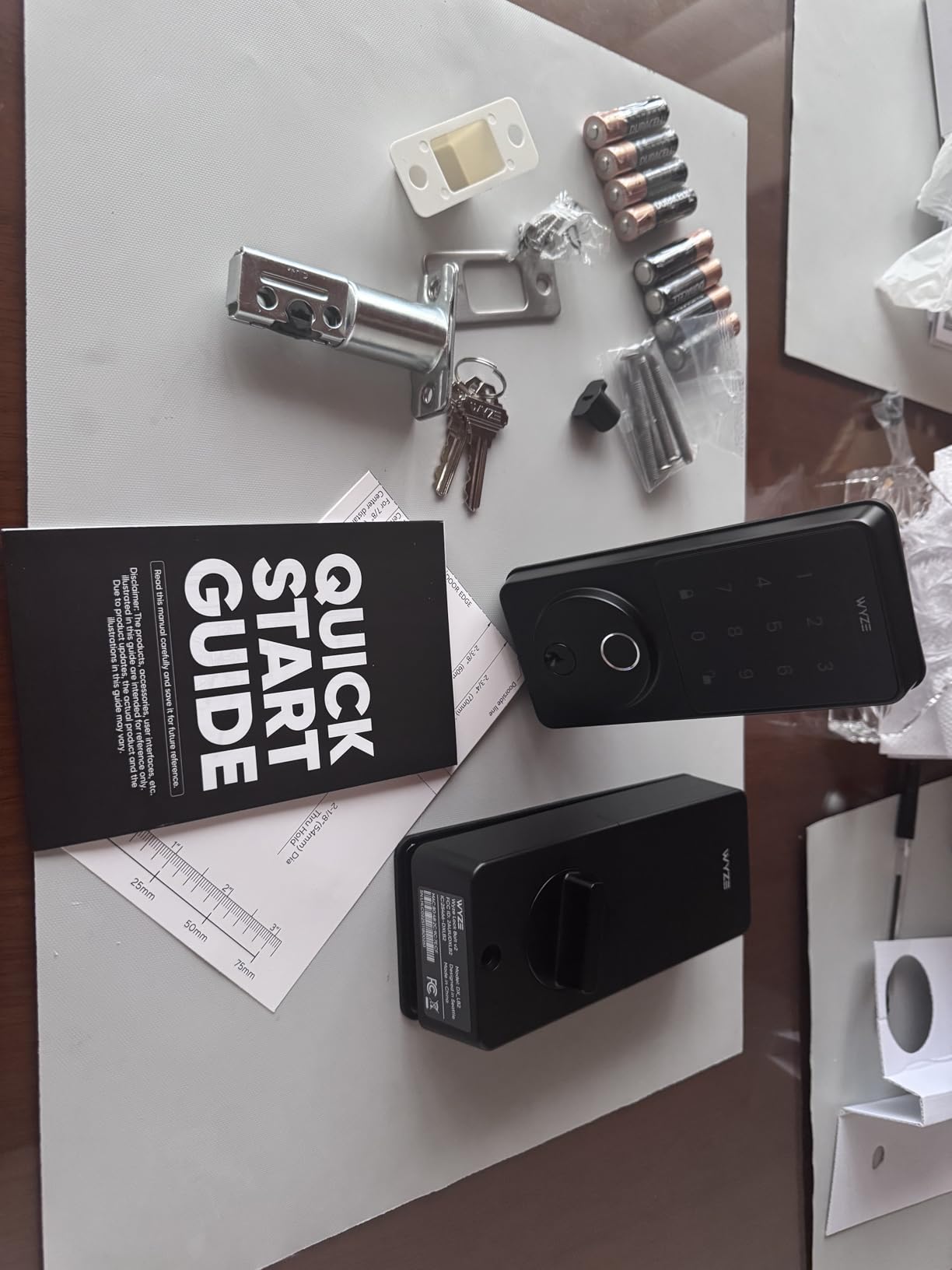
Wyze Auto-Lock Bolt v2, Fingerprint Keyless Entry Smart Lock, AI Learning Scanner with Wi-Fi Front Door Lock Deadbolt, Auto-Lock, 8 Months Battery, BHMA2, IP53, Anti-Peep Keypad, Backup Keys
Type: fingerprint deadbolt
Connect: Wi-Fi no hub
Cert: BHMA Grade 2 IP53
Power: 8 AA to 8 months
Pros
- Unlocks straight from a Wyze Video Doorbell feed
- 0.5-second fingerprint scan behind tempered glass
- Eight AA batteries included
- Two physical backup keys in the box
Cons
- No open-door detection so auto-lock throws on an ajar door
- Keypad beeps are quiet and do not backlight on approach
- Wi-Fi and Wyze cloud account required
- Some users find reads hit or miss
The Wyze differentiator is the tie-in with the video doorbell. From a paired Wyze Video Doorbell live feed you can unlock the lock directly, so a courier does not need a code handed over in advance. For people already running Wyze cameras, that single feature is worth more than another fingerprint reader.
The scanner reads in 0.5 seconds behind scratch and smudge-resistant tempered glass, and an AI learning scanner adapts to each user’s touch pattern over time. Eight AA batteries are included for up to eight months, and a USB-C port accepts a power bank if the cells die.
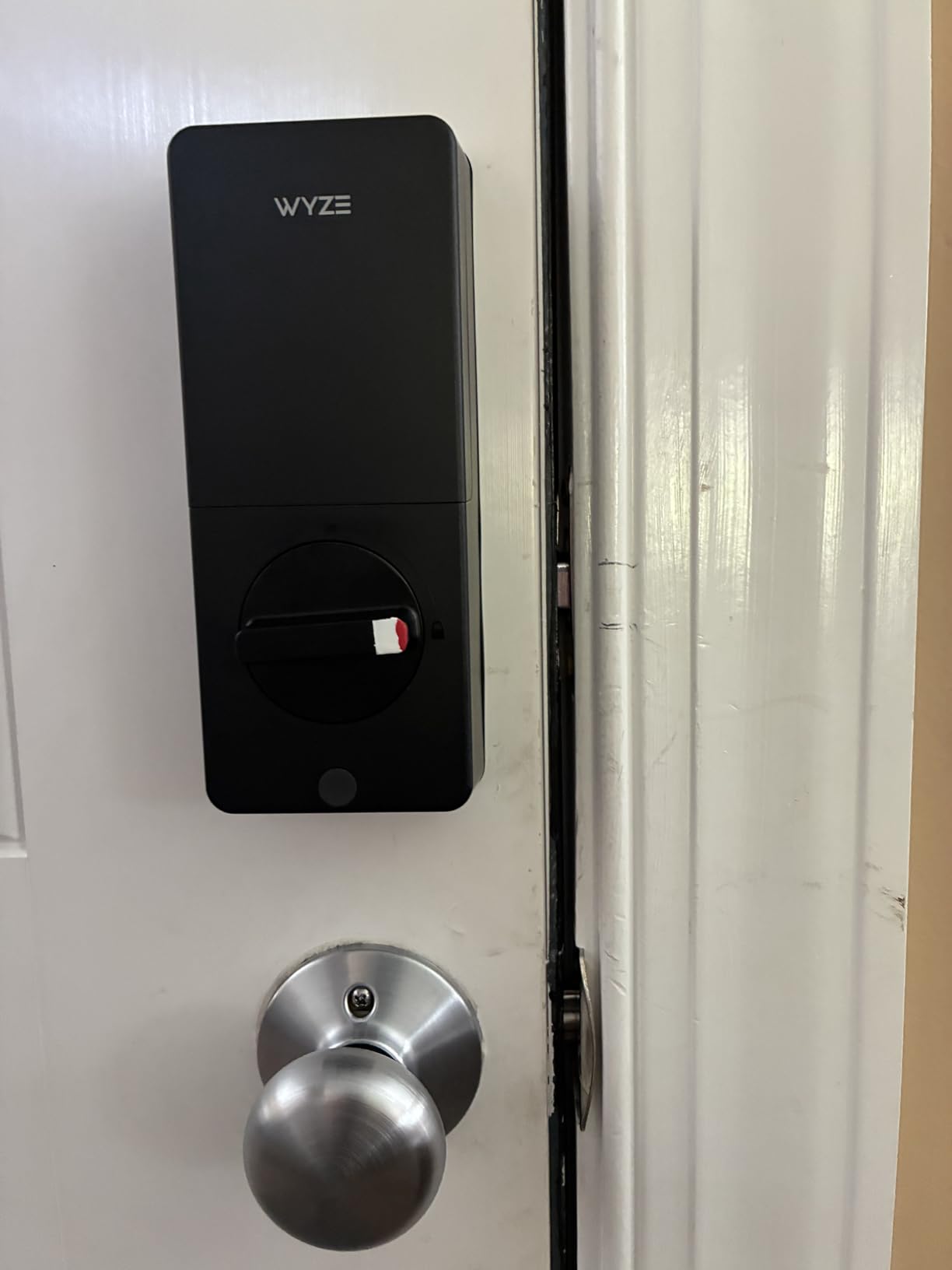
It shares the top rating here at 4.6 with the Tapo DL110, and owners say the fingerprint speed beats their previous eufy lock. The design complaint that comes up most is serious enough to plan around: there is no open-door detection, so auto-lock throws the bolt even when the door is ajar and you end up unlocking by hand with groceries in your arms.
The keypad does not illuminate on approach and the beeps are quiet, which reviewers with hearing difficulty flag. If ajar alerts matter to you, the ULTRALOQ U-Bolt WiFi includes a door sensor and nothing else here does.
12. ULTRALOQ U-Bolt WiFi: Best for a Bundled Door Sensor
ULTRALOQ U-Bolt WiFi Smart Lock with Door Sensor, App Remote Access
Type: keypad deadbolt
Connect: Wi-Fi and Bluetooth
Cert: ANSI BHMA Grade 1 IP65
Power: 8 months
Pros
- Only lock here with a bundled door sensor
- ANSI BHMA Grade 1 certification
- Batteries and mounting hardware in the box
- Works with SmartThings and IFTTT alongside Alexa
Cons
- Several owners report Wi-Fi drops that do not reconnect
- Firmware updates fail randomly
- App layers are over-engineered
- No fingerprint reader at this tier
This is the one to buy if a deadbolt throwing on a half-open door has ever locked you out. The included door sensor reports open and ajar status and sends alerts, and auto-lock fires when the door closes rather than on a fixed timer. No other lock in this roundup ships with that sensor.
Security certification is the strongest on the list, at ANSI BHMA Grade 1, on a zinc alloy body rated IP65 for the weather. Access runs through passcode, app, auto unlock, shared eKey, voice assistant, a web portal or the two included mechanical keys, with up to 50 custom codes including one-time and scheduled.
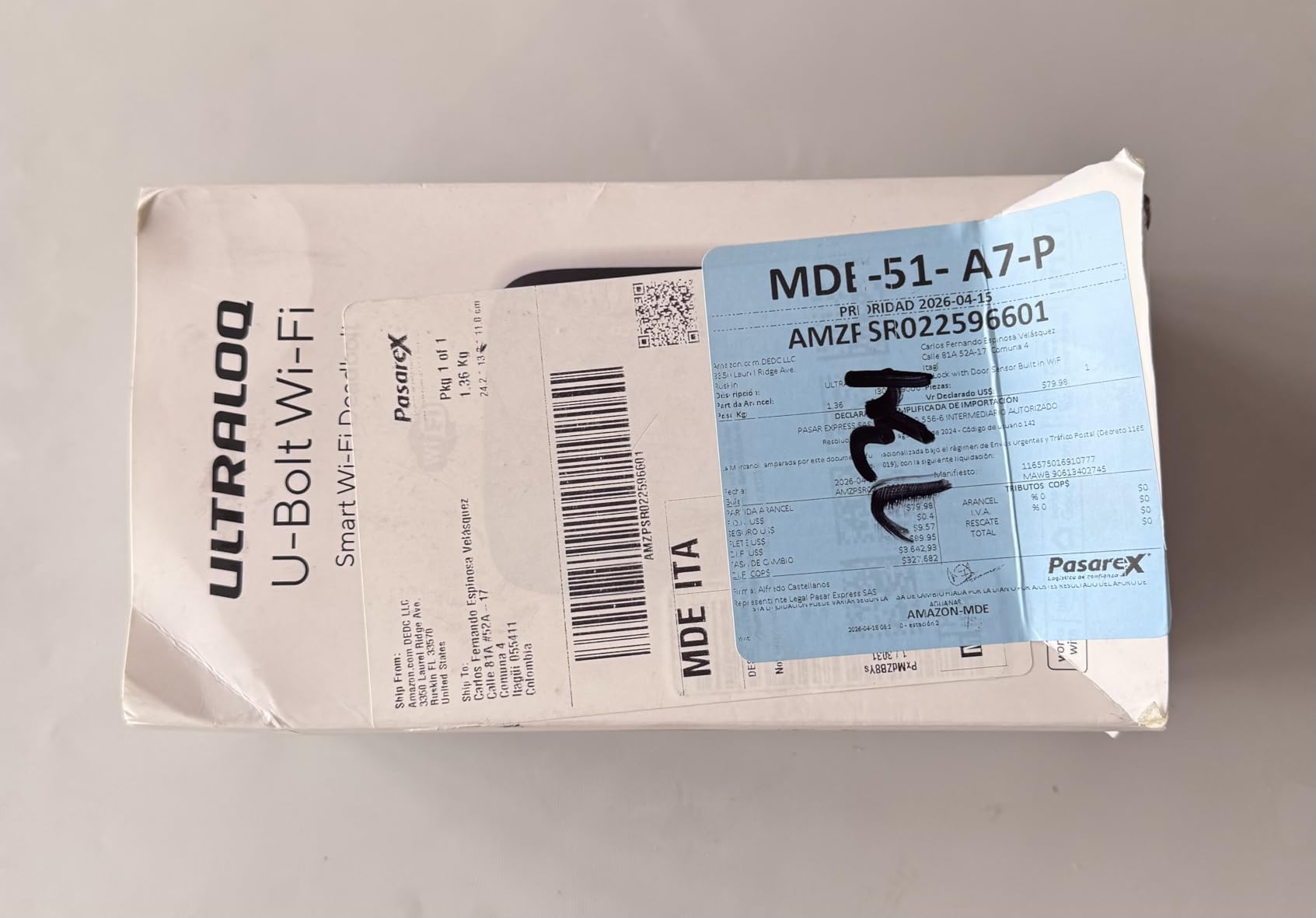
Batteries and mounting hardware are in the box, so it is usable the day it arrives. Built-in 2.4 GHz Wi-Fi handles remote access with no bridge, Bluetooth acts as a backup path, and Lockout Mode disables electronic unlocking entirely for travel.
The software is where owners grumble. Several report the lock dropping off Wi-Fi without reconnecting, needing a manual re-pairing routine, and firmware updates that fail on the first attempt. The app organizes settings into Addresses, Locations and Devices layers that several buyers find over-built. There is no 9V battery contact terminal, so the physical keys are the only dead-battery backup.
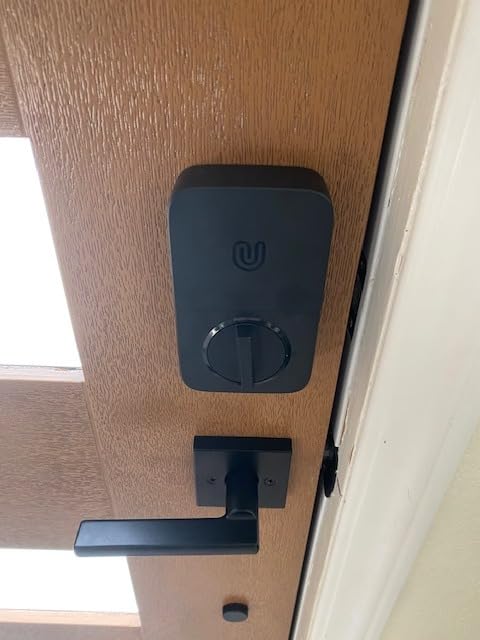
How to Choose Smart Locks During Prime Big Deal Days
Confirm Your Door and Lock Type
Every lock here is a deadbolt, not a lever handle, and every one is a bolt-on replacement rather than an interior-motor retrofit that keeps your existing key cylinder. The practical consequence is that these fit standard US doors without drilling: bores of 2-1/8 inch or 1-1/2 inch, doors from 1-3/8 to 2 inches thick, and either hand. Measure the bore and the door thickness before buying, because a mismatch is the number one reason these get returned.
Check Smart-Home Compatibility
Connectivity splits this list into four groups. Wi-Fi locks work standalone with no extra hardware. Bluetooth-only locks work from the app at close range. Zigbee locks, such as the Aqara U100, need a hub for anything remote. Matter over Thread locks, like the ULTRALOQ Bolt SE, need a Thread Border Router to use their Matter features. If you are already building out smart light bulbs for whole-home automation, check whether your controller doubles as a Thread Border Router before committing to a hub.
Prioritize Security and Access Features
Look for a certified grade before anything else on the listing. Grade 1 is the highest rating in this roundup, Grade 2 sits in the middle and Grade 3 is the entry tier. Above certification, look for auto-lock, anti-peep codes, wrong-attempt lockout and a low-battery alert. Fingerprint readers are convenient, but they mean trusting a reader you cannot audit, which is why we weight the mechanical grade heavily.
Consider Installation and Existing Hardware
All twelve install with a screwdriver and no hardwiring, in roughly 10 to 15 minutes. The exceptions are detail work: the eufy C220 needs its spacer removed for bores under 54 mm, and the Veise KS02A fits doors 35 to 50 mm thick with auto-detected handing. The Tapo DL110 ships with a Schlage SC1 compatible, rekeyable keyway, which matters if you want your existing keys to keep working.
Review Power, Connectivity, and Ongoing Upkeep
Battery life on paper ranges from about six months on the Schlage Encode to a claimed 18 months on the ULTRALOQ Bolt SE, and real intervals vary with how many fingerprints versus codes people use. Cold weather drains cells faster. Two locks include USB-C emergency power, the Aqara U100 and the Wyze Bolt v2, which is the feature worth checking first if your door is exposed. None of these locks charges a subscription for core entry functions.
How to Shop Smart Lock Deals During the Sale
On a smart lock listing, check the exact model number before anything else, because brands ship near-identical variants that differ on radio and certification. Look at whether batteries and the door sensor are inside the box, since some models here ship with cells and only the ULTRALOQ U-Bolt WiFi bundles a door sensor. Confirm whether the lock is keyed different or keyed alike, and whether the finish matches your other hardware. Most offers in this category need a Prime membership, a free trial counts, and every price here changes through the event.
- Match the bore size and door thickness before choosing
- Decide Wi-Fi, Zigbee, Matter or offline before you pick a brand
- Check the BHMA or ANSI grade, not just the feature list
- Confirm what is in the box: batteries, sensor, keys
- Verify Prime membership and re-check the listing price at checkout
- Have a backup key plan for dead batteries
Frequently Asked Questions
When do Amazon Prime Big Deal Days smart lock deals run?
Prime Big Deal Days runs October 6-7, 2026. Prices in the smart lock category change through those two days, and many offers are limited to members only.
Do I need Prime membership to buy a smart lock during the sale?
Most offers do require a Prime membership, and a free 30-day trial counts if you have not had one before. Check the Prime badge on the listing before you rely on the price you see.
Can I install a smart lock on an existing deadbolt?
Yes, as long as your door has a standard bore and backset. All twelve locks here are bolt-on replacements rather than interior retrofits, so the existing deadbolt comes out rather than staying behind.
What smart lock works best with Apple Home, Google Home, or Alexa?
For Apple Home Key tap-to-unlock, the Aqara U100 is the direct fit, and the ULTRALOQ Bolt SE adds Matter over Thread with a Thread Border Router. For Google Home and Alexa, the Schlage Encode and the TEEHO TE012W work with no hub.
How do I share temporary access codes with family members or guests?
Use scheduled or one-time passcodes in the lock app. The Veise KS02A and the Veise RZ07 handle one-time codes well, with the RZ07 supporting 250+ users and scheduled recurring access.
Are smart locks secure enough for a front door?
Look for a BHMA or ANSI grade rather than a brand name. Grade 1 is the highest rating in this roundup on the ULTRALOQ U-Bolt WiFi, while most entry models carry Grade 3 and the Tapo DL110 and Wyze Bolt v2 carry Grade 2.
Final Verdict: Best Amazon Prime Big Deal Days Smart Lock Deals
Buy the TEEHO TE002 if you want fingerprint entry without an app, a hub or a subscription, and it stays the easiest lock here to install. The ULTRALOQ Bolt SE is the value pick for anyone who wants Wi-Fi now and Matter later, accepting that the Matter side needs a Thread Border Router. The Schlage Encode is the one to spend up for when the front door needs remote access and the hardware has to last.
For specific situations: the Aqara U100 for Apple Home Key, the Tapo DL110 for rechargeable power and quiet operation, the ULTRALOQ U-Bolt WiFi for a bundled door sensor and Grade 1 certification, the Veise KS02A and Veise RZ07 for rental hosts running one-time and scheduled codes, the Wyze Bolt v2 for existing Wyze doorbells, the eufy C220 for eufy routines, the TEEHO TE012W for long code lists and the Schlage Arrive for physical buttons. Measure your bore, confirm the model number and check the listing price again at checkout.