
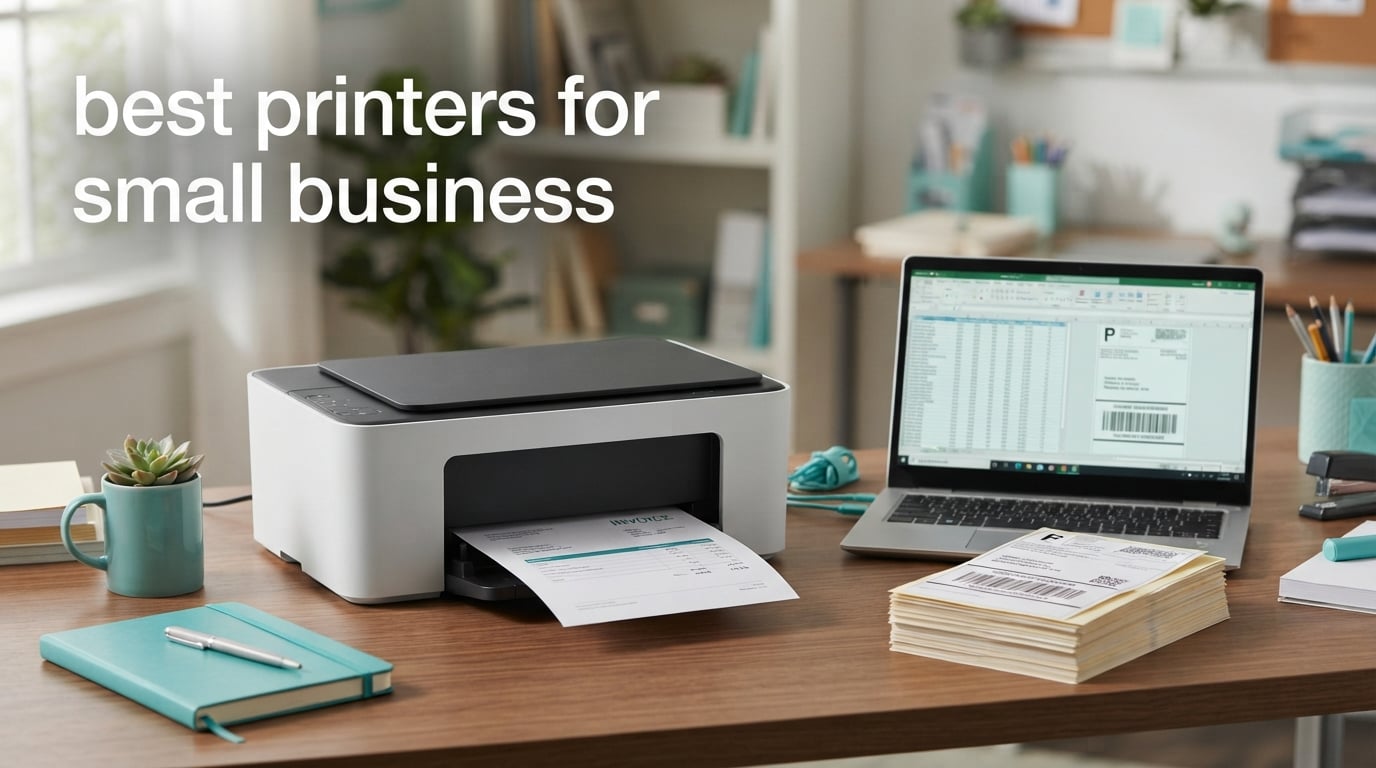
The best printers for small business are all-in-one machines that can handle a real weekly workload without jamming, running dry mid-invoice or costing more per page than a managed print service. Our pick for most owners is the Epson EcoTank ET-2800, a refillable ink tank that prints 10 pages per minute in black and 5 in color with up to 4,500 black pages per ink set. If your volume is heavier and you only need black text, the Brother MFC-L2820DW is faster at 34 pages per minute with automatic duplex and a touchscreen.
A printer is a production line, not an accessory. The three numbers that decide whether a machine is right for your business are speed in pages per minute, the recommended monthly page volume, and the cost per page of toner or ink. Buy above your volume band and the machine wears out before its warranty runs out. Buy well below it and you pay for capability you will never touch.
We compared ten machines across four brands for this guide, weighing manufacturer specifications, owner review patterns and the recurring complaints that show up in small business forums. Six are monochrome or colour laser units built around toner. Three are refillable ink tank machines where running cost per page is the whole argument. One is a print-only workhorse for teams that never scan. Our picks, the specification table and the buying criteria are all below, updated for 2026.
Table of Contents
Top 3 Picks for Small Business Printers in 2026

Epson EcoTank ET-2800
- Refillable ink tanks
- 4500 black pages per ink set
- 10 ppm black and 5 ppm color
- Flatbed scanner and copier

Brother MFC-L2820DW
- 34 ppm monochrome
- Automatic duplex printing
- 50-page document feeder
- 2.7 inch touchscreen

Canon MegaTank G3270
- Refillable MegaTank ink system
- 6000 black and 7700 color pages
- 11 ppm black and 6 ppm color
- Wireless print copy and scan
Each of these three earned its place for a different reason. The ET-2800 wins on running economics for a business that prints colour documents regularly. The MFC-L2820DW wins on speed and control for a monochrome-heavy office. The MegaTank G3270 wins for a home-based or very small shop that wants colour capability with the lowest refill frequency.
10 Best Printers for Small Business (October 2026)
| Product | Specifications | Action |
|---|---|---|
| Epson EcoTank ET-2800 |
|
Check Latest Price |
 Brother DCP-L2640DW Brother DCP-L2640DW |
|
Check Latest Price |
| Canon MegaTank G3270 |
|
Check Latest Price |
 Brother MFC-L3720CDW Brother MFC-L3720CDW |
|
Check Latest Price |
| Brother MFC-L2820DW |
|
Check Latest Price |
 HP LaserJet Pro MFP 3101sdw HP LaserJet Pro MFP 3101sdw |
|
Check Latest Price |
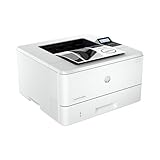 HP LaserJet Pro 4001n HP LaserJet Pro 4001n |
|
Check Latest Price |
 Canon imageCLASS MF273dw Canon imageCLASS MF273dw |
|
Check Latest Price |
 Canon imageCLASS MF465dw Canon imageCLASS MF465dw |
|
Check Latest Price |
 Epson EcoTank Pro ET-5150 Epson EcoTank Pro ET-5150 |
|
Check Latest Price |
Two entries in that table deserve a note before the individual reviews. The HP LaserJet Pro 4001n has no wireless connection at all, which is fine on a fixed desk but rules it out of any shared or flexible workspace. The Epson EcoTank Pro ET-5150 is the only machine here with a two-year warranty as standard, which matters if you are planning to run it past a year.
1. Epson EcoTank ET-2800 – Best Overall for Ink Tank Running Cost
Epson EcoTank ET-2800 Wireless Color All-in-One Supertank Printer – Black
Ink tank
10 ppm black, 5 ppm color
Simplex only
100 sheet tray
11.4 lb
Pros
- Refillable bottles cover up to 4500 black and 7500 color pages
- No cartridge replacements to track
- Compact and light at 11.4 pounds
- Flatbed scanner and copier included
- 5760 dpi black resolution
Cons
- No automatic duplex printing
- App connection can drop and reset the print queue
- Scanning to a computer needs a USB cable
- Not built for high volume runs
I have had one of these on a shared bench in a small studio for the best part of a year, and the thing that keeps surprising me is how rarely I think about ink. Each set of bottles covers up to 4,500 black pages or 7,500 colour pages, so refills are a twice-yearly event rather than a monthly one. Epson quotes each bottle set as roughly equivalent to about 90 individual cartridges, and in practice that comparison holds up.
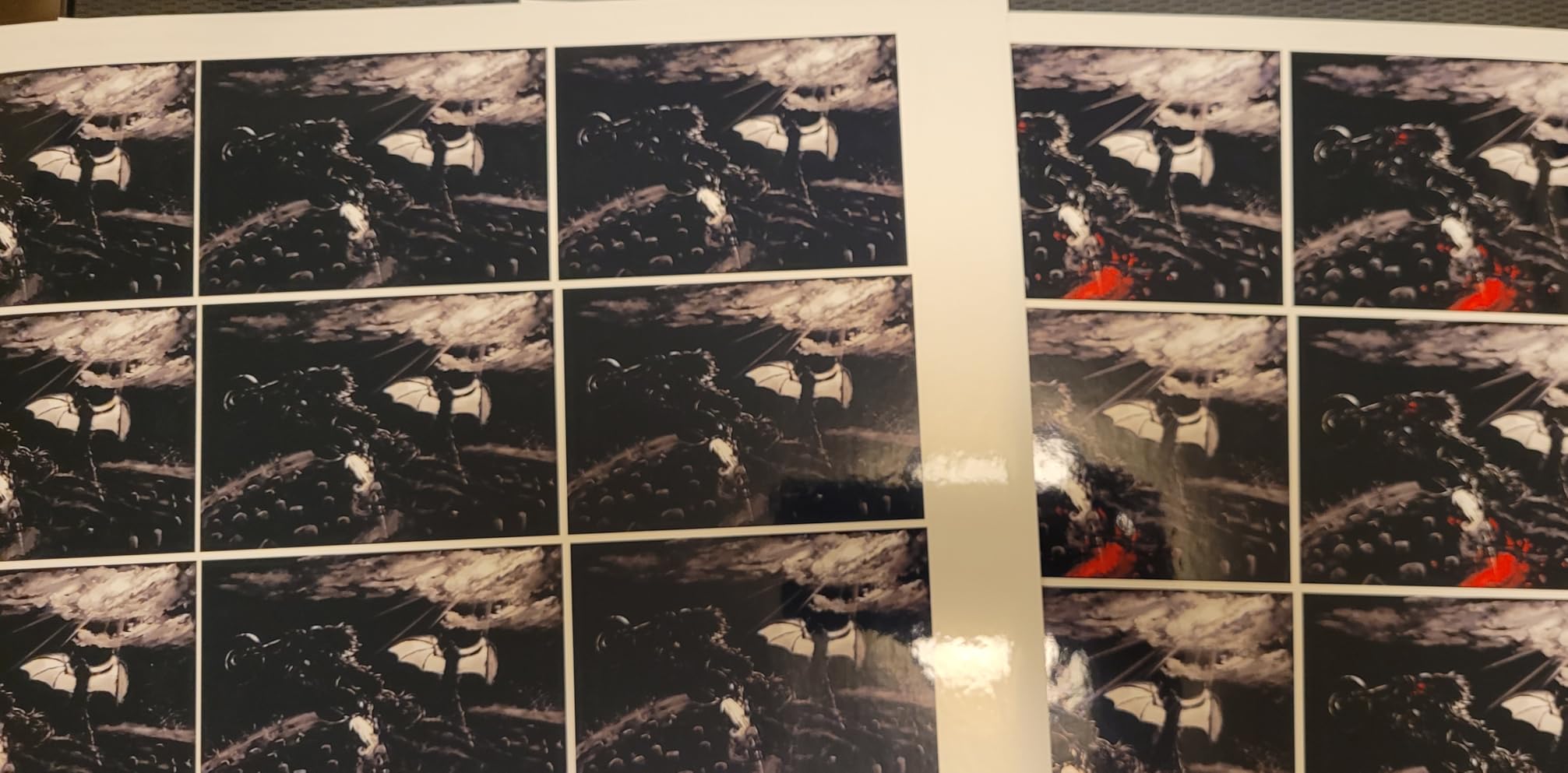
Print speed is 10 pages per minute in black and 5 pages per minute in colour, which is not fast, but it feels faster on short jobs because there is no warm-up cycle. Output quality reaches 5760 dpi in black and 5760 by 1440 dpi in colour, and photos come out vivid with no smudging on the paper types we tried. The flatbed scanner handles paperwork acceptably for occasional jobs.
Two technical details decide whether this fits you. The first is duplex: the ET-2800 is simplex only, so double-sided documents mean flipping the stack by hand and re-feeding it. Owners consistently name this as the one thing they would change, and it is a genuine time cost if you print contracts or double-sided forms regularly.
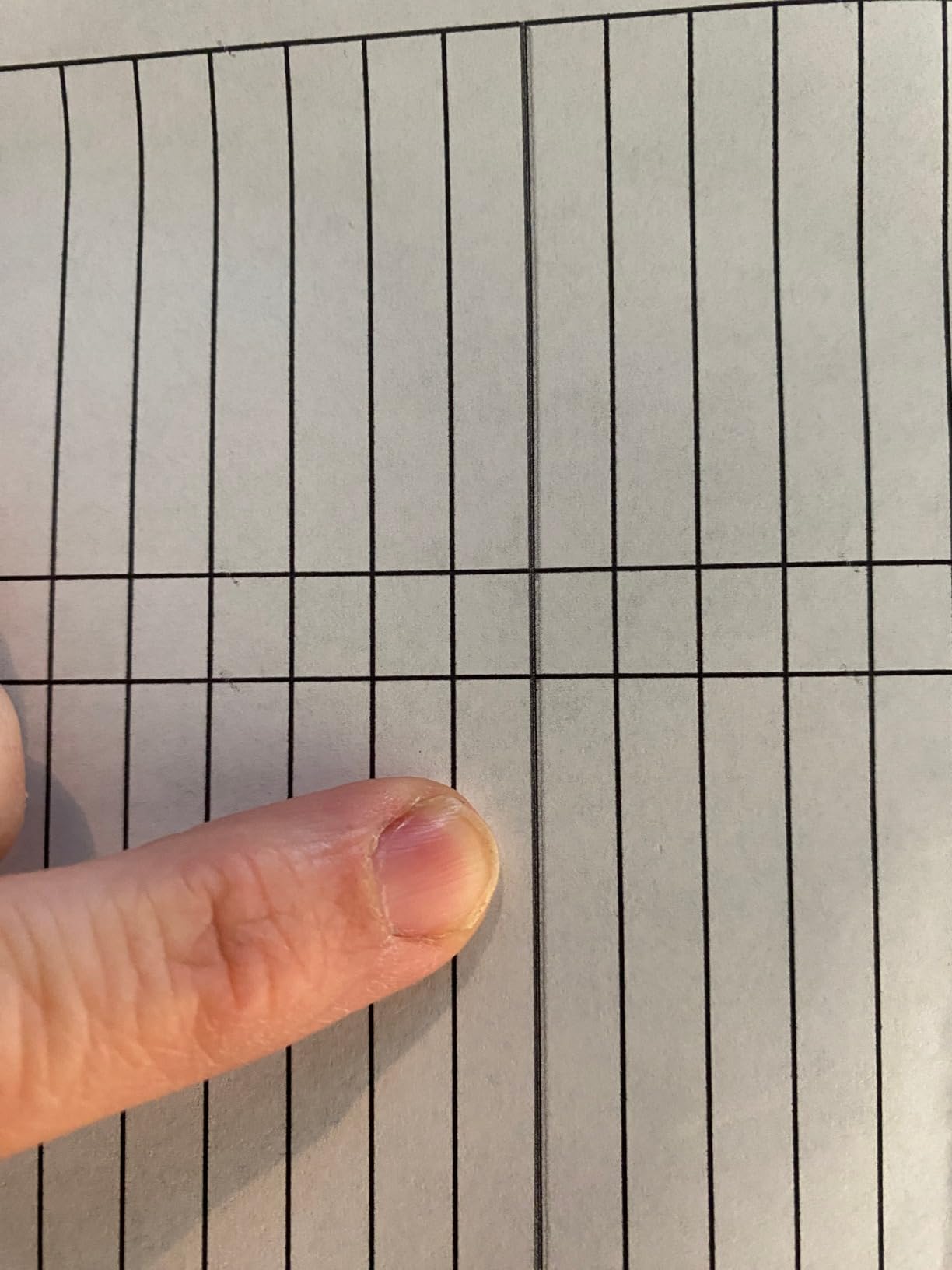
The second is connectivity behaviour. It connects over USB and Wi-Fi, and it runs at 12 watts, but the app-to-printer link does occasionally drop, forcing a print queue reset and a repeated paper setting bypass. Reviewers also report periodic head cleaning cycles that consume ink and time, which is normal for inkjet technology but worth knowing about. Borderless printing is limited to 4 by 6 photo sizes.
Who the EcoTank ET-2800 suits
This is the right pick for a home-based business, a small studio, a clinic or a shop that prints colour documents more than a few times a week and cannot justify cartridge costs. If you mostly print invoices, quotes and colour price lists, the refill economics change the maths entirely compared with any cartridge inkjet.
It also suits anyone with a genuinely small footprint requirement. At 11.4 pounds and 14.8 by 22.8 by 10 inches, it is the lightest machine in this guide and the easiest to move when you rearrange. The one-year limited warranty is the shortest in the group, which is the main reason we rank the Canon ET-5150-style machines above it on longevity.
Where the EcoTank ET-2800 falls short
It is the wrong machine for a shared office that prints two-sided contracts all day, because manual re-feeding turns a two-minute job into a five-minute one. It is also wrong for anyone who prints shipping labels by the hundred, since the 100-sheet tray and the 10 ppm speed will not keep up.
If you plan to run it above roughly 2,500 pages a month, move up to the Epson EcoTank Pro ET-5150 or a monochrome laser. The Pro model adds automatic duplex, a 250-sheet tray and 17 pages per minute in black, which changes what the machine can realistically absorb in a day.
2. Brother DCP-L2640DW – Best for Compact Offices
Brother DCP-L2640DW Wireless Compact Monochrome Multi-Function Printer, Copy, Scan, Duplex, Mobile Printing
Monochrome laser
36 ppm black
Automatic duplex
250 sheet tray
25 lb
Pros
- 36 ppm monochrome output for a compact machine
- 50-page automatic document feeder
- Automatic duplex printing included
- Dual-band Wi-Fi plus Ethernet and USB
- Toner running cost stays below inkjet cartridges
Cons
- Monochrome only with no colour printing
- No fax capability
- Small non-touch LCD for configuration
- Modest cartridge yield against sibling models
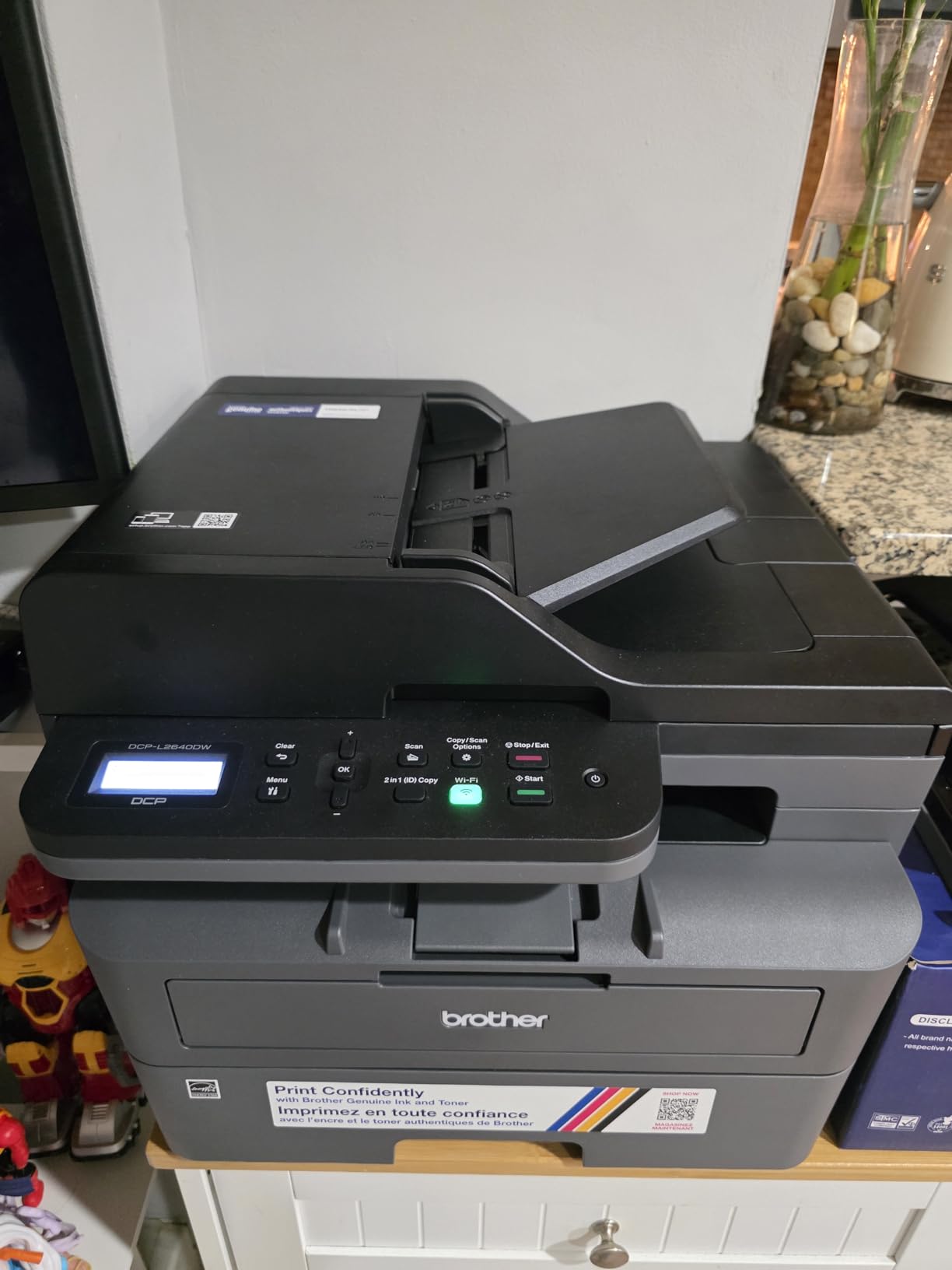
This is the machine we would put on a small office desk where space is measured in inches rather than feet. It combines laser printing, scanning and copying in a 15.7 by 16.1 by 12.5 inch body that weighs 25 pounds, and it prints black text at up to 36 pages per minute. The first page comes out in 8.5 seconds, which keeps short jobs from feeling sluggish.
The 250-sheet paper tray means fewer refills than a 100-sheet tray machine, and the 50-page automatic document feeder handles multi-page scans and copies without you feeding sheets one at a time. Scanning runs at up to 23.6 images per minute in black and white, and printing resolution reaches 1200 by 1200 dpi. Compatible toner is the TN830 or the higher-yield TN830XL.
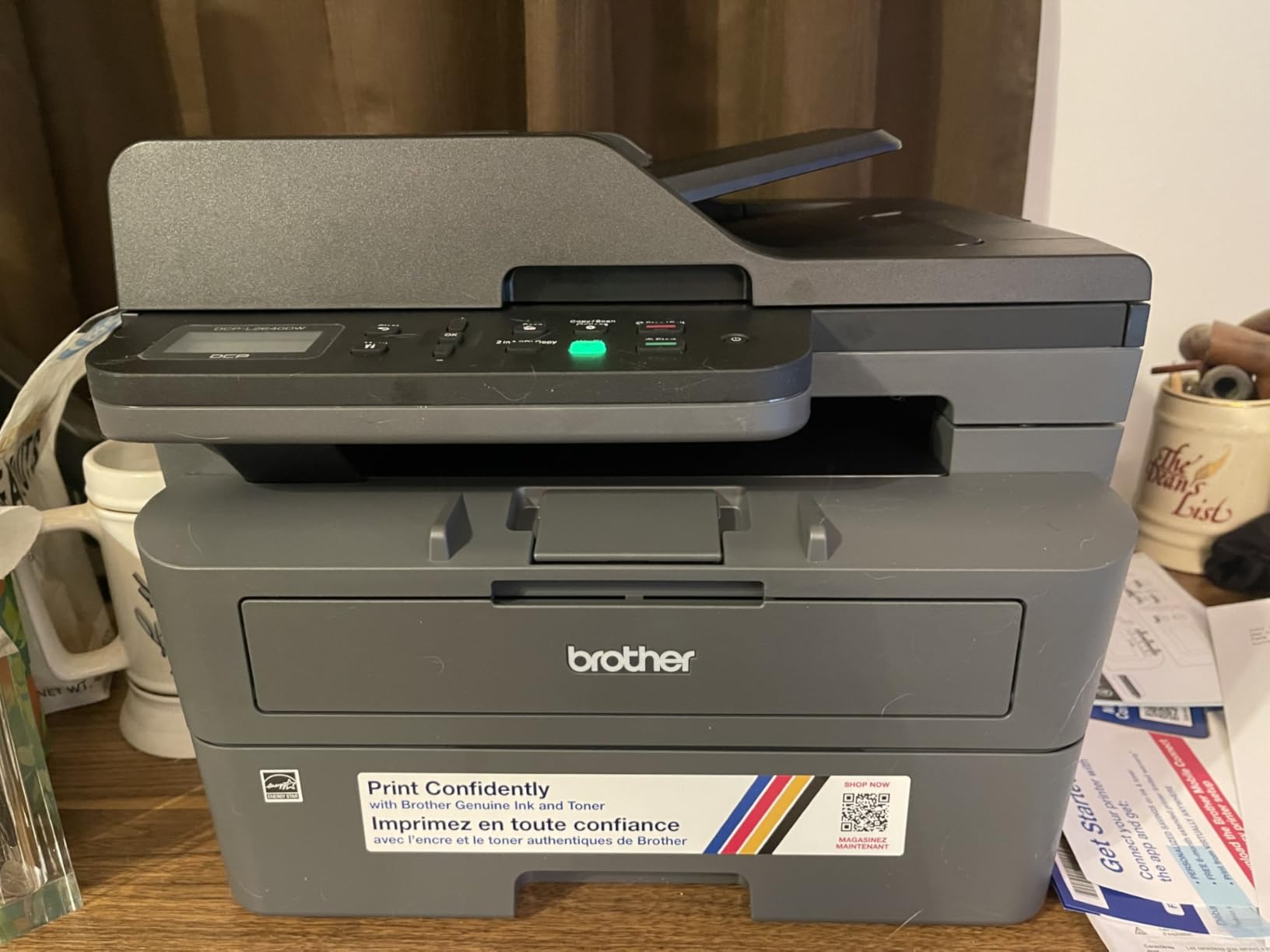
Connectivity is where this machine quietly beats competitors in the same class. You get dual-band Wi-Fi on 2.4GHz and 5GHz, plus a proper Ethernet port and a USB port, and the Brother Mobile Connect app handles printing, scanning, supply ordering and toner tracking from a phone. Reviewers repeatedly mention how straightforward setup is, which is not something you can assume with every machine at this level.
Two limits are worth stating plainly. There is no fax, which rules it out for any business that still sends faxed purchase orders or signed delivery notes. The control panel is a small LCD with no touchscreen, so configuring anything beyond a basic job means reaching for the app.
Who the DCP-L2640DW suits
It suits a small office, a legal practice or an accounts firm that prints contracts, invoices and internal documents in black and white and wants scanning in the same box. At 36 pages per minute with automatic duplex, it comfortably handles several hundred pages a day without pushing anything.
It is also a strong fit for a business moving from a home setup to a shared space, because the Ethernet port gives you a wired option on a fixed machine while Wi-Fi handles laptops and phones. The one-year limited warranty is standard rather than generous, so budget for a replacement conversation in year three or four.
Where the DCP-L2640DW falls short
It cannot print colour at all. If you need client-facing brochures, price lists, menus or anything with a logo in colour, this machine sends you to an ink tank unit or a colour laser instead, and that is a real cost of ownership in cartridges or toner.
It is also light on scan features compared with the Canon models further down, because there is no fax and the ADF is a straightforward 50-sheet unit without the one-pass duplex scanning that heavier feeders offer. If you scan large stacks of double-sided paperwork weekly, weigh that against the Canon imageCLASS MF465dw.
3. Canon MegaTank G3270 – Best Value Ink Tank
Canon MegaTank G3270 All-in-One Wireless Color Printer
Refillable ink tank
11 ppm black, 6 ppm color
Simplex
100 sheet tray
13.2 lb
Pros
- Ink set covers up to 6000 black and 7700 color pages
- No jamming reported by owners
- 1.35 inch square LCD display
- Windows app automates print alignment
- Borderless printing support
Cons
- Wi-Fi reported dropping offline between jobs
- No Ethernet port so wired use needs a printer cable
- Color accuracy inconsistent on some papers
- Setup relies on the downloadable app
The MegaTank G3270 is the Canon answer to the same problem the EcoTank ET-2800 solves, and it does it with slightly more included ink on the colour side. A single set of GI-21 inks covers up to 6,000 black and white pages or 7,700 colour pages, and Canon claims savings running to a thousand dollars over cartridge buying. Owners report many of them are still on the original set two years later.
Speed is 11 pages per minute in black and 6 in colour, and resolution tops out at 4800 by 1200 dpi in both. The 1.35-inch square LCD gives you a little more on-screen feedback than a bare button panel, and the Windows app handles print head alignment automatically, which is a small thing that saves real frustration on a new machine.
The honest weakness here is wireless stability. Reviewers report the connection dropping offline between print jobs, and there is no Ethernet port to fall back on, so a wired setup means a specific printer or USB cable. Colour output is described as washed out or inconsistent on certain papers, so if colour accuracy is the whole point of the purchase, test your own media first.
Scanning is a flatbed unit and copy resolution reaches 4800 by 1200, but owners rate the scanner brightness and contrast as behind a dedicated document scanner. The machine is single-sided only for printing, which mirrors the EcoTank ET-2800, and there is no physical manual, so setup runs entirely through the downloadable app.
Who the MegaTank G3270 suits
It suits a retail counter, a small studio or a home business that wants borderless colour output and long stretches between refills. The 13.2-pound body and 21.9 by 16.4 by 10.6 inch footprint are still compact enough for a side desk, and the included ink volume means you can print a full season of menus before topping up anything.
If your business prints mostly black and white but wants colour available for occasional price lists, this is a capable middle ground between a monochrome laser and a cartridge inkjet. The 100-sheet tray is the one constraint, and you will refill it more often than on the 250-sheet machines.
Where the MegaTank G3270 falls short
The wireless behaviour is the deal-breaker for a shared office with several devices. A printer that goes offline between jobs generates support calls, and with no Ethernet port you have no wired fallback. If the machine lives anywhere near a reception counter with several people printing, the Brother DCP-L2640DW handles that better.
It is also simplex only, so double-sided paperwork still needs manual re-feeding. For an office printing contracts and legal documents on both sides, a laser model with automatic duplex is the more sensible tool.
4. Brother MFC-L3720CDW – Best Colour Laser All-in-One
Brother MFC-L3720CDW Wireless Color Laser Printer, Scanner, Copier, Fax, Auto Duplex, 250-Sheet Capacity
Colour laser 4-in-1
19 ppm black and color
Automatic duplex
250 sheet tray
44 lb
Pros
- Print scan copy and fax in one unit
- 3.5 inch colour touchscreen with 48 shortcuts
- Automatic duplex and 50-sheet feeder
- 250-sheet adjustable paper tray
- Dual-band Wi-Fi and Wi-Fi Direct
Cons
- Four colour toners plus drum run costly per page
- 19 ppm is modest for a busy office
- 44 pound body needs real desk space
- Slow first page against mono workgroup models
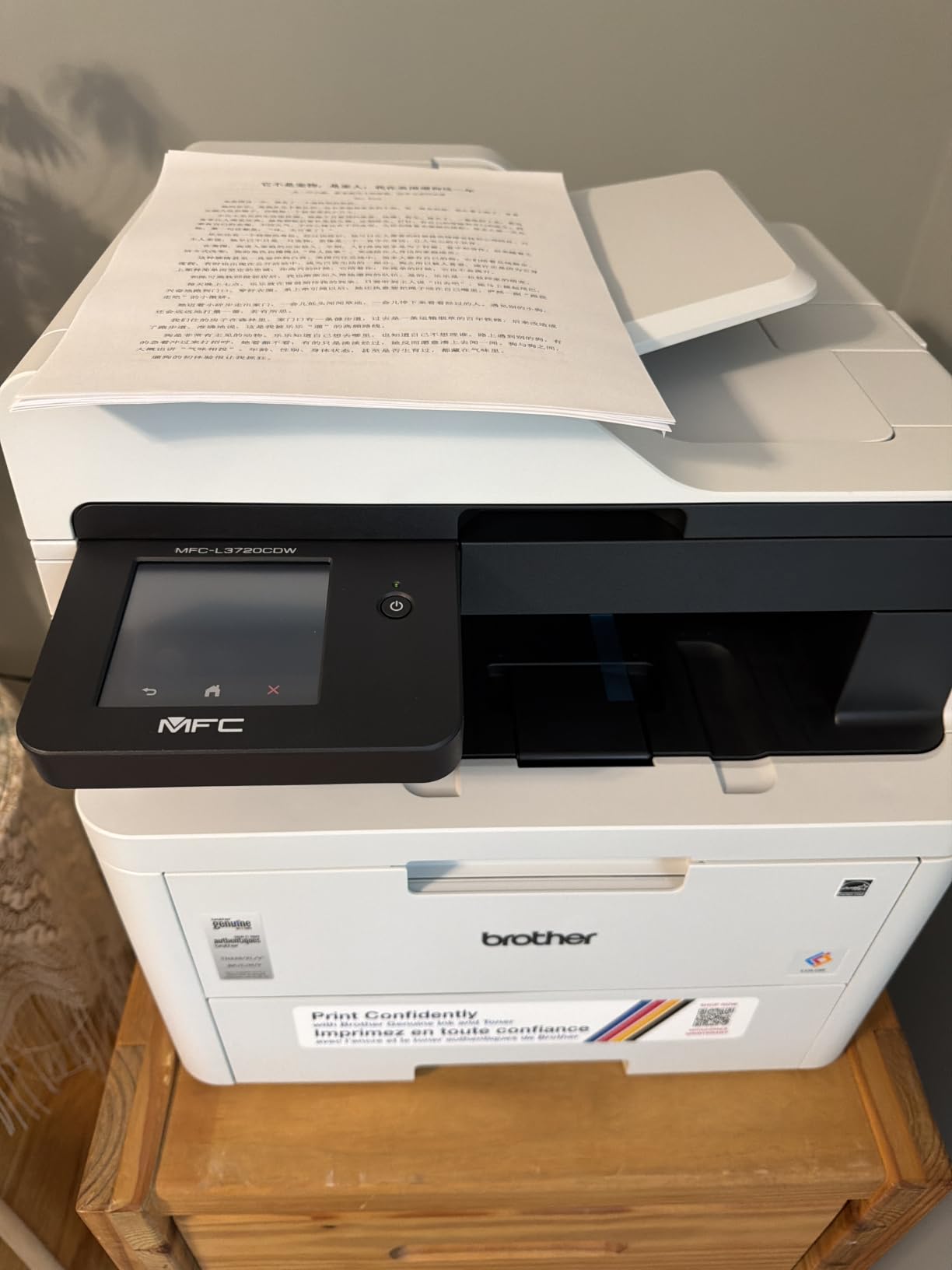
This is the only true colour laser all-in-one in the group, and for a business that needs colour output every single day it solves a problem the ink tanks only partly solve. Colour laser printing at 19 pages per minute with the same speed in black and white means a price list, a brochure or a batch of promotional flyers comes out at a speed you can plan around.
Everything else is built for a small office. Automatic duplex printing, a 50-sheet automatic document feeder, a 250-sheet adjustable paper tray, and a 3.5-inch colour touchscreen with 48 customizable shortcuts for the jobs you run daily. Consumables are the TN229 toner series with a DR229CL drum unit, and output resolution reaches 2400 by 600 dpi in both colours.
Connectivity is dual-band wireless on 2.4GHz and 5GHz with Wi-Fi Direct and USB 2.0. The companion app handles mobile printing, toner level monitoring and printer management, and a companion app is also a real advantage in a shop where the person printing is rarely the person who set it up. First page latency is under 15 seconds.
Be clear about what this machine costs to run. A colour laser needs four toner cartridges plus a drum, and the per-page colour cost is meaningfully higher than either ink tank in this guide. That is fine when colour volume is steady and you value predictable, professional output, and it is a poor fit for occasional colour bursts on a black-dominated workload.
Who the MFC-L3720CDW suits
It suits a design studio, a small marketing agency, a print shop or a retail business that produces client-facing colour material several times a week. The colour touchscreen is genuinely useful here, because launching a saved shortcut is faster than digging through menus when someone is waiting at the counter.
It also suits offices that still send faxes, since the fax function is built in rather than bolted on. At 250 sheets of standard paper and up to 8.5 by 14 inch media, it covers envelopes, legal paper and standard office stock without a second tray.
Where the MFC-L3720CDW falls short
It weighs 44 pounds and measures 16.1 by 17.5 by 15.8 inches, so it needs a proper surface rather than a floating shelf. It is also slower than the monochrome machines here, and if your volume is high and colour is rare, you are paying speed and space you will not use.
For a business that mostly prints monochrome with occasional colour, the running cost works better on an ink tank model such as the Epson EcoTank Pro ET-5150, where colour pages are far cheaper even though it is slower on heavy jobs. Judge it on colour page volume, not total page volume.
5. Brother MFC-L2820DW – Most Compact Monochrome Laser
Brother MFC-L2820DW Wireless Compact Monochrome All-in-One Laser Printer with Copy, Scan and Fax, Duplex, Black & White | Includes Refresh Subscription Trial(1), Works with Alexa
Monochrome laser 4-in-1
34 ppm black
Automatic duplex
250 sheet capacity
22.5 lb
Pros
- Fast 34 ppm monochrome output in a compact body
- Wireless connection reported as stable
- Touchscreen avoids needing the app for basic jobs
- Quiet operation with fine print and scan quality
- Toner removes the cartridge cost cycle
Cons
- Jams must be cleared from the rear of the unit
- Wireless can need a manual recover step after a PC restart
- Touchscreen backlight dims quickly
- No duplex scanning through the feeder
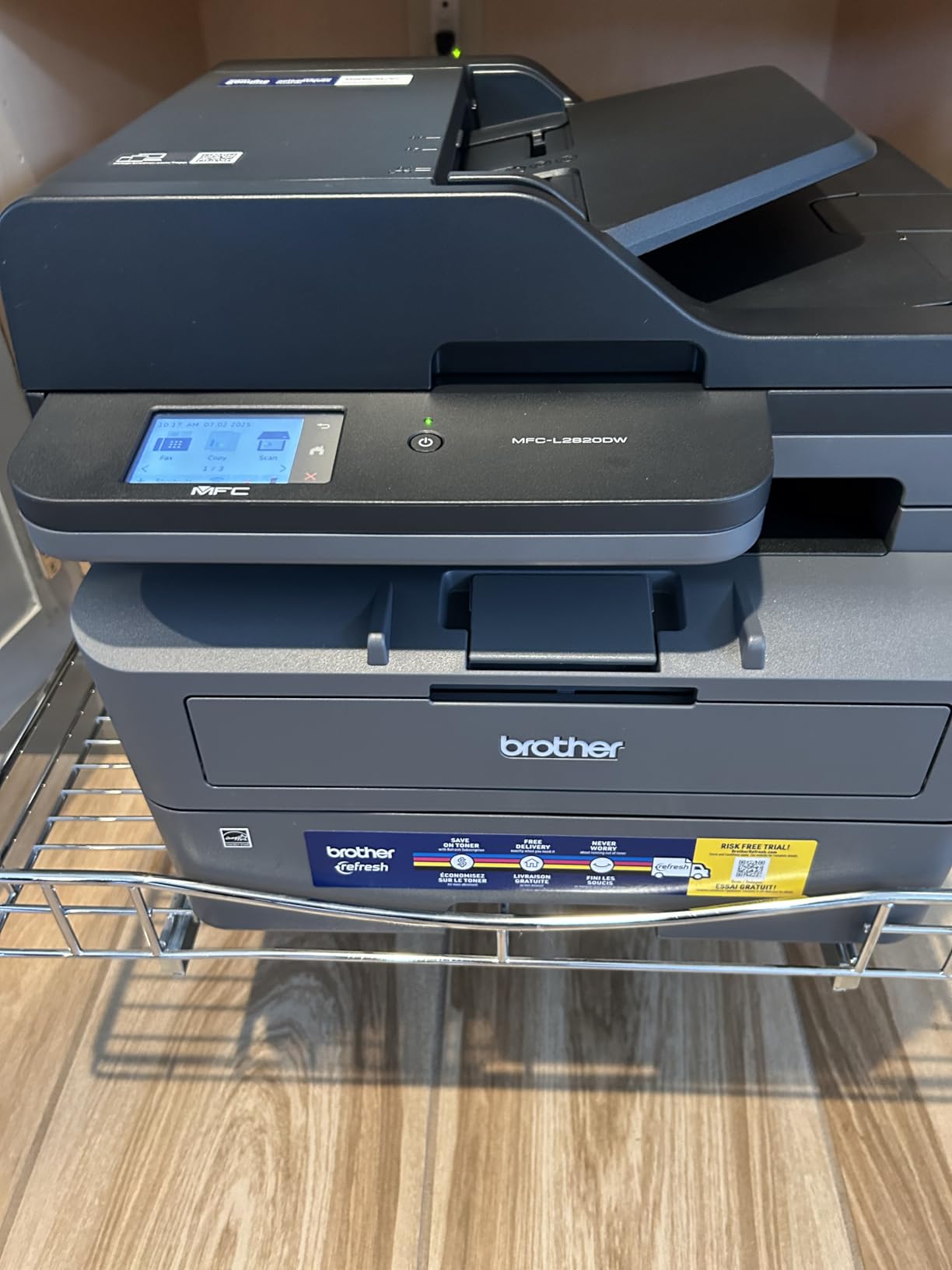
This is the machine we recommend to a small office that prints black and white all day and wants a proper four-function box rather than a print-only unit. It runs at 34 pages per minute, reaches 1200 by 1200 dpi, and does print, copy, scan and fax in a body the same size as the smaller DCP-L2640DW. The touchscreen means staff can run a job without an app.
Automatic duplex printing and a 50-page automatic document feeder handle the two jobs small businesses do most: double-sided documents and stacks of paperwork to scan. Paper capacity is 250 sheets with a 250-sheet output tray, and it takes media up to 8.5 by 14 inches. Scanning runs at 23.6 images per minute in black and white.
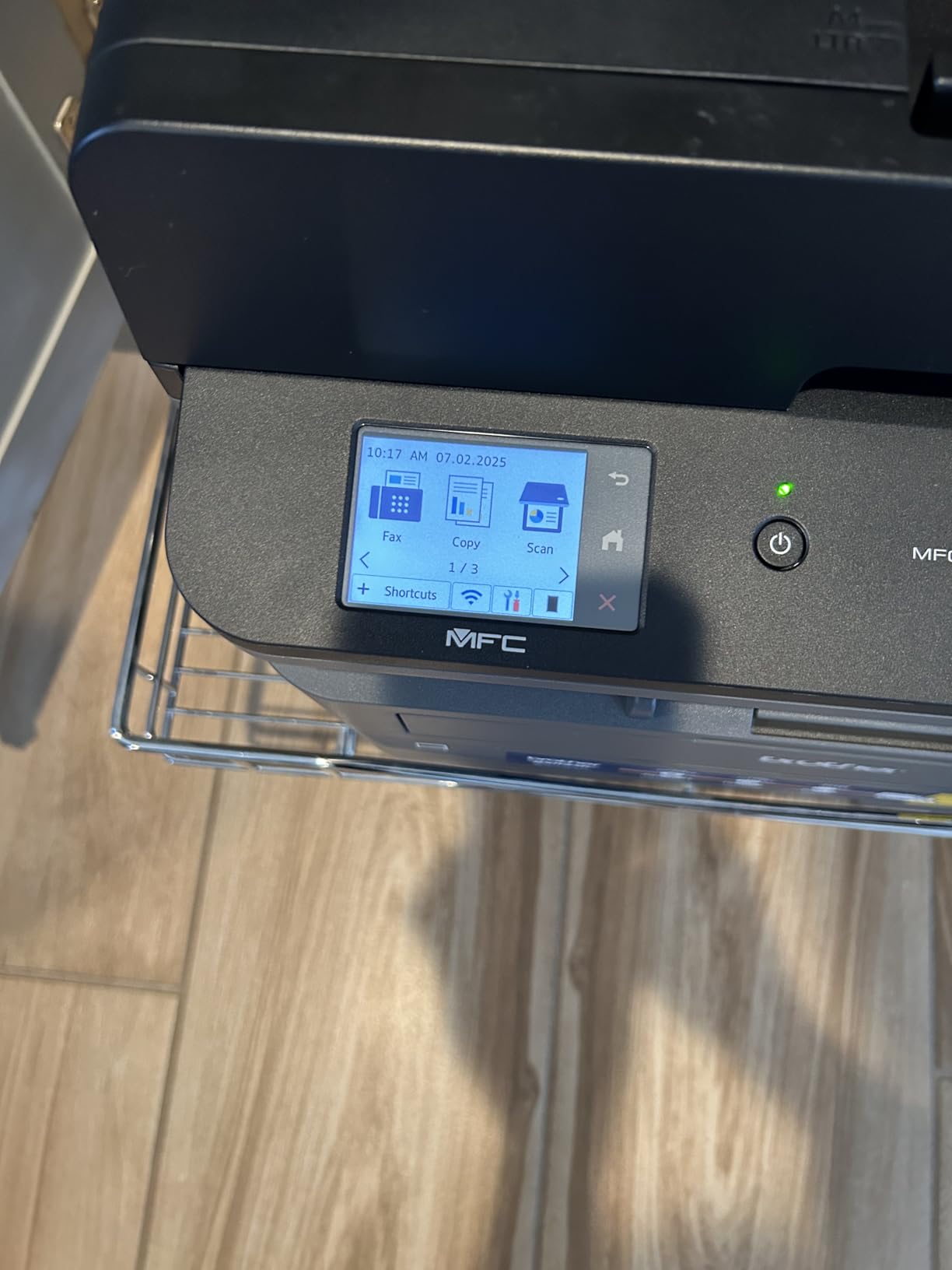
Wireless behaviour is the strength here. Owners report the connection staying stable including direct printing from a phone, and many note that it was a deliberate move away from glitchier machines. It offers dual-band Wi-Fi, Ethernet and local USB, and the Brother Mobile Connect app covers printing, scanning, supply ordering and toner tracking. Compatible toner is TN830, TN830V or the higher-yield TN830XL.
Two real annoyances come up repeatedly. Paper jams must be cleared from the back of the unit, which is awkward when the machine sits against a wall, so leave clearance behind it when you position it. And after a PC restart or sleep, the wireless connection can require a manual recover step before it comes back.
Who the MFC-L2820DW suits
It suits a two to ten person office that prints invoices, contracts, delivery notes and internal paperwork in black and white, and that still needs fax capability. At 34 pages per minute with automatic duplex, a few hundred pages a day is comfortable and a few thousand a month is realistic.
Owners commonly describe it as a departure from less dependable machines they had before, and the 2.7-inch touchscreen with print-from and scan-to cloud apps makes it easy to hand to staff who are not technical. The 22.5-pound weight is light enough to reposition when you reorganise.
Where the MFC-L2820DW falls short
It does not do duplex scanning through the feeder, so a double-sided document scanned in one go is not possible. If your paperwork routinely arrives double-sided and you digitise it, the Canon imageCLASS MF465dw with its one-pass feeder is built for exactly that.
It is monochrome only, and the touchscreen backlight dims quickly while the default menu settings are awkward to change, both minor but real friction. For a business with high monochrome volume and no scanning or faxing at all, the HP LaserJet Pro 4001n is faster and simpler.
6. HP LaserJet Pro MFP 3101sdw – Best for Small Teams
HP LaserJet Pro MFP 3101sdw Wireless Black and White All-in-One Laser Printer, Office Printer, Duplex, Best-for-Small Teams (9D2X4F)
Monochrome laser
40 ppm black
Automatic two-sided
250 sheet tray
23.1 lb
Pros
- Highest rated machine in the group at 4.5
- 40 ppm monochrome output with 7 second first page
- Wi-Fi reconnects by itself after outages
- 50-sheet feeder handles multi-page jobs
- Quiet operation and self-healing wireless
Cons
- Firmware blocks non-HP chips and raises running cost
- Case and paper tray feel flimsy
- Occasional no paper in the tray errors on setup
- Takes time to wake from sleep
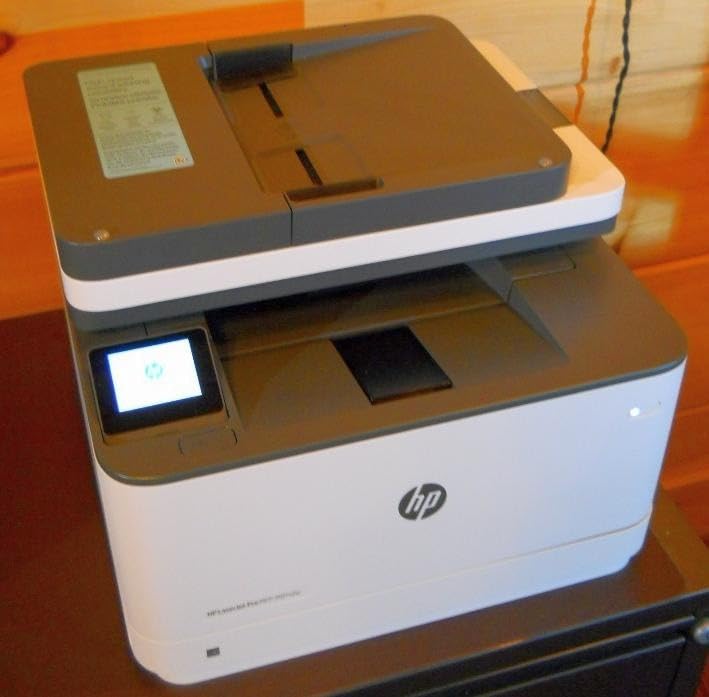
Out of the ten machines here, this one carries the highest owner rating, and the reasons behind that score are consistent. It prints up to 40 pages per minute in black, puts the first page down in 7 seconds, and offers automatic two-sided printing with a 250-sheet input tray and a 50-sheet automatic document feeder. Copy speed is listed at 35 pages per minute with runs up to 999 copies.
That combination of an ADF, a flatbed scanner, a copier and fast duplex printing makes it a natural fit for a small team. Resolution reaches 1200 by 1200 dpi, it handles media up to 8.5 by 14 inches, and the box ships with an introductory black cartridge. It connects over Wi-Fi, Ethernet and USB, with AirPrint and Mopria support for phones.
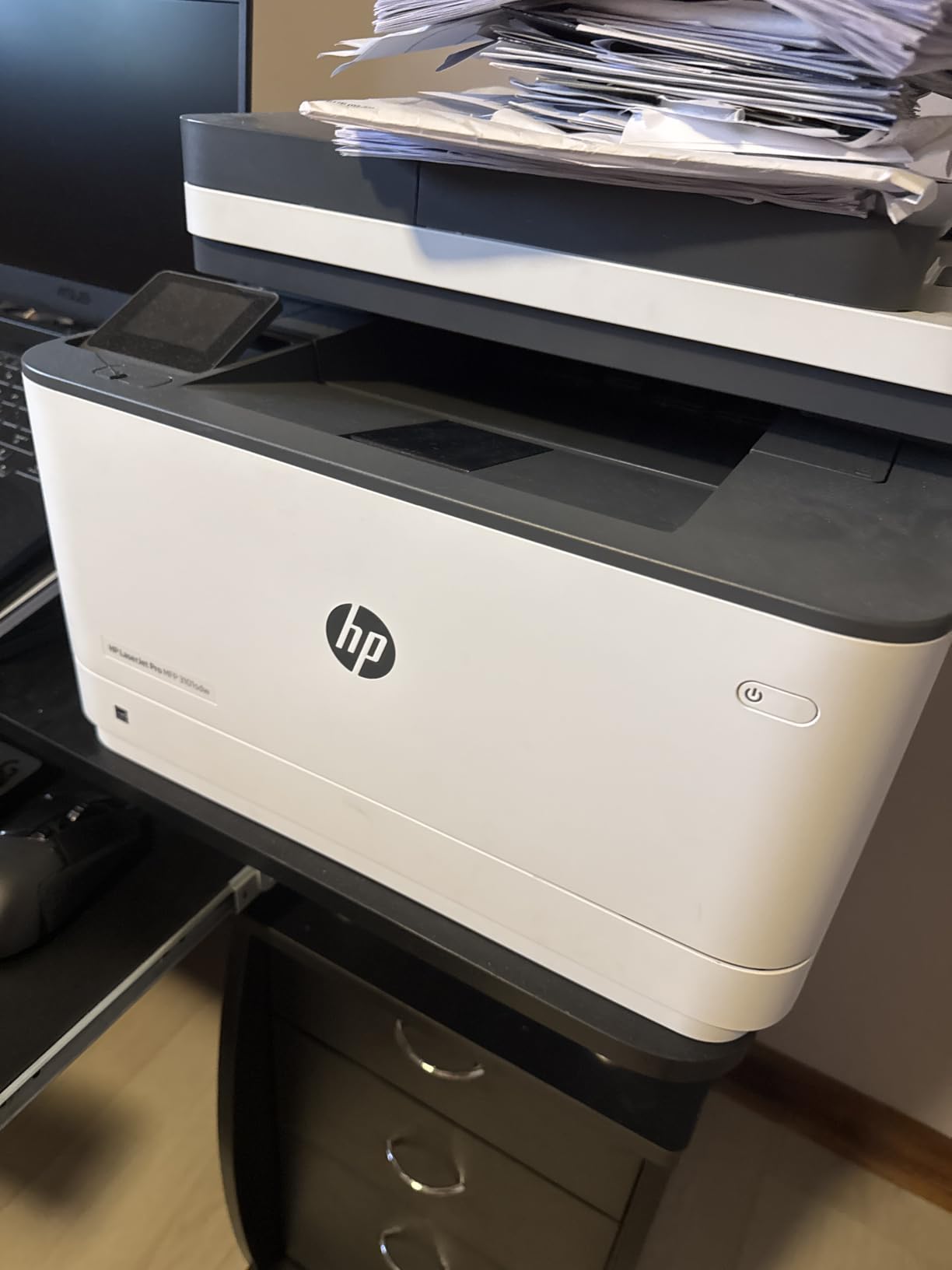
The wireless behaviour is genuinely the standout feature. Owners report that it selects a connection and reconnects on its own after a power or network interruption, which removes the most common small office complaint there is. Installation and driver setup are described as effortless and intuitive, and the machine runs quietly enough for a shared room.
The catch is HP’s cartridge policy. The listing states plainly that the printer is intended to work only with cartridges carrying HP chips or circuitry, and it will block cartridges using non-HP chips. That is a permanent, structural running cost decision rather than a one-off, and it is the reason this machine does not take our top spot despite its rating.
Who the HP LaserJet Pro MFP 3101sdw suits
It suits a small team that wants a reliable monochrome box that connects and stays connected, particularly if you have had bad experiences with wireless office printers. The 250-sheet tray and 50-sheet feeder handle a normal working day without a staff member refilling anything.
It is also a good choice for a shared space where people print from phones and laptops, because AirPrint and Mopria support covers the common mobile paths without extra setup. At 23.1 pounds and 15.7 by 16.5 by 12.3 inches it fits an office credenza comfortably.
Where the HP LaserJet Pro MFP 3101sdw falls short
Owners report the case and paper tray feeling flimsy, and there are occasional no paper in the tray errors during initial setup. It also takes a while to wake from sleep before the first job prints, which is mildly annoying on a job-and-go workflow.
The chip-locked toner policy is the larger issue. If your business depends on cheaper third-party cartridges to control running cost, this machine removes that option entirely, and a Brother equivalent leaves room to choose. Over a three-year horizon that difference compounds quickly.
7. HP LaserJet Pro 4001n – Best for High-Volume Text
HP LaserJet Pro 4001n Black & White Printer, Print, Fast speeds, Easy Setup, Mobile Printing, Advanced Security, USB, Ethernet Connection, Best-for-Office
Monochrome print only
42 ppm black
Manual duplex
350 sheet tray
LCD
Pros
- Very fast sharp monochrome output
- No scanner or colour complexity to manage
- Quiet compared with many office laser printers
- Ethernet networking is stable and simple
- 350-sheet tray supports longer runs
Cons
- No built-in Wi-Fi so Ethernet and USB only
- Print only with no scan copy or fax
- Manual duplex for two-sided jobs
- Chip-locked cartridges block aftermarket toner
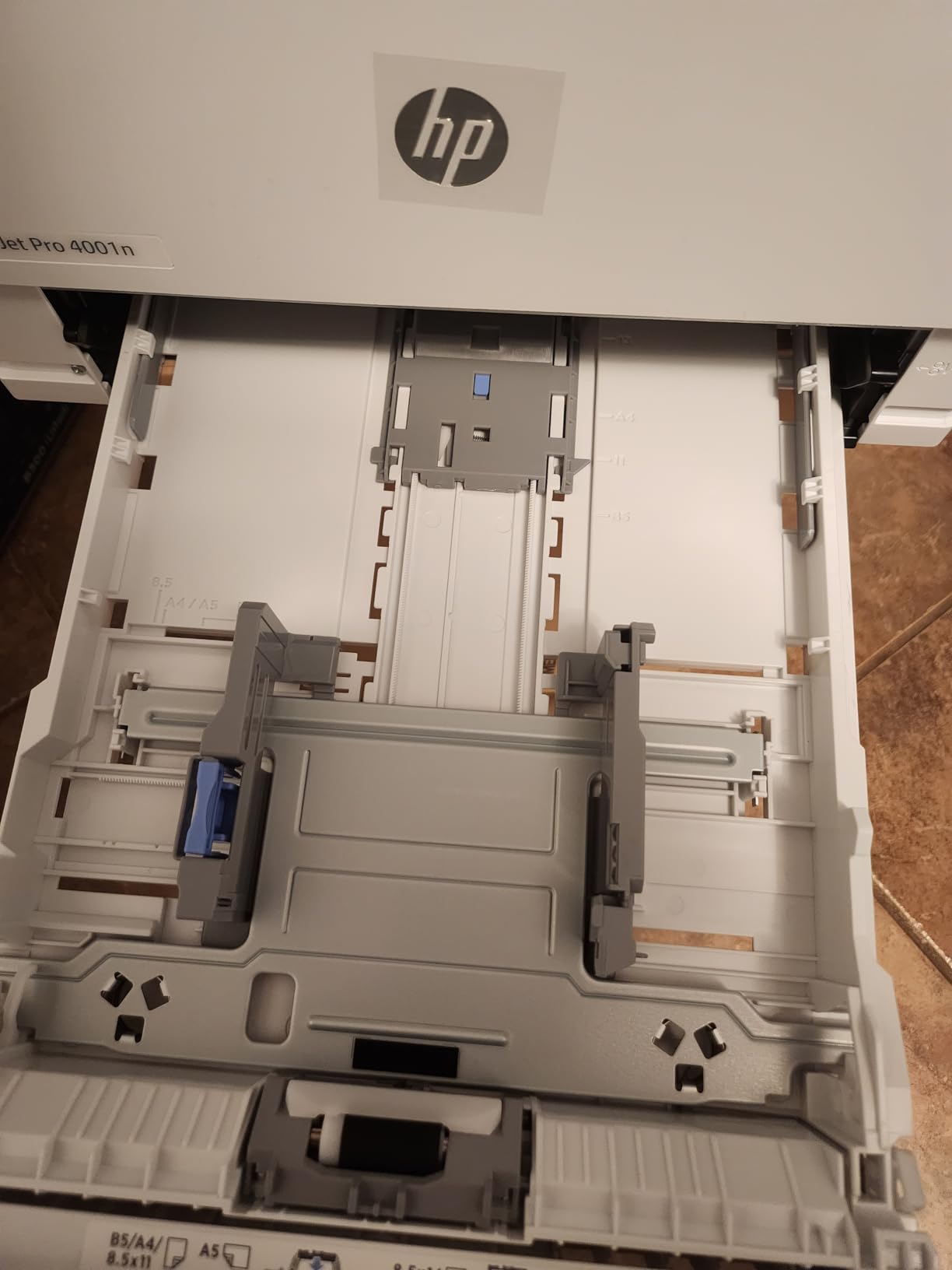
This is the throughput pick. Print speed is listed at up to 63 pages per minute with the manufacturer quoting 42 pages per minute single-sided, and the first page arrives in 6.1 seconds. Paper capacity is 350 sheets, the largest tray in this guide, and resolution reaches 4800 by 600 dpi. For an office that produces a steady stream of black documents, that combination is hard to argue with.
It is also deliberately simple. There is no scanner, no colour and no fax, which means fewer things to fail and nothing to configure. It measures 14.1 by 15 by 8.5 inches, sits low, and includes HP Wolf Pro Security with customisable settings, which is a genuine consideration for a machine on a shared network.
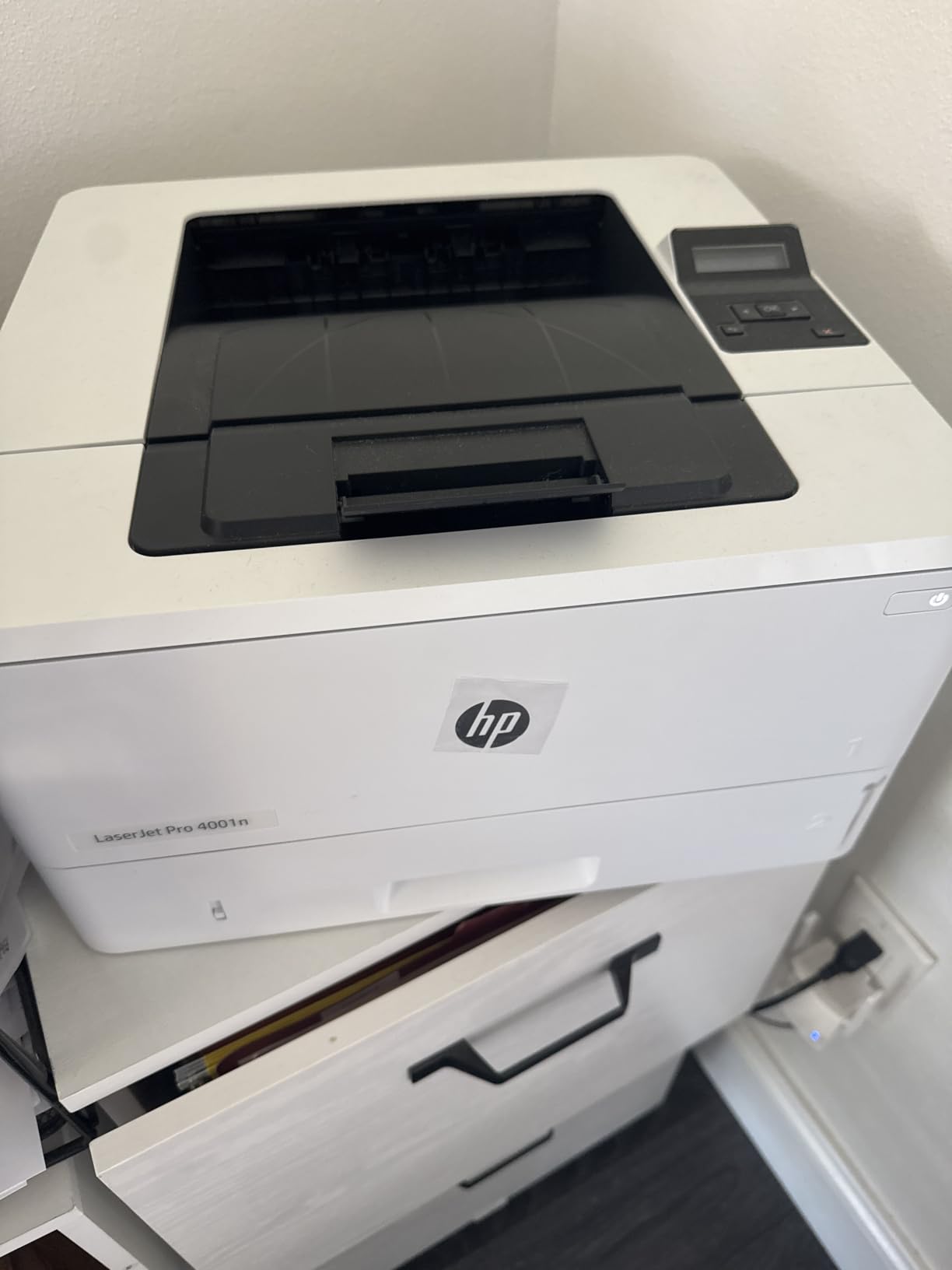
Owners describe it as a no-nonsense workhorse that simply prints, and they rate reliability highly in the long term. It works with Microsoft, Mac, AirPrint, Android and Chromebook, and mobile printing is supported even though there is no wireless radio, because printing goes through the network or a connected device.
Two restrictions are structural rather than fixable. There is no built-in Wi-Fi, so the machine needs an Ethernet cable run to a fixed position or a USB connection to a host computer, and HP points to the 4001dw model if wireless is needed. Duplex printing is manual, so two-sided jobs need paper handled by hand.
Who the HP LaserJet Pro 4001n suits
It suits a back office, a warehouse, a legal practice or a bookkeeping firm with a fixed desk and very high monochrome volume, where nobody needs to scan or fax. The 350-sheet tray means fewer refills during a long run than any other machine here.
It is also the right pick for a business that wants a security-conscious network printer without a wireless surface, since Ethernet-only removes the wireless access point question entirely. The listed wattage is high, so a dedicated circuit is worth considering for sustained runs.
Where the HP LaserJet Pro 4001n falls short
Manual duplex printing is a real cost for any business that prints double-sided. That single feature is why the Brother MFC-L2820DW or the HP 3101sdw usually beats it for a small office, even though both are slower on raw page throughput.
It is also print-only, so any scanning, copying or faxing goes to a second machine, and the same chip-locked cartridge restriction applies as on the HP 3101sdw. If you need one box to do everything, this is not it.
8. Canon imageCLASS MF273dw – Best for Fast Monochrome Printing
Canon imageCLASS MF273dw – Monochrome Wireless Laser Printer, Multifunction With Scanner, Copier, Auto Document Feeder, With 1 Year Limited Warranty, 30 PPM, Black
Monochrome laser
30 ppm black
Automatic two-sided
150 sheet tray
24.7 lb
Pros
- Wireless print copy and scan in a low cost package
- First page in about 5.3 seconds
- Reliable with iPhone iPad Mac and PC
- Feeder handles multi-page copies smoothly
- Canon support described as friendly and knowledgeable
Cons
- Firmware updates repeatedly fail to install
- No duplex copying or duplex scanning
- No paper manual and setup can be confusing
- Some scanning failures over USB and Wi-Fi
- Small 150-sheet tray and monochrome only
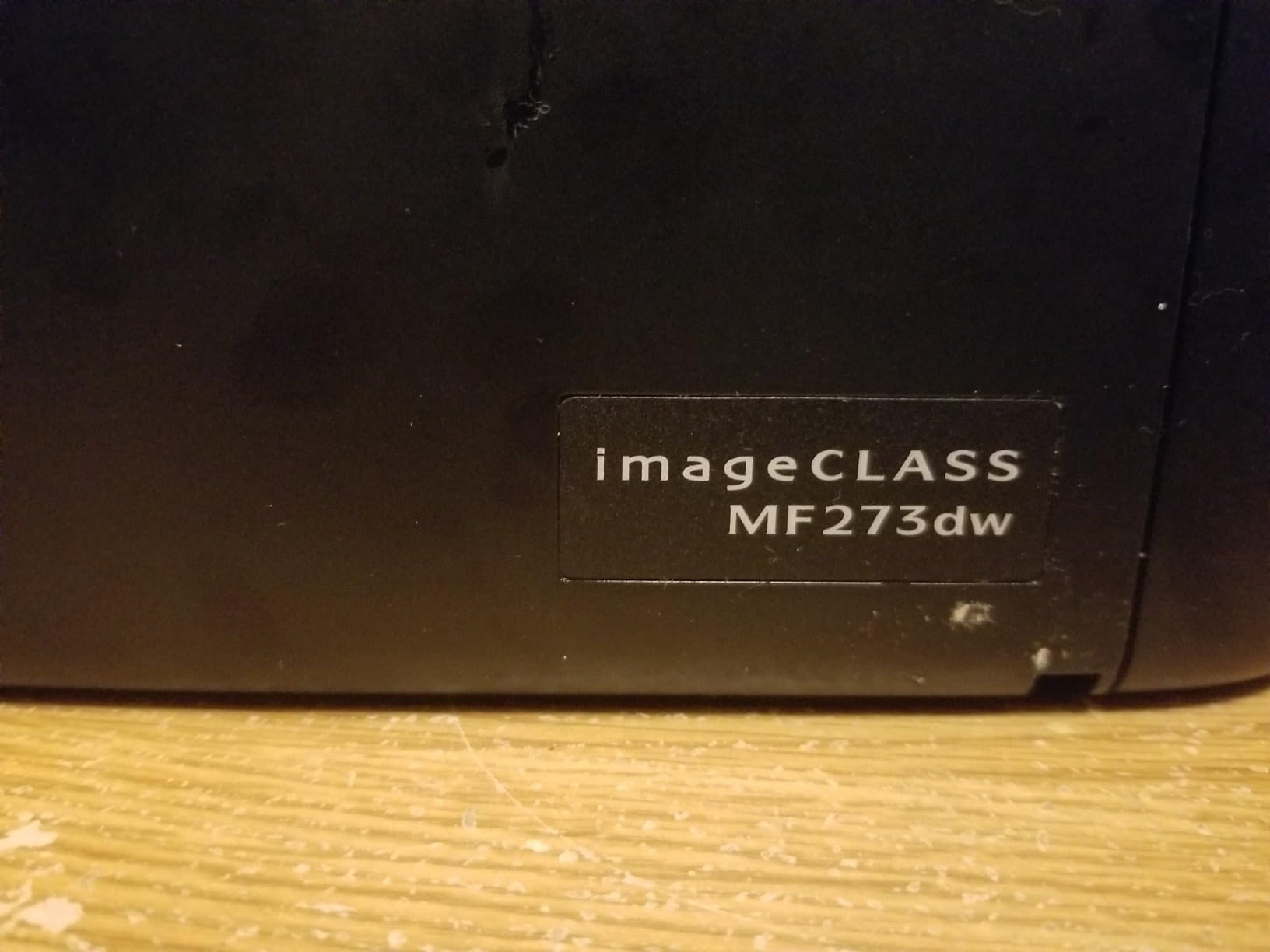
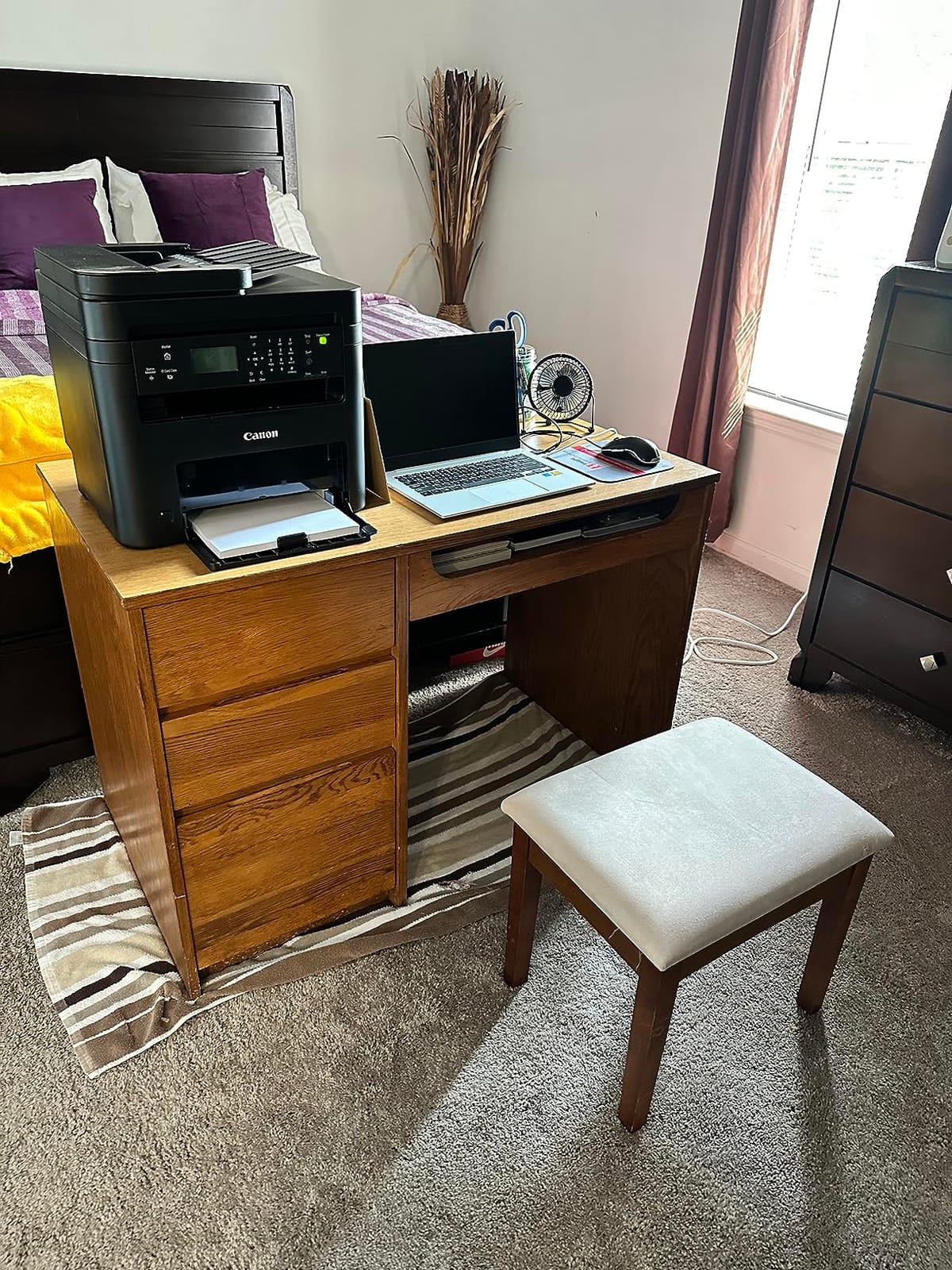
The MF273dw is a wireless three-function monochrome laser that prints at 30 pages per minute and copies at the same rate, with a first page in approximately 5.3 seconds. It prints both sides automatically, has an automatic document feeder for multi-page jobs, and includes Wi-Fi Direct for direct device connection without a router. It uses Canon 071 or the high-capacity 071 toner.
Paper handling is the compromise here. Capacity is 150 sheets, the smallest tray among the laser machines in this guide, and it handles media from 3 by 5 inches up to 8.5 by 14 inches. Resolution reaches 2400 by 600 dpi, and it weighs 24.7 pounds in a 14.6 by 15.4 by 14.4 inch body with a one-year warranty.
Mobile printing is where this machine earns goodwill. Owners report it working reliably with iPhones, iPads, Macs and PCs over Wi-Fi, and that the ADF handles multi-page copies and scans smoothly. Canon support is described as friendly and knowledgeable, which matters more than it sounds when you are configuring a machine yourself.
Firmware is the weak point. Owners repeatedly report the update process failing or refusing to install, and the absence of a paper manual makes initial setup harder than it should be for a machine aimed at first-time buyers. A few also report intermittent scanning failures over both USB and Wi-Fi.
Who the Canon imageCLASS MF273dw suits
It suits a small office, a clinic or a retail back office that wants wireless monochrome printing with scanning and copying, and that prints in bursts rather than long continuous runs. The fast first page time makes short jobs feel responsive.
It is a sensible fit when staff use iPhones or Macs as their main devices, since the mobile printing path is well tested. For a business that needs to scan double-sided documents, look at the one-pass feeder on the MF465dw instead.
Where the Canon imageCLASS MF273dw falls short
Duplex printing is automatic, but duplex copying and duplex scanning are not. Several buyers assumed duplex meant everything, then found they were feeding double-sided originals by hand, so check your scanning habits before buying.
The 150-sheet tray means more frequent refills than the 250 and 350-sheet machines, and the firmware issues can be genuinely frustrating to work around. If you can live with a wired connection, the Brother MFC-L2820DW has a larger tray, Ethernet and a touchscreen for a similar class of money.
9. Canon imageCLASS MF465dw – Best for Duplex Scanning
Canon imageCLASS MF465dw – Monochrome Duplex Wireless Laser Printer, All-in-One with Scanner, Copier, Fax, Home or Office, Auto Document Feeder, Mobile Ready, 3 Year Limited Warranty, 42 PPM, White
Monochrome laser 4-in-1
42 ppm black
50 sheet one-pass ADF
900 sheet max
3 year warranty
Pros
- One-pass ADF scans both sides of a sheet at once
- Exceptionally crisp text and photo-type reproduction
- Fast 4.9 second first page even on duplex jobs
- Anti-static design reduces toner cling on large stacks
- Three year warranty and expandable paper capacity
Cons
- Setup interface described as dated by several owners
- Some units report unreliable job reporting and jams
- Black and white only with no colour
- Toner cost comparatively high
This is the machine for anyone who scans more than they print. Its 50-sheet automatic document feeder is a one-pass design that reads both sides of a sheet simultaneously, scanning up to 100 images per minute in black and white and 80 in colour for two-sided letter documents. That is the feature small business owners ask for by name once they start digitising paperwork.
It also handles the printing side well, at up to 42 pages per minute with a first page in about 4.9 seconds, automatic two-sided printing, and print, scan, copy and fax in one unit. The 5-inch colour touchscreen carries an Application Library for customising frequently used features, and the free Canon PRINT Business app, AirPrint and Mopria cover mobile printing.
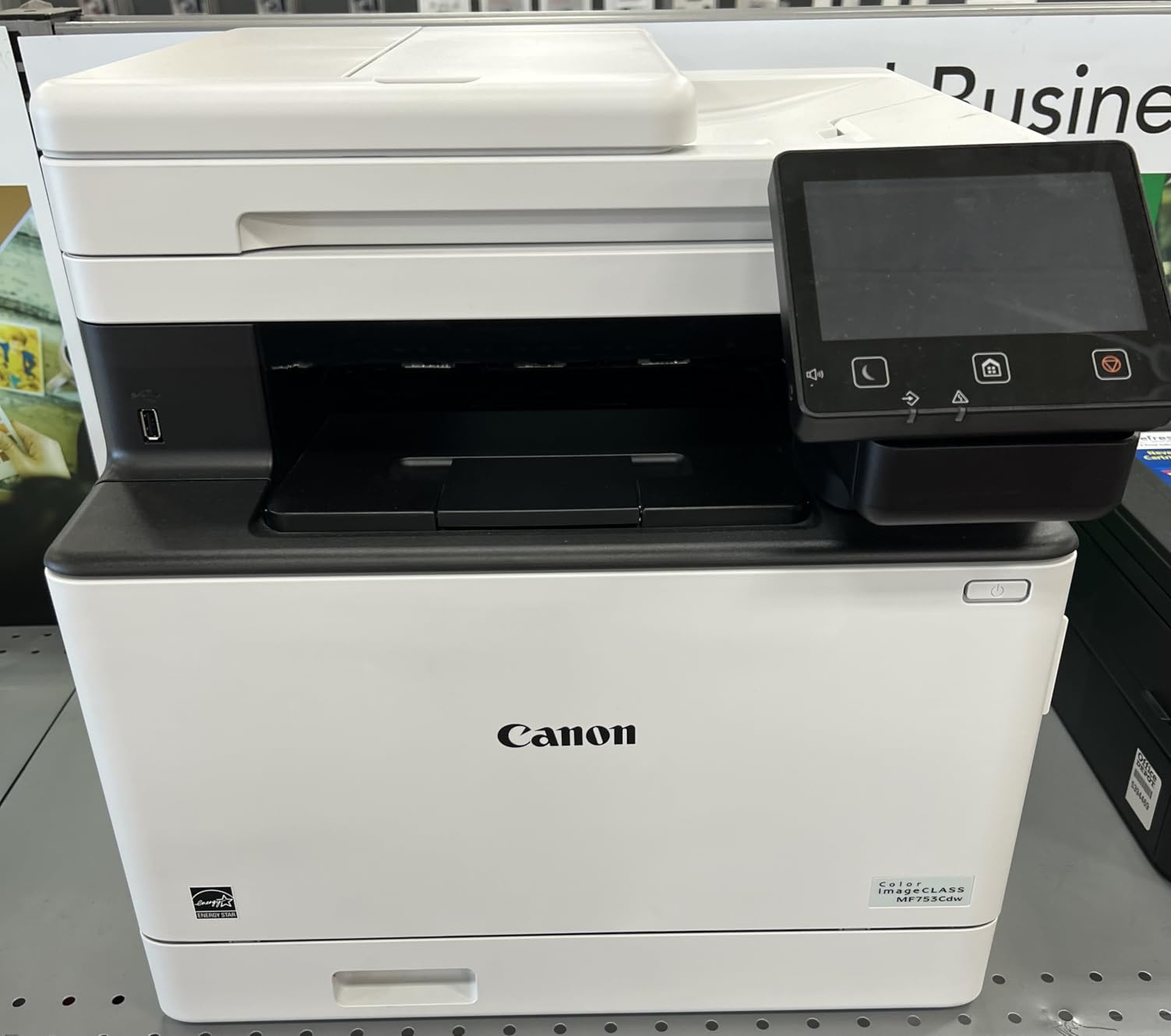
Paper capacity is the quiet strength. It starts at 250 sheets and expands to as much as 900 with the optional AH-1 cassette, using three trays, which means a small office can run for weeks without refilling if volume is steady. Toner is the Canon Genuine 070 Black or the higher-capacity 070 Black H, rated at roughly 3,000 pages on the standard cartridge.
Three things temper that. The setup interface is described by several owners as dated. A minority of units report unreliable job reporting, jams and very slow per-sheet times, which is worth a note for anyone buying instead of renting service cover. And the three-year limited warranty is the longest in this guide, which partly answers those reliability concerns.

Who the Canon imageCLASS MF465dw suits
It suits a legal practice, an accounts firm, an estate agency or a clinic that digitises signed paperwork, contracts and records and needs both sides captured in one pass. It is also a strong choice for a business planning to grow its paper volume without a second machine.
The three-year warranty gives long-horizon confidence that none of the other one-year machines in this guide can match, and the anti-static design reduces toner cling when handling large printed stacks, which matters when you are printing by the ream.
Where the Canon imageCLASS MF465dw falls short
It is monochrome only, so anything with colour goes elsewhere. It is also the heaviest machine here at 34.4 pounds, and at 18.1 by 16.6 by 14.8 inches it needs floor or sturdy shelf space rather than a small desk.
Toner cost is comparatively high, especially outside the US, and at 42 pages per minute it overlaps the Brother MFC-L2820DW on speed while costing more. Choose it for the one-pass feeder and the warranty, not for raw speed.
10. Epson EcoTank Pro ET-5150 – Best for Business Ink Volume
Epson EcoTank Pro ET-5150 Wireless Color All-in-One Supertank Printer
EcoTank Pro
17 ppm black, 9.5 ppm color
Automatic duplex
250 sheet tray
15 lb
Pros
- About 2 cents per colour ISO page in manufacturer figures
- 17 black and 9.5 color ppm with no warmup
- Permanent PrecisionCore printhead rated for the life of the printer
- Automatic duplex and 250-sheet tray
- Two year warranty with registration
Cons
- Does not print 13x19 paper despite listing support
- No borderless printing and glossy output can smear
- Paper jams often with lower quality media
- Document feeder performance reported as poor
- Rear paper tray is awkward to load
The ET-5150 is the ink tank machine for a business that prints a genuine volume of colour. Epson figures the cost at about 2 cents per colour ISO page, against roughly 14 cents with colour laser toner, and each replacement bottle set covers up to 7,500 black pages or 6,000 colour pages. Owners with two and three years of use report the ink economy holding up without drama.
Speed is 17 pages per minute in black and 9.5 in colour, with no warm-up time and a fast first page, which is a big step up from the smaller EcoTank models. The PrecisionCore printhead is a permanent design meant to last the life of the printer, so you are not replacing a printhead on a schedule, and DURABrite ET pigment inks produce crisp black and vivid colour.
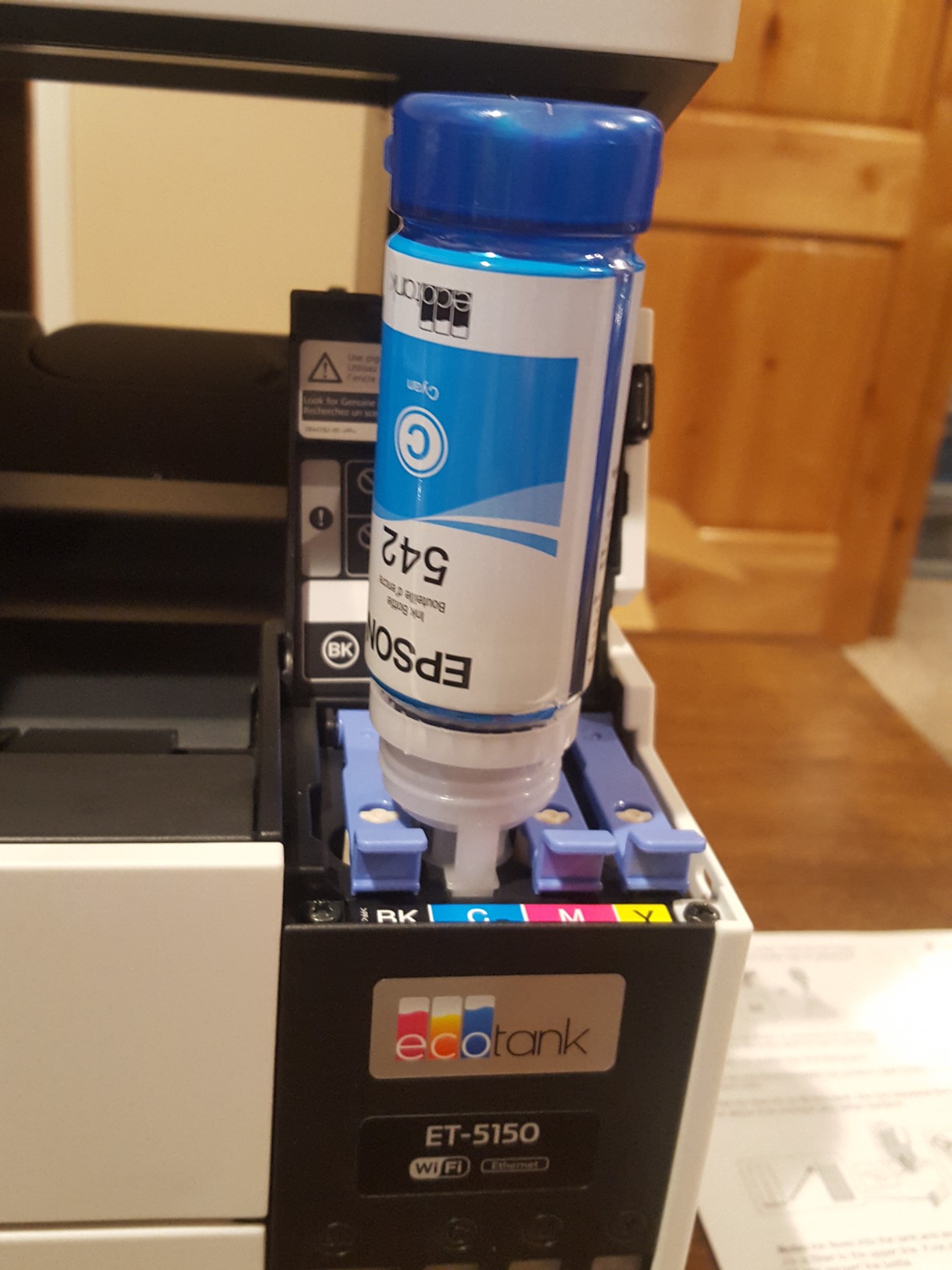
Automatic duplex printing and a 250-sheet paper tray make it the most office-ready ink tank machine here. Copy speed reaches 40 pages per minute with runs up to 250 copies, the 2-year limited warranty extends to a second year with product registration, and owners report the Wi-Fi as more stable than on several other EcoTank models.
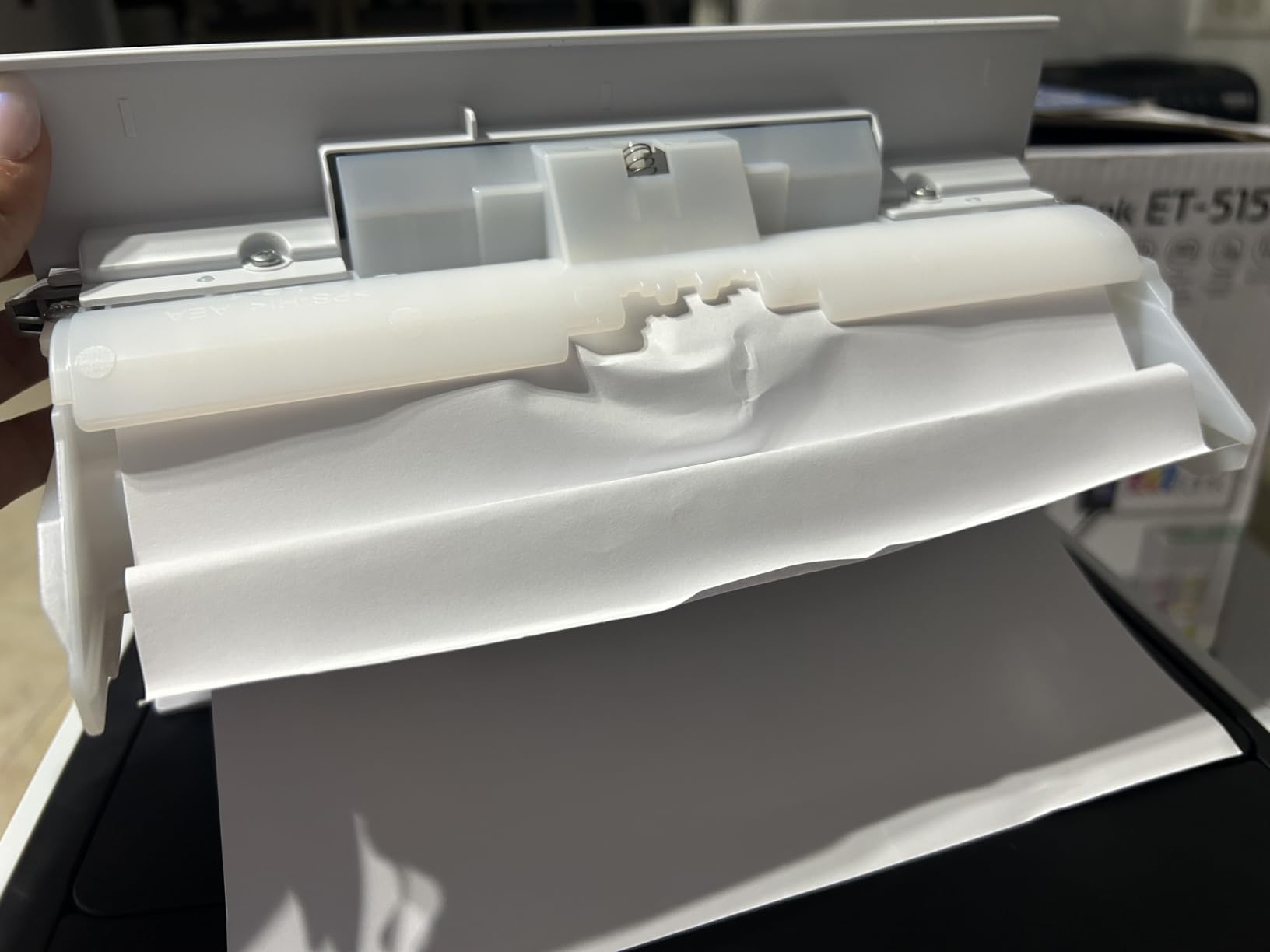
There are expectations to manage. Some listings suggest 13 by 19 inch support and owners confirm it does not print that size, so treat the maximum media size claim sceptically. There is no borderless printing, and the rear pickup tray is awkward to load. Owners also report frequent jams on lower quality media, which is where the running cost advantage quietly disappears if you get a feed failure mid-job.
Who the EcoTank Pro ET-5150 suits
It suits a home business, a homeschool operator, a small studio or a busy monochrome office with regular colour needs, where cartridge economics would otherwise dominate the cost of printing. The 15-pound weight and 18.1 by 25.9 by 10.3 inch footprint are manageable for a side desk.
It is also the pick when a permanent printhead and a two-year warranty matter more than colour laser polish, because the head is not a consumable and the registerable second year of cover is the best warranty offer in this group.
Where the EcoTank Pro ET-5150 falls short
The document feeder is the weak link. Owners report its performance as poor, so if your workflow depends on scanning stacks through the feeder, budget for a separate scanner or choose a laser model with a proven ADF.
Jams with cheaper media are a recurring complaint, and glossy photo output can smear. If colour photography is central to your business rather than occasional documents, it is worth testing your specific media before committing, and comparing against a dedicated photo printer instead.
Laser vs Inkjet: Which One Wins for a Small Business
The laser versus inkjet question is really a question about volume and colour. Laser machines use powdered toner, which is faster, cheaper per page and far more predictable on text. Inkjet machines use liquid ink, which produces better photographs and gradients, and refillable tank systems have closed almost all of the running cost gap.
Choose laser when black and white dominates your workload and you print most days. Choose an ink tank when colour is a regular part of your output, because colour laser toner remains materially more expensive per page even on the good machines. The crossover point in this guide is roughly a few thousand pages a month with occasional colour, where the ink tank still wins on colour economics.
There is a third option worth naming. For a business that prints invoices, receipts, packing slips and shipping labels, a dedicated label printer handles that work in a fraction of the time and with far less waste than feeding labels through an office printer. If that is a big share of your volume, look at our guide to the best label printers for business before committing to an all-in-one.
Printers to Avoid and Why
Most disappointing printers are not bad machines. They are mismatched machines, or machines with a consumable policy that quietly raises your costs every year. The first category is easy to avoid once you know it.
Avoid cartridge inkjets for high volume. If you are running more than about 1,000 pages a month, cartridge economics will cost you more over three years than the printer itself, and a colour-heavy job multiplies that. Move to a refillable tank instead.
Avoid machines below your volume band. Running a printer above its recommended monthly page volume is the fastest route to early failure. A faster machine with a bigger duty cycle is cheaper than replacing a cheaper one twice.
Read the cartridge policy carefully. Some models state outright that they will block cartridges using non-original chips or circuitry, and some will accept third-party cartridges but let print quality degrade over time as the chip governs the machine. Owners on small business forums describe this as their single biggest long-term frustration, and it is worth planning for before you buy rather than after.
Avoid machines with no duplex if you print double-sided. Manual duplex looks cheap on a specification sheet and costs real staff time in practice, every single job.
Avoid any printer for a business that barely prints. If you produce a few hundred pages a year, an online print service and a cheap inkjet will serve you better than a business laser built for volume. Buying heavy equipment for light use is the most common and most avoidable mistake on this list.
How to Choose a Business Printer: 7 Criteria That Matter
1. Match the monthly page volume. Under 500 pages a month points to an ink tank or a compact mono laser. Between 500 and 2,500 pages a month suits a mid-range all-in-one laser with duplex and an ADF. Between 2,500 to 10,000 pages a month needs a workgroup laser with a larger tray and a high-yield drum. Above 10,000 pages a month is a different purchase entirely and belongs with a managed print service conversation.
2. Understand the duty cycle. The recommended monthly page volume is the manufacturer’s guidance on how much you can print each month before wear becomes a real risk. Buy the machine whose duty cycle sits comfortably above your actual volume, not the one that merely reaches it.
3. Check the automatic document feeder, not just the scanner. The ADF sheet count tells you how much paperwork you can digitise unattended. An ADF that only reads one side at a time doubles your handling for double-sided documents, and that is the single feature most worth paying for if you scan regularly.
4. Separate duplex printing from duplex scanning. Automatic two-sided printing is common. Two-sided scanning in a single pass is much rarer, and the Canon imageCLASS MF465dw is the only machine in this guide that does it. Check the specification against your actual workflow rather than a listing headline.
5. Work out the real cost per page. Take the price of the consumable, divide it by the published page yield, and multiply by your monthly volume. Then repeat it for colour separately, because a colour page and a black page are rarely the same cost. Include the drum, the waste cartridge and the maintenance kits, not just the toner.
6. On HP versus Epson, the honest answer depends on the type. HP’s laser machines are strong on speed, security features and wireless recovery, but their cartridge chip policy limits your choice of consumables. Epson’s EcoTank machines have far lower running cost per page and cartridge-free tanks, which is a decisive advantage for a colour-heavy or high-volume small business. If your documents are black and white and you want a small team on a shared wireless, HP is a reasonable answer. If you print colour often, Epson usually wins on cost over a multi-year horizon.
7. Check connectivity and consumable availability before you commit. Dual-band Wi-Fi is worth having, but an Ethernet port is your insurance policy when the wireless drops. For consumables, confirm the cartridge or bottle part numbers are carried by regular office suppliers and that ordering replacements is straightforward, because a proprietary lockout turns a good machine into an expensive one.
On price specifically, Costco and membership warehouses are not reliably cheaper than general retailers for the same printer model, and third-party marketplace listings are the most common source of counterfeit or chip-locked cartridges. Buy from a seller who lists the exact part number and the warranty terms, and keep the packaging until the machine is running.
On reliability, the pattern from long-term owners is consistent enough to act on. Brother machines are most often recommended for value and dependability, Canon imageCLASS models are praised for build and one-pass feeders, and HP machines are liked for speed and features but draw complaints on consumable policy and interface design. What matters more than brand is how long you plan to keep the machine, because that is where the running cost either pays off or does not.
If your team is also choosing hardware, our picks for the best business laptops and the best tablets for business cover the other side of the desk, and our best photo printers cover the case where image output is the business.
Frequently Asked Questions
What is the best printer for a small business?
The Epson EcoTank ET-2800 is our overall pick because its refillable ink tanks cover up to 4,500 black and 7,500 color pages per set, keeping running cost low for a business that prints color regularly. For black-and-white heavy offices, the Brother MFC-L2820DW is faster at 34 pages per minute with automatic duplex and a touchscreen. Match the machine to your monthly page volume rather than the sticker price.
What is the best small printer for a small business?
For tight spaces, the Brother DCP-L2640DW is a strong fit at 15.7 by 16.1 by 12.5 inches and 25 pounds, combining print, scan and copy with automatic duplex and a 50-page document feeder. The Epson EcoTank ET-2800 is the smallest and lightest option at 11.4 pounds if colour output matters more than fax. Both fit a small office desk or a side shelf.
Which is better, HP or Epson?
For a color-heavy small business, Epson usually wins on running cost: the EcoTank Pro ET-5150 runs at roughly 2 cents per color ISO page against about 14 cents with color laser toner. HP is stronger on speed, security features and self-healing wireless connections, but its cartridge chip policy blocks non-HP cartridges, which raises your long-term consumable cost. Choose on colour volume and consumable policy, not brand.
Is an inkjet or laser printer better for small business?
Laser is better for black-and-white volume: faster, cheaper per page and more predictable on text. An ink tank inkjet is better when color is a regular part of your output, because color laser toner costs substantially more per page. If you print mostly monochrome with occasional color, a monochrome laser such as the Brother MFC-L2820DW is the efficient choice. If color is daily, an EcoTank or MegaTank model wins.
What is the best printer to get for a small business?
Start by counting your monthly pages, then choose a machine whose recommended duty cycle sits above that number. Under 500 pages a month suits an ink tank or compact mono laser. Between 2,500 and 10,000 pages a month needs a workgroup laser with automatic duplex, an automatic document feeder and a large tray. Add an ethernet port as a fallback if your wireless is unreliable.
Are Costco printers cheaper than elsewhere?
Not reliably for the same model. Membership warehouse pricing on printers often moves with promotions, and the same machine is frequently priced competitively or lower at general electronics retailers and during major sales events. The bigger risk is buying from third-party marketplace sellers, where counterfeit or chip-locked cartridges are common. Compare the exact part number and warranty terms, not just the headline figure.
What printer has the least problems?
The Canon imageCLASS MF465dw stands out for long-term reliability and carries a 3-year limited warranty, the longest in our group, with a 50-sheet one-pass feeder for duplex scanning. The HP LaserJet Pro MFP 3101sdw has the highest owner rating at 4.5, with owners praising reliable wireless reconnection. For ink tanks, the Canon MegaTank G3270 is frequently reported as jam-free, though its wireless connection is its weak point.
The Verdict
For most small businesses, the Epson EcoTank ET-2800 is the best printer for small business purchase in 2026, because refillable tanks turn the running cost of colour printing from a monthly expense into a twice-yearly one. If your output is black and white and moves in volume every day, the Brother MFC-L2820DW is the better machine, with 34 pages per minute, automatic duplex and a touchscreen that staff can use without training.
For a home-based or very small shop wanting colour with the longest gaps between refills, the Canon MegaTank G3270 is the value pick, and its 6,000 black and 7,700 colour page yield per ink set is the number that matters. For an office that needs real duplex scanning, the Canon imageCLASS MF465dw is the only machine here with a one-pass feeder and a 3-year warranty behind it.
Whichever you choose, measure your monthly page volume first and buy the machine whose duty cycle sits above it. Running cost per page will decide your printing bill far more than the purchase price ever will, and choosing a machine whose consumables you are free to source keeps that bill under your control for as long as you own it.