
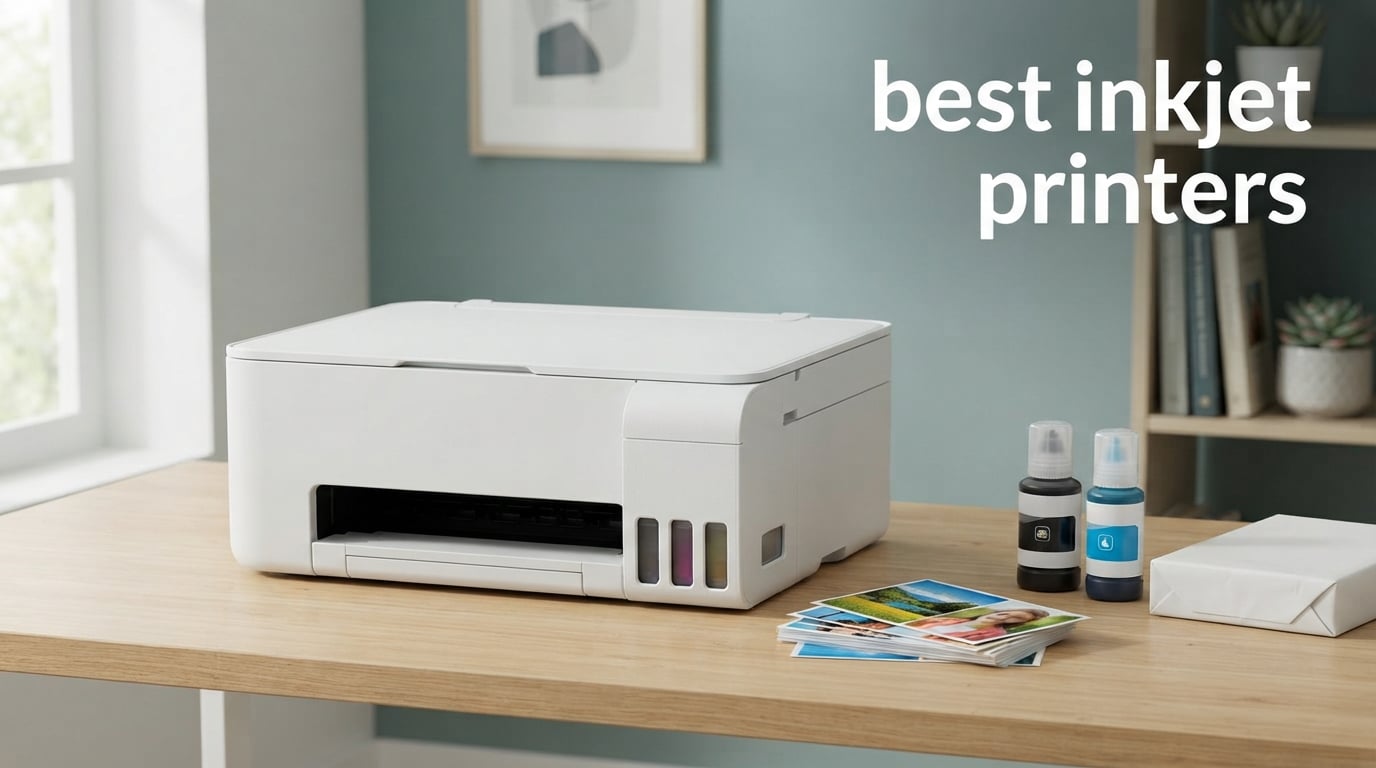
If you want one answer to the best inkjet printers question, take the Epson EcoTank ET-2800. It is a tank-based all-in-one with refillable ink bottles, so the running cost per page stays low, and at 10005 reviews it carries by far the largest owner base in this group. It prints 10 pages per minute in black and 5 in color, handles paper up to 8.5 x 14 inches, and scans on a flatbed.
That is only one of ten models we looked at. The rest of this guide covers refillable tank printers from Epson, Canon and HP, two cartridge-based Canon models, a Brother all-in-one with a fax, and a six-color Epson wide-format unit for people who print posters. Every pick below was judged on the same things: cost per page, black and color print speed, duplex and feeder hardware, paper capacity, wireless reliability, and how the owners who bought it actually rate it after living with it.
One warning before you start. Inkjet choice is decided by monthly page volume and by tank versus cartridge, not by headline speed. A fast cartridge printer will cost you far more over three years than a slower tank printer if you print more than a few hundred pages a month. If your printing is mostly labels, receipts or shipping paperwork rather than documents and photos, our label printer guide may be a better fit. We updated this roundup for 2026 and every rating quoted here comes from the product listing itself.
Table of Contents
Top 3 Picks for Inkjet Printer Picks for 2026

Epson EcoTank ET-2800
- Refillable ink tanks
- 10 ppm black
- Flatbed scanner
- Lowest cost per page


Canon MegaTank G3270
- Cartridge-free refills
- 11 ppm black
- 100-sheet tray
- 2 years of ink included
10 Best Inkjet Printers (October 2026)
| Product | Specifications | Action |
|---|---|---|
| Epson EcoTank ET-2800 |
|
Check Latest Price |
| Canon PIXMA TS6520 |
|
Check Latest Price |
| Canon MegaTank G3270 |
|
Check Latest Price |
 Epson EcoTank Photo ET-8550 Epson EcoTank Photo ET-8550 |
|
Check Latest Price |
 Epson Expression Premium XP-7100 Epson Expression Premium XP-7100 |
|
Check Latest Price |
 Canon PIXMA TS4320 Canon PIXMA TS4320 |
|
Check Latest Price |
 HP Envy Photo 7975 HP Envy Photo 7975 |
|
Check Latest Price |
 HP Smart Tank 5003 HP Smart Tank 5003 |
|
Check Latest Price |
 Brother Work Smart 1410 Brother Work Smart 1410 |
|
Check Latest Price |
 HP Envy 6155 HP Envy 6155 |
|
Check Latest Price |
1. Epson EcoTank ET-2800 – Best Overall Inkjet Printer
Epson EcoTank ET-2800 Wireless Color All-in-One Supertank Printer – Black
Refillable EcoTank bottles
10 ppm black, 5 ppm color
Flatbed scanner, manual duplex
Up to 8.5 x 14 inch paper
Pros
- Very low cost per page from refillable bottles
- Excellent photo and document color
- Quick guided setup
- Compact 11.4 pound body
- Up to 4500 black and 7500 color pages per ink set
Cons
- No automatic duplex
- Wireless app connection drops reported
- Small fiddly LCD screen
The ET-2800 is the model I keep coming back to because the ink economics overwhelm everything else. Each bottle set is rated at up to 4500 black pages and 7500 color pages, which works out to a running cost that is a fraction of what a cartridge model charges. Owners report printing hundreds of photos before they ever open a refill, and that is the single reason this printer earns the top slot.
Output quality is genuinely good rather than merely acceptable. It uses a four-color Micro Piezo set at 5760 x 1440 dpi, and reviewers consistently describe text as sharp and color as bright. Setup takes minutes with clear step-by-step instructions, and the whole machine weighs 11.4 pounds, so it moves between a desk and a shelf without drama.
The paper handling is the weak point. There is one tray holding 100 sheets, the maximum media size is 8.5 x 14 inches, and duplex printing is manual, meaning you flip the stack yourself for every two-sided job. Borderless printing is limited to 4 x 6 inch photo paper, so full-bleed Letter prints are not on the menu.
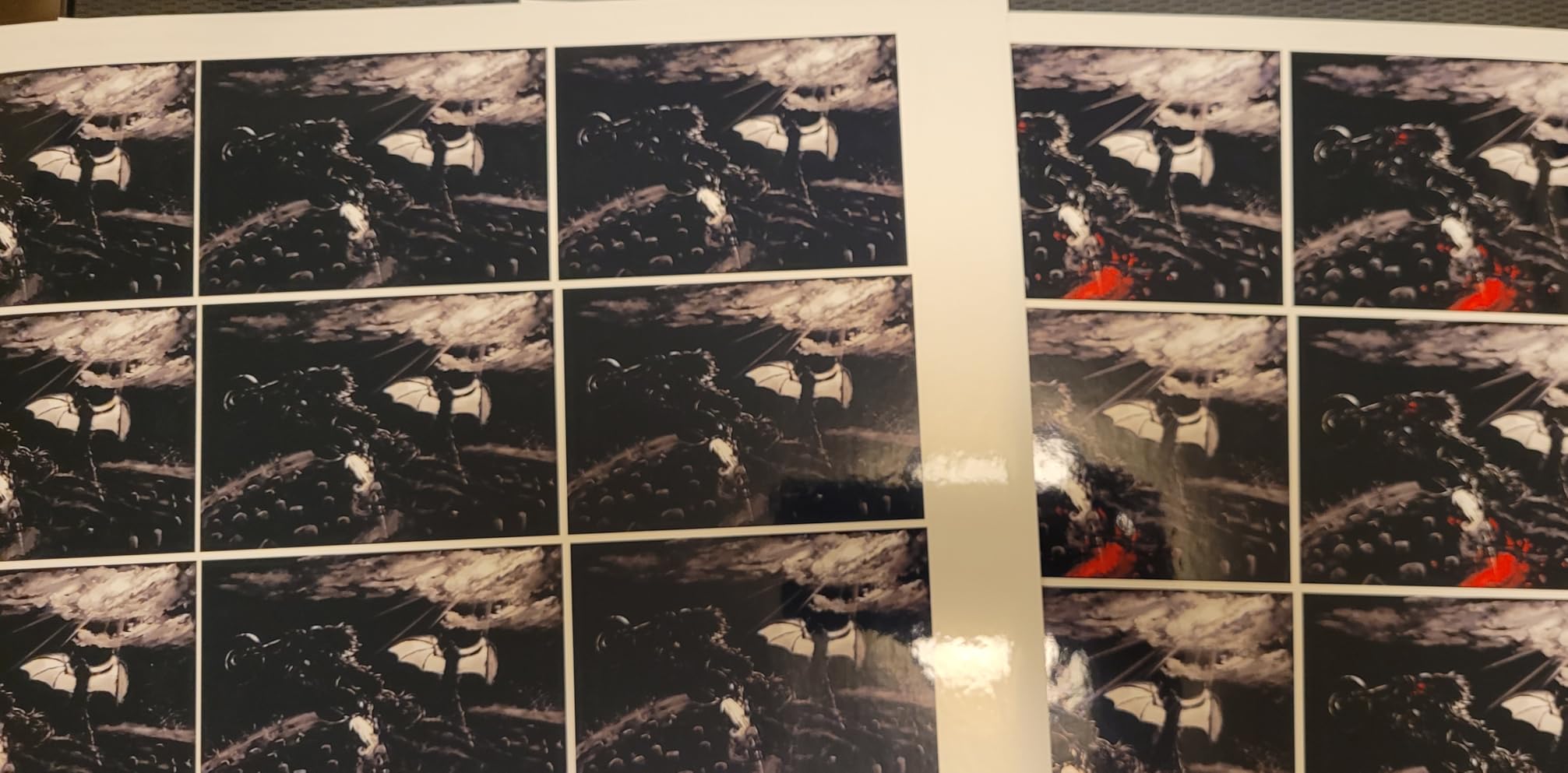
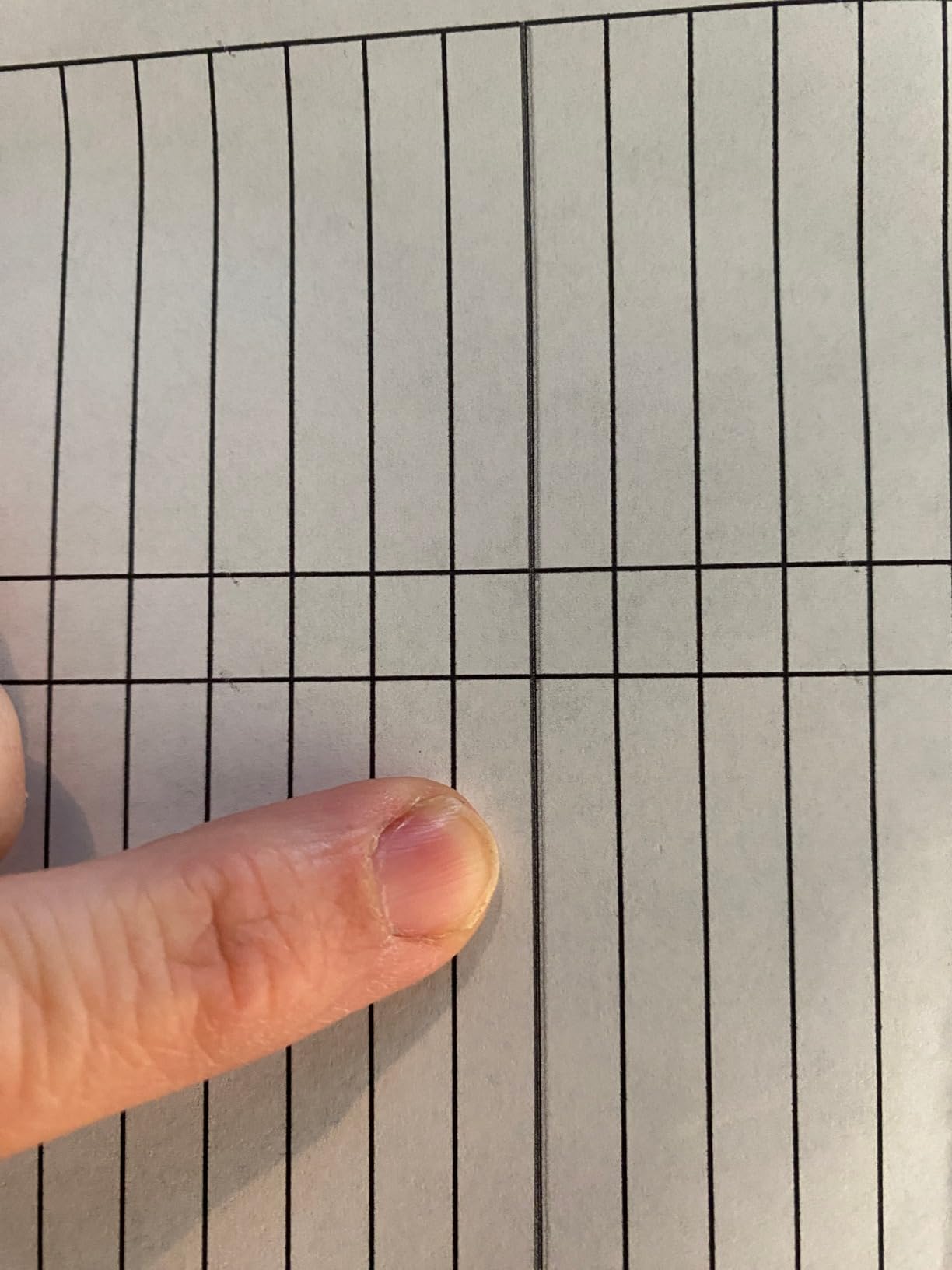
Connectivity is USB and Wi-Fi, driven by a small LCD screen and an app rather than physical buttons. A recurring complaint is the app dropping its connection to the printer and throwing repeated paper-setting errors, and a smaller group of owners have needed repeated head cleaning cycles to clear streaks or banding. None of that changes my view of the value, but if two-sided printing is non-negotiable for you, skip to the Canon TS6520.
What you will actually be printing
This suits a household printing a mix of school worksheets, shopping lists, occasional reports and a steady stream of 4 x 6 photos. At 10 pages per minute black and 5 pages per minute color, it is not fast, but refill ink at these yields makes speed far less important.
If your jobs are almost all text, the flatbed scanner is still there for the odd document or receipt. There is no document feeder, so a 20-page stack means 20 separate flatbed trips, and that is the practical limit of this machine.
What the ink system costs you over time
This is the strongest part of the ET-2800. Owners who bought it for cheap ink report that they went long stretches without refilling, and the bottle system means there are no starter cartridges to burn through first.
The trade-off is that you refill rather than swap. A bottle refill takes a few minutes and a steady hand, and a tank left below the line for a long period is the fastest route to a clogged head. Keep it topped up and it will stay healthy.
2. Canon PIXMA TS6520 – Best Rated With a Star Rating
Canon PIXMA TS6520 Wireless Color Inkjet Printer, Duplex Printing, Copier/Scanner, 1.42″ OLED Display, Compact, White
Refillable ink tanks
Automatic duplex printing
1.42-inch OLED display
3 year manufacturer warranty
Pros
- Highest star rating in this group at 4.2
- Automatic duplex with clean output
- Very fast painless setup
- Reliable wireless printing from a phone
- Quiet and compact at 15.4 pounds
Cons
- Tiny OLED screen is awkward to use
- Starter tanks run out quickly
- Canon's setup app adds extra steps
The TS6520 is the model I would buy if duplex printing mattered more than anything else at the entry level. It does automatic two-sided printing and scanning, which two of the other picks in this guide simply do not offer, and it holds a 100-sheet tray. At 14 pages per minute black and 9 pages per minute color, it is also quicker on paper than the ET-2800.
It carries a 4.2 star average across 1836 reviews, and that rating is the highest star figure among these ten. The most common praise is setup speed: most owners were printing within minutes of unboxing, and the wireless connection held up for phone printing in their experience.
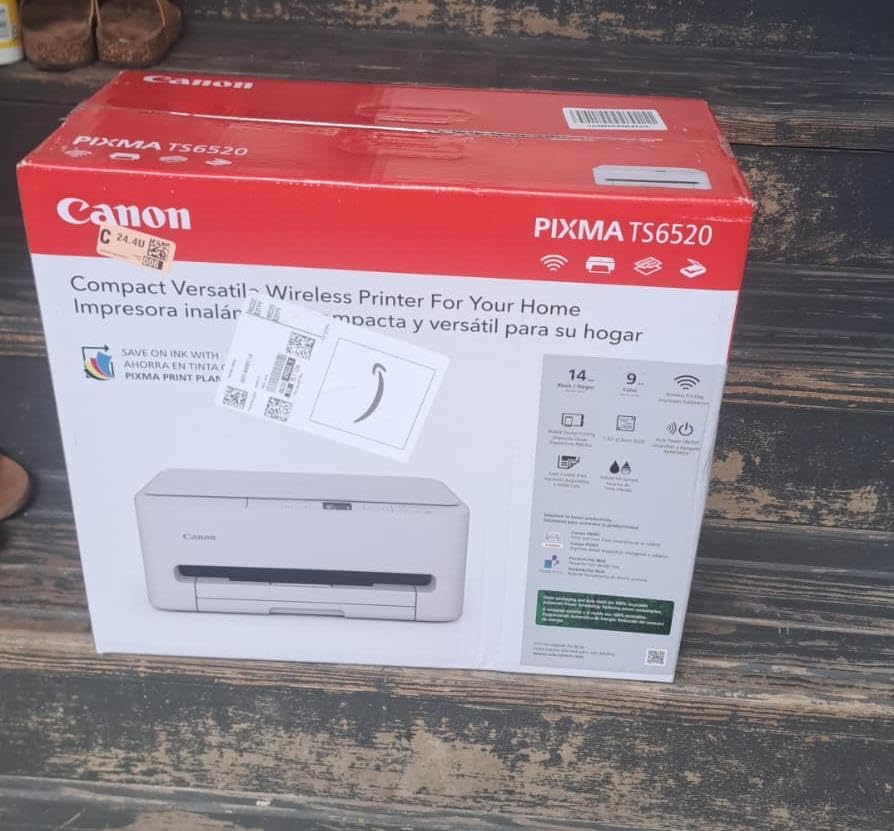
It uses a two-cartridge hybrid ink system that keeps text sharp and color reasonably vivid for a two-ink setup, but that is the ceiling on photo quality here. The 1.42-inch monochrome OLED on the rear is useful for glancing at ink levels and status, though many owners find it too small to navigate comfortably and rely on the Canon PRINT app instead.
Two more gripes come up repeatedly. The starter tanks included in the box run out quickly, so budget for an early refill, and Canon’s QR-code guided setup flow adds steps that some buyers find unnecessary. The three-year manufacturer warranty is a genuine plus for a printer in this class.
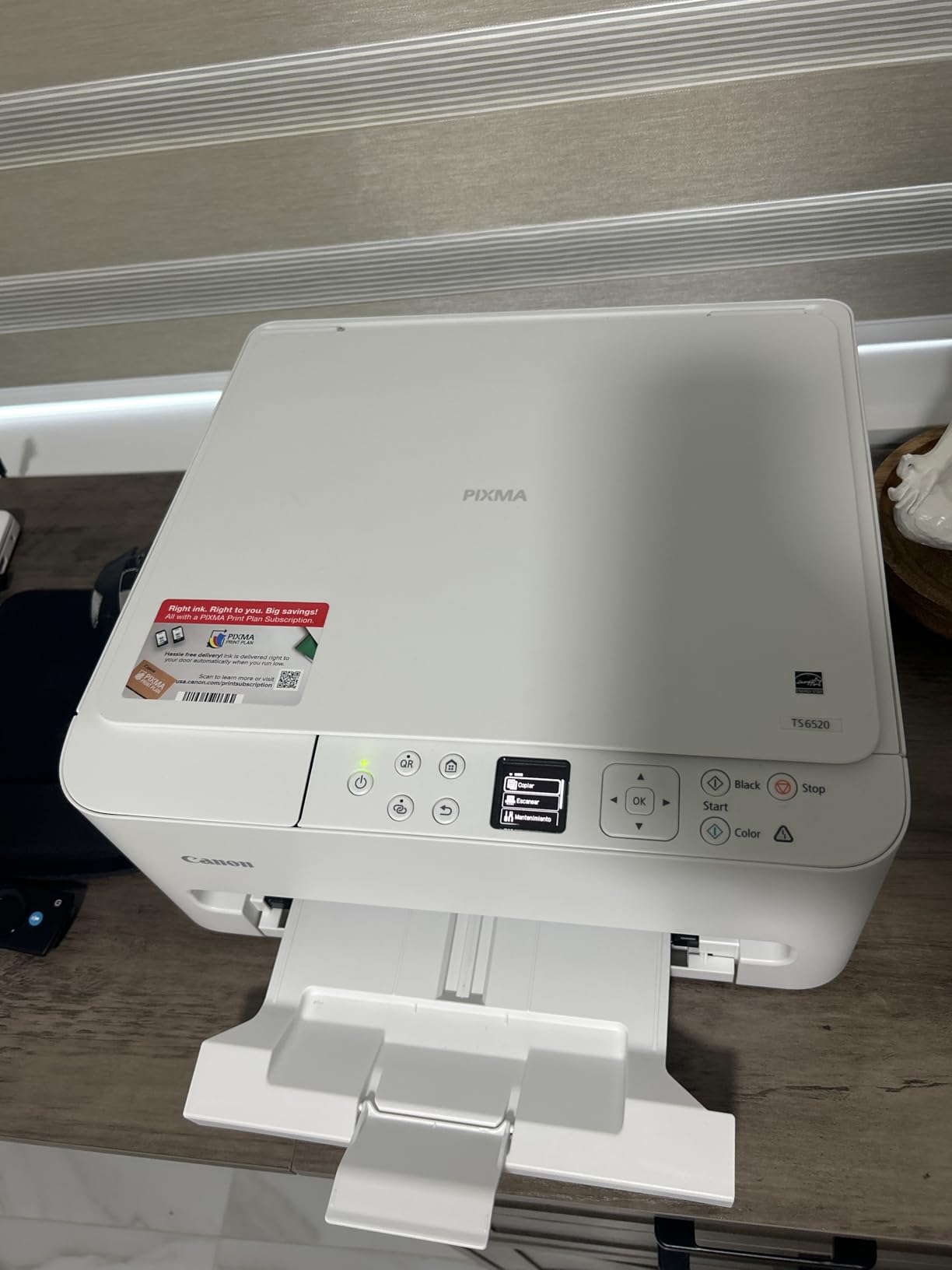
Desk setup and day-to-day controls
At 15.4 pounds and 14.8 by 14 by 6.7 inches, the TS6520 fits a small desk without crowding it. Operation is quiet, which matters if it lives in a bedroom or a study, and duplex output comes out neat and square.
Maximum paper size is Letter, so this is not the printer for 11 x 17 work. The OLED display handles status checks, but for anything deeper you will be in the app on your phone.
What the ink system costs you
Refillable tanks keep the running cost low, which is why this ranks so high despite the modest two-tank configuration. The catch is yield: owners report the starter supply disappearing sooner than expected, so treat the included ink as a sample rather than a supply.
Because it is a two-tank system, color depth and photo fidelity trail the four-ink and six-ink models here. For documents and school projects that is irrelevant. For framed prints it is visible.
3. Canon MegaTank G3270 – Best Value Tank All-in-One
Canon MegaTank G3270 All-in-One Wireless Color Printer
Refillable MegaTank bottles
11 ppm black, 6 ppm color
100-sheet tray, legal size
Borderless printing
Pros
- Up to 6000 black and 7700 color pages per set
- Strong clean black output
- Easy app-based setup with auto alignment
- Generous paper capacity for the tier
Cons
- Single-sided printing only
- Some owners report unreliable Wi-Fi
- Color can look washed out on some papers
The G3270 is the one I recommend when someone prints mostly black-and-white documents and wants to stop thinking about ink costs. Several long-term owners report still using the supplied ink after two years. Each ink set is rated at up to 6000 black and white pages and 7700 color pages, and there is up to two years of ink in the box.
It runs at 11 pages per minute black and 6 pages per minute color, slightly quicker than the ET-2800 on both. Black output is described as clean and jam-free, and the app-based Windows setup handles alignment automatically, which removes a common early frustration.
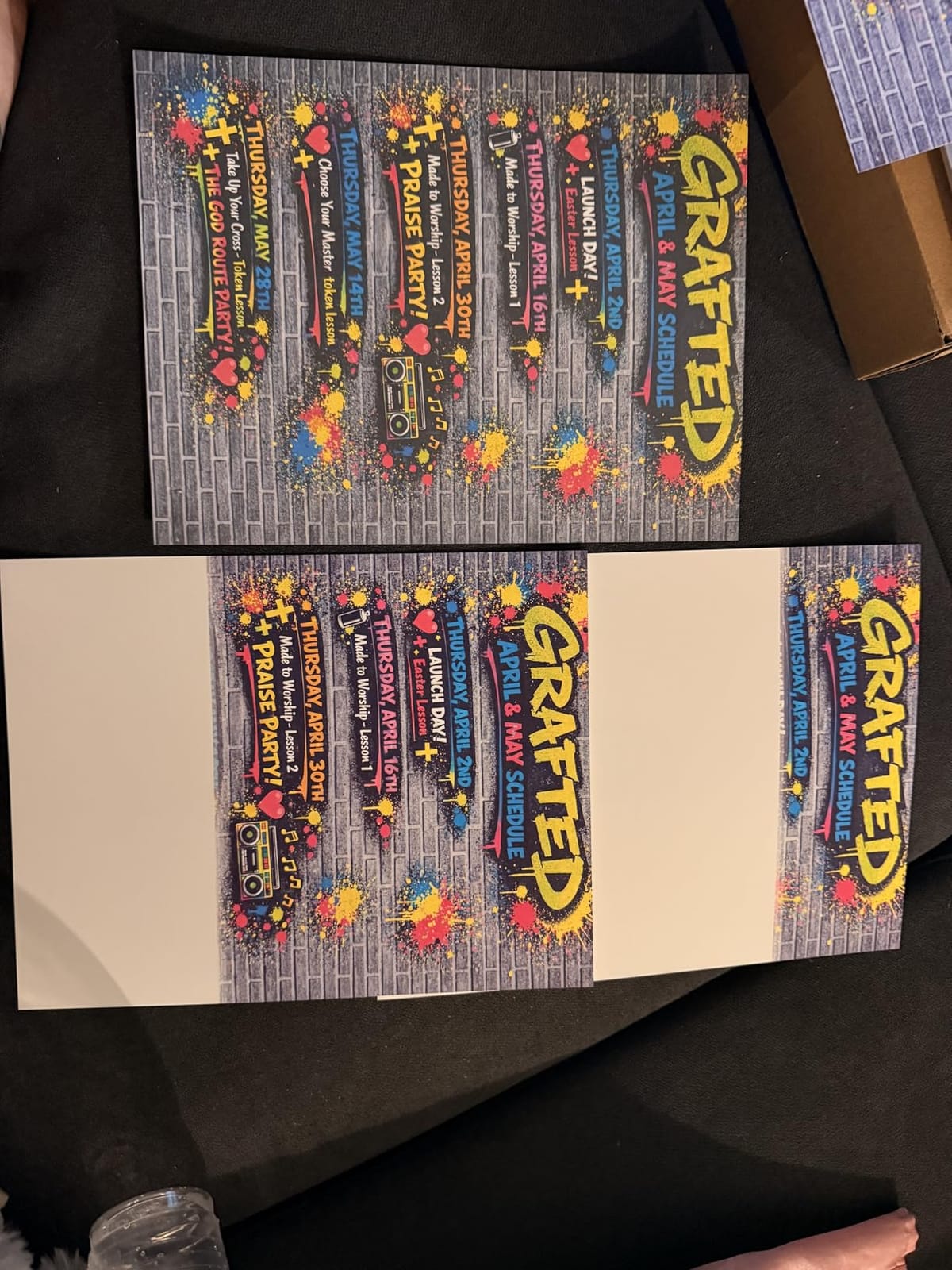
What you give up is duplex. This is a single-sided printer, full stop, so double-sided documents are a manual flip. The 100-sheet tray and legal-size support at 8.5 x 14 inches do help offset that, and the 1.35-inch square LCD is small but serviceable for ink levels.
Wireless reliability is the other weak spot. Some owners report a connection that drops or refuses to rejoin the network, and a few describe color that looks washed out compared with Epson on the same paper, enough that some moved to manual ICC adjustments. Scanner quality also lags behind cheaper earlier-generation Canon models, according to owners.
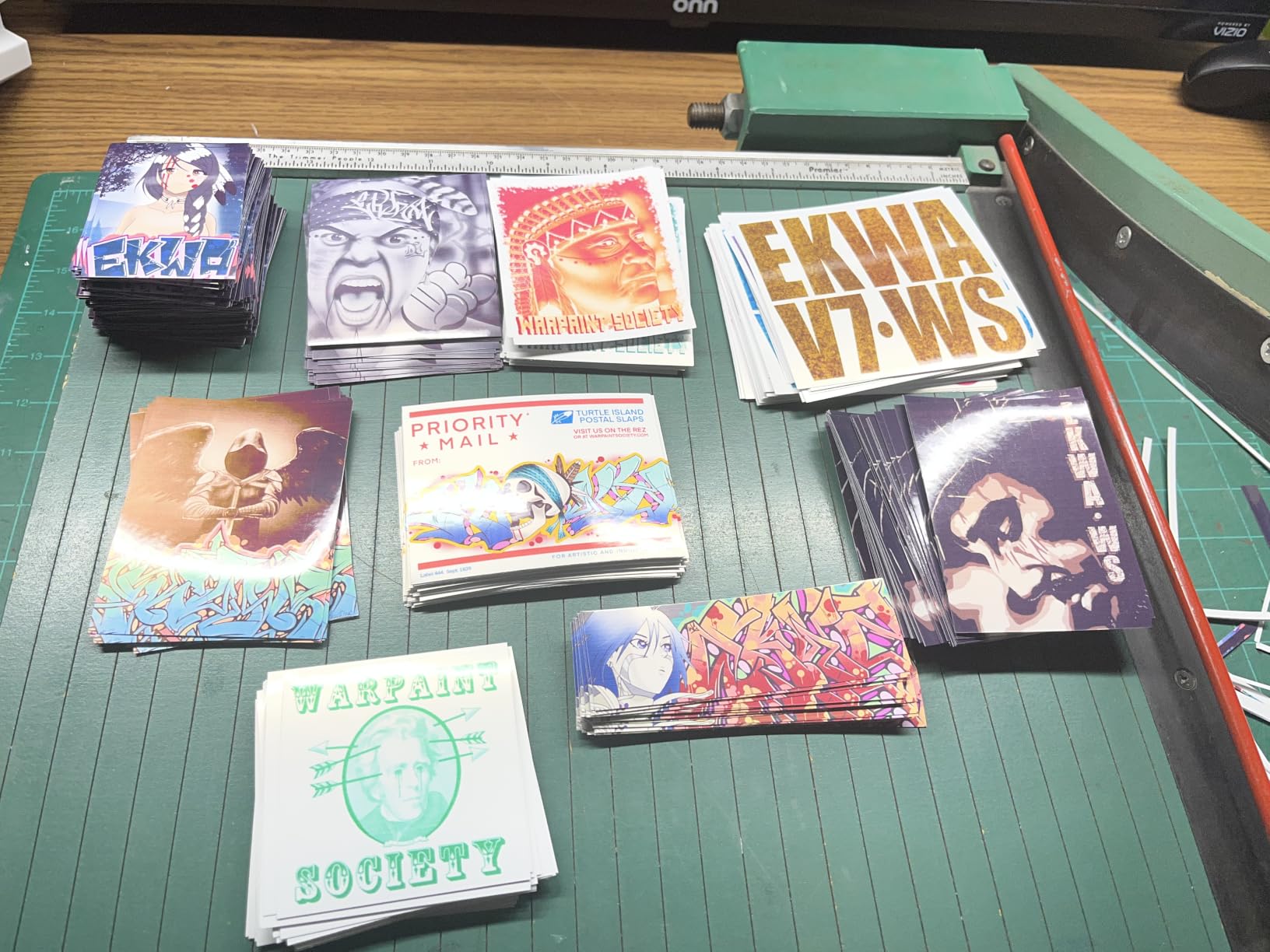
Paper handling and daily use
Borderless printing is supported, and the paper path takes envelopes, card stock, glossy photo paper and custom sizes, so it covers most home and home-office jobs without fuss.
The single tray means you cannot keep letter paper loaded while feeding photo stock, and the media maxes out at legal. If duplex matters, look at the TS4320 or the TS6520 instead.
Ink economics and color output
This is where the G3270 wins outright. The yield numbers mean the cost per page sits far below any cartridge-based model in this guide, and the long-term owner reports back that they never bought replacement ink.
Color rendering is the compromise. The ink is vivid enough for school projects and snapshots, but photographers and serious crafters will want a higher ink count, which means the ET-8550 or an Epson four-ink tank.
4. Epson EcoTank Photo ET-8550 – Best for Wide-Format Photos
Epson EcoTank Photo ET-8550 Wireless Wide-Format All-in-One Tank Printer
Six-color Claria ET Premium inks
13 x 19 inch maximum paper
16 ppm black, 12 ppm color
Photo flatbed with auto duplex
Pros
- Excellent wide-format photo quality on glossy paper
- Six-color set far richer than three-ink models
- Large transparent tanks with clean refills
- Quiet and solidly built
- 13x19 rear feed plus 4x6 tray
Cons
- Tray 1 gives false paper and jam errors
- Auto tray selection unreliable
- Large and heavy at 24.5 pounds
- Deep cleans can be needed
The ET-8550 is the pick for anyone printing posters, gallery prints or 11 x 17 sheets at home. It handles paper up to 13 by 19 inches, which is the widest capability in this group, and it uses a six-color Claria ET Premium ink set rather than the four colors or two colors most of the others manage. That extra ink count is where the color richness comes from.
The numbers are impressive on paper and in the output. It runs at 16 pages per minute black and 12 pages per minute color, prints at up to 5760 x 1440 dpi, and Epson rates 4 x 6 inch prints at roughly 4 cents each against about 40 cents with traditional cartridges. Serious photographers rate it as the best wide-format photo option available in this bracket.
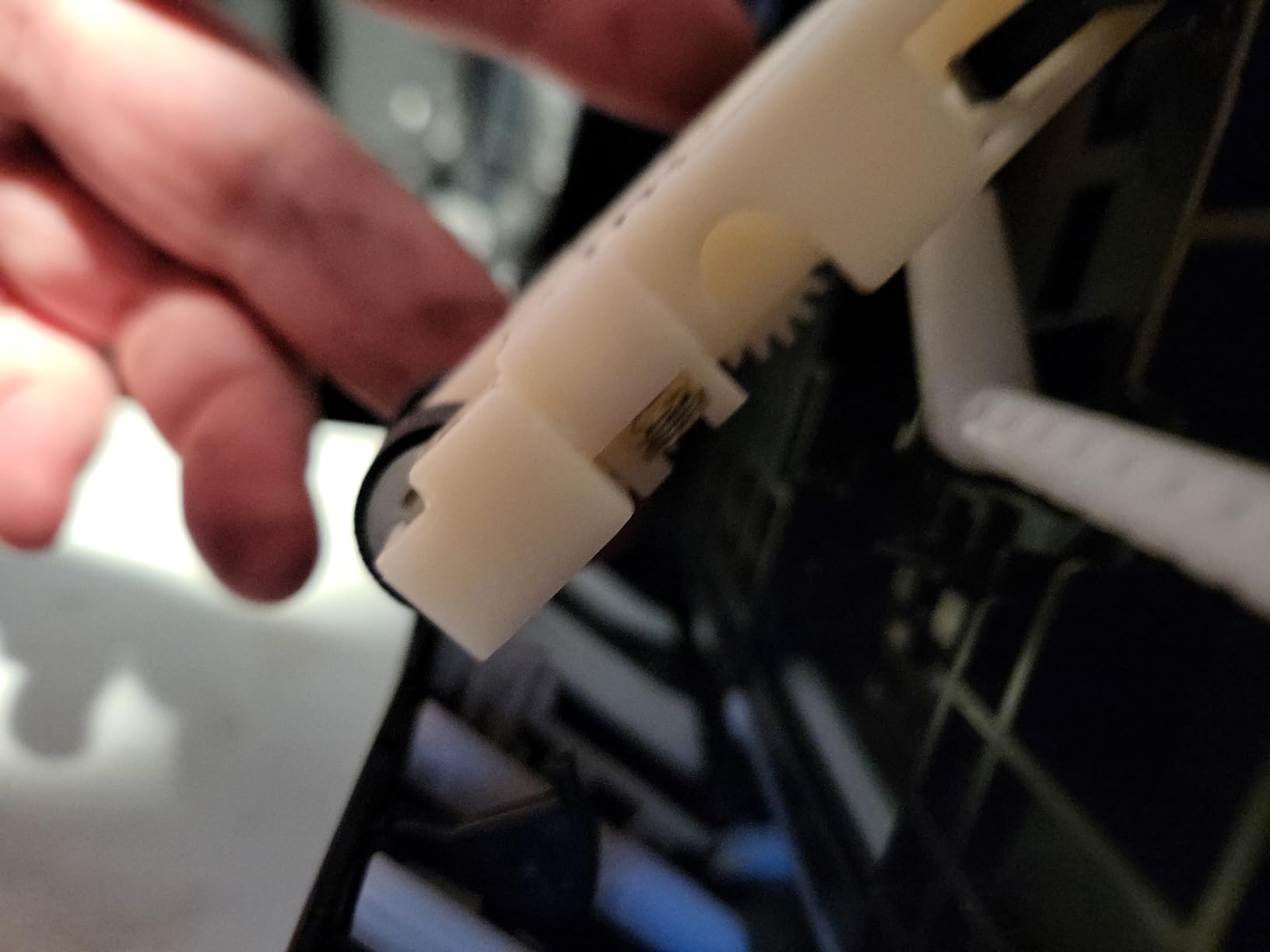
Refilling is painless. The six 70 mL bottles sit in large transparent tanks you can see at a glance, the ports are keyed so a bottle cannot go in wrong, and the no-drip design keeps your fingers clean. Owners report needing a refill only after a long run of large prints.
The problems are mechanical. Tray 1 frequently reports an out-of-paper or false jam error caused by weak tray springs, and the automatic tray selection is unreliable enough that owners recommend choosing the tray manually every time. There are also reports of units arriving cracked or failing to power on, plus clogged printheads that need repeated deep cleans.
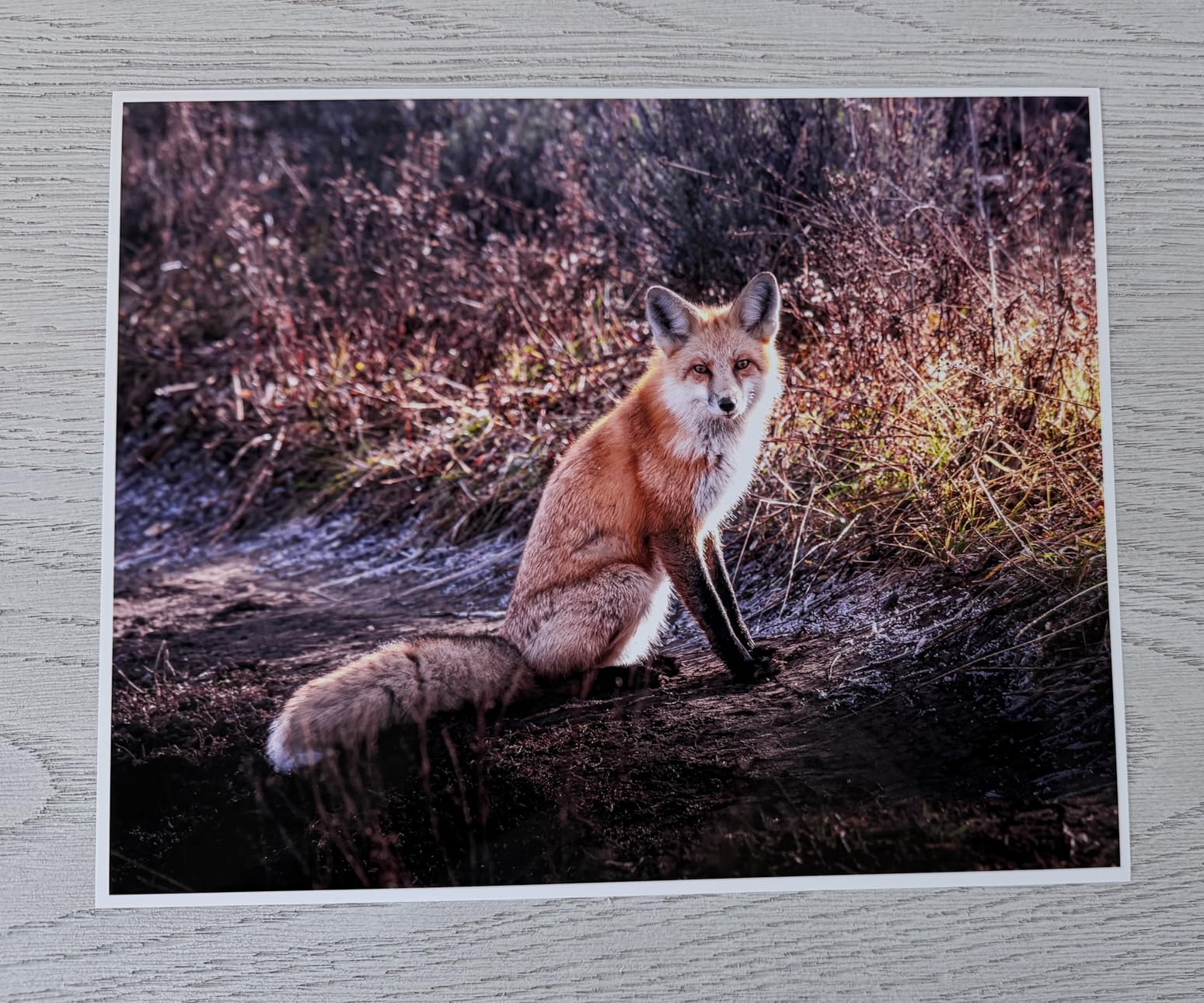
Large-format paper handling
It takes 13 x 19, 11 x 17, 8 x 10, 5 x 7, 4 x 6, A3, A4, legal and letter, with a rear feed for wide sheets and a dedicated 4 x 6 tray for small photos. A motorized output tray keeps finished prints off the desk.
Plan the space. At 24.5 pounds and 29.8 by 20.6 by 16.9 inches it is a substantial piece of furniture, and first-time setup takes a while because of packing tape removal and calibration.
Reliability and running costs
Gloss output is the headline. On proper photo paper the results are close to what dedicated photo printers produce, and the six-color set avoids the banding you see with three-ink models on skin tones and skies.
Long-run reliability is the open question. The tray 1 spring defect is well documented and fixable, and you can set the tray manually to avoid it. Keep printing regularly and the head stays clean, because a wide-format tank printer left idle for months is the classic clog scenario.
5. Epson Expression Premium XP-7100 – Best for Home Office Documents
Epson Expression Premium XP-7100 Wireless Color All-in-One Inkjet Printer
30-sheet automatic document feeder
Automatic duplex print, copy, scan
4.3-inch color touchscreen
Borderless up to 8 x 10 inches
Pros
- Sharp text and good photo output
- Auto duplex plus 30-sheet ADF
- Largest touchscreen in this group
- Two trays plus rear feed and CD/DVD tray
- Motorized retractable output tray
Cons
- Only three color cartridges so photo color is bland
- Small flimsy paper tray and slow startup
- Scans and copies often come out skewed
The XP-7100 is the most office-capable of the sub-tank models here. It has a 30-sheet automatic document feeder, automatic duplex printing, copying and scanning, and a 4.3-inch color touchscreen that is by some distance the largest control panel in this group. For someone running a home office that prints contracts and scans receipts, that combination is hard to beat.
Text output is sharp, and borderless photo printing goes up to 8 x 10 inches. Media handling is unusually good for a home printer, with two trays, a rear feed and a dedicated disc tray, plus Wi-Fi Direct and ethernet so you can print without a router.
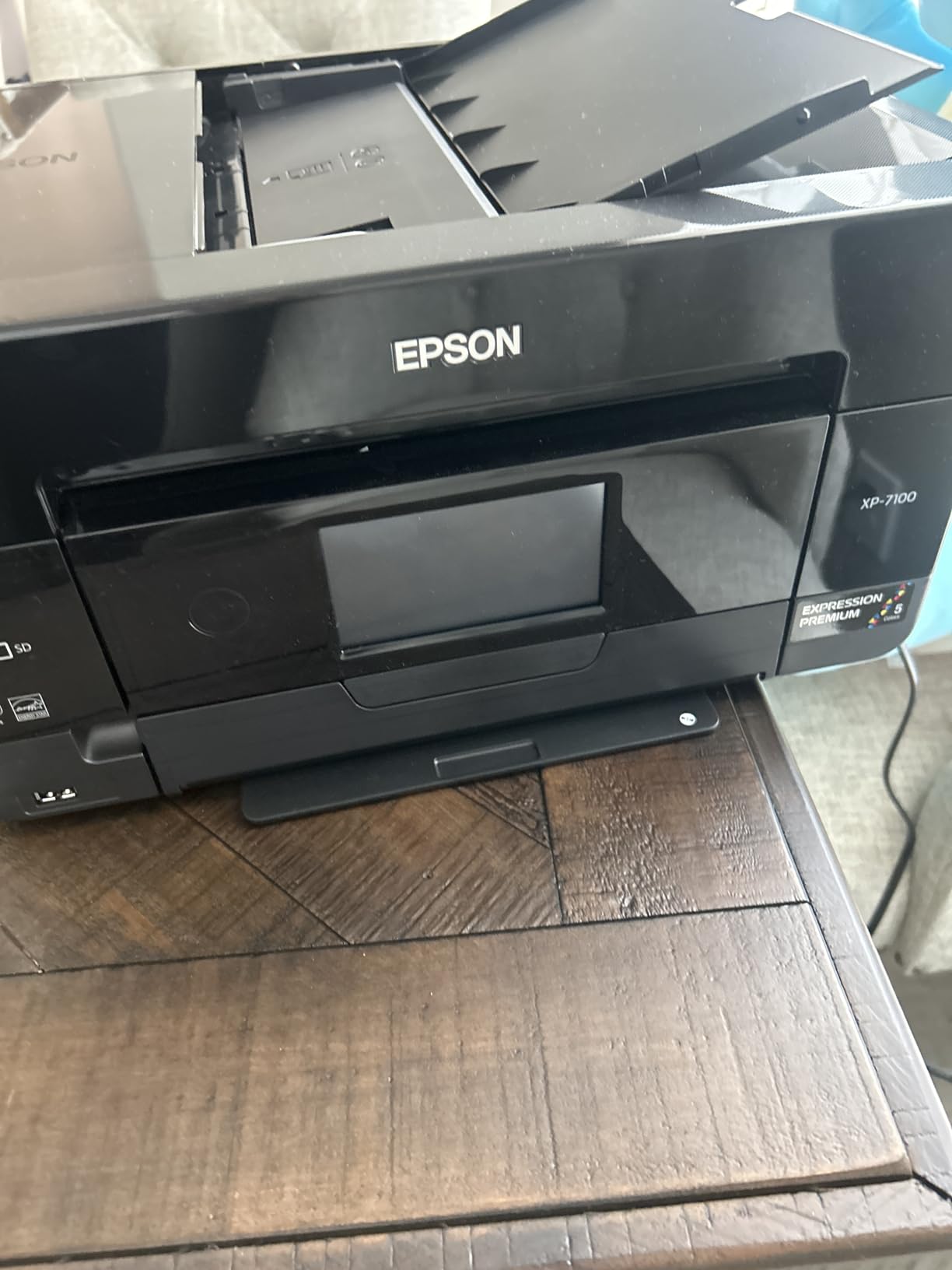
The problem is ink. It uses three color cartridges, which is why owners describe photo color as bland next to the five- and six-ink Epson models. Those are standard small cartridges, so the running cost per page is the highest of any tank model on this list and the lowest reason to buy this machine over a tank option.
Other recurring gripes: a small, flimsy paper tray, a slow and awkward startup routine before each job, flatbed scans and ADF copies that come out skewed or distorted, and intermittent Wi-Fi detection problems that make scanning to a computer unreliable without a USB cable. A segment of buyers also received damaged units.
Scanning and multi-page jobs
The 30-sheet feeder handles a stack without supervision, and automatic duplex covers print, copy and scan, so two-sided paperwork is a single job. For a home office, that is the feature that removes the most friction.
Its weakness is scan accuracy. Skewed output from both the flatbed and the feeder is the most cited quality complaint, and the maximum standard sheet capacity of 30 is thin next to the 100- and 150-sheet trays elsewhere in this guide.
Photo quality and cartridge costs
Color photos are acceptable, especially on proper photo paper, but three inks cannot produce the gradients a six-color set manages. Expect clean snapshots rather than gallery work.
Running cost is the deciding factor. Small standard cartridges at these volumes make this the most expensive printer per page here. If you print more than a couple of hundred pages a month, a refillable tank model is the smarter purchase and our ET-2800 pick is the place to start.
6. Canon PIXMA TS4320 – Budget Pick With Duplex and Dual-Band Wi-Fi
Canon PIXMA TS4320 – Wireless Color Inkjet Printer with Print, Copy, Scan
Refillable two-tank system
Automatic duplex printing
Dual-band 2.4GHz and 5GHz Wi-Fi
3 year manufacturer warranty
Pros
- Low entry cost with auto duplex and tanks
- Dual-band Wi-Fi holds a stable connection
- Crisp output for a two-cartridge system
- Compact 14 by 6.7 inch footprint
- EPEAT Silver and Energy Star certified
Cons
- Only two tanks so photo color trails multi-ink models
- No display so on-device setup is fiddly
- Copy and scan resolution limited to 600 x 600 dpi
- Consumables are a small-format tank pair
The TS4320 exists because most cheap all-in-ones force a choice between duplex and cheap ink, and this one refuses it. You get refillable tanks and automatic two-sided printing in a body that measures 14.8 by 14 by 6.7 inches, which is small enough for a hybrid worker’s desk. It also carries a three-year manufacturer warranty, longer than most rivals in this guide.
Dual-band Wi-Fi on both 2.4GHz and 5GHz is a quiet but real advantage in a home full of devices, and owners report a stable connection. Speed is 14 pages per minute black and 9 pages per minute color with a first page out in 9.5 seconds, and the 100-sheet tray is generous for the size.
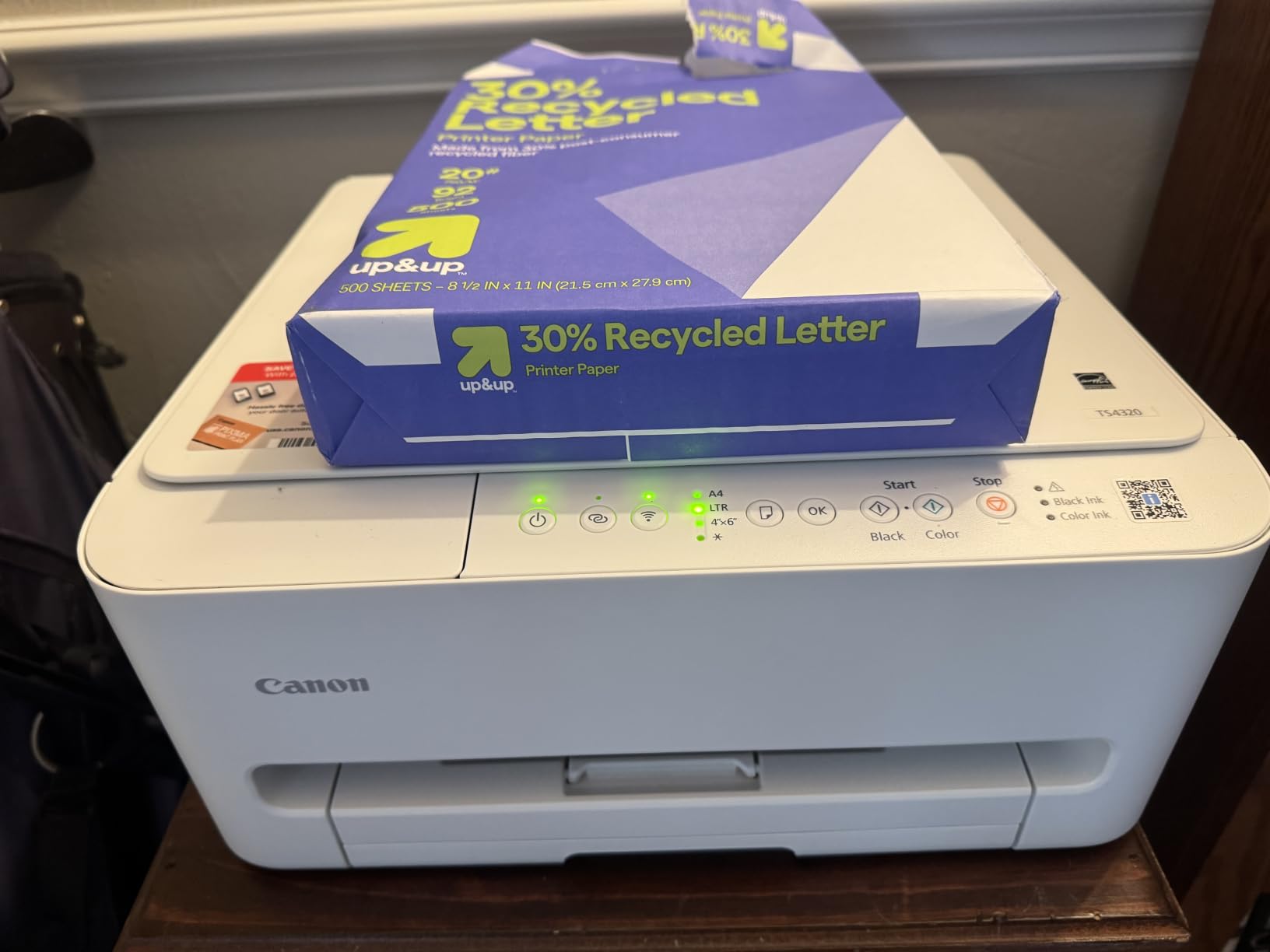
It is a two-tank system, and that single fact explains most of the limitations. Color depth and photo fidelity trail every multi-ink model here, and the consumables are a small-format tank pair rather than the high-yield bottles used by the larger MegaTank and EcoTank models. Buy it for documents and homework, not for photography.
There is no display, so setup and ink checks happen through buttons and the Canon PRINT app, which some owners find fiddly. Copy and scan resolution is limited to 600 x 600 dpi, so reproduced documents will not hold up to close inspection. Support for AirPrint and Mopria means phone printing works without extra software.
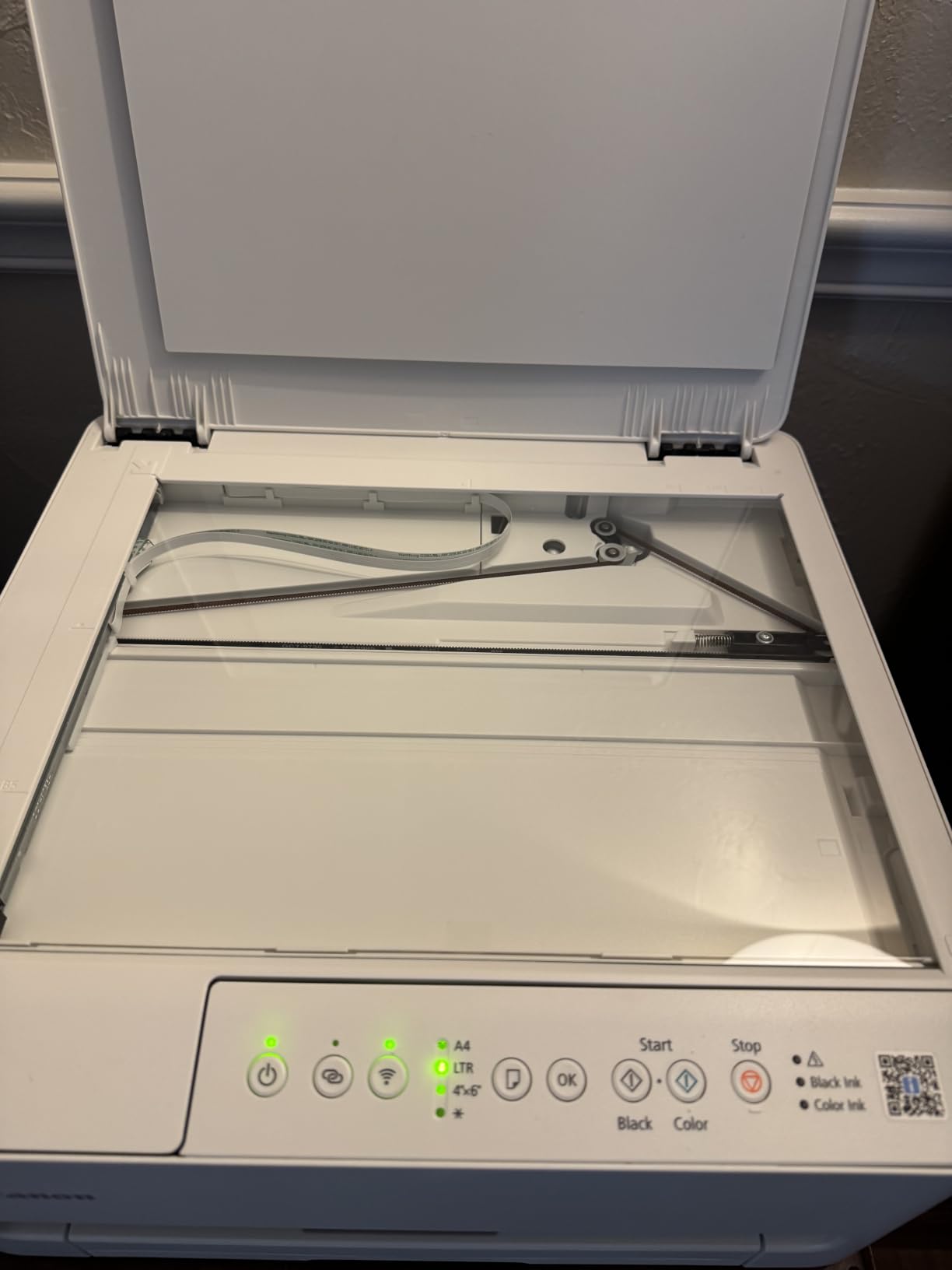
Wireless setup and daily output
Dual-band wireless is the reason this model rarely appears in connection complaints. Routers that broadcast both bands give it a clean path, and AirPrint plus Mopria support means iPhone and Android printing works straight from the share sheet.
Output is crisp for a two-cartridge system, and automatic duplex cuts paper use in half on reports. Maximum media size is Letter, so anything larger needs a wide-format printer.
Where the two-tank system holds you back
The compromise is real but narrow. For text, forms, recipes and school projects the output is more than adequate, and the refillable tanks keep running cost well below a cartridge printer.
For photos the ceiling is obvious. The small-format consumables refill more often than high-yield bottles, and 600 x 600 dpi copies are the weakest specification of any model here. If either matters, spend up for the four-ink or six-ink options.
7. HP Envy Photo 7975 – Best for Scanning and Copying at Home
HP Envy Photo 7975 Wireless Color Inkjet Photo Printer, Print, scan, Copy, Easy Setup, Mobile Printing, Best-for-Home, 3 Month Instant Ink Trial Included, AI-Enabled (B63K3A)
35-sheet automatic document feeder
Automatic duplex printing
2.7-inch color touchscreen
Dedicated photo tray
Pros
- Fast simple setup through the HP app
- Photos come out close to screen without adjustment
- 35-sheet ADF plus 125-sheet main tray
- Quiet operation and good scan quality
- Automatic duplex for everyday documents
Cons
- Small HP 64 cartridges run dry quickly for photos
- No true borderless at Letter size
- Wireless dropouts reported
- Only a tri-color cartridge limits vibrancy
The Envy Photo 7975 is the pick for a household that treats the printer as a multi-purpose machine. It has a 35-sheet automatic document feeder, a 2.7-inch color touchscreen, a 125-sheet main tray, a dedicated photo tray and automatic duplex, and owners report setup through the HP app taking about ten minutes with printing almost immediately after.
Color accuracy gets specific praise: buyers say photos come out close to what they saw on screen without manual adjustment. It runs at 15 pages per minute black and 10 pages per minute color, and scanning quality is called good for a home printer. A three-month Instant Ink trial is included, which is worth using if you print photos regularly.

Two hardware limits shape the experience. It uses a single tri-color cartridge, so colors are less vibrant than the multi-ink Canon and Epson models here, and those HP 64 cartridges run dry quickly when you are printing photos. It also cannot print truly borderless at Letter size, since it auto-resizes to 8 x 10.
Wireless dropouts are reported by some owners, and scanning has to be started through the computer app rather than the printer button, which is a step back from the touch-first design suggests. Review volume is also the second thinnest here at 490, so treat the owner consensus as newer.
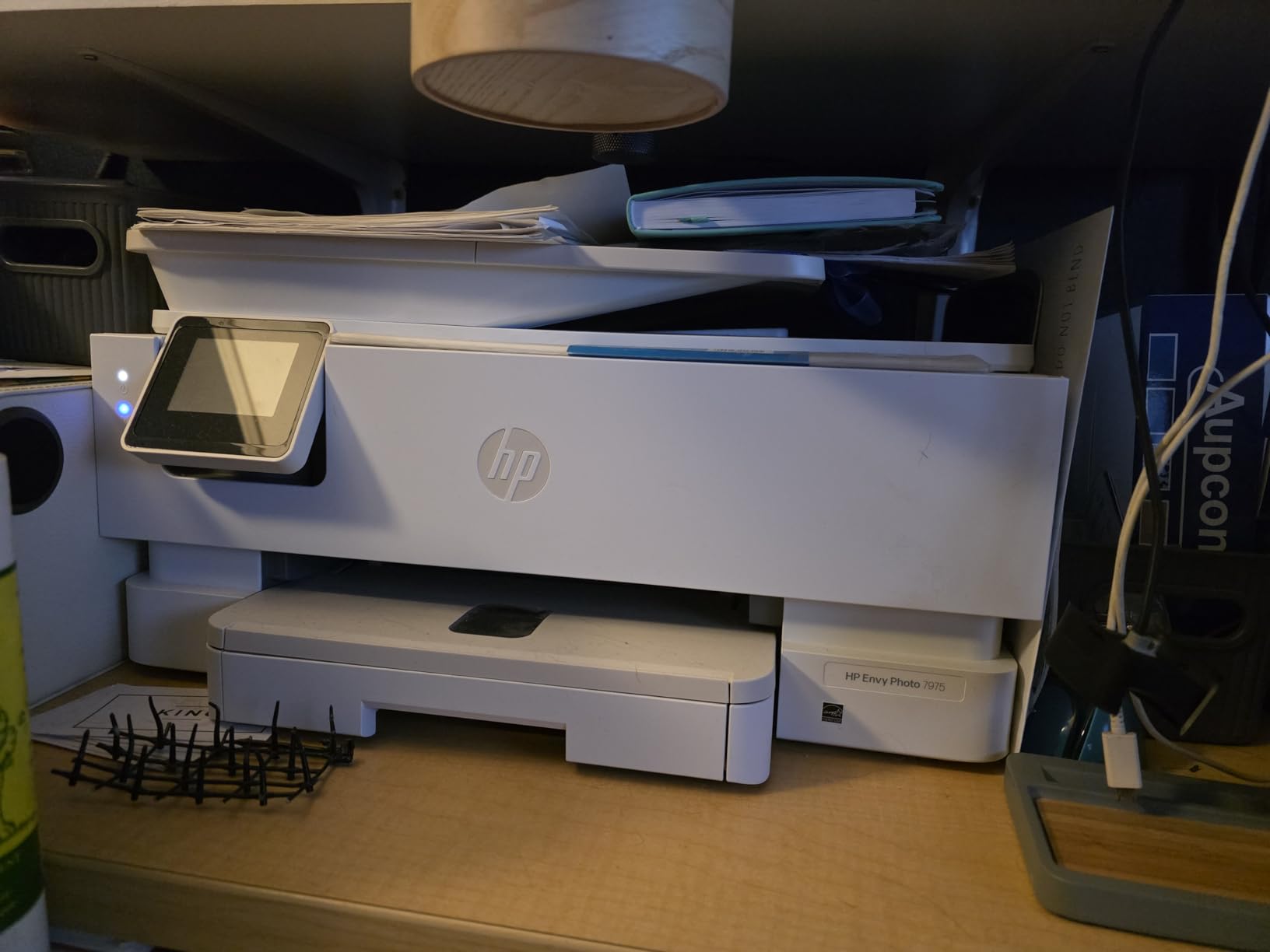
Photo output and scan workflows
The dedicated photo tray takes 8.5 by 5.5 inch paper separately from the main tray, so you can switch between documents and snapshots without reloading. Borderless photo printing is supported on that smaller size.
For scanning, the 35-sheet feeder handles paperwork hands-free and copies at up to 13 pages per minute in black. The 2.7-inch touchscreen covers the basics well, but starting a scan means reaching for the app on a computer.
Cartridge economics and connectivity
This is the running-cost question for this pick.
HP Instant Ink is included for three months. If you print fewer than roughly 50 pages a month, stay on cartridges and ignore the subscription. Above that, a tank model costs meaningfully less per page.
8. HP Smart Tank 5003 – Best for Cheap Ink on a Budget
HP Smart Tank 5003 Wireless All-in-One Ink Tank Printer, Scanner, Copier with up to 3 Years of Ink Included, Best-for-Home, Cartridge-Free Refillable, AI-Capable (9B2D3A)
Cartridge-free bottle refills
Up to 3 years or 6000 pages of ink included
Flatbed scanner only
Manual duplex
Pros
- Mess-free bottle refills with no squeezing
- Generous ink included out of the box
- Sharp text and rich color
- Compact and lightweight at 11.1 pounds
- Broad mobile printing support
Cons
- Manual duplex only
- No document feeder
- 10 ppm black and 5 ppm color is slow
- Modest 100-sheet tray
The Smart Tank 5003 exists to solve one problem: cheap ink without a complicated setup. HP puts up to three years or 6000 pages of ink in the box, and refilling means plugging in a bottle and letting it drain, with no squeezing and no spilling. Owners single that out as the feature that made the transition painless.
Despite the small review base of 226, the sentiment is consistent. Text is sharp, color is rich for a four-ink tank, and the build is compact and light at 11.1 pounds. Mobile printing support is broad, covering the HP app, AirPrint, Mopria and Print Anywhere, and the warranty runs one year or 30000 pages.
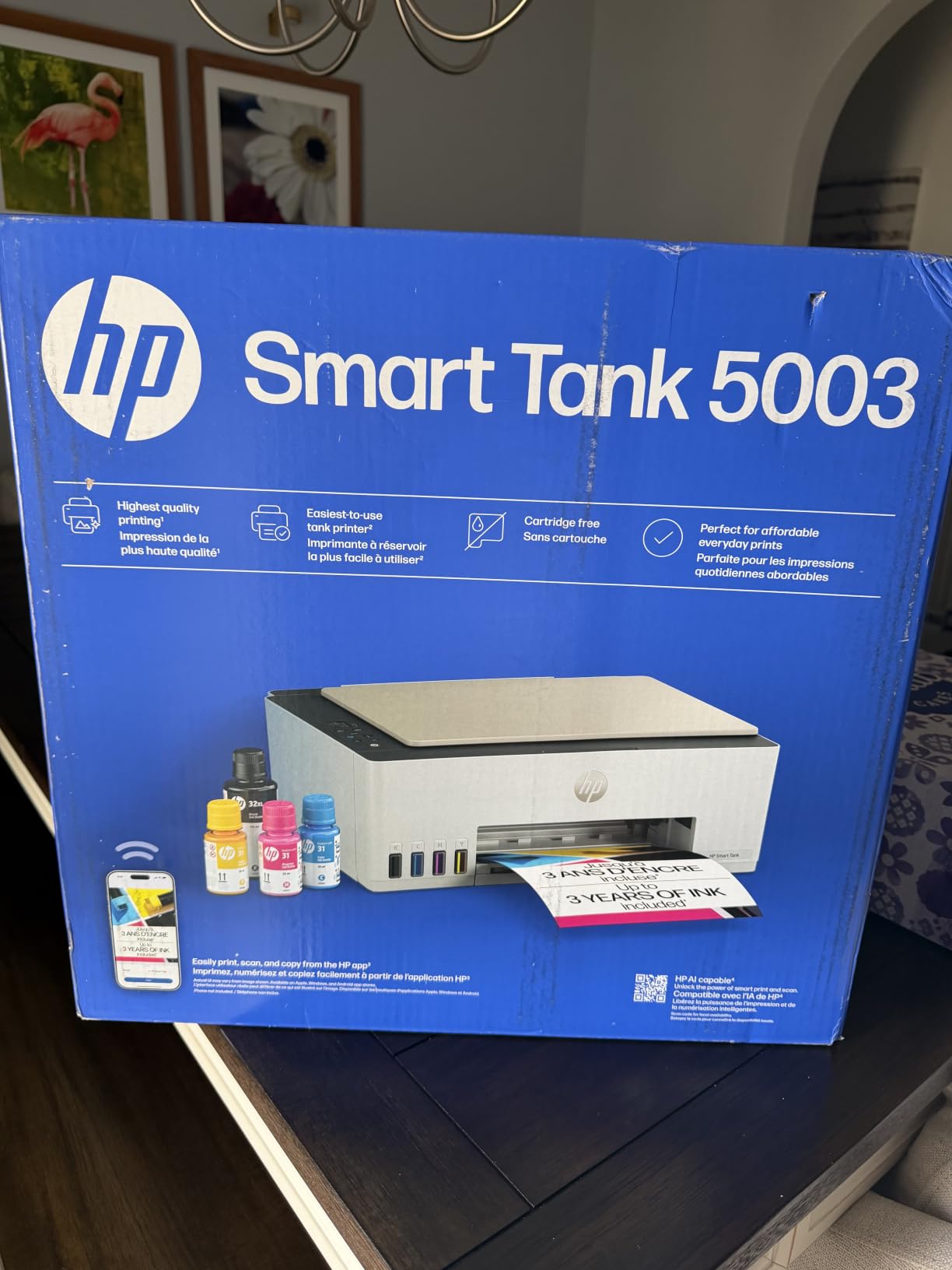
The compromises are all about paper handling. Duplex printing is manual, there is no automatic document feeder at all because the scanner is a flatbed only, and throughput drops to 10 pages per minute black and 5 pages per minute color with a 21 second first page. The single tray holds 100 sheets and accepts up to legal size.
That makes this a printer for a person who prints steadily, does not need two-sided output, and never scans a stack of paper. If you need a feeder, the Brother Work Smart 1410 is the opposite trade in this guide.
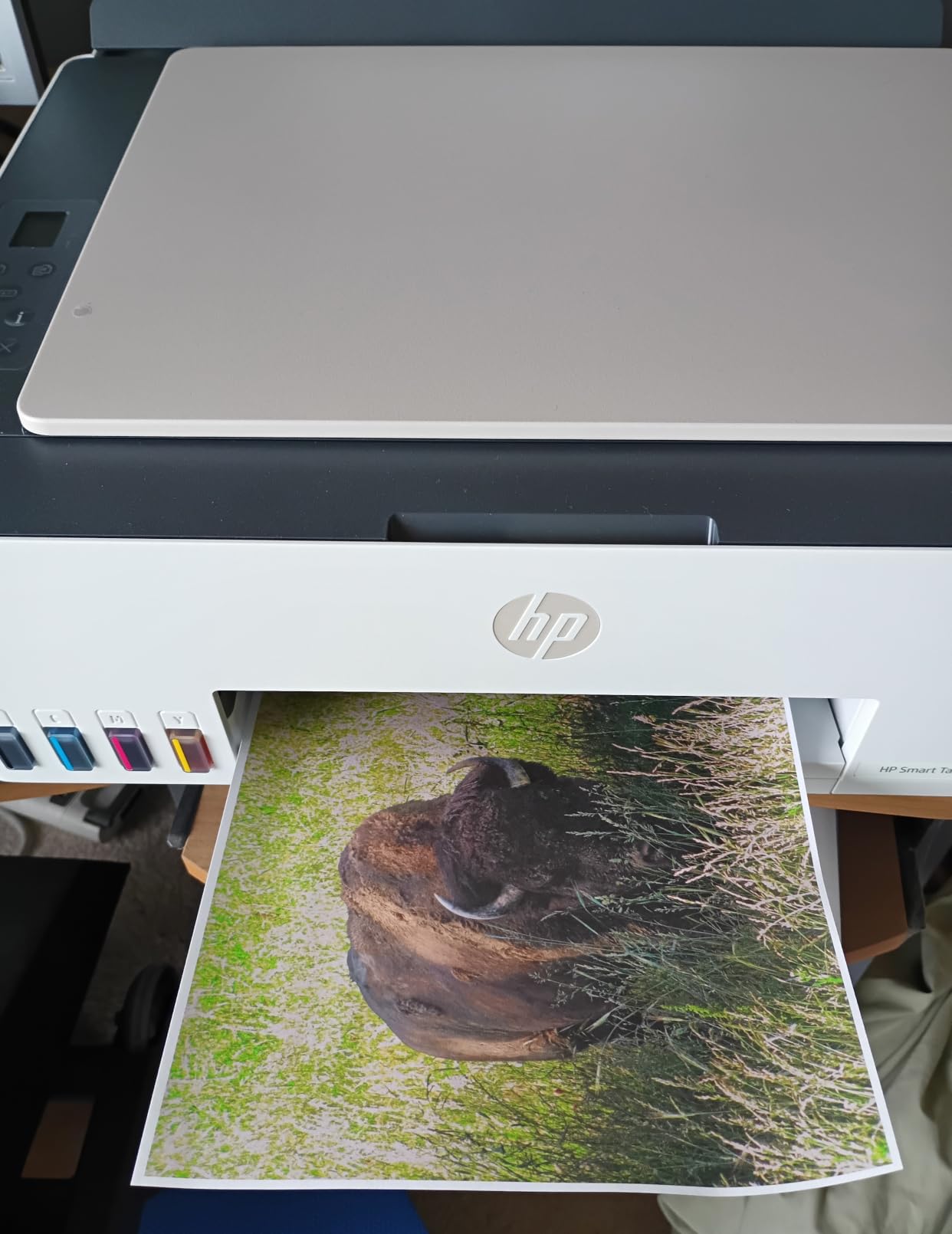
Ink system and mobile printing
The refill experience is the best part. Keyed bottles that cannot be mismatched, no cleanup afterwards, and enough ink to cover years of light printing means this printer is close to set-and-forget on the ink side.
Printing from a phone works through every major route, and the borderless support covers 4 x 6 photo paper as well as letter and legal. Copy and scan run at up to 10 pages per minute black with 99 copies per run.
Where manual duplex and no feeder bite
Two-sided documents are a manual flip every time, which is tedious the moment you print a multi-page report. There is no feeder, so scanning means lifting the lid each time.
At 10 and 5 pages per minute it is among the slower models here, and the 100-sheet tray means more frequent refilling. The included ink volume offsets that, and the warranty covers 30000 pages or a year, whichever comes first.
9. Brother Work Smart 1410 – Best for Fax and Cloud Printing
Brother Work Smart 1410 Wireless Color Inkjet All-in-One Printer with 2.7” Touchscreen and Automatic Duplex Printing | Includes Refresh Subscription Trial(1) (MFC-J1410DW)
Print, copy, scan and fax
20-sheet ADF with automatic duplex
2.7-inch color touchscreen
150-sheet paper tray
Pros
- Auto duplex and 20-sheet feeder at an accessible cost
- Cloud printing from the touchscreen
- Fast for the tier at 16 ppm black
- 150-sheet tray
- Brother Mobile Connect app
Cons
- Lowest star rating here at 3.9
- Cartridge-based LC501 ink costs more to run
- Brother recommends genuine ink only
- Mixed feedback on print and scan quality
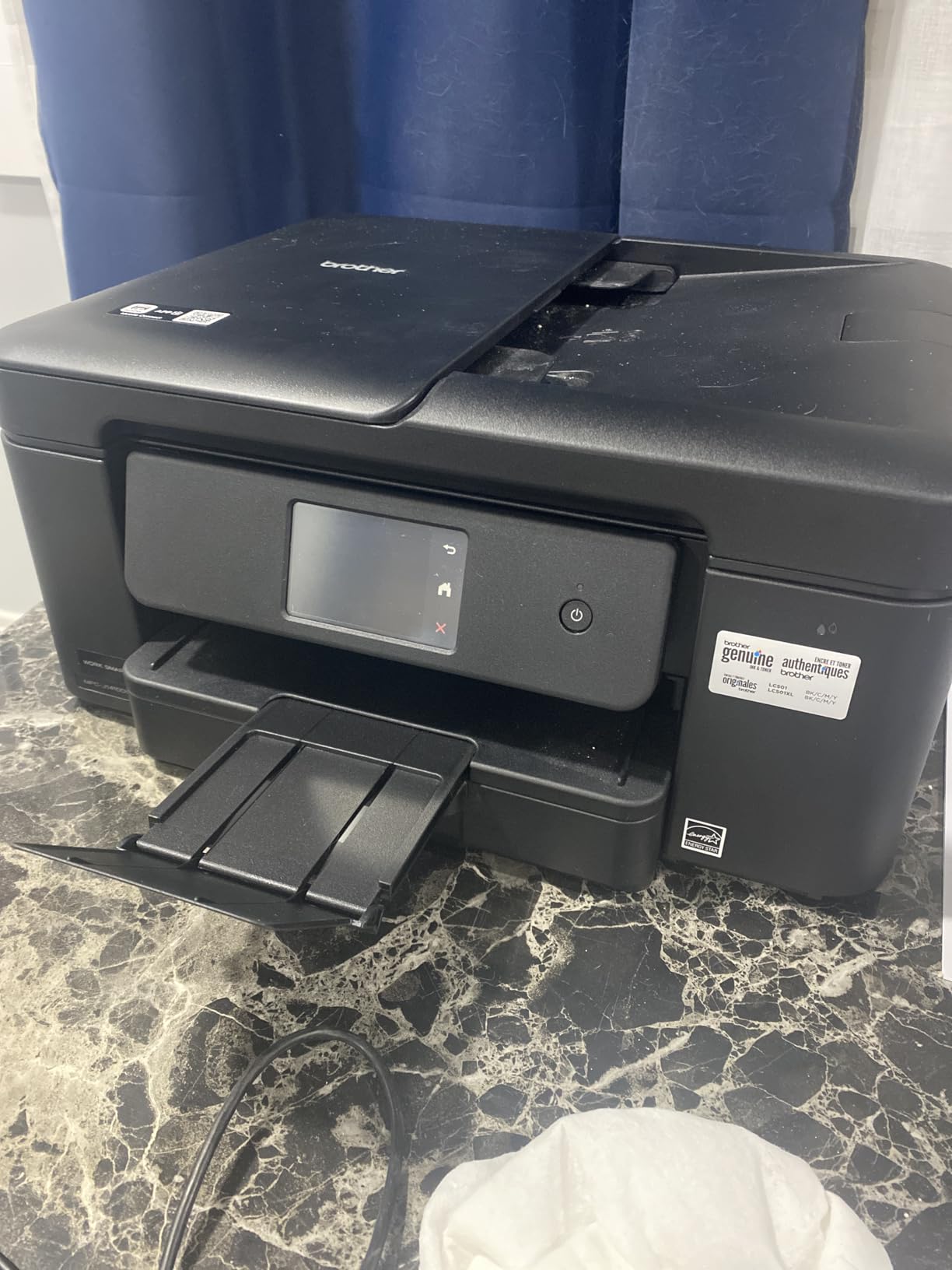
The Brother Work Smart 1410 is the only printer here with a fax, and in a home office that still sends signed paperwork it may be the deciding feature. It also copies, scans and prints with automatic duplex, a 20-sheet feeder, and a 150-sheet tray, which is the largest main tray in this group alongside no one else.
The 2.7-inch color touchscreen is a genuine advantage. It prints directly from Google Drive, Dropbox, Box and OneDrive without opening a computer, and the Brother Mobile Connect app handles mobile printing, scanning and ink monitoring. Speed is 16 pages per minute black and 9 pages per minute color, with a first page in about 6.2 seconds.
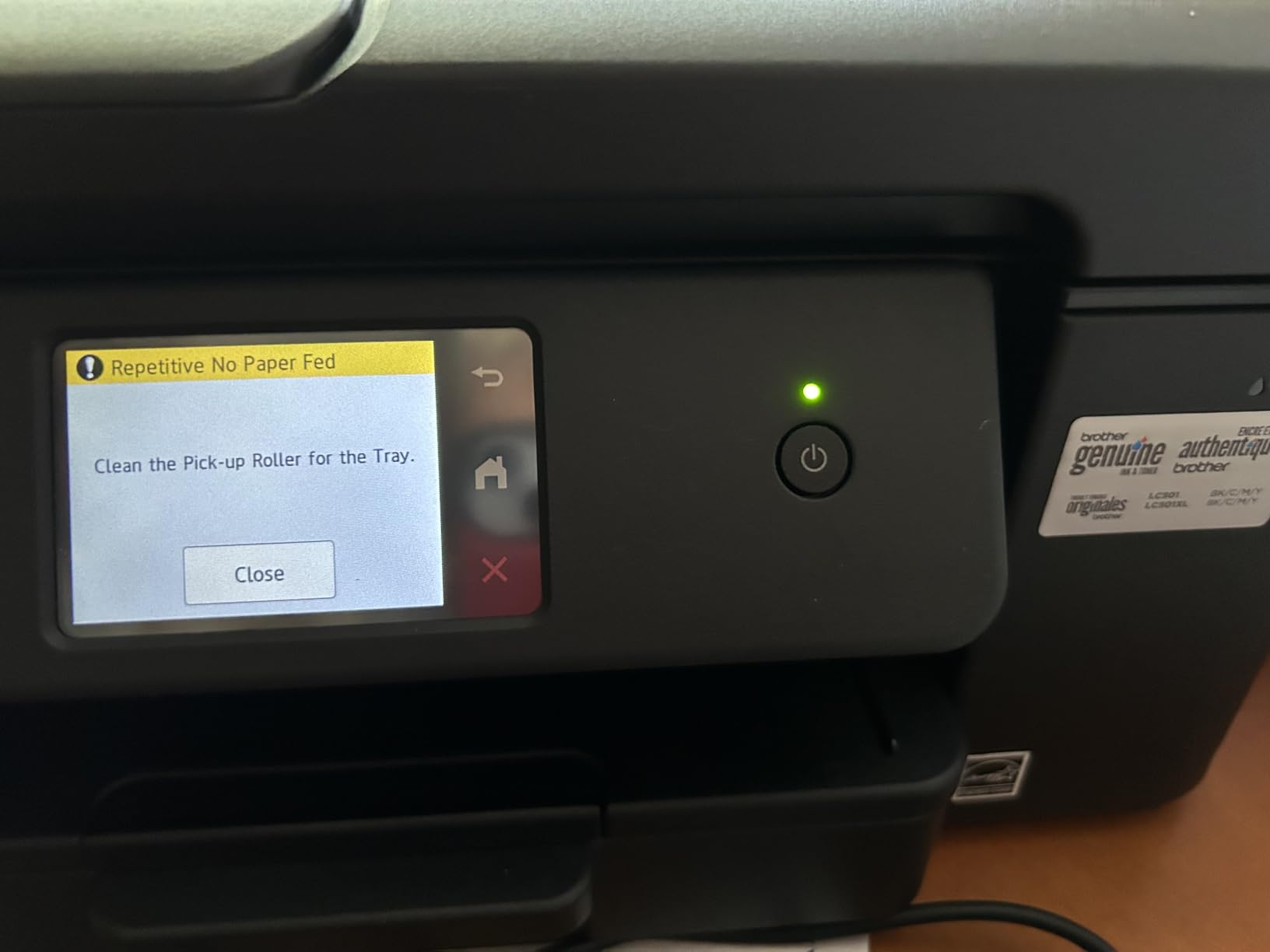
It also carries the lowest average rating of the ten, at 3.9 stars across 271 reviews, and the reasons are consistent. It uses Brother Genuine LC501 cartridges rather than a tank system, so running cost per page is high, and Brother is explicit that only genuine ink is recommended.
Feedback on print and scan quality is genuinely mixed. Some owners call output quality mediocre. There is no memory card or disc printing on this model, and if you print photos regularly the tri-color cartridge approach caps color depth. At 16.8 pounds and legal size support, it is also a solid footprint rather than a small one.
Office document handling
The 150-sheet tray, 20-sheet feeder and automatic duplex cover multipage reports, invoices and signed documents without constant refilling. Copy runs go up to 99 at a time, and copy speed is 11 pages per minute in black.
Maximum media size is 8.5 x 14 inches, so legal documents print without a second machine. The tradeoff for that capacity is cartridges rather than tanks, which is the wrong side of the ink math above roughly 400 pages a month.
Ink cost and mixed output feedback
Cost per page is the weakness. Brother Genuine LC501 cartridges are among the pricier consumables in this guide, and there is no tank or subscription alternative in the box to soften it.
Output quality feedback splits between owners who like it for documents and those who find it flat for photos. For a fax-and-scan office machine, that split does not matter much. For a photo printer, choose elsewhere.
10. HP Envy 6155 – Best for a Small Desk
HP Envy 6155 Wireless All-in-One Color Inkjet Printer, Print, Scan, Copy, Duplex Printing Best-for-Home, 3 Month Trial of Instant Ink Included, AI-Capable (C2WR7A) Portobello
Automatic duplex printing
2.4-inch color touchscreen
Dual-band Wi-Fi
100-sheet paper tray
Pros
- Auto duplex in a compact body
- One of the most intuitive touchscreens here
- Dual-band Wi-Fi with auto connection resolution
- 100-sheet tray
- Built with 60 percent or more recycled plastic
Cons
- Cartridge ink costs more per page than tanks
- Chip-locked cartridges block third-party ink
- No document feeder
- 10 ppm black and 7 ppm color is modest
The Envy 6155 is the smallest sensible all-in-one here, and at 11.2 pounds it is the model I would suggest for a dorm, a first apartment or a shared desk. It still gives you automatic duplex, dual-band Wi-Fi, a 100-sheet tray and a 2.4-inch color touchscreen, which is unusually good on an entry-level printer.
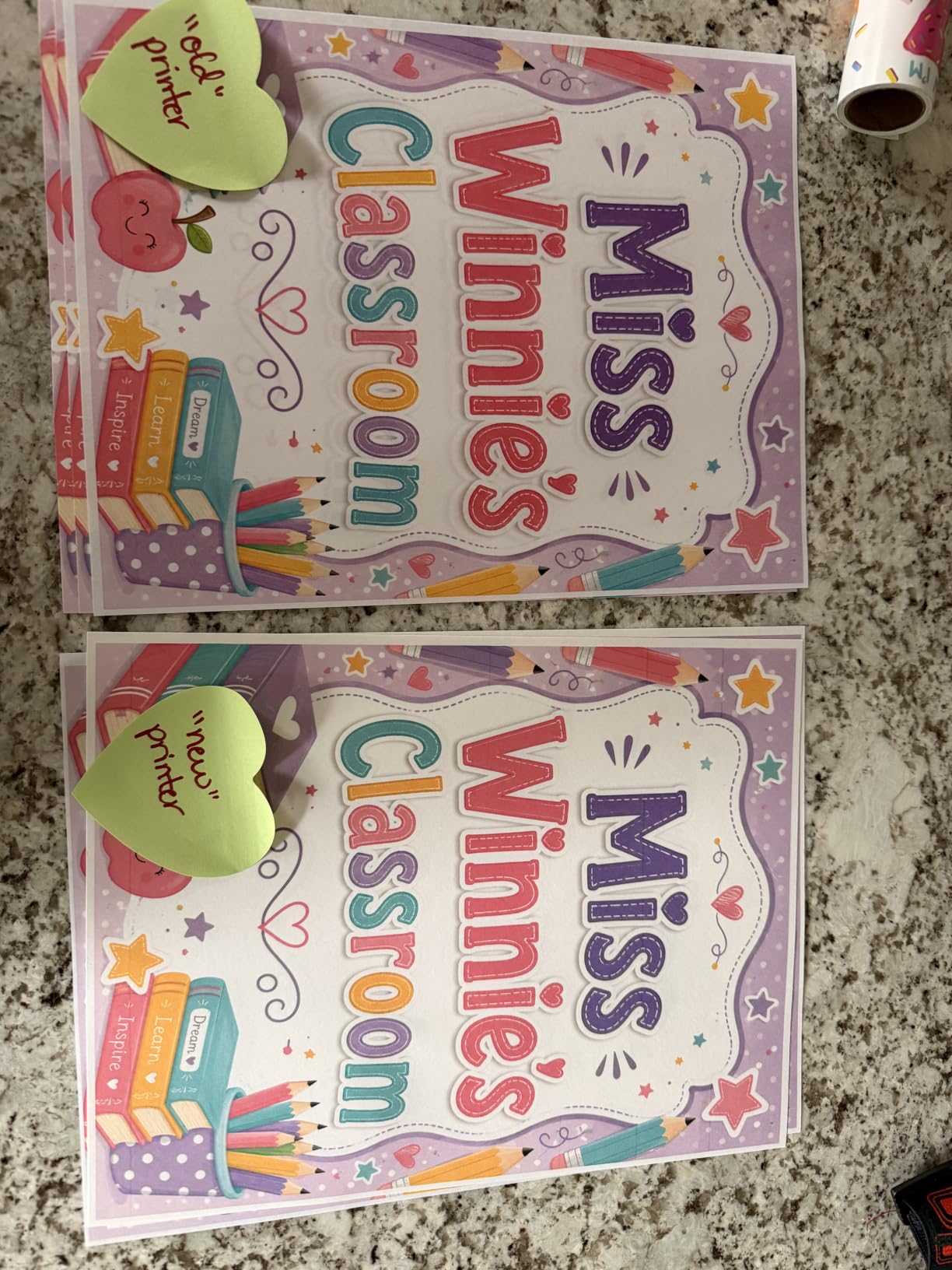
Its 4.2 star average across 351 reviews sits alongside the TS6520 as a strong rating on a smaller review base. Owners mention easy setup, a clean touchscreen experience, reliable wireless and automatic duplex at a budget level. HP P3 color produces vibrant output that matches what they saw on screen.
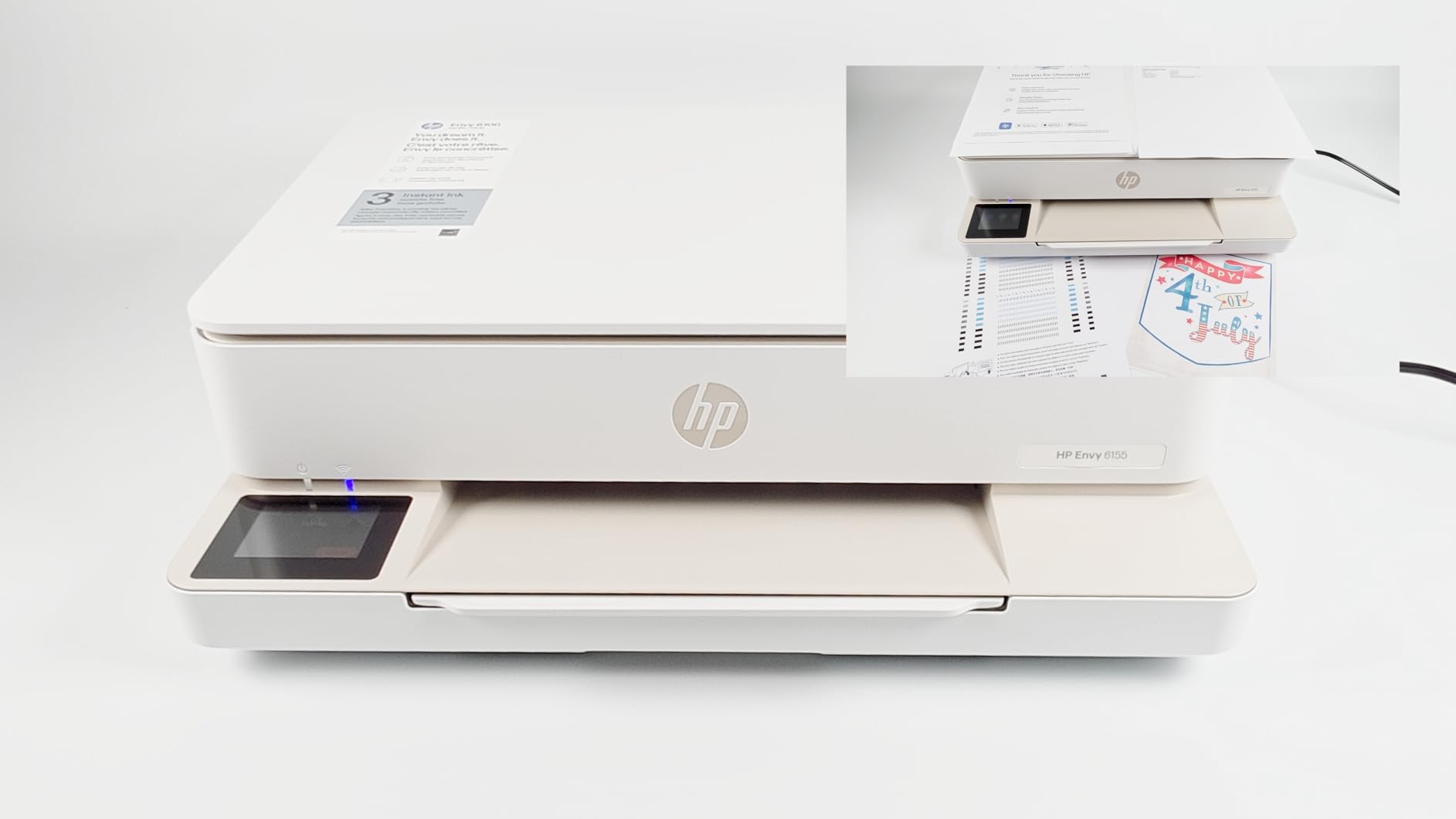
There is no automatic document feeder, which is the feature that limits it most. Scanning and copying are flatbed only, so a stack of receipts means one lid lift per page. Speed is a modest 10 pages per minute black and 7 pages per minute color, and maximum paper size is Letter.
The running cost is the other limitation. It is cartridge-based, so cost per page is higher than any tank model on this list, and the cartridges are chip-locked, which means non-HP third-party cartridges will not work. That restriction is worth knowing before you buy.
Small-space setup and controls
At 17.05 by 5.35 by 14.21 inches it tucks into a corner, and dual-band Wi-Fi with automatic connection resolution removes the most common first-day complaint: the printer that will not find the network. Touch controls cover ink and paper without digging through menus.
Paper handling is a single 100-sheet tray with no second feed and no rear manual slot, so switching paper types means emptying the tray.
Running cost and chip-locked ink
If you print under 100 pages a month, the cartridge cost is manageable and this printer is a good fit. Above that, the math turns against it quickly and a refillable tank model becomes the cheaper purchase over three years.
Chip-locked cartridges mean you are locked into HP ink, at a higher price per page than a bottle-based system. The 60 percent or more recycled plastic content is a genuine plus, and the three-month Instant Ink trial is worth trying if you print photos.
How to Choose an Inkjet Printer in 2026
Inkjet or laser: the honest rule
Printers below roughly 200 pages a month are cheaper to buy as an inkjet and perfectly serviceable. Above several hundred pages a month, laser wins on cost per page because toner does not dry in the nozzle. If your printing is documents and forms and you are printing a lot of them, a monochrome laser is the honest answer, not an inkjet.
Inkjets win where laser loses: color photos, wide-format paper, unusual media and mixed home use. If you print even a few photos a year, an inkjet is the only category that handles it without a separate machine. Our photo printer guide covers the dedicated photo side if photos are your main job.
Cartridge or refillable tank: run the ink math
Refillable tank systems, whether Epson EcoTank, Canon MegaTank or HP Smart Tank, cost more to buy up front and far less to run. Cartridge models cost less to buy and far more to run. That is the entire trade, and the break-even point is the only number that matters.
As a rough guide, a cartridge printer running above 300 to 400 pages a month will cost more over three years than a comparable tank printer costs up front. Below that, cartridges are defensible. The Epson ET-2800 and Canon MegaTank G3270 are the two picks that make the tank case strongest.
All-in-one or print-only
An all-in-one adds a flatbed scanner and usually a copier. You need one if you scan receipts, sign documents, copy a page or file paper. You do not need one if you only print, and print-only models are simpler and cheaper to run.
A document feeder tips the balance further. Flatbed-only models like the Canon MegaTank G3270, HP Smart Tank 5003 and HP Envy 6155 make you lift the lid for every page, which is fine for occasional use and miserable for a stack.
Duplex, ADF and monthly page volume
Automatic duplex is the single feature people most regret missing. Four of the ten printers here have it; the ET-2800, MegaTank G3270, Smart Tank 5003 and, in part, the manual-duplex models do not. Check this before anything else.
Then match the machine to your volume. Under 100 pages a month, any of these works. Between 100 and 400, prioritize tanks and duplex. Above 400, prioritize a large tray, a feeder and tank ink. Above 1000 pages a month, you are looking at laser territory, and no inkjet here is the right answer.
Photo, wide-format and paper handling
Two ink tanks give acceptable color for school projects and nothing more. Four inks handle snapshots well. Six inks, as on the Epson EcoTank Photo ET-8550, produce gradients that hold up framed on a wall, and that unit is the only one here that takes 13 x 19 paper.
Check maximum media size before you buy. Letter is the limit for most models here, legal covers 8.5 x 14, and only the ET-8550 handles true wide-format sheets. Dual trays and a rear feed matter more than raw tray size once you start mixing paper types.
Connectivity and mobile printing
All ten support Wi-Fi printing from a phone through AirPrint, Mopria or a vendor app, so mobile printing is no longer a differentiator. Dual-band Wi-Fi on 2.4GHz and 5GHz, found on the TS4320 and Envy 6155, is a genuine reliability advantage in a crowded home network.
Wi-Fi Direct lets you print with no router at all, which the Epson XP-7100 supports. Ethernet is rarer, and only the XP-7100 has it. A touchscreen matters more than most people expect: it is the difference between adjusting settings on the printer and hunting for them in an app.
Ink Math: What a Page Really Costs You
The break-even page count
Cost per page is the only number that separates these ten printers. Take a cartridge model as the baseline. Small standard cartridges work out at a high multiple of a penny per page, and the Epson XP-7100 and HP Envy 6155 sit at that expensive end because they use small cartridges or chip-locked ones.
Tank models are different. Epson rates 4 x 6 inch prints from the ET-8550 at about 4 cents each against roughly 40 cents with traditional cartridges, and the ET-2800 carries up to 4500 black and 7500 color pages per bottle set. Even allowing for the higher purchase price, a tank printer reaches break-even somewhere in the first few hundred pages and pulls ahead after that.
Reading cost-per-page claims
Manufacturers quote two different figures, and the difference matters. The yield figure such as 4500 pages per ink set assumes ISO page coverage, often at a fraction of full coverage. Color pages are measured separately because they use far more ink than black pages.
Always ask which number is which. A printer quoted at 4 cents per color page and 1 cent per black page is a completely different machine from one quoted at 4 cents per page across the board. Use black and color figures separately in your own math.
When a subscription makes sense
Subscription programs bundle ink by page. They win when you print a predictable high volume every month, because the per-page rate is fixed and delivery is automatic. They lose when you print irregularly, because unused pages do not roll over in most programs.
Several picks here include a trial: the Envy Photo 7975 and Envy 6155 each include three months, and the Brother Work Smart 1410 includes a Refresh subscription trial. Run a trial to test your real volume, then do the math. If you are below roughly 50 pages a month, buy ink as you need it instead.
Inkjet Maintenance and Reliability
Why inkjets clog and how to avoid it
Inkjets spray liquid ink through microscopic nozzles, and ink left to dry in that nozzle blocks it. That is the single most common fault, and it is what produces streaks, banding or missing lines in your output. It is not a manufacturing defect, and it is almost always avoidable.
The fix is regular use. A printer used every few weeks stays healthy; a printer left idle over a winter holiday frequently needs a cleaning cycle on first use. Modern anti-clog printheads help, but they do not replace actually using the machine.
Keeping tanks topped up
Tank printers have a second failure mode. Running a tank below its minimum line lets air into the feed tube, and you get weak, streaky output until the tube clears. Top up before a long break rather than after one, and refill with the same ink the machine was designed for.
Spills and staining are the setup friction buyers mention. The good news is that ports on these machines are keyed so a bottle cannot be forced into the wrong tank, which removes the most common cause of a stained desk.
Printhead longevity
On cartridge printers the printhead is part of the machine, so dried ink can mean a service visit or a new printer. On tank printers the head is built to last and is protected by a much larger ink supply, which is one reason tank models tend to age better.
Owners of the ET-8550 and ET-2800 do report occasional clogged heads that need repeated deep cleans, so no inkjet is maintenance-free. What differs is recovery: a tank printer usually clears itself after a couple of cleaning cycles, and the ink it flushes is cheap.
Frequently Asked Questions
Which inkjet printer brand is best?
There is no single winner, because the brands are strongest in different places. Epson builds the deepest refillable tank range and the best wide-format photo option, with the six-color EcoTank Photo ET-8550 as the standout. Canon offers the widest spread of affordable tank and cartridge all-in-ones, and the MegaTank G3270 and PIXMA TS6520 cover most home needs. Brother is the choice when you need a fax, a document feeder and cloud printing in one body. HP leans toward cartridge convenience and simple app-driven setup.
What printer has the least problems?
Refillable tank printers from Epson and Canon report the fewest long-term complaints, mainly because cheap ink means owners are not rationing usage and the machine gets used often enough to keep nozzles clear. Tank printers still need regular use, and leaving one idle for months is the fastest route to a clogged head. Among the models here, the Canon MegaTank G3270 and Epson EcoTank ET-2800 have large owner bases with consistent feedback on reliability.
What is the most recommended printer for home use?
The Epson EcoTank ET-2800 is the model we recommend most often for home use. It is a refillable tank all-in-one, it prints 10 pages per minute black and 5 color, it scans on a flatbed, and its bottle yields keep the cost per page low. If automatic duplex is a requirement, the Canon PIXMA TS6520 is the alternative, since it adds two-sided printing and a rear OLED display at 4.2 stars.
What are the best inkjet printers for home use?
For most homes the Epson EcoTank ET-2800 is the best all-round choice, with cheap tank ink and strong photo output. The Canon PIXMA TS6520 adds automatic duplex and a 4.2 star rating for those who need two-sided documents. The Canon PIXMA TS4320 is the budget route into duplex plus refillable tanks, and the Epson Expression Premium XP-7100 suits a home office that needs a 30-sheet feeder and a large touchscreen. For photos, the Epson EcoTank Photo ET-8550 handles wide-format output.
How much does it really cost to print on an inkjet printer?
It depends entirely on the ink system, not the printer. Cartridge models using small standard cartridges can cost many times a penny per color page over three years, which is why the HP Envy 6155 and Epson XP-7100 are expensive to run. Refillable tank printers cut that sharply. Epson rates 4 x 6 inch prints from the ET-8550 at about 4 cents against roughly 40 cents with traditional cartridges, and the ET-2800 bottle set yields up to 4500 black pages. Above roughly 300 to 400 pages a month, tank ink is clearly cheaper.
The Best Inkjet Printer Verdict for 2026
The Epson EcoTank ET-2800 is the best inkjet printer for most people in 2026, because refillable bottle ink at those yields makes it the cheapest long-term option in this guide while still producing genuinely good photos and documents. If you need automatic duplex, take the Canon PIXMA TS6520 at 4.2 stars, or the Canon PIXMA TS4320 if you want the same feature set for less. For black-and-white volume, the Canon MegaTank G3270 runs for years on the ink in the box.
Match the machine to your volume rather than to the spec sheet. Under 100 pages a month, any of these works. Over 400, prioritize refillable tanks. If your output is labels and receipts rather than documents, check our thermal receipt printer guide first, and our 3D printer picks if the real project is a maker build. Use the buttons on each review to check the current configuration, and buy the one whose ink system matches how much you actually print.