
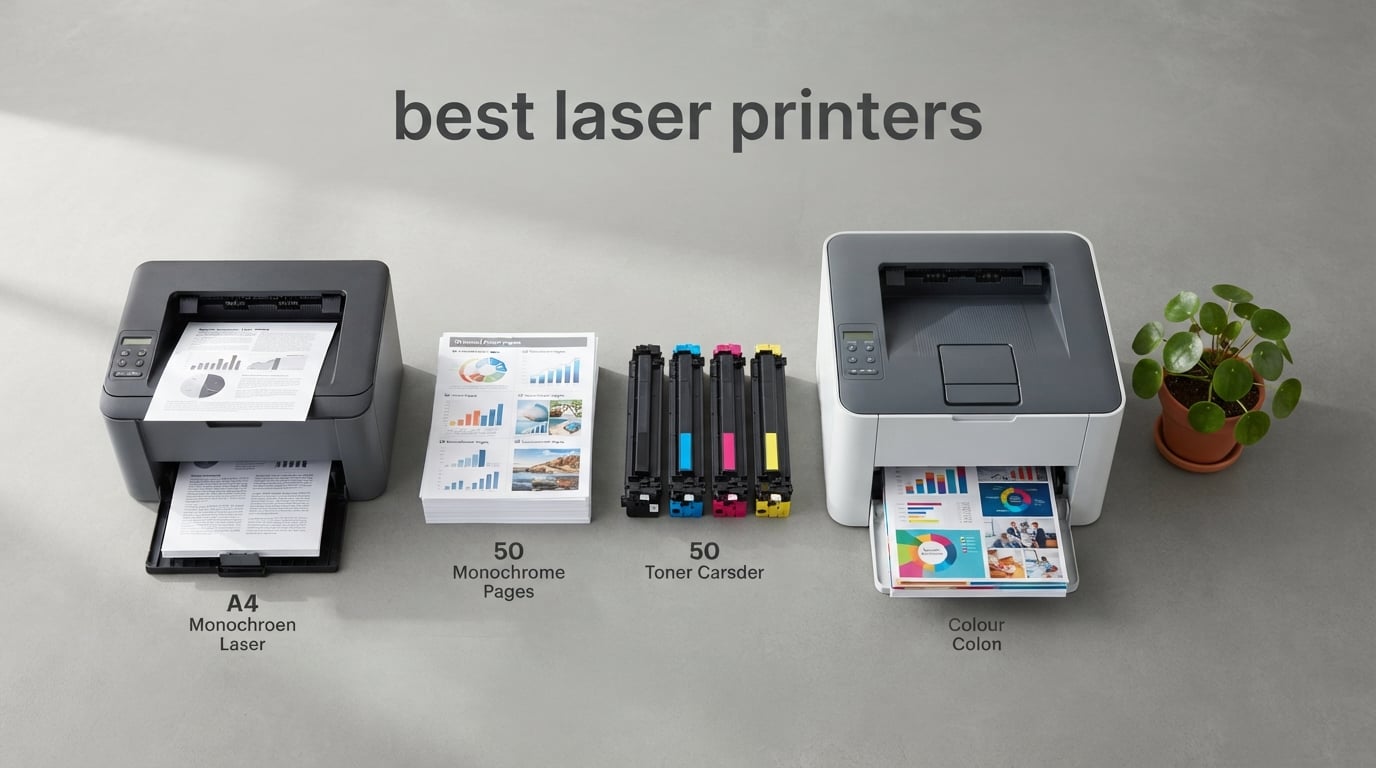
Laser printing changed how offices handle paper, and the machines on this list are the ones worth owning right now. If you are shopping for the best laser printers in 2026, the short version is this: a laser uses powdered toner fused onto the page with heat, so text comes out crisp, resists smudging, and costs a predictable fraction of a cent per sheet compared with inkjet ink. That single fact drives almost every recommendation below.
We spent weeks reading owner reviews, comparing paper handling, checking cartridge ecosystems and weighing the things spec sheets leave out, like whether a scanner also feeds both sides in one pass. Every pick here is a real shipping model you can buy today, not a theoretical one. Two of them are all-in-one machines that also scan and copy, and the rest are built for people who print a lot of text and never need colour.
A note before we start. If the word laser sent you here for a different reason, we have covered those tools separately in our guides to the best laser engravers and the best laser cutters. If you are after measuring tools instead, start with the best laser measures and the best laser rangefinders. What follows is strictly about printing paper.
Table of Contents
Top 3 Picks for the Best Laser Printers in 2026
Our three headline picks cover the three ways people actually buy a laser printer. The Brother DCP-L2640DW is the one we recommend to most buyers: it prints, copies and scans, runs at 36 ppm, and holds a 250-sheet tray in a frame small enough for a home office. The Brother MFC-L3720CDW is the colour answer, with a 3.5-inch touchscreen, cloud shortcuts and full print scan copy fax. The Canon imageCLASS LBP6030w is the low-commitment option for anyone who prints a few pages a week and wants to stop worrying about ink drying up in the tank.


Brother MFC-L3720CDW
- Colour laser 4-in-1
- 3.5-inch colour touchscreen
- 19 ppm colour and mono
- 250-sheet tray

Canon imageCLASS LBP6030w
- 19 ppm monochrome
- Wireless printing
- 150-sheet tray
- Compact 11 pound body
Best Laser Printers at a Glance in 2026
All ten models, side by side. The features column is drawn from the manufacturer specifications and the owner feedback we analysed, and every machine listed here is an active model rather than a discontinued one.
| Product | Specifications | Action |
|---|---|---|
| Brother DCP-L2640DW |
|
Check Latest Price |
| Brother MFC-L3720CDW |
|
Check Latest Price |
| Canon imageCLASS LBP6030w |
|
Check Latest Price |
 HP LaserJet Pro 3001dw HP LaserJet Pro 3001dw |
|
Check Latest Price |
 HP LaserJet Pro MFP 3101sdw HP LaserJet Pro MFP 3101sdw |
|
Check Latest Price |
 Brother HL-L2460DW Brother HL-L2460DW |
|
Check Latest Price |
 HP LaserJet MFP M140w HP LaserJet MFP M140w |
|
Check Latest Price |
 Canon imageCLASS MF273dw Canon imageCLASS MF273dw |
|
Check Latest Price |
 Canon imageCLASS MF753Cdw II Canon imageCLASS MF753Cdw II |
|
Check Latest Price |
 Xerox C235dni Xerox C235dni |
|
Check Latest Price |
1. Brother DCP-L2640DW – Best All-Round Monochrome 3-in-1
Brother DCP-L2640DW Wireless Compact Monochrome Multi-Function Printer, Copy, Scan, Duplex, Mobile Printing
36 ppm black and white
Print, copy and scan
50-page document feeder
250-sheet paper tray
Pros
- Prints copies and scans in one compact body
- 36 ppm output with 23.6 ipm scanning
- Dual-band 2.4GHz and 5GHz wireless plus Ethernet and USB
- 50-page automatic document feeder
- Brother Mobile Connect app for remote printing and toner ordering
Cons
- Monochrome only with no colour capability
- Single 250-sheet input tray for higher volumes
- Basic LCD rather than a touchscreen
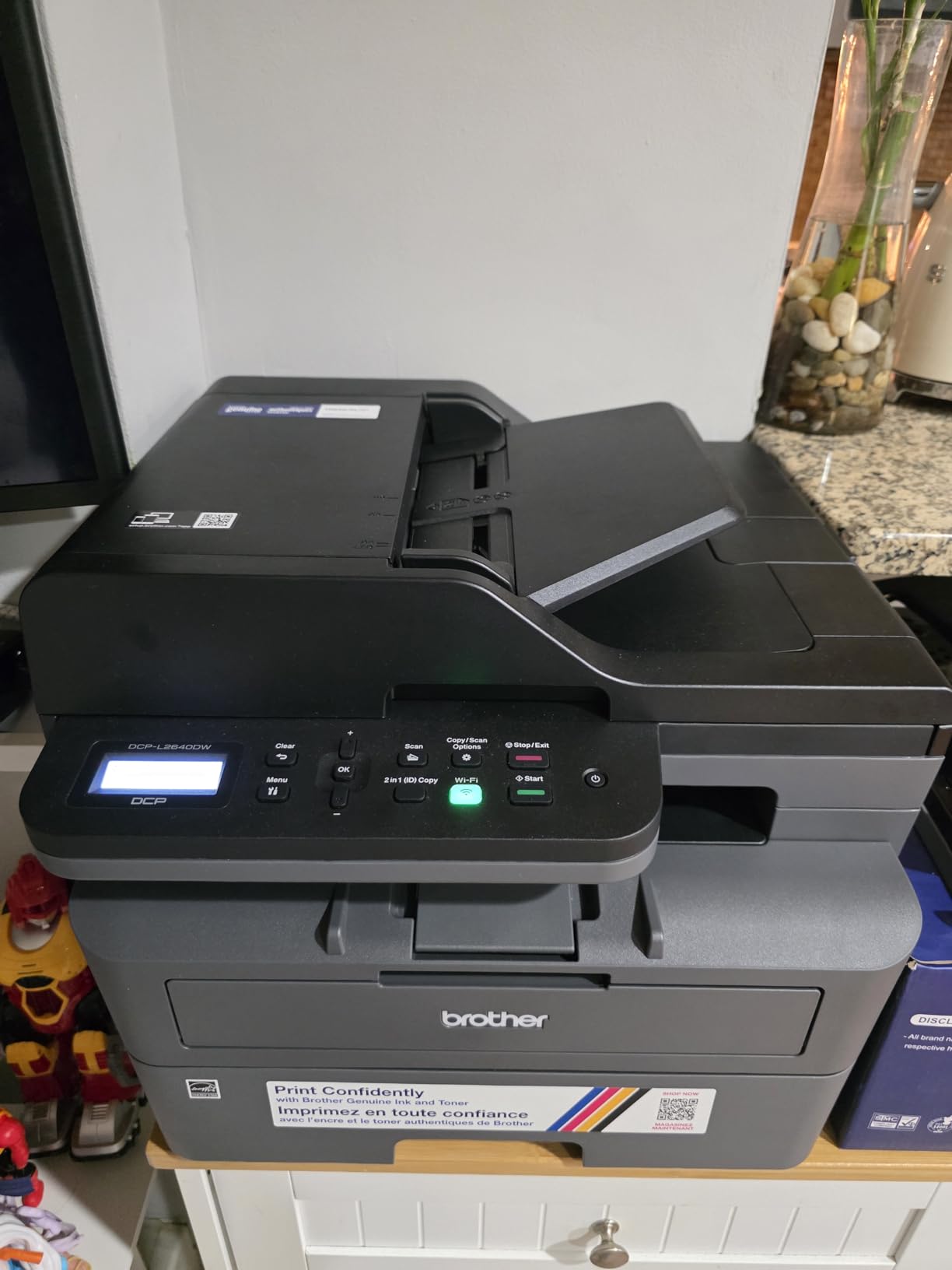
This is the printer we keep coming back to, and the reason is boring in the best possible way. It does the three things a home office or a two to five person team actually needs, and it does them without drama. Print speed is 36 pages per minute in black and white with a first page out in 8.5 seconds, scanning runs at up to 23.6 ipm, and the 50-page automatic document feeder handles a stack of contracts without you standing there turning pages.
At 25 pounds and 15.7 by 16.1 by 12.5 inches it is a genuinely compact unit, and it currently sits at number one in the laser printer category ranking, which tells you how many people have made the same choice. Copy output tops out at 600 by 600 dpi while the printer itself resolves at 1200 by 1200 dpi, which is normal and fine for text work. Paper handling runs to a 250-sheet input tray and a 120-sheet output tray, with legal size up to 8.5 by 14 inches supported.
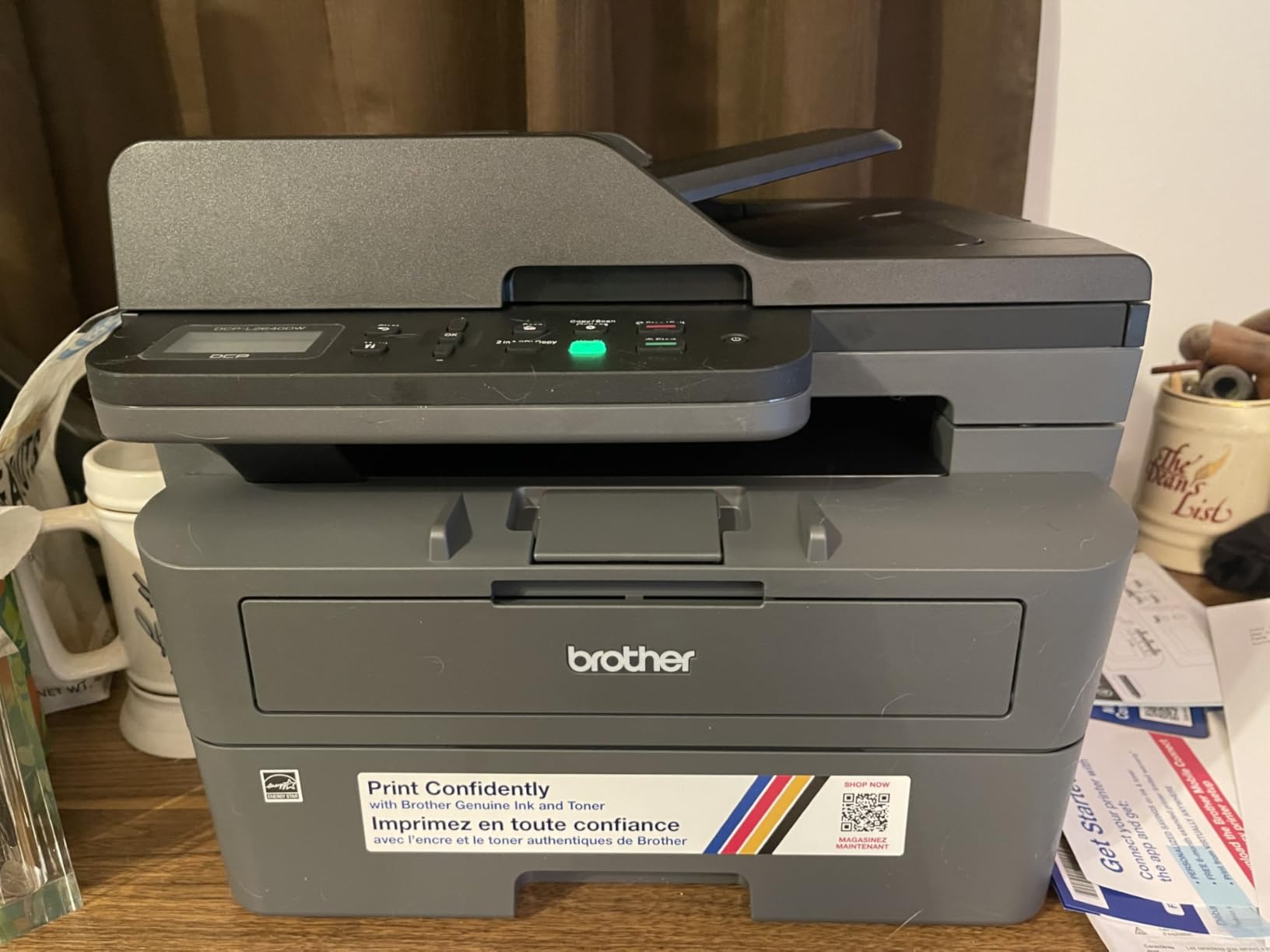
Connectivity is where this machine quietly wins over its price tier. You get dual-band wireless on both 2.4GHz and 5GHz, plus Ethernet and USB, so it will hold a connection on a crowded office network where single-band machines drop off. The Brother Mobile Connect app covers remote printing, scanning and toner ordering, and the printer takes Brother Genuine TN830 or TN830XL cartridges. A one year limited warranty and ENERGY STAR plus EPEAT qualification round out a package that reviewers consistently describe as well balanced.
The rating sits at 4.1 stars from 3,850 reviews, with 69 percent of those ratings at five stars. The 13 percent of one-star reviews cluster around toner supply and initial setup rather than hardware failure, which is worth knowing before you commit. Monthly volume sits comfortably in the range this chassis is built for, and the drum unit is included in the box alongside the starter toner.
Who should buy the DCP-L2640DW
A home office that invoices clients, prints contracts and occasionally scans receipts. It suits a small team that wants one box instead of a separate scanner and copier, and it suits parents printing school worksheets at volume without touching an inkjet.
It is also the right call for anyone nervous about infrequent printing. Toner sits in a cartridge as a powder and does not dry out or clog the way liquid ink does in a nozzle, so a machine that sits unused for a month still prints cleanly the first time you press the button.
Who should skip the DCP-L2640DW
Anyone who needs colour, flyers or anything with graphics. This is a monochrome machine and there is no colour path through it at all. If brochures and marketing collateral are part of your week, look at the colour picks further down instead.
Also skip it if you routinely run more than a ream at a stretch and refill constantly. One 250-sheet tray means you will be loading paper mid-job, and adding a second source is not possible on this chassis. High-volume shops should look at the 40 ppm models with 250-sheet output trays.
2. Brother MFC-L3720CDW – Best Colour All-in-One With a Touchscreen
Brother MFC-L3720CDW Wireless Color Laser Printer, Scanner, Copier, Fax, Auto Duplex, 250-Sheet Capacity
Colour laser print scan copy fax
3.5 inch colour touchscreen
19 ppm in colour and mono
250-sheet tray
Pros
- Full colour all-in-one with fax and automatic duplex
- 3.5-inch colour touchscreen with 48 shortcuts
- Direct cloud access to Google Drive Dropbox and OneNote
- Dual-band wireless plus Wi-Fi Direct and USB
- 50-sheet ADF and 250-sheet adjustable tray
Cons
- 19 ppm is the slowest speed in this group
- Heavy at 44 pounds with only one paper tray
- Output tray holds 150 sheets
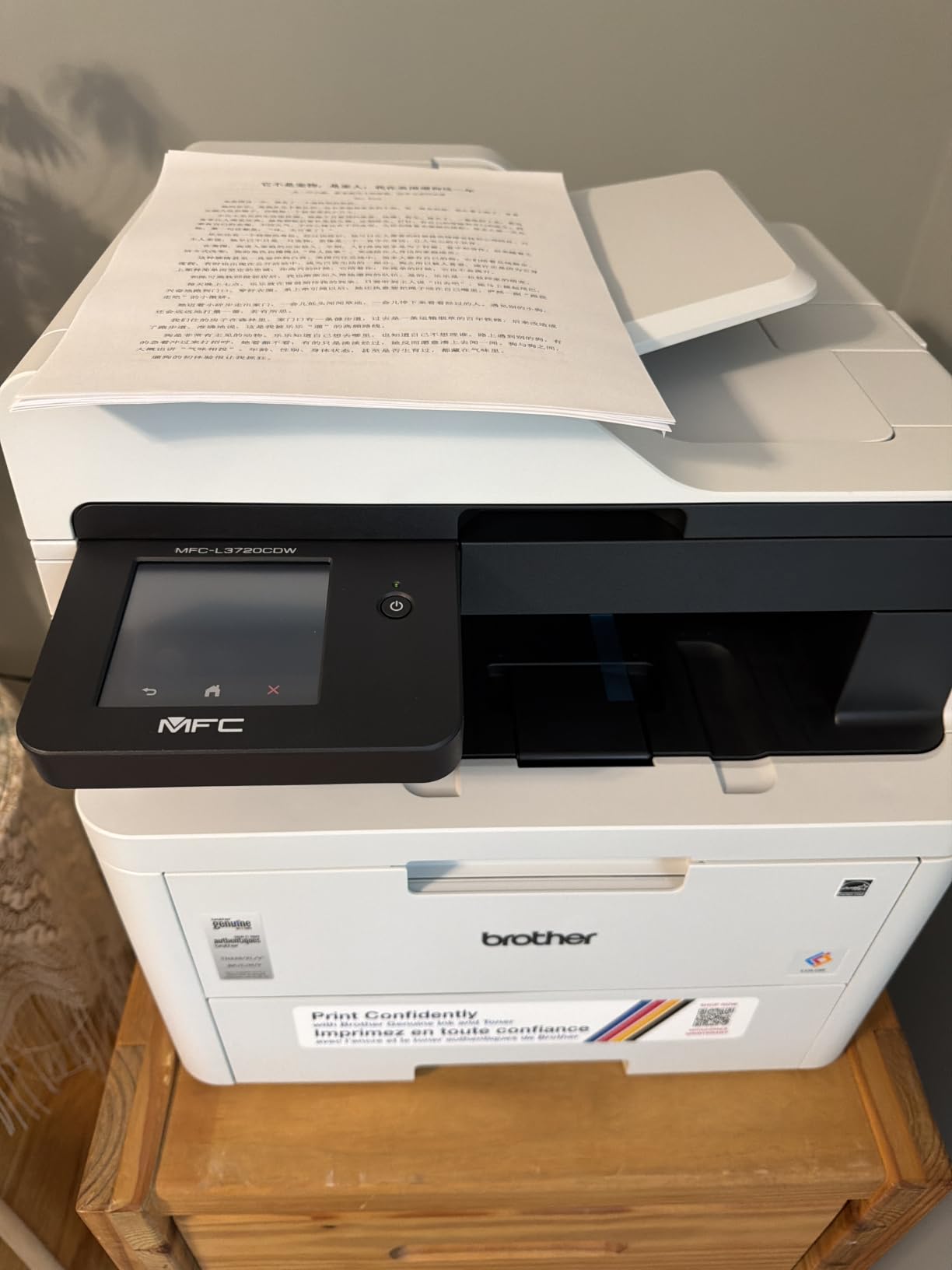
If you need colour and you also want to scan, copy and fax from one machine, this is the pick. The 3.5-inch colour touchscreen is the standout feature, and the 48 customisable shortcuts on it are not decoration: most owners build a one-tap row for scan-to-email, scan-to-fax and their cloud destinations, which removes the app-hop that slows down every other colour laser we looked at.
Speed is 19 pages per minute in both colour and black and white, with first page out in under 15 seconds, and resolution runs to 2400 by 600 dpi. Copies come out at 600 by 600 dpi. Automatic duplex printing is standard, and the 50-page automatic document feeder handles multi-page originals. Dual-band wireless at 2.4GHz and 5GHz plus Wi-Fi Direct and USB 2.0 gives you the most flexible radio options of any colour unit here.
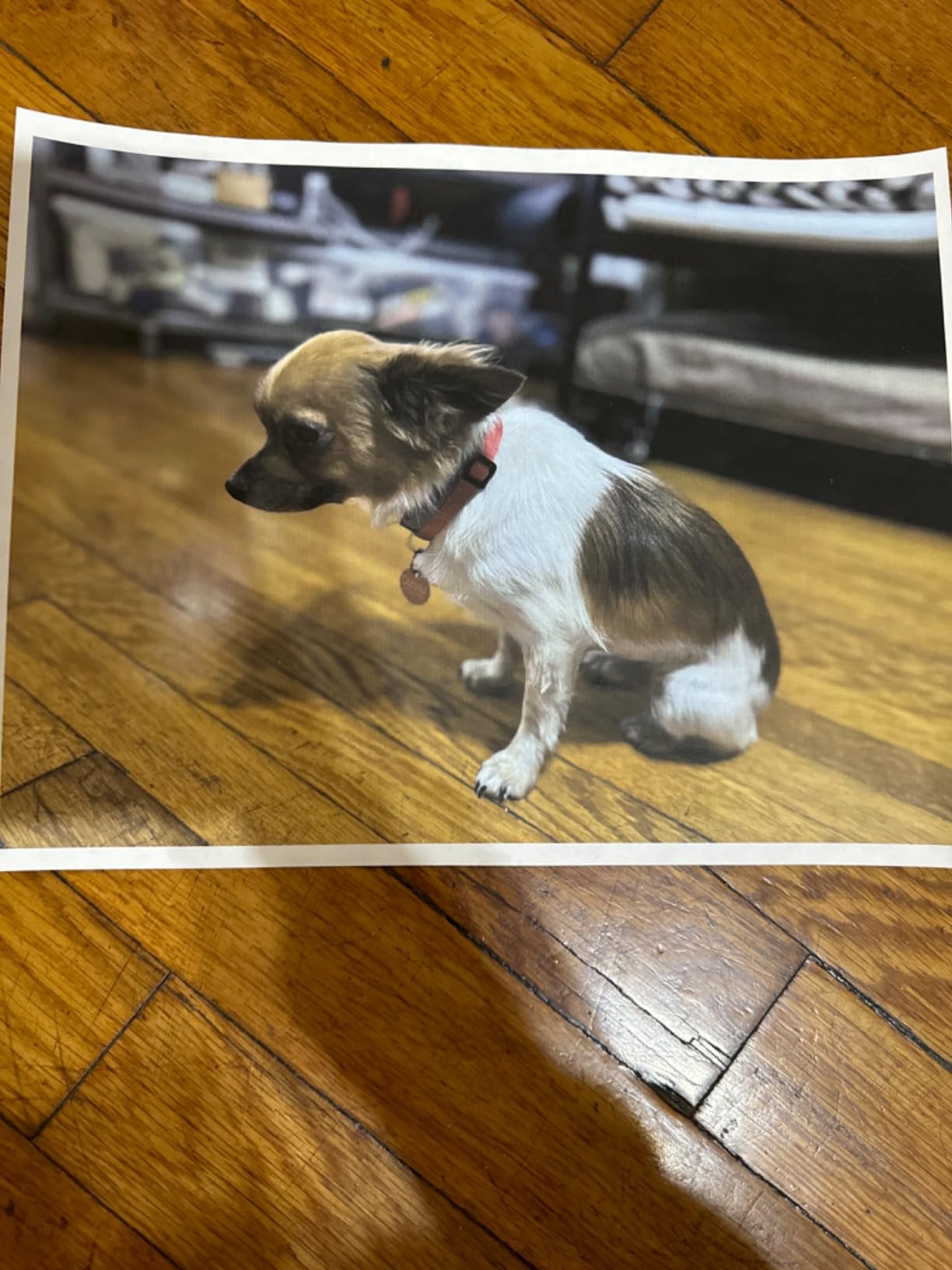
Media handling is unusually broad for a colour laser. Card stock, envelopes, glossy photo paper, labels and plain paper are all listed as supported, which matters if you print anything more interesting than internal documents. Toner is Brother Genuine TN229BK, TN229C, TN229M and TN229Y, with the TN229XL high-yield series available in all four colours and a DR229CL drum unit.
The honest weakness is weight and speed together. At 44 pounds and 16.1 by 17.5 by 15.8 inches this is a floor-standing machine, not a desk machine, and 19 ppm is the slowest figure in this group. With one 250-sheet tray and a 150-sheet output tray, a busy office will refill often. Owners rate it 4.0 stars across 1,025 reviews, with 66 percent at five stars, and the complaints are about size and speed rather than output quality.
What the MFC-L3720CDW does better than the rest
The touchscreen shortcut row is the reason to buy this over an equivalent HP or Canon colour machine. Cloud access sits one button away for Google Drive, Dropbox and OneNote, and the companion app adds remote access and toner level monitoring from a phone.
For a real-estate agent, a small design studio or a bookkeeper producing colour documents all day, that combination of fax, colour, cloud and duplex in one chassis is genuinely rare at this size. EPEAT and ENERGY STAR status also matter if you are deploying more than one.
Where it falls short
It is a 19 ppm machine in a category where 24 to 35 ppm colour exists, so a colour-heavy office will wait. It also weighs 44 pounds, so plan the placement and the path to get it there before the box arrives. If you need duplex scanning as well as duplex printing, this machine is not the answer.
3. Canon imageCLASS LBP6030w – Best Low-Commitment Print-Only Unit
Canon imageCLASS LBP6030w – Monochrome Single-Function Wireless Compact Wireless Laser Printer, 1 Year Limited Warranty, 19 PPM, White – Print Only
19 ppm monochrome
Wireless and USB 2.0
150-sheet paper tray
11 pounds and compact
Pros
- Compact and light at 11 pounds for tight spaces
- Wireless printing from phones and tablets
- 150-sheet tray with Canon Genuine Toner 125 at 1600 page yield
- Uses under 2 watts in Energy Saver mode
Cons
- No automatic duplex printing
- Print-only with no scanner or copier
- 600 dpi maximum resolution and 150-sheet tray
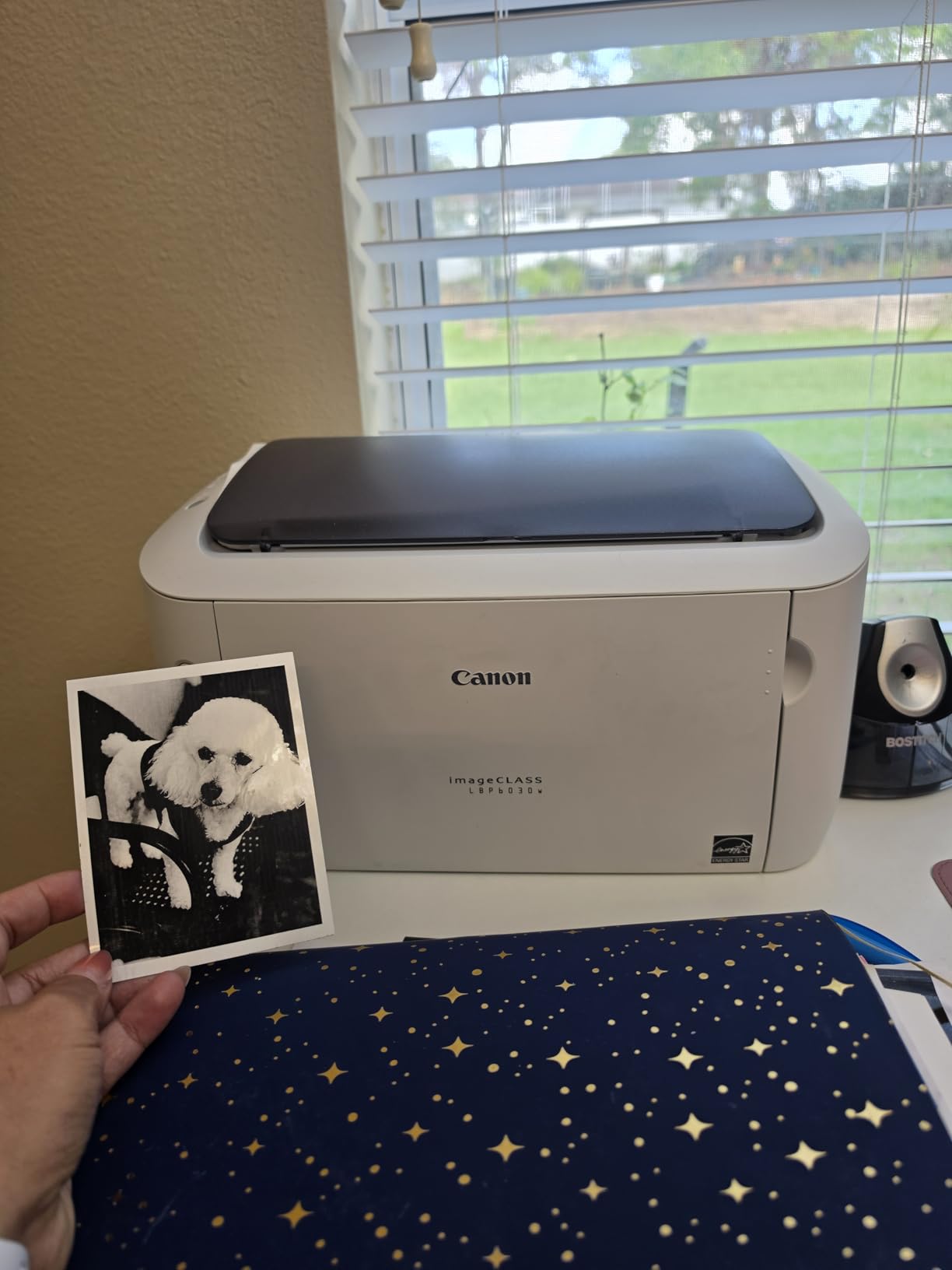
This is the machine to buy if you print a few pages a week, mostly text, and want the lowest commitment of anything on this list. It weighs 11 pounds, measures 9.8 by 14.3 by 7.8 inches, and prints at 19 pages per minute with a first page out in 8 seconds. Wireless is built in, alongside USB 2.0, and an LCD keeps status simple.
It is also the least demanding machine here to live with. Canon Genuine Toner 125 cartridges carry a 1600 page yield, and the printer draws under 2 watts in Energy Saver mode, so a machine that sits idle between bursts costs almost nothing to keep on standby. A one year exchange or carry-in warranty is included.
It is rated 3.8 stars from 4,222 reviews, the most reviewed product in this roundup and also the lowest rated, with 19 percent of ratings landing at one star. That combination tells you exactly what you are accepting: a no-frills proposition where the compromises are consistent and well understood. Reviewers like the footprint, the wireless printing and the low idle power draw, and they criticise the same three things every time.
Those three are no automatic duplex printing, no scanner or copier, and a 150-sheet input tray with a 100-sheet output tray. Maximum print resolution is 600 dpi, which is soft by modern laser standards and visible in dense graphics. Legal size up to 8.5 by 14 inches is supported, and the listed paper sizes cover 8.5 by 11 inch paper.
Is a laser even right for occasional printing
Yes, and this machine is the clearest argument for it. Liquid ink sitting in an inkjet nozzle can dry and clog if the machine goes unused, which turns a rare print job into a service call. Powdered toner has no such failure mode, so an infrequently used laser simply works when you need it.
The maths favours the laser over an inkjet once you print more than a few hundred pages a month, because a 1600 page cartridge replaces far less often than ink cartridges. If you print ten pages a month, the purchase still needs to be a modest one, and that is the trade this model makes.
Where this budget pick stops working
Any job longer than a few pages doubles in handling time because there is no duplexer. Printed output at 600 dpi is fine for letters and forms and soft for anything with fine detail. There is no scanner, so a separate flatbed or a phone app is needed for copies and archiving.
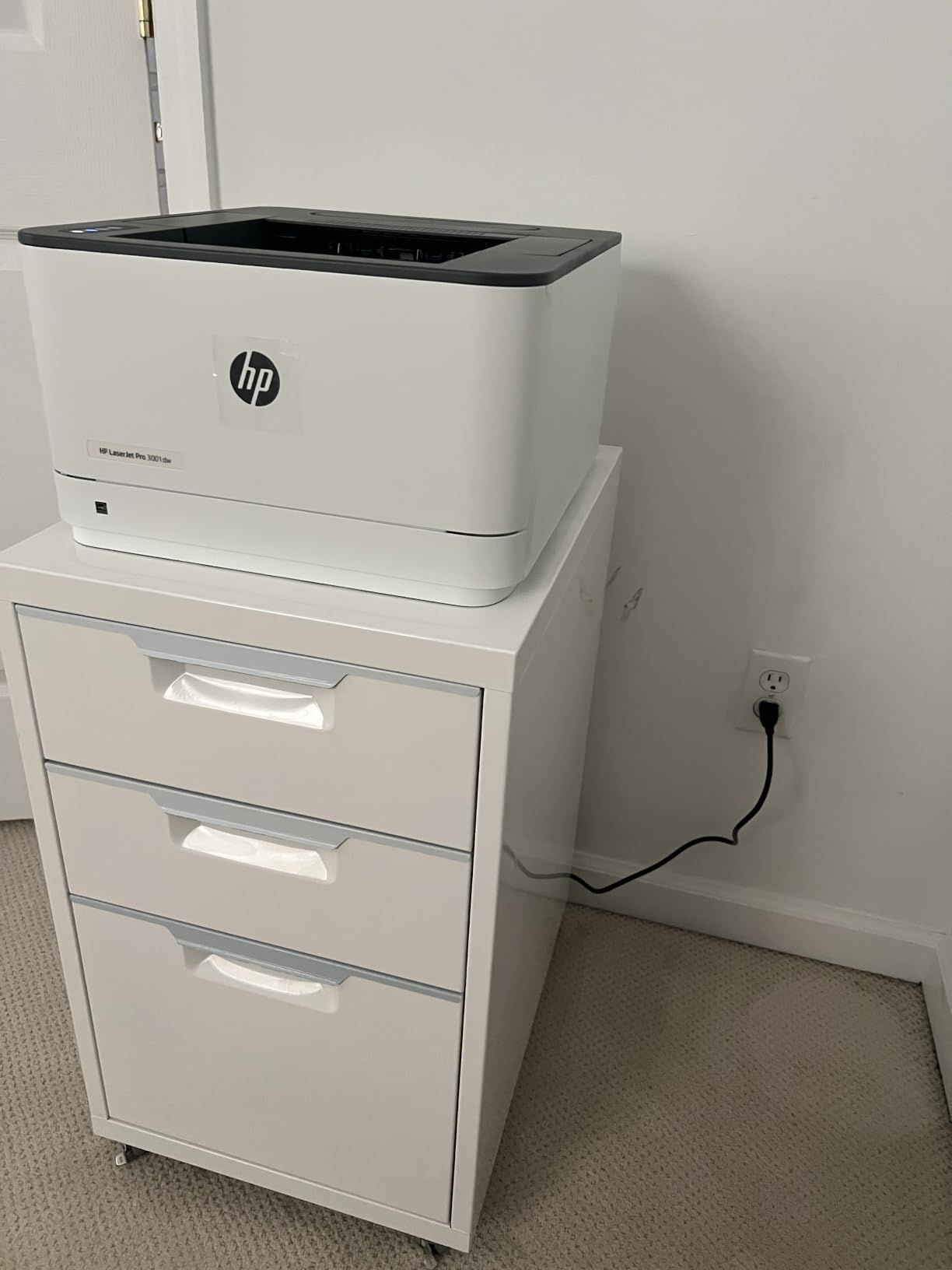
4. HP LaserJet Pro 3001dw – Best Fast Print-Only Monochrome for Small Offices
HP Laserjet Pro 3001dw Wireless Black & White Printer, Best-for-Office (3G65OF)
35 ppm monochrome
Automatic duplex printing
Ethernet USB Wi-Fi and Bluetooth
250-sheet tray
Pros
- 35 ppm output with a roughly 6.6 second first page
- Automatic two-sided printing on a print-only unit
- Intelligent Wi-Fi plus Ethernet USB and Bluetooth
- HP Wolf Pro Security with customisable settings
- 250-sheet tray accepting legal size
Cons
- Print-only with no scanner or copier
- Reports of dropping off mesh Wi-Fi networks
- Only accepts HP Original chip cartridges
Take the scanner out of the equation and the 3001dw is a very efficient engine. It runs at 35 pages per minute, prints a first page in about 6.6 seconds, resolves at 1200 by 1200 dpi and handles automatic duplex printing, which is rare and valuable on a print-only unit. The 250-sheet tray accepts paper up to 8.5 by 14 inches, so legal paperwork is not a problem.
Connectivity is the strongest on this chassis: intelligent Wi-Fi, Ethernet, USB and Bluetooth, with support for Microsoft, Mac, AirPrint, Android and Chromebook. HP Wolf Pro Security ships with it and lets you configure protection for the printer and the data it handles, which matters once more than a handful of people can reach it over the network.
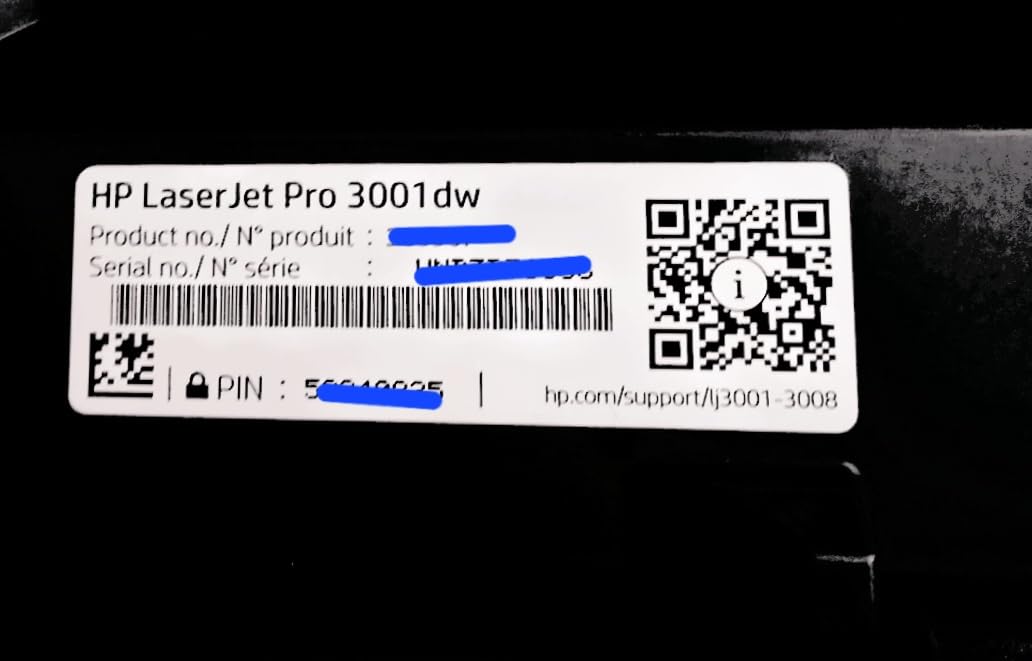
HP positions it for teams of roughly seven people, and the numbers back that up. It draws 80 watts, weighs 16.1 pounds and measures 15.7 by 14.4 by 8.5 inches, so it is lighter and flatter than most of its class. A one year limited hardware warranty is included in the box alongside toner, guides and a power cord.
Owner ratings land at 4.1 stars from 943 reviews, with 64 percent at five stars. The two complaints worth planning around are wireless stability on mesh networks, where a minority of users report needing a power cycle to reconnect, and cartridge policy: only HP Original chips are accepted, which closes off cheaper aftermarket toner.
What matters before you commit to this HP
Verify your network topology. On a mesh setup, ask about reconnection behaviour or check whether Ethernet placement is practical, because mesh hand-off is the most common reason these units need a power cycle. The first page time of roughly 6.6 seconds keeps short jobs snappy.
Also factor in cartridge freedom. If you want to price-compare toner, note up front that this printer only accepts HP Original cartridges. Buyers who value running-cost flexibility tend to end up with Brother or Canon models instead.
Who should look elsewhere
Anyone who needs to scan, copy or send a fax. This is a printer and nothing more, with no flatbed, no feeder and no touchscreen. It also cannot duplex A5 paper even though the tray is marked for it, a small but real limitation when you print small formats.
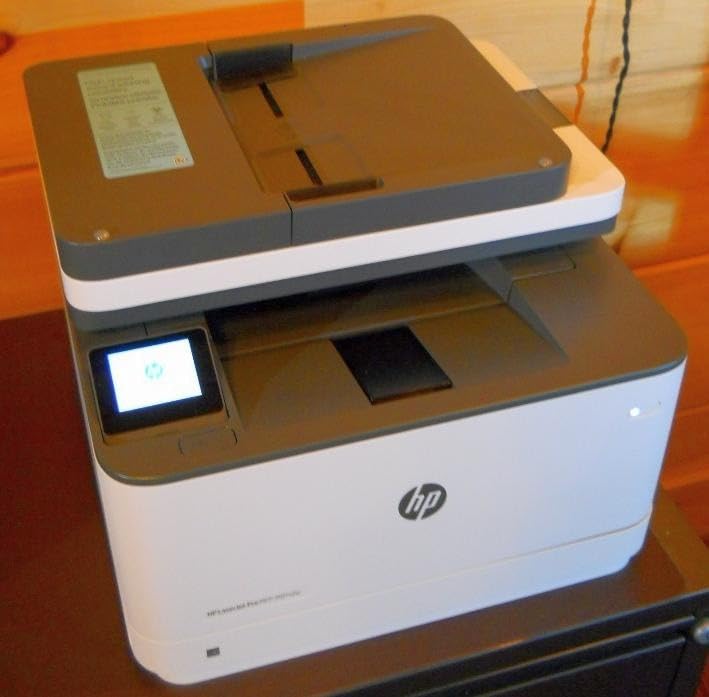
5. HP LaserJet Pro MFP 3101sdw – Best All-in-One for Small Teams
HP LaserJet Pro MFP 3101sdw Wireless Black and White All-in-One Laser Printer, Office Printer, Duplex, Best-for-Small Teams (9D2X4F)
40 ppm monochrome
ADF and flatbed scanner
Automatic duplex
250-sheet input and output
Pros
- Highest rated in this group at 4.5 stars from 596 reviews
- 40 ppm with a 7 second first page and 35 ppm copying
- 50-sheet automatic document feeder plus flatbed scanner
- Wi-Fi reconnects on its own after power outages
- Quiet operation with a softer noise setting
Cons
- HP chip-locked toner blocks off-brand cartridges
- Some criticism of build quality and paper tray rigidity
- HP Smart software can show the printer offline
This is the fastest all-in-one monochrome machine here and the best rated, at 4.5 stars from 596 reviews with 77 percent of ratings at five stars. That distribution is unusually tight, and it shows up in what owners describe: easy installation, fast and quiet output, and Wi-Fi that re-establishes itself after a power outage without intervention.
On paper it does everything. Print speed is 40 pages per minute in black and white with a first page in 7 seconds, copying runs at 35 pages per minute up to 999 copies per run, and scanning is available from both a 50-sheet automatic document feeder and a flatbed, including scan to email. Automatic duplex printing is standard, and you get 250-sheet input and 250-sheet output capacity with legal size up to 8.5 by 14 inches supported.
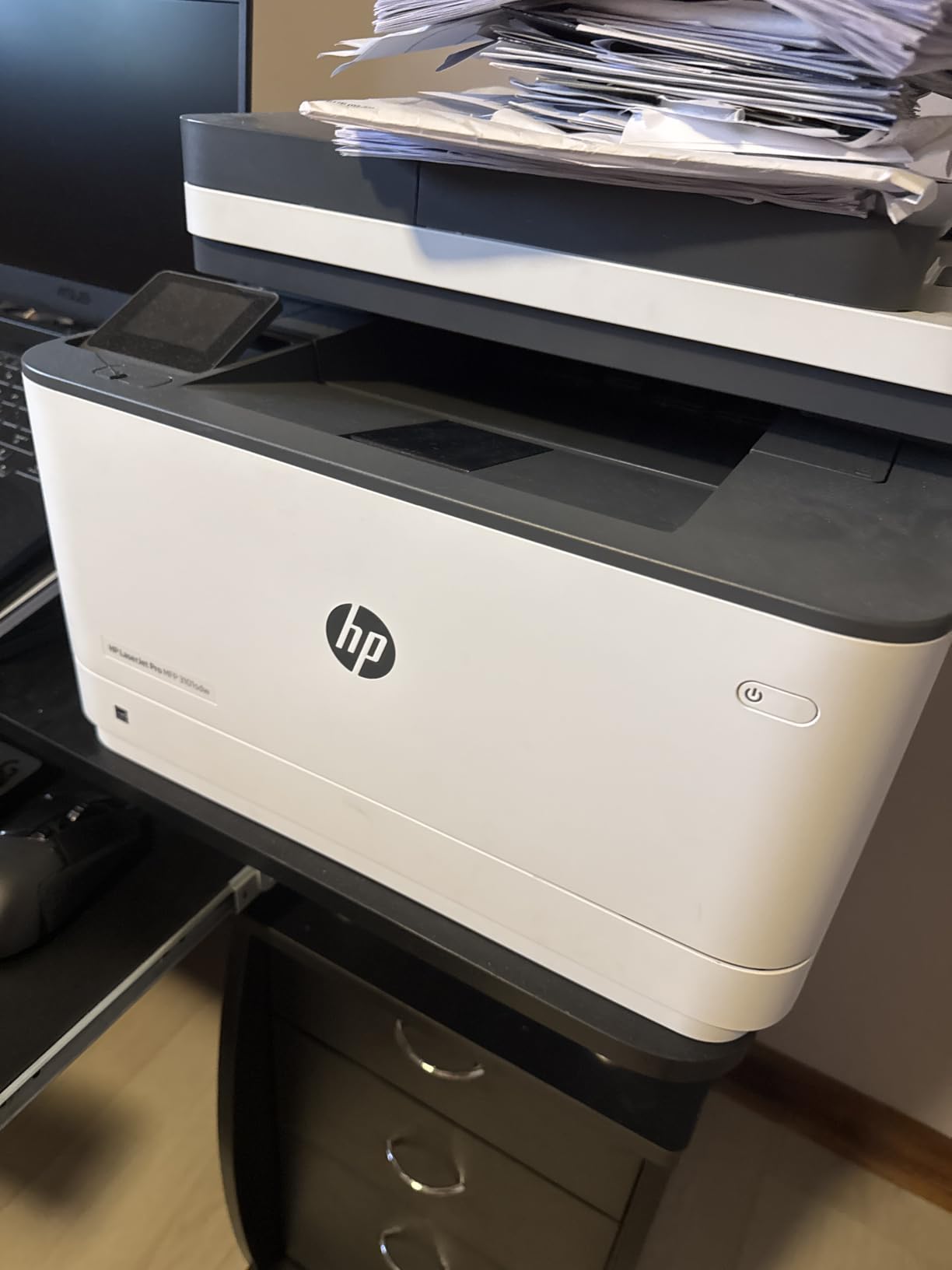
Connectivity covers Apple AirPrint, Ethernet, Mopria, USB and wireless, plus Print Anywhere for sending a job from your phone and collecting it at the machine. The starter cartridge yields roughly 1000 pages, which is more generous than the thin starter cartridges shipped with some competitors, and a one year limited warranty applies.
The catch is the same one that affects other HP models in this roundup: chip-locked toner, and firmware that can enforce it. Owners also report occasional paper tray detection errors and a dislike of the stock HP Smart software. The unit is 23.1 pounds and 15.7 by 16.5 by 12.3 inches, so it needs a proper shelf rather than a corner of a desk.
Why this is the strongest small-team all-in-one
The combination of 40 ppm throughput, a 50-sheet feeder, a 250-sheet output tray and self-healing wireless covers the day-to-day reality of a small office. Scanning and copying keep pace with printing instead of lagging behind it, which is not true of most machines at this level.
Scan to email and Print Anywhere cover the two workflows that most often send someone to a photocopier. A softer noise setting in the menu also makes it reasonable in a shared room.
Where the compromises sit
Toner flexibility is the big one, since only HP Original cartridges are accepted. Build quality draws some criticism, with reported no-paper tray errors, so expect to reseat paper carefully. The bundled HP Smart software is also the first thing to replace if it misreports the printer as offline.
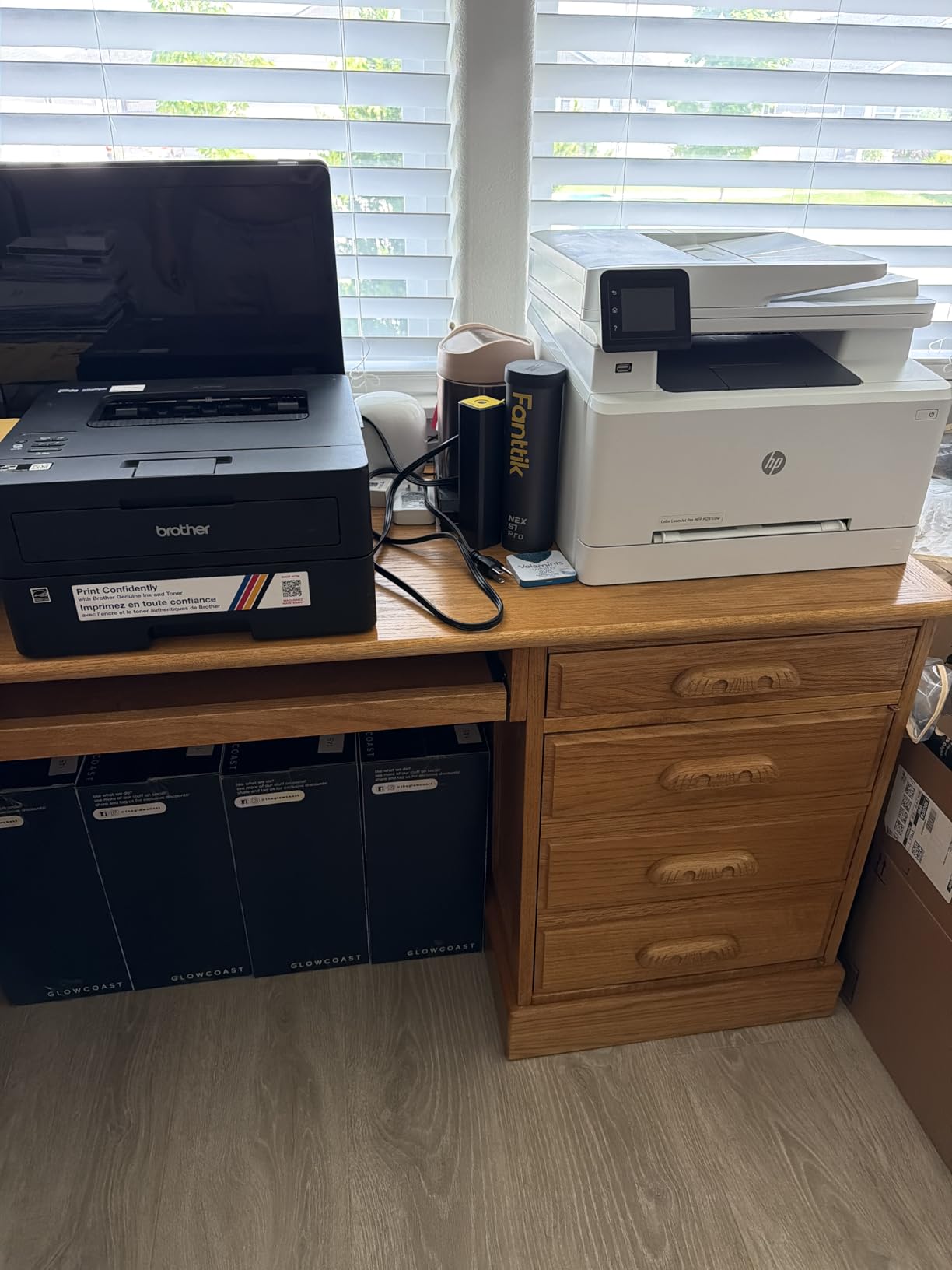
6. Brother HL-L2460DW – Best Compact Monochrome With Duplex
Brother HL-L2460DW Wireless Compact Monochrome Laser Printer with Duplex, Mobile Printing, Black & White Output | Includes Refresh Subscription Trial(1), Works with Alexa
36 ppm monochrome
Automatic duplex
250-sheet tray plus manual feed
15.6 pounds
Pros
- Clear monochrome output at up to 36 ppm
- Automatic duplex printing with no scanner added
- Compact 15.6 pound body at 14.2 by 14 by 7.2 inches
- 250-sheet tray plus a manual feed slot for envelopes
- Dual-band wireless plus Ethernet and USB
Cons
- Print-only with no scanner or copier
- One 250-sheet tray with no second source
- 16 percent of ratings are one star on toner and setup
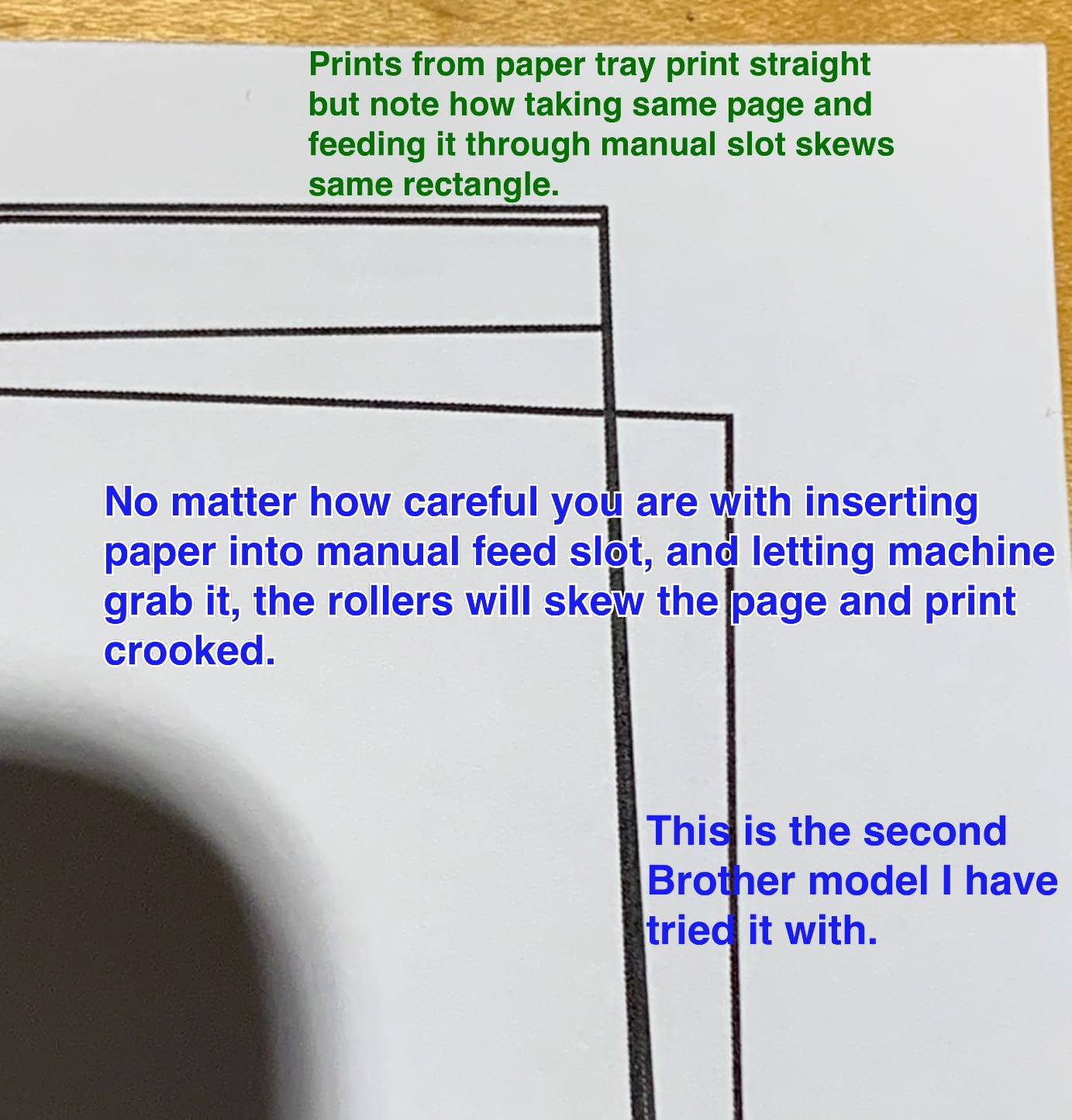
The HL-L2460DW is the flat, light answer to the same problem the DCP-L2640DW solves. At 15.6 pounds and 14.2 by 14 by 7.2 inches it is one of the smallest machines here with an automatic duplexer, and at 44 watts it is also among the cheapest to run. Print speed is 36 pages per minute with a first page in 8.5 seconds at 1200 by 1200 dpi.
Paper handling is a 250-sheet tray plus a manual feed slot for envelopes and specialty media, with a 100-sheet output tray and legal size support. Connectivity is dual-band 2.4GHz and 5GHz wireless alongside Ethernet and USB, so it behaves well on shared office networks. Brother Mobile Connect handles remote management and toner ordering, and the machine is ENERGY STAR and EPEAT qualified.
It comes with a one year limited warranty and support by online, phone and live chat, plus a Refresh EZ Print subscription trial if you would rather not track cartridges manually. It also works with Alexa for voice-assisted workflows, and it accepts Brother Genuine TN830 and TN830XL toner including the two-pack.
Owners rate it 4.0 stars from 2,635 reviews, with 63 percent at five stars. The 16 percent of one-star reviews are the number to read carefully: they concentrate on toner yield expectations and the setup learning curve, not on hardware failing. If you have bought a printer before, you will not meet those problems.
Where duplexing earns its keep
Automatic two-sided printing is the single most useful feature on this machine. Contracts, reading packs, meeting notes and anything else with both sides printed come out in one command, halving paper use and removing a manual flip that goes wrong at exactly the wrong moment.
On a duplexer machine at 36 ppm you also avoid the slow half of duplexing. Printers without an automatic duplexer force you to flip every sheet, and a 20-page document becomes 40 pages of handling.
Why you might not buy it
There is no scanner, so if you need to copy or digitise anything this is the wrong box and the DCP-L2640DW is the right one. Paper capacity is a single 250-sheet tray, and the 100-sheet output tray fills quickly on long jobs.
7. HP LaserJet MFP M140w – Best for the Smallest Desk or Shelf
HP Laserjet MFP M140w Wireless Black & White Printer, Print, scan, Copy, Fast speeds, Easy Setup, Mobile Printing, Best-for-Small Teams
21 ppm monochrome
Flatbed scanner and copier
11.9 pounds, shelf sized
Wireless with self-reset
Pros
- One of the smallest laser multifunction units available
- Print copy and scan at up to 21 pages per minute
- ID card copying fits both sides of a small card to one sheet
- Wireless with self-reset plus USB 2.0
- HP Smart app for cloud scanning and mobile print
Cons
- No automatic duplex printing
- Only accepts HP Original cartridges with a high cost per page
- Reports of paper misfeeds and scanning errors on some units
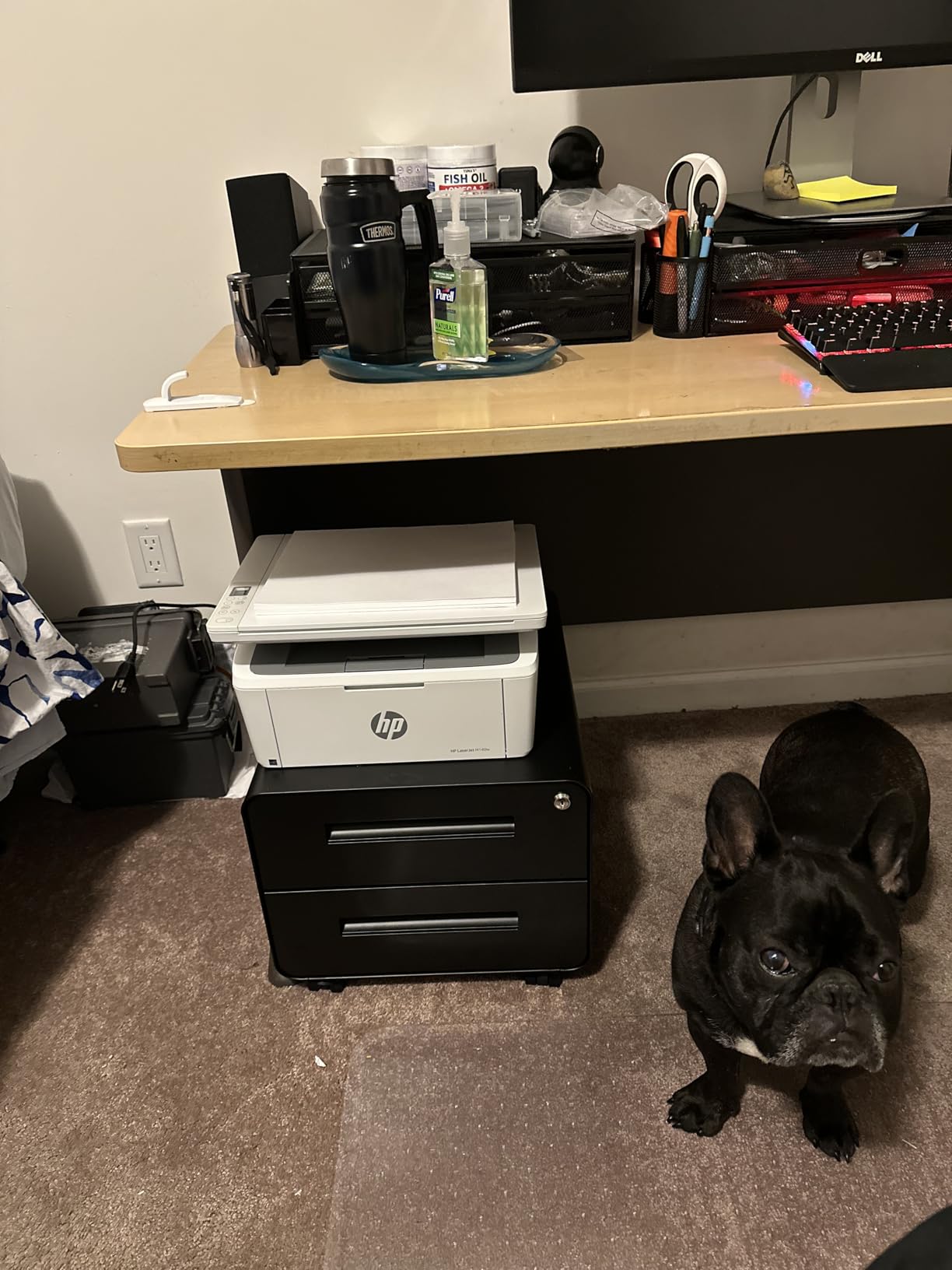
At 11.9 pounds and 10.4 by 14.2 by 7.8 inches, this is the machine for a space you do not have. It prints, copies and scans at up to 21 pages per minute monochrome, with a first page in 8.3 seconds at 600 by 600 dpi, and the flatbed scanner handles originals up to letter and legal paper.
The ID card copy feature is more useful than it sounds. It places both sides of a small card onto a single sheet, which turns a laminating project into a single button press. It draws 115 watts, carries ENERGY STAR certification and a one year limited hardware warranty, and it is rated for office use and small teams of one to three people.
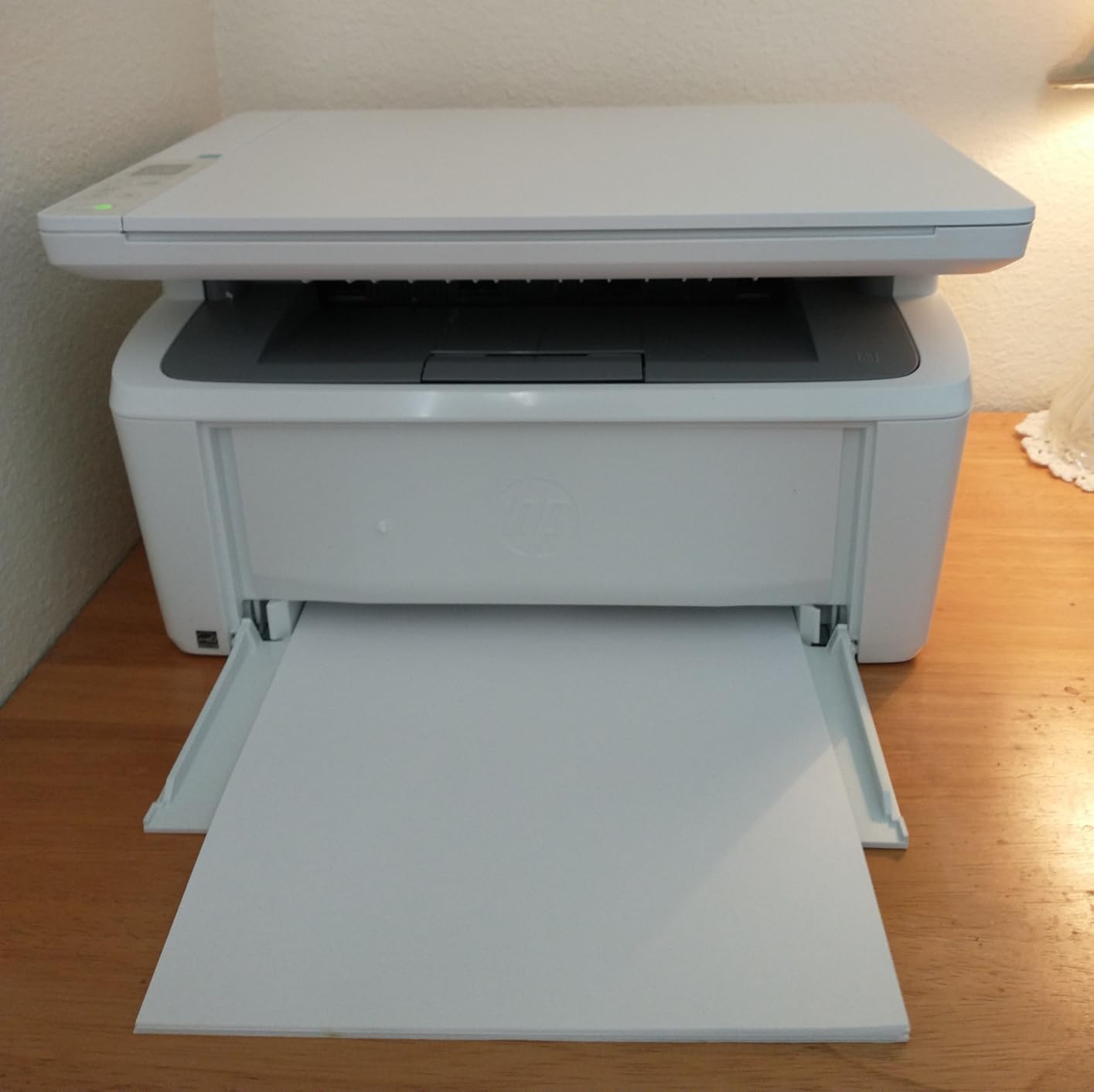
Connection is wireless with self-reset plus USB 2.0, and it works with Microsoft, Mac, AirPrint, Mopria, Android and Chromebook through the HP Smart app. An HP Original introductory cartridge ships in the box, and the machine is listed for laptops, PCs, smartphones and tablets.
Ratings sit at 4.0 stars from 1,774 reviews, with 64 percent at five stars. There is no automatic duplex, and that single omission shapes everything else about the machine. Paper capacity is 99 sheets in and 99 out, so it is a light-duty box by design. HP Original cartridges are the only option, which pushes cost per page up compared with the Brother and Canon models on this list.
What you give up for the footprint
Duplex printing is the headline loss. Every two-sided job becomes a manual flip, and the 99-sheet input tray means refilling for anything longer than a short report. The 600 by 600 dpi maximum is fine for forms and letters and soft for images.
Owners also report recurring paper misfeeds and intermittent scanning errors on a minority of units within the first year. If you scan often, treat the scanning function as a convenience rather than a core feature.
Why it is still worth buying
For a home office, a dorm room or a reception counter, the space it frees is worth more than duplexing. It prints, copies and scans, connects wirelessly on its own, and laser toner in a sealed cartridge does not dry out while it sits idle between uses.
8. Canon imageCLASS MF273dw – Best for Fast First Pages and Cheap Toner
Canon imageCLASS MF273dw – Monochrome Wireless Laser Printer, Multifunction With Scanner, Copier, Auto Document Feeder, With 1 Year Limited Warranty, 30 PPM, Black
30 ppm monochrome
5.3 second first page
Automatic duplex and ADF
Rotating LCD control panel
Pros
- Fastest first print in this roundup at about 5.3 seconds
- Print copy and scan in a wireless 3-in-1
- Automatic two-sided printing plus an auto document feeder
- Wi-Fi Wi-Fi Direct and USB with a rotating control panel
- Toner 071 cartridges are inexpensive and widely available
Cons
- No duplex scanning despite duplex printing
- 150-sheet cassette is small for the body size
- Bulky and heavy at nearly 25 pounds
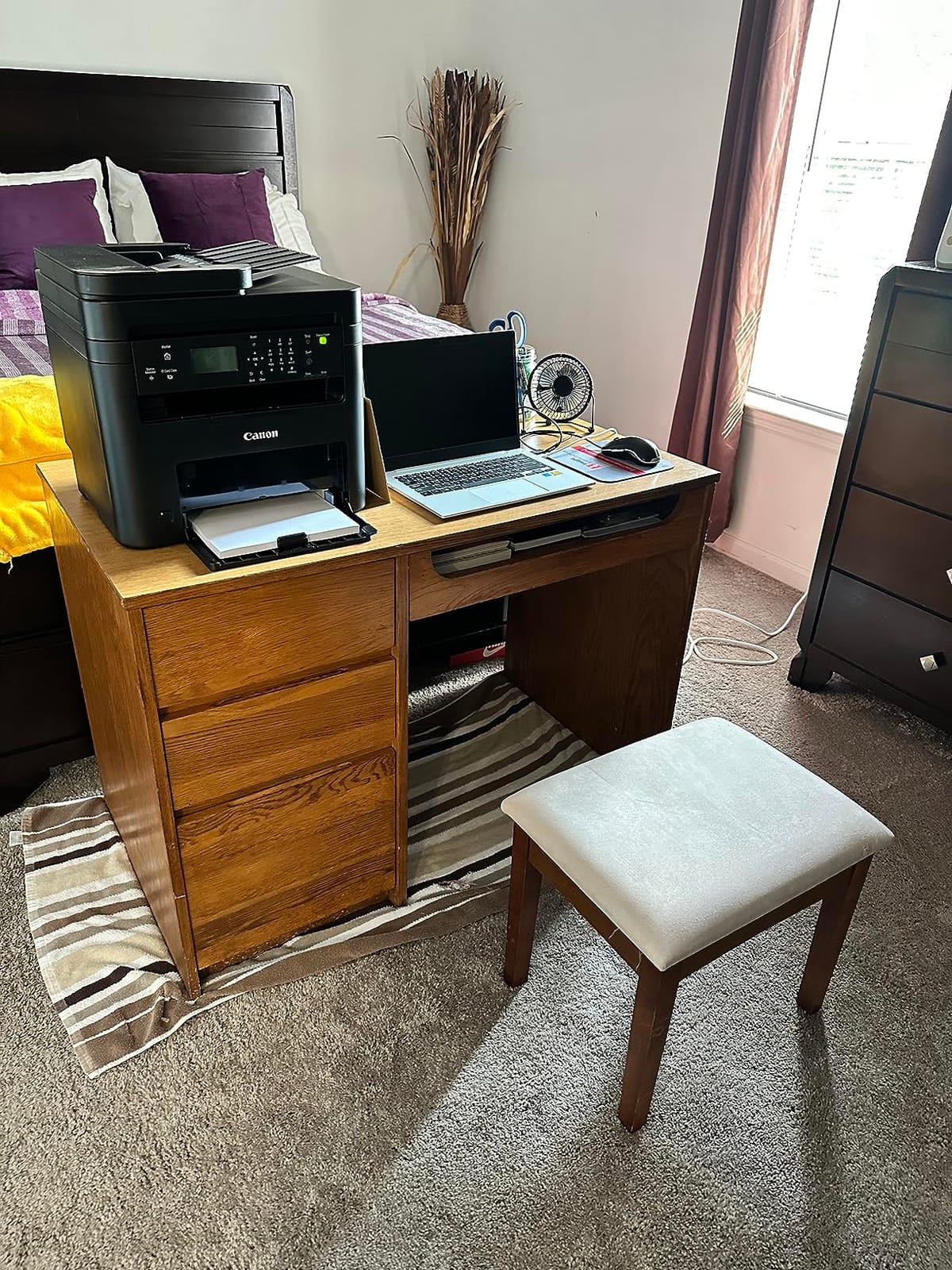
The 5.3 second first page is the number that makes this one stand out, and it comes with 30 pages per minute of throughput behind it. Output resolution runs up to 2400 by 600 dpi with copies at the same figure, and automatic duplex printing is standard. An auto document feeder handles multi-page copying and scanning, and it is noted as reliable when fed uncreased paper.
The rotating LCD control panel is an unusual touch that lets you angle the display for either standing or sitting, which is genuinely useful in a shared workspace. Connectivity covers USB, Wi-Fi and Wi-Fi Direct, and owners specifically call out reliable operation with iPads, iPhones, Macs and PCs. It is ENERGY STAR and EPEAT qualified with a one year limited warranty.
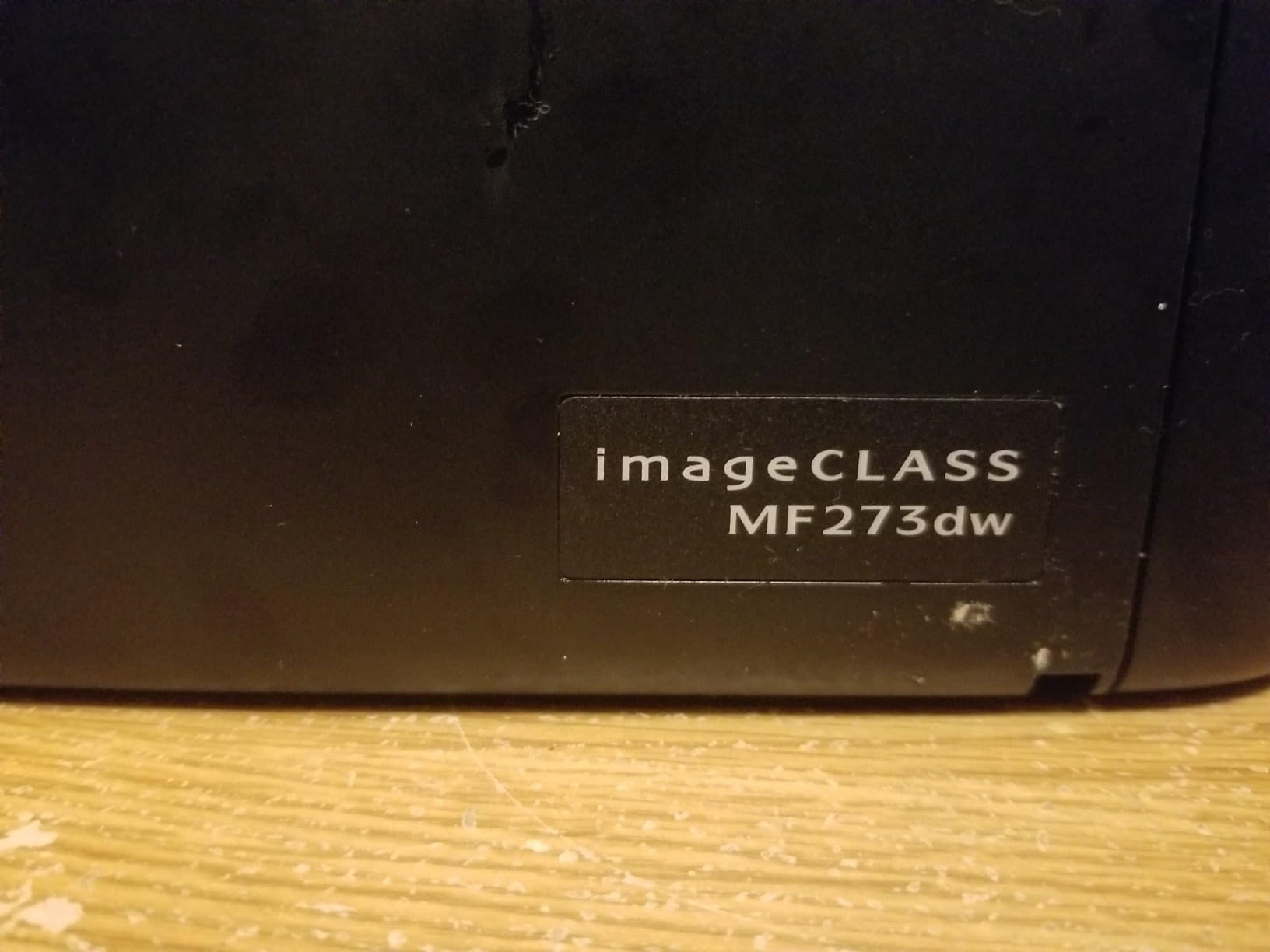
Running cost is the other argument. Toner 071 and the high-capacity 071 cartridges are inexpensive and widely available, including third-party versions, which gives you far more flexibility than the HP machines here. The starter cartridge yields about 700 pages, so plan on a real cartridge early rather than assuming the box cartridge will carry you.
Owners rate it 4.2 stars from 421 reviews, with 68 percent at five stars. The recurring notes are firmware updates that reportedly fail repeatedly, some units with persistent scanning issues over both USB and Wi-Fi, and a bulky body: 24.7 pounds and 14.6 by 15.4 by 14.4 inches, with a 150-sheet cassette that is small for that footprint.
What duplex printing does not mean here
This machine prints both sides of a page but scans only one side at a time. Owners regularly flag that as a surprise, especially those who assumed duplex meant duplex everywhere. If you digitise two-sided documents regularly, a machine with duplex scanning is the better purchase.
Black-and-white scans can also come out faded or grainy on some units, which matters if you are archiving records rather than copying a single page.
Where the speed advantage shows
Short jobs. A one-page letter, a shipping label, a single sheet for a client: the 5.3 second first page and 30 ppm rated speed mean almost no wait. In an office where people print one thing at a time all day, that responsiveness matters more than raw volume figures suggest.
9. Canon imageCLASS MF753Cdw II – Best Colour 4-in-1 With Duplex Scanning and Fax
Canon Color imageCLASS MF753Cdw II – All-in-One Color Duplex Laser Printer
35 ppm in colour and mono
Print scan copy and fax
Duplex printing and duplex scanning
3.5 inch touch panel
Pros
- True colour 4-in-1 with automatic duplex on both print and scan
- 35 ppm output in both colour and black and white
- Excellent colour accuracy at 1200 by 1200 dpi
- Large touchscreen and an improved built-in web interface
- Toner 069 available in high-yield and third-party options
- 3 year manufacturer warranty
Cons
- Weighs 60.6 pounds and takes up real floor space
- Canon's support site and software caused major setup friction
- Legal paper needs the bypass tray which holds only a small stack
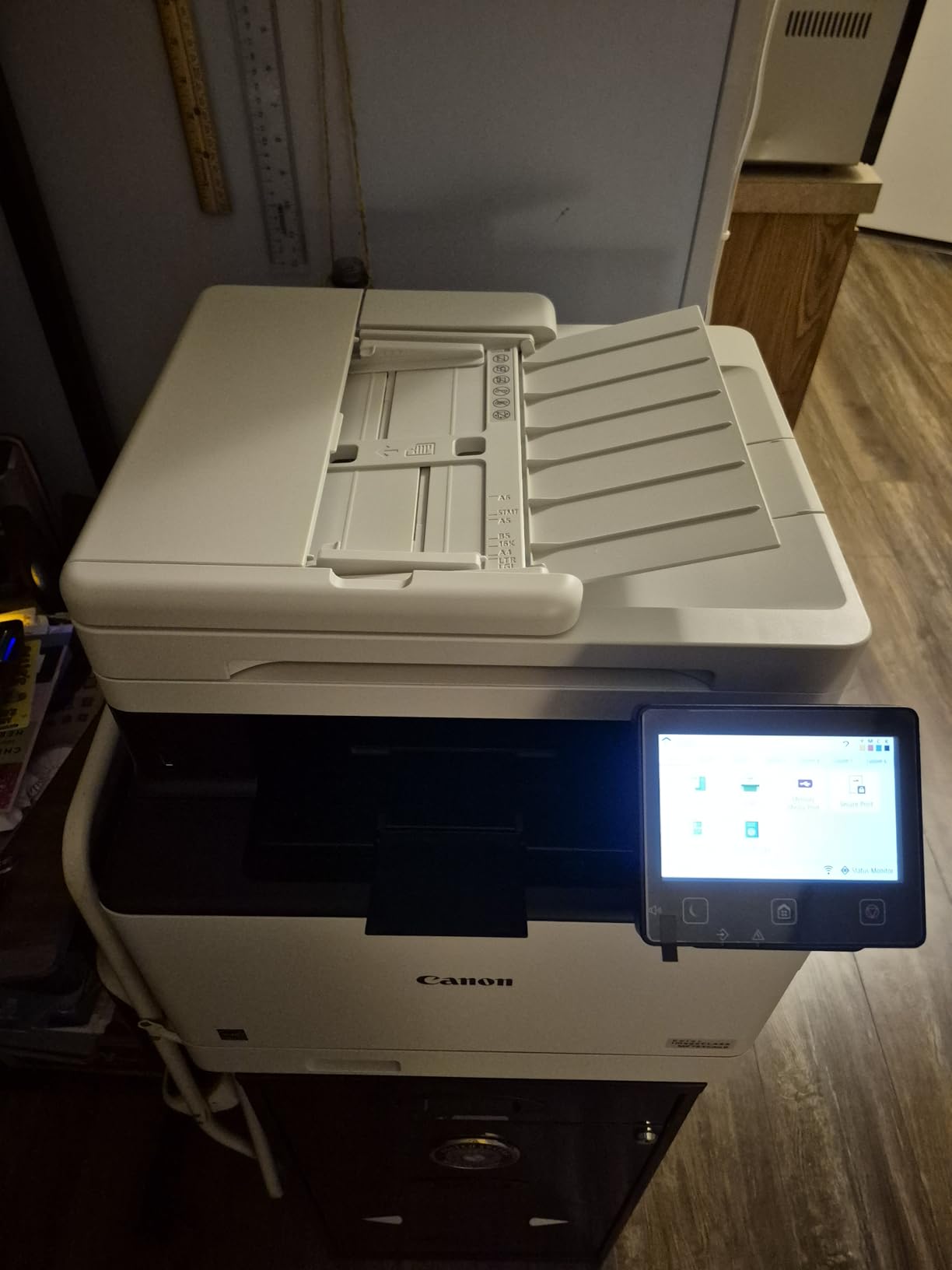
This is the only colour machine here that scans both sides of a page in one pass, and for offices that digitise two-sided contracts or file documents that is the deciding feature. It is a true 4-in-1: print, scan, copy and fax, with automatic duplex on both the print and scan sides, an automatic document feeder, and 35 pages per minute in both colour and black and white.
Quality is where this machine clearly separates itself. Maximum colour resolution is 1200 by 1200 dpi with copies at the same figure, and owners consistently describe the colour accuracy as excellent. First page out is 7 seconds, the 250-sheet output tray matches the input, and two paper trays plus a multipurpose bypass tray handle stock from 3 by 5 inches up to legal size at 8.5 by 14 inches.
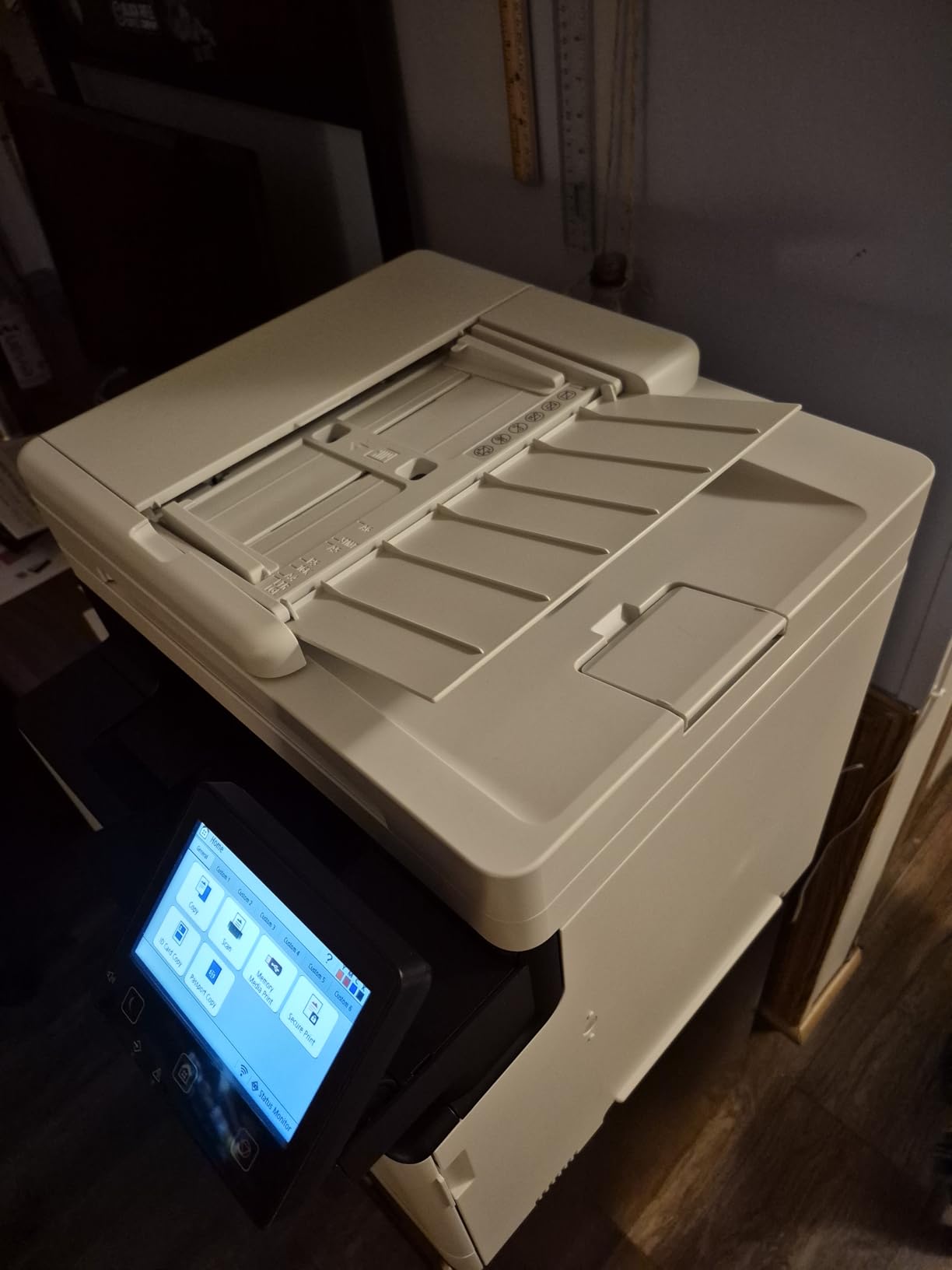
The large touch control panel and the improved built-in web interface are upgrades over earlier imageCLASS models and give real remote management over the network. Wi-Fi, Ethernet and USB are all present, and the starter set includes Toner 069 in cyan, magenta and yellow at 1100 pages plus a 2100 page black cartridge.
Running cost is a genuine strength. Canon Genuine toner 069 costs less per page than HP colour laser toner, and third-party 069 cartridges are widely available. The warranty is three years, with three years of spare part availability in Europe, and the printer is ENERGY STAR certified. The rating is 4.2 stars from 256 reviews with 68 percent at five stars.
What to prepare before this one arrives
Space and weight. At 60.6 pounds and 18.2 by 16.8 by 17 inches this is the largest machine on the list, and it needs a floor-level position with a clear path for delivery. Measure the space twice, including the bypass tray in its open position.
Setup friction is the other item. Owners report Canon’s support site causing trouble, with 403 errors and software that would not install on Windows 11. Check driver compatibility for your operating system before the box is opened, and have a USB cable available as a fallback.
Where it disappoints
Scanning to a PC over Wi-Fi was unreliable for some owners, who fell back on scan-to-USB, and there are occasional reports of network drops needing a reboot. Legal size paper must go through the bypass tray, which holds only a small stack, so long legal jobs mean repeated manual feeding.
10. Xerox C235dni – Best Colour All-in-One for a Home Office
Xerox C235dni Wireless Color Laser All-in-One Printer
24 ppm in colour and mono
Colour all-in-one with duplex
Touch control panel
Wi-Fi with AirPrint and Mopria
Pros
- Colour laser all-in-one with print copy and scan
- Compact footprint for a colour multifunction unit
- 24 ppm output plus automatic duplex printing
- Touch-enabled control screen for small admin tasks
- Starter toner of 500 pages with high-yield cartridge support
Cons
- Setup and app-based installation are the biggest complaint
- Scanner is single sided on a duplex printer
- Some users rate the colour output as faint
The C235dni targets small offices and home offices printing up to roughly 1500 pages a month, and at 24 pages per minute in both colour and black and white it is the quickest colour all-in-one at its size here. Automatic duplex printing is standard, the control panel is touch-enabled, and colour resolution reaches 1200 dpi against 600 dpi in black and white.
Two trays give it 250 sheets of capacity and accept paper up to 8.5 by 14 inches, with a 250-sheet output tray. Wi-Fi with Apple AirPrint and Mopria covers phones and tablets, the Xerox Easy Assist app guides setup over 2.4GHz Wi-Fi or USB, and starter toner of 500 pages is included with high-yield cartridges supported for lower ongoing cost.
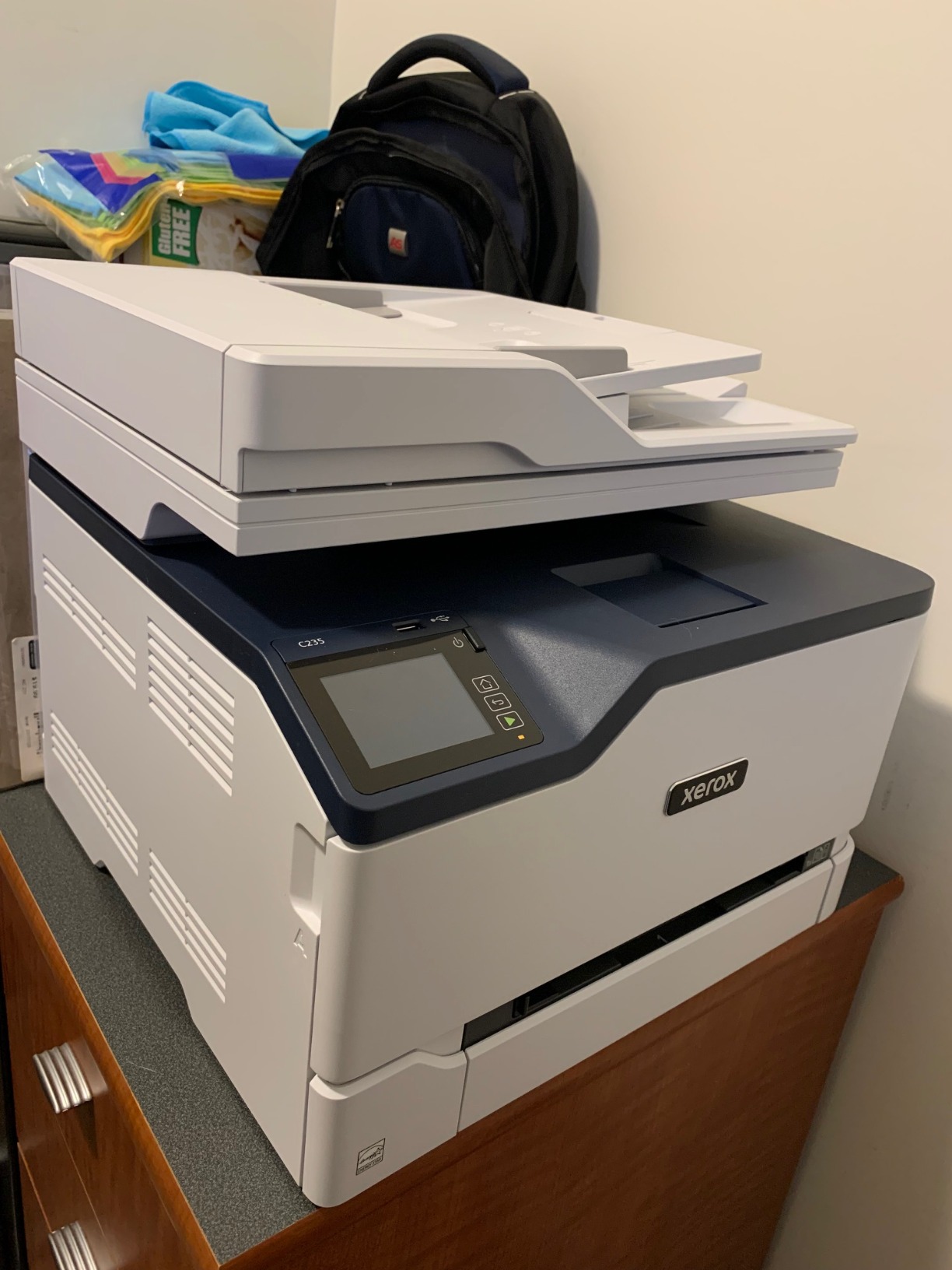
It rates 3.8 stars from 286 reviews, with 53 percent at five stars and 16 percent at one star. Owners who get it running tend to praise the combination of features, footprint and duplex printing. The most common complaint is installation, with QR-code setup, app-based setup and driver downloads failing often, and confusion because the manual points to a support site that no longer lists the model.
Other recurring notes start with the scanner, which is single-sided even though the printer duplexes. Scanning often needs manual configuration through the Windows Scan app, some users rate the colour output as faint or out of focus, and the unit runs a little loud. Consumables are on the expensive side, and a few units arrived with empty or low starter cartridges. There is a one year limited warranty and a 35 pound weight at 15.5 by 16.2 by 13.6 inches.
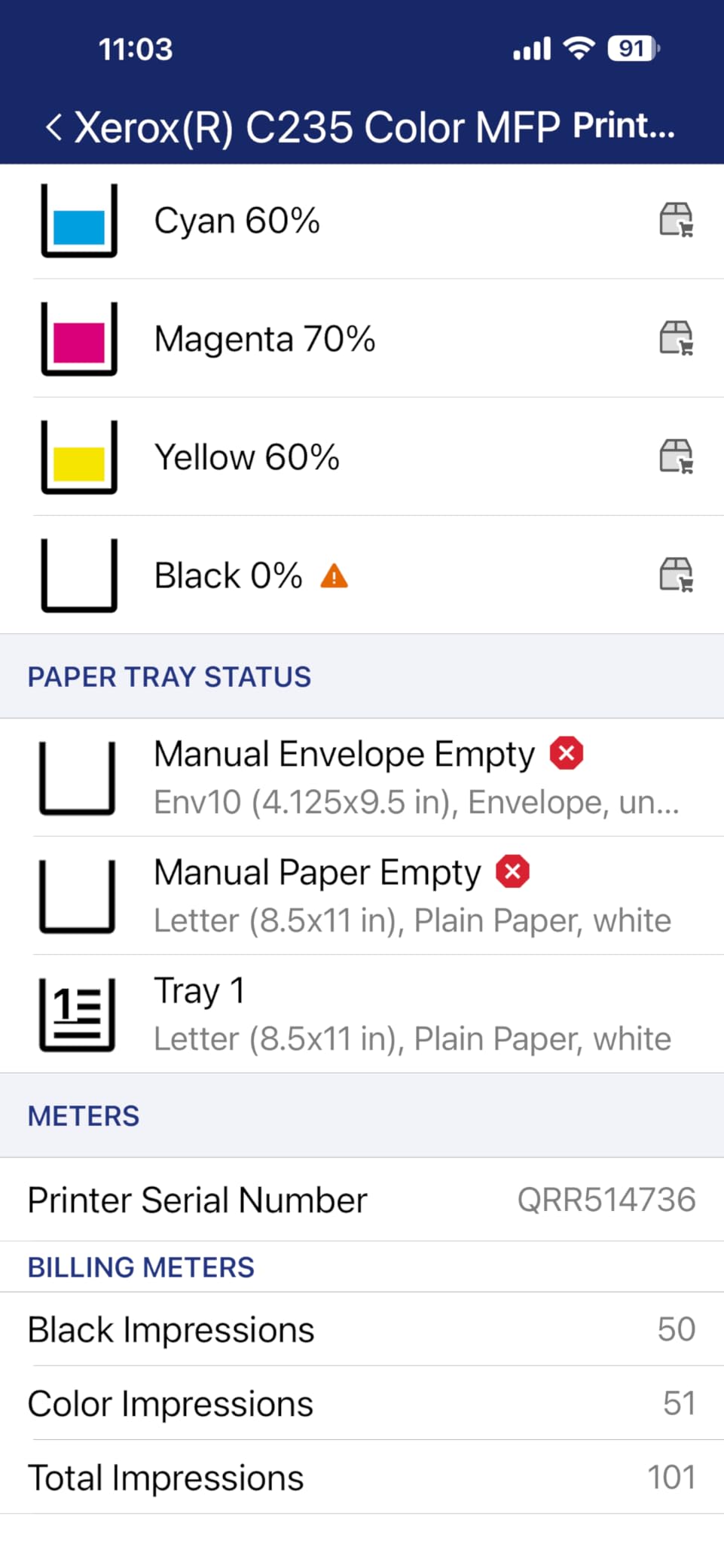
Read the setup path before buying
This is the one machine here where installation is the deciding factor rather than a footnote. If you are comfortable downloading drivers, working through a guided app and troubleshooting a driver that may be filed under a different brand, you will be fine. If you want a box that prints the moment it is plugged in, choose a different colour unit.
Verify that your computer can see the printer over the network after setup, since scanning over Wi-Fi is the feature most often needing manual configuration.
Where it is the wrong buy
The scanner is single-sided, so anyone digitising two-sided documents should look at the Canon MF753Cdw II instead. Colour output quality is not what you want for photo printing or detailed graphics, and support complaints are common enough that you should have a fallback plan for service.
How to Choose a Laser Printer in 2026
Most buying decisions come down to four questions: mono or colour, single-function or all-in-one, how much you actually print, and how you connect. Answer those and the model almost picks itself. The sections below cover each one, plus the running-cost question that decides whether a cheap printer turns into an expensive habit.
Laser vs inkjet: which one actually suits you
Laser wins on text sharpness, speed and cost per page, and it loses on photo output and on up-front affordability. The failure mode also differs. Liquid ink in an inkjet can dry in the nozzles if the machine sits unused, and cleaning cycles waste both ink and paper. Toner is a powder sitting in a sealed cartridge, so a laser left alone for months still prints the first time you use it.
This is why a laser is the better answer for sporadic home printing even when the page count is tiny, and why inkjets still make sense for a household that prints a handful of photos a year. If your printing is documents, contracts, invoices, worksheets or labels, a laser is the right technology.
A separate worry comes up constantly on printer forums: buying a cheap machine that turns into a toner money pit once the starter cartridges run out. That is a running-cost problem, not a technology problem, and it is decided entirely by cartridge yield and whether the model accepts compatible toner. We break that down in the toner economics section below.
Monochrome vs colour laser
Monochrome laser printers use a single black toner cartridge, which is the cheapest way to print text by a wide margin and the fastest, since only one drum is engaged. Colour laser printers add cyan, magenta and yellow toner, four drums in total, which is what drives both the larger body and the higher cost per colour page.
The practical question is whether colour appears in anything you print regularly. Invoices, shipping labels, contracts, spreadsheets and internal documents do not need it. Flyers, menus, brochures, annotated charts and client-facing proposals do. Colour laser output is also noticeably better than inkjet for documents with solid blocks of colour, because toner does not bleed.
Single-function vs all-in-one
A single-function laser prints. An all-in-one adds a flatbed scanner, a copier, and often a fax and an automatic document feeder. All-in-ones cost more, weigh more and are larger, and the scanner is the feature many buyers end up not using.
Be precise about the copier, though. Duplex printing does not mean duplex scanning. Several machines here, including the Canon imageCLASS MF273dw and the Xerox C235dni, print both sides of a page but scan one side at a time. If you digitise two-sided documents regularly, check for duplex scanning specifically, or confirm a single-pass duplexing document feeder.
What ppm, ipm and duty cycle really mean
Ppm is pages per minute, and it is measured after the first page, which never appears in the headline figure. That is why first page time matters: the Brother DCP-L2640DW and the HL-L2460DW both print at 36 ppm but take 8.5 seconds for page one, while the Canon MF273dw takes 5.3 seconds. For single-page jobs, the second number is the one you feel.
Ipm is images per minute, used for scanning and for duplex throughput, where one sheet produces two images. Duplex output is always slower per page than simplex. Duty cycle is the monthly volume a machine is built to handle, expressed as a recommended figure and a maximum. Treat the recommended number as the realistic ceiling, not a target.
Toner economics and the toner money pit
Cost per page is calculated by dividing the cartridge price by its stated page yield, then dividing by the cost of the cartridge again to get the real figure once you account for the printer itself. Yield matters enormously: the Canon Genuine Toner 125 in the LBP6030w is rated at 1600 pages, while a starter cartridge may be far thinner, and the HP LaserJet Pro MFP 3101sdw ships with roughly 1000 pages.
Third-party toner is the variable that most affects this, and brands differ sharply. The Brother TN830 and TN830XL families and Canon Toner 069 and 071 have widely available compatible cartridges. The HP models in this roundup, including the MFP M140w, the LaserJet Pro 3001dw and the 3101sdw, accept only HP Original chips, and firmware can enforce that, so the cheapest route is closed to you. Colour printing also has four cartridges to replace rather than one, which is where a colour machine becomes a money pit.
Connectivity and mobile printing
Wi-Fi is expected everywhere now, but the radio matters. Several models here support dual-band 2.4GHz and 5GHz, which keeps them stable on crowded office networks, and Wi-Fi Direct lets you print without a router at all. AirPrint and Mopria cover iPhone, iPad, Mac, Android and Chromebook without an app, and Ethernet remains worth having for a shared office machine.
Check the control method too. Several machines here are app-only, which is fine once set up and frustrating if you want to change a setting without a phone. Touch panels, the 3.5-inch colour screens on the Brother MFC-L3720CDW and the Canon MF753Cdw II, are the better experience for a shared machine. USB 2.0 is worth having as a fallback, especially where support software is known to be awkward.
Sizing the printer for where it will live
Measure before you order, and measure the path as well as the footprint. The HP LaserJet MFP M140w is 11.9 pounds and fits almost anywhere. The Canon imageCLASS MF753Cdw II is 60.6 pounds and 18.2 by 16.8 by 17 inches, which is a floor-standing decision that also dictates how it gets into the building.
Paper capacity drives how often you refill. A 99 or 150-sheet tray suits light duty. A 250-sheet tray is the sensible baseline for anything regular, and most of the machines here include a manual feed slot or a bypass tray for envelopes and specialty media. If you print legal size often, confirm the tray accepts 8.5 by 14 inch stock directly rather than through the bypass.
Frequently Asked Questions
Is a laser printer better than an inkjet for home use?
For documents, yes. Laser printers print sharper text, run faster and cost less per page, and powdered toner does not dry out or clog when the machine sits unused for months. Inkjets still make more sense for a household that mainly prints photographs.
What is the difference between a color and monochrome laser printer?
A monochrome laser uses one black toner cartridge, which is faster and cheaper per page and drives the lower cost. A color laser adds cyan, magenta and yellow toner for four drums in total, giving a larger body and a much higher cost per color page, but solid blocks of color come out without bleeding.
How much does it cost per page to print on a laser printer?
Divide the cartridge price by its stated page yield to get the figure. Mono printing usually lands well under a cent per page, while color printing costs several times more because four cartridges are involved. Models that only accept manufacturer Original cartridges also cost more per page, since compatible toner is closed off.
Should I buy a laser printer or an inkjet?
Buy a laser if you print contracts, invoices, labels, worksheets or anything text heavy, or if you print only occasionally and want a machine that still works after sitting idle. Buy an inkjet if photos and colour graphics are the main output. Laser wins on speed, text quality and running cost in nearly every document case.
What does ppm mean on a laser printer?
Ppm is pages per minute, measured after the first page, which never appears in the headline figure. That is why first page time matters as much: a 36 ppm machine with an 8.5 second first page feels slower on a single sheet than a 30 ppm machine that starts in 5.3 seconds.
Are third-party toner cartridges safe for laser printers?
In most cases yes, and they are much cheaper, but the brand decides. Brother TN830 and Canon Toner 069 and 071 families have widely available compatible cartridges, while the HP models in this roundup use chip-locked cartridges that reject off-brand toner and can enforce the restriction through firmware updates.
The Verdict on the Best Laser Printers in 2026
After working through all ten, the best laser printers for most people in 2026 start with the Brother DCP-L2640DW. It prints, copies and scans at 36 ppm, holds a 250-sheet tray, keeps a 50-page feeder busy and connects on both Wi-Fi bands, and it has the largest review base of any machine here at 3,850 ratings. If colour is a requirement, the Brother MFC-L3720CDW pairs a colour touchscreen with cloud shortcuts and a full 4-in-one feature set, while the Canon imageCLASS MF753Cdw II is the pick when you also need fax and duplex scanning.
For a small desk, the HP LaserJet MFP M140w wins on footprint alone, and the Canon imageCLASS LBP6030w is the honest choice for anyone printing a few pages a week. Whatever you pick, check the cartridge situation before you buy. A printer that only accepts manufacturer Original toner will cost you more per page than the spec sheet suggests, and that is the difference between a good purchase and a slow drip of expenses. Updated for October 2026.