
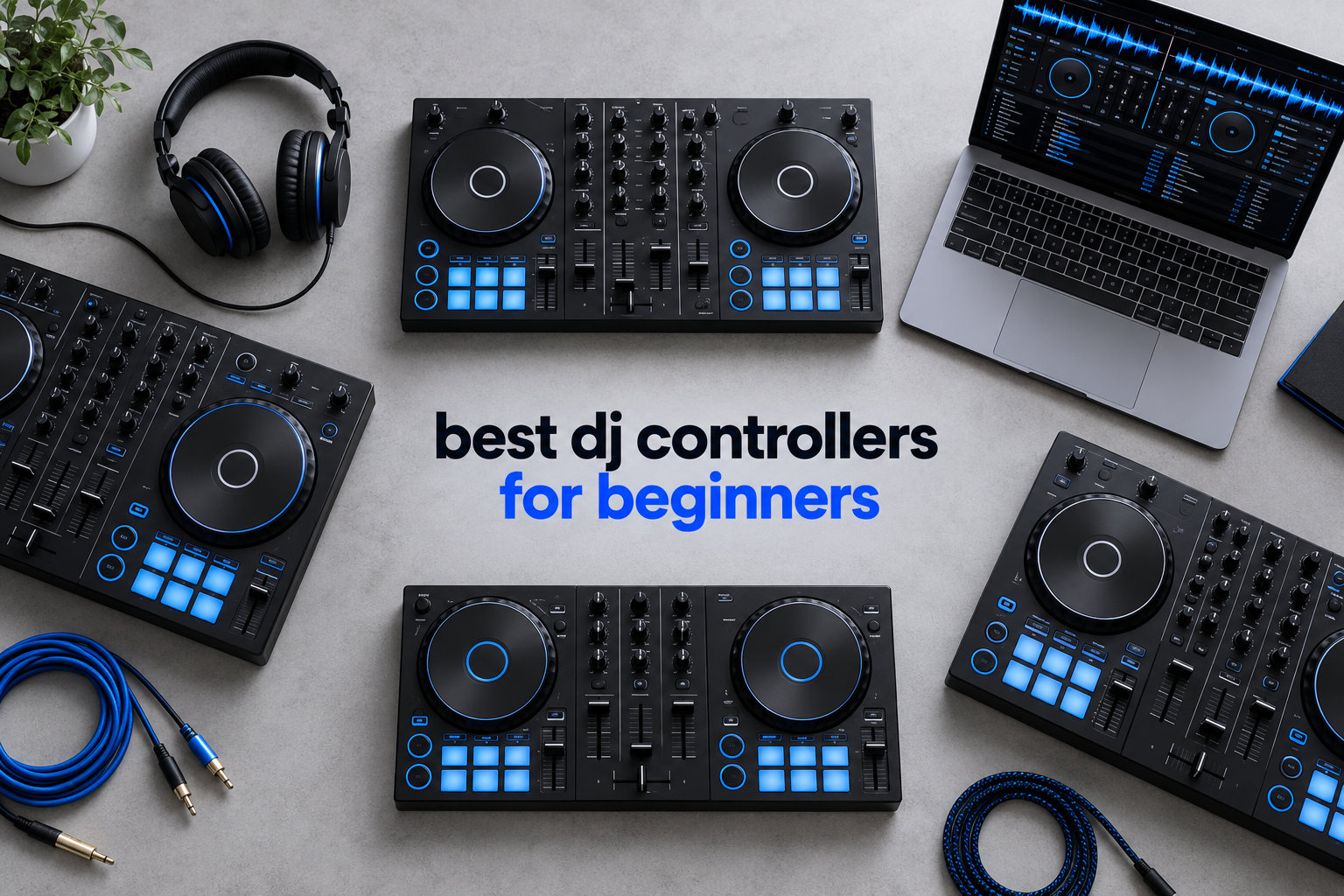
The best DJ controllers for beginners in 2026 are the Pioneer DJ DDJ-FLX4 for most people, the Numark Mixtrack Pro FX if you want the biggest jog wheels, and the Hercules DJControl Inpulse 200 MK2 if you are starting on a tight budget. Our team has spent months putting ten beginner controllers through their paces, mixing on headphones, mains and a laptop, and these three came out ahead for very different reasons. The FLX4 wins on layout and software choice, the Mixtrack Pro FX wins on feel, and the Inpulse 200 MK2 wins on value and bundled tutorials.
Choosing your first DJ controller is harder than it should be. The beginner market now runs from a 12-ounce travel unit to a full four-deck club-style mixer, and almost every retailer page mixes current models with hardware that has been out of production for years. That is why so many “best” lists still recommend discontinued gear.
What follows is the list we would hand a friend who asked us to point them at one box. Each pick has a verdict, the honest drawbacks, and a clear answer on who it suits. We also flag what to buy next, because your first controller is not your last. If you want the wider picture first, our broader roundup of expert-tested DJ controllers covers the higher tiers too.
Table of Contents
Top 3 Best DJ Controllers for Beginners in 2026
Three controllers stood out from the group of ten we tested. The DDJ-FLX4 is the all-rounder and the default recommendation. The Numark Mixtrack Pro FX is the one to buy if jog wheel feel matters most to you. The Hercules DJControl Inpulse 500 is the pick for anyone who wants a metal top plate and pro features at an entry price.

Pioneer DJ DDJ-FLX4
- Smart Fader auto beatmatching
- 16 Performance Pads
- USB or Bluetooth to phone and laptop
- rekordbox and Serato DJ Pro and djay

Numark Mixtrack Pro FX
- 6-inch capacitive touch jog wheels
- eight performance pads per deck
- 3-band EQ and filter knobs
- Serato DJ Lite included

Hercules DJControl Inpulse 500
- Stainless steel top plate
- 16 backlit RGB pads
- Beatmatch Guide onboard
- XLR outputs and input mixer
All 10 Beginner DJ Controllers at a Glance
The table below is the fast version of this guide. Every controller here is a two-deck unit aimed at learners, and they split into three clear groups: full-size units with a 4-channel-style layout, mid-size two-channel units, and compact travel controllers. The differences that matter most to a beginner are the software each one locks you into, the physical layout, and how much room the mixer section gives you to grow.
| Product | Specifications | Action |
|---|---|---|
| Pioneer DJ DDJ-FLX4 |
|
Check Latest Price |
| Numark Mixtrack Pro FX |
|
Check Latest Price |
| Hercules DJControl Inpulse 500 |
|
Check Latest Price |
 Hercules DJControl Inpulse 200 MK2 Hercules DJControl Inpulse 200 MK2 |
|
Check Latest Price |
 AlphaTheta Pioneer DJ DDJ-FLX2 AlphaTheta Pioneer DJ DDJ-FLX2 |
|
Check Latest Price |
 Numark Party Mix II Numark Party Mix II |
|
Check Latest Price |
 Roland DJ-202 Roland DJ-202 |
|
Check Latest Price |
 Pioneer DJ DDJ-REV1 Pioneer DJ DDJ-REV1 |
|
Check Latest Price |
 Numark DJ2GO2 Touch Numark DJ2GO2 Touch |
|
Check Latest Price |
 Hercules DJControl Starlight Hercules DJControl Starlight |
|
Check Latest Price |
1. Pioneer DJ DDJ-FLX4 – The Best DJ Controller for Beginners Overall
Pioneer DJ DDJ-FLX4 2-Channel DJ Controller, 16 Pads, Graphite
Smart Fader beatmatching
16 Performance Pads
rekordbox,Serato DJ Pro,djay
USB and Bluetooth
Pros
- Club-standard layout inherited from Pioneer pro gear
- Smart Fader blends volume bass and BPM for you
- Works with rekordbox
- Serato DJ Pro and djay
- Connects by USB or Bluetooth to PC
- Mac
- iPhone
- iPad or Android
- Built-in sound card
- One year manufacturer warranty
Cons
- rekordbox and Serato DJ Pro both need a paid licence
- Jog wheels are smaller than club controllers
- Not a standalone unit so a laptop is required
This is the controller we hand to friends who ask for one answer rather than a spreadsheet. The layout is lifted almost directly from Pioneer’s professional range, which means the fader and knob positions you learn here are the same ones you will meet later on club gear. That is the single biggest reason it tops this list. Muscle memory is the part of DJing that takes months to build, and there is no reason to burn it on a layout you will outgrow.
Smart Fader is the other headline. Move the crossfader and the controller matches volume, bass and tempo for you, which turns a hopeless two-deck blend into a usable one. It will not teach you to beatmatch by ear, and r/Beatmatch regulars treat it as training wheels rather than a replacement for the skill. Used deliberately, it gives you the muscle memory of the crossfader before you add the ear on top.
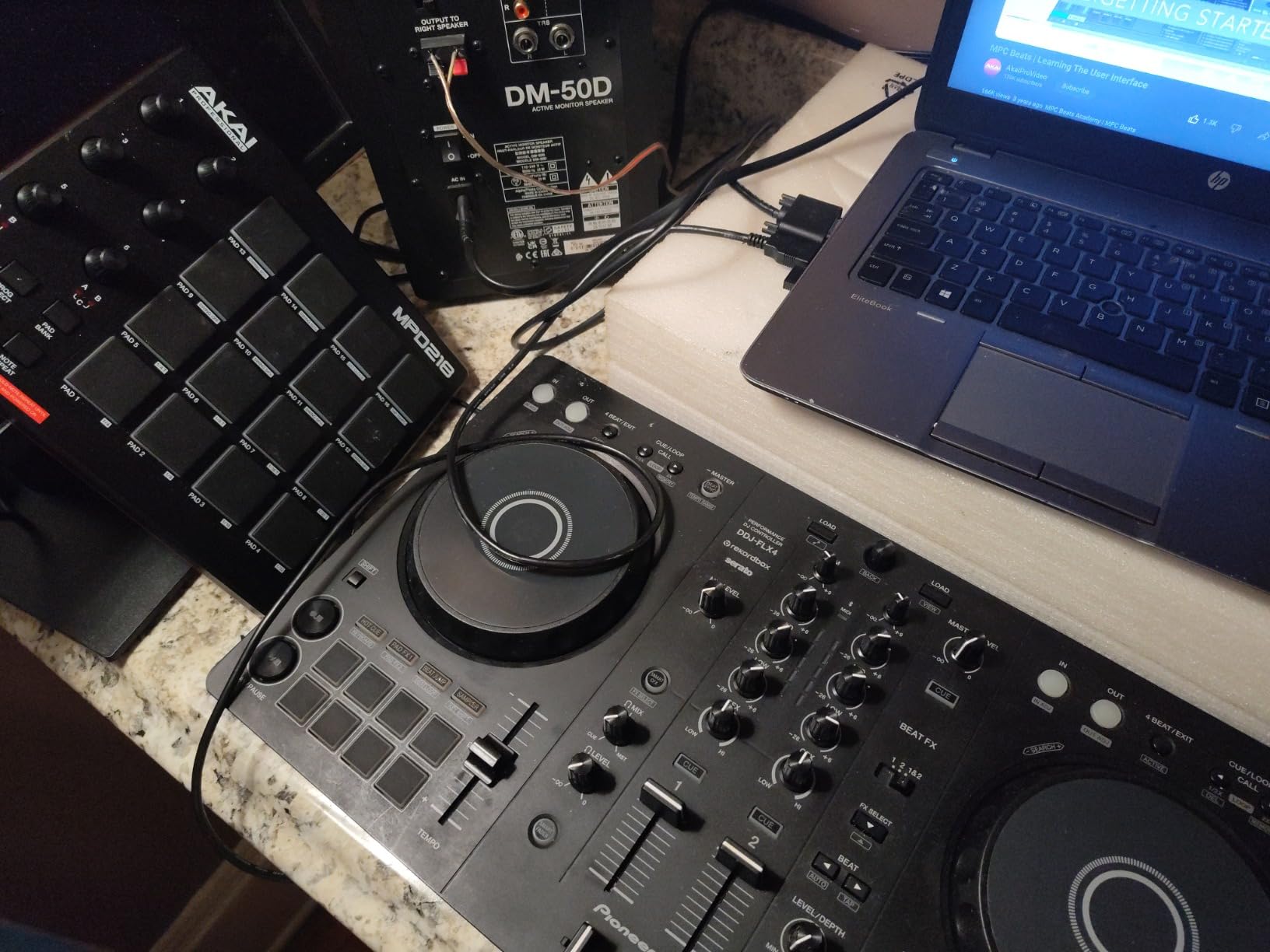
What surprised me was the platform range. It connects over USB or Bluetooth to PC, Mac, iPhone, iPad or Android with a built-in sound card, and the compatible devices list names DJay, rekordbox and Serato DJ Pro. You can also mix from Apple Music, Tidal and Beatport, then stream or MC the same set. At 2.8 kilograms with a 2022 model year, it is a serious-looking piece of kit that still fits in one bag.
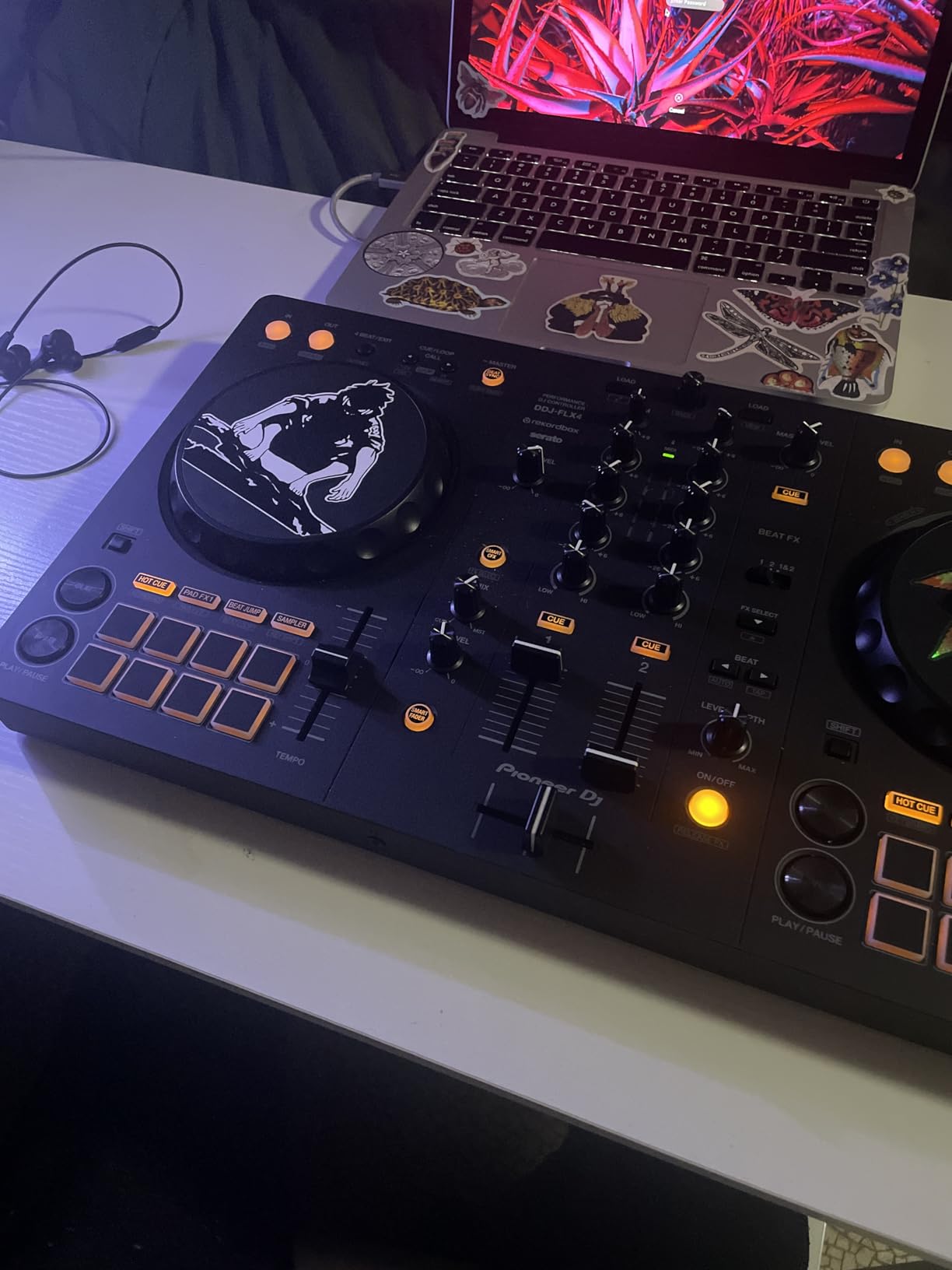
The 16 Performance Pads cover Hot Cues, Pad FX, Beat Jump and Sampler, and the arrangement is identical to Pioneer’s pro controllers, so pad skills transfer directly. The catch is licensing: rekordbox and Serato DJ Pro both require a paid subscription or one-time licence for the full feature set, so factor that into the real cost of ownership.
Who the DDJ-FLX4 suits
It suits the beginner who plans to gig eventually and wants their first box to look like the gear they will meet in a booth. Sixteen pads, a full EQ section and a crossfader that behaves like a club mixer give you more to learn on than a two-knob beginner box.
It also suits anyone who has not decided on software. Supporting rekordbox, Serato DJ Pro and djay means you can change platforms without changing hardware, which removes the biggest regret we hear from new DJs.
Who should skip the DDJ-FLX4
Skip it if you plan to play vinyl-style sets or scratch seriously. The jog wheels are smaller than those on club-oriented controllers, and the same reviewers who praise the layout flag the small platters as the thing that holds scratching back.
Skip it if you want to DJ with no computer at all. Several users report needing a separate laptop since this is not a standalone unit, and there are plenty of people who simply do not want to carry one to a house party.
2. Numark Mixtrack Pro FX – Best for Bigger Jog Wheels
Numark Mixtrack Pro FX DJ Controller
6-inch capacitive jog wheels
eight pads per deck
3-band EQ and filters
Serato DJ Lite included
Pros
- 6-inch capacitive touch jog wheels with a turntable feel
- Eight performance pads per deck plus six dual-triggered FX
- 3-band EQ with filter knobs and channel faders
- Microphone input and headphone and RCA outputs
- 24-bit built-in audio interface
Cons
- Full-size footprint eats table space
- Serato DJ Pro is a paid upgrade
- Two-deck control only
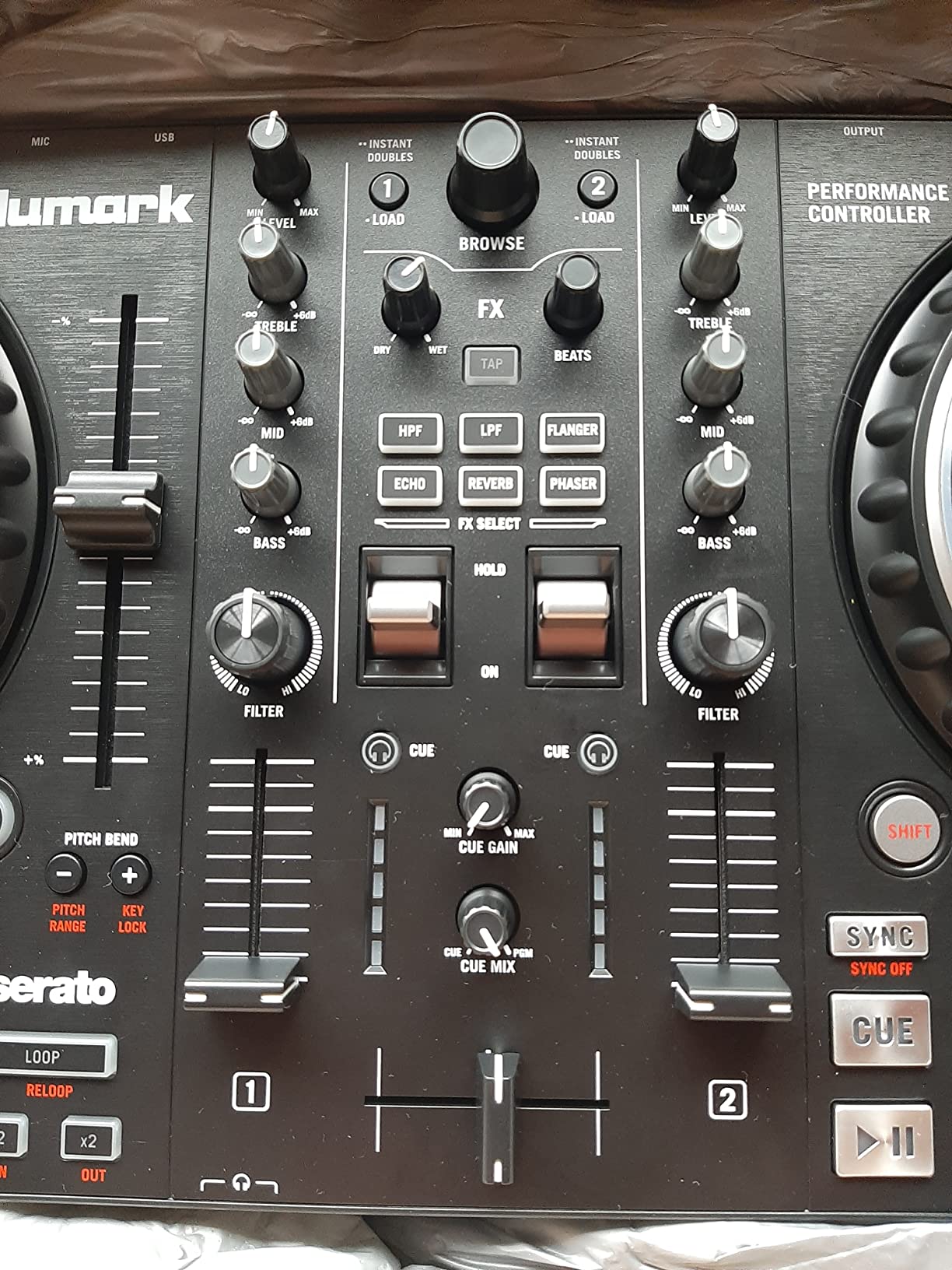
If you are the kind of beginner who keeps sliding a finger along a jog wheel edge trying to feel what scratching is, this is the one to buy. The 6-inch capacitive-touch jog wheels are noticeably bigger than what most entry controllers ship with, and reviewers consistently describe them as a step up in feel rather than a gimmick. It is the closest thing in this list to the surface you will eventually learn on.
The rest of the deck section matches. Eight performance pads per deck, six quick-launch effects on dual paddle triggers, dedicated instant loop controls and pitch sliders on both channels. At 4.6 stars across 1884 reviews, satisfaction is right at the top of the group, and the recurring theme in reviews is that it feels like a step up from a toy without costing club money.
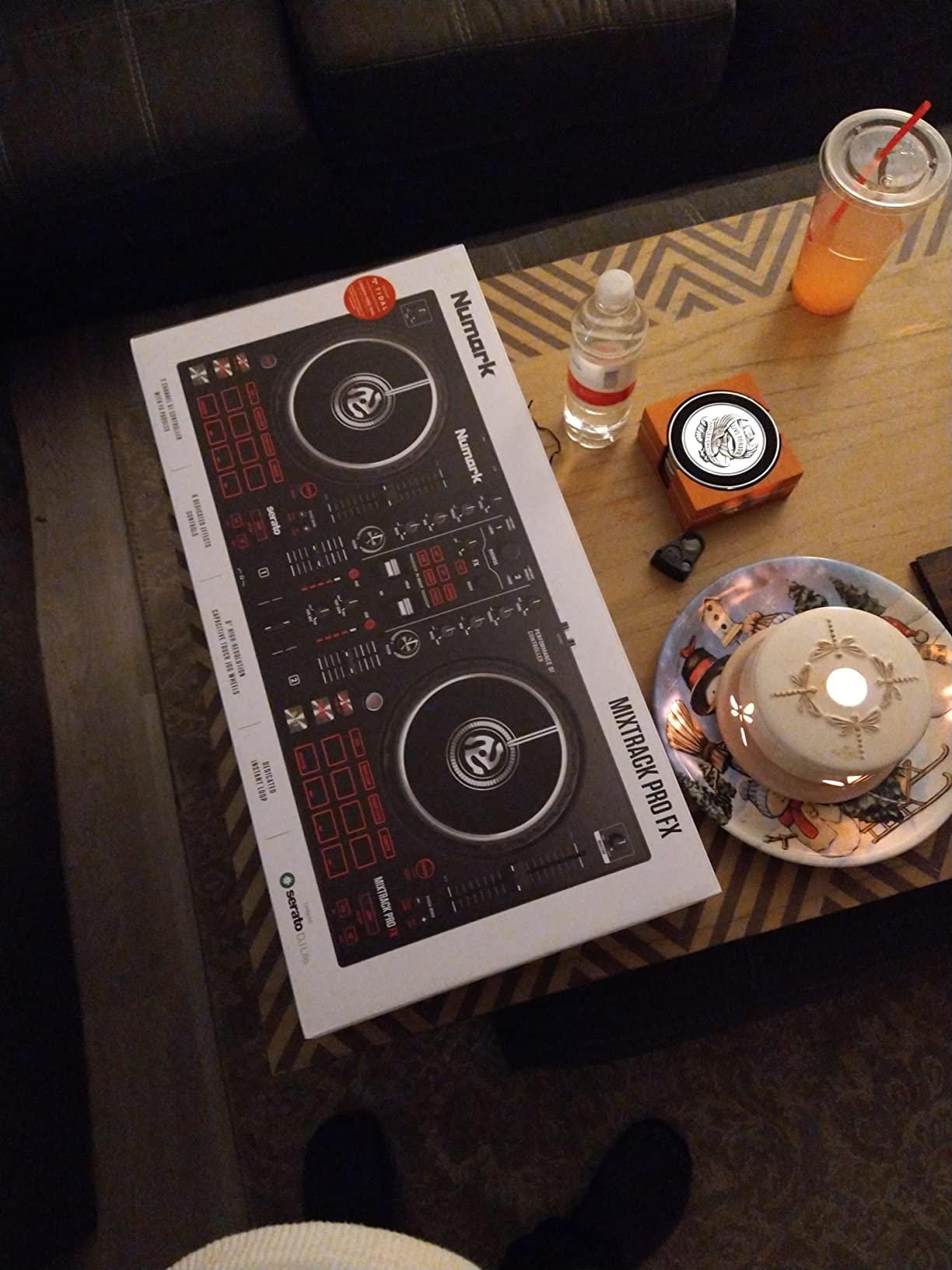
Connectivity is conventional and solid: a built-in 24-bit audio interface, USB plug and play on Mac and Windows, a microphone input, headphone output and RCA output for a PA. The mixer carries 3-band EQ, filter knobs, channel faders and a crossfader, which is a proper club-style control surface rather than a simplified teaching layout. Streaming works through Serato DJ Lite from Apple Music, Tidal, Spotify, SoundCloud, Beatport Link and Beatsource Link.
The measurements tell you what you are dealing with. At 9.48 by 21.61 by 2 inches and 5.06 pounds, it is a full-size unit, and it is stainless steel in the listed material. That footprint is the trade: you get a real mixer section and big platters, and in exchange the thing occupies most of a small table.
Who the Mixtrack Pro FX suits
It suits beginners who learn by touch. The larger platters make beat nudging, cue placement and scratch practice far more forgiving than mini jogs, and the 3-band EQ teaches you tone control from week one.
It also suits anyone who plans to play small paid gigs at friends’ events. Microphone input, proper RCA output and Serato DJ Lite streaming cover most small-venue hookups without extra boxes.
Who should skip the Mixtrack Pro FX
Skip it if your practice space is a bedroom desk. This is the heaviest of the compact-adjacent units in our group and reviewers flag the full-size footprint as its main drawback. Two decks is also the ceiling, so four-deck blending and remixing workflows are out of reach.
Skip it if you want Serato DJ Pro features without paying extra. Lite is included, but the Pro upgrade is a paid extra you will eventually want.
3. Hercules DJControl Inpulse 500 – Best Metal Build for Learners
Hercules DJControl Inpulse 500-2-Deck DJ Controller for Serato & DJUCED
Steel top plate
16 RGB pads and Beatmatch Guide
XLR outs and input mixer
Serato DJ Lite and DJUCED
Pros
- Stainless steel top plate that feels premium at this tier
- 3-band EQ with filters and VU meters
- Works with both Serato DJ Lite and DJUCED
- Onboard Beatmatch Guide for manual practice
- Balanced XLR outputs plus an aux input with its own volume control
- Retractable feet that lift the unit away from spilled drinks
Cons
- 11.6 pounds makes it the least portable option here
- Two decks only
- Requires a computer for playback
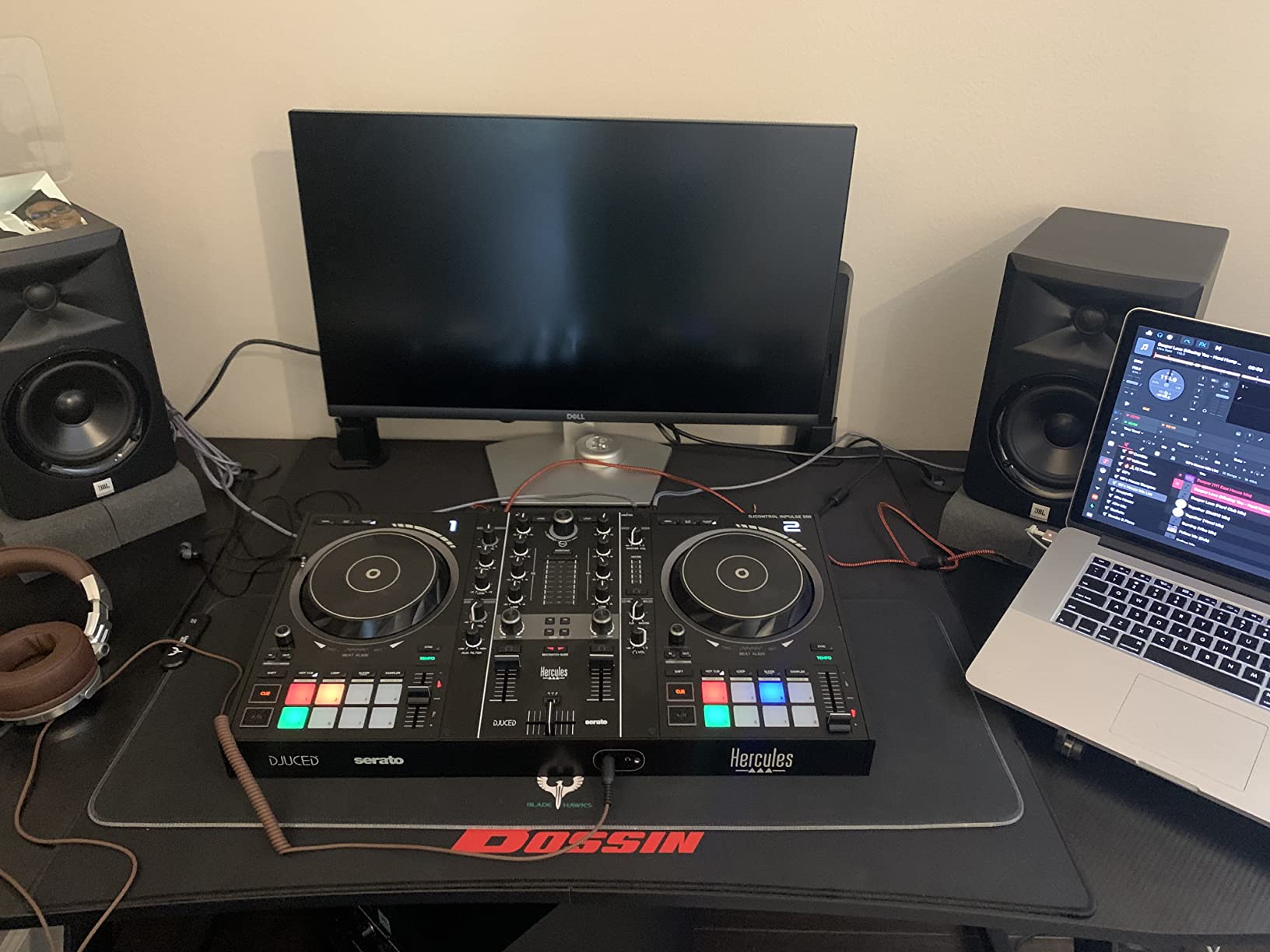
Most controllers in this price bracket are plastic, and you can feel it the moment you set them on a table. The Inpulse 500 uses a metal top plate and retractable feet that raise the body away from a surface, which is a small touch that tells you someone thought about actual bar and bedroom use. Reviewers including working DJs describe it as a rare mix of professional features and beginner aids, and several bought a second unit for gigs.
The Beatmatch Guide is the feature most cited. It is an onboard aid for practising manual beatmatching rather than leaning on sync, which answers the question r/Beatmatch beginners ask most often: does helper tech stop you learning? Used alongside the guide rather than instead of it, it keeps you practising the real skill.
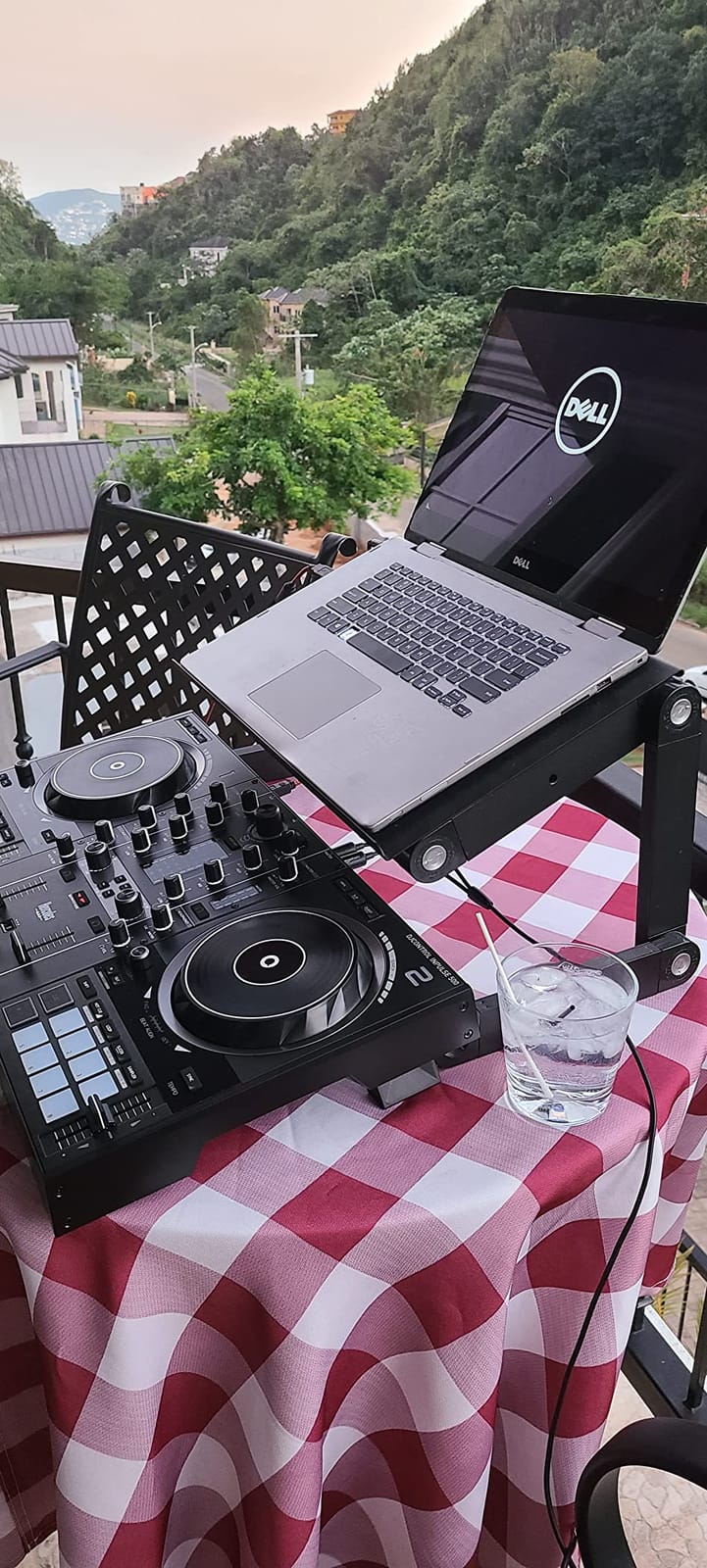
The mixer section is the strongest here for an entry unit. You get 3-band EQ, filters, VU meters and a hardware input mixer that accepts audio inputs directly, plus balanced XLR outputs and an aux input with dedicated volume control. Large jog wheels carry touch detection for scratching, and there are 16 backlit RGB pads, a vinyl mode and loop in and out buttons.
It runs Serato DJ Lite and DJUCED, which gives you two ecosystems to choose from without new hardware. Some owners find the bundled DJUCED software cobbled together and move to Virtual DJ or Serato Pro, so try it before you commit.
Who the Inpulse 500 suits
It suits beginners who will end up playing out. Balanced XLR outputs, an aux input and a hardware input mixer make it the easiest unit here to wire into a small PA without adapters or extra boxes.
It suits anyone who wants to practise beatmatching deliberately rather than hide behind sync. The Beatmatch Guide plus touch-detecting jog wheels gives you a surface to actually train on.
Who should skip the Inpulse 500
Skip it if you need to carry it. At 11.6 pounds it is by some distance the heaviest controller in this list, and reviewers call out the weight as a genuine drawback for anyone moving between home and a friend’s house party.
Skip it if you want to DJ without a computer. There is no standalone mixer function, so playback always runs through a laptop.
4. Hercules DJControl Inpulse 200 MK2 – Best Value With Built-In Tutorials
Hercules DJControl Inpulse 200 MK2 — Ideal DJ Controller for Learning to Mix — Software and Tutorials Included, Black
Bundled tutorials for self-teaching
Serato DJ Lite and DJUCED included
EQ and tempo controls
2.84 pounds
Pros
- Bundled tutorials walk total beginners through the basics
- Works with Serato DJ Lite and a full version of DJUCED
- Speaker volume control on the unit itself
- Compact at 2.84 pounds without feeling toy-like
Cons
- No rekordbox support at all
- Looping behaviour is inconsistent
- Only two hot cues and narrow EQ range
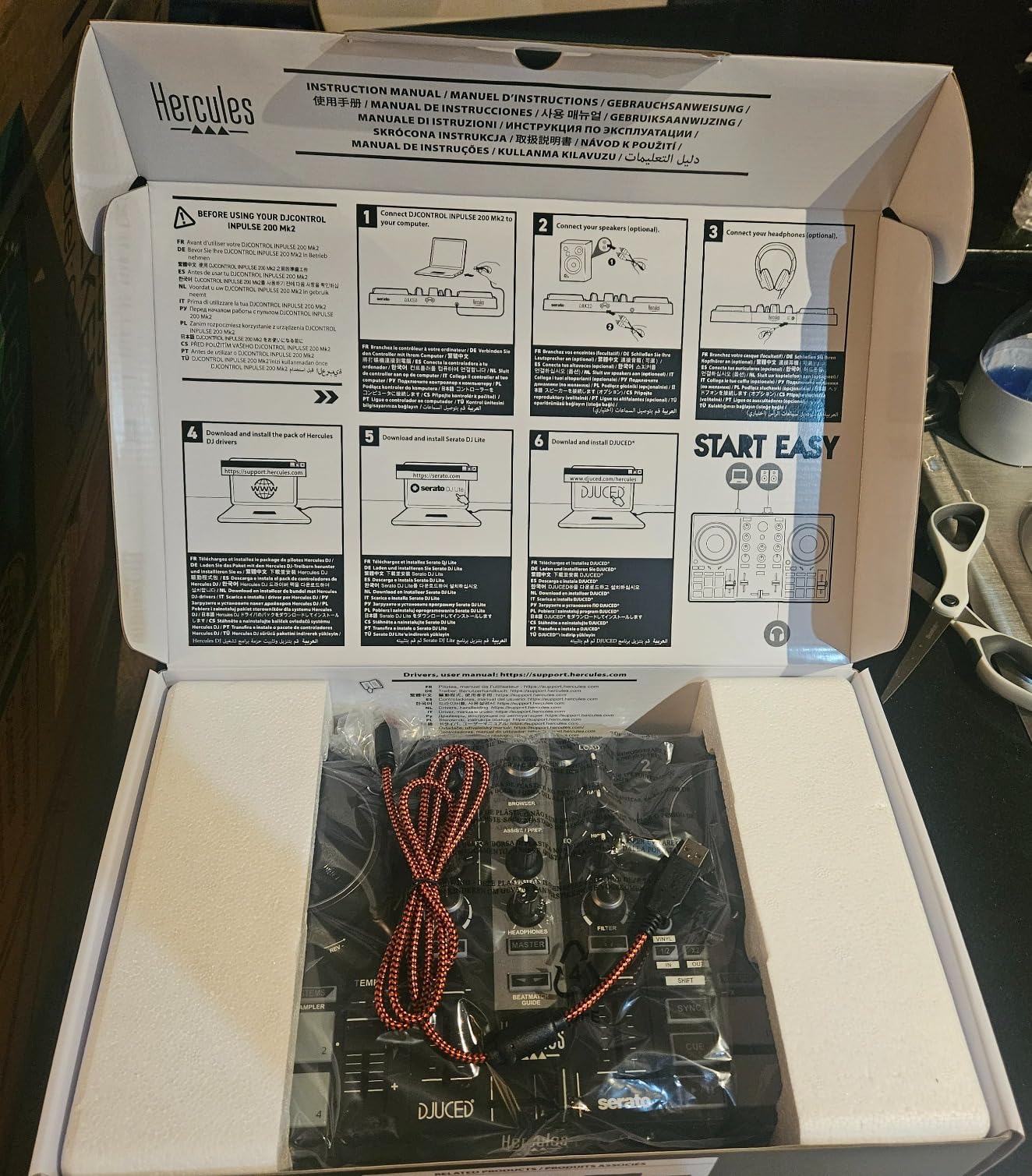
This is the pick if you genuinely have no idea where to start. It ships with built-in beginner tutorials, which sounds minor until you consider how many hours people spend searching for a first lesson. Owners consistently call it one of the better options at this tier and single out the bundled tutorials for self-teaching as the reason they stopped feeling stuck.
Compared with the bare-bones travel units it still gives you proper control: EQ knobs, tempo control and pad triggers, plus a master output for speakers and a headphone output for cueing. At 2.84 pounds and 15.6 by 10.3 by 3.7 inches, it sits neatly between a toy and a full-size unit without tipping into either extreme.
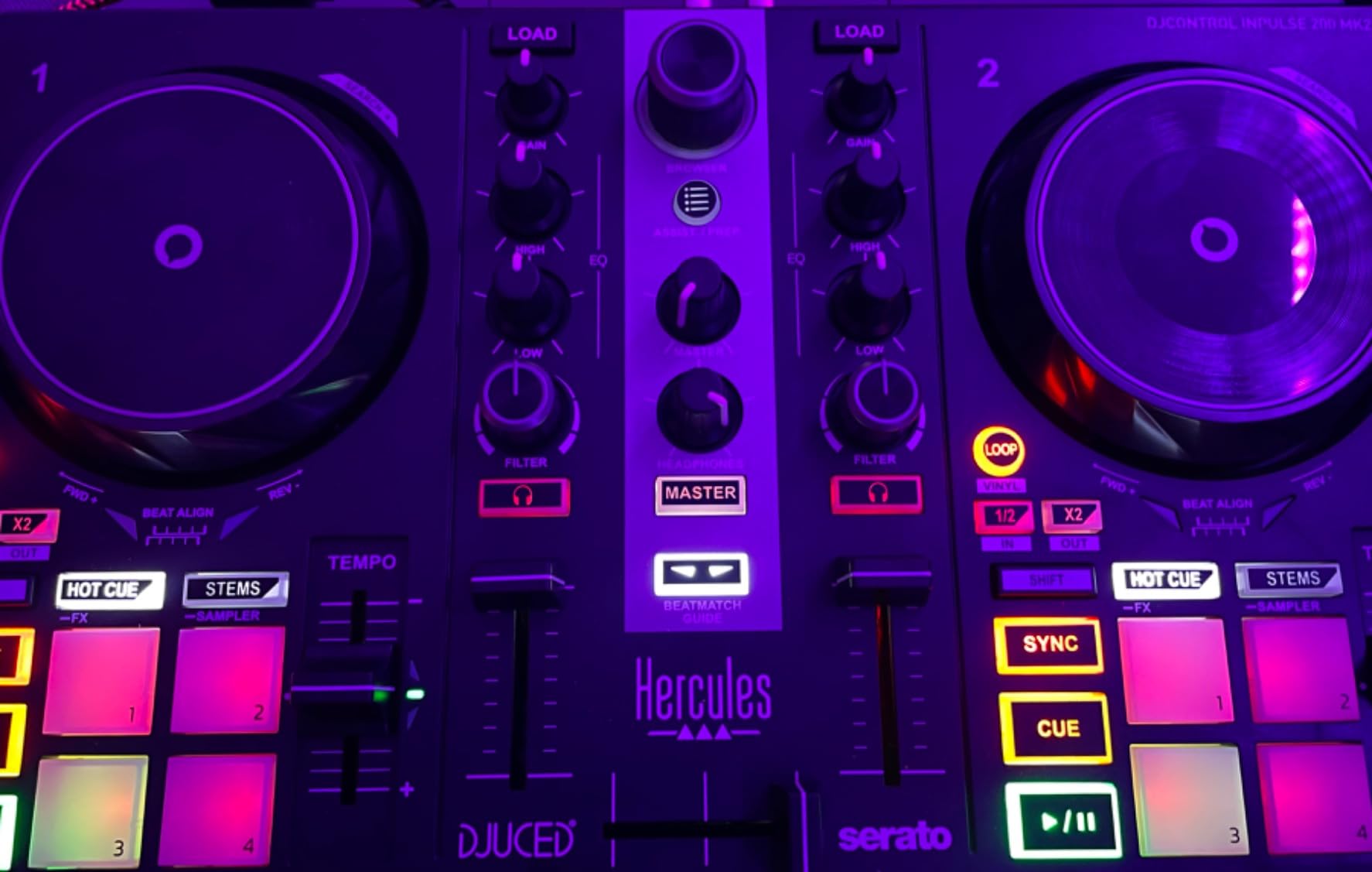
The real limitation is software. It supports Serato DJ Lite and DJUCED, and DJUCED needs you to create an account before you can use it. There is no rekordbox support, so if you have already decided Pioneer software is your ecosystem, this one is out. That single fact knocks a lot of people out of the running despite the price.
Quality control is another honest note. The EQ knobs have a limited range of motion, the looping function is inconsistent, and loop points do not always stay where you place them. Two hot cues is very few by modern standards. None of this stops you learning, but you will outgrow the loop behaviour quickly.
Who the Inpulse 200 MK2 suits
It suits absolute beginners who want structure and guidance. If tutorials and a supported software path matter more to you than future upgrade options, this delivers both at an entry price.
It suits anyone starting on a laptop who wants direct speaker volume control from the controller rather than digging into software mixer settings mid-practice.
Who should skip the Inpulse 200 MK2
Skip it if you are a Pioneer software person. The absence of rekordbox support is the dealbreaker that reviewers raise most often alongside the quirky loop handling.
Skip it if you plan to play hip-hop, scratch or anything cue-heavy. Two hot cues and inconsistent loops will frustrate you well before the price becomes an issue.
5. AlphaTheta Pioneer DJ DDJ-FLX2 – Best for Mixing From a Phone or Tablet
AlphaTheta Pioneer DJ DDJ-FLX2 2-Channel DJ Controller, Smart Fader, USB-C
Smart Fader on a lighter frame
USB-C bus power
rekordbox and djay support
2.7 pounds
Pros
- Smart Fader matches volume BPM and bass as you move the crossfader
- Runs from USB-C bus power on a phone tablet or computer
- Lightweight at 2.7 pounds and compact enough for a small desk
- Tactile notches mark key fader and knob positions
- Precise jog wheels with no drifting
- Includes a DJ course for new users
Cons
- No manual loop or one-touch effect control
- Mostly plastic construction
- rekordbox and djay need paid subscriptions
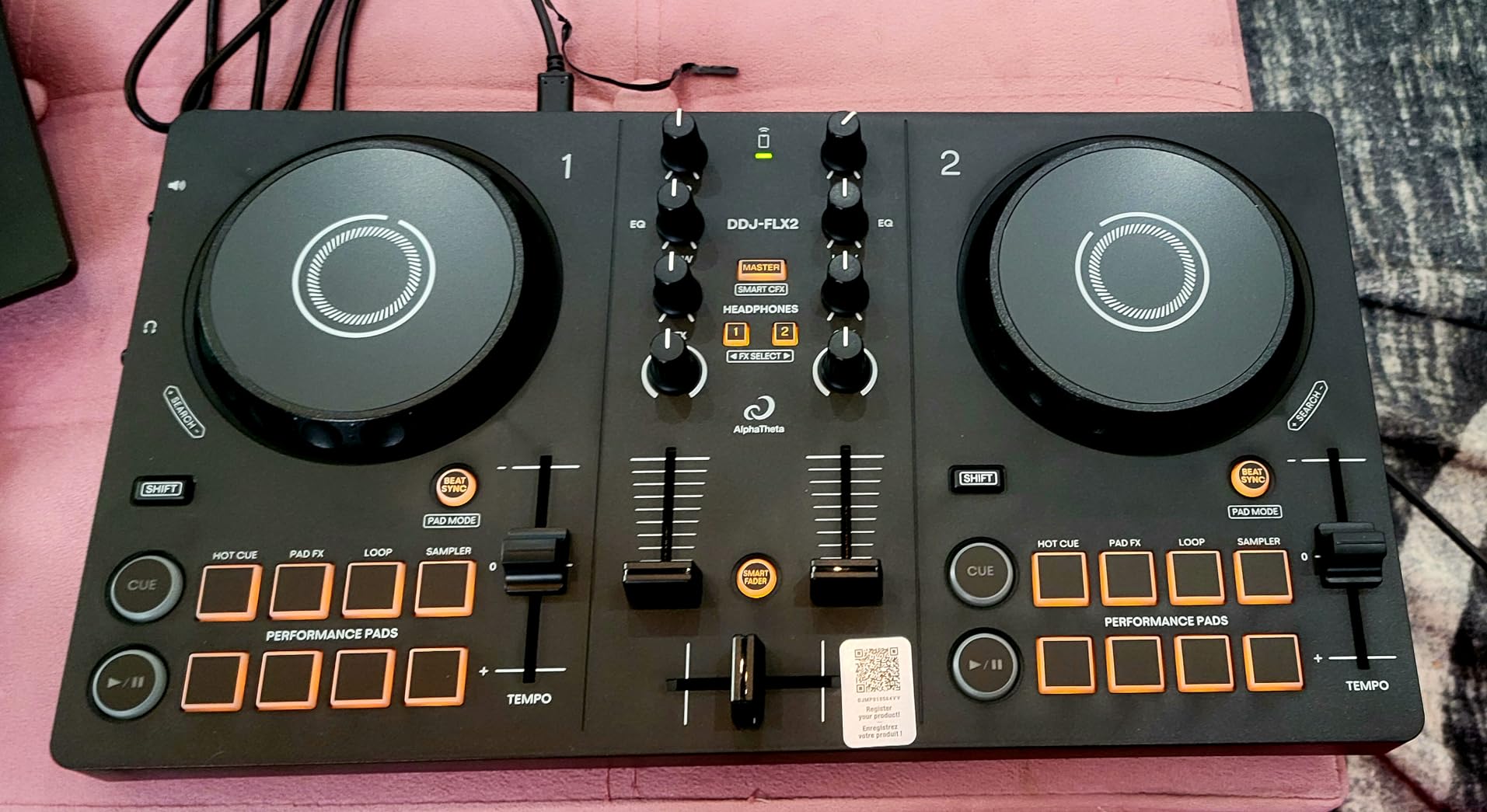
The FLX2 is the FLX4’s smaller sibling and, in some ways, the more interesting first purchase. It keeps the Smart Fader that made the FLX4 famous and drops the size, which means you can learn on a lap, a small desk or a phone on a train. At 2.7 pounds and 18 by 11.7 by 4.4 inches it is one of the most portable full-feature controllers we have mixed on.
USB-C bus power is the detail that changes the use case. It runs from a phone, tablet, PC or Mac, and a double-sided USB-C cable is included, so you can genuinely DJ with nothing but a phone and a pair of headphones. You can also play through the phone or laptop speaker, connect external speakers through the 3.5 mm output, or cue on headphones.
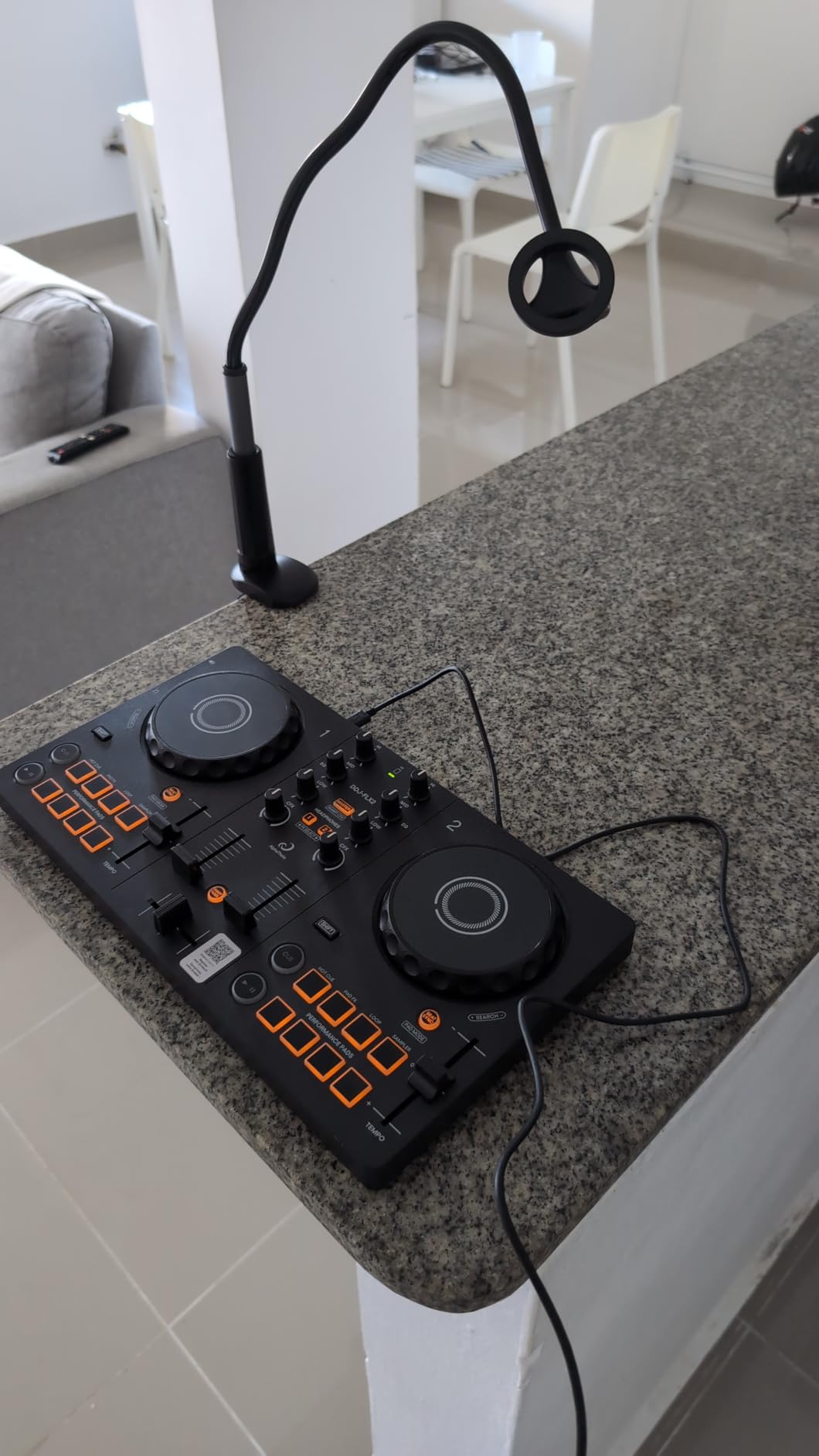
It supports rekordbox, djay and Serato DJ Lite, and streams from Apple Music, Spotify and Tidal through the compatible apps. The tactile notches on faders and knobs let you find key positions without looking down, which matters more than it sounds during a dim set. Reviews report precise, tight jog wheels with no drifting, and a bundled DJ course for new users.
Reliability is the one recurring complaint. A minority of buyers report the 3.5 mm volume and aux port developing a loose connection and causing audio dropouts, and a few mention units arriving used or in damaged packaging. There is also no manual loop or one-touch effect control, so those moves live in the software.
Who the DDJ-FLX2 suits
It suits beginners who want to practise anywhere rather than at a desk. Bus power from a phone or tablet makes it the easiest unit in this list to take to a friend’s place, a course or a small event.
It suits anyone who wants the Smart Fader experience but does not need 16 pads and a full club-style layout. You get the headline teaching feature at a smaller footprint.
Who should skip the DDJ-FLX2
Skip it if you want pro-level build quality. It is mostly metal and plastic, so it will not survive the transport life a gigging controller has to live.
Skip it if you need more than two hot cues and manual loops on the hardware. Those controls are simply not there, and the paid subscription requirement for rekordbox and djay adds a running cost.
6. Numark Party Mix II – Best for a First House Party Set
Numark Party Mix II DJ Controller with Built-in Lights
Built-in LED light show
streaming from six services
touch-sensitive jogs
1.76 pounds
Pros
- Complete Serato DJ Lite system with a built-in audio interface
- LED light show synced to the mix
- Large touch-sensitive jog wheels with pads and filter knobs
- Streams from Apple Music Tidal Spotify SoundCloud Beatport Link and Beatsource Link
- Most reviewed controller in this roundup
Cons
- Two-channel layout only
- Lightweight plastic build
- Jog wheels are small for serious scratching
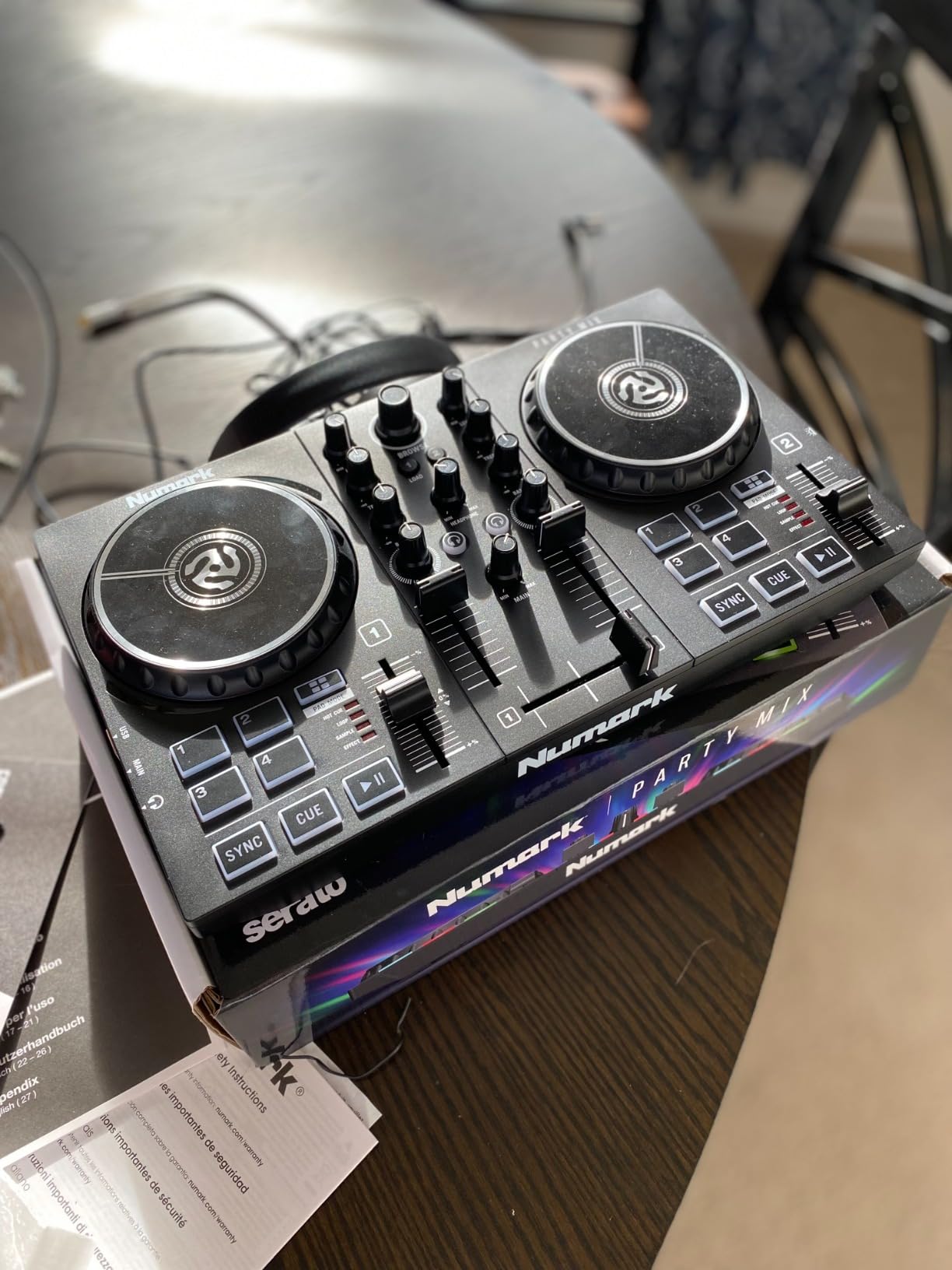
Everything happens on one screen, and the hardware does the work. Sync, play-pause and cue buttons sit above two decks with large touch-sensitive jog wheels, and the integrated mixer gives you 2-band EQ, channel faders and a crossfader. It is a 2-channel layout, so two decks and two faders, which is genuinely all a first house set requires.
At 4.3 stars from 4828 reviews it is the most reviewed controller in this roundup, with 69% five-star ratings. That volume matters here more than on any other pick: a device this widely used has an enormous amount of long-term owner feedback, and a few odd units are always a small share of a sample that size. Owners point consistently to the light show, all-in-one simplicity and streaming support as the reasons it works for beginners.
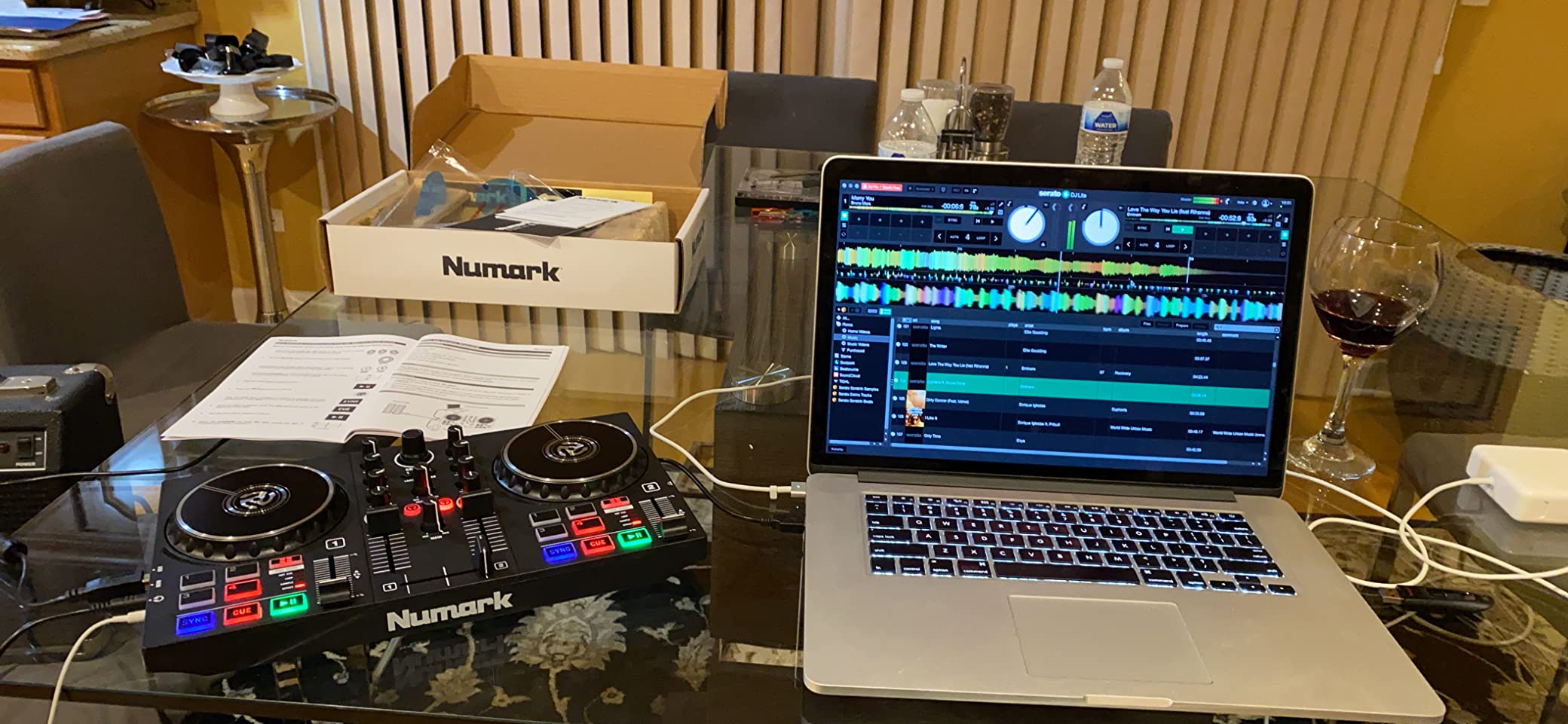
The audio path is handled internally. It is USB plug and play on Mac and Windows with a headphone output and a 1/8-inch main output, which covers headphones, a laptop and powered speakers without extra hardware. Streaming runs through the included Serato DJ Lite from Apple Music, Tidal, Spotify, SoundCloud, Beatport Link and Beatsource Link.
The trade-offs are physical. At 7.83 by 12.82 by 2.04 inches and just 1.76 pounds, it is light and easy to carry, and the plastic build is not built for heavy transport use. The jog wheels are small relative to club-style controllers, which limits scratching technique even though they are described as large within the class.
Who the Party Mix II suits
It suits a beginner whose first goal is a house party, a birthday or a family gathering. The light show does the heavy lifting on atmosphere, so a new DJ can hold a room without a lighting rig.
It suits anyone already paying for streaming services. Six providers work through the bundled software, which removes the usual beginner problem of owning a subscription you cannot use.
Who should skip the Party Mix II
Skip it if you care about mixing technique. Two-band EQ, two channels and a two-deck limit will teach you the very least about club mixing, and it is not an upgrade path you can grow along for long.
Skip it if you play vinyl or scratch. The small platters and light plastic frame are not built for that, and reviewers name both as recurring limits.
7. Roland DJ-202 – Best for Live Remixing and Beat Making
Roland DJ-202 Compact DJ Controller
TR-808 and TR-909 drum kits
16-step sequencer and MIDI out
four-deck control
Serato DJ Pro upgrade included
Pros
- Built-in drum machine with TR-808 TR-909 and TR-606 kits and a 16-step sequencer
- Serato DJ Pro upgrade included at no extra cost
- Four-deck control with per-deck effects stems looping and pitch lock
- Large low-latency platters with a drag-like feel
- Lightweight at 4.6 pounds with easy-grab handles
Cons
- RCA stereo outputs only with no XLR
- No adjustable jog wheel tension
- Pads feel stiff for fast cue hits
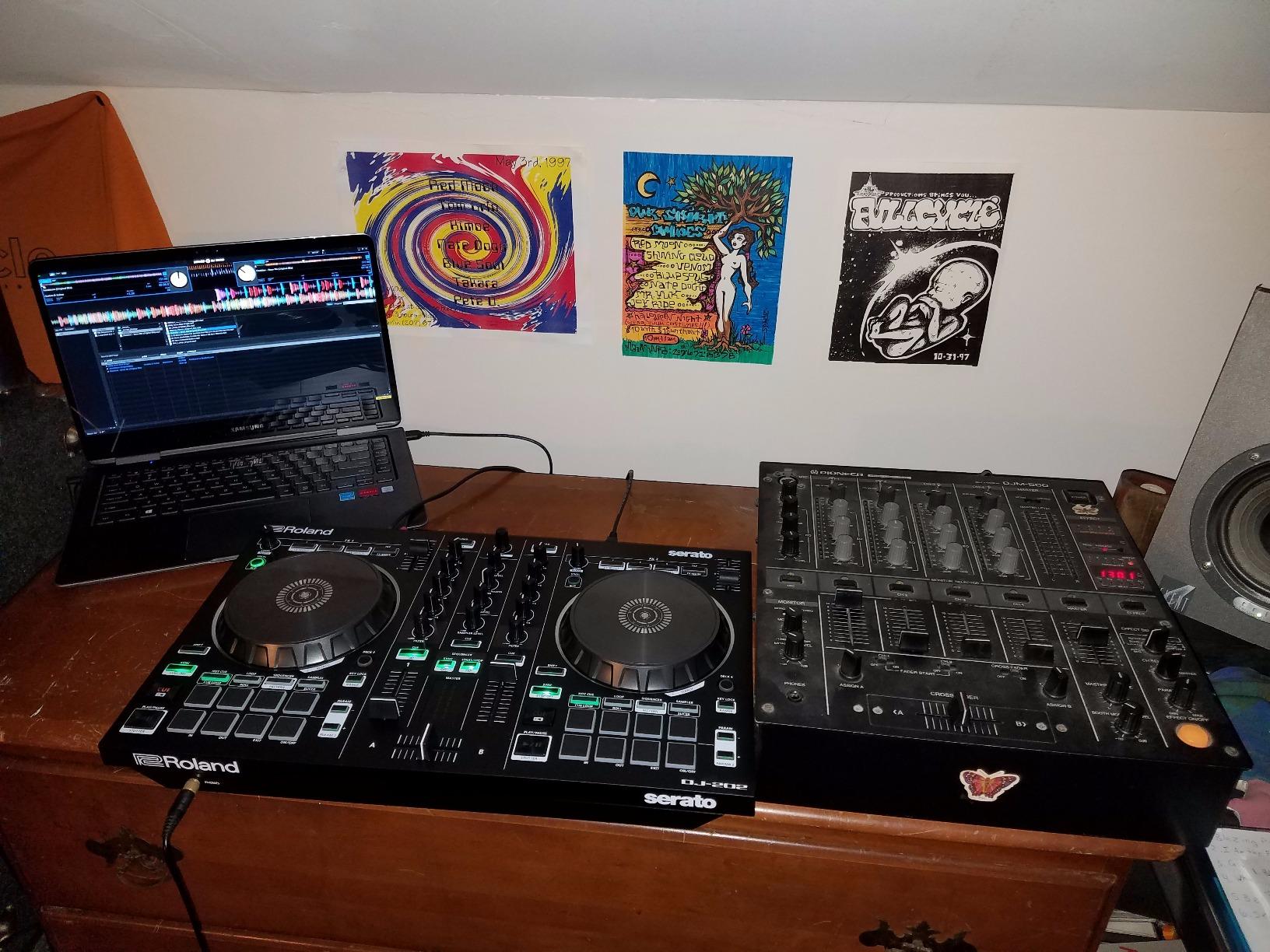
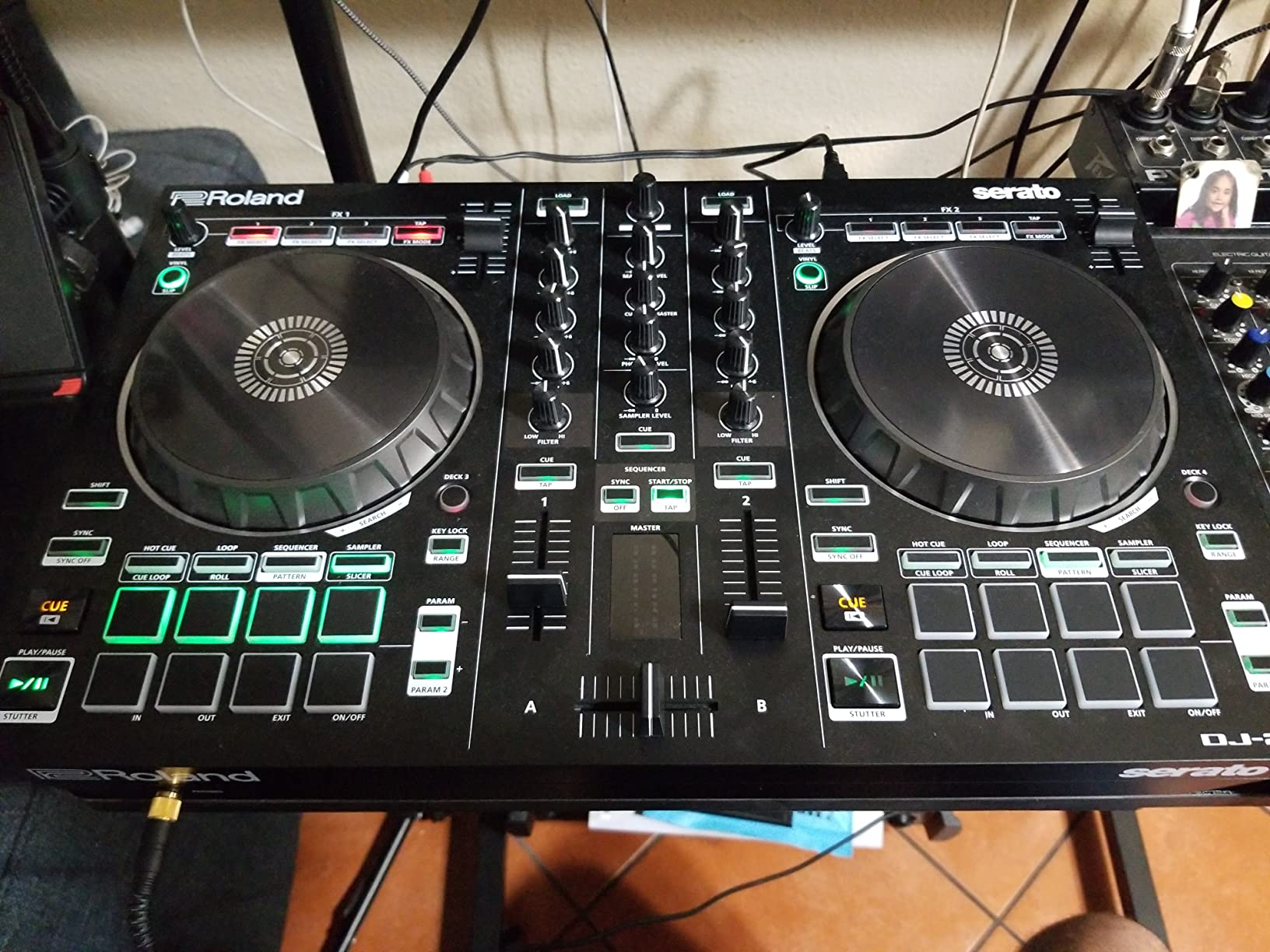
The DJ-202 is the odd one out in this list, and that is exactly why it earns a place. It has a built-in drum machine with TR-808, TR-909 and TR-606 kits rendered with Roland’s ACB analog circuit modelling, plus an onboard 16-step sequencer that drives the Serato sampler. You can build a beat live over a track, which is a genuinely different skill from mixing.
It also controls four decks, not two. With per-deck effects, stems, looping and pitch lock, it is the only controller here that gives you room to do the layered remixing that DJs play for. The listed mixer channel quantity is four, and the compatible software is Serato DJ Lite and Serato DJ Pro.
The most valuable single item in the box is the free Serato DJ Pro upgrade, which reviewers cite far more often than the jog wheel size as the reason to buy. Pro is normally a paid licence, so it offsets the gap against cheaper rivals. Audio is 24-bit over 48 kHz, and there is a mic input with gate, hi-pass, reverb and echo.
Physical notes: 4.6 pounds, 2018 model year, stainless steel in the listed material, and a one year parts plus 90 days labour warranty. Eight dedicated pads cover Hot Cue, Loop, Sequencer and Sampler modes, and there is an Inst-Rec mode for real-time sampler sequencing plus a MIDI output for external gear.
Who the DJ-202 suits
It suits beginners who want to make music rather than only blend it. The drum kits and sequencer give you something to do on a slow track that is not simply waiting eight bars.
It suits anyone who plans to move into remixing or mashups. Four-deck control and stems are features you would otherwise buy a second controller for, and the bundled Pro licence is the software that supports them properly.
Who should skip the DJ-202
Skip it if you need balanced connections. It has RCA stereo outputs only, so a club or PA rig expecting XLR needs an adapter or an interface.
Skip it if scratching is the goal. There is no adjustable jog wheel tension, the crossfader is described as inexpensive and clacky under scratch pressure, and the pads feel stiff when you need a precise fast cue.
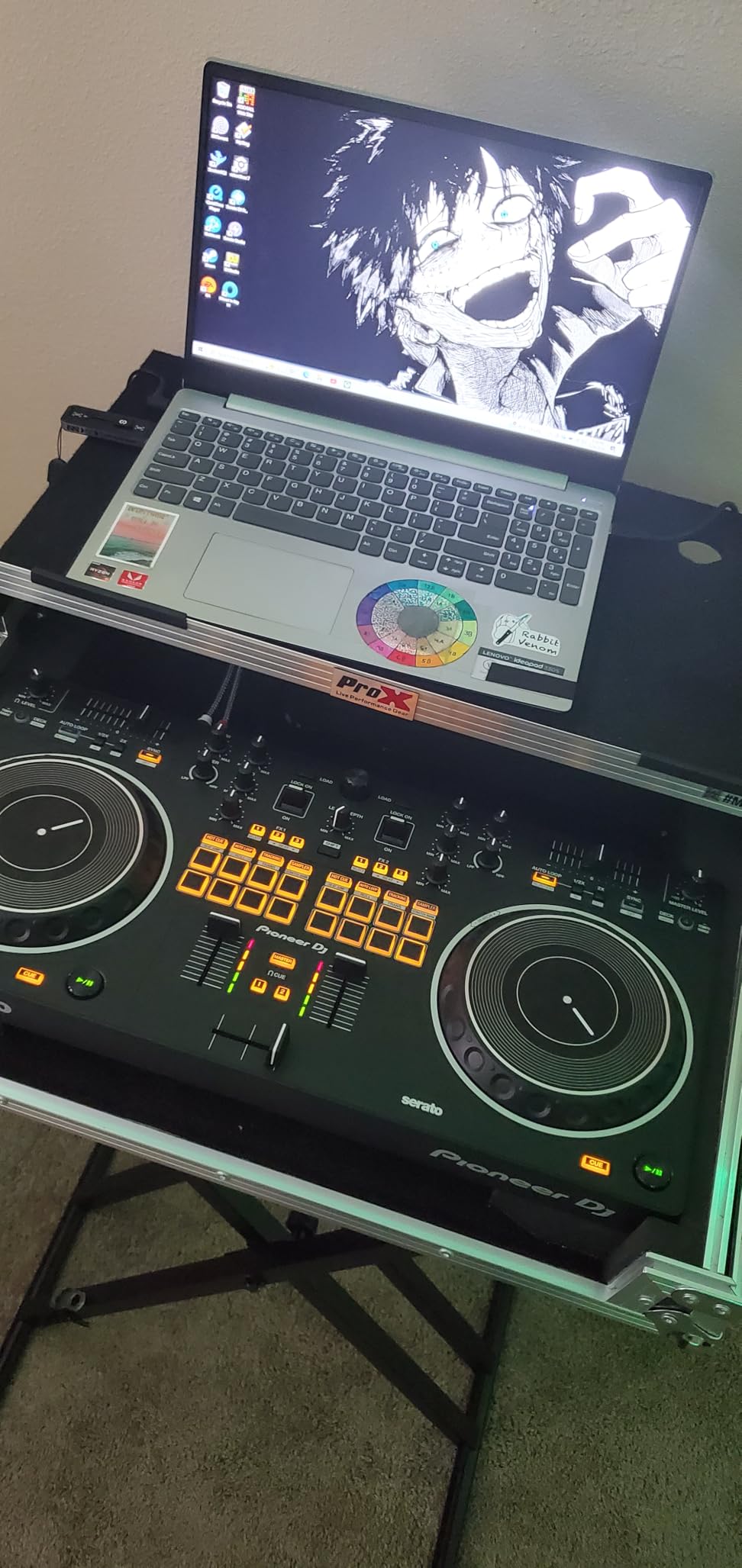
8. Pioneer DJ DDJ-REV1 – Best for Learning to Scratch
Pioneer DJ DDJ-REV1 2-deck Serato DJ Controller, Black
Battle-style open layout
tall pitch faders
tracking scratch trigger
Serato DJ Lite included
Pros
- Open battle-style layout mirrors a turntable and battle mixer setup
- Tall pitch faders and quick effect controls for scratch and battle moves
- One-motion tracking scratch trigger for building confidence
- Unlocks Serato DJ Lite so you can perform immediately
- Reliable enough that several owners bought a second unit
Cons
- Small jogs make scratching and backspinning harder
- No analog input path for vinyl
- Serato DJ Pro upgrade costs extra
Scratching is the one technique where layout matters more than almost anything else, and the REV1 is the only battle-style controller here. The open layout, with the faders and crossfader sitting low between the decks, mirrors a classic turntable and battle mixer rig. Owners who came from vinyl describe it as a value-packed bridge to a battle setup, and a professional reviewer notes it compares well to dearer models.
Two details help a beginner specifically. The tall pitch faders put key techniques within easy reach instead of tucked behind a deck, and the tracking scratch trigger fires a scratch routine with a single motion, so you can hear what a routine sounds like before you have the coordination to perform it.
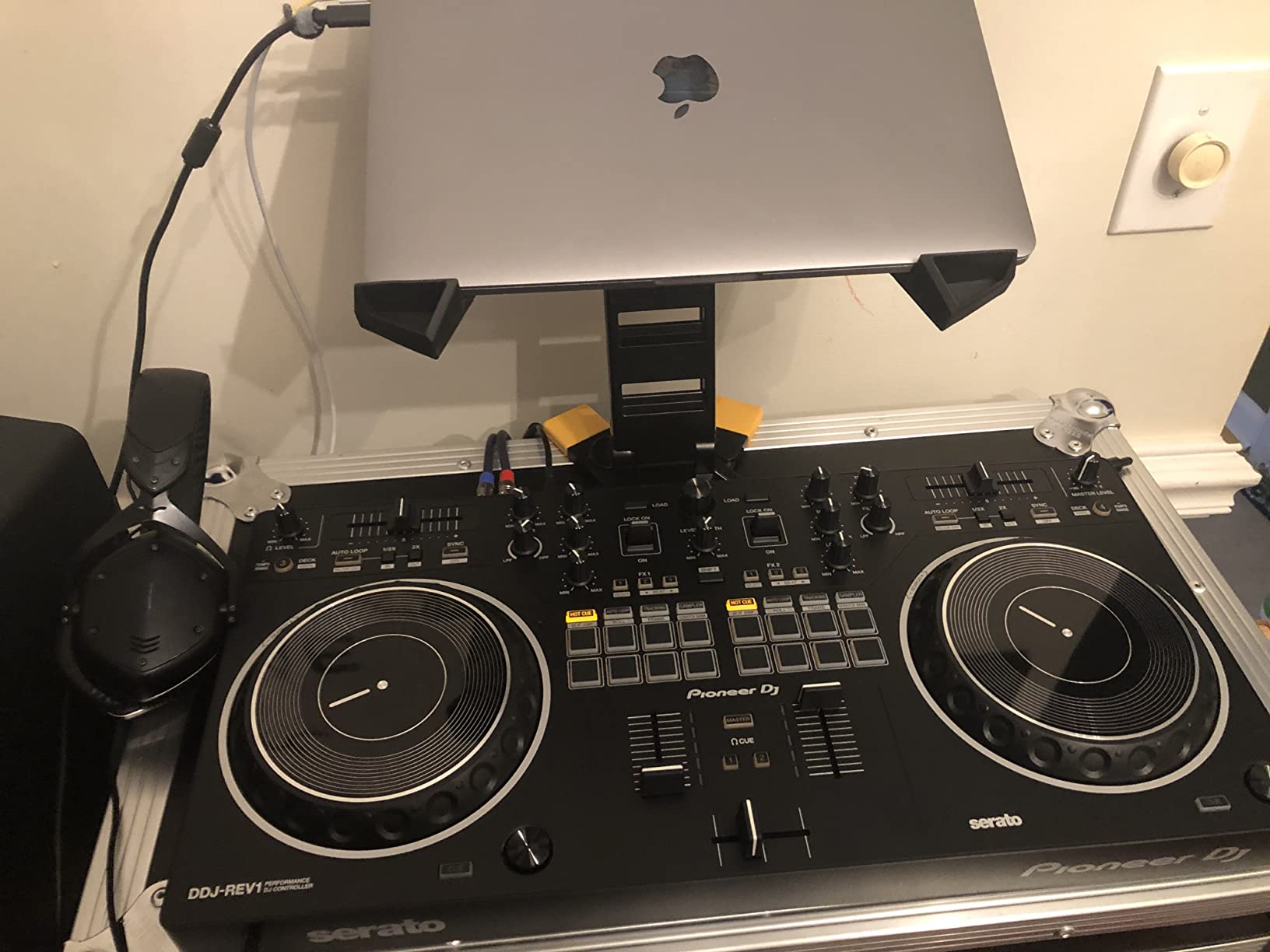
Serato DJ Lite is unlocked, so you can plug in and perform straight away, and the hardware is built around Serato DJ Pro if you upgrade. It measures 10.6 by 20.7 by 2.33 inches at 5 pounds with a one year manufacturer warranty. Rating is 4.5 from 990 reviews, with 79% five-star.
The limitation is the one that matters if you are a scratch-focused beginner: the jogs are small, and there is no adjustable tension, so backspinning is harder than on CDJ or turntable gear. There is also no analog input path, so you cannot run vinyl through the mixer section.
Who the DDJ-REV1 suits
It suits hip-hop and open-format beginners who want to practise scratch routines from week one. The battle layout and tracking trigger give you a working vocabulary long before manual dexterity catches up.
It suits anyone moving from turntables and wondering whether the controller world is a downgrade. The ergonomics should feel familiar rather than like learning a new instrument.
Who should skip the DDJ-REV1
Skip it if you are starting with smooth long blends rather than rhythm-based mixing. The layout is built for hands moving fast, and the small platters are the wrong surface for long pitch rides.
Skip it if you want to mix vinyl as well as digital. The lack of an analog input path rules out plugging record players into the mixer section.
9. Numark DJ2GO2 Touch – Best for Practising Anywhere
Numark DJ2GO2 Touch Compact DJ Controller
12 ounces total weight
backlit controls
1/8-inch outputs
four pad modes
Pros
- Exceptionally light and portable at 12 ounces
- Backlit controls for dark rooms and stage lighting
- On-board audio interface with headphone and main outputs
- MIDI mapping so it also works with Virtual DJ
- Low-profile design fits almost any surface
Cons
- Very small jog wheels limit expressive mixing
- Minimal knob count and shallow EQ depth
- 1/8-inch outputs rather than club-standard RCA
At 12 ounces and 3.39 by 12.36 by 1.3 inches, nothing else in this list disappears into a backpack the way this does. It is the controller to take to a friend’s house, to a course, or to a hotel room if you are playing regularly away from home. Reviews treat it as a grab-and-go practice or travel unit rather than a main rig.
The backlit controls are the feature owners appreciate second to size. Radiant lighting makes every control legible in a dark room or under stage lighting, which is exactly the situation where a beginner is most likely to be practising.
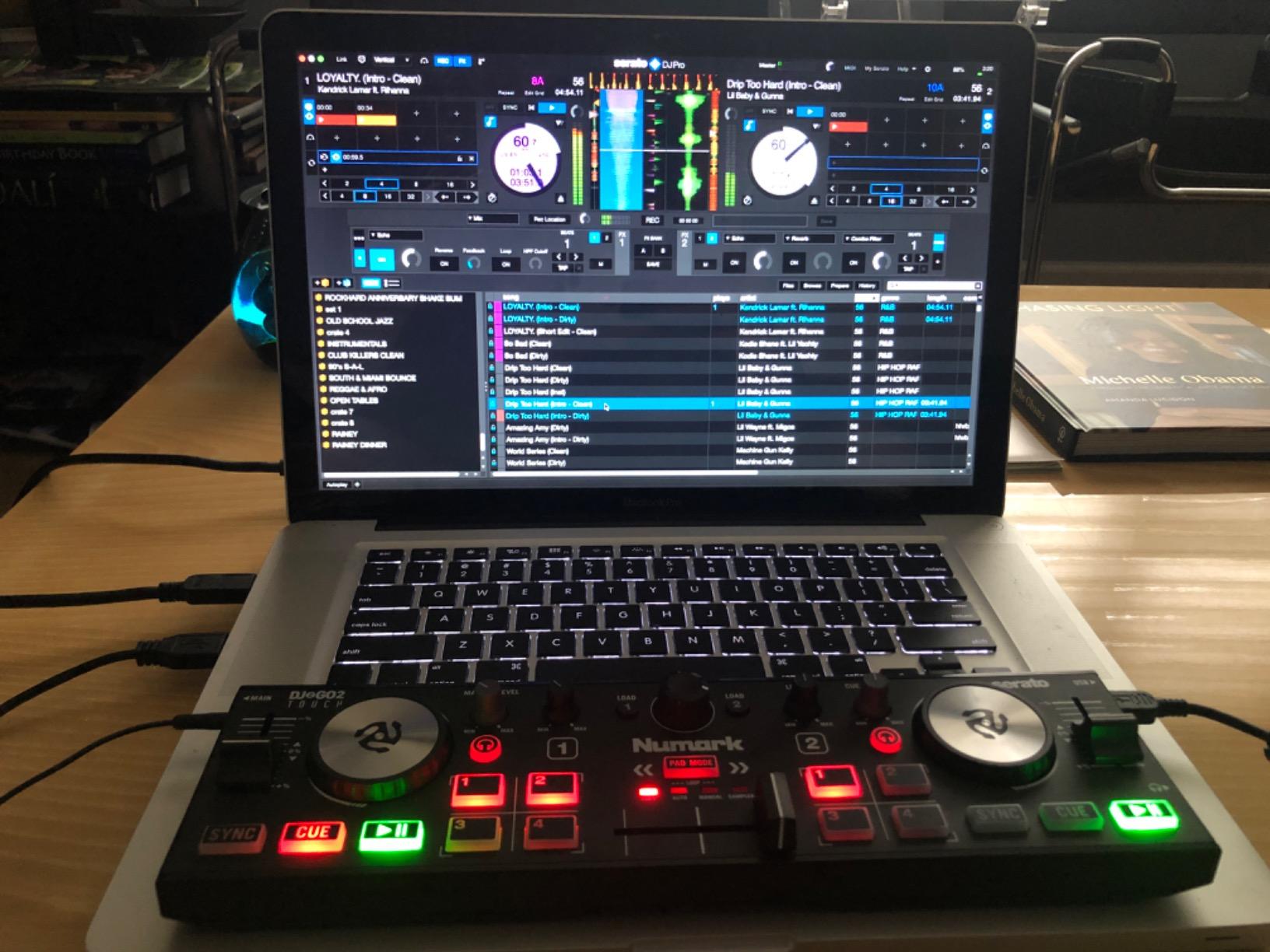
Connectivity is simple: a USB connection, a built-in audio interface and 1/8-inch headphone and main outputs, which cover headphones, speakers and small PA systems. It comes with Serato DJ Lite, and MIDI mapping means it also works with other popular DJ software including Virtual DJ, so you are not locked into one platform if you outgrow Serato.
Streaming works through Serato DJ Lite from Apple Music, Tidal, Spotify, SoundCloud, Beatport Link and Beatsource Link. Two decks have a crossfader, touch capacitive jog wheels and pitch faders, and four pad modes cover cue points, auto and manual looping and sample playback.
Who the DJ2GO2 Touch suits
It suits beginners who practise in places that are not their own home. It is the only controller here I would comfortably put in a laptop bag without thinking about it.
It suits anyone who wants to learn the software before committing to hardware. Because it drives Virtual DJ and other MIDI-mapped software as well as Serato, you can practise a controller-free workflow on a very small budget.
Who should skip the DJ2GO2 Touch
Skip it if you want to develop real mixing technique. The jog wheels are very small and the knob count is minimal, so expressive EQ work and anything scratch-like are out of reach.
Skip it if you plan to use club or PA equipment. The 1/8-inch main output means an adapter for a typical speaker or mixer input, and the two-deck control has no room to grow.
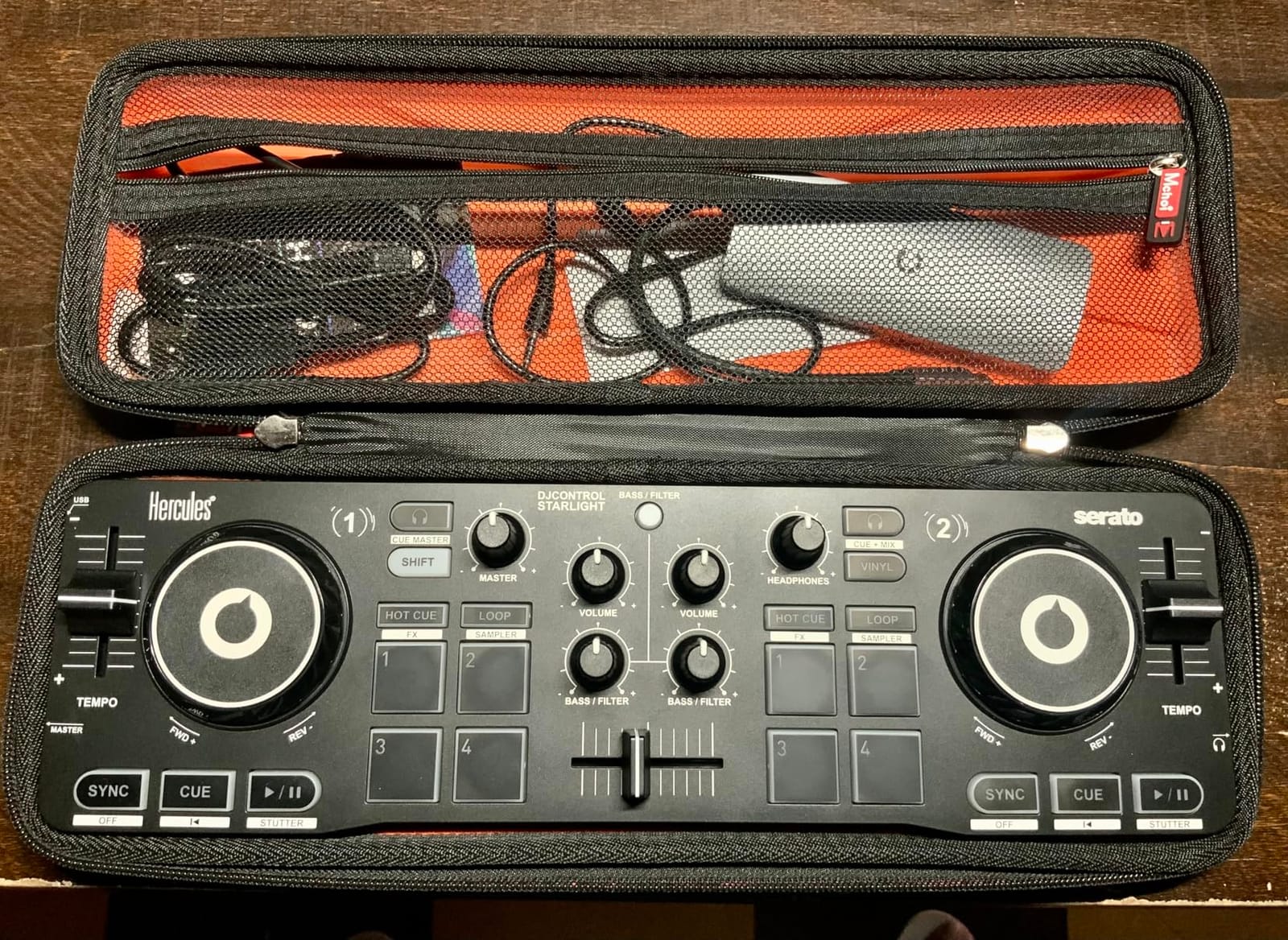
10. Hercules DJControl Starlight – Best for Scratching While Travelling
Hercules DJControl Starlight – Compact DJ Controller with Light Show
Pressure-sensitive jog wheels
RGB and strobe base lighting
works with Mixxx
1.1 pounds
Pros
- Compact enough for planes trains and small venues
- Pressure-sensitive jog wheels and a smooth crossfader for real scratching
- RGB and strobe base lighting synced to the mix
- Works with Serato DJ Lite Virtual DJ and open-source Mixxx
- Very sensitive knobs for fine mix control
Cons
- Only a small number of knobs with limited functions each
- No three-band EQ and the bass knob doubles as filter
- Basic built-in sound card that can pick up noise
- Plastic build and loud buttons
This is the only travel unit in the list that can genuinely scratch. The pressure-sensitive jog wheels and a crossfader smooth enough for real scratching put it ahead of the other compact options, and the RGB and strobe base lighting syncs to the rhythm of your mix, which gives a small room some atmosphere without a separate light rig.
At 1.1 pounds it is one of the most portable controllers you can buy, and reviewers describe it as something that holds up far better than its budget suggests, with multiple owners using it as a travel or backup controller. The knob sensitivity is a genuine strength: micro-movements translate into fine mix control, which is more useful than beginners expect.
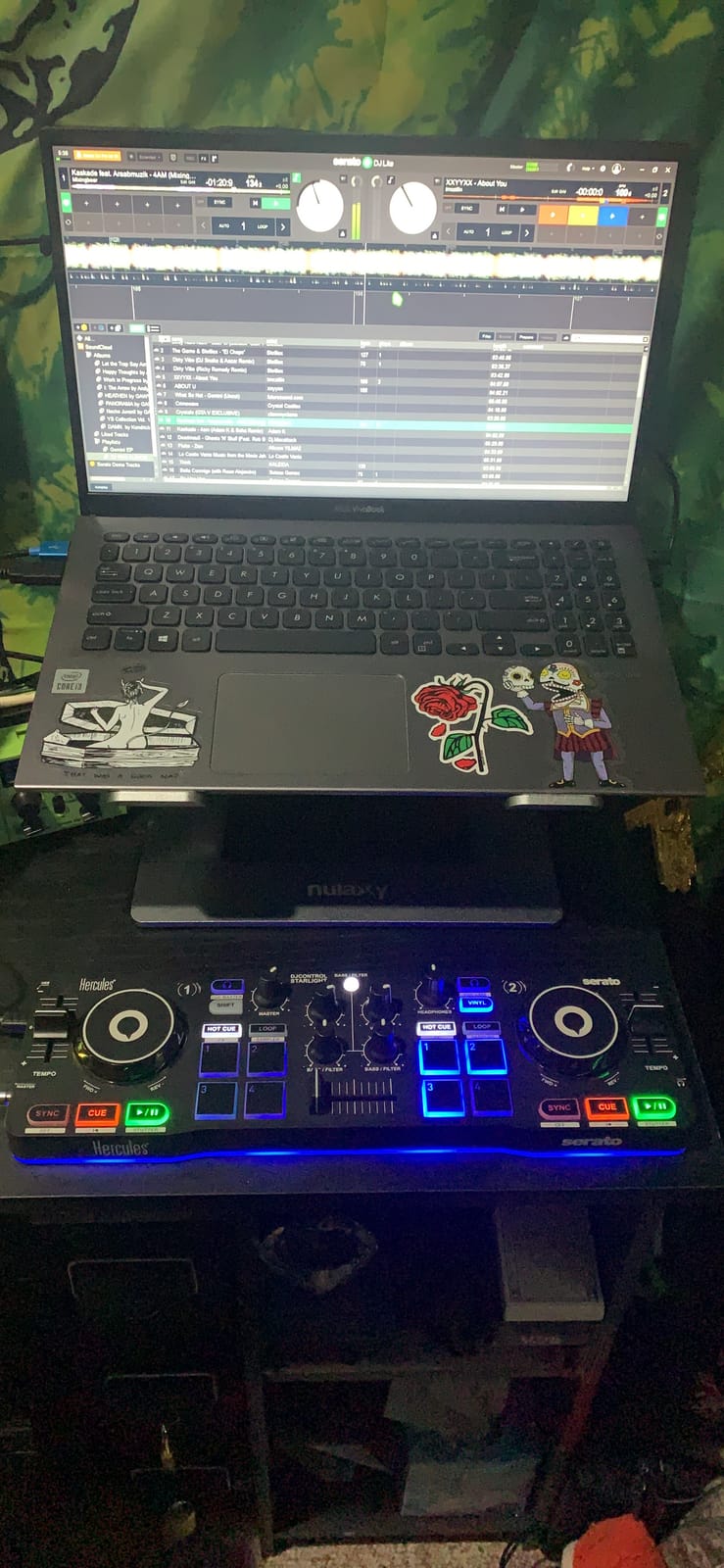
Software flexibility is unusually good for a compact unit. It works with Serato DJ Lite, Virtual DJ and open-source Mixxx, and it has a built-in sound card with pre-listen to the headphone and speaker outputs. Essential features include bass and filter, hot cue modes, loop, FX, sampler and the pressure-sensitive jogs.
It is battery powered, has RCA output, and comes with cables and an owners manual under a one year manufacturer warranty. The accepted trade is the layout: only a small number of knobs, each handling a limited set of functions, and no three-band EQ.
Who the Starlight suits
It suits beginners who want to practise scratching without lugging a full-size unit across town. Pressure-sensitive platters at this weight are unusual, and that is the whole point of the device.
It suits anyone who might not buy more software. Serato DJ Lite, Virtual DJ and free open-source Mixxx are all on the compatibility list, so cost is not a barrier.
Who should skip the Starlight
Skip it if you are learning EQ-based mixing. There is no three-band EQ, and the bass knob doubling as the filter is confusing on a new track, which is a genuinely frustrating first lesson.
Skip it if you play loud. The built-in sound card is basic and can pick up electrical noise at high amplification, so it suits bedroom and small-room practice far better than a loud system.
How to Choose a DJ Controller as a Beginner
Most buying mistakes in this category come down to one thing: people optimise for price or for features, when the thing that actually determines whether you improve is layout and software. Here is the order we would think about it in.
1. Club-standard layout beats feature count
A club-standard layout means channel faders stacked in the vertical arrangement of a real club mixer, with pitch faders at the bottom of each deck and the crossfader in the middle. The Pioneer DJ DDJ-FLX4 is built on exactly this arrangement, and it is the single strongest argument for that model.
The reason matters more than the spec sheet suggests. Mixing is a physical skill, and the hand positions you build in year one follow you into every room you play for years. If you learn on a tiny two-knob layout, you rebuild those habits later. A slightly larger, slightly heavier unit that matches club geometry saves months.
2. Pick software you will still want in two years
Software lock-in is the number one beginner worry, and it is a reasonable one. Serato DJ Lite ships with almost every controller in this list and is the biggest gateway to streaming, while rekordbox and djay are Pioneer and AlphaTheta platforms that require a paid subscription for full use. Serato DJ Pro is a paid upgrade or licence, though the Roland DJ-202 includes the upgrade.
Our advice is to choose software first, then hardware. DJUCED, bundled with the Hercules units, is another free option. Whichever you pick, the controller is a control surface, so the cheapest mistake is buying hardware that only works with a platform you dislike.
If you want broader coverage, our full controller roundup maps which units support which software across every tier.
3. Decide between standalone and laptop-driven
Every controller in this list needs a computer. That is the single biggest source of disappointment for new DJs who saw a laptop-free set in a video and assumed it was the default. Native Instruments, Denon DJ and Roland standalone units exist, but they sit well above this price bracket.
Against that, laptop-driven means you get a full library, streaming support and constant software updates for hardware you already own. Check your machine can run the software comfortably before you buy anything, because an underpowered laptop is a more common problem than an underpowered controller.
4. New or used: the DDJ-400 question
A used DDJ-400 keeps coming up in r/PioneerDJ and r/Beatmatch as the most affordable and best-value entry point, and the reasoning is sound. It is a club-standard layout at a price a beginner can absorb, and the platform works.
What to check on a used unit: that every fader and knob responds, that the jog wheels spin smoothly without grinding, that USB ports and the audio outputs are clean, and that pads light up. Skip it if the seller will not let you test all of those. Buying new buys you a warranty, which matters when the fader on a 2-deck controller is the component most likely to fail.
5. What else you need before your first set
The controller is maybe half of what you need, and this is the section no ranking list bothers with. A realistic starter setup is a controller, a pair of DJ headphones, a pair of powered speakers or monitors, a laptop, and cables.
You do not need expensive studio monitors to learn. Our picks for the rest of the kit are covered in our guides to DJ headphones and DJ speakers, both written with the same hands-on approach. Budget for the whole setup rather than spending everything on the controller and improvising the rest.
6. Plan the upgrade path
Look at each pick’s next step. The FLX2 leads to the FLX4. The Inpulse 200 MK2 leads to the Inpulse 500. The Mixtrack Pro FX leads to a full four-deck Pioneer layout. The DJ2GO2 Touch and Starlight lead to anything, because you will leave them behind within months.
That last point is worth internalising. Buy the cheapest unit only if you are certain your interest is casual. If you think you might play out, spending a little more on a layout that grows with you is cheaper than buying twice.
Frequently Asked Questions
What is the best DJ console for a beginner?
The Pioneer DJ DDJ-FLX4 is the best all-round choice for a beginner. Its layout is inherited from Pioneer professional gear, so the fader and knob positions you learn transfer directly to club equipment, and the Smart Fader feature matches volume, bass and tempo as you move the crossfader. It runs rekordbox, Serato DJ Pro and djay, so software lock-in is not a problem.
What DJ equipment is best for a beginner?
A complete beginner setup needs five things: a DJ controller, DJ headphones, a pair of powered speakers or monitors, a laptop that runs your software comfortably, and the cables to connect them. The controller is only part of the cost. Budget for the whole list rather than spending everything on the controller, and remember that both rekordbox and Serato DJ Pro may need a paid licence for full features.
What is the easiest DJ controller for a beginner?
The Hercules DJControl Inpulse 200 MK2 is the easiest for someone starting from zero, mainly because it ships with built-in beginner tutorials and a full version of DJUCED alongside Serato DJ Lite. That guided path saves hours of searching for a first lesson. Be aware it has no rekordbox support, only two hot cues, and some owners report inconsistent loop points.
What is the best beginner DJ set up?
Start with a mid-size controller that has a club-standard layout, such as the Pioneer DJ DDJ-FLX4 or the Numark Mixtrack Pro FX, then add closed-back DJ headphones, small powered monitors and a laptop. Practise with the headphones cueing one channel at a time. Avoid four-channel mixers and standalone mode for your first purchase, since beginners rarely use either and both make the surface harder to learn.
What’s better, Numark or Pioneer?
It depends on your software. Numark controllers ship with Serato DJ Lite and have the largest jog wheels at entry level, which suits beginners who learn by touch and want a turntable feel. Pioneer DJ and AlphaTheta controllers support rekordbox, djay and Serato DJ Pro, and their club-standard layout matches professional gear, which matters if you plan to play out later.
Is 27 too old to start DJing?
No. There is no age ceiling for learning to DJ, and a controller puts the barrier to entry low enough that age is rarely the limiting factor. The real limits are practice time and whether your computer can run the software comfortably. Plenty of people in their late twenties and beyond start with one of the entry controllers above and work up from there.
Which Beginner DJ Controller Should You Buy?
If you want one recommendation for the best DJ controllers for beginners in 2026, buy the Pioneer DJ DDJ-FLX4. Its club-standard layout means the skills you build now still work in a club, and support for rekordbox, Serato DJ Pro and djay means software is never a dead end.
Go for the Numark Mixtrack Pro FX if jog wheel feel is what keeps you practising, the Hercules DJControl Inpulse 500 if you want a metal build and balanced outputs for small gigs, and the Hercules DJControl Inpulse 200 MK2 if you want tutorials and the lowest barrier to starting. Whatever you choose, buy the headphones and speakers at the same time and get in front of a set of tracks this week.