
Short answer: if you print anything other than factory-sealed PLA, yes. Most people who reach for one of the best filament dryers for 3D printing do it after a print fails in a way that looks like a hardware fault but is actually moisture in the filament. If you are still choosing a machine, our best 3D printers roundup covers the enclosures and multi-material setups that pair well with one.
Filament is hygroscopic, which is the polite way of saying it drinks water straight out of the air. PLA is the least thirsty of the common materials, but PETG, TPU, nylon, PA-CF, ABS and ASA all pull in enough moisture to change how they behave. Water that gets absorbed sits inside the plastic until your hotend turns it to steam at 200 °C and above.
That steam is what causes the stringy, hairy mess between layers, the popping and crackling you hear mid-print, the bubbles in a clear part, the rough matte surface on what should be a glossy print, and the weak layer adhesion where a solid part snaps along a seam. It also gets you into nozzle clogs and the tar-like residue that comes out of an extruder that has been quietly cooking its own residue for weeks. We covered all 10 of these dryers, read every specification sheet and worked through thousands of owner reviews, and the pattern was consistent: a good dryer pays for itself the first time it rescues a spool you would otherwise have binned.
This roundup is updated for 2026 and covers single-spool boxes, two-spool boxes and four-spool chambers. Read the temperature ceiling first, because that one number decides whether the model suits the material you actually run.
Table of Contents
Top 3 Best Filament Dryers for 3D Printing in 2026


Quick Comparison: All 10 Filament Dryers Side by Side
Every box below dries by heating a sealed chamber and moving air across the spool. The columns that actually change the outcome are spool count, maximum temperature and whether the humidity reading can be trusted.
| Product | Specifications | Action |
|---|---|---|
| Comgrow 3D Printer Filament Dryer Box |
|
Check Latest Price |
| Comgrow SH02 Dry Box |
|
Check Latest Price |
 SUNLU Filament Dryer S1 Plus SUNLU Filament Dryer S1 Plus |
|
Check Latest Price |
 SUNLU FilaDryer S2 SUNLU FilaDryer S2 |
|
Check Latest Price |
 Creality Space Pi SE Dry Box 2.0 Creality Space Pi SE Dry Box 2.0 |
|
Check Latest Price |
 JAYO J1 Filament Dryer Box JAYO J1 Filament Dryer Box |
|
Check Latest Price |
 Polymaker Polydryer Polymaker Polydryer |
|
Check Latest Price |
 Creality Space Pi X4 Creality Space Pi X4 |
|
Check Latest Price |
 SUNLU S4 Filament Dryer SUNLU S4 Filament Dryer |
|
Check Latest Price |
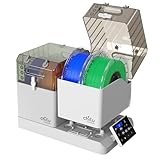 Chitu Systems E1 Filament Dryer Chitu Systems E1 Filament Dryer |
|
Check Latest Price |
1. Comgrow 3D Printer Filament Dryer Box – Our Best Overall Pick
Comgrow 3D Printer Filament Dryer Box, Comgrow 3D Filament Storages, Keeping Filaments Dry During 3D Printing, Compatible with 1.75mm/2.85mm PLA ABS Material, Filament Dehydrator, Spool Holder
Holds 2 x 1kg spools
40-50C range
6-12h timer
1.5 kg
Pros
- Holds two 1kg spools and feeds filament to the printer while drying
- Transparent body shows spool and moisture state at a glance
- Backlit LCD with simple temperature and timer settings
- Effective on PLA and PETG overnight
- Very quiet
Cons
- 50C ceiling blocks hotter engineering filaments
- Touch controls are unintuitive at first
- Not airtight so poor for long-term storage
- No desiccant compartment
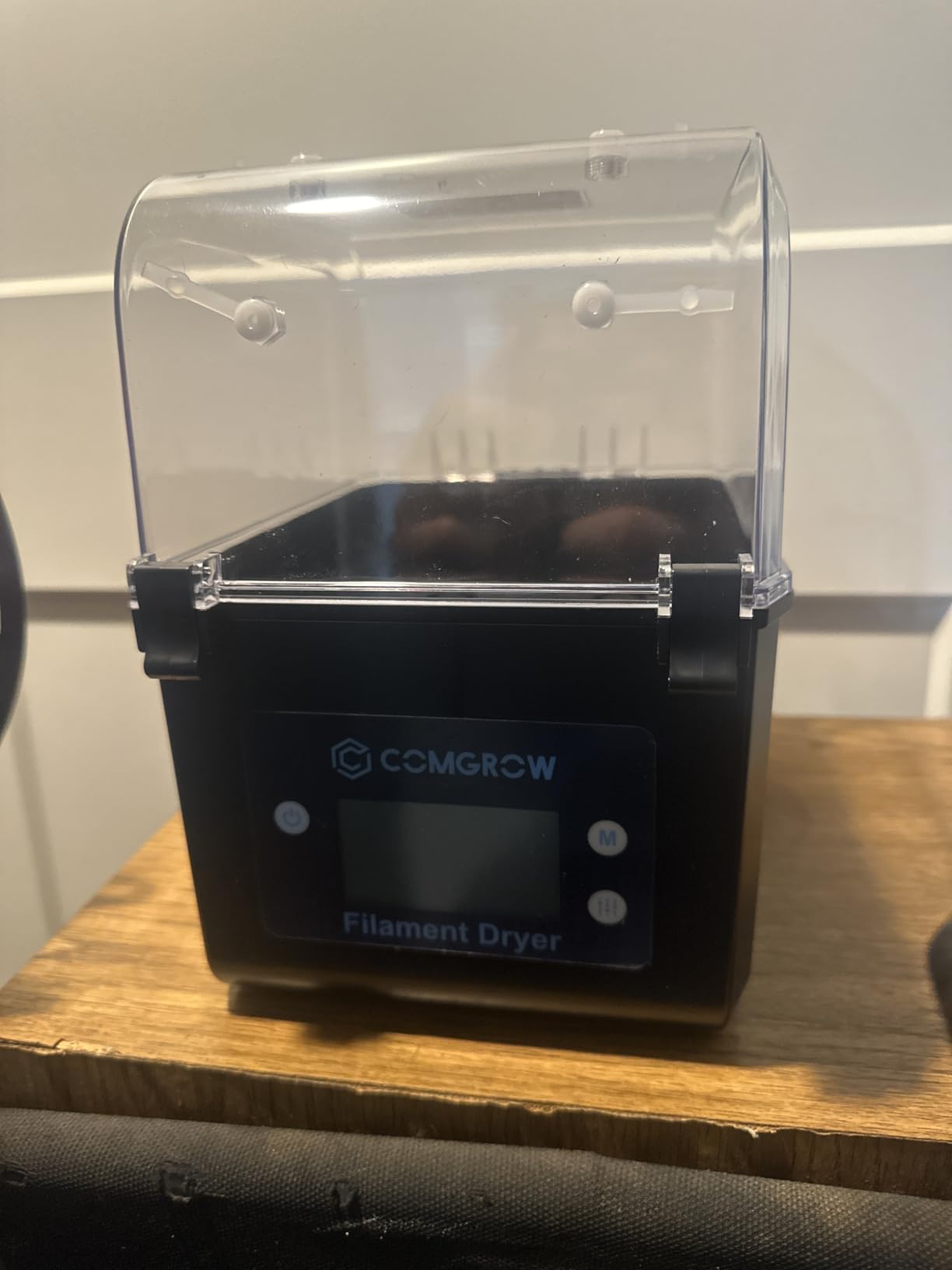
The reason this box tops our list is simple: it has the largest number of owner reports of anything we tested, and the reports agree. Model AK36WG-1200400J holds two 1kg spools in an inner chamber of 9.29 x 6.49 x 9.13 inch, which is a genuinely useful amount of hardware for a small footprint.
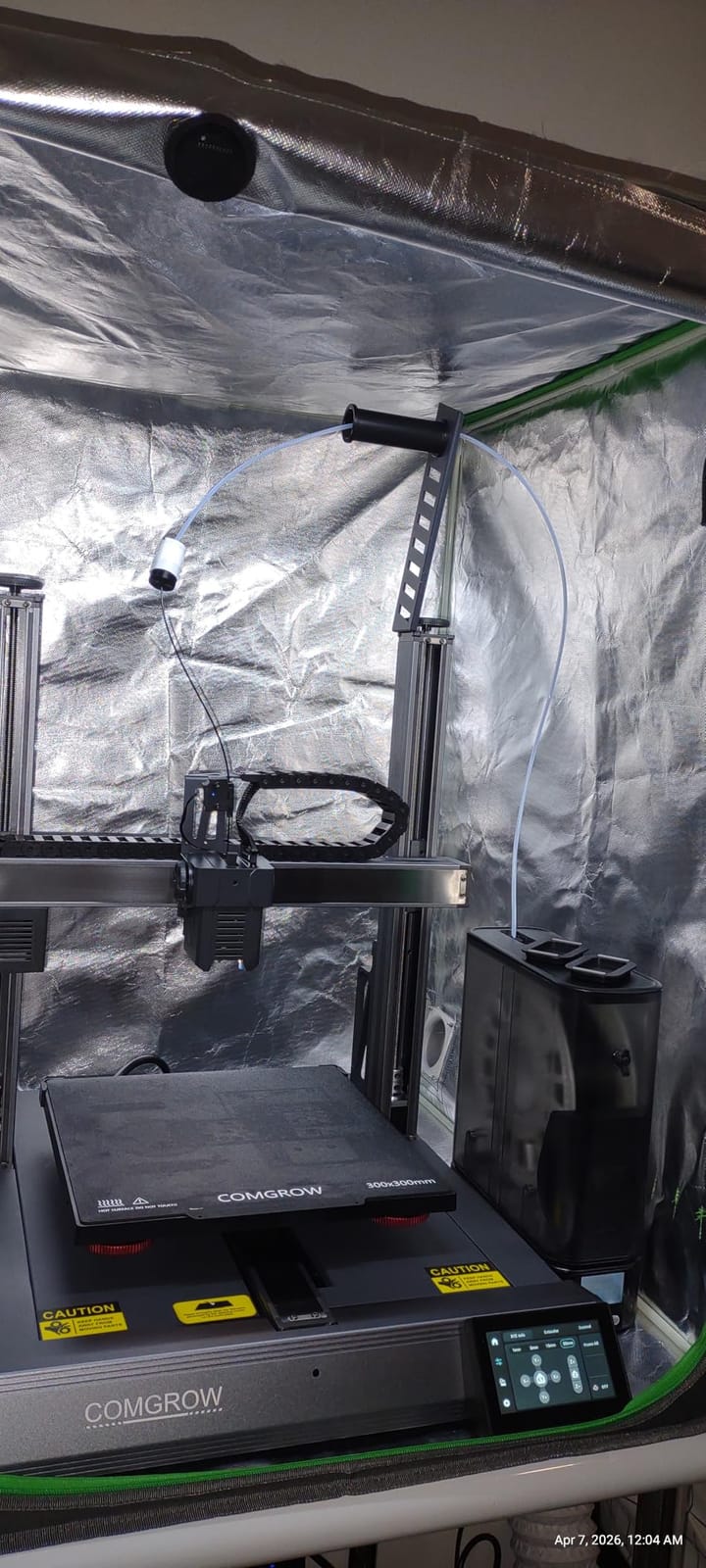
Owners overwhelmingly describe the same outcome, which is moisture-related stringing disappearing and layer adhesion improving. The PTFE tube outlet and silicone-sheathed cable mean it can sit under a printer and feed filament straight up while the spool dries inside. That is the feature that turns a dryer into a spool holder rather than a box you have to wait beside.
Two things to know before you commit. The 50 °C ceiling means this is a PLA and PETG tool, and it is not a tool for ABS, ASA or nylon. And the sealing is a snap-button lid rather than a gasket, so treat what is inside as in-progress storage rather than long-term storage.
When this box is the right call
It is the right call for a beginner or an improving hobbyist who prints two spools of PLA or PETG at a time and wants a set-and-forget overnight cycle. The 6-to-12-hour timer and the live humidity readout are enough to build a routine around, and owners report the quiet operation makes it easy to leave running in a room you work in.
When to look elsewhere
Skip it if you run ABS, ASA or nylon, because 50 °C will not move moisture out of those materials. Skip it if you need filament to sit dry for weeks between prints, since the lid seal will not hold. If either applies, step up to the Comgrow SH02 below or the SUNLU S4.
2. Comgrow SH02 Dry Box – Best Two-Spool Value
Comgrow Filament Dryer Box, SH02 Dry Box Filament Sealed Storage Box 3D Printer 2 Spools Holder with PTC Fast Heater, Filament Dehydrator with Touch Screen Compatible with PLA PETG TPU ABS 1.75/2.85mm
2 spools
150W PTC to 70C
9 presets
98h max timer
Pros
- 150W PTC heater heats far faster than a basic resistive box
- One-key presets for nine filament types
- Two 1kg spools with dual PTFE feed-throughs
- Sealing rings on covers and ports improve moisture protection
- Fan-failure alarm and over-temperature cutoff
Cons
- Bulky at 4.4 pounds and eats bench space
- Many colour listings make comparisons harder
This is the same idea as the box above with a different engine under the lid. The 150W PTC heater and 360-degree air circulation reach 50 °C in about 7 minutes and the full 70 °C ceiling in roughly 25 minutes, which is the difference between starting a cycle and walking away, and waiting a coffee before you can.
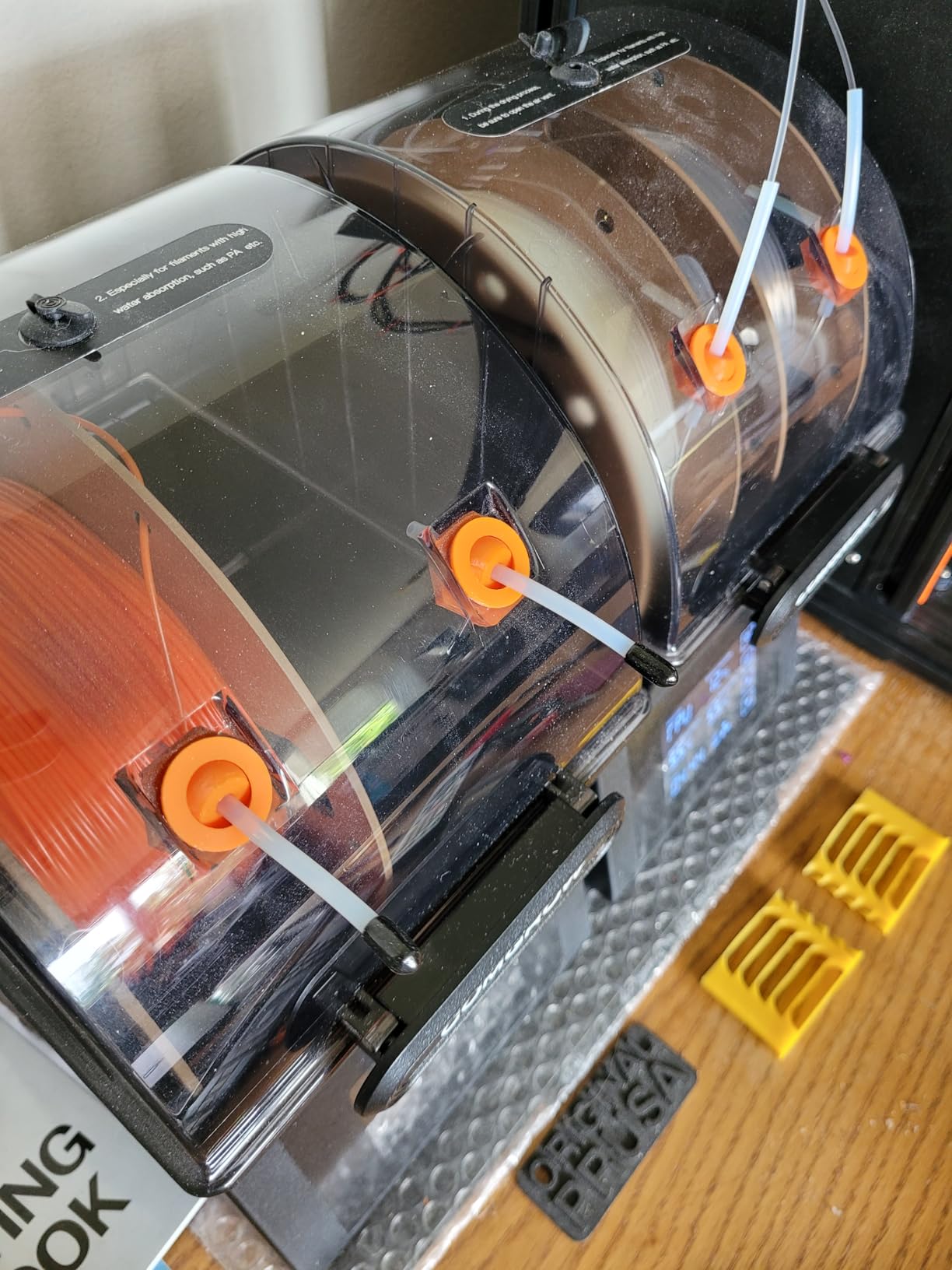
It reaches 70 °C rather than 50 °C, so it now handles PETG properly and gets part of the way toward ABS and ASA. The one-key presets cover nine filament types including PLA, TPU, PETG, ABS, ASA, PVA, PC, PA and PP, which removes the guesswork for a beginner entirely. Owners consistently call out the sealing rings around the upper and lower covers, the outlet hole and the base as the reason it protects better than cheaper boxes.
Two PTFE feed-throughs mean two spools can dry and print at once, and the 98-hour maximum timer suits a spool that has been properly soaked rather than a lightly damp one. Automatic cut-off above 130 °C with resume below 90 °C, plus a fan-failure alarm, are the kind of detail that only shows up on units people have owned for a while.
What makes it worth the step up
If you already own a single-spool box, this is the natural next purchase, not a replacement. The faster heat-up means a short cycle is actually viable, so you can dry a spool in the time it takes to prep and slice the next job instead of overnight. For someone who cycles materials weekly, that speed is worth more than the capacity difference between one and two spools.
What still holds it back
At 4.4 pounds it is heavy and it wants real bench space, so it does not tuck inside a printer enclosure the way a slimmer box can. The 70 °C ceiling still leaves ABS and ASA under-dried and nylon untouched, so it is not a solution for engineering material. The only other complaint that surfaces repeatedly is cosmetic, with too many colour variants making the listings hard to compare.
3. SUNLU S1 Plus – Best Budget Single-Spool Dryer
SUNLU Filament Dryer Box 2026 New Upgrade S1 Plus, Black
Single spool
35-55C
2 inch LCD
1.2 kg
Pros
- Low cost of ownership and quick recovery of open spools
- Forward-facing LCD readable at a glance
- Built-in fan circulates air well for PLA PETG and TPU
- Very quiet running
- Feeds filament to a printer through the PTFE ports
Cons
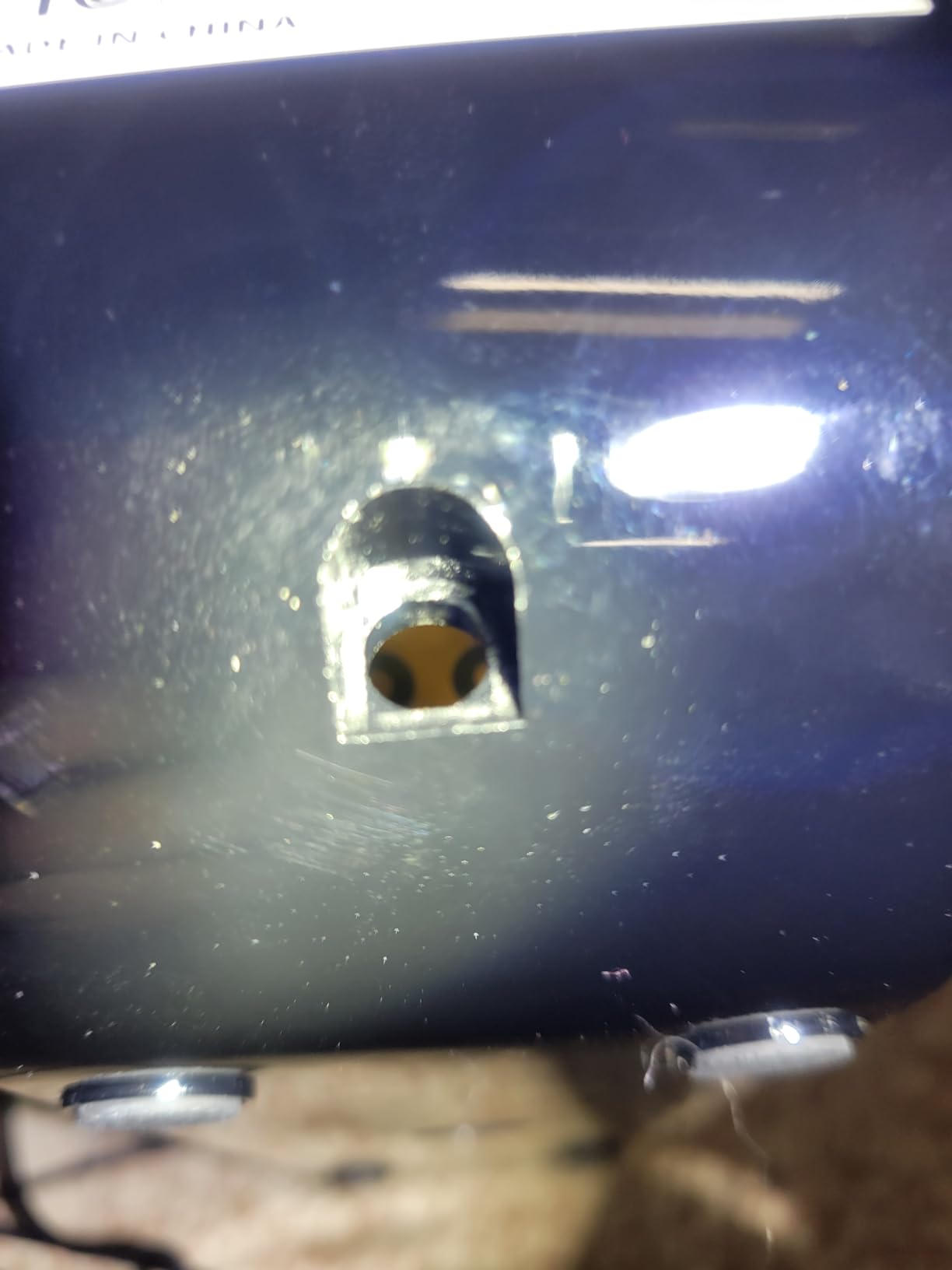
- No real power switch so the timer has to run out
- Sensor sits near the heater so readings run high
- Two-button interface takes experimentation
- Port plug falls out easily
- Poorly sealed for long-term storage
If you need to fix a damp spool this weekend and you are not trying to build a filament library, this is the cheapest thing in the roundup that actually works. Reviewers split between genuine praise for an affordable box that quietly revives PLA and PETG and frustration with the accuracy and the interface.
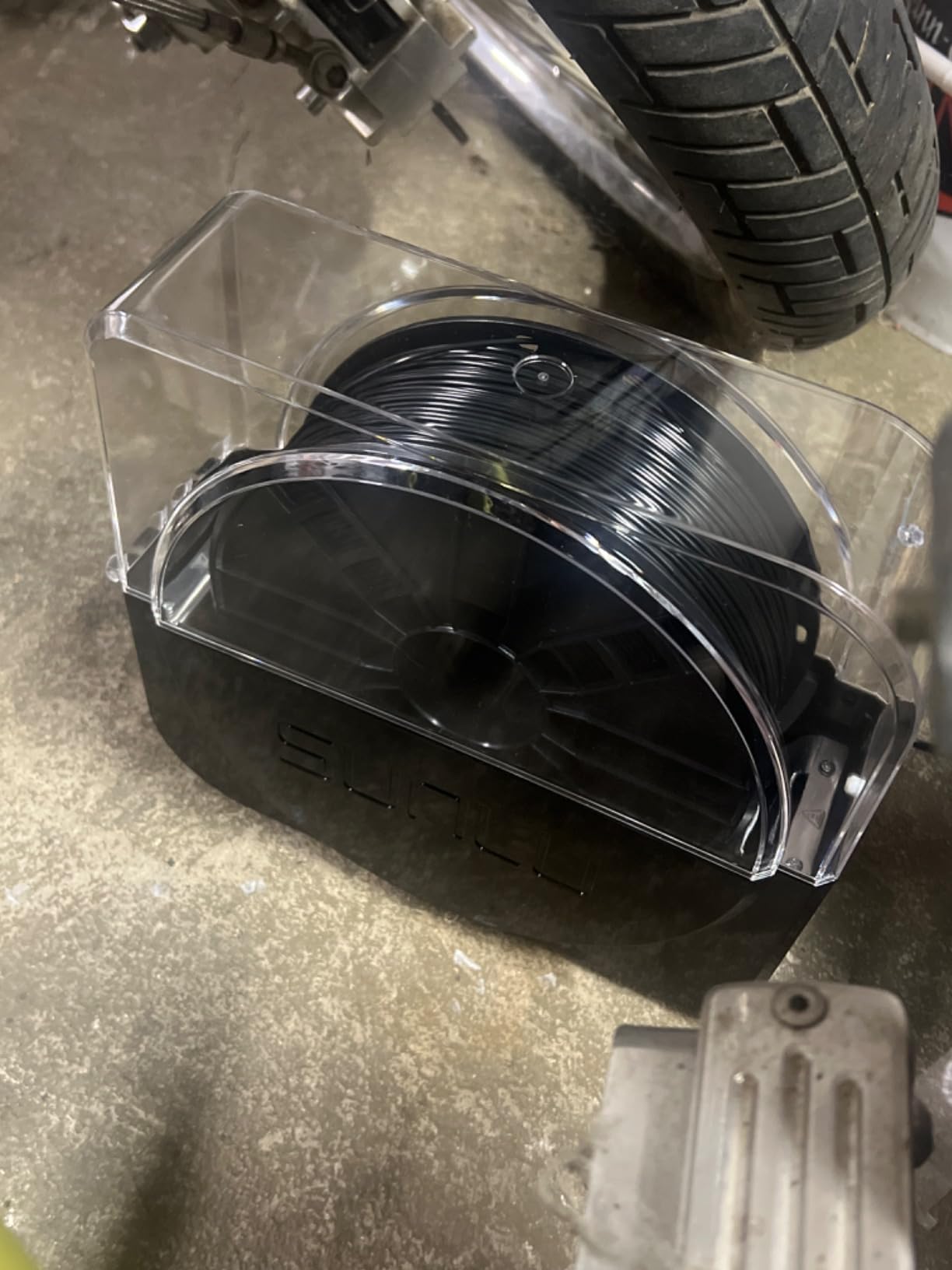
The recurring technical complaint is worth knowing before you buy. Owners report the temperature and humidity readings running several degrees and several percentage points high, which points to a sensor mounted close to the heating element rather than in the airflow where it belongs. Treat the display as a relative indicator rather than a measurement, and confirm results at the nozzle.
Maximum filament capacity is 210 x 89 mm, so check your spool diameter before you order, because it will not take the wide spools some people run. It handles 1.75mm, 2.85mm and 3.00mm material, and the two inlet slots with PTFE tubing support mean it can feed a printer directly.
Where it earns its place
It suits a casual user drying one or two spools a month, which is exactly the pattern described in forum discussions by people who decided a bigger machine was more machine than they needed. It is small, light at 1.2 kg and quiet enough to sit in a home office while you work. The built-in fan genuinely moves air, which separates it from passive boxes that just warm the spool.
Why people return it
There is no true power-off switch, so the cycle has to run out before you stop it, and the two-button control has no real instructions behind it, so expect a few sessions of experimentation. The port plug also drops out easily. If accurate readings matter to you, or if you want a machine you can set and stop, spend the extra and go to the SUNLU S2 or the Creality box below.
4. SUNLU FilaDryer S2 – Best for Touchscreen Control
SUNLU Filament Dryer S2, Black
Single spool
35-70C
0-99h timer
265x274x118mm
Pros
- 70C ceiling covers a wider material range than entry boxes
- Large touchscreen makes time and temperature obvious
- Translucent lid shows the spool without opening
- Built-in spindle rotates the spool for even drying
- Doubles as a spool holder during long prints
Cons
- Single-spool capacity only
- Touch UI takes practice and the fan adds some noise
The S2 is the step up from the S1 Plus in every way that matters after the first week. Capacity is 265 x 274 x 118 mm, temperature runs 35 to 70 °C and the timer goes from 0 to 99 hours, so you can set a long unattended cycle for a badly soaked spool and walk away for a day.
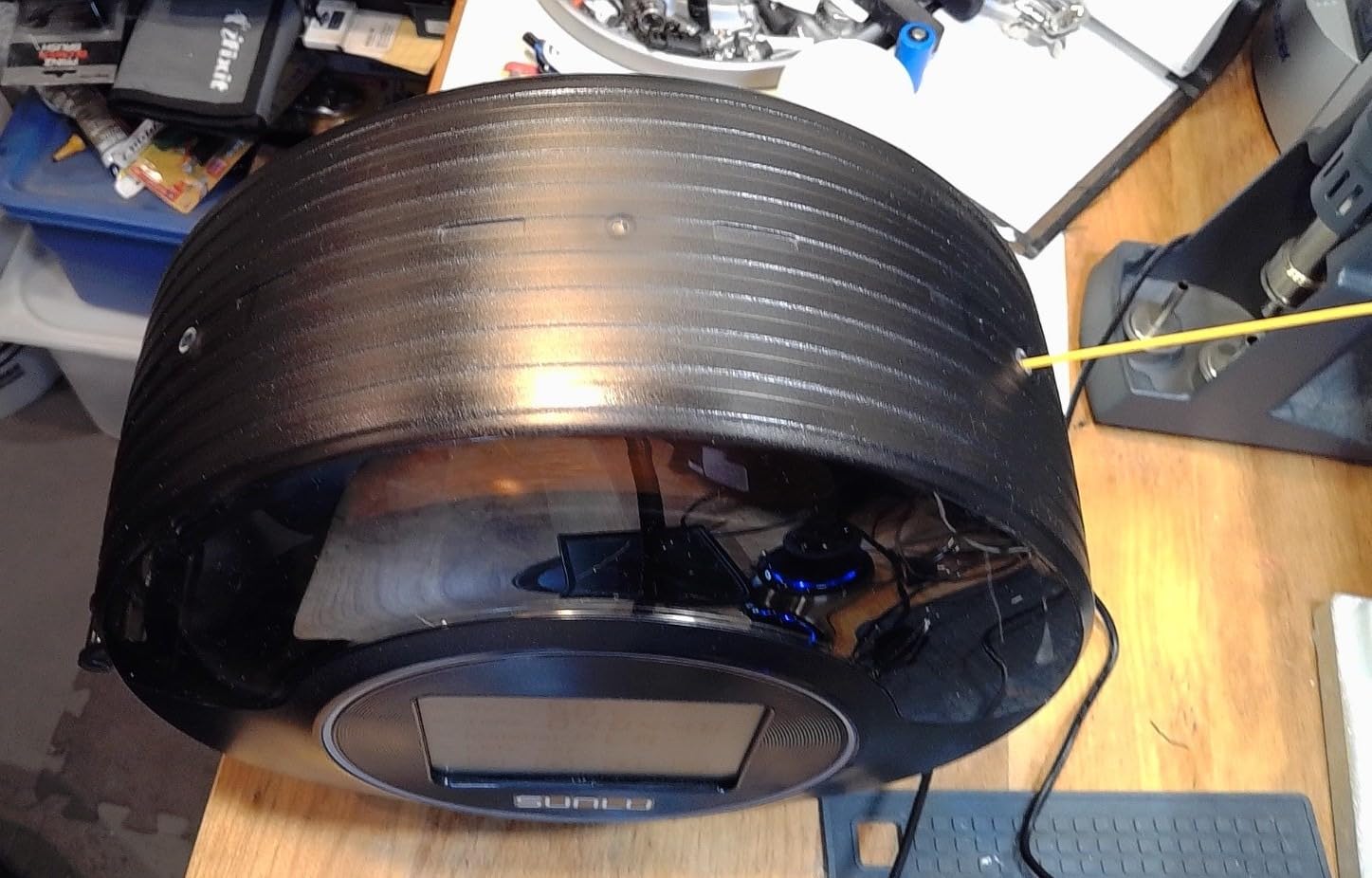
The large touchscreen is the headline, and reviewers consistently single it out as the feature that makes the machine easy to live with. Set the temperature, set the time, close the translucent lid and leave it. You can check on the spool without opening the box, which matters because opening a drying chamber at the wrong moment dumps humid air back onto a spool that was nearly finished.
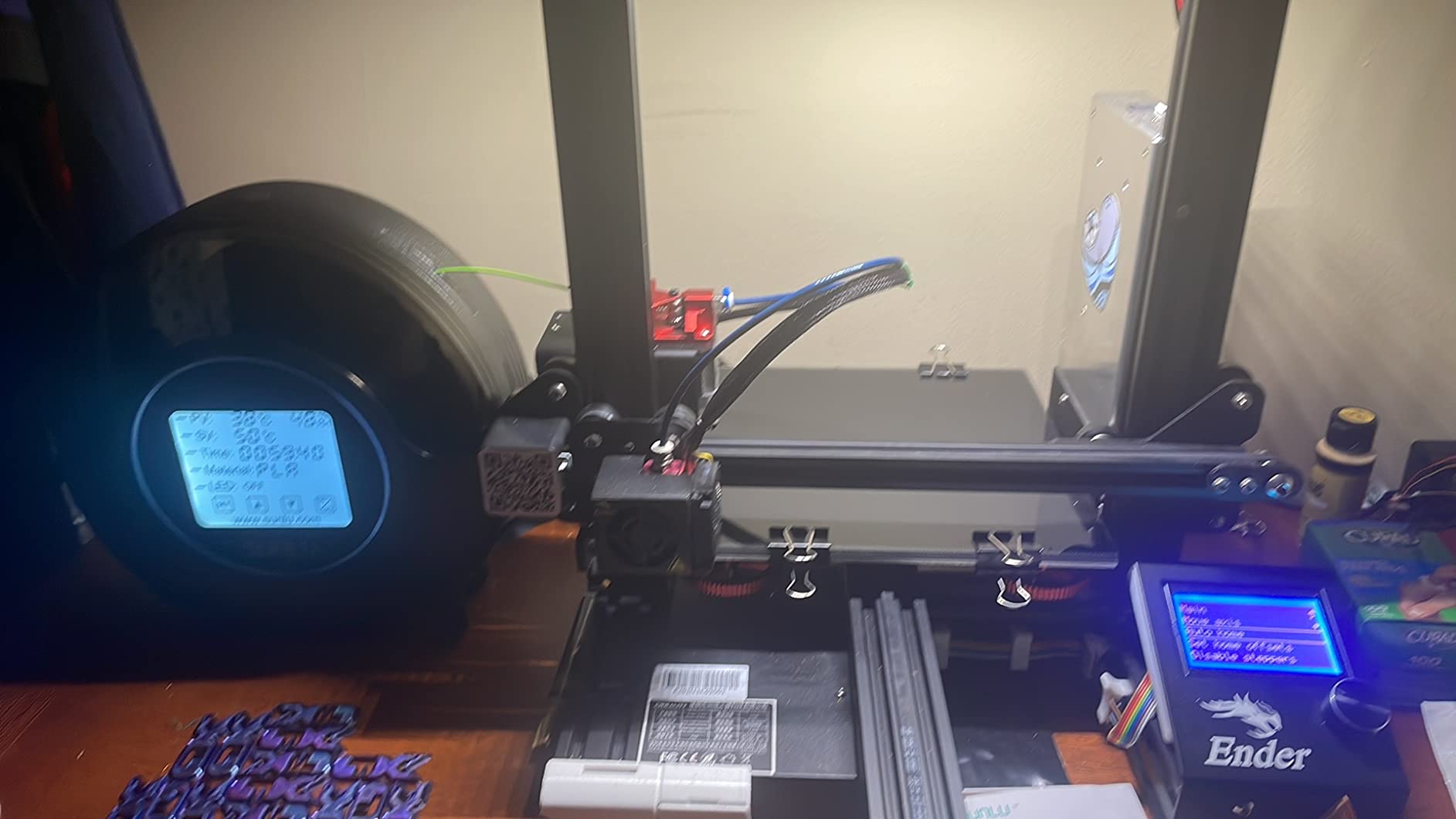
Buyers describe it as a machine that revives damp filament they would otherwise have thrown away, and the built-in spindle that keeps the spool rotating combined with the circulation fan is what makes the drying even rather than hot-at-the-bottom. It works with 1.75mm, 2.85mm and 3.00mm filament.
Who should buy the S2
Buy it if you are tired of buttons and want a machine you set once. It is also the right pick for someone who dries overnight regularly and wants the option of a 24-hour cycle without coming home to switch anything off. The spool-holder behaviour during printing is genuinely useful on long jobs.
Where it falls short
It holds one spool, and if you alternate materials daily that becomes the bottleneck. The touchscreen needs practice before it stops being annoying, and the circulation fan is audible in a quiet room, though nowhere near as intrusive as a printer running. At 70 °C it still does not reach nylon territory, so treat it as an ABS-capable box rather than an engineering-filament one.
5. Creality Space Pi SE Dry Box 2.0 – Best for Tough TPU
Creality 2026 New Upgrade Filament Dryer Box Pro, Space Pi SE with High PTC Efficiency & Precision Sensor for 1KG Spools 45~65℃, 3D Printer Filament Dehydrator for PLA PETG ABS ASA TPU
Single spool
80W PTC to 65C
45-65C in 15 min
1 kg
Pros
- 80W PTC heater with fan dries the whole roll not just the bottom
- Reaches 65C in roughly 10-15 minutes
- Quiet and compact enough for a small desk
- Recovers stubborn hygroscopic material including TPU
- Single knob with one-key material presets
Cons
- Holds only one spool
- Hygrometer bottoms out at 15 percent and reads high when idle
- Knob interface is quirky and the processor is slow
- Poor viewing angle on a shelf
- Plastics feel cheap and the lid hinge is wobbly
This is Creality’s single-spool entry box, and owners credit it with one specific thing: reviving TPU and other genuinely difficult hygroscopic material. The 80W PTC heater with a fan gives 360-degree hot air circulation, so the whole roll dries rather than the bottom of the roll, and it reaches 65 °C in about 10 to 15 minutes.
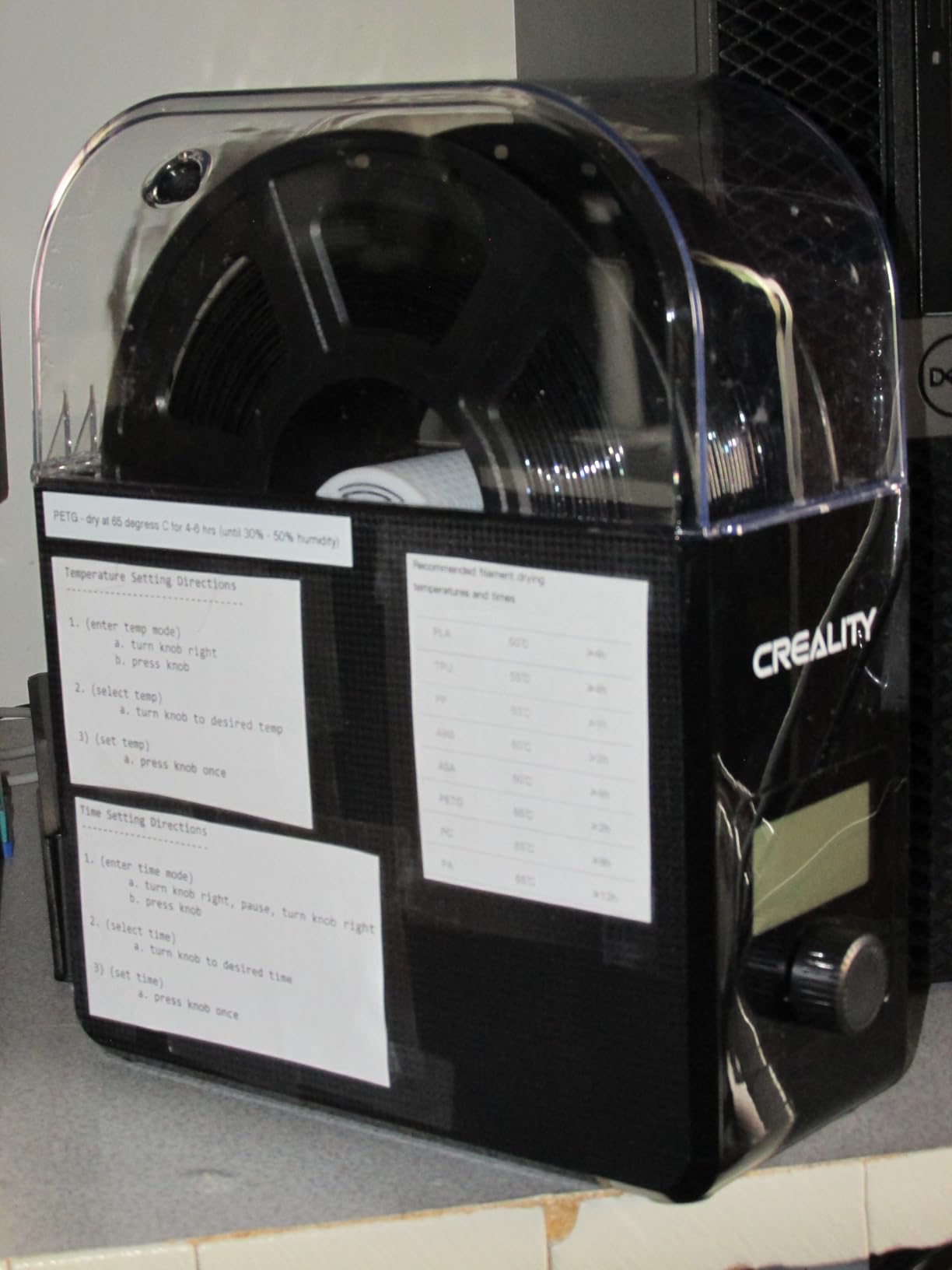
Temperature is adjustable from 45 to 65 °C with a 0 to 24 hour timer, and the single knob plus one-key presets for PLA, PLA+, PETG, TPU, ABS, ASA, PP, PC and PA keeps setup simple. Owners also mention the thermal insulation cotton on the inner walls and how little bench space it takes, at 1 kg for the whole box.
There is a real caveat about the humidity display. Reviewers report the built-in hygrometer bottoms out around 15 percent and reads high when the heater is not running, so it is a rough indicator rather than a measurement. There is also no proper vent, so many owners prop the lid open during a cycle to let moisture out, which is not ideal but is what gets the job done.
Best for one material, done properly
If TPU or PA12-CF is your main material and you run one spool at a time, this is the box to buy. The fast heat-up means you can do a short recovery between prints rather than planning a cycle around your schedule. It is quiet enough to sit next to a printer without competing with it for attention.
What to know first
It holds one spool, so frequent material swaps are tedious. The knob interface and the slow processor response frustrate people who expect a modern appliance, the display viewing angle is poor on a lower shelf, and the plastics and lid hinge feel cheap for the money. Budget for a spool holder if you want to feed a printer from it, and do not trust the humidity number.
6. JAYO J1 – Best for Enclosed Printers
JAYO J1 Filament Dryer Box for 3D Printer Filaments, 150W PTC, Up to 70°C
Single spool
150W PTC to 70C
99h timer
1.5 kg
Pros
- 150W dries aggressively and heats fast
- Slim profile fits inside many printer enclosures
- Stiffer plastics than comparable boxes
- Metal rollers plus a plastic axle for cardboard cores
- Two PTFE tubes and two exits
- one usable as a passive vent
- Very quiet with simple two-button control
Cons
- Joint between heater base and canister needs a gasket
- No latch so the two halves can separate
- Small non-touch display
- Only fits one 1kg spool
- Extra canisters cost more than their size suggests
The J1 wins on build quality. Reviewers single out the stiffer, better-feeling plastics and the metal rollers that spin smoothly, plus the included plastic axle for cardboard cores. At 1.5 kg it is heavy for its size, and that weight is doing something: it stays put, which matters if you are feeding filament from it.
The 150W PTC system reaches up to 70 °C, which puts it in the same class as the SH02 and JAYO describes drying as aggressive. Because the heater base and the drying canister are separate modular parts, you can use the box standalone, stack it, or swap the canister. Two PTFE tubes and two filament exits are included, and one of those exits can serve as a passive moisture vent during a drying cycle.
There is built-in desiccant for longer-term moisture control and a humidity window so you can check conditions without cracking the seal. It supports 0.25kg, 0.5kg and 1kg spools, works with 1.75mm filament and has dual hardware protection with real-time monitoring. Owners report it runs very quietly.
Why the modular design matters
The split design is the interesting part. If your printer is in an enclosure, the slim canister can live inside the heated chamber, which is a genuinely better arrangement than trying to dry nylon by running a hot chamber and hoping the spool inside benefits. Being able to buy another canister later also makes it a reasonable entry into a second material.
Where the build shows its seams
The criticisms are mechanical rather than electrical. The gap between the heater base and the canister needs a gasket or better sealing, and there is no clip or latch holding the two halves together, so they can separate. The small non-touch display is driven by two buttons, and only one 1kg spool fits, which makes frequent material changes tedious.
7. Polymaker Polydryer – Best Dry-Then-Store Workflow
Polymaker Filament Dryer & Storage Box Polydryer for 1kg PA Nylon PLA PETG
Single spool
360 degree airflow
built-in hygrometer
1.3 kg
Pros
- Dock and box design moves one spool from drying to sealed storage to printing without breaking the seal
- Well-sealed storage box with desiccant support
- Built-in hygrometer helps you judge filament condition
- 360 degree airflow for consistent drying
Cons
- Single spool with a two-piece setup means more parts to manage
- Spare storage boxes are sold separately and add cost
- No large multi-spool chamber
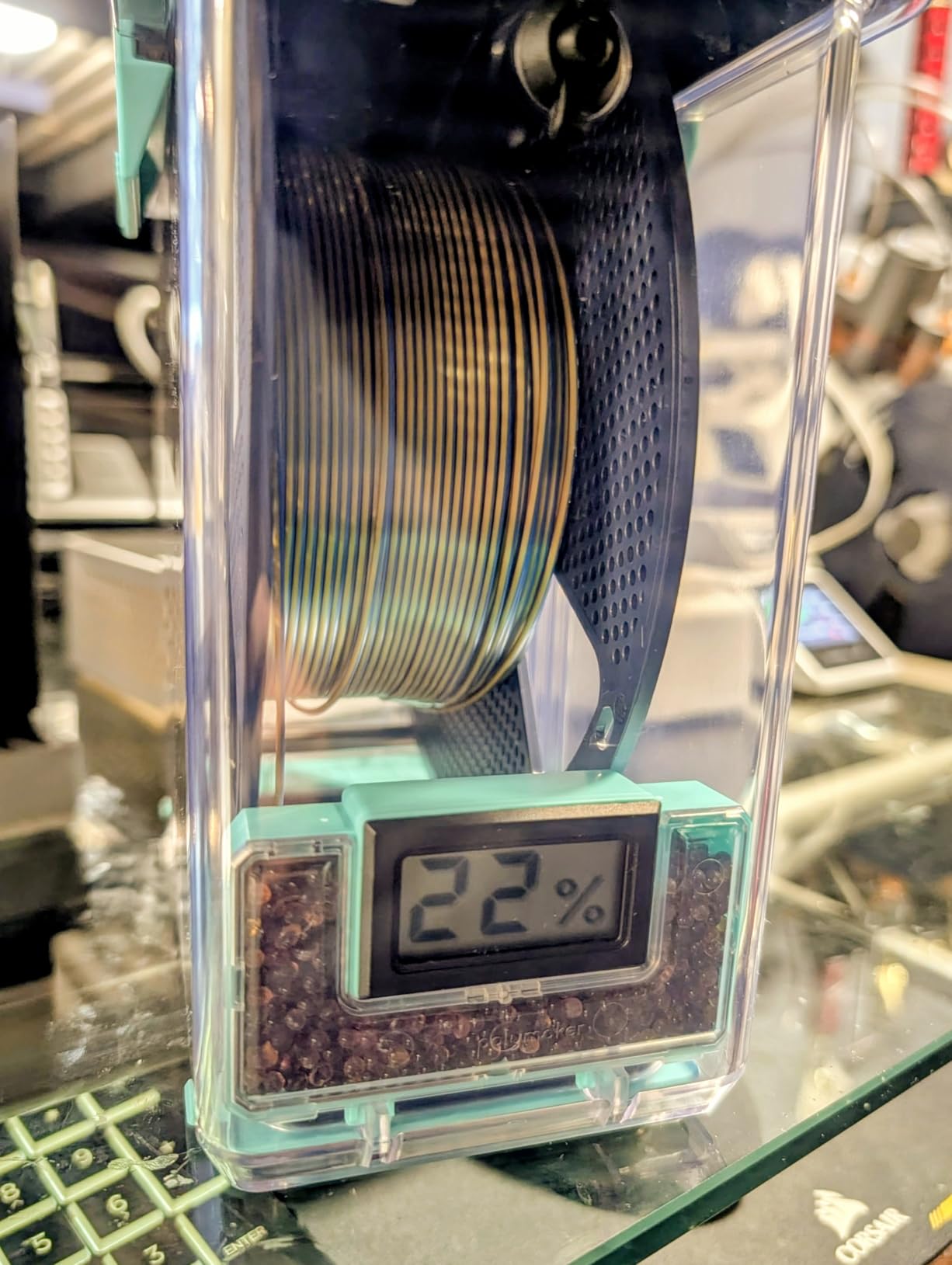
Every other box on this list does one of two jobs: dry a spool, or store a spool. The Polydryer does both, sequentially, with the same parts. A spool sits in the heated dock, dries with 360-degree airflow and controlled heating, then moves into the sealed storage box where desiccant holds it, then feeds your printer from that same box without the seal being broken.
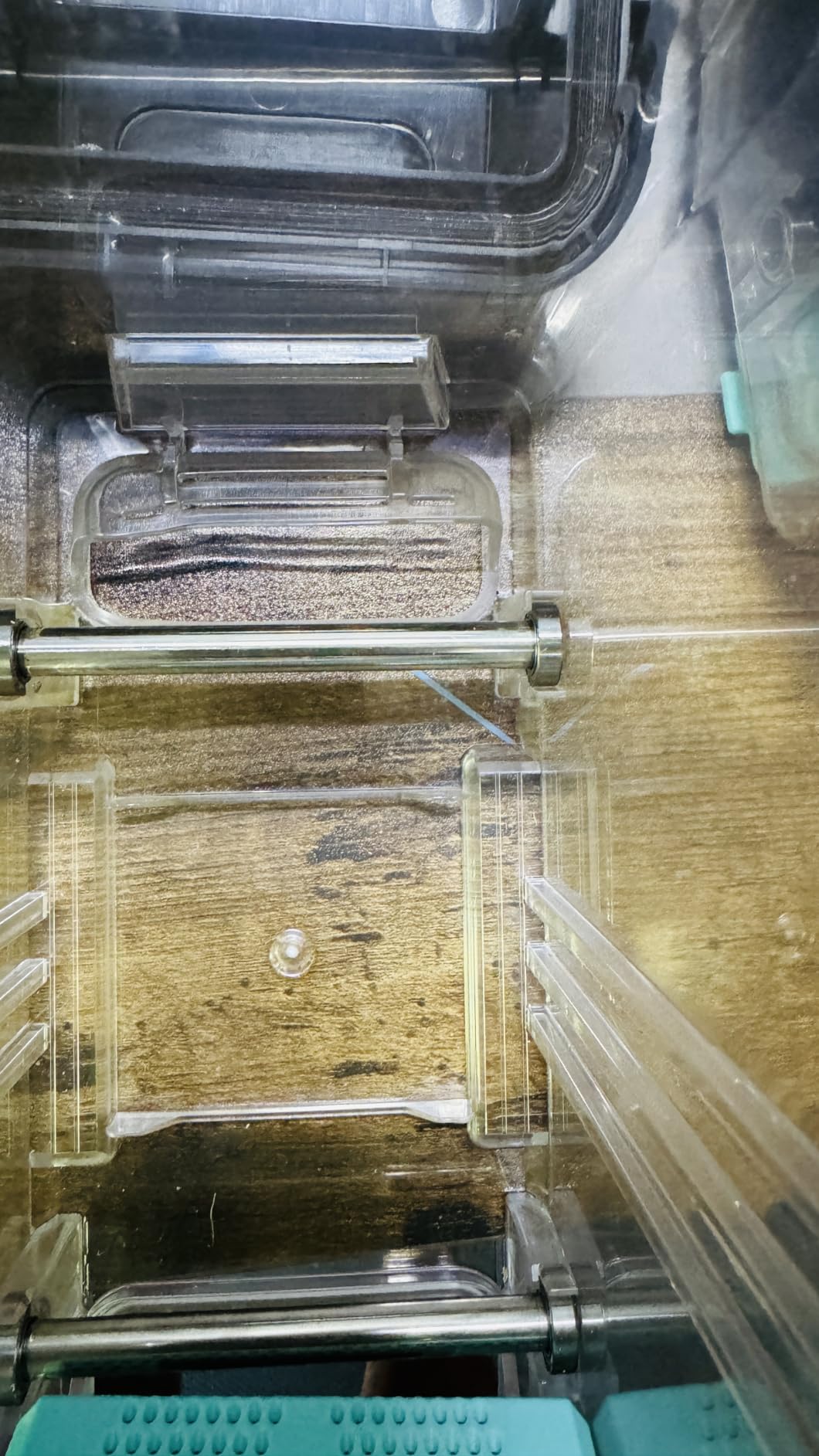
That continuity is the whole idea, and owners who use it that way describe it as the reason the two-piece design is worth tolerating. A built-in hygrometer gives you something to judge conditions with, which is more than most boxes here offer, and it is compatible with PA nylon, PLA, PVB, PETG, ABS, ASA and TPU at 1.75mm, 2.85mm and 3.00mm diameters. An XL box variant fits spools up to 3kg.
It weighs 1.3 kg, which is light for what it does, and the dock promotes even airflow rather than heating one spot on the spool. If you only ever print one material and finish it before it has a chance to reabsorb moisture, the loop closes neatly and nothing gets wasted.
Best for a small, disciplined setup
This suits one user, one or two materials and a habit of finishing a spool before opening the next. The storage step is what makes it different, and if your problem is filament going stale between projects rather than going wet mid-project, it is solving the right problem. It also works well as a second box on a printer that already has chamber drying.
Where it gets awkward
Running more than one material means buying extra storage boxes separately, and those costs add up. The two-piece dock-plus-box setup involves more assembly and more handling than a single-box dryer, which is friction you feel every single time you swap spools. And it is a single-spool design, so it is not a path to scaling up. If you need several spools moving at once, look at the SUNLU S4.
8. Creality Space Pi X4 – Best for Engineering Filaments
Official Creality Filament Dryer, Space Pi X4 Filament Storage Box, 85℃ Max Temperature, Dual Independent Heating Chambers, Power Saving for PLA PETG ABS TPU ASA PC PA PAHT, DB-05
4 spools
8 feed ports
dual 200W PTC to 85C
2 chambers
Pros
- Highest owner rating in this roundup with 81 percent five-star reports
- Four spools dry and print at once across eight filament ports
- Dual independent chambers run two materials at different temperatures
- 85C ceiling from dual 200W PTC heaters handles PA PAHT and PC
- Single-chamber mode meaningfully cuts energy use
Cons
- Most expensive unit in this roundup
- Large footprint needs real bench space
- Other brands plastic trays may not tolerate 85C
This is the only box in the roundup that solves the temperature problem. Dual 200W PTC heaters push each of two independent chambers to 85 °C, which is high enough to matter for PA, PAHT and PC. It also has the highest owner rating we found, with 81 percent of reviews at five stars.
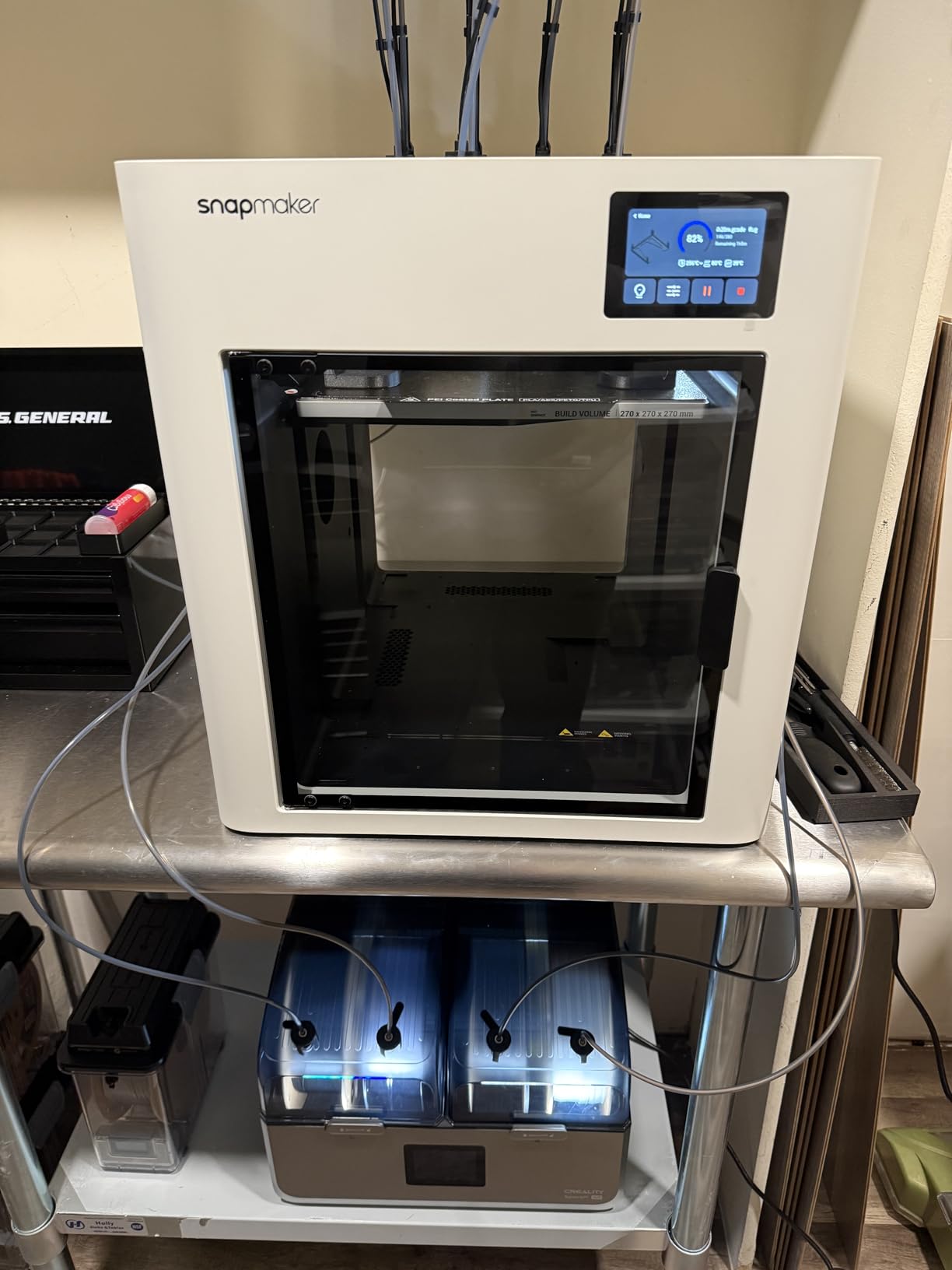
The dual independent chambers are the feature that separates it from the SUNLU S4. Two filament types can dry at two different temperatures at the same time, which matters the moment you run one engineering spool and one everyday plastic. Eight filament holes with PTFE tubing means four spools can dry and print at once across as many as four printers, so it works as a print-farm central station rather than a desk accessory.
Single or dual chamber modes are both available, and single-chamber mode cuts energy use by up to 40 percent, which is a meaningful number if it is running all week. Compatibility covers PLA, PETG, ABS, TPU, ASA, PC, PA and PAHT. Owners who run engineering material are the ones who rate it most highly, and their reasoning is always the same: the ceiling and the independent control.
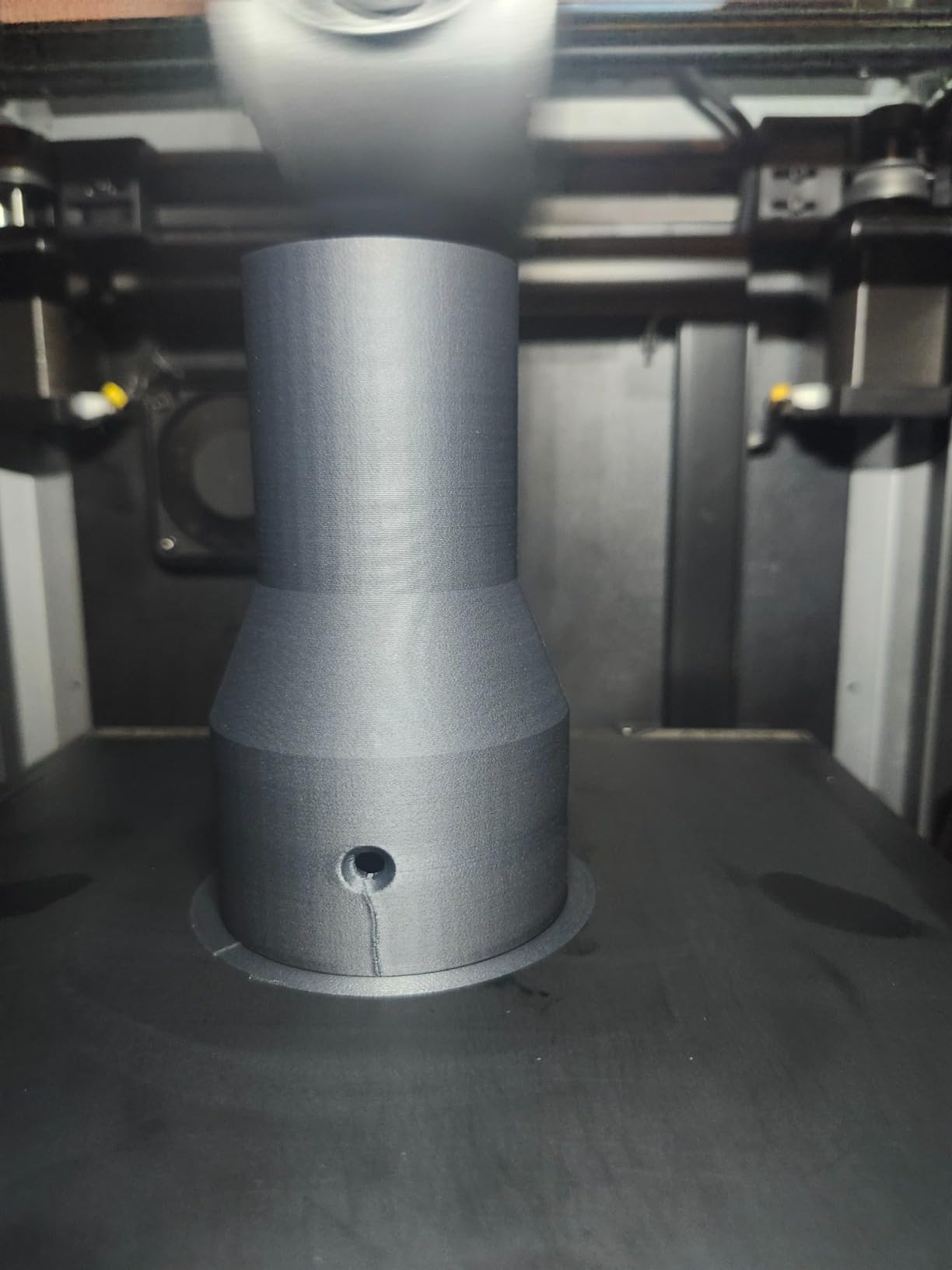
Who it is actually for
It is for someone whose material list includes nylon, PAHT or polycarbonate, or who runs several printers at once. The independent dual chambers and the 85 °C ceiling are features you only pay for once you have material that needs them. The trade-off is footprint: this is a large machine and it needs a real shelf, not a corner of a desk.
What to watch out for
It is the most expensive machine in this roundup, so the payback takes longer and casual users will not get value from it. The large multi-spool footprint takes substantial bench space, and because it runs hot, you should use Creality’s heat-resistant filament trays rather than trays from other brands, which may deform at 85 °C. Set the expectation that this is a workshop machine, not a bedroom accessory.
9. SUNLU S4 – Best for Multi-Material Capacity
SUNLU S4 3D Printer Filament Dryer, Black
4 x 1kg spools
350W PTC to 70C
8 exit holes
4 kg
Pros
- Four 1kg spools with eight exit holes for several printers
- 350W PTC heater and three fans give fast even drying
- 35-70C range with a 0-99 hour timer covers most materials
- Can be modified for 3kg rolls or repurposed as a shoe dryer
- Generous PTFE tube and clip kit in the box
Cons
- Bulky 4 kg unit with a large footprint
- 3kg roll modification needs cutting or altering the chassis
- Costs more than single-spool dryers
Long-term owners describe the S4 as a machine they have run for years without drama, and the specification supports that. Four 1kg spools, eight filament exit holes for multiple printers and loading angles, and a 350W PTC heater that the manufacturer rates at 50 percent higher heating efficiency than the FilaDryer S2.
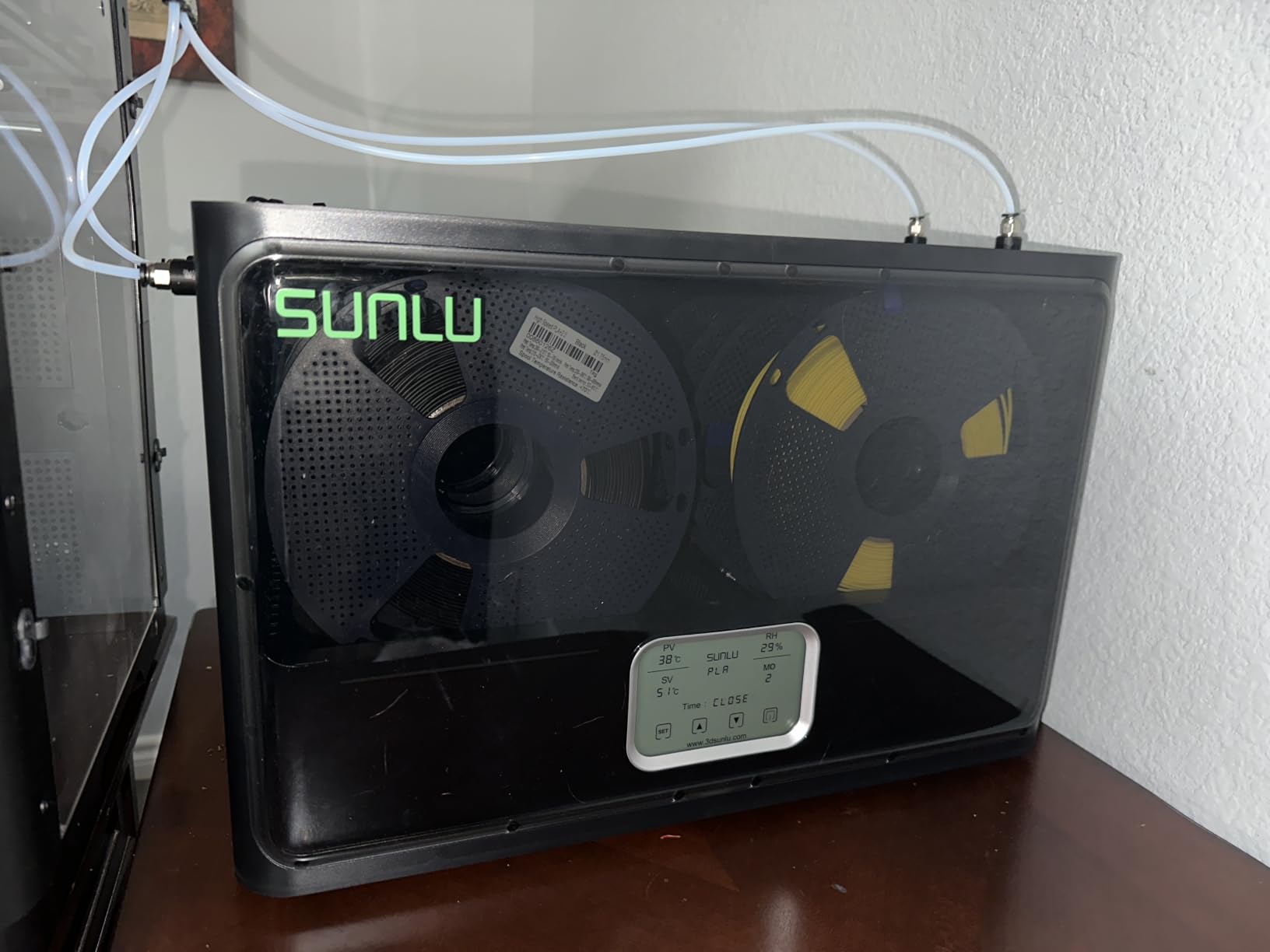
Three circulation fans handle 360-degree surround heating, temperature runs 35 to 70 °C and the timer goes to 99 hours, so it covers PLA, PLA Plus, PLA Meta, PETG, ABS, TPU, PA, PC and Nylon at 1.75mm, 2.85mm and 3.00mm. External dimensions are 460 x 220 x 310 mm and internal is 450 x 175 x 207 mm, so measure the shelf before you order.
The box includes a power cable, four 8cm PTFE tubes, two 100cm PTFE tubes, a user guide, clips and silicone plugs, which saves you sourcing feed-throughs separately. The ability to modify it for 3kg rolls or repurpose it as a shoe dryer gets mentioned often enough that it is worth knowing, though the 70 °C ceiling still leaves nylon and PC under-dried.
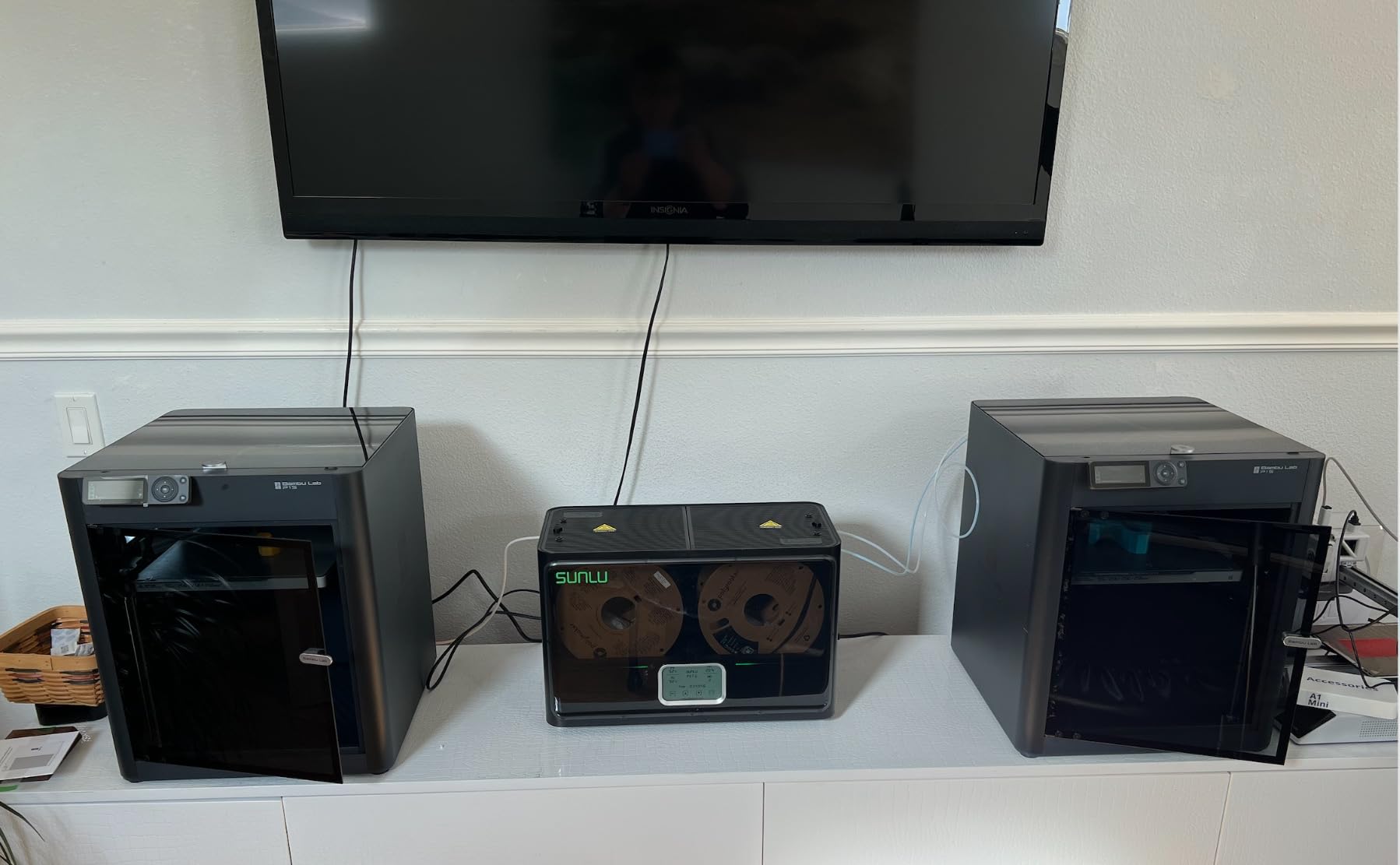
Best for a busy single-material-plus setup
This suits a maker with two or three printers, or one printer and a habit of juggling four spools of everyday plastics. The 350W heater means you can load four spools and still get a full cycle done in a session, and the eight exit holes mean you are not constantly moving a single PTFE tube from port to port.
What you accept by buying it
It weighs 4 kg and needs a large footprint, so it is a dedicated shelf rather than a desk corner. Modifying it for 3kg rolls involves cutting or altering the unit, which voids the simplicity. And while it beats the single-box units on throughput, the Creality X4 does the same job with an 85 °C ceiling and independent chambers if your materials run hotter.
10. Chitu Systems E1 – Best for Auto-Humidity Control
Chitu Systems E1 Filament Dryer 4 Spools, Auto-Humidity Hold, Independent Control with 2 Removable Chambers for Nylon, ABS, TPU, PETG, PLA 3D Printer Filament Drying, Compatible with AMS Lite
4 spools
2 x 120W PTC
4 inch touch screen
auto-dry at 50 percent RH
Pros
- Removable pod system dry store and print from the same chambers
- Two independent circuits run different materials at different settings
- Auto-dry triggers at 50 percent RH and stops near 25 percent
- Pods reverse on the base with magnetic vent plates
- Deep rather than wide layout fits tight enclosures
Cons
- Lid handles too weak for the lid weight and the latch can pop
- Unsealed bottom holes in each pod need taping
- No gasket at the pod lid joint
- Resistive touchscreen needs firm pressing
- Base humidity reading over-reads when idle
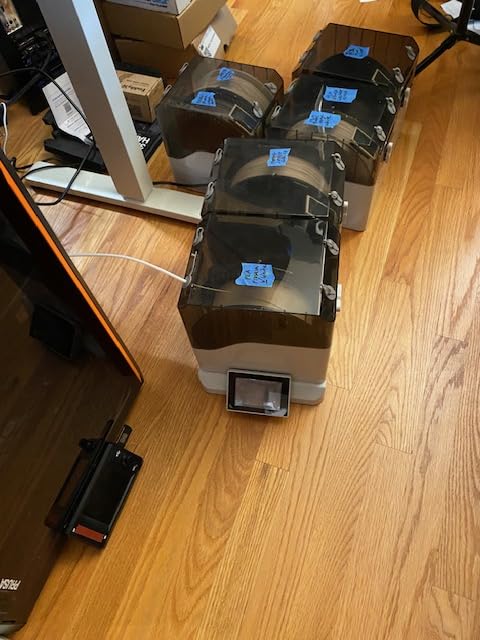
The E1 is the most unusual design here. Rather than a fixed chamber, it uses two removable, stackable pods that seat on a base and can be reversed, with magnetic vent plates. Dry in the pod, seal it for storage, feed from it, and the base does the heating. It is compatible with AMS Lite, which matters if you are running a Bambu multi-material setup.
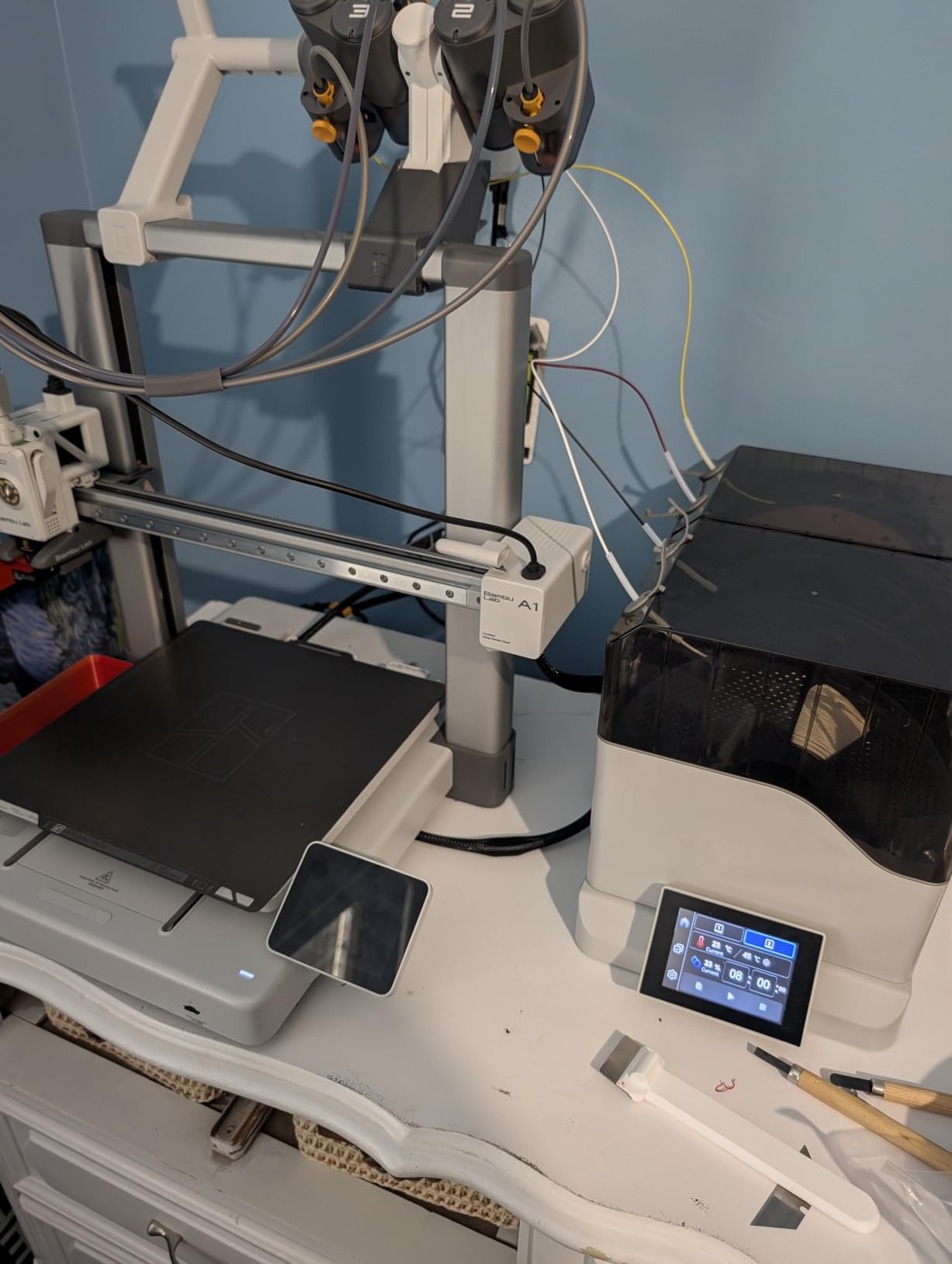
Four spool capacity with eight filament holes and PTFE tubes, two 120W PTC heaters with 360-degree hot air circulation and a 4-inch LCD touch screen with presets for PLA, ABS, PETG, PA and PC. The high-precision humidity sensor with a real-time in-box display is the point of this machine: automatic drying kicks in during standby once humidity reaches 50 percent and stops near 25 percent.
In practice that means you can load spools, leave them in the base, and the box brings them back into condition on its own. Two fully independent heating circuits let you run two different filament types at two different temperatures at once. The deep rather than wide layout also fits better in printer enclosures with limited table width.
Best for hands-off storage
If your filament sits in storage for weeks between projects and you do not want to think about it, the auto-dry threshold is the feature to pay for. Combined with the AMS Lite compatibility and the reversible pods, it is the most flexible workflow design of the ten for someone already running a multi-material printer. It also handles four spools across multiple printers.
Build details to know about
The criticisms are all about physical construction. Lid handles are not strong enough for the lid weight and the latch can pop open, there is no gasket at the pod lid-to-base joint, and four small open holes in the bottom of each pod need taping for a proper seal. The pod shell is thin and can deform when handled with a full spool, the touchscreen is resistive and needs firm pressing, and the base humidity reading is only accurate while the heater runs. Extra pods cost more than you would expect and auto-dry does not work with a single pod on the base.
How We Picked and Compared These Dryers
Every machine here was judged on the same five criteria, and they are ordered by how much they actually affect your prints.
Temperature ceiling against your material list. This is the filter that eliminates most of them. If you run nylon or PC, only the Creality Space Pi X4 gets close.
Spool count and feed-through count. One spool is fine for a hobbyist. Four spools and eight exit holes is a different category of workflow.
Seal quality. A leaky chamber defeats the purpose, and several units here are described as needing a door propped open to vent.
Whether the temperature and humidity readings can be trusted. Several units have sensors mounted near the heater rather than in the airflow.
Airflow, not just wattage. A fan and surround heating dries a whole spool; a bare element at the base does not.
We also read the owner complaints seriously, because the failure patterns show up long before the spec sheets. Nobody’s marketing page mentions a sensor that reads 8 percent high or a lid that pops open, and those are exactly the details that determine whether you keep using a machine or abandon it on a shelf.
One thing worth flagging about the wider search landscape: several of the pages ranking for this topic are manufacturer-owned blogs. That is not a reason to ignore them, but it is a reason to weigh an independent list against them rather than assuming the first result is neutral.
How to Choose a Filament Dryer: Buying Guide
Start with your material, not your budget. Write down everything you print in a normal month, then find the highest temperature that material needs from the cheat sheet above. Anything below that ceiling is the wrong machine, however well reviewed it is.
Next, count spools honestly. If you have one open spool and a sealed one waiting, single-spool is fine. If you are running two or three materials and dislike swapping, two spools saves real friction. Four spools is a commitment to a bigger machine and a bigger footprint, and it only makes sense for multi-printer or multi-material setups.
Then check three things that separate these products. Airflow: does it have a fan, and is it circulate-around-the-spool or heat-from-below. Sealing: owners of the boxes with real gaskets and sealing rings report noticeably better moisture protection, and several owners here have to crack the lid open during a cycle. And feed-through: PTFE ports mean the spool can dry while it prints, which turns idle drying time into productive time.
On the interface, expect less polish than an appliance. Every unit in this roundup has a control complaint in its reviews, most often a two-button layout that takes experimentation or a slow processor. None of them are dealbreakers, but you should pick based on the features you will use rather than expecting a phone app.
Finally, think about where it lives. Several owners mention noise and heat as the reason a machine lives in the garage rather than the office. If your printer is in an enclosed, quiet workspace, a single-spool box like the JAYO J1 or the Creality Space Pi SE fits the space better than a four-spool chamber, and you can pair it with the printer guides on our 3D printer roundup to plan where it goes.
Dryer vs Dry Box vs Oven vs Food Dehydrator
A desiccant dry box is storage, not drying. It holds moisture down around filament that is already dry, and it is the right tool between prints. It cannot bring a soaked spool back, and it cannot heat anything.
A food dehydrator works better than most people expect, because it does have controlled airflow and a low thermostat setting. The problems are that most of them do not hold a spool, they do not run hot enough for ABS, ASA or nylon, and you have no way of knowing what humidity is inside. It is a reasonable stopgap for PLA and PETG.
A household oven is the option we will caution against most firmly. Filament softens, spools deform and warp, PVC-adjacent materials off-gas, and repeated heating degrades the polymer. Users consistently warn about warped spools and fumes. If you do it, use a thermostat-controlled oven on the lowest setting, never leave it unattended, and dedicate the oven to it rather than cooking in it afterwards.
For in-printer drying, if you already own a printer with a heated chamber, drying inside it works for PLA, PETG, ASA and ABS. That is usually the whole reason many owners still buy a separate dryer anyway, because nylon, PC and TPU need a dedicated chamber and careful feed control.
Frequently Asked Questions
Is it worth buying a filament dryer?
Yes if you print PETG, TPU, nylon or ABS and ASA, buy filament in bulk, live somewhere humid, or run long multi-day jobs. One rescued spool usually pays for the machine. If you only print factory-sealed PLA and store it with desiccant in an airtight container, you can manage without one.
Do you really need a filament dryer for PLA?
Usually not urgently. PLA absorbs moisture slowly, so a vacuum-sealed spool stored with desiccant stays printable for weeks. You do need one for PLA if a spool has been sitting open on a shelf, or if you are printing in a humid climate. Dry it at 45 to 55 °C for 4 to 6 hours.
Which brand of filament dryer is the most reliable?
Comgrow and Creality both have large owner bases with consistent reports. The Comgrow two-spool box has the most owner feedback of any model here and our highest overall recommendation, while the Creality Space Pi X4 carries the highest owner rating and the only 85 °C dual-chamber setup. Reliability tracks seal quality and airflow more than the badge on the front.
What is the best way to dry 3D printer filament?
Use a dedicated heated chamber with forced airflow, set the temperature for the material, and let it run long rather than hot. PLA 45-55 °C for 4-6 hours, PETG 60-65 °C for 6-8 hours, TPU 50-55 °C for 6-8 hours, ABS and ASA 70-80 °C for 8-12 hours, nylon 80-90 °C for 12-18 hours. Cool the spool before sealing it away with desiccant.
How good is the SUNLU filament dryer?
Very good for the price, with the caveat that the range spans very different machines. The S1 Plus is a capable budget box for PLA, PETG and TPU with a sensor that reads high. The S2 adds a 70 °C ceiling and a large touchscreen. The S4 is a four-spool 350W machine for multi-printer setups. Owners running the S4 report years of trouble-free use.
What should I set my SUNLU filament dryer to?
Match the material, not the machine. Set 45-55 °C for PLA, 60-65 °C for PETG, 50-55 °C for TPU and 70 °C for ABS or ASA on models that reach it. Start with 6 hours and extend to 8 or 12 if the popping and stringing persist. Never raise the setting above the material’s safe range to save time.
The Verdict: Best Filament Dryer Picks for 2026
After working through all 10 of the best filament dryers for 3D printing, the Comgrow 3D Printer Filament Dryer Box is our top recommendation. It holds two 1kg spools, runs quietly, has the largest body of consistent owner reports we found, and it fixes the stringing and adhesion problems that push people toward a dryer in the first place. It has a 50 °C ceiling, so treat it as a PLA and PETG machine.
Best value is the Comgrow SH02, which adds a 150W PTC heater, a 70 °C ceiling and nine material presets. Best for multi-printer capacity it is the SUNLU S4 with four spools and eight exit holes, and best for engineering material above 70 °C it is the Creality Space Pi X4, the only box here that reaches 85 °C with two independent chambers.
Whatever you pick, buy for the material you actually print, and set the temperature from the cheat sheet rather than turning the dial up because you are in a hurry. If you already have a printer with a heated chamber, a single-spool box is plenty to start. If you are still choosing the printer itself, our best 3D printers guide covers the setups that pair well with a dryer.