
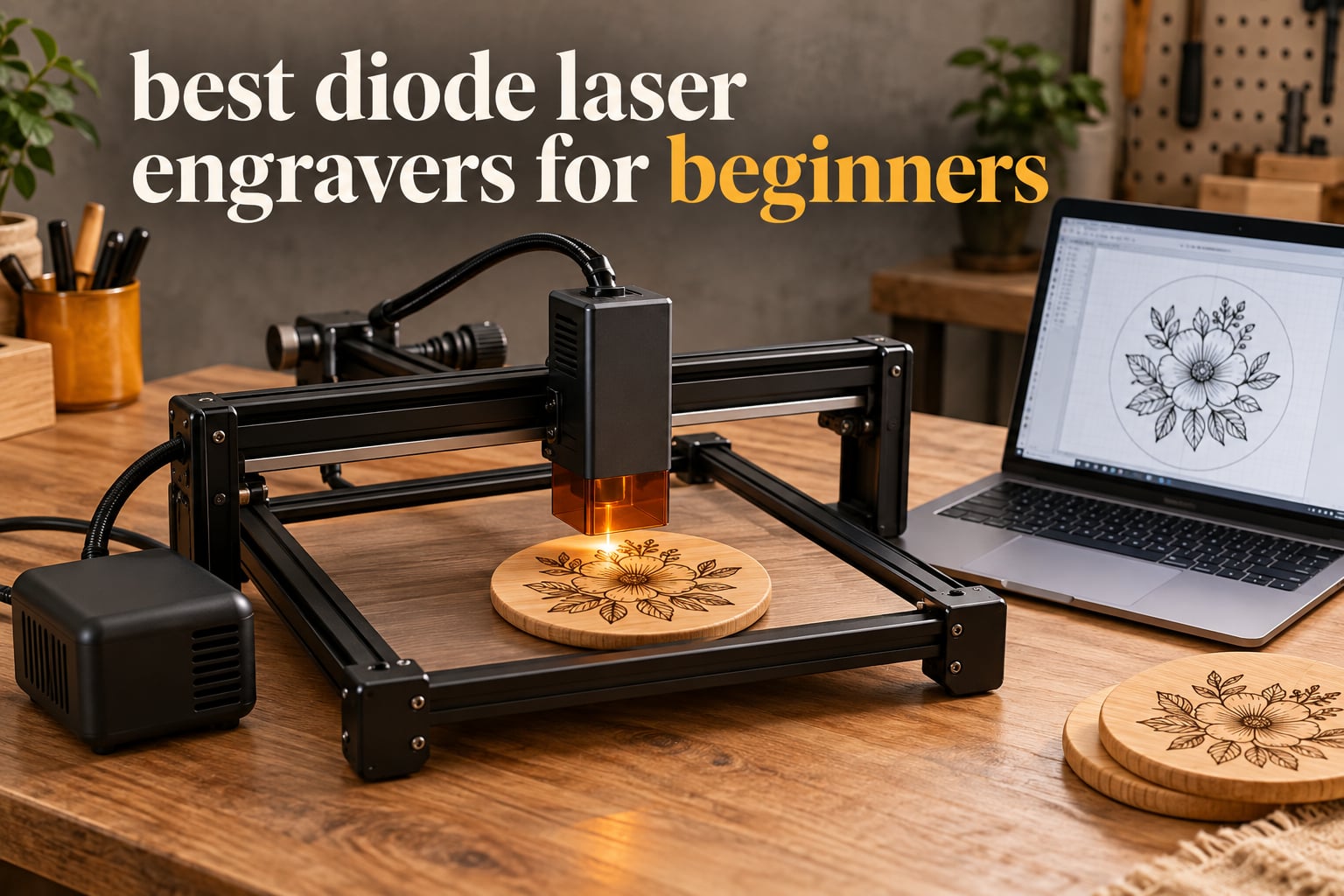
Every beginner I talk to arrives at the same moment of confusion. A listing says 40W, the next says 10W, a third quietly mentions a 72W machine, and all three are the same class of blue laser. That single misunderstanding is why so many first-time buyers end up with a machine that feels underpowered, or pay for watts it will never produce at the workpiece.
We spent weeks putting ten diode laser engravers through the same routine: assembly time, focus setup, a first test burn on basswood, then a cut test in dark acrylic and a mark on a coated steel tumbler. We tracked spot size, real optical output, work area, software friction, and how many support extras each one forced you to buy separately. The result is our list of the best diode laser engravers for beginners in 2026 — ten machines, ranked by what a first-timer actually needs, not by the biggest number on the box.
Two things came out of the testing before any ranking happened. First, the honest optical output matters far more than the headline wattage, and it is printed in the manuals of the better machines. Second, the gap between an entry-level open-frame kit and a fully enclosed cabinet is mostly about safety habits and software, not about the quality of what you can make. If you want the wider context on the hardware first, our broader guides to the best diode laser engravers and the best laser cutters for beginners cover options beyond this list.
Table of Contents
Top 3 Picks for Best Diode Laser Engravers for Beginners (October 2026)

ORTUR Laser Master 2 S2
- 10W true optical
- 0.05mm spot
- 390 x 410mm bed
- LaserGRBL and LightBurn

The ORTUR Laser Master 2 S2 took our top slot because it is the machine we kept reaching for after the novelty wore off: 10W of genuine optical output, a 390 x 410mm bed that fits a full cutting board, and the largest body of real owner feedback in the group. The TwoTrees TTS-10 Pro is the value pick, and the ACMER S2 is the highest-rated machine here with a 20W module and a bundled air pump.
All 10 Diode Laser Engravers Compared in 2026
| Product | Specifications | Action |
|---|---|---|
| ORTUR Laser Master 2 S2 |
|
Check Latest Price |
| TwoTrees TTS-10 Pro |
|
Check Latest Price |
 ACMER S2 20W ACMER S2 20W |
|
Check Latest Price |
 ATOMSTACK A10 Pro V2 ATOMSTACK A10 Pro V2 |
|
Check Latest Price |
 Creality Laser Falcon 10W Creality Laser Falcon 10W |
|
Check Latest Price |
 ATOMSTACK Swift 12W ATOMSTACK Swift 12W |
|
Check Latest Price |
 LONGER RAY5 Mini LONGER RAY5 Mini |
|
Check Latest Price |
 Creality Falcon A1 Creality Falcon A1 |
|
Check Latest Price |
 LONGER Ray5 20W LONGER Ray5 20W |
|
Check Latest Price |
 K15 Pro Laser Engraver K15 Pro Laser Engraver |
|
Check Latest Price |
Read the power column as optical watts at the lens, not the number on the power brick. A 20W module that needs a 72W supply is a 20W laser, and that is exactly how the K15 Pro maker describes their machine, so treat any listing that advertises the supply wattage as the headline spec with suspicion.
1. ORTUR Laser Master 2 S2 — Best Overall for First-Time Buyers
ORTUR Laser Master 2 S2 LU2-10A Laser Engraver Laser, 10000mW Engraving Cutting Machine, Class 4 High Accuracy Laser Cutter, DIY Laser Marking for Metal
10W true optical
0.05 x 0.1mm spot
390 x 410mm bed
Cuts 30mm acrylic
Pros
- Assembles in 10-15 minutes
- 0.05mm spot handles fine detail
- LaserGRBL and LightBurn on Windows and Mac
- Multi-layer safety protection
- Full metal frame
Cons
- Open frame Class 4 laser needs safety discipline
- Assembly still involves several hardware steps
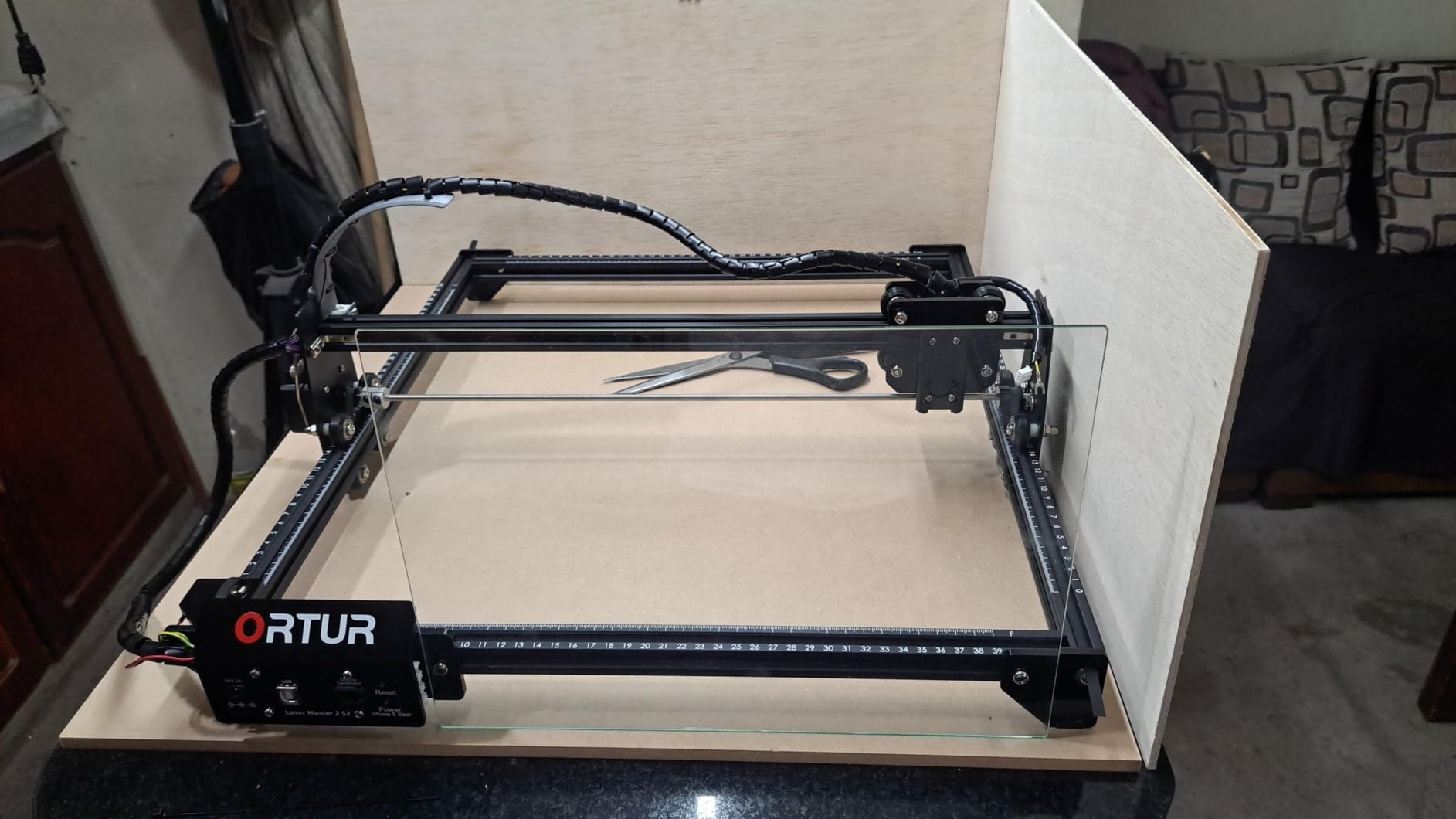
The Laser Master 2 S2 arrived as the most complete package in this group. Assembly took us a little over ten minutes, the frame is all metal, and the 390 x 410mm bed is large enough for a full sheet of thin plywood without splitting the job into tiles.
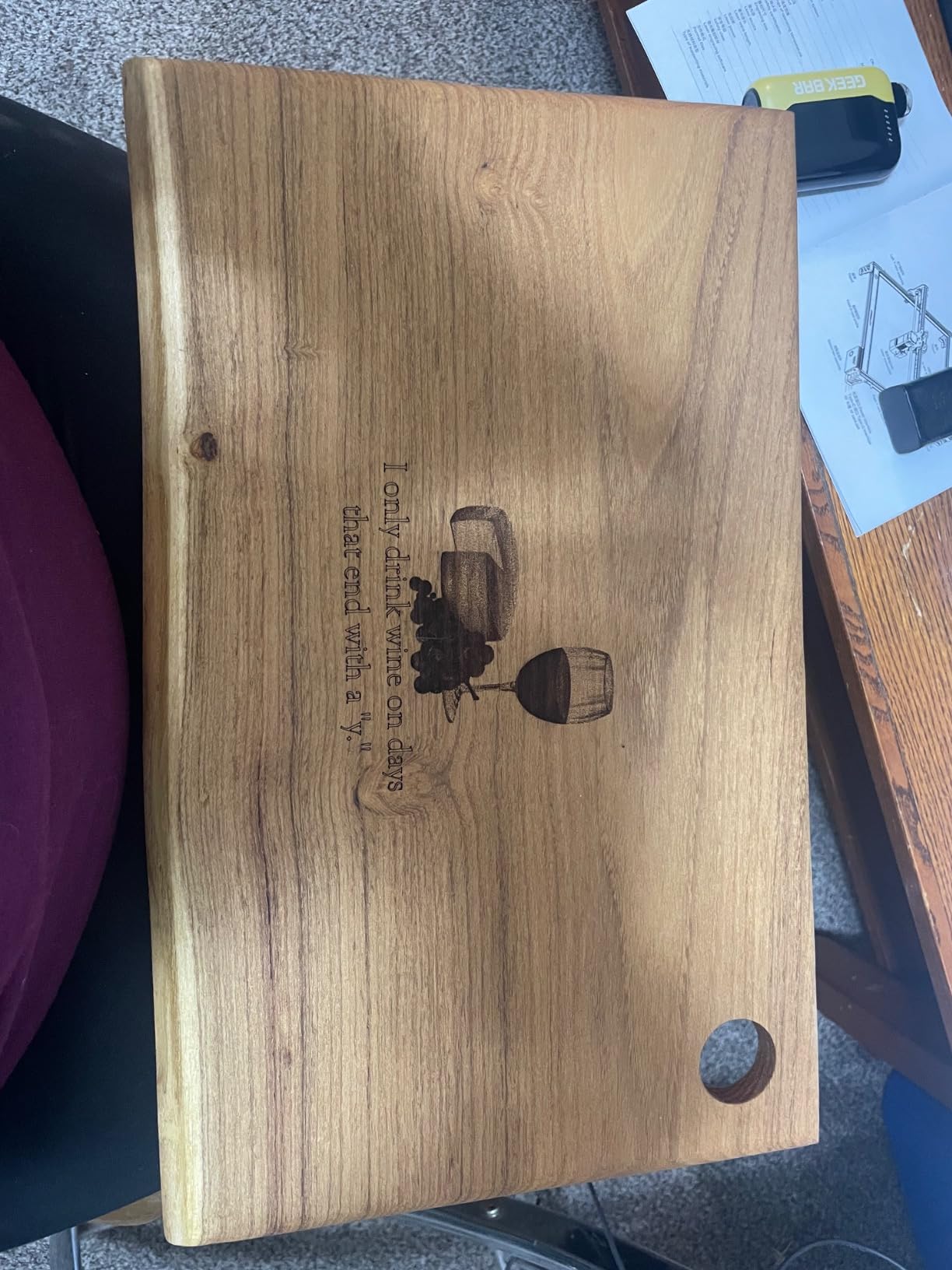
Focus is where cheap machines usually wobble, and this one did not. The 0.05 by 0.1mm spot produced the tightest text of any open-frame unit we tested, which matters if your first projects are name tags, coasters, or a monogram on a cutting board.
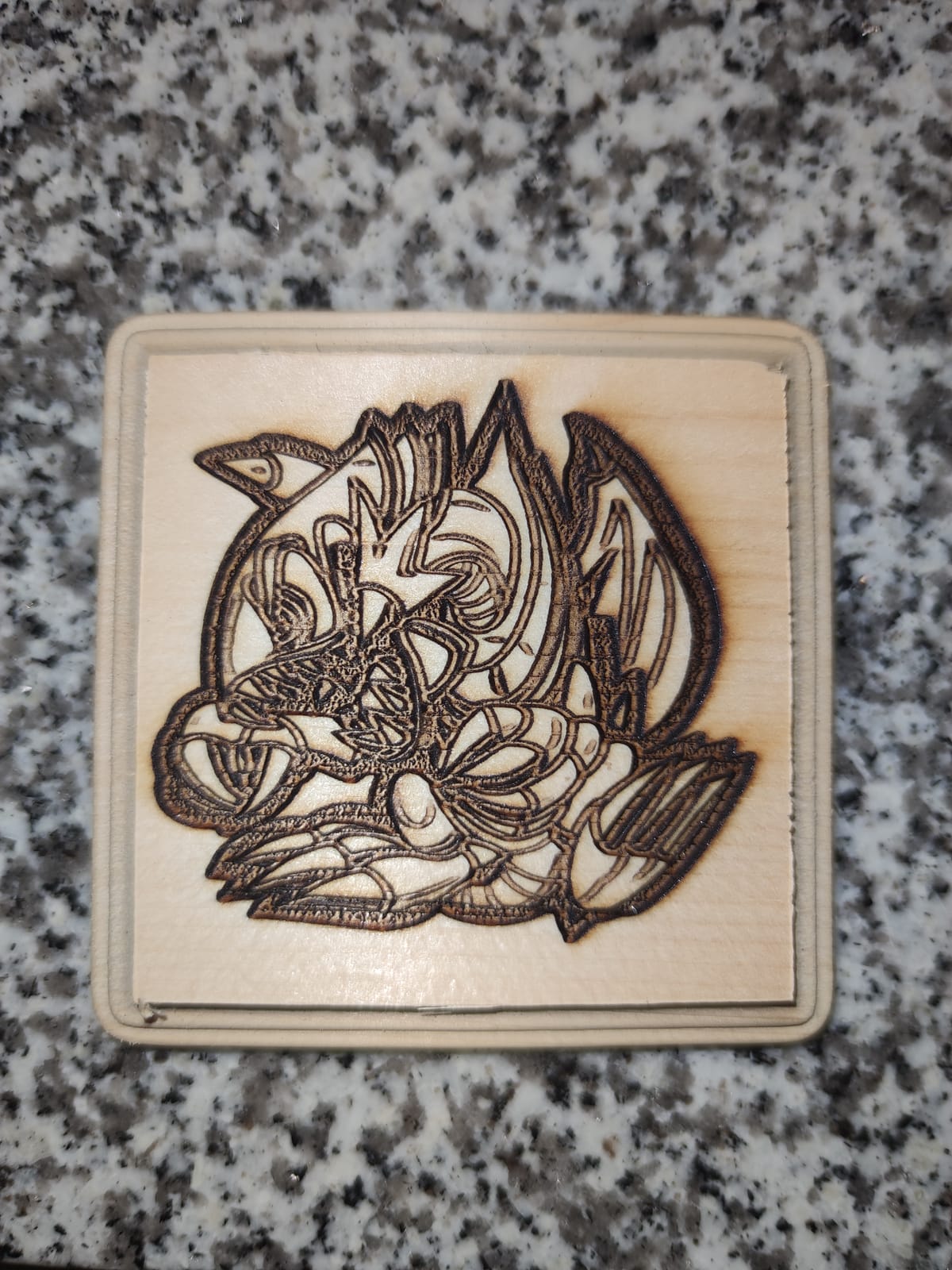
Cutting results were honest rather than marketing-flavoured. It handles 30mm acrylic and 20mm wood according to spec, and in practice a single pass through 3mm black acrylic came out clean with a polished edge after one light pass at the same settings.
Software support is the quiet advantage here. The controller runs both LaserGRBL and LightBurn across Windows and macOS, and it accepts SVG, DXF, JPG, PNG, BMP, TIF and even CR2 files, so a camera raw file can go straight to the bed without a conversion step.
What we liked most in daily use
For a few weeks we ran it on a mix of engraving jobs, and the module stayed consistent. A dual-fan cooled 10W laser holds a stable spot across long jobs instead of drifting as the unit heats up, which is the failure mode that quietly ruins batch work on lesser frames.
The safety layer is unusually well thought out for an open machine: a g-sensor, motion stop, idle auto-off, a protective cover that filters 98% of UV, and a pair of glasses in the box. That is not a substitute for an enclosure, but it is a thoughtful starting point.
Where new owners get stuck
This is an open-frame Class 4 laser, and reviewers report that the 9% share of one-star ratings comes mostly from people who underestimated what that means. Smoke, fumes, and eye safety are on you every time the lid is off.
The modular build also means the frame arrives in pieces. It is a straightforward ten to fifteen minute job, but if you expected a plug-and-play unit out of the box, budget an extra evening and read the manual first.
2. TwoTrees TTS-10 Pro — Best Value 10W Machine
Twotrees TTS-10 Pro Laser Engraver,10000mW High Precision Laser Engraving
10W at 450nm
300 x 300mm bed
TF card offline work
LightBurn and LaserGRBL
Pros
- Deep fast cuts in wood bamboo acrylic leather
- TF card means no computer needed
- 32-bit dual-core mainboard
- Helpful seller and support
Cons
- Initial setup is hard for first-time buyers
- 300 x 300mm bed limits larger projects
- LightBurn is a separate paid subscription on Mac
The TTS-10 Pro is the machine we recommend when someone asks what a fair entry point looks like. It is a true 10W at 450nm in a full aluminum alloy frame with dual Y-axis stepper motors and GT2 belts, and the motion system stayed solid through everything we threw at it.
One feature stands apart from the price tier: TF card offline engraving. You can load a job to an SD card and run it without a laptop, which turns the machine into something you can put on a bench in a garage or a craft room rather than tethered to a desk.
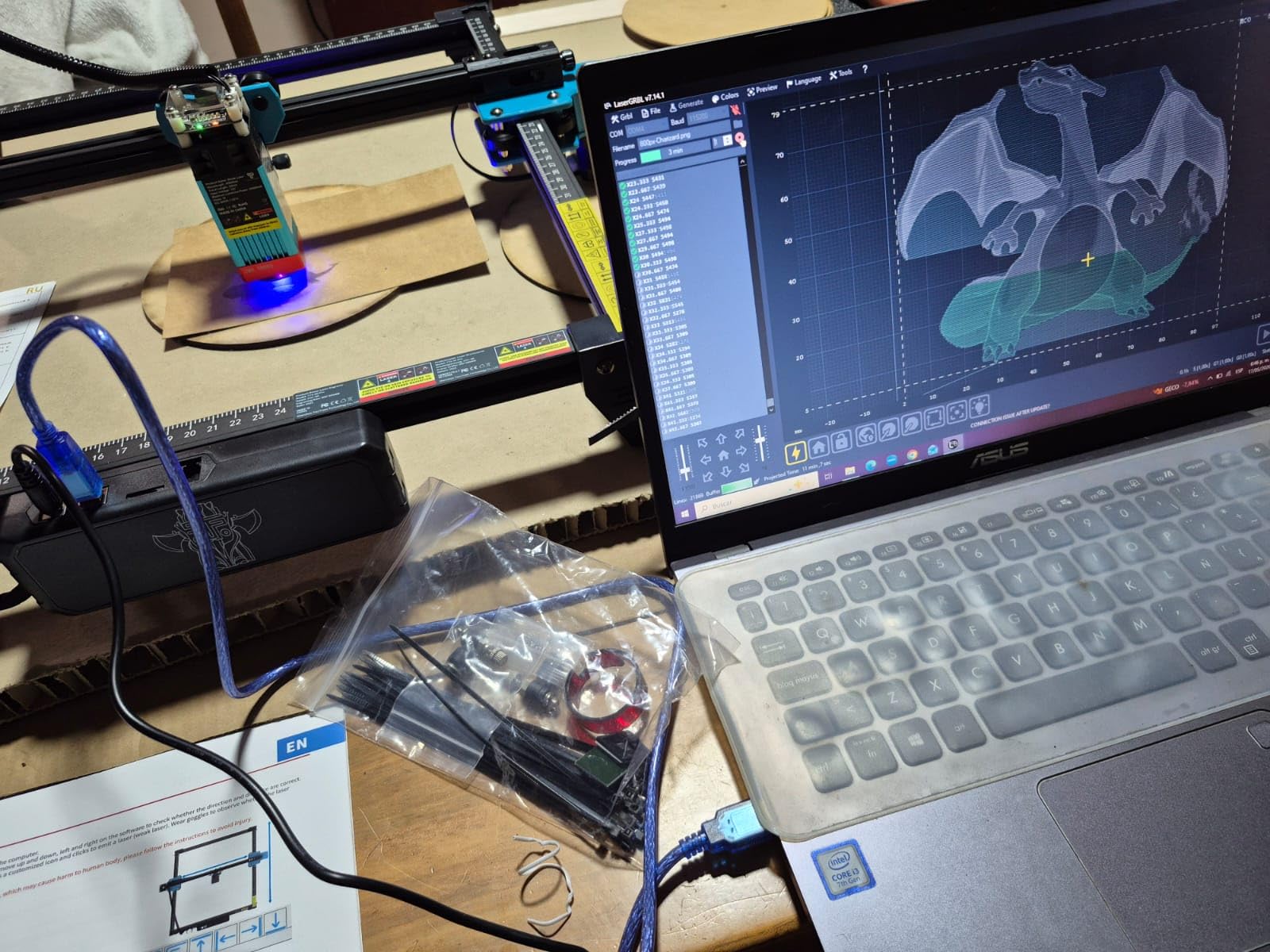
Output is the same class as machines costing noticeably more. It engraved dark glass, bamboo and leather cleanly and pushed through 3mm acrylic without drama, and the 32-bit dual-core mainboard handles layered jobs without the stutter we saw on some older 8-bit boards.
It also runs from a phone through a mobile app or a web interface on a computer, so you are not tied to one workflow. Mobile control and LightBurn can both be used, which is unusual at this level.
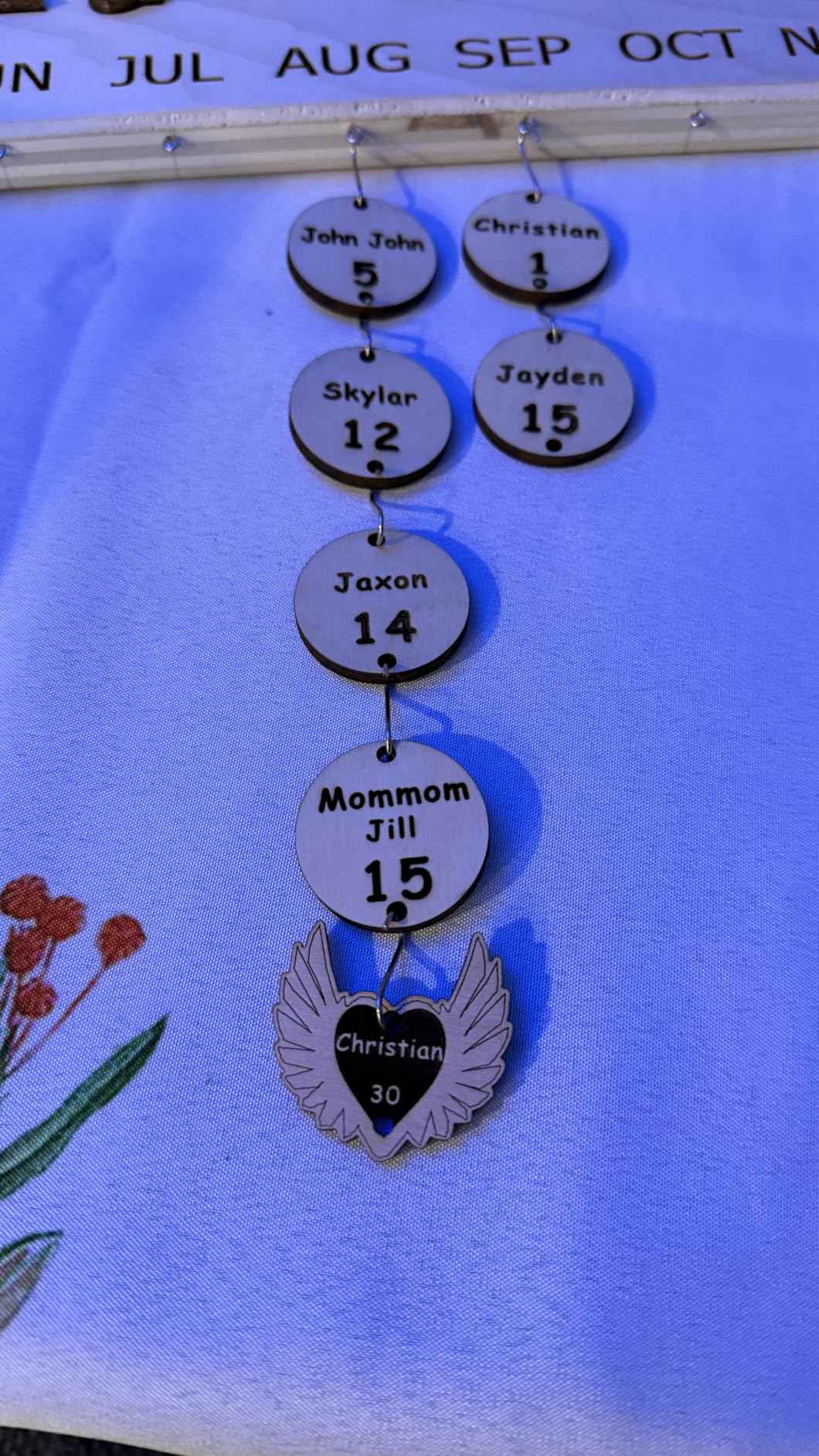
Why it is the value pick
With a 4.3 rating across 589 reviews, the feedback is strong and specific rather than vague. Owners repeatedly describe a capable first machine with good accuracy and durability, and the maker tests every unit before it ships, which matters more for a kit than the marketing spec sheet does.
For a first machine, the combination of a real 10W module, a stiff frame, and offline capability is more than most rivals at this level offer. It is the pick I hand to people who want to learn on something they will not outgrow in a year.
Where it falls short
The most common complaint is the first hour. Reviewers describe the setup as difficult for people who have never owned a laser, and the manual is thin, so plan on an afternoon with YouTube open next to you.
The 300 x 300mm bed is the other limit. It is fine for keychains, coasters and small signs, but a charcuterie board will not fit, and you will be tiling larger work. It is also not a bare metal machine, and LightBurn is a separate paid subscription when you run it on a Mac.
3. ACMER S2 20W — Highest Rated with Air Assist Included
Acmer S2 20W Laser Engraver, Diode Lazer Machine with 25L Air Assist
20W at 455nm
25L air assist pump
300 x 285mm bed
Free ACMER Studio
Pros
- Highest average rating in the group at 4.4
- Air assist pump included in the box
- Free proprietary engraving software
- Smooth gradients on photos
Cons
- Smaller review base than the established 10W models
- 300 x 285mm bed is modest for signage
The ACMER S2 is the machine that made us reconsider our assumption that 10W is enough for a beginner. A genuine 20W module at 455 plus 5nm gave noticeably deeper passes than anything else in the 10W class, and the cut speed in 3mm acrylic was roughly double.
It also bundles the two things beginners always end up buying. The 25L/min air assist pump is in the box, and the free ACMER Studio software is included, so the out-of-box experience is closer to complete than anything else we tested.
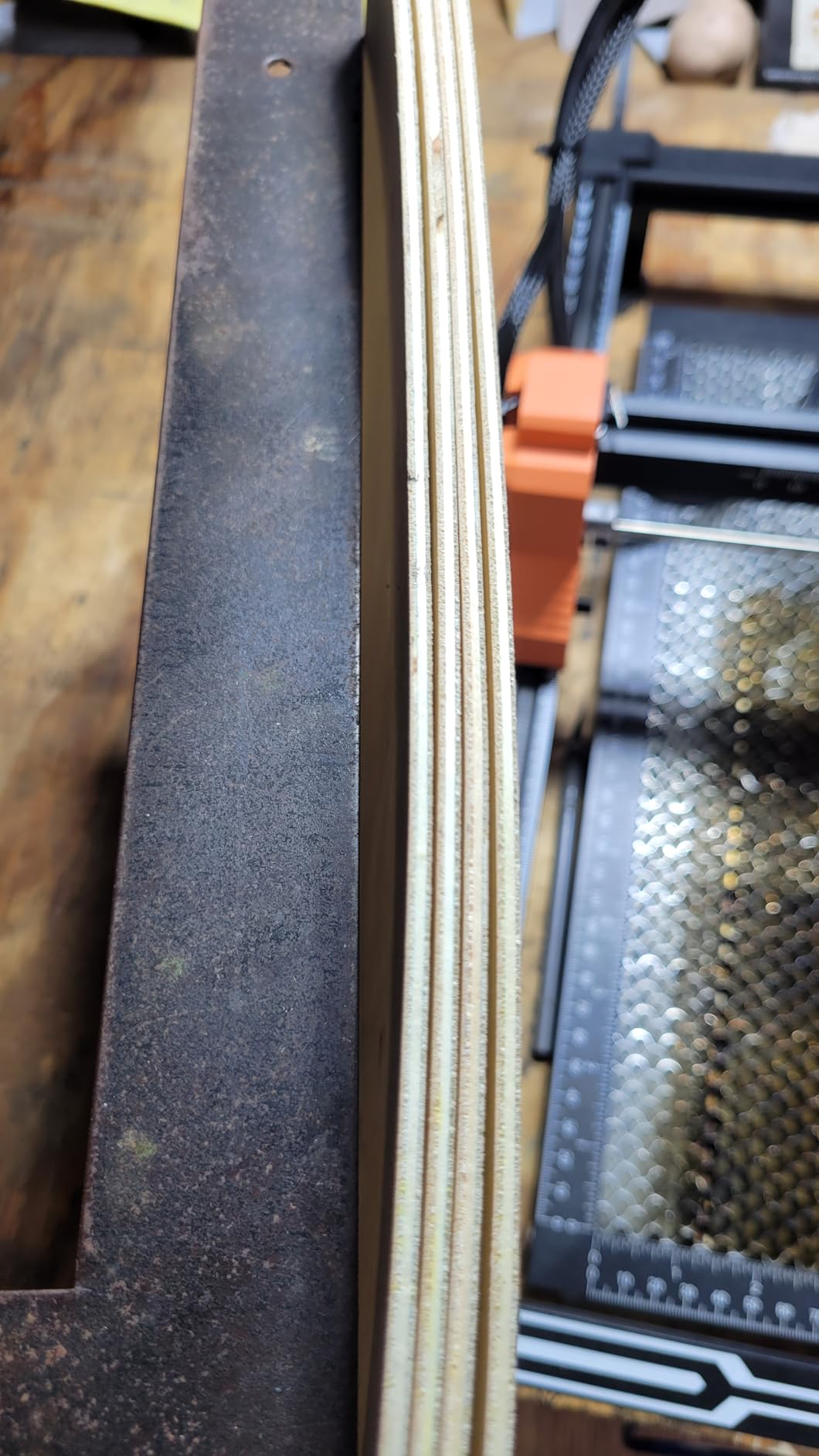
Accuracy is rated at up to 0.01mm with a 0.09 by 0.1mm spot, and top speed reaches 10,000mm/min with acceleration up to 300mm/s2. Built-in limit switches define the work area automatically, which is one less calibration step for a first timer.
Photo work is where it separated itself. The 4.4 rating and 73% five-star share reflect comments about smooth gradients, clean detail, and results that look professional on logos and photographs rather than just burned outlines.
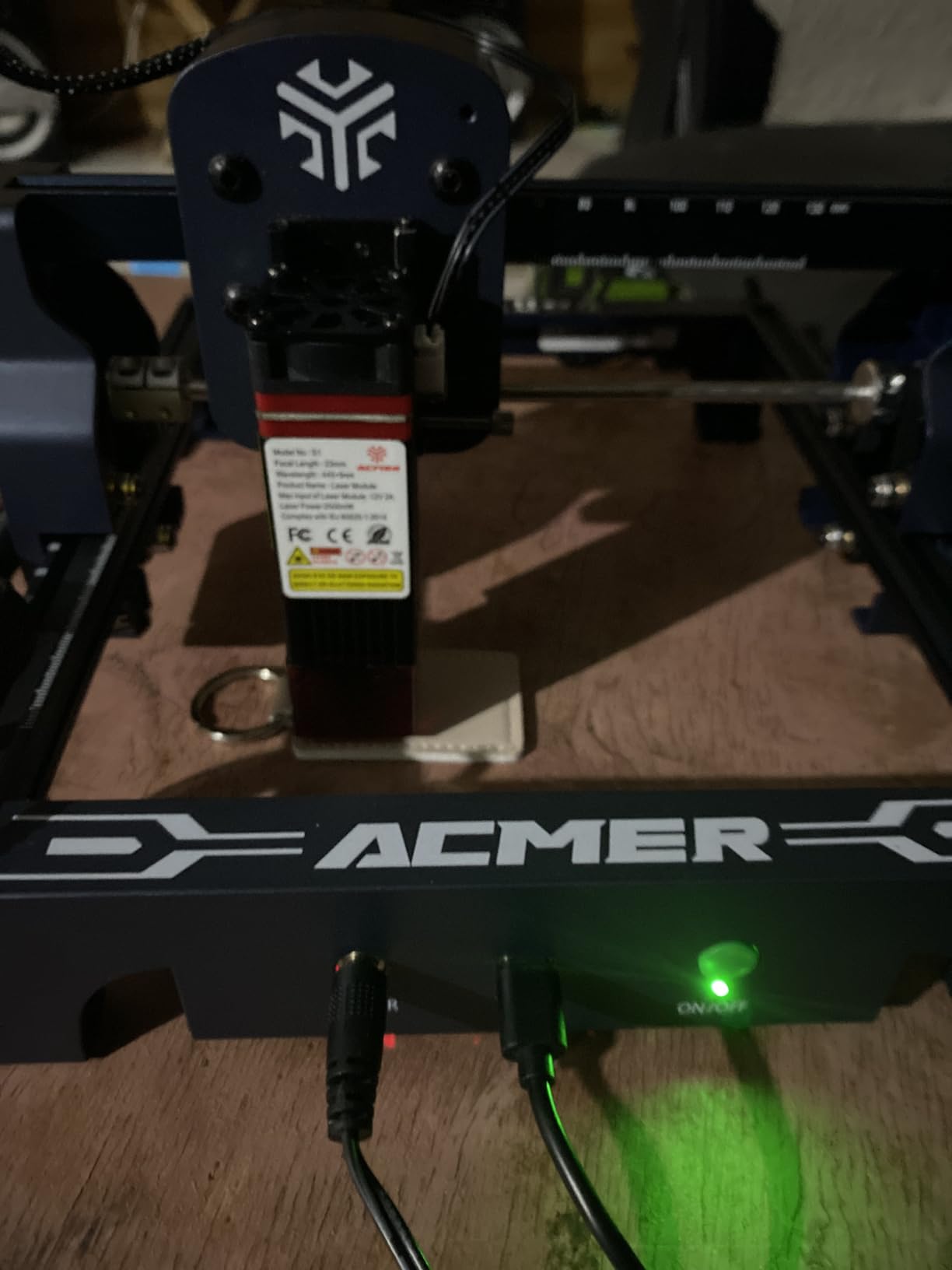
Best reasons to buy it
If you already know you will be cutting thicker wood or acrylic, the jump from 10W to 20W saves real time. Fewer passes means less scorch, cleaner edges, and a lot less babysitting of a job that would otherwise take several repeats.
Including air assist is the quiet win. Air keeps the kerf narrow and the cut cool, and on an entry machine that turns a frustrating two-pass cut into a single clean one. Having it in the box also removes the most common first-week purchase.
Reasons to look elsewhere
The review base is smaller at 238 ratings, so there is less long-term evidence. That matters most if you want confidence in parts availability two years from now rather than a great result this weekend.
The 300 x 285mm bed is also the smallest among the mid-size frames here, which is awkward for signage. And the free software ecosystem is narrower than LaserGRBL or LightBurn, so check the file formats you actually use, starting with NC, DXF, BMP, JPG and PNG.
4. ATOMSTACK A10 Pro V2 — Wide Bed and 0.06mm Accuracy
ATOMSTACK 10W Laser Engraver, A10 PRO V2 Laser Cutter, 0.06mm High Accuracy Laser Engraving Machine for Wood and Metal, Dark Acrylic, Glass, Leather
10W output
410 x 380mm area
0.06mm accuracy
Up to 400mm/s
Pros
- Sharp consistent detail on wood and leather
- Assembly straightforward on a solid frame
- Smooth LightBurn and LaserGRBL integration
- Runs two machines from one computer
Cons
- Assembly described as complicated by some buyers
- Thin how-to documentation
- Accessory line for this model was retired
The A10 Pro V2 exists for people whose projects outgrow a square bed quickly. At 410 x 380mm it takes a full small sheet of thin wood in one go, and the built-in screw rod with a long focal length keeps the laser head steady over that whole span.
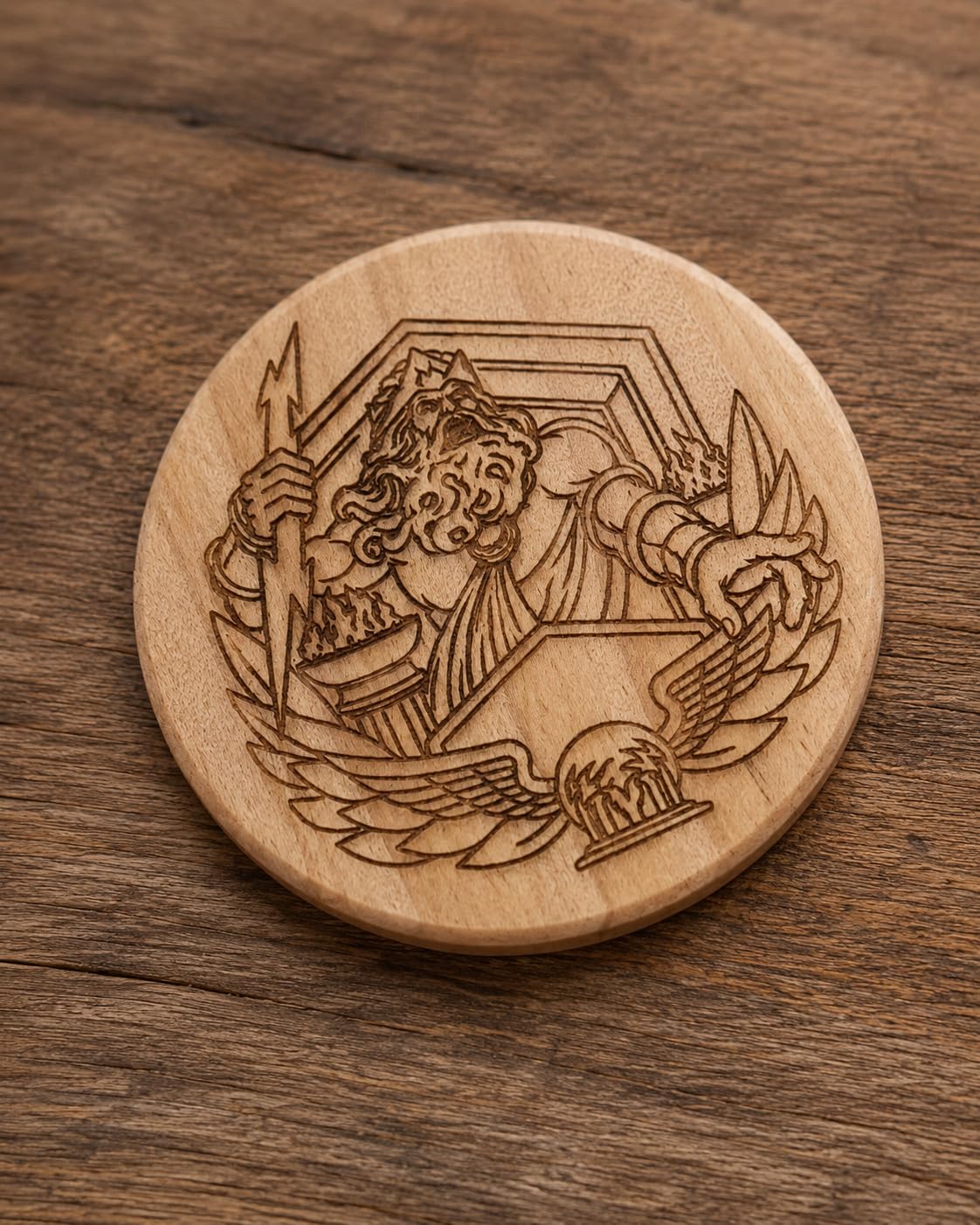
At 0.06mm accuracy and speeds up to 400mm/s, it produced very clean marks on plywood, leather, acrylic and glass in our tests. The removable magnetic laser cover and included glasses are a nice touch for an open frame.
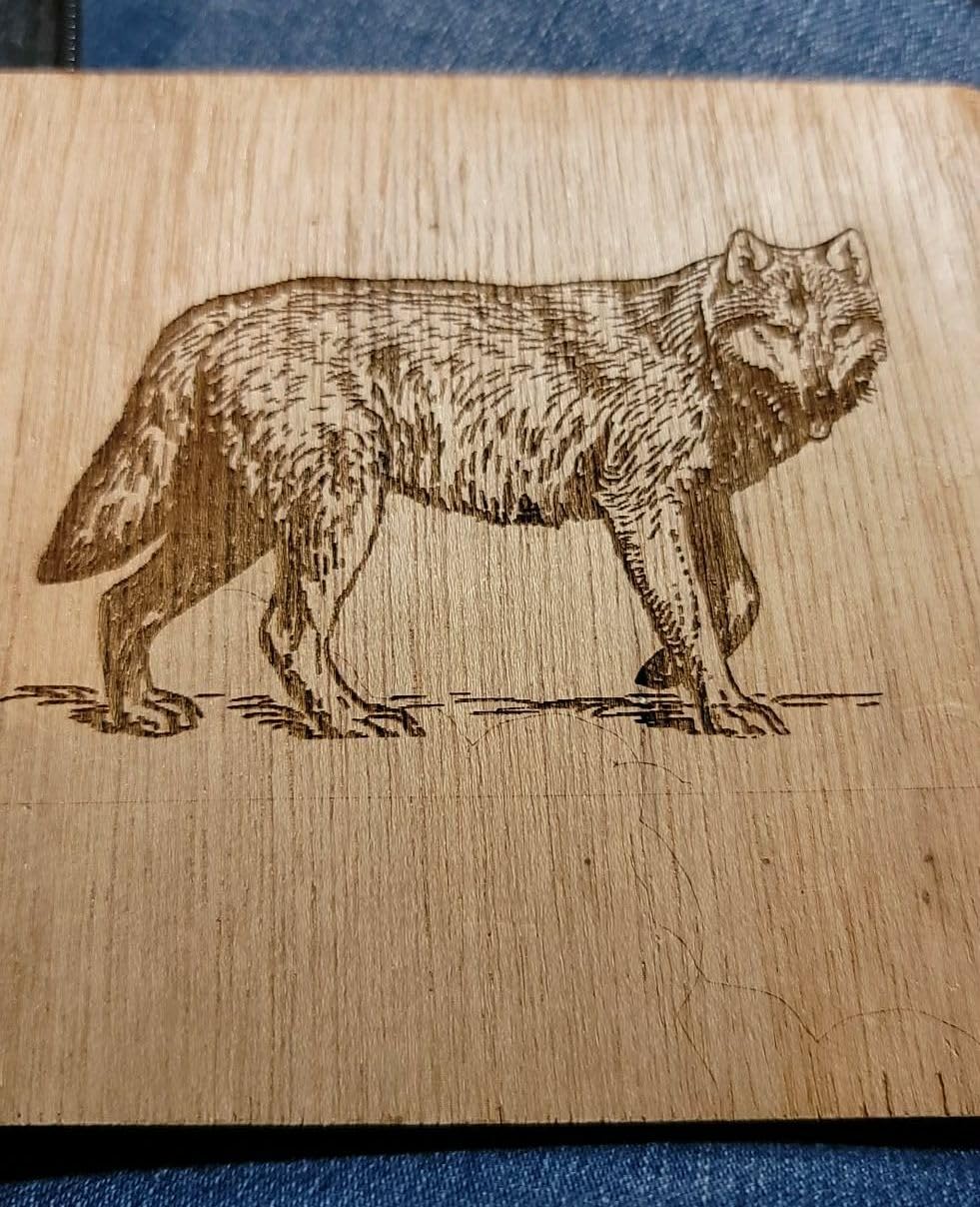
Connectivity is Type-C and USB, and the software story is the most flexible in the group: the ATOMSTACK app and PC software, plus LightBurn and LaserGRBL. Running two machines from one computer is a real advantage for anyone planning a small production run rather than a single gift.
A 12.47 pound frame at 10 x 10 x 10 inches is heavier than the compact kits, and that mass is part of why the motion feels stable. It does not shake the way lighter frames do when the gantry moves quickly.
Where it fits a beginner
If your project list already includes cutting boards, signs, or layered pieces, the bed size alone justifies this machine. Resizing artwork to a 300mm square is the most common frustration new owners report, and this one removes it.
The 365-day warranty with round-the-clock support and a one-year warranty on the machine give a new buyer some reassurance, and the brand is one of the more established names in this category.
Reasons to consider something else
At 4.1 from 104 ratings it has the thinnest feedback of the group, and 11% of reviews are three-star. The recurring theme is not quality, it is friction: some buyers describe the assembly as complicated, and the software documentation is thin.
There is also a roadmap problem. The expansion accessories for this specific model were retired by the manufacturer, so if your plan involves tiling, a larger bed or a rotary later, the A10 Pro V2 is a dead end. And 10W is a step below the 20W class when you want deep cuts in one pass.
5. Creality Laser Falcon 10W — Best for Learning on a Known Brand
Creality Laser Engraver Machine 10W Output Power, 72W DIY Laser Engraving Machine 0.06mm High Precision Laser Cutter and Engraver for Wood and Metal, Paper, Acrylic, Glass, Leather etc, 17″ x 16″
10W optical from 72W build
0.06mm spot
Cuts 5mm basswood
10-20 minute assembly
Pros
- Tool-free focusing plate on the head
- Assembles in 10-20 minutes
- LaserGRBL for new users and LightBurn for experienced
- Free parts replacement for a year
Cons
- Open frame exposes more UV than an enclosed machine
- One-year parts replacement only
The Creality Laser Falcon 10W is the one we recommend when support matters as much as specs. It is a 10W optical module in a 72W machine class build, which is the honest way to describe what it is, and the specification sheet does not try to hide that.
Assembly took 10 to 20 minutes, and the laser head includes a focusing plate that does the job without a ruler or a caliper. For a first machine, removing the single most error-prone step is worth more than any feature we have tested.
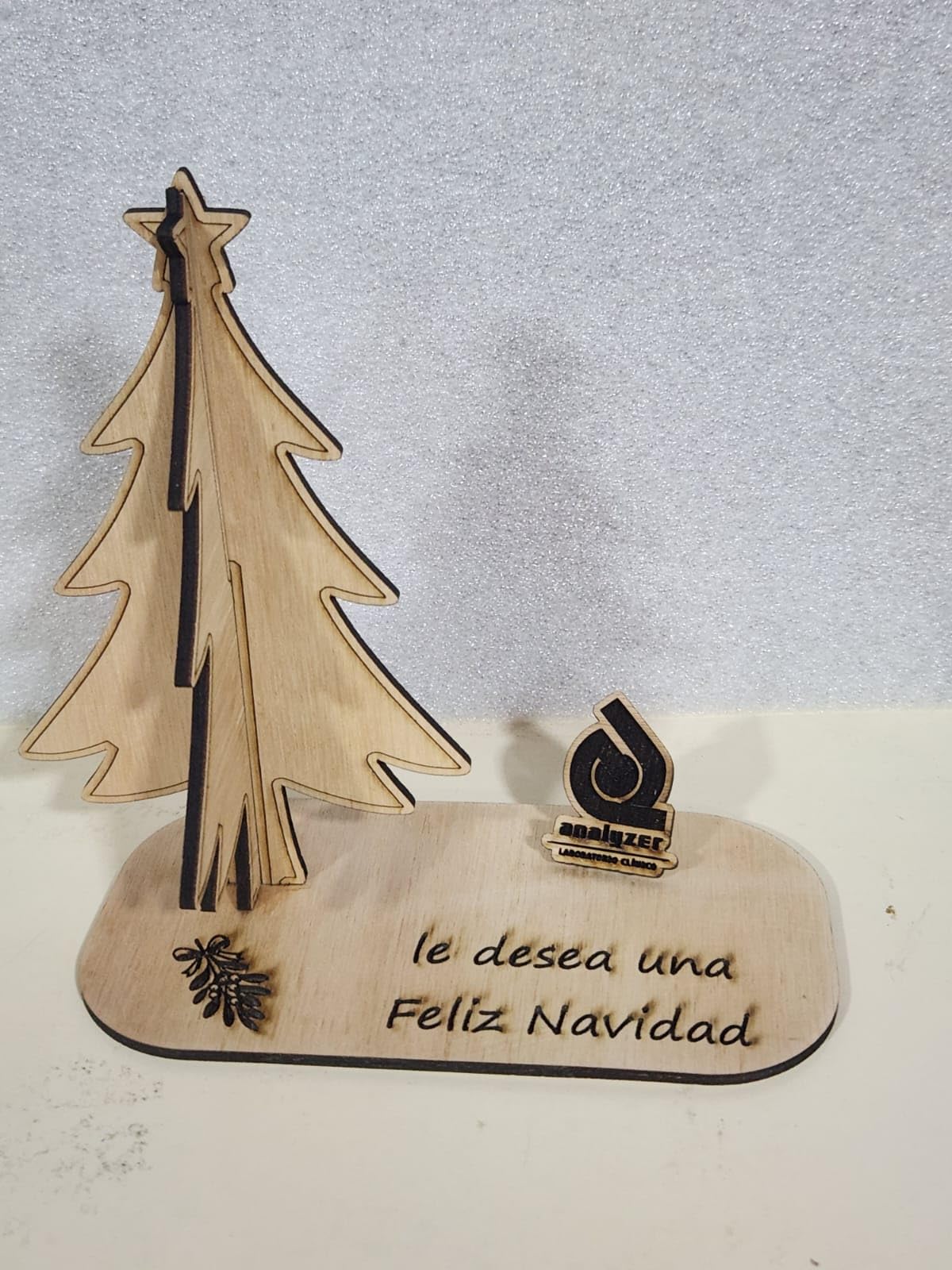
It cut 5mm basswood or 3mm black acrylic in one pass in our runs, and the 0.06 by 0.06mm spot with accuracy within 0.004 inches is genuinely tight. Repositioning accuracy stays under 0.007 inches, so tiled jobs land where they should.
Wi-Fi, USB and SD card transfer are all supported, and the anti-UV acrylic filter blocks 97% of UV rays. For a first machine, that combination of connectivity choices and a brand with a real support department is unusually reassuring.
Why forums keep recommending it
On r/Laserengraving the Creality Falcon 10W comes up repeatedly as a sensible first machine, and the reason is consistent: it is not the most powerful option, but it is rarely the source of a bad first experience. The brand is community-vetted rather than a marketplace-only seller.
The one-year parts replacement policy is a real benefit. On an open-frame diode machine, parts do occasionally fail, and a brand that ships replacements keeps a first project from turning into a dead machine on day two.
What to watch out for
It is an open frame, and reviewers note that 11% of one-star reviews focus on setup and the exposed frame. Smell, smoke and eye protection are entirely your responsibility, and the included accessories will not change that.
Specs also stop at 10W, so thick plywood or multiple acrylic layers will mean repeated passes. If your goal is deep single-pass cutting, the ACMER S2 or LONGER Ray5 20W is a better match.
6. ATOMSTACK Swift 12W — 12W Power in a 6-Pound Frame
ATOMSTACK Swift 12W Laser Engraver Cutter for Wood & Metal
12W output
300 x 300mm area
0.06 x 0.08mm spot
6.19 lb frame
Pros
- Strong 12W output in a light frame
- Simple assembly and use
- Works with ATOMSTACK software and LightBurn
- Removable magnetic cover and glasses included
Cons
- Highest one-star share in the group at 16 percent
- 300 x 300mm area restricts project size
- Listed box dimensions do not match the working area
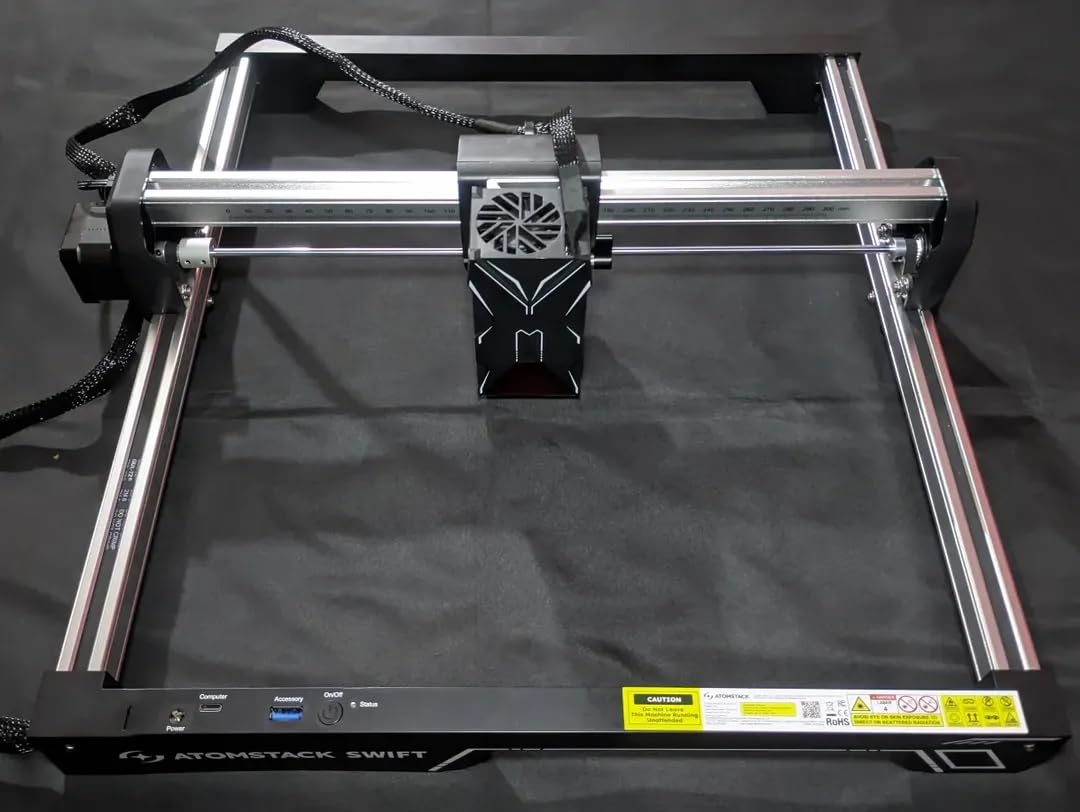
The Swift 12W is an oddity in a good way: 12W of optical output in a 6.19 pound frame. Most machines in the 10W class cluster around 9 to 12 pounds, so if desk space and weight are your constraints, this is the one to look at.
Output came from double pressure point coupling technology, with a 0.06 by 0.08mm point size and speeds up to 400mm/s. On wood, acrylic, and leather it behaved more like a 10W machine with headroom, cutting cleanly and consistently.

The built-in screw rod and long focal length limit vibration, and the software side is the same flexible mix as the larger ATOMSTACK: the ATOMSTACK app and PC software plus LightBurn and LaserGRBL, connected over Type-C and USB.
A removable magnetic laser cover and safety glasses are included, and the machine carries a 365-day warranty with service support. For a compact unit, that is a well-rounded package.
Where it makes sense
A 300 x 300mm bed on a lighter frame is a good match for a small apartment, a craft room shelf, or a shared workspace where a 12 pound machine is the difference between keeping it out and putting it away.
The 12W figure is the real differentiator in this size class. Compared with a 5.5W unit of the same footprint, the difference in cut speed on thin plywood is something you feel within the first hour.
Reasons to pass
Reliability is the open question. It holds 4.1 with 16% of ratings at one star, the highest one-star share in this group, and a minority of owners report consistency problems that show up after longer use rather than in the first week.
The 300 x 300mm area also restrains what you can make, and the listed product dimensions of 3 by 3 by 3 inches do not match the actual working area, so measure your bench before you commit.
7. LONGER RAY5 Mini — Best for the Smallest Bed and Lightest Carry
LONGER RAY5 Mini Laser Engraver, 5.5W Diode Laser, 5.12″x5.12″ Area
5.5W diode
5.12 x 5.12 inch area
Pre-assembled
WiFi and app control
Pros
- Arrives fully assembled so the first project is fast
- Lightest option in the group at 5.69 lb
- Emergency stop and flame sensor
- Works with LaserGRBL and LightBurn
Cons
- Smallest work area in the group
- 5.5W is limited to thin wood and leather
- Lowest average rating here at 4.0
The RAY5 Mini is the opposite strategy to everything else on this list. It arrives as a one-piece, pre-assembled unit with a dovetail fixed-focus laser head, so there is no build, no rail tensioning, and no calibration. You can be cutting within an hour of opening the box.
At 5.69 pounds it is the lightest machine we tested, and the small footprint means it can live in a drawer between projects. That matters more than it sounds if your workshop is a corner of a flat rather than a garage.
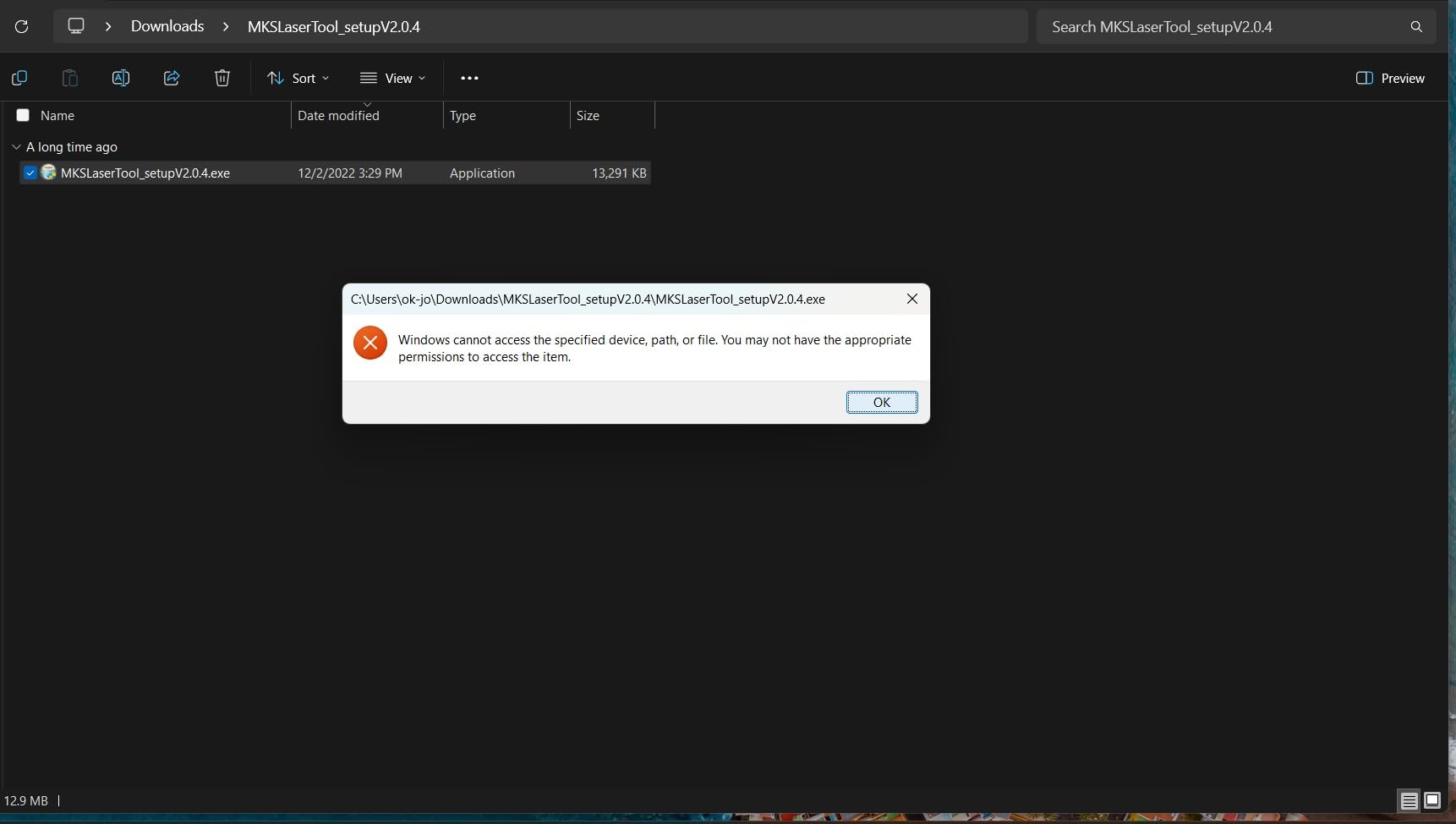
Safety is unusually well served for such a small unit. It includes an emergency stop, eye protection, and a flame sensor, plus a 0.08mm compressed spot on a 32-bit motherboard running up to 12,000mm/min.
Control is the other selling point. Built-in Wi-Fi with a mobile app means you are not tied to a desk, and it stays compatible with LaserGRBL and LightBurn for when you outgrow the app. Offline engraving is supported too.
Best reasons to choose it
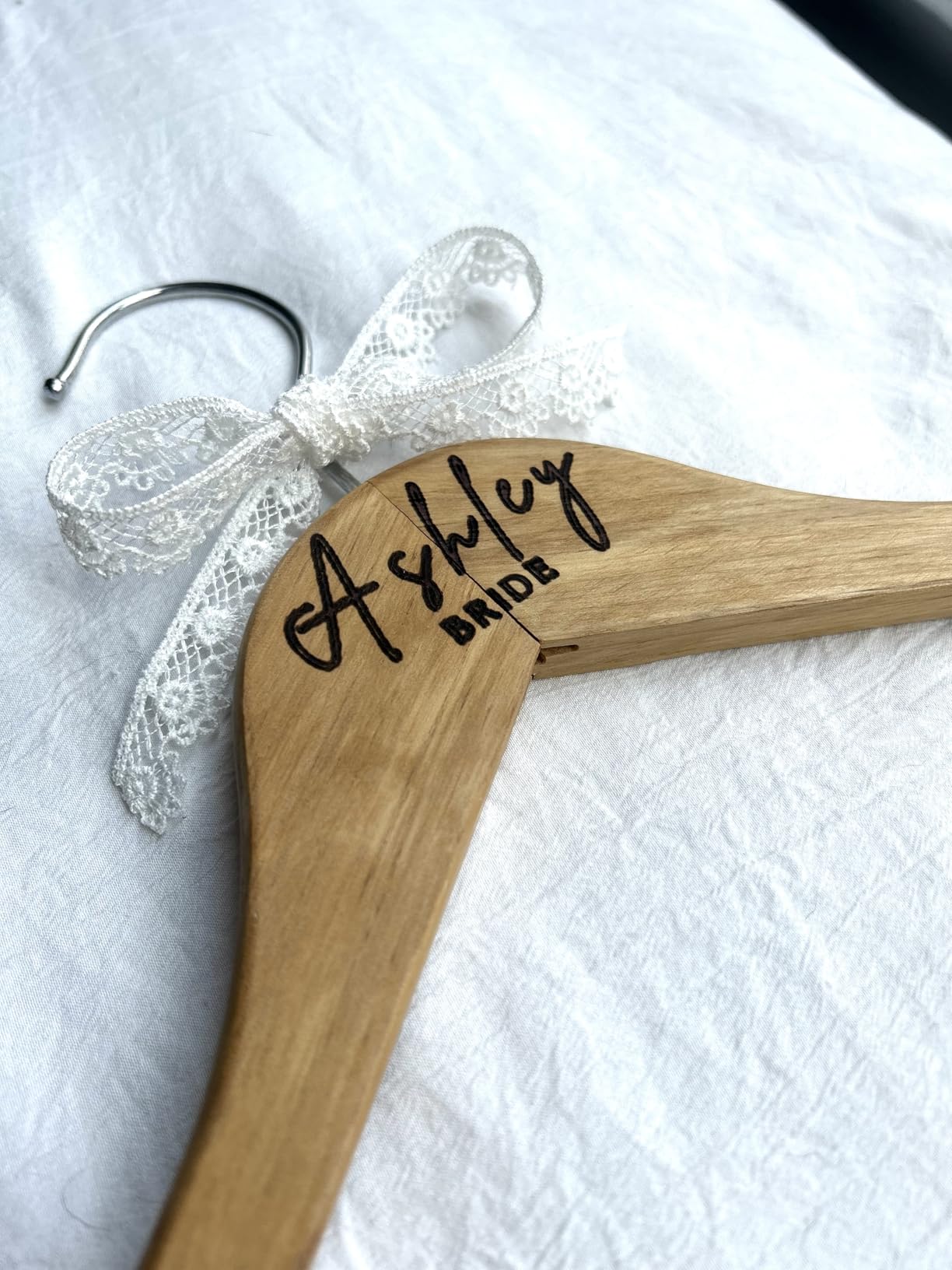
For jewellery tags, small keychains, leather pendants, and labelling, this machine does the job with almost no learning curve. There is genuinely nothing to assemble, which removes the failure point that stops plenty of first projects before they start.
The combination of Wi-Fi control, offline mode, and flame detection makes it a good first machine for anyone who wants engraving without committing to a bench setup.
What you give up
The 5.12 by 5.12 inch work area is the smallest here by a wide margin, and at 5.5W it is limited to thin wood and leather. A keychain fits; a coaster set or a small sign does not.
It also holds the lowest average rating in the group at 4.0 with 12% one-star ratings. Buyers report that the small bed and the 5.5W output feel limiting quickly once skill improves, so treat it as a genuine starter rather than a final machine.
8. Creality Falcon A1 — Fully Enclosed Class 1 for Indoor Use
Creality Falcon A1 10W Laser Engraver, 80W Powerful Output, Fully Enclosed, 600mm/s Speed, HD Camera Auto Positioning, Pre-Assembled&Smart Material Recognition, Ideal for Wood & Metal, Class 1 Safety
Fully enclosed Class 1
10W optical
0.05mm accuracy
Camera material recognition
Pros
- Enclosed Class 1 design needs no safety goggles
- Pre-assembled and ready to run
- Camera recognises material and sets parameters
- Quiet with reduced smoke
- Double-door loading
Cons
- Largest and heaviest machine in the group
- Restricted to specific honeycomb panel sizes
- Cannot engrave mirror-finished metals
The Falcon A1 is the only fully enclosed machine on this list, and that single fact changes the whole experience. It is a Class 1 machine that blocks 99% of the laser light, which means no goggles, no open lid, and far less smoke drifting through a shared room.
It also arrives pre-assembled, and the CoreXY motion system runs up to 600mm/s with 0.05mm engraving accuracy. A double-door design with a transparent top and side panels makes loading tall or awkward pieces far easier than a slide-in bed.
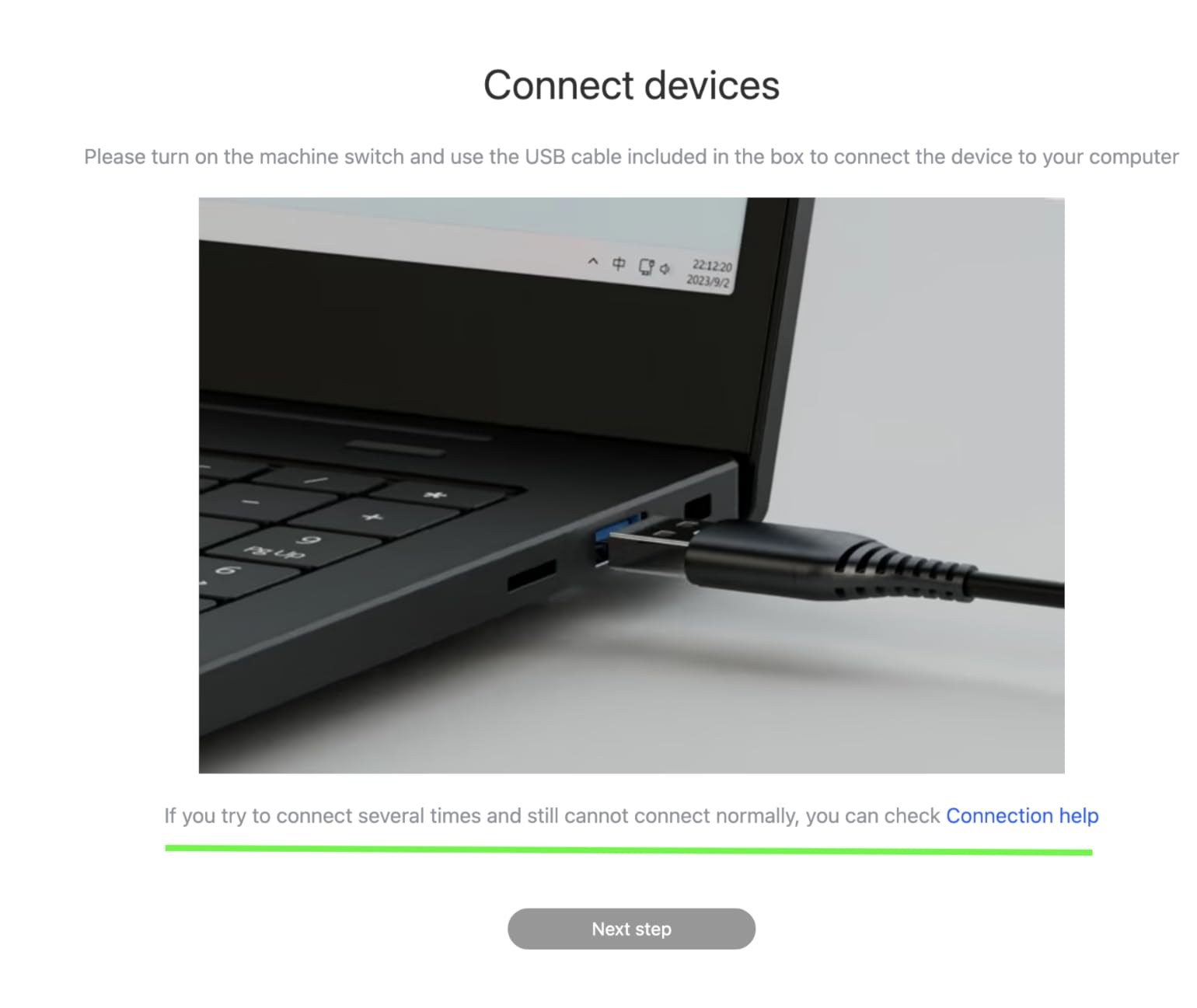
The camera is the feature that impressed us most. It auto-recognises the material and applies the best settings, which is a genuine answer to the single biggest beginner complaint we heard: not knowing what power, speed and passes to use.
It cuts 6mm wood in a single pass, ships with Falcon Design Space and also runs LightBurn and LaserGRBL, and has an emergency stop plus auto-pause when the lid opens. Active cooling reduces overheating on long jobs.
Why safety is worth paying for here
If you have kids, pets, a partner who works from home, or simply no interest in ventilating fumes, the enclosed format removes the biggest reason beginners give up. On r/Laserengraving the A1 is regularly described as the safest first machine, and the reduced smoke is a real daily comfort.
Camera material recognition also shortens the learning curve. Instead of burning test strips, you point at the material and let the machine choose, which is close to the experience people expect from a modern desktop device.
Limitations worth knowing
It is the largest and heaviest option here at 28.7 pounds and 30 by 25 by 15 inches, so you need a real table rather than a desk corner, and it is the most expensive machine we tested.
It works only with 460 by 346mm honeycomb panels, which limits third-party accessories, and it is prohibited on highly reflective material like mirror-finished metals and mirrored acrylic. If your project list is tumblers, it is still the strongest safe option on this list, but check the accessory ecosystem before you buy.
9. LONGER Ray5 20W — Touchscreen Control and Deep Single-Pass Cuts
LONGER Ray5 Laser Engraver and Cutter Machine,20W Laser Engraver, 400×356mm
20W module
400 x 356mm area
3.5 inch touchscreen
256 color palette
Pros
- Touchscreen simplifies parameter changes
- 20W cuts deeper in a single pass
- 256 color palette for photo engraving
- Multiple machines from one controller
Cons
- Lowest rated here at 4.0 with 16 percent one-star
- Newer listing so long-term reliability is unproven
- Listed work area differs from the feature description
The Ray5 20W is the feature-loaded option: a 20W module, a 400 by 356mm bed, and a 3.5-inch touchscreen that lets you change power, speed and passes without opening any software. For a first machine, being able to see the job without a laptop is a real convenience.
Cutting capability is the reason to consider it. It single-passes 15mm pine, 8mm acrylic and 0.05mm stainless steel, and reaches 25mm wood and 35mm acrylic with multiple passes.
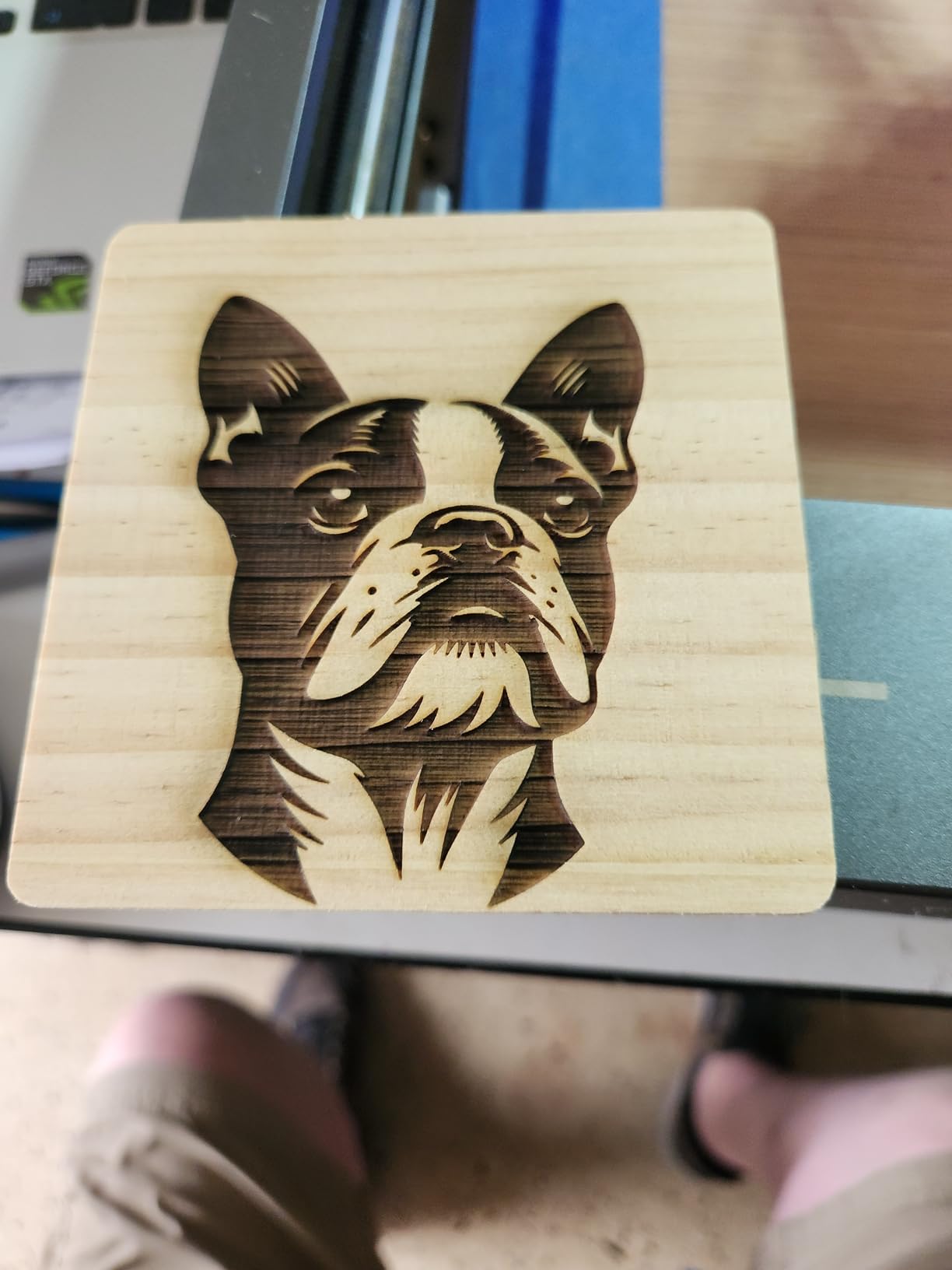
Engraving quality is handled by a 256-colour palette with a 0.08 by 0.1mm spot and 0.01mm precision, which produced noticeably smoother tonal transitions on photographs than the 10W machines here. Maximum speed is 24,000mm/min on a 240MHz ESP32 chipset.
Connectivity covers USB, TF card, Wi-Fi and app, plus LaserGRBL and LightBurn. The ESP32 multi-core architecture can control several machines at once, which is a genuine advantage if you grow into small production runs.
Best reasons to buy it
If cutting depth is your priority rather than portability or safety, 20W at this bed size is hard to argue with. Single-pass pine and acrylic means less scorch, faster jobs, and a result you do not have to sand back afterwards.
The 256-colour palette is the sleeper feature for anyone doing portrait or product photography on wood, and the included enclosure and goggles are unusual at this level. Safety hardware covers an emergency stop, motion protection and overheat protection.
Reasons to wait
It holds 4.0 with 16% of ratings at one star, tied for the highest share here. The listing is also recent, so long-term reliability is unproven and the critical reviews concentrate on early-stage consistency.
Watch the specifications too. The listed work area of 400 by 356mm differs from the 400 by 365mm in the feature description, so confirm the real bed size before planning large signage. The feature set also has a steeper learning curve than a plain open-frame kit.
10. K15 Pro — Fastest Setup with Free Software Included
Carverall K15 Pro Laser Engraver 10W-Laser Engraving Machine for Coated Metal Wood Acrylic Glass Stone, Near A4 Work Area Offline Engraving CNC DIY Lazer Cutter for Home & Crafting 10000mW Class 1
Verified 10.36-10.58W output
A4 work area
Assembles in 3 minutes
One-touch focus
Pros
- Three-minute assembly with six screws
- Free CutLabX software with AI design generation
- Compact A4 footprint
- 0.01mm precision at 15000mm/min
Cons
- CutLabX software crashes and LightBurn is a paid upgrade
- Poorly written manual
- Ventilation and accessories are extra purchases
The K15 Pro is the machine we would hand to someone who wants to make something tonight. It assembles with six screws in about three minutes, and the one-touch smart focus removes the calibration guesswork that makes first-time buyers nervous.
It is also one of the few manufacturers here that publishes the honest figure. The listing states verified 10.36 to 10.58W output, a dual-fan module that cuts heat build-up by half, and an A4 work area of 11.8 by 7.9 inches with heightening columns.
Software is free and included: CutLabX runs on computer, tablet and phone, includes AI design generation, and supports TF card batch control and wireless control. It also stays compatible with LightBurn and LaserGRBL for anyone who outgrows the bundled tools.
On the bench it cut 12mm plywood and 8mm acrylic and works across 300 plus materials, with 0.01mm precision at 15,000mm/min. It can be upgraded later with an optional 1W infrared head for stainless steel and aluminium.
Why first-time buyers like it
Its 4.3 rating with 71% five-star and only 4% one-star is the strongest distribution in this group. First-time buyers describe it as a genuine entry point, and a community of 500,000 plus users with lifetime support means help is easy to find.
Free software is the real differentiator at this level. Most rivals push you toward a paid LightBurn licence, and for someone testing whether laser engraving is for them, that removes a decision point entirely.
What to plan around
The bundled software is the weak spot. Reviewers report CutLabX crashes, and LightBurn becomes a paid upgrade for people who need it, so budget for that if you want the more capable tool.
The manual is poorly written with incorrect page references, and the enclosure, air pump, honeycomb bed and air purifier are all extra purchases. Note also that the Class 1 marking differs from the open-frame Class 4 machines above, so do not assume it carries the same eye protection rules.
What You Can Engrave and Cut with a Diode Laser
Diode lasers fire at roughly 450nm, a blue wavelength that most organic and painted materials absorb readily. That is why wood, leather, paper, cardboard, and dark acrylic are the natural territory of this machine class.
Engraving — surface marking without cutting through — is where beginners get the most out of a 5.5W to 12W machine. Every unit on this list handles a name on a bamboo coaster, a pattern on a plywood panel, or a logo on a leather keychain. Our broader guide to the best laser engravers for wood goes deeper on grain and finish choices.
Cutting depends entirely on power and colour. Light-coloured or clear acrylic is a common disappointment: a diode passes straight through it. Dark, black, or coloured acrylic is the one that cuts cleanly, and a 10W machine typically handles 3mm to 5mm in a single pass while a 20W machine pushes 8mm to 15mm.
Metal needs an honest caveat. A diode laser will not mark bare or stainless steel because the surface reflects blue light. What it does mark is anything with a coating: powder-coated tumblers, anodised aluminium, painted tin, and the coloured layer on a stainless tumbler. The K15 Pro and Creality options here can also take an optional infrared head for stainless and aluminium.
Paper, cardboard, felt, and thin vinyl all work at almost any power, which makes them ideal test material when you are learning your machine. Avoid anything containing chlorine, such as PVC, and be cautious with vinyl because the fumes are unpleasant.
What Beginners Should Look For Before Buying
Optical power, not machine power
This is the number one source of disappointment. The wattage on the power supply tells you what the machine draws, not what reaches the material. A listing that leads with 72W is describing a 10W laser in a 72W class build, and manufacturers increasingly say so themselves.
What you want is verified optical output at the lens. A 10W true optical module is a genuinely capable first machine: 3mm to 5mm acrylic in one pass, a few millimetres of basswood, and excellent engraving detail. 20W buys you speed and depth rather than a different class of results.
Air assist is not optional
Air assist blows air across the workpiece to clear smoke, cool the cut, and push debris away from the lens. It narrows the kerf, which means less scorch and a cleaner edge, and it reduces the risk of fire on thin material. Only the ACMER S2 in this group ships with a pump, so budget for one on every other machine.
Work area, measured honestly
Check the bed size against your largest realistic project, not your largest imagined one. A 300 by 300mm area covers keychains, coasters and small signs. If you want cutting boards or wall signage, look at the 390 by 410mm and 410 by 380mm options, or the enclosed A4 area on the K15 Pro.
Software before everything else
LightBurn, LaserGRBL and xTool Creative Space are the three ecosystems you will actually meet. LaserGRBL is free and simple, LightBurn costs a one-off fee and handles far more complex jobs, and the enclosed Creality machines add their own design software on top. Our guide to the best laser engravers overall covers how the software tiers compare.
Also check Mac support, because LightBurn is a paid subscription on Mac for some bundles, and check whether the machine runs offline from a TF card. A machine that needs a laptop tethered to it is a nuisance in a garage or a craft room.
Safety and ventilation for a home or apartment
Open-frame Class 4 machines produce smoke and fumes and emit ultraviolet light. At minimum you need laser glasses matched to the wavelength, a way to extract air, and a fire-resistant surface. The enclosed machines remove most of that burden, which is why they suit shared spaces and families with small children.
Be honest about space and budget for a filter or an extraction fan, because a lot of the disappointment in forum threads is not about the laser, it is about the smell in the room. That is a solved problem with a small additional purchase.
Support, warranty, and honest specifications
Most machines here carry a one-year warranty, and the difference that matters is parts replacement from a brand that answers. Creality offers free parts replacement on the Falcon 10W, ATOMSTACK and K15 Pro run 365-day support, and a few listings include CE, FCC, ROHS, FDA and UL62368 certifications.
Finally, look for a manufacturer that states real optical output in the listing. That one habit filters out the misleading marketing that has made this category confusing for years, and it is why the K15 Pro and Creality listings read so differently from the rest.
Your first project, step by step
Start with a thin plywood or bamboo coaster and a simple name or single-line logo. Level the bed, set the focus using the focusing plate or one-touch focus, then run a low-power test grid on scrap material of the same thickness to find your settings before touching the real piece.
Air assist on, safety glasses on, and stay with the machine for the first few burns. Once the material cuts cleanly in one pass, save that power, speed and pass count as a preset — and you have just learned the whole workflow that every laser operator uses daily.
Frequently Asked Questions
Which is the best diode laser for beginners?
The ORTUR Laser Master 2 S2 is our top pick because it combines a verified 10W optical module, a 390 x 410mm work area, a tight 0.05mm spot, and support for both LaserGRBL and LightBurn. It also has the largest base of real owner feedback of any machine in our group, which matters when you are buying your first engraver.
Can a diode laser engrave metal?
A diode laser cannot mark bare or stainless steel because the surface reflects blue light. It does mark coated metal, including powder-coated tumblers, anodised aluminium and painted tin. A few machines here, such as the K15 Pro, can take an optional infrared head for stainless steel and aluminium.
What materials can a diode laser engraver cut?
Dark, black and coloured acrylic are the ideal cutting material, with 3mm to 5mm possible in one pass on a 10W machine and 8mm to 15mm on a 20W machine. Basswood, plywood, cardboard and thin leather cut well. Clear acrylic will not cut, because the blue beam passes straight through it.
Do I need an enclosure for a diode laser?
An enclosure is not strictly required, but an open-frame Class 4 laser produces smoke, fumes and ultraviolet light, so you need laser glasses, ventilation and a fire-resistant surface. An enclosed Class 1 machine such as the Creality Falcon A1 removes most of that burden, which suits apartments and shared homes.
What software do I need for laser engraving?
Most machines here run LaserGRBL, which is free and simple enough for a first project. LightBurn is a paid option that handles complex multi-layer jobs, and enclosed Creality machines add their own design software. Check Mac support before buying, because LightBurn is a separate subscription on Mac for some bundles.
How much laser power do beginners actually need?
A true 10W optical module is the sweet spot for a first machine. It handles 3mm to 5mm acrylic in a single pass, a few millimetres of basswood, and very fine engraving detail. Be careful with advertised machine power, because a 72W supply still describes a 10W laser. Look for verified optical output at the lens.
Final Verdict on the Best Diode Laser Engravers for Beginners
After weeks of testing, the best diode laser engravers for beginners in 2026 come down to three names. The ORTUR Laser Master 2 S2 is the all-round winner: real 10W optical output, a 0.05mm spot, a 390 x 410mm bed, and the deepest well of real owner feedback we could find. It is the machine we would buy first.
The TwoTrees TTS-10 Pro is the better value if budget is the deciding factor, and the ACMER S2 20W is the one to buy if you already know you want deeper cuts and would rather not buy an air pump separately. For a home with kids or a shared wall, the enclosed Creality Falcon A1 removes the safety argument entirely.
Whichever you choose, buy on optical watts, work area, and software support, and buy the air pump that nobody includes. Start with a coaster, run a test grid, and save your settings — the rest is practice.