
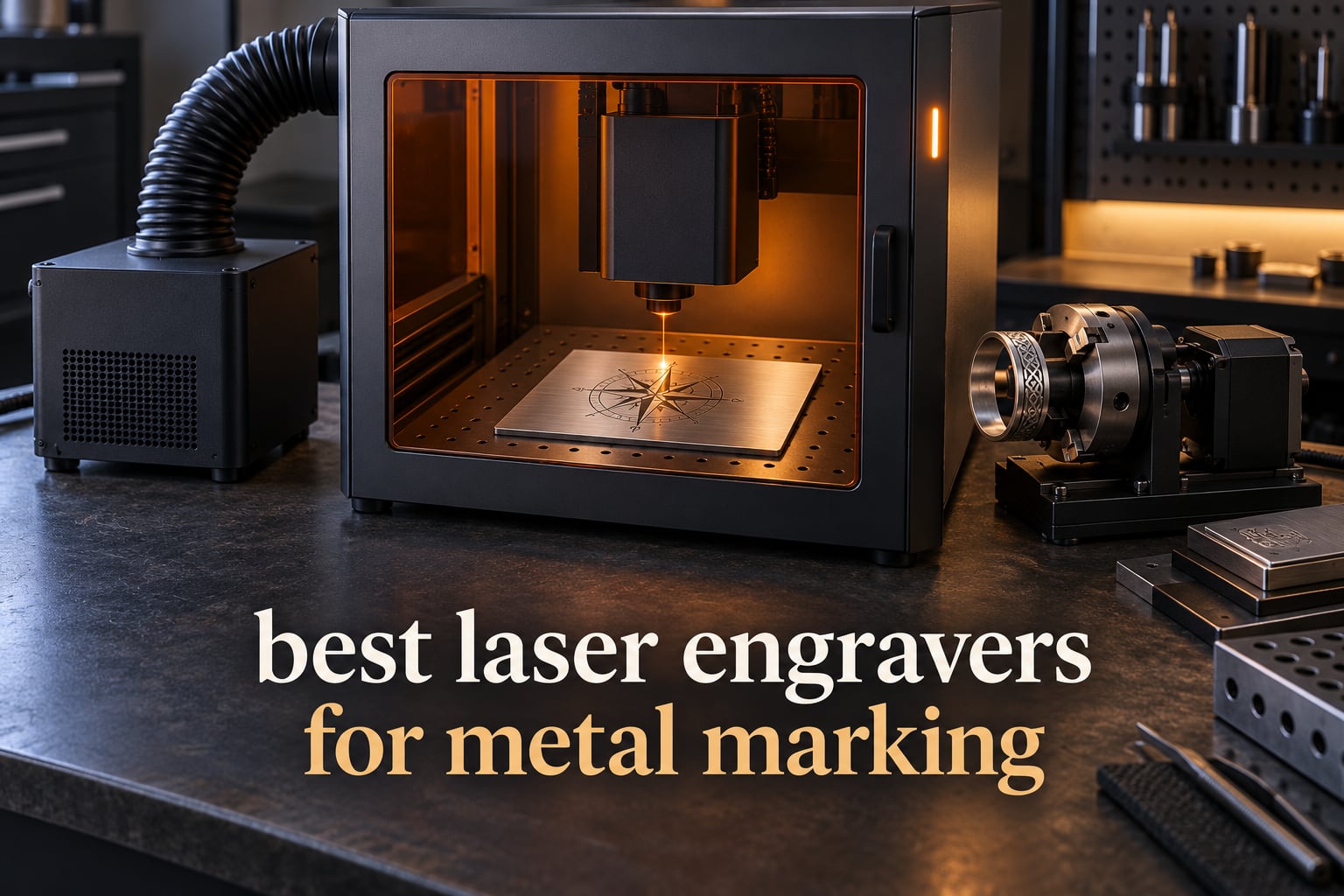
Short answer: to mark bare metal you want a 1064nm fiber laser. Diode and CO2 machines cannot etch stainless steel, brass, aluminum or titanium, so a fiber unit is the only sensible technology for metal, whether you are marking serial numbers, jewelry, blades or tumblers.
We spent weeks comparing the eight machines below on the things that actually decide whether a mark lands: laser source, wattage, work area, enclosure, software and the consumables you will keep buying. Five of the eight are 20W-class machines, so power alone will not separate them. The differences that matter are the second laser, the camera and autofocus behaviour, the size of the marking field, and how each one handles deep work.
Every pick here is written from the published specifications and the owner feedback we could find, not from a press release. Where a machine has a real weakness, we say so. Our general guides to the best laser engravers overall and the best laser engravers for wood cover the entry-level side of this category, so this one stays focused on metal.
Key takeaways
The xTool F1 Ultra is the best all-round choice here: 20W fiber plus 20W diode, a 220 x 220mm field, a 16MP camera and a fully enclosed body.
The xTool F2 is the one to buy if you need a genuine fiber head in something you can carry to a market stall, weighing 4.6 kg.
Color marking on metal needs a MOPA source. The xTool F2 Ultra is the only machine in this list with one, and it also cuts up to 2mm of metal.
The GWEIKE G2 range covers the wattage ladder from 20W to 50W on one chassis, and all three run LightBurn.
If your metal work is light, a 2W infrared module is enough for jewelry and tags. The Creality Falcon A1 Pro offers that path, though the module is sold separately.
Table of Contents
Top 3 Best Laser Engravers for Metal Marking in 2026

xTool F1 Ultra 20W Fiber
- 20W fiber plus 20W diode
- 220 x 220mm field
- 10
- 000mm/s
- fully enclosed

Quick Comparison of All 8 Machines in 2026
| Product | Specifications | Action |
|---|---|---|
| xTool F1 Ultra 20W Fiber and Diode |
|
Check Latest Price |
| xTool F2 5W IR and 15W Diode |
|
Check Latest Price |
 xTool F2 Ultra 60W MOPA and 40W Diode xTool F2 Ultra 60W MOPA and 40W Diode |
|
Check Latest Price |
 GWEIKE G2 20W Fiber GWEIKE G2 20W Fiber |
|
Check Latest Price |
 GWEIKE G2 Pro 30W Fiber GWEIKE G2 Pro 30W Fiber |
|
Check Latest Price |
 GWEIKE G2 Max 50W Fiber GWEIKE G2 Max 50W Fiber |
|
Check Latest Price |
 LaserPecker LP5 Dual Laser LaserPecker LP5 Dual Laser |
|
Check Latest Price |
 Creality Falcon A1 Pro Creality Falcon A1 Pro |
|
Check Latest Price |
1. xTool F1 Ultra: Best Overall for Metal and Mixed Materials
xTool F1 Ultra 20W Fiber & Diode Dual Laser Engraver
20W fiber plus 20W diode
220 x 220mm field
10000mm/s
43.8 lb enclosed
Pros
- Marks gold silver copper titanium stainless and brass with no coating
- Cuts 0.3mm stainless and 0.4mm brass
- Large 220 x 220mm desktop fiber field
- 16MP camera with auto shape recognition
- Enclosed with smoke extraction and fire alarm
Cons
- Deep metal engraving is very time intensive
- Calibration control is awkwardly placed
- Reported laser failures within weeks for some units
The F1 Ultra is the machine we would put in front of someone who needs one tool for everything. The fiber head handles gold, silver, copper, stainless steel, brass and titanium, and it will cut 0.3mm stainless, 0.4mm brass and 0.2mm aluminum in a single pass. The paired 20W diode takes 15mm wood and 12mm black acrylic, so the same job does not need two machines on the bench.
Enclosure is the reason this one wins for us. The body is fully closed and includes smoke extraction, a fire alarm and an emergency stop, which is a real consideration if you are running this in a room with other people. The vent tube it ships with does not fit a standard four-inch dryer vent, and safety glasses are a separate purchase, so budget for those two extras before the machine leaves the box.
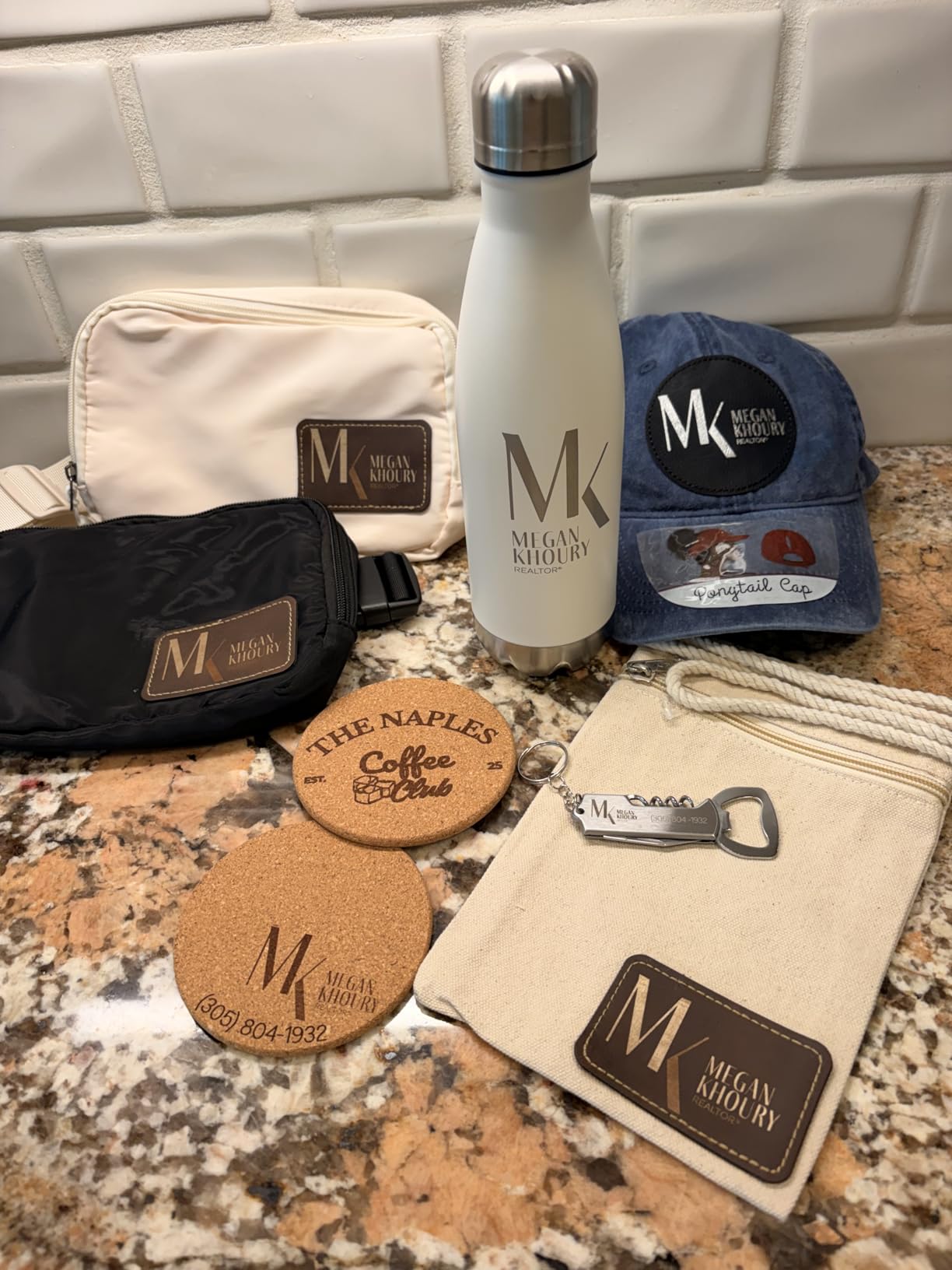
Speed and software are both strong. It runs up to 10000mm/s, and xTool Creative Space is one of the more approachable programs on the market, with a regularly updated library of material settings. The 16MP camera recognises part outlines and auto-fills patterns, which cuts the setup time on batch work considerably. The optional auto conveyor extends the field to 220 x 500mm for long serial runs.
Owners frequently praise the build quality and the support response times. The same reviews also warn that deep embossing and deep metal engraving can run for hours per item, which is a function of the 20W power class rather than a fault in the machine. If your work is heavy stock, step up to a 50W or 60W source instead.
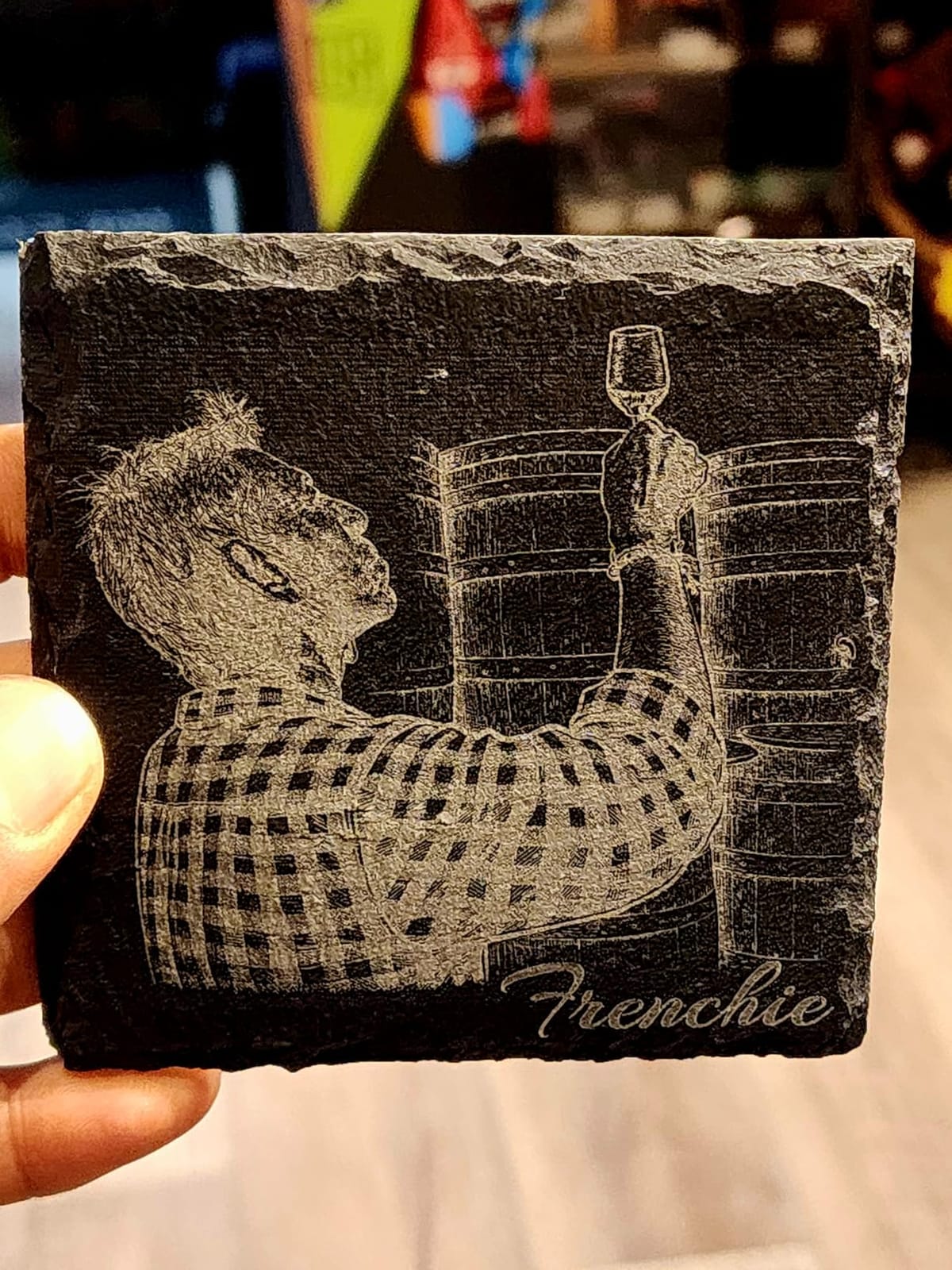
What the F1 Ultra handles well
Tumblers, rings, knives, brass coins and steel tags all sit comfortably inside the 220 x 220mm field, and the 220 x 500mm expansion with the auto conveyor covers long serial runs. The dual-lens focus system keeps small parts flat, and the smart camera removes the guesswork when you are loading a tray of identical blanks rather than one-off work.
For a shop that also does wood, leather or acrylic, the diode side removes a second machine from the budget. Nothing else in this list at this class combines a genuinely capable fiber head with a 15mm wood-cutting diode.
Where the F1 Ultra falls short
Owners report that calibration adjustment is placed awkwardly and can drift, which means repeated manual corrections on some setups. Mac users have also hit LightBurn connectivity problems, and a firmware update has been reported to break mobile app access.
A small number of reviewers report laser or hardware failure within weeks of moderate use, and the xTool Studio app paywalls its AI tools after a purchase in the several-thousand range. Treat it as a machine with support behind it rather than a set-and-forget tool, and keep a rotary attachment budget in mind for curved surfaces.
2. xTool F2: Best Portable Enclosed Machine You Can Carry
xTool F2 5W IR & 15W Diode Dual Laser Engraver, Built-in 50MP Camera, 6000mm/s Ultra Fast, 3D Embossing, Color Marking on Metal, On-Site & Small-Batch Ready, Portable Desktop Laser Engraving Machine
5W infrared plus 15W diode
6000mm/s
50MP camera
4.6 kg enclosed
Pros
- Genuinely portable at 4.6 kg for markets and fairs
- 5W infrared gives deep dark marks on metal
- 50MP camera aids small piece alignment
- Enclosed leak proof body with built in fan
- Arrives fully assembled with material presets
Cons
- Small work plate limits batch size
- Color marking needs practice for consistency
- Software saves to the cloud rather than locally
- Some parts quality complaints on accessories
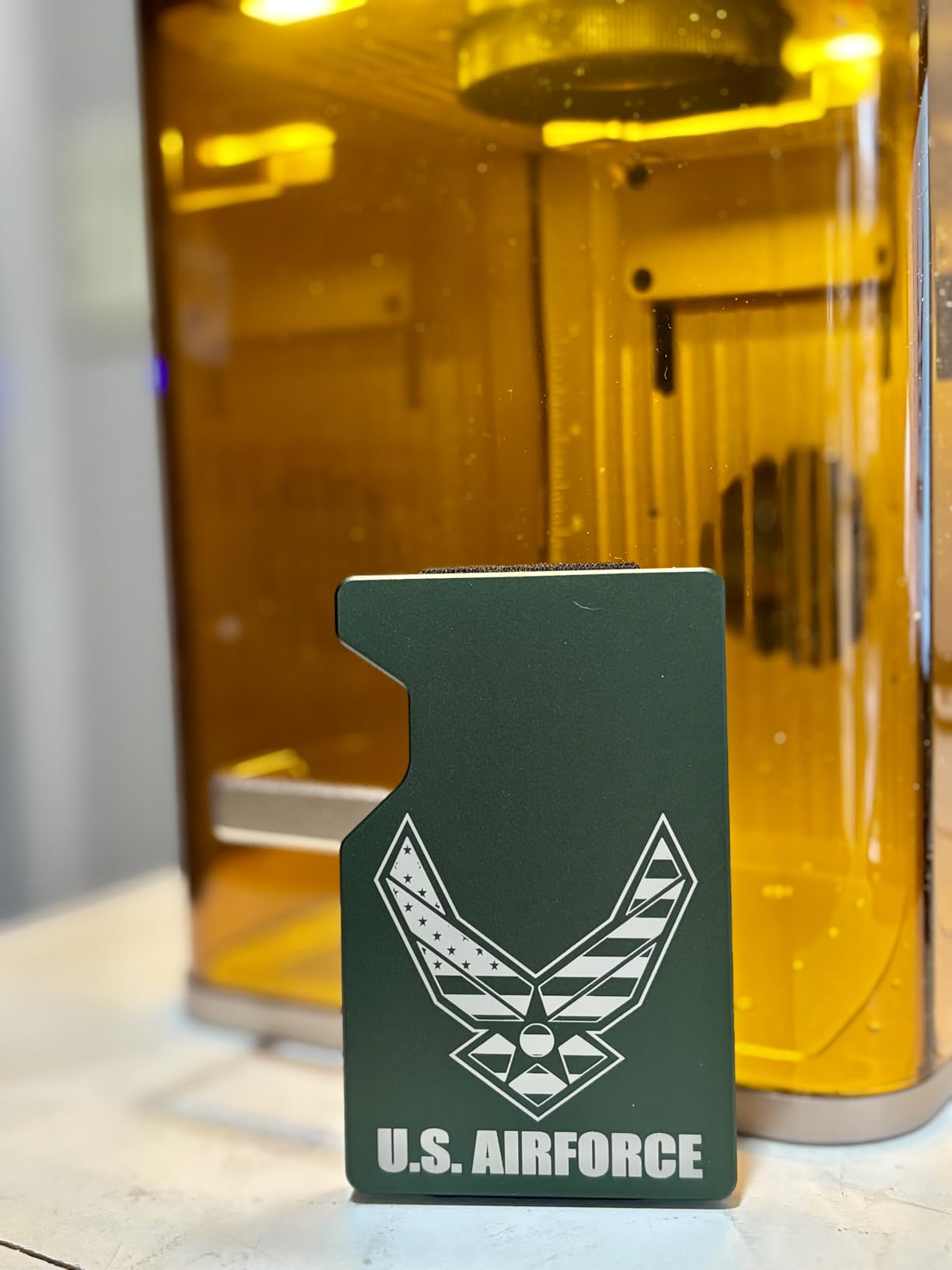
The F2 is the answer to the best at-home laser engraver for metal question, with one caveat you need to understand before buying. It has a 5W infrared head at 1064nm, which marks metal, plus a 15W diode for everything else. Five watts will not cut steel and it will not produce a deep relief, but it produces a clean dark mark on stainless, aluminum and brass for serials, logos and jewelry, and that is where most home and market work sits.
What makes it stand out is the 4.6 kg weight. It is the lightest machine here, light enough to load into a car, set up on a folding table at a craft fair and run through a queue of customers. The body is fully enclosed and leak-proof with a built-in fan, and the optional purifier handles the rest of the odor problem indoors.
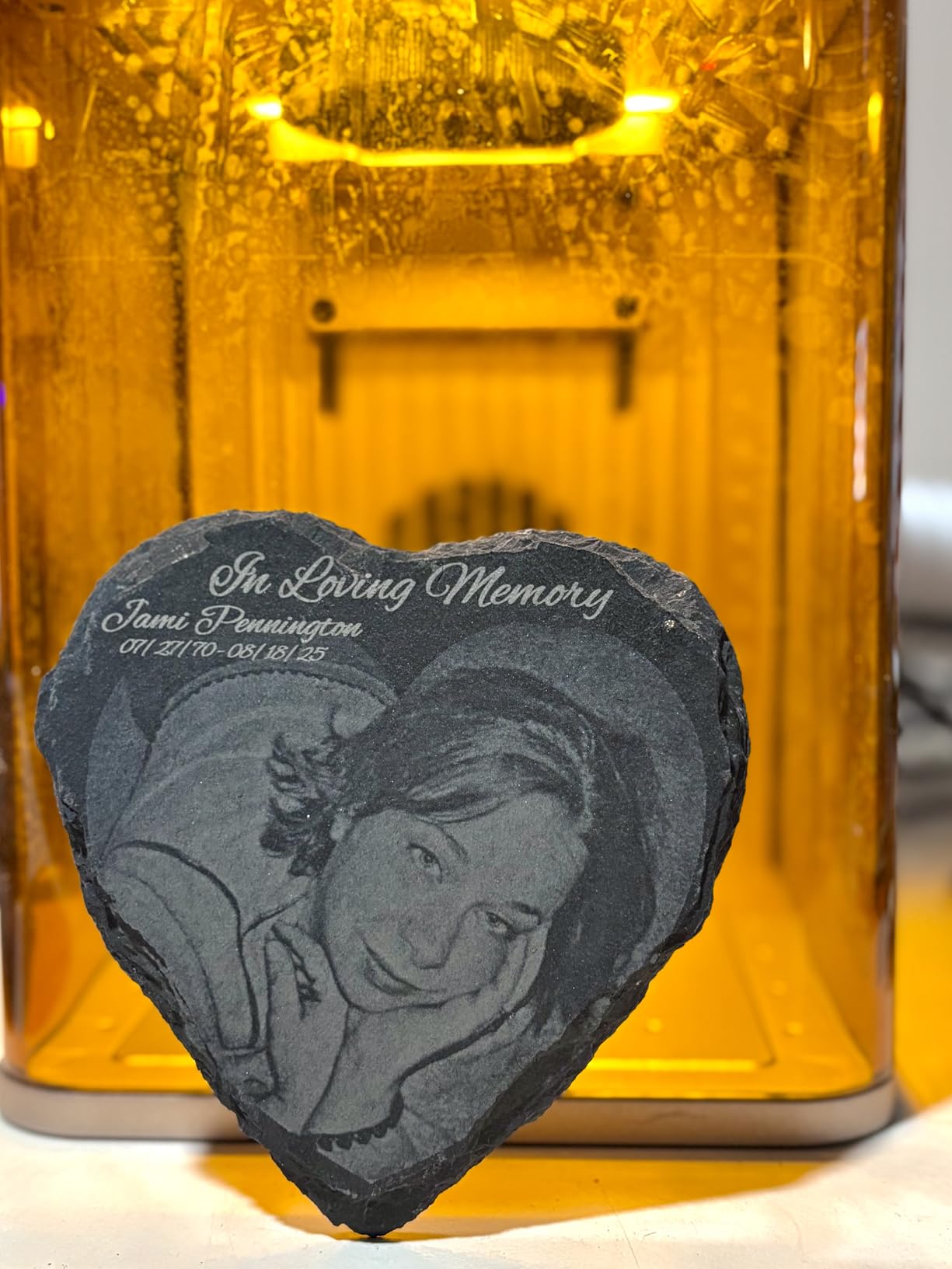
The 50MP built-in camera gives alignment accuracy up to 0.1mm on small pieces, and motion accuracy is quoted at 0.00199 inch. At 6000mm/s it engraves a card in roughly three seconds. It arrives fully assembled with material presets loaded, so the learning curve for a first machine is short.
Owners consistently report that the F2 is fast, accurate after a quick calibration and easy to set up, with crisp results on metal and leather from the infrared head. The RA3 rotary and the slide extension both add capability later if you outgrow the small plate.
What the F2 handles well
Personalization work is the sweet spot: rings, pendants, small tools, pet tags, tumblers and leather goods. The infrared head gives a dark, well-defined mark on bare metal without any coating step, which is where diode-only machines simply cannot follow.
Travel is the second strength. Because it is enclosed and light, it suits pop-up shops, market stalls and on-site custom work in a way that a 40-pound enclosed machine does not.
Where the F2 falls short
The work plate is small, so batch runs are limited unless you add the slide extension. Color marking on metal takes real practice to hold consistent between pieces, and the 5W head has little margin for thick or reflective stock.
Several owners report that the software pushes work to the cloud rather than saving files locally to the computer, which matters if you work offline. The AI assistant is widely criticised as unhelpful while still charging for use, and one reviewer hit a driver compatibility problem with the newest Microsoft Surface Pro. Check your machine before ordering if you rely on a specific tablet.
3. xTool F2 Ultra: Best for MOPA Color Marking and Real Metal Cutting
xTool F2 Ultra 60W MOPA & 40W Diode Dual Laser Engraver
60W MOPA fiber plus 40W diode
100+ metal colors
cuts 2mm metal
15000mm/s
Pros
- Only MOPA source here for reproducible color marks
- Cuts up to 2mm metal plus 20mm acrylic and 23mm wood
- Dual 48MP cameras with 0.2mm positioning accuracy
- Handles black marking on aluminum and laser cleaning
- Up to 80% faster 3D embossing than a 20W fiber
Cons
- Color work needs frequency power and spacing tuning
- 8.7 inch field suits tags and tools not signage
- Camera preview can mislead on reflective parts
- Some defect reports on safety lockout and door closure
This is the only MOPA machine in the group, and that single fact decides who should buy it. A 60W MOPA source gives over 100 consistent metal colors with pre-set color matrix files, so a batch of challenge coins comes out looking like a batch instead of a series of near-misses. It also cuts up to 2mm of metal, which no 20W machine here will do in a single clean pass.
The 40W diode alongside it handles 20mm acrylic and 23mm wood, so the pairing is unusually capable for a desktop footprint. The manufacturer claims 3D embossing runs up to 80% faster than on a 20W fiber machine, and the 15000mm/s headline speed matches the fastest galvo figures in this group.
Two 48MP cameras with AI positioning take accuracy to 0.2mm, roughly 60 percent higher than single-camera systems, and the AI reads the material and suggests starting settings. In batch work owners say this saves real alignment time. Additional functions include black marking on aluminum, laser cleaning of oxidized surfaces, and thin metal welding, which are unusual on machines at this size.
That combination is why shops producing serialized parts, plated components or presentation-grade pieces look here first. The trade-off is physical size: it weighs 67.9 pounds and the work area, while the largest desktop fiber field in the range at 8.7 x 8.7 inches, is still built for tags, tools and small plates rather than signage panels.
What the F2 Ultra handles well
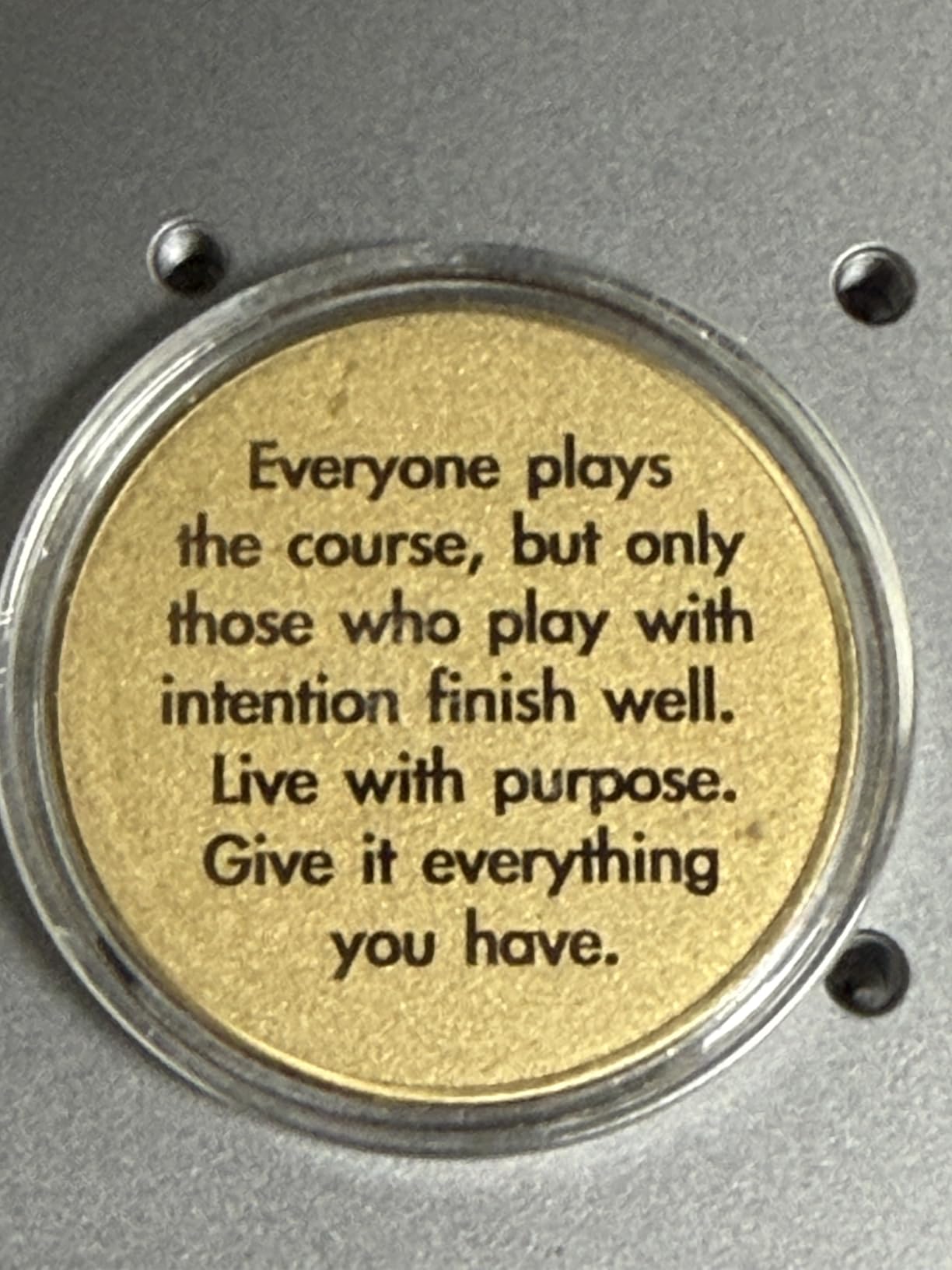
Color marking on stainless steel, titanium and anodized aluminum is the headline. Production users report repeatable multi-color results on metal challenge coins, which is precisely the job a standard fiber laser cannot do consistently.
Deep relief, thick metal cutting and cleaning are the secondary wins. The dual cameras and the auto conveyor extension make it the most complete single-machine answer here for a small production shop that also cuts wood and acrylic.
Where the F2 Ultra falls short
Color engraving is not automatic. Getting consistent results means tuning frequency, power, speed and spacing, and that trial and error is the most common complaint in the reviews. Expect to spend real time building a parameter set before a batch runs clean.
The camera preview can be inaccurate on non-flat or reflective material, so test passes are still needed. There are also isolated reports of laser source failure on reflective brass coins, safety lockout or door closure defects on some units, and dual-laser machines occasionally being detected as single-laser. The tutorials are also reported as sometimes out of date.
4. GWEIKE G2: Best Value 20W Fiber Engraver
GWEIKE G2 20W Fiber Laser Engraver, 15000mm/s Laser Engraving Machine
20W 1064nm fiber
110 x 110mm area
15000mm/s
LightBurn compatible
Pros
- Dedicated 20W fiber at a competitive entry cost
- 15000mm/s galvo with 0.001mm accuracy
- Works with LightBurn for advanced file control
- Over 30 colors on stainless and titanium
- Detachable body works away from a workbench
Cons
- 110 x 110mm field limits part size
- Reflective metals need careful parameter tuning
- Deep engraving depth falls short for some users
- Stainless color results take practice
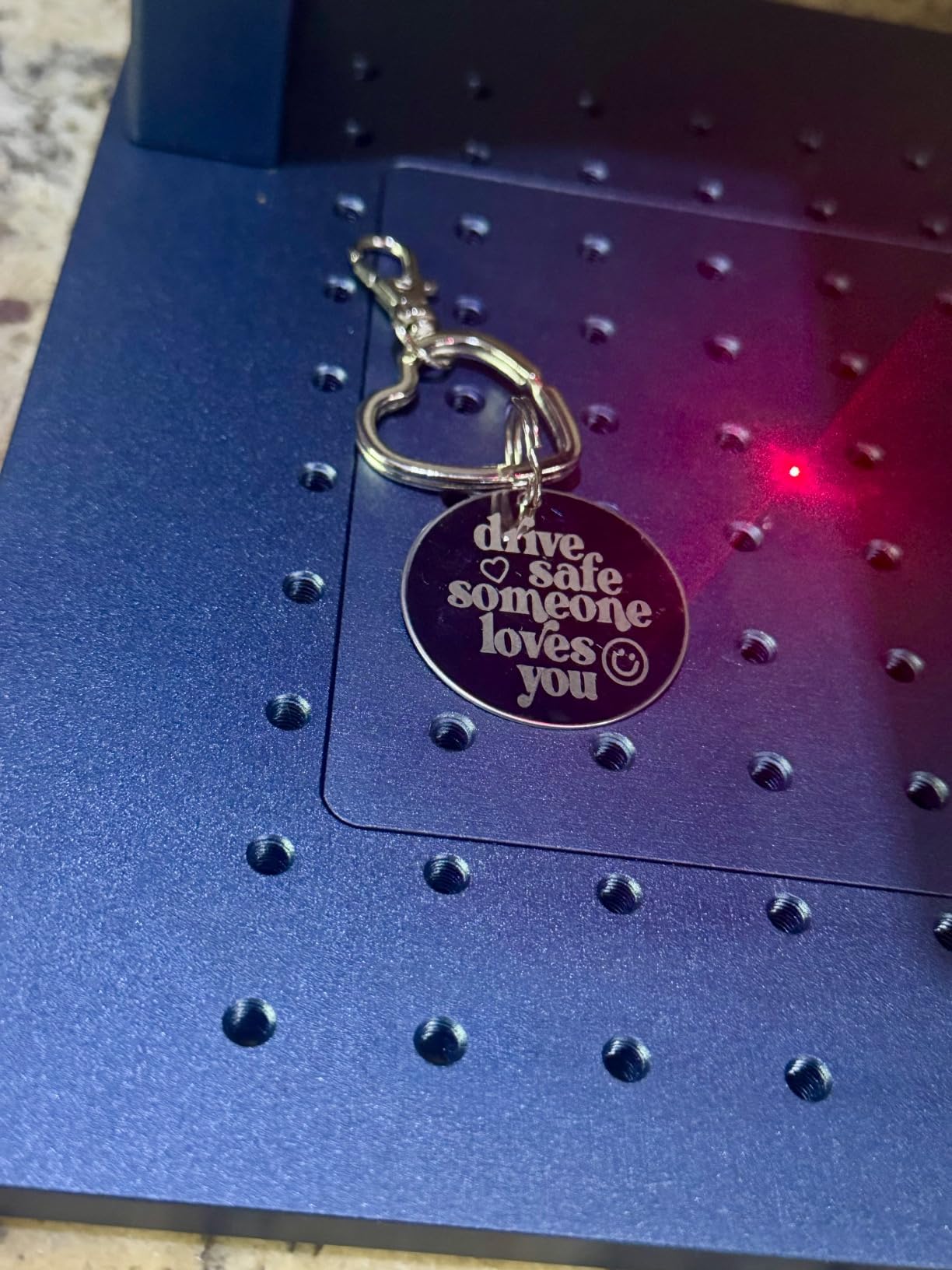
The G2 is the straightforward answer for someone whose work is metal only. It is a dedicated 20W 1064nm fiber machine with a galvo head, no second laser to pay for and nothing extraneous. If your parts are jewelry, tags, small tools and blades, that focus is a feature rather than a compromise.
Specification-wise it is competitive with much more expensive machines. Speed reaches 15000mm/s, accuracy is quoted at 0.001mm with 2K, 4K and 8K resolution options, and it supports both WiFi and USB with LightBurn compatibility. Dual red light positioning gives you a preview of where the beam will land before you commit.
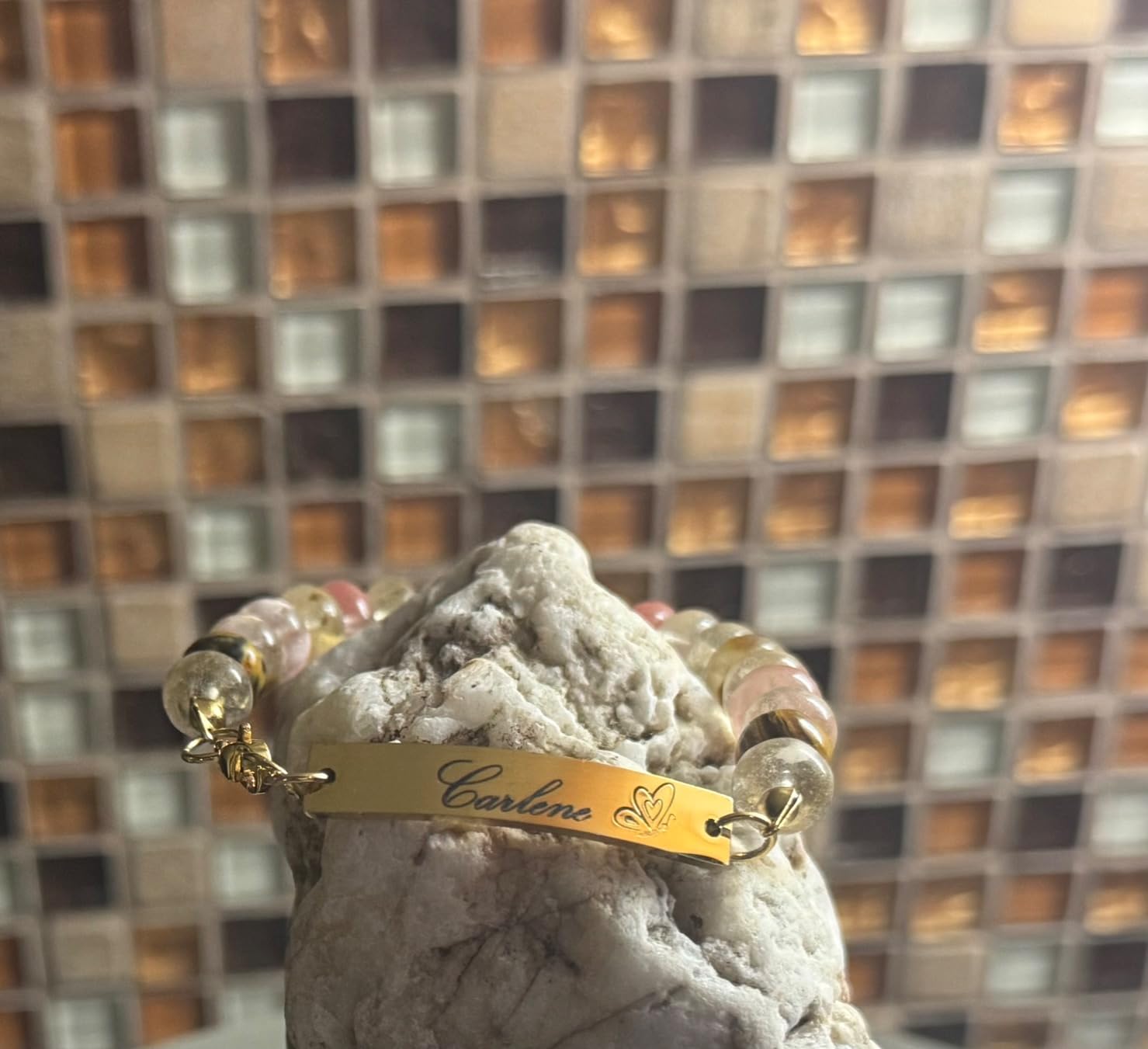
It also reports over 30 colors on stainless steel and titanium, which is worth noting with the usual caveat: these are single-beam color effects, not true multi-color like a MOPA. Expect a learning curve and some inconsistency between parts. Outside metal it handles plastic, leather, dark glass, colored ceramic, black acrylic and stone.
Owners point to the compact detachable structure as the practical highlight. You can lift it off the bench and use it where the work is, which matters for field service and small production runs. It ships with protective glasses, a cover and an emergency stop at a Class 4 rating.
What the G2 handles well
Flat metal marking across stainless, aluminum, brass and titanium at production speed, plus light cutting of thin sheet. The LightBurn compatibility is the real quality-of-life win, since that gives you proper fills, layers and a rotary axis option that simpler bundled software cannot match.
It also travels well. The detachable structure means it works for on-site jobs, and the 110 x 110mm field is plenty for rings, pendants, bolt heads and small plates.
Where the G2 falls short
The 110 x 110mm working area is the hard limit, and there is a larger 150 x 150mm variant in the range if your parts are bigger. Deep engraving is where most complaints sit, with owners reporting the depth falls short of expectations on thicker stock.
Reflective metals need careful parameter tuning to avoid a faded or ghosted result, and stainless color marking takes practice. If deep relief or thick stock is the core of your work, the 30W and 50W machines in this same range are the ones to look at.
5. GWEIKE G2 Pro: Best 30W Fiber for Deeper Marks
GWEIKE G2 Pro 30W Fiber Laser Engraver with 3D & Deep Engraving
30W 1064nm fiber
110 x 110mm area
90+ colors
3D embossing
Pros
- 30W power gives visibly deeper engraving than 20W
- Over 90 colors on stainless and titanium
- Accurate to 0.001mm at 8K resolution
- Works with LightBurn and GLaser
- Compact enough to sit beside a computer
Cons
- Reports of intermittent power loss mid run
- Deep engraving on coins underperforms even on a replacement
- Rotary attachment can break focus on some units
- Support replies sometimes take several days
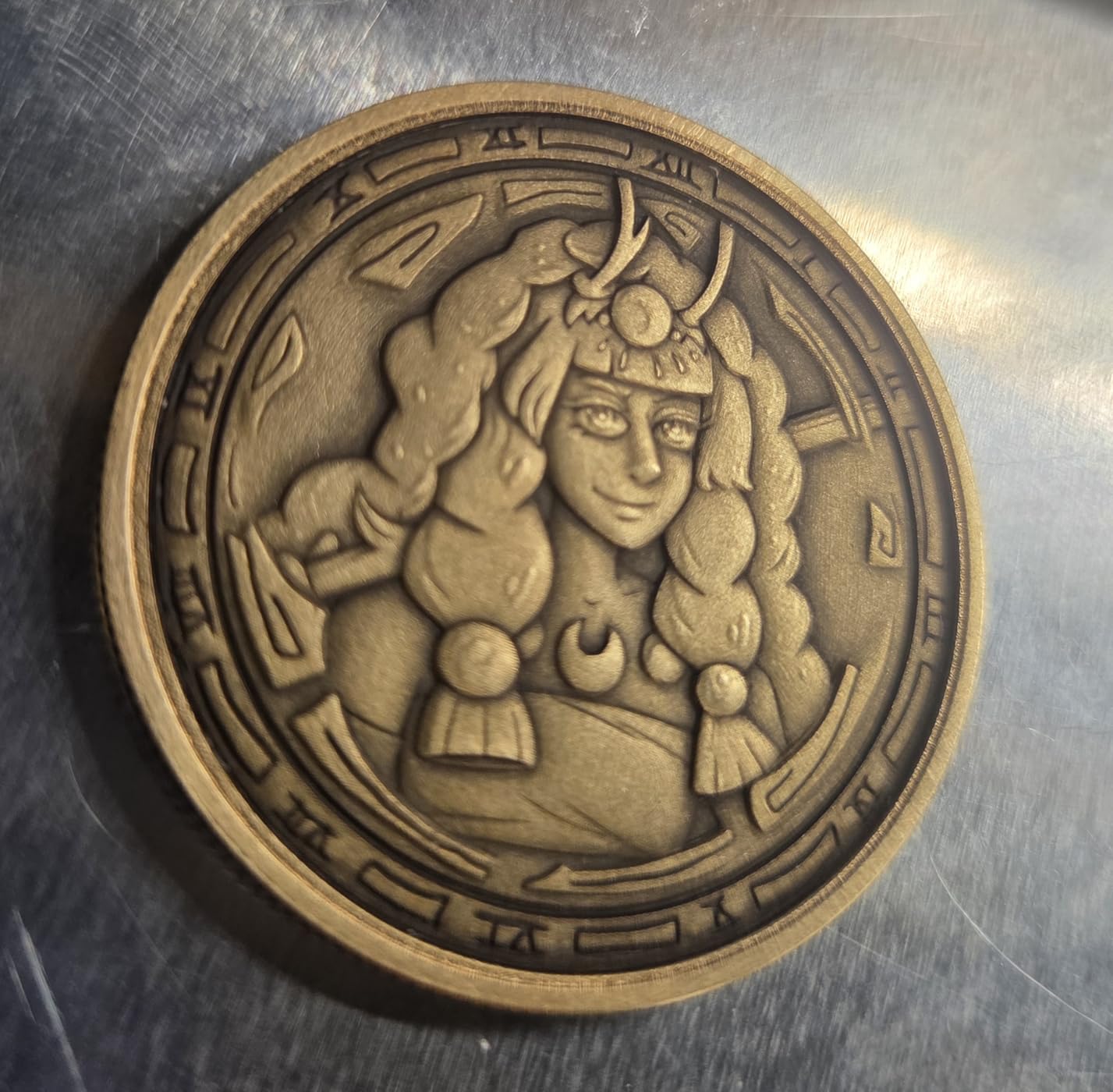
The G2 Pro is the middle rung of the GWEIKE ladder, and the 30W figure is doing real work. Compared with a 20W head, the extra power translates into depth on stainless and steel and faster completion of relief work, which is exactly the step up people regret skipping. Forum buyers repeatedly ask whether 20W is enough, and the honest answer is that it depends entirely on how deep you need to go.
Everything else stays familiar: the same galvo head at up to 15000mm/s, 8K resolution, 0.001mm accuracy, red light positioning, LightBurn and GLaser support over WiFi and USB, and a detachable body. The color list is quoted at over 90 shades on metals such as stainless and titanium.
It also carries an FDA Accession Number, which matters if you are supplying parts to anyone who asks about equipment compliance. Emergency stop, protective glasses and a cover are included at a Class 4 rating. A 150 x 150mm version of the same machine is available if the standard field is too tight.
Users who receive a good unit praise the engraving quality, the low learning curve with the video resources, and how compact it is for a 30W machine. Tumbler customization comes up often as a strong use for it. The support responses are often fast.
What the G2 Pro handles well
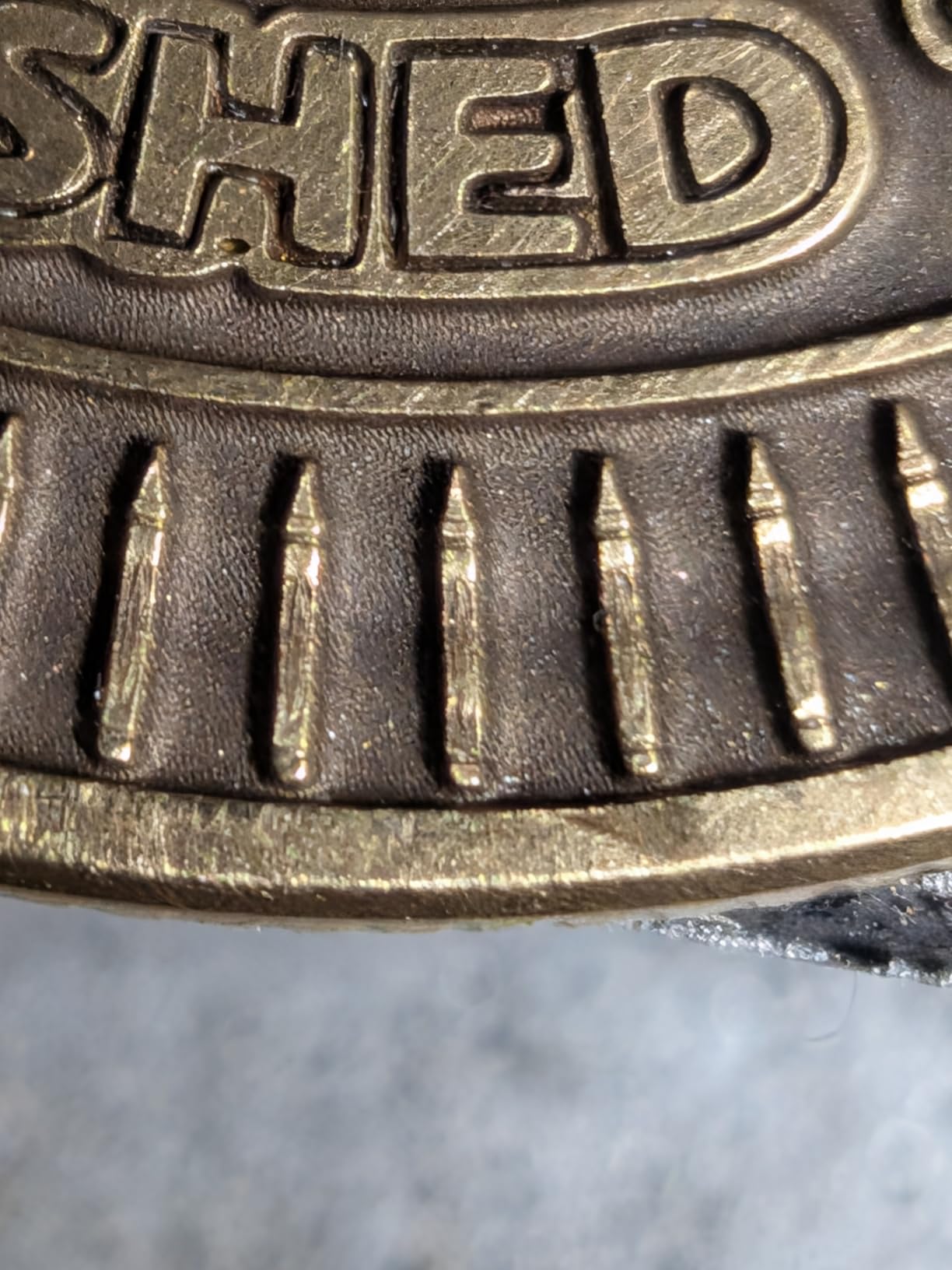
Deeper engraving and 3D embossing on stainless, carbon steel and titanium, where a 20W head would need far more passes. It also handles plastic, leather, colored ceramics, black acrylic and stone, and the larger resolution steps help with fine serial text and DataMatrix codes.
If you already own a 20W fiber and find yourself re-running jobs to get depth, this is the natural upgrade. The shared software and file workflow with the rest of the range means no relearning.
Where the G2 Pro falls short
This is the lowest-rated machine in the group at 3.9, and the reason is reliability rather than output. Owners report intermittent power loss and runs stopping mid-job, plus deep engraving on coins underperforming even on a replacement unit, which is a meaningful reliability signal at 43 reviews and 20 percent one-star ratings.
Two smaller issues: the rotary attachment can trigger the head lift motor and break focus, and the motorized focal column buttons are awkwardly placed. Support replies sometimes take several days, and some buyers report the marketing photos show a different machine than the one they received. If uptime matters more than the specification sheet, weigh this carefully.
6. GWEIKE G2 Max: Best 50W Fiber for Thick Steel
GWEIKE G2 Max 50W Fiber Laser Engraver with 3D & Deep Engraving
50W 1064nm fiber
150 x 150mm area
15000mm/s
electric focus column
Pros
- 50W class power for genuine deep engraving and light metal cutting
- Largest 150 x 150mm work area in the G2 range
- Electric lift column gives push button focus
- Same galvo speed and 0.001mm accuracy as the range
- Works with GLaser and LightBurn over WiFi and USB
Cons
- Highest cost within the GWEIKE lineup
- Only a 26 review history so reliability data is thin
- Heavier class machine needs bench space and extraction
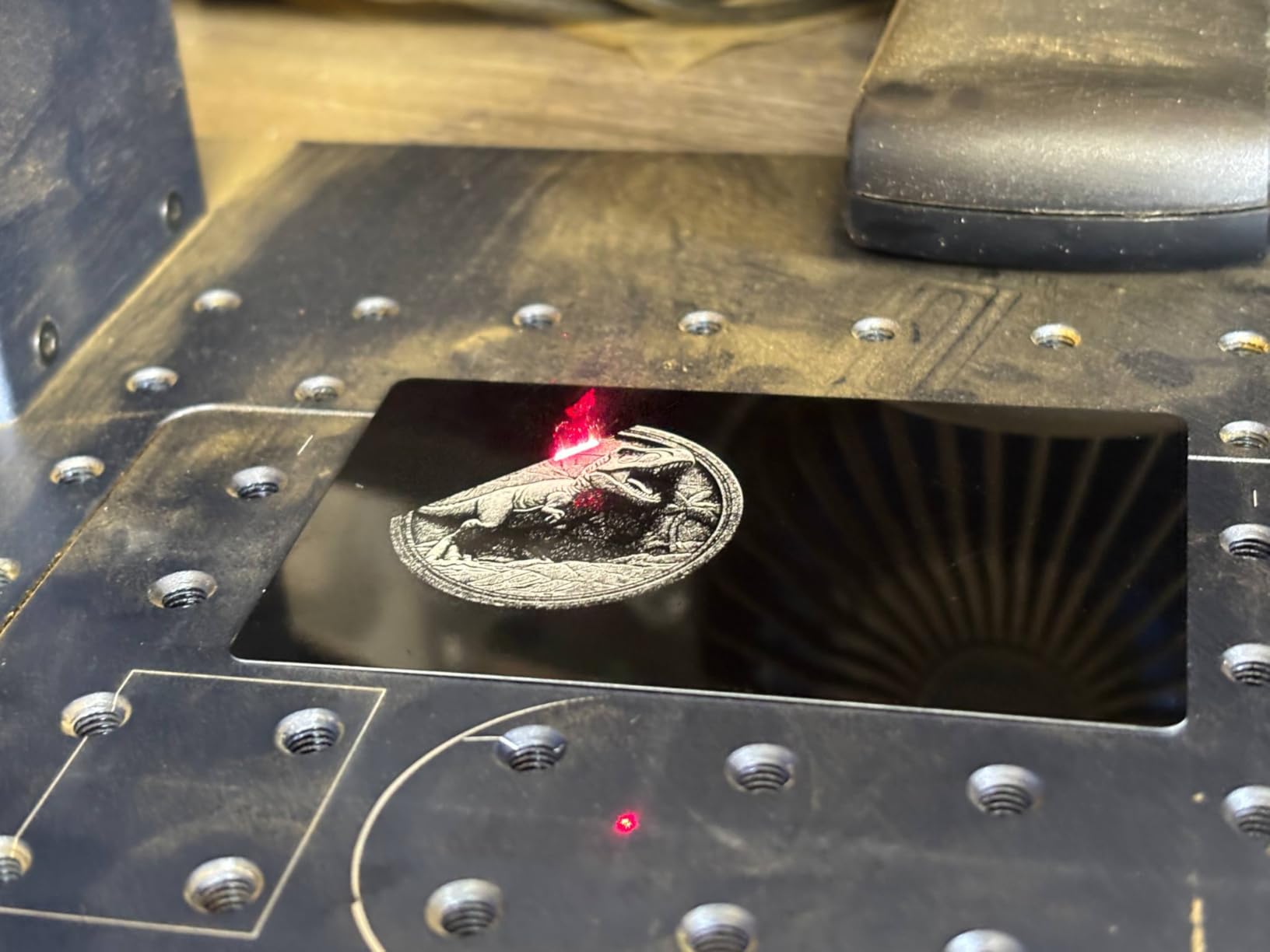
The G2 Max is where this range stops being an entry machine. Fifty watts at 1064nm is enough for relief carving on thicker steel, and the 150 x 150mm field is the largest in the G2 line, which removes the part-size limit that bothers owners of the 110mm models. It also supports 3D embossing and metal cutting rather than marking alone.
The electric lift column is a small feature with a large effect on output. Instead of cranking a focus knob by hand between every part, you push a button and the column moves. On batch work that removes a repetitive step that quietly eats minutes per job, and the red light positioning preview tells you where you are before you fire.
Specification-wise it matches the rest of the range: 15000mm/s galvo speed, 0.001mm accuracy, 8K HD resolution, over 90 colors on stainless and titanium, and support for plastics, leather, dark glass, colored ceramics, acrylic and stone. It carries the same FDA Accession Number and Class 4 safety kit with emergency stop, glasses and cover.
Owners rate it well on exactly the things that matter at this tier: the large field, the push-button focus and the depth the 50W head delivers. It weighs 22 pounds and keeps the detachable, compact structure of the smaller units.
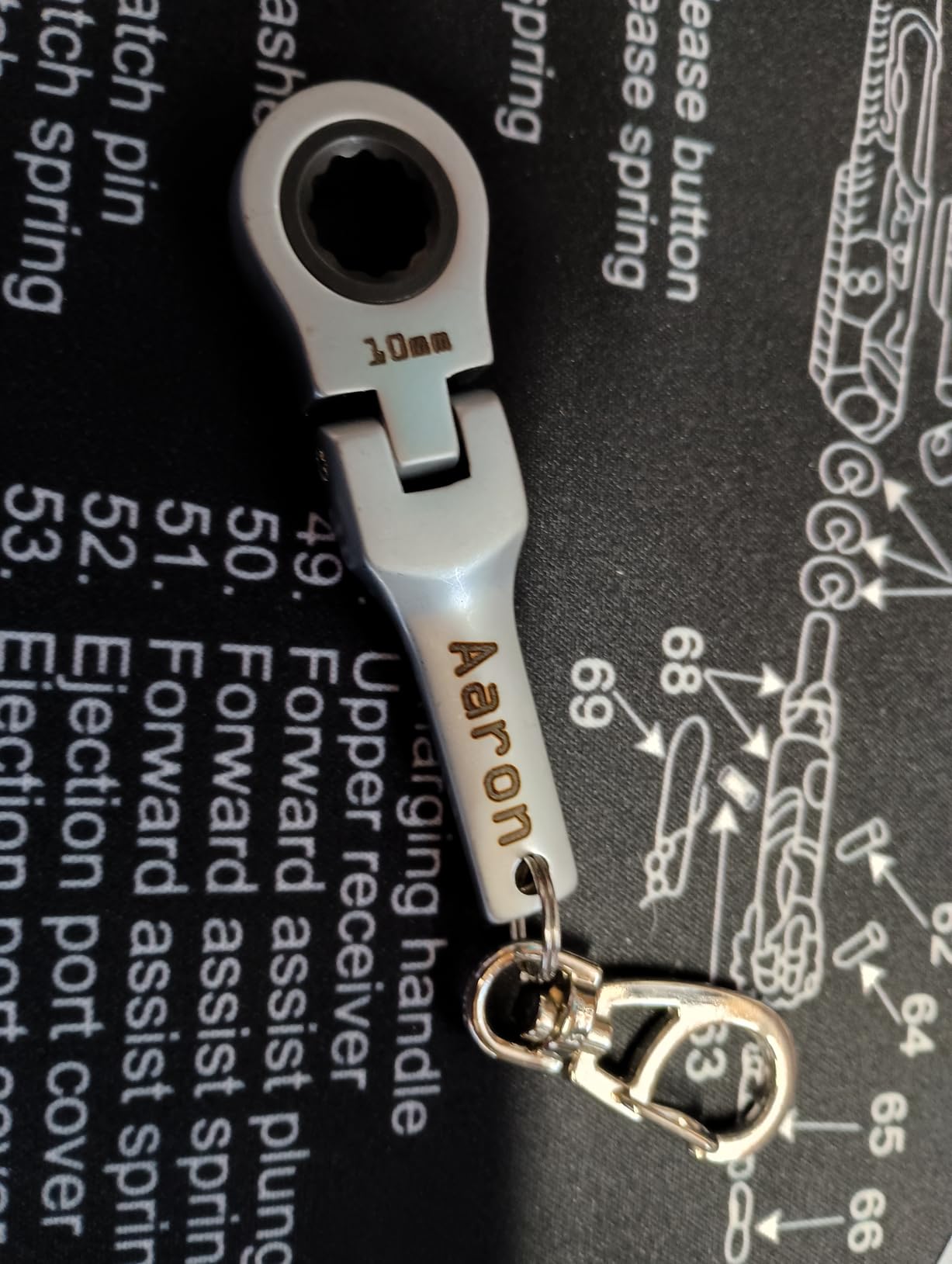
What the G2 Max handles well
Thick steel, hardened blanks and larger flat parts. If you have been fighting a 20W machine on deep work, this is the class where the problem stops being power and starts being technique again. The bigger field also means fewer taped-together multi-pass jobs.
It suits gunsmithing, knife makers and machine shops marking serial numbers and DataMatrix codes on parts too big for a 110mm bed, and the electric focus column keeps repeatability tight across a run.
Where the G2 Max falls short
The first limitation is the review history. At 26 reviews there is very little long-term reliability data, and machines in this class are expensive enough that a failure two years in matters. The 76 percent five-star distribution is encouraging but thin.
It is also the most expensive machine in the GWEIKE range, so a 30W Pro may be the more sensible jump if your work is shallow. At 50W you are running a source that needs proper extraction, a chiller in most workshop environments, and more careful handling than a 20W head. Buy the enclosure and the extraction before the machine, not after.
7. LaserPecker LP5: Best Portable Dual Laser for Craft Fairs
LaserPecker LP5 20W Fiber & Diode Dual Laser Engraver, 10X Faster 0.0027mm Precision for Metal Wood Jewelry, 3D Grayscale & Color Engraving, Portable 6kg Laser Cutter for Instant Store Customization
20W fiber plus 20W diode
6.02 kg with handle
10000mm/s
3D grayscale
Pros
- Real fiber laser that marks bare metal with no coating
- 6.02 kg body with handle for fairs and house calls
- 3D grayscale function gives depth controlled relief coins
- Material Test Array cuts test runs by 80 percent
- Blue laser project outline shows job position before cutting
Cons
- Cooling fans are loud so it lives in a garage or workshop
- Cable lengths including USB are short
- Bed edges produce a bevel on cut outs
- Rotary attachment not included with the Basic variant
The LP5 does something none of the other portable options manage: it puts a 20W fiber laser and a 20W diode into a 6.02 kg body with a handle. That means you can take metal marking to a customer instead of taking the part to your machine, which changes the economics of selling personalized goods at a market stall.
Owners highlight that it marks bare metal with no coating step, where their previous diode machines required marking spray first. The 3D grayscale function gives depth-controlled relief work on coins, and the Material Test Array is quoted as cutting test runs by 80 percent, which is a meaningful saving when you are new to a material.
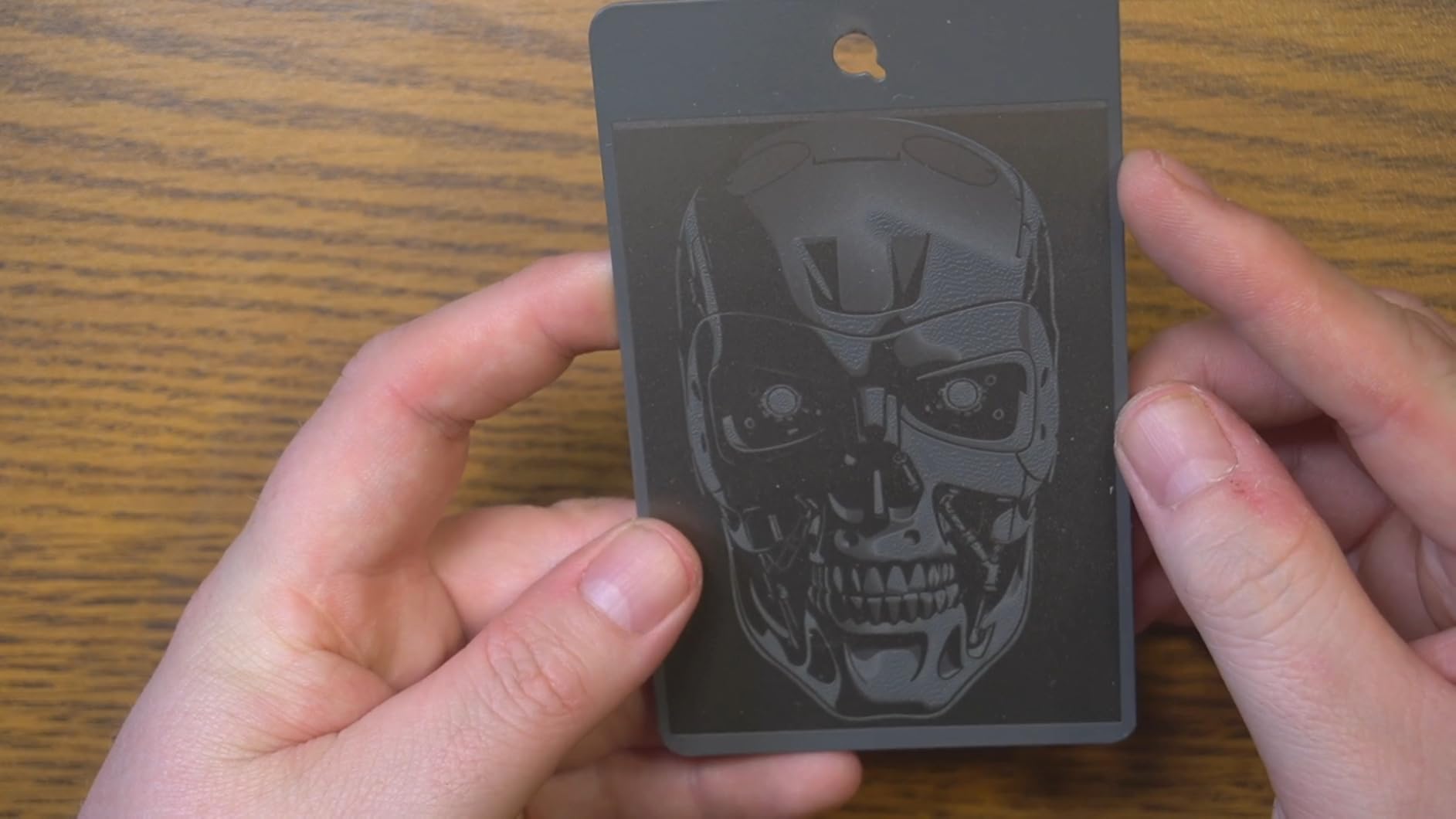
The 20W diode cuts 20mm wood and 15mm acrylic, and the 20W fiber slices 0.5mm of brass and titanium. Speed is up to 10000mm/s with 0.0027mm precision and 8K detail. The blue laser project outline feature projects the job position onto the bed, which removes the guesswork when you are setting up in an unfamiliar venue with bad light.
Build quality gets specific praise: solid aluminum construction and braided cables rather than cheap plastics. Design Space software layers engraving and cutting in a single job, which owners find intuitive. Safety glasses, L-shaped jig holders, a safety backplate and an exhaust hose are included.
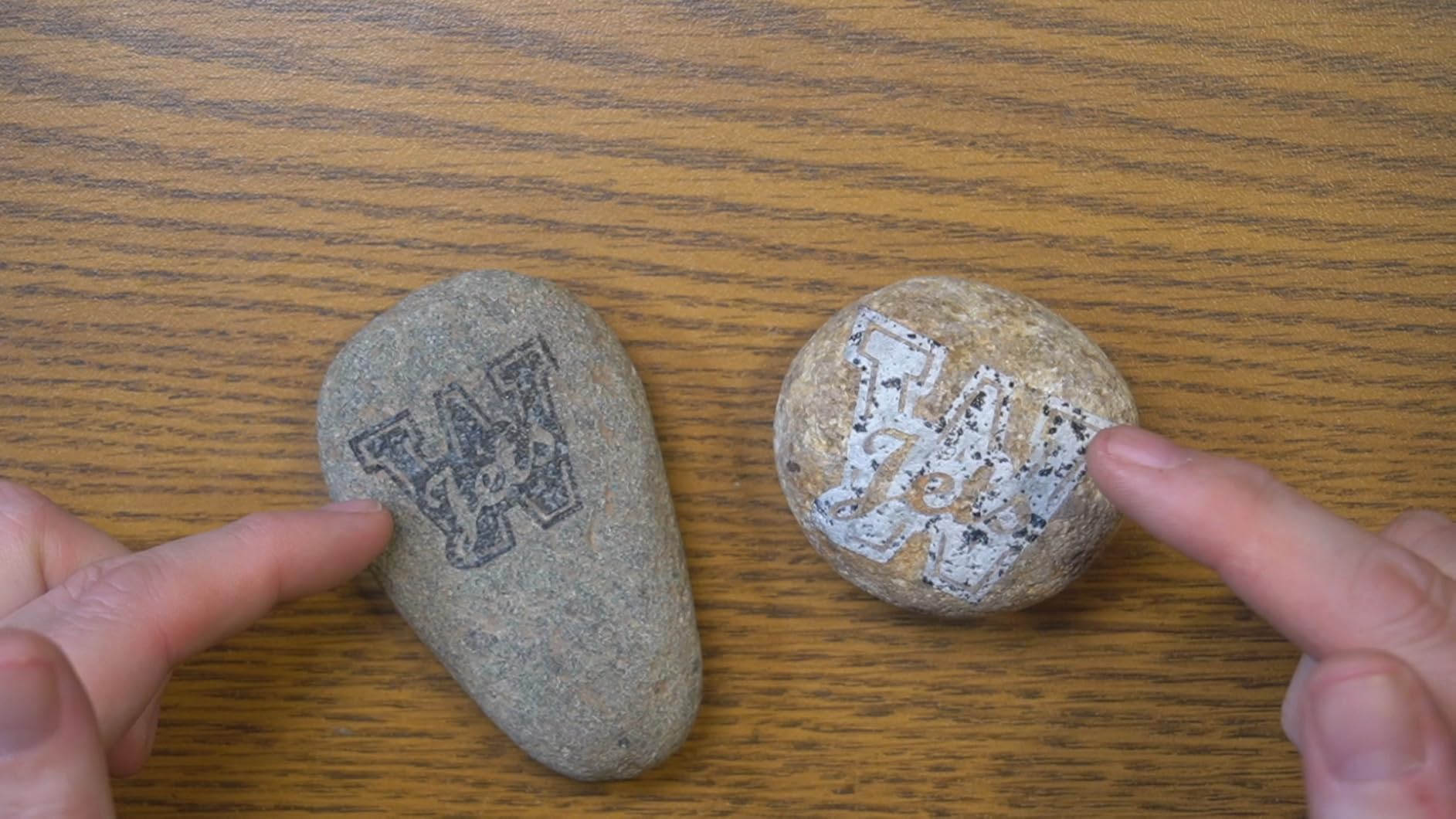
What the LP5 handles well
Mobile personalization, house calls, trade shows and pop-up shops. Nothing else at this weight combines a genuine fiber head with a diode that cuts 20mm wood. Deep engraving on coins producing real depth is repeatedly cited as a strength.
It is also a fine single-station machine for a small workshop. The fiber head covers metal, the diode covers wood, acrylic, leather and fabric, and the test array makes learning a new material far less punishing.
Where the LP5 falls short
The cooling fans are loud, so despite the portability it realistically lives in a garage or workshop rather than a living room, and you should expect to clean burnt debris off the bed after each job. Cable lengths, including the USB cable, are reported as short, so plan your layout around that.
Cuts away from the centre of the bed produce a bevel, which means tabbed cut-outs do not fit together cleanly. The app connects only to 2.4GHz WiFi and drops out in the background on mobile, and some units had Bluetooth connection problems out of the box. The rotary attachment is not included with the Basic variant, so check which one you are ordering.
8. Creality Falcon A1 Pro: Best Enclosed Machine with an Infrared Upgrade Path
Creality Falcon A1 Pro 20W Laser Engraver, Full Enclosed 180W Output Laser Engraver Machine, Touch Screen, Auto Focus, APP Control, Pre-Assembled, Ideal for Wood and Metal, Class 1 Safety
20W blue diode with optional 2W IR module
full enclosure
600mm/s
autofocus in 3 seconds
Pros
- Largest review base in the group at 158 reviews
- Full enclosure filters 99 percent of light with lid open halt
- Arrives 80 percent assembled and cuts wood quickly
- Autofocus completes in about 3 seconds
- Works with Falcon Design Space and LightBurn
Cons
- 2W IR module is sold separately and many buyers want more power
- Heavy at 37.4 pounds on a steel frame
- Honeycomb bed is a separate purchase
- Air assist and exhaust fan feel underpowered and noisy
Be clear about what this machine is. The Falcon A1 Pro ships with a 20W blue diode, which is a wood and acrylic laser. Its metal capability comes from an optional 2W infrared module at 1064nm with a 0.03mm spot, and that module is not included. Two watts is a light marking head, fine for jewelry, tags and business cards, and not a route to deep engraving on steel.
What it does offer is one of the best-specified enclosures at the entry level. The dual covers filter 99 percent of light, with an internal fan, emergency stop and a lid-open halt, plus eight safety shields. That makes it the easiest machine here to run in a room where someone might walk past, which matters more than raw power to a lot of first-time buyers.
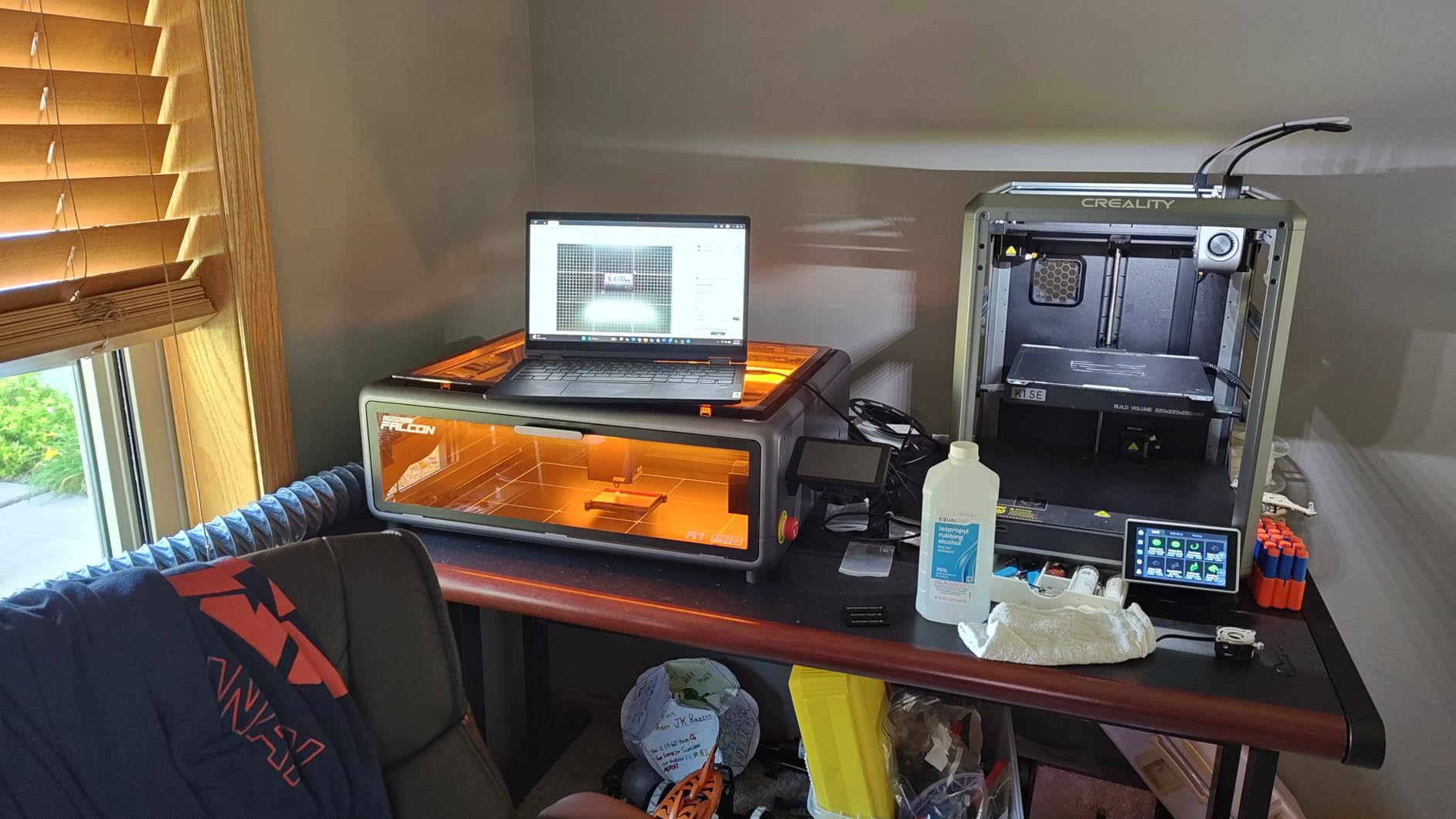
The HD camera with AI vision, red-dot ranging and Z-axis auto-lift focus in about 3 seconds with measurement accuracy within 0.012 inches. The touchscreen and app give real-time monitoring from anywhere, and it arrives 80 percent pre-assembled. It cuts 10mm basswood and 8mm black acrylic at speeds up to 600mm/s. The removable bottom allows taller items to pass through.
With 158 reviews it has the largest owner base in this group by a wide margin, and the sentiment is consistent: easy to assemble, quick to get cutting, good on wood, and contained smoke and dust in the shop. Door-open shutoff and built-in lighting are noted as useful touches. The quick module swap between IR and UV heads is also called out.
What the Falcon A1 Pro handles well
Enclosed, safe, quiet-to-operate cutting and engraving on wood, acrylic, leather and paper, with fine metal marking once the IR module is fitted. For someone buying their first enclosed machine and wanting a single unit for the workshop, the safety package is the strongest argument for it.
The auto-lift and camera alignment also suit repetitive work, and the 460 x 346mm honeycomb bed area gives plenty of room for larger sheet goods. Software support through both Falcon Design Space and LightBurn keeps the file workflow open.
Where the Falcon A1 Pro falls short
The 2W infrared module is the central weakness for a metal guide like this one, and many buyers report they would rather have 5W or 10W. Adding the module also adds to the total, so compare the finished configuration against a dedicated 20W fiber machine rather than the base price.
It weighs 37.4 pounds because it is built on a steel frame rather than aluminum, the air assist and exhaust fan are described as underpowered and noisy, and the honeycomb panel is a separate purchase. The limited Z range causes autofocus trouble with taller objects, the camera is mediocre when used through LightBurn, and one owner received no manual and was told to print it.
Which Laser Type Actually Marks Your Metal?
This is the question that decides the purchase, and it is the one most listicles skip. The alloy matters more than the wattage, because the finish on the part changes what the beam is actually reacting to.
Bare stainless steel: a 1064nm fiber laser is the answer, and 20W is enough for a dark surface mark. For color, a MOPA source or a 30W-plus standard fiber gives you more control over the heat-affected zone.
Bare mild or carbon steel: fiber laser. It is the easiest of the bare metals to mark, so a 20W head produces strong contrast straight away.
Anodized aluminum: a fiber laser works and can produce color on anodized finishes, but a MOPA gives reproducible results batch to batch. A diode laser only marks it with a coating, which wears off.
Titanium: fiber laser, and expect to tune focus specifically for titanium. Owners report it needs its own focus and power settings rather than inheriting the stainless profile.
Chrome-plated, nickel-plated and other plated steel: fiber laser, but never work this material without fume extraction. See the safety section below.
Galvanized steel: fiber laser technically works, and this is the material with the most serious fume risk. Do not cut or deep-engrave it indoors without extraction.
Brass and copper: fiber laser, and these reflect strongly. Start at low power and raise it, because reflective metal can send energy back toward the lens and is a common cause of a failed laser source.
Powder-coated or painted parts: the coating burns away and the mark goes all the way through to bare metal. Mark before coating if you possibly can, or accept that you are cutting through.
Wood, acrylic, leather and fabric: these are diode territory, which is the entire argument for a dual-laser machine like the F1 Ultra or the LP5.
One practical note on thin stock: heat conducts away from the mark and can warp thin stainless or a razor-thin part. Shorten the dwell, split deep work into more passes rather than longer ones, and support the part properly on the bed.
How to Choose a Laser Engraver for Metal
Laser source first. Anything less than a 1064nm fiber laser will not mark bare metal, so this decision is effectively made for you. The real choice is standard fiber versus MOPA. Choose MOPA only if you need repeatable color marks or if you are cutting thicker metal. Otherwise a standard fiber laser gives you most of the capability for far less money.
Wattage, honestly. A 20W fiber is genuinely good at surface marking and light cutting of thin sheet. It struggles with deep relief, and owners of 20W machines routinely report spending hours on deep steel work. A 30W machine is the pragmatic middle. A 50W machine is what you want for thick stock, hardened blanks and production relief work, and it is the point where extraction and cooling stop being optional. Owners here commonly report 20W users taking hours where a 50W completes the same job in a fraction of the time.
Work area. The galvo machines in this group run 110 x 110mm or 150 x 150mm, which covers jewelry, blades, tags and most tooling. The enclosed dual-laser machines go considerably larger. Measure your largest part before choosing, and remember that the usable area is always smaller than the quoted bed.
Enclosure and safety. Every machine here is a Class 4 laser. Fully enclosed bodies with lid-open halt, integrated extraction and an emergency stop are worth paying for if the machine will run anywhere other than a dedicated workshop, and the concern people raise most often in forums is exactly this. Read the safety section below before you commit.
Software. LightBurn compatibility is the single most useful software feature to look for, because it gives you real fill control, layer management and rotary axis support. GLaser is the native option on the GWEIKE machines, and xTool Creative Space or Design Space on the xTool units. If you are a LightBurn user, check compatibility on your specific operating system before ordering, since Mac users have reported connection issues on one model here.
Rotary axis and curved surfaces. Rings, tumblers and curved tools need a rotary attachment, and they are usually sold separately. On the G2 Pro there are reports that the attachment triggers the head lift motor and breaks focus, so ask the manufacturer. Our general guide to the best diode laser engravers covers the other side of this for wood and acrylic work.
Running cost and consumables. Budget for protective eyewear, extraction, a chiller for anything above 20W, replacement lenses and a spindle air assist. A lens is a consumable that gets replaced after enough debris or spatter damage, and it is far cheaper than a replacement laser source. If you intend to buy a used import machine, know that support, firmware access and parts sourcing are the real risk rather than the purchase itself.
Fume Extraction and Laser Safety for Metal Marking
No competitor listicle we read mentioned this, and it is the one section we would not cut. Laser marking metal produces a particulate fume, and on some alloys that fume is genuinely hazardous. Plated, chrome-plated, nickel-plated and galvanized steel all release toxic metal compounds when ablated. Work them only with proper extraction, and never in a closed room with people in it.
The practical setup is straightforward. An enclosed machine with an integrated extraction port, plumbed to a filter unit or exhausted outdoors, handles the routine metals. For plated and galvanized work, add a fume filter rated for metal particulate rather than a general-purpose unit. Keep the door closed while the beam fires, and treat any smell as a sign the extraction is not working.
Eyewear is the other half. Every machine here is Class 4, and the eyewear must be rated for the specific wavelength, OD6 or better for 1064nm infrared and OD6+ for the 450nm diode output. Note that the F1 Ultra ships with a vent tube that does not fit a standard four-inch dryer vent, and several GWEIKE and LaserPecker units do include protective glasses while the xTool machines treat them as an extra. Check what is in the box before you fire anything.
Two habits keep people safe. Never look at the beam, and use the red light positioning preview to set focus rather than firing test marks down the line. And if you work thin stainless, watch for warping, since a distorted part is a sign the heat is not going where you intended.
Frequently Asked Questions
What kind of laser engraver do I need to engrave metal?
A pulsed fiber laser at 1064nm. That wavelength is absorbed by stainless steel, carbon steel, aluminum, brass, copper and titanium, so it vaporises the surface and leaves a permanent mark with no coating or ink. Diode and CO2 lasers cannot etch bare metal reliably.
What is the best laser machine for metal engraving?
For most buyers the xTool F1 Ultra is the strongest all-round choice: a 20W fiber head paired with a 20W diode, a 220 x 220mm field, a 16MP camera with shape recognition and a fully enclosed body with smoke extraction. For colour marks and thicker metal cutting, the xTool F2 Ultra is the only MOPA option in this group.
What is the best at-home laser engraver for metal?
The xTool F2, because it is fully enclosed, weighs 4.6 kg and carries a 5W infrared head at 1064nm that marks bare metal without coating. It travels to markets and house calls. A 5W head suits serial numbers, jewelry and tags rather than deep engraving on thick steel.
What are some common problems with laser marking machines?
The most common are faded or ghosted marks, usually caused by reflective metal or wrong parameter settings; lost focus, often because a rotary attachment moved the head; marks in the wrong position after a job, which points to a homing or reference problem; warped thin parts from heat conduction; and failed laser sources, which are more frequent on polished brass and copper than on stainless.
Why does my fiber laser not mark stainless steel well?
Usually it is parameters rather than the machine. Reflective surfaces need you to start at low power and raise it, and the focus offset for stainless is often different from what you use for other alloys. Titanium in particular needs its own focus and power settings. Confirm the red light preview is landing on the surface before you fire, and check the lens is not spattered.
Do I need a chiller and fume extractor for a fiber laser?
Above about 20W, in most workshop environments, yes. A chiller keeps the source at a stable temperature so output stays consistent across a long job, and a fume extractor is needed for every metal. Plated, chrome-plated and galvanized steel release toxic metal compounds when ablated, so those materials should only ever be marked with extraction running.
Is MOPA worth the extra cost over a standard fiber laser?
Only if you need repeatable colour marks on anodized aluminium or stainless, or you are cutting thicker metal. A standard fiber laser burns a fixed-width pulse, so colour changes with mark contrast and varies part to part. MOPA lets you tune pulse width, frequency and power independently. Most hobbyists and small shops never use colour, which is why we would skip it.
What are the downsides of laser marking metal?
The main drawbacks are capital cost, the Class 4 safety burden including eyewear and enclosure, and the fume problem on plated and galvanized alloys. Deep engraving is slow on a 20W machine, consumables like lenses and eyewear add up, and import machines carry support and firmware risk. Colour marking needs tuning that is more art than science on a standard fiber source.
Conclusion
The best laser engravers for metal marking all share one non-negotiable feature: a 1064nm fiber laser. Once that is settled, the choice comes down to how much power you need, how portable the machine has to be, and whether colour marks matter to your product. The xTool F1 Ultra is our overall pick because it combines a capable 20W fiber head, a real cutting diode, a 220 x 220mm desktop fiber field that expands for long runs, and a genuinely enclosed, extraction-equipped body.
Buy the xTool F2 if you need to carry the machine to the customer. Buy the xTool F2 Ultra if colour and thicker metal are the business. Buy into the GWEIKE G2 range at whichever wattage matches your depth requirement, and buy the LaserPecker LP5 if craft fairs are where your income comes from. Whichever you choose, budget for eyewear, extraction and a spare lens on day one, and check the alloy notes above before the first job. For the wider picture on entry-level machines that are not in this guide, our pick of the best laser engravers overall is worth a look.