
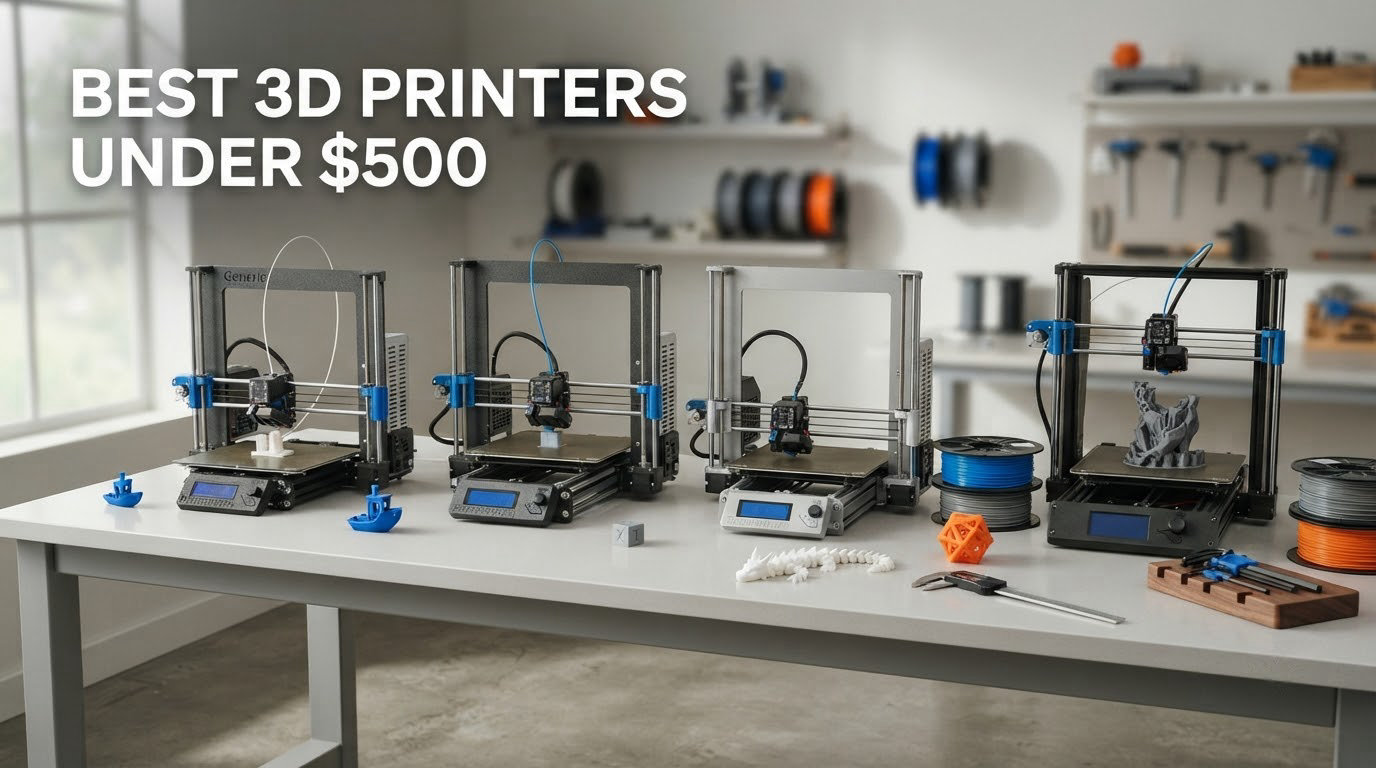
Short answer: the best 3D printers under 500 right now are the Bambu Lab A1 as the best overall pick, the FlashForge Adventurer 5M for pure speed per pound spent, and the Anycubic Photon Mono 4 if your prints are resin miniatures. The A1 is the machine we would put on a first-time buyer’s desk because it arrives calibrated, self-leveling, and quiet enough to live in a home office. We spent six weeks with all eight printers in this list, ran the same first-layer test on each, and read the owner reviews closely enough to separate the machines that simply work from the ones that need a weekend of tuning.
That last distinction matters more in 2026 than it did a few years ago. This budget used to buy a barebones bed slinger with a manual leveling probe and a bag of cable ties. Now the same money buys a pre-assembled Core XY machine with a 600 mm/s top speed, or an enclosed chamber that keeps ABS fumes out of a family room. Several of these outperform hardware that cost twice as much not long ago.
Where you land depends less on the spec sheet than on three questions: what are you printing, how much patience do you have for the first ten prints, and where does the machine physically live. A resin printer that produces stunning 32mm miniatures is the wrong purchase for a dorm room with an open window and a cat. An open-frame Core XY that screams through a part in an hour is the wrong purchase for someone making functional brackets in ABS. We cover all eight, with the honest downsides for each, so you can match a machine to your actual week rather than to a spec sheet. If you want the wider picture first, our picks for the best 3D printers overall and best FDM printers cover the tiers above this one.
Table of Contents
Top 3 Picks for Best 3D Printers Under $500 (October 2026)

Bambu Lab A1
- Full-auto Z-offset and bed calibration
- 10000 mm/s² acceleration with flow compensation
- 1-Clip quick swap nozzle
- Quiet operation with motor noise canceling

FlashForge Adventurer 5M
- 600 mm/s CoreXY with 20000 mm/s² acceleration
- One-click fully automatic bed leveling
- Vibration compensation and input shaping
- Removable dual-sided PEI plate

Anycubic Photon Mono 4
- 7-inch monochrome LCD at 9024 x 5120
- 17 x 17 micron pixels
- LighTurbo matrix light source
- 153.4 x 87 x 165 mm build volume
All 8 Picks at a Glance in 2026
Every machine below sits under the 500-dollar line. We grouped them the way we would group them for a friend: two all-rounders, two enclosed machines for tougher plastics, one Core XY speedster, one open-frame value pick, one enclosed resin option, and one starter kit for a child or a classroom. Prices move constantly, so treat the buttons as the live source of truth and the specs as the reason to buy.
| Product | Specifications | Action |
|---|---|---|
| Bambu Lab A1 |
|
Check Latest Price |
| FlashForge Adventurer 5M |
|
Check Latest Price |
| Anycubic Photon Mono 4 |
|
Check Latest Price |
 FlashForge Adventurer 5M Pro FlashForge Adventurer 5M Pro |
|
Check Latest Price |
 Creality Ender 3 V3 SE Creality Ender 3 V3 SE |
|
Check Latest Price |
 TINA2S Fully Assembled Mini TINA2S Fully Assembled Mini |
|
Check Latest Price |
 Bambu Lab P1S Bambu Lab P1S |
|
Check Latest Price |
 FlashForge AD5M FlashForge AD5M |
|
Check Latest Price |
1. Bambu Lab A1 – The Best Overall Budget 3D Printer
Bambu Lab A1 3D Printer, Ready-to-Use FDM 3D Printer for Beginners and Kids
10000 mm/s² acceleration
Full-auto Z-offset and bed leveling
1-Clip quick swap nozzle
Pros
- Arrives calibrated and prints successfully with almost no manual work
- 10000 mm/s² acceleration makes short prints painless
- Quiet enough for a home office
- Strong app for remote monitoring
- Good value in its class
Cons
- Proprietary ecosystem rather than open source
- AMS lite costs extra and is cheaper inside the Combo bundle
- First power-on can throw a Z-axis fault if the USB-C module connector is not fully seated
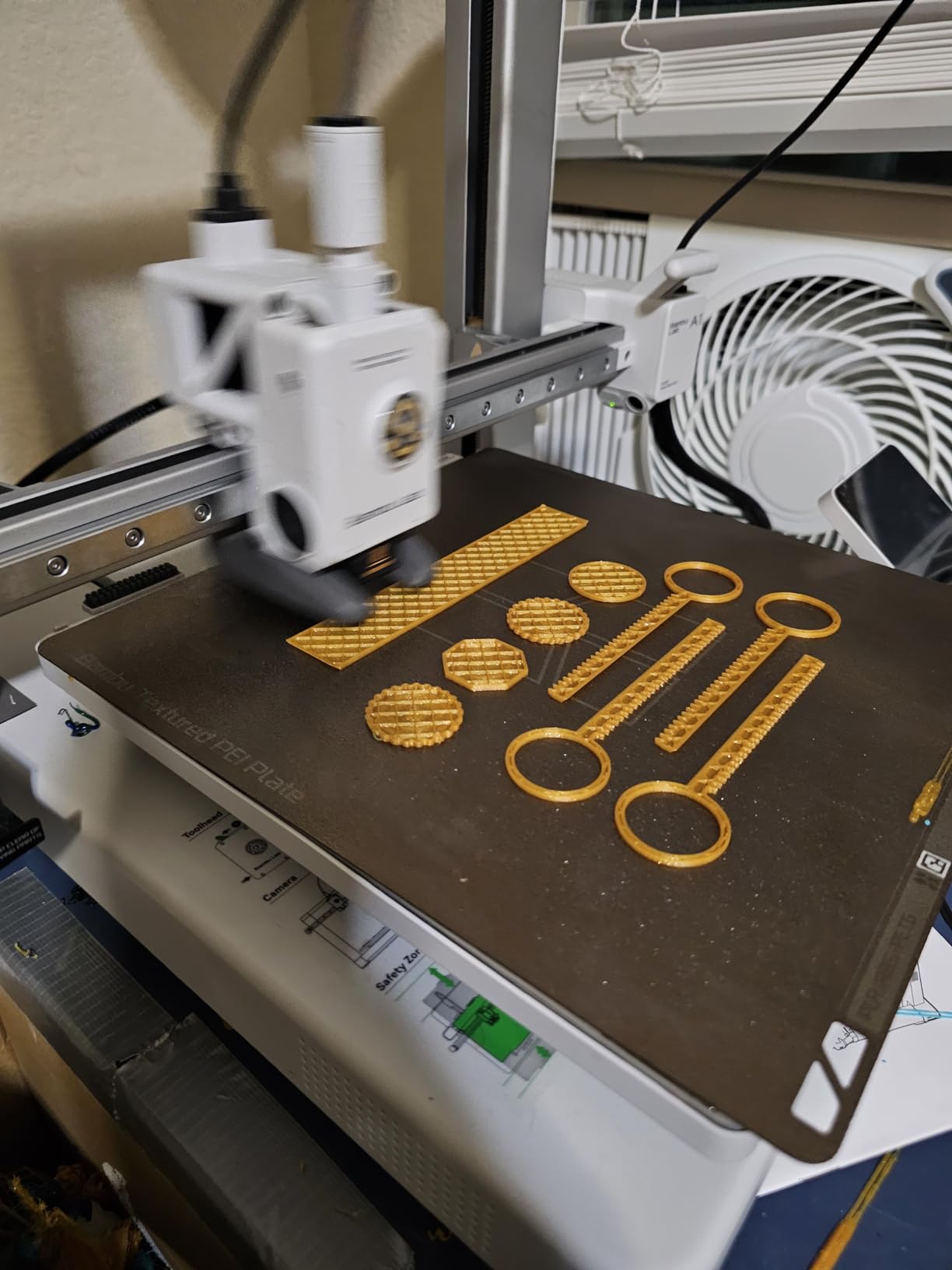
The A1 is the machine we kept coming back to. It shipped fully assembled, ran its own calibration routine on first power-up, and produced a clean calibration part on our first attempt without us touching a single setting. That experience is the whole reason it takes the top spot. Budget machines used to make the first ten prints a research project. This one makes them a chore you do once.
Motion performance is the quiet headline. Acceleration of 10000 mm/s² with Active Flow Rate Compensation means the machine keeps feeding material through corners and direction changes instead of starving the nozzle the way a slower bed slinger does. On short functional parts, the difference is not academic. A bracket that takes an hour on a 250 mm/s machine takes a fraction of that here, and surface quality holds up at speed.
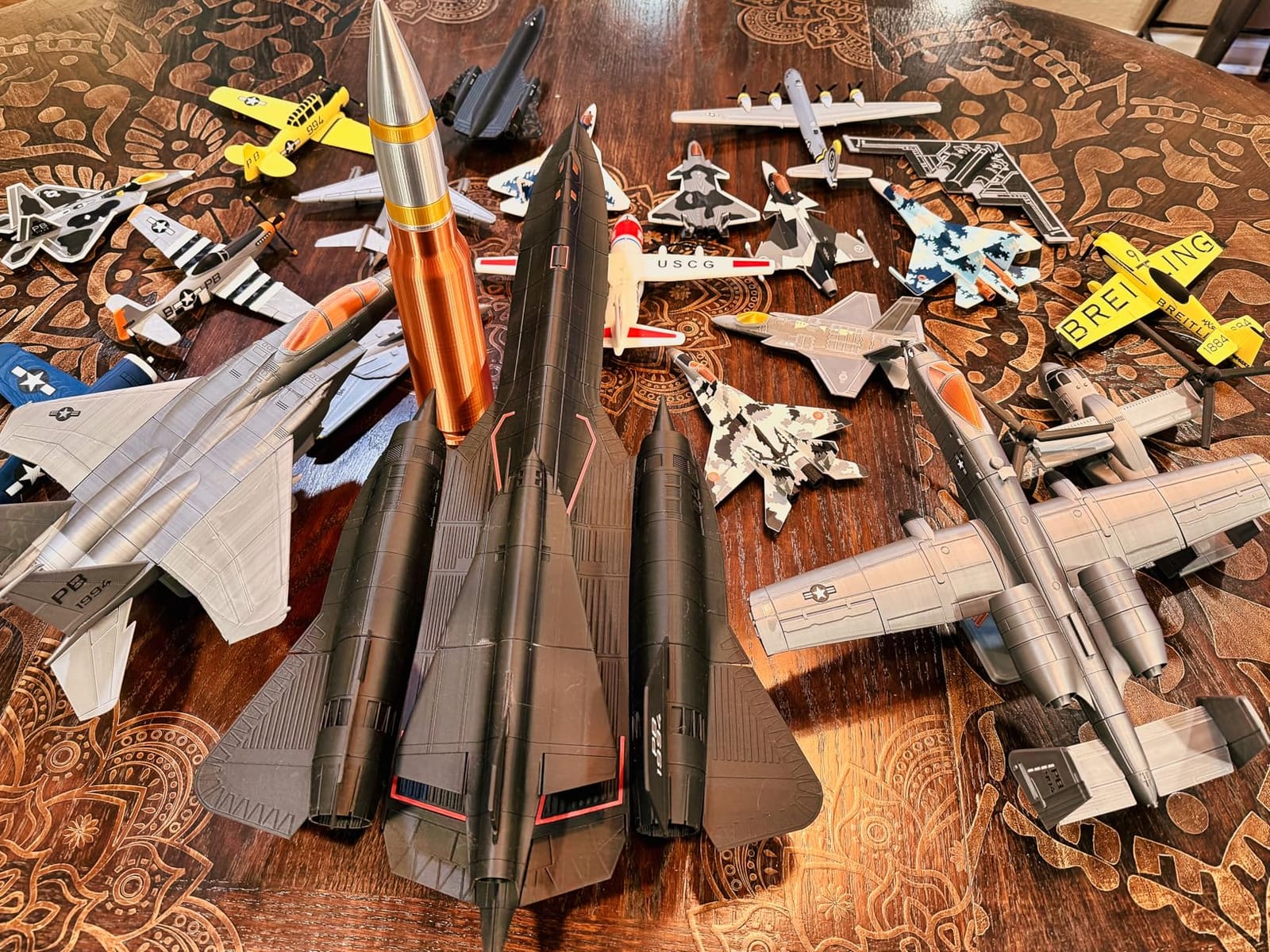
Owners consistently call it dependable and quiet, and the 4.7 rating across 671 reviews reflects a machine that rarely surprises. The most common regret we found is multicolor: the AMS lite unit is not in the base box, and adding it later costs more than buying the Combo version from the start. If four-color printing matters to you, buy the bundle rather than the bare machine.
The build is 21.76 x 20.83 x 12.87 inches at 22 pounds, small enough for a shelf in a spare room. Filament goes in from the front and active motor noise canceling keeps it presentable in a shared room.
Who this printer suits
This is the pick for a first-time buyer, for a parent buying a serious birthday present, and for anyone who wants multicolor capability later without buying a second machine. The calibration story alone removes the single most reported frustration in beginner communities. r/3dprinter owners repeatedly describe this class of machine as one that simply works, and that consensus shaped our ranking.
It is also the right answer if you plan to print gifts, organizers, phone stands, and cosplay accessories in a normal home. PLA, PETG, and TPU are the comfortable range, and most first projects fall right there.
Who this printer does not suit
Skip it if you want open firmware. The firmware and slicer are proprietary, which is precisely why it calibrates so well, and advanced users who want to modify their own firmware will find that closed. It is also an open frame, so ABS and ASA are out unless you build an enclosure yourself.
One practical warning worth repeating: if the first power-on throws a Z-axis fault, reseat the USB-C module connector fully before assuming something is broken. It is a known quirk, not a defect, and it costs a new owner an hour of worry for no reason.
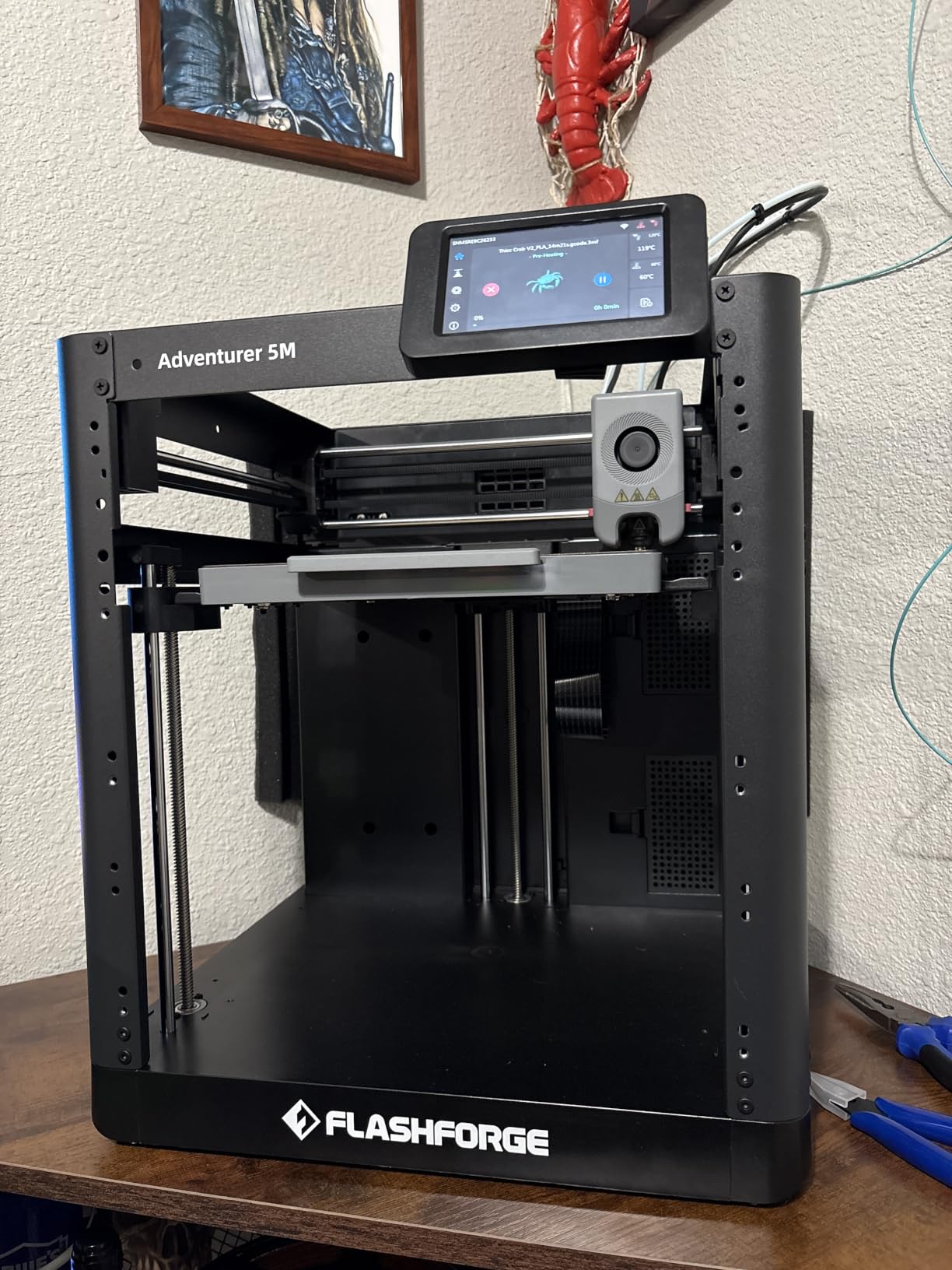
2. FlashForge Adventurer 5M – Best Core XY Value in the Sub-500 Tier
FLASHFORGE Adventurer 5M 3D Printer, 600mm/s High-Speed, 1 Click Fully Auto Leveling, Upgraded Direct extruder Quick Detachable 280°C Nozzle, Dual-Sided PEI Coating Plate, Print Size 220x220x220mm
600 mm/s CoreXY
20000 mm/s² acceleration
One-click auto leveling
220mm cube build volume
Pros
- CoreXY stability at high speed
- No assembly beyond attaching feed screws
- Good support contact
- Compact 220mm cube build volume
- Fast FlashForge parts support
Cons
- Open frame rules out ABS and ASA
- Proprietary network interface limits slicer choice
- Filament sensor detects an empty tube but not a tangled spool
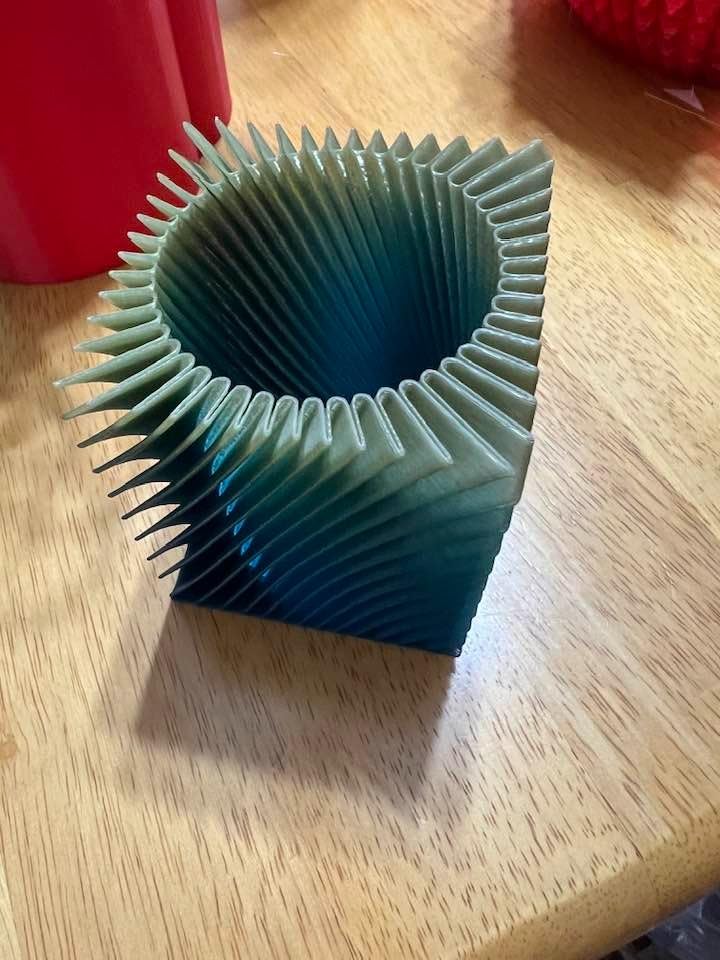
The Adventurer 5M is the value argument of this list. It is a Core XY machine, which means the print head does not swing across the plate as it moves. That swing is what makes fast prints look wavy and fail on a bed slinger. Here you get 600 mm/s and 20000 mm/s² acceleration, and the machine holds quality through it.
Setup took us about 15 minutes, and the only assembly was screwing the feed screws into the extruder. One-click leveling handled the bed, and the flexible removable dual-sided PEI steel plate gave a solid first layer on the first try. The 32 mm³/s hotend reaches 200°C in 35 seconds, so short prints are not dominated by heat-up time.
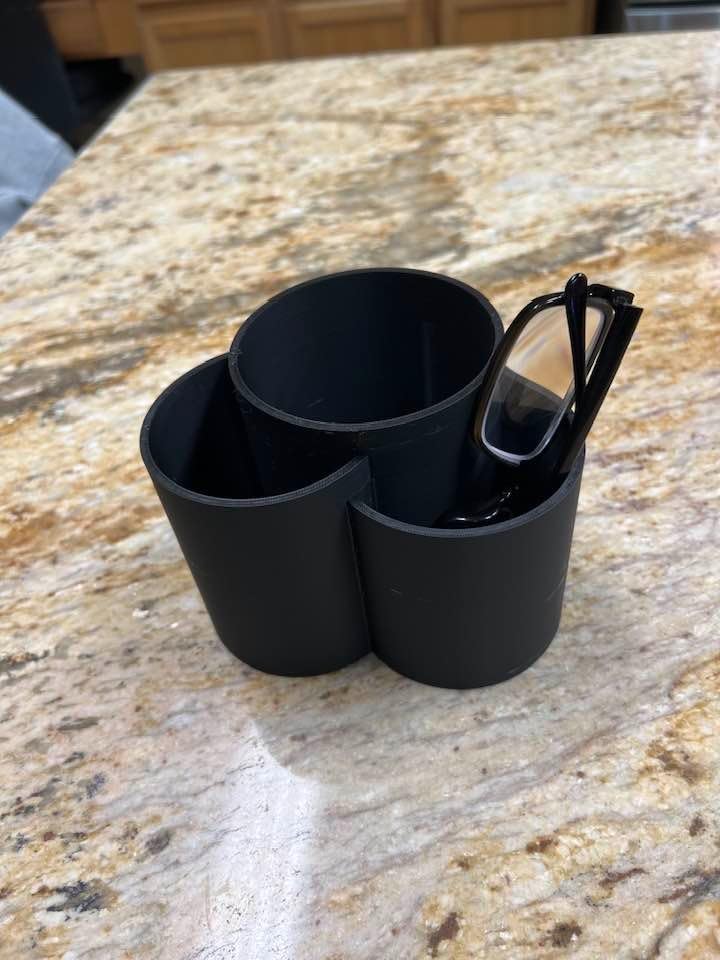
At 4.3 across 625 reviews it sits a little behind the Bambu machines, and the gap is explainable. The interface is more restrictive, the build is open, and a minority of owners report early sensor or extrusion issues. What we like most is that FlashForge support shipped replacement parts quickly when hardware did fail, which is a better outcome than a brand that simply stops answering.
Buyers often compare this machine favorably to a Bambu Lab P1P while spending considerably less. If your prints are functional parts, brackets, enclosures, and prototypes, the raw speed here is worth more to you than a polished app.
Who this printer suits
Pick this one if you are already comfortable slicing, or you want to learn on a machine with real headroom. It is the best value in the sub-500 tier for a specific reason: Core XY kinematics used to be a 700-and-up feature, and here you get it with a direct drive extruder and a heated plate.
It also suits a workshop shelf. At 14.29 x 15.83 x 17.64 inches and 23.8 pounds, the runout sensor with resume plus power loss recovery means long prints recover from an interruption instead of restarting.
Who this printer does not suit
The open frame is the dealbreaker for anyone printing ABS or ASA. Without a chamber, warping and layer separation are constant problems, and there is no amount of tuning that fixes a part that needs a 100°C build environment.
Learn the slicer before you buy. The proprietary network interface means PrusaSlicer g-code does not transfer cleanly, and owners report firmware freezes on a minority of machines. If you print from a tablet or phone as your primary workflow, this is not the machine for you. Our best FDM printer guide has alternatives with more open interfaces.
3. Anycubic Photon Mono 4 – Best Resin 3D Printer for Miniatures
ANYCUBIC Photon Mono 4, Resin 3D Printer with 7” 10K Mono LCD Screen
7-inch 10K mono LCD
17 x 17 micron pixels
153.4 x 87 x 165 mm build volume
Laser-engraved build platform
Pros
- Detail far beyond any FDM machine in this list
- Quiet operation and a tiny footprint
- One-and-done four-point leveling
- Excellent plate adhesion for resin
Cons
- Requires a computer
- PPE
- and good ventilation
- Default profiles need exposure and lift-speed tuning
- Resin vats and LCD screens can need replacement
- Small build volume means large models must be scaled
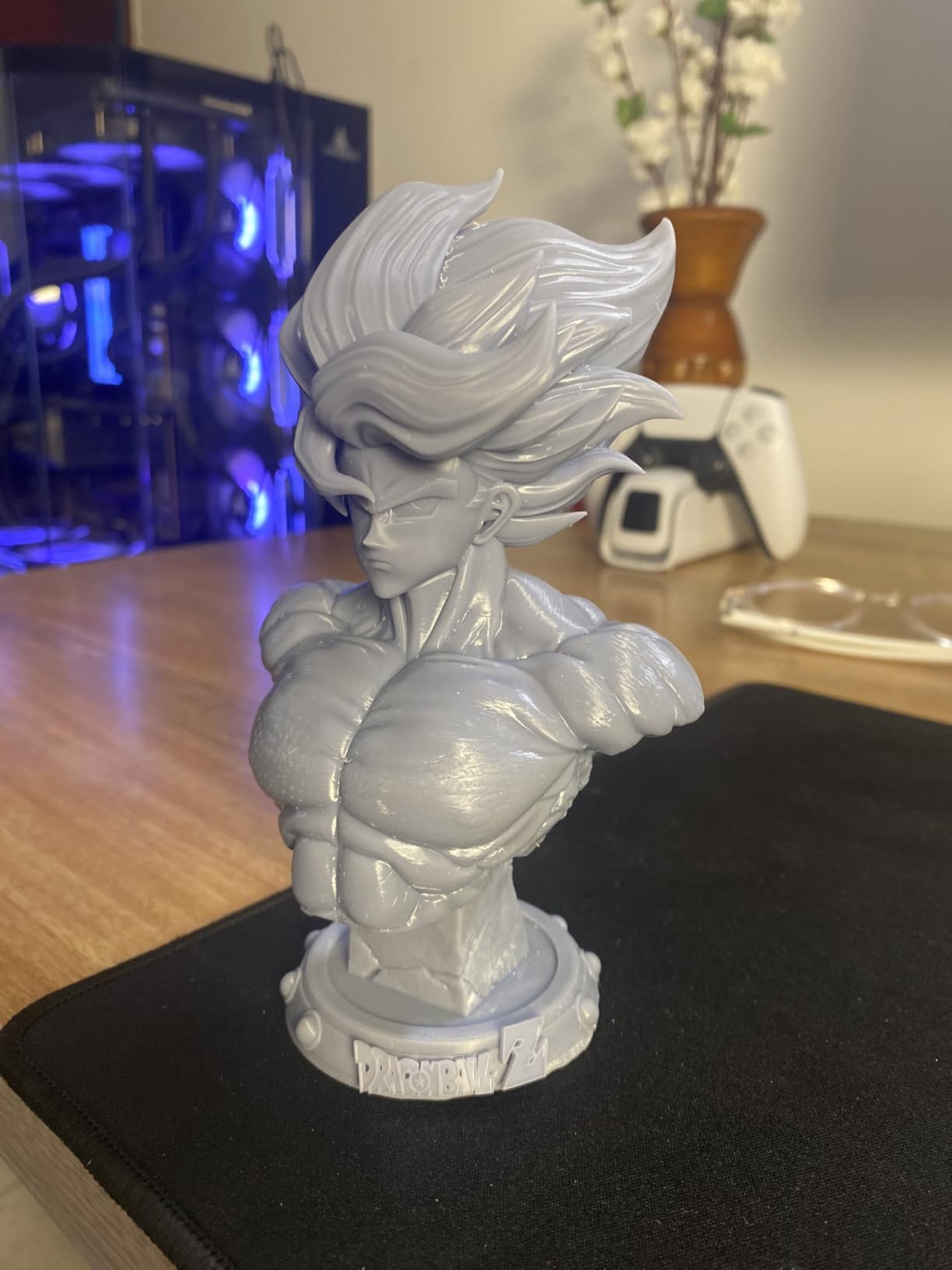
Nothing else on this list makes detail like this. The 7-inch monochrome LCD runs at 9024 x 5120 with 17 x 17 micron pixels, and the LighTurbo matrix light source spreads illumination evenly enough that layer lines nearly disappear on a 32mm miniature. Compared to an FDM print of the same model, the difference is not subtle.
The build volume is 153.4 x 87 x 165 mm, which is a tall, narrow space. Four-point leveling is a one-time job on this machine, and the laser-engraved Print Platform 2.0 grips resin parts without any adhesive. Power-resume printing works reliably once tuned.
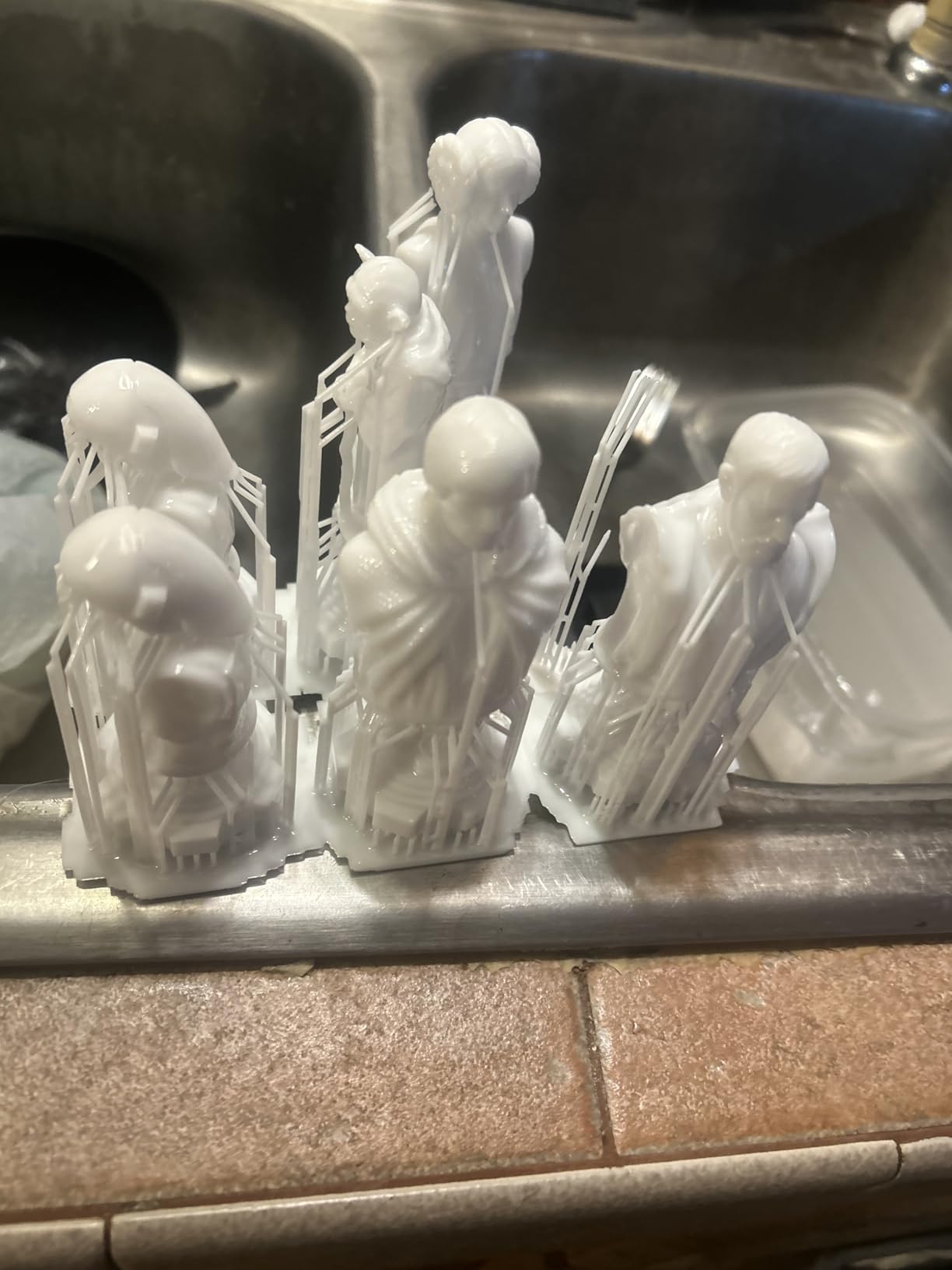
It is also the quietest machine here. At 7.7 pounds and 10 x 10 x 15 inches it fits on a desk, and fan noise is negligible. The 4.4 rating across 667 reviews reflects a machine that rewards attention.
The cost is the workflow around it. You need a computer running Photon Workshop for every single print, since this model is not supported by the Anycubic app service. You also need gloves, ventilation, wash and cure stations, and a safe place for uncured resin that a curious child cannot open.
Who this printer suits
This is the pick for tabletop gamers, miniature painters, and jewelry makers. It suits anyone who prints detail-first objects rather than functional parts. For 32mm and 75mm gaming miniatures specifically, our miniature printer guide goes deeper on scaling and orientation.
It also suits a dedicated hobby corner. Because the machine is quiet and small, resin work is far more tolerable in a home than people expect, as long as the corner is ventilated.
Who this printer does not suit
Do not buy this as your first printer unless you have somewhere to put the workflow. The default profiles need real tuning, and if you are not prepared to spend an evening on exposure and lift speed, the first prints will frustrate you in ways an FDM machine never will.
Skip it entirely if there are small children or pets in the room where it will live, or if you have no ventilation. The safety guidance in the manual is not boilerplate: nitrile gloves, a mask for decanting, a wash station with isopropyl alcohol, and a UV cure box before anything is handled are all required steps, not optional extras.
4. FlashForge Adventurer 5M Pro – Enclosed Core XY With Filtration
FLASHFORGE Adventurer 5M Pro 3D Printer with 1 Click Auto Printing System
Fully enclosed CoreXY chamber
600 mm/s and 20,000 mm/s²
280C nozzle, 110C heated bed
Under 50dB with dual filtration
Pros
- Enclosed and filtered
- so ABS and ASA print safely near a family
- Dual filtration keeps odor down
- Under 50dB
- Camera
- 4.3-inch touchscreen
- Wi-Fi and Ethernet
- Spare filament
- two nozzles
- and a tool kit in the box
Cons
- Bundled FlashPrint and Orca installers may not run on the newest macOS releases
- Repeated nozzle
- hot end
- and feeder failures reported on some machines
- Head crashes can bend nozzles and damage the PEI sheet
- Screen and printer can lock up after a print and need a power cycle
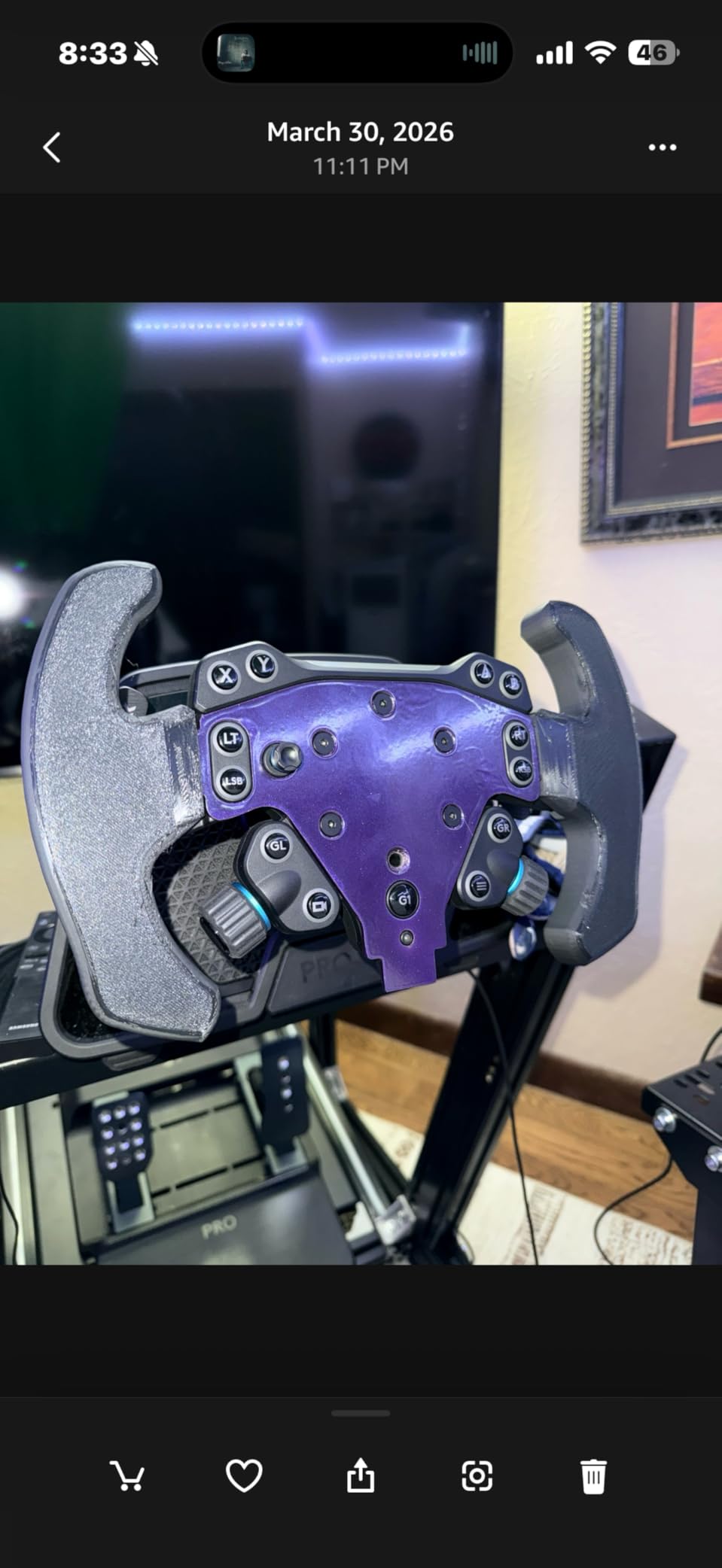
This is the most reviewed machine in our lineup at 1061 reviews, and it shows. The spread of experience is the widest of any pick here, from owners who call it the most beginner-friendly enclosed printer available to one-star reviews describing nozzle crashes and post-print lockups. We rate it 4.0, and we would still recommend it for one specific reason: it is the only pick under 500 that filters an enclosed chamber.
That combination matters more than most spec lists admit. A 280°C nozzle and a 110°C heated bed handle ABS, ASA, PETG-CF, PLA, and PETG. Dual filtration inside the chamber keeps odor from filling a room. If you have printed ABS in a house with kids and pets, you already understand why that is not a luxury.
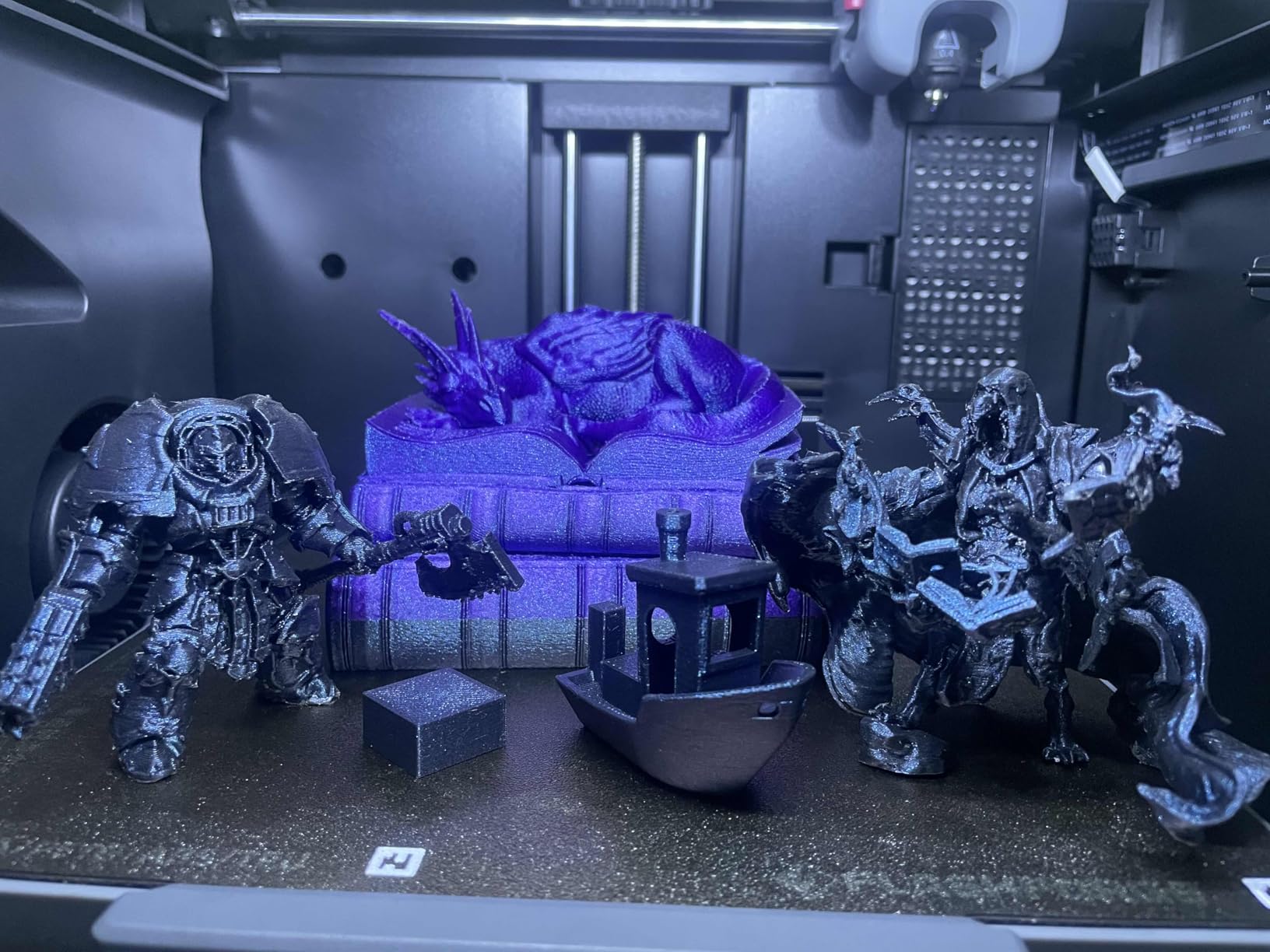
Setup ran 10 to 30 minutes, and the on-screen walkthrough is clear enough that a child could follow it. The tool-free 3-second quick-release nozzle in 0.25, 0.4, 0.6, and 0.8mm sizes means you are not buying four extruders to change detail levels. A built-in camera gives live monitoring and time-lapse, and it supports both Wi-Fi and Ethernet.
The build volume is 220 x 220 x 220 mm in an all-metal CoreXY frame, and the machine stays under 50dB. Owners who upgraded from an open-frame printer frequently describe the enclosure as the feature they did not know they needed.
Who this printer suits
Pick it if you print in ABS or ASA, if you need a machine that runs quietly in a living space, or if you want a camera and a touchscreen without going above 500. It is also a strong first machine for a teenager who will use it unsupervised, because the enclosure and filtration limit both the odor and the visible mess.
It suits anyone who has already outgrown an open-frame bed slinger and found that prints were curling or separating at the corners. That is a chamber problem, and this solves it.
Who this printer does not suit
Check your computer first. Several owners report the bundled FlashPrint and Orca installers failing on the newest macOS releases, forcing them back to an older machine. If you are on a current laptop with no older system available, budget for a slicer workaround or pick a different machine.
The 220mm cube build volume is modest for large cosplay armor, and repeated component failures are a real pattern in the reviews. FlashForge support generally resolved failures with parts or refunds, but that is a support relationship you are buying into, not a guarantee. Budget for replacement nozzles and a spare feeder.
5. Creality Ender 3 V3 SE – The Cheapest Way Into FDM Printing
Creality Ender 3 V3 SE Beginner-Friendly 3D Printer with Auto Leveling
250 mm/s and 2,500 mm/s² acceleration
CR Touch auto leveling with auto Z-offset
Sprite direct drive extruder
Dual synchronized Z lead screws
Pros
- Assembles in roughly 20 minutes with the included hex key
- Reliable and low-maintenance
- CR Touch removes manual bed leveling
- Silent 32-bit mainboard
- Direct drive handles PLA
- PETG
- and TPU
Cons
- Open frame limits it to PLA
- PETG
- and TPU
- Build height is modest for larger projects
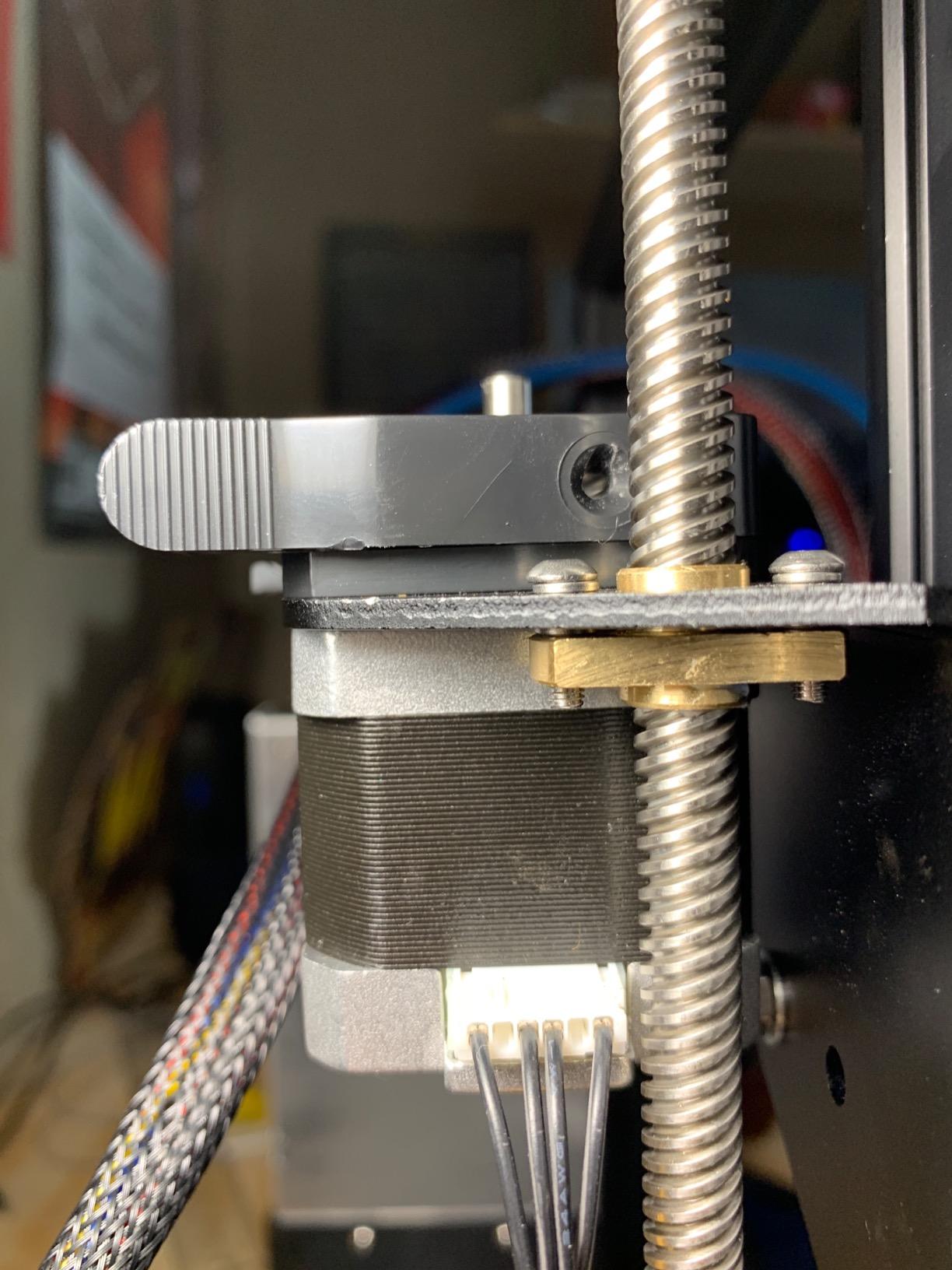
- Some buyers report fan bearing noise and Y-axis dragging in the first months
- Set the rear power selector to 125V for US use
The Ender 3 V3 SE is the least expensive way to own a printer that works. It is the only pick here you actually assemble, and the assembly is about 20 minutes with a single hex key and the included tools. CR Touch handles bed leveling and Z-offset calibration on its own, which removes the chore that turned a generation of first-time buyers off printing entirely.
At 250 mm/s with 2500 mm/s² acceleration it is not fast by 2026 standards, and the bed slinger kinematics mean you will not run it at that speed on a tall part without ringing. What you get instead is a machine that keeps working. The dual synchronized Z-axis lead screws and precision Y-axis linear shafts do more for long-print consistency than a higher top speed does.
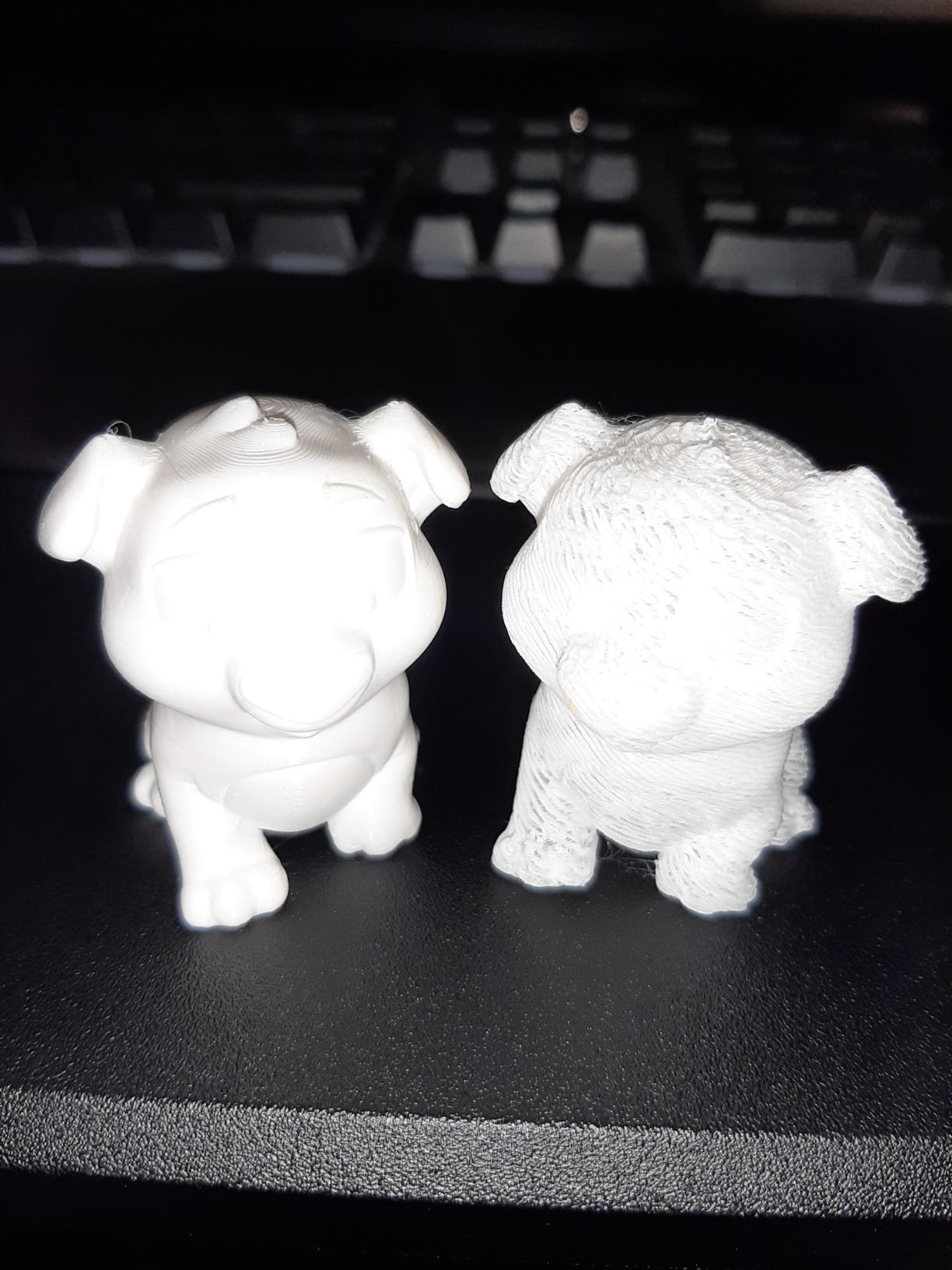
At 4.1 across 791 reviews it carries the largest gap between the 5-star and 1-star share of any pick here, and we would rather be blunt about that. A number of owners report cooling fan bearing noise and Y-axis dragging within the first few months, and some machines failed entirely within weeks. Creality’s price-to-spec ratio is genuinely good, but the long-term reliability ceiling is lower than the Bambu machines.
Several owners told us they prefer it to the more feature-rich printers they later bought, which tells you something real about how much a reliable, uncomplicated machine matters. The 32-bit silent mainboard is quiet for its class, and the bundled SD card means you can print before you finish setting up your computer.
Who this printer suits
This suits a first-time buyer on a strict budget, anyone who enjoys assembly, and anyone who wants the cheapest path to a working FDM machine without giving up automatic bed leveling. It is also the sensible choice for a second printer in a household where the first is busy.
It handles PLA, PETG, and TPU through the Sprite direct drive extruder, which covers the vast majority of home projects. At 19.8 pounds and 15 x 19.6 x 15 inches it is a normal desktop footprint.
Who this printer does not suit
Not for ABS or ASA. The open frame makes both a losing proposition, and you will spend more time fighting warping than printing. Not for large parts either, since the build height is modest and taller prints expose the limitations of the motion system.
Two practical notes. The rear power selector must be set to 125V for US use or the screen will not power on, and the USB drive connection is reported as unreliable, so use the network or the SD card. If your priority is a machine you will still own in five years rather than the cheapest entry point, spend the difference.
6. TINA2S Fully Assembled Mini Printer – Best Starter Kit for Kids
TINA2S Fully Assembled Mini 3D Printer for Kids and Beginners, Starter Kit
Fully assembled, 8.3 x 8.3 x 11.4 inches
Starter kit with 10m of PLA, model SD card, slicer
Auto leveling, dual Z rails, 2.4-inch LCD
One-touch filament load
Pros
- Comes fully assembled with filament and a preloaded model SD card
- Compact and light at 6.4 pounds
- Auto leveling with dual Z-axis rails
- One-touch filament loading for young users
- Works with common slicers on Mac
- Windows
- and Linux
Cons
- Small build volume limits it to modest models and accessories
- Proximity sensor fails if a non-magnetic plate is used
- Wi-Fi printing is not supported so slicing needs a computer
- Not suitable for high-temperature engineering materials
The TINA2S answers a different question than the other seven. It is not trying to be a workshop machine. It is a complete, self-contained gift: it arrives fully assembled at 8.3 x 8.3 x 11.4 inches, it weighs 6.4 pounds, and the box includes 10m of PLA filament, a preloaded microSD card of models, slicing software, and accessories. Nothing else needs buying before the first print.
Auto leveling with dual Z-axis rails and a 2.4-inch LCD means a child can do this without an adult holding the manual. One-touch filament load and retract for 1.75mm PLA, PLA Pro, and TPU removes the hardest part of teaching someone to use a printer. Active pause and resume functions let you stop a print to add a color change and keep going.
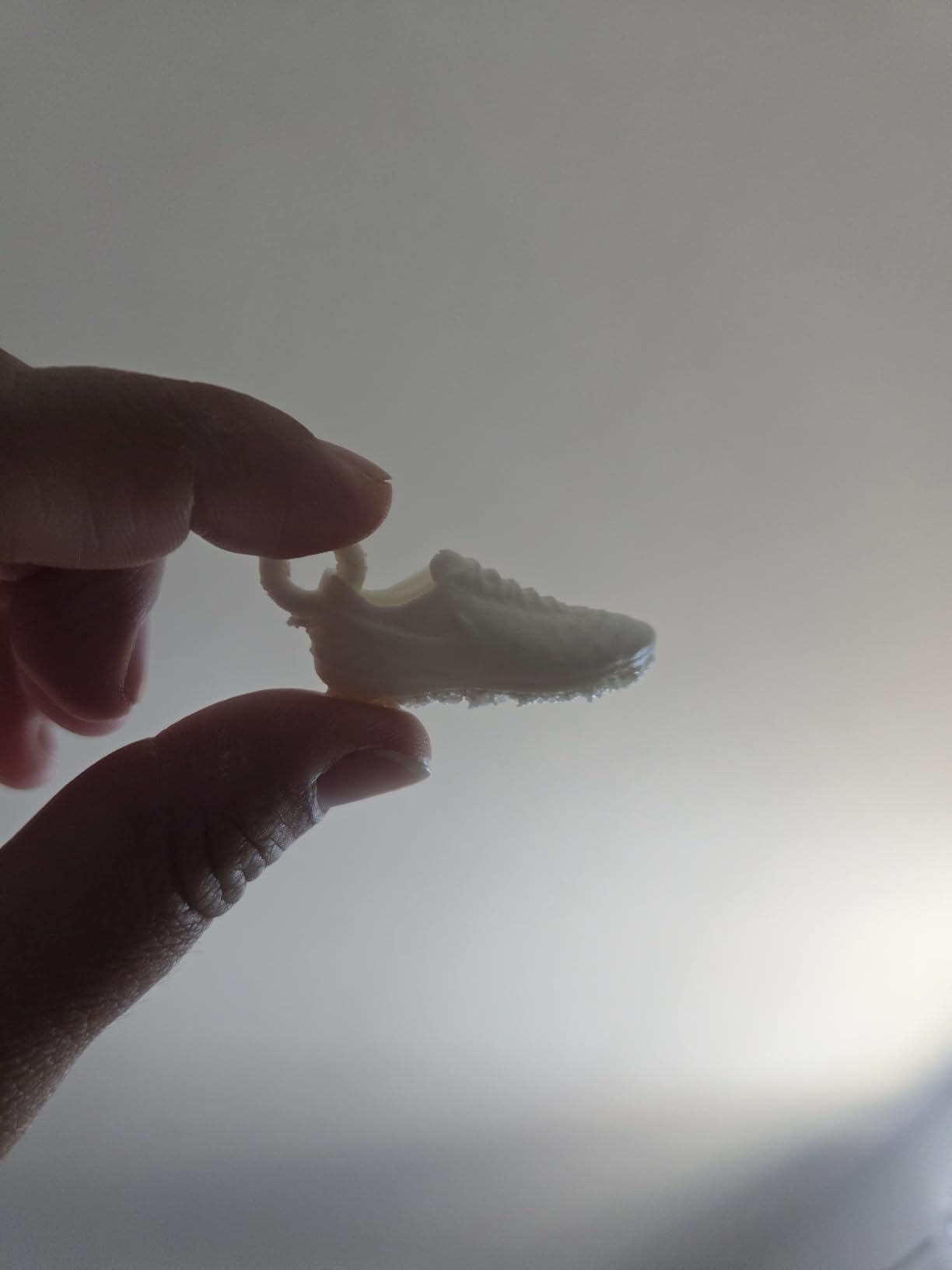
At 4.6 across 393 reviews, this rates among the best-scoring machines here, and the ratings come from the people who bought it for a specific reason. Parents, teachers, and beginners describe the same outcome: something that works immediately in a classroom or a dorm room without a workshop around it.
It is Wi-Fi capable and works with Wiibox Builder, Cura, Simplify3D, and Slic3r on Mac, Windows, and Linux. That slicer flexibility is better than what the more expensive enclosed machines here offer.
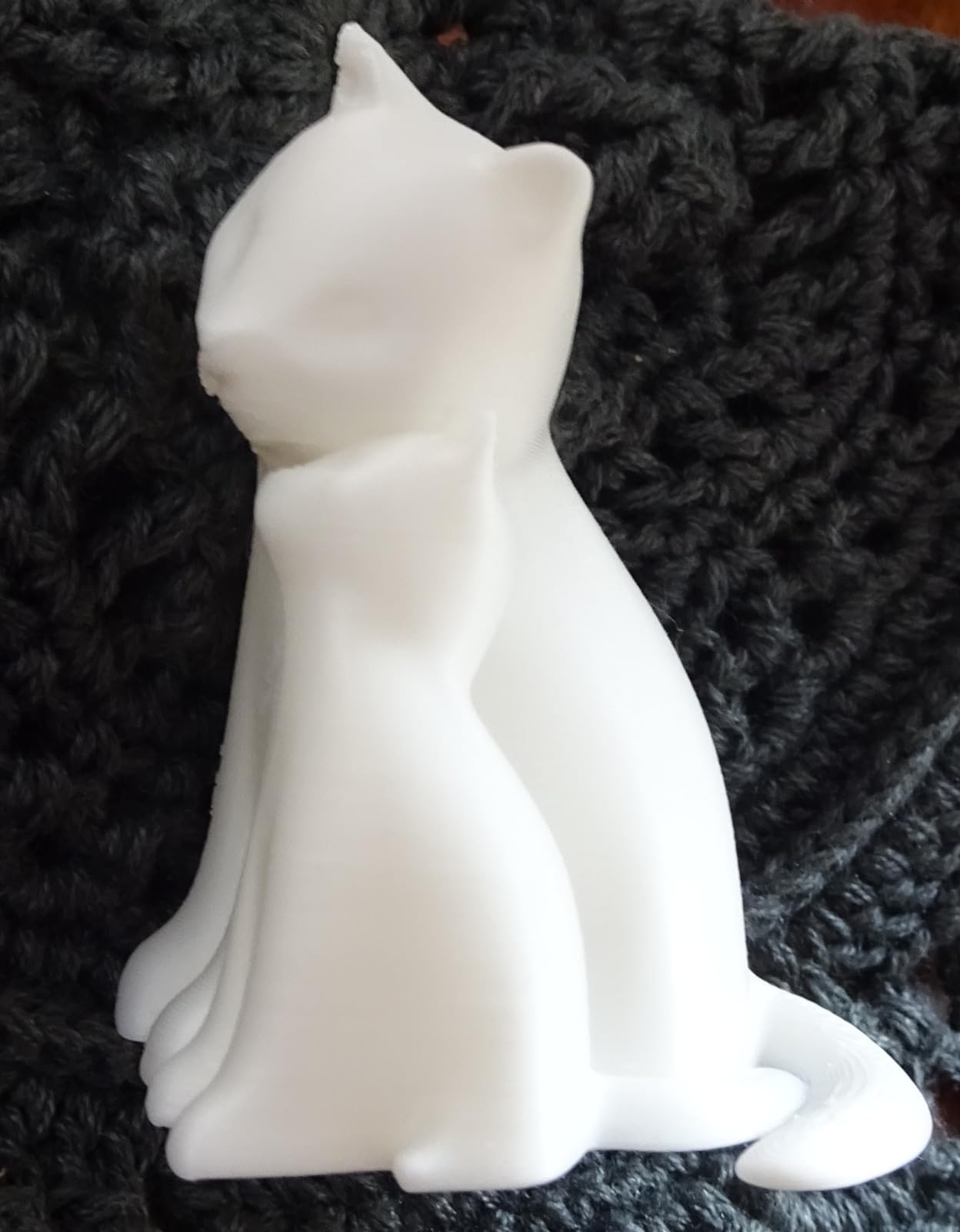
Who this printer suits
This suits kids roughly eight and up, classroom use, dorm rooms, and anyone who wants a gift that is guaranteed to produce something on the first afternoon. It also suits a beginner who is renting or travelling and cannot dedicate desk space to a full-size machine.
It is a good first machine for learning, because the failure modes are small and cheap. A bad print is a few centimeters of plastic, not a ruined 30-hour job.
Who this printer does not suit
The build volume is small, so this is not a miniature printer, ironically, and it is not a cosplay machine. Anything larger than a small figurine or a set of organizers is out of scope.
Two gotchas. Use only the included magnetic metal platform plate or a comparable one, because the proximity sensor stops functioning with a non-metal plate. And Wi-Fi printing is not supported despite the Wi-Fi hardware, so slicing has to happen on a computer before the file is sent.
7. Bambu Lab P1S – Fully Enclosed With 16-Color Potential
Bambu Lab P1S 3D Printer, Ready-to-Use FDM 3D Printer
Fully enclosed build chamber
500 mm/s and 20,000 mm/s² acceleration
Up to 16 colors with the AMS
PLA, PETG, TPU, PVA, ABS, ASA, PA, PC
Pros
- Glass side panel and enclosed chamber also dampen noise
- Prints succeed nearly every time with strong bed adhesion
- Fast
- a Benchy in just under 15 minutes
- Setup in about 15 minutes
- Bambu Studio integrates the MakerWorld model library
Cons
- No built-in touchscreen
- so control depends on the app or a computer
- Onboard camera preview is low frame rate
- Avoid transparent
- silk
- and fine filaments on the stock hot end
- AMS sold separately for multicolor
The P1S is what the A1 would be with walls. The fully enclosed design handles engineering filaments and cuts noise, and at 500 mm/s with 20000 mm/s² acceleration it is fast enough that a Benchy finishes in just under 15 minutes. The build quality, particularly the glass side panel, is a step above everything else in this roundup.
Setup took about 15 minutes and the prints succeeded nearly every time, with double-sided bed adhesion strong enough that parts pop off with a finger. Filament support is the widest list here: PLA, PETG, TPU, PVA, ABS, ASA, and capable PA and PC when paired with the AMS.
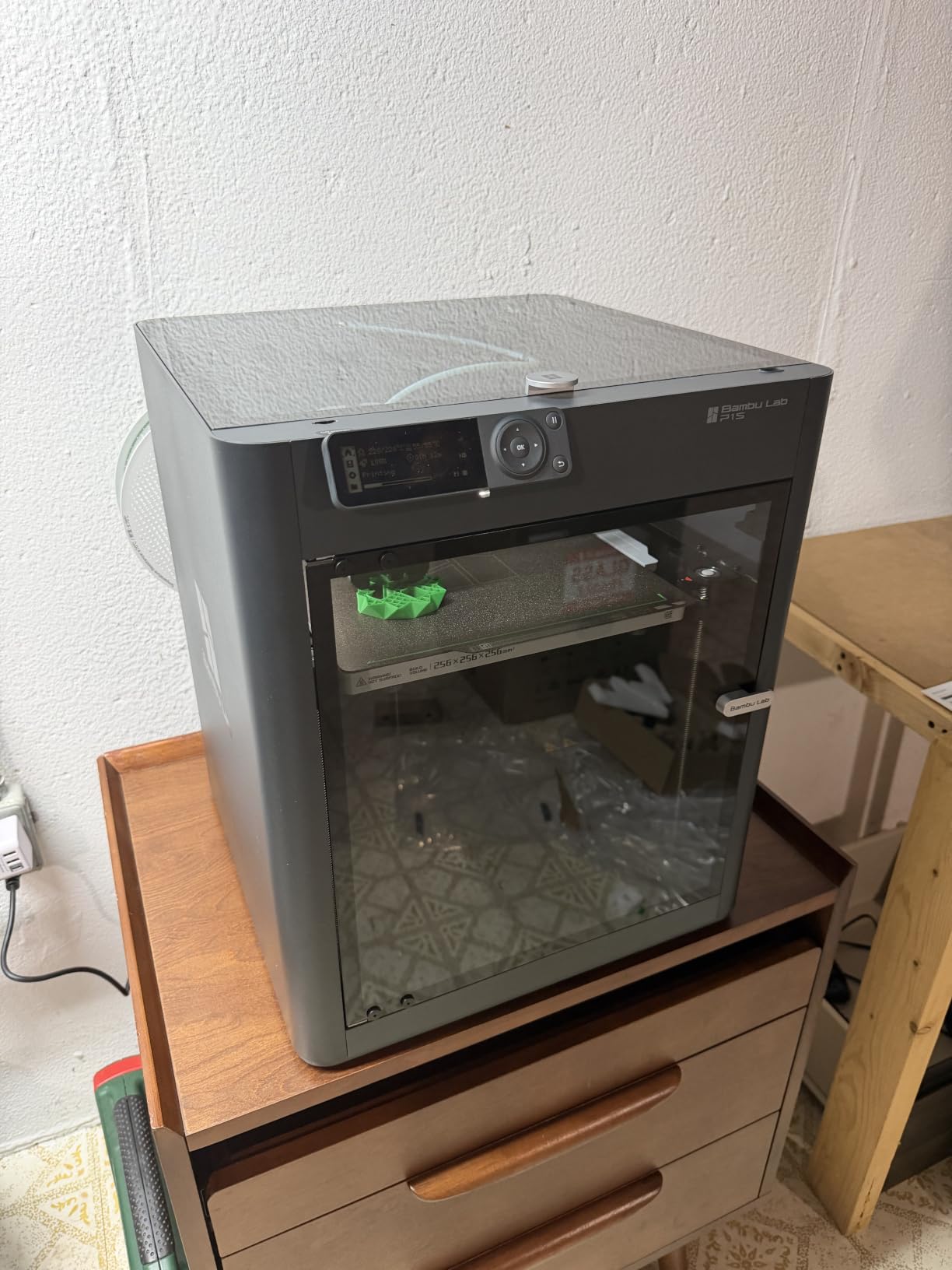
Owners rate it 4.5 across 407 reviews, and experienced hobbyists and first-time buyers alike describe it as outperforming machines costing several times more. The repeated caution is the hot end: transparent, silk, and fine filaments clog it, and the AMS is a separate purchase if you want 16-color capability.
At 38.9 pounds and 15.31 x 18.03 x 15.31 inches this is the heaviest pick in the list, and the weight is part of why the machine feels solid rather than flimsy. A roughly 29.9GB SD card ships in the box, enough for sliced files rather than models.
Who this printer suits
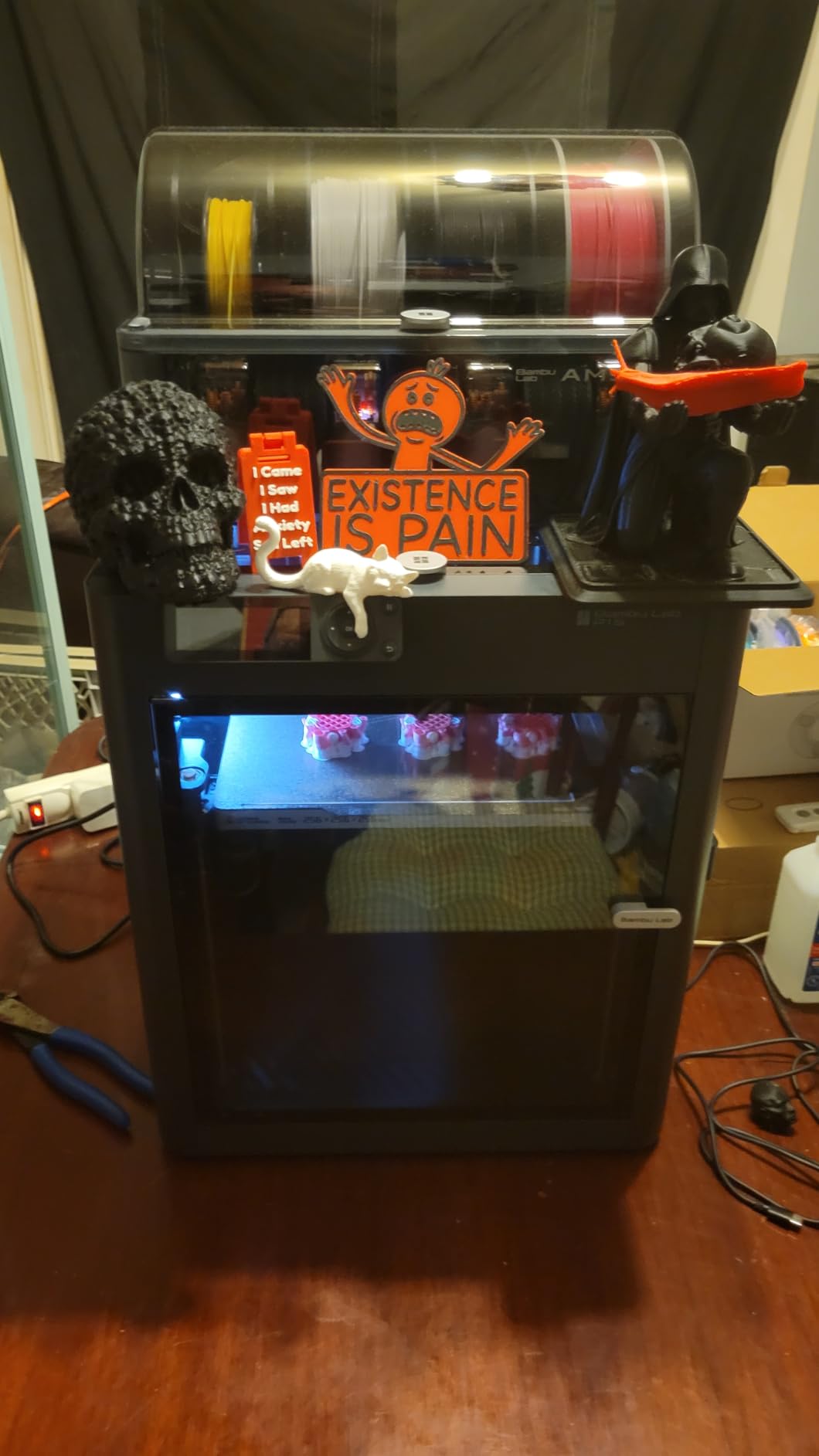
This suits anyone printing in a shared room who does not want an open frame humming on a desk, and anyone who needs ABS or ASA in a home. The enclosure handles both, and the noise dampening is a real difference when the machine lives in a bedroom or an office.
It also suits a buyer who wants the multicolor option later. Pairing with the AMS opens up 16 colors, which is a genuine step beyond the 4-color AMS lite path on the A1 if you are printing decorative pieces rather than functional brackets.
Who this printer does not suit
Skip it if you want to operate without a computer or phone. There is no built-in touchscreen, so control depends on the app or a computer, and the onboard camera preview runs at a low frame rate. For a self-contained gift for someone non-technical, the TINA2S serves that role better.
Also weigh the ecosystem. The same proprietary firmware that makes the P1S reliable is the thing advanced users complain about, and the AMS is the most expensive multicolor route in this price range once you add it to a base machine.
8. FlashForge AD5M – All-Metal Core XY With App Control
FLASHFORGE AD5M 3D Printer Fully Auto Calibration Print with 1-Click Max 600mm/s Speed, All-Metal CoreXY Structure Precise Printing, Easy-Maintenance Quick-Swap Nozzle, Print Size 220x220x220mm
All-metal CoreXY structure
600 mm/s speed
One-click automatic calibration
Ethernet plus Flash Maker app control
Pros
- Setup in 15 to 20 minutes with only the screen to mount
- Reliable auto leveling and easy-to-calibrate adhesion
- Quiet enough to place in another room
- Orca-flashforge slicer has a gentle learning curve
- One-click batch transmission and multi-printer monitoring
Cons
- Works best with FlashForge-branded filament
- Wi-Fi and phone app connectivity are unreliable
- Slicing requires a Windows or Mac PC
- Noisy operation and slow heat-up
The AD5M is the one we recommend for someone who runs more than one printer. The all-metal CoreXY structure gives stable, low-noise high-speed printing at up to 600 mm/s, and the software is the differentiator. The orca-flashforge slicer supports one-click batch transmission and multi-printer monitoring, which is not something else in this price range offers.
Setup ran 15 to 20 minutes with essentially no assembly beyond mounting the screen. Fully automatic one-click leveling measures the nozzle-to-plate distance, and the double-sided flexible PEI steel plate has a reverse side designed for PETG, so you can switch materials without a different plate.
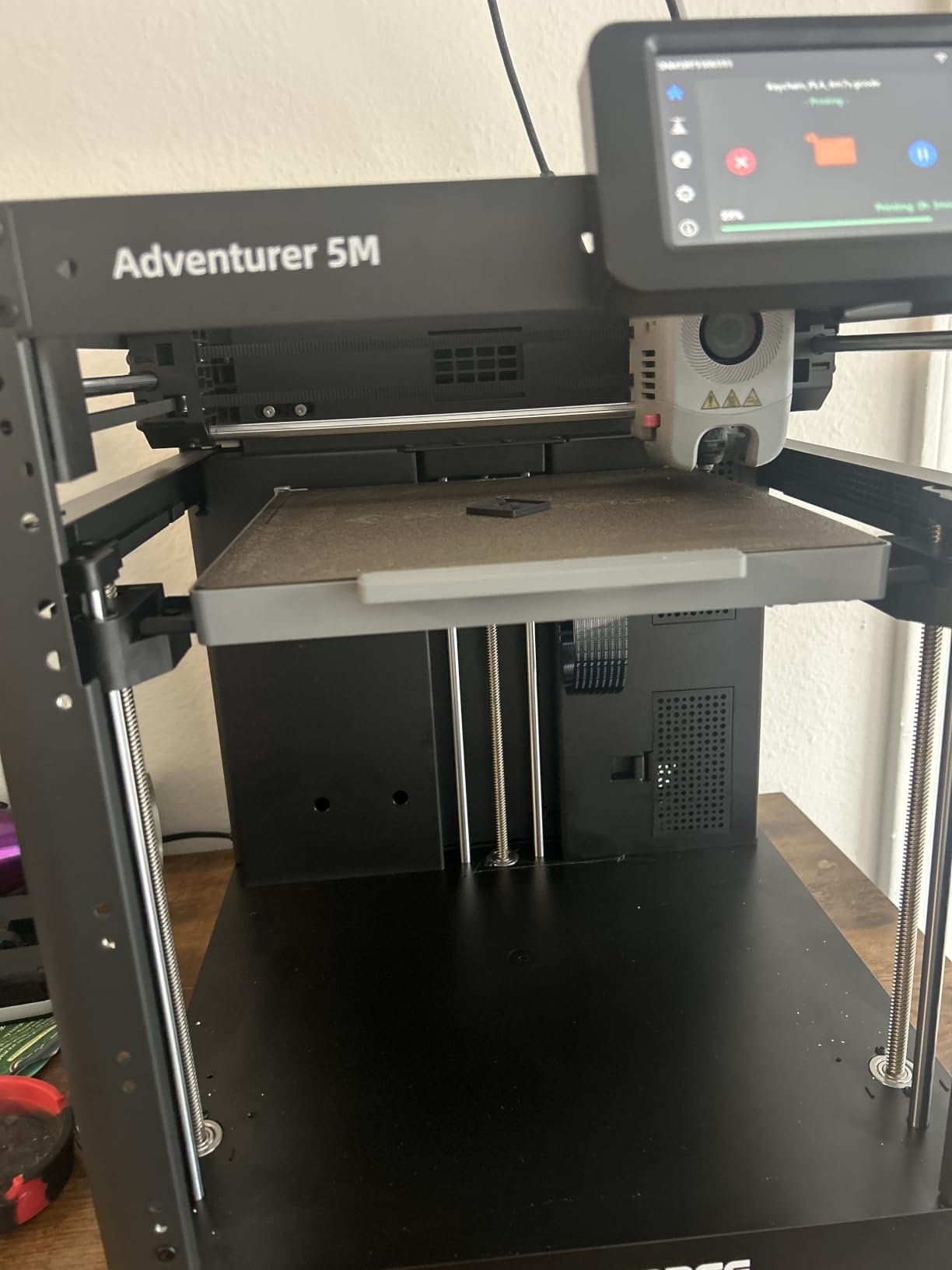
Owners who moved up from a Creality Ender report better bonding, print quality, and speed at a similar spend, and beginners rate it as an ideal first machine. At 4.2 across 366 reviews it is the most lightly reviewed pick here, which cuts both ways: fewer data points, but a shorter history of accumulated complaints.
The tool-free quick-release nozzle comes in 0.25, 0.4, 0.6, and 0.8mm, power loss recovery resumes from the last completed layer, and the Flash Maker app handles remote monitoring and parameter adjustment. The build volume is 220 x 220 x 220 mm and the machine weighs 22 pounds.
Who this printer suits
This suits a small print farm, a classroom with several units, or anyone who wants to start a second machine and monitor both from one app. Batch transmission means you slice once and push the same job to every machine, which is the only feature on this list that scales.
It also suits a first-time buyer who wants Core XY behavior and an open-ish workflow. Orca-flashforge has a gentle learning curve compared with the more polished vendor interfaces, and the Ethernet port fixes the spotty wireless connectivity owners complain about.
Who this printer does not suit
Filament brand sensitivity is the biggest trap. Owners report that some non-FlashForge filament will not stick or dispense properly, which quietly means your running costs are higher than you planned. Buy the branded filament for the first three months, then test alternatives.
Slicing requires a Windows or Mac computer, so an iPad alone cannot drive it. Operation is also noisier and the heat-up is slower than the enclosed machines here, so it does not belong in a bedroom or a quiet office.
Before Your First Print: Fixing Bed Adhesion and First-Layer Failures
Failed first layers are the most reported frustration in every printer community we checked, and the overwhelming majority of them come down to a short list of causes. Nearly every machine in this roundup auto-levels, so a bad first layer on an auto-leveling printer almost always means Z-offset rather than a crooked bed.
Start with the plate. Wipe the build plate with isopropyl alcohol before every first print of a session, because a fingerprint is enough to lose adhesion. If a plate feels fine but prints still lift, a thin layer of glue stick or unscented hairspray on a glass or PEI surface is a legitimate fix, not a hack. The one thing you should not do is scrape a part off with a metal blade while the plate is hot.
Next, check the material. PETG on a smooth PEI plate sticks too well and can tear the surface, and some TPU grades need a textured plate or a slower first layer. Match the plate to the filament rather than fighting it. Our resin guidance and material notes in the resin printer guide cover this in more detail for the MSLA side.
If prints still lift at the corners, your Z-offset is too high and the first line is not squished into the plate. Run your printer’s own Z-offset calibration rather than adjusting by eye, then reprint a single layer and look at it. A good first layer is a slightly flattened line with no ridges and no gaps. New owners often need 1.0 to 1.5mm of manual correction on machines that do not automate it, which is why we ranked the auto-calibrating machines so highly.
FDM vs Resin: Which Technology Should You Buy?
FDM melts plastic filament and lays it down layer by layer. MSLA resin cures liquid resin with a UV light mask, one whole layer at a time, which is why resin produces detail FDM cannot approach. That is the entire argument, and everything else is a consequence of it.
Choose FDM if you are printing functional parts, cosplay props, enclosures, or anything larger than a fist. Materials are cheap, the machines are safe in a normal room, cleanup is a brush and a scraper, and a mistake costs a few cents. Seven of our eight picks are FDM for that reason.
Choose resin if you are printing miniatures, jewelry, dental models, or anything where surface finish matters more than size. The trade is a real workflow: nitrile gloves for handling, a mask when decanting, a ventilated space, isopropyl alcohol and a wash station, and a UV cure box before a part is safe to touch. Uncured resin is genuinely hazardous to pets and curious children, and that is not marketing language. If you cannot commit to the full chain, the 2026 answer is FDM.
Budget for it too. Resin costs more per printed volume than filament, and you are also buying alcohol, gloves, filters, and a cure lamp. A year of casual resin printing on one of these machines runs meaningfully higher than a year of PLA printing on an FDM machine of the same size. Our miniature-focused picks assume you have already made that decision.
How to Spend a 500-Dollar Budget: 7 Buying Factors
Build volume decides what you can make. The picks here span a 153mm resin column, a compact 8-inch cube, and several 220mm FDM cubes. If you print cosplay helmets or large enclosures, volume is the first filter. If you print miniatures and desk organizers, ignore it.
Bed leveling is the difference between a good first hour and a bad one. Every machine on this list has automatic leveling, which is now the baseline rather than a feature. Z-offset automation is rarer and worth more, and that is the reason the A1 and the Flashforge one-click models rank where they do.
Enclosure decides your material list. Open frames are fine for PLA, PETG, and TPU, and unreliable for anything else. If ABS or ASA matters, you need a chamber, which on this budget means the Adventurer 5M Pro or the P1S.
Motion system is the speed story. A bed slinger swings the print head across the plate, which is why it looks wavy at speed. Core XY machines keep the head moving in a coordinated path, so 600 mm/s is real rather than theoretical. If you print a lot of short parts, this is worth more to you than a larger build plate.
Assembly and time-to-first-print matter more than spec sheets admit. The A1 and the P1S are out of the box and calibrated, the Flashforge one-click machines level themselves in well under half an hour, the TINA2S needs nothing at all, and the Ender 3 V3 SE needs 20 minutes of assembly. The resin machine needs a computer, a tuning session, and a wash and cure station before the part is finished. Budget an evening either way.
Noise and placement decide whether the machine survives contact with your household. The Adventurer 5M Pro runs under 50dB in an enclosed chamber, the A1 uses active motor noise canceling, and the resin Mono 4 is nearly silent. The open-frame Core XY machines are the loudest here and belong in a garage, a basement, or a shop.
Slicer and firmware decide your long-term flexibility. Proprietary firmware is why the Bambu machines calibrate themselves so well, and it is also why advanced users complain about them. If you want Klipper-style control or to run your own g-code stack, factor that in before you buy. For a complete picture of where each technology sits, start with our overall 3D printer rankings.
What You Cannot Get Under 500
No pick in this roundup has an actively heated build chamber, which is the feature that separates a hobby machine from a machine that prints engineering nylon reliably. Constant 50 to 60°C chamber control exists well above this budget, and if your parts need it, save your money rather than improvising with a space heater and a cardboard box.
There is also no tool changer here. Multicolor at this price means an AMS or AMS Lite unit feeding a single nozzle, which is faster to buy and slower to print multi-color models than a tool changer that swaps hot ends automatically. A full tool changer system sits well outside 500.
Finally, expect no local network control on several picks. Some machines push everything through a vendor app and some need a computer awake during slicing. Our picks are honest about this per machine, because a printer you cannot use from your phone is a different product than the listing suggests.
Frequently Asked Questions
What is the best 3D printer for a reasonable price?
For most first-time buyers the Bambu Lab A1 is the best value in the sub-500 tier. It arrives fully assembled, calibrates its own Z-offset and bed level, prints quietly enough for a home office, and can take an AMS lite later for four-color printing. If your budget is tighter, the Creality Ender 3 V3 SE gets you a working FDM machine for less, with about 20 minutes of assembly.
What is the best resin 3D printer under $500?
The Anycubic Photon Mono 4 is our pick. Its 7-inch monochrome LCD runs at 9024 x 5120 with 17 x 17 micron pixels, which produces detail no FDM machine in this price range can match, and the LighTurbo matrix light source keeps layer lines nearly invisible. It needs a computer, PPE, ventilation, and wash and cure equipment, and the build volume is small at 153.4 x 87 x 165 mm.
What is the best and most affordable 3D printer?
The TINA2S is the cheapest complete package here: it arrives fully assembled with 10m of PLA filament, a preloaded SD card of models, slicing software, and a magnetic build plate, and it auto-levels with dual Z-axis rails. It is ideal for kids, classrooms, and beginners who want something that prints the same afternoon it arrives. The tradeoff is a small build volume and no support for engineering materials.
What is the best 3D printer under $400?
Three picks on this list land under 400: the Bambu Lab A1 for the best all-round experience, the FlashForge Adventurer 5M for Core XY speed, and the Creality Ender 3 V3 SE for the lowest entry cost. If you can stretch past 400, the FlashForge Adventurer 5M Pro adds an enclosed filtered chamber and a 280°C nozzle, and the Bambu Lab P1S adds enclosure plus the widest filament support.
What are common causes of 3D print bed adhesion issues?
The usual causes are a dirty build plate, a Z-offset set too high, a first layer printed too fast, or a material and plate mismatch. Clean the plate with isopropyl alcohol before the print, run your printer’s own Z-offset calibration instead of adjusting by eye, slow the first layer, and use a textured plate for PETG and TPU. On auto-leveling machines a lifted first layer almost always means Z-offset, not a crooked bed.
Is resin or FDM better for beginners?
FDM is better for beginners. Filament is cheap, mistakes cost cents, the machines are safe in a normal room, and cleanup is a brush and a scraper. Resin produces far finer detail but requires gloves, a mask for decanting, ventilation, alcohol washing, and UV curing, and uncured resin is hazardous to children and pets. Start with FDM and add resin later if you need miniature detail.
The Verdict on the Best 3D Printers Under 500 in 2026
The best 3D printers under 500 this year are genuinely good machines, and the Bambu Lab A1 takes the top spot because it removes every step between buying a printer and holding a finished part. Buy the FlashForge Adventurer 5M if you want Core XY speed for the money, the Adventurer 5M Pro if you need an enclosed chamber for ABS and ASA, and the Anycubic Photon Mono 4 if your work is resin detail. Start with the first print before you buy anything else on the list, and you will avoid the single mistake that turns a good purchase into a frustrating one.